Do you think that you can’t get “great sound” unless you buy expensive earphones?
To be honest, I also believed that only high-end wireless earphones could deliver truly great sound quality and a comfortable user experience.
However, Anker’s “Soundcore Liberty 4 Pro” pleasantly proved that assumption wrong.
Despite being priced under 20,000 yen, it supports LDAC for high-resolution audio playback, spatial audio for enjoying immersive sound, and also includes essential everyday features like noise canceling and multipoint connection.
It’s an “all-in-one” spec lineup that almost makes you want to ask, “Can it really do all this at this price?”
This time, I’ll take a detailed look at my real impressions after actually using it, including sound quality, comfort, and usability.
If you’re looking for the best value-for-money earphones, be sure to check this out.
Advantages
Disadvantages
High-quality wireless playback with LDAC support
Supports spatial audio and head tracking
Supports multipoint connection
Equipped with Anker’s proprietary “Ultra Noise Canceling 3.5”
Detailed sound and control customization available through the app
None in particular
This article was created with a product provided by the manufacturer.
Table of Contents
What’s Included with the Anker Soundcore Liberty 4 Pro
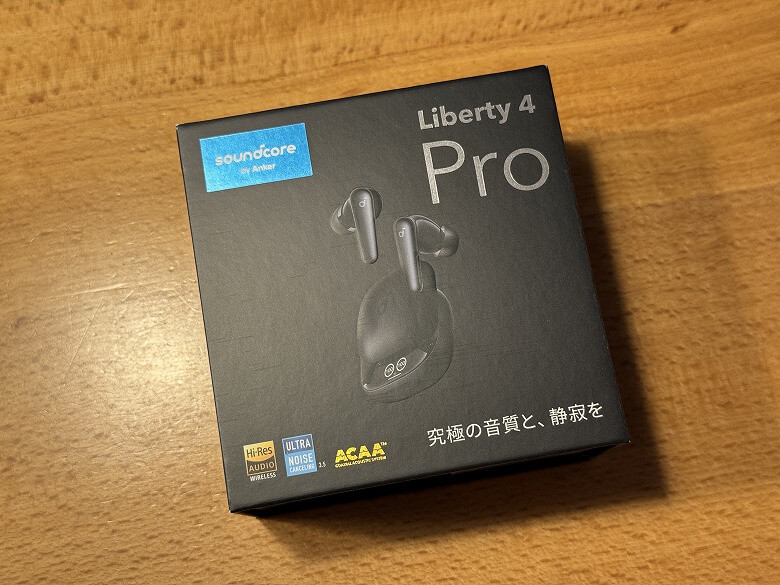
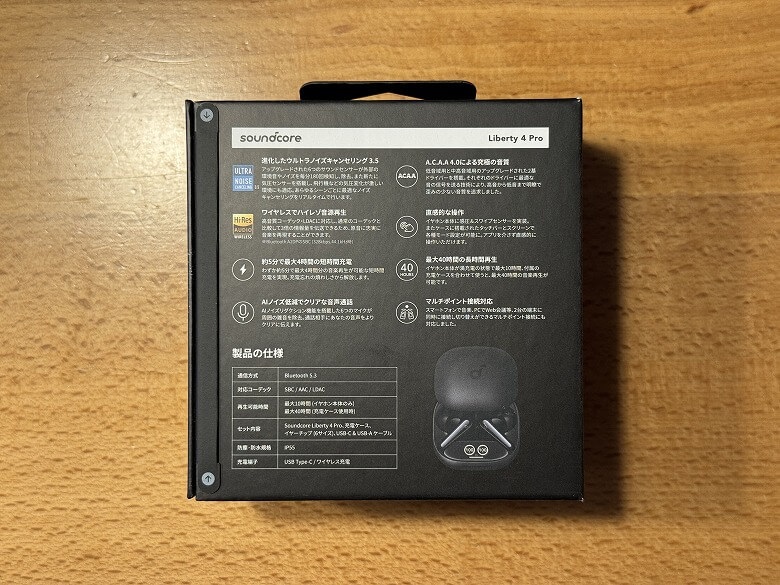
The outer box of the “Anker Soundcore Liberty 4 Pro” features a cool design based on black.
The product specifications are listed on the back.
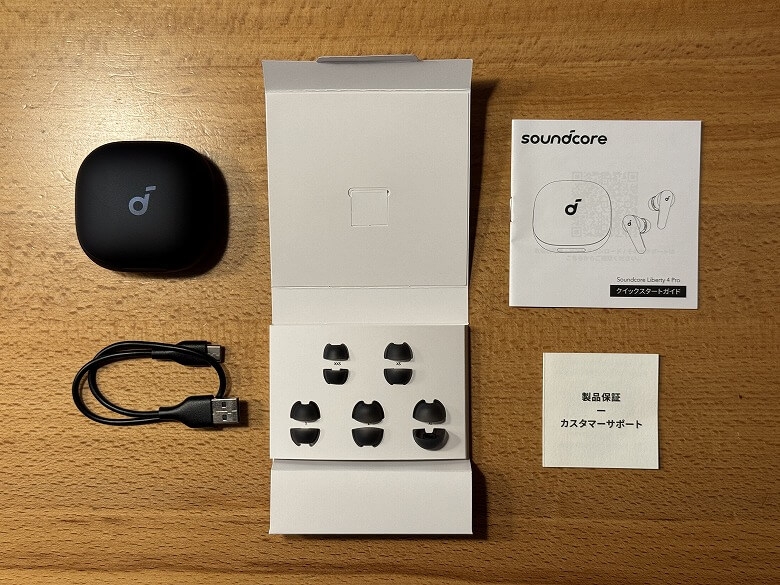
The following items are included as package contents.
What’s Included with Soundcore Liberty 4 Pro
Earbuds
Charging case
Ear tips
USB Type-A to C charging cable
User manual
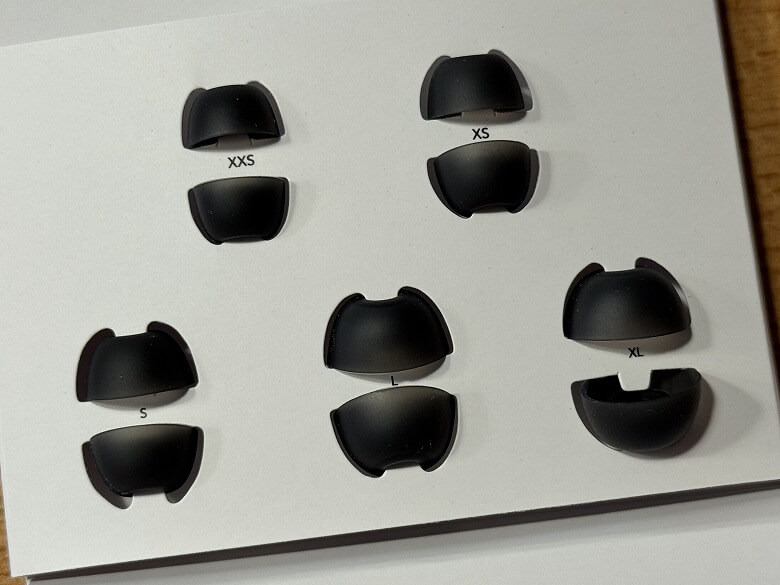
The ear tips include five sizes: XXS, XS, S, L, and XL.
Itsuki
M size is installed by default on the earbuds.
A USB Type-A to C cable for charging is included.
Anker Soundcore Liberty 4 Pro Specifications
Anker’s “Soundcore Liberty 4 Pro” is an “all-in-one” wireless earphone that delivers sound quality, features, and comfort for under 20,000 yen.
The color variations come in four colors in total, including the “Midnight Black” reviewed here.
Soundcore Liberty 4 Pro Color Variations
Midnight Black
Sky Blue
Deep Blue
Pearl White
The main specifications are as follows.
スクロールできます
Product Name
Anker Soundcore Liberty 4 Pro
Size (Earbuds)
32 × 19 × 20 (mm)
Size (Charging Case)
62 × 65 × 30 (mm)
Weight (Earbuds)
5.5 g (11 g total)
Weight (Charging Case)
51.1 g
Supported Codecs
SBC / AAC / LDAC
Charging Time
Approx. 1 hour (Earbuds) Approx. 3 hours (Charging case using USB-C cable) Approx. 3.5 hours (Charging case using wireless charging)
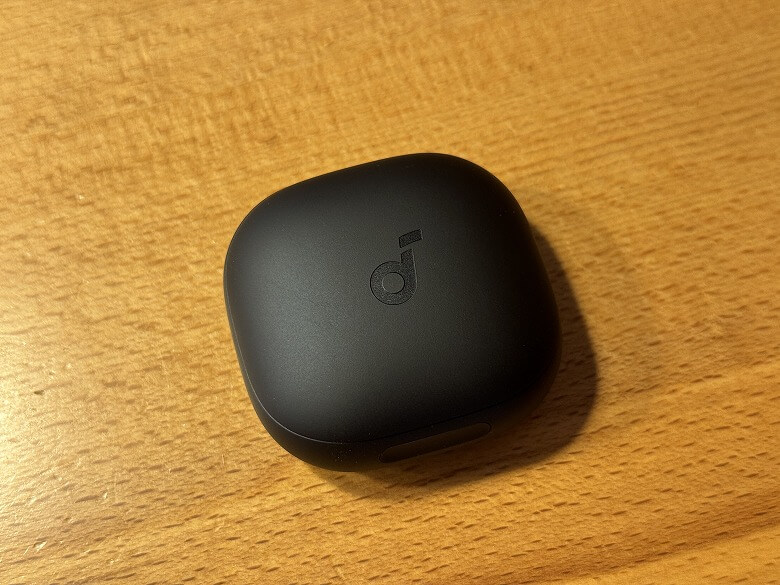
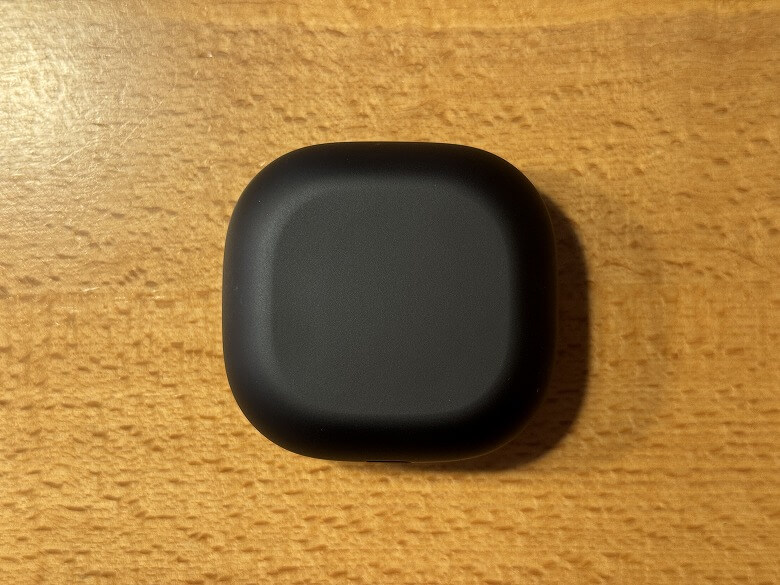
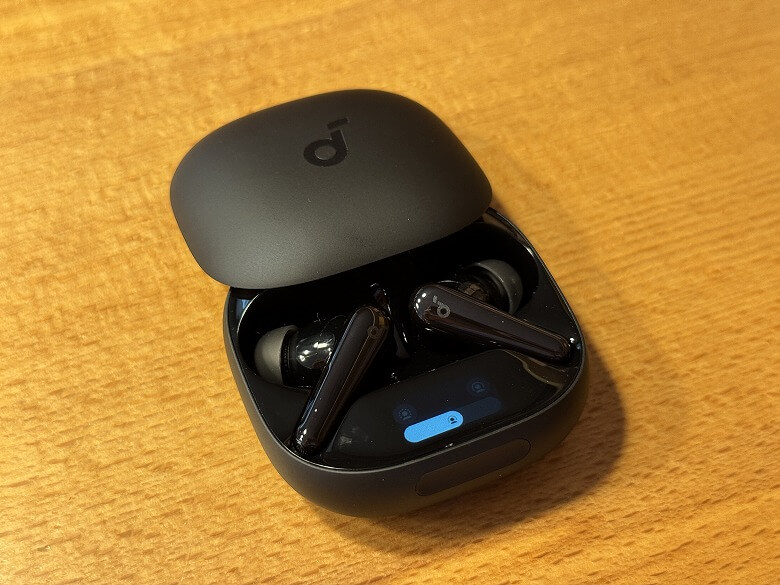
The exterior of the charging case is matte black, with a simple design featuring only the Soundcore logo on the lid.
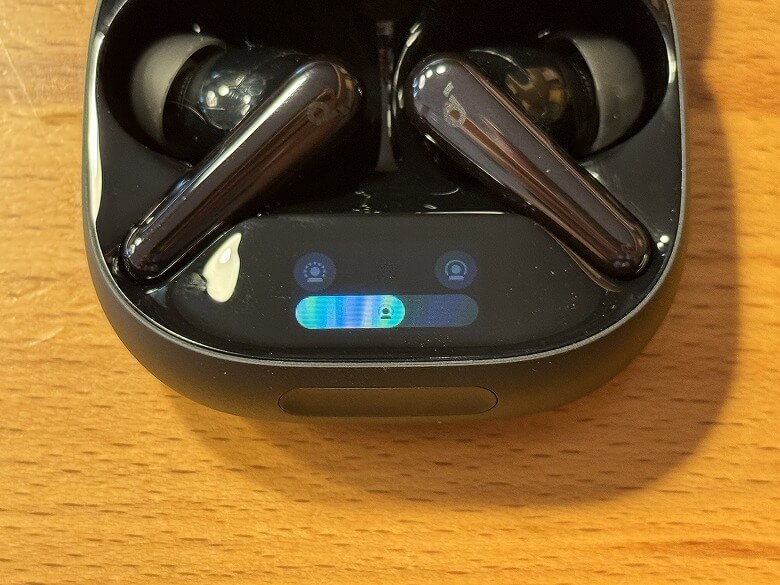
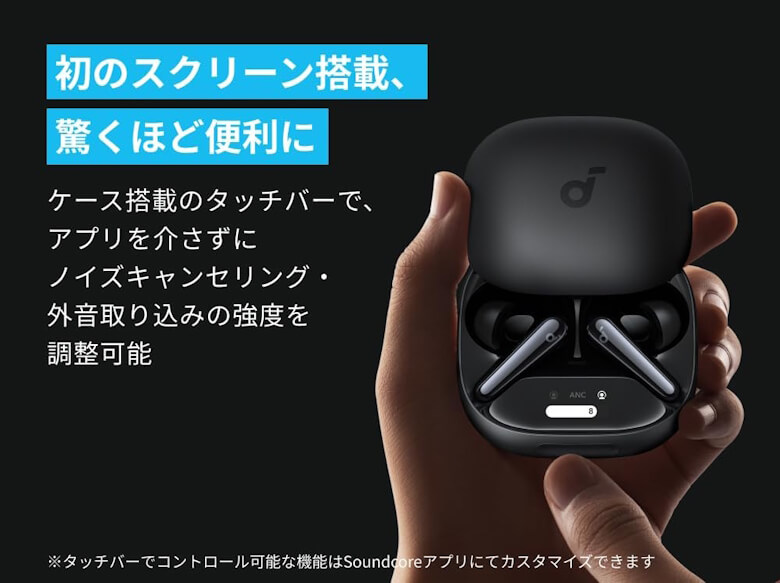
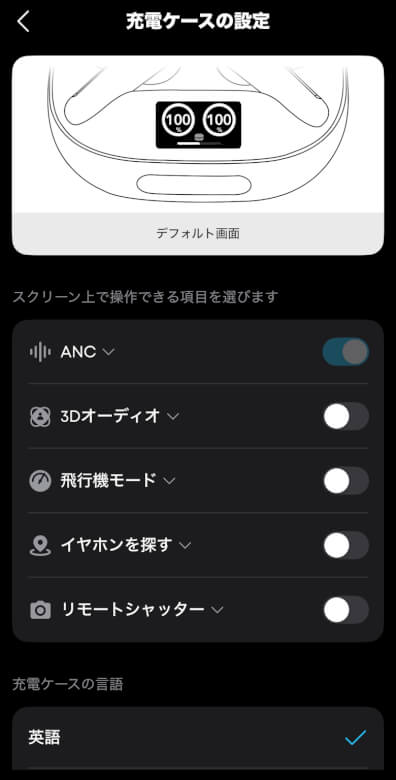
Inside the charging case, there is a screen that allows you to change the earphone settings.
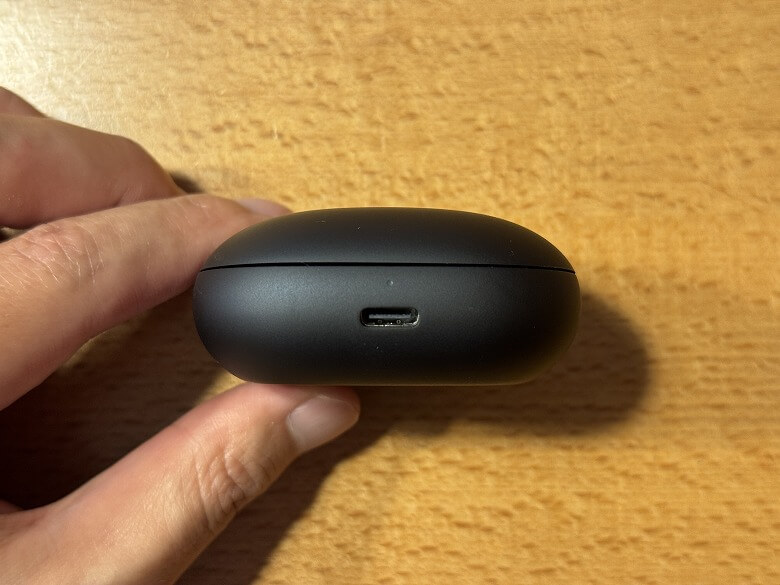
On the back, there is a USB Type-C input port for charging.
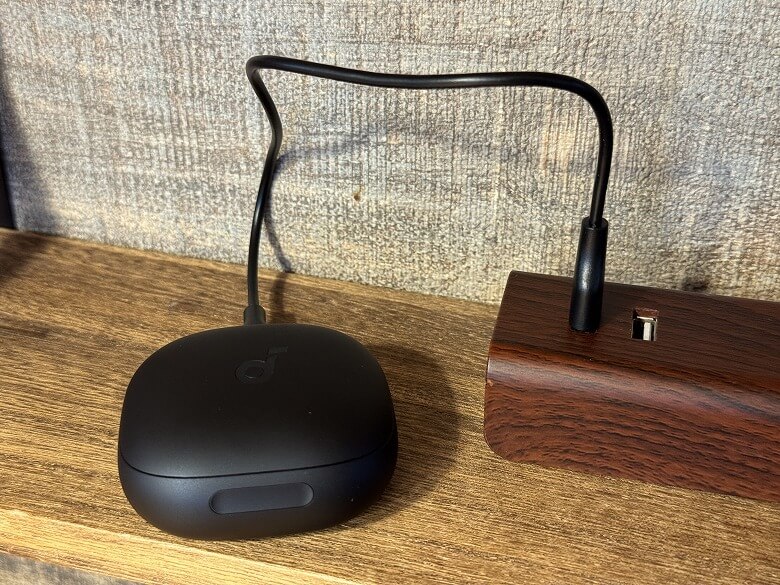
You can connect the included USB Type-A to C cable to a power source to charge it.
The bottom surface is completely plain with no decorations.
When you slide the lid open, the left and right earbuds are stored inside.
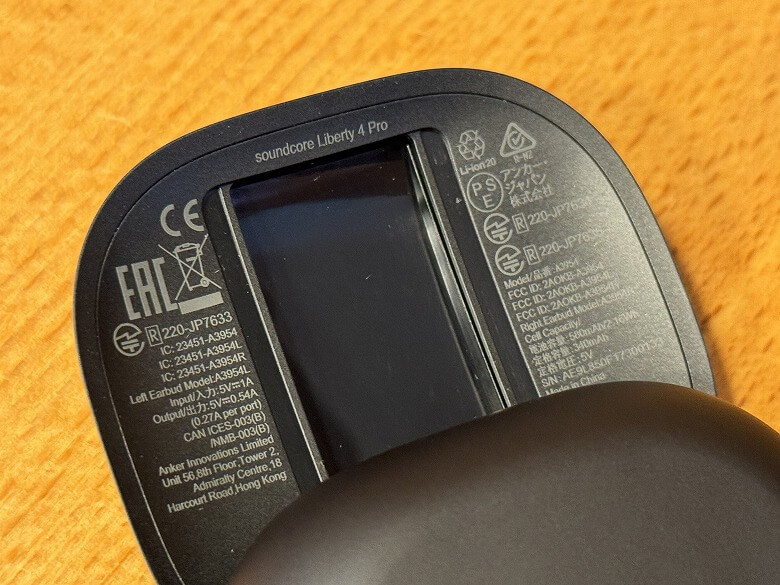
Product specifications and various marks are printed on the inside of the lid.
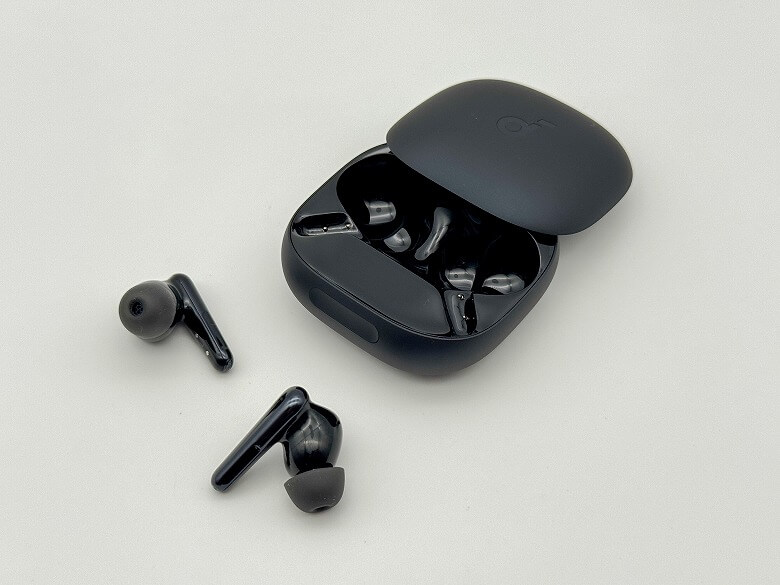
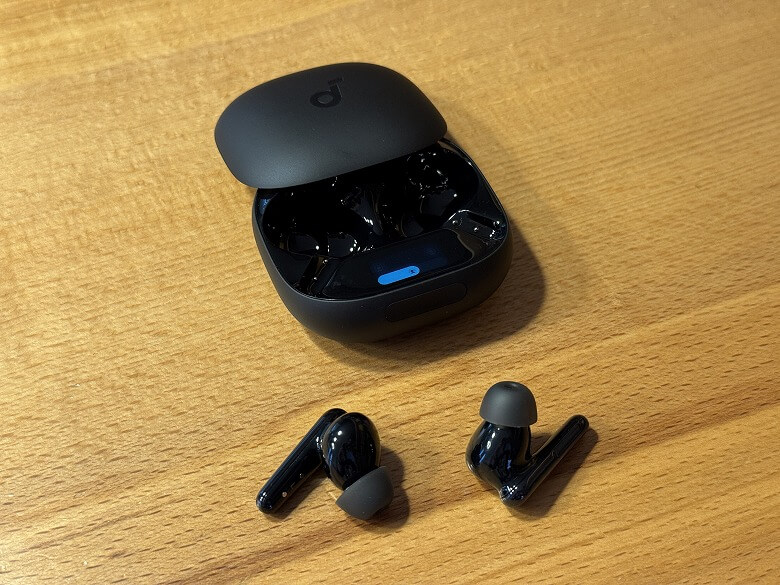
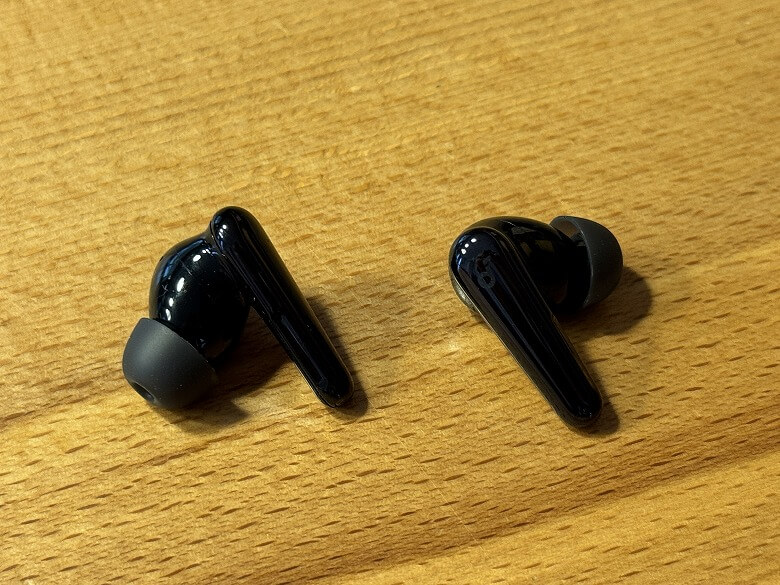
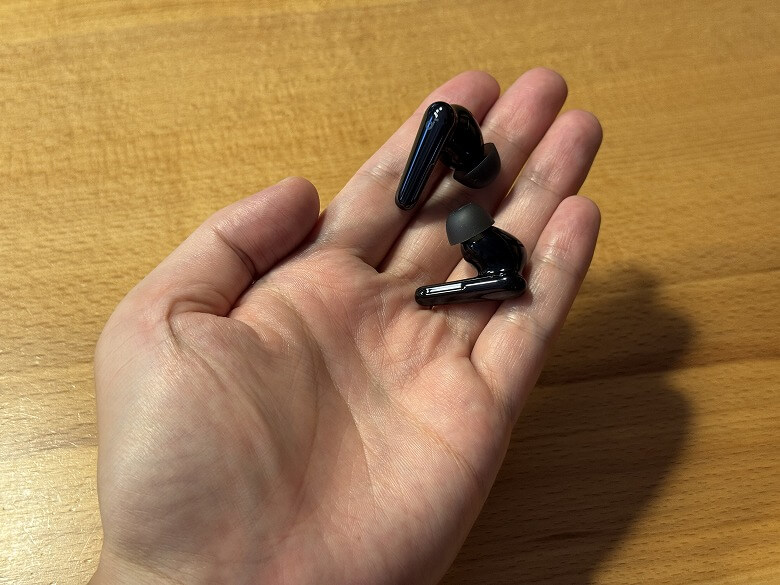
Here is what it looks like when the earbuds are taken out of the case.
The earbuds also have the same coloring as the charging case, with a glossy, shiny finish.
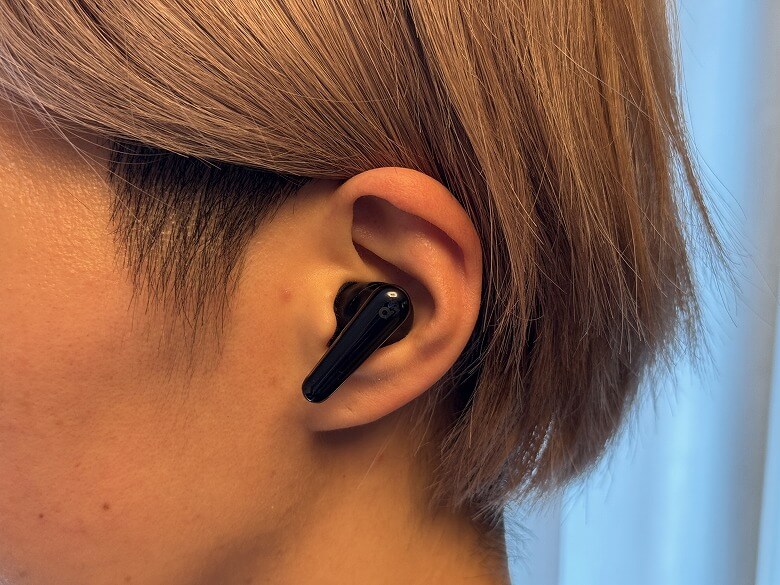
This is how they look when actually worn in the ear.
Size and Weight
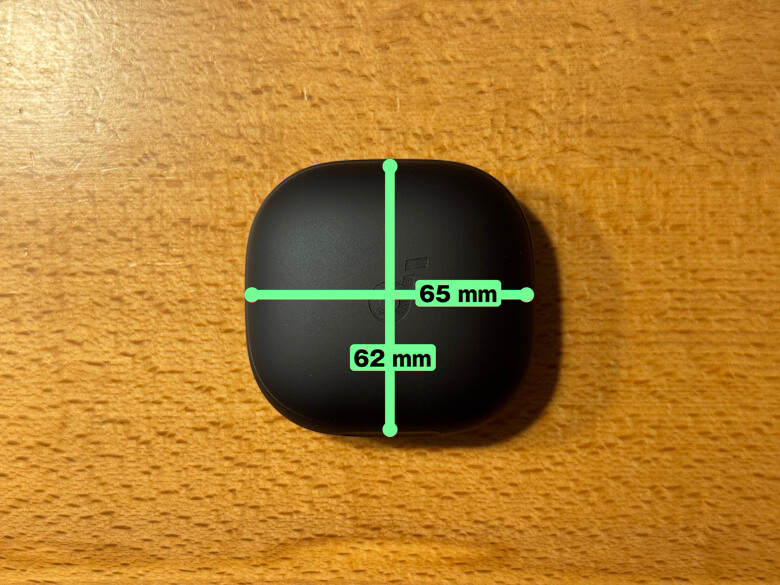
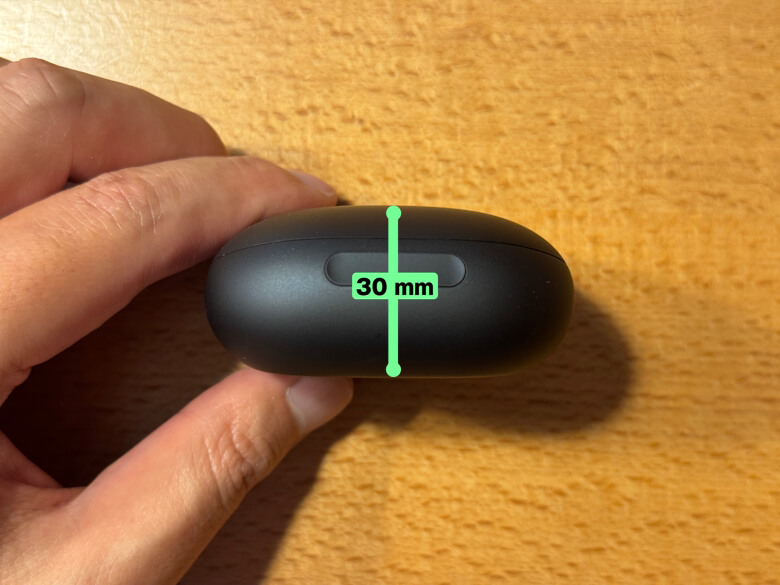
The charging case of the “Anker Soundcore Liberty 4 Pro” measures 62 × 65 mm.
The thickness is 30 mm.
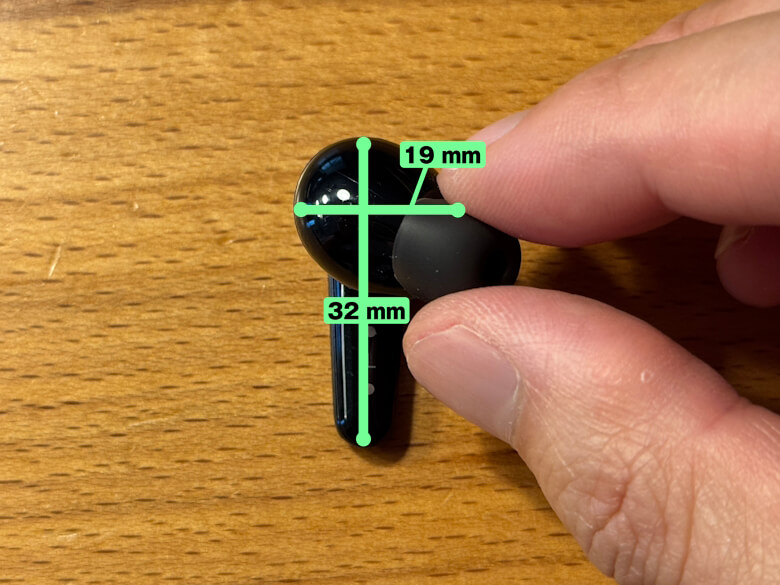
The total length of the earbuds is 32 mm, and the width is 19 mm.
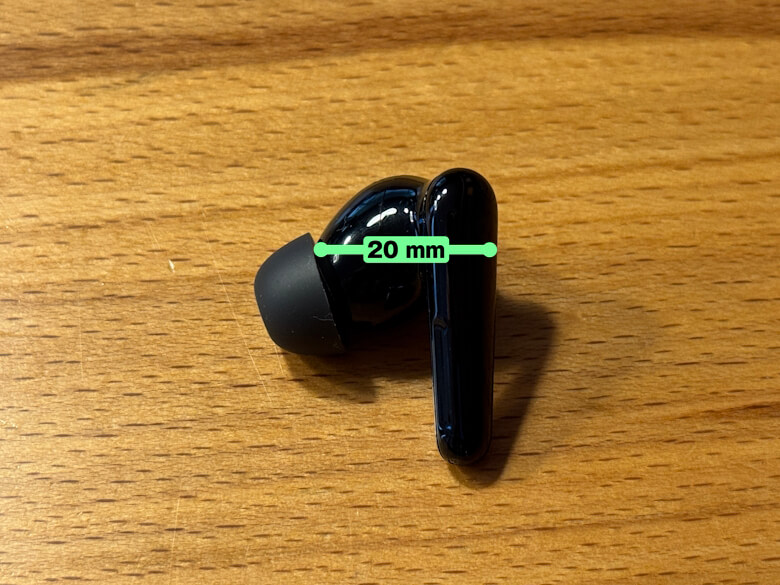
The depth of the earbuds was 20 mm.
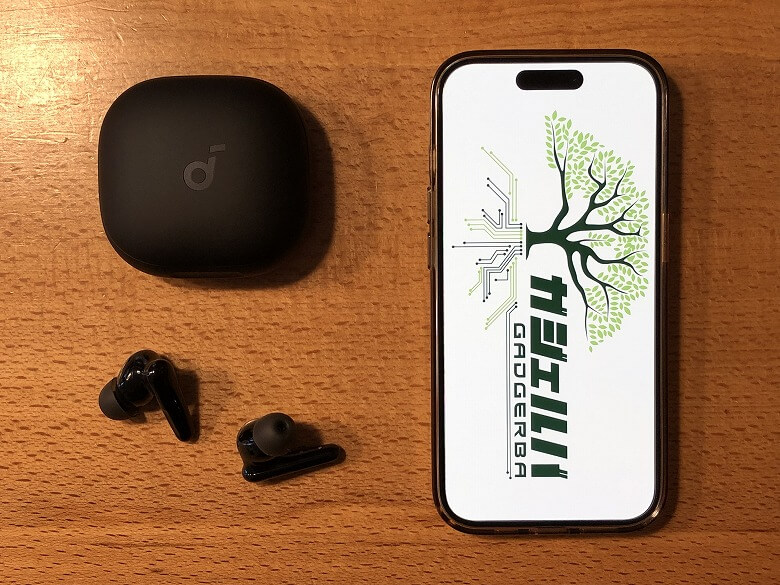
Compared with a smartphone (iPhone 15 Pro), the size looks like this.
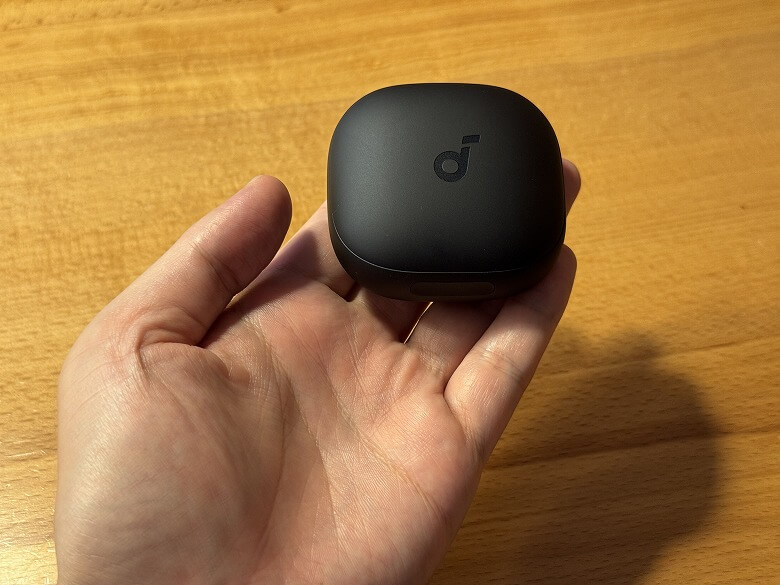
It is very compact and fits in the palm of your hand.
The weight of the charging case is 51.1 g.
The earbuds weigh 11 g as a pair (5.5 g each).
Features
First, let’s perform pairing, which everyone does first.
Itsuki
The steps are few and simple♪
STEP
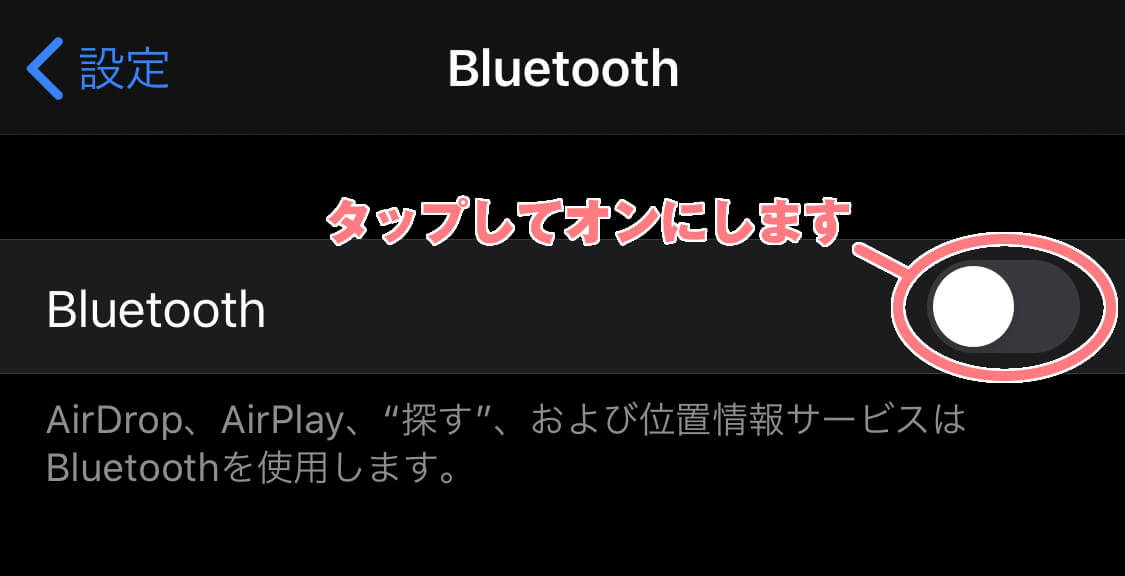
Open the lid of the charging case and take out the earbuds
STEP
Enable (turn on) the Bluetooth setting of the device you want to pair with the earbuds
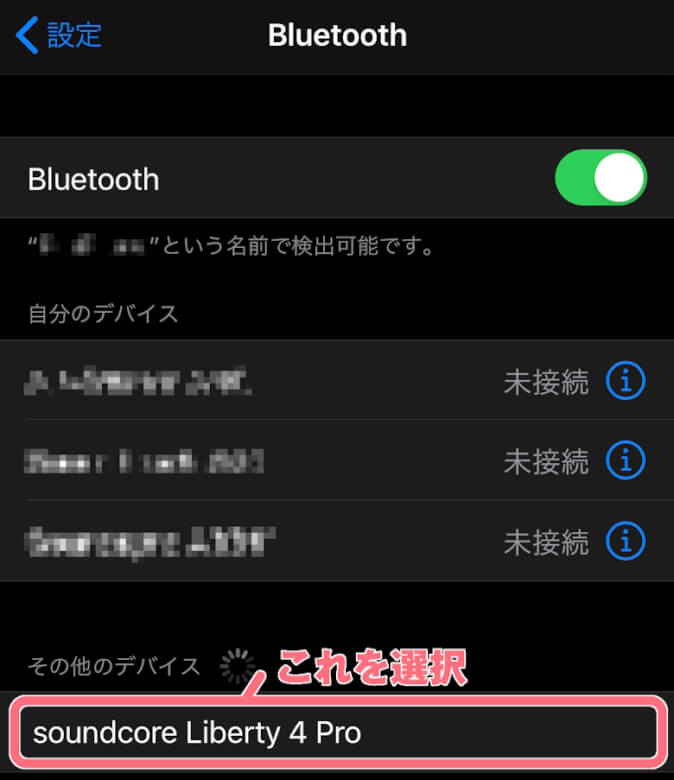
STEP
Select “soundcore Liberty 4 Pro” displayed on the screen of the device
STEP
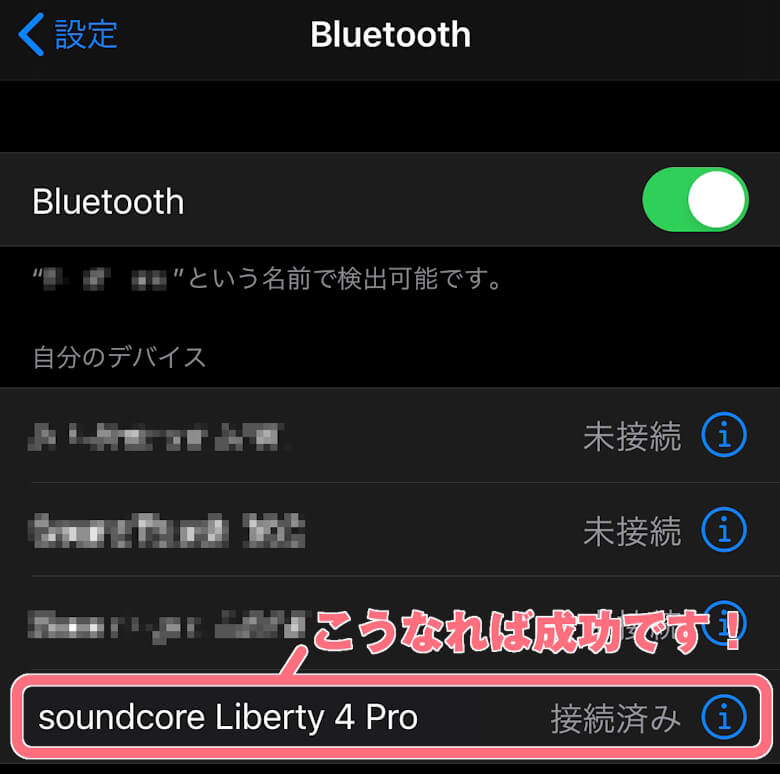
Pairing complete!
Once pairing is completed, the power will automatically turn on when you take them out of the charging case, and they will immediately connect to your device.
The Anker Soundcore Liberty 4 Pro is equipped with A.C.A.A 4.0, and delivers delicate and rich sound with two dynamic drivers.
The 360° spatial sound created by the proprietary algorithm reproduces the immersive feeling of a live venue or movie theater.
It is equipped with Ultra Noise Canceling 3.5, which automatically adjusts the intensity according to the environment.
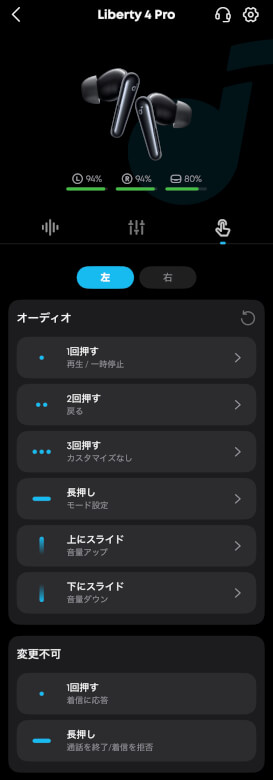
You can control music playback and pause, as well as adjust the volume using two methods: pressure sensors and swipe sensors.
The case is equipped with a touch bar that allows you to adjust the strength of noise canceling and ambient sound mode without using the app.
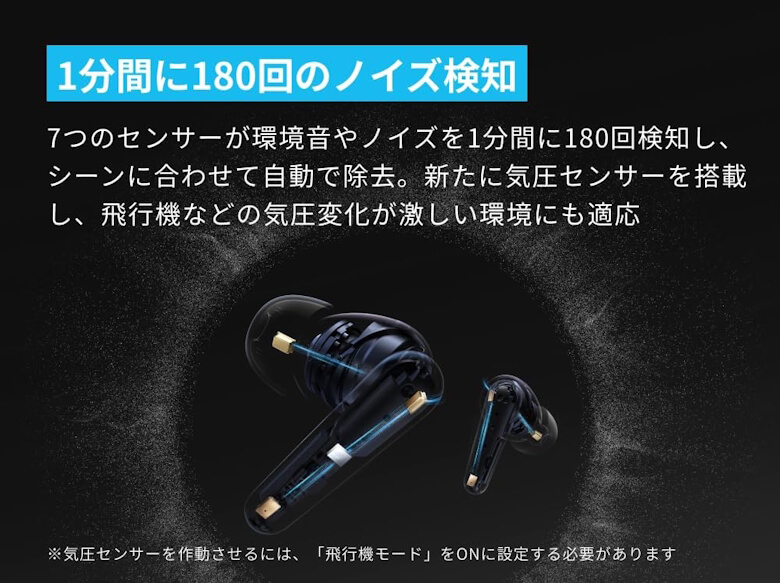
Seven sensors detect ambient sounds and noise 180 times per minute and automatically remove them according to the scene.
Equalizer App “Soundcore”
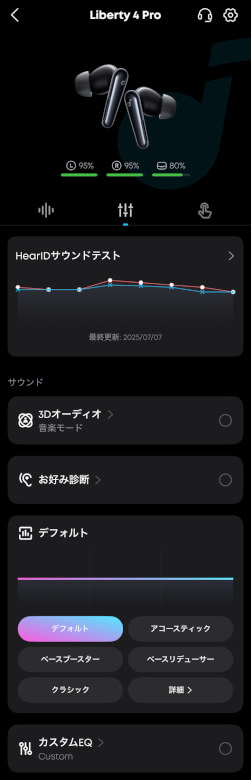
By using the “Soundcore” app, managing your earbuds becomes even more convenient.
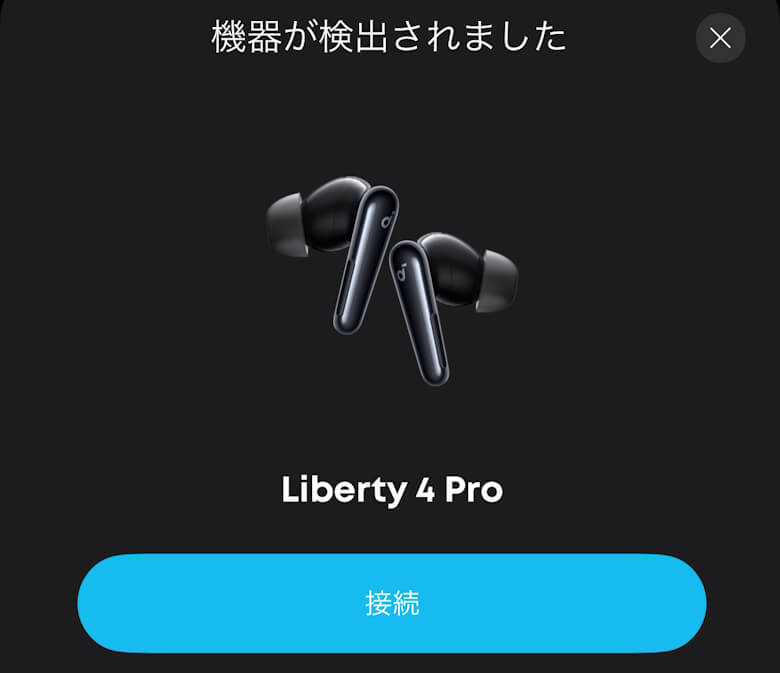
Launch the app and connect to the earbuds, and the device will be detected.
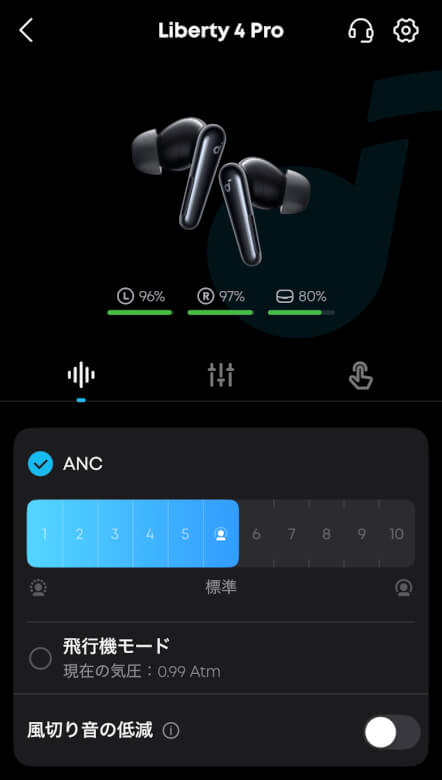
On the home screen, you can adjust the ANC strength, airplane mode, and wind noise reduction.
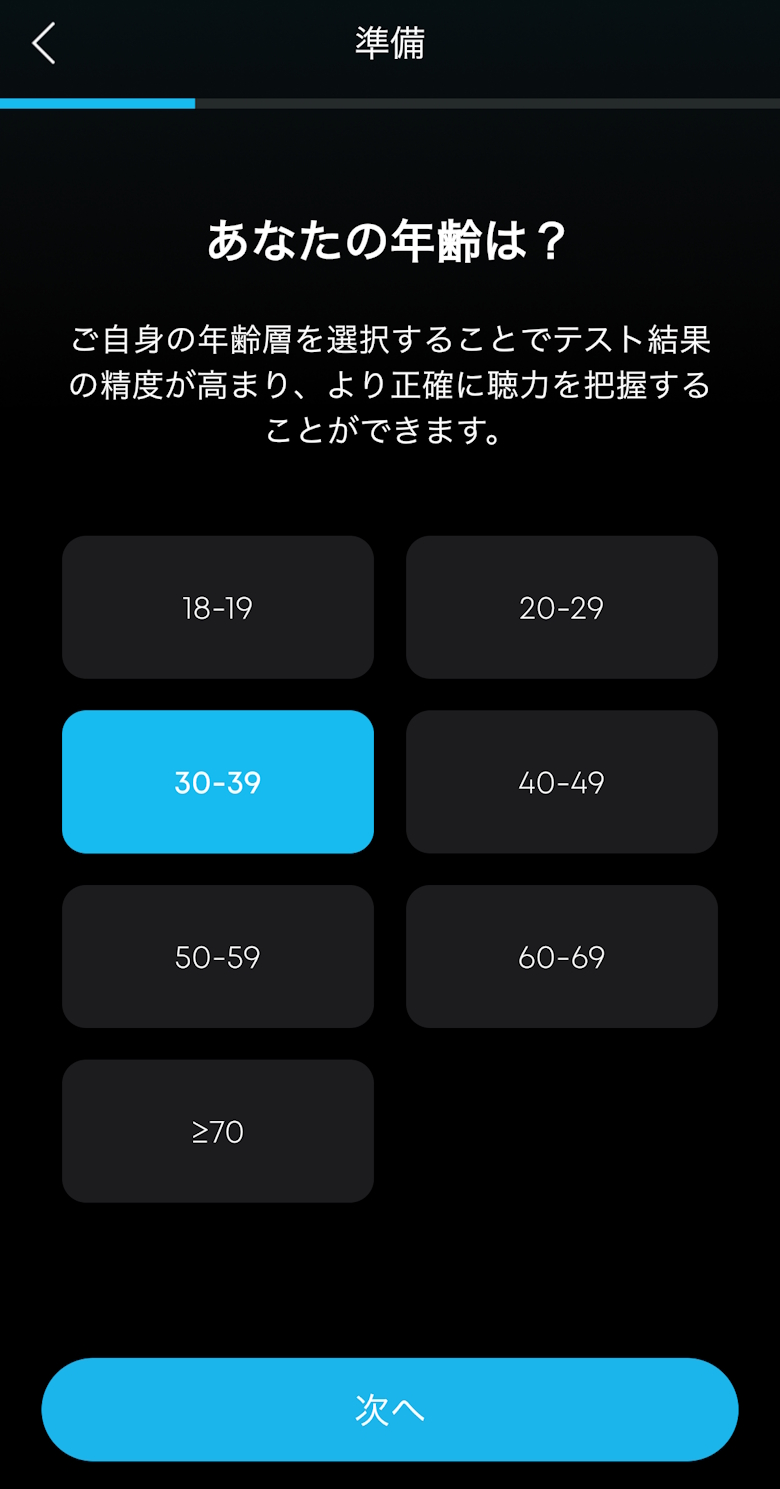
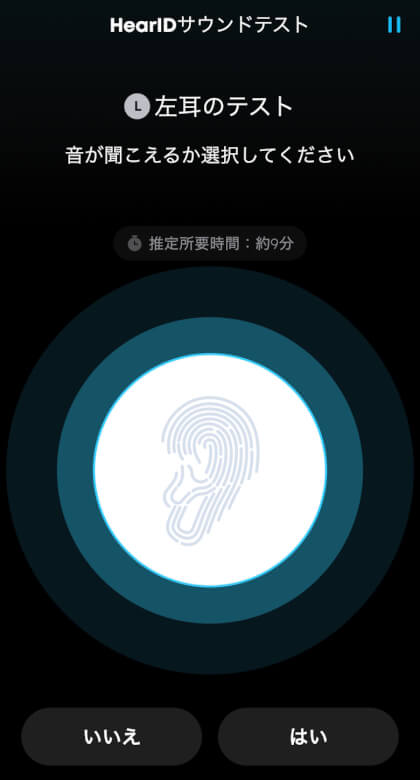
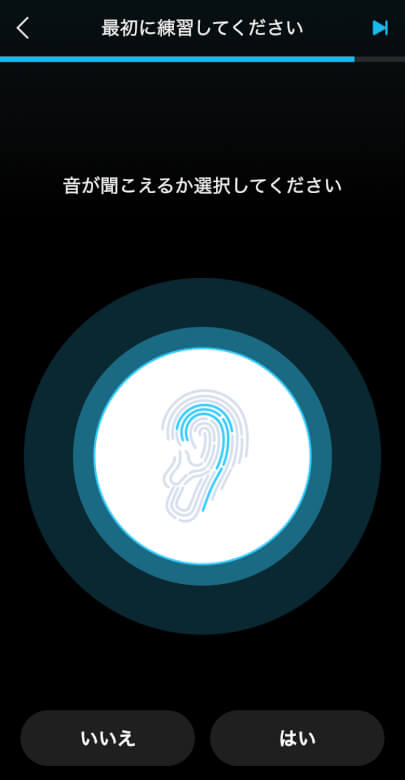
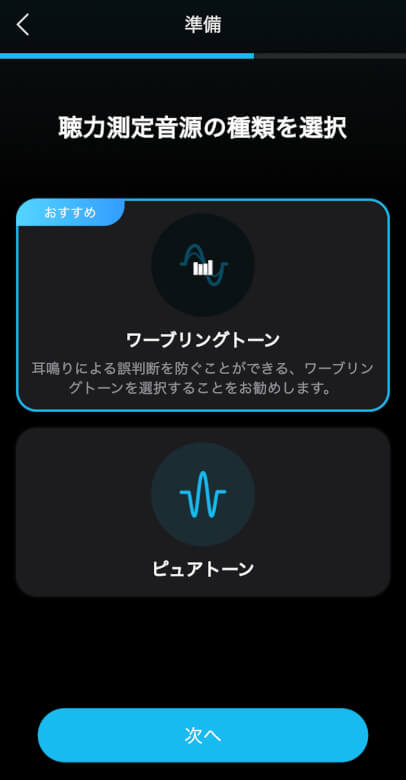
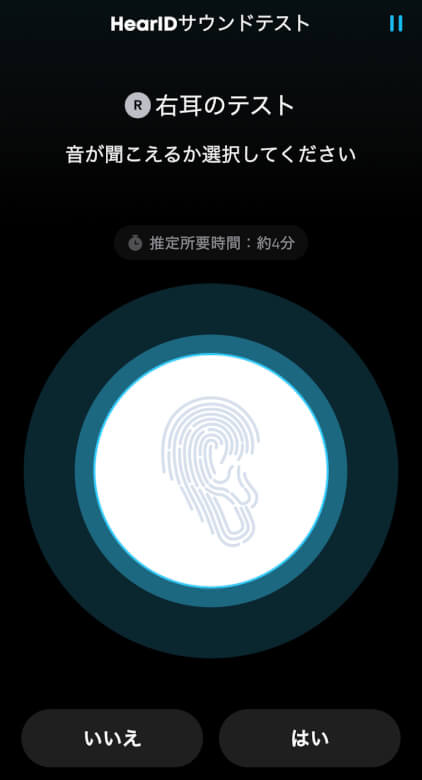
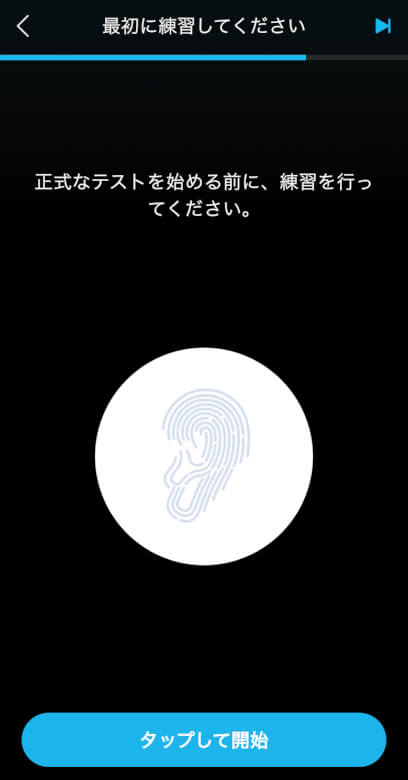
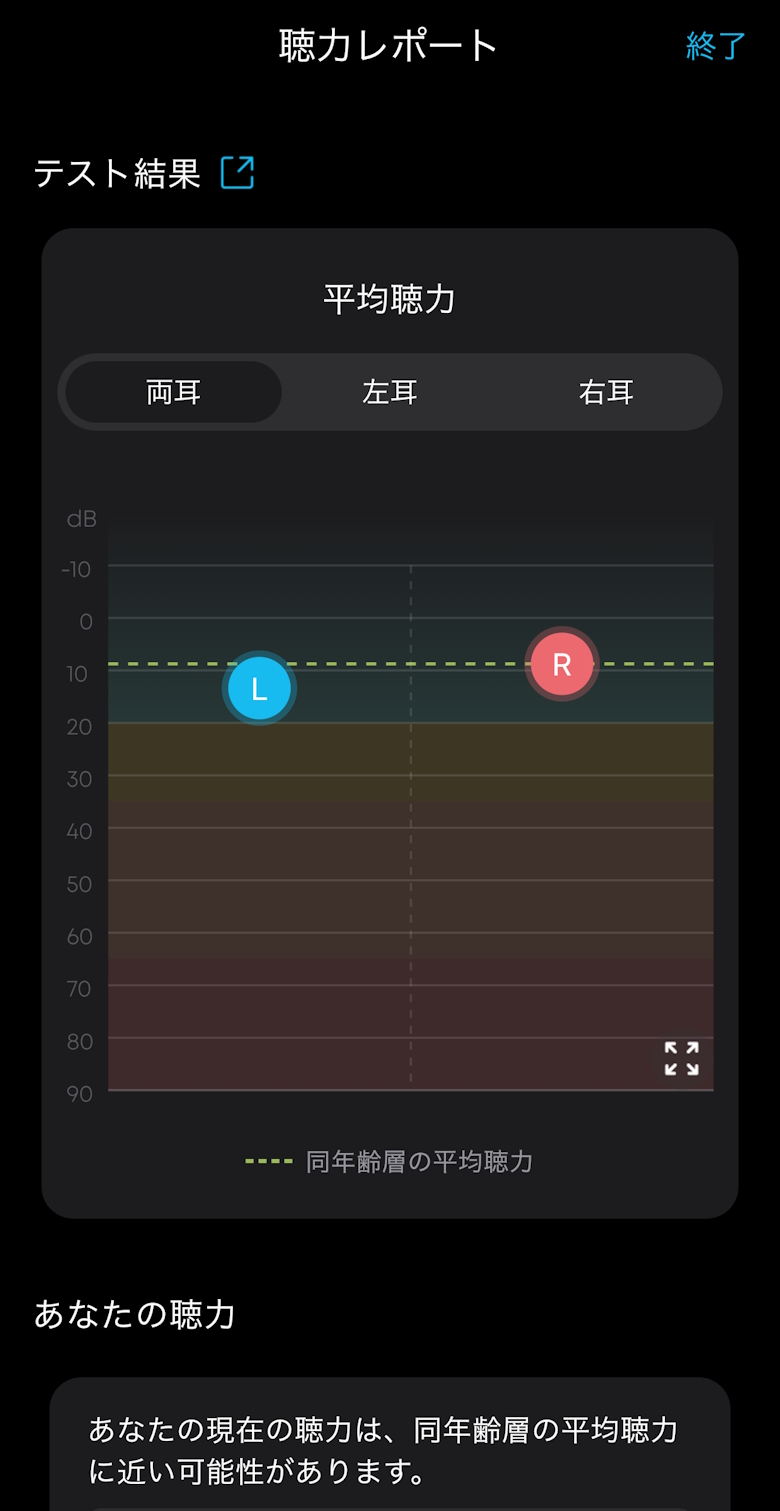
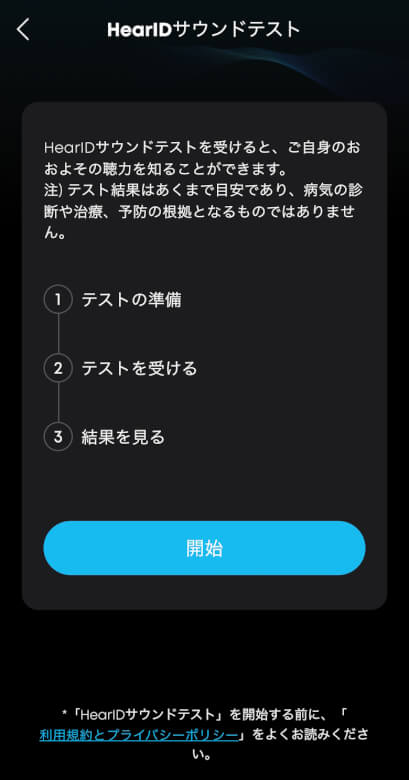
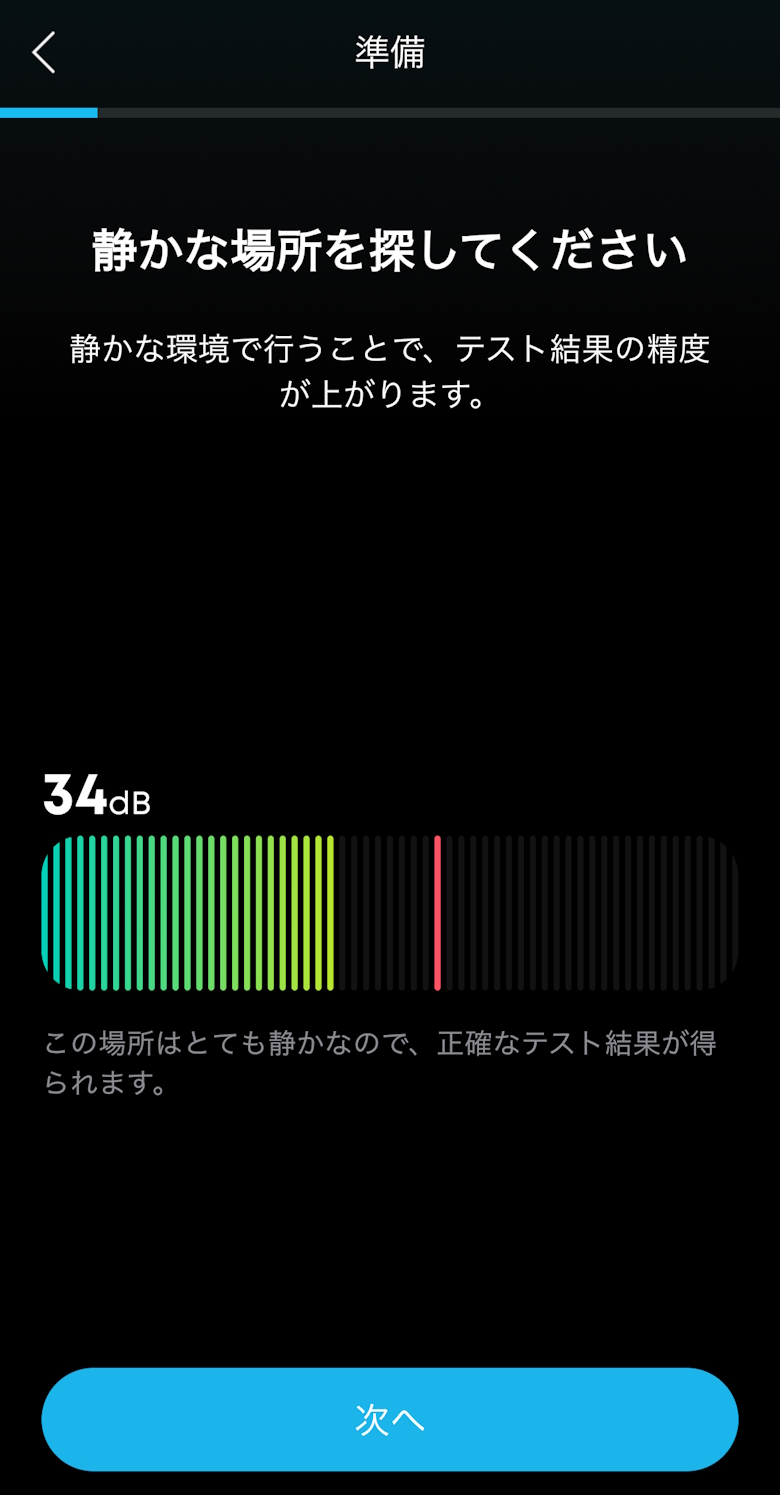
If you run the HearID ANC test, it will automatically configure noise canceling suited to the person and environment.
Itsuki
Just follow the on-screen instructions.
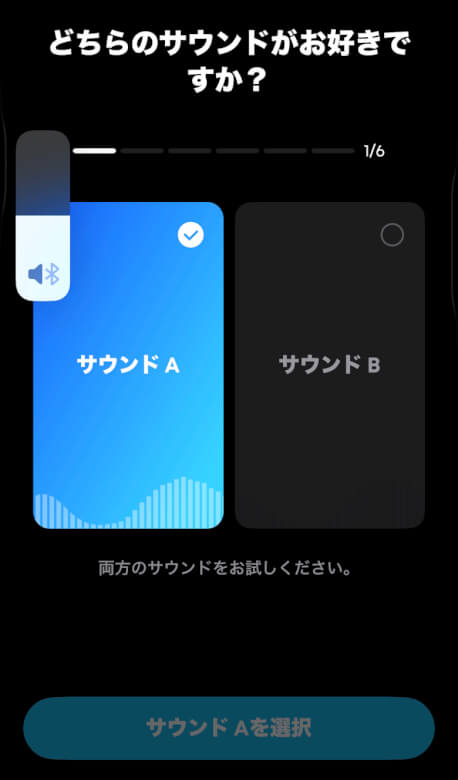
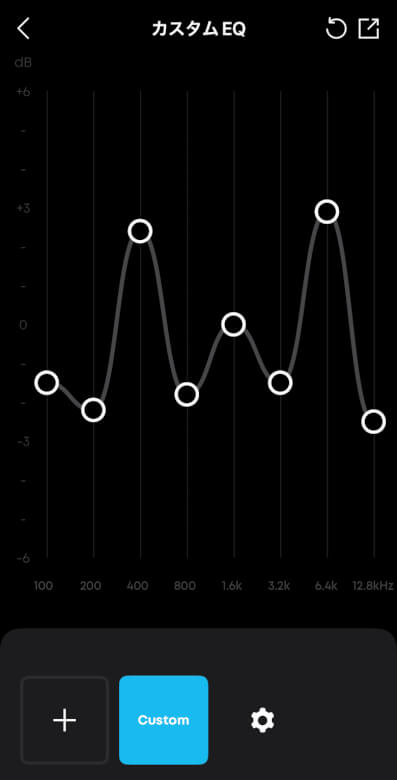
In the sound section, there are menus such as 3D audio and preference analysis.
You can adjust the sound quality to your preference with 3D audio, preference analysis, and custom EQ.
You can configure the operation settings for the left and right earbuds.
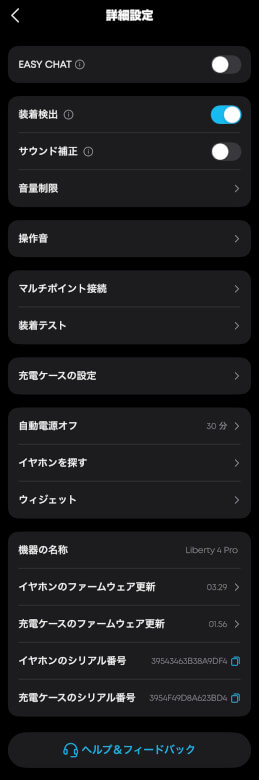
Advanced Settings allow you to make more detailed adjustments and checks.
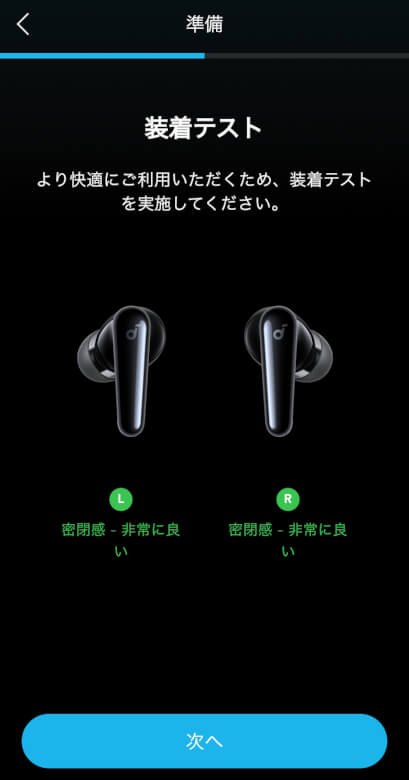
If you run the Fit Test, you can check whether the earbuds are properly fitted in your ears.
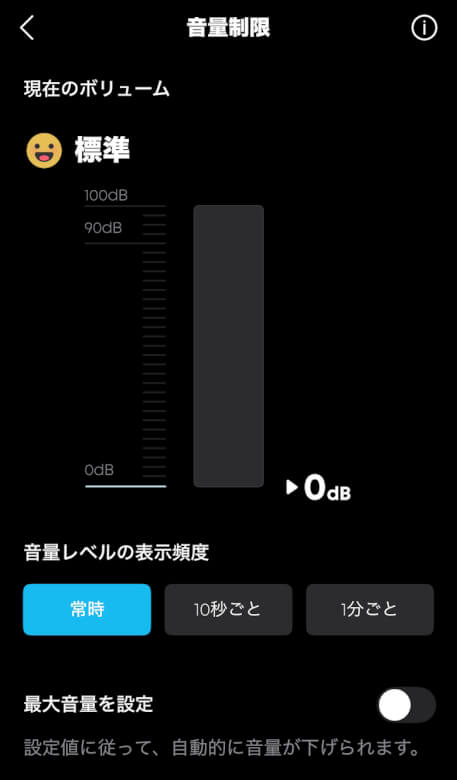
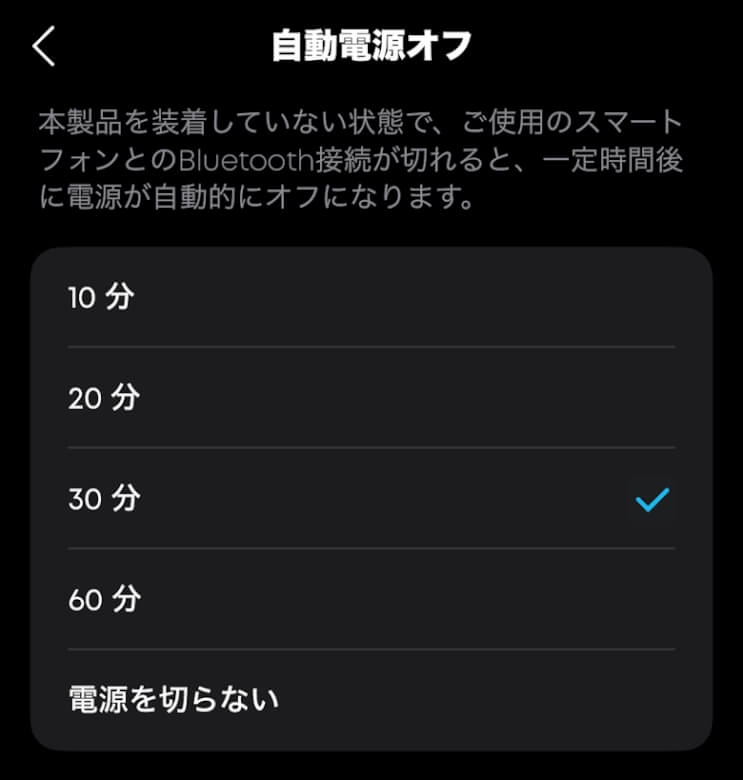
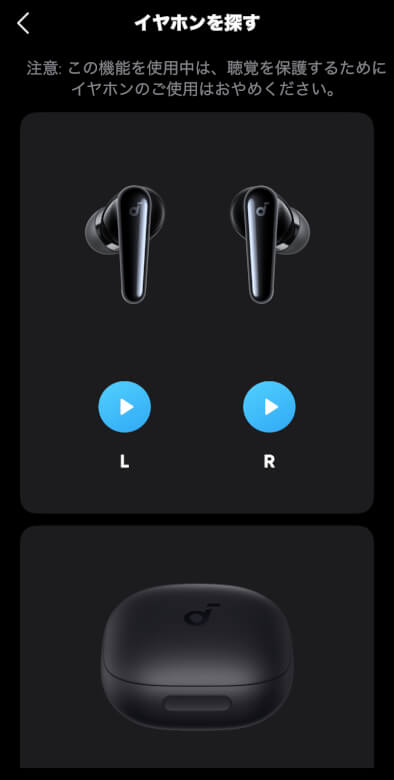
You can also set and check items such as volume limits, operation sounds, and charging case settings.
Itsuki
The smartphone app is also one of the biggest advantages of the “Anker Soundcore Liberty 4 Pro”, so be sure to install it and make the most of it♪
Anker Soundcore Liberty 4 Pro Review Summary
In this article, I wrote about “[Anker Soundcore Liberty 4 Pro Review] Dramatically Improved Sound Quality and Comfort! High-End Features at This Price?”.
With this level of sound quality and features, the price is around 20,000 yen.
Honestly, I felt that it stands out from others in this price range in terms of overall quality.
If you don’t want to compromise on “sound quality,” “features,” or “price” in truly wireless earbuds, the “Anker Soundcore Liberty 4 Pro” is the perfect choice for those who want it all.
If you’re interested, be sure to experience its “serious sound” for yourself.
Pros
Cons
High-quality wireless playback with LDAC support
Supports spatial audio and head tracking
Supports multipoint connection
Equipped with Anker’s proprietary “Ultra Noise Cancelling 3.5”
Detailed sound and control customization via the app

 Itsuki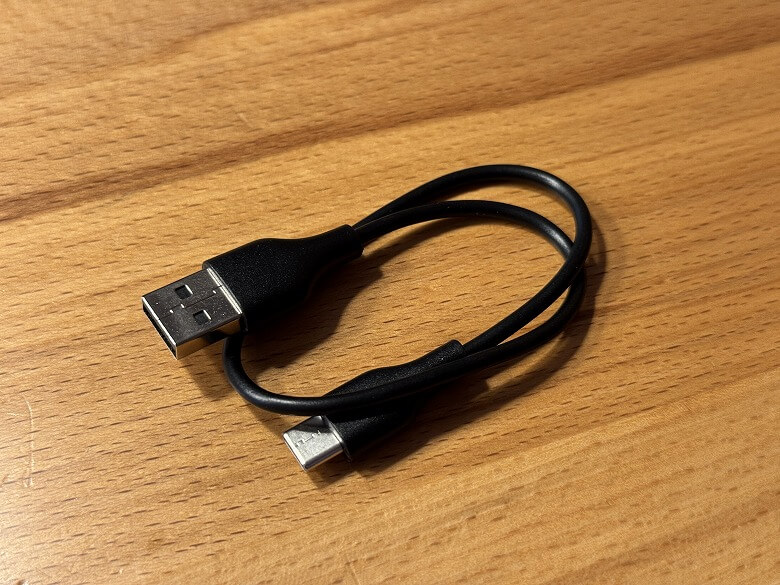


















 Itsuki