Hello, I’m Itsuki (@saigalog), enjoying a comfortable home with smart devices.
It’s finally here, the latest model in the SwitchBot series, the “Hub 3”!
Honestly, I used to think, “Aren’t all smart remotes basically the same?” …but this one was on a whole different level.
Not only can it control infrared remotes, but with Matter support, it can also centrally manage smart home devices from other brands.
On top of that, you can adjust the temperature with a dial, and it even comes equipped with motion, temperature/humidity, and illuminance sensors, making it versatile enough to automatically detect your home’s conditions and operate accordingly.
This time, I actually used the Hub 3 myself, so I’ll give you an honest review—from the points where I thought “This is convenient!” to the areas where you might think, “This could be a concern?”
If you’re considering building a smart home, this is a must-check!
Pros
Cons
Centralized management of infrared remotes
Matter support allows integration with smart devices from other brands
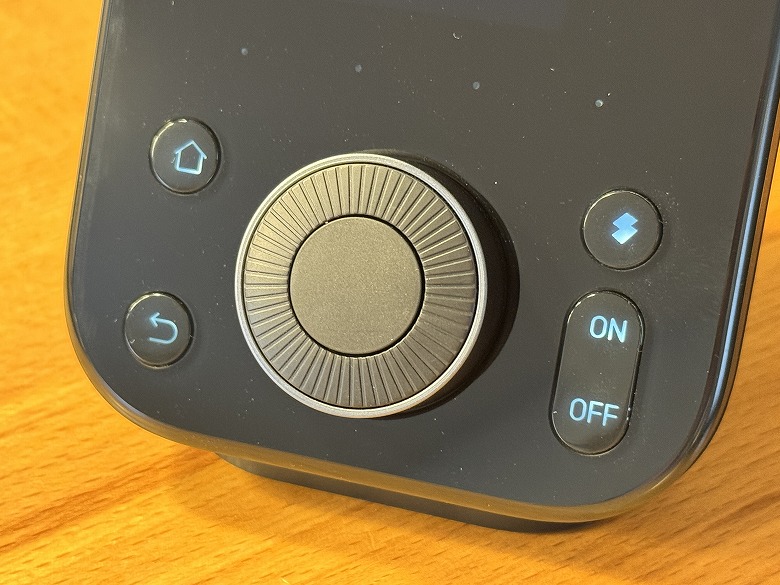
Equipped with an intuitive dial and buttons
Built-in four sensors enable automatic control
Supports local control for reliability during network outages
Some parts of the setup require getting used to
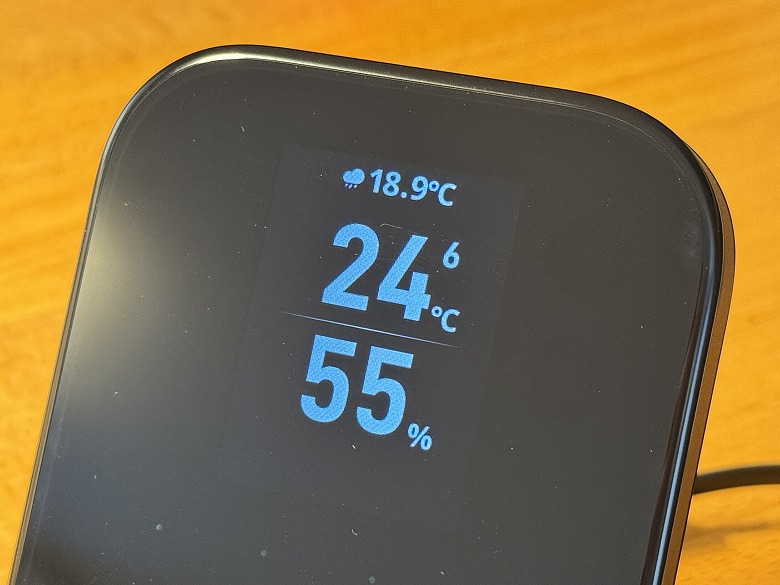
Information display is minimal as it does not feature a large screen
This article was created with a product provided by the manufacturer.
Table of Contents
What’s Included with the SwitchBot Hub 3
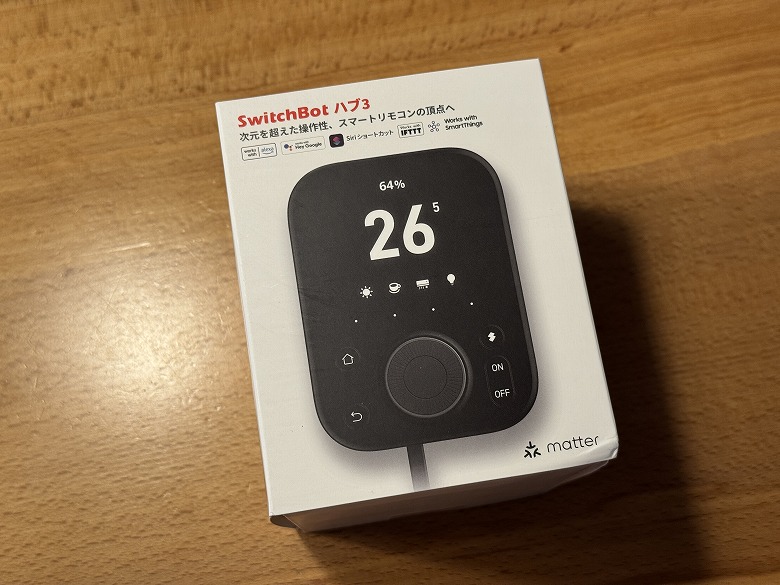
The outer box of the “SwitchBot Hub 3” features a simple design with a white base.
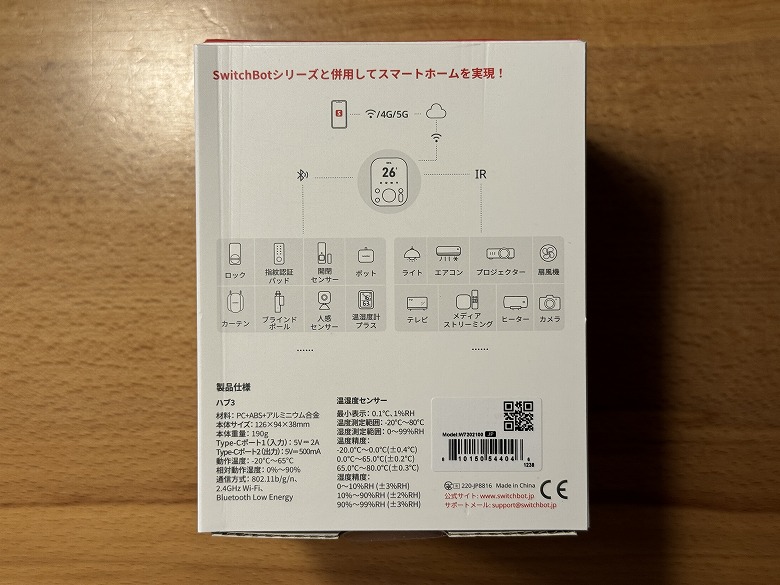
The back lists examples of integration with other products in the series.
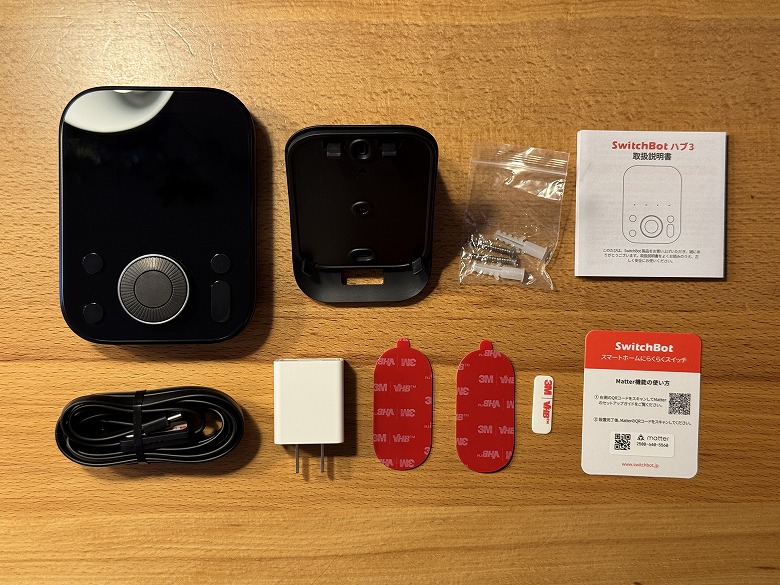
The following items are included in the box.
What’s Included with the SwitchBot Hub 3
SwitchBot Hub 3 unit
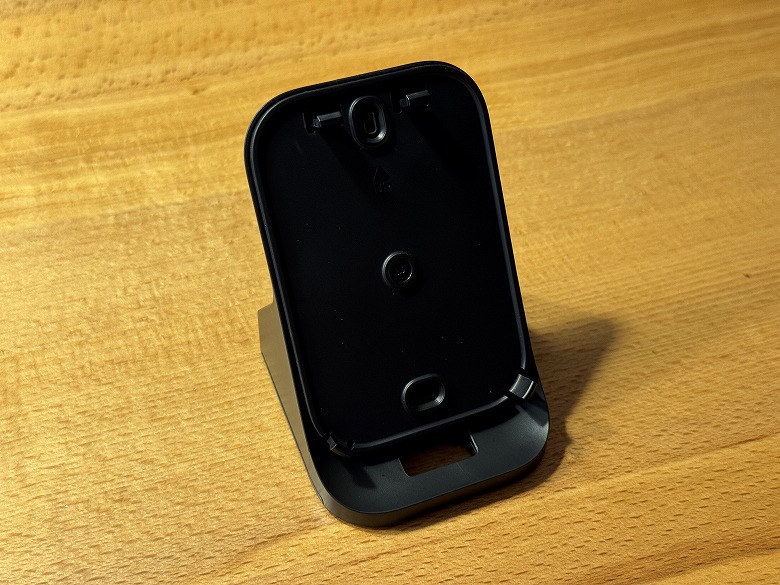
Base stand
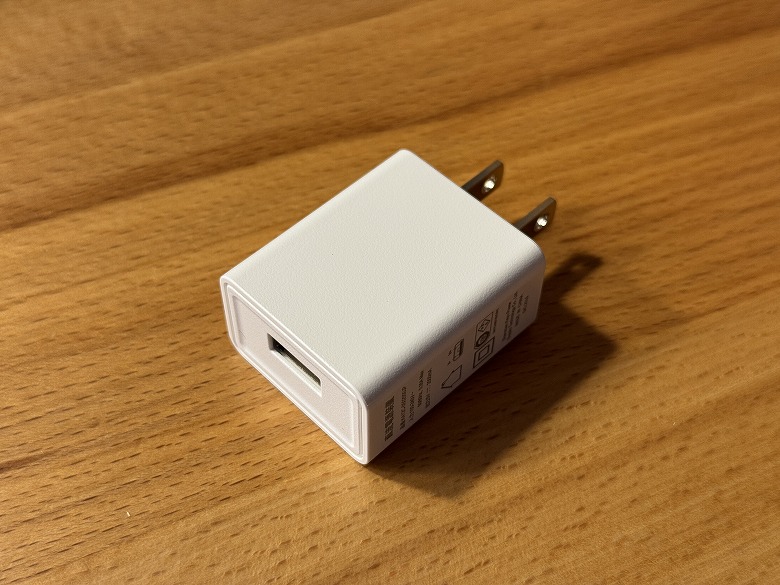
5V/2A adapter
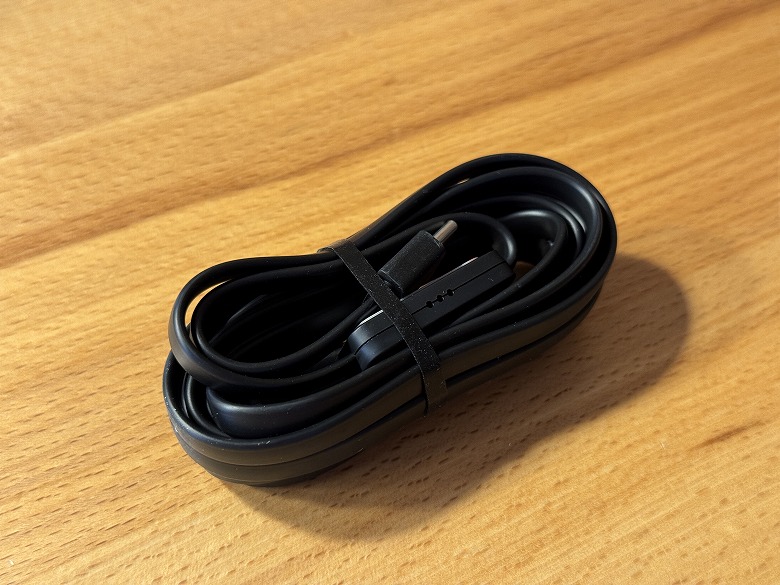
Cable with built-in temperature and humidity sensor
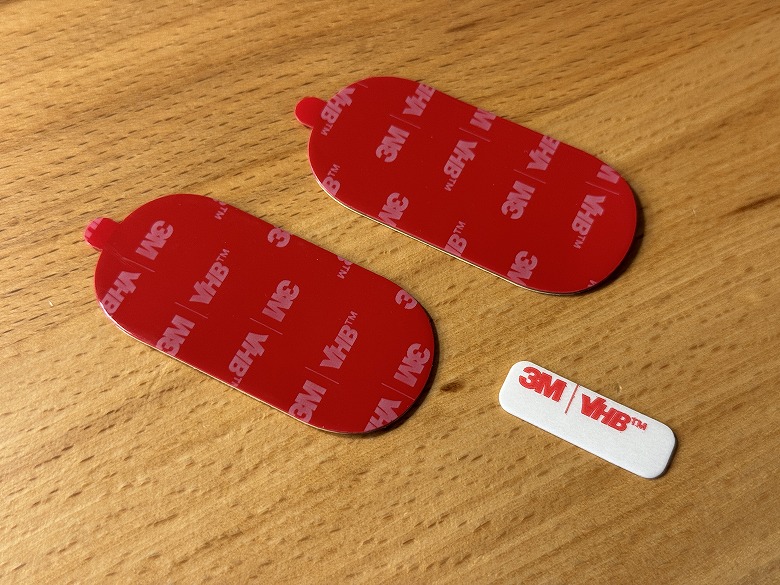
Double-sided tape for stand
Double-sided tape for temperature and humidity sensor
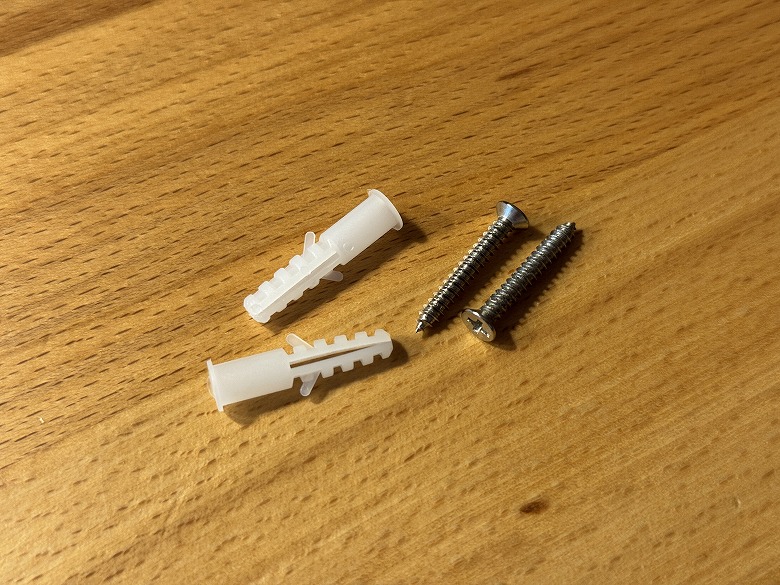
Screw pack
Instruction manual
Support card
The cable with built-in temperature and humidity sensor supports USB Type-C to A, and a temperature and humidity sensor is built into the middle of the cable.
Itsuki
The temperature and humidity sensor comes with double-sided tape, so you can attach and secure it wherever you like.
The 5V/2A adapter supports USB Type-A, and the specifications are listed on the side.
The double-sided tape can be attached to the main unit to secure it to a wall or other surface.
Screws and anchors for mounting on a wall or similar surface are included.
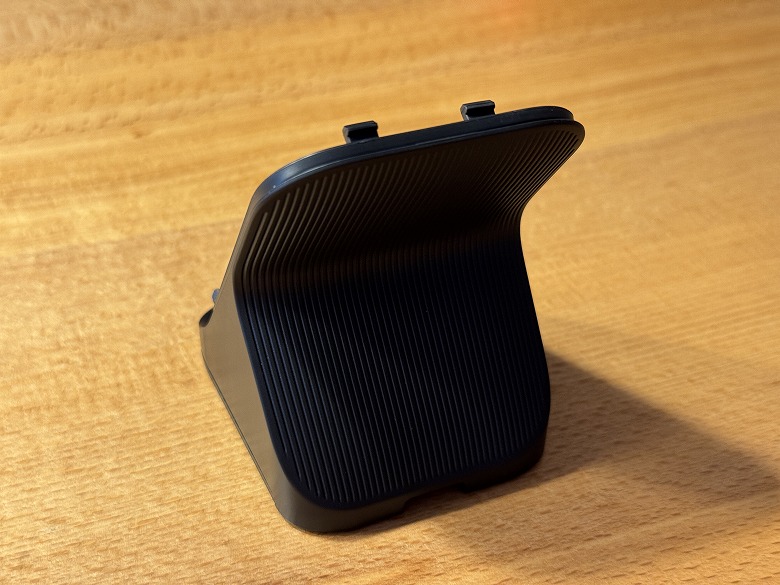
The base with the stand attached is unified in the same black color as the main unit.
SwitchBot Hub 3 Specifications
The “SwitchBot Hub 3” is a next-generation smart remote equipped with a thermometer/hygrometer and buttons, and it also supports Matter.
The main unit specifications are as follows.
スクロールできます
Product Name
SwitchBot Hub 3
Dimensions
126 × 94 × 29 (mm)
Weight
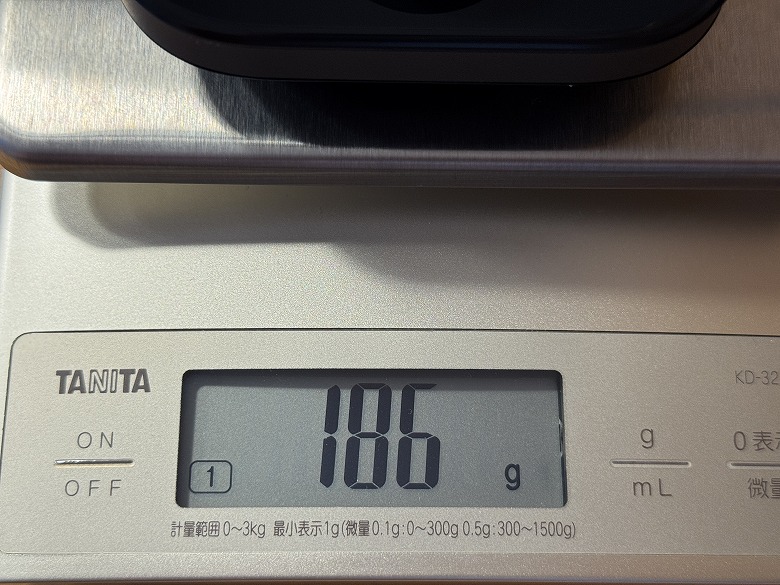
186 g
Material
PC+ABS+Aluminum alloy
Type-C Port 1 (Input)
5V 2A
Type-C Port 2 (Output)
5V 500mA
Wi-Fi
802.11 b/g/n (2.4GHz)
Temperature/Humidity Sensor
Minimum display: 0.1℃, 1%RH Temperature measurement range: -20℃ to 80℃ Humidity measurement range: 0 to 99%RH Temperature accuracy: -20.0℃ to 0.0℃ (±0.4℃) 0.0℃ to 65.0℃ (±0.2℃) 65.0℃ to 80.0℃ (±0.3℃) Humidity accuracy: 0 to 10%RH (±3%RH) 10 to 90%RH (±2%RH) 90 to 99%RH (±3%RH)
Design
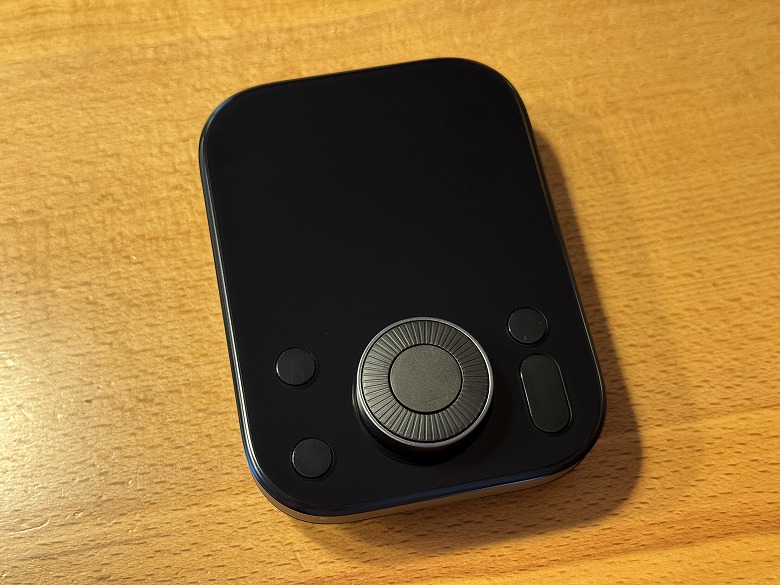
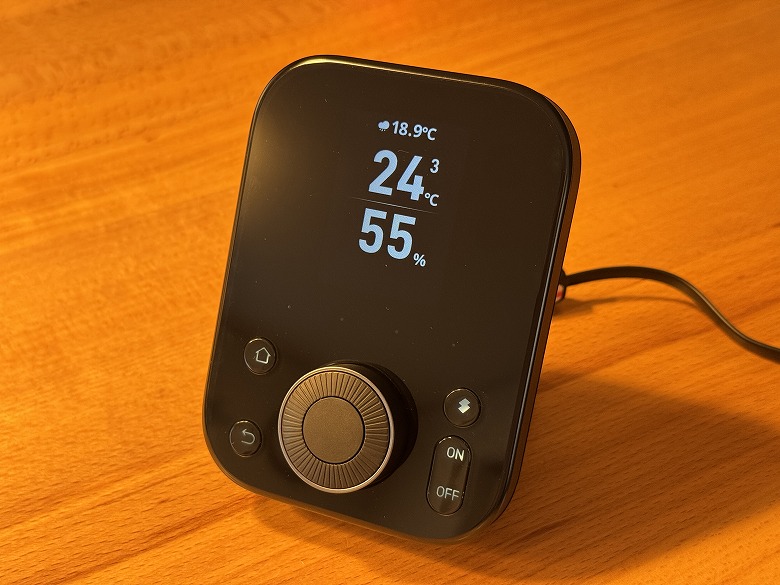
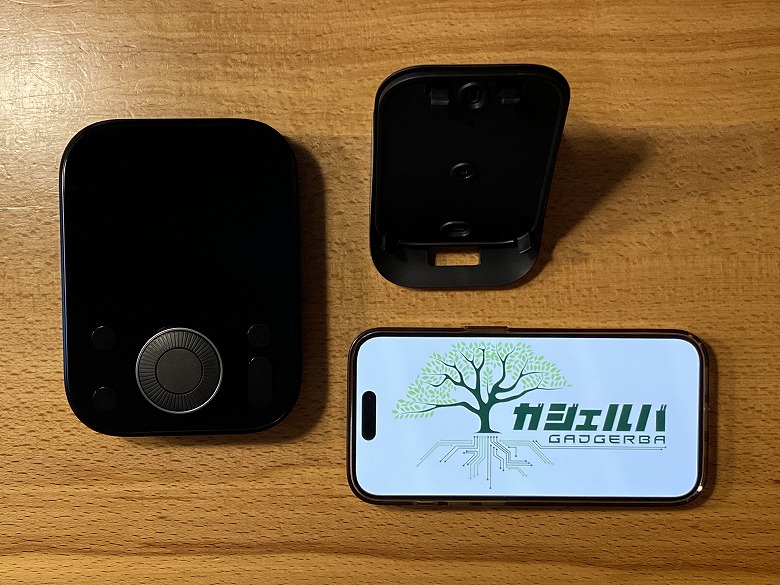
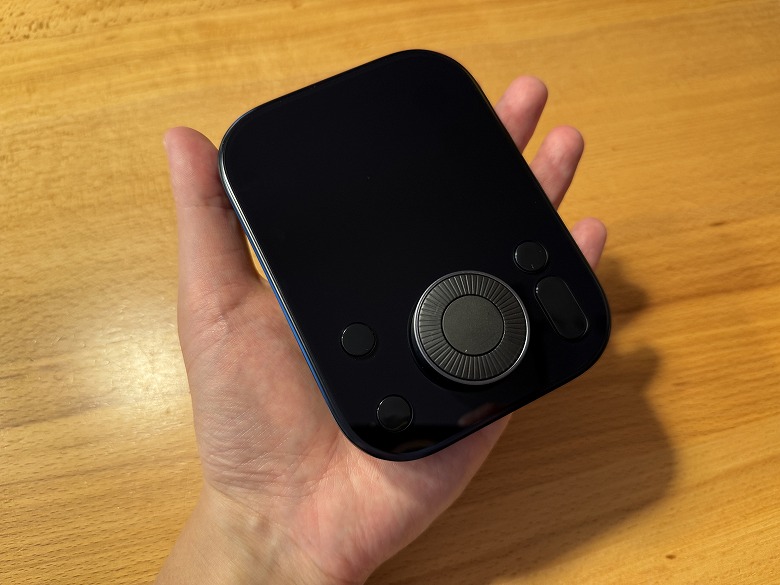
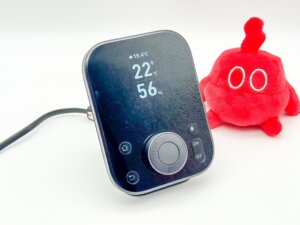
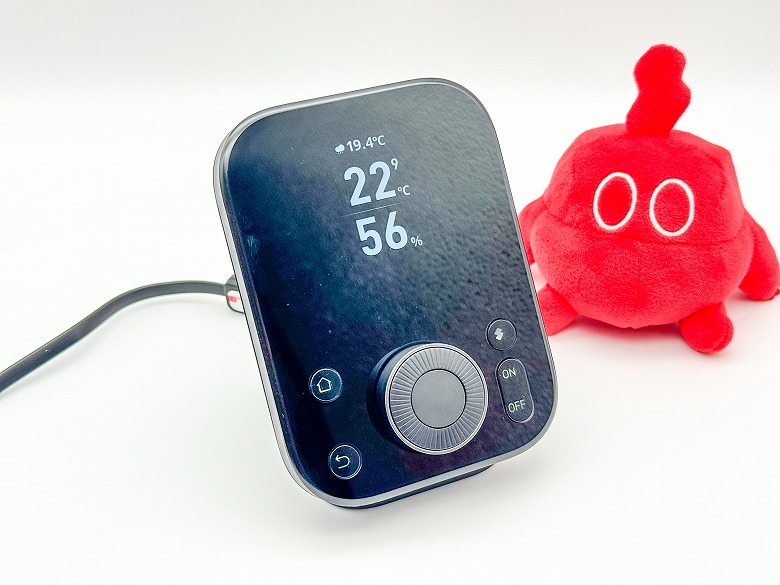
The “SwitchBot Hub 3” features a cool design unified in black.
There is a display on the top, and customizable physical buttons such as a home button on the bottom.
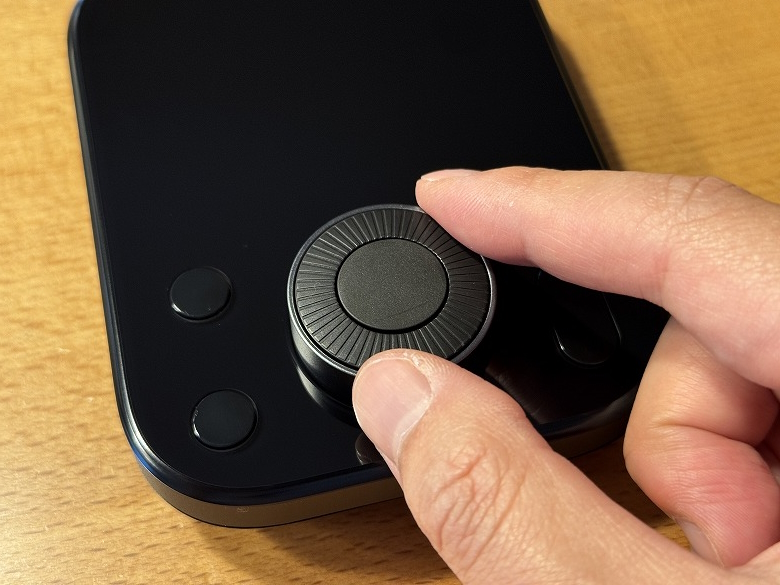
You can adjust various connected devices by turning the dial.
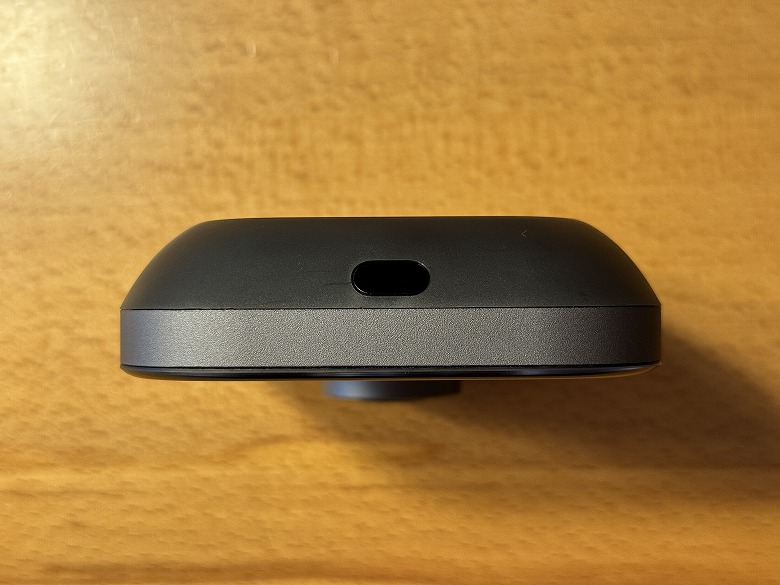
There is an infrared sub-transmitter on the upper side.
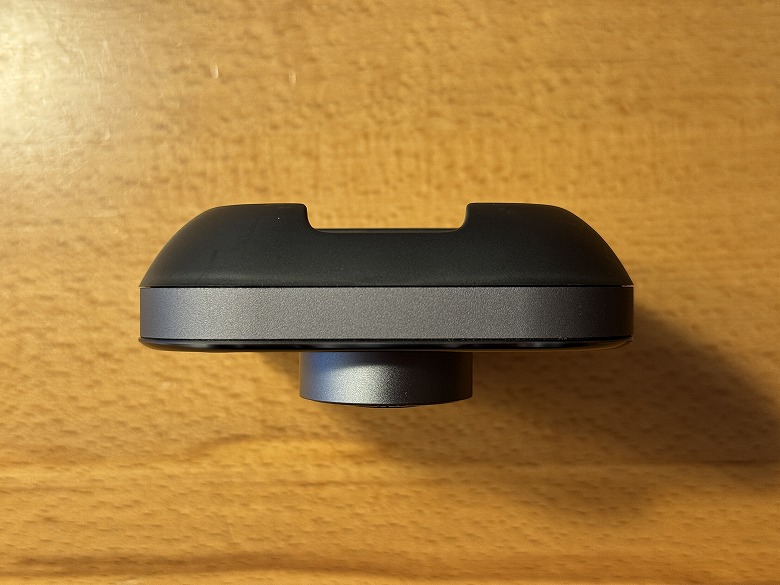
The lower side is completely plain with no particular decorations.
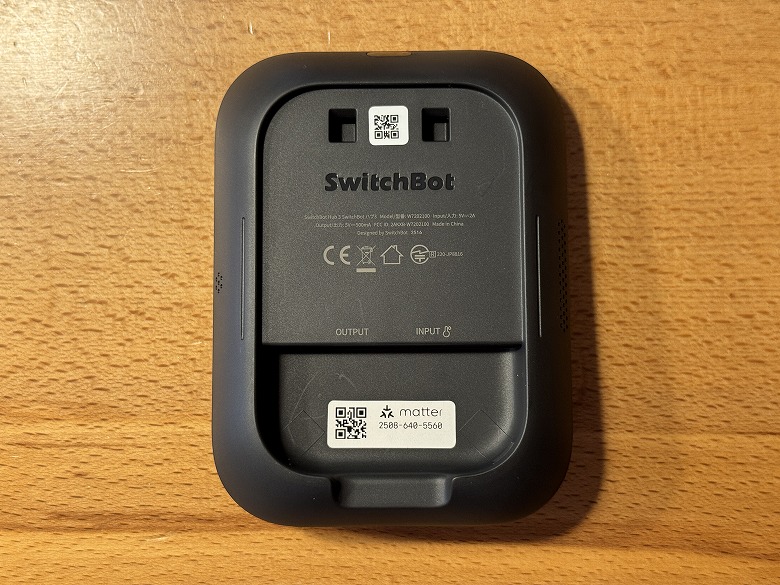
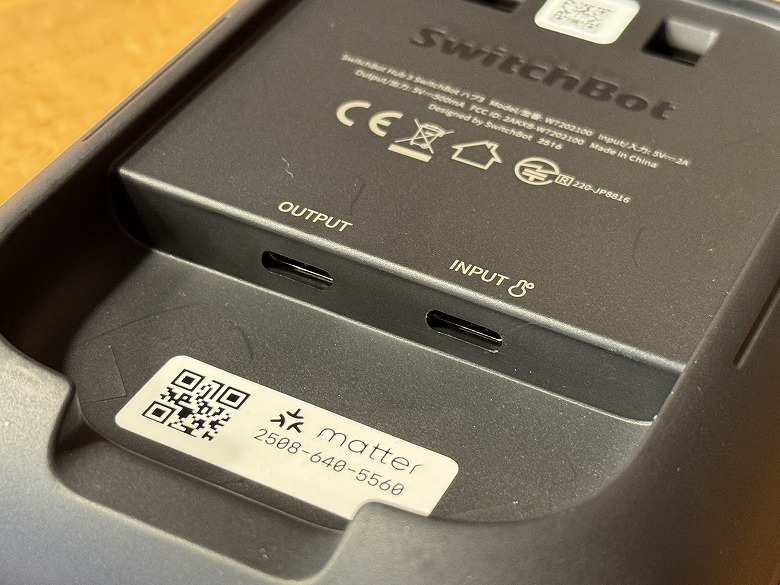
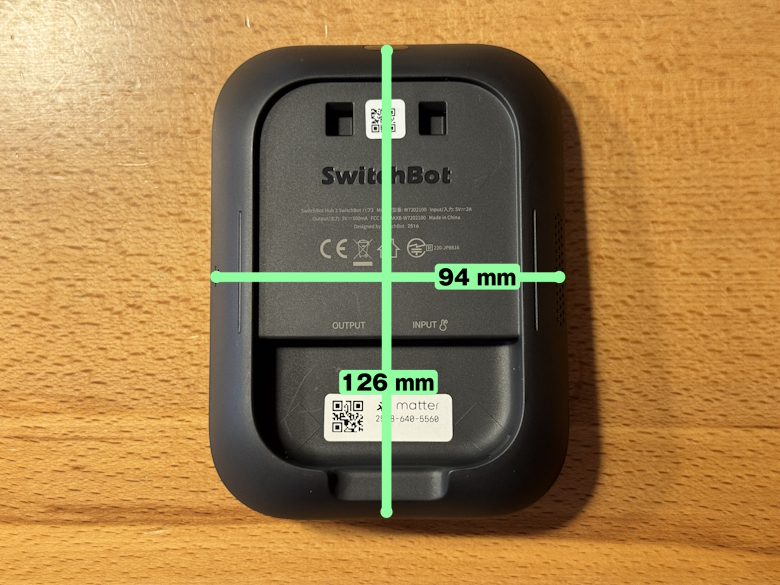
The product specifications are listed on the back.
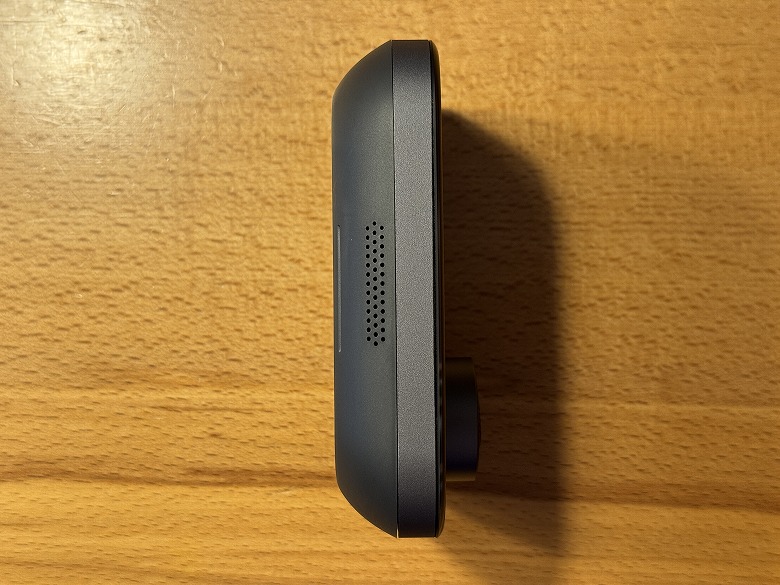
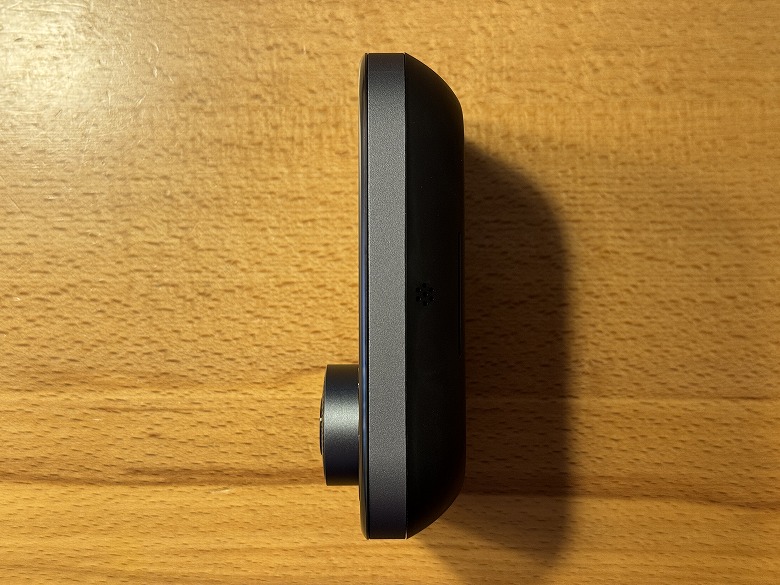
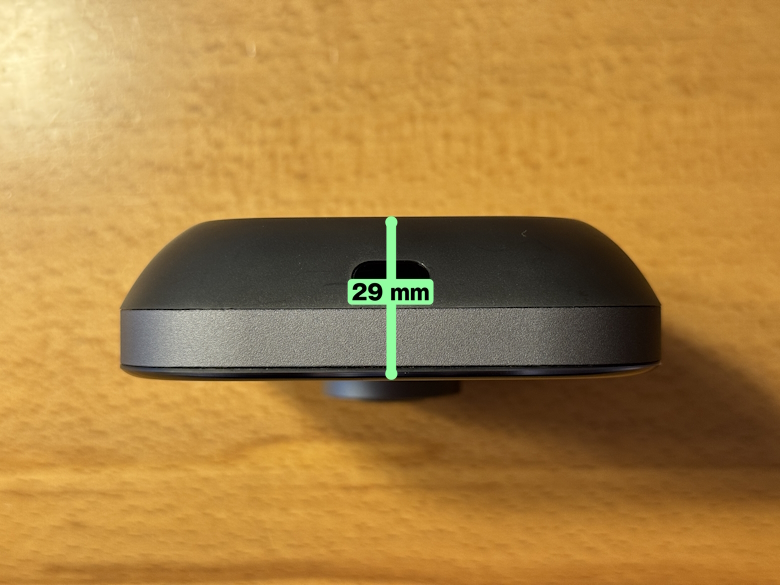
Here’s how it looks from the side.
When attached to the stand and base, it can be placed at an angle.
Size and Weight
The size of the “SwitchBot Hub 3” is 126 × 94 mm.
Thickness is 29 mm.
Compared to a smartphone (iPhone 15 Pro), the size looks like this.
Its compact size allows it to be installed anywhere.
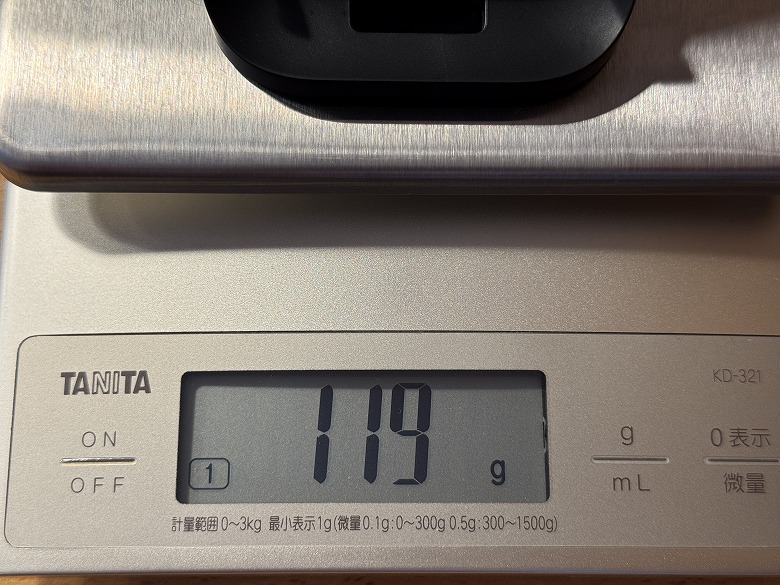
The main unit weighs 186 g, and the stand & base weigh 119 g.
Features
Itsuki
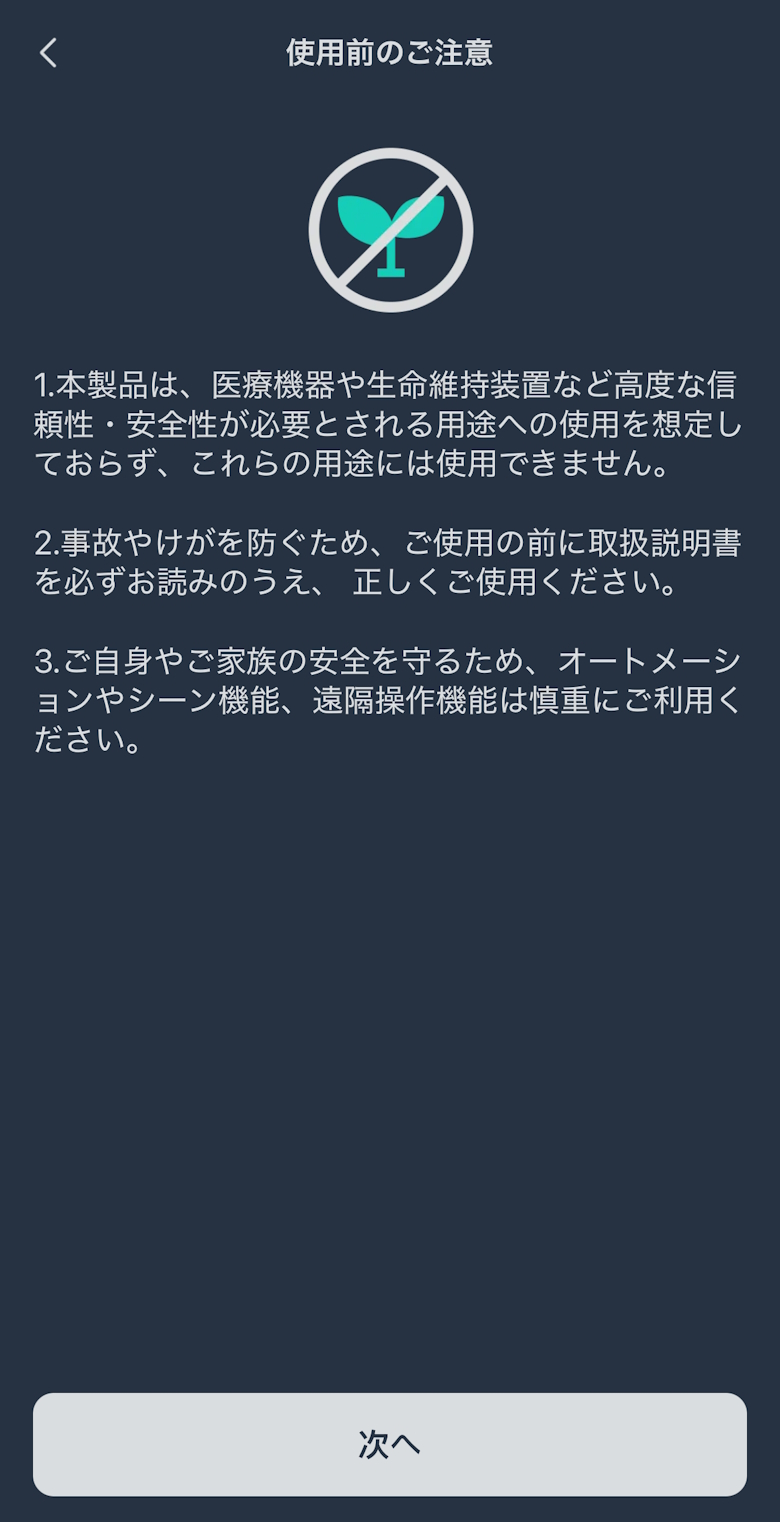
Install the SwitchBot app on your smartphone and set it up!
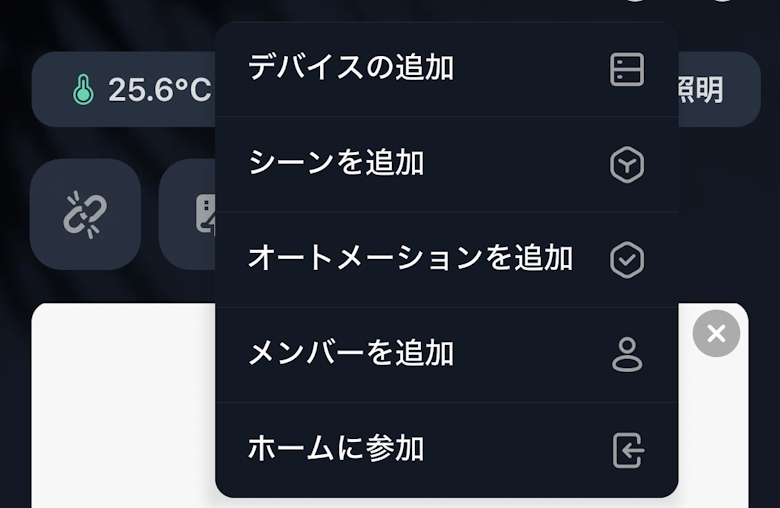
Tap the “+” in the top right corner of the screen, then tap “Add Device”
STEP
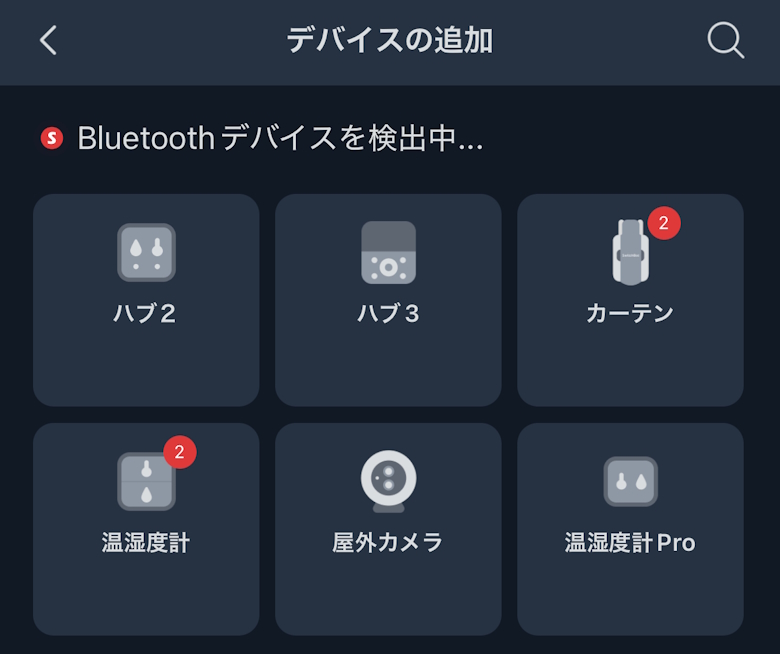
Tap “Hub 3”
STEP
Tap “Next”
STEP
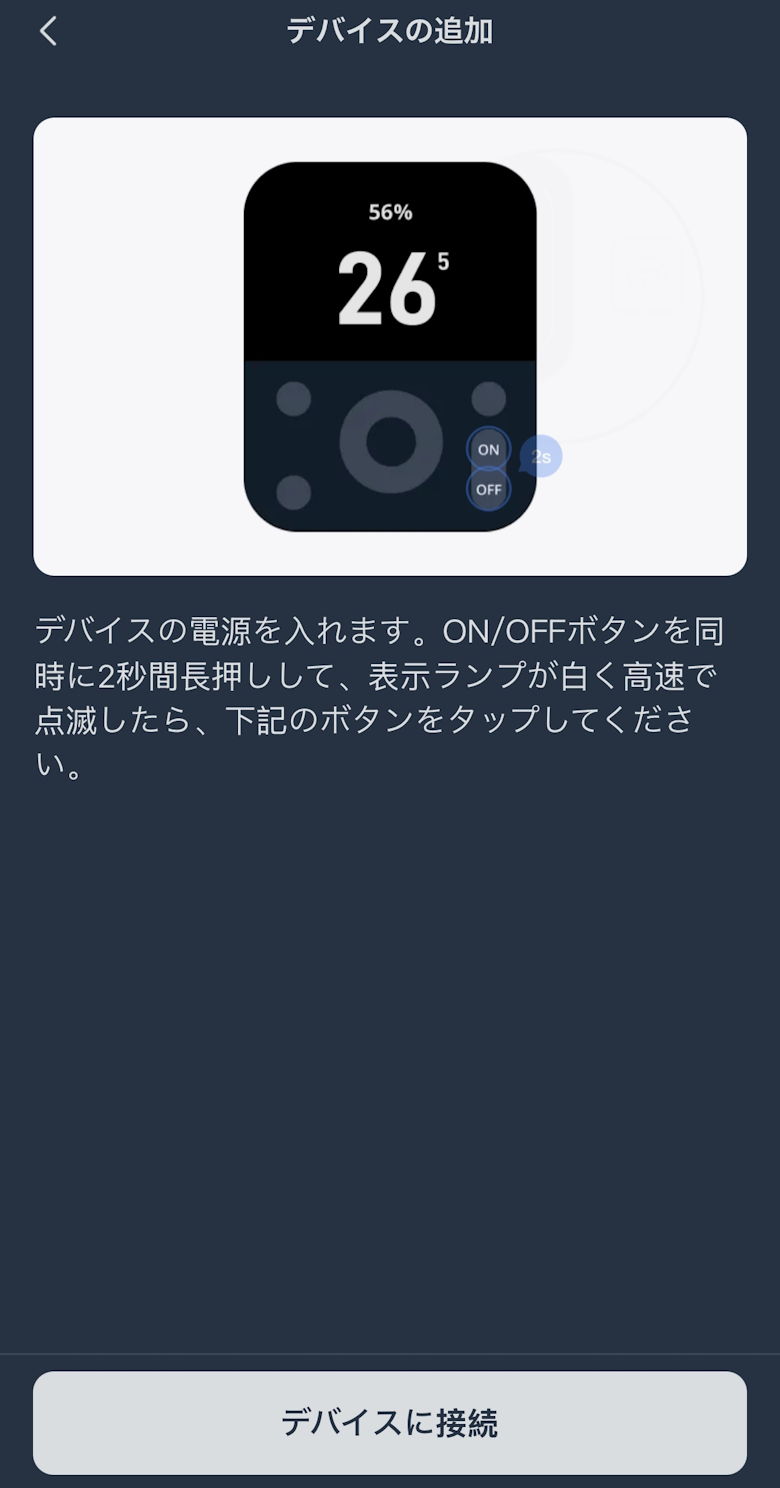
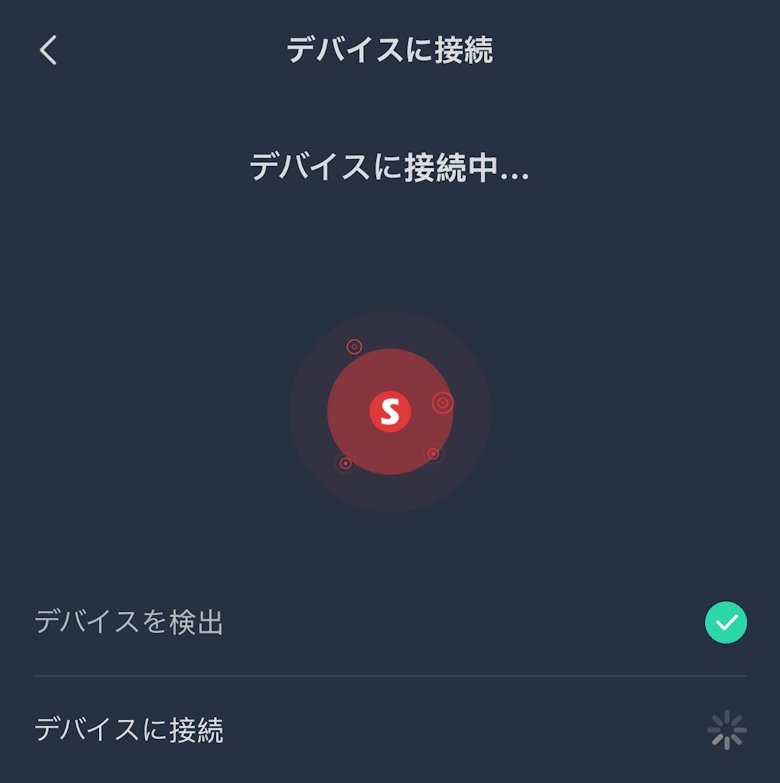
Tap “Connect to Device”
STEP
Wait for a while
STEP
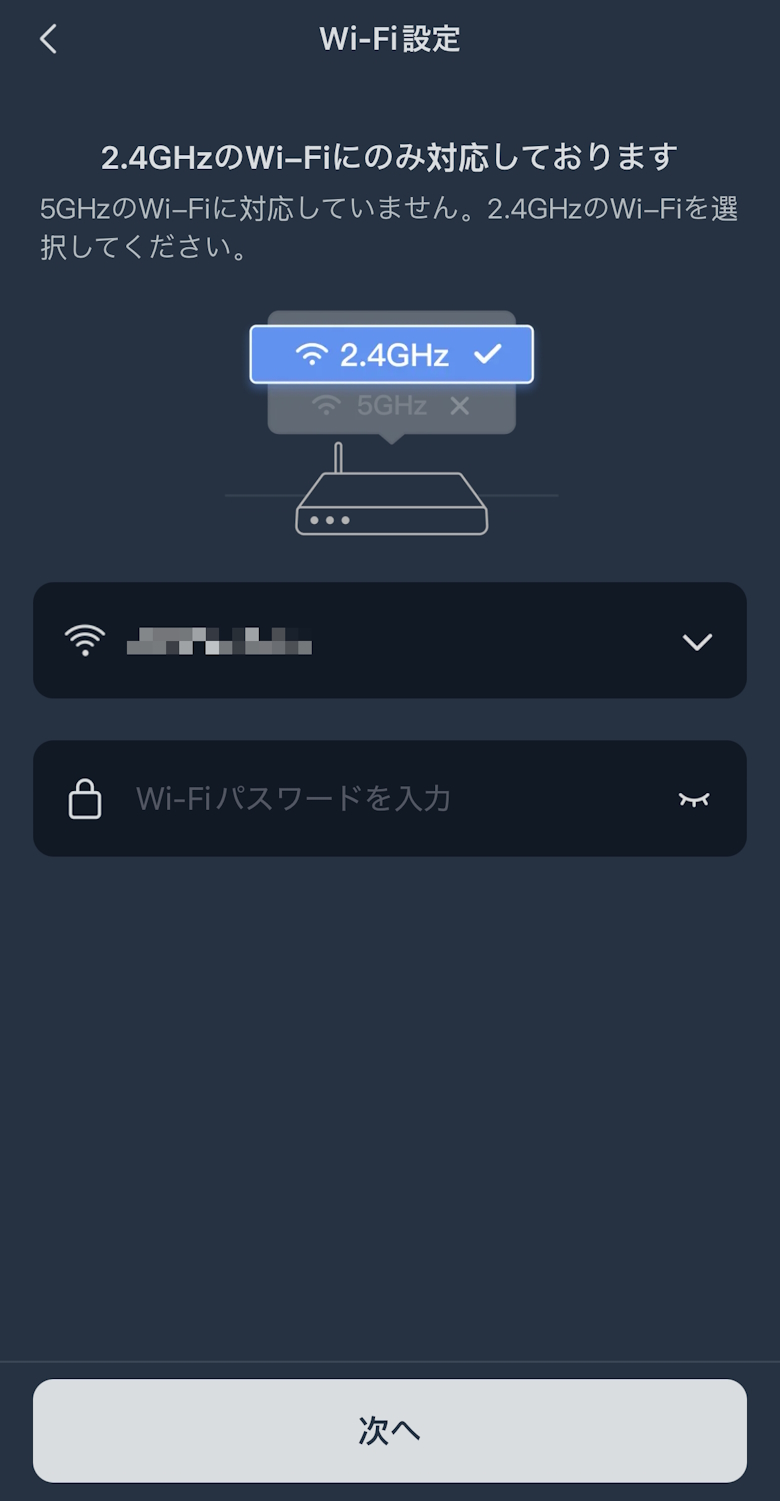
Enter your Wi-Fi information and tap “Next”
STEP
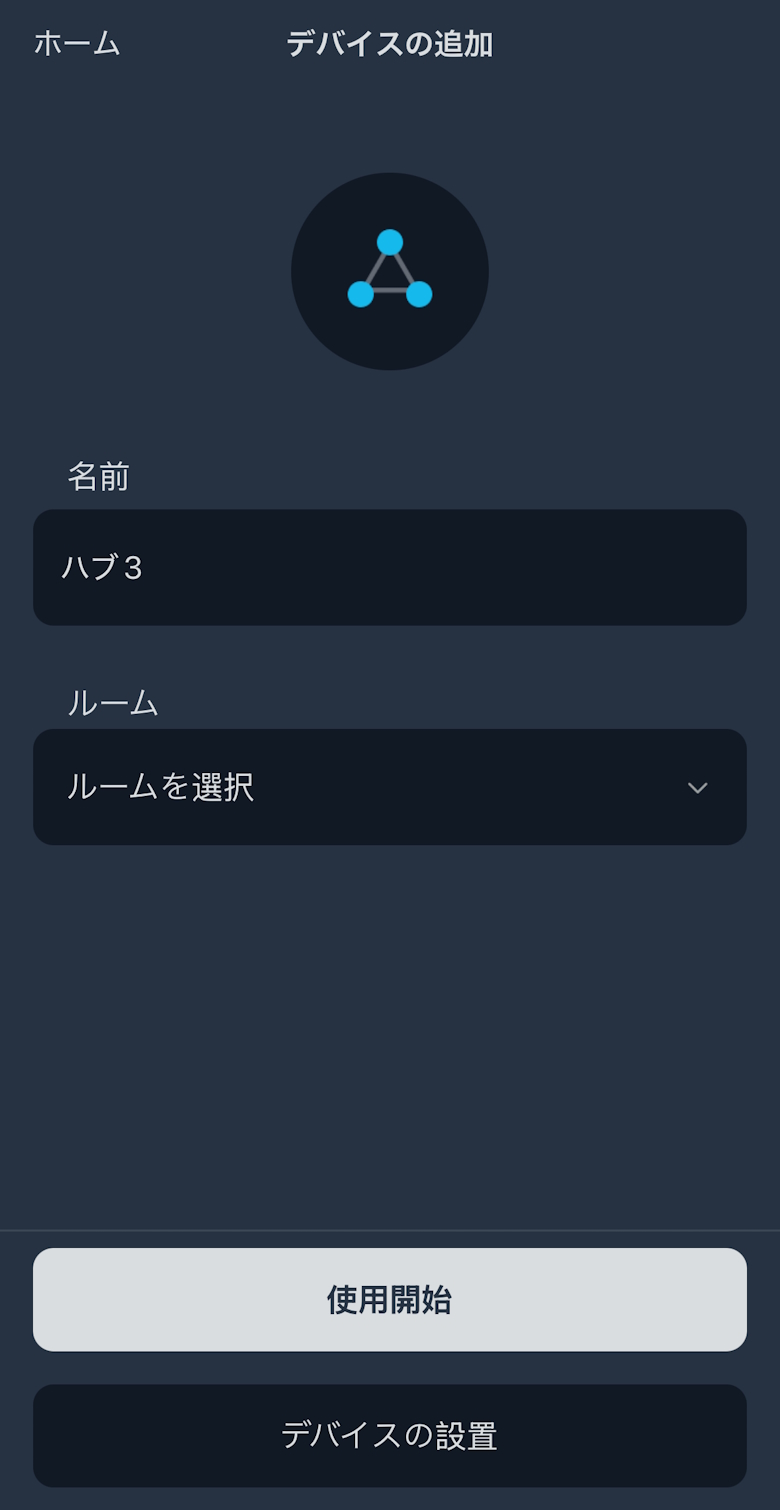
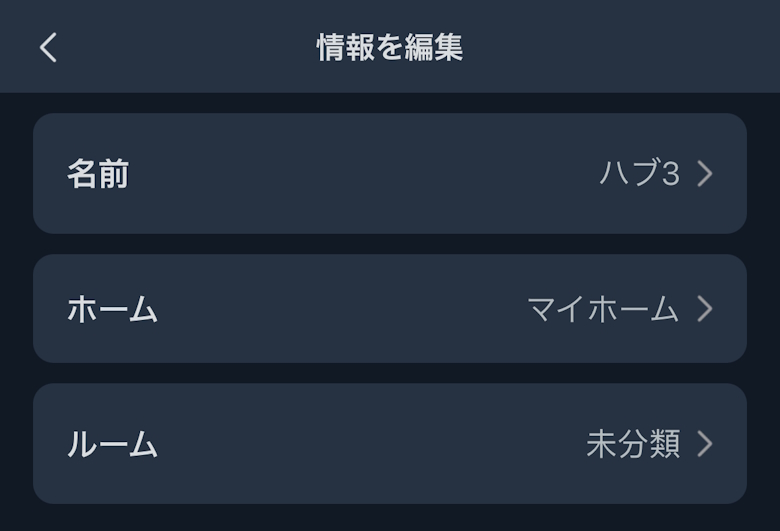
Enter a name and room, then tap “Start Using”
STEP
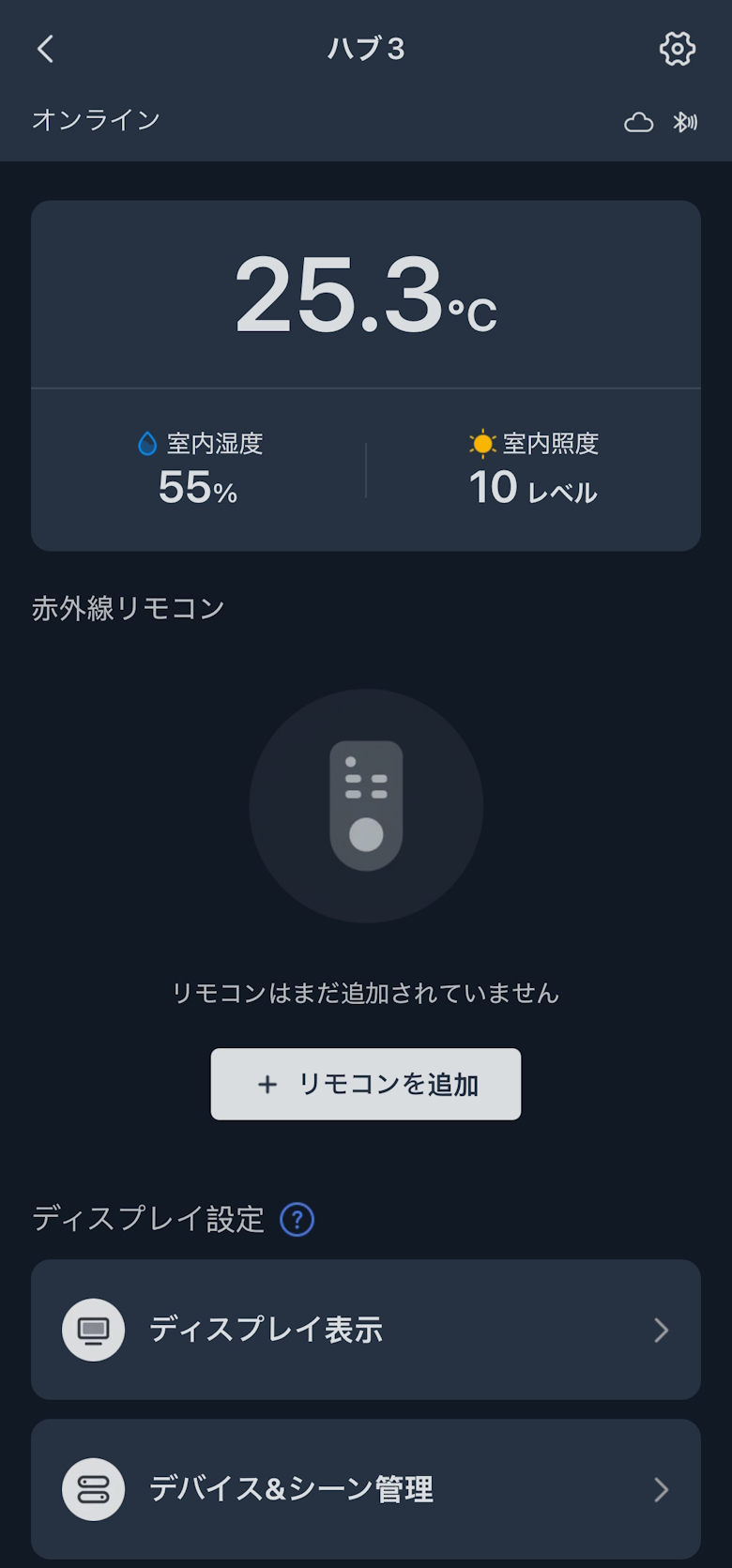
The “SwitchBot Hub 3” home screen will be displayed
STEP
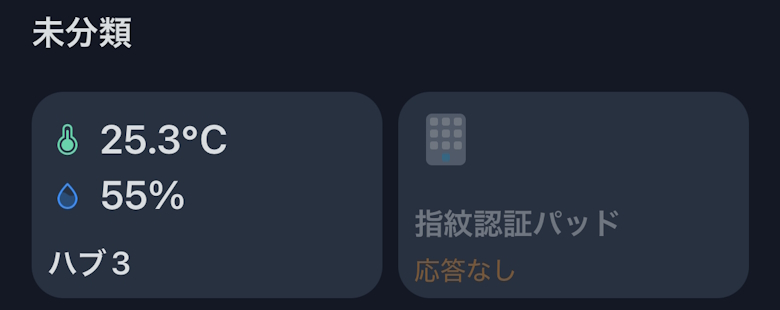
Setup is complete when the added “SwitchBot Hub 3” appears on the SwitchBot app home screen
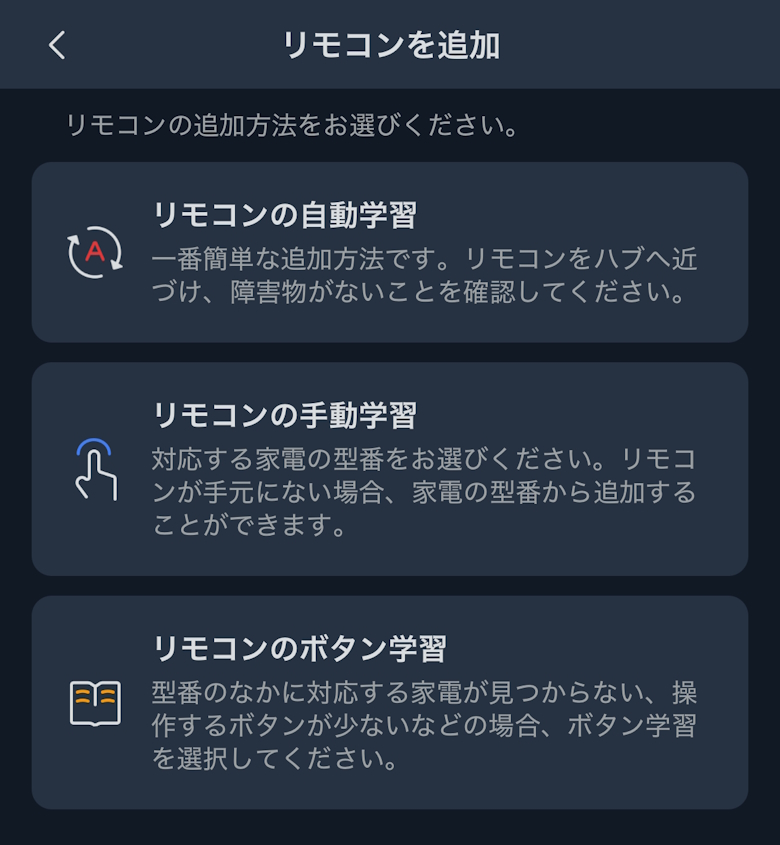
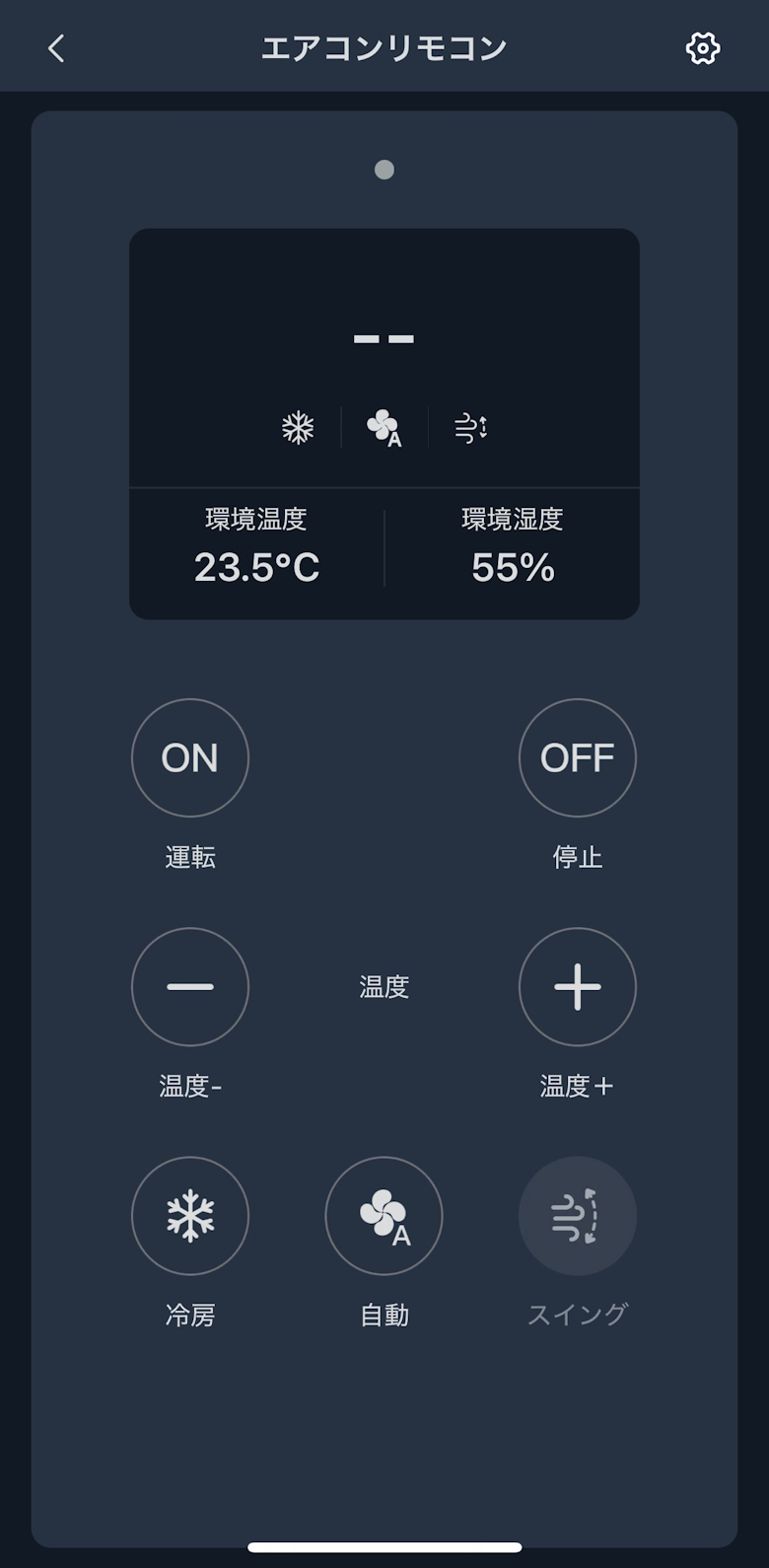
You can register infrared remote controls such as for air conditioners and TVs.
Tap to view the steps for registering an infrared remote control
STEP
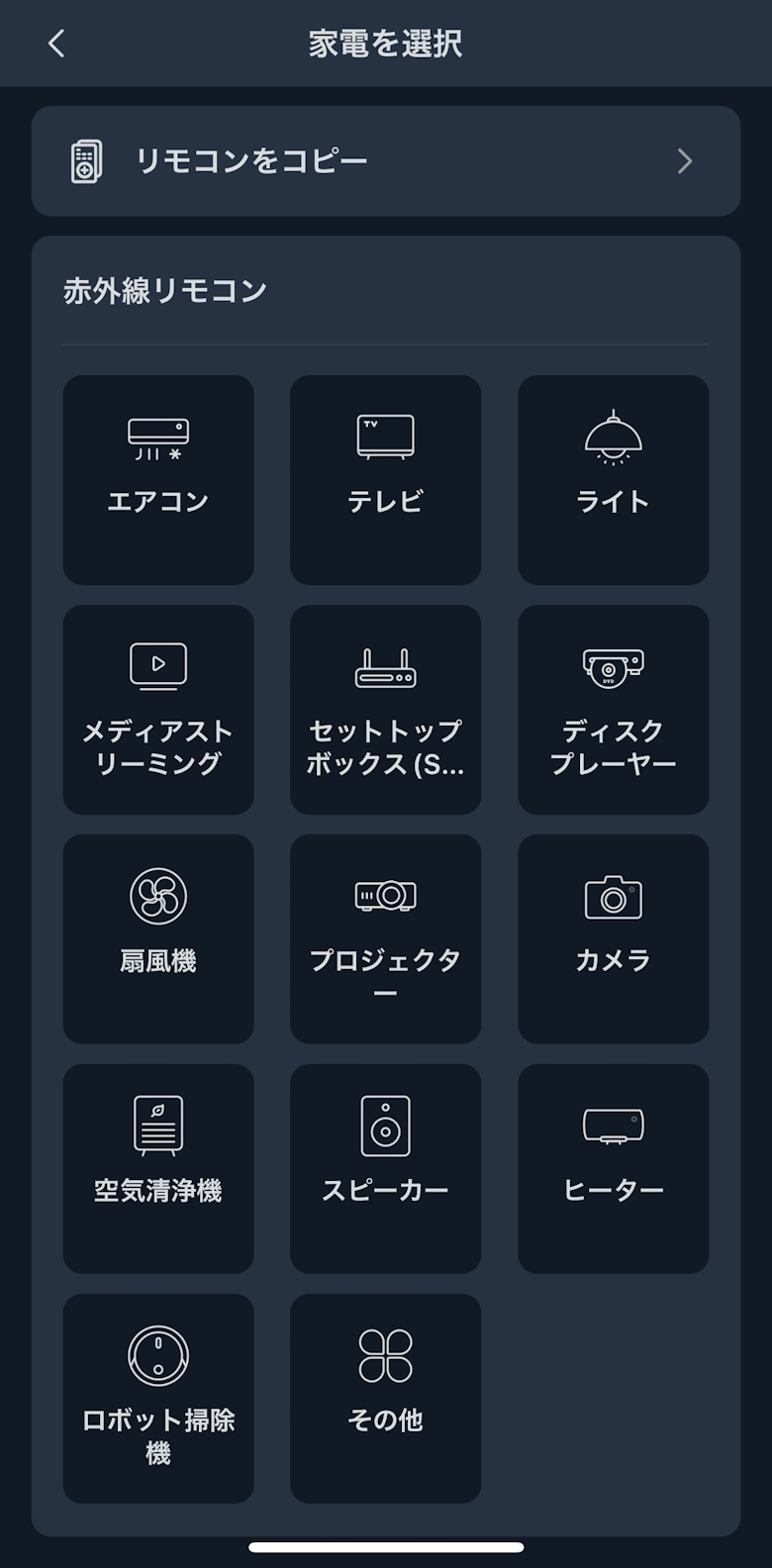
Select and tap the type of home appliance for the infrared remote you want to register
STEP
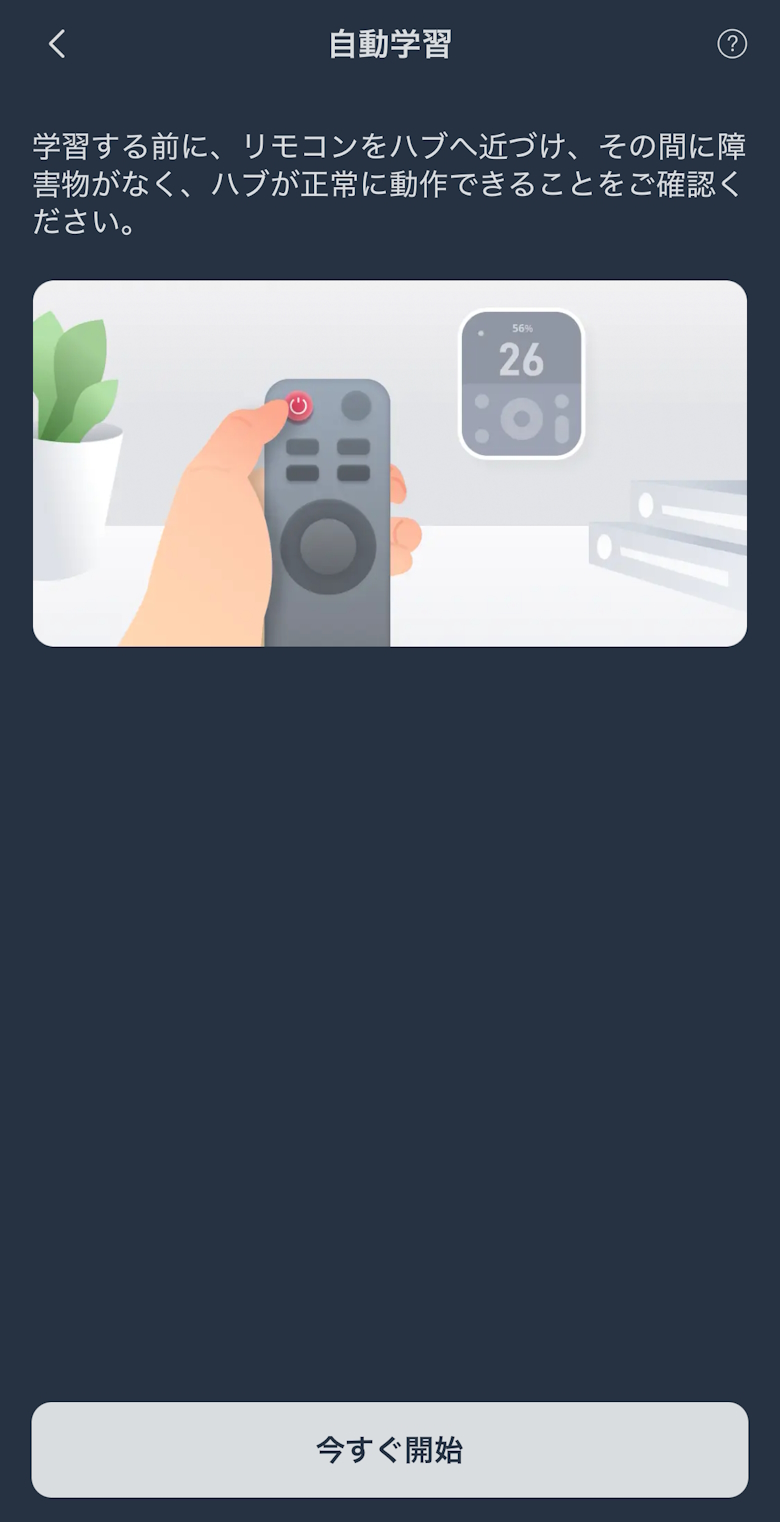
Tap “Automatic Remote Learning”
STEP
Tap “Start Now”
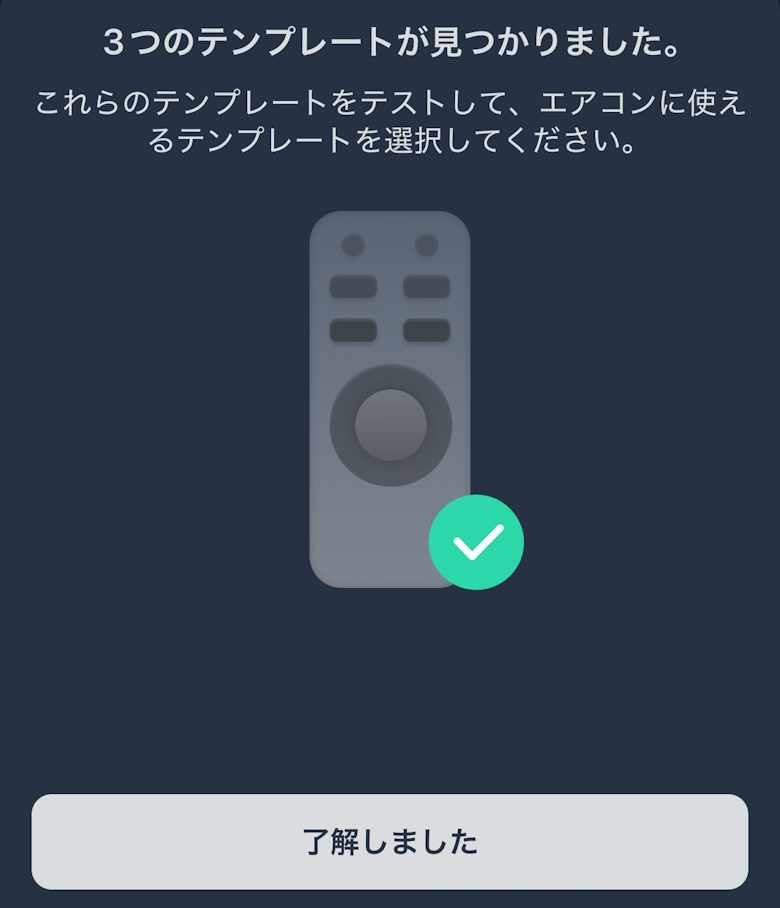
STEP
Tap “Got It”
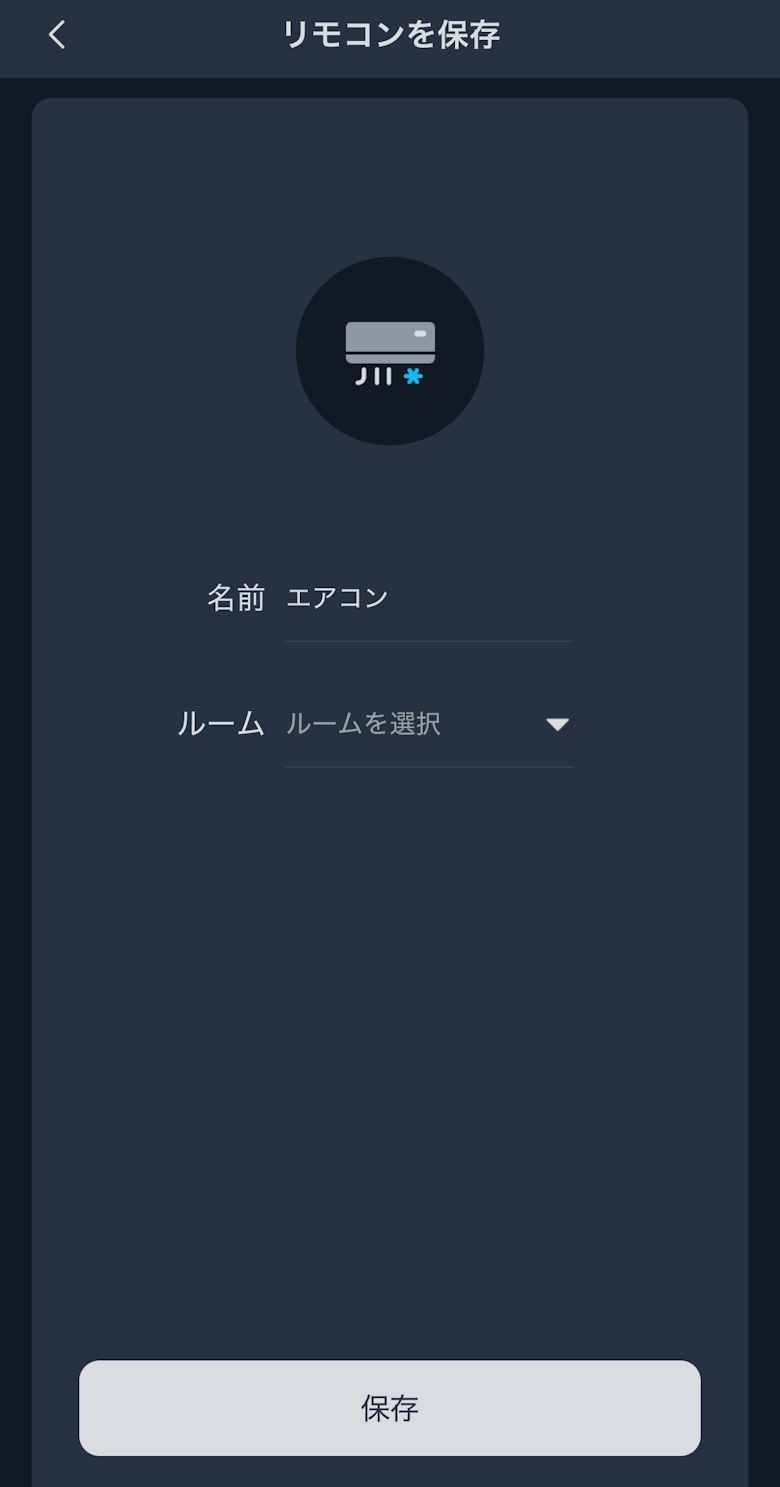
STEP
Tap “Save”
STEP
Setup is complete when the registered remote control appears
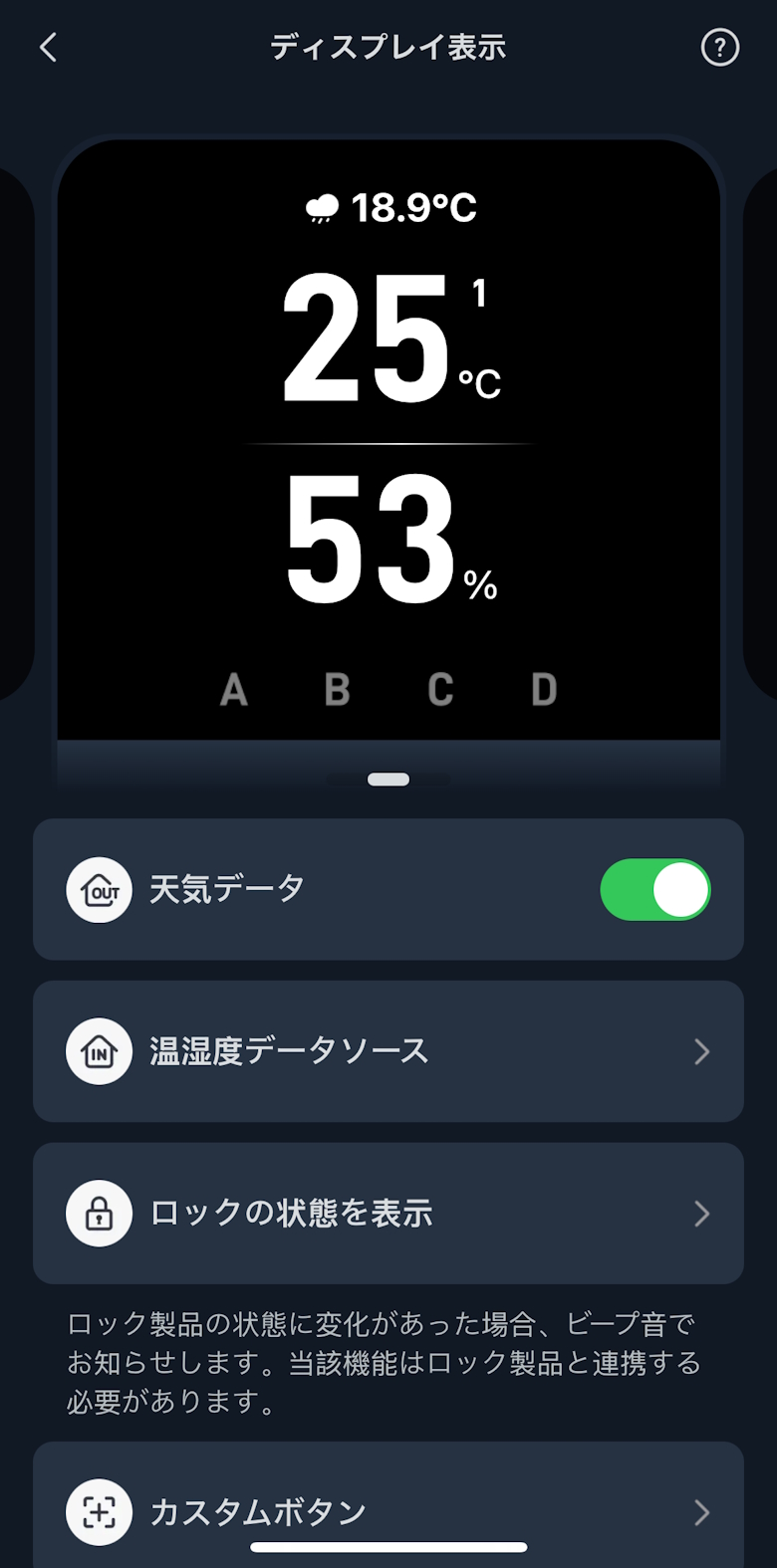
Display Settings allow you to customize what appears on the display.
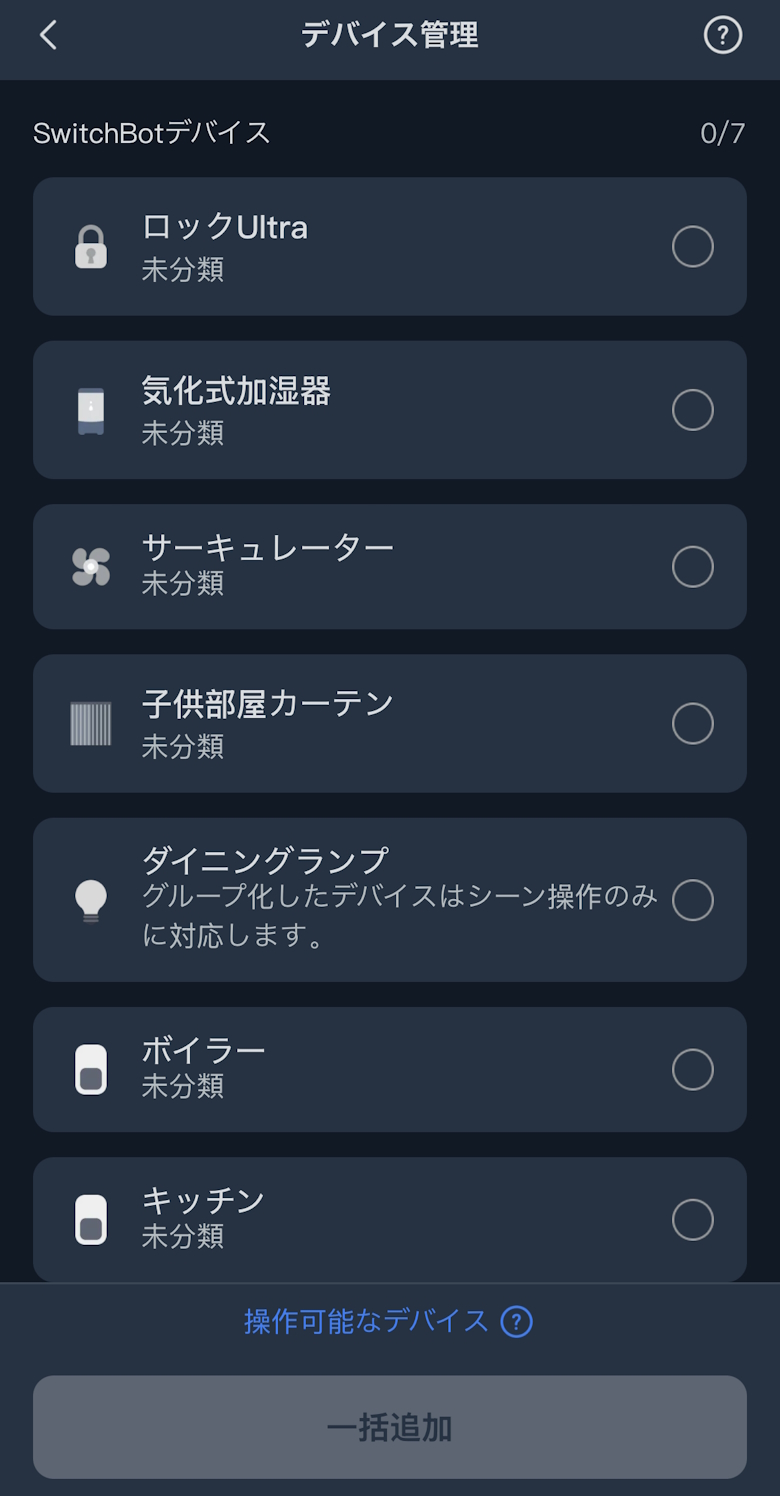
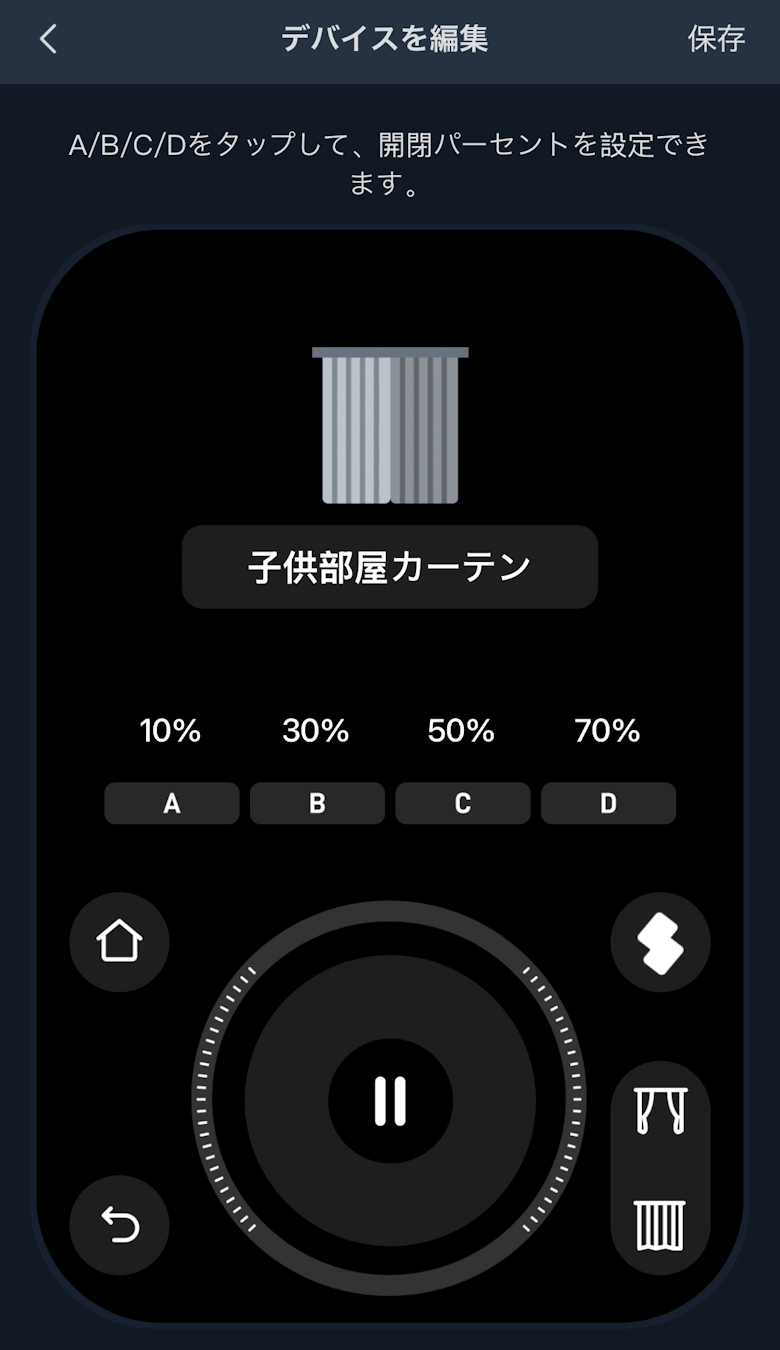
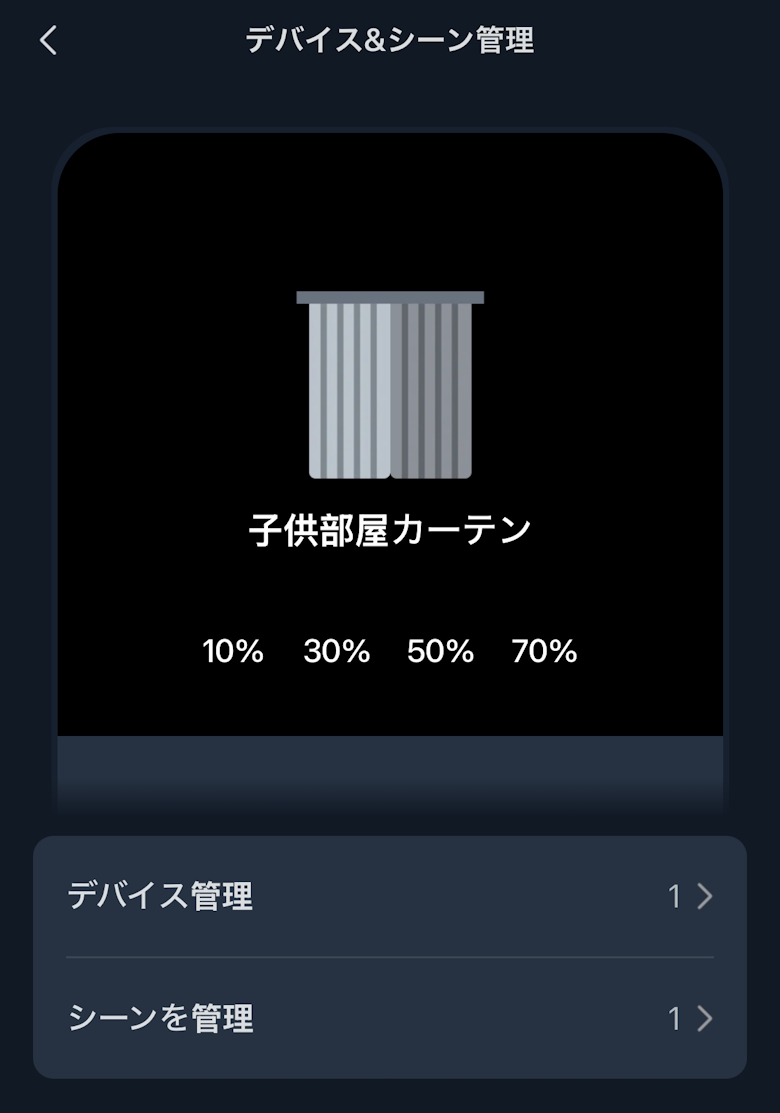
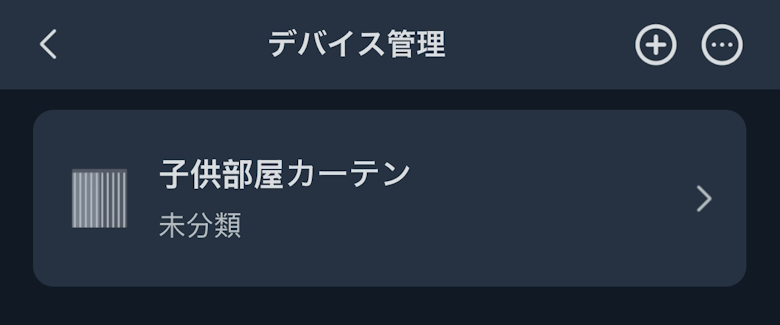
Device & Scene Management lets you manage other SwitchBot devices and scenes, and assign them to buttons.
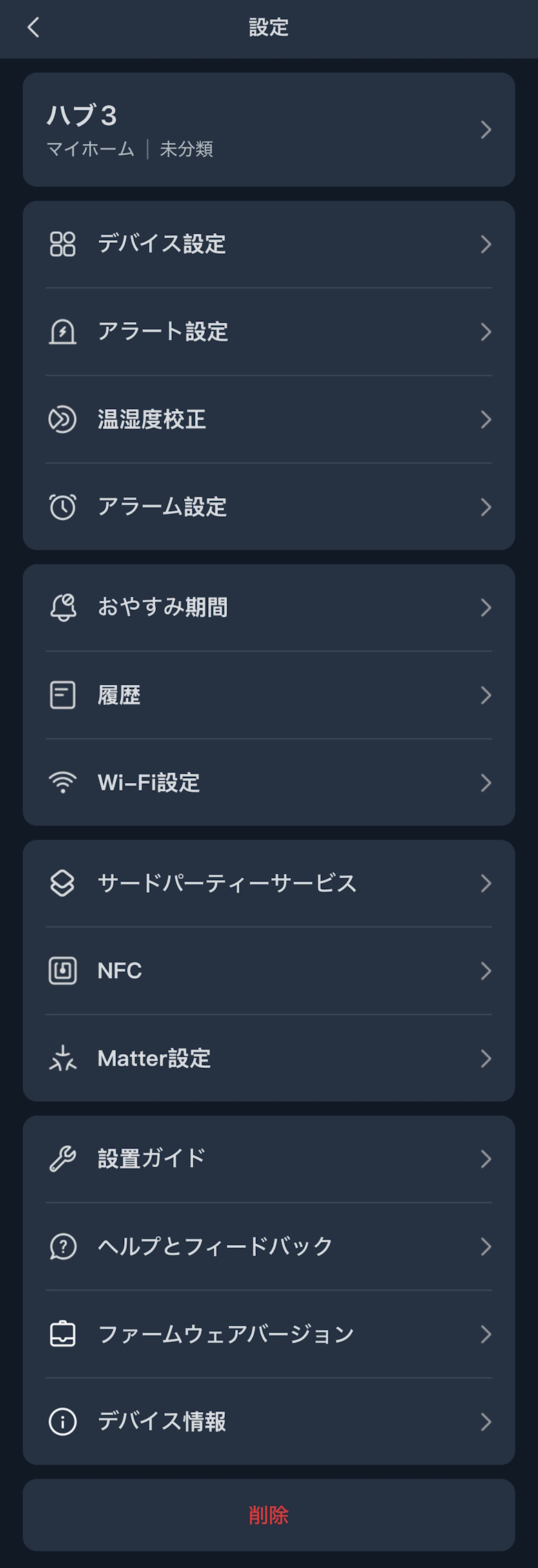
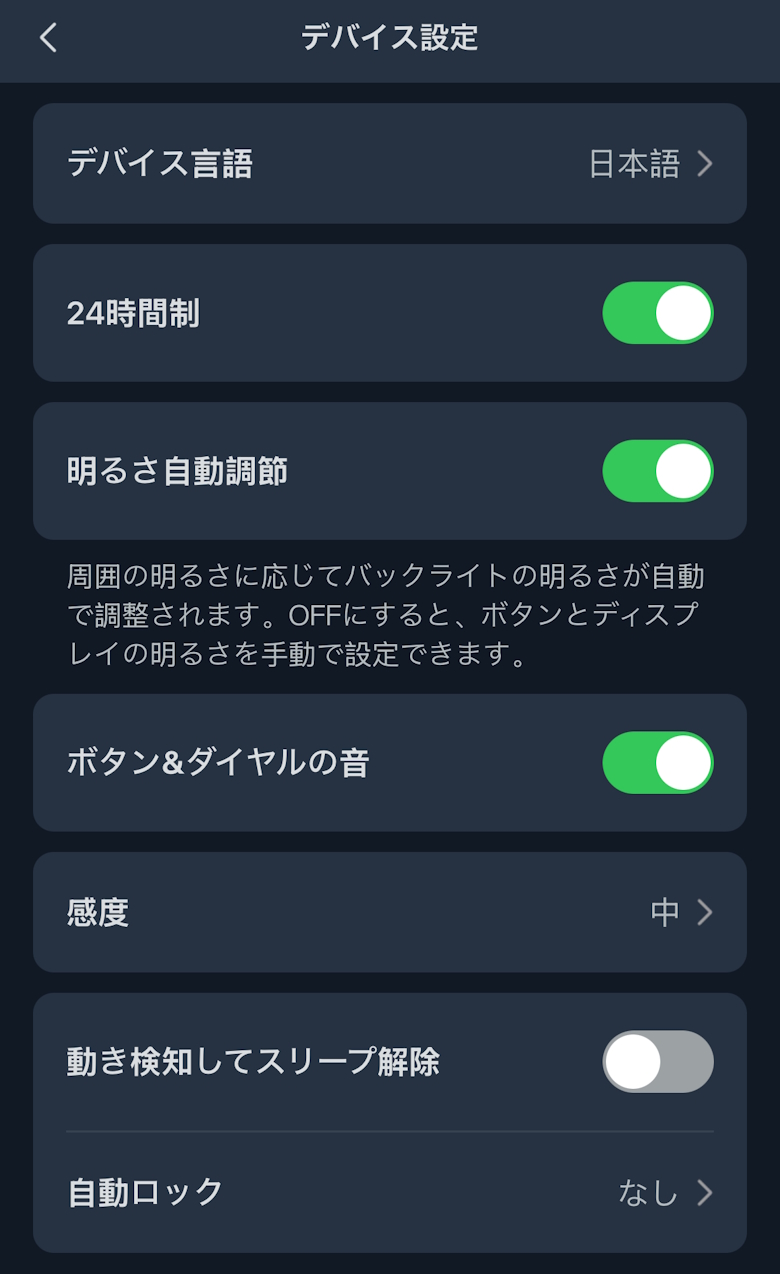
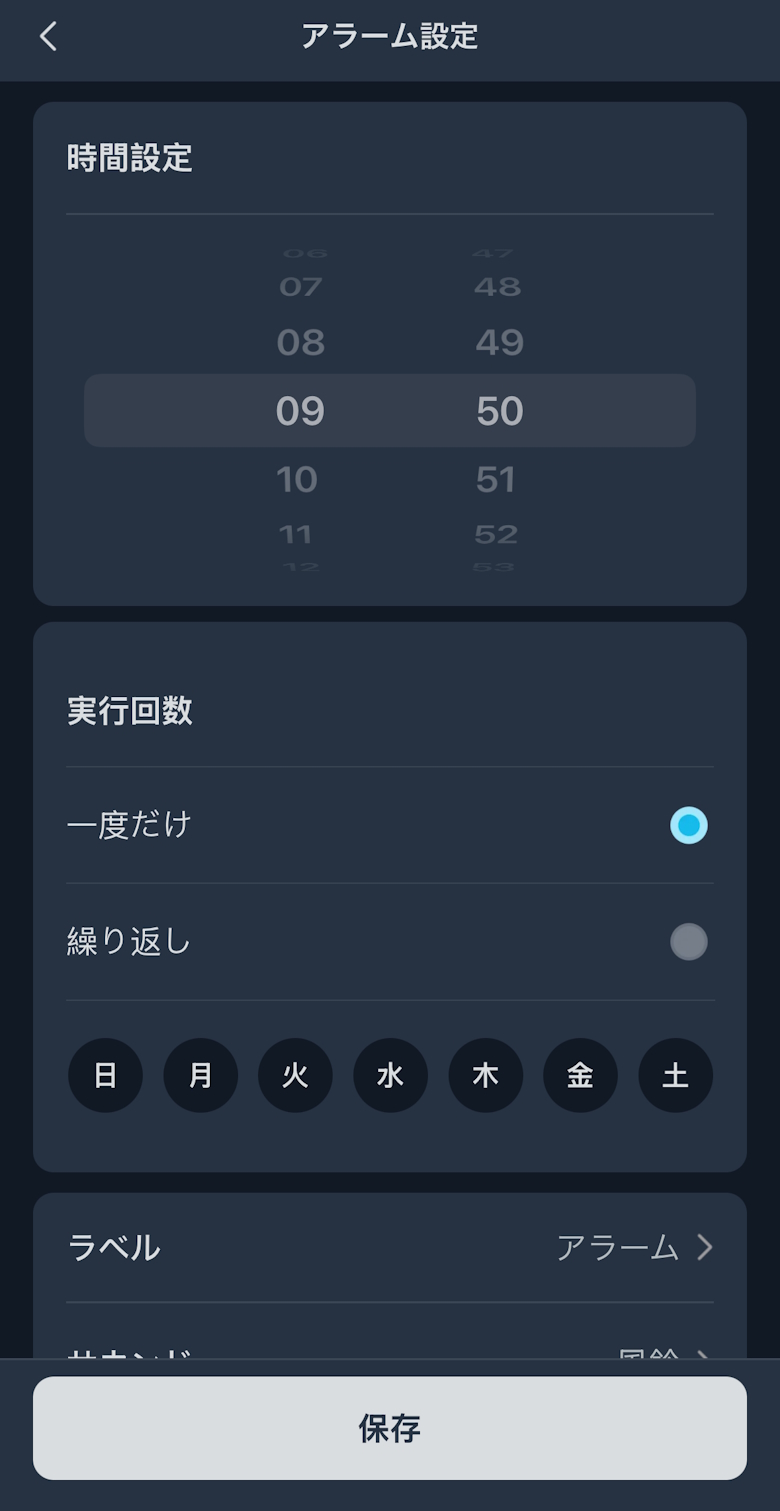
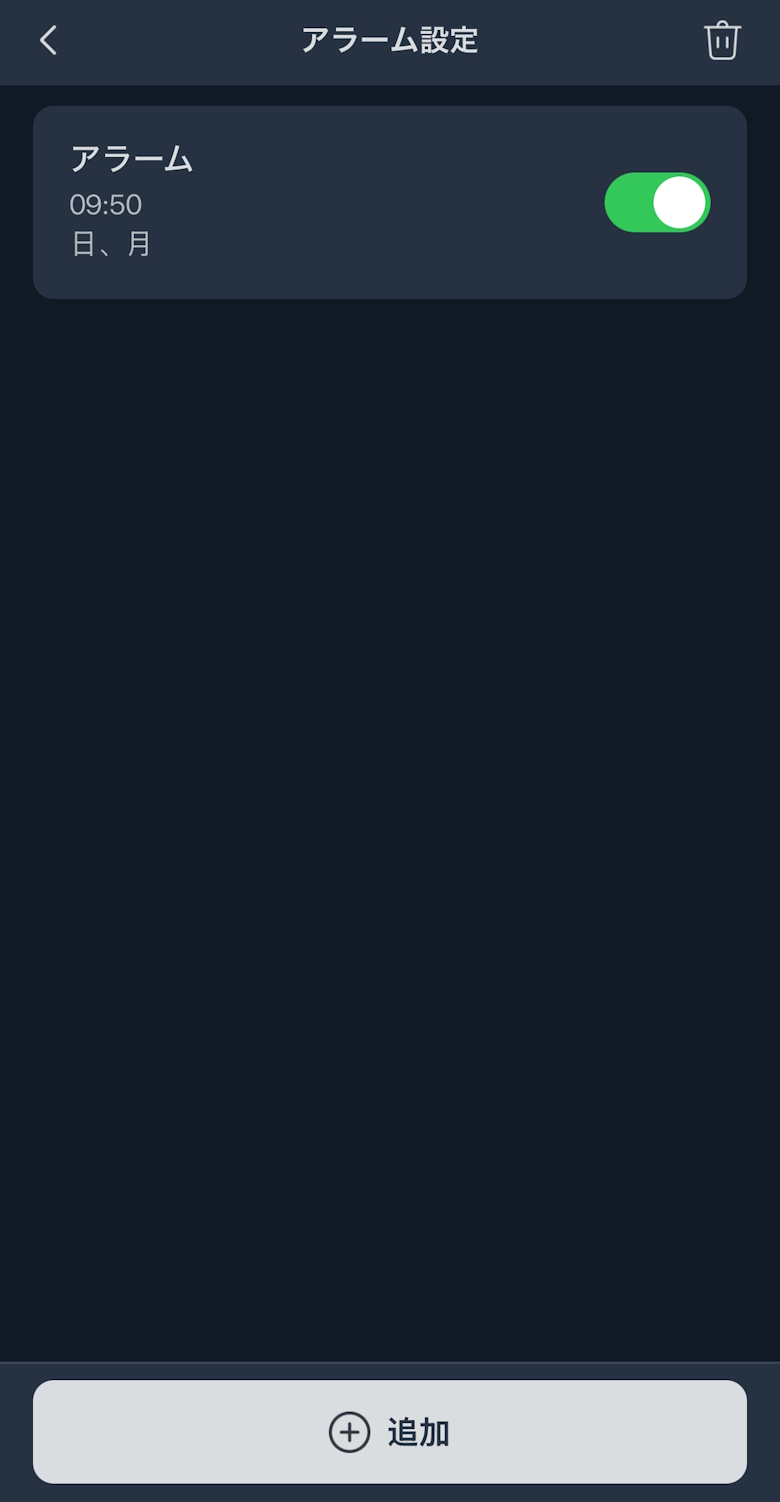
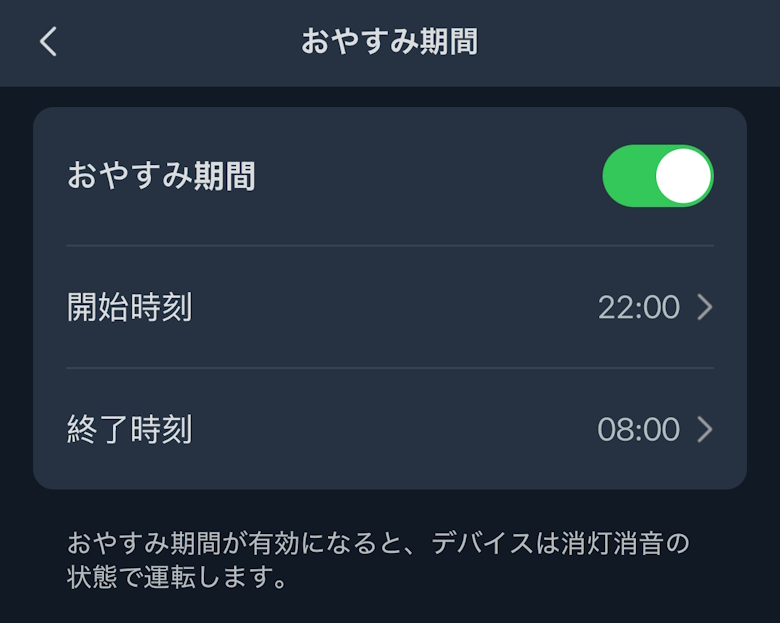
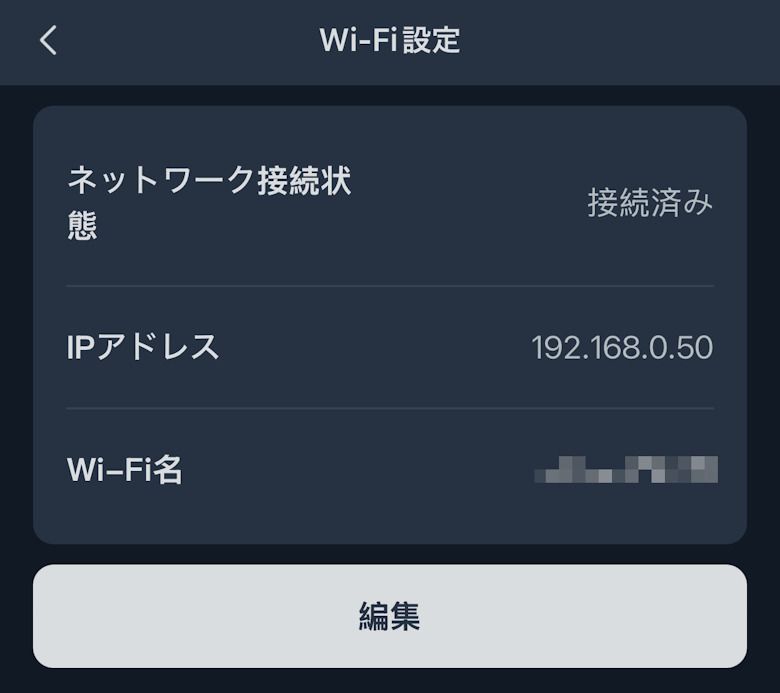
Settings allow you to check and change various options such as Wi-Fi and alarm settings.
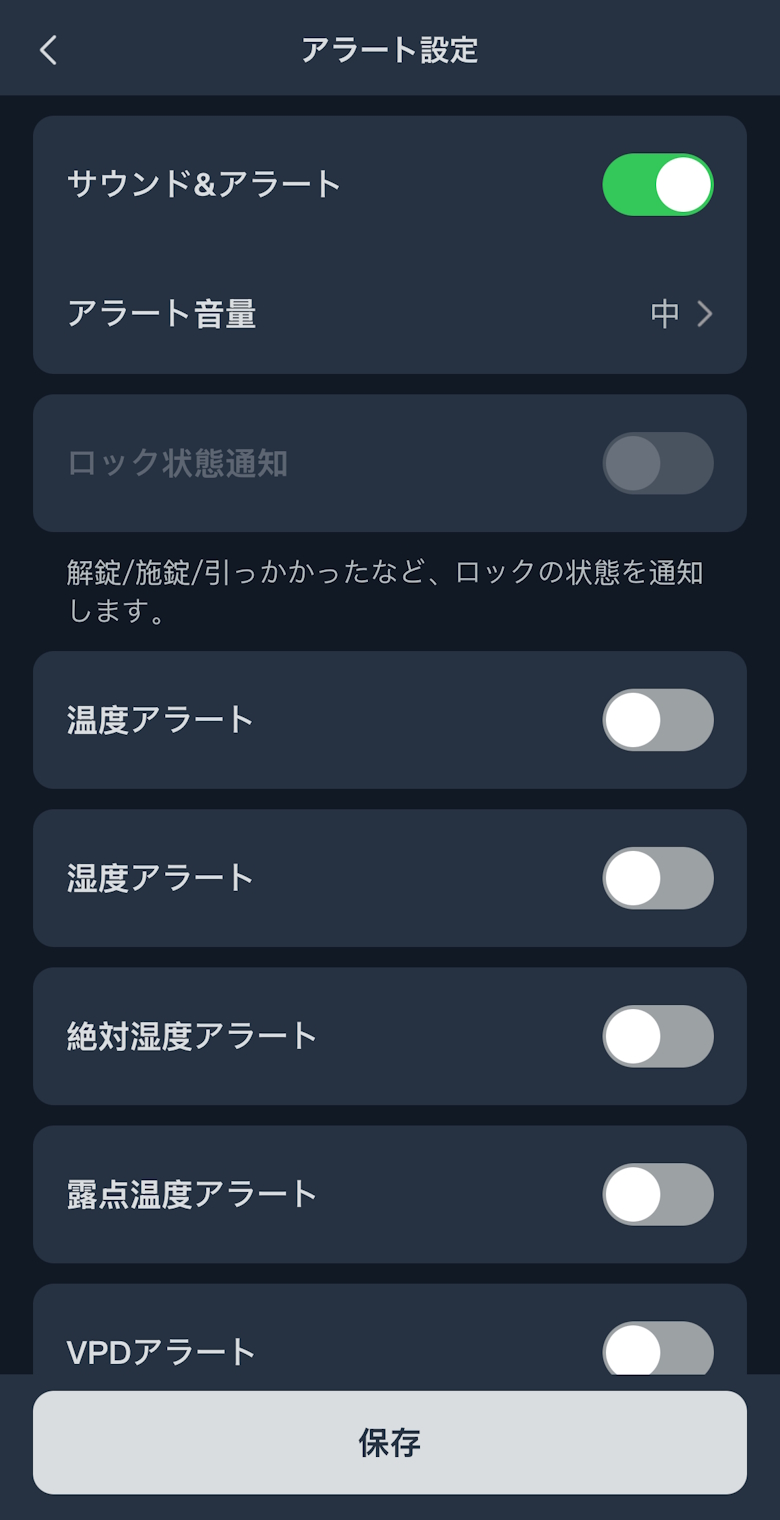
You can check and change the name, Wi-Fi settings, alert settings, and more.
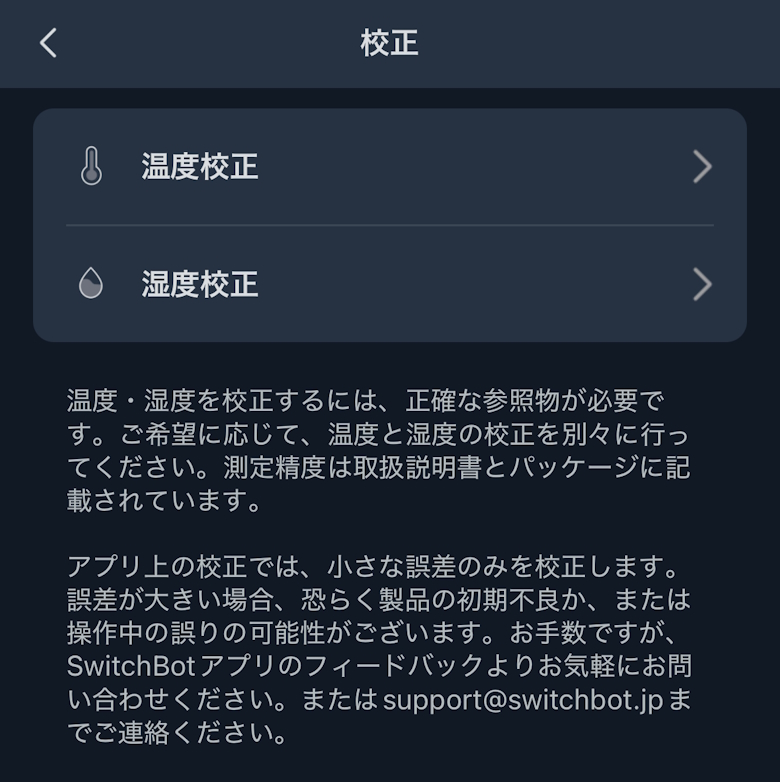
You can also perform temperature and humidity calibration by following the on-screen instructions.
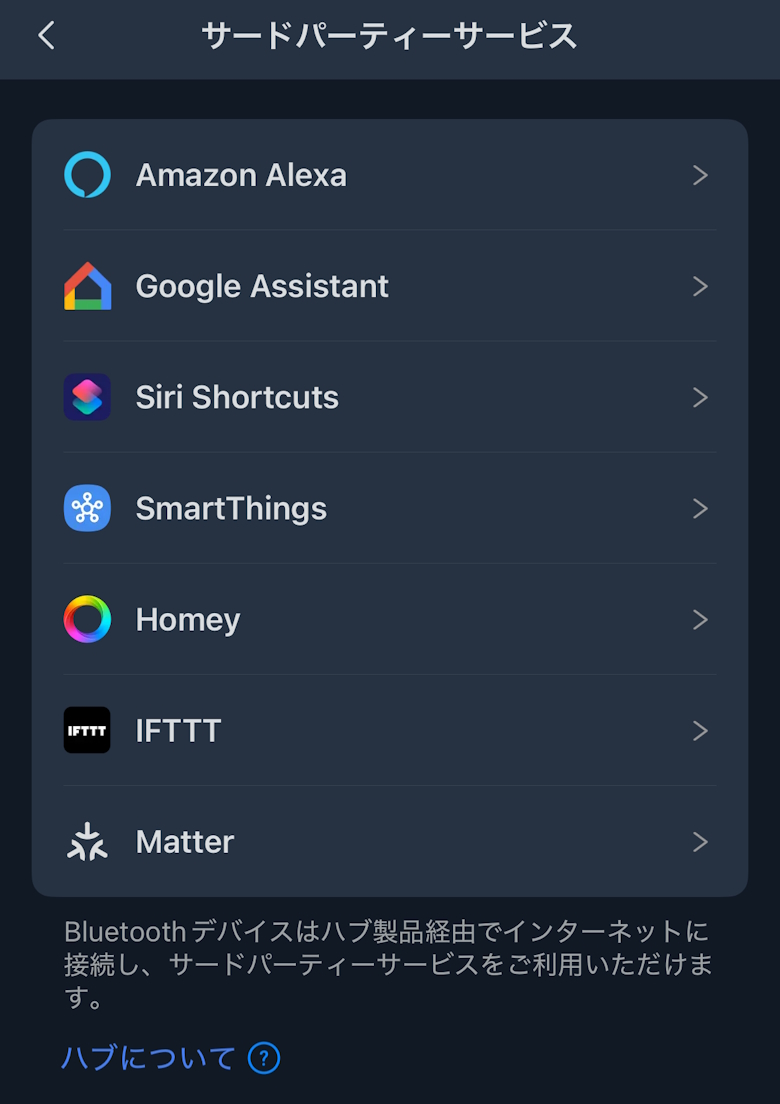
Third-Party Services allow you to connect with Google Assistant, Amazon Alexa, and more.
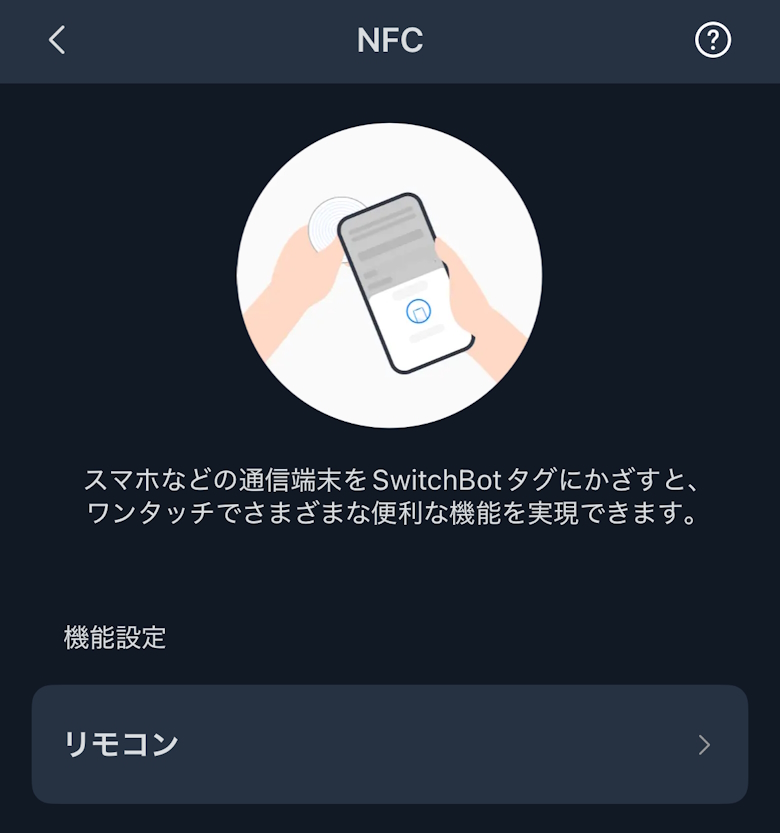
NFC allows you to set actions when using NFC tags.
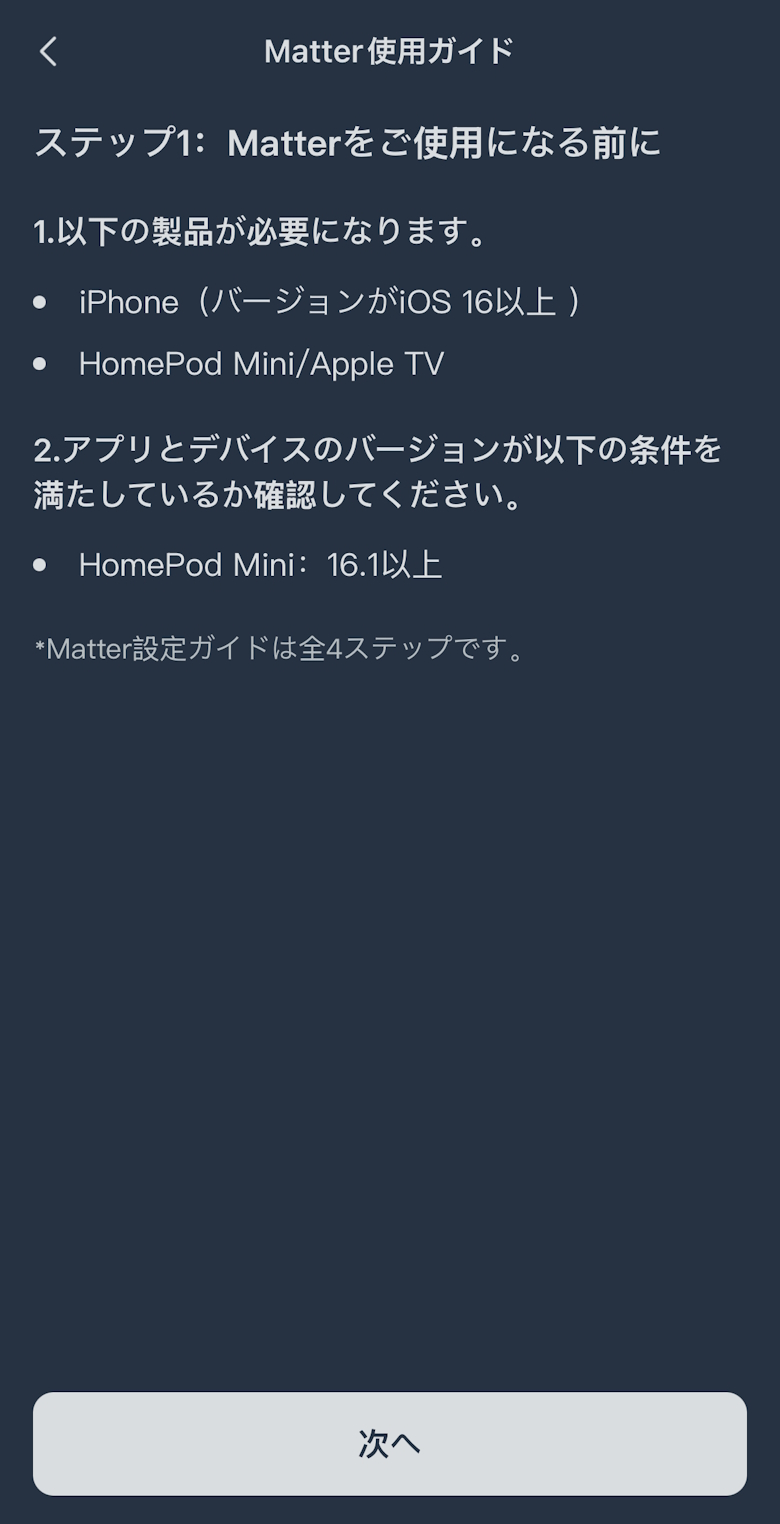
You can also use it in integration with Matter.
SwitchBot Hub 3 Review Summary
In this article, we covered “[SwitchBot Hub 3 Review] Equipped with a Dial & Sensors, the Ultimate Smart Remote Arrives.”
Packed with this many features, the price is in the upper ¥10,000 range.
Honestly, at first I wondered if it might be a bit expensive. But after using it, my impression changed to “this might actually be a bargain,” as it noticeably made daily life more comfortable.
Whether you’re taking your first step into smart home automation or have felt that previous smart remotes were lacking, this is a device I can confidently recommend!
Pros
Cons
Centralized control of infrared remotes
Matter support enables integration with third-party smart devices
Equipped with an intuitive dial & buttons
Built-in 4 sensors allow automated control
Local control support provides peace of mind during network outages
Some parts of the setup require getting used to
Not a large display, so on-screen information is minimal

 Itsuki