When using several monitoring cameras, you start to notice situations where “I can see the footage, but managing them is cumbersome” or “There are too many notifications, which actually makes me anxious.”
I myself was a bit tired of switching between apps every time I checked, as each camera had separate settings and recording destinations.
What I felt after introducing the “TP-Link Tapo H500” is the sense that monitoring changes from a “point” to a “surface.”
Instead of cameras and sensors existing separately, consolidating them into a single hub dramatically reduces the stress of checking and managing them.
In this article, I will review the “Tapo H500” focusing on the decisive differences from using individual cameras and how the overall monitoring environment has changed after using it.
Pros
Cons
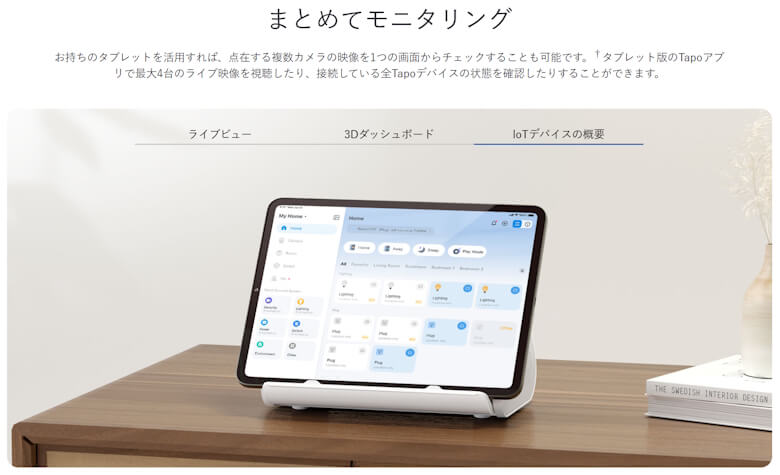
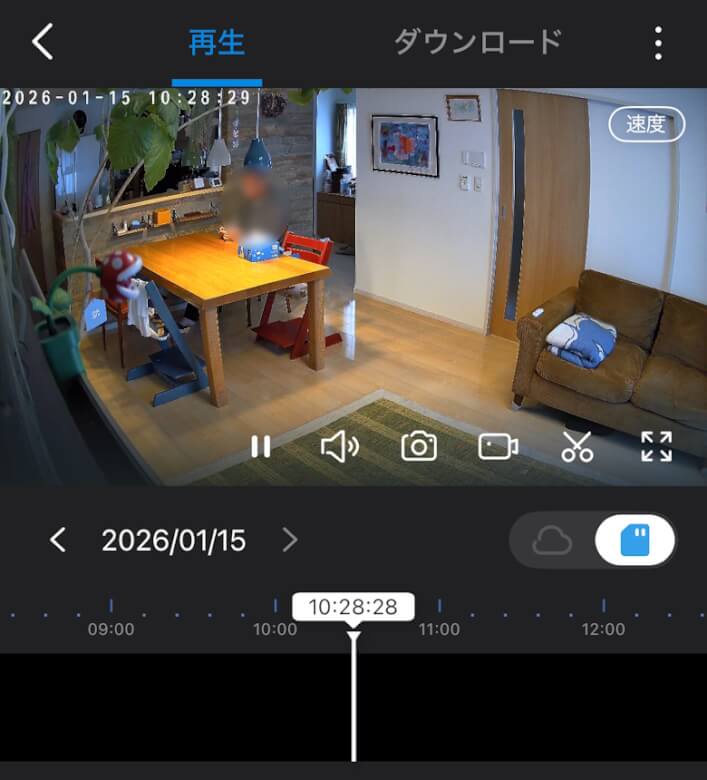
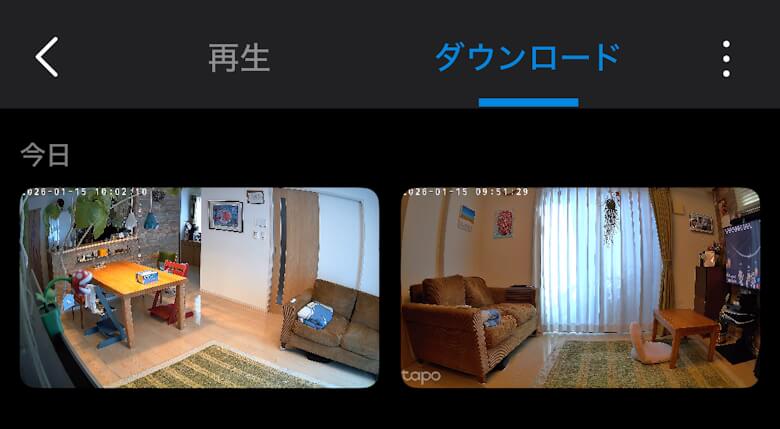
You can manage multiple cameras at once, making checking them very easy
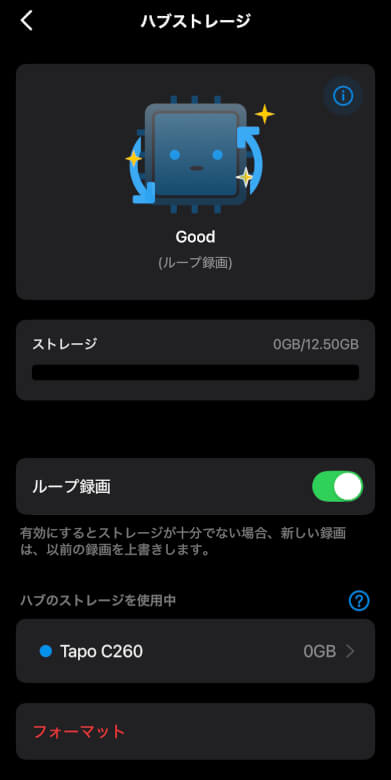
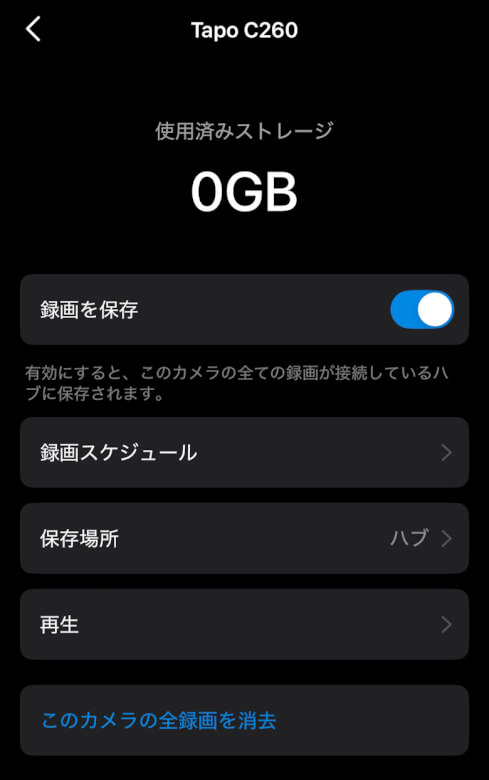
Peace of mind as recording and AI processing are handled locally
No cloud subscription required, keeping running costs low
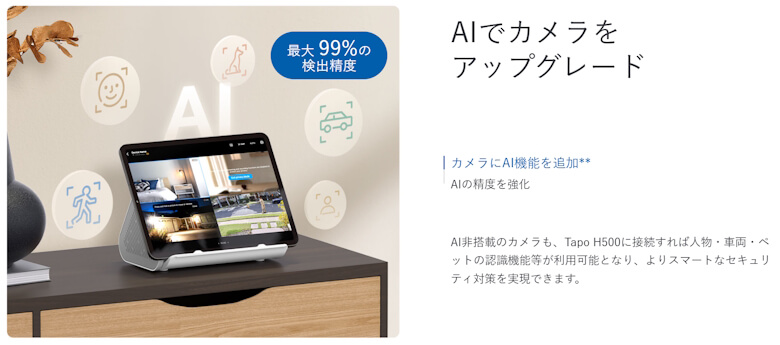
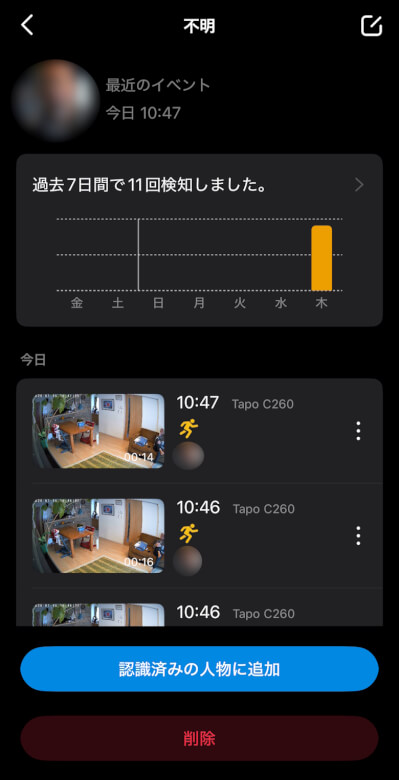
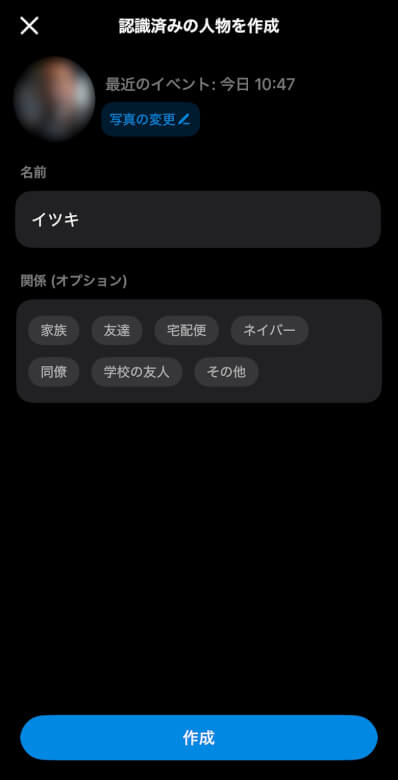
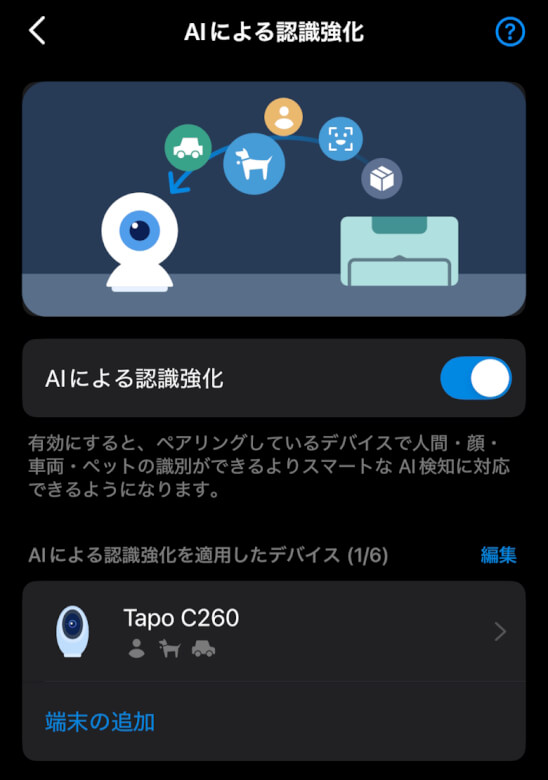
High-quality notifications through face recognition and AI detection
Long-term recording possible with storage expansion
Initial setup cost is higher compared to individual cameras
Compatible devices are mainly limited to the Tapo series
Benefits are minimal if you only have one camera
※This article was created with a product provided by the manufacturer.
Table of Contents
Included Items of TP-Link Tapo H500
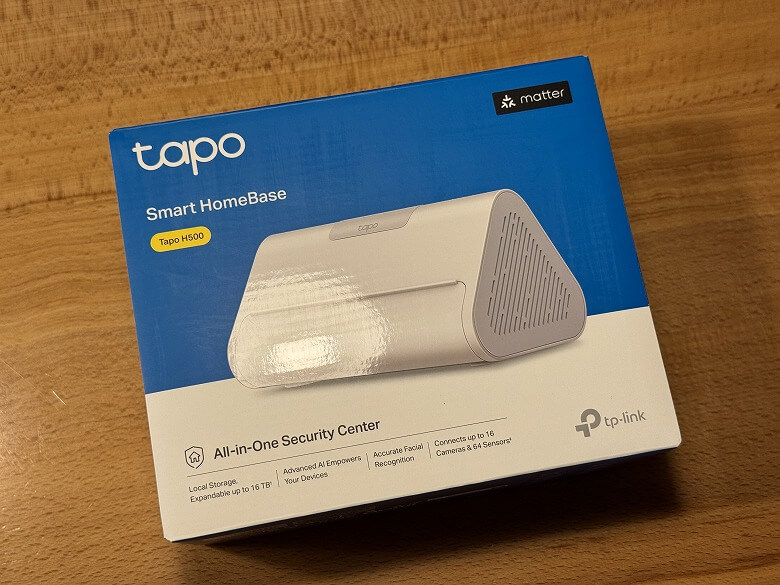
The packaging of the “TP-Link Tapo H500” features a simple design with a white base and blue accent color.
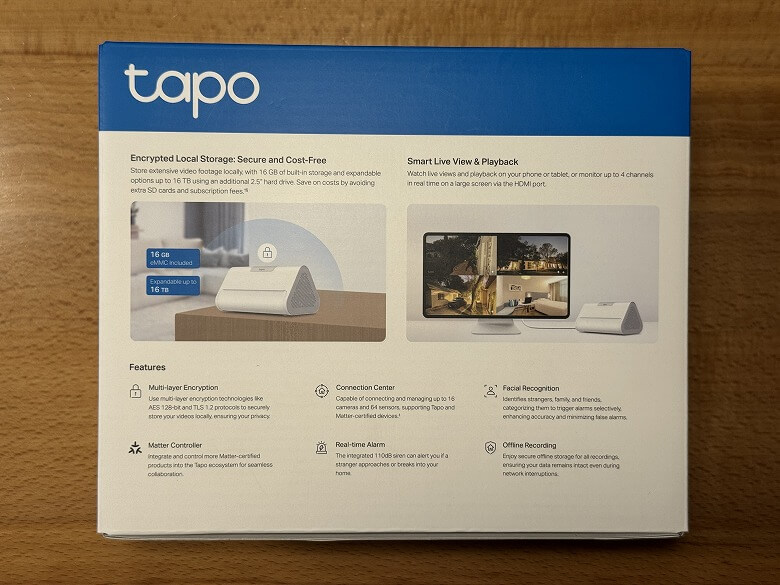
The back side lists the product features.
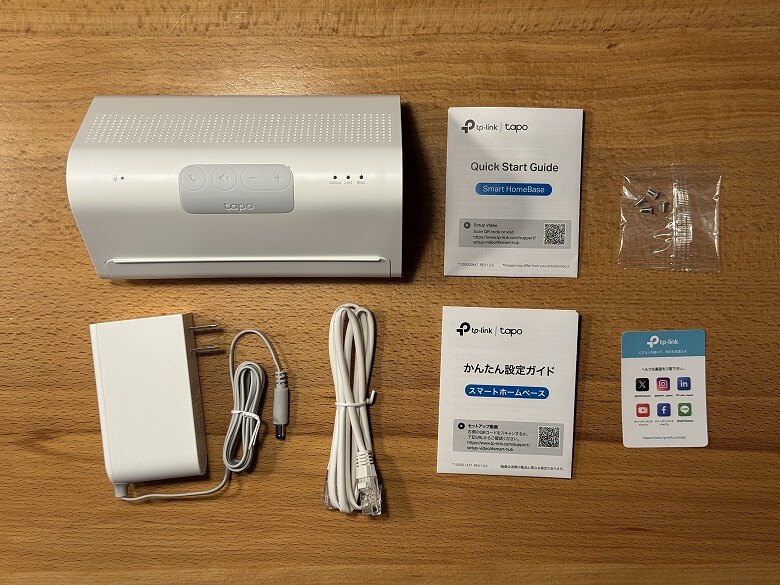
The included items are as follows.
Included Items of TP-Link Tapo H500
TP-Link Tapo H500
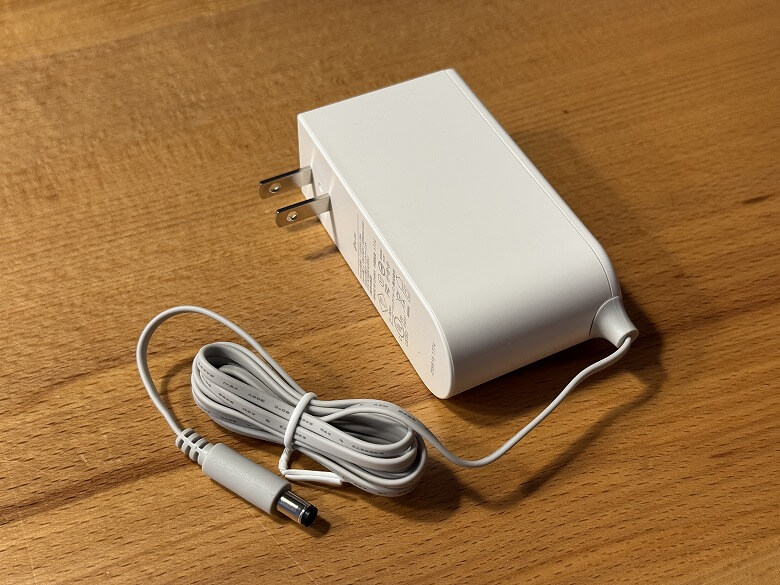
Power adapter
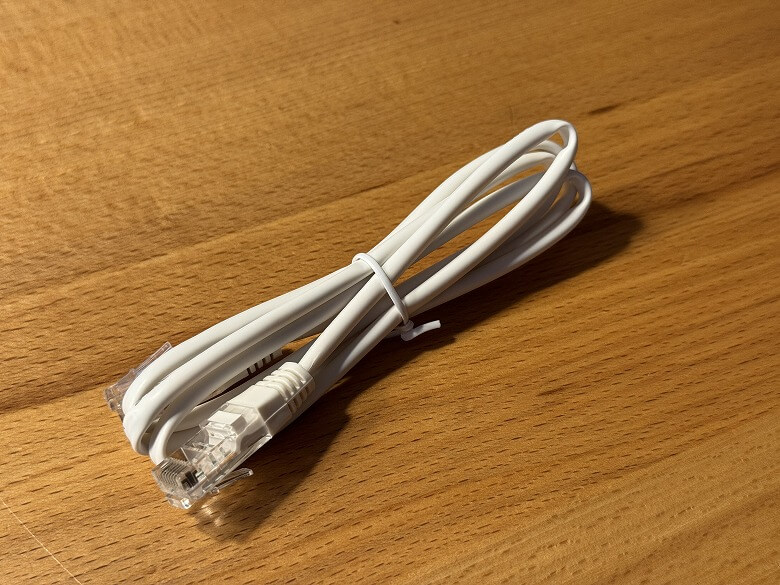
LAN cable
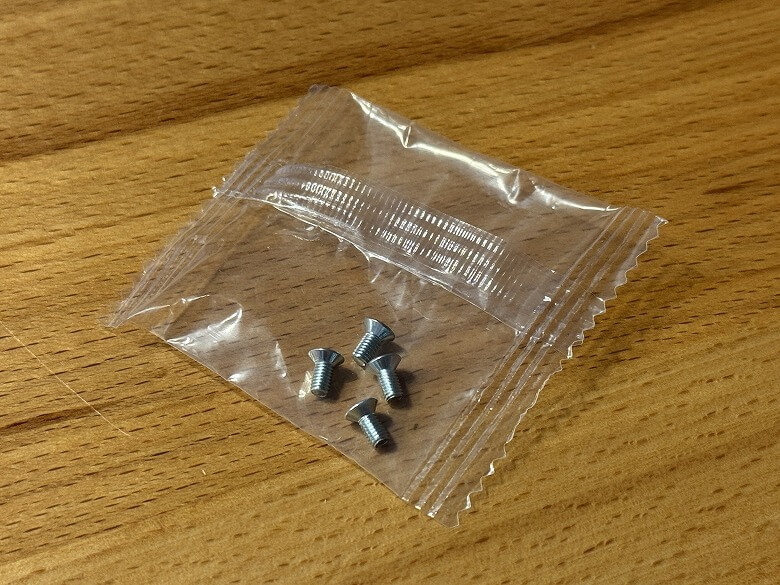
Screws × 4
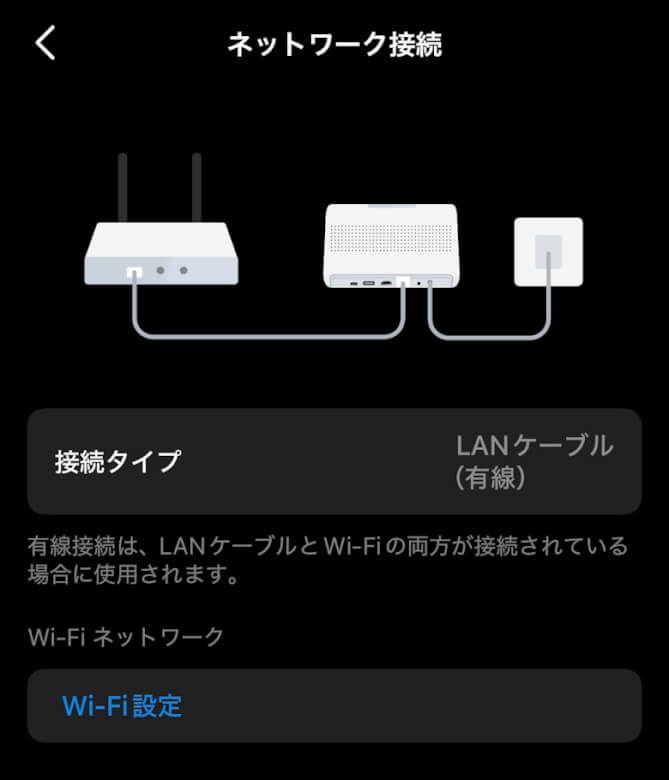
A LAN cable is included for connecting to the router.
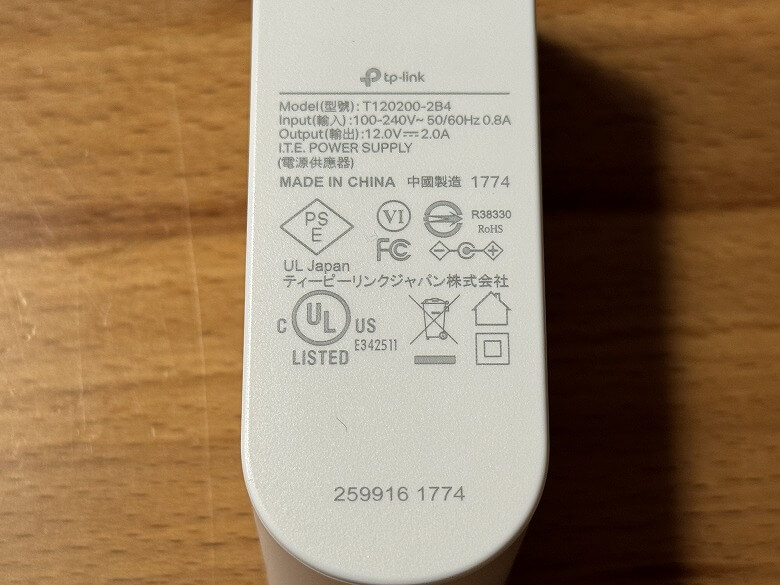
The specifications are listed on the side of the power adapter.
Four screws are included for securing the SSD/HDD.
Specifications of TP-Link Tapo H500
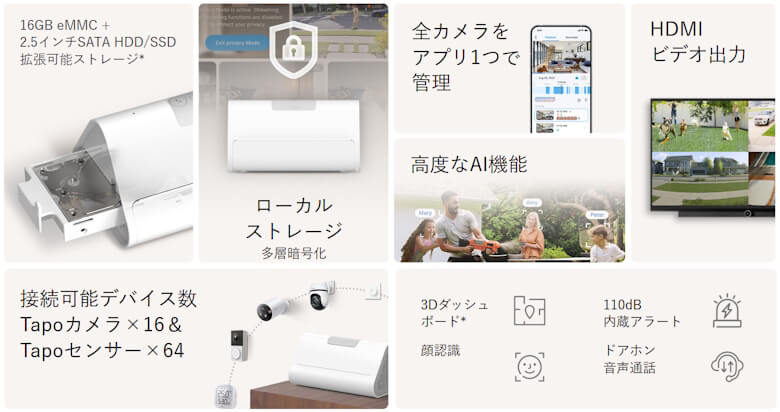
The “TP-Link Tapo H500” is a central hub that transforms monitoring cameras into a “management system.”
Main Features are as follows.
The main body specifications are as follows.
スクロールできます
Product Name
TP-Link Tapo H500
Dimensions
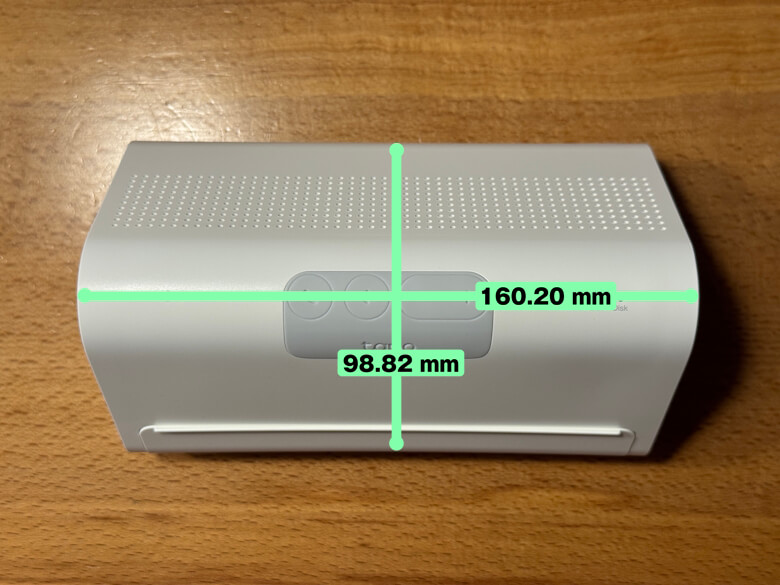
98.82 × 160.20 × 83.21 (mm)
Weight
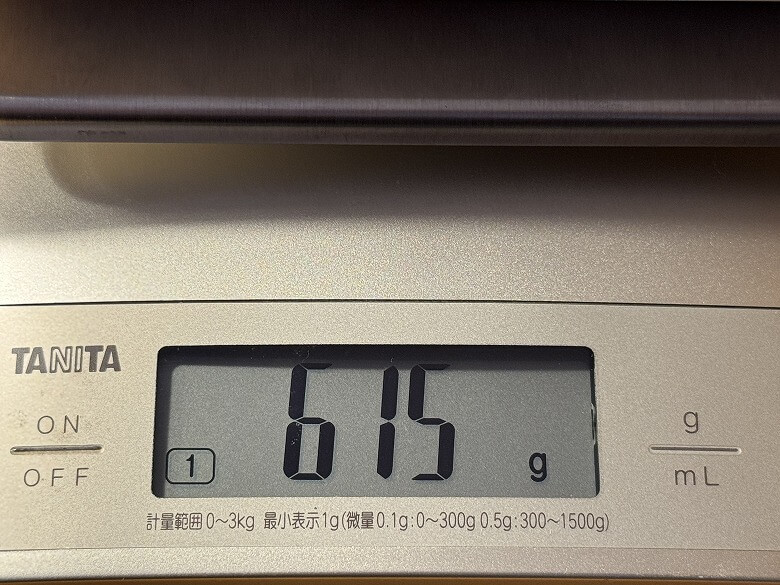
615 g
Local Storage
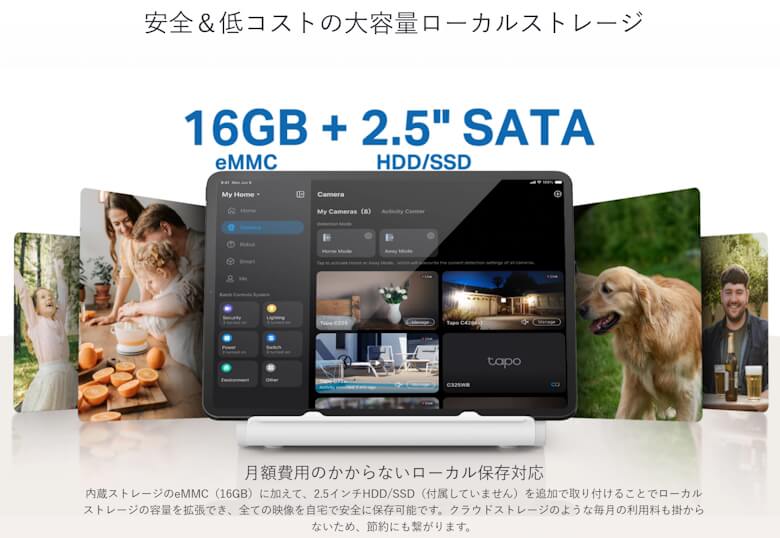
Built-in Storage: 16GB eMMC Expandable Storage: One slot for 2.5-inch SATA storage* *2.5-inch SATA storage is not included. The maximum storage recognized by the system is 16TB.
Frequency
5GHz Wi-Fi: (for router connection) 2.4GHz Wi-Fi: (for Tapo camera connection) Sub-1GHz: (for Tapo sensor connection)
Security
128-bit AES encryption via SSL/TLS
Interface
HDMI port ×1, DC power port ×1
Adapter Input
100–240V, 50/60Hz
Adapter Output
12V, 2A
Wired Port
10/100Mbps ×1 (for router connection)
USB Support
USB Port: USB Type-A ×1 (for data transfer), USB Type-C ×1 (for camera power)
Buttons
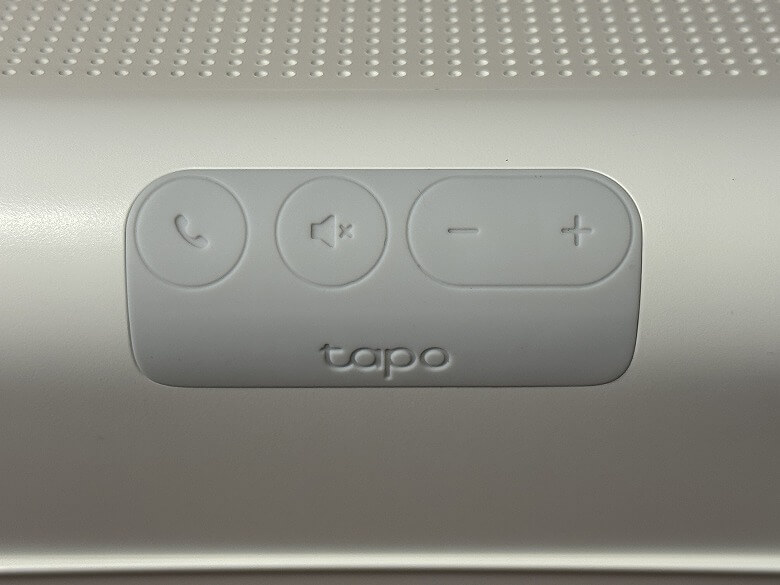
Reset ×1 Response/SYNC ×1 End/Mute ×1 Volume Up ×1 Volume Down ×1
Appearance
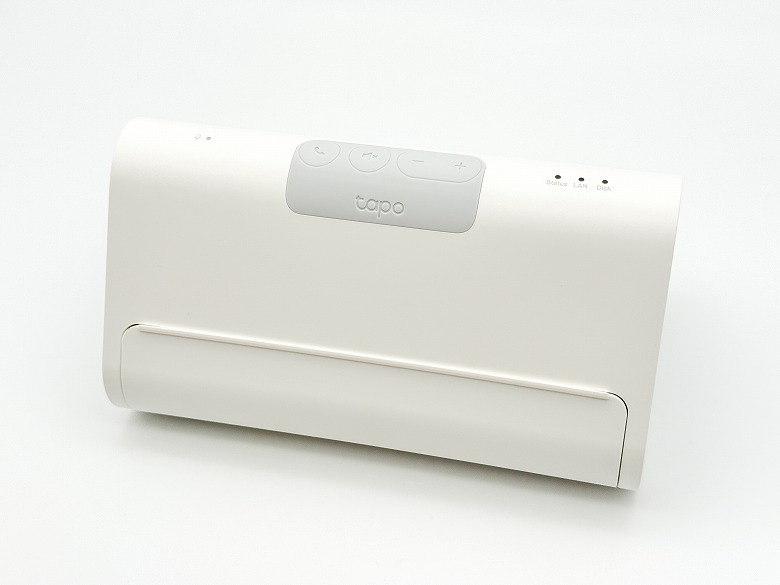
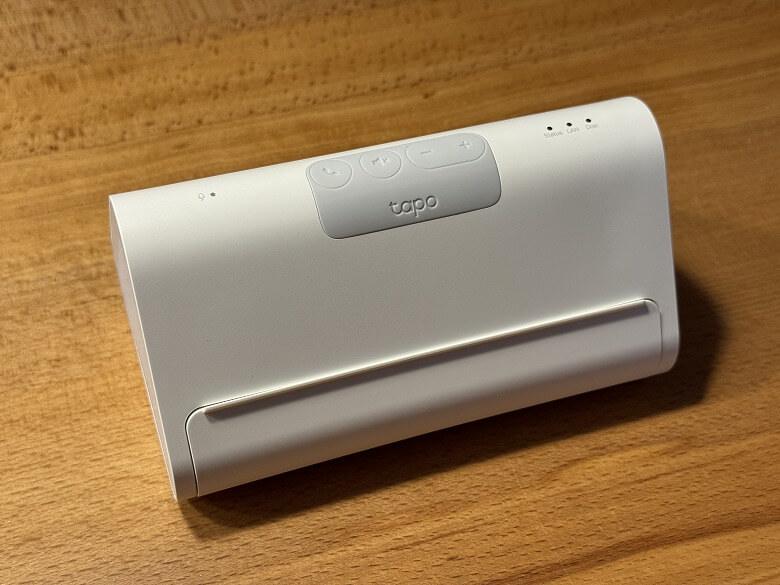
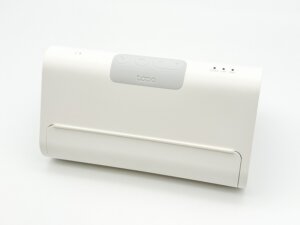
The “TP-Link Tapo H500” has a simple design with a white base.
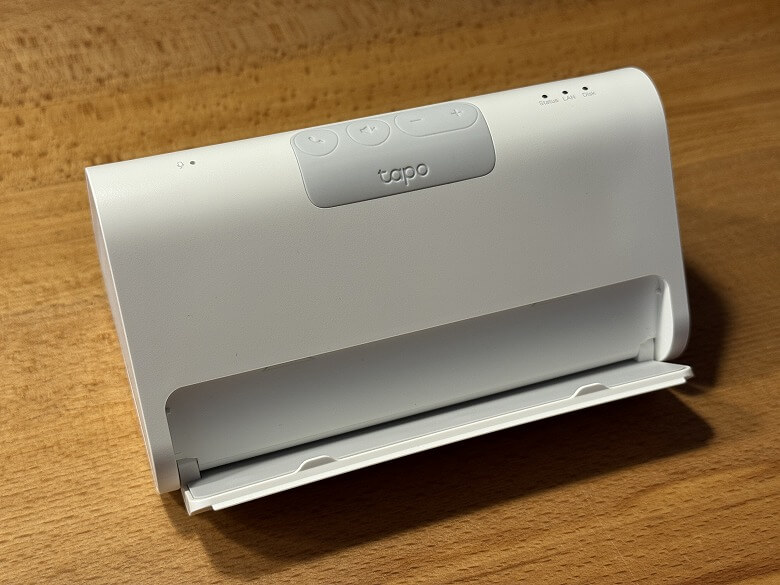
You can open the tablet stand to place a tablet upright.
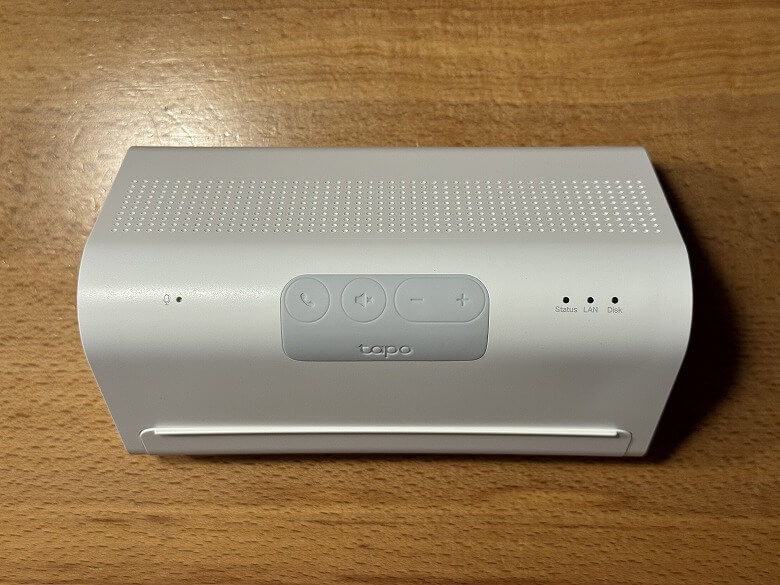
Here is how it looks from above.
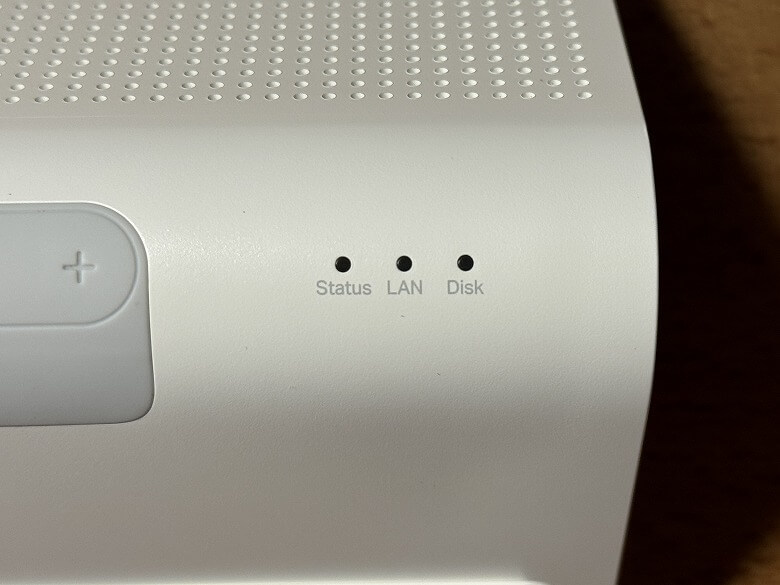
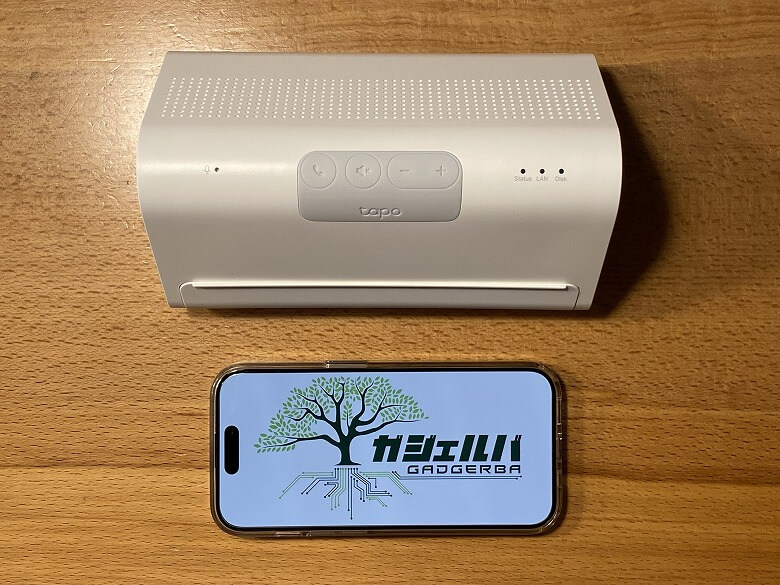
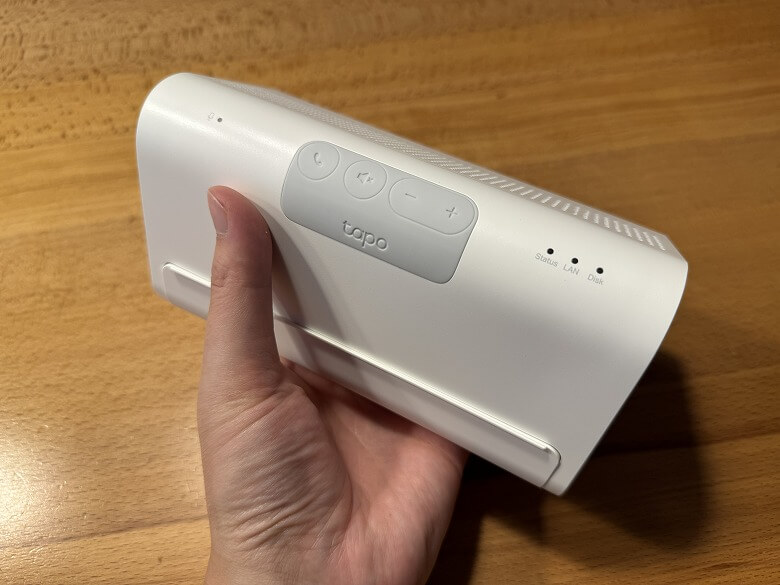
There are various buttons in the center and an indicator on the right side.
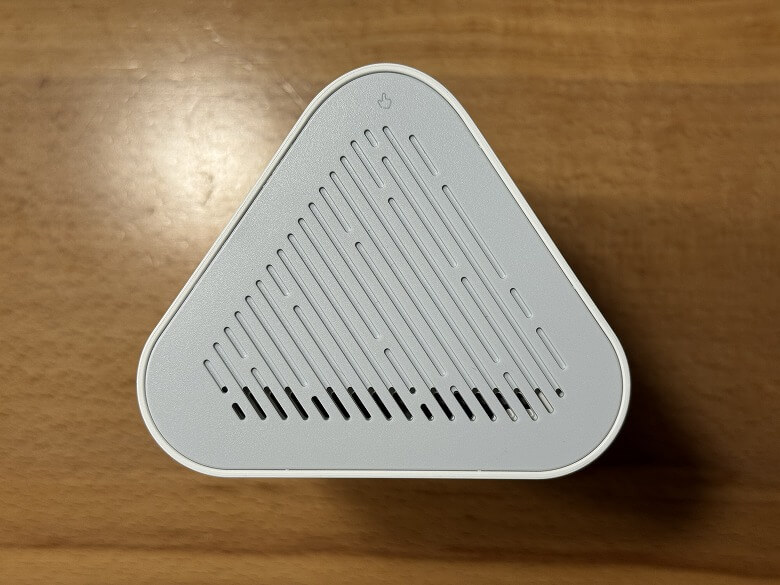
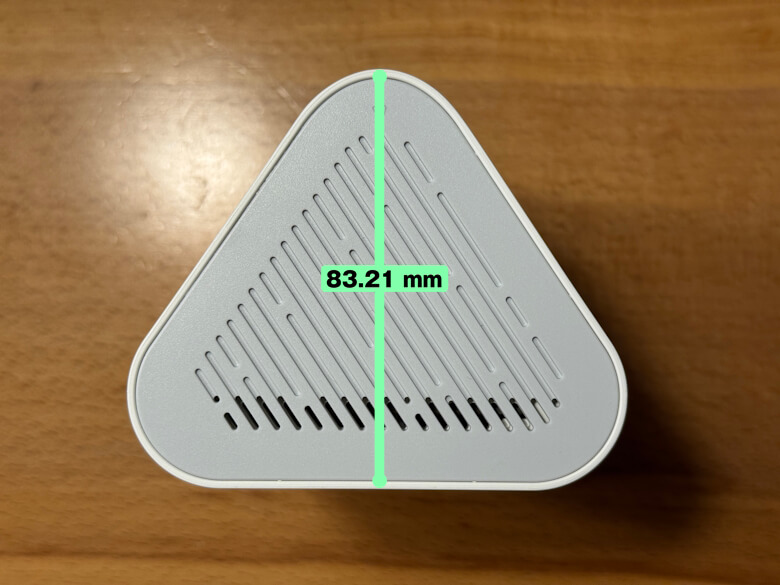
Viewed from the side, it has a triangular shape.
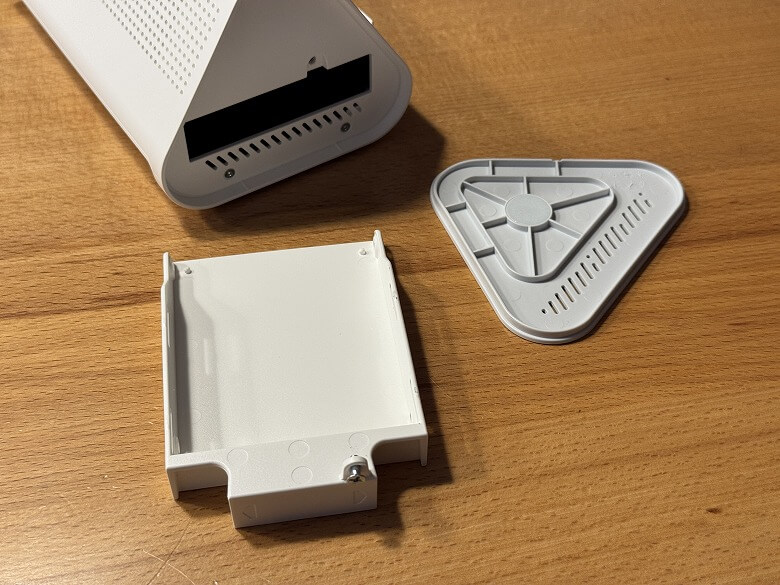
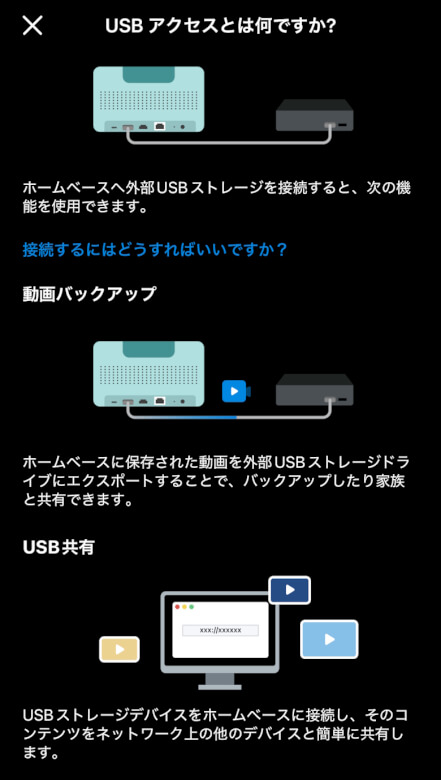
By removing the side cover, you can install a 2.5-inch SSD/HDD.
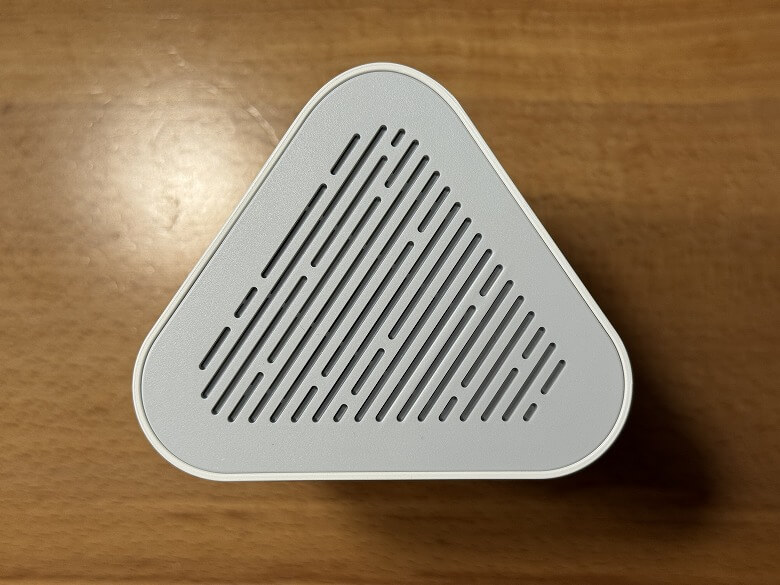
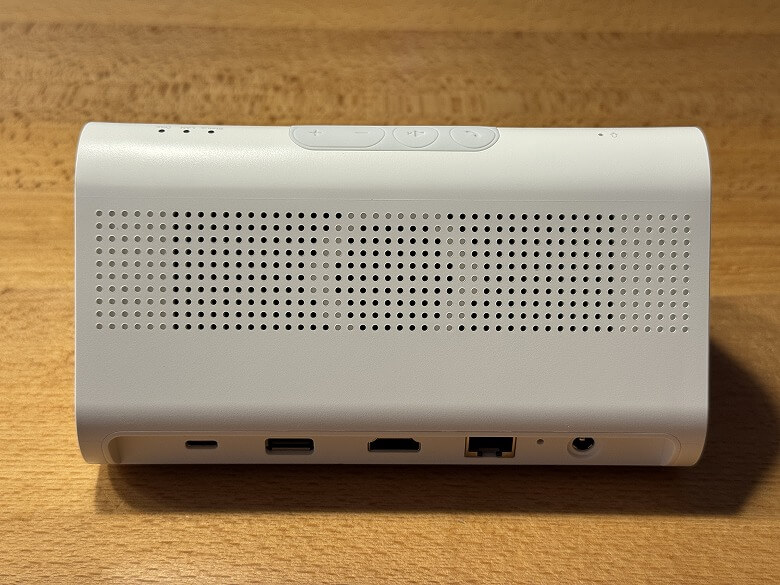
There is a speaker on the back.
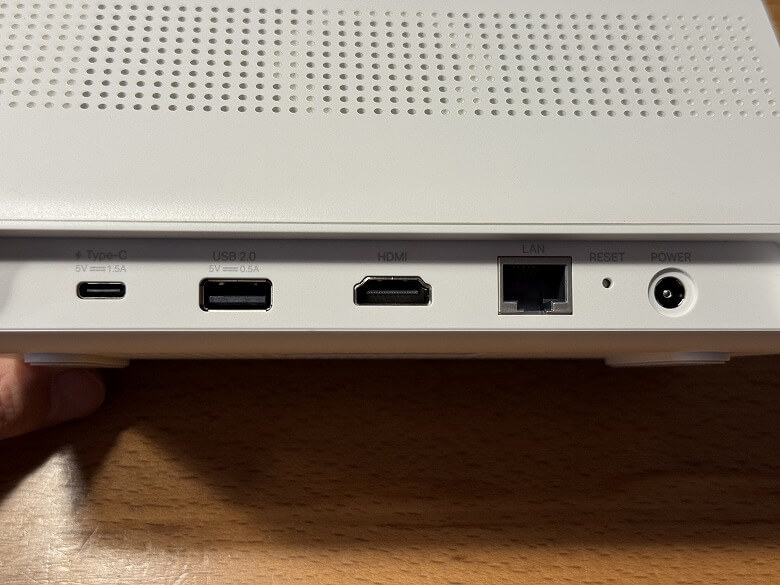
The bottom houses various ports.
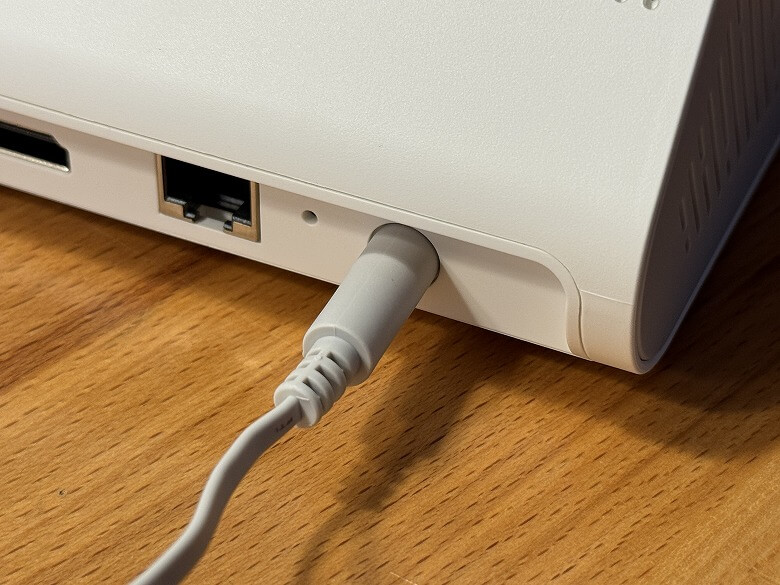
It is used by connecting the power adapter to an outlet.
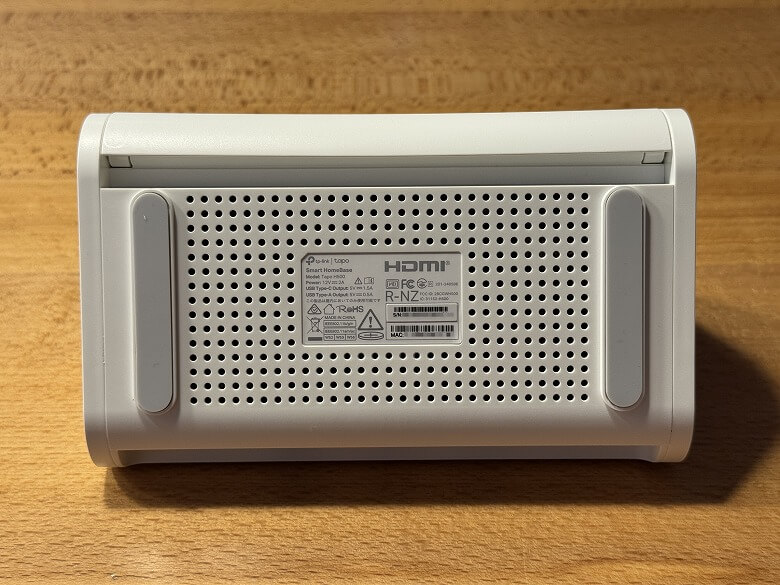
The bottom displays product specifications and various markings.
Size & Weight
The “TP-Link Tapo H500” measures 98.82 × 160.20 mm.
Height is 83.21 mm.
Here is the size comparison with a smartphone (iPhone 15 Pro).
Its compact size makes it easy to place anywhere.
Its weight is 615 g.
Functions
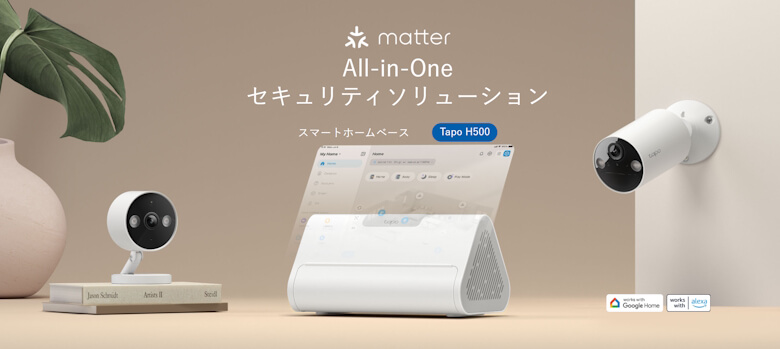
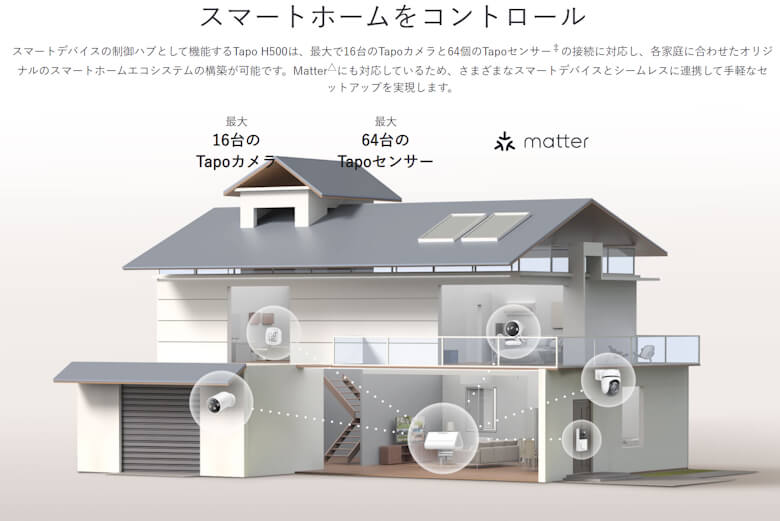
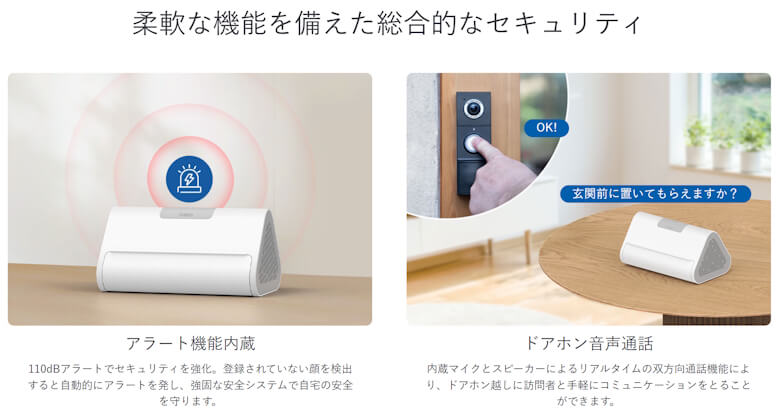
The “TP-Link Tapo H500” is an all-in-one security solution smart home hub.
It comes with large-capacity local storage that is safe and cost-effective.
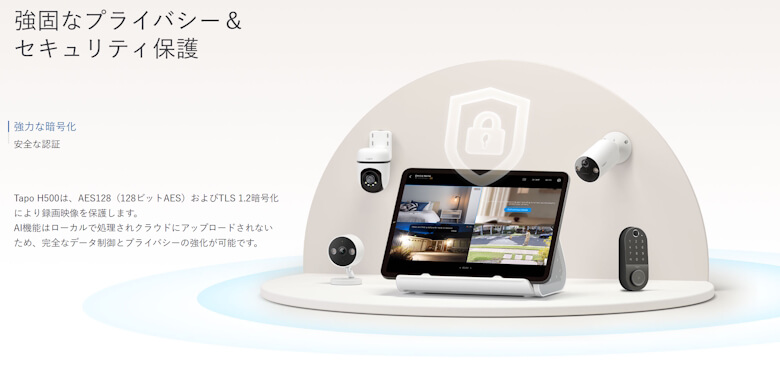
Strong encryption ensures robust privacy and security protection.