Hello, I’m Itsuki (@saigalog), a heavy user of TP-Link’s Tapo products.
When it comes to TP-Link’s Tapo, it’s a brand that offers a range of IoT gadgets to make your home more comfortable, and it actually also includes large home appliances like robot vacuums in its lineup.
The TP-Link “Tapo RV30 Max Plus” reviewed this time is a robot vacuum that comes fully equipped with a smartphone app, allowing you to start cleaning right away.
With ultra-powerful 5300Pa suction, it thoroughly cleans every corner of the room.
It features an automatic dust collection function, so the only thing you need to do is replace the paper dust bag.
It also supports mopping, so running the robot vacuum just once leaves your floors sparkling clean.
In this article, I’ll provide a detailed review of the “TP-Link Tapo RV30 Max Plus,” which combines excellent functionality with reliable cleaning performance, along with real cleaning demonstrations!
Pros
Cons
Cool design
Vacuuming & mopping
Equipped with automatic dust collection
Fully equipped smartphone app
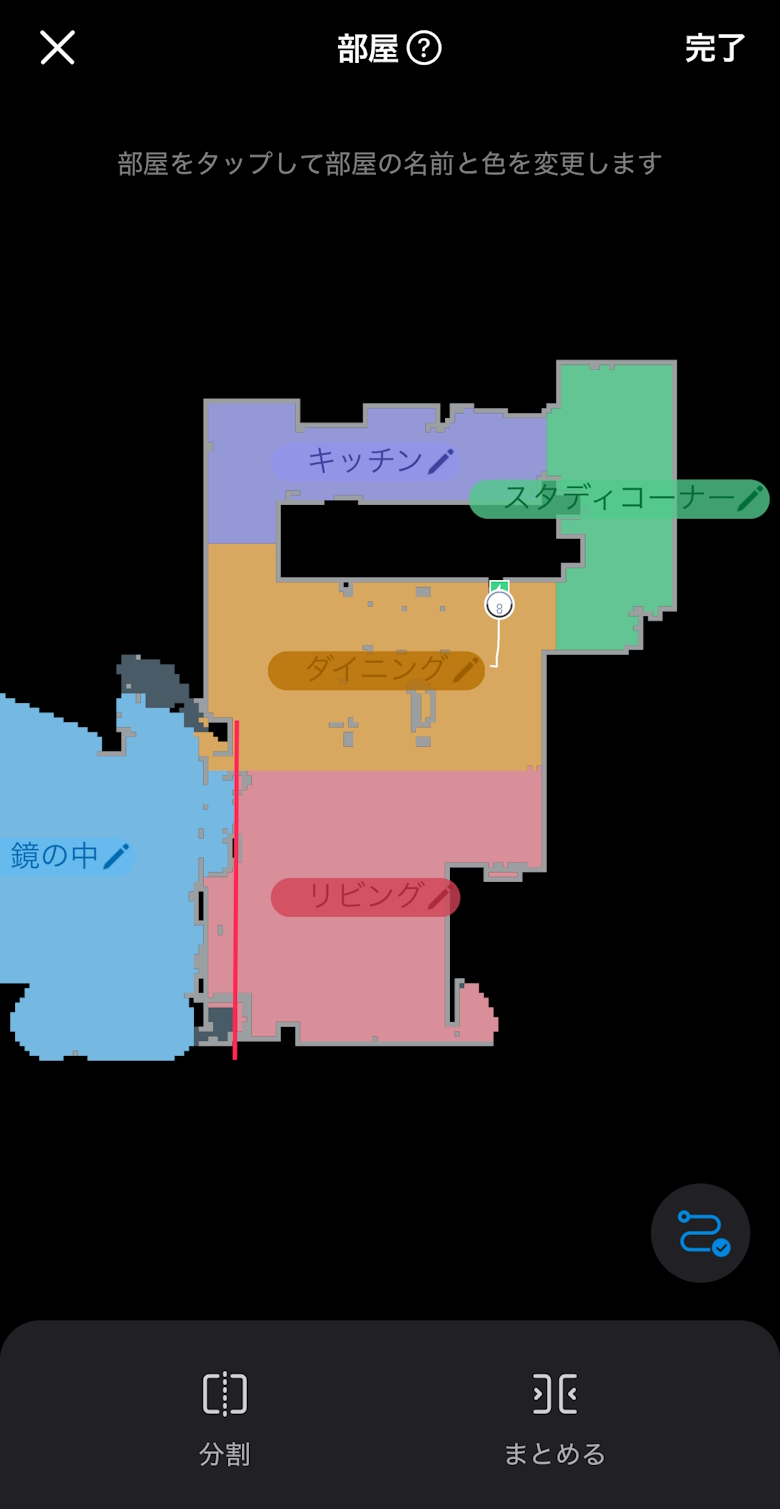
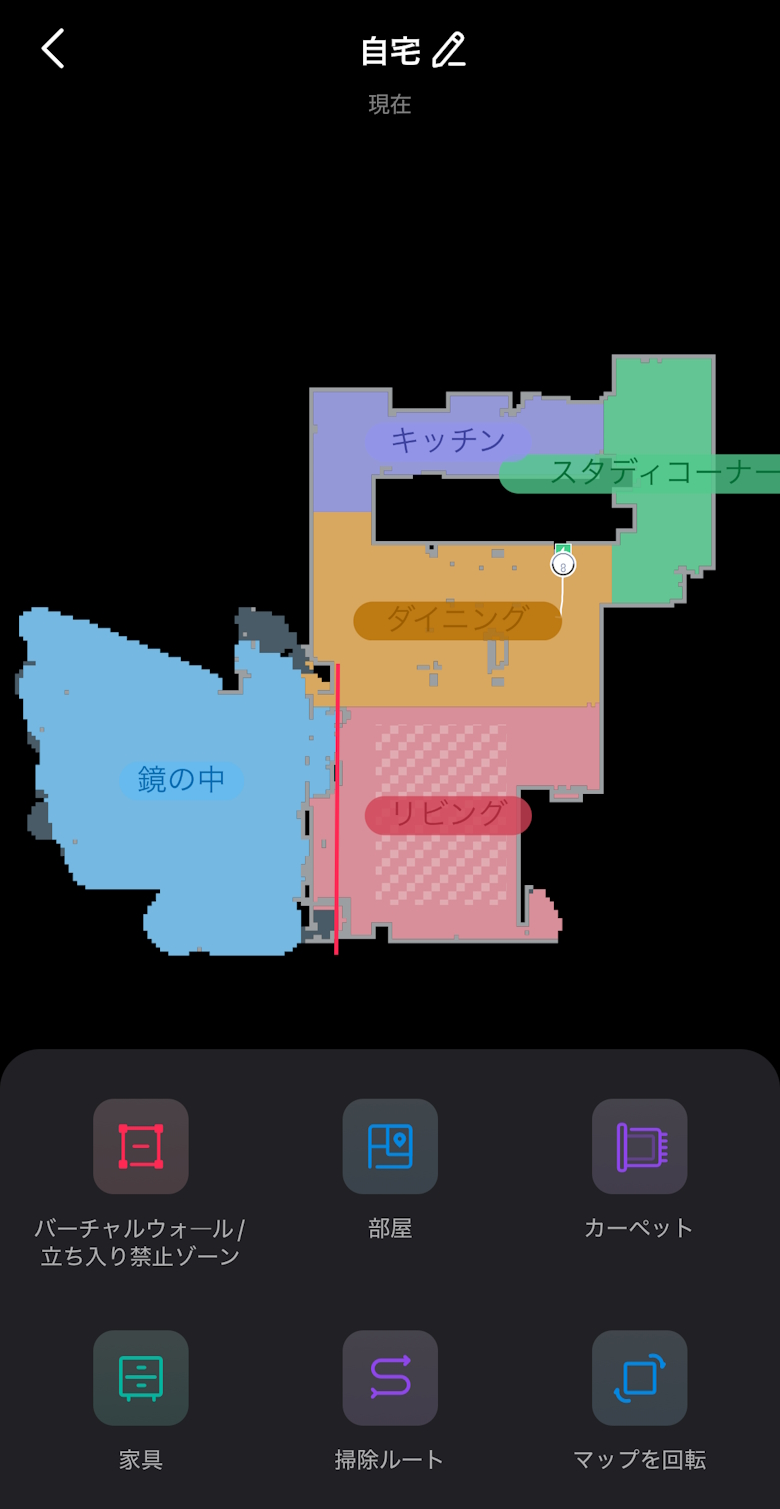
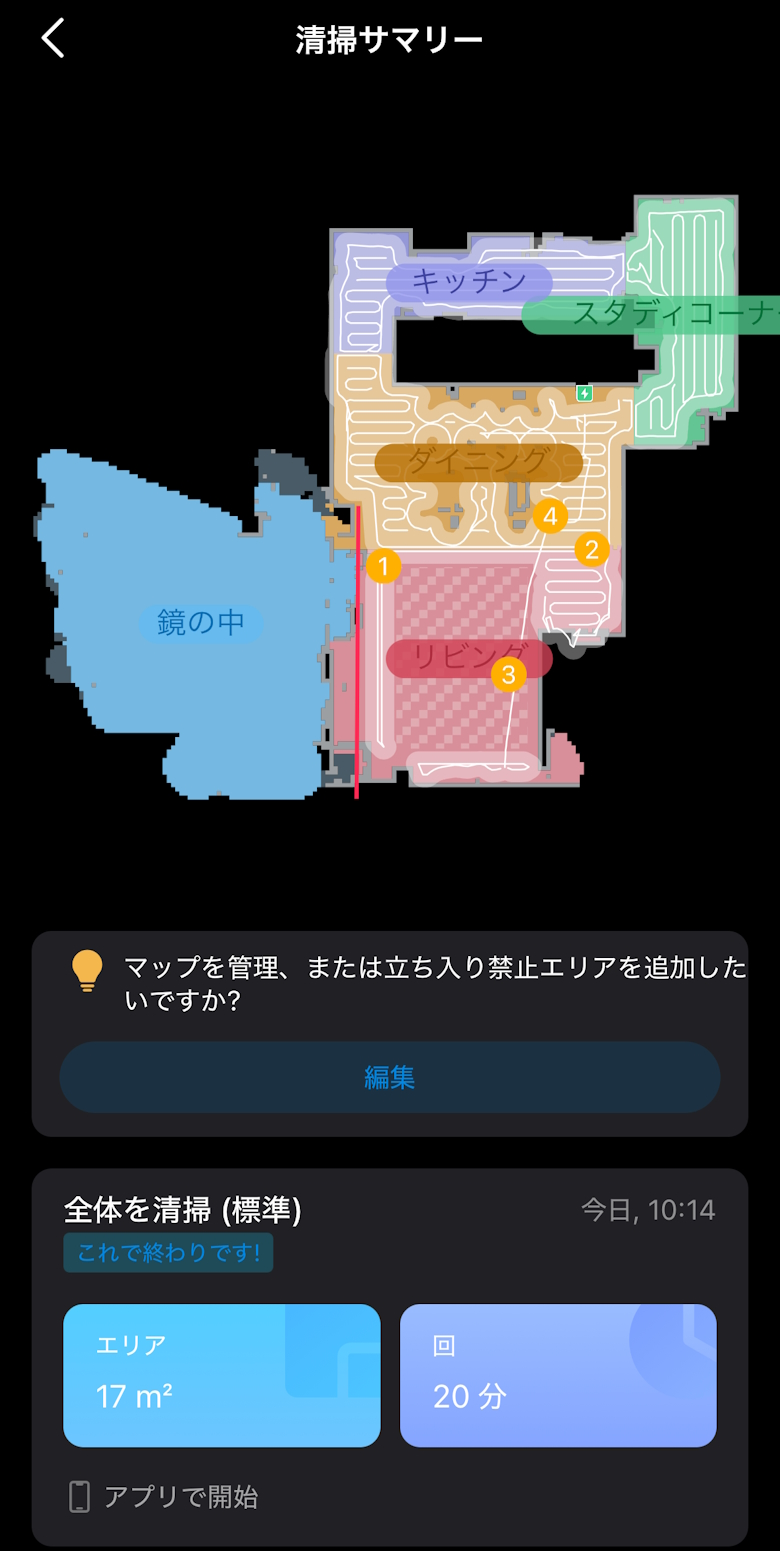
May misrecognize full-length mirrors as open space
Table of Contents
What’s Included with the TP-Link Tapo RV30 Max Plus
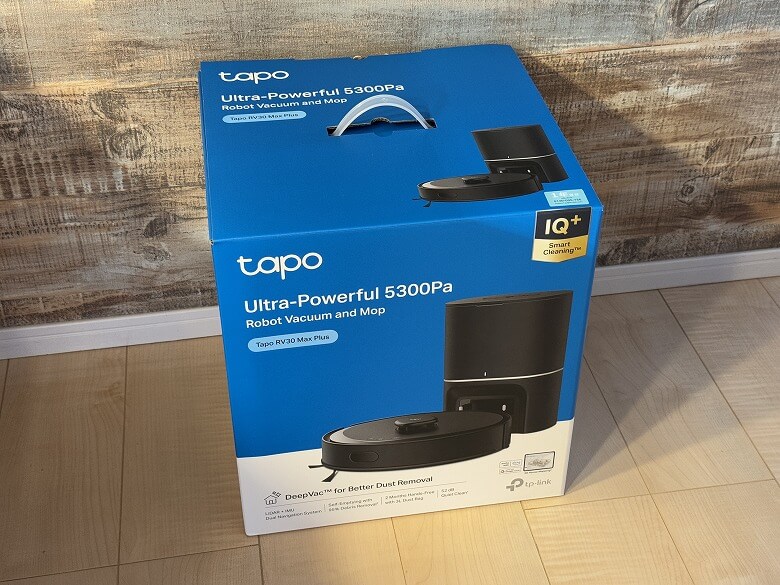
The outer box of the “TP-Link Tapo RV30 Max Plus” features a simple design with blue as an accent color.
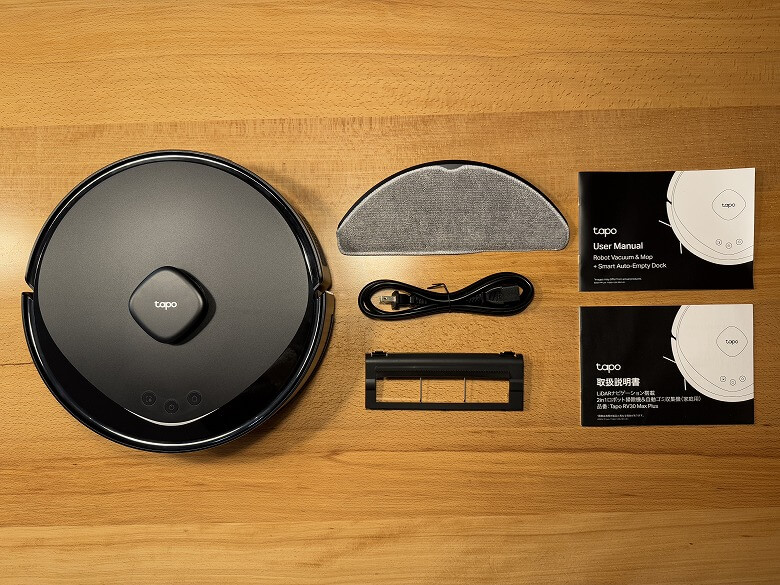
The package includes the following items.
What’s Included with the Tapo RV30 Max Plus
Robot vacuum unit
Automatic dust collection dock
Mop + mop mounting attachment
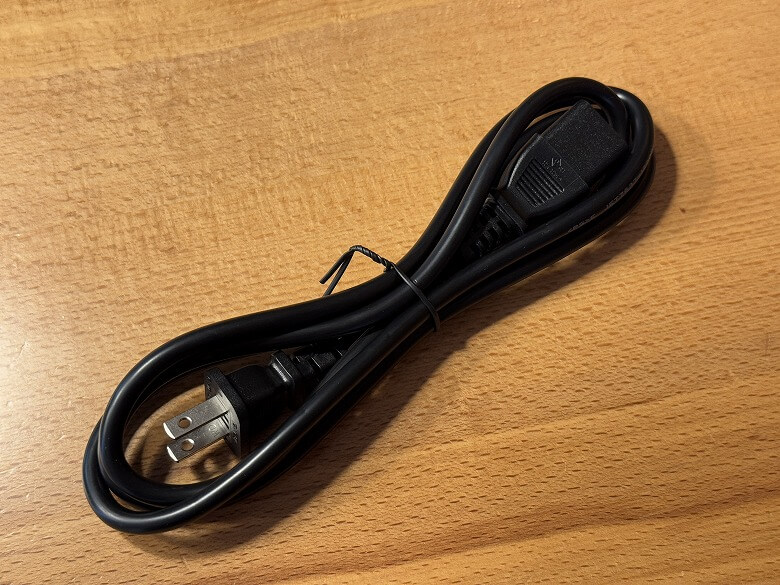
Power cord
User manual
A black power cord is included.
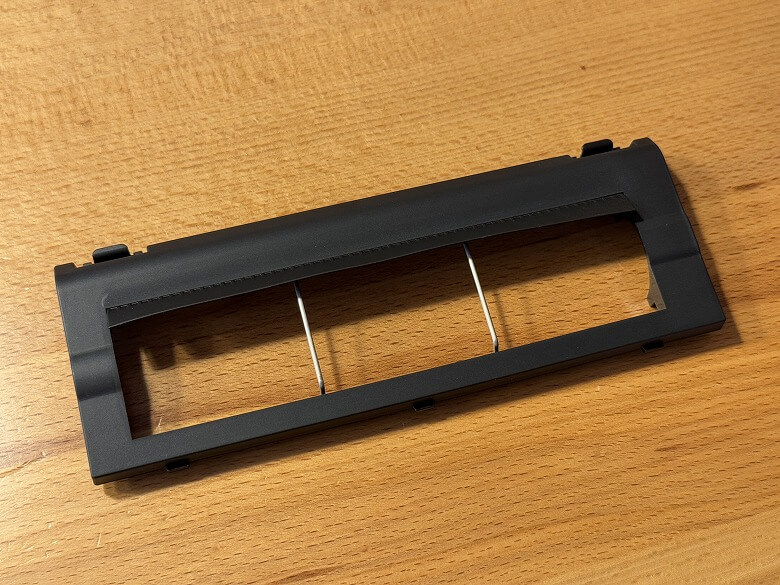
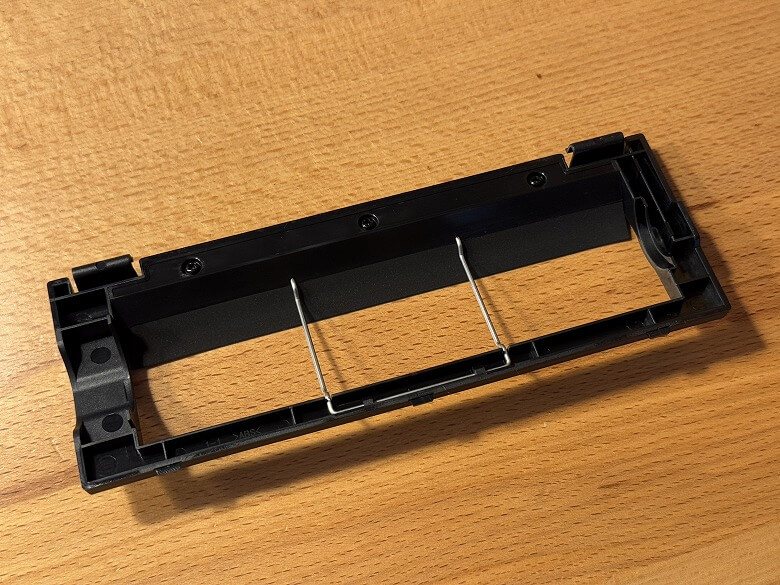
Various other attachments are also included.
TP-Link Tapo RV30 Max Plus Specifications
The TP-Link “Tapo RV30 Max Plus” is an AI robot vacuum that automatically performs area mapping, mopping, and vacuuming, and can be managed via a smartphone app.
The main specifications are as follows.
スクロールできます
Product Name
TP-Link Tapo RV30 Max Plus
Robot Vacuum Size
Φ330 mm, height 100 mm
Auto-Empty Dock Size
164 × 228 × 330 (mm)
Robot Vacuum Weight
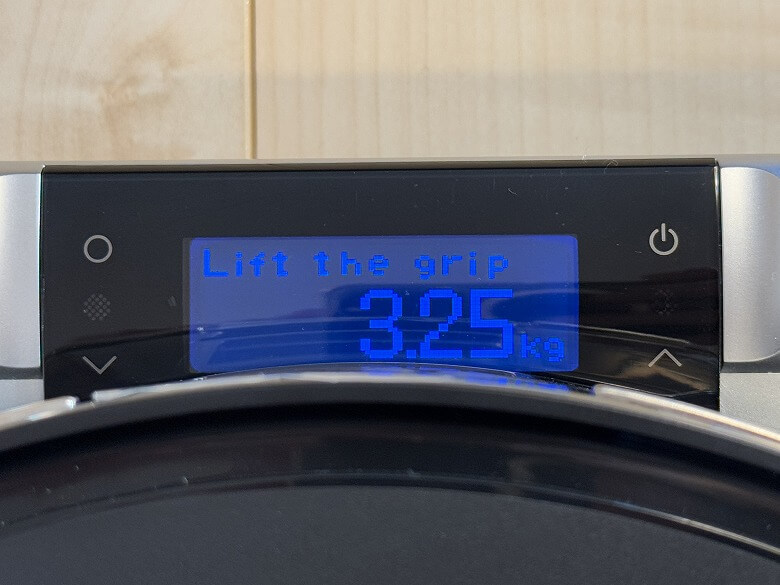
Approx. 3.25 kg
Auto-Empty Dock Weight
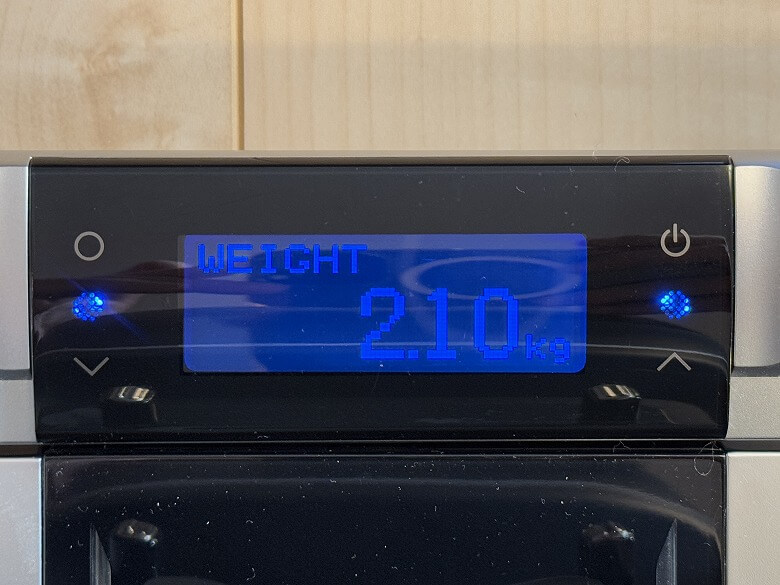
Approx. 2.10 kg
Battery Capacity
2600mAh
Mapping/Route
LiDAR + IMU dual navigation system
High-Precision Map
Supported
Obstacle Avoidance
LiDAR
Threshold Climbing
22mm
Cliff Detection
Supported
Automatic Dust Collection
Supported
Suction Power (Auto-Empty Dock)
17000Pa
Dust Bag Capacity
3L
Maximum Suction Power
5300Pa
Suction Power Adjustment
5 levels
Dustbin Capacity
300ml
Dustbin Detection
Supported
High-Performance Filter
H11
Noise
52dB (Quiet mode) 55dB (Default/Standard)
Carpet Boost
Supported
Mopping
Supported
Mop Type
Automatic water flow control
Water Pressure Adjustment
3 levels
Water Tank Capacity
300ml
Wireless Standard
IEEE 802.11 b/g/n, 2.4GHz only Bluetooth 4.2 (for setup)
Input Voltage
100V-120V AC, 50/60Hz
Maximum Power Consumption (Charging)
10W (DC20V 500mA)
Maximum Power Consumption (Operating)
Robot vacuum: 45W Auto-empty dock: 650W
Child & Pet Lock
Supported
Google Home
Supported
Amazon Alexa
Supported
Design
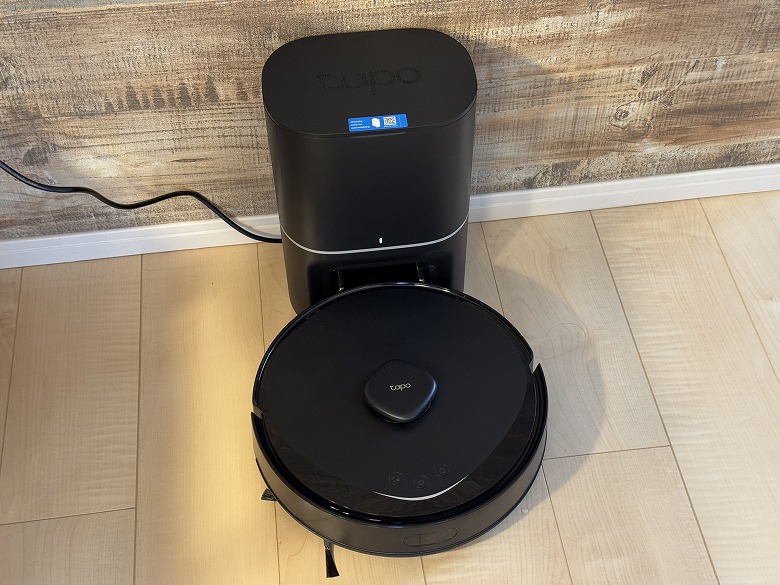
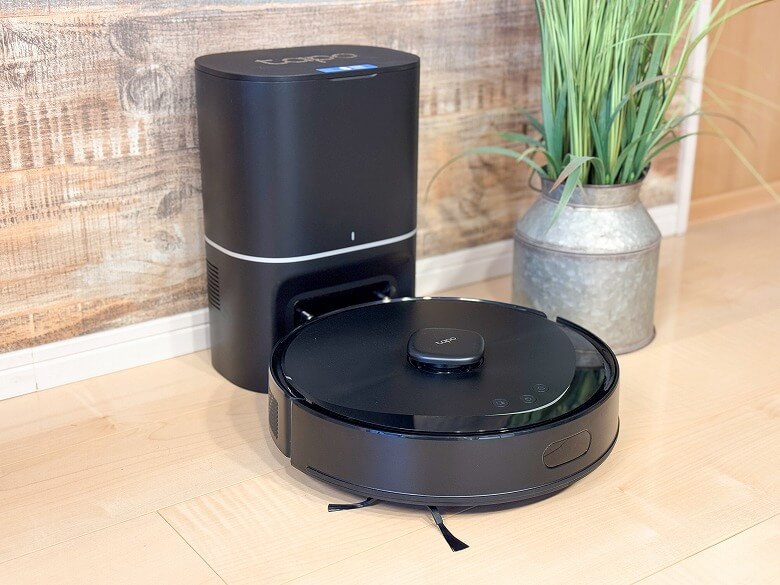
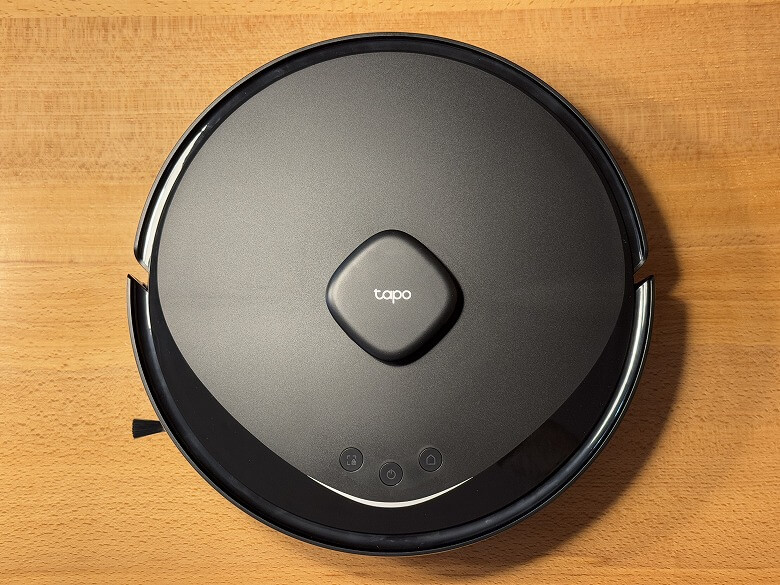
The “TP-Link Tapo RV30 Max Plus” features a cool design based on black.
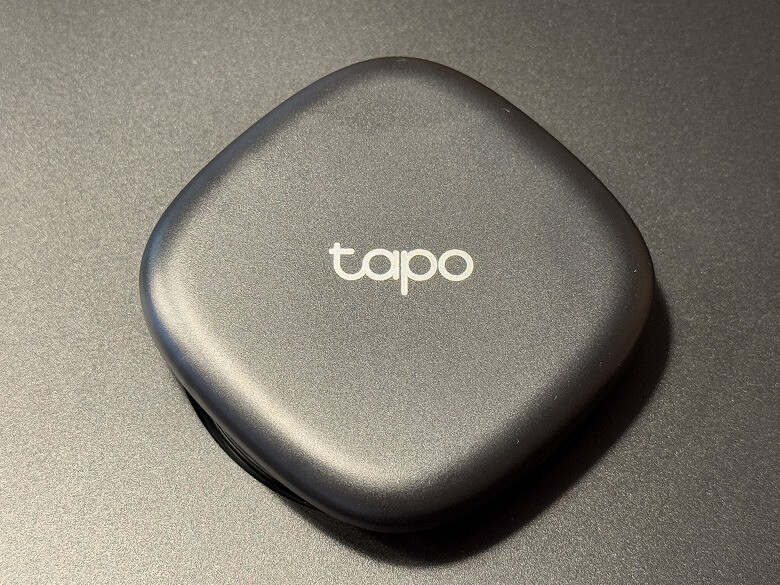
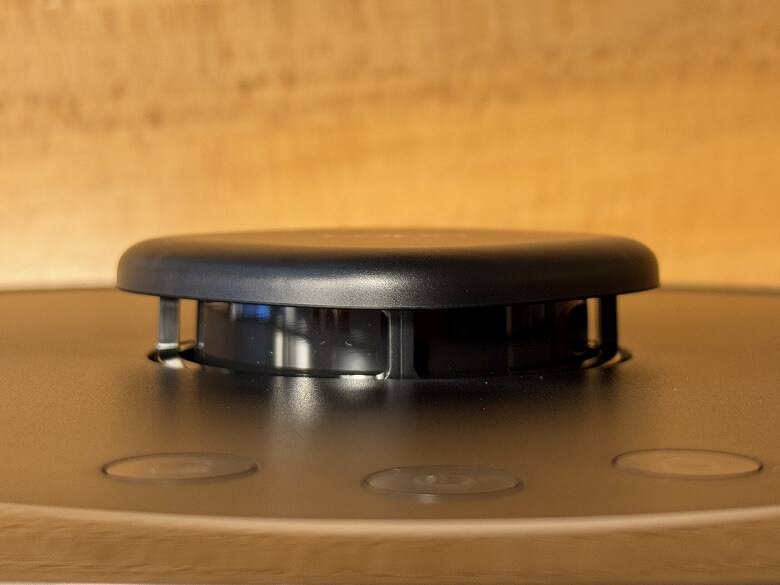
At the center is a LiDAR sensor.
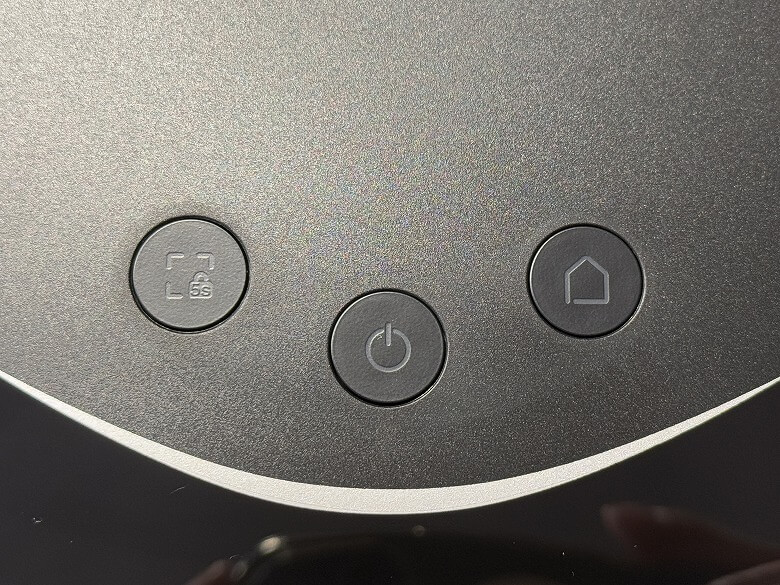
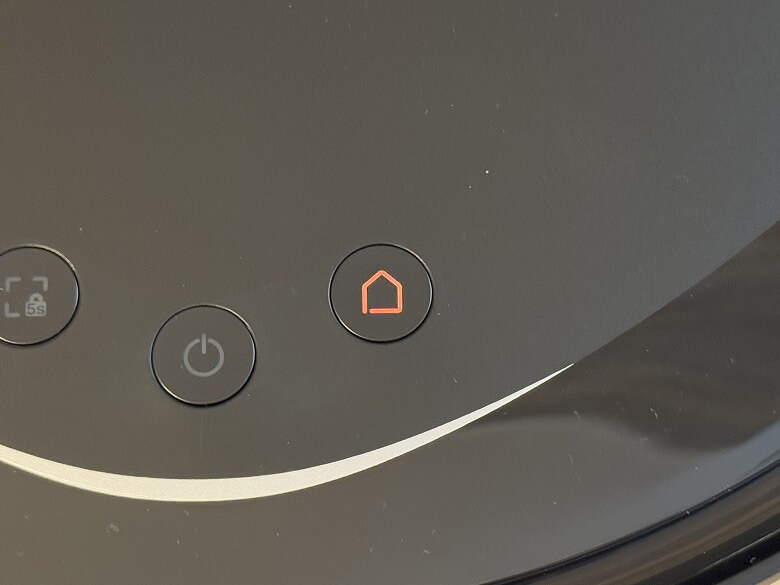
At the bottom are the Power/Clean button and the Dock button.
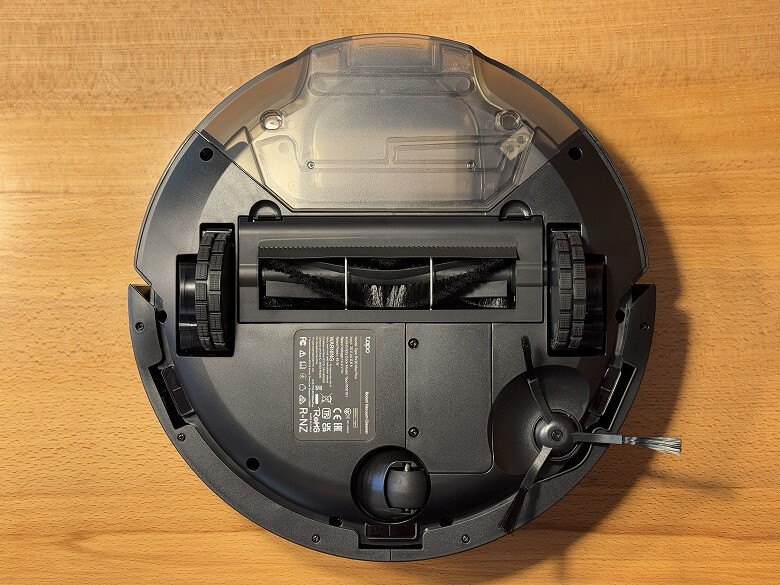
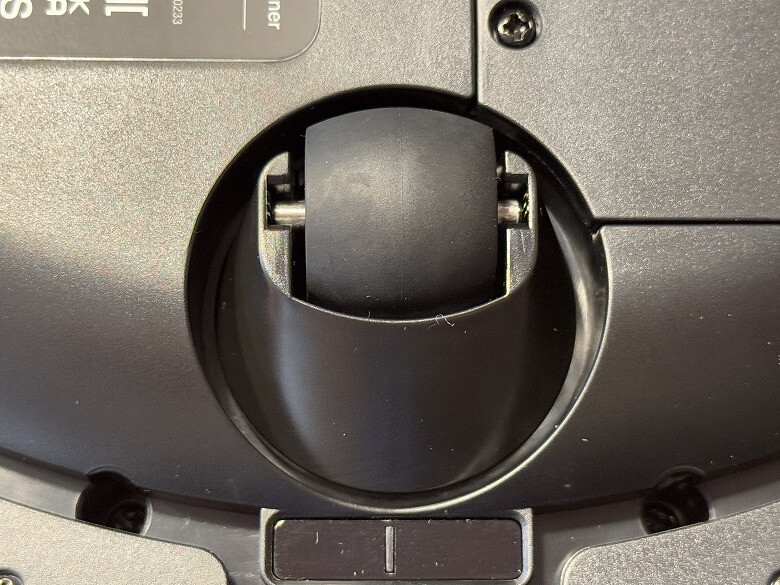
The bottom looks like this.
There is a roller at the top.
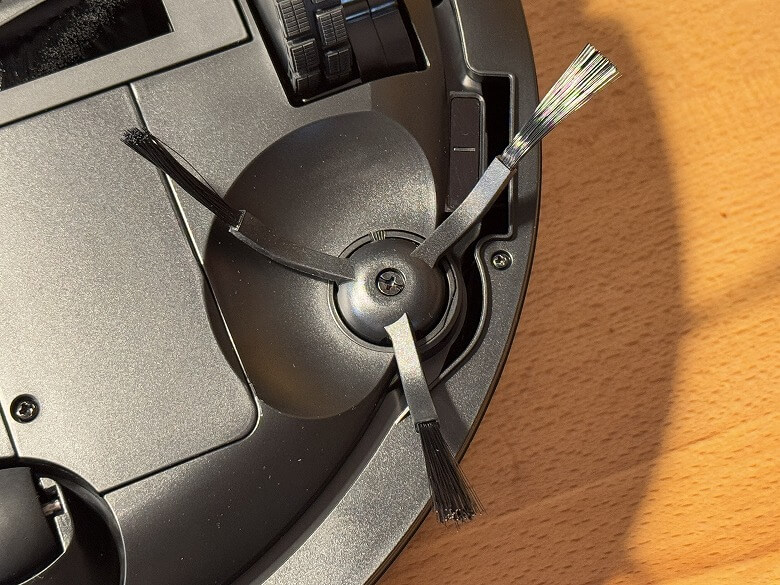
There is a side brush on the upper left side.
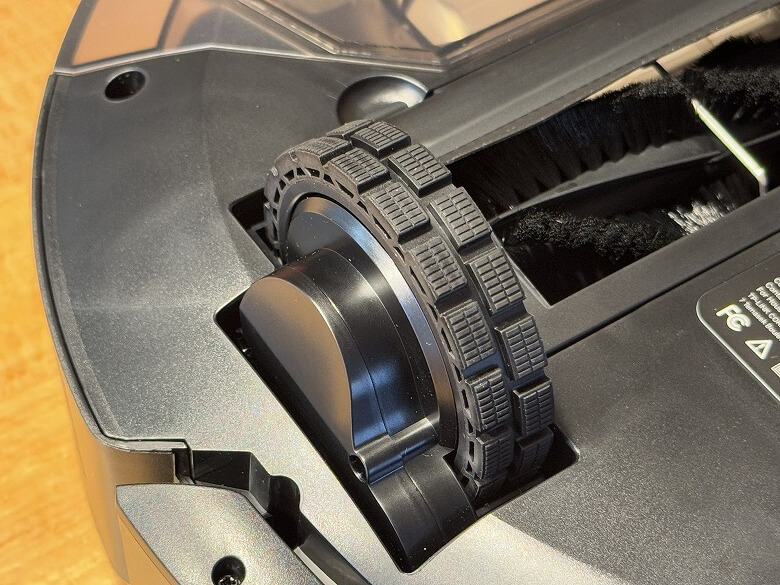
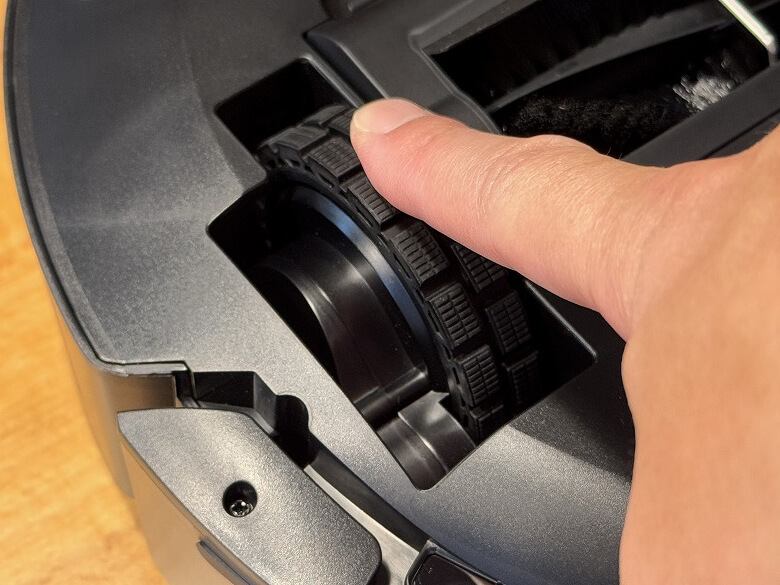
The wheels retract into the robot vacuum body when it is placed with the bottom facing down.
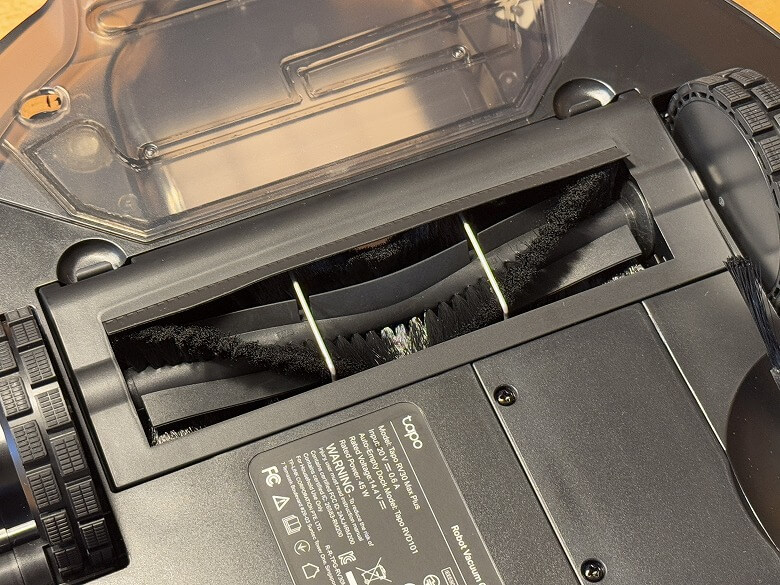
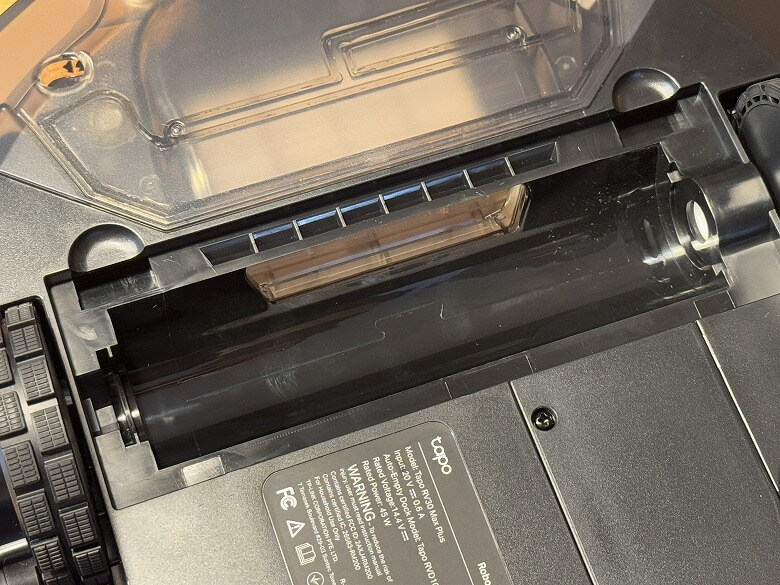
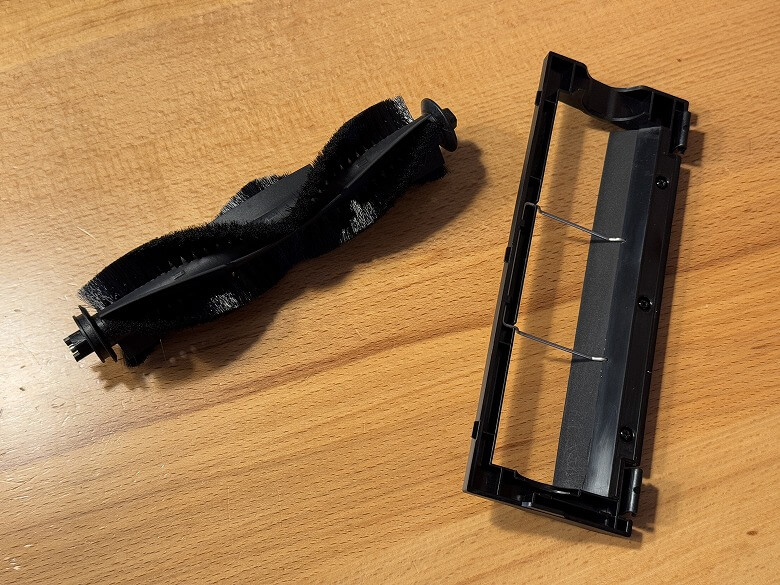
The main brush can be removed for maintenance.
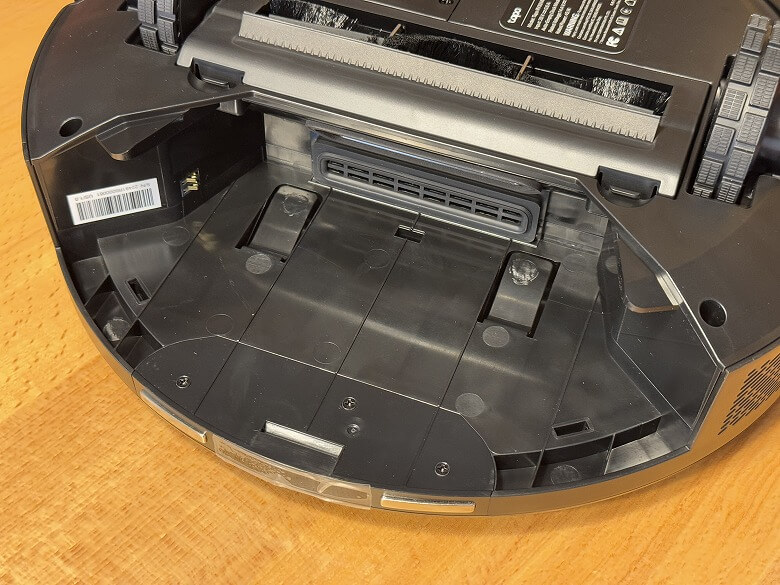
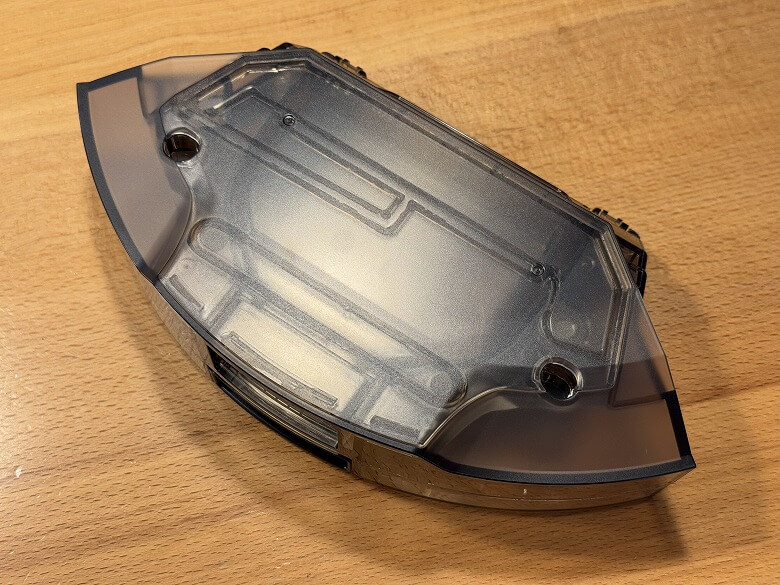
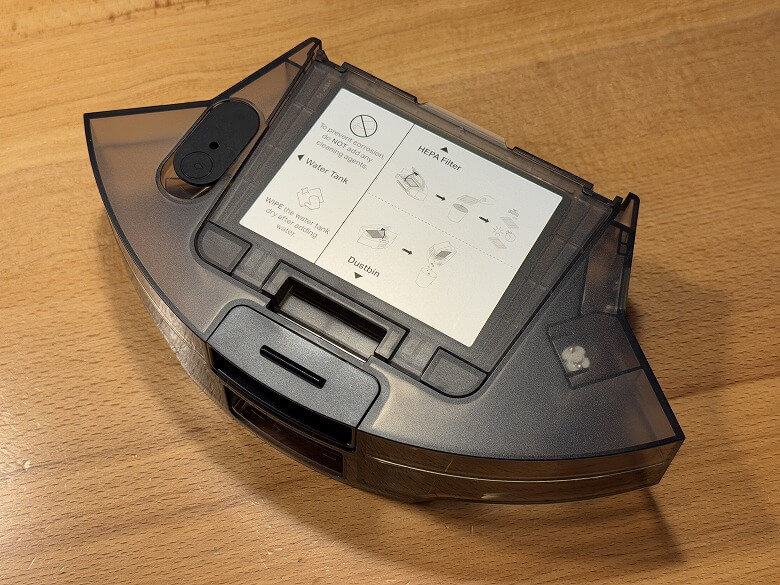
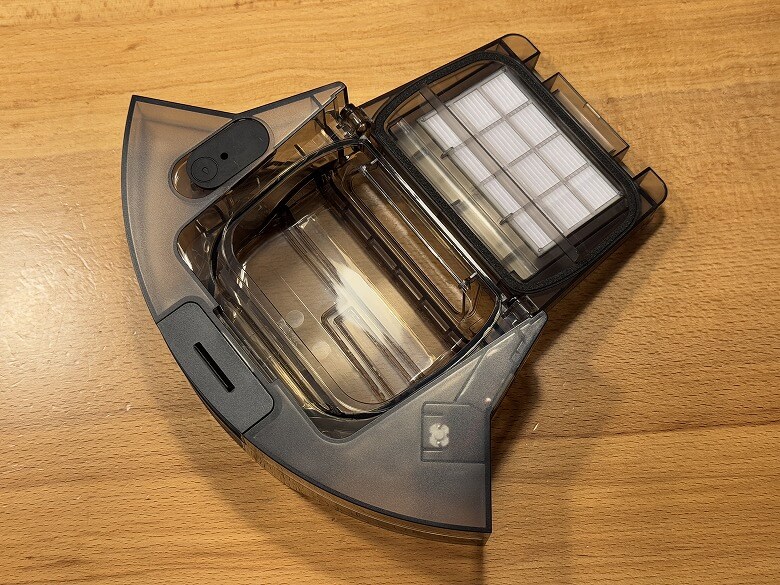
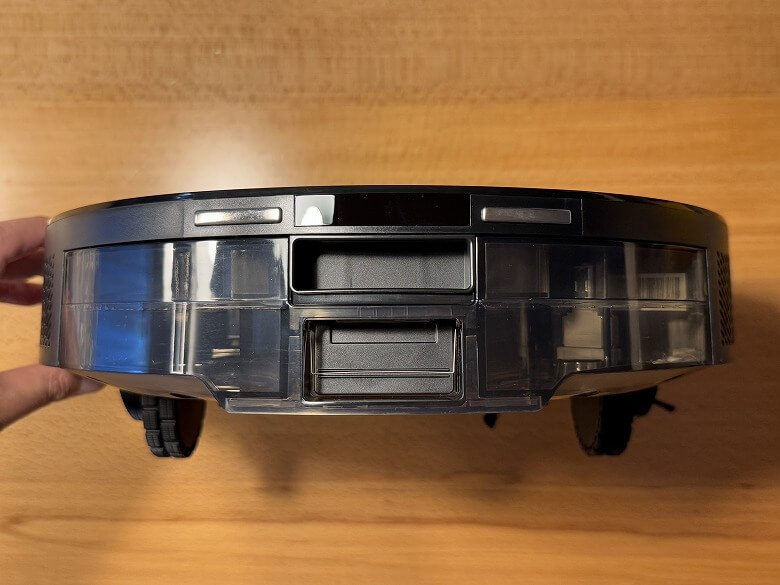
The dust box & water tank can be removed for maintenance.
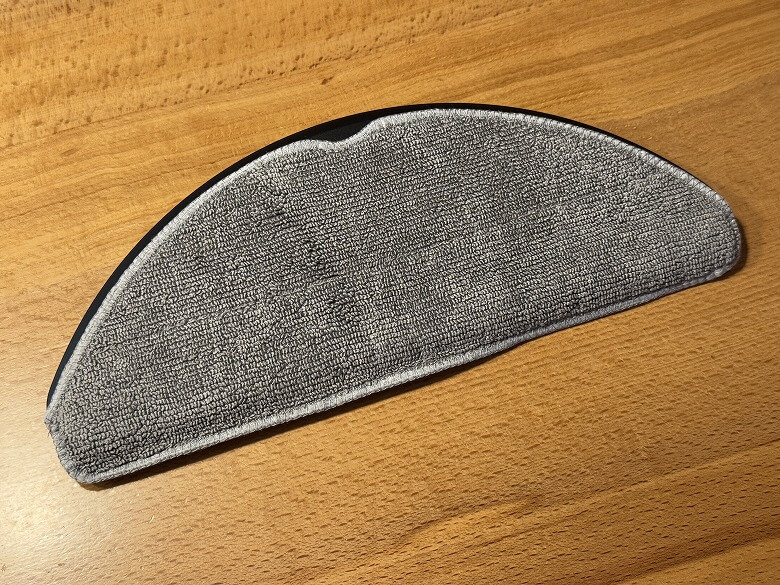
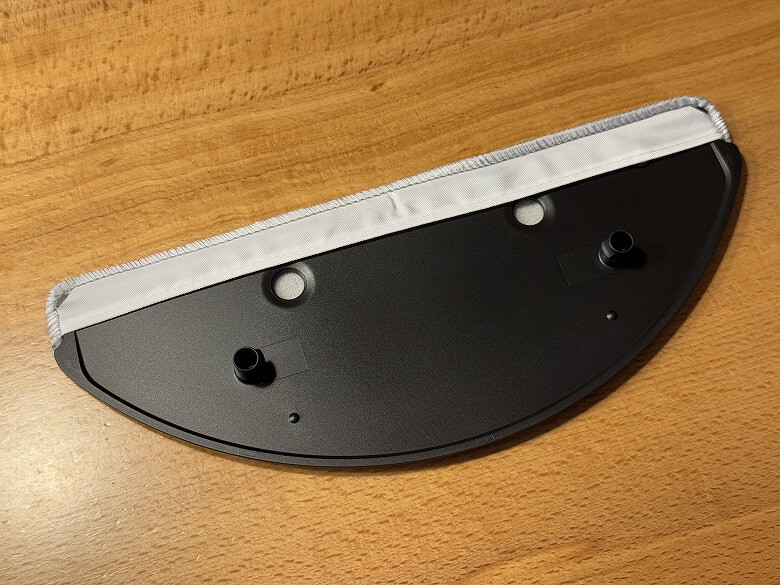
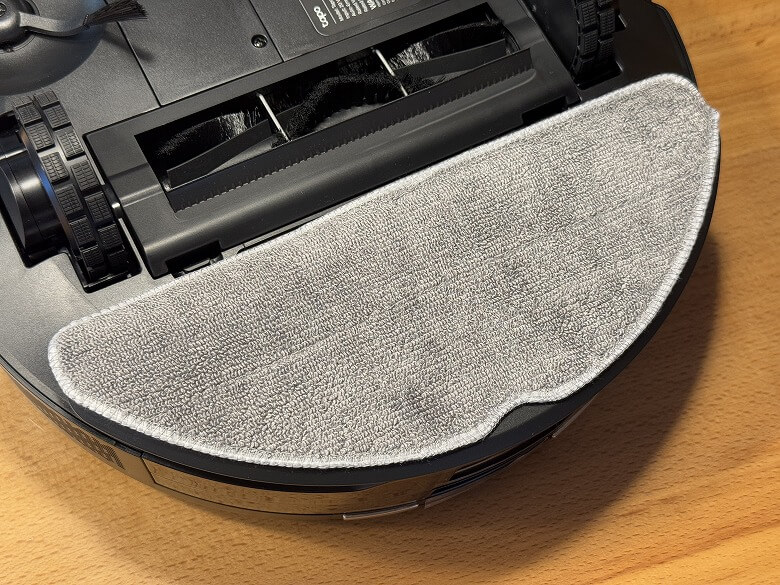
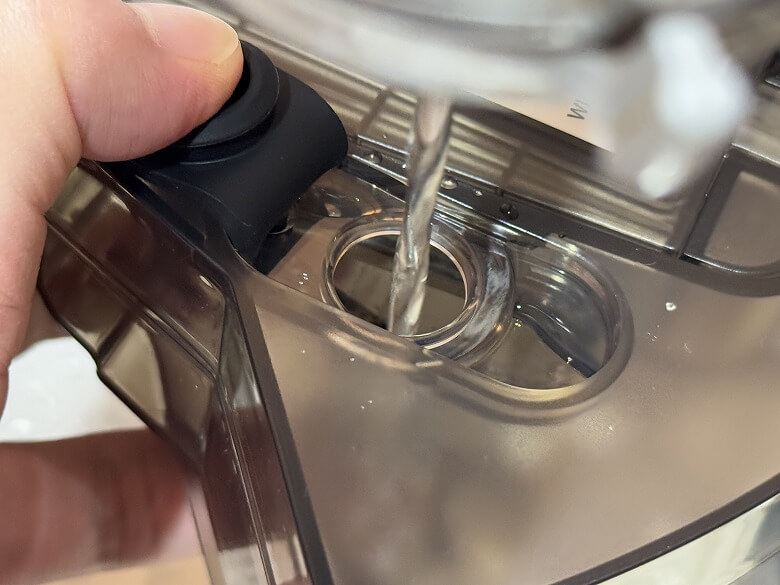
By attaching the mop to the bottom of the dust box, you can mop the floor, and by opening the water inlet cap, you can pour water inside.
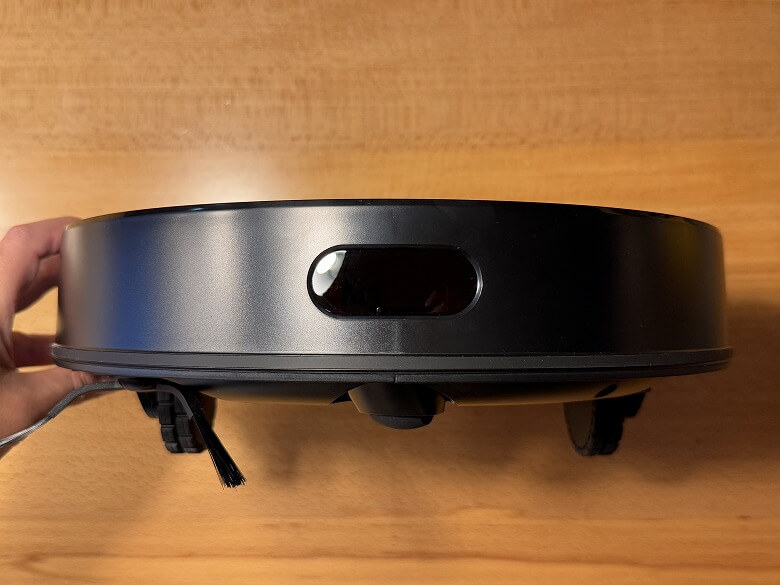
There is a sensor on the front side.
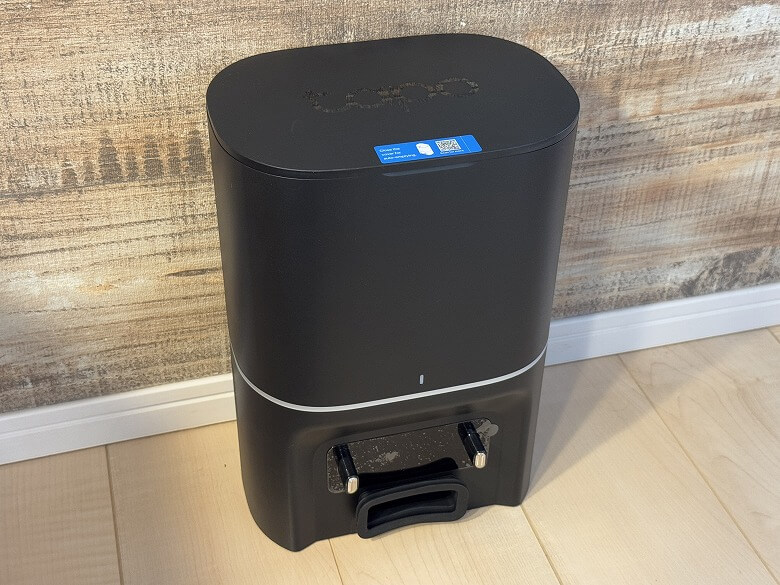
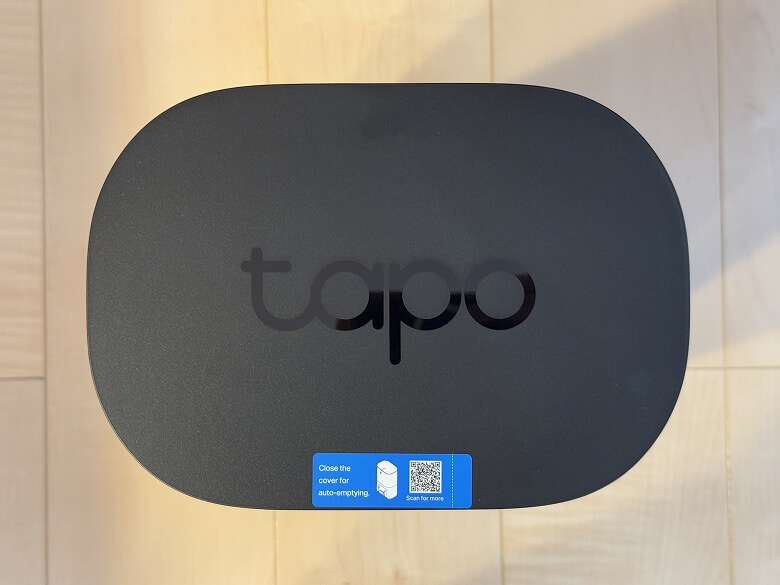
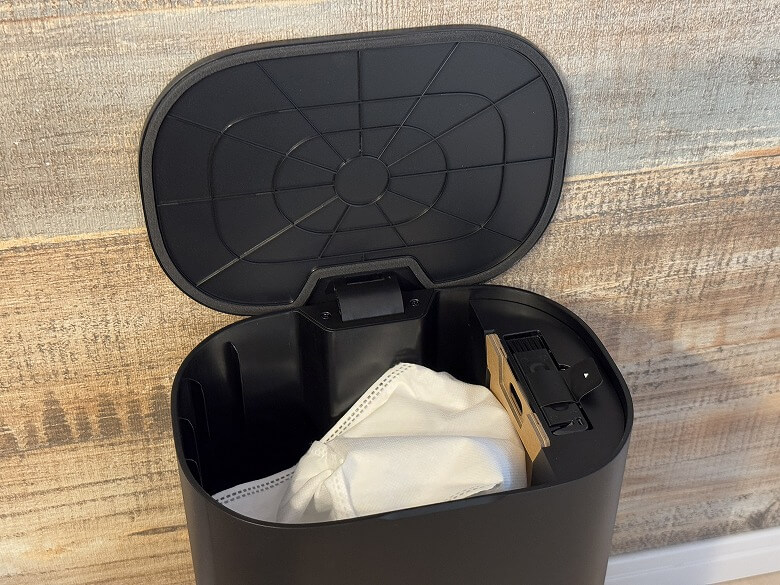
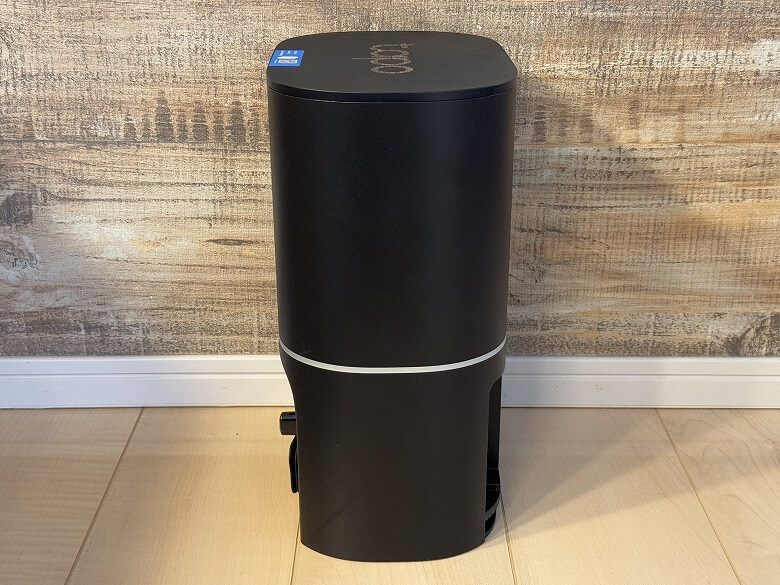
The auto-empty dock features a cool design based on black.
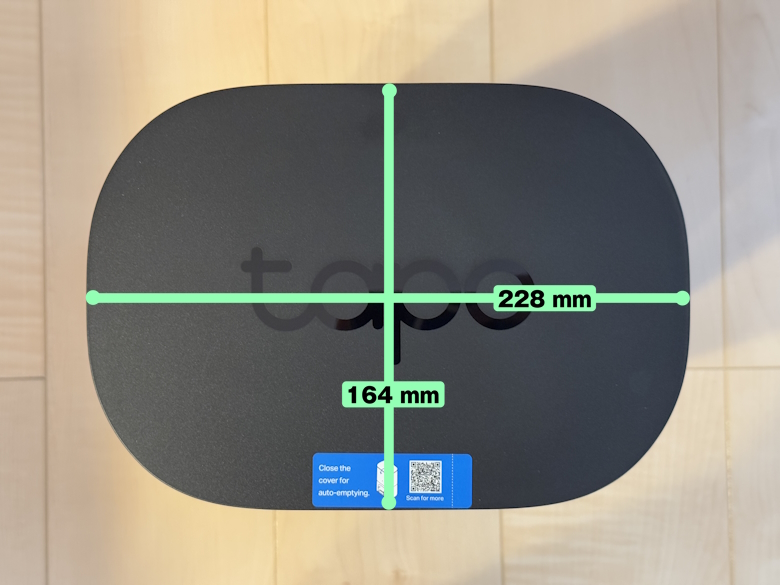
This is how it looks from above.
Inside, there is a dust bag on the right side.
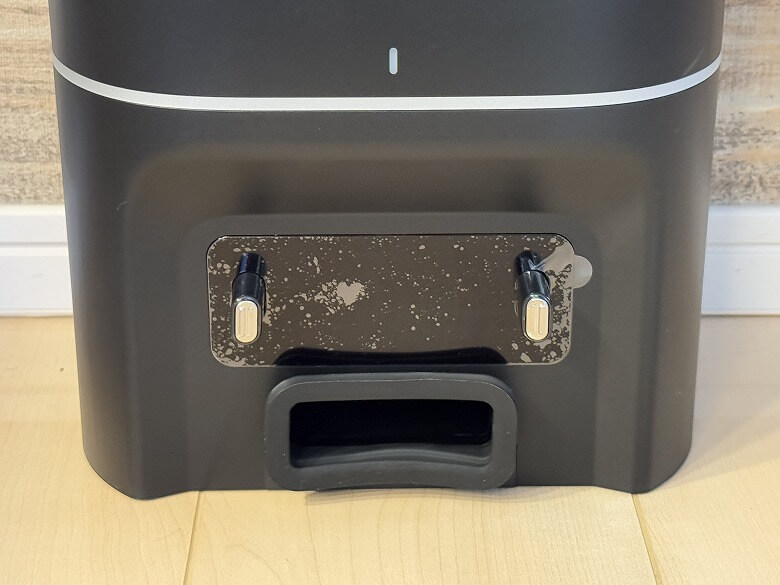
In the area where the robot vacuum is stored, there are charging terminals and a dust suction port.
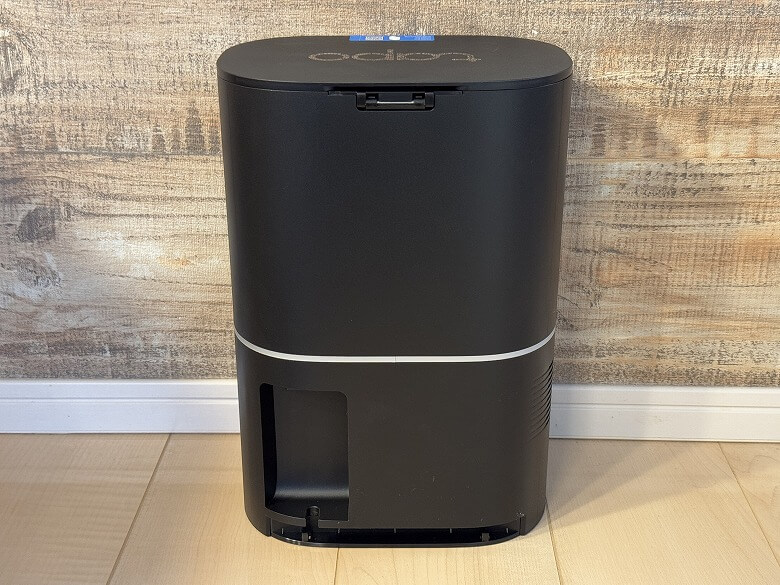
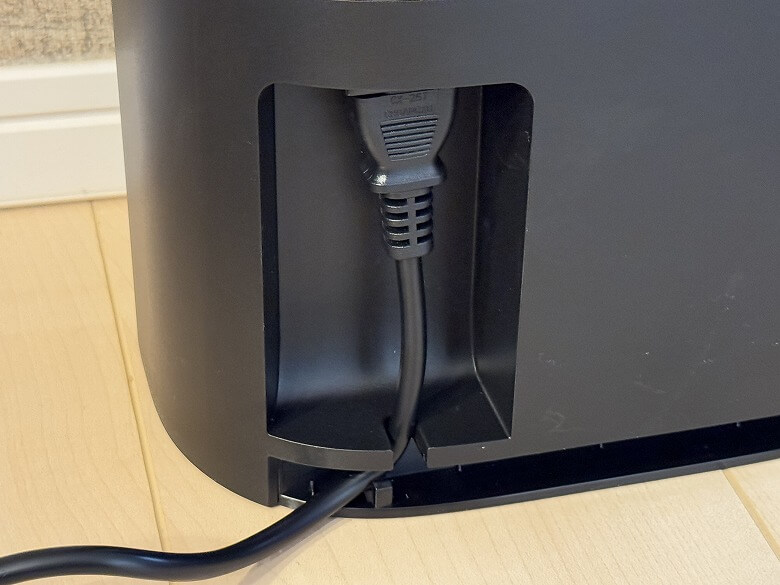
This is how the back looks.
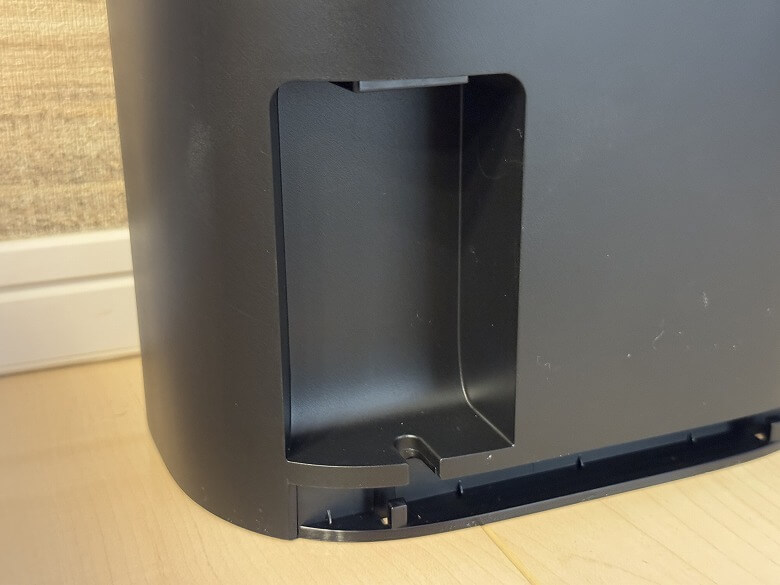
At the bottom, there is a place where you can wrap and store the power port and power cord.
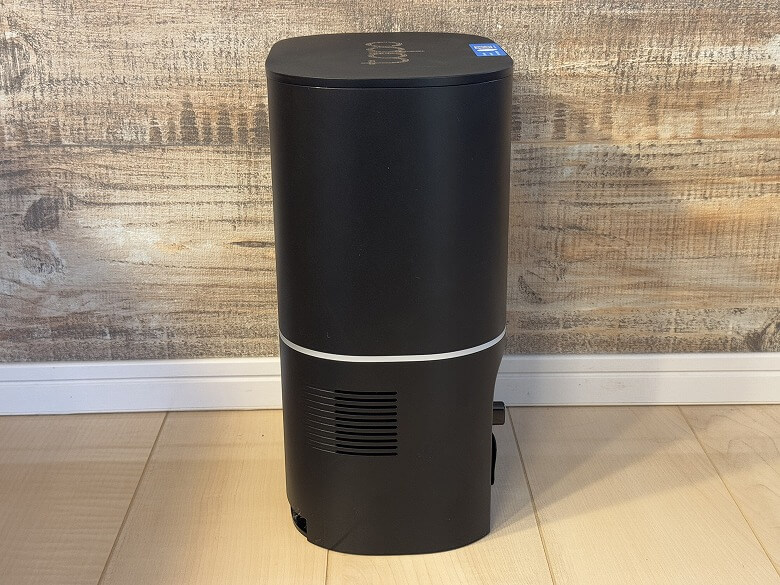
This is how the side looks.
Size and Weight
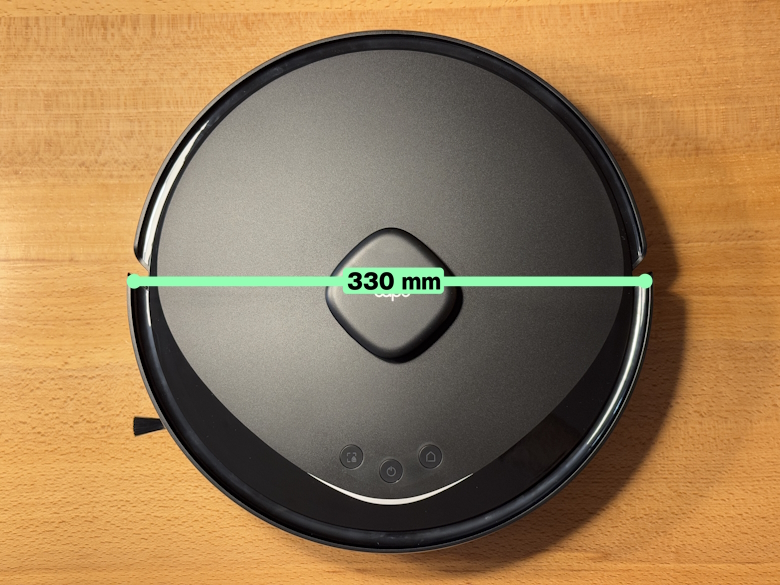
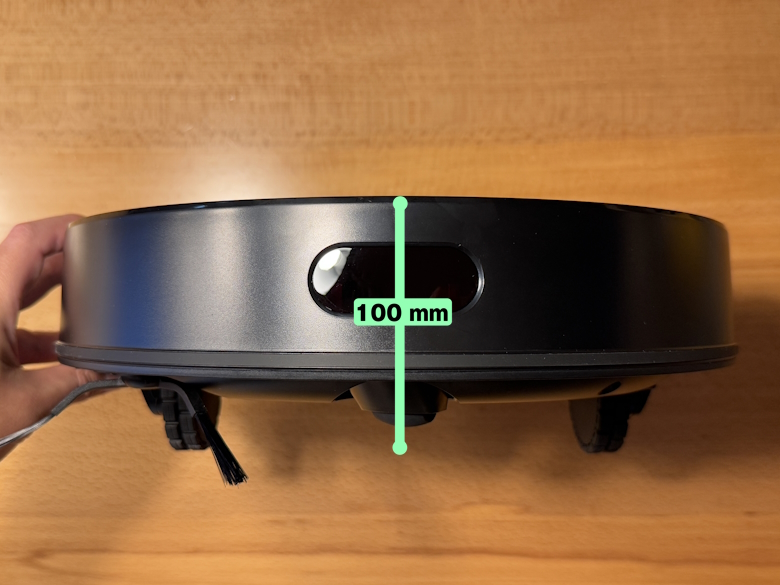
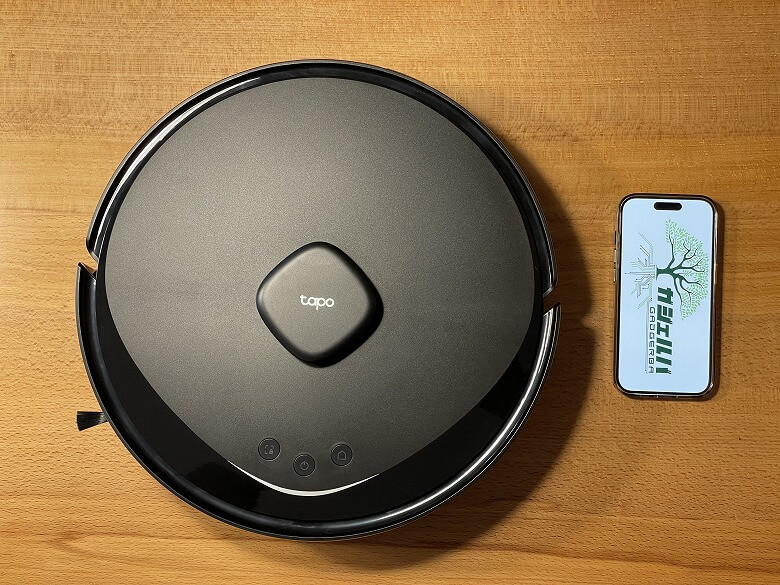
The robot vacuum of “TP-Link Tapo RV30 Max Plus” has a diameter of 330 mm.
The height is 100 mm.
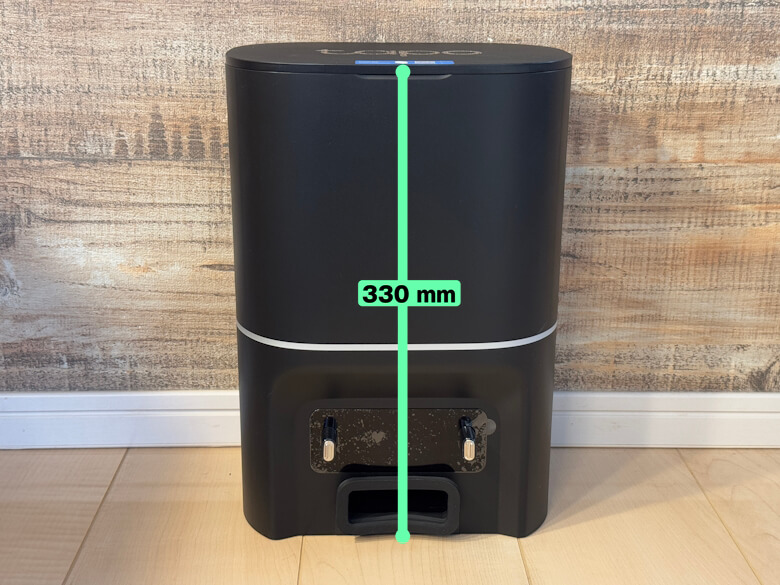
The size of the auto-empty dock is 164 × 228 mm.
The height was 330 mm.
This is how it looks when comparing the smartphone (iPhone 15 Pro) with the robot vacuum.
The weights were approximately 3.25 kg for the robot vacuum and 2.10 kg for the base station.
Features
イツキ
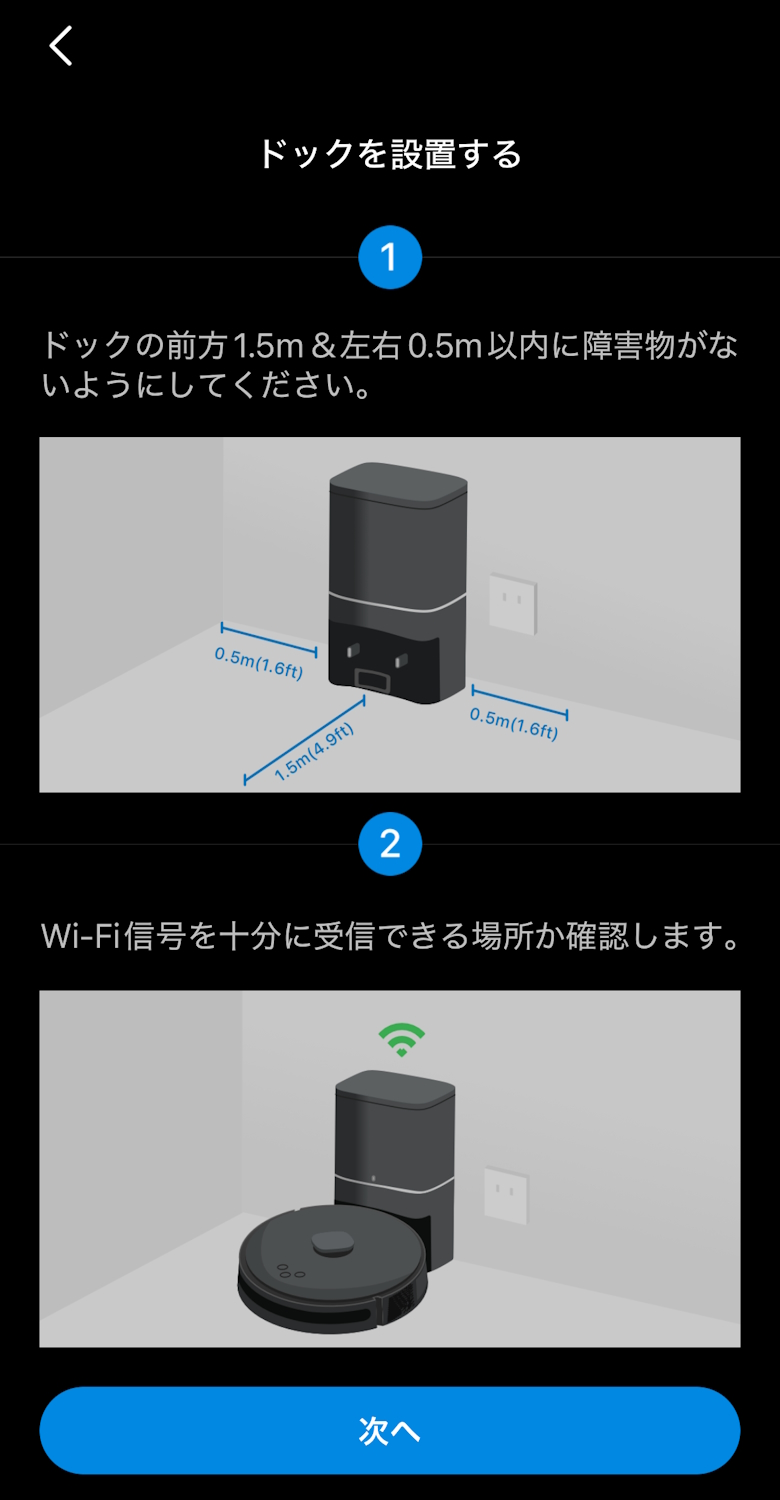
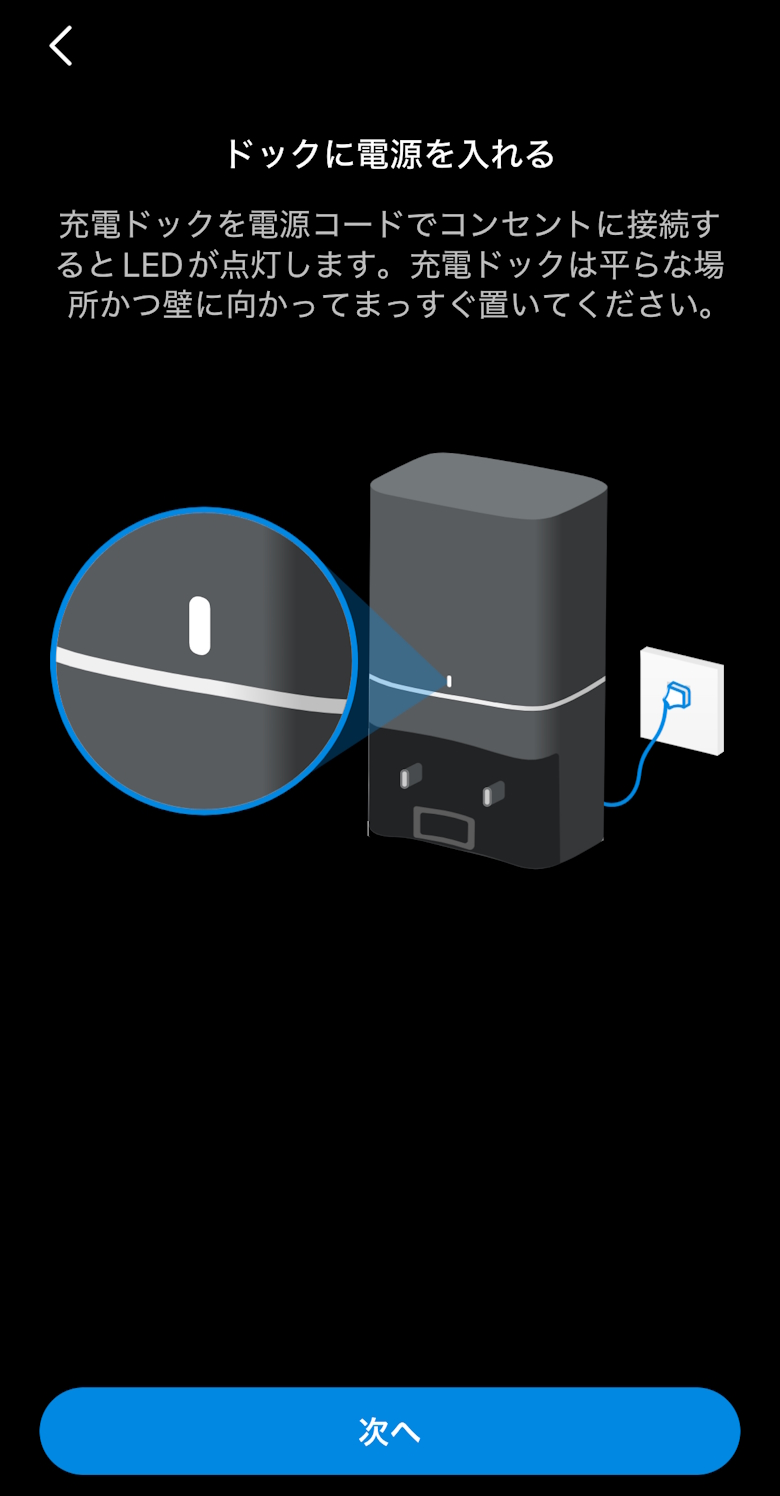
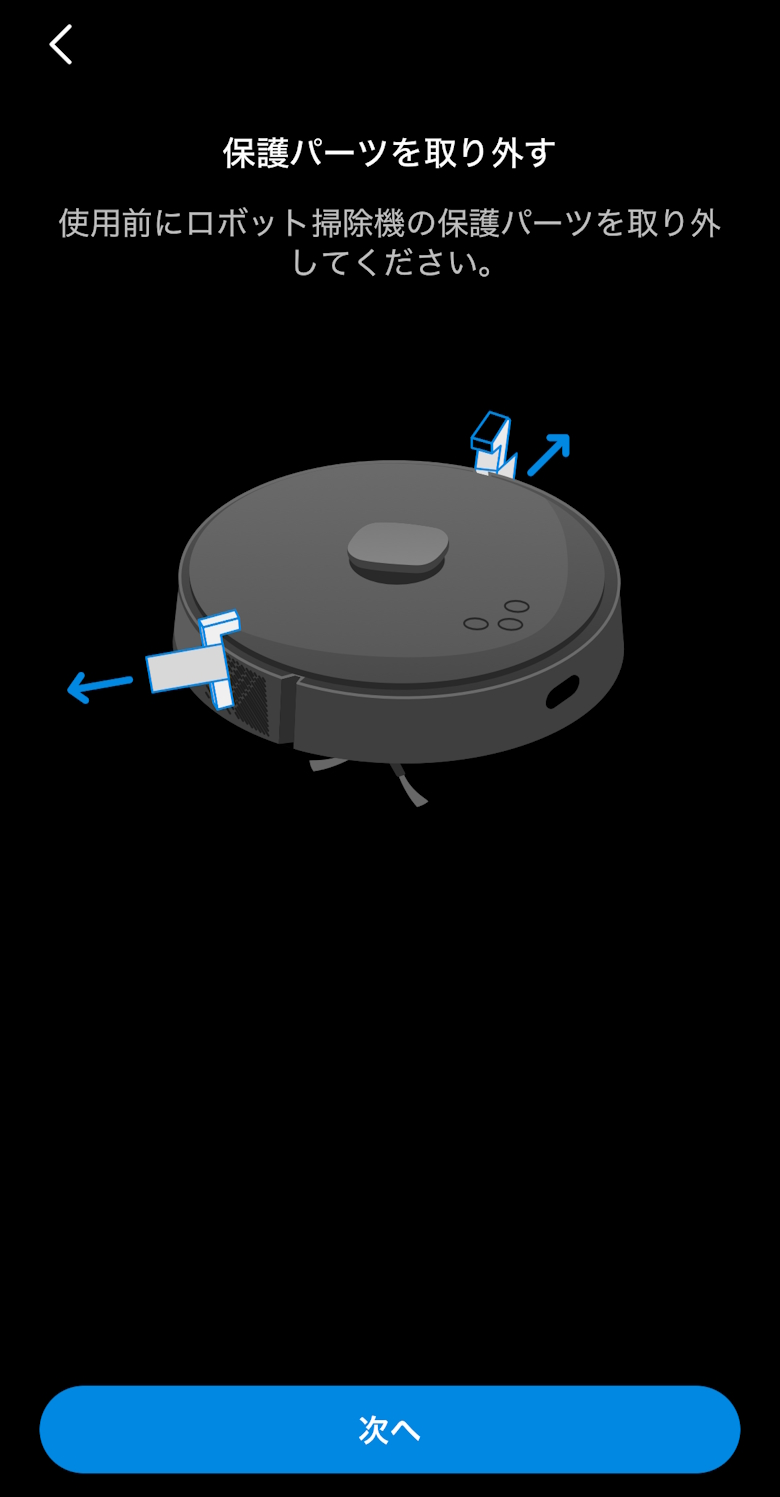
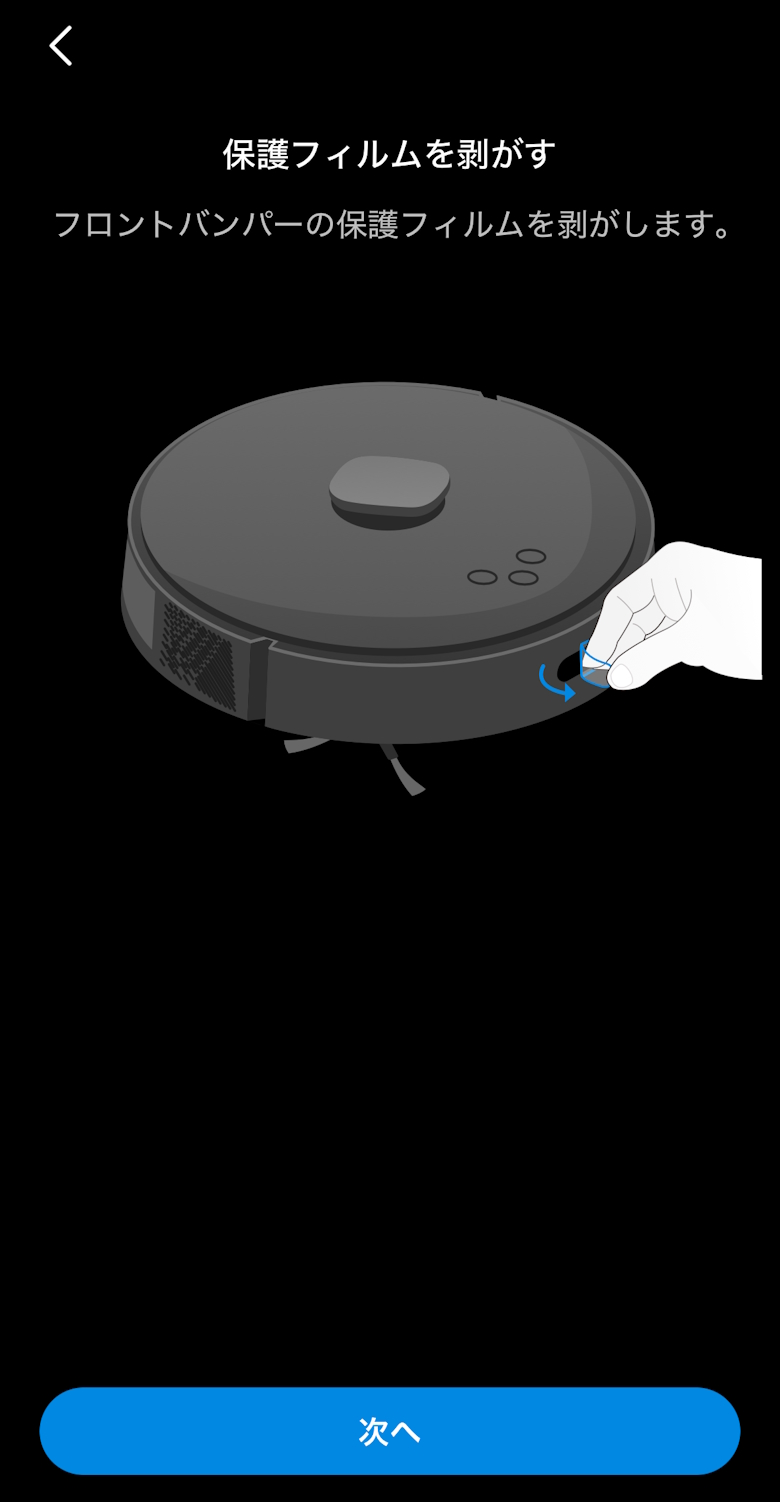
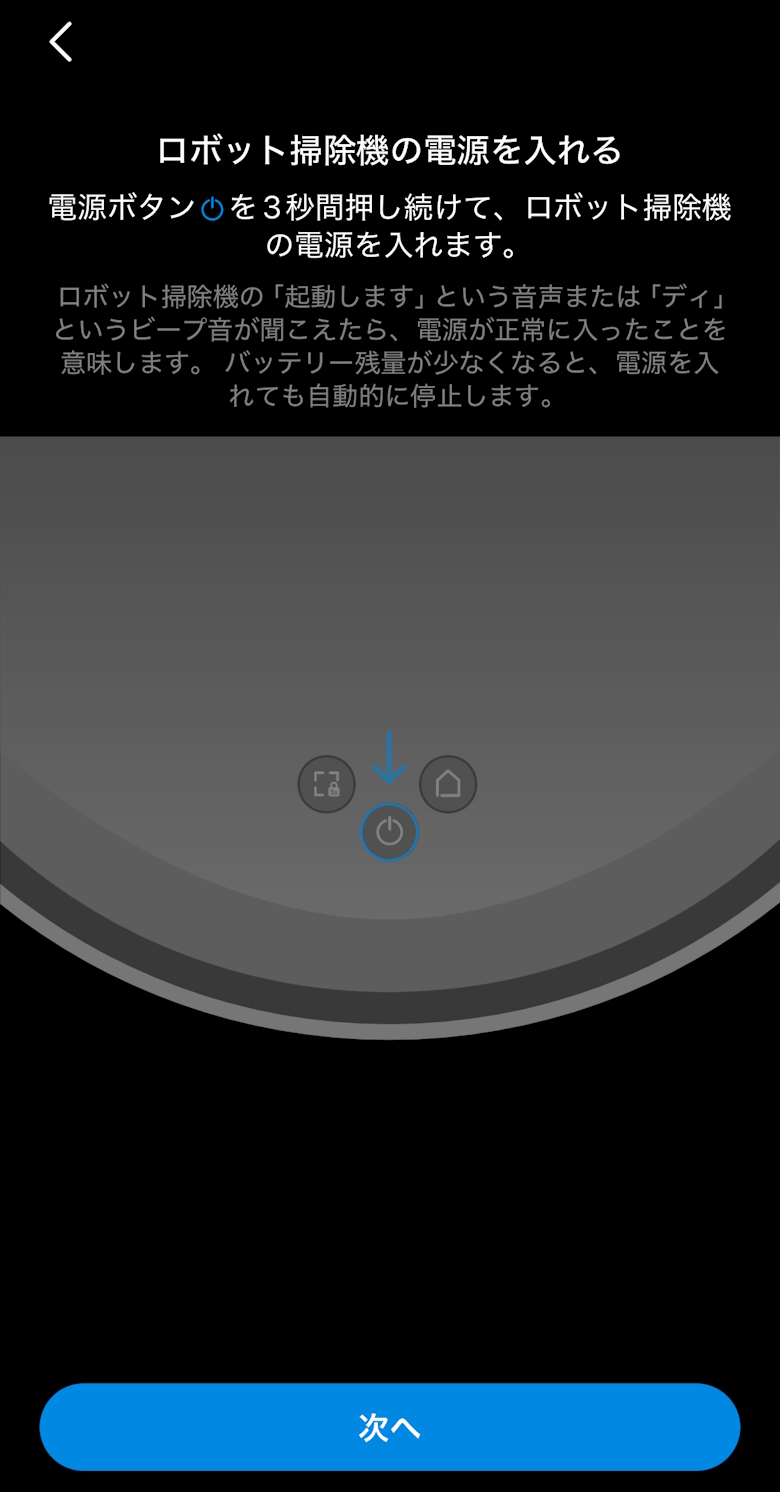
Let’s set up the “TP-Link Tapo RV30 Max Plus” using the smartphone app.
Tap to view how to set up the “TP-Link Tapo RV30 Max Plus” with the smartphone app
STEP
Connect the power cord to the auto-empty dock
STEP
Place the robot vacuum on the auto-empty dock and charge it
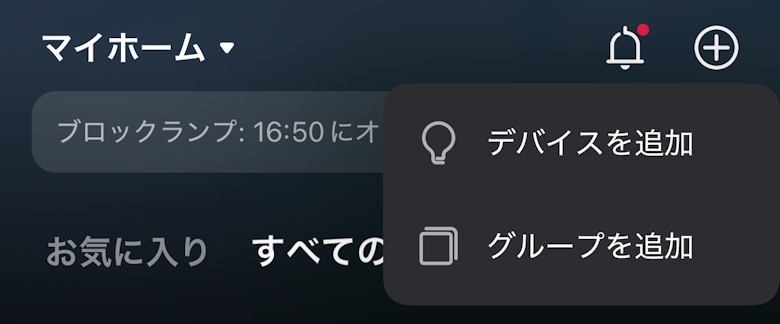
Tap the “+” in the top right of the screen, then tap “Add Device”
STEP
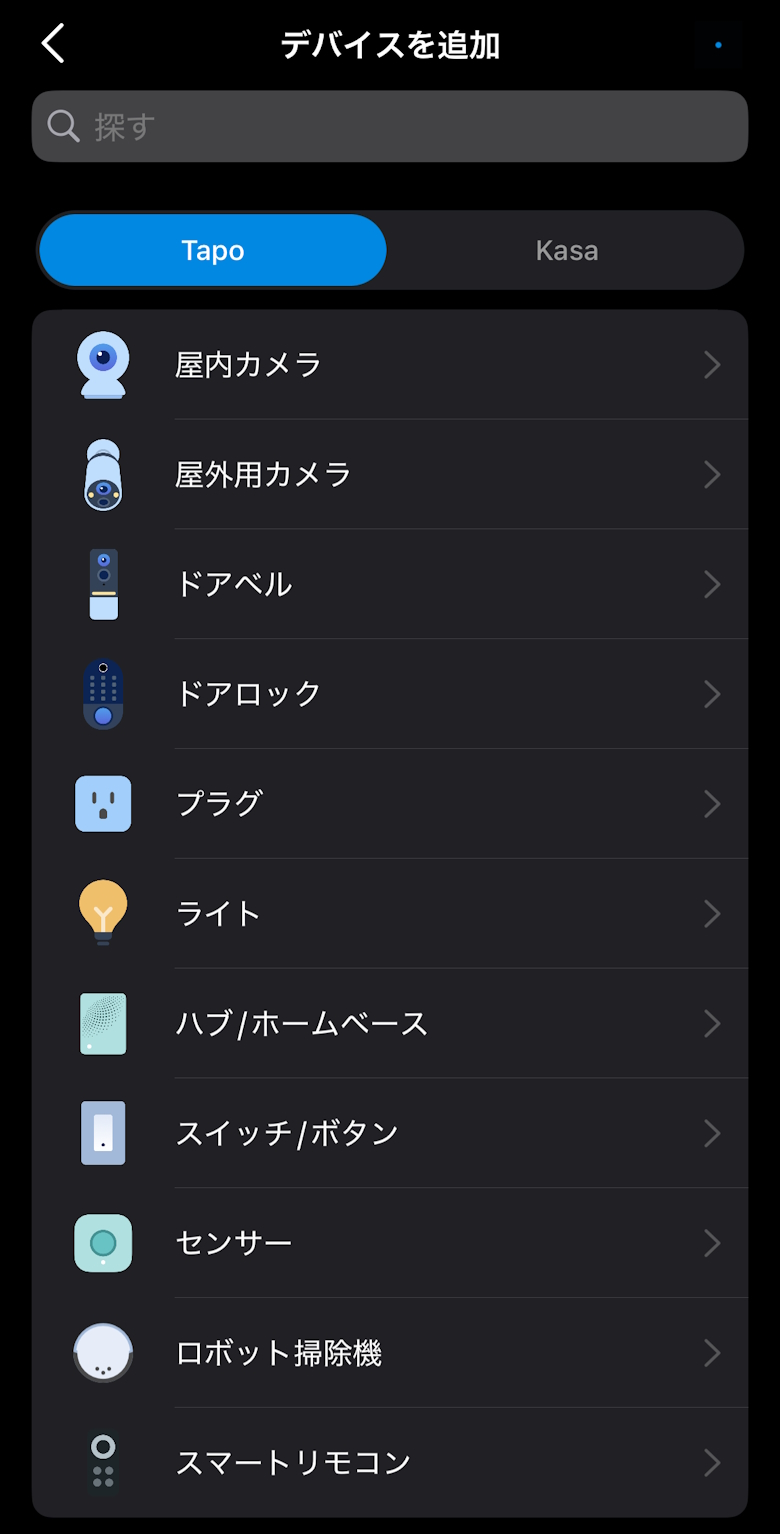
Tap “Robot Vacuum”
STEP
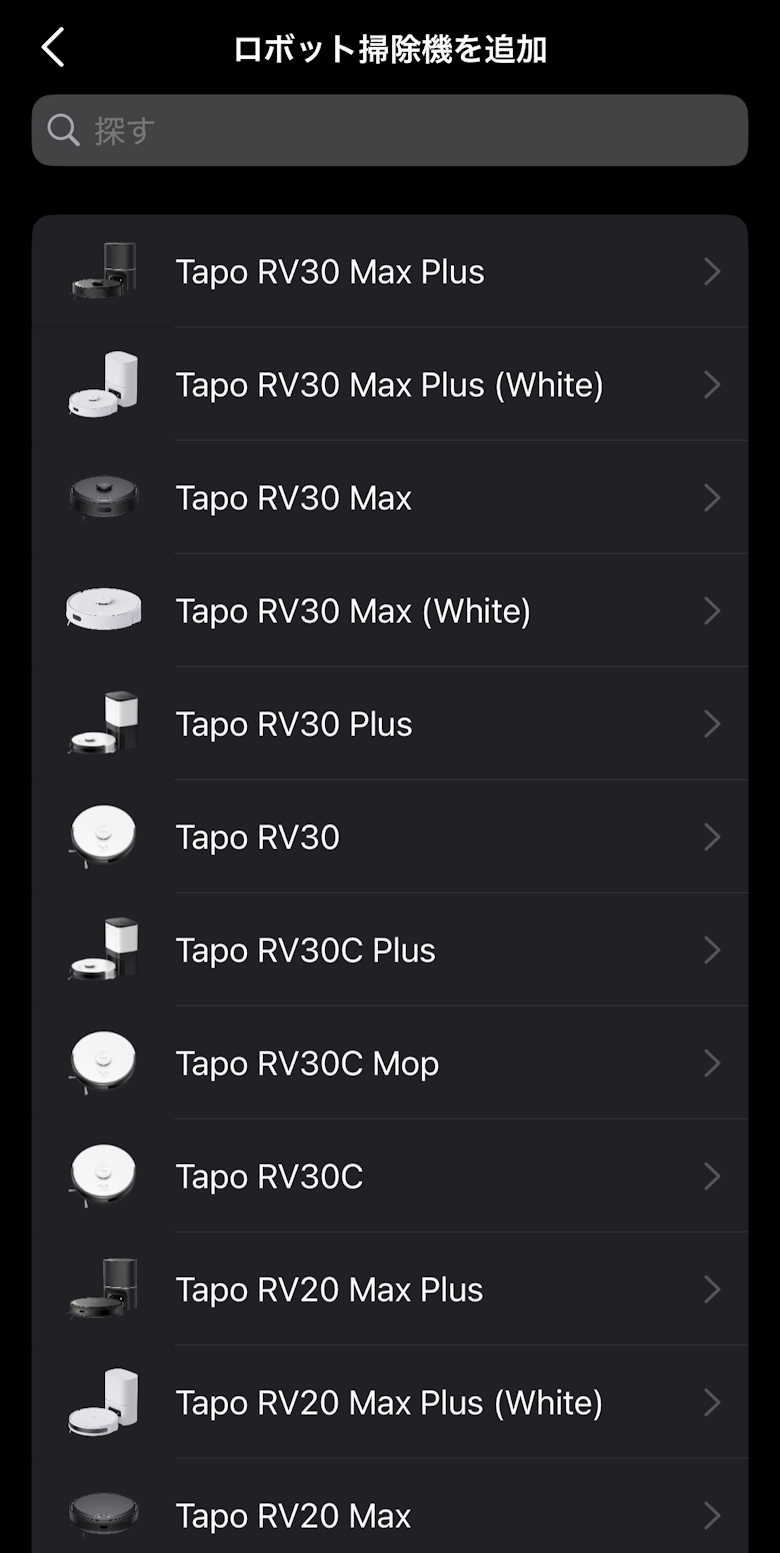
Tap “Tapo RV30 Max Plus”
STEP
Tap “Next”
STEP
Tap “Next”
STEP
Tap “Next”
STEP
Tap “Next”
STEP
Tap “Next”
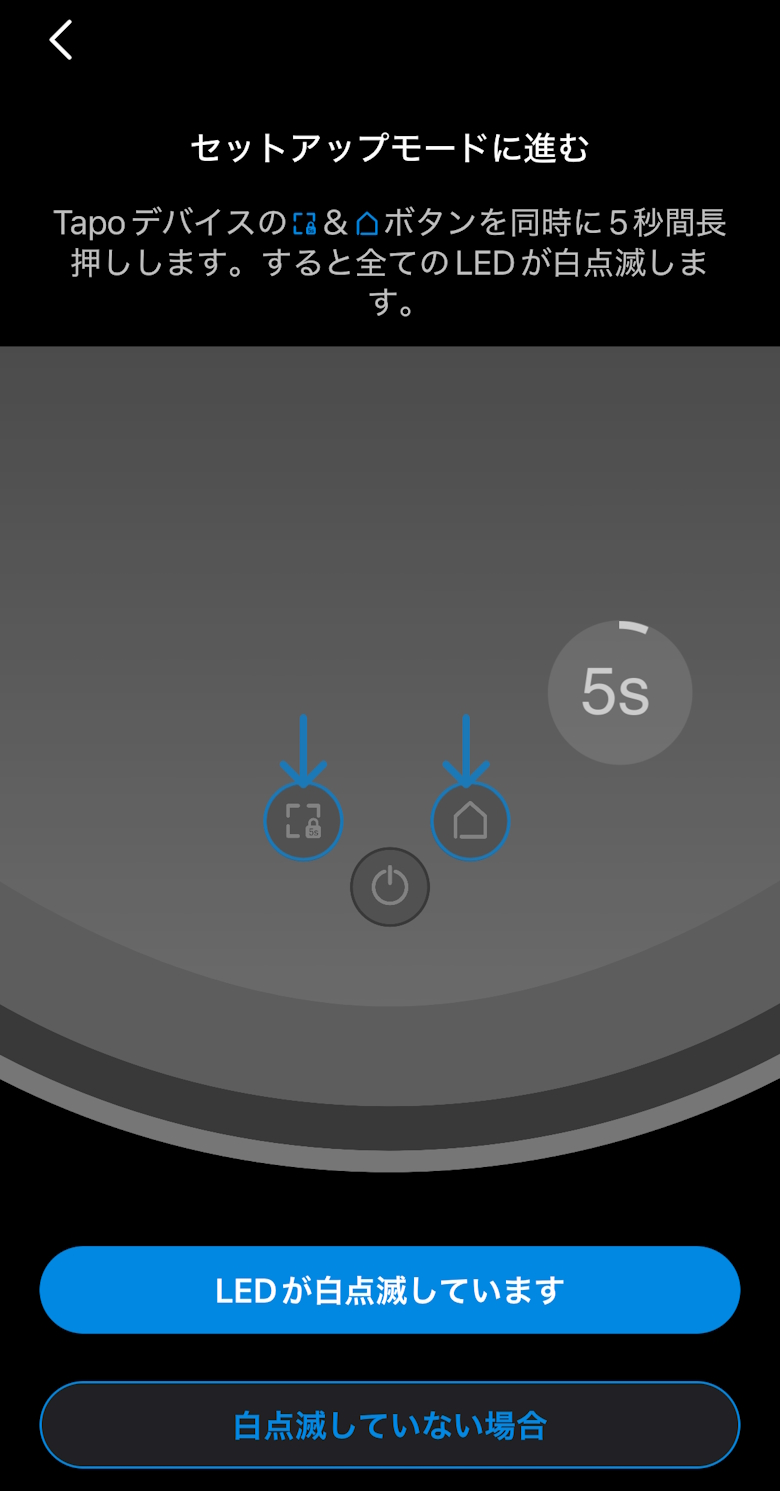
STEP
Tap “The LED is blinking white”
STEP
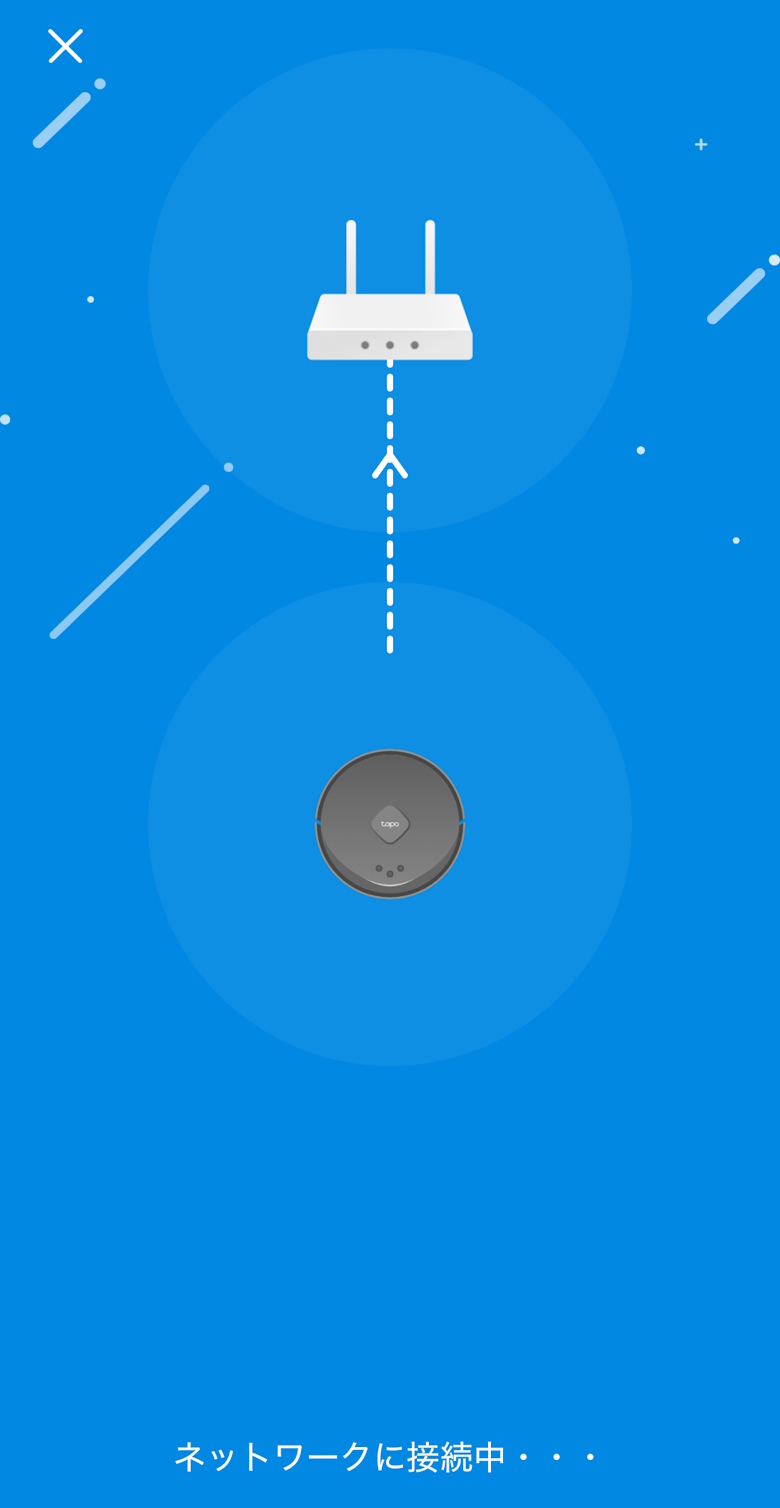
Wait for a while
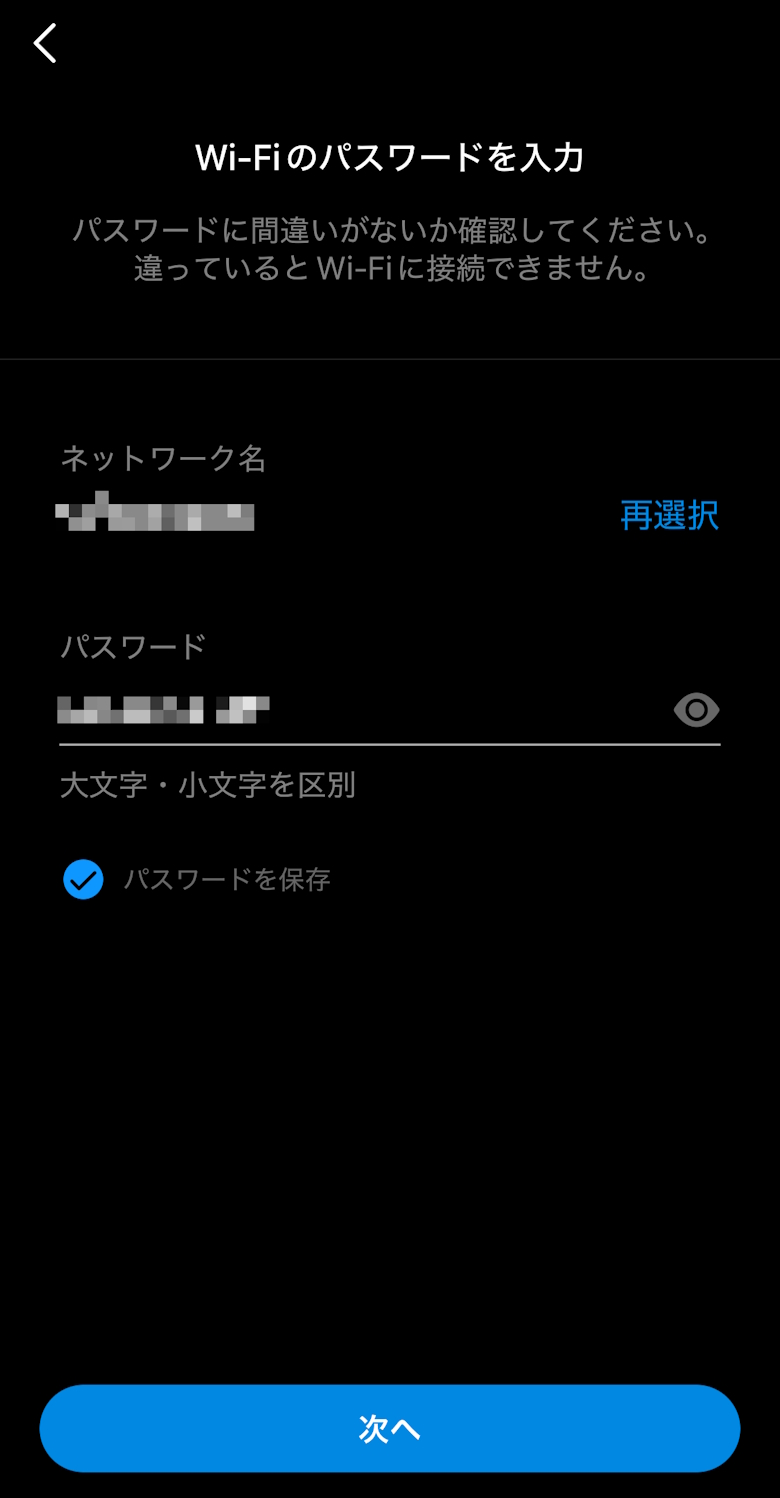
STEP
Enter the Wi-Fi information and tap “Next”
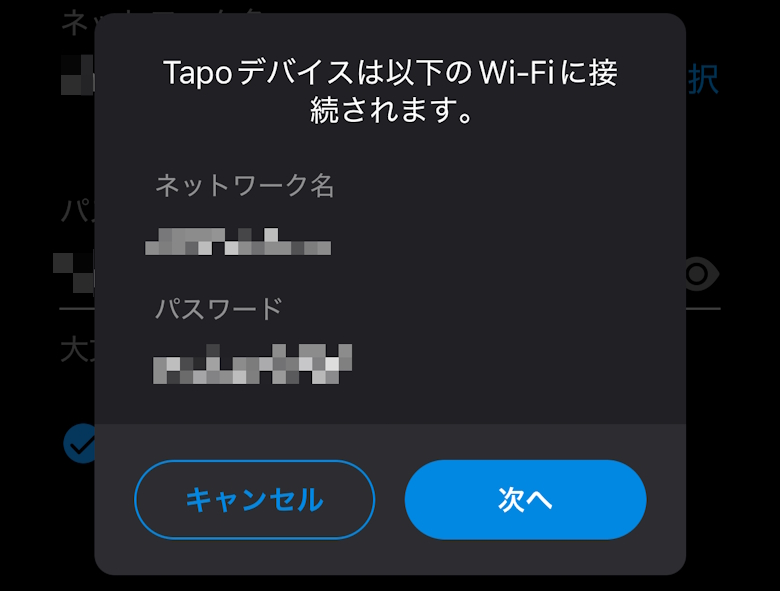
STEP
Tap “Next”
STEP
Wait for a while
STEP
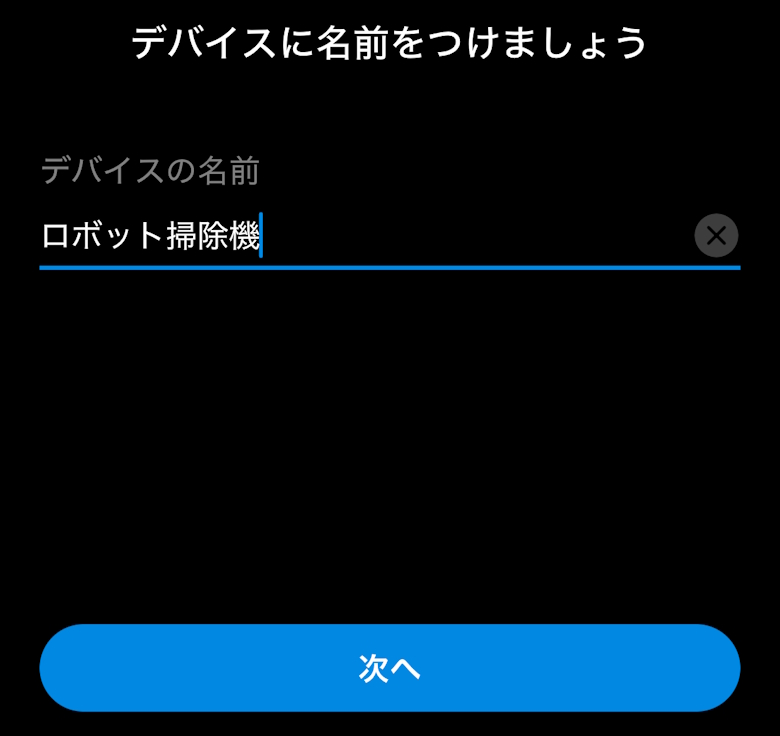
Enter the device name and tap “Next”
STEP
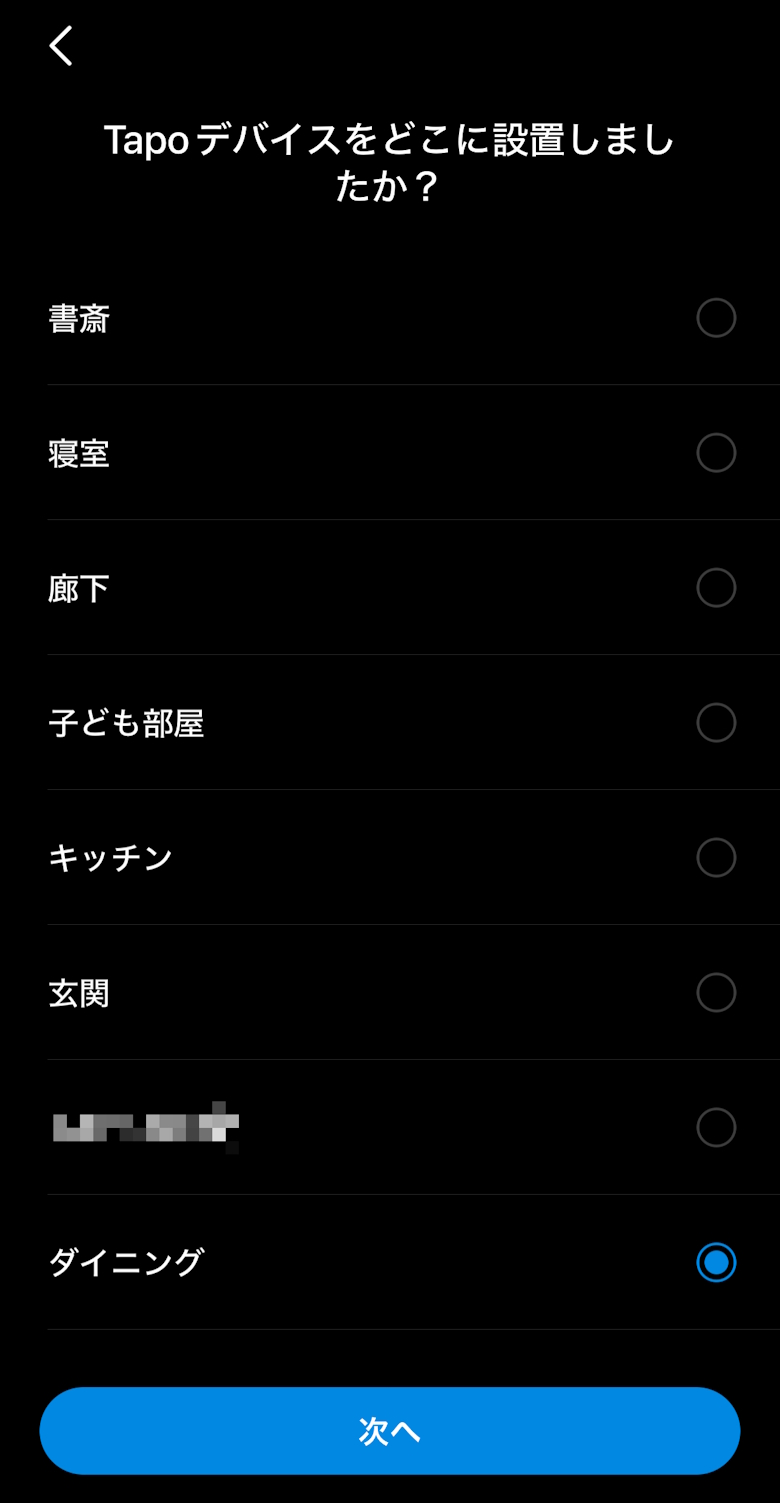
Select the installation location and tap “Next”
STEP
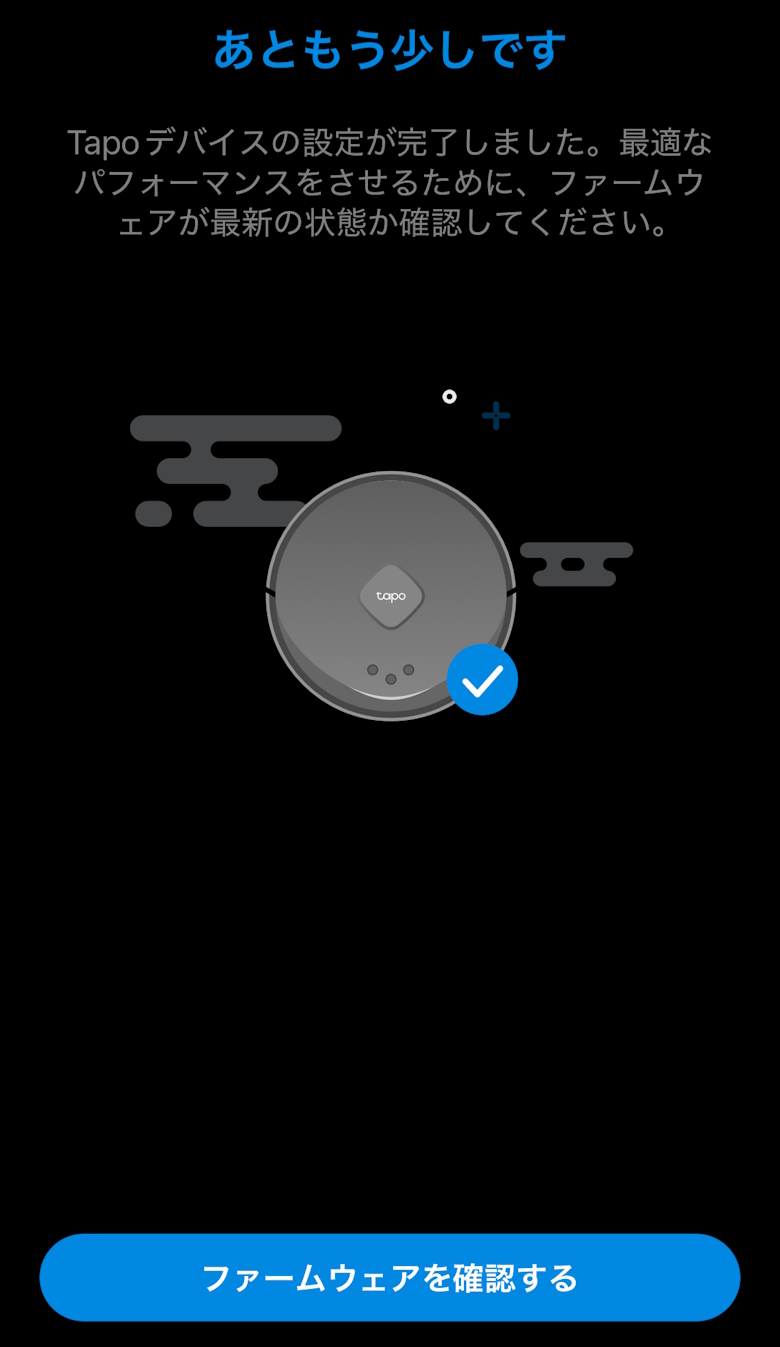
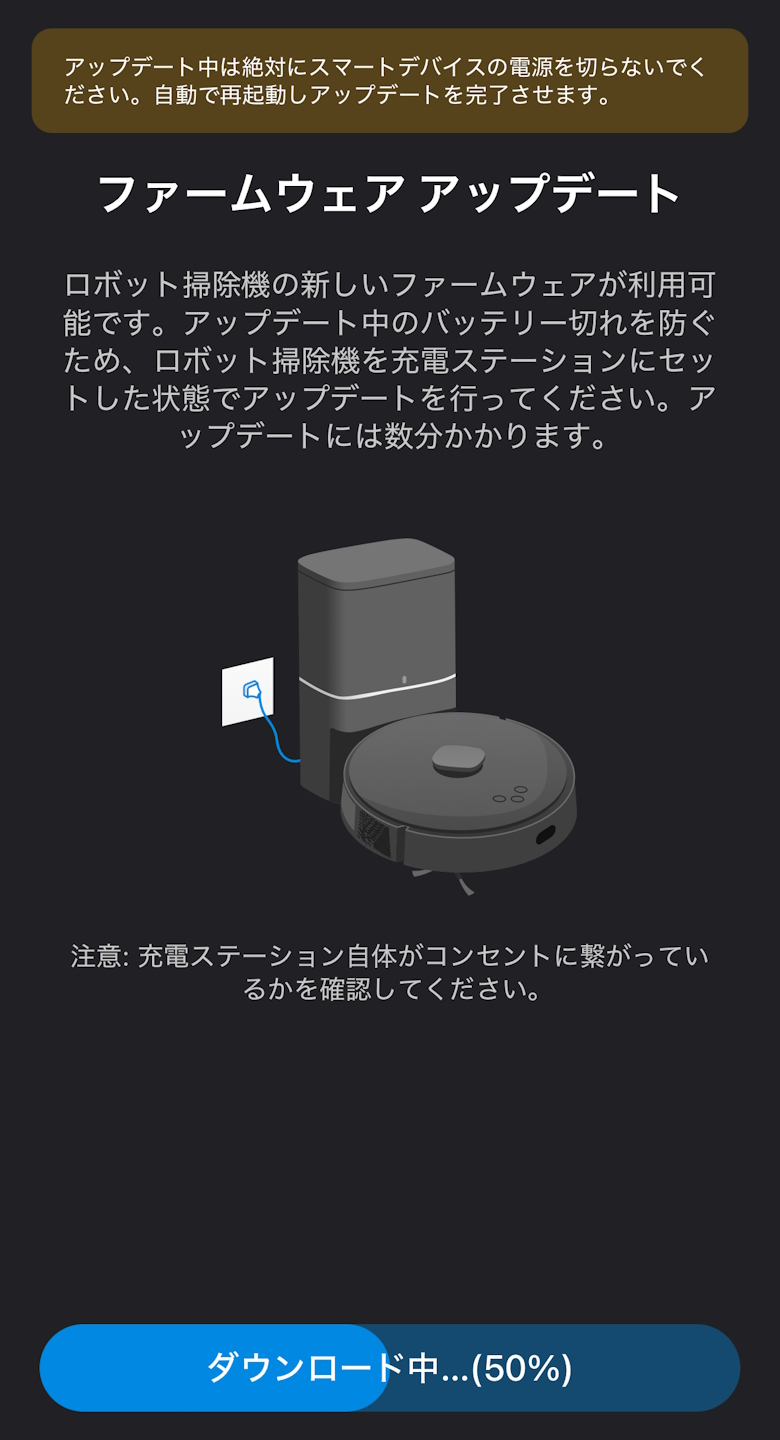
Tap “Check for firmware updates”
STEP
Wait for a while
STEP
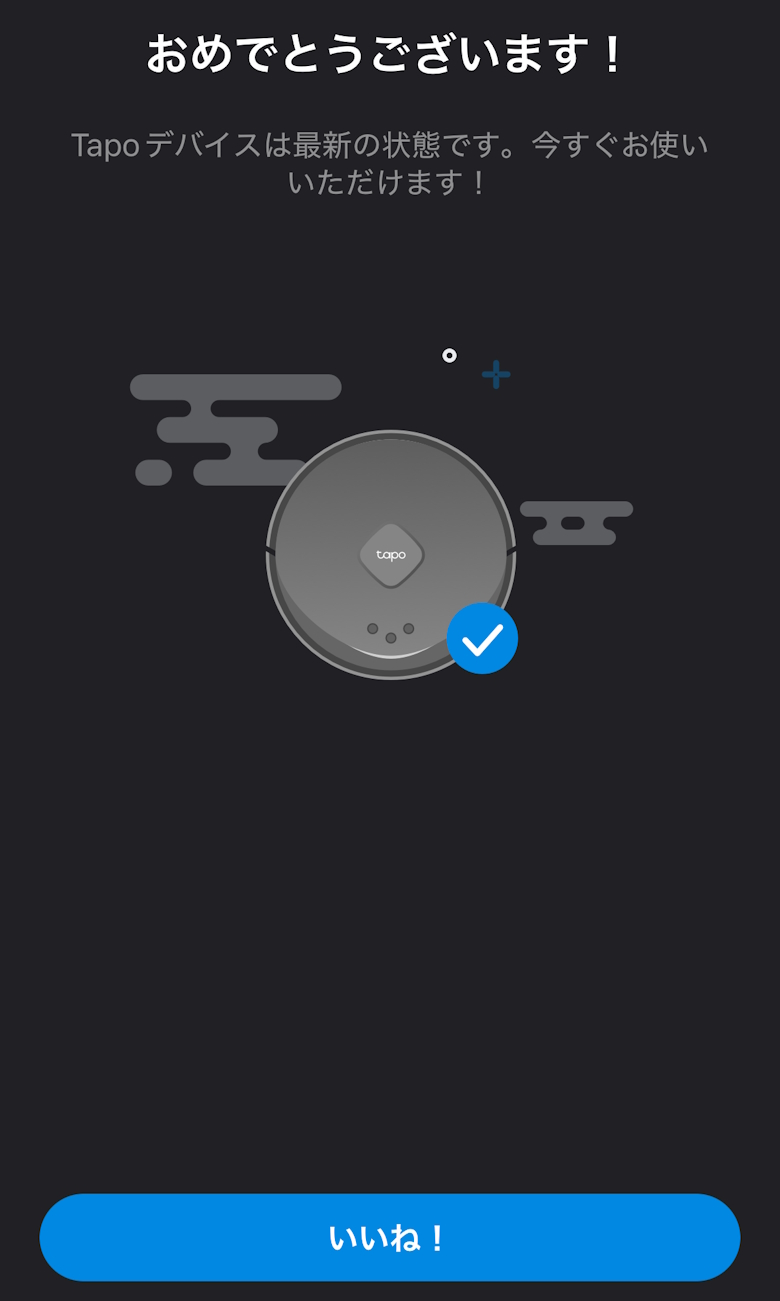
Tap “Like!”
STEP
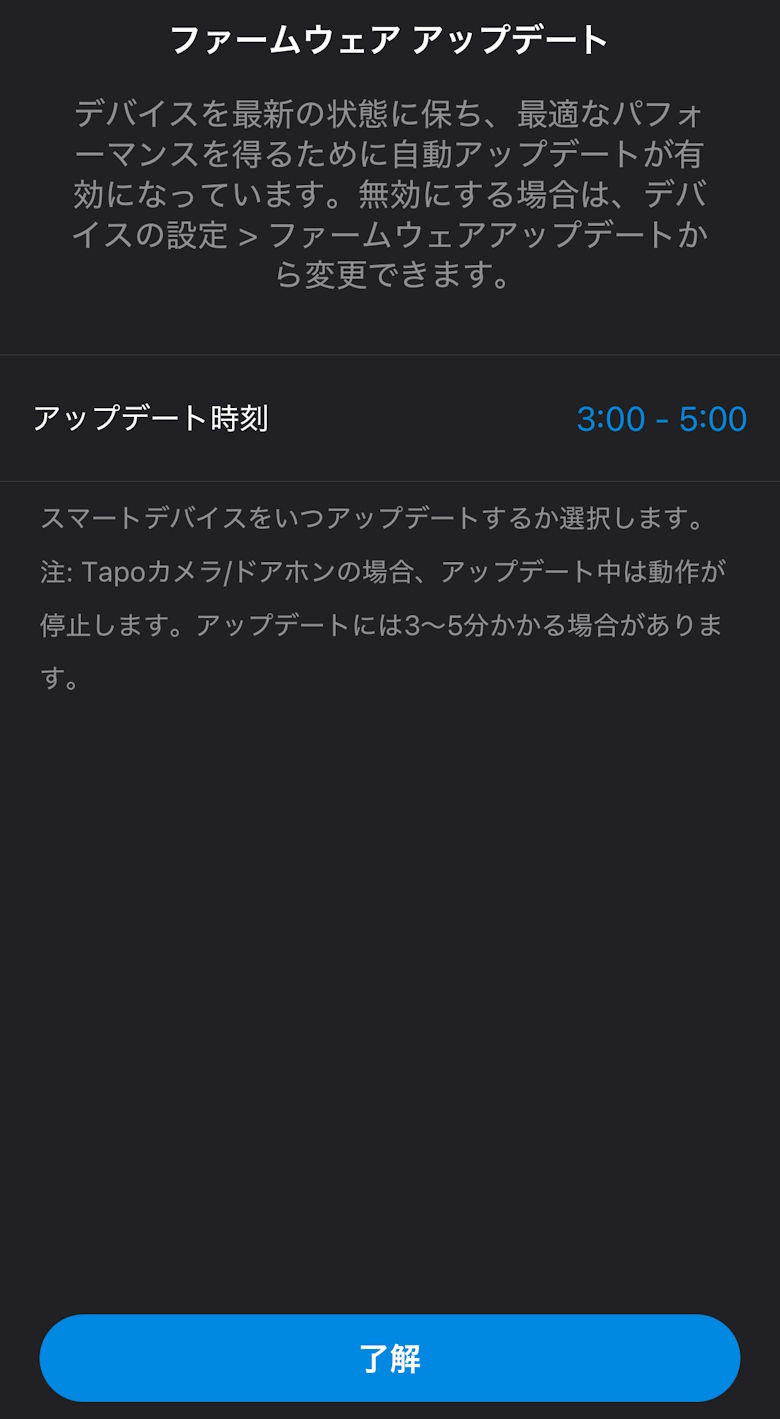
Tap “OK”
STEP
Tap “Next”
STEP
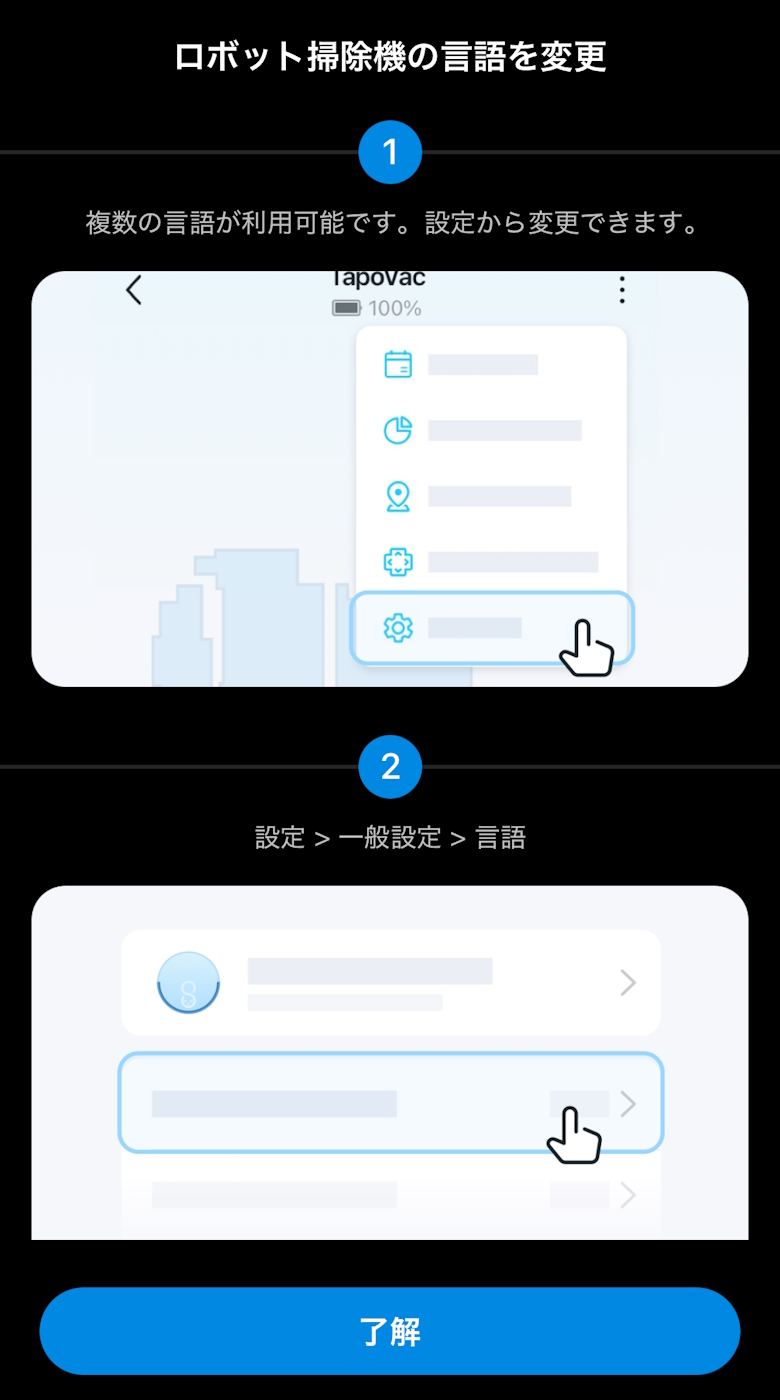
Tap “OK”
STEP
Setup is complete when the configured robot vacuum appears on the home screen
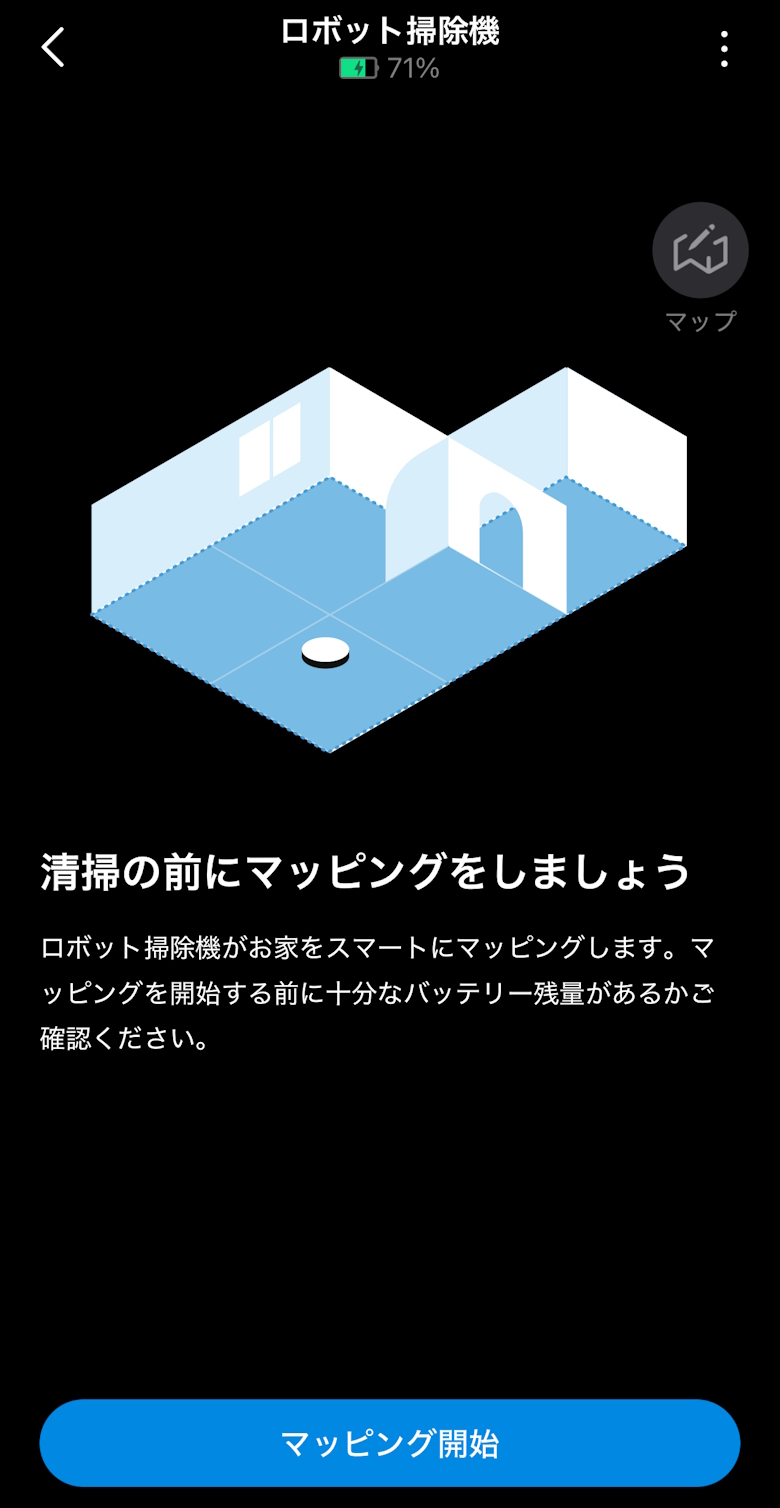
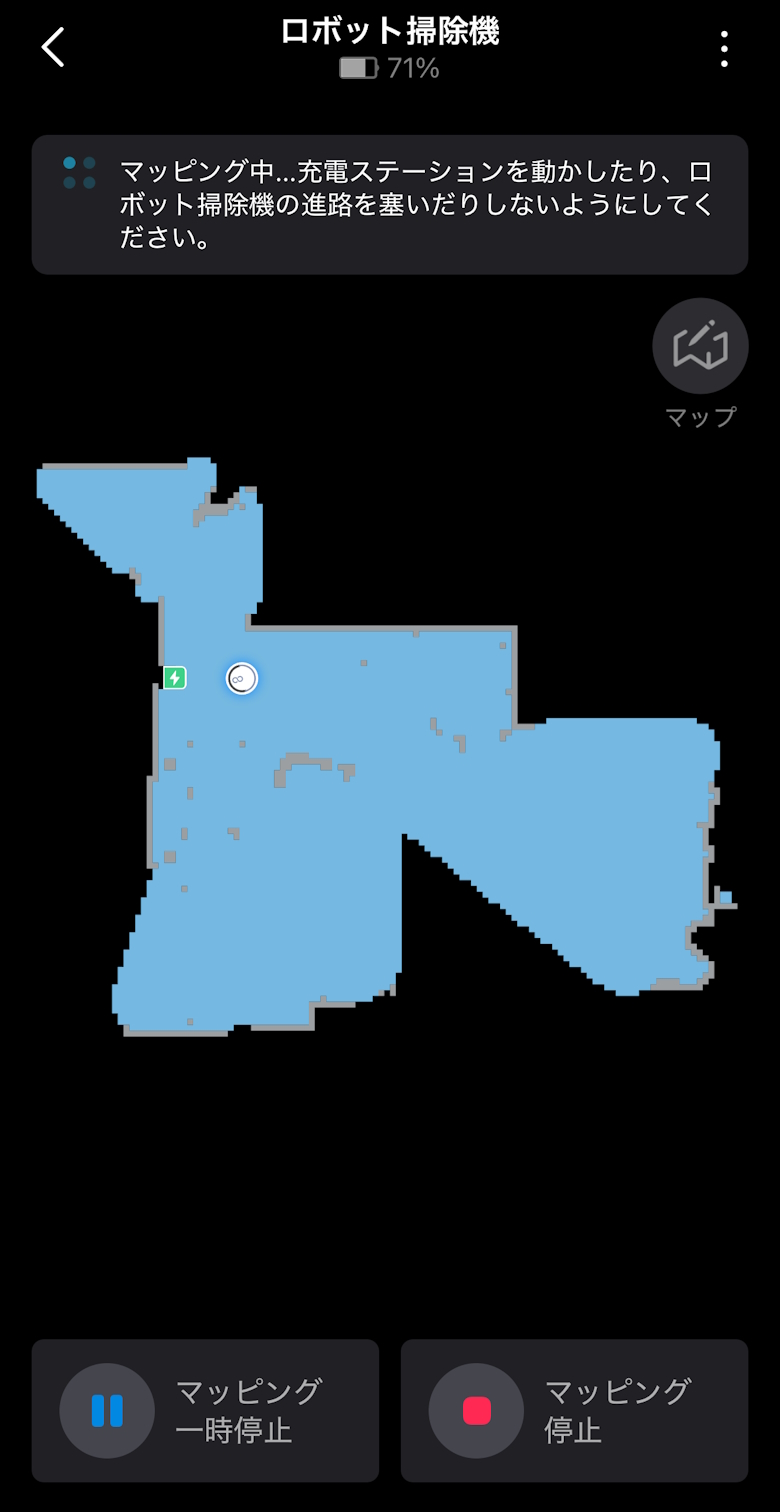
The first operation will be mapping.
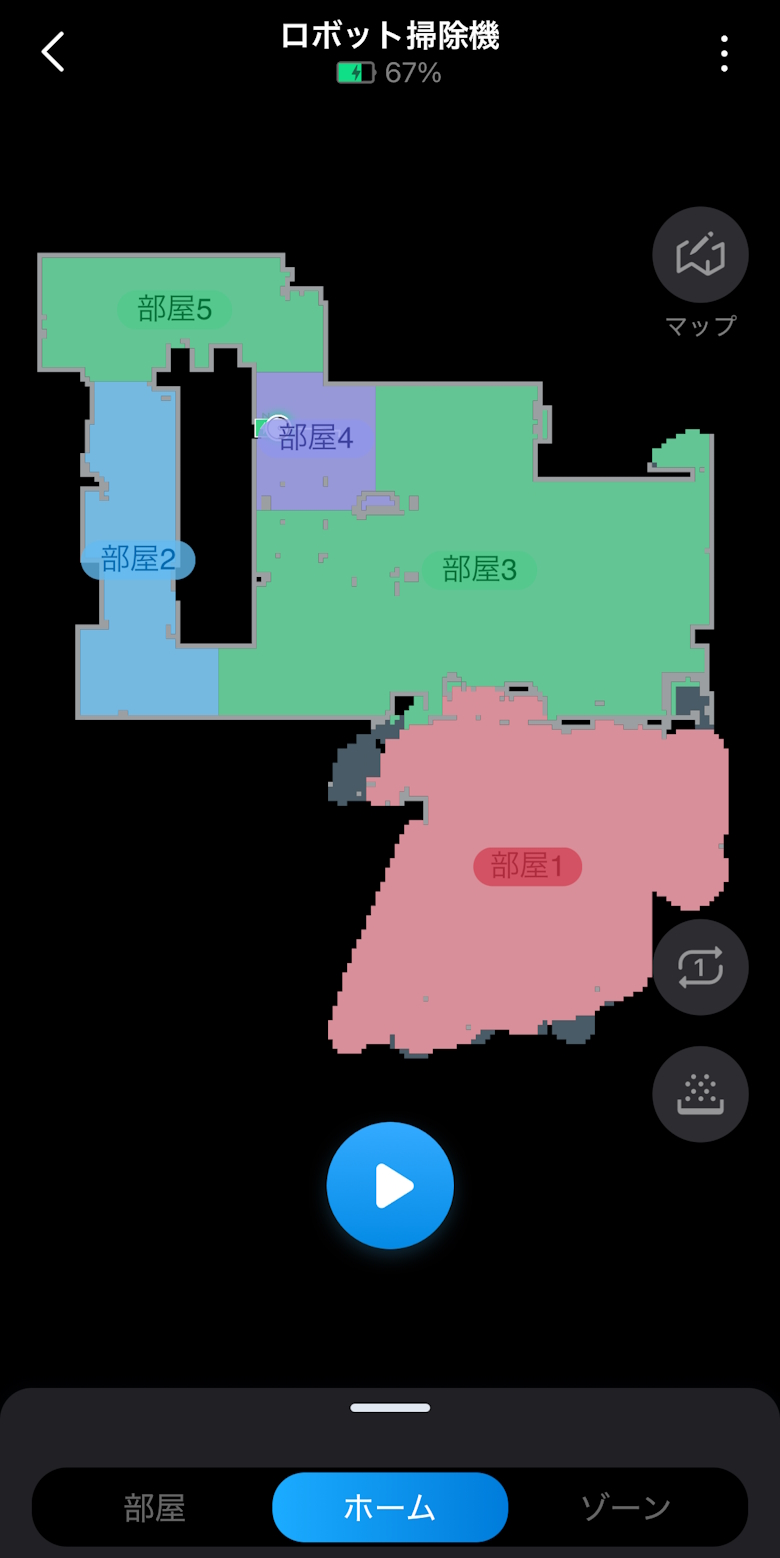
Once mapping is complete, the home screen will be displayed.
You can review and adjust the created map.
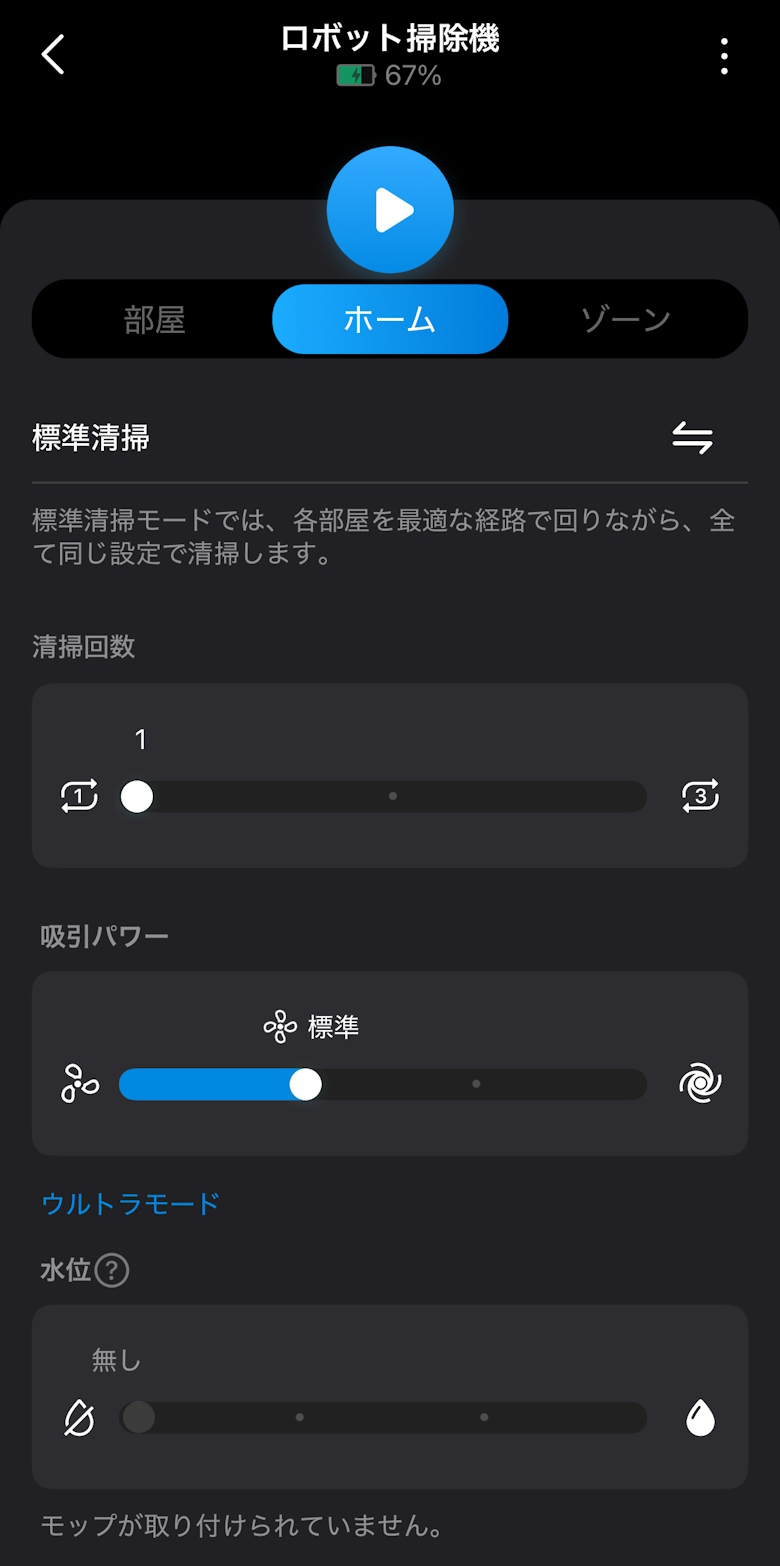
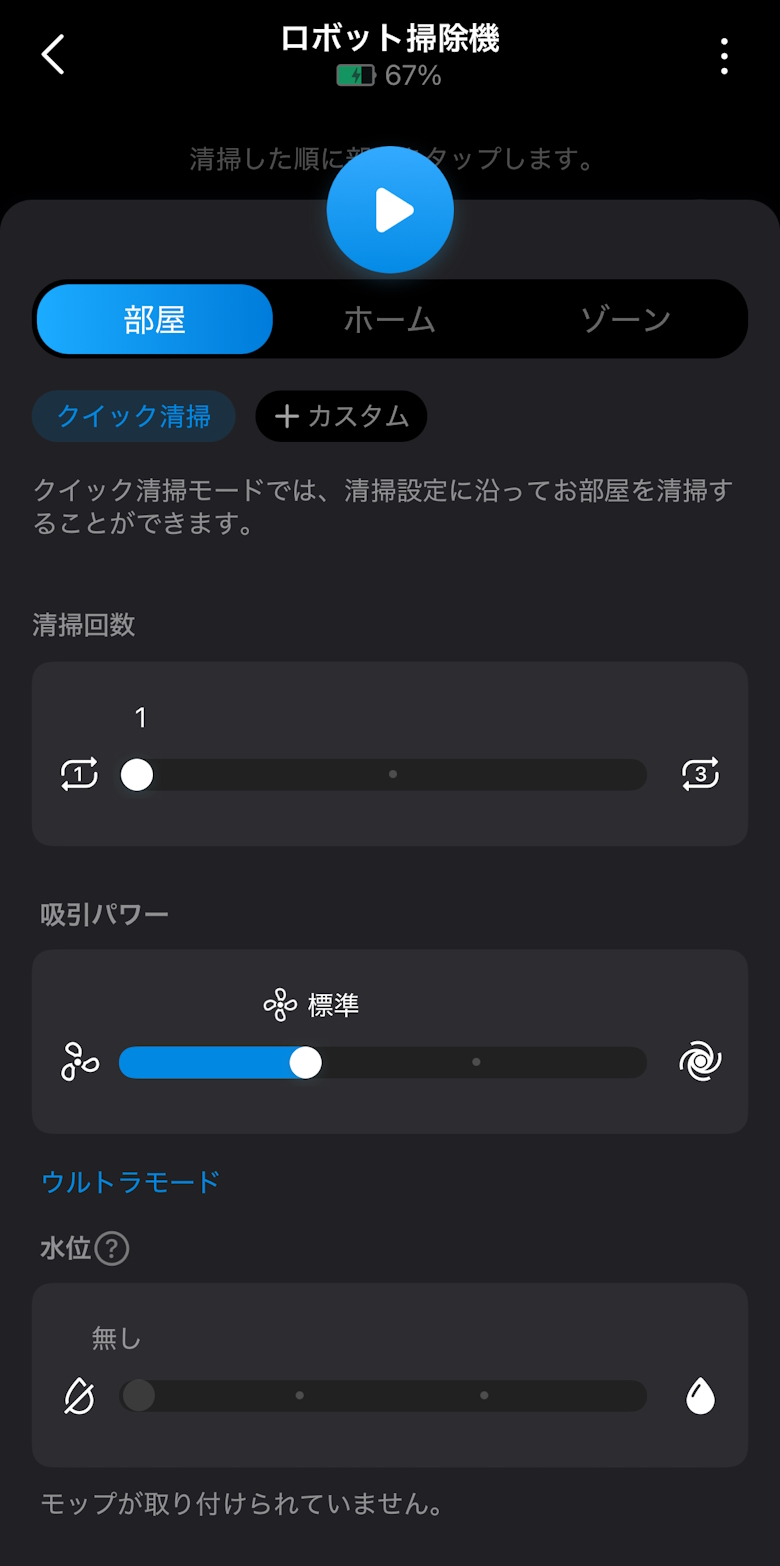
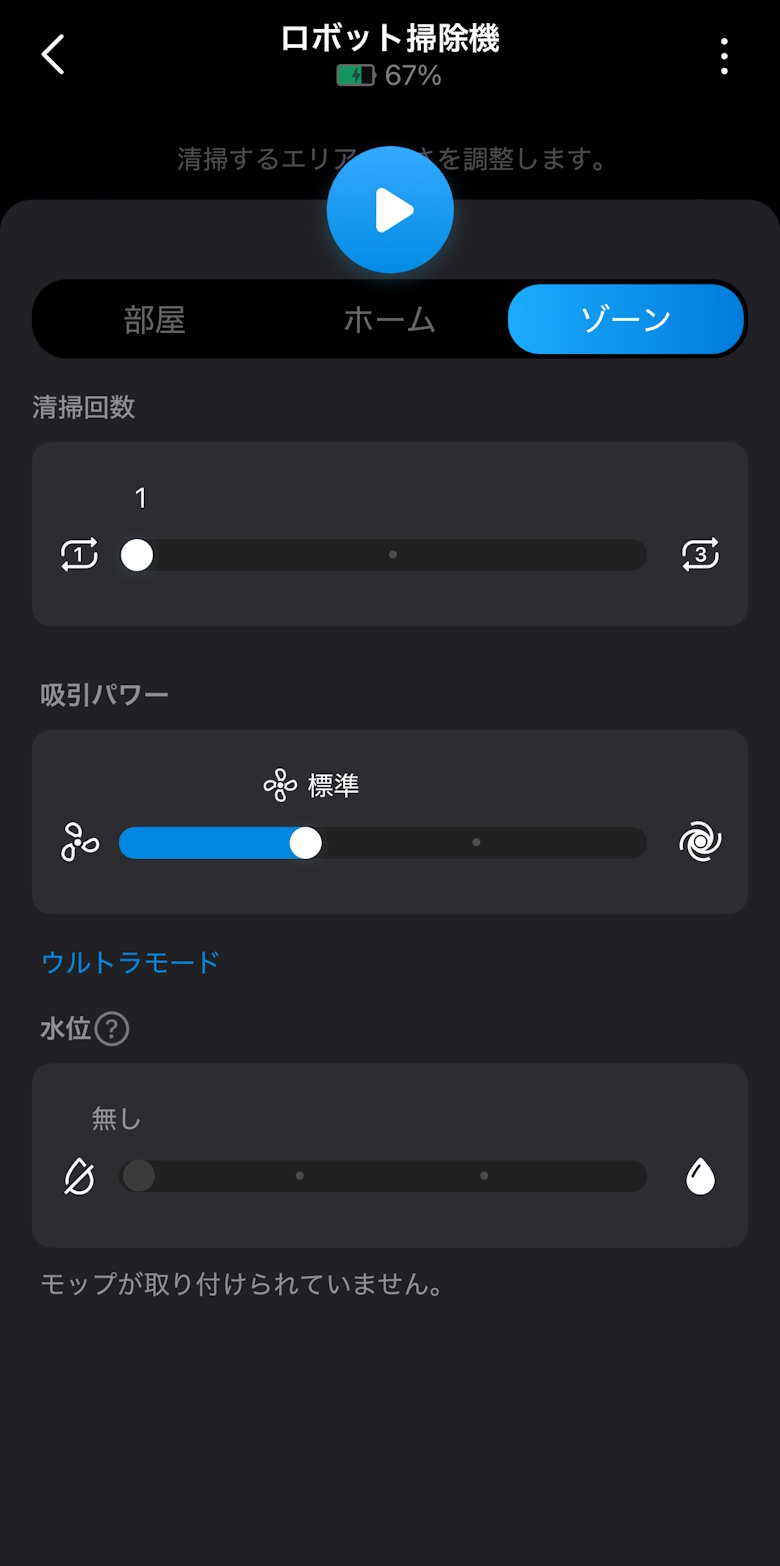
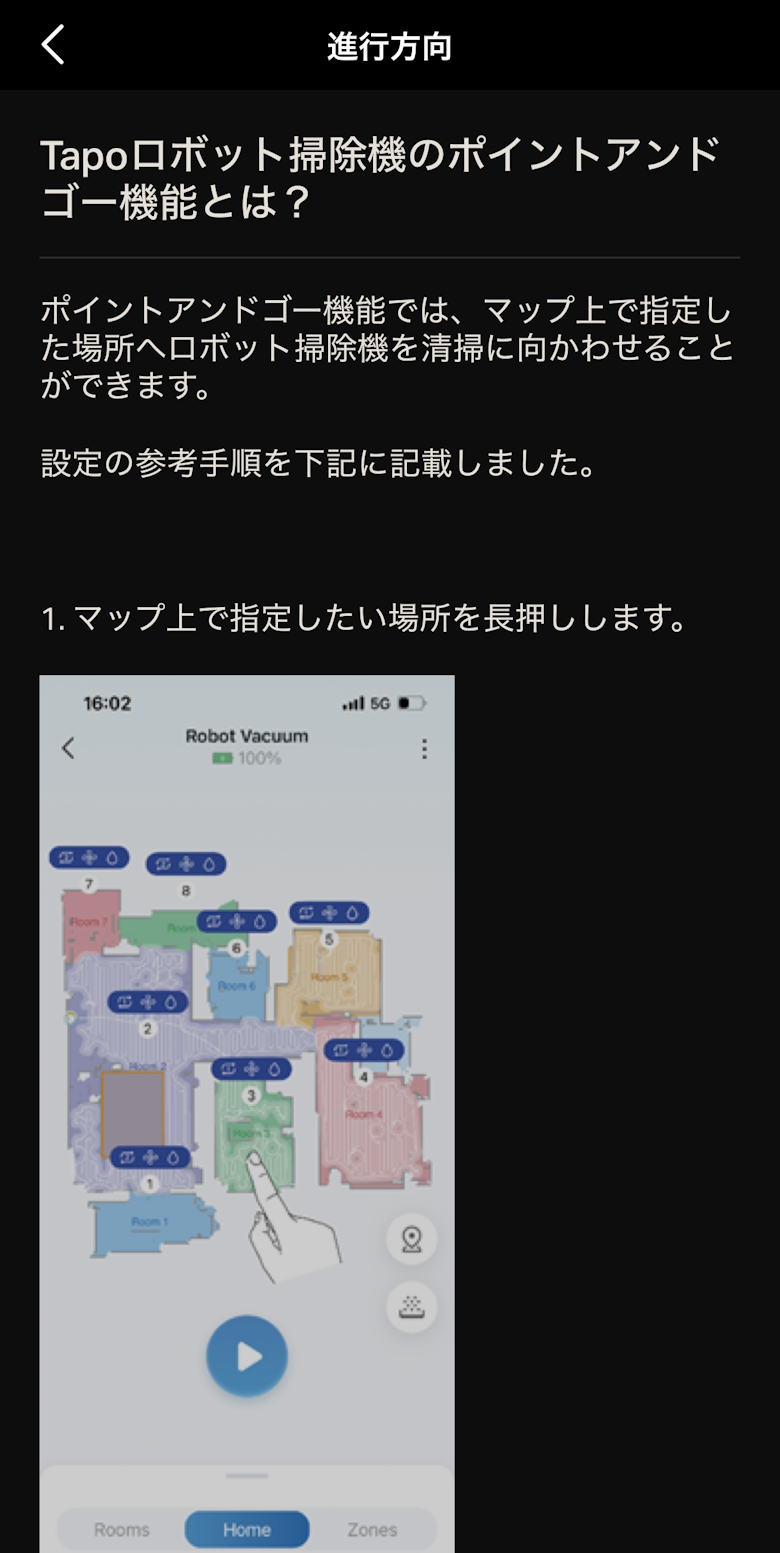
You can select a cleaning method from the Home, Room, and Zone menus to start cleaning.
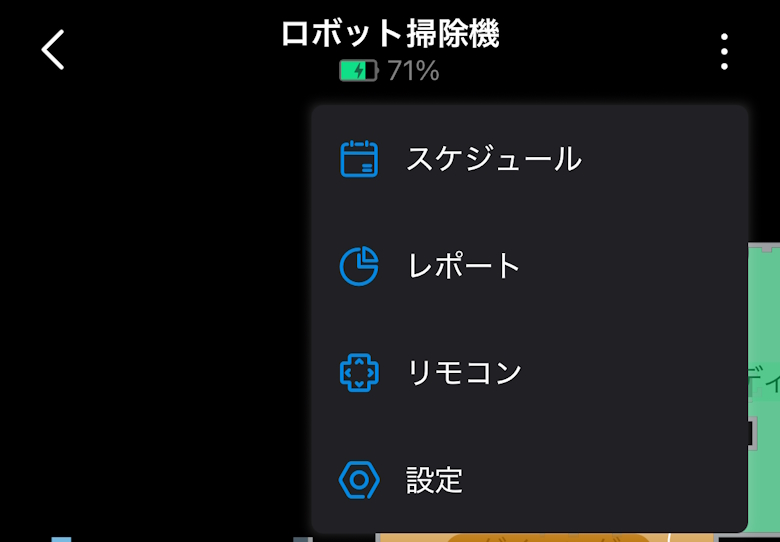
You can open various screens such as Schedule, Report, Remote Control, and Settings from the menu.
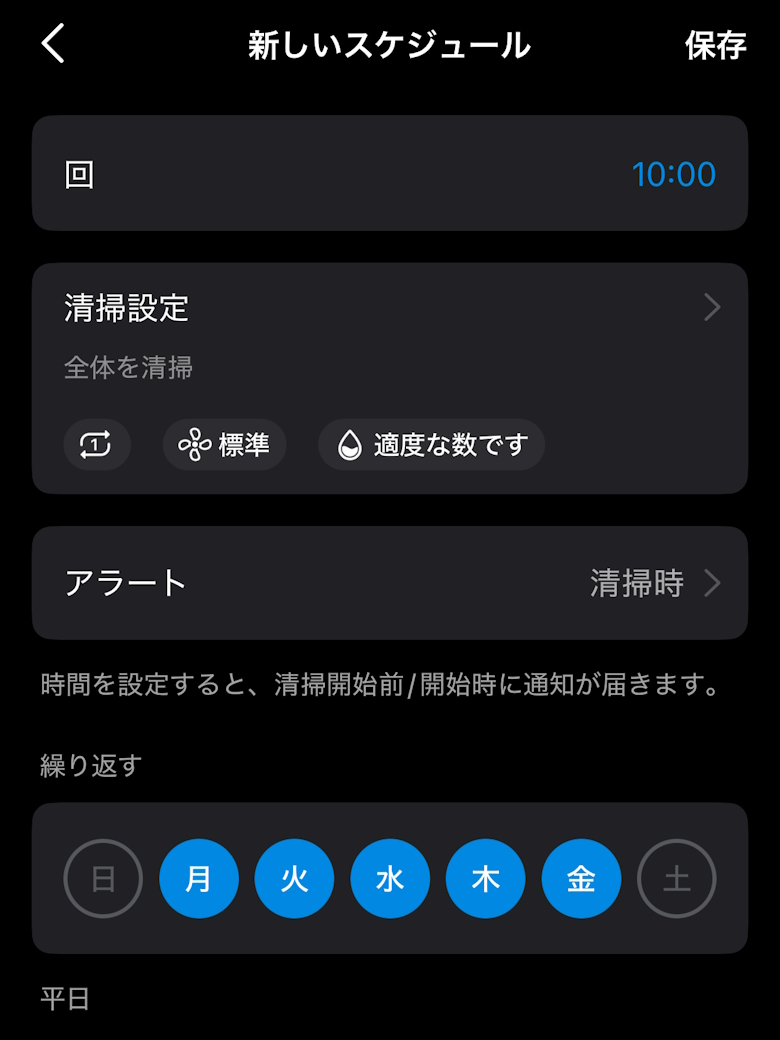
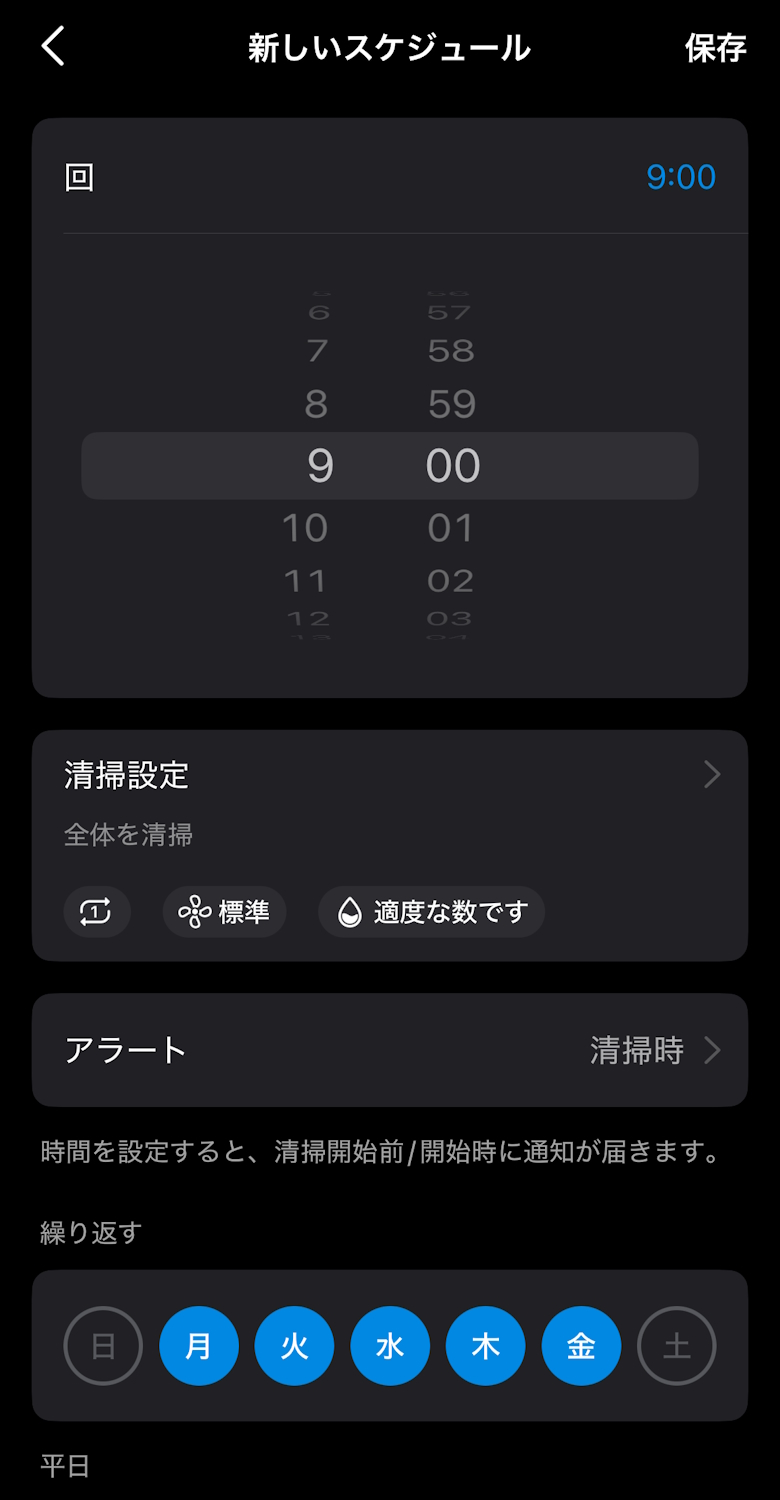
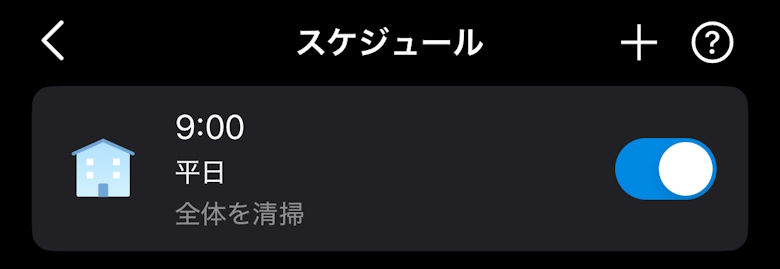
You can set a schedule to automatically create cleaning plans.
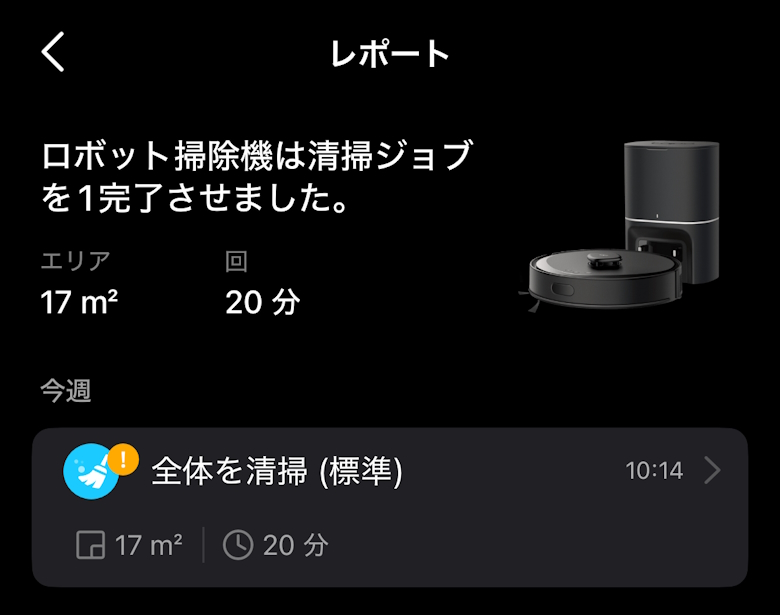
In the Report, you can check your cleaning history.
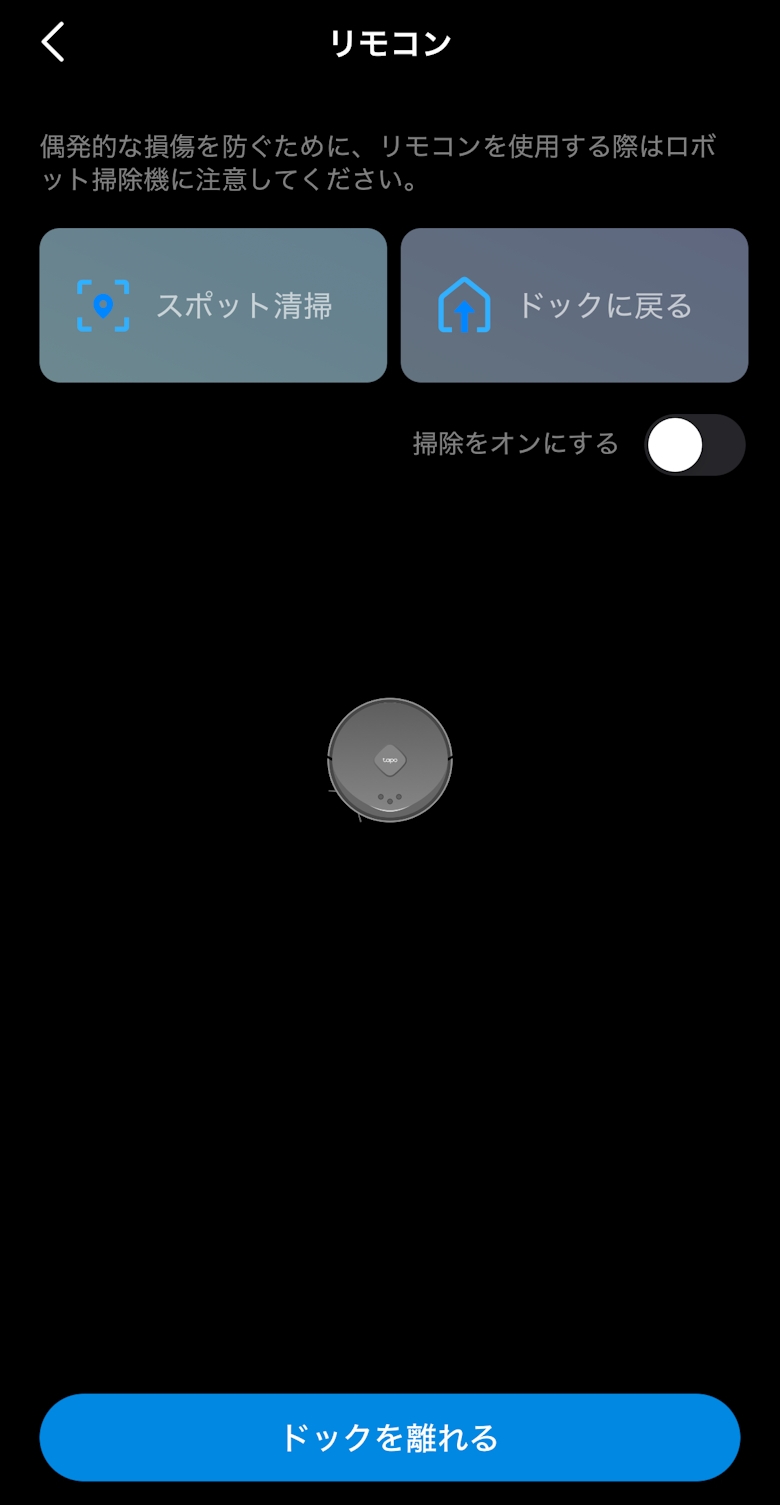
You can control the movement of the robot vacuum with the Remote Control.
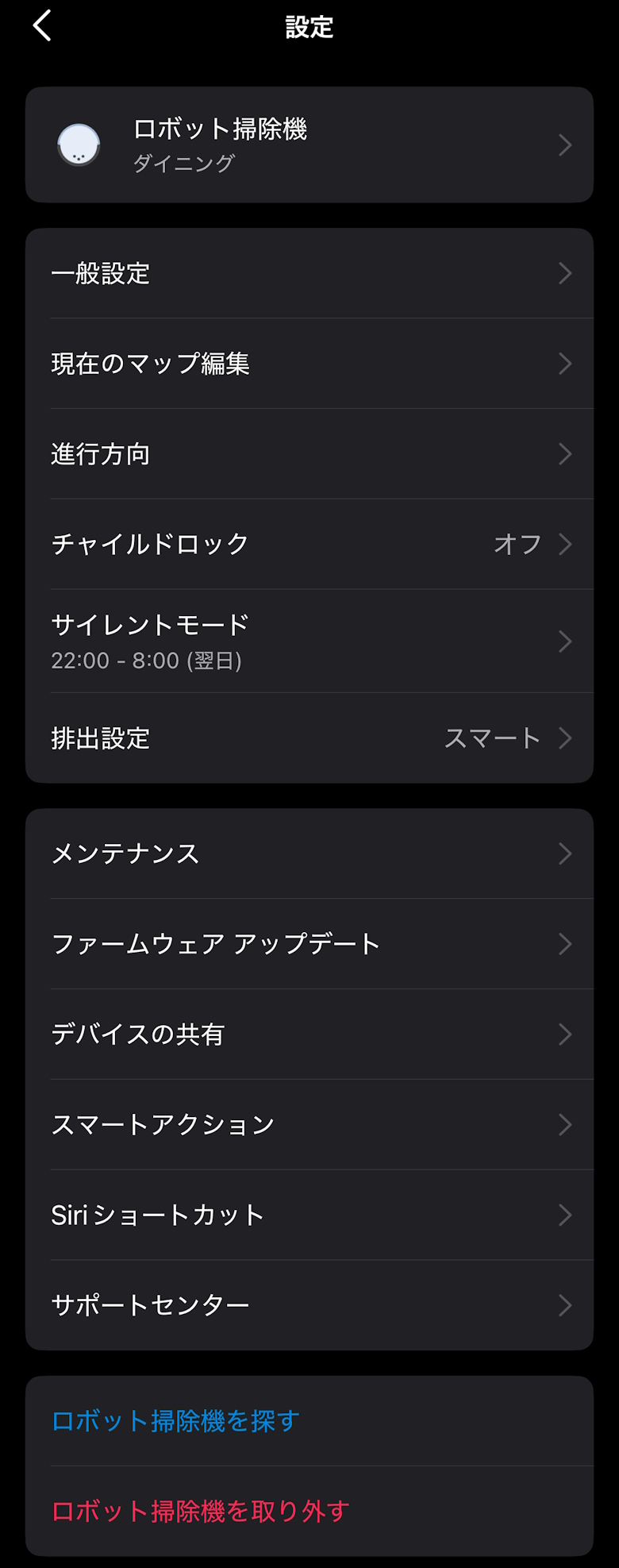
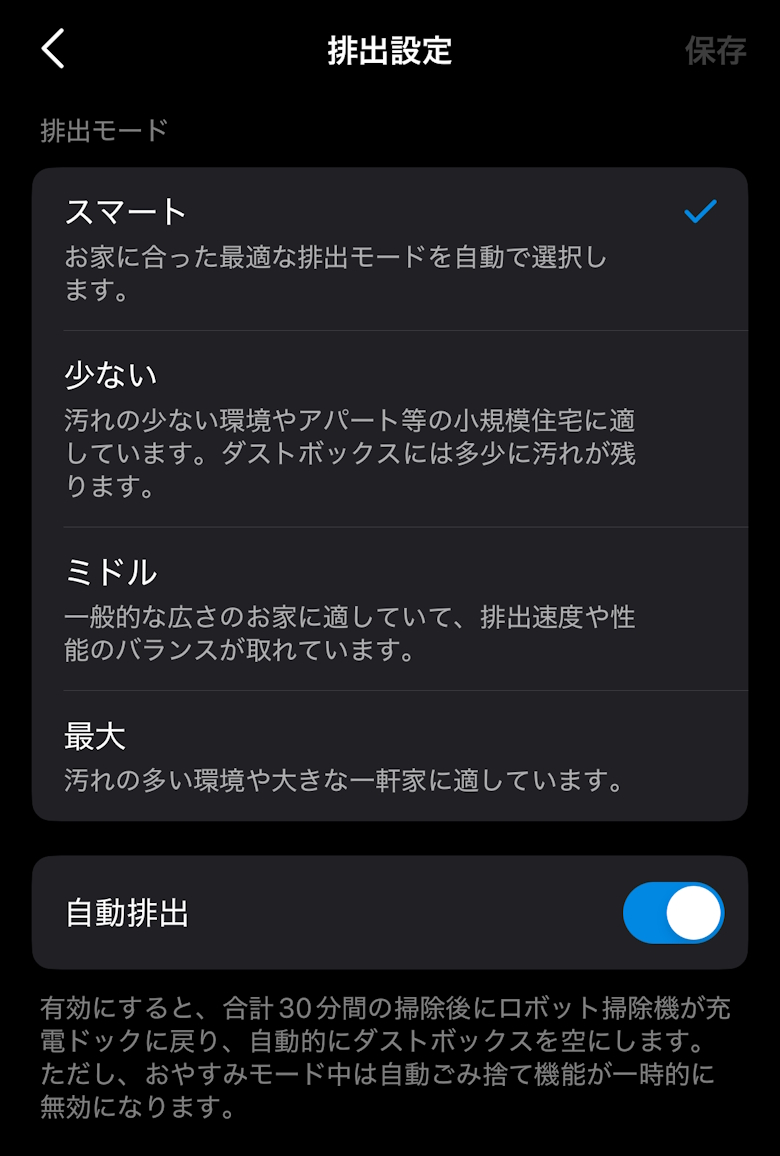
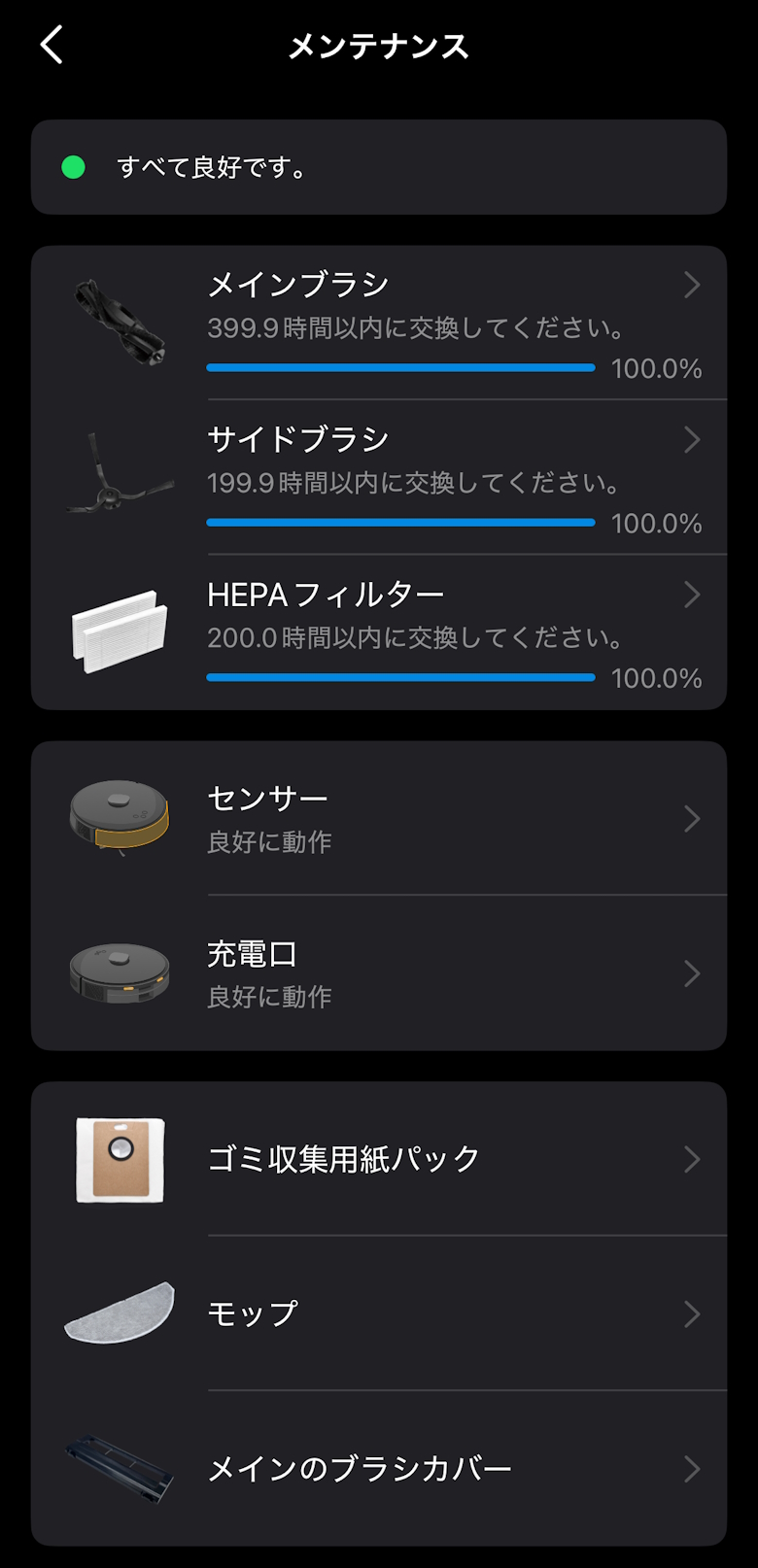
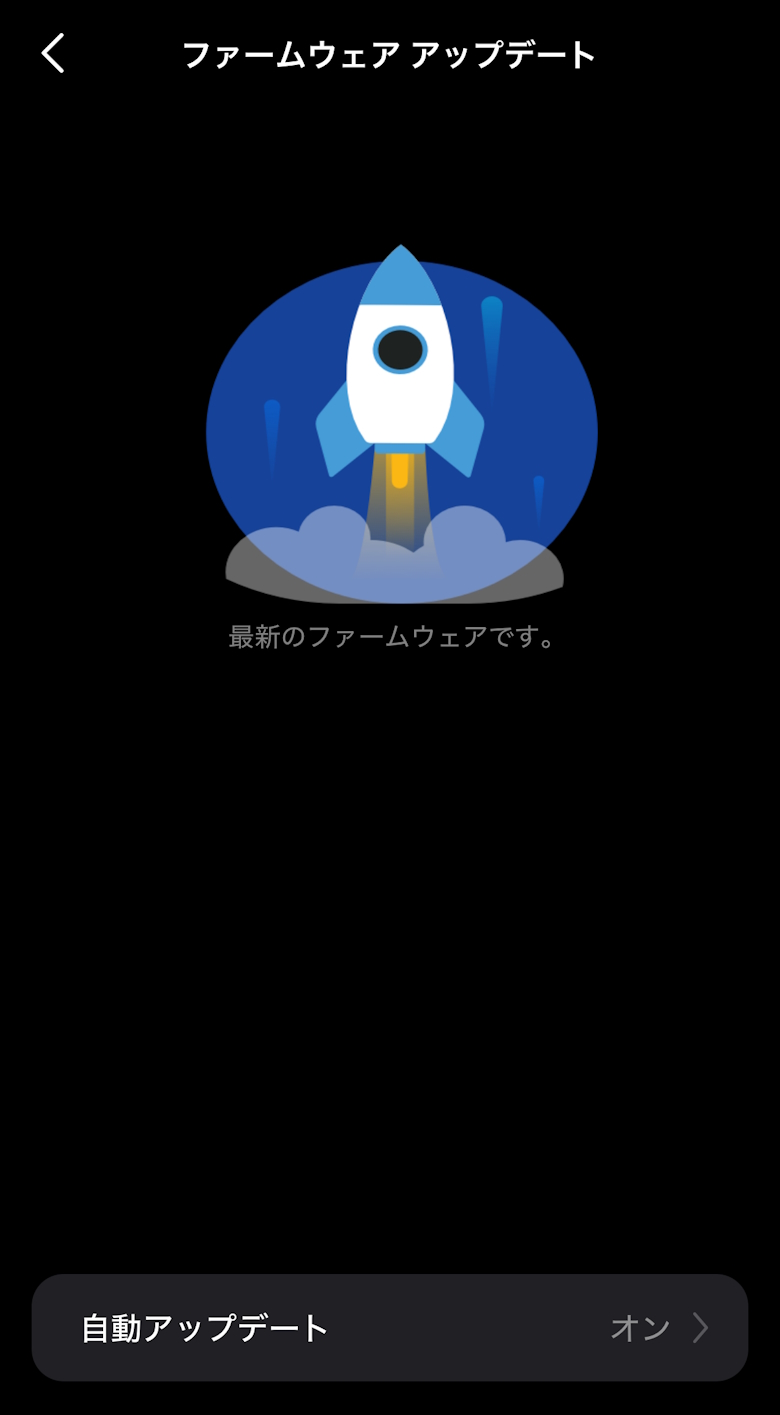
In the product settings, you can make more detailed settings.
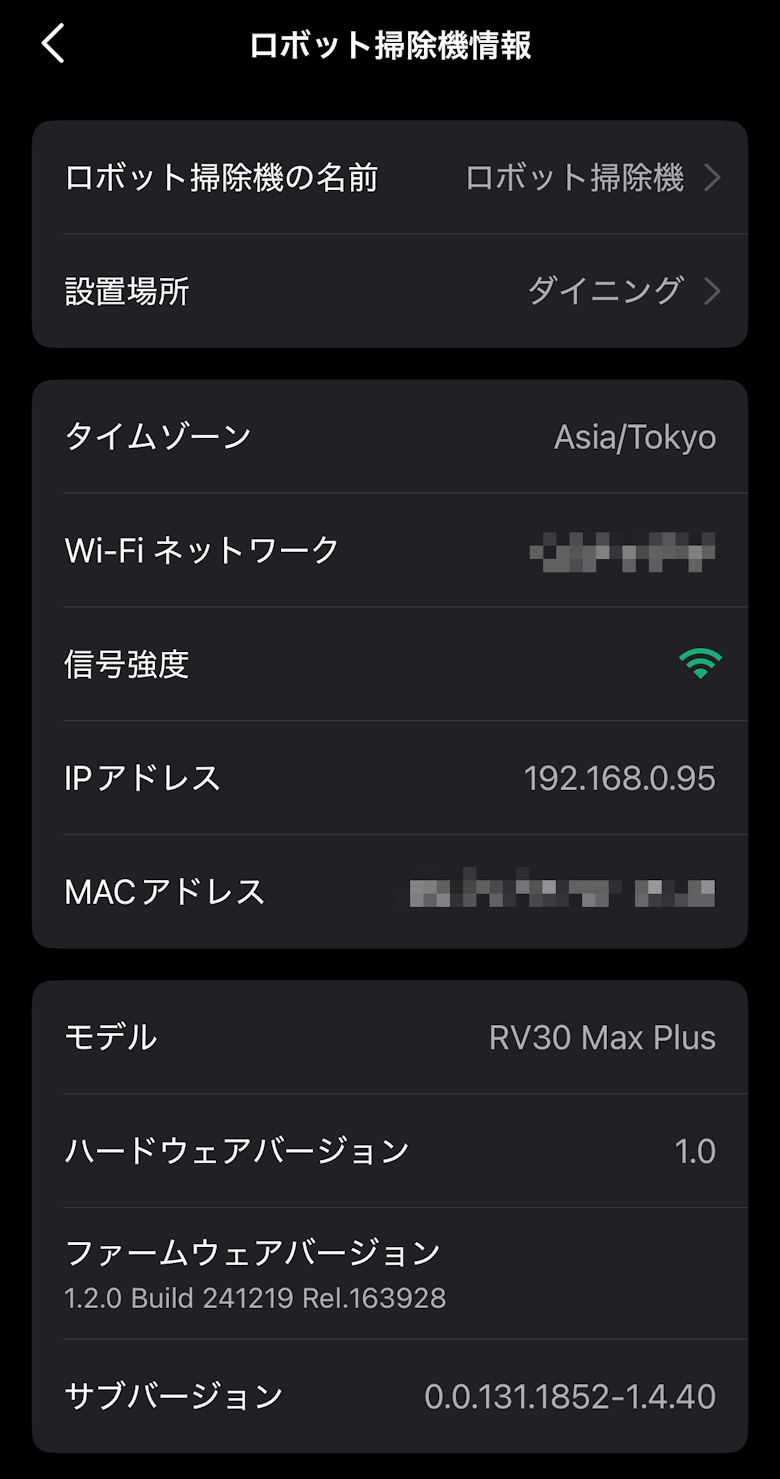
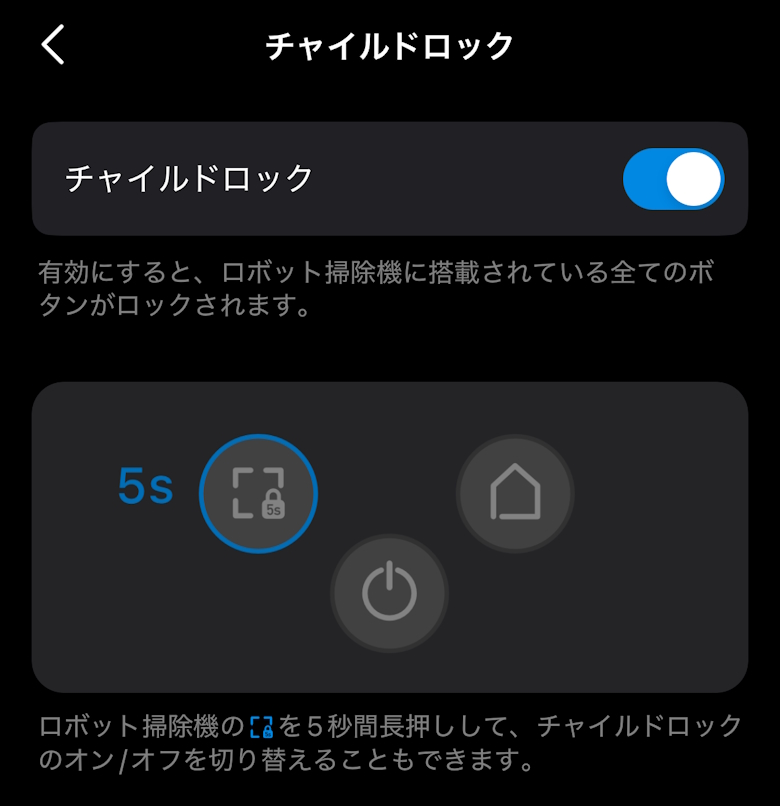
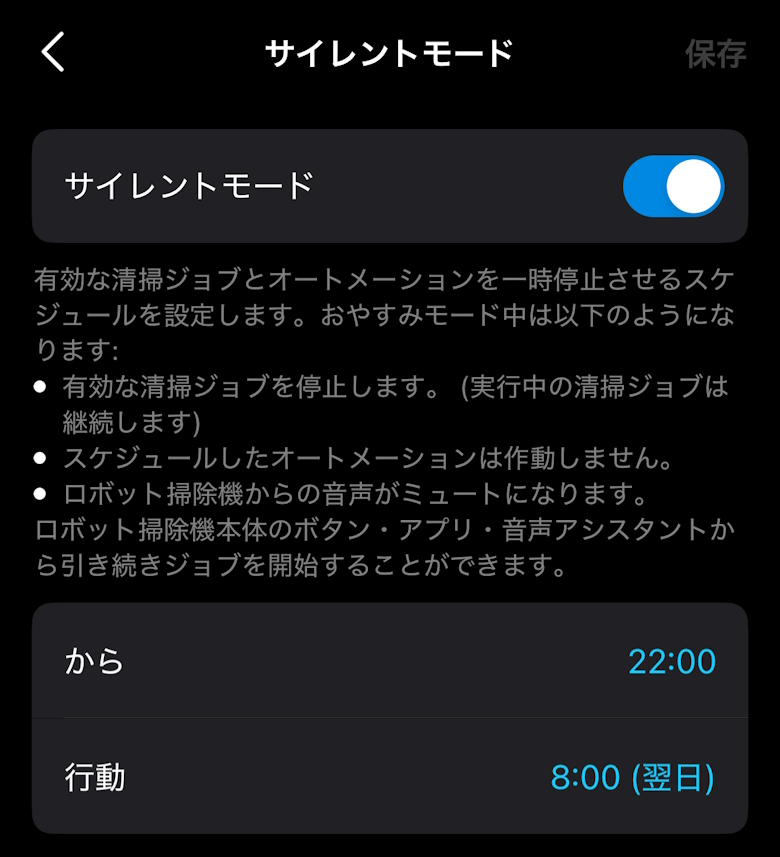
You can check and change various settings such as robot vacuum details, child lock, and silent mode.
I compiled a video showing the “TP-Link Tapo RV30 Max Plus” cleaning.
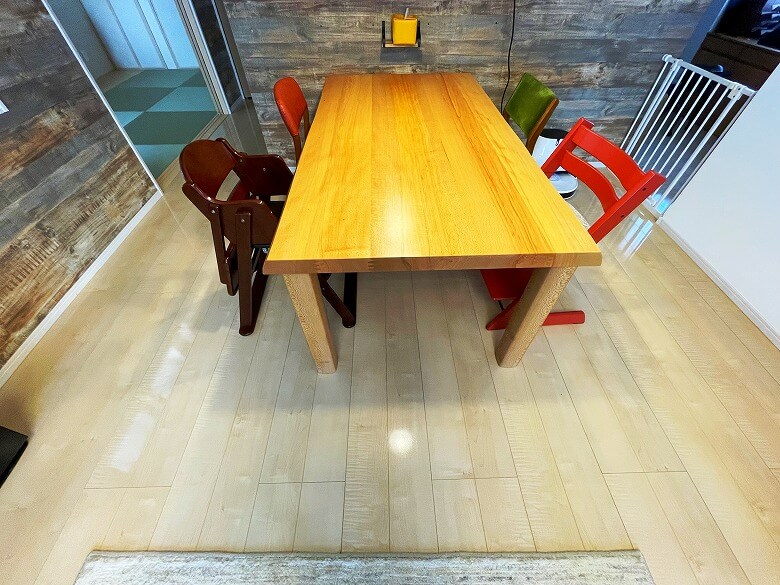
By the way, the room layout to be cleaned looked like this.
DiningLiving Room
TP-Link Tapo RV30 Max Plus Review Summary
In this article, I wrote about “[TP-Link Tapo RV30 Max Plus Review] Ultra-powerful suction for thorough cleaning! A robot vacuum with automatic dust collection, mopping support, and a full-featured app.”
With a price in the high 60,000 yen range, this product is relatively affordable for a robot vacuum.
If you are familiar with TP-Link’s Tapo products or are looking for a robot vacuum that works well even at a low price, why not check out the “TP-Link Tapo RV30 Max Plus”?
Pros
Cons
Cool design
Vacuuming and mopping
Equipped with automatic dust collection
Full-featured smartphone app
May misrecognize a full-length mirror as open space


 イツキ
イツキ