Hello, I’m Itsuki (@saigalog), and I would literally die without home Wi-Fi (pretty much seriously).
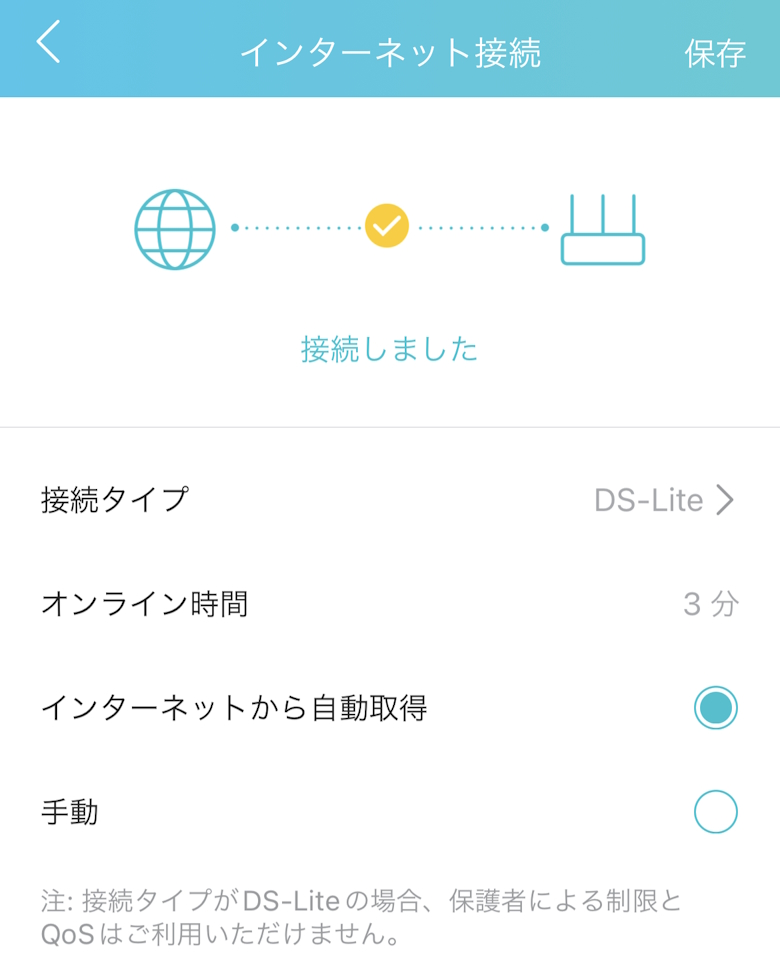
At home, we use Rakuten Hikari connected via DS-Lite (Cross Pass).
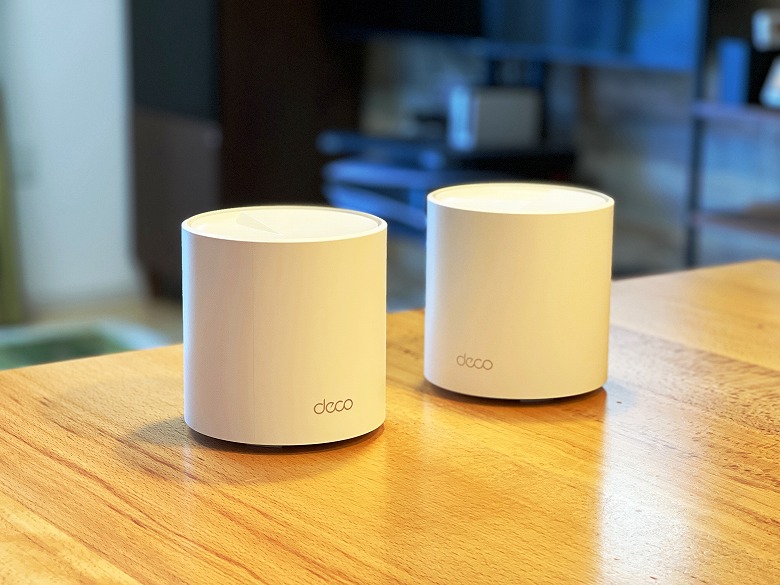
My go-to router has been TP-Link’s Deco series, but since it is not officially supported, I started noticing occasional instability in everyday use.
As I plan to continue using Rakuten Hikari, I had been thinking of switching to a router that is officially supported at some point.
The TP-Link “Archer AX73V” reviewed this time is a stylish Wi-Fi 6 router that’s easy to install and offers excellent cost performance.
It of course supports the aforementioned DS-Lite (Cross Pass), enabling high-speed connections up to 5.4Gbps with no complaints.
It features four Gigabit LAN ports for excellent expandability, and four built-in dual-band high-gain antennas that extend the signal far throughout your home.
In this article, I’ll take a detailed look at the user-friendly and powerful Wi-Fi router “TP-Link Archer AX73V”!
Pros
Cons
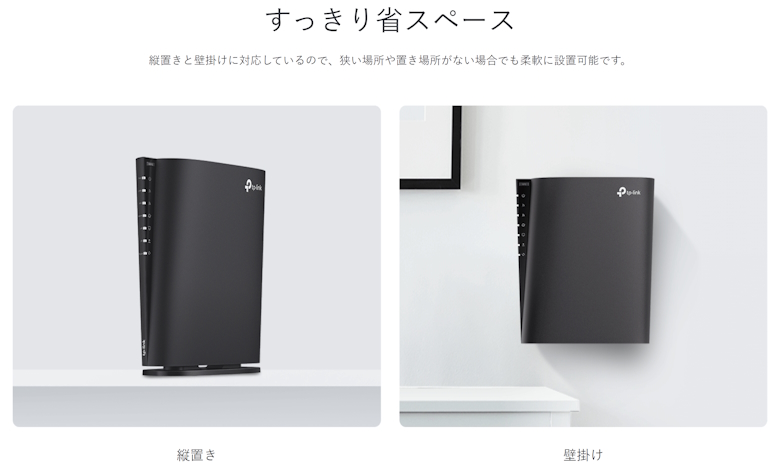
Slim design supports vertical placement, horizontal placement, and wall mounting
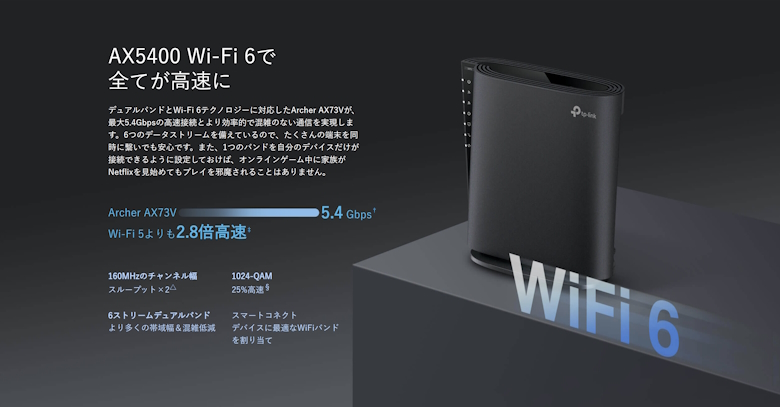
High-speed connection up to 5.4Gbps
Equipped with four Gigabit LAN ports
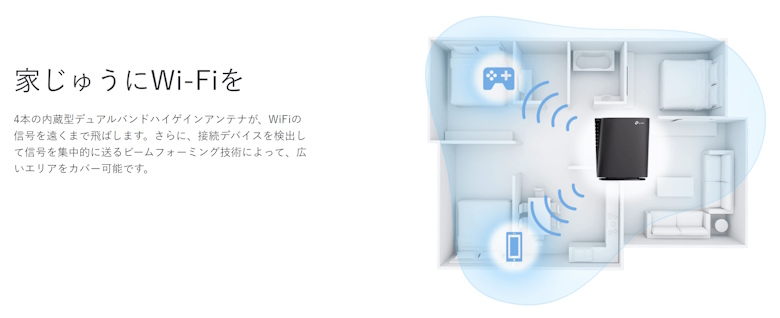
Four built-in dual-band high-gain antennas provide strong coverage throughout the home
Supports Mesh Wi-Fi
None
This article was created with a product provided by the manufacturer.
Table of Contents
What’s Included with the TP-Link Archer AX73V
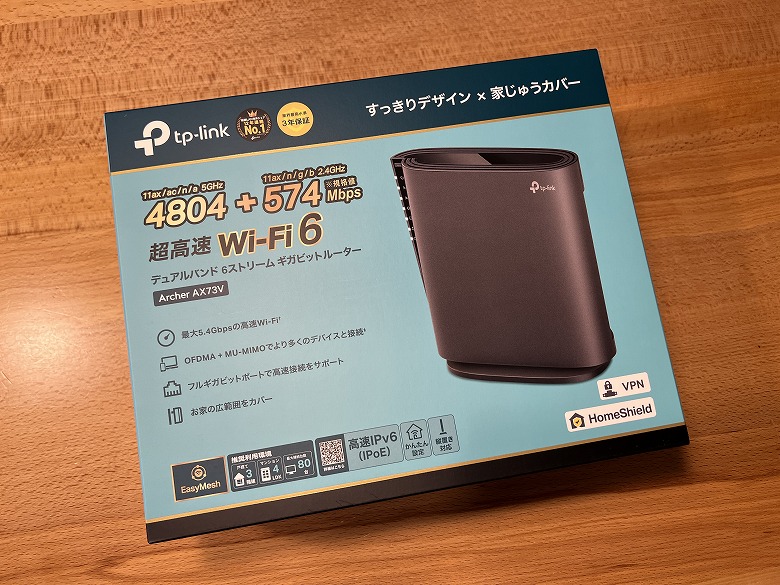
The outer box of the “TP-Link Archer AX73V” features a simple blue-themed design.
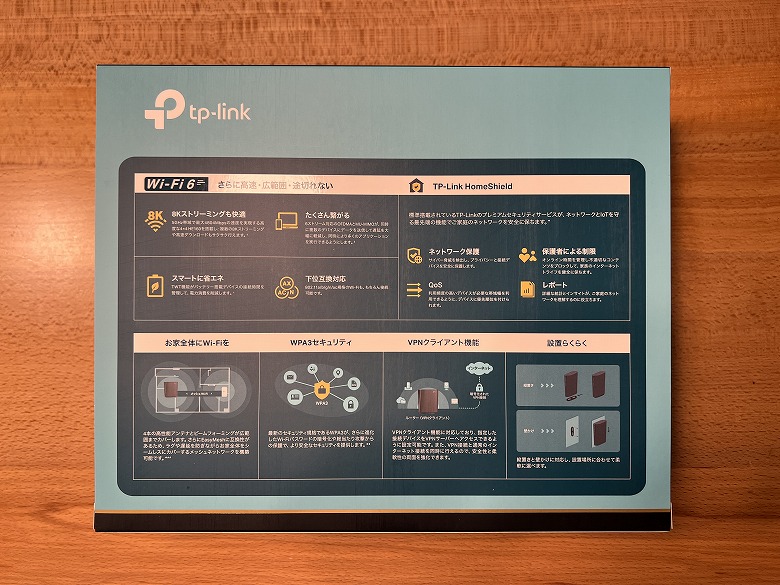
The back side includes descriptions of the features, making it very easy to understand.
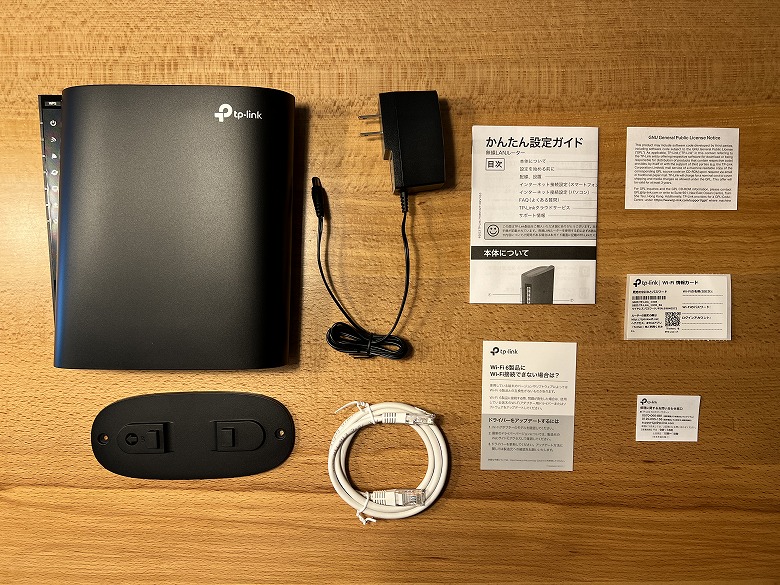
The following items are included in the box.
Archer AX73V Included Items
Router unit
Stand
Power adapter
LAN cable
Quick setup guide
Wi-Fi information card
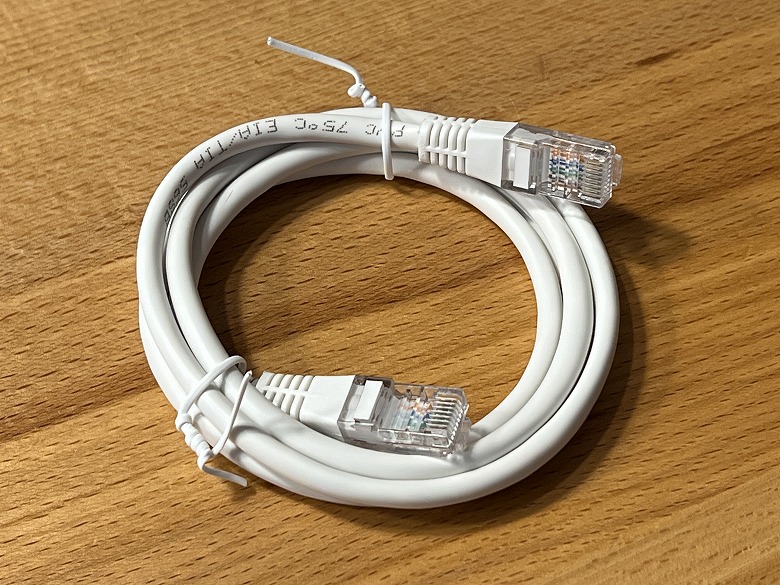
The included LAN cable is approximately 120 cm long.
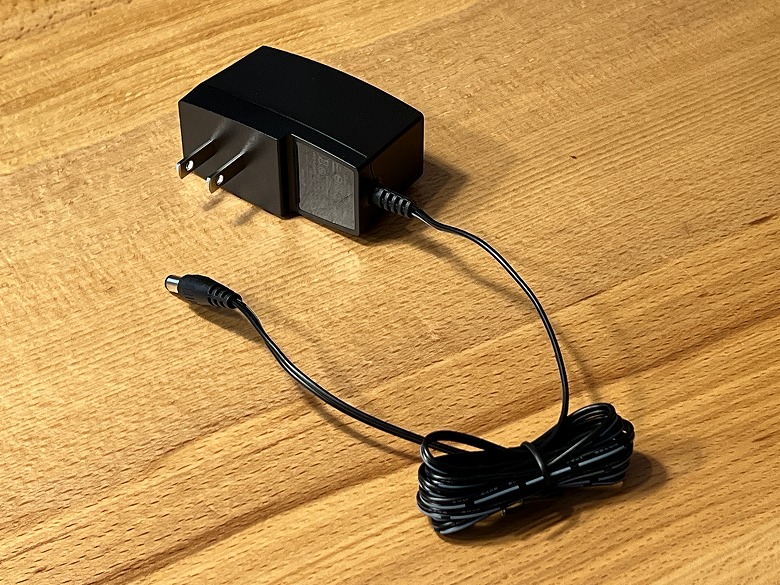
The power adapter cable is approximately 150 cm long.
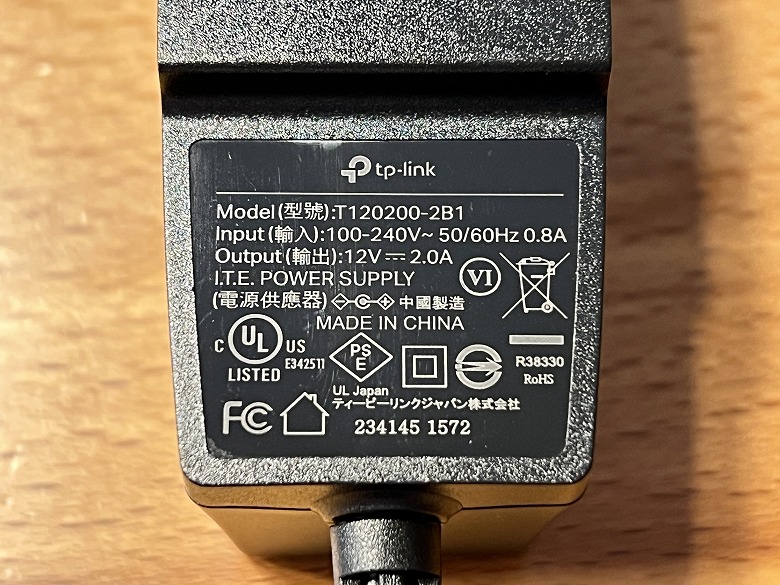
The power adapter has specifications printed on it.
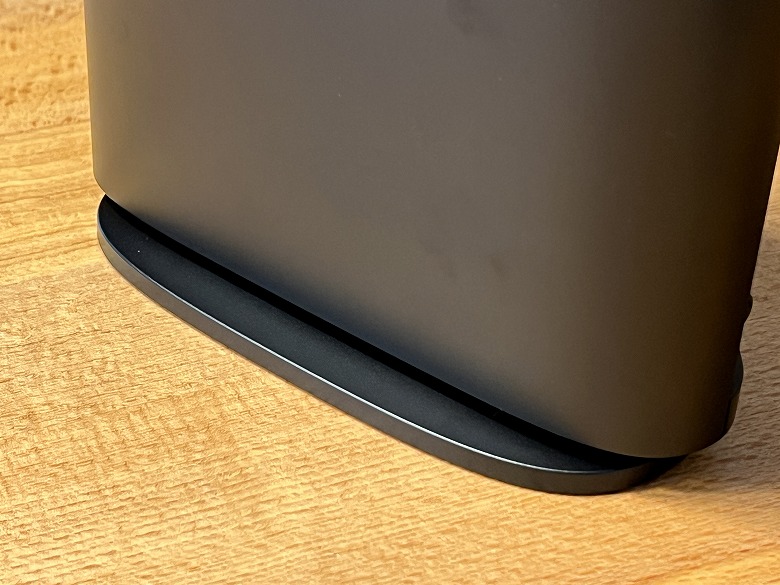
The stand is attached to the bottom of the “TP-Link Archer AX73V” for use.
TP-Link Archer AX73V Specifications
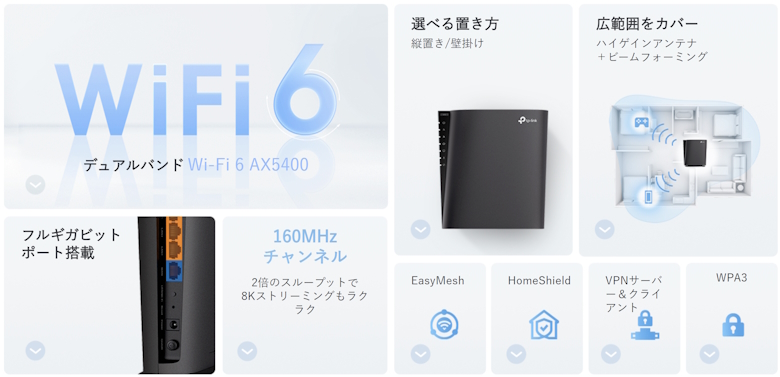
TP-Link’s “Archer AX73V” is one of the slimmest models in the Archer series and a 6-stream Wi-Fi 6 router equipped with a wide range of ports.
Main features are the following nine.
Wi-Fi 6 Dual-Band Wi-Fi 6 AX5400
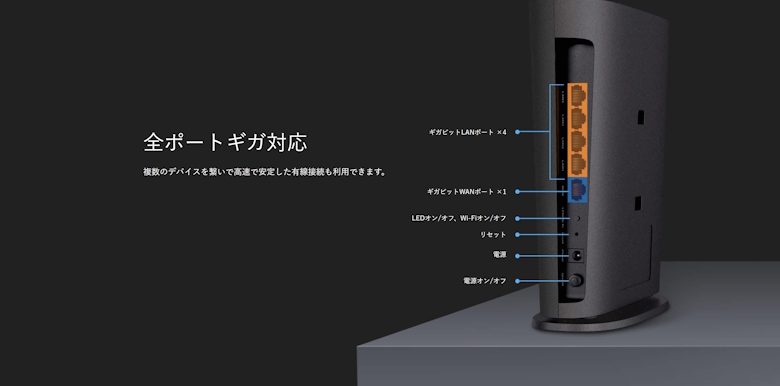
Equipped with full Gigabit ports
160MHz channels Enjoy 8K streaming smoothly with double the throughput
4× Dual-Band High-Performance Antennas Multiple antennas boost signals to cover more directions and wider areas
Beamforming Concentrates wireless signals toward clients to expand Wi-Fi range
High-Performance FEM Improves transmission power and strengthens signal coverage
Wi-Fi Performance
Dual-Band Assigns devices to different bands for optimal performance
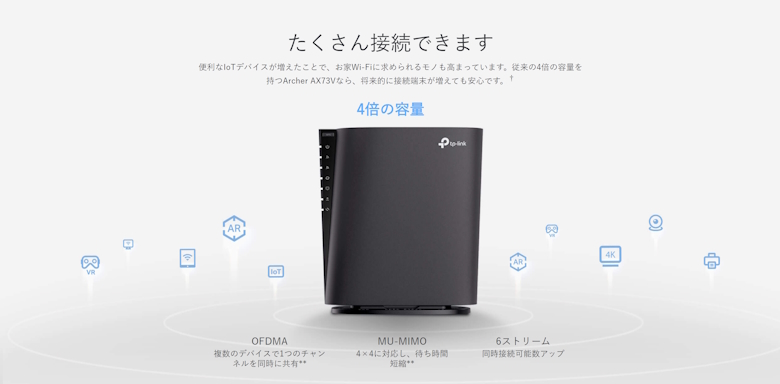
OFDMA Communicates with multiple Wi-Fi 6 compatible clients simultaneously
Airtime Fairness Improves network efficiency by limiting excessive bandwidth usage
DFS Utilizes DFS bands with less radio interference
6 Streams Connects devices to more bandwidth
4×4 MU-MIMO Communicates with multiple MU-MIMO compatible clients simultaneously
Operating Modes
Router Mode Bridge Mode (Access Point Mode)
Wired Ports
Gigabit WAN Port × 1 Gigabit LAN Ports × 4
Buttons
LED On/Off Button WPS Button Wi-Fi On/Off Button Power On/Off Button Reset (Initialization) Button
Power
12 V/2 A
Wi-Fi Encryption
WPA3 WPA2 WPA WPA/WPA2-Enterprise (802.1x)
Network Security
SPI Firewall Access Control IP & MAC Binding Application Layer Gateway
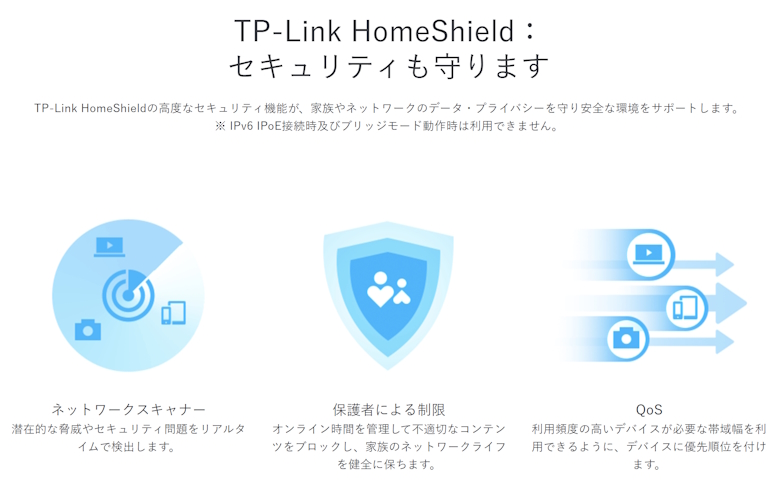
HomeShield Security Real-Time IoT Protection Malicious Site Blocking Intrusion Prevention System DDoS Attack Prevention Home Network Scanner
Guest Network
5GHz Guest Network × 1 2.4GHz Guest Network × 1
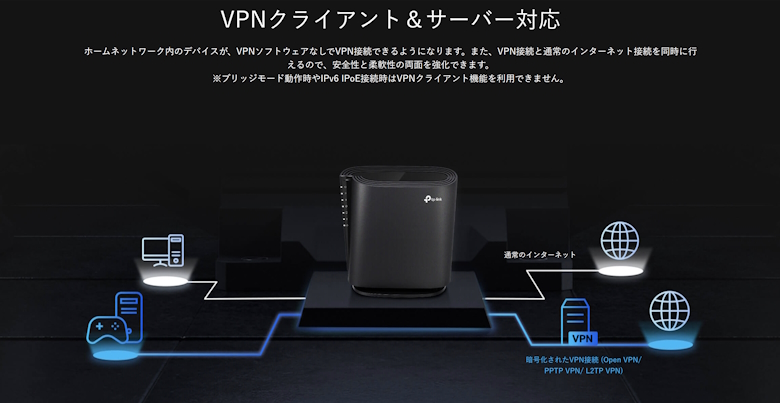
VPN Server
OpenVPN PPTP L2TP
VPN Client
OpenVPN PPTP L2TP
Service Kit
HomeShield
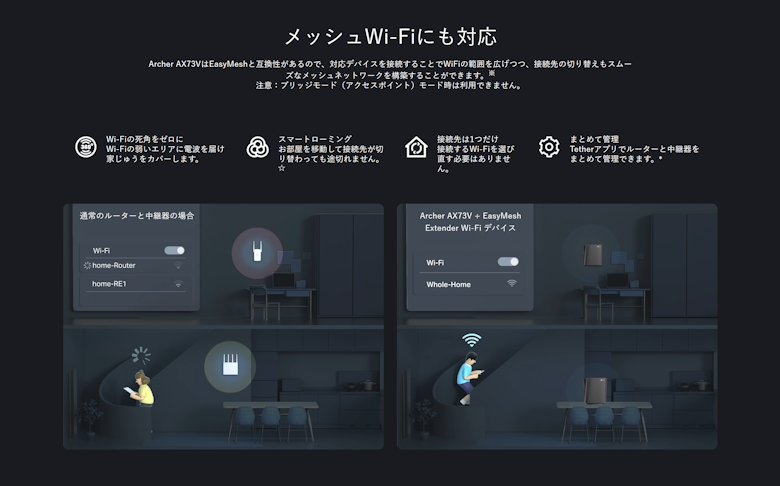
EasyMesh
Compatible
Parental Controls
HomeShield Parental Controls Profile Creation Professional Content Filter Library Family Time Bedtime Off Time Time Limits Family Online Time Ranking Pause the Internet Weekly & Monthly Reports
WAN Type
Dynamic IP Static IP PPPoE PPTP L2TP v6 Plus DS-Lite MAP-E (OCN)
QoS
Per-Device QoS
Cloud Services
Automatic Firmware Upgrade OTA Firmware Upgrade TP-Link ID DDNS
NAT Forwarding
Port Forwarding Port Triggering DMZ UPnP
IPTV
IGMP Proxy IGMP Snooping Bridge Tag VLAN
DHCP
Address Reservation DHCP Client List Server
DDNS
TP-Link NO-IP DynDNS
Management
Tether App Web Management Interface (GUI)
Design
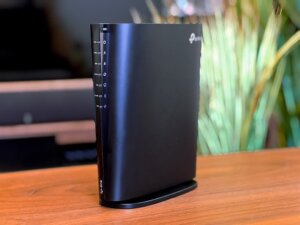
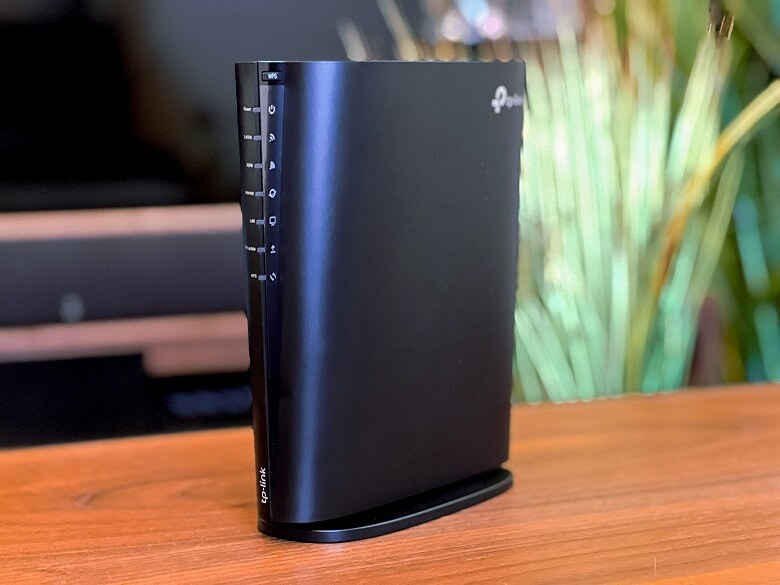
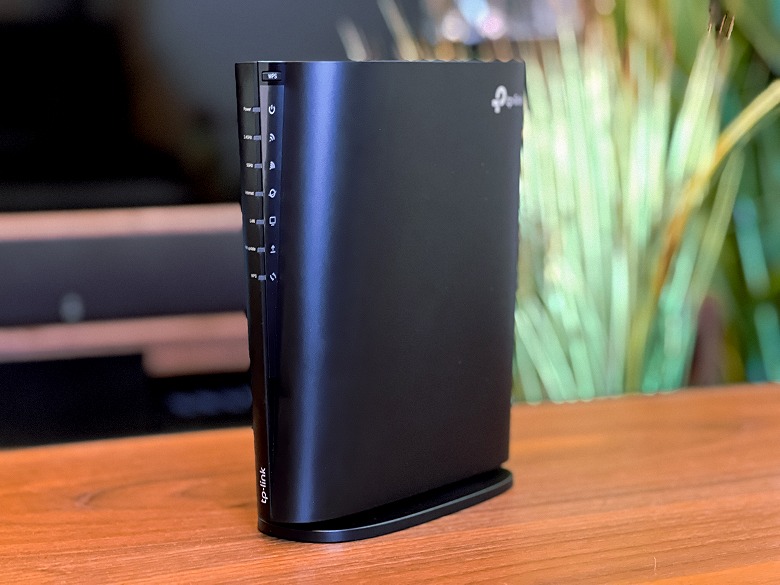
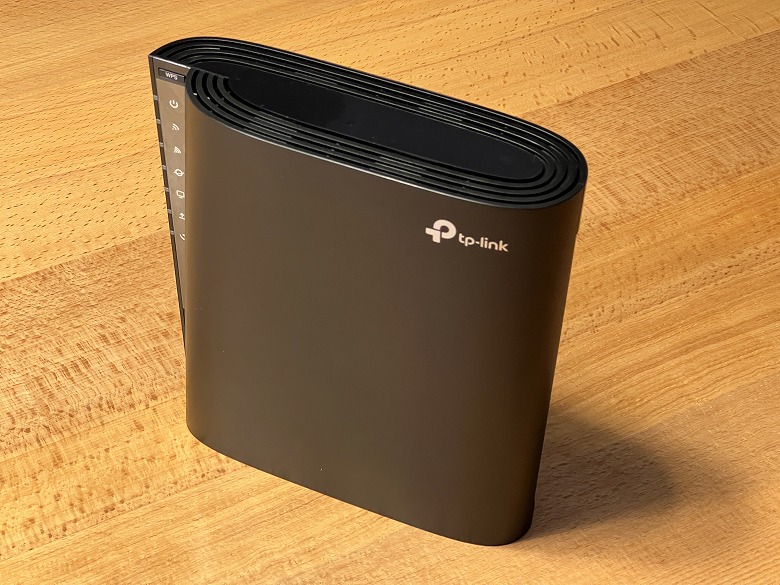
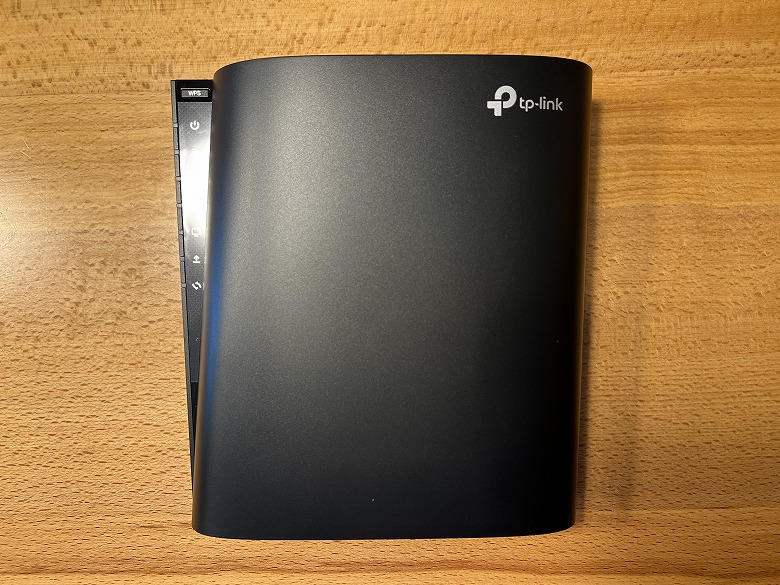
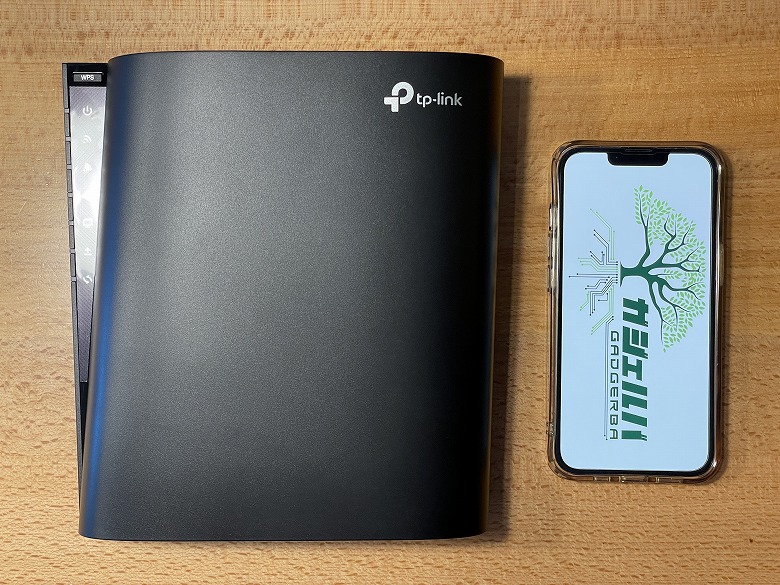
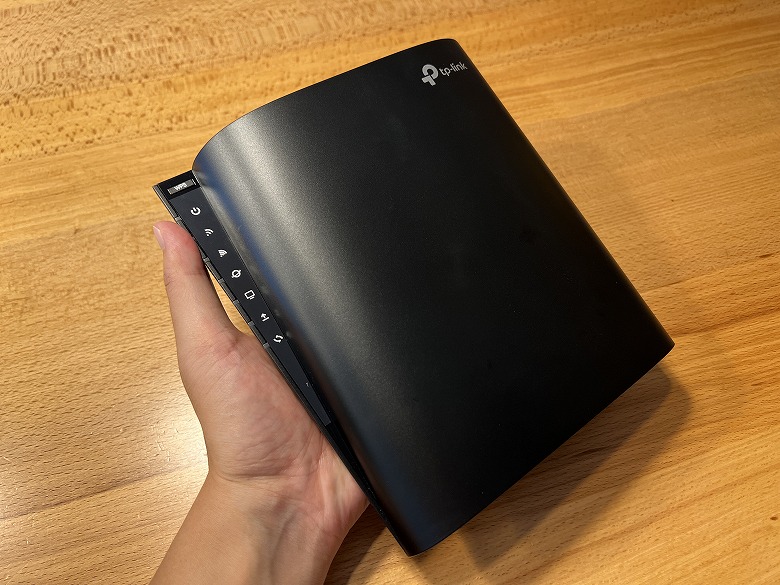
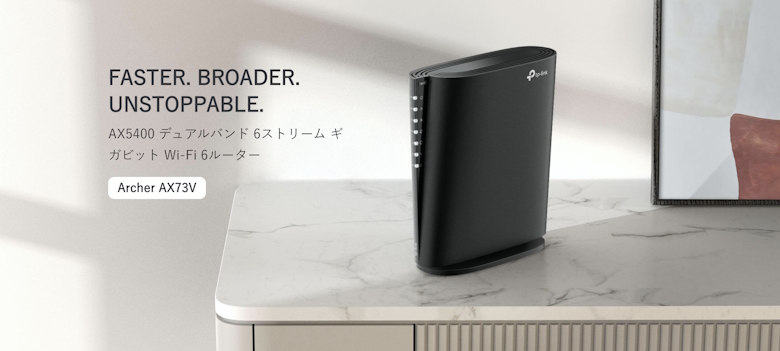
The “TP-Link Archer AX73V” features an all-black, slim, compact, and stylish design.
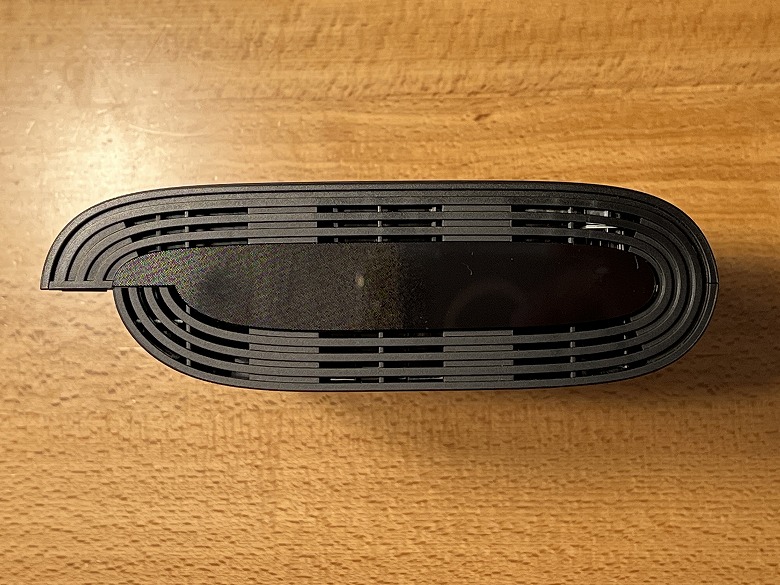
Here’s how it looks from directly above.
The “TP-Link” logo is printed on the upper right of the front.
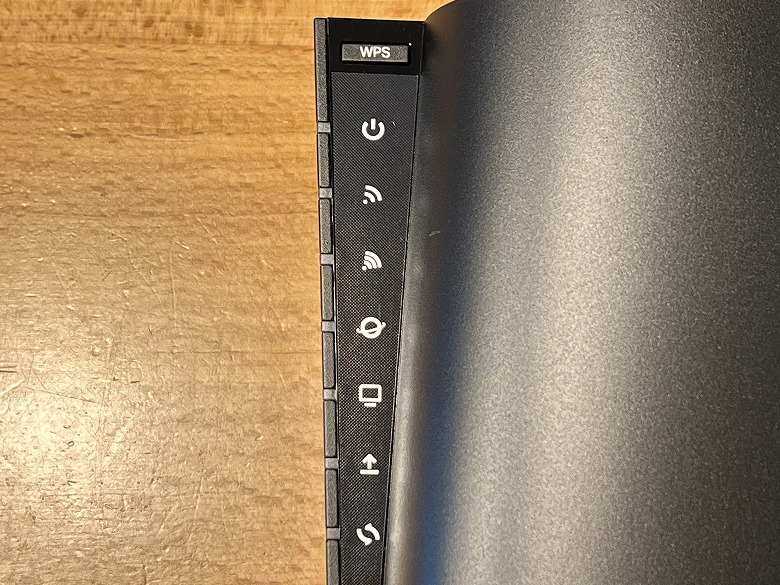
There is an LED indicator on the upper left.
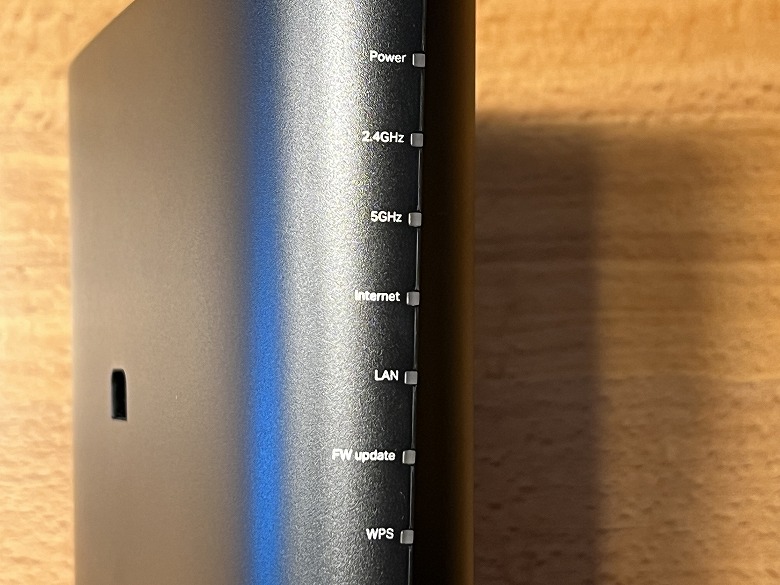
Various LED Indicators
Power LED: Lights up when powered on (blinking indicates processing, solid light indicates normal startup)
2.4GHz Wi-Fi LED: Lights up when the 2.4GHz Wi-Fi function is active
5GHz Wi-Fi LED: Lights up when the 5GHz Wi-Fi function is active
Internet LED: Indicates the status of the Internet port
LAN LED: Lights up when a device is connected to a LAN port
FW Update LED: Lights up when a firmware update is available
WPS LED: Blinks when the WPS function is active
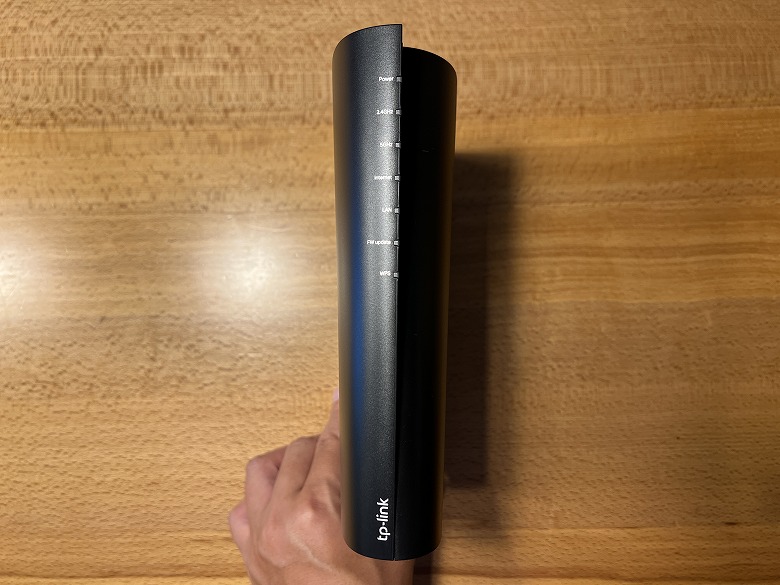
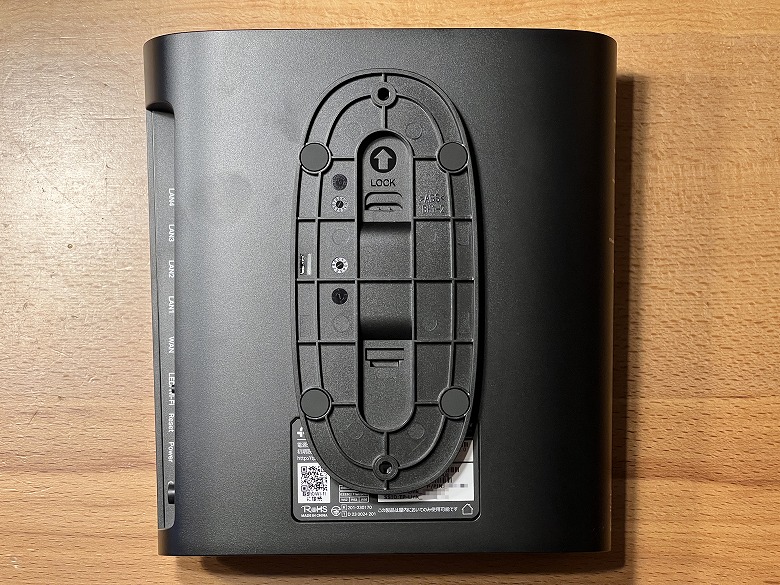
This is what the side with the LED indicators looks like.
At the top, there is an explanation of the LED indicators, and at the bottom, the “TP-Link” logo is printed.
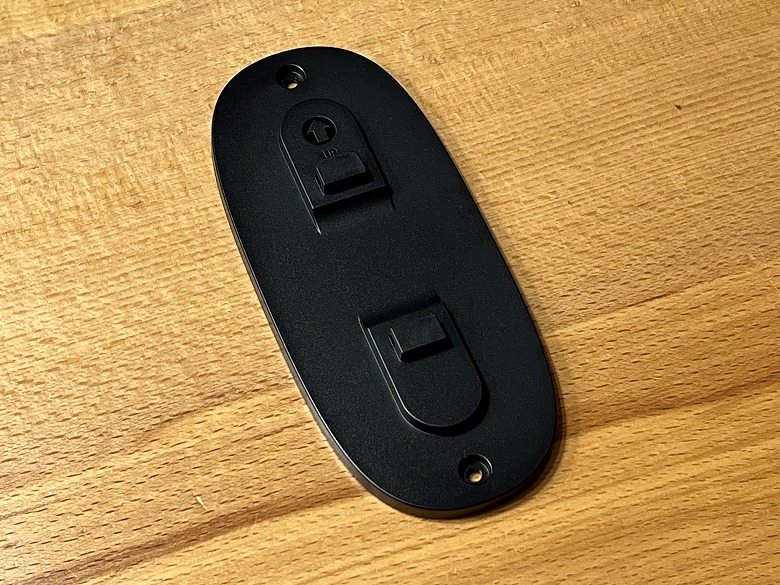
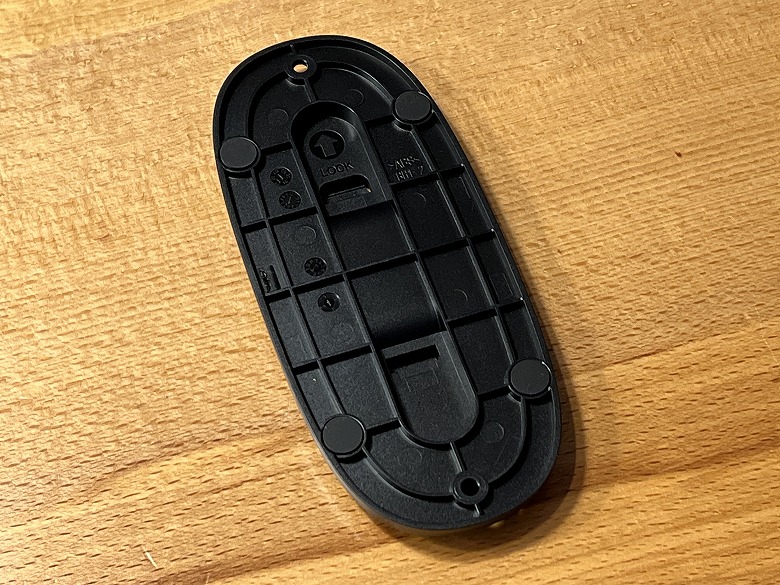
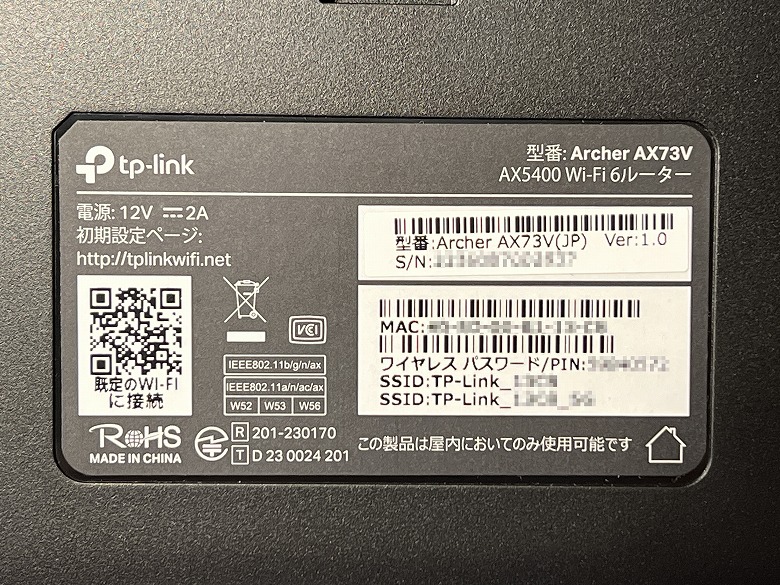
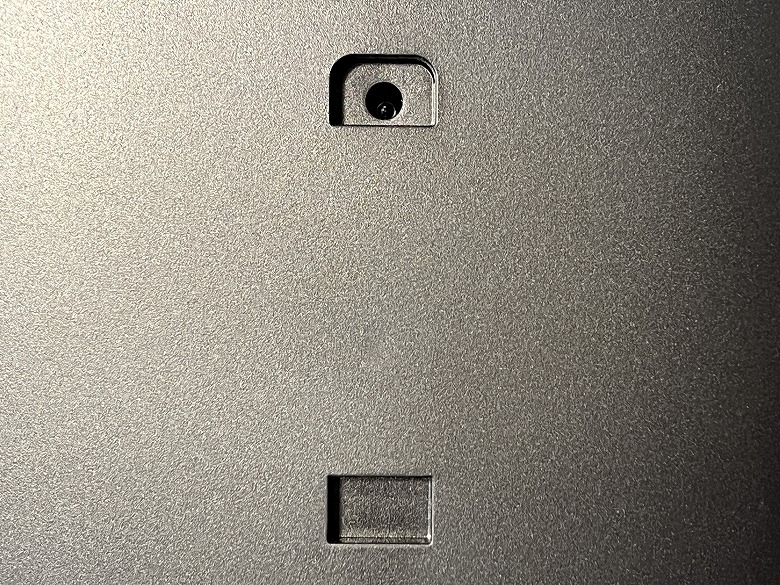
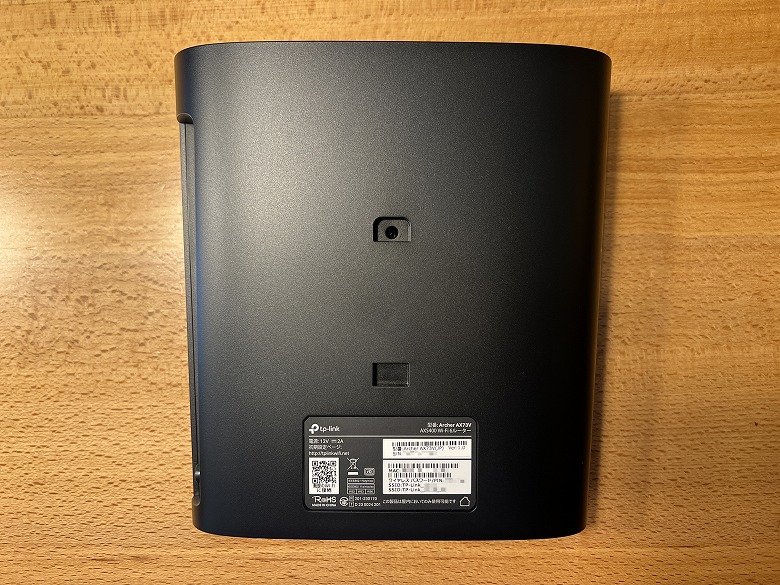
In the center of the back, there is a groove for horizontal placement or wall mounting, and at the bottom, a label with the SSID and other information is attached.
Itsuki
Check the information written here during the initial setup.
If this information becomes known to others in the initial setup state, there is a risk that they may connect to your router, so handle it with care.
By the way, when the stand for horizontal placement is attached, it looks like this.
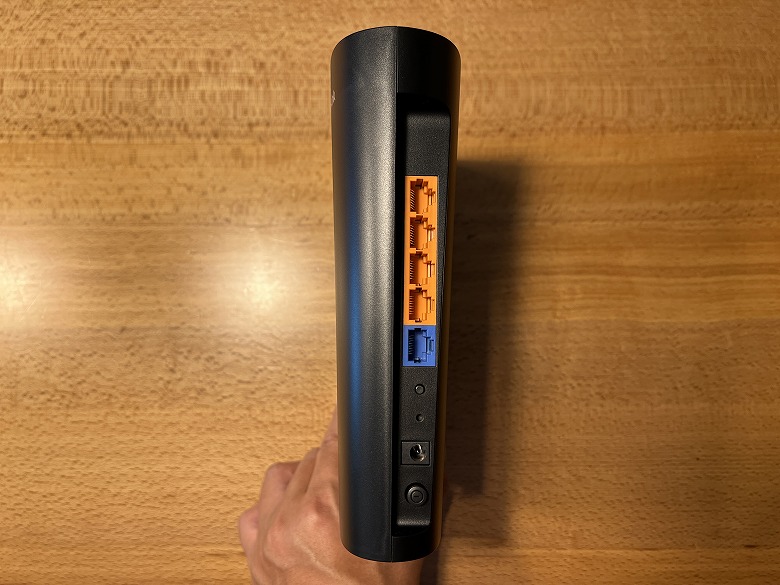
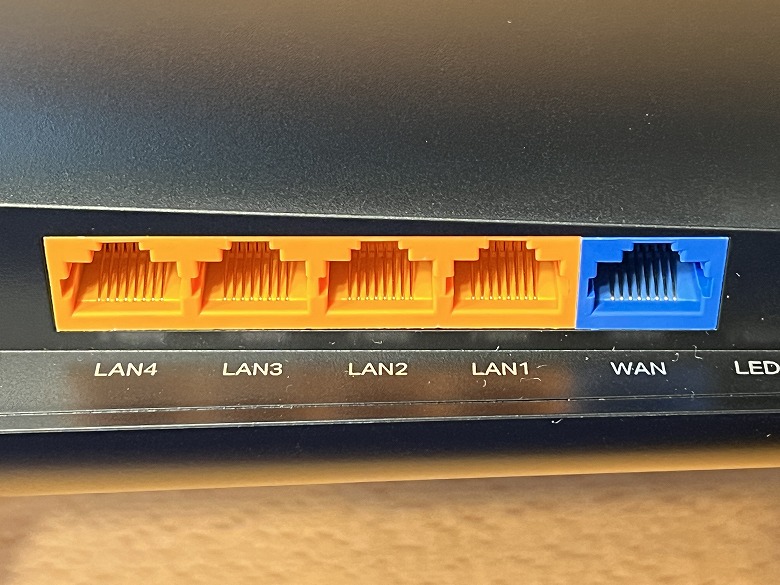
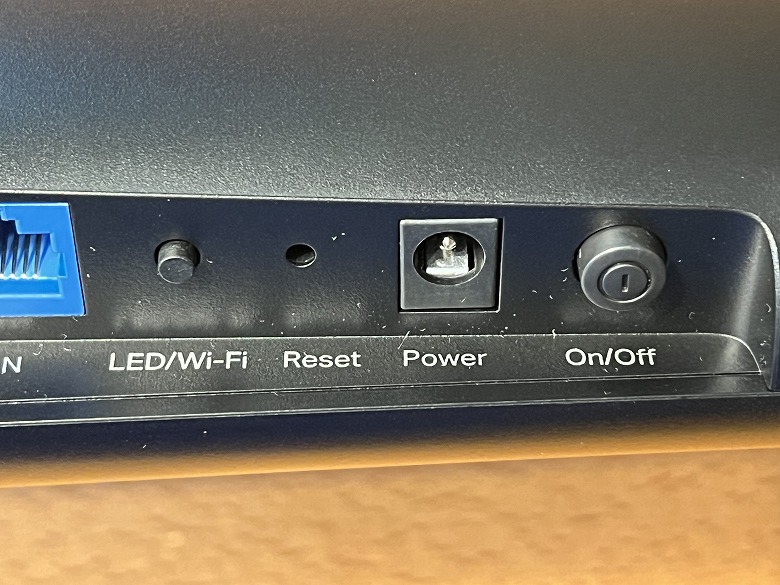
On the opposite side of the LED indicators, various ports and buttons are arranged.
From left to right, there are 4 Gigabit LAN ports and a Gigabit WAN port.
Itsuki
Insert the LAN cable connected from the modem into the WAN port.
Further to the right are the LED/Wi-Fi button, Reset button, Power port, and Power button.
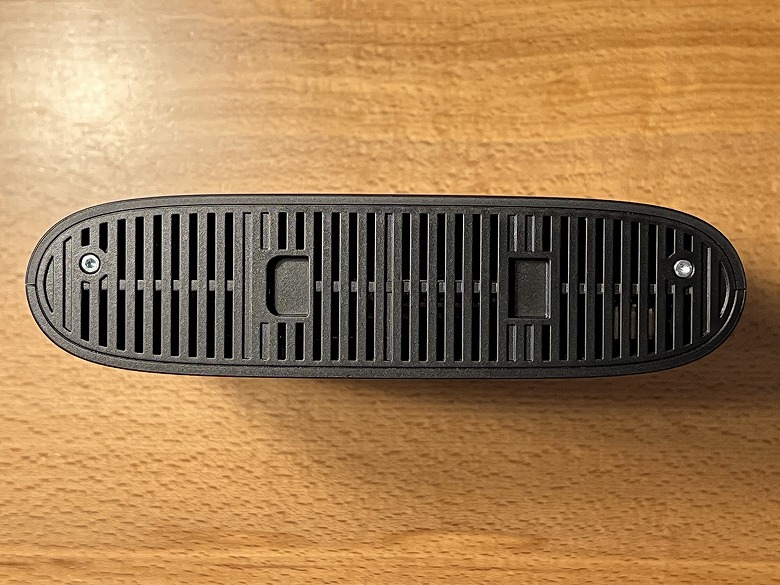
The bottom of the unit has numerous elongated ventilation holes.
Size & Weight
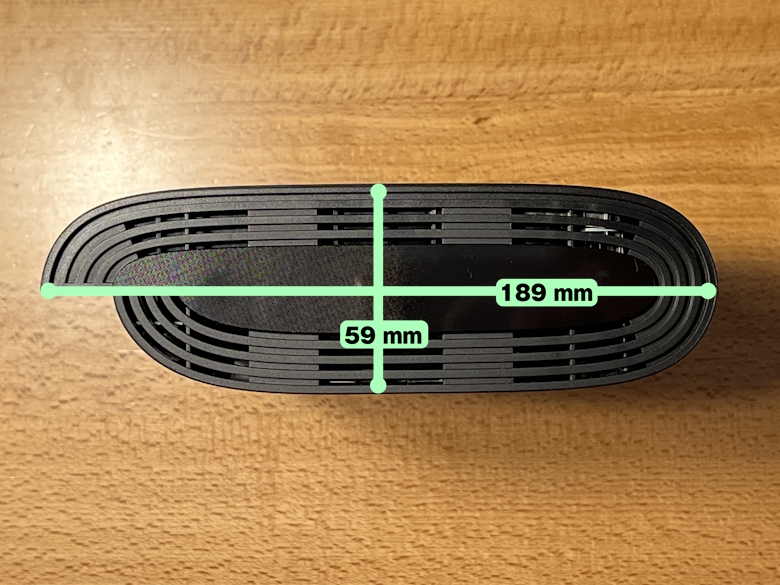
The size of the “TP-Link Archer AX73V” is 59 × 189 mm.
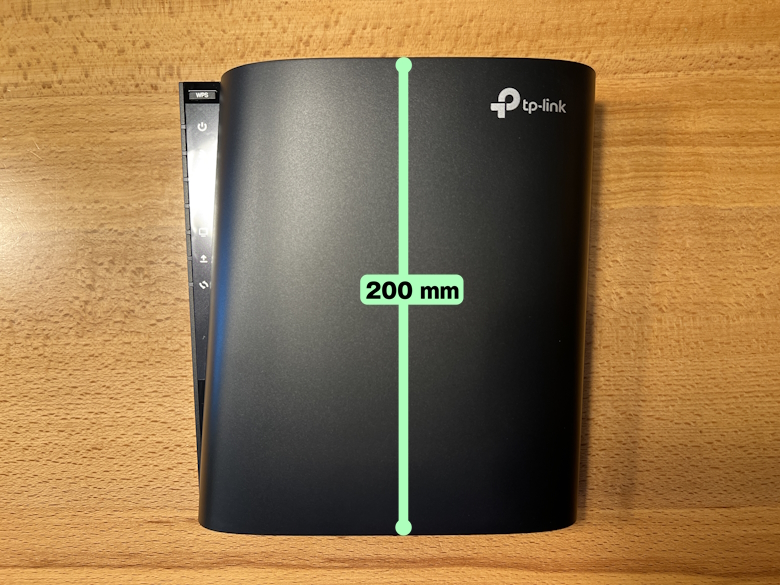
The height of the unit is 200 mm.
When compared with a smartphone (iPhone 13 Pro), this is the size impression.
Its slim design makes it easy to install anywhere without taking up much space.
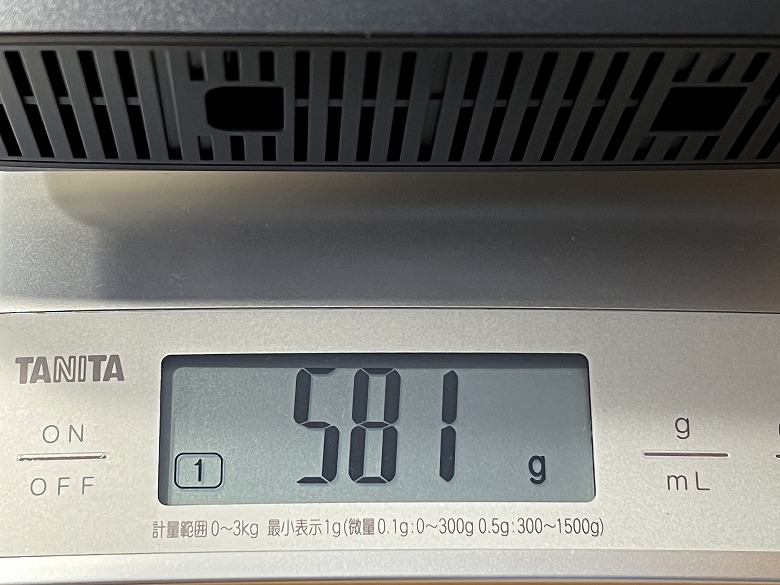
The weight was 581 g.
Features
The “TP-Link Archer AX73V” is a Wi-Fi 6 wireless router that supports dual-band and 6 streams.
It is 2.8 times faster than Wi-Fi 5, achieving high-speed connections up to 5.4Gbps and efficient, congestion-free communication.
Equipped with Gigabit-supported LAN ports on all ports, it maximizes the speed of your internet connection.
It supports vertical placement to save space, and can also be wall-mounted or placed horizontally.
Four built-in dual-band high-gain antennas transmit Wi-Fi signals over long distances.
With four times the capacity of conventional models, the “TP-Link Archer AX73V” allows connection of numerous devices.
By combining the “TP-Link Archer AX73V” with an EasyMesh-compatible extender, you can build a seamless mesh Wi-Fi network.
The advanced security features of TP-Link HomeShield protect your network data and privacy.
Devices within the network can establish a VPN connection without VPN software.
By using the dedicated smartphone app “Tether”, you can easily manage setup and various settings.
The Dedicated App “Tether” for TP-Link Archer AX73V
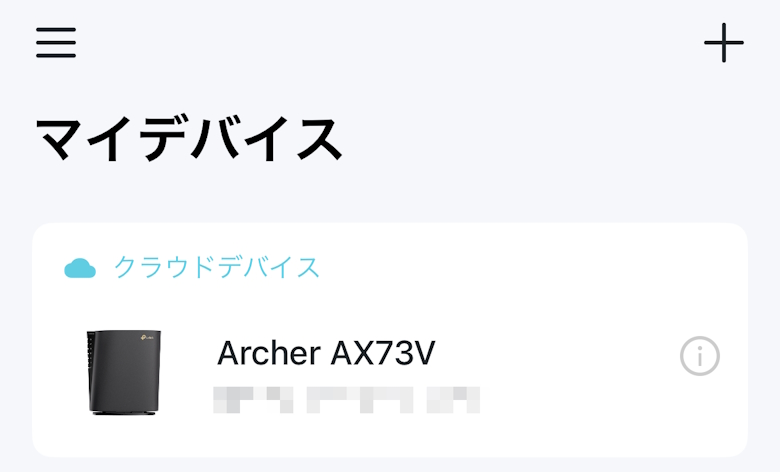
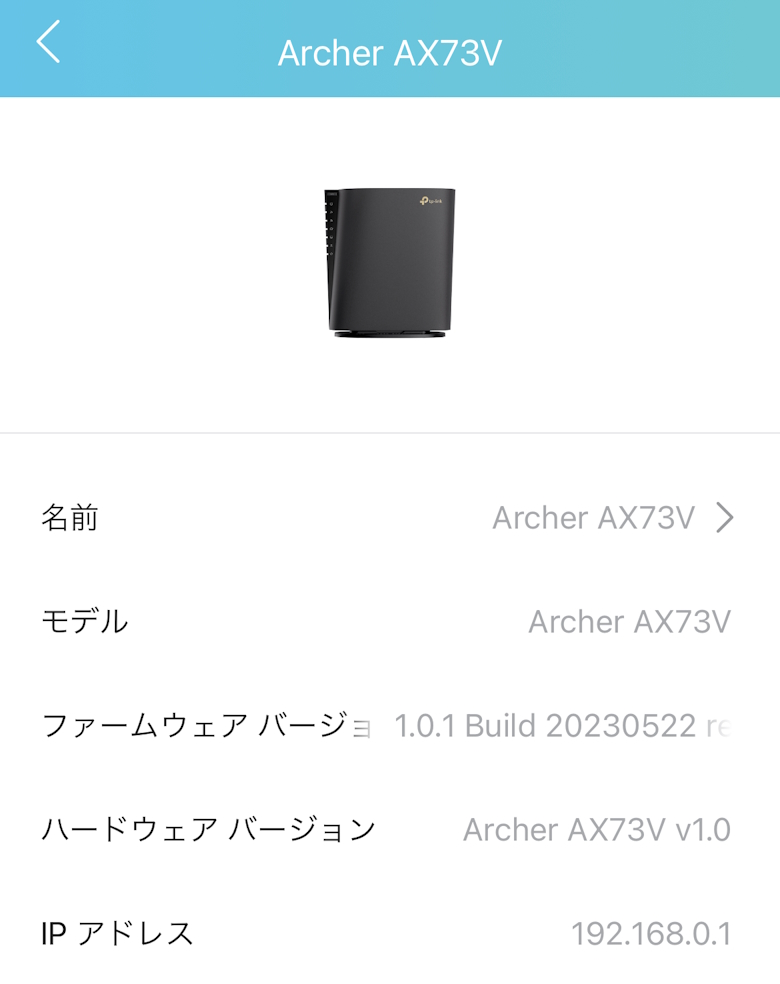
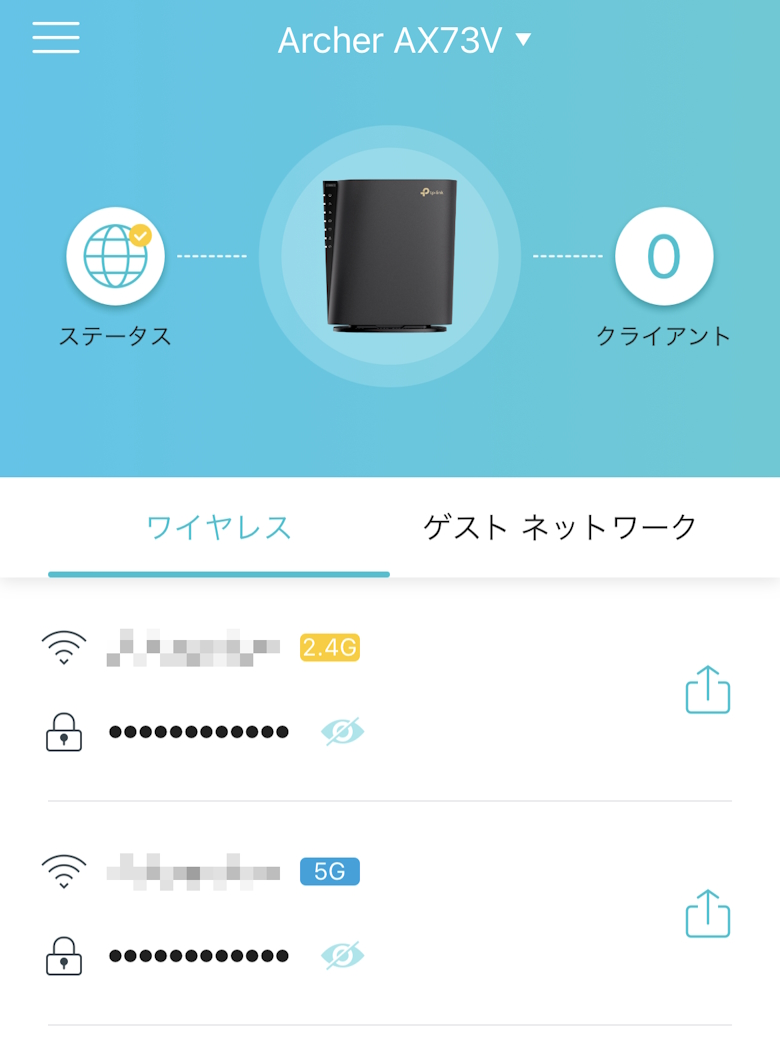
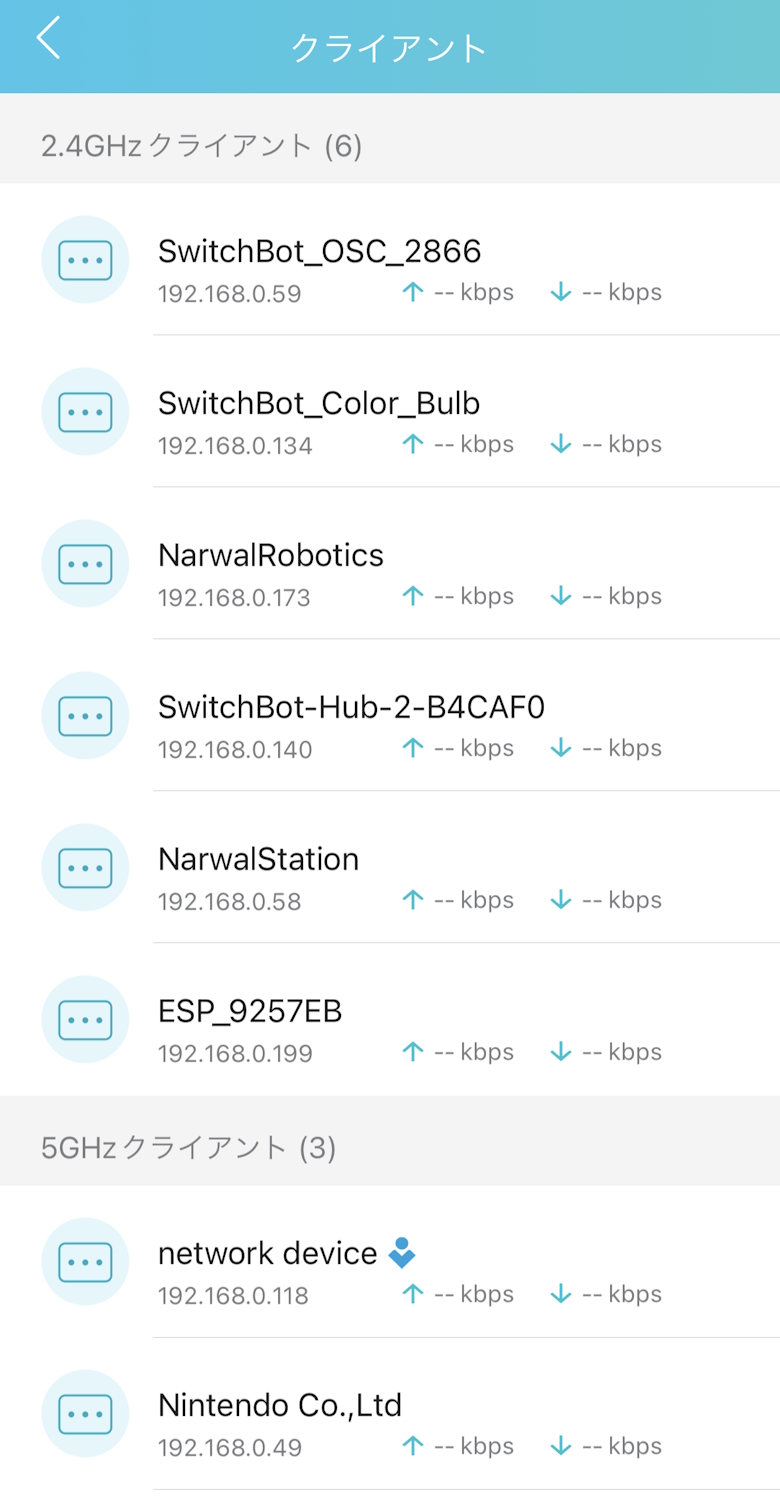
A convenient app called “Tether” is available for using the “TP-Link Archer AX73V”.


 Itsuki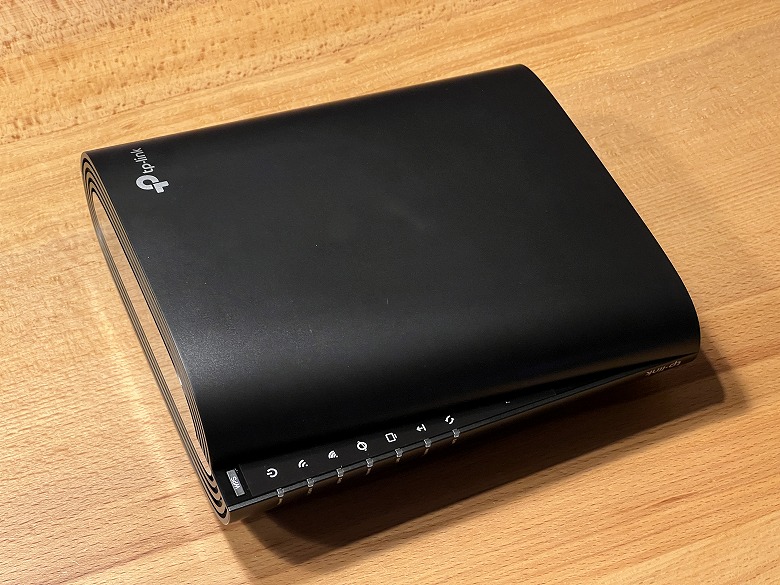





 Itsuki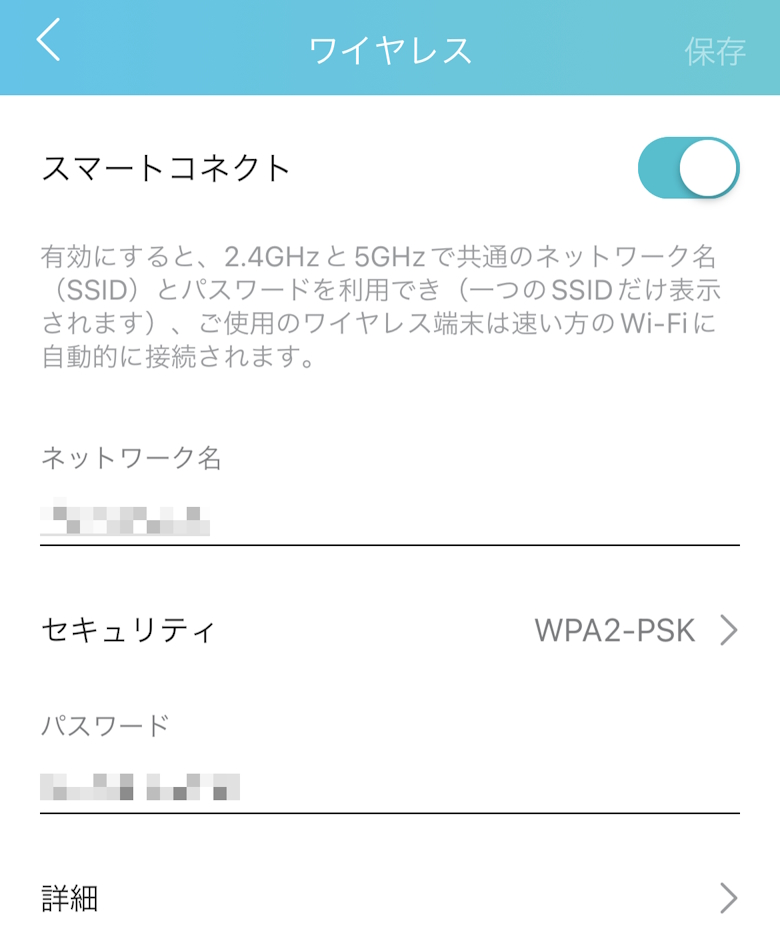

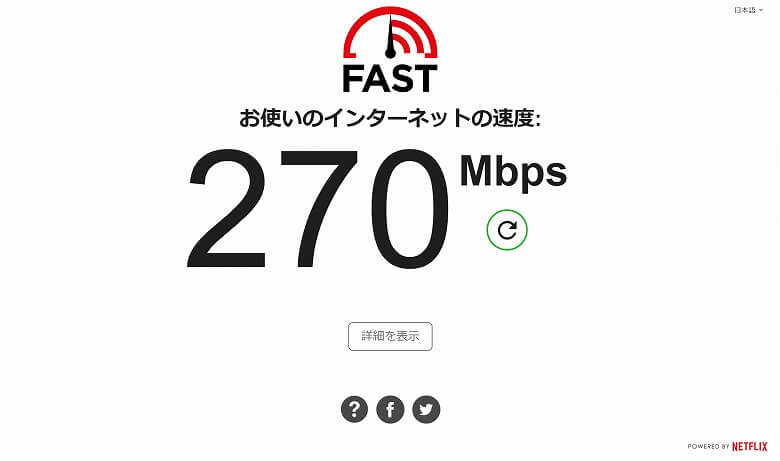
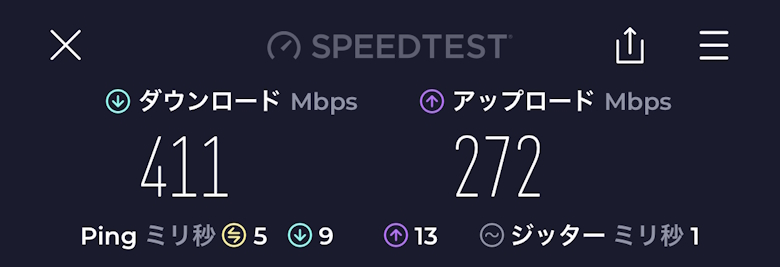

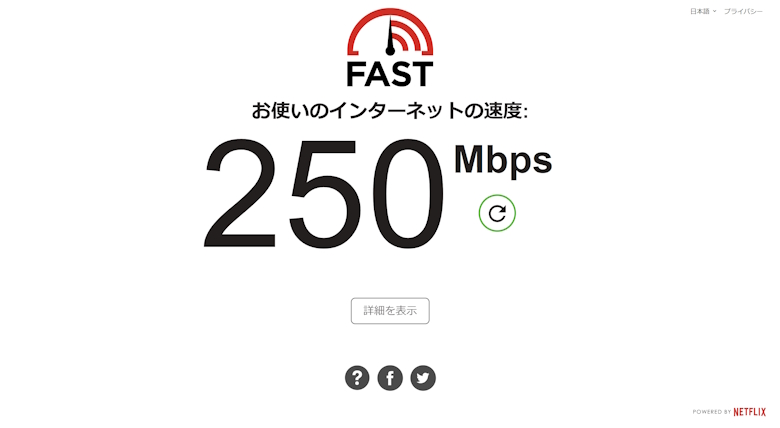
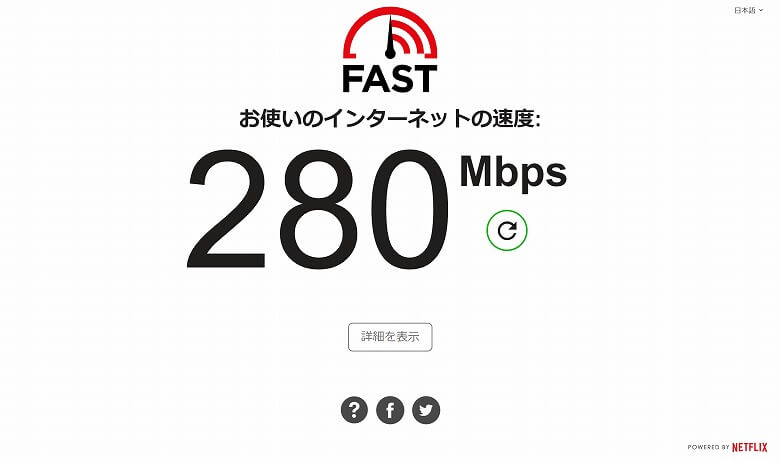


 Itsuki