Hello, I’m Itsuki (@saigalog), making my home as convenient as possible with smart devices.
I’ve always been interested in smart homes and had already started implementing them in my home, but since starting my gadget blog, the pace has increased dramatically.
With more opportunities to get information on the latest smart devices and experience them firsthand, I’ve now turned every room in my house into a smart home, where almost everything can be automated with a single voice command.
In this article, I’ll thoroughly compare two of the most well-known smart device brands, SwitchBot and TP-Link Tapo (hereafter Tapo), and share my conclusion on which one to choose.
Table of Contents
Which Should You Choose: SwitchBot or TP-Link Tapo?
When making your home a smart home, should you go with SwitchBot or Tapo?
Many people probably just want the quick answer without diving into the details.
Both brands have numerous smart devices, and comparing them one by one is exhausting, not to mention it’s almost impossible to choose based on actual usage experience.
So, as a gadget blogger who has used SwitchBot and Tapo products for several years, here is my conclusion.
As of March 2026, my recommended smart devices are SwitchBot.
However, please note that this could change depending on future developments.
The main reason I recommend SwitchBot is its variety of devices.
Since its founding in 2015 as a pioneer in smart devices, it has continuously released high-quality products at a rapid pace.
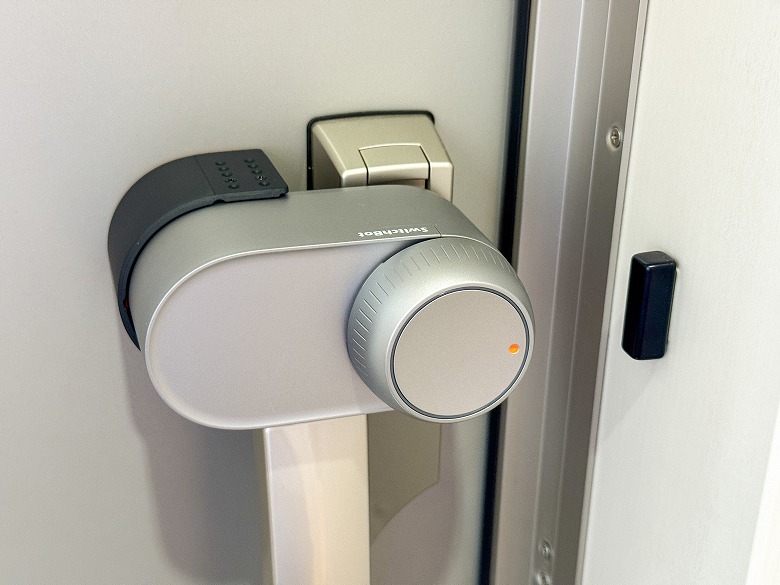
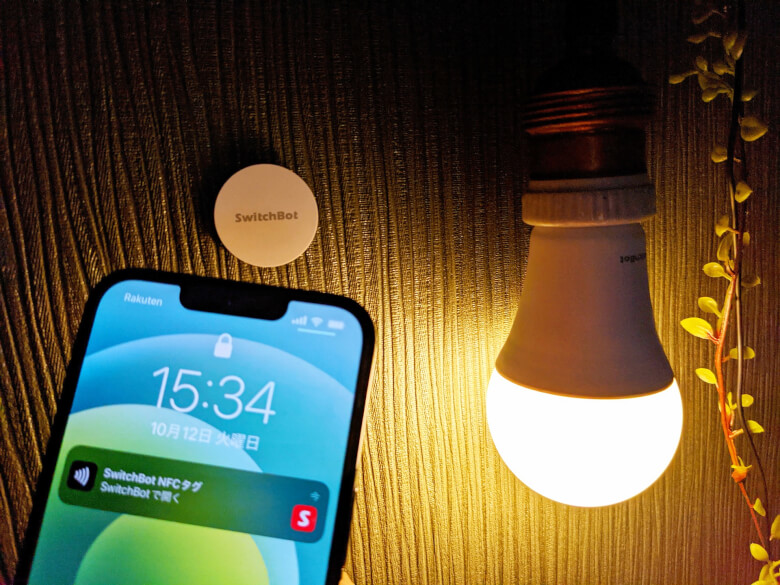
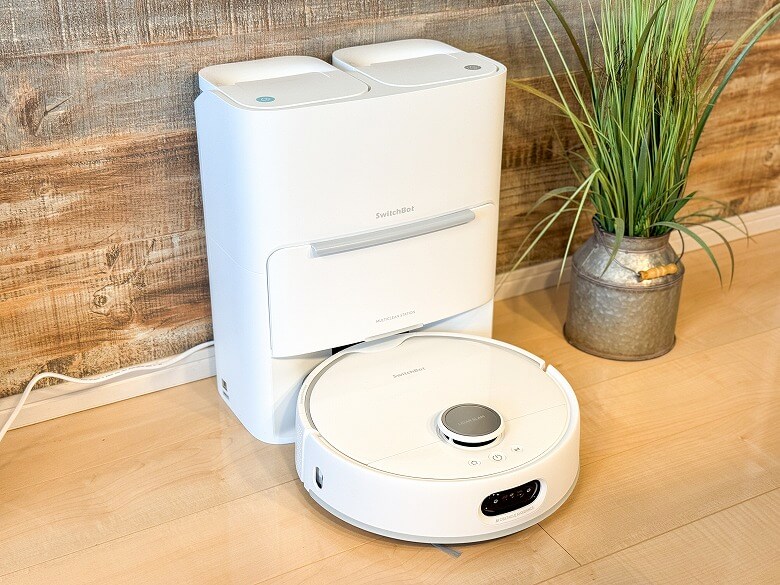
Their momentum is unmatched, offering a wide range of products from small NFC tags to large items like robot vacuums and ceiling lights, with a diverse lineup.
Meanwhile, TP-Link’s Tapo, although having a long history, hasn’t matched SwitchBot in variety and only fully entered the smart device market with a batch of new products in June 2023.
That said, Tapo may expand into a wider range of smart devices in the future, and it’s worth keeping an eye on the overall smart device industry, not just these two companies.
While I stated that SwitchBot is my recommendation, please choose based on each company’s strengths and what fits your home and needs.
Itsuki
Of course, you could mix devices from both brands, but this may cause confusion and potentially make things less convenient, so I don’t highly recommend it.
Strengths of SwitchBot
The main strength of SwitchBot is its wide variety of smart devices.
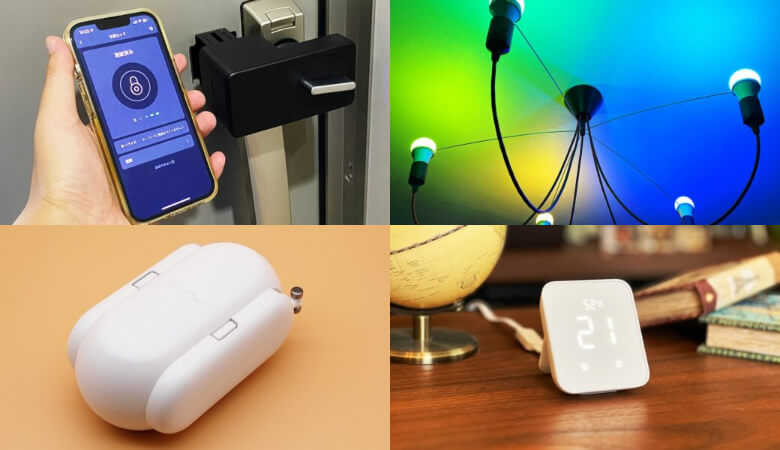
From basic devices like smart remotes and smart bulbs to automated curtain and blind control, SwitchBot covers a wide range.
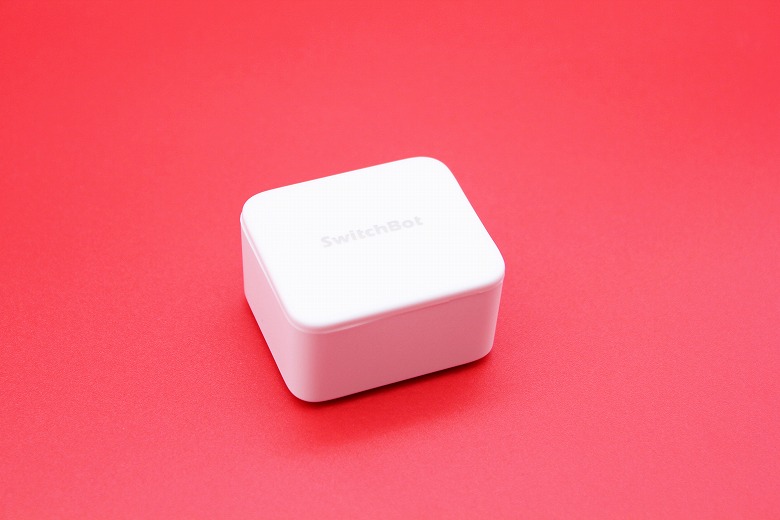
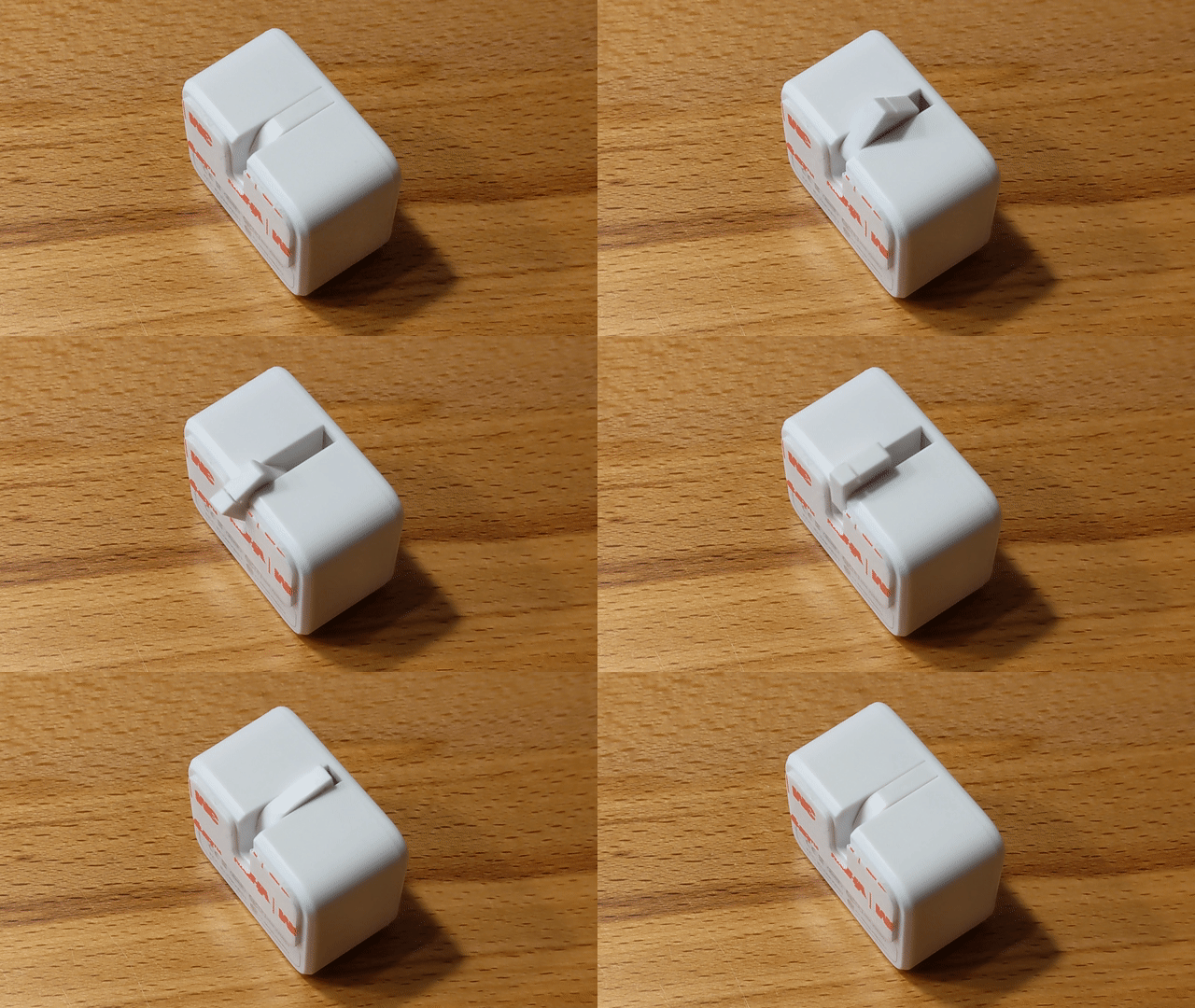
Also, SwitchBot’s signature device, the “SwitchBot Bot”, combines unique features and convenience to the point that you could choose SwitchBot just for this device alone.
Itsuki
With both variety and uniqueness, SwitchBot can rightly be called the current king of the smart device world!
Strengths of TP-Link Tapo
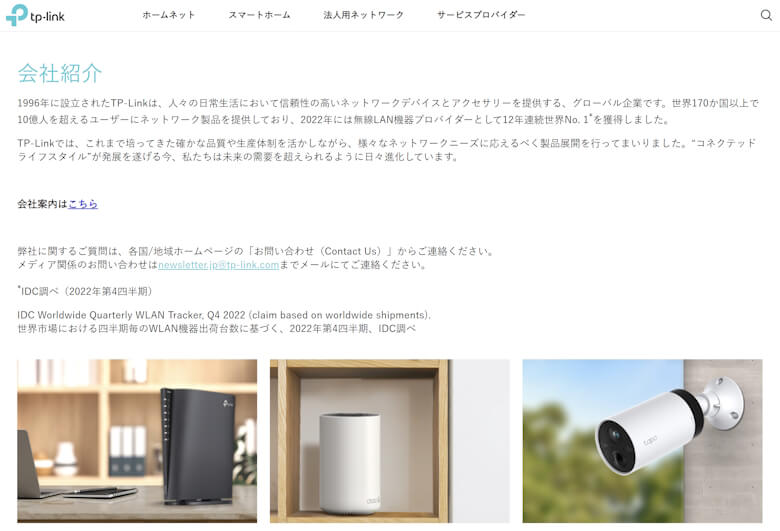
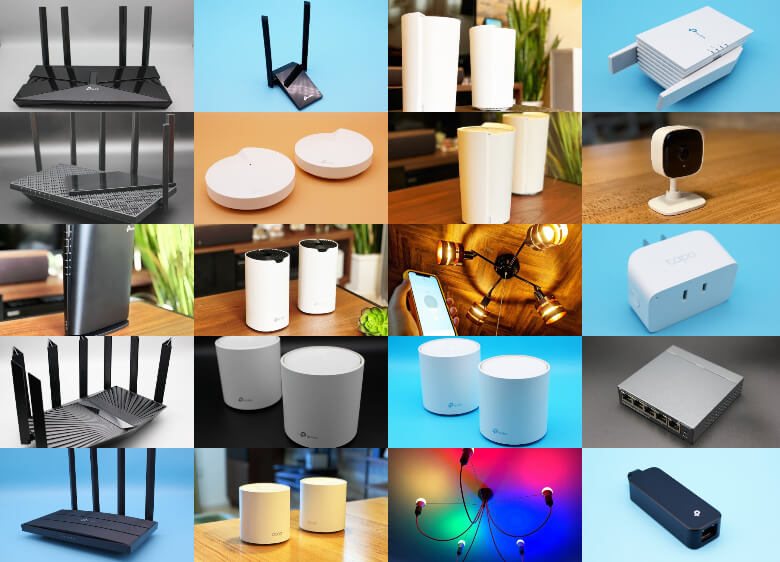
Tapo is a brand of TP-Link, mainly known for Wi-Fi routers.
TP-Link was founded in 1996, making it a well-established company compared to SwitchBot.
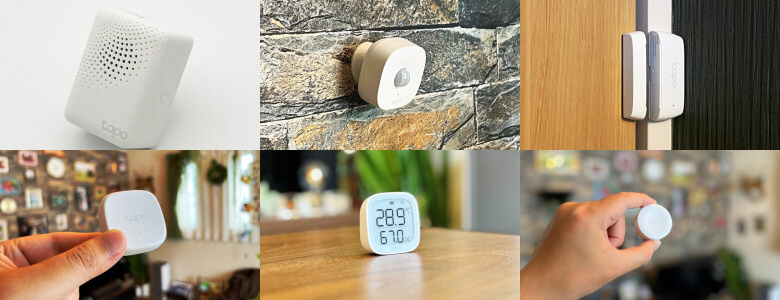
Tapo had a few smart devices before, but the variety was limited. However, with the release of 7 new products at once in June 2023, it gained attention and officially entered the smart device market.
Tapo’s strengths include being a brand familiar to many due to its long history with Wi-Fi routers, and its products are generally affordable, compact, and lightweight.
Ituki
If you’ve used TP-Link Wi-Fi routers for a long time or are looking for affordable, lightweight smart devices, Tapo is especially recommended!
Comprehensive Comparison of SwitchBot and TP-Link Tapo
From here, I will introduce representative smart devices and compare the products of SwitchBot and Tapo.
Itsuki
There isn’t one that is overwhelmingly superior, so please read the review article thoroughly and choose the one that suits you best!
Smart Hub
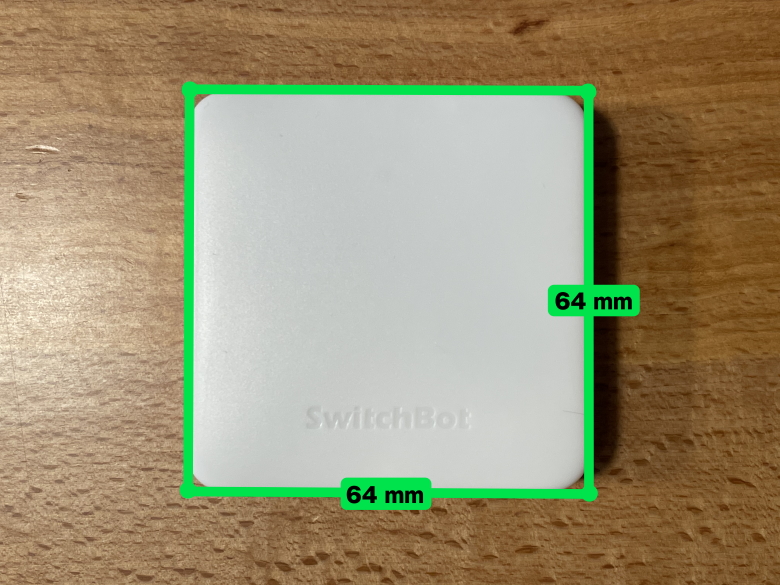
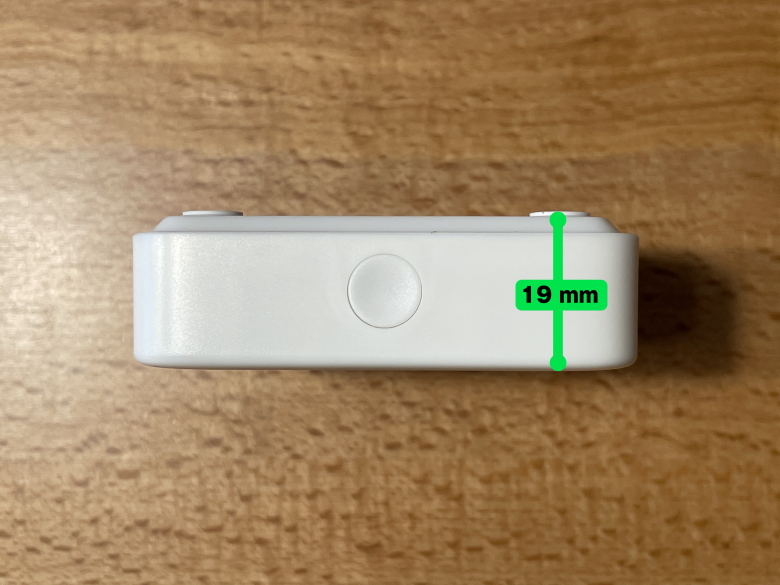
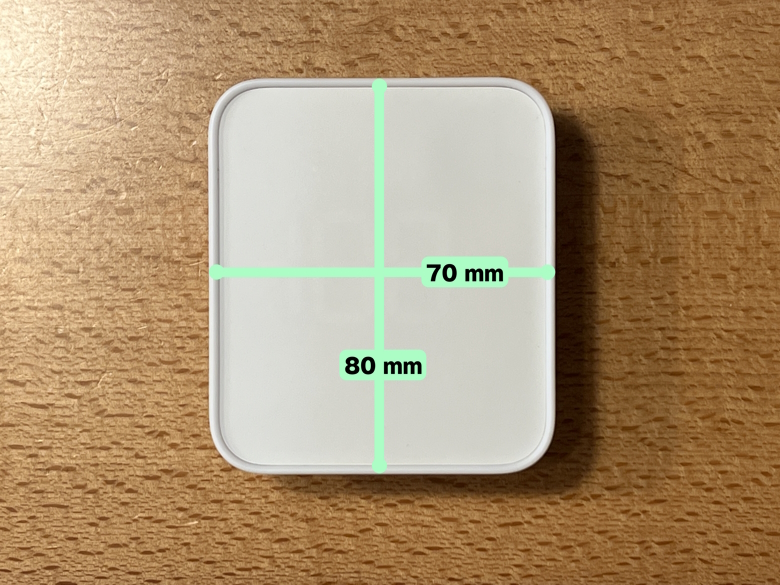
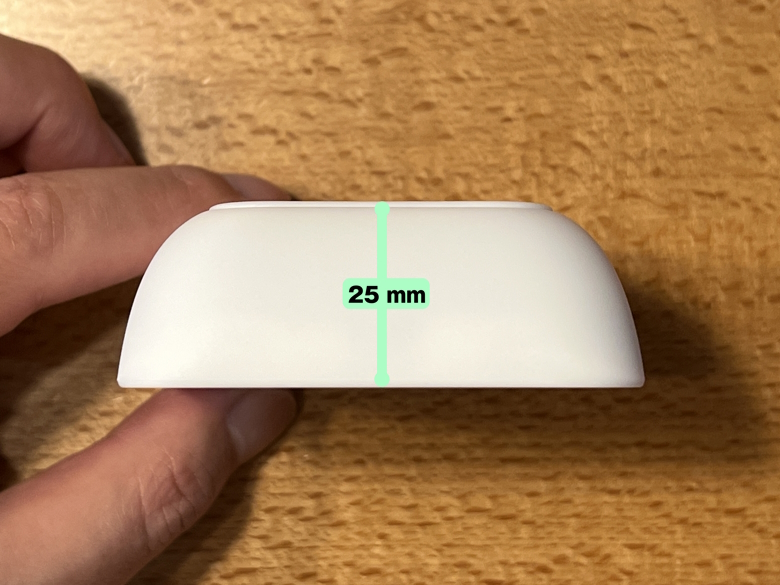
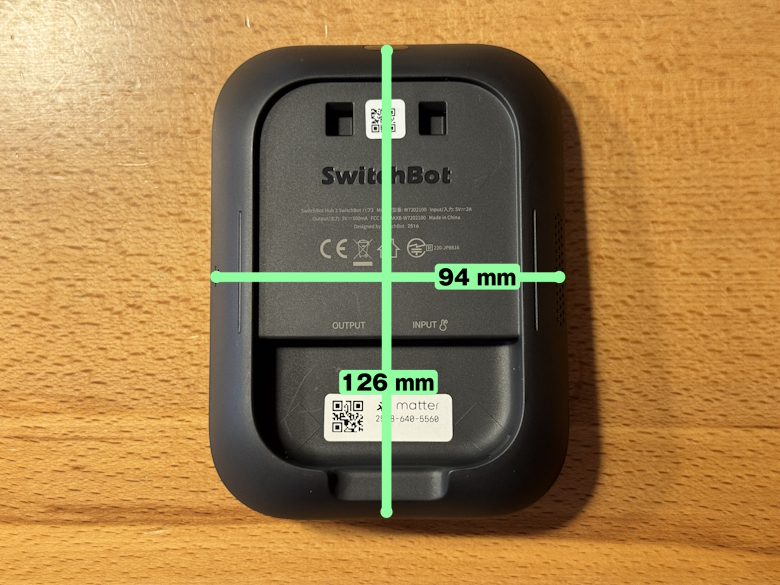
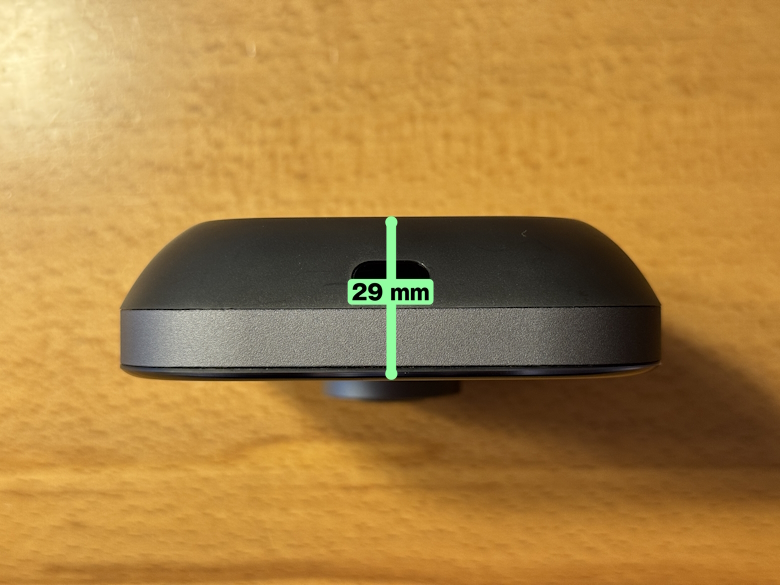
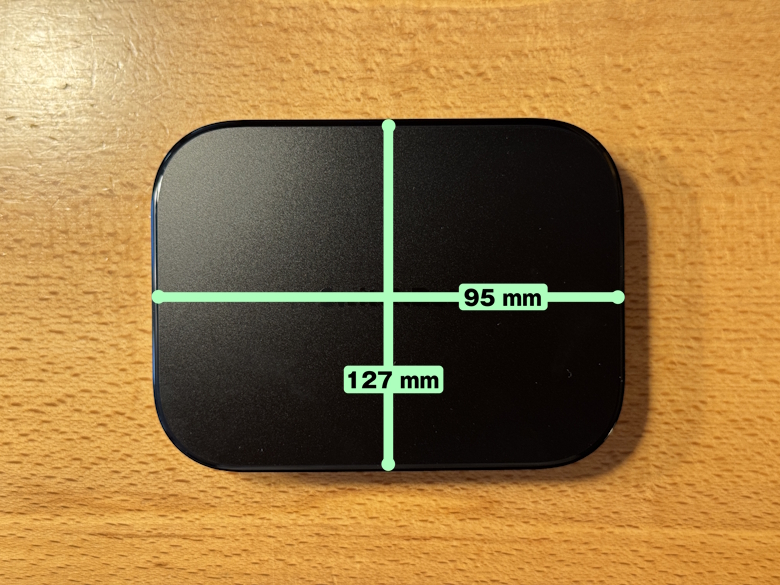
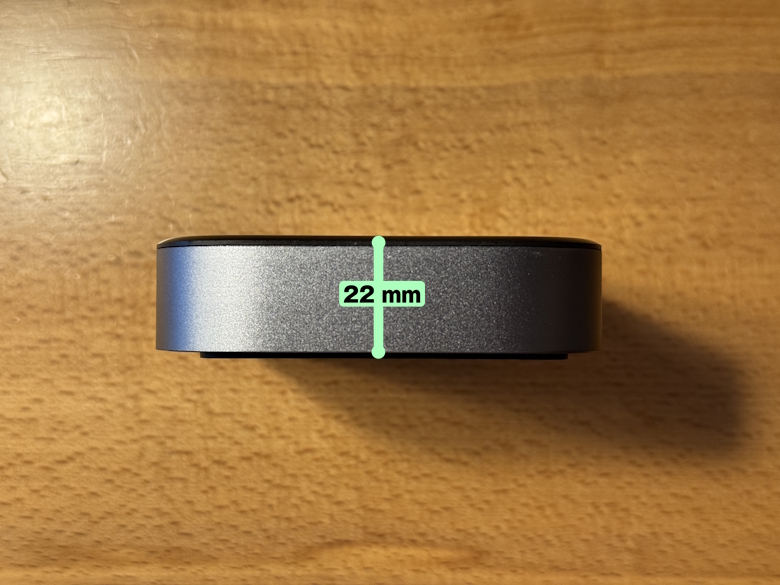
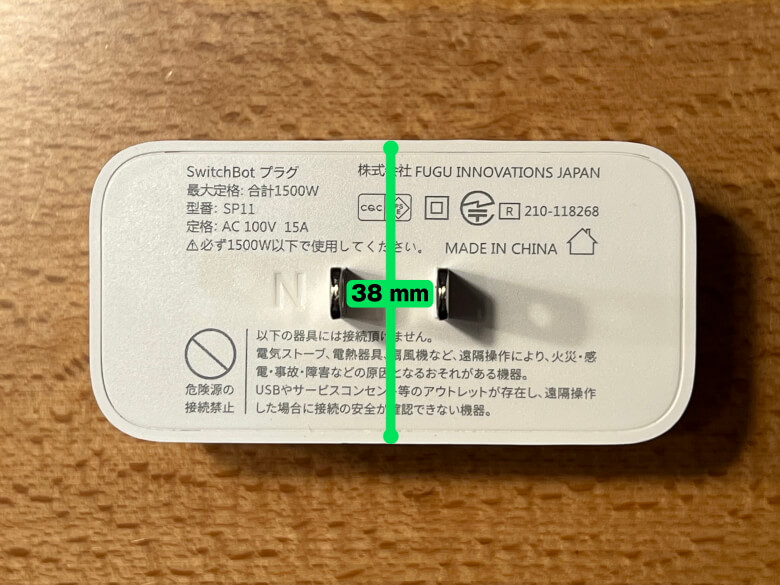
SwitchBot’s smart hubs include “SwitchBot Hub Mini”, “SwitchBot Hub 2”, “SwitchBot Hub 3”, and “SwitchBot AI Hub”.
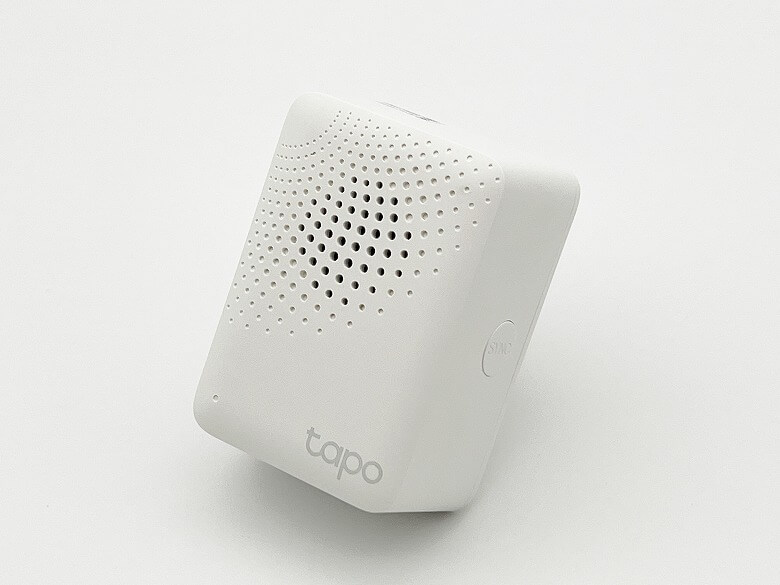
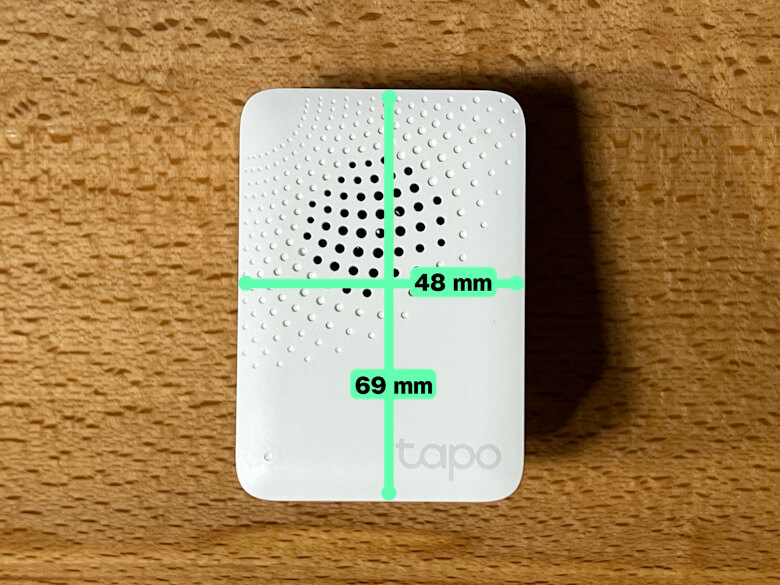
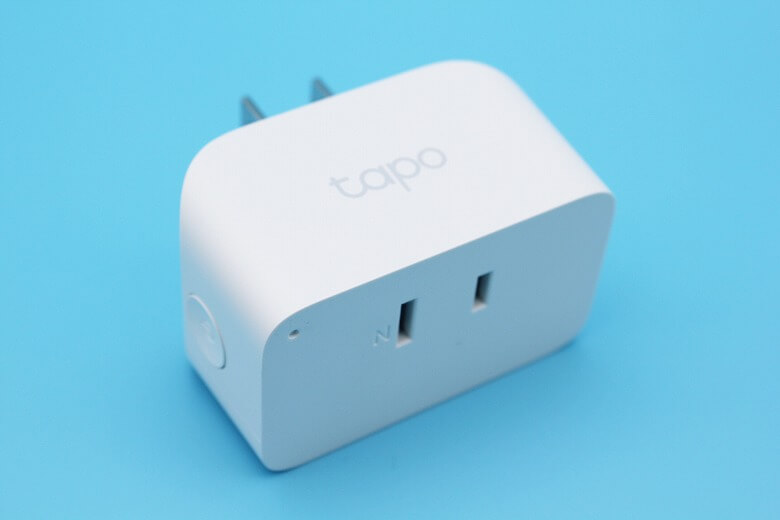
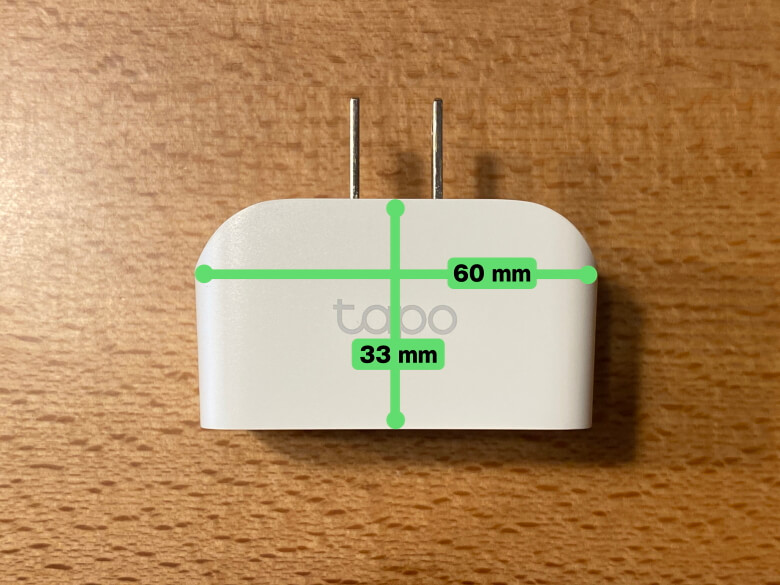
Tapo’s smart hub is the “Tapo H100”.
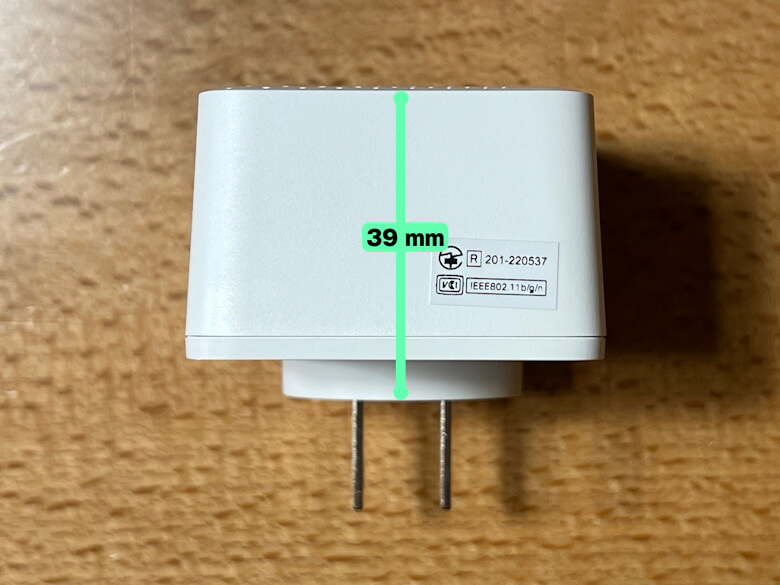
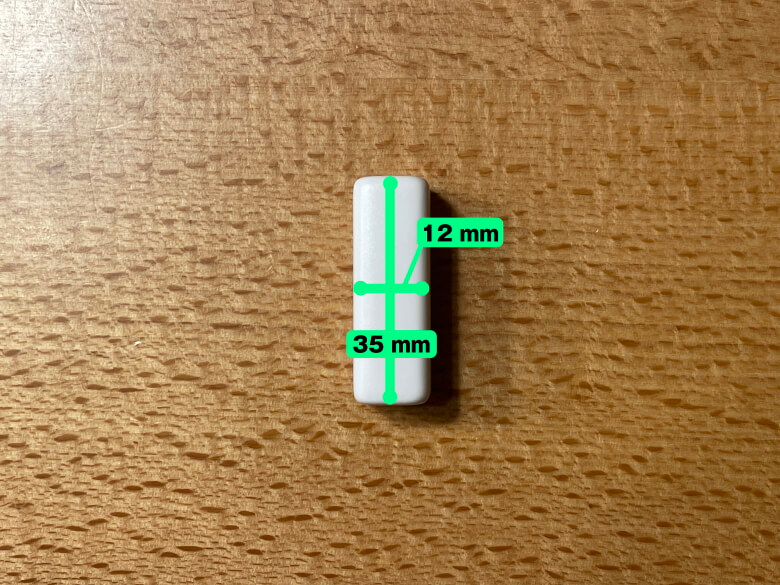
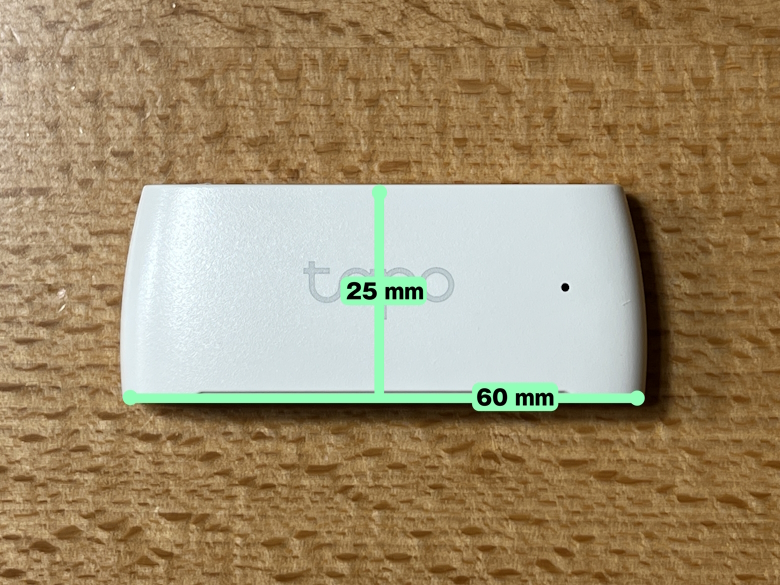
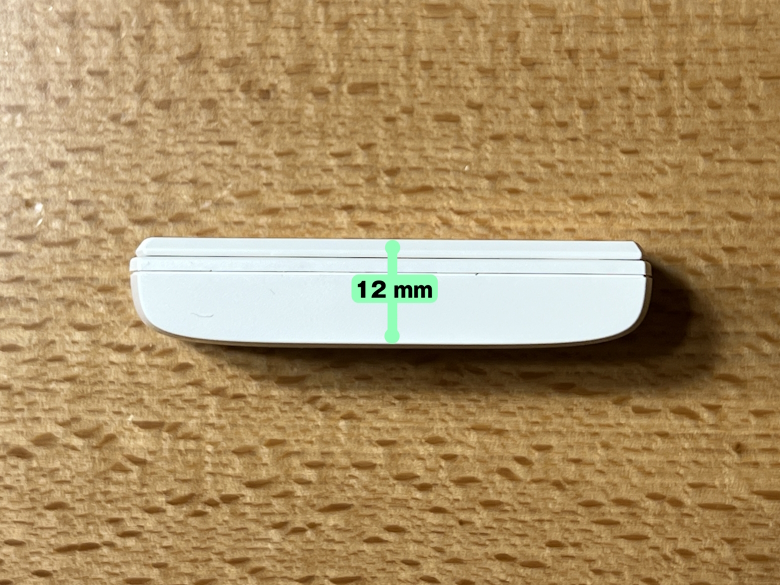
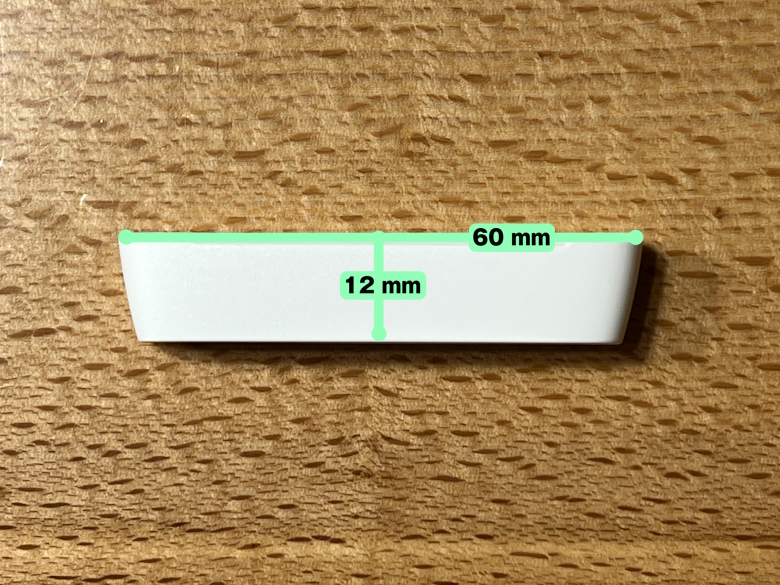
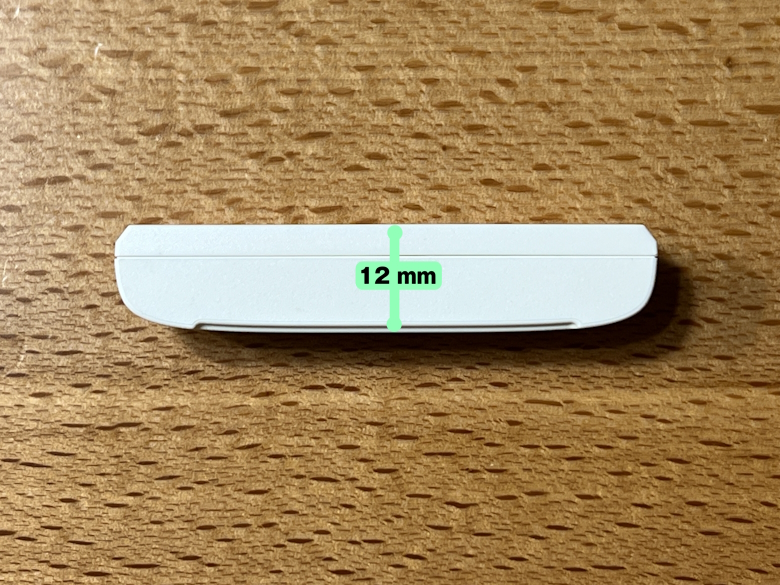
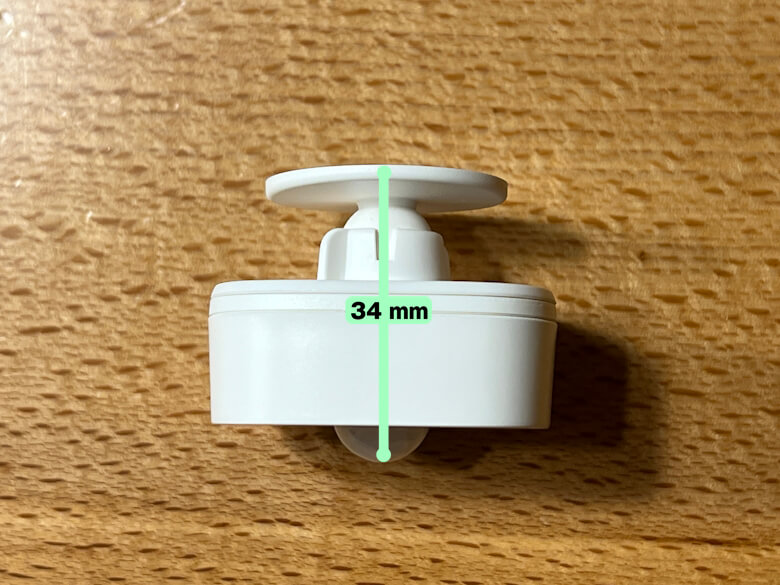
The sizes of each are as follows.
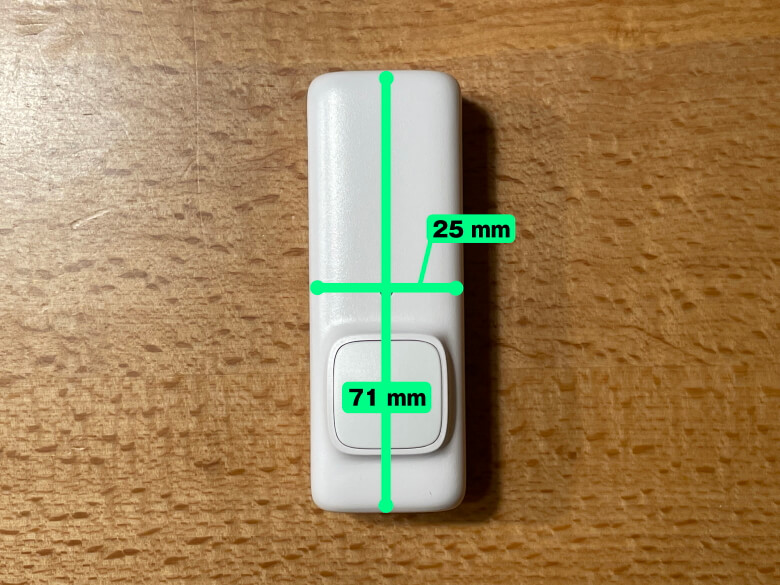
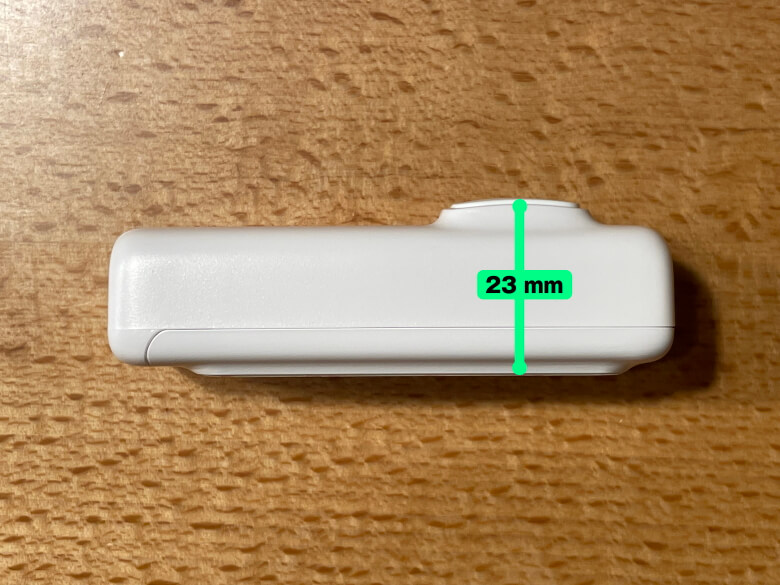
SwitchBot Hub MiniSwitchBot Hub MiniSwitchBot Hub 2SwitchBot Hub 2SwitchBot Hub 3SwitchBot Hub 3SwitchBot AI HubSwitchBot AI HubTapo H100Tapo H100
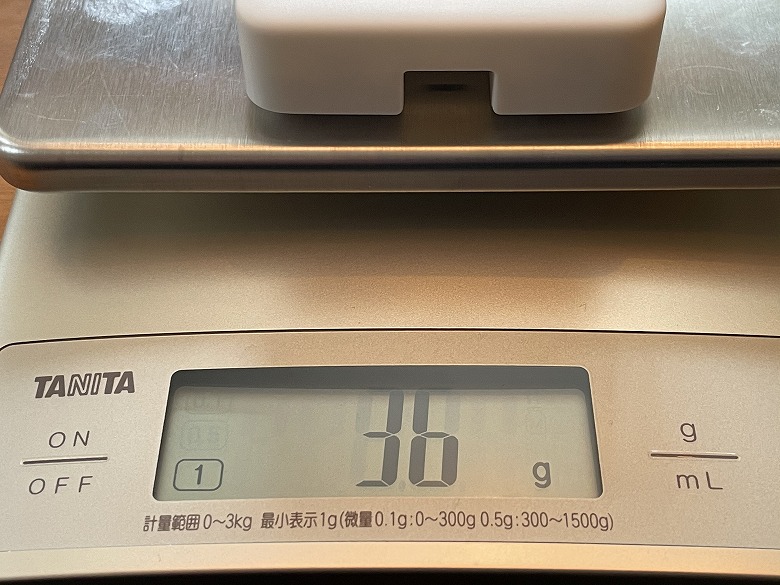
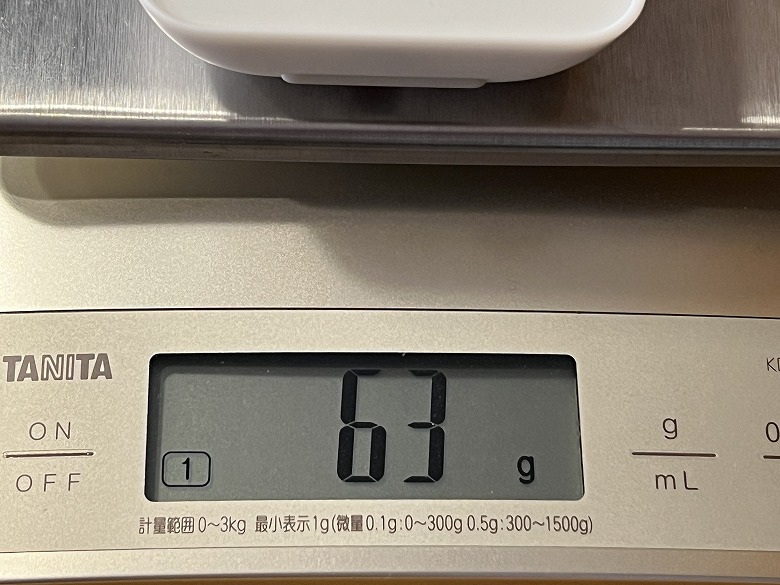
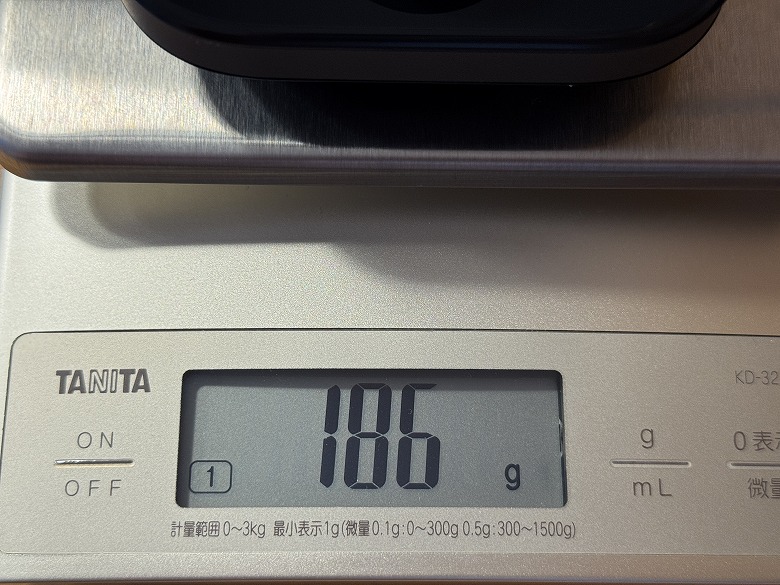
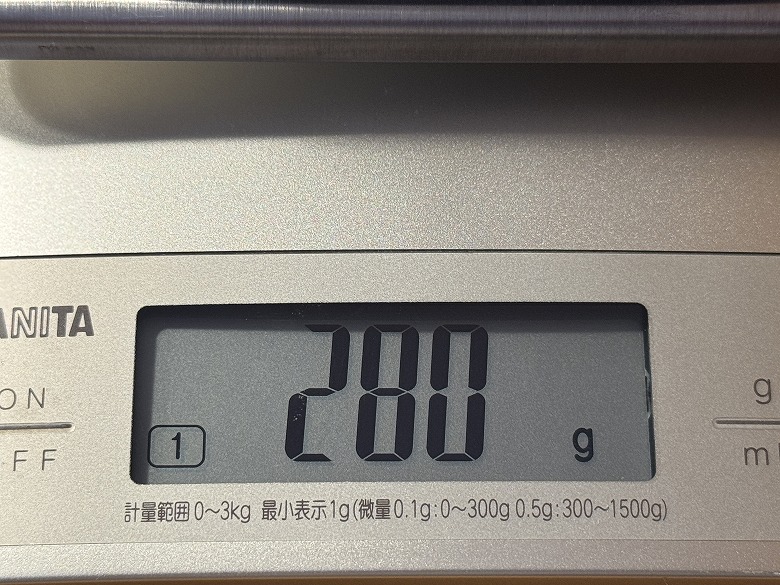
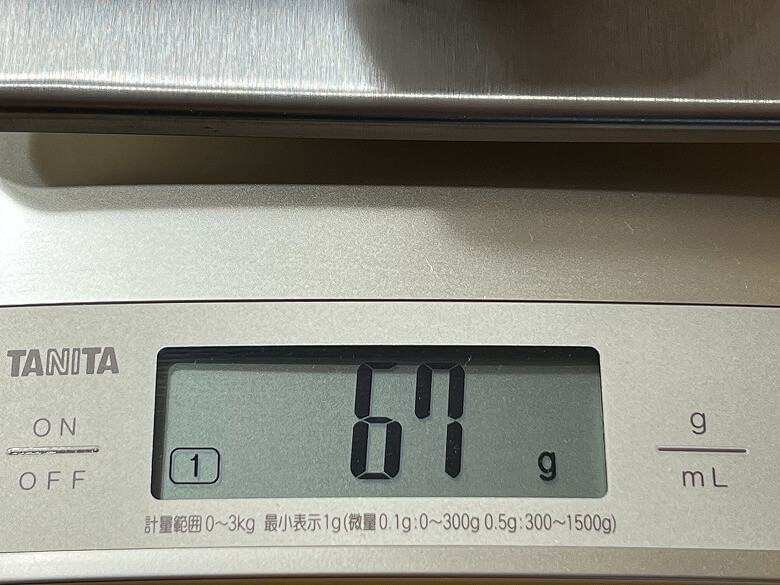
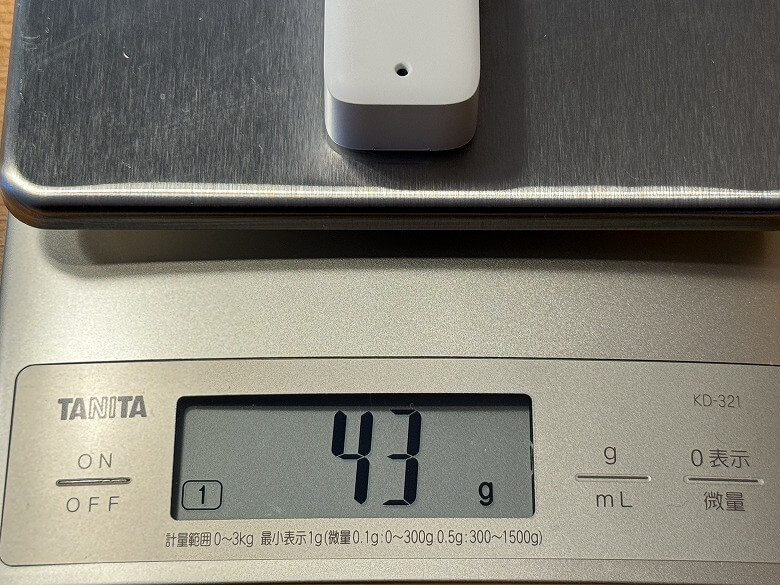
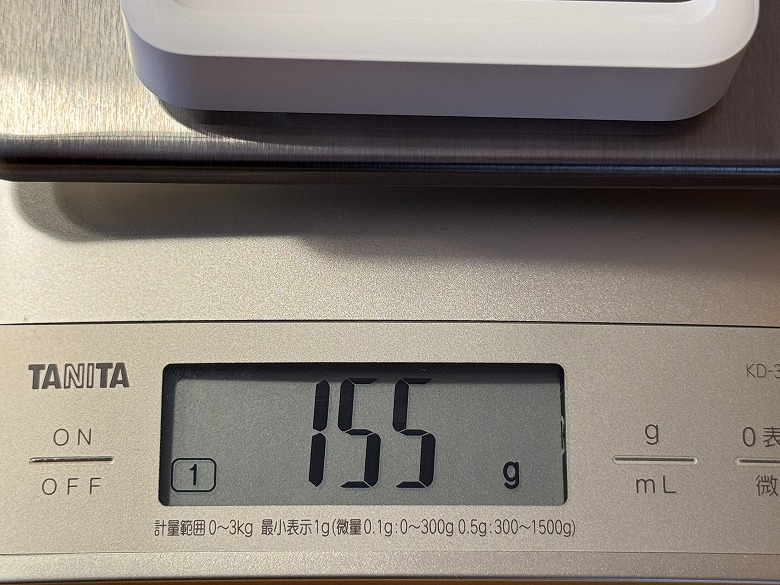
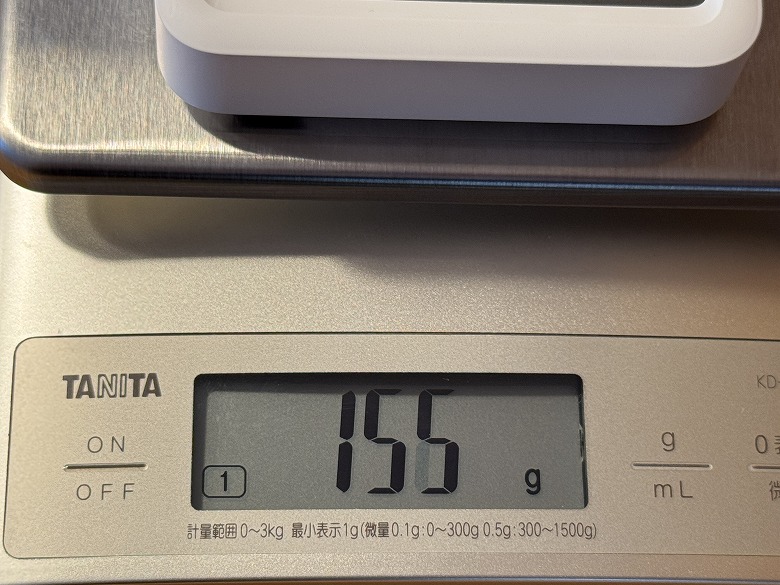
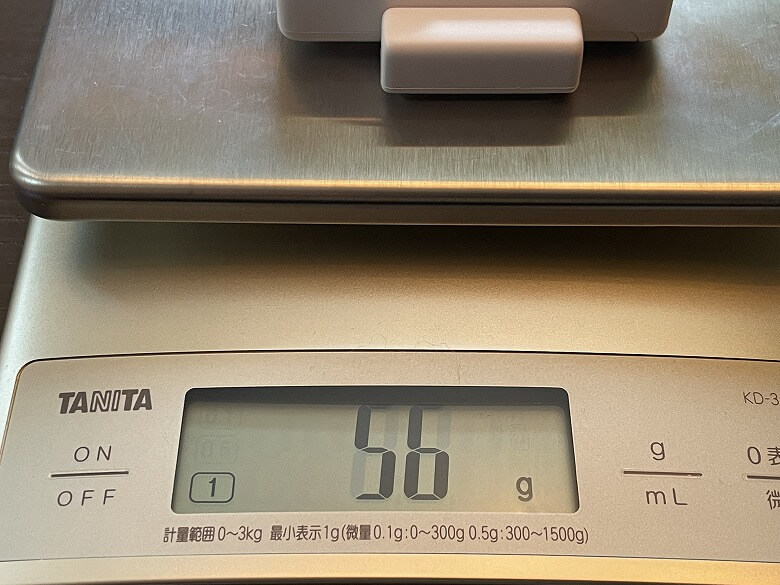
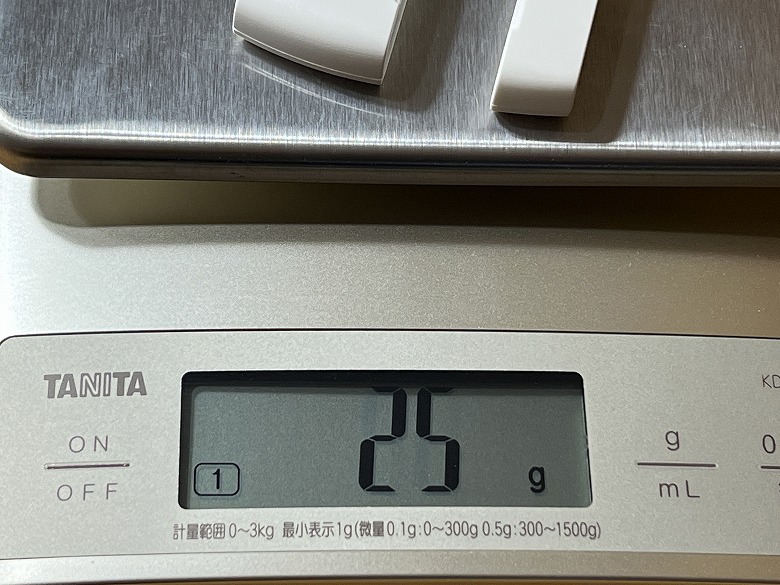
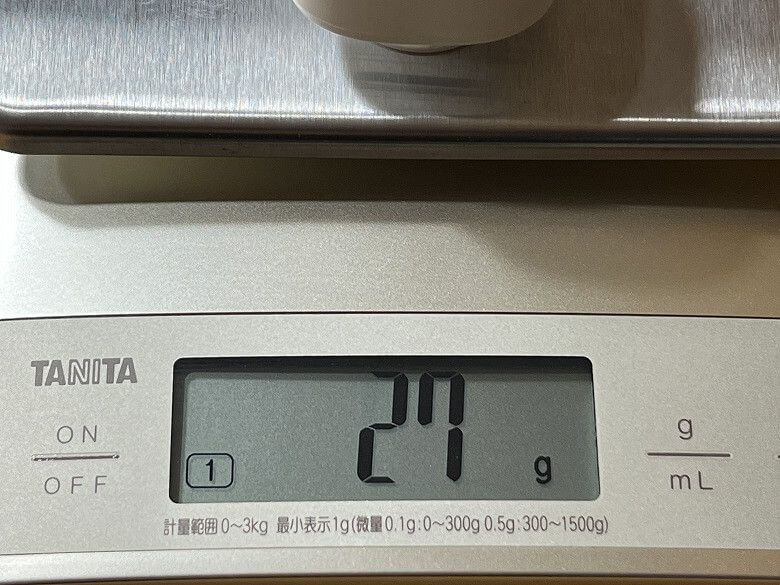
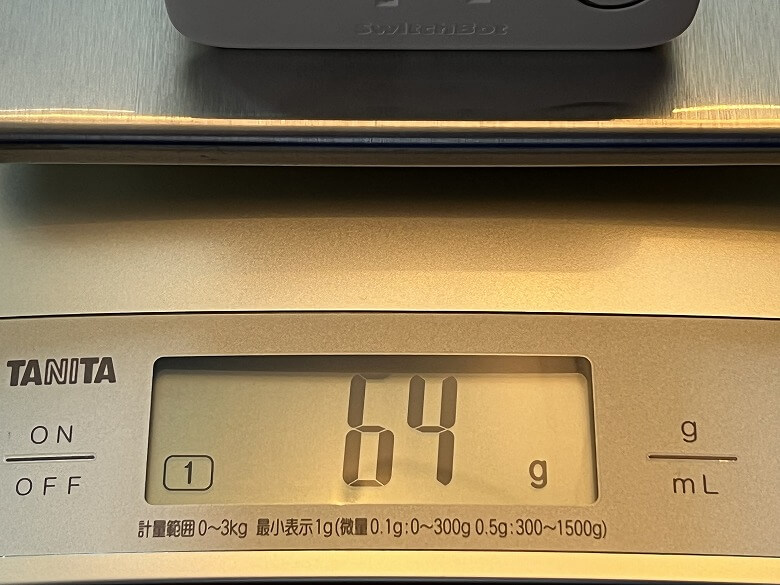
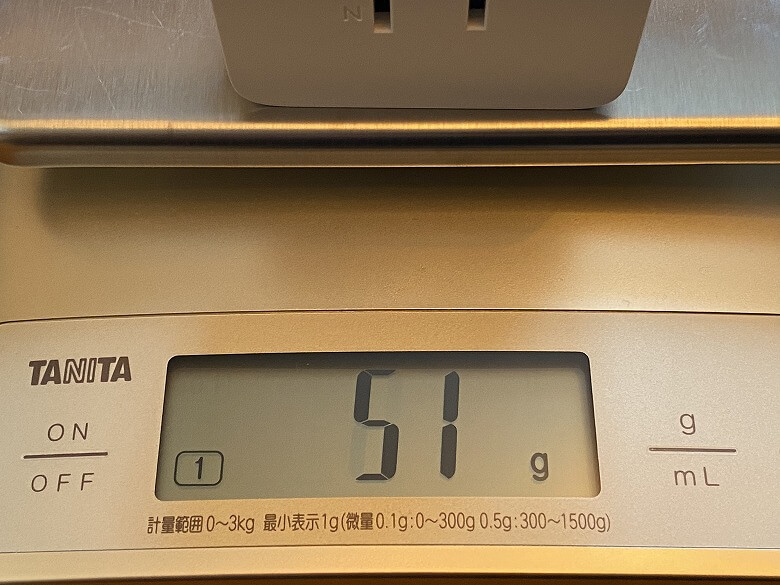
The weights are as follows.
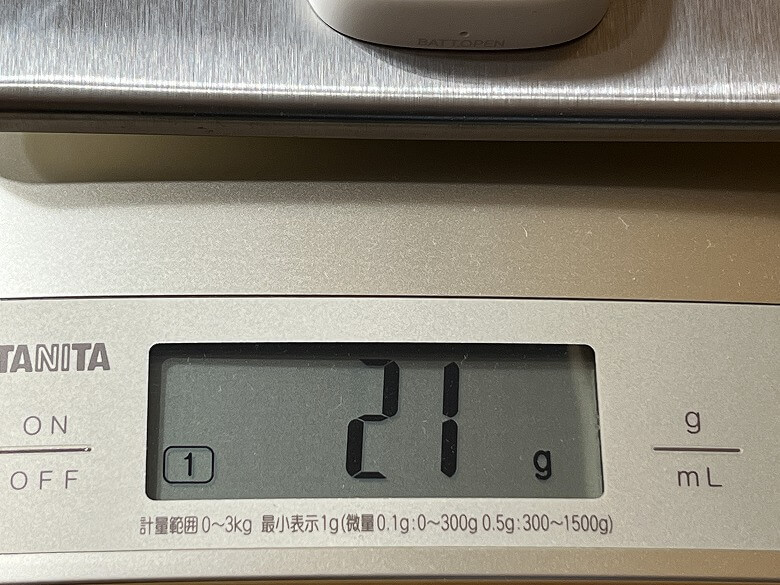
SwitchBot Hub MiniSwitchBot Hub 2SwitchBot Hub 3SwitchBot AI HubTapo H100
I summarized the main specification differences of each product in the table below.
We have summarized the main differences in specifications for each product in the table below.
スクロールできます
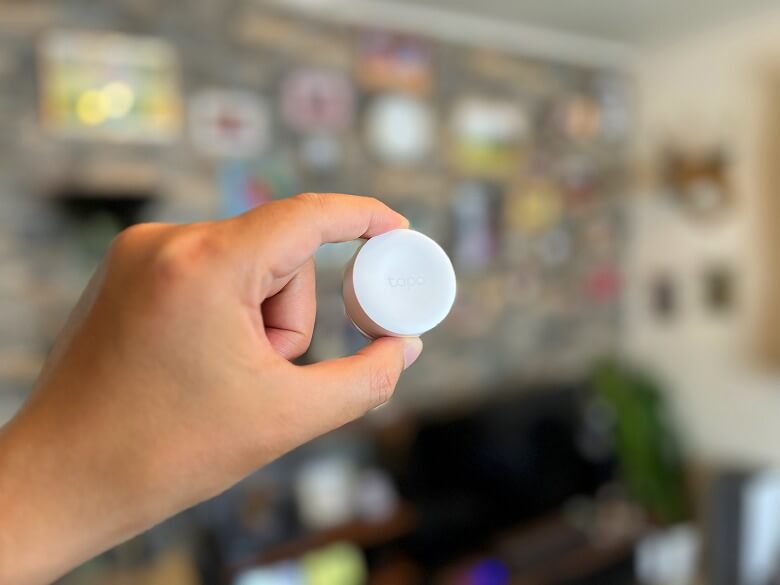
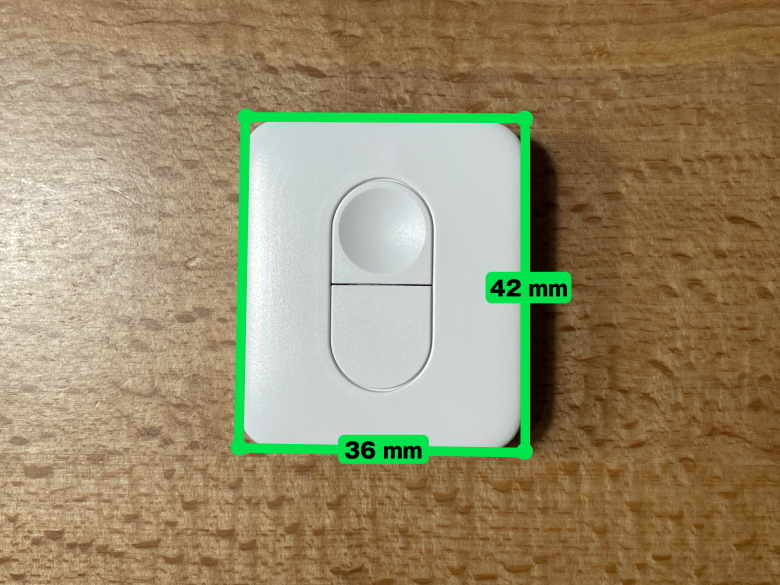
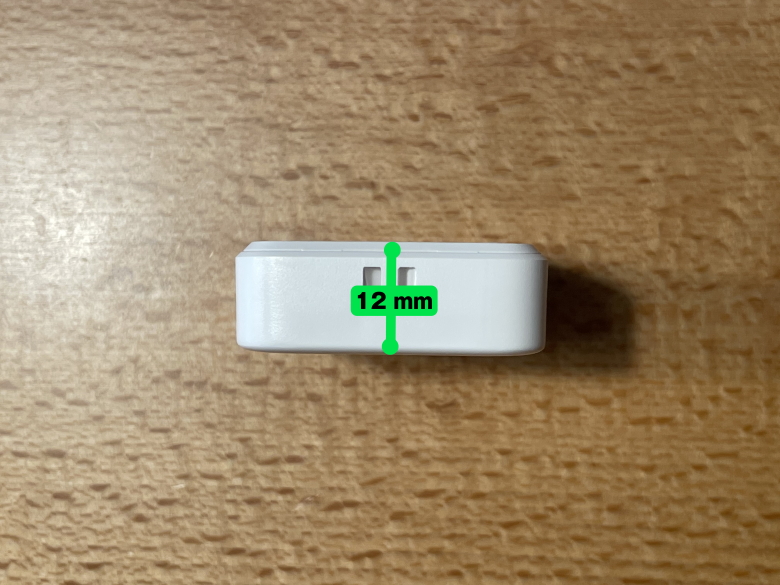
SwitchBot Remote Button
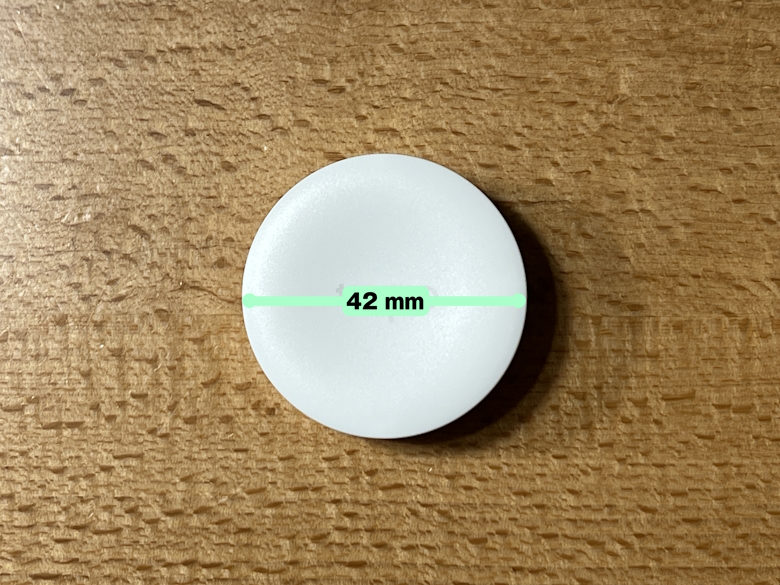
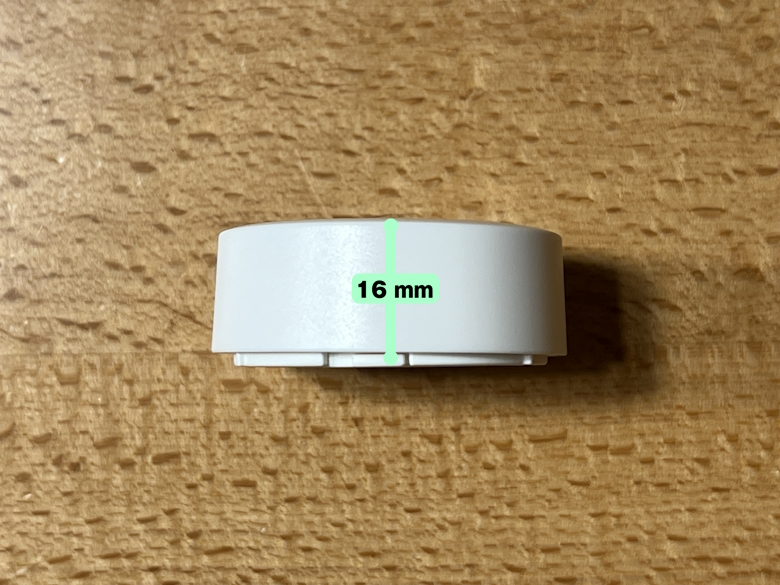
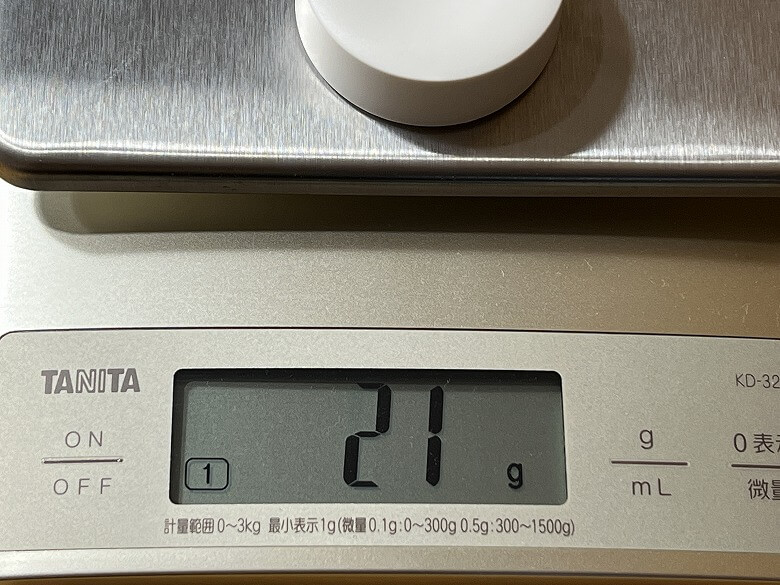
Tapo S200B
Size
42 × 36 × 12 (mm)
Diameter 42 mm, Thickness 16 mm
Weight
19 g
21 g
Price
2,180 yen
2,300 yen
Number of Buttons
2
1 (supports double-tap and knob)
*Prices as of July 2023
Itsuki
Tapo also offers the Tapo S200D, which includes a plate to attach the Tapo S200B to the wall!
Smart Temperature & Humidity Sensors
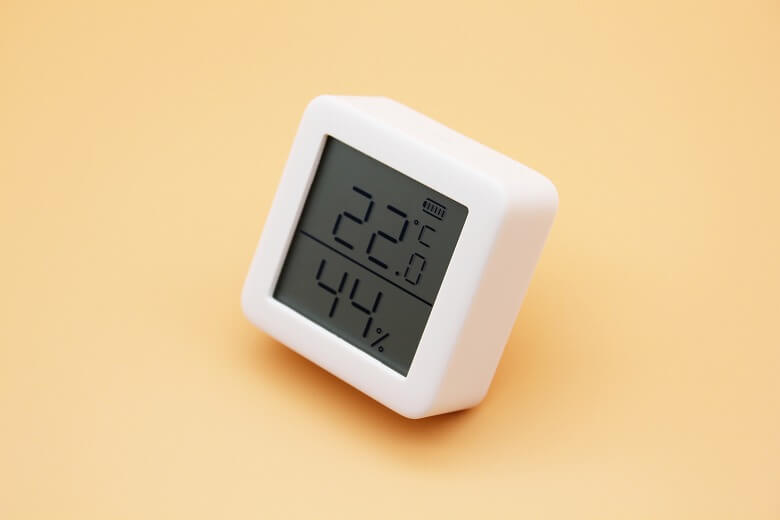
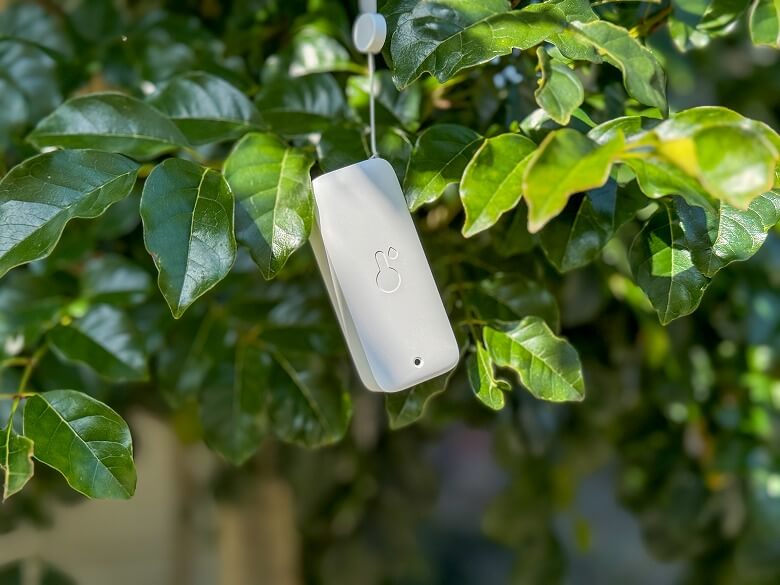
SwitchBot’s smart temperature and humidity sensors include the SwitchBot Temperature & Humidity Sensor, SwitchBot Temperature & Humidity Sensor Plus, and SwitchBot Waterproof Temperature & Humidity Sensor.
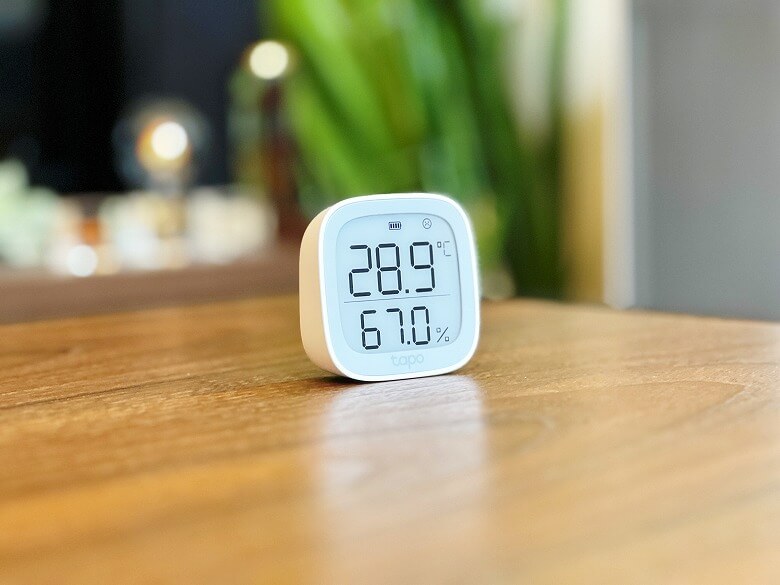
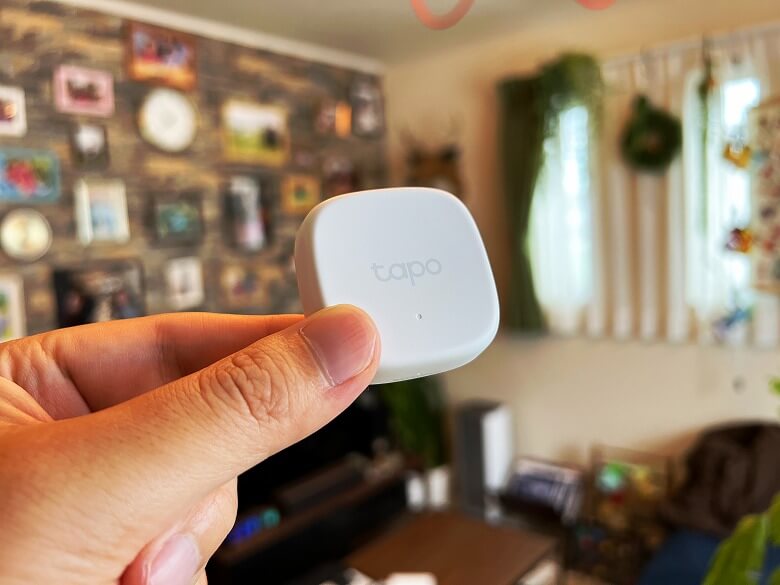
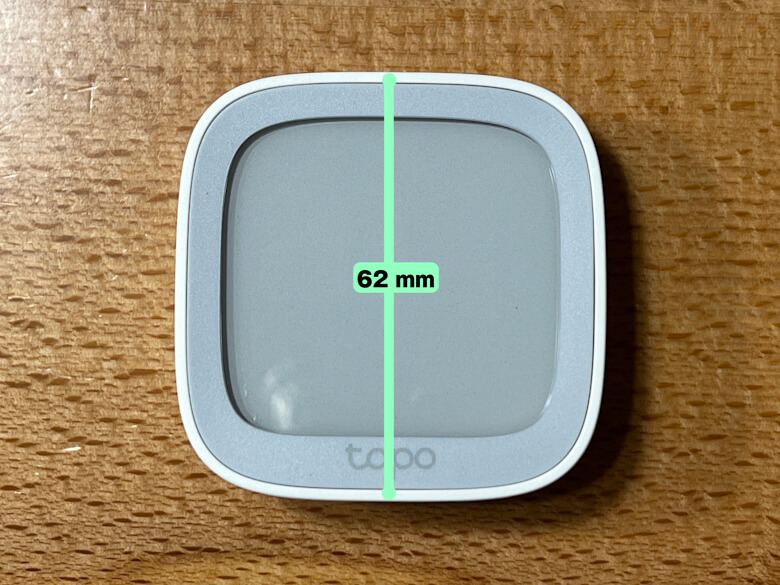
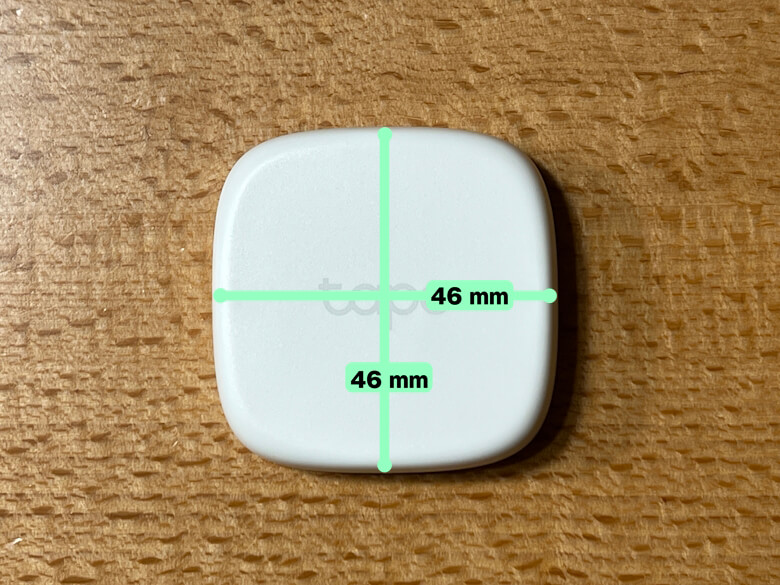
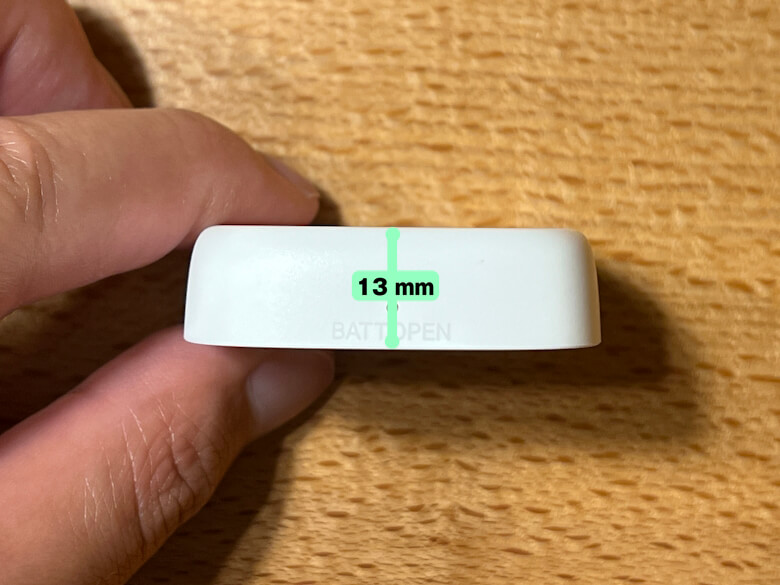
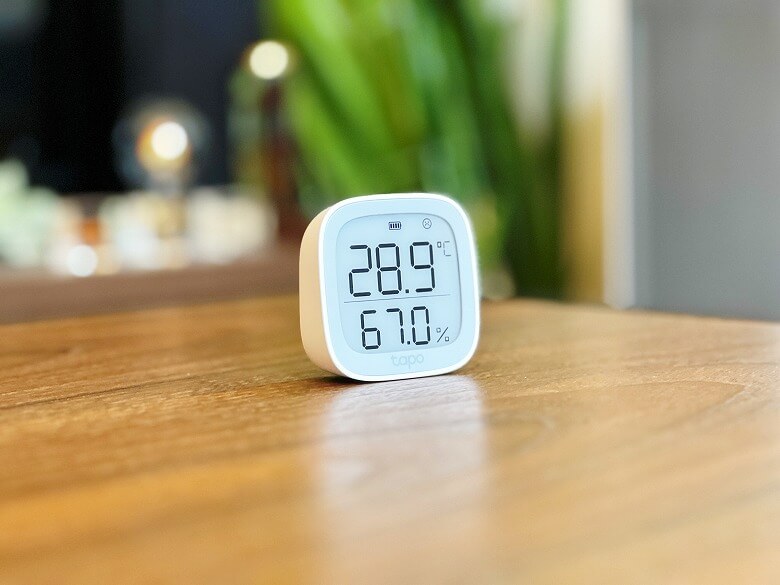
Tapo’s smart temperature and humidity sensors include the Tapo T315 and Tapo T310.
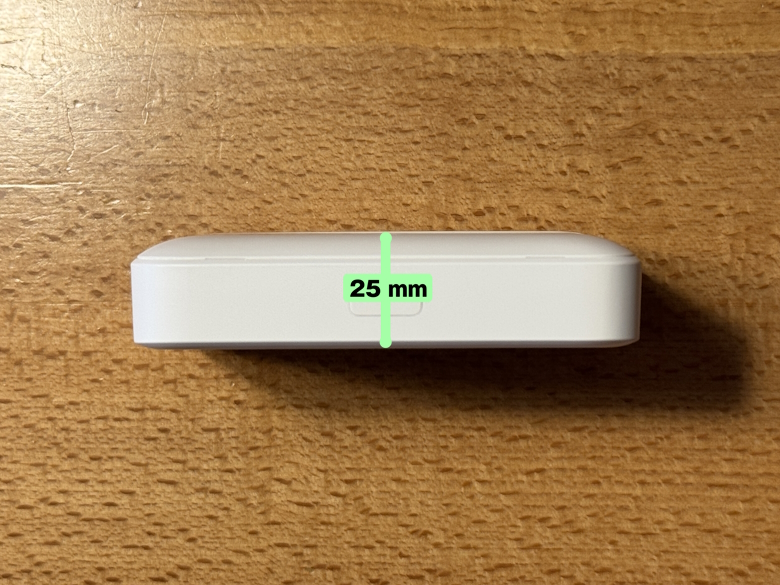
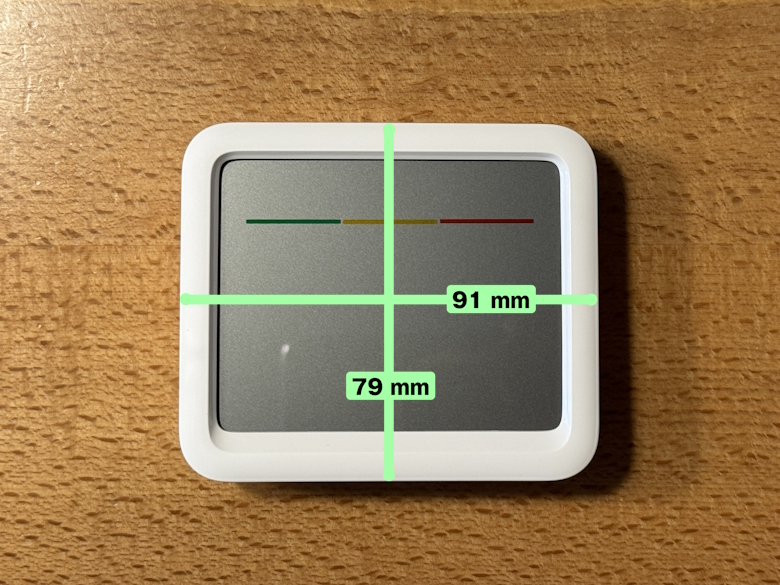
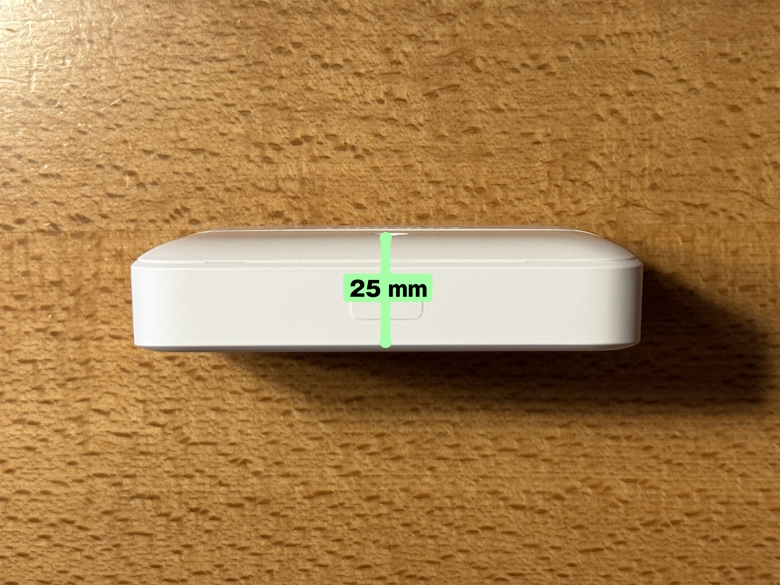
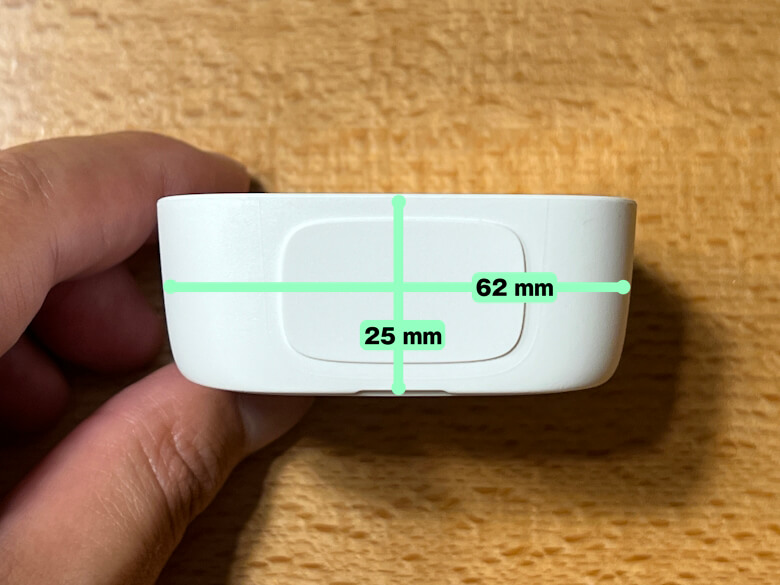
The sizes of each are as follows.
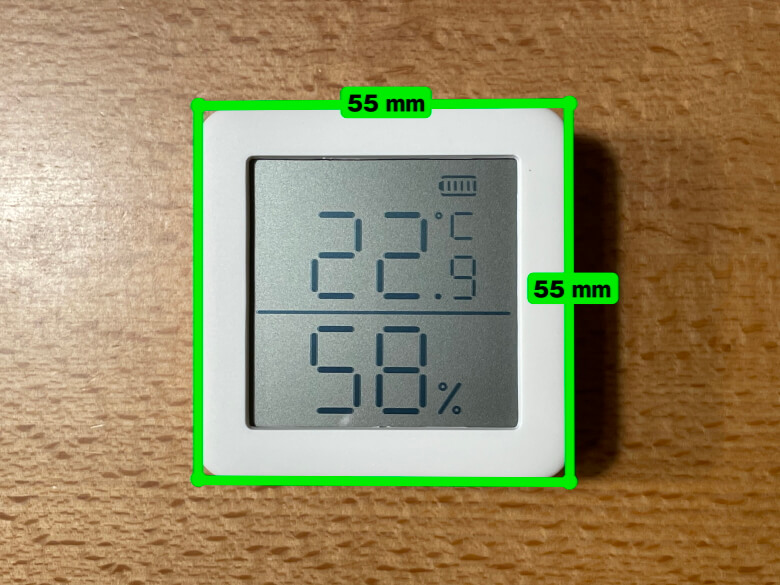
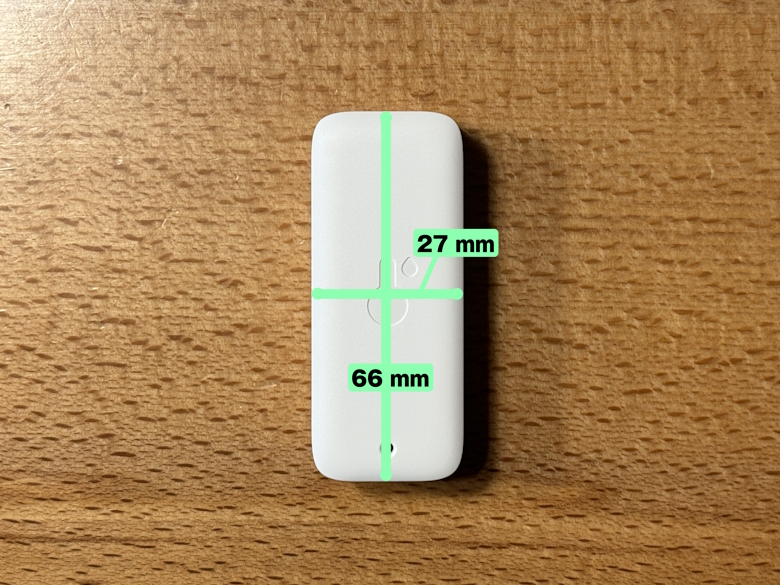
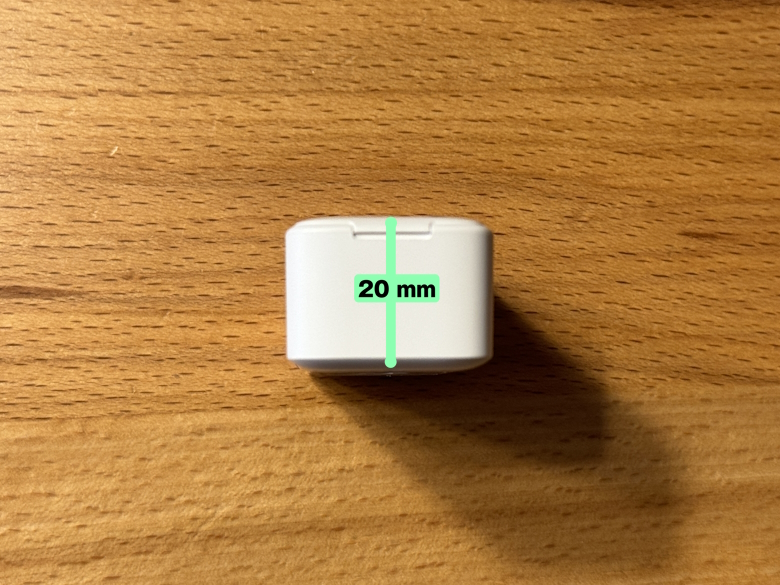
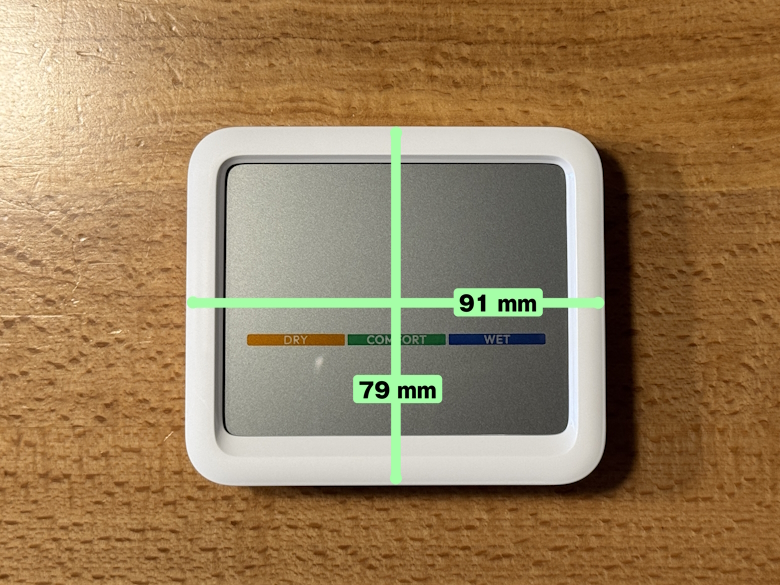
SwitchBot Temperature & Humidity SensorSwitchBot Temperature & Humidity SensorSwitchBot Waterproof Temperature & Humidity SensorSwitchBot Waterproof Temperature & Humidity SensorSwitchBot Temperature & Humidity Sensor ProSwitchBot Temperature & Humidity Sensor ProSwitchBot CO2 SensorSwitchBot CO2 SensorTapo T315Tapo T315Tapo T310Tapo T310
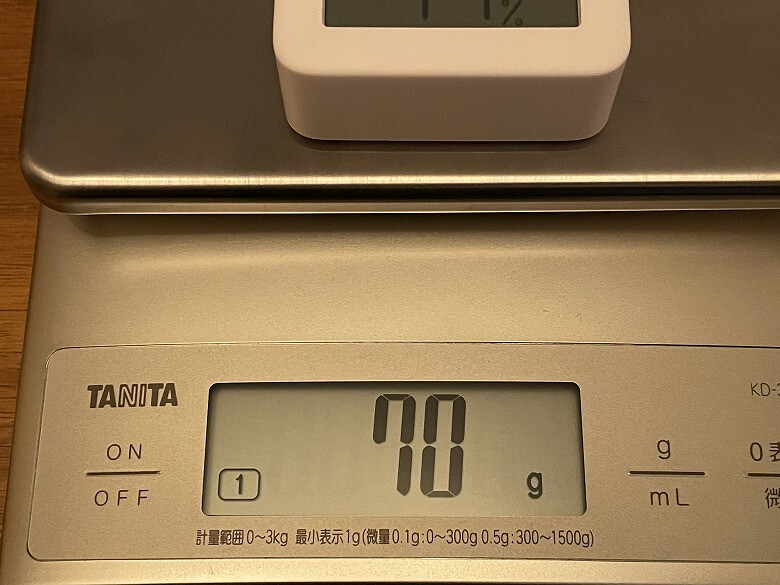
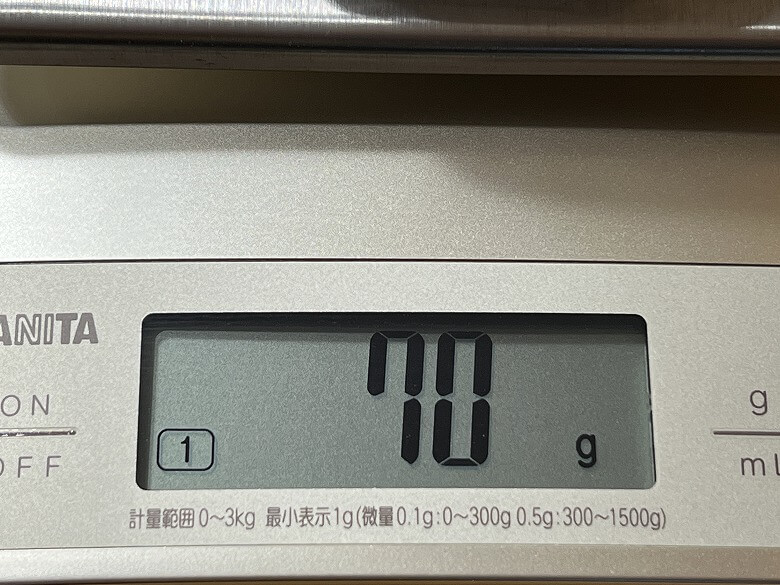
The weights are as follows.
SwitchBot Temperature & Humidity SensorSwitchBot Waterproof Temperature & Humidity SensorSwitchBot Temperature & Humidity Sensor ProSwitchBot CO2 SensorTapo T315Tapo T310
We have summarized the main differences in specifications for each product in the table below.
スクロールできます
SwitchBot Temperature & Humidity Sensor
SwitchBot Temperature & Humidity Sensor Plus
SwitchBot Waterproof Temperature & Humidity Sensor
SwitchBot Temperature & Humidity Sensor Pro
SwitchBot CO2 Sensor
Tapo T315
Tapo T310
Size
55 × 55 × 24 (mm)
79 × 65 × 22 (mm)
66 × 28 × 20 (mm)
79 × 91 × 25 (mm)
79 × 91 × 25 (mm)
25 × 62 × 62 (mm)
46 × 46 × 13 (mm)
Weight
70 g
64 g
44 g
155 g
155 g
70 g
21 g
Price
1,980 yen
2,780 yen
1,980 yen
3,480 yen
7,980 yen
3,278 yen
2,100 yen
LCD Size
2.1 inches
3 inches
None
Not disclosed
Not disclosed
2.7 inches
None
Third-Party Services
Alexa Google Assistant Siri Shortcuts IFTTT
Alexa Google Assistant Siri Shortcuts IFTTT
Alexa Google Assistant Siri Shortcuts IFTTT
Alexa Google Assistant Siri Shortcuts IFTTT
Alexa Google Assistant Siri Shortcuts IFTTT
Alexa Google Assistant Siri Shortcuts IFTTT
Alexa Google Assistant Siri Shortcuts IFTTT
Itsuki
Actually, the SwitchBot Hub 2 also comes with temperature and humidity sensor functionality!
Smart Open/Close Sensors
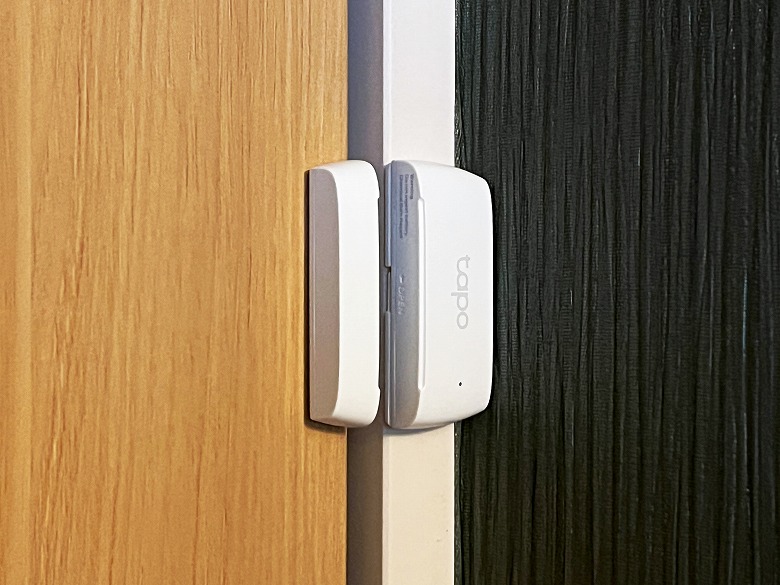
SwitchBot’s smart open/close sensor includes the SwitchBot Open/Close Sensor.
Tapo’s smart open/close sensor includes the Tapo T110.
The main differences in specifications of each product are summarized in the table below.
スクロールできます
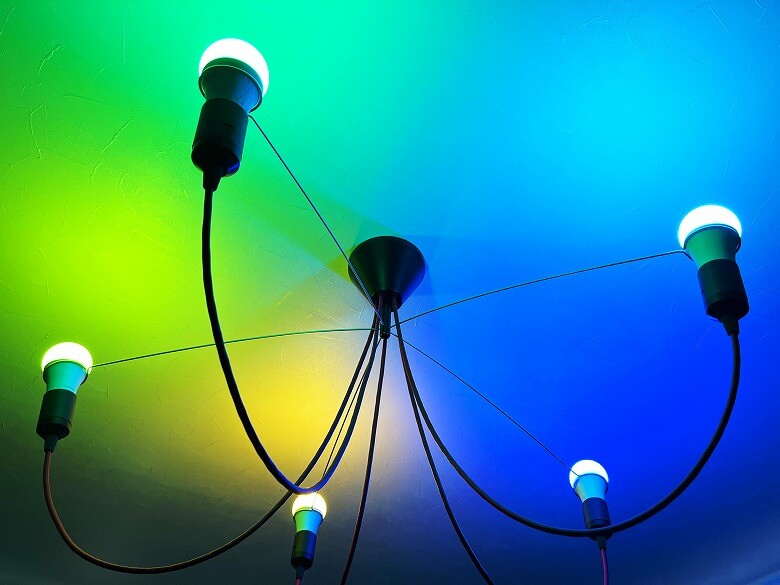
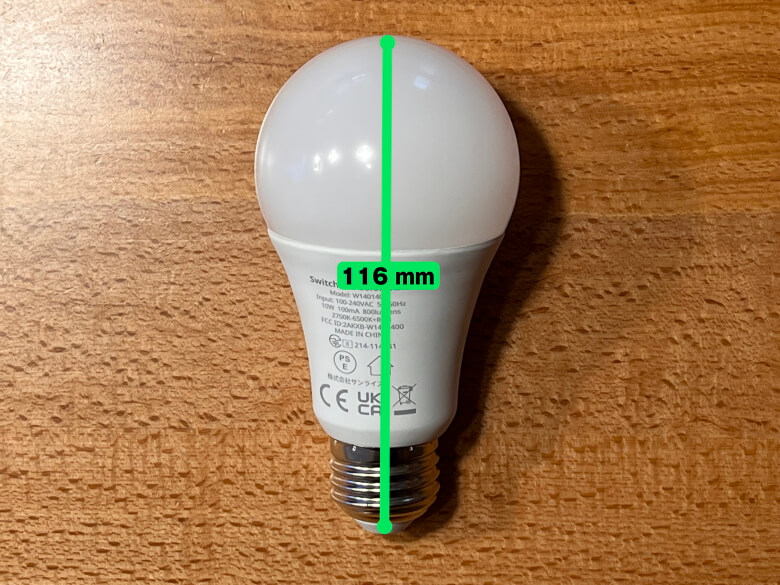
SwitchBot Smart Bulb
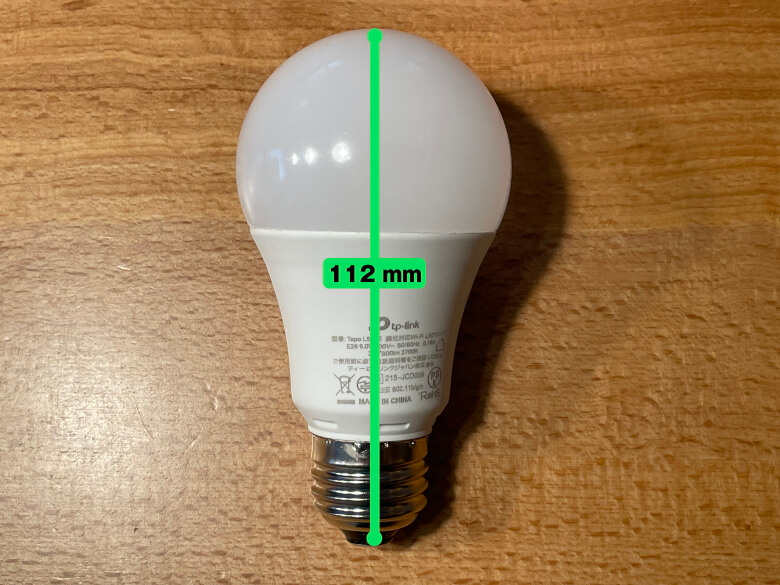
Tapo L510E
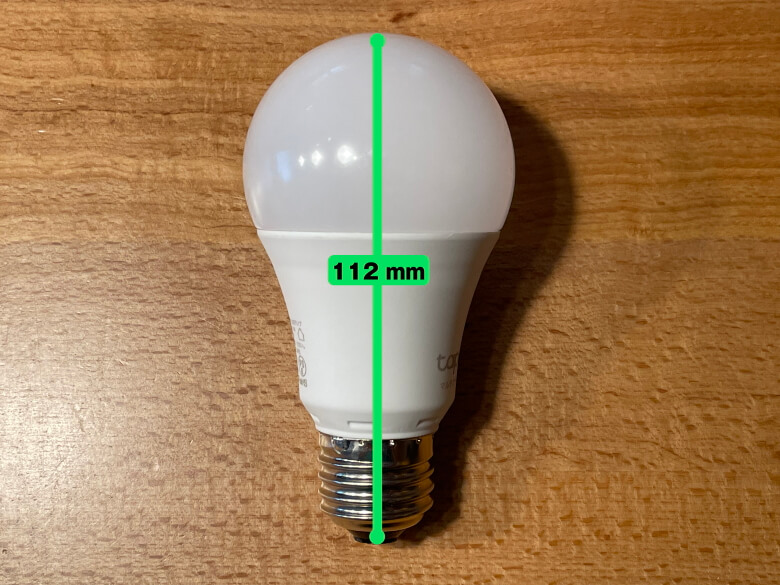
Tapo L530E
Size
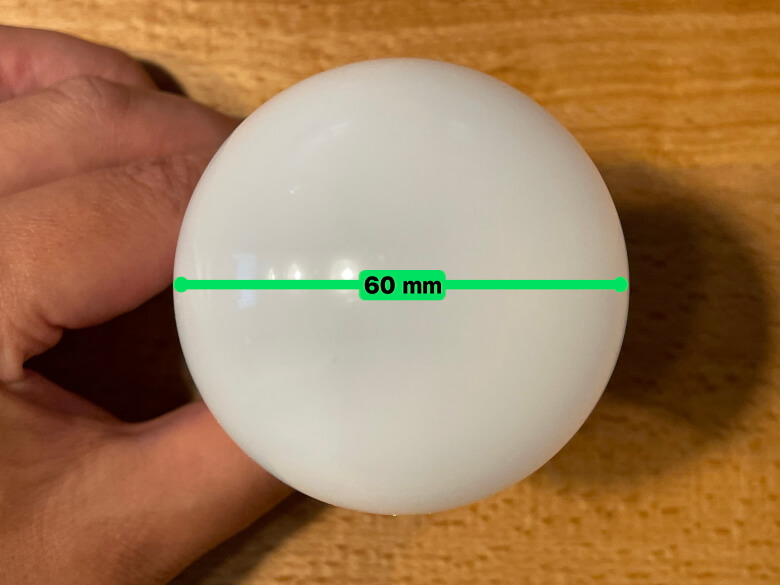
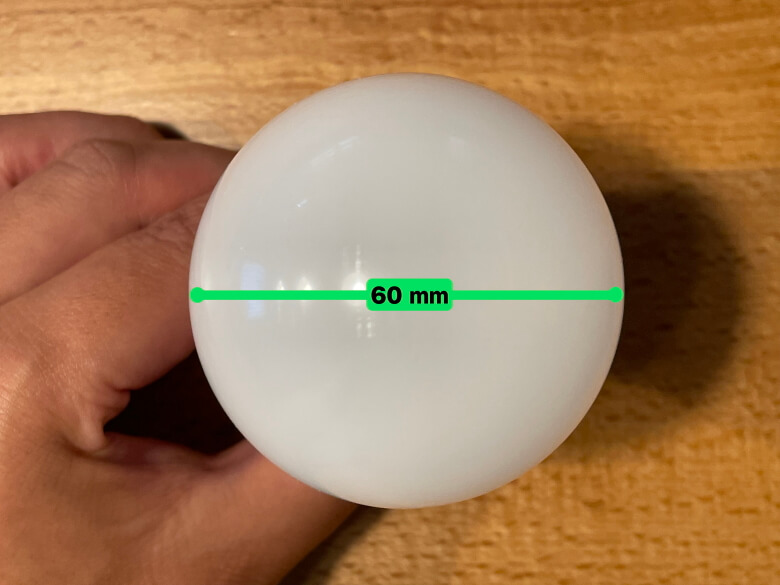
Total length 116 mm, diameter 60 mm
Total length 112 mm, diameter 60 mm
Total length 112 mm, diameter 60 mm
Weight
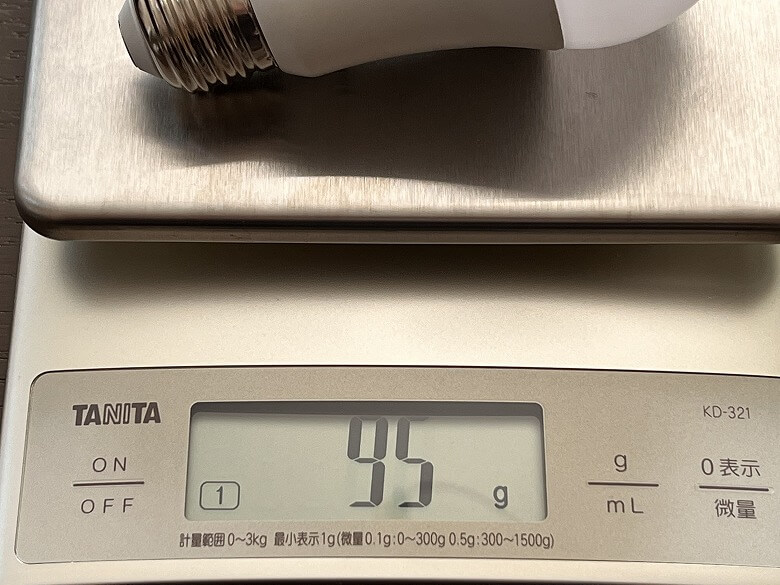
95 g
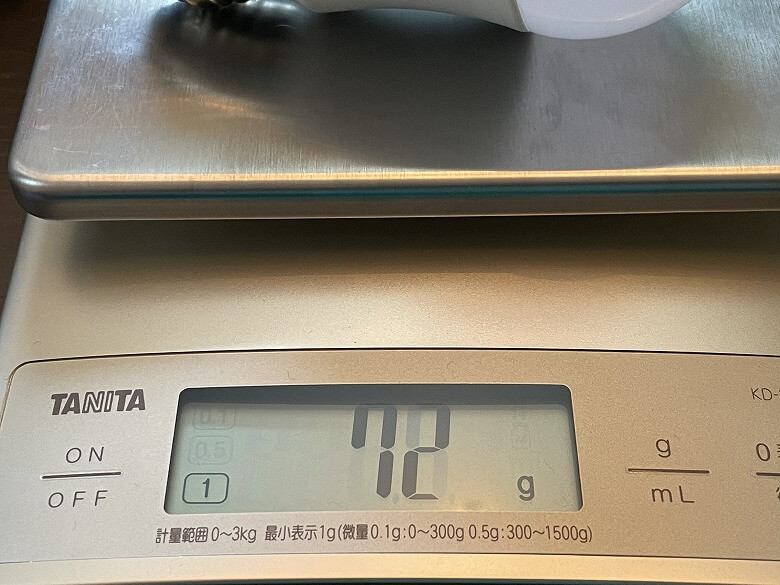
72 g
75 g
Price
1,980 yen
1,500 yen
2,000 yen
Rated Power
10W
9W
9W
Luminous Flux
800 lumens
806 lumens
806 lumens
Color Temperature
Dimmable & Color Adjustable (2700K-6500K+RGB)
2700K
Dimmable & Color Adjustable (2500K-6500K+RGB)
*Prices as of July 2023
Itsuki
Prices and performance are almost the same, but the SwitchBot Smart Bulb weighs over 90 g, so it’s a good idea to double-check that your fixture can handle the weight.
Summary of SwitchBot vs TP-Link Tapo Comparison
This article covers “【2026】Thorough Comparison of SwitchBot and TP-Link Tapo! The Conclusion Reached by a Gadget Blogger Who Successfully Smart-Home-ified Their Home”.
The global smart device market is expanding year by year, and new products continue to be released by various companies.
On this blog, we will continue to monitor trends in smart devices and review and share the latest information while actually using the products.
This article will also be updated as more products become available, so be sure to check it whenever you want to compare and review smart devices.
Itsuki
You won’t want to take your eyes off the smart device world!

 Itsuki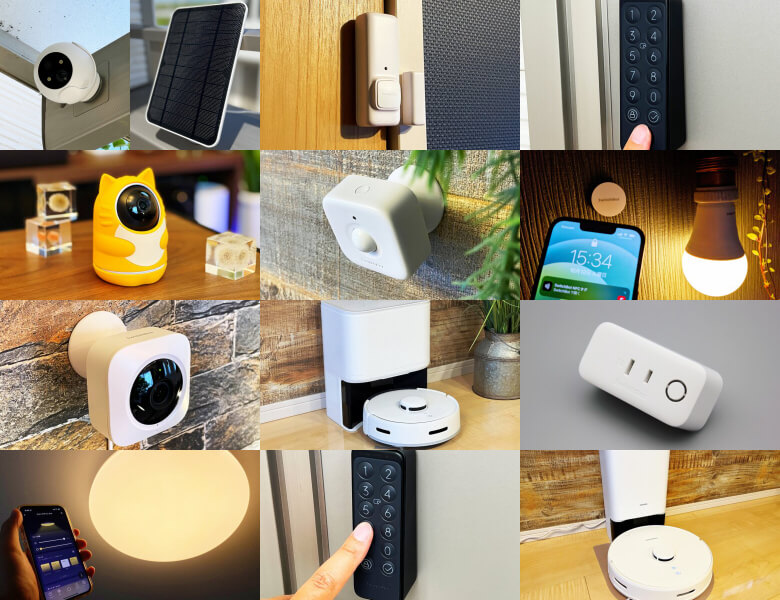
 Itsuki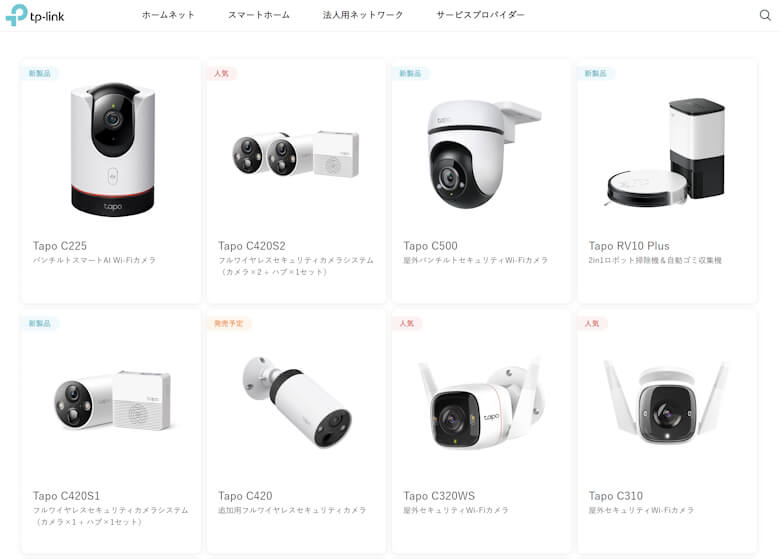
 Ituki
Ituki Itsuki