Doesn’t daily cleaning end up taking more time than you expect?
You vacuum, wipe with a mop, then wash the mop and let it dry….
Among household chores, cleaning requires a lot of effort, and many people probably wish they could automate it if possible.
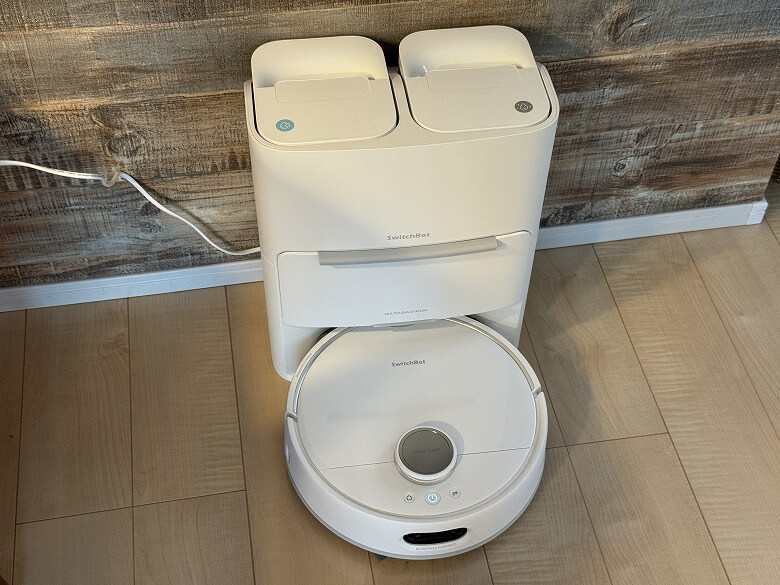
What solves that problem entirely is the latest model from SwitchBot, the “Robot Vacuum S20”.
This single unit is a “fully automatic vacuum” that performs suction, mopping, mop washing, drying, and even dust collection all automatically.
You could say it is a next-generation robot vacuum that truly achieves “a sparkling clean home with just one switch.”
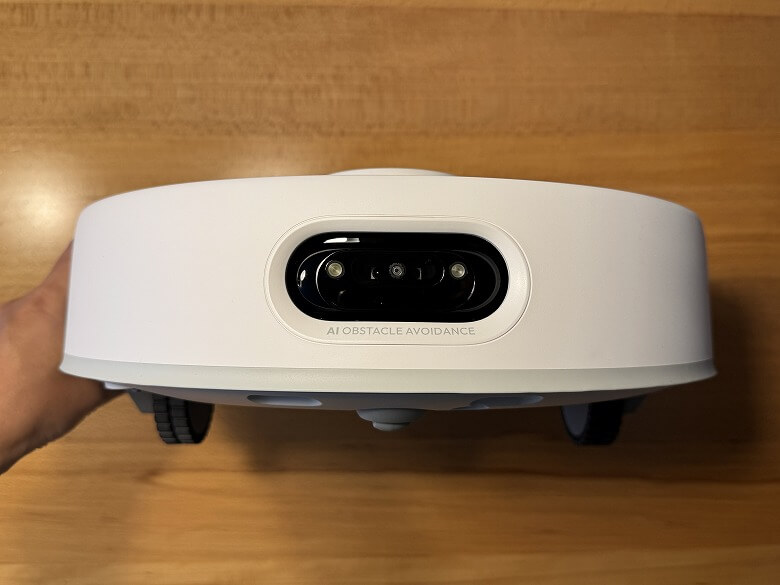
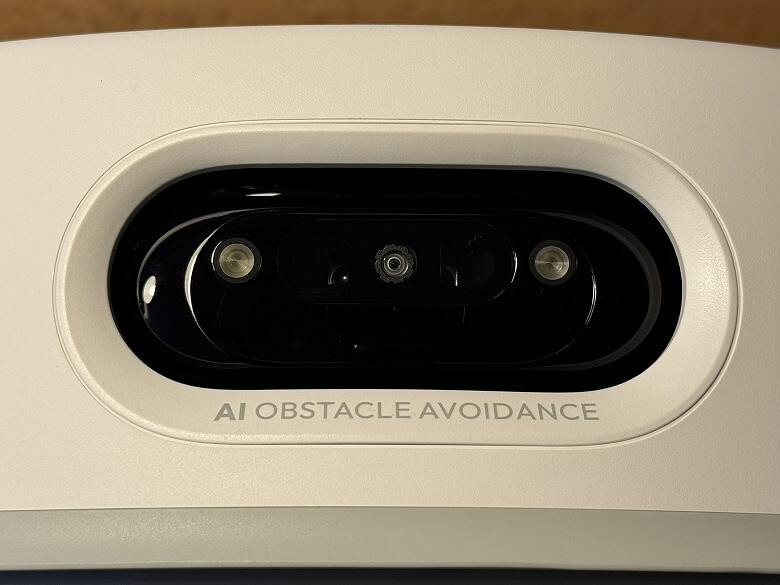
The biggest features of the S20 are its astonishing suction power of up to 10,000Pa and its smart obstacle avoidance powered by an AI camera.
It captures hair and pet fur without missing them and cleans every corner of the room efficiently.
In addition, the mop is automatically washed and dried, which is a nice point since it stays clean every time you use it.
When I actually tried using it, there were many moments where I was surprised thinking, “It can automate this much?”
In this article, I will thoroughly review the real user experience of the “SwitchBot S20” after using it for several days, along with its advantages and disadvantages.
Pros
Cons
High cleaning performance
Reduced maintenance burden
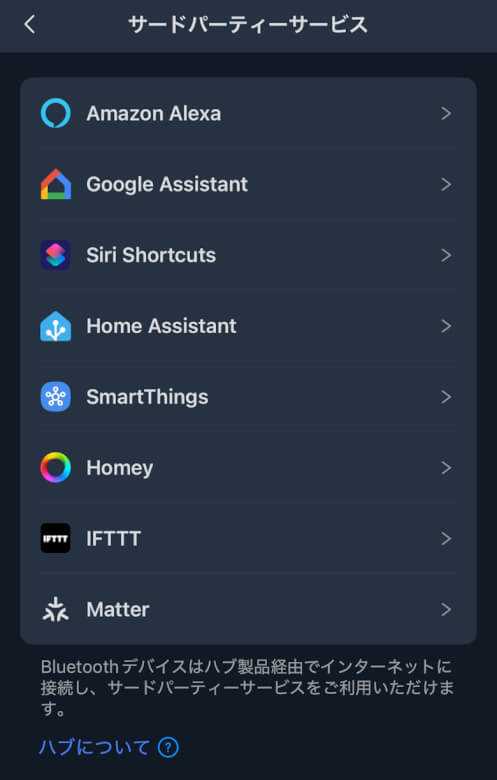
Smart home compatibility
Adaptability to different floor types and room layouts
Anti-tangle design for hair and pet fur
None in particular
Table of Contents
What’s Included with the SwitchBot Robot Vacuum S20
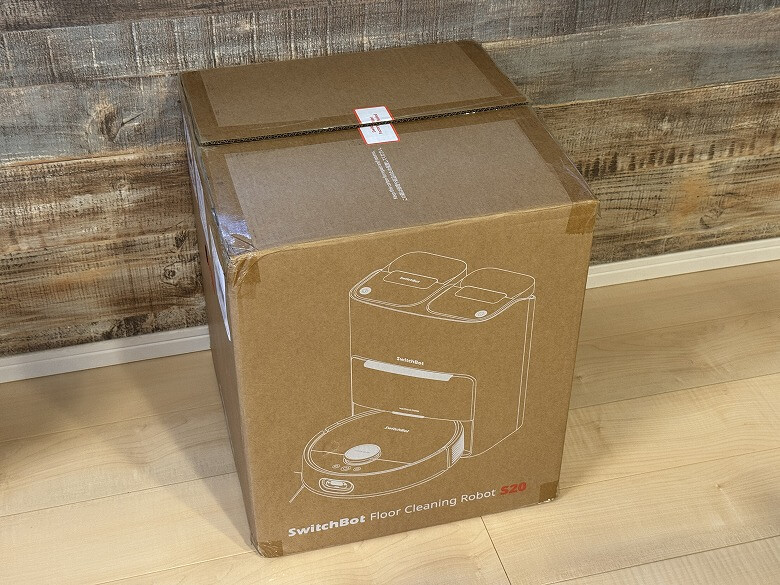
The outer box of the “SwitchBot Robot Vacuum S20” has a simple design made of cardboard material.
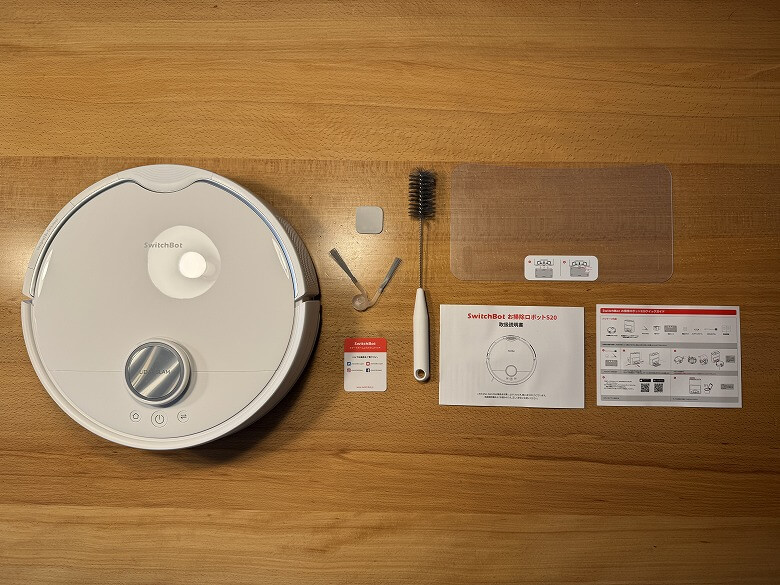
The following items are included in the package.
What’s Included with the SwitchBot Robot Vacuum S20
Robot vacuum main unit
Fully automatic cleaning station
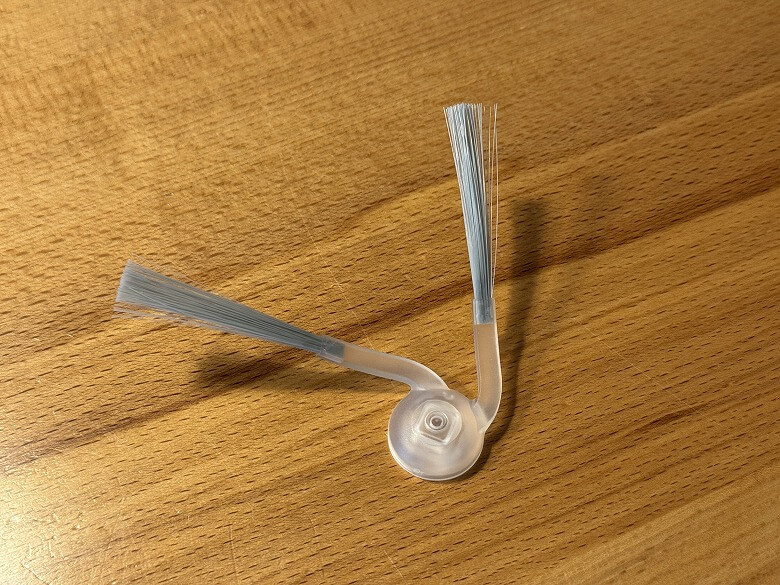
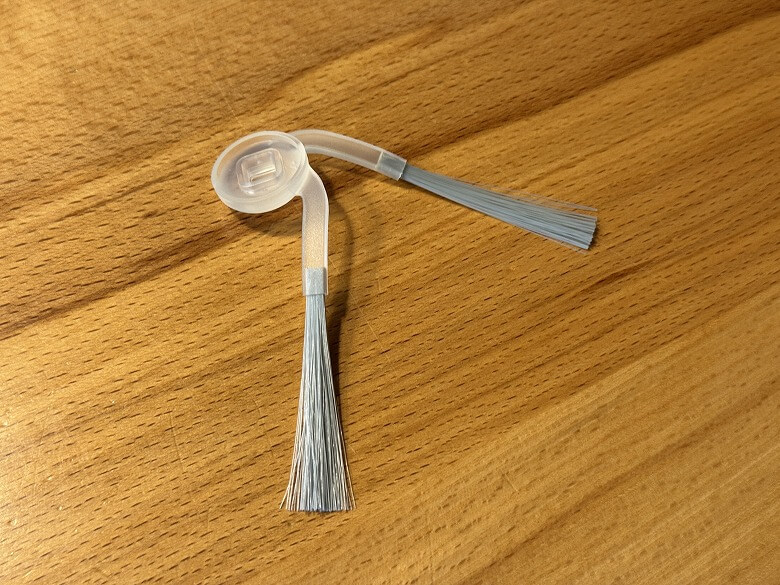
Side brush
Dust bag
Waterproof sheet
Diatomaceous earth mat
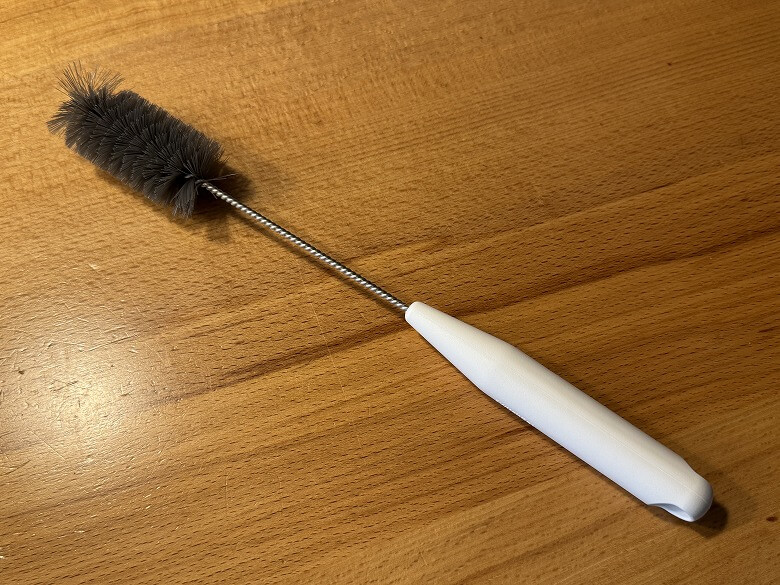
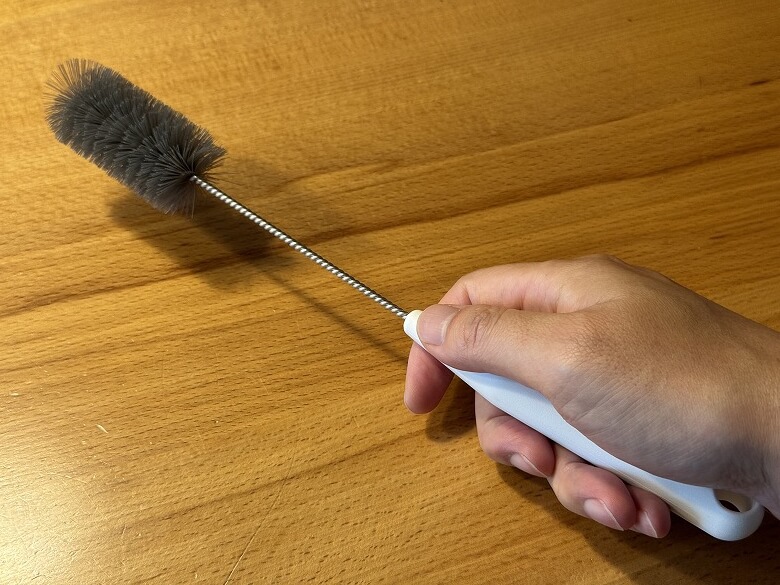
Maintenance tool
Cleaning brush
User manual
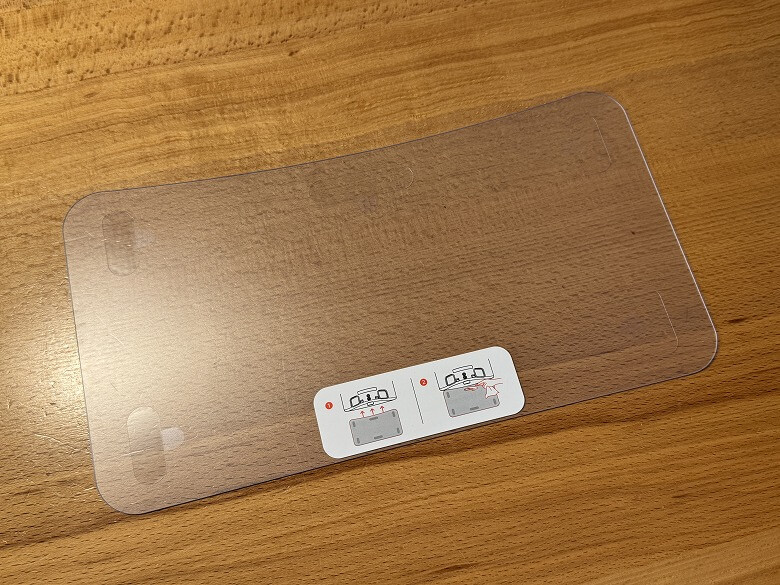
The waterproof sheet is used together with the fully automatic cleaning station.
The side brush is attached to the front underside of the robot vacuum for use.
The maintenance brush is used when maintaining the robot vacuum.
SwitchBot Robot Vacuum S20 Specifications
The “SwitchBot Robot Vacuum S20” is a next-generation smart cleaning robot that performs everything automatically, from vacuuming and mopping to mop washing and drying.
The main specifications are as follows.
スクロールできます
Product Name
SwitchBot Robot Vacuum S20
Robot Vacuum Size
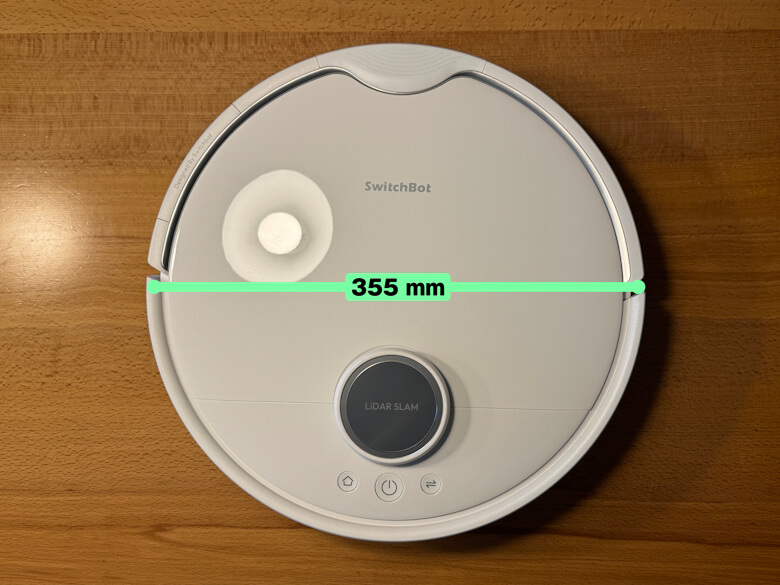
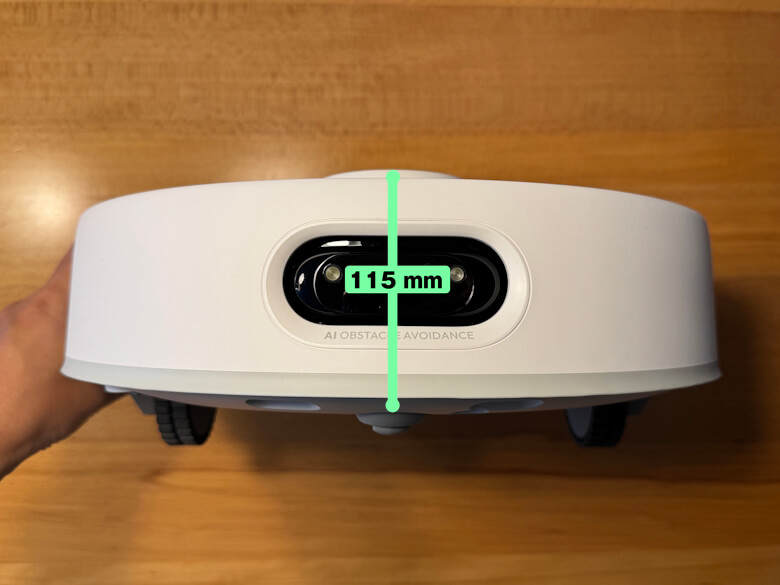
Diameter 355 mm, Height 115 mm
All-in-One Cleaning Station Size
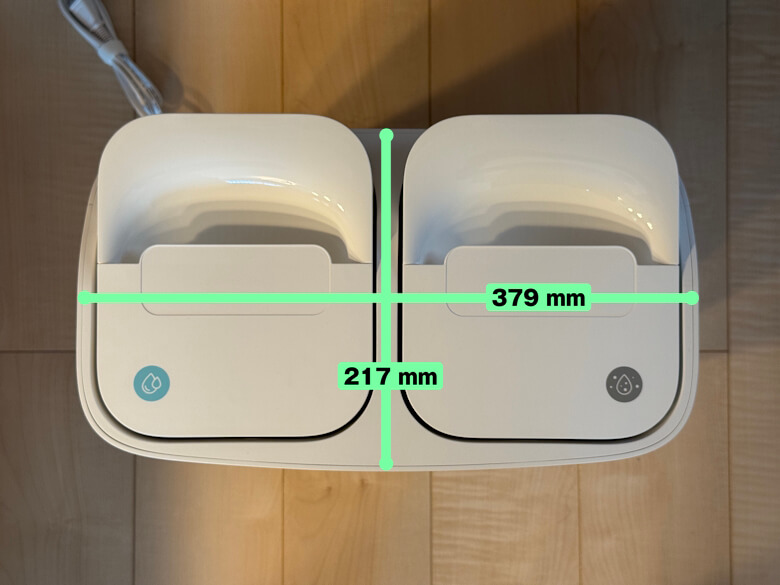
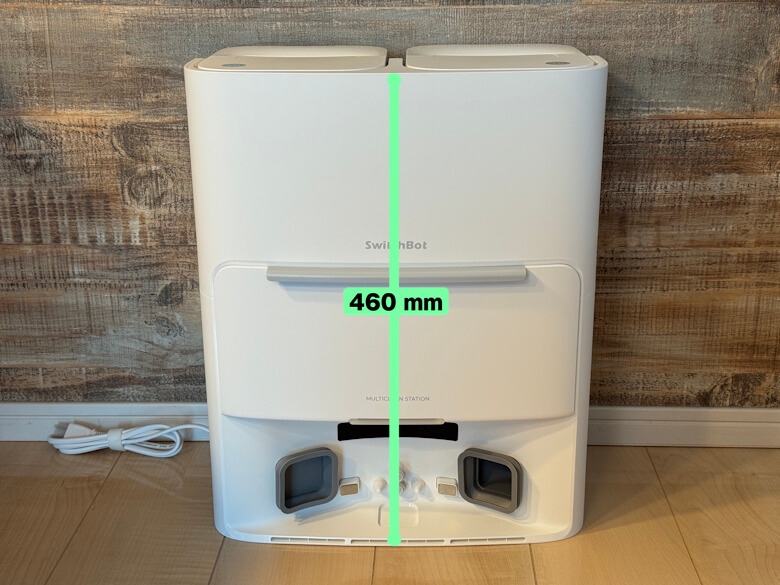
217 × 379 × 460 (mm)
Robot Vacuum Weight
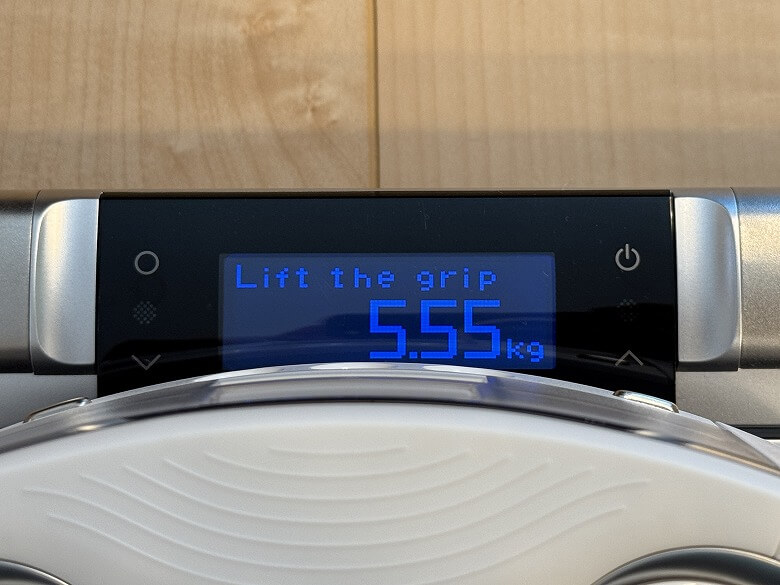
Approx. 5.55 kg
All-in-One Cleaning Station Weight
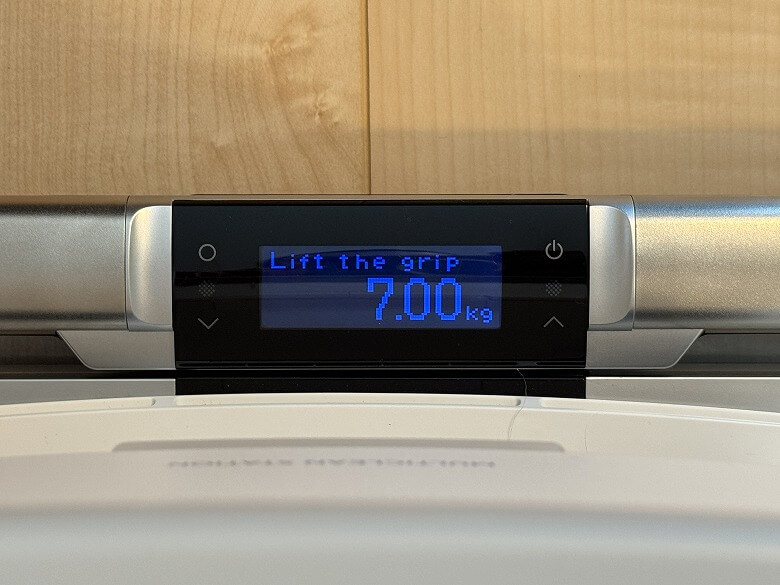
Approx. 7.00 kg
Material
ABS
Power Supply
21.6V, 4000mAh Lithium-Ion Battery
Rated Power
85W
Charging Time
3–4 hours
Communication Method
2.4GHz Wi-Fi, Bluetooth 4.2
Design
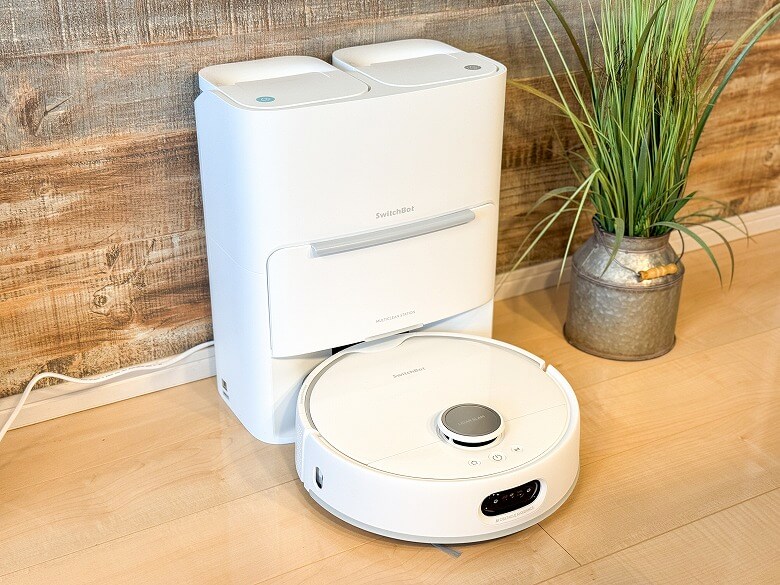
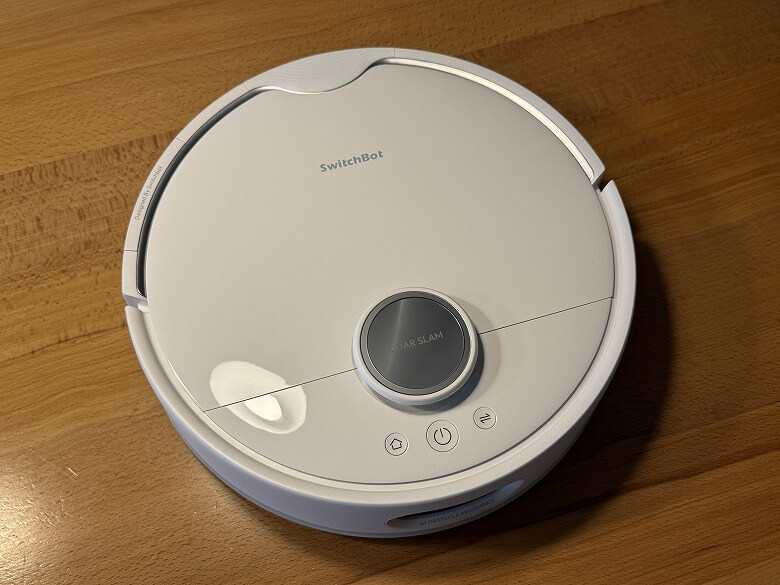
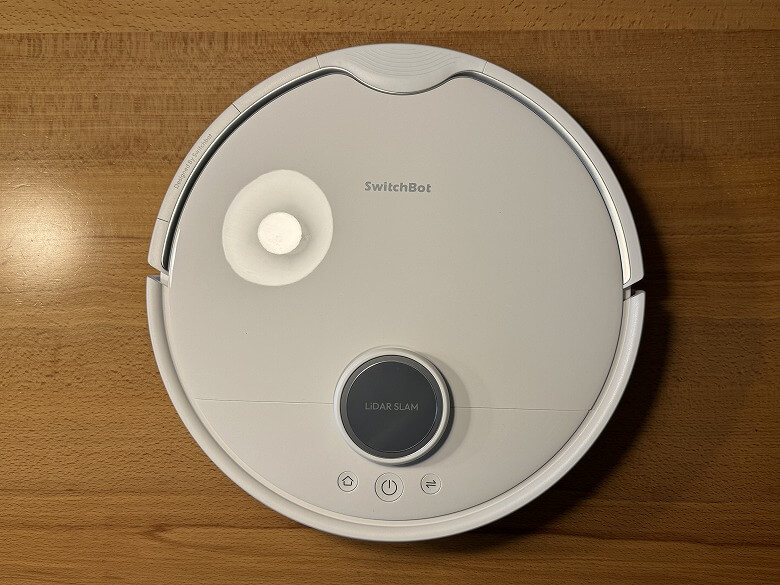
The “SwitchBot Robot Vacuum S20” features a simple design unified in white.
Here is what it looks like from directly above.
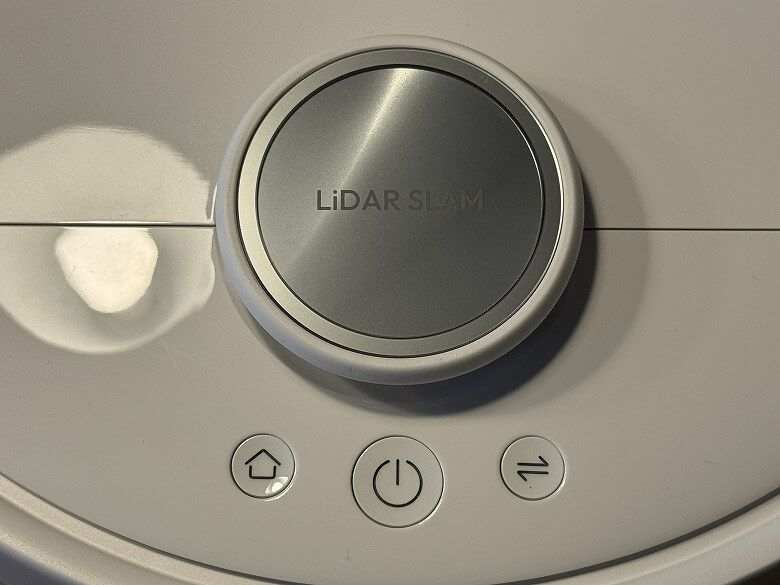
The button blinks or lights up to indicate the status of the robot vacuum.
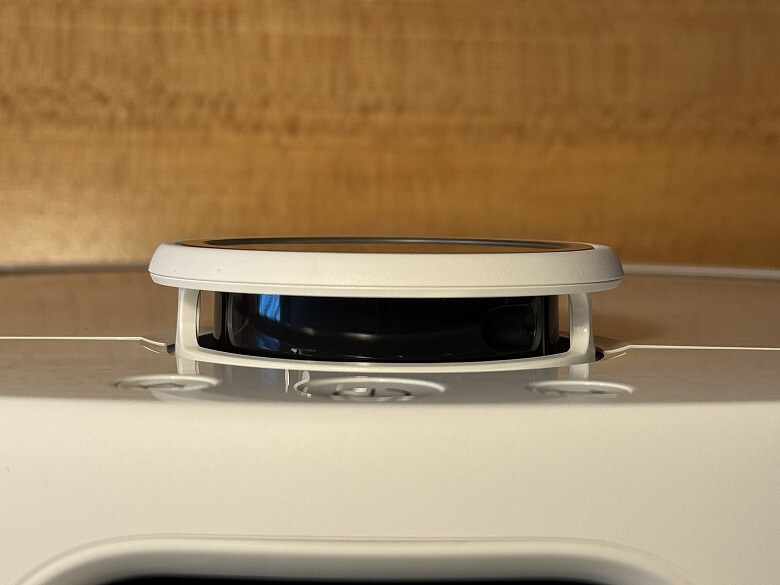
There is a laser sensor in the center.
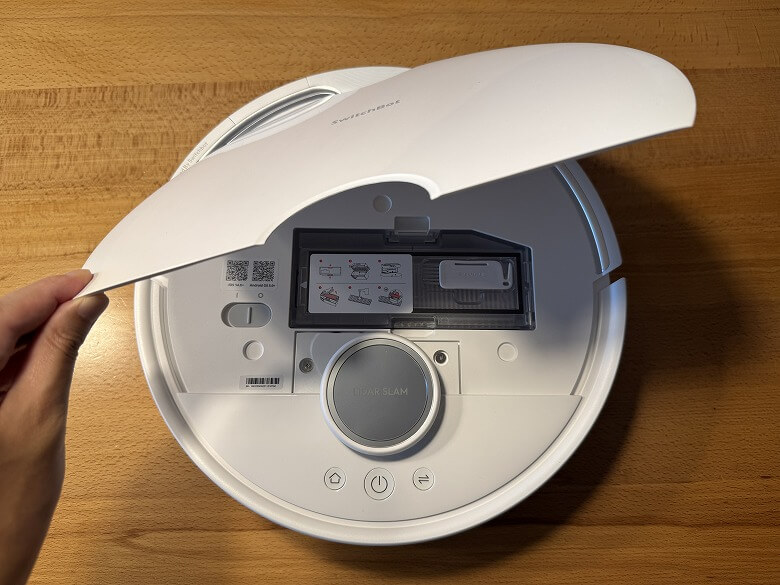
The faceplate opens when lifted.
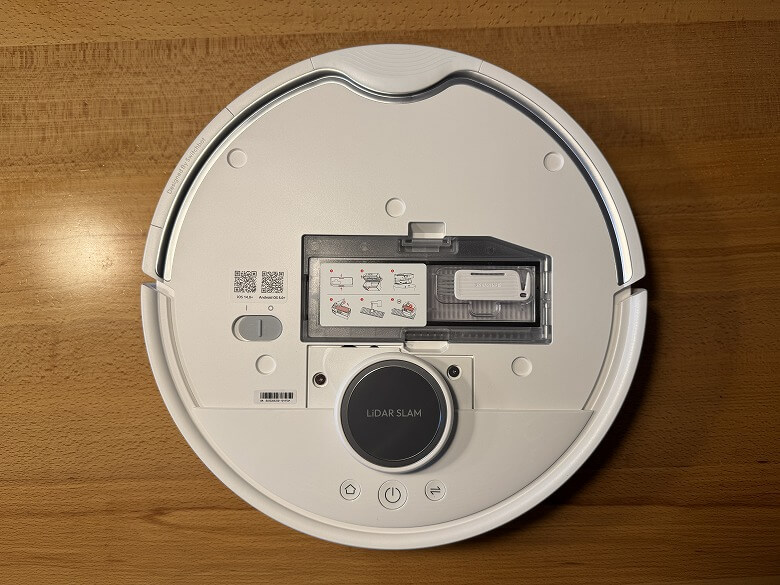
This is what the inside of the main unit looks like under the faceplate.
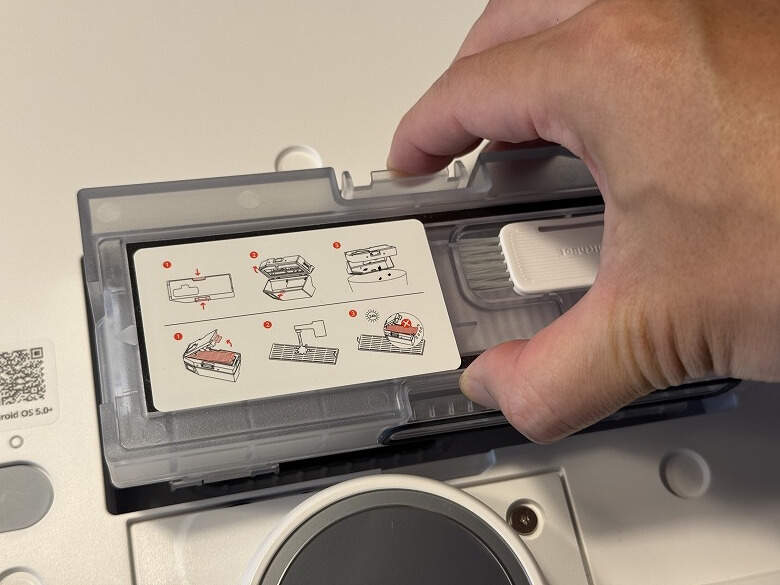
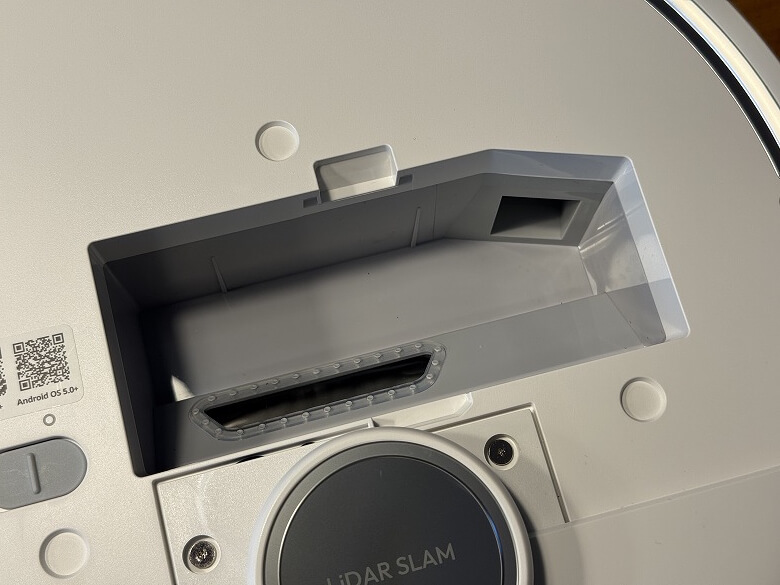
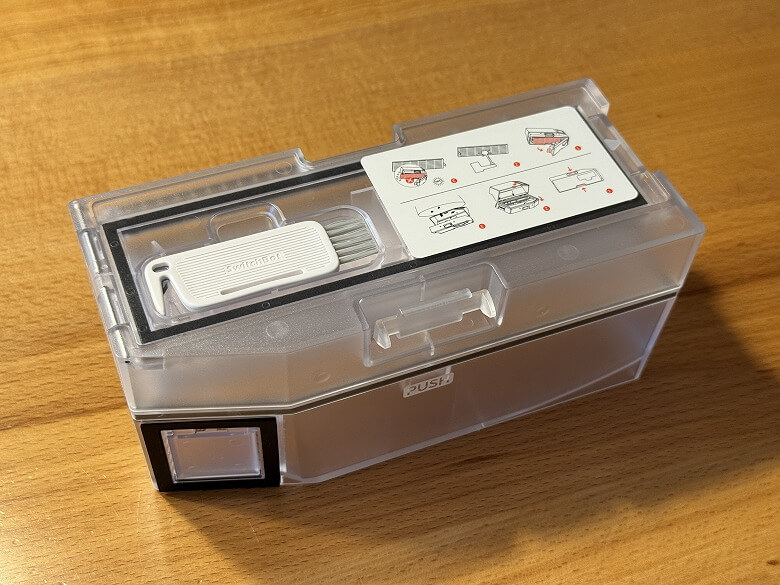
Inside is the dust box.
The dust box is semi-transparent, making it easy to see the debris inside.
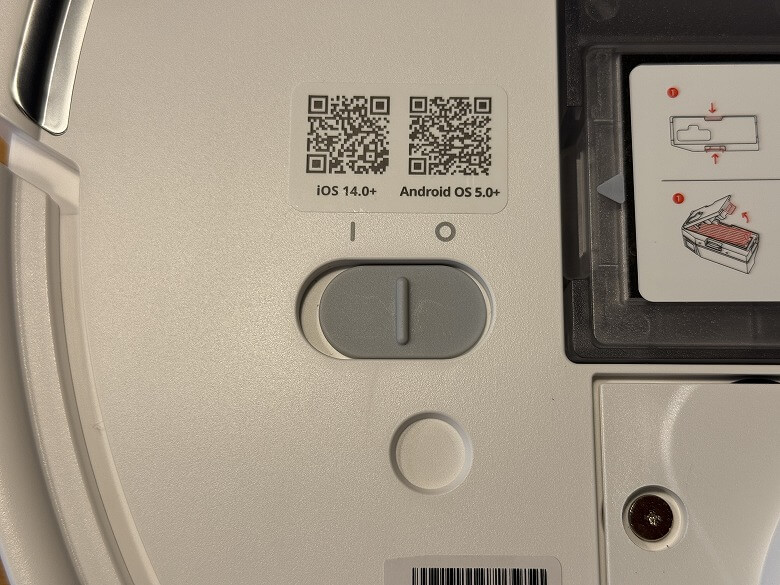
On the left side is the power switch.
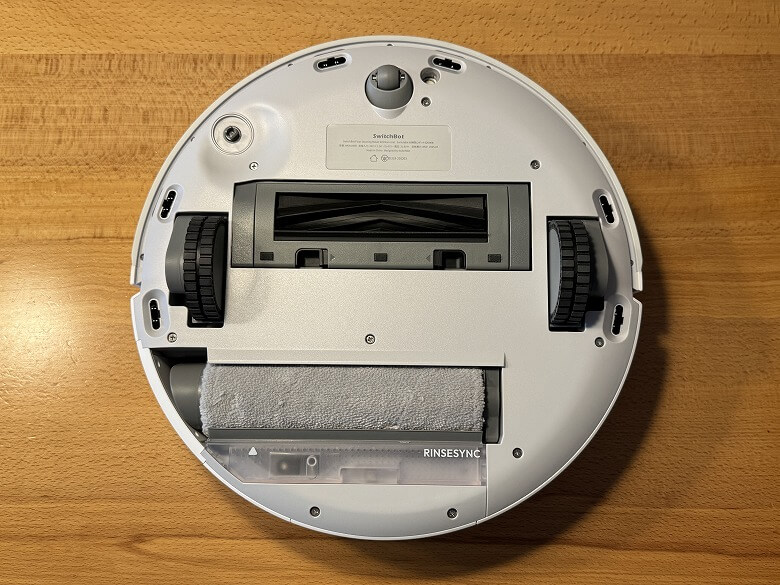
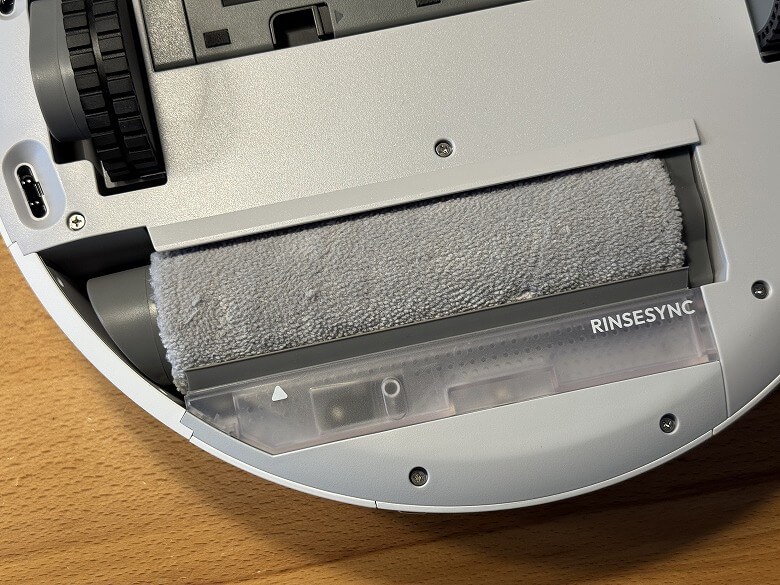
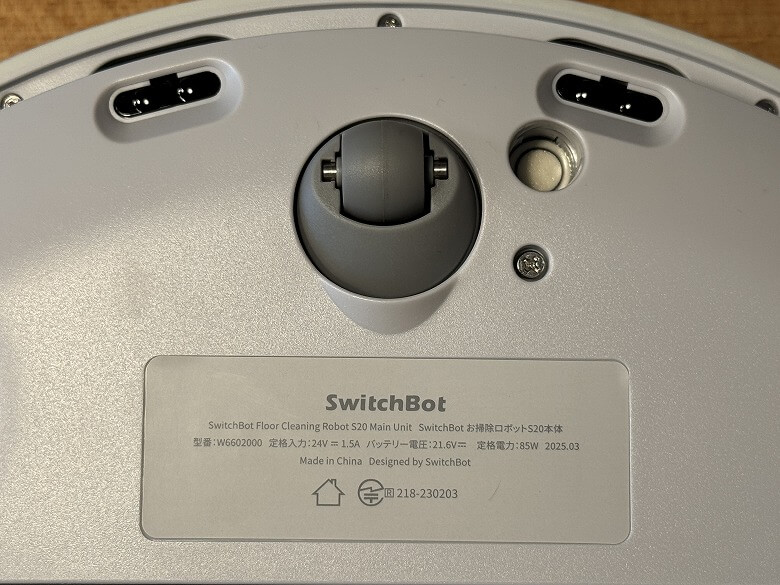
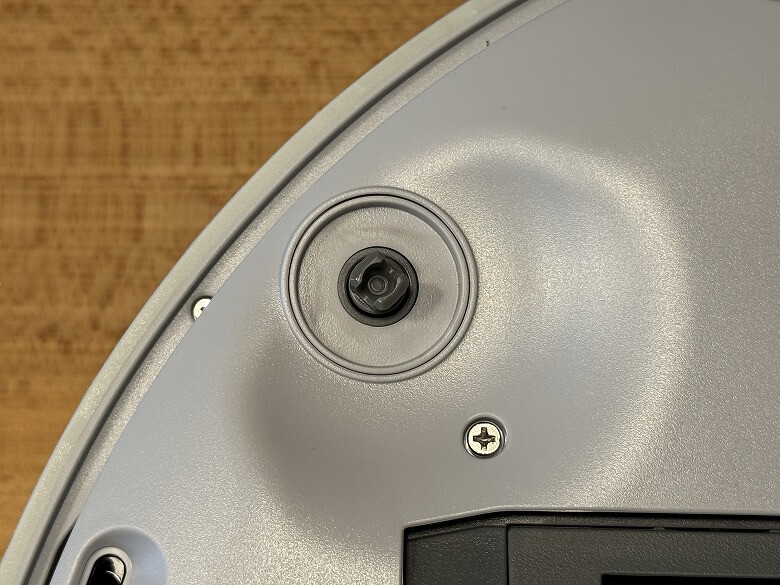
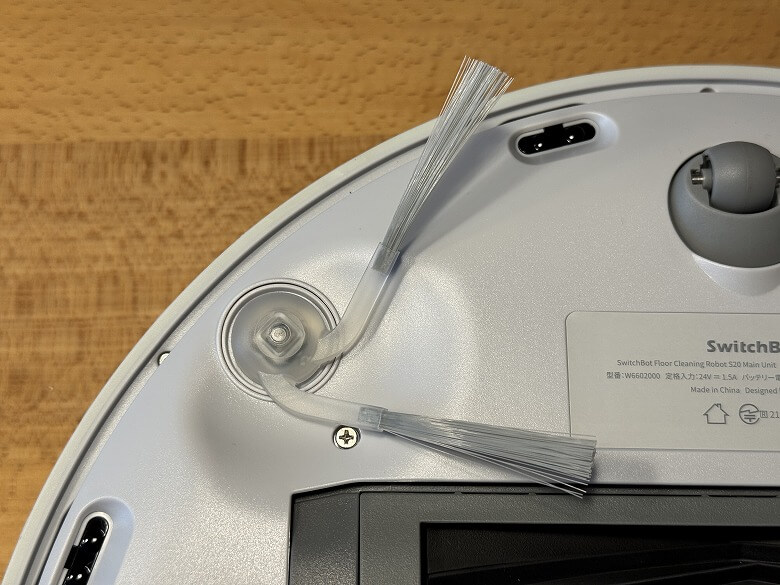
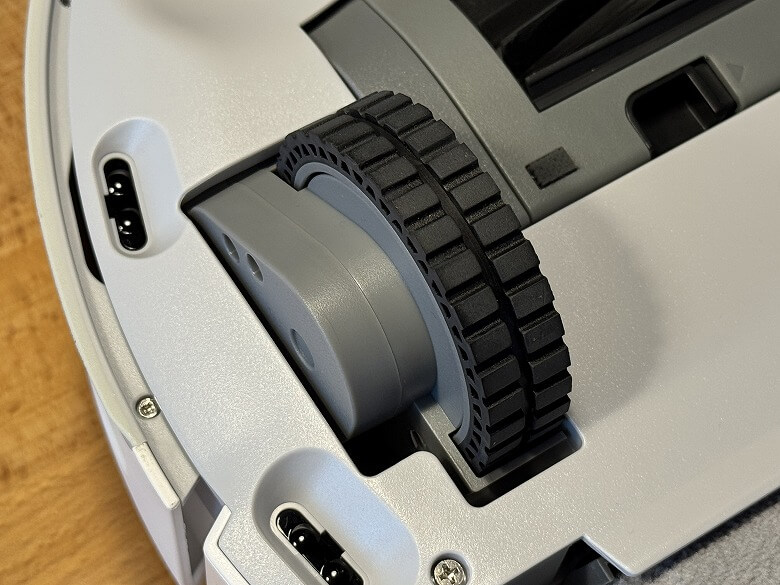
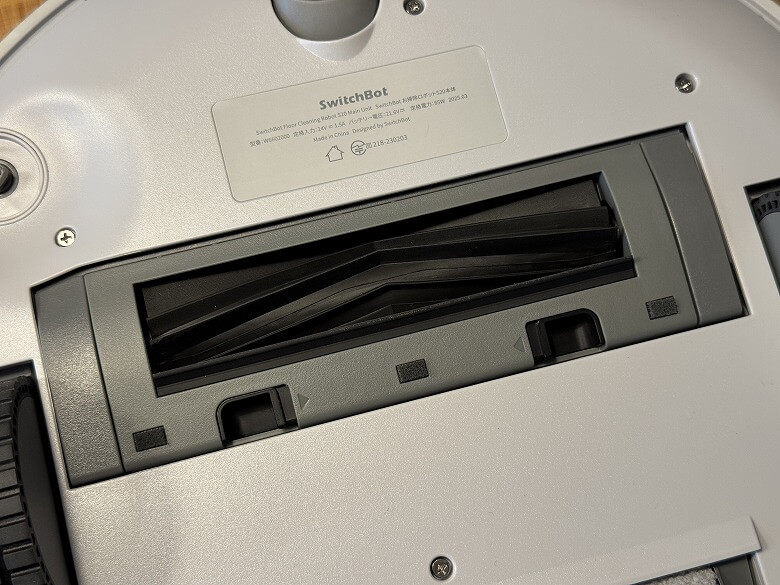
This is what the bottom looks like.
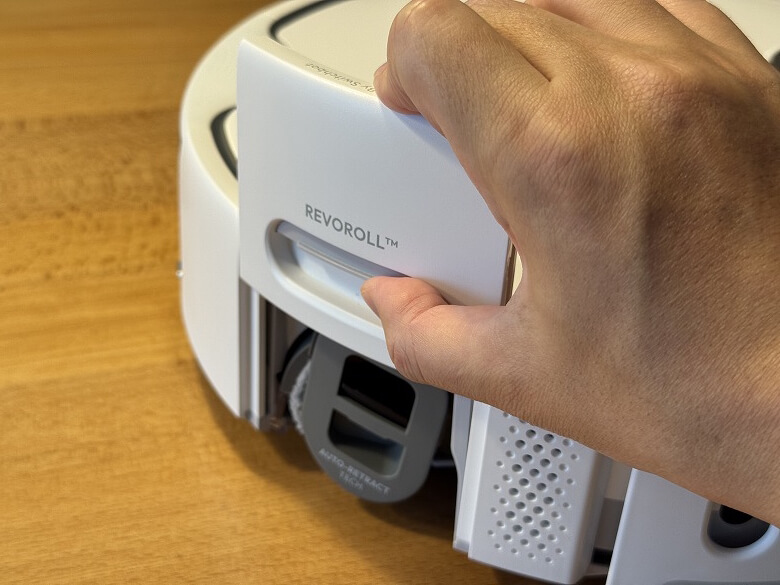
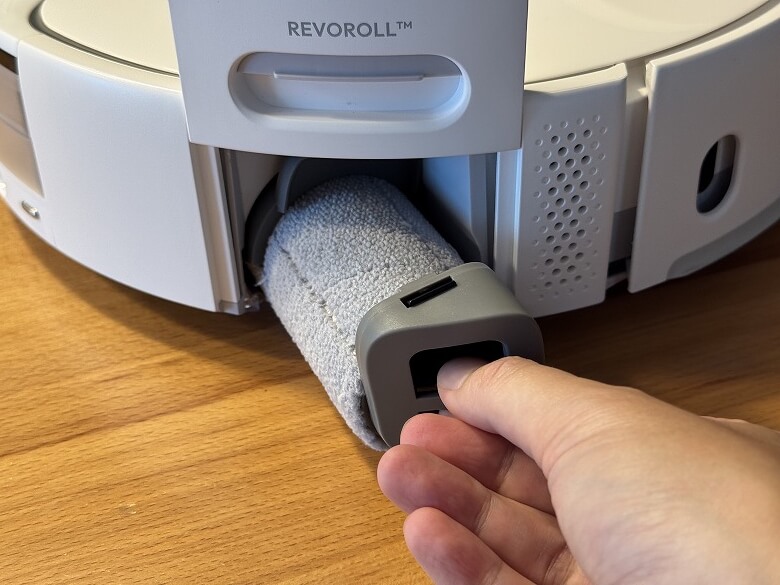
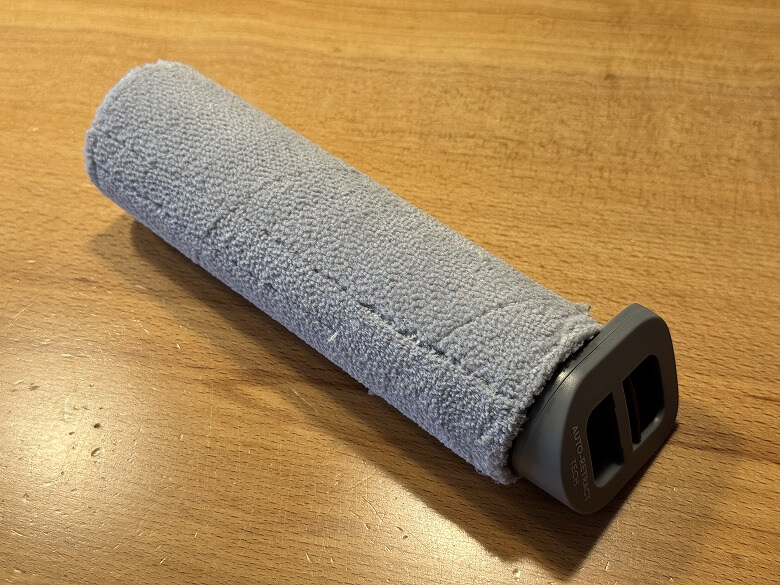
Roller Mop can be removed and washed.
There is a front wheel at the front.
There is a side brush next to the front wheel.
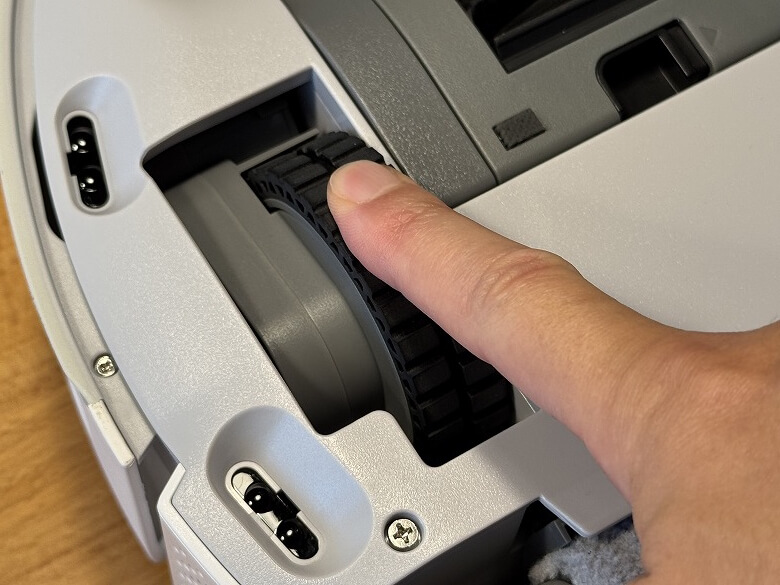
Wheels sink into the robot vacuum body when it is placed with the bottom facing down.
Rubber Brush can be maintained by removing the brush guard.
There is a front charging sensor at the front of the side.
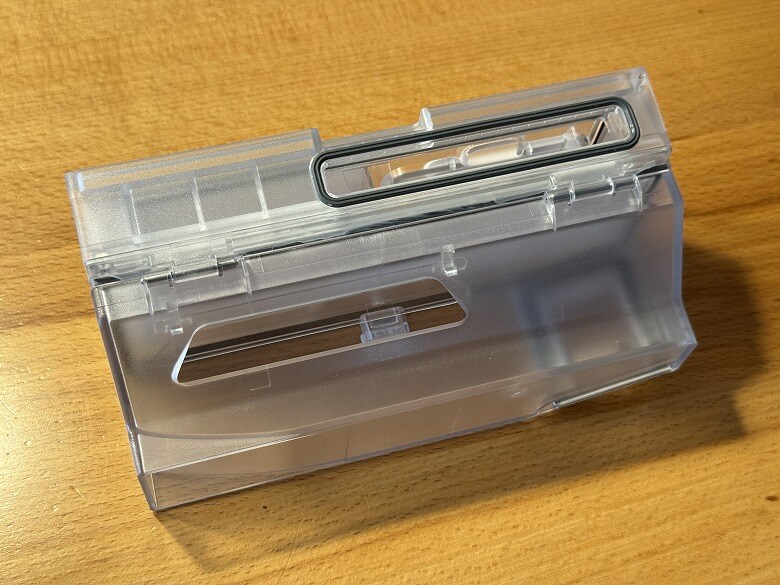
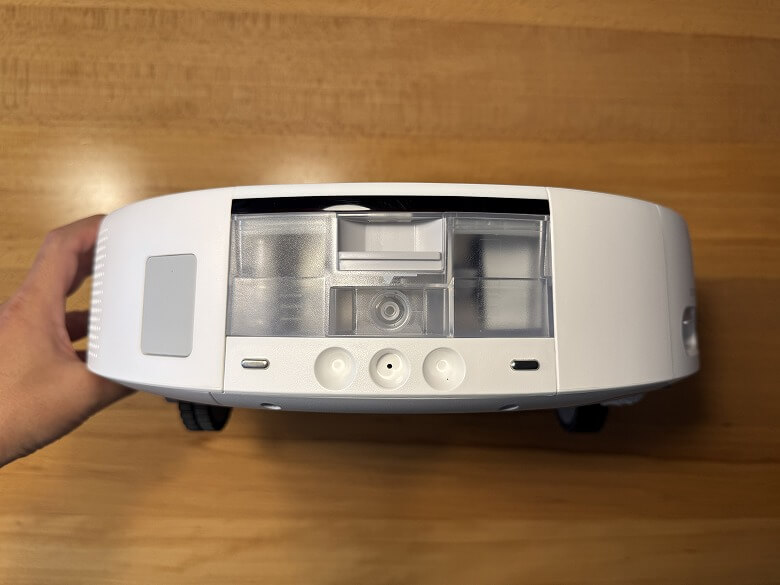
On the back, there are charging terminals, a dirty water box, and a dust collection port.
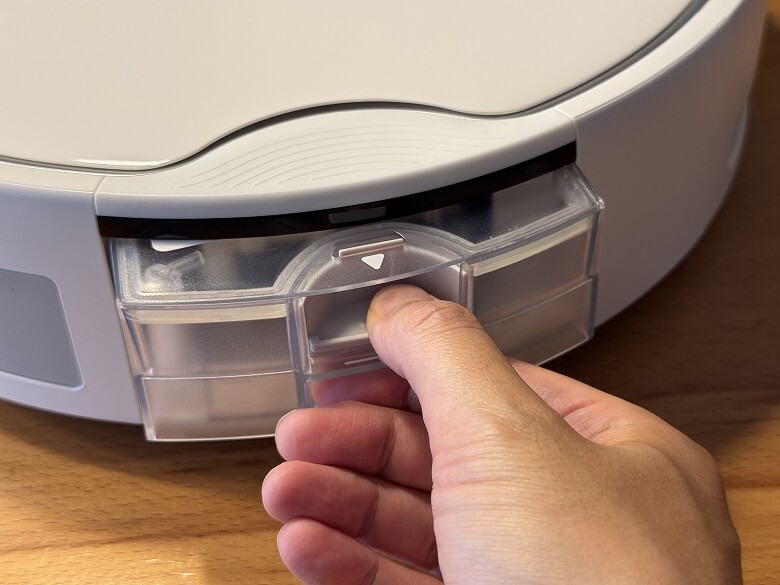
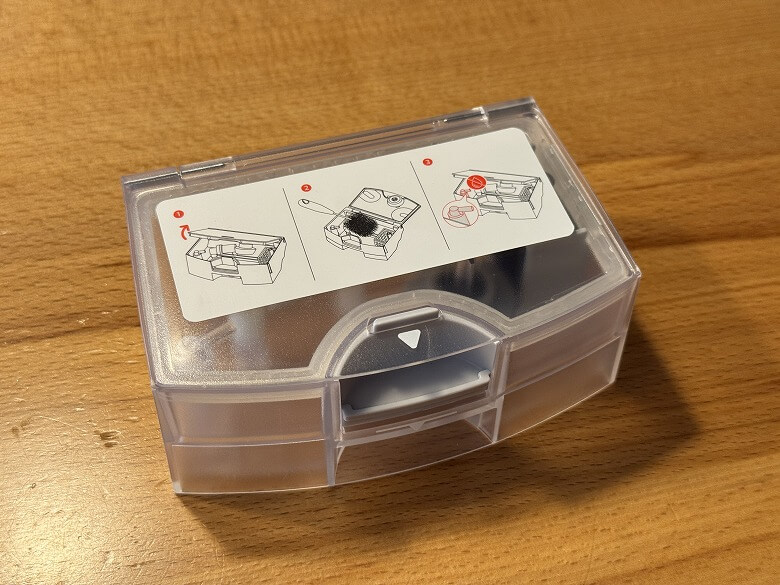
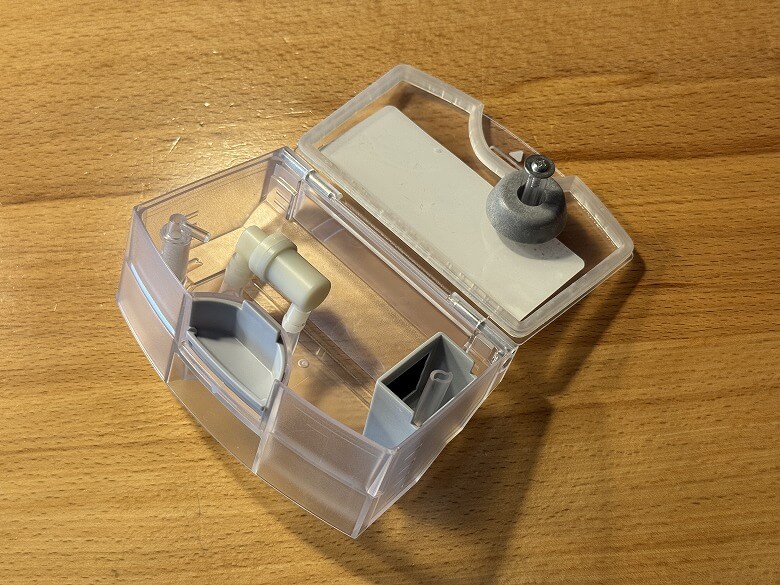
Dirty Water Box can be removed for maintenance.
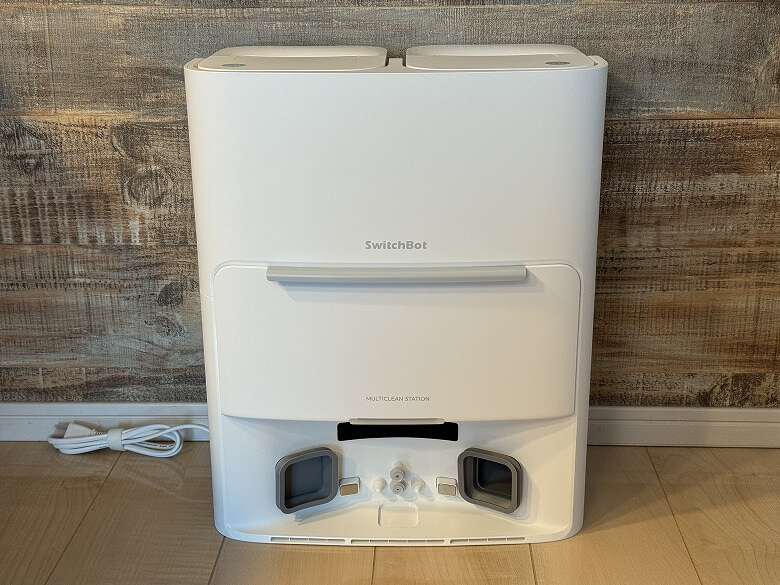
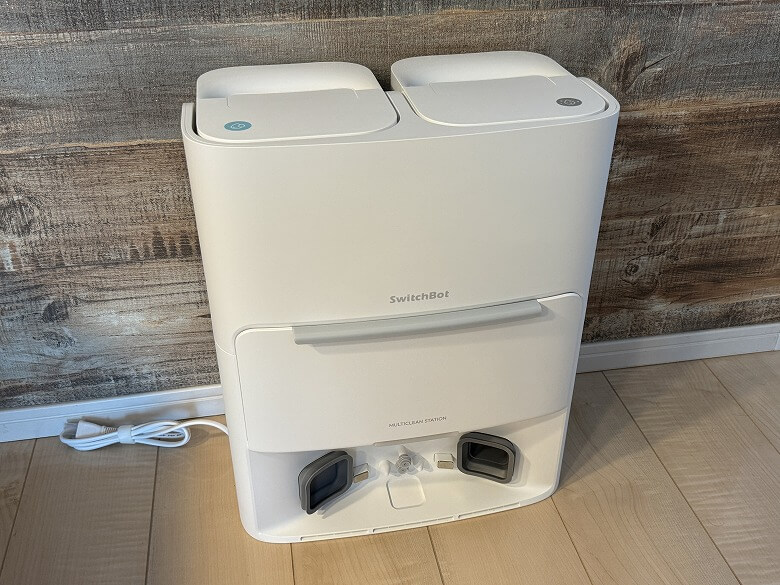
The appearance of the Fully Automatic Cleaning Station also features a simple design based on white.
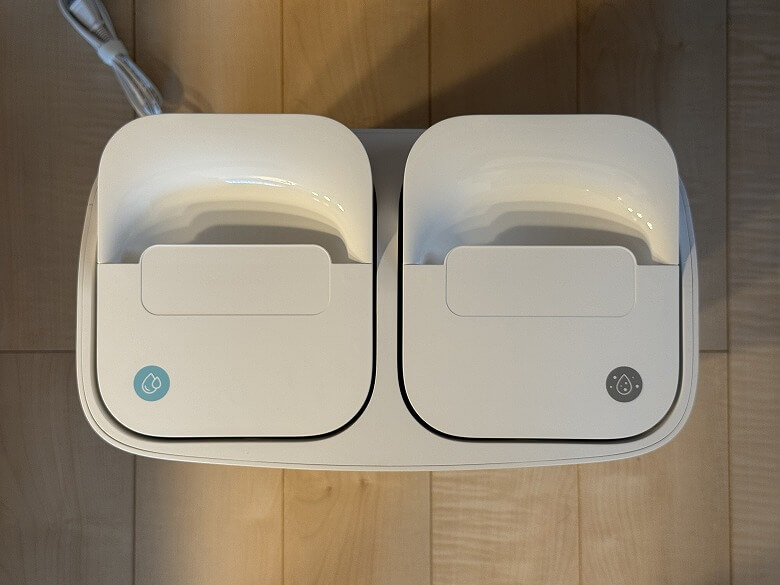
This is what it looks like when viewed from above.
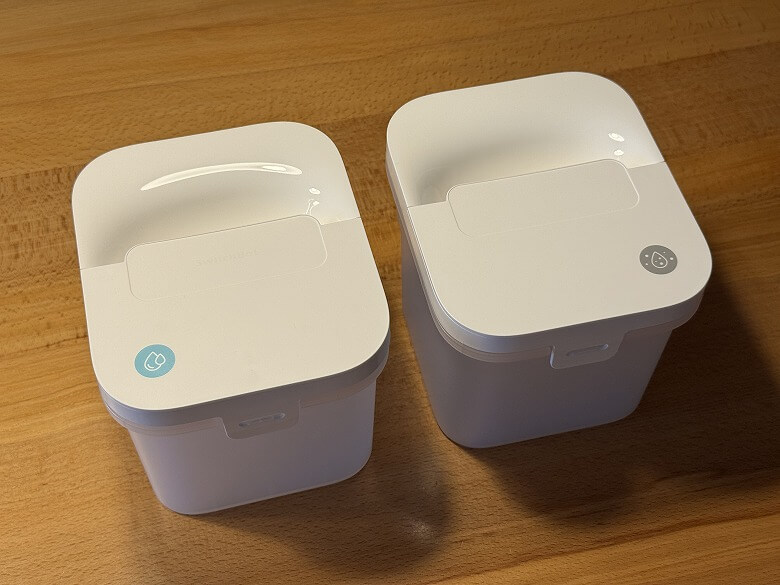
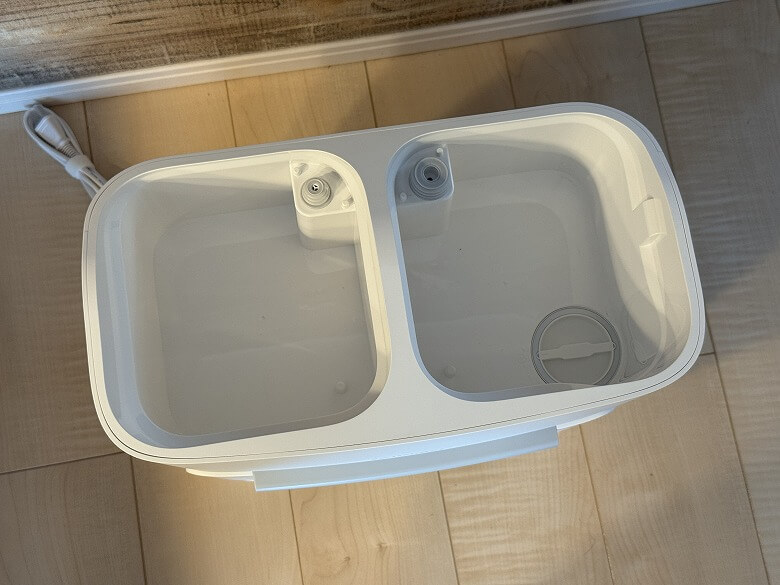
There are a Dirty Water Tank and a Clean Water Tank.
Itsuki
A detailed introduction to each tank will come later.
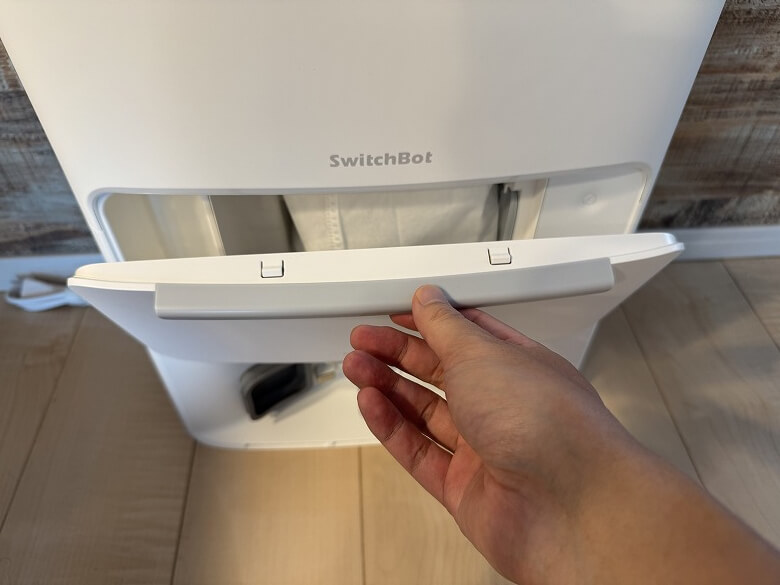
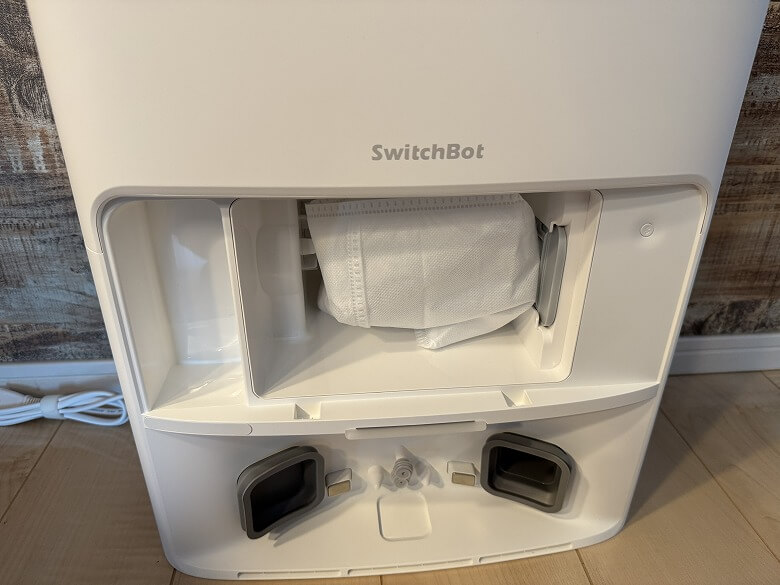
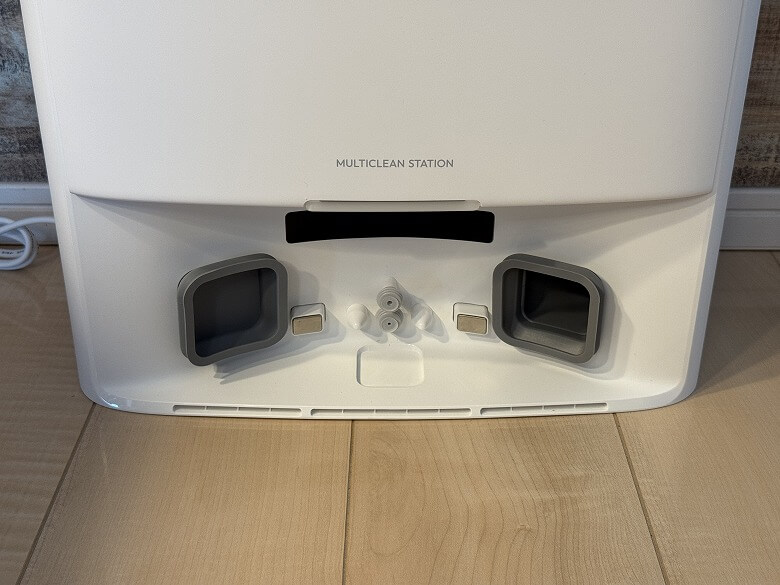
When you remove the lid, there is a dust bag inside, and the lower section has the robot vacuum’s charging terminals and automatic water supply port.
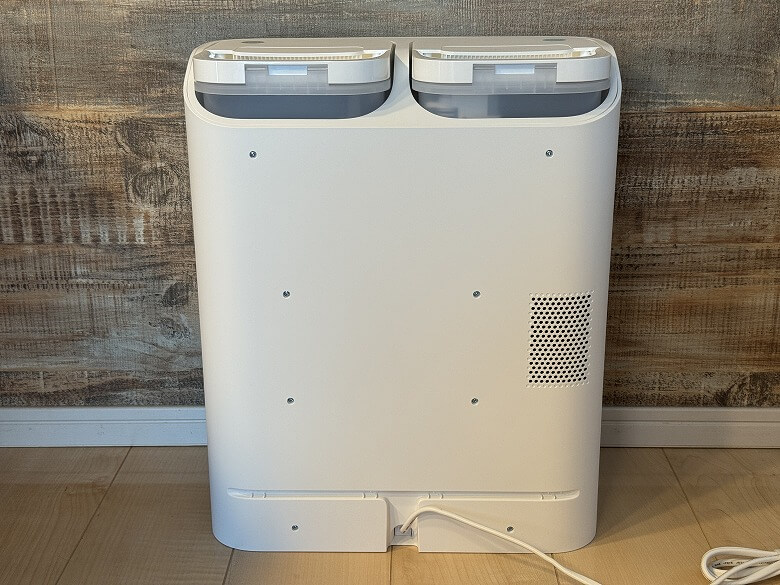
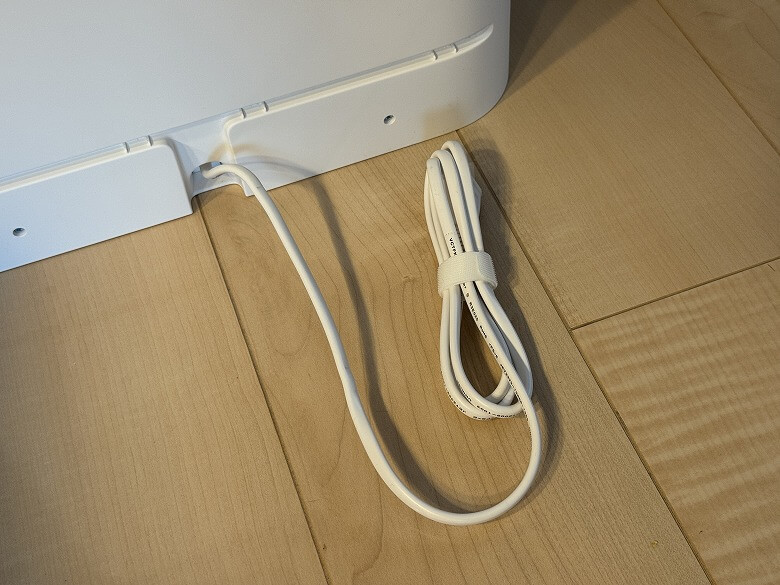
This is what the back looks like.
The power cord extends from the lower center.
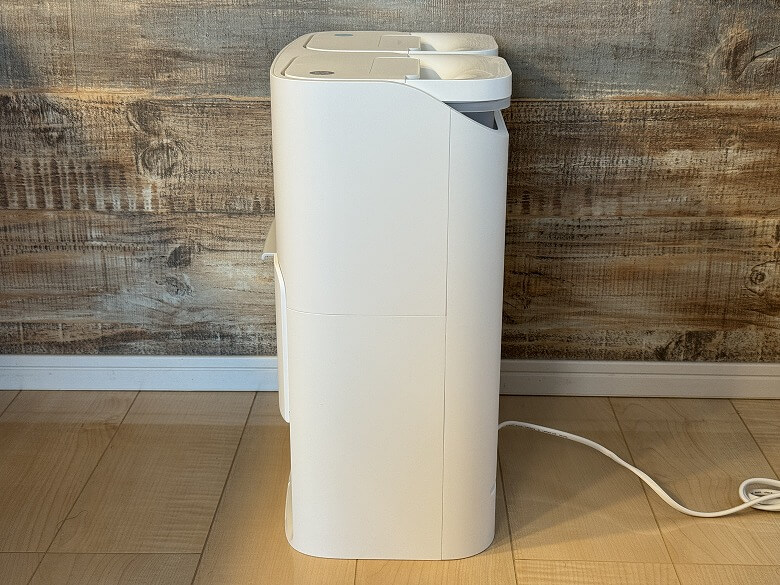
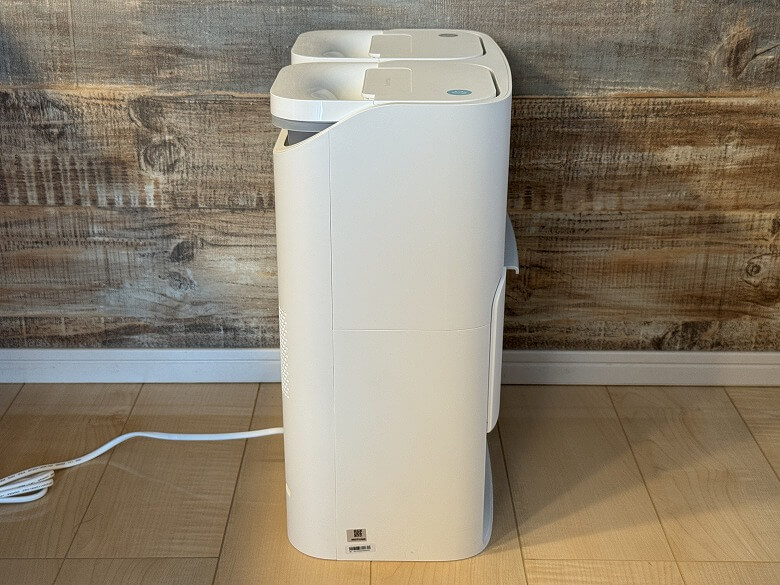
This is what the side looks like.
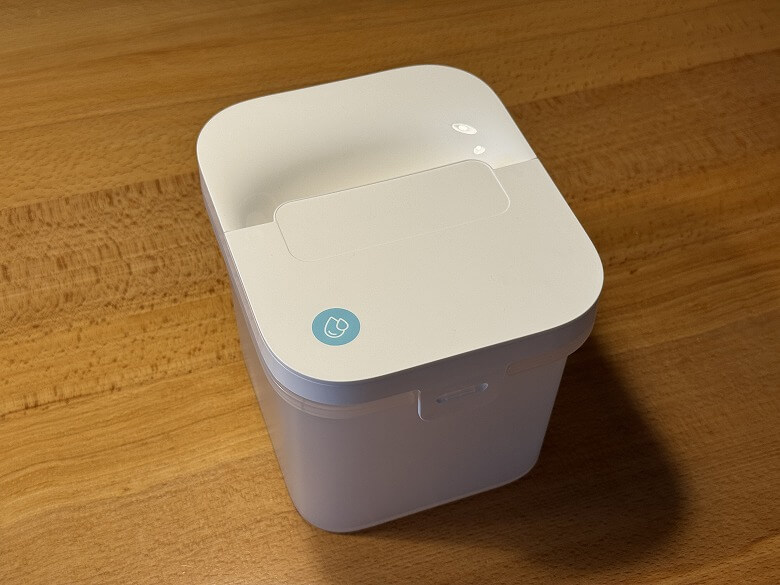
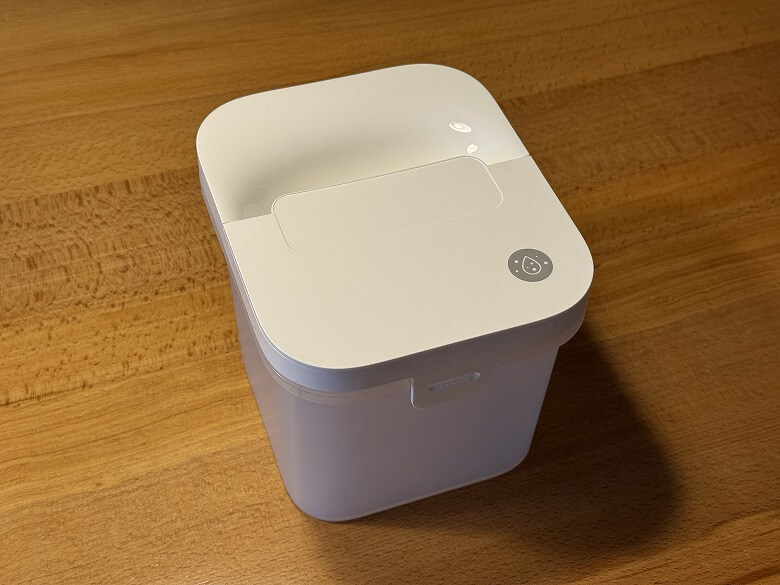
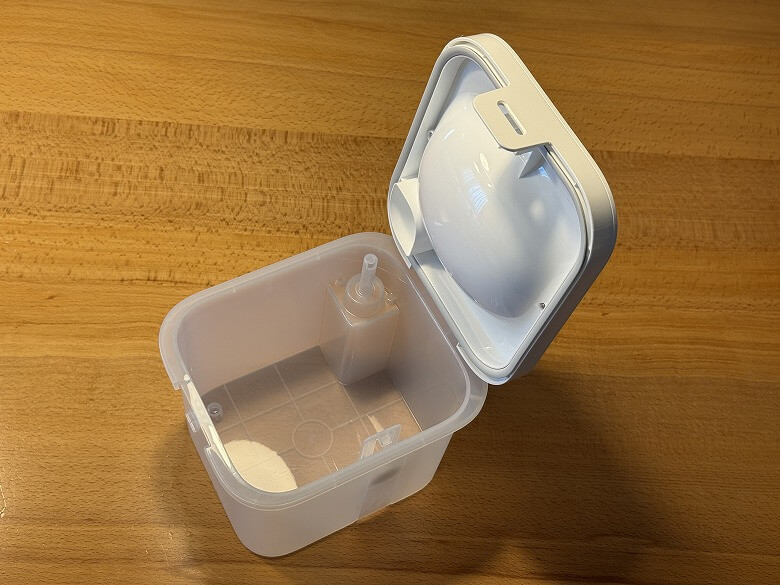
I removed the various tanks stored inside the fully automatic cleaning station.
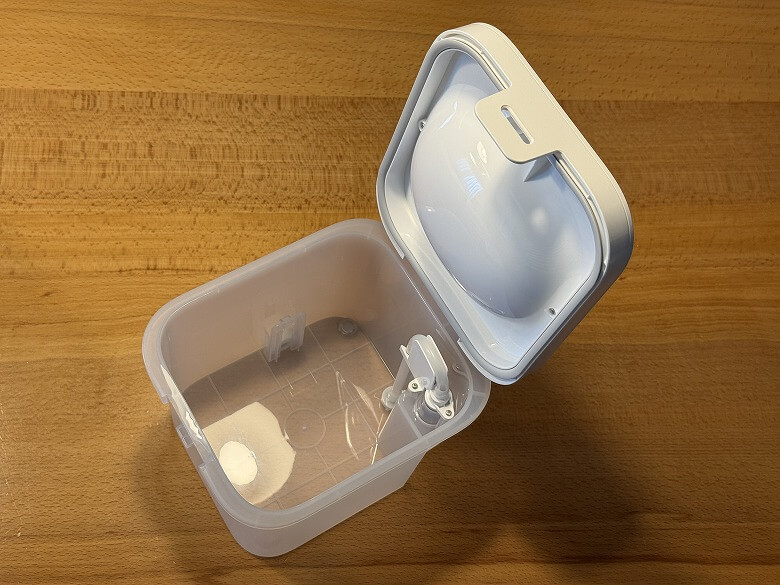
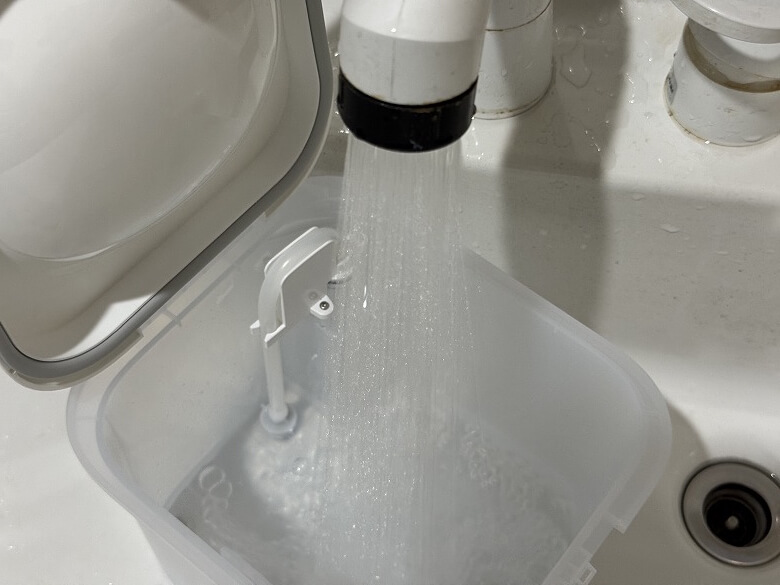
This is what the Clean Water Tank looks like.
Open the lid and pour in water.
The Dirty Water Tank is almost the same as the clean water tank.
Size and Weight
The robot vacuum of the “SwitchBot Robot Vacuum Cleaner S20” has a size of 355 mm in diameter.
The height (from the floor to the top of the radar sensor) is 115 mm.
The size of the fully automatic cleaning station is 217 × 379 mm.
The height was 460 mm.
The weight was about 5.55 kg for the robot vacuum and about 7 kg for the base station.
Features
Itsuki
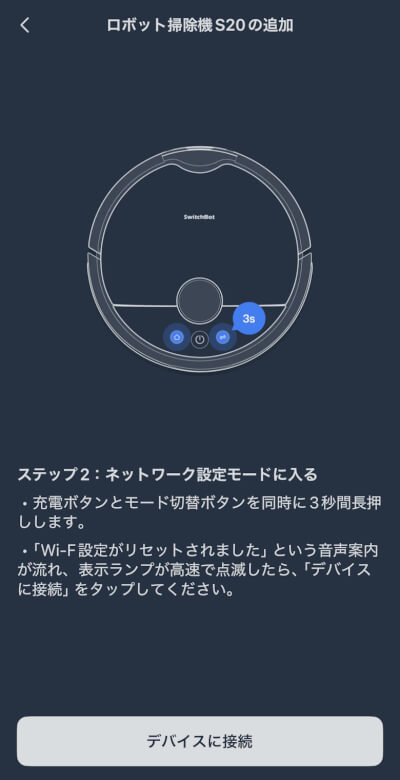
Set up the SwitchBot Robot Vacuum Cleaner S20 using the smartphone app.
Tap to view how to set up the SwitchBot Robot Vacuum Cleaner S20 with the smartphone app
STEP
Place the robot vacuum on the all-in-one cleaning station and start charging
As stated in the instruction manual, make sure there is at least 1 m of space in front of the station.
STEP
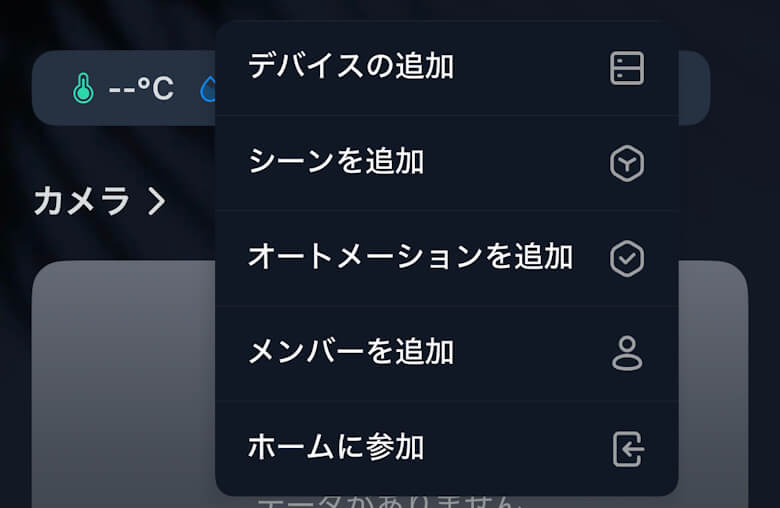
Tap “Add Device”
STEP
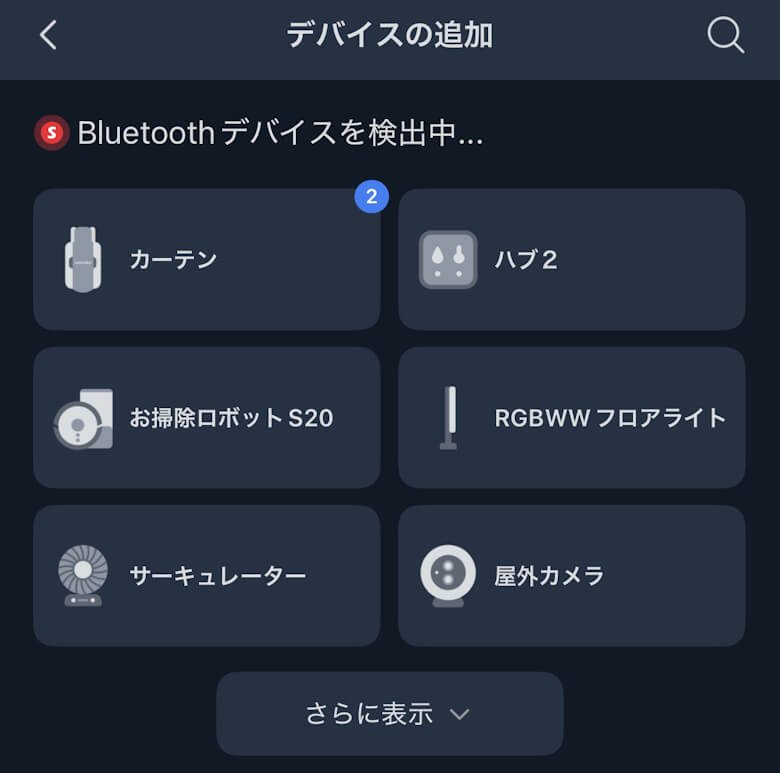
Tap “Robot Vacuum Cleaner S20”
STEP
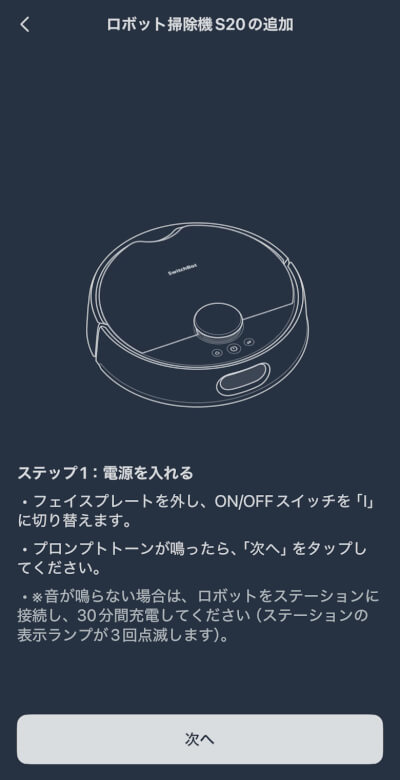
Tap “Next”
STEP
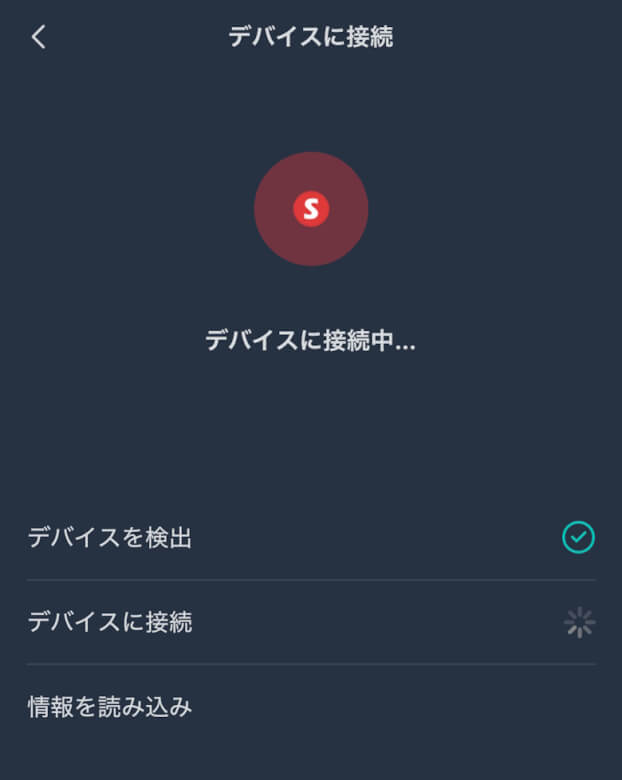
Tap “Connect to Device”
STEP
Wait for a moment
STEP
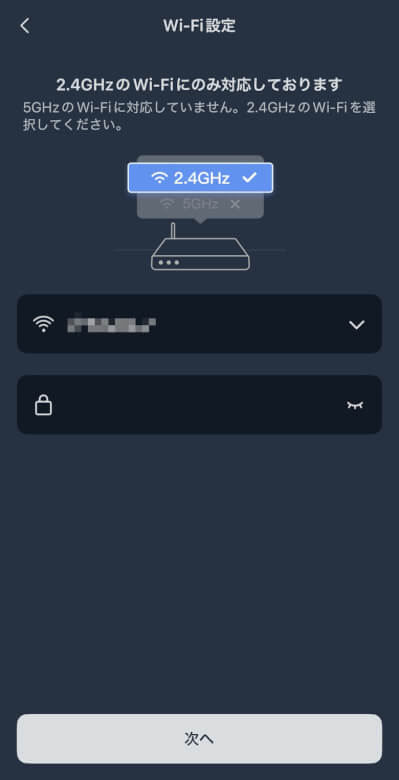
Enter your Wi-Fi information and tap “Next”
STEP
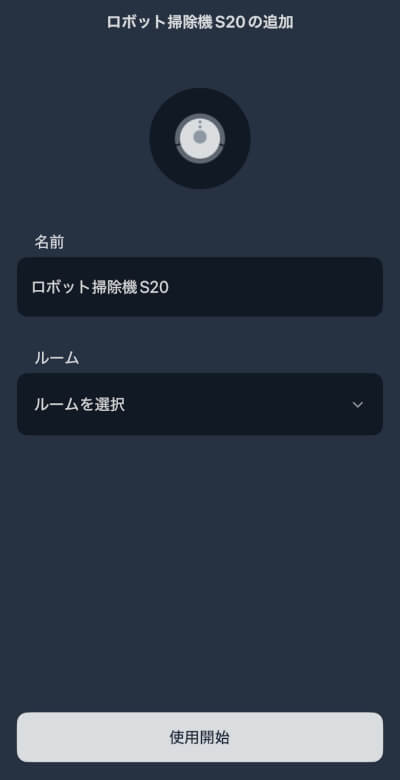
Enter a name and tap “Start Using”
STEP
Tap “Skip Installation Guide”
STEP
Setup is complete when the “SwitchBot Robot Vacuum Cleaner S20” you configured appears on the home screen
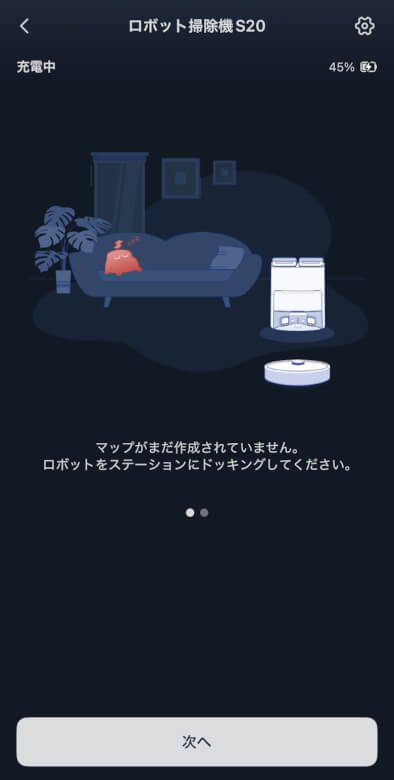
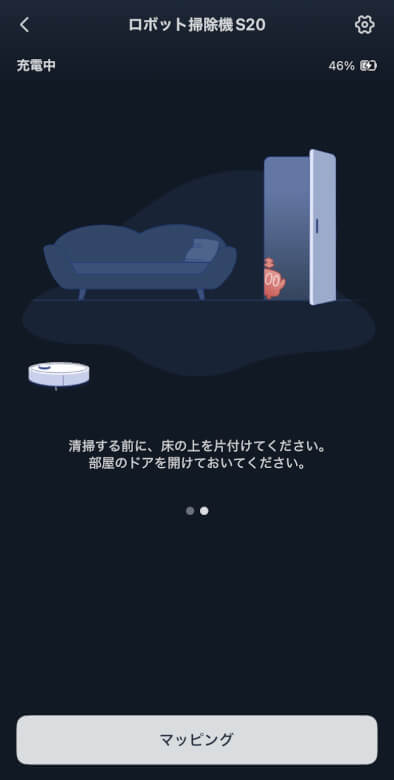
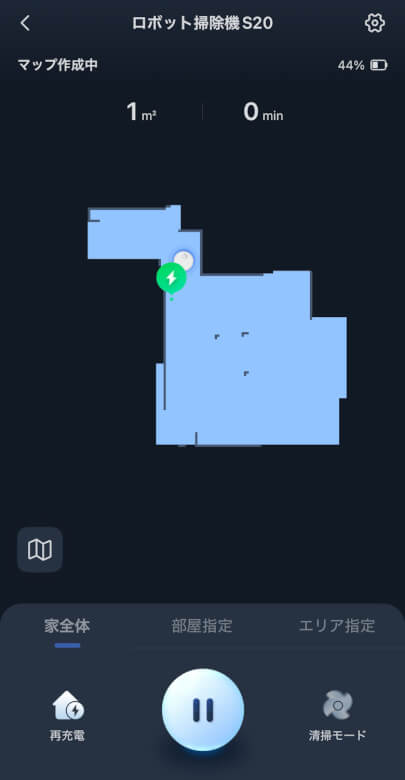
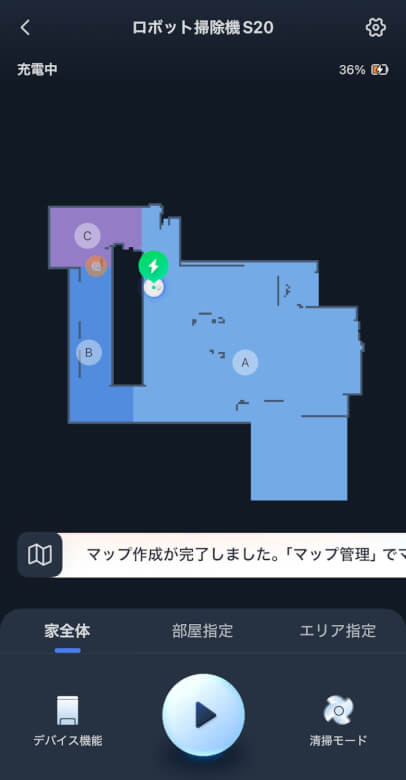
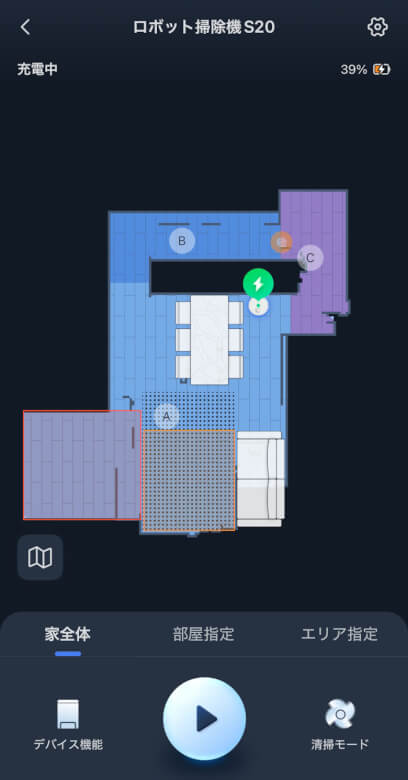
First, create a map.
After mapping, you can configure the details of each room.
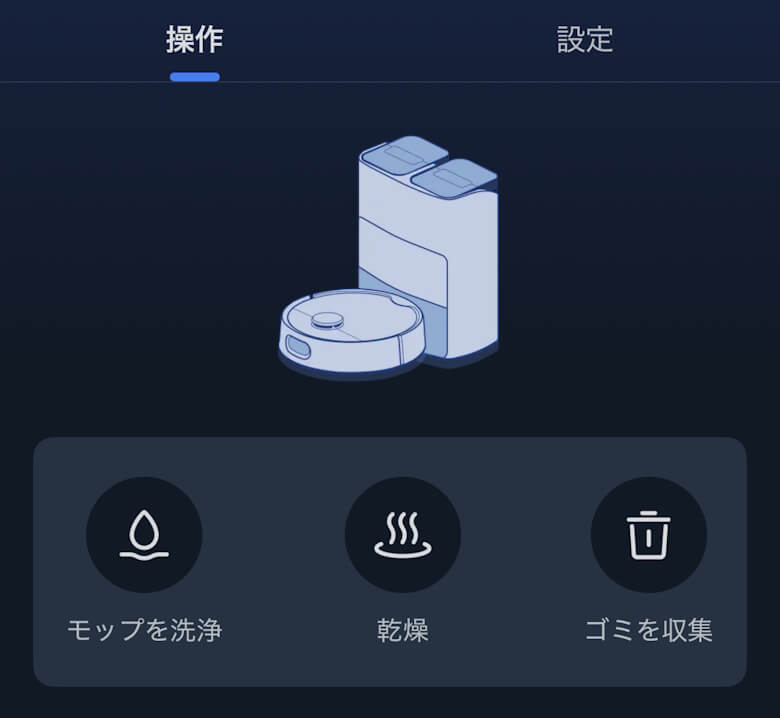
From the home screen, you can wash and dry the mop and access various settings.
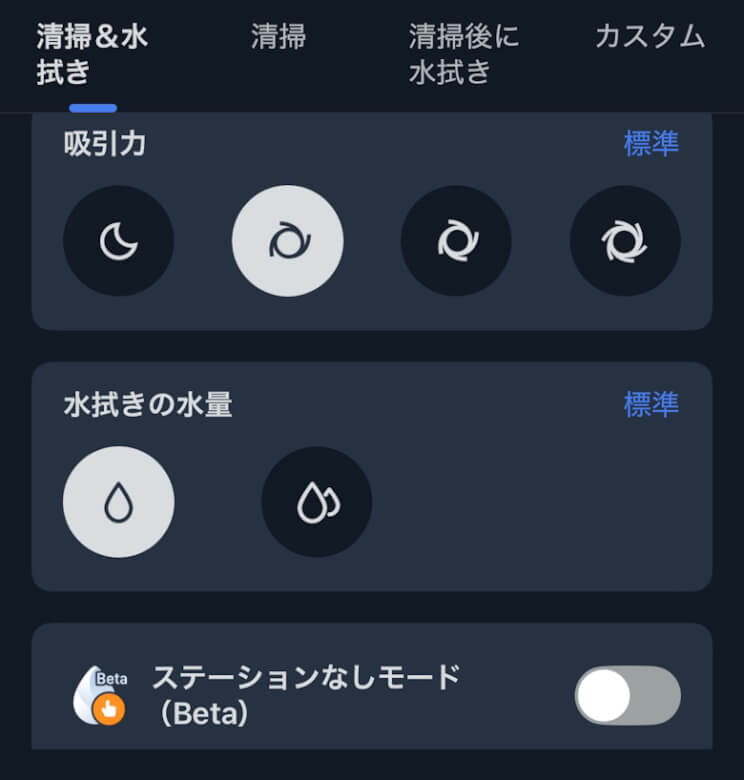
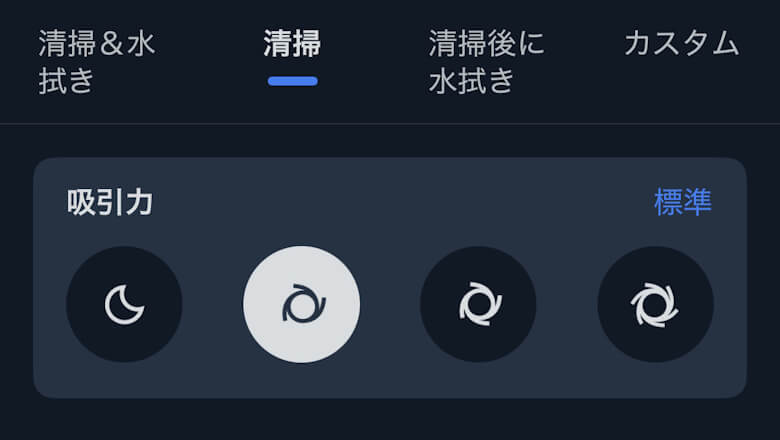
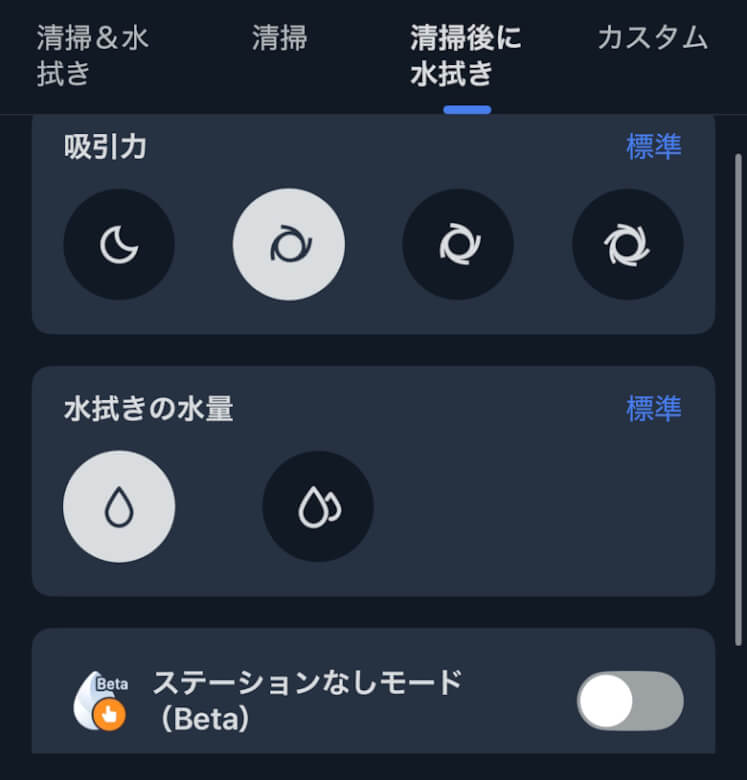
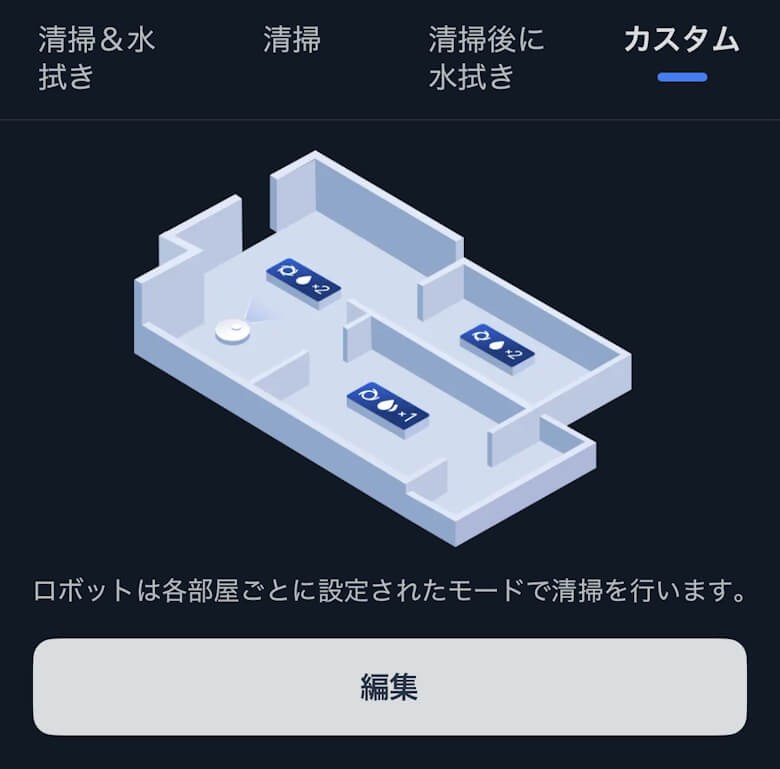
You can choose from Clean & Mop, Clean Only, Mop After Cleaning, or Custom.
I put together a video showing the “SwitchBot Robot Vacuum Cleaner S20” in action.
Itsuki
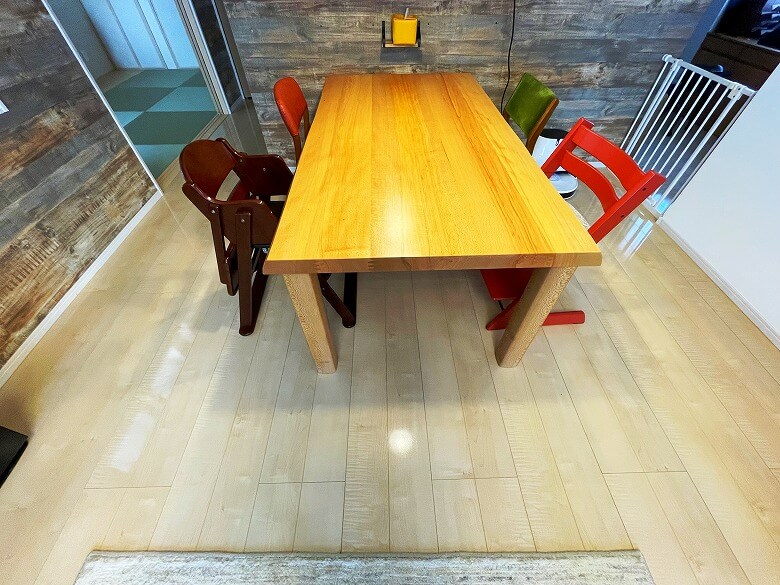
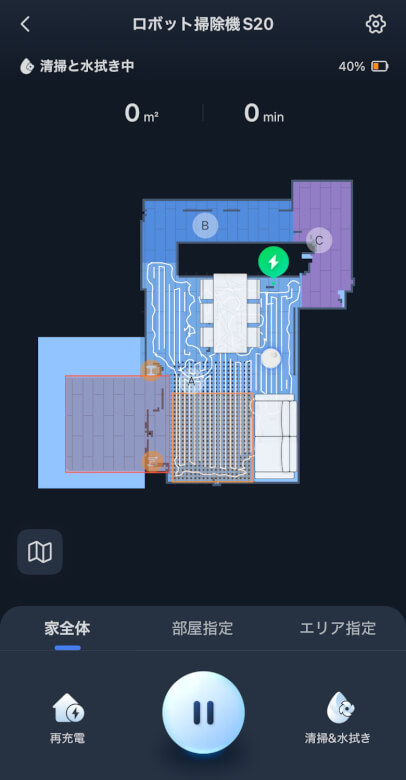
In our home, the 20㎡ living and dining area was cleaned in about 25 minutes.
By the way, this is what the layout of the rooms being cleaned looks like.
DiningLiving Room
While cleaning, the robot vacuum icon moves around inside the map.
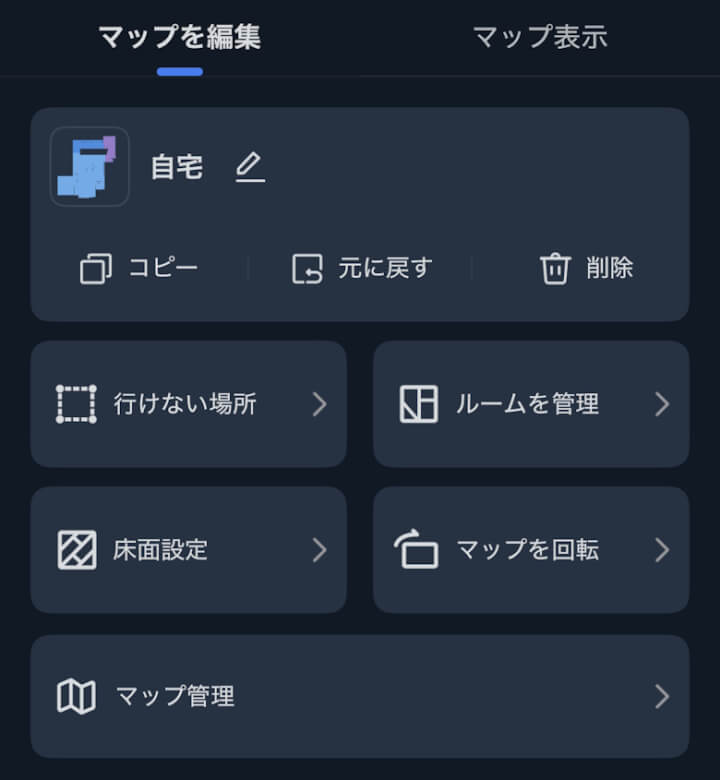
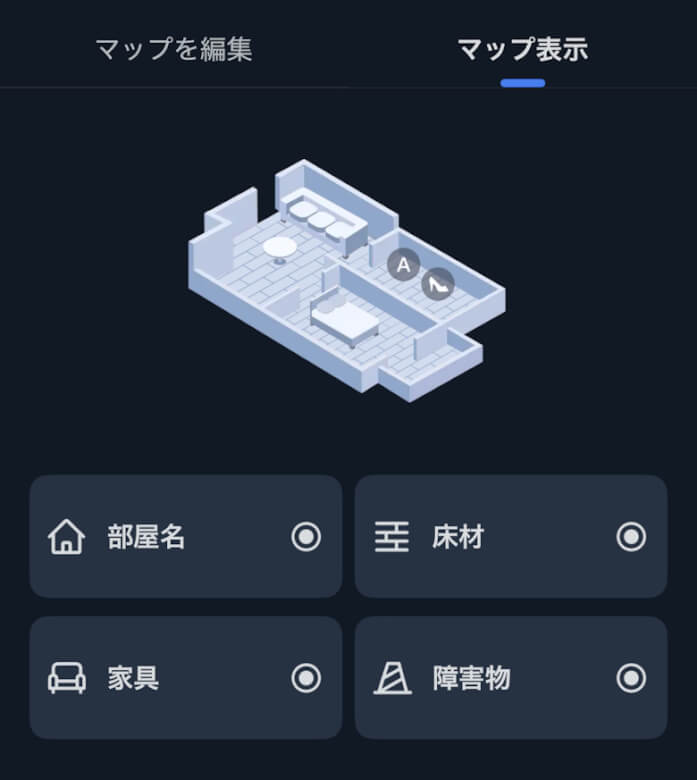
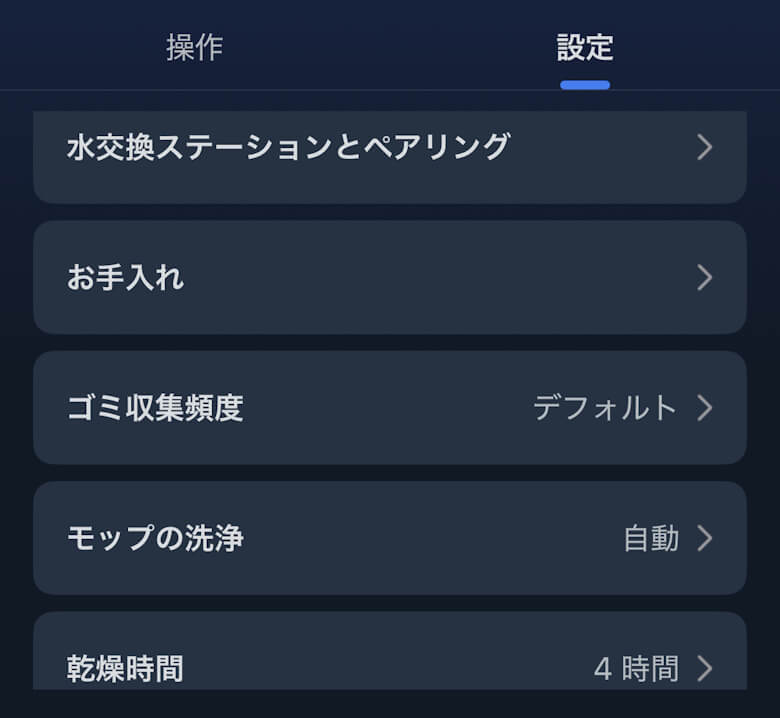
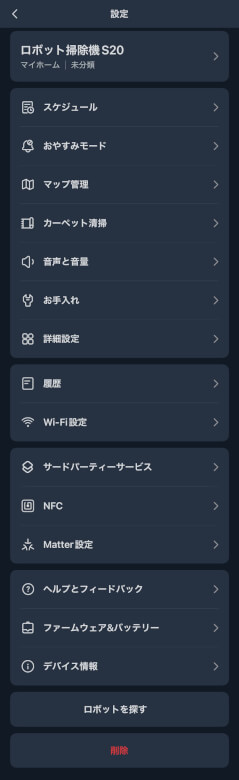
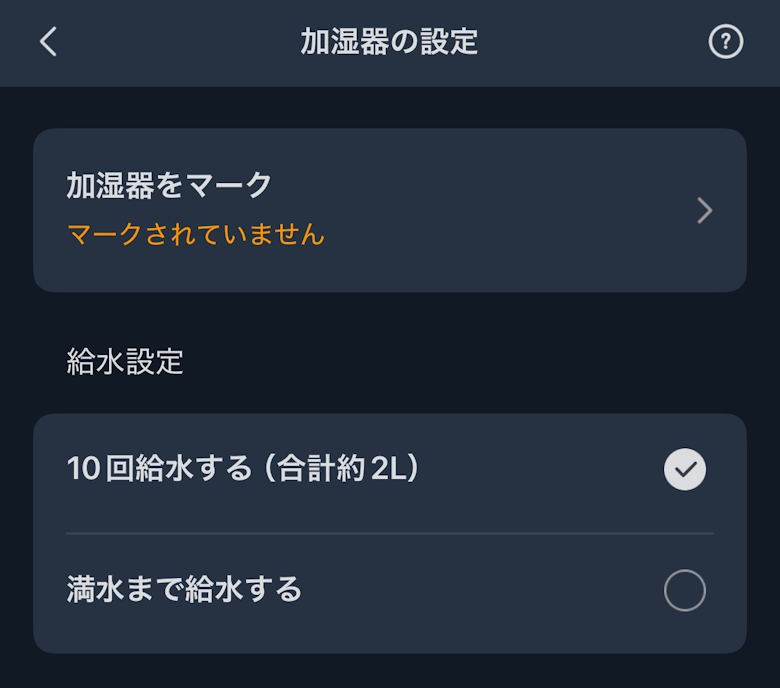
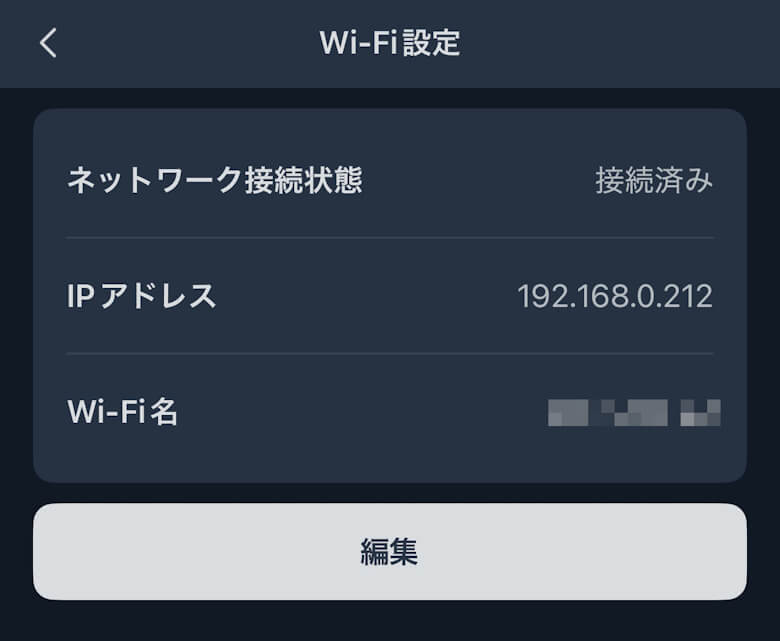
In Settings, you can check and change various items such as maps and cleaning schedules.
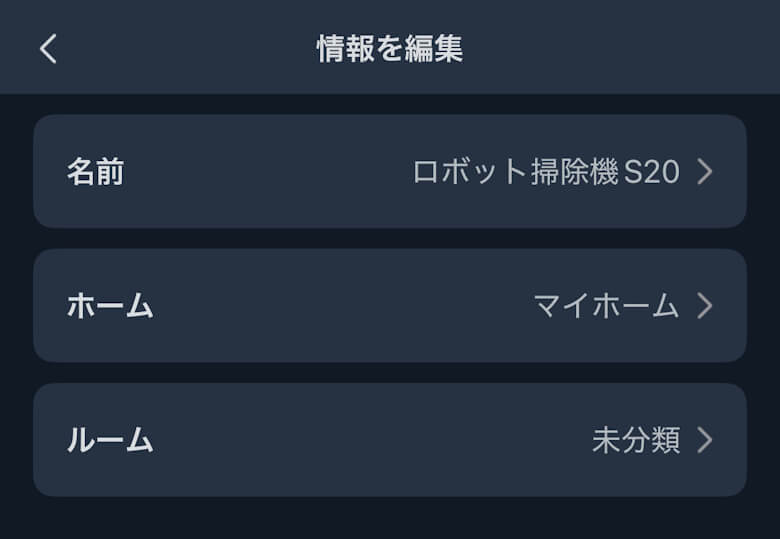
You can change the name of the robot vacuum and other details.
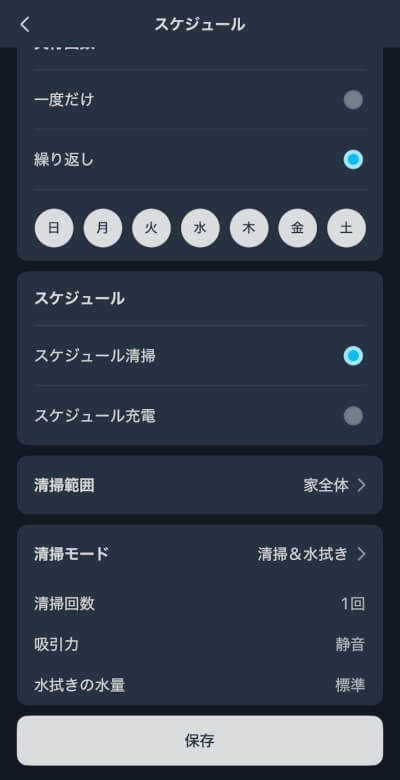
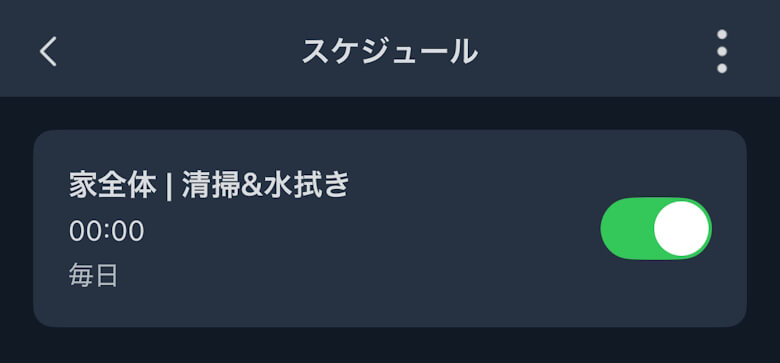
You can set a schedule.
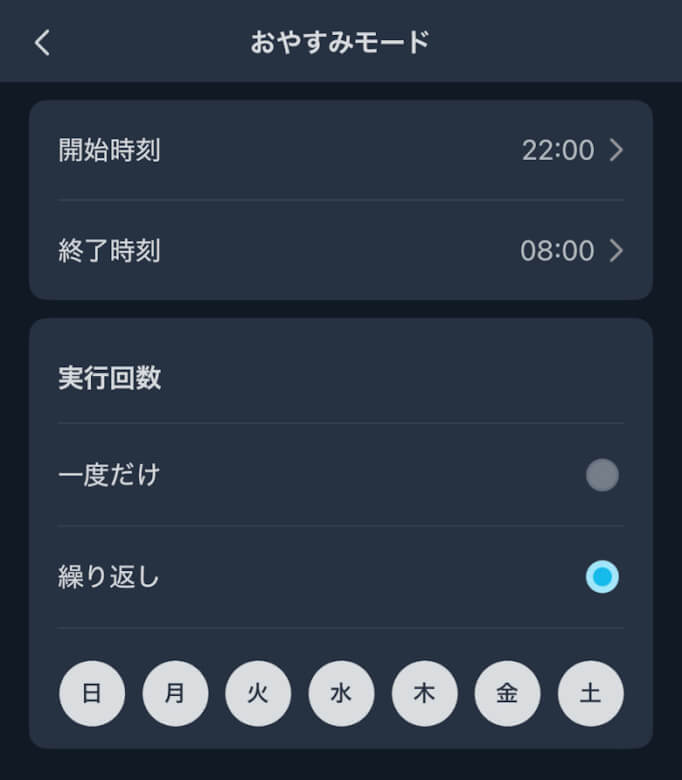
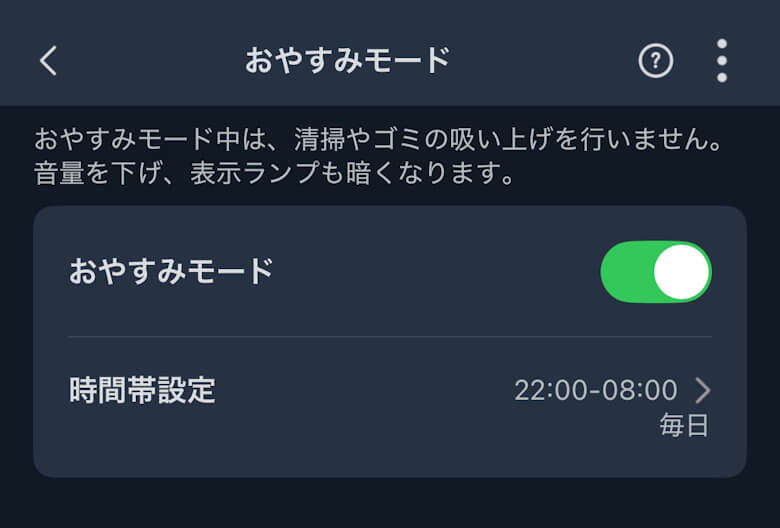
If you set Sleep Mode, it will clean quietly.
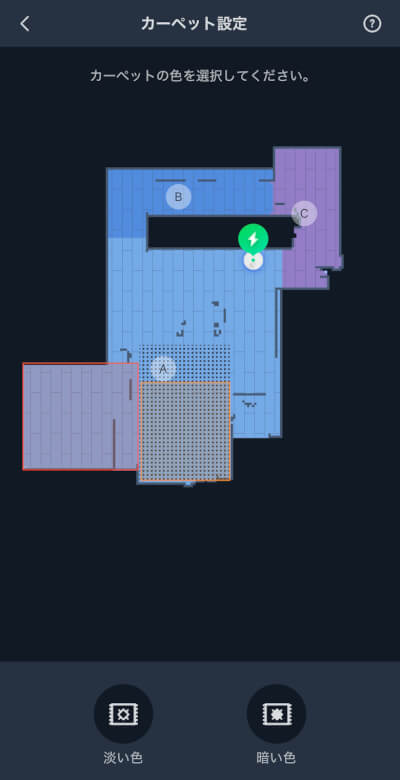
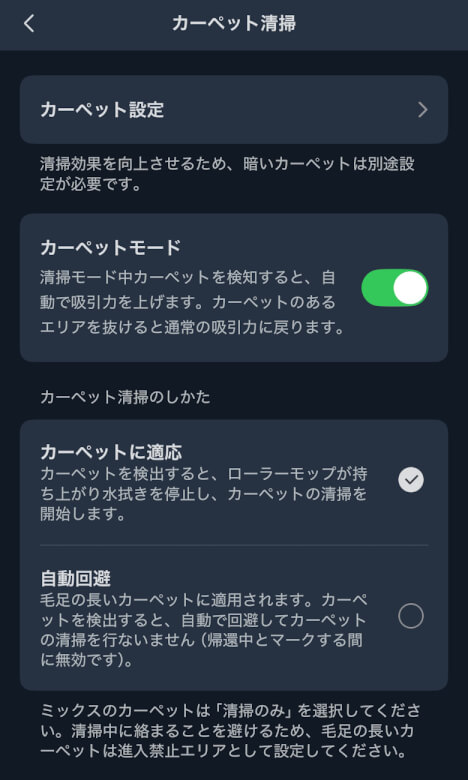
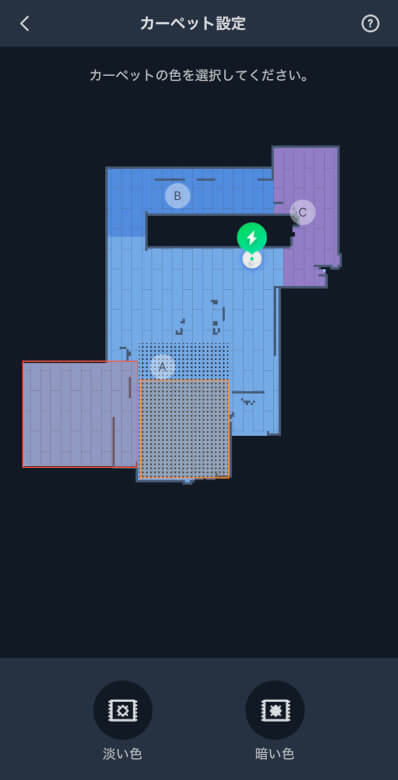
If you set Carpet Cleaning, it will increase the suction power.
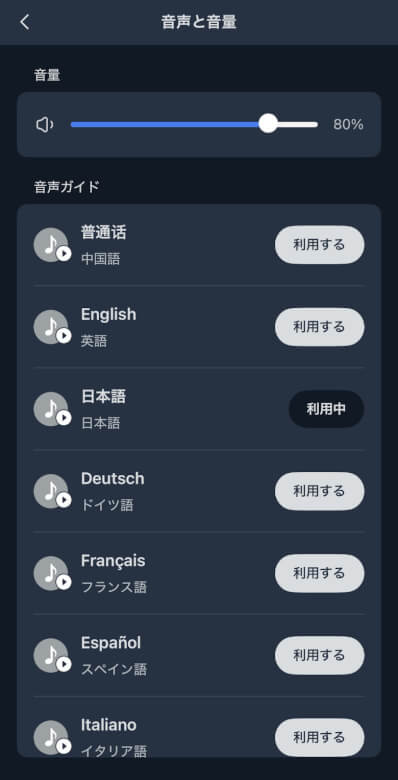
You can select the language for voice and volume.
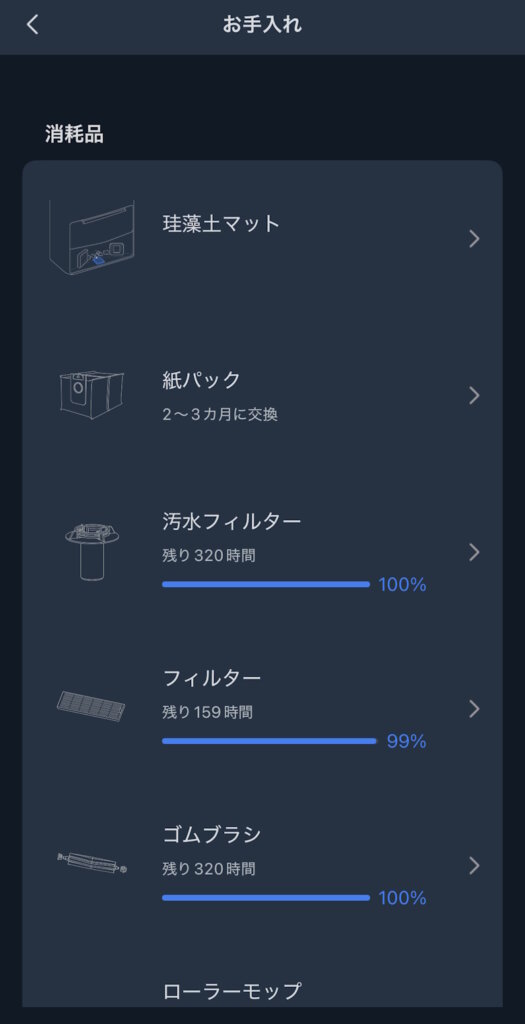
You can visualize the lifespan of each consumable.
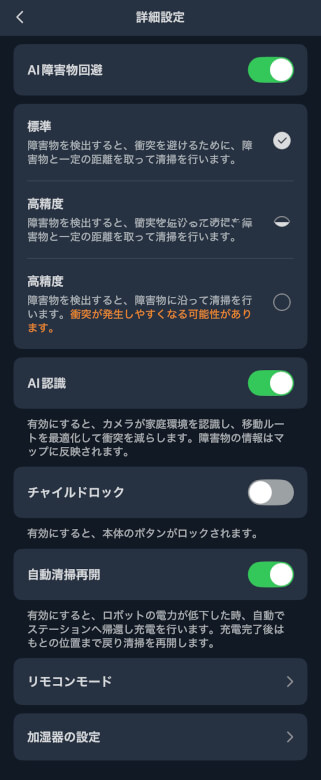
You can finely configure settings such as AI obstacle avoidance and child lock.
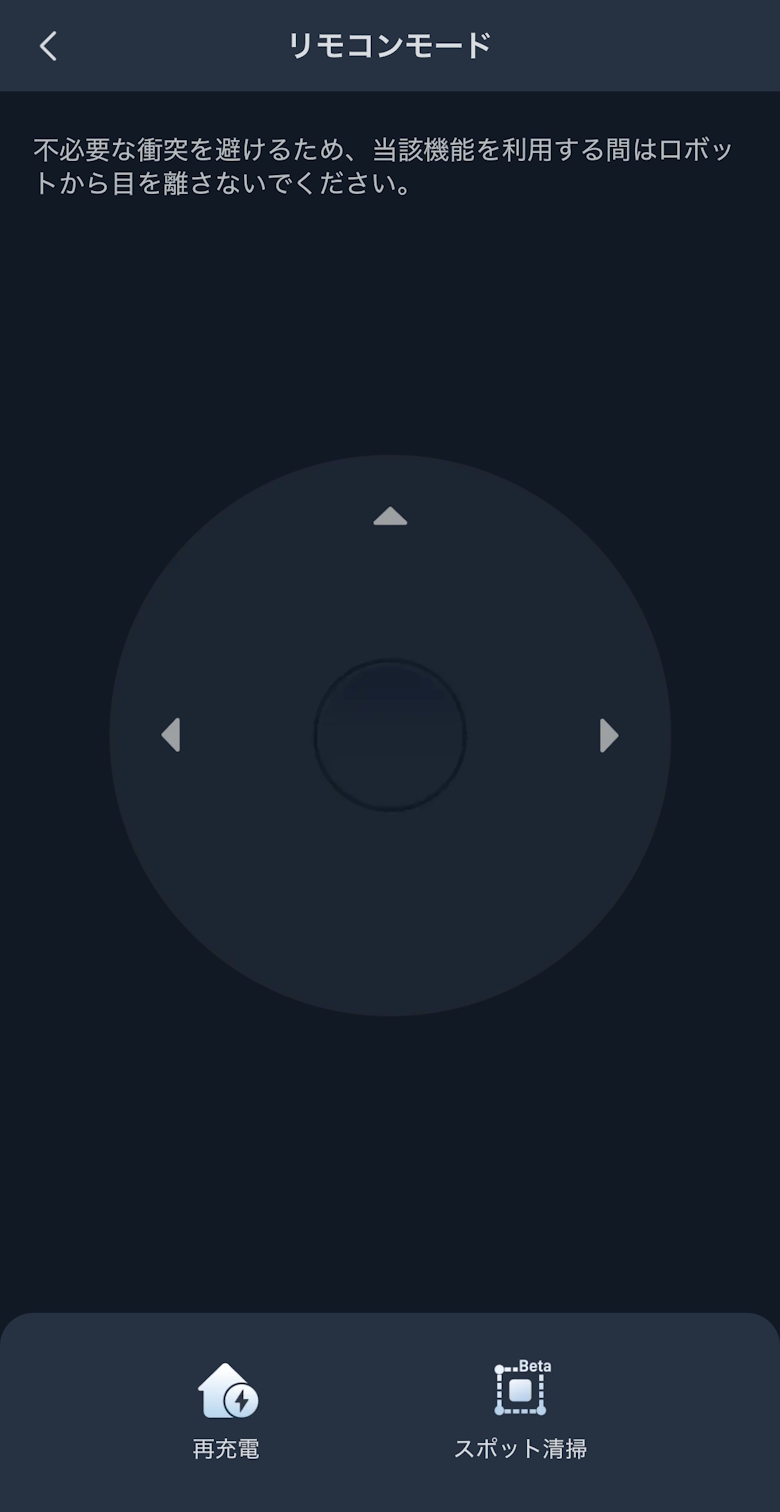
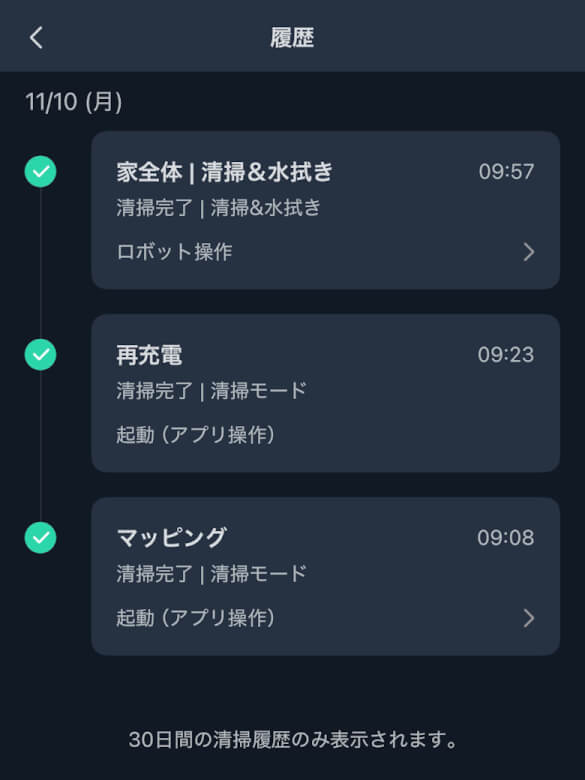
In addition, you can check and configure detailed items such as remote control mode and history.
SwitchBot Robot Vacuum S20 Review Summary
In this article, we reviewed “SwitchBot Robot Vacuum S20 Review: Tangle-Free Rubber Brush & AI Obstacle Avoidance Make Cleaning Dramatically Easier.”
The SwitchBot Robot Vacuum S20 is a device that brings the hassle of cleaning as close to zero as possible.
Because it fully automates vacuuming, mopping, mop washing, drying, and dust collection, it essentially eliminates the time you have to think about cleaning.
Of course, there are some points to consider, such as installation space and price, but its convenience and cleaning performance more than make up for them.
Especially for busy dual-income households or families with pets and children, it can become a reliable partner that significantly reduces everyday stress.
Like a modern smart home device, app integration and voice control are smooth and intuitive.
If you already use SwitchBot products, you can build an even more convenient cleaning routine.
If you want to turn “cleaning time” into “free time,” this is a robot vacuum you should definitely try.
Pros
Cons
High cleaning performance
Reduced maintenance effort
Strong smart home integration
Adapts well to different floor types and room layouts



 Itsuki