Hello, I’m Itsuki (@saigalog), enjoying a more comfortable life at home with a smart home setup.
“If only locking and unlocking the door could be smarter.”
A smart lock is the perfect solution to that small but persistent everyday hassle.
Today, I’m introducing the latest model from the popular smart home brand SwitchBot: the “SwitchBot Lock Ultra.”
This device doesn’t just make your home key smarter—it also delivers excellent security and usability. How does it differ from previous models?
Is it really that convenient?
Based on my hands-on experience, I’ll thoroughly review its standout features and the points you should be aware of.
イツキ
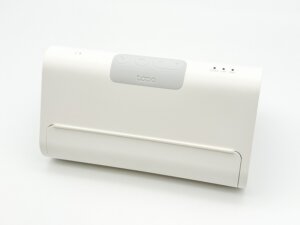
I’ve also published a detailed review of the “SwitchBot Lock Ultra” companion device, the “SwitchBot Keypad Touch,” which makes it even more convenient and comfortable to use—be sure to check that out as well!
Pros
Cons
No construction required—just attach it to your existing lock
Supports auto-lock and remote control
Compatible with SwitchBot Keypad / Keypad Touch
Enhanced security with “Dual Lock” support
Works with Amazon Alexa and Google Assistant
Keypad and hub sold separately
Limited compatibility depending on lock shape
Some situations require a smartphone
This article was created with a product provided by the manufacturer.
Table of Contents
What’s Included with the SwitchBot Lock Ultra
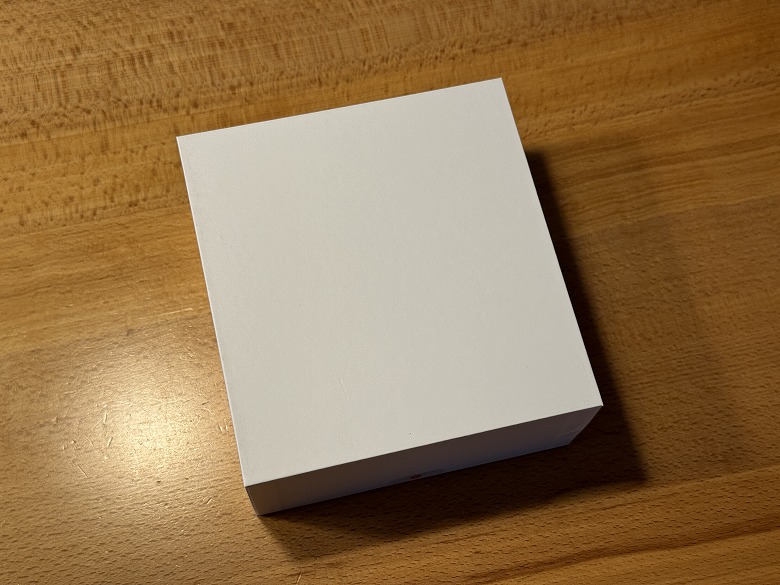
Since this “SwitchBot Lock Ultra” unit was provided as a sample, it came in a plain white box without printed branding.
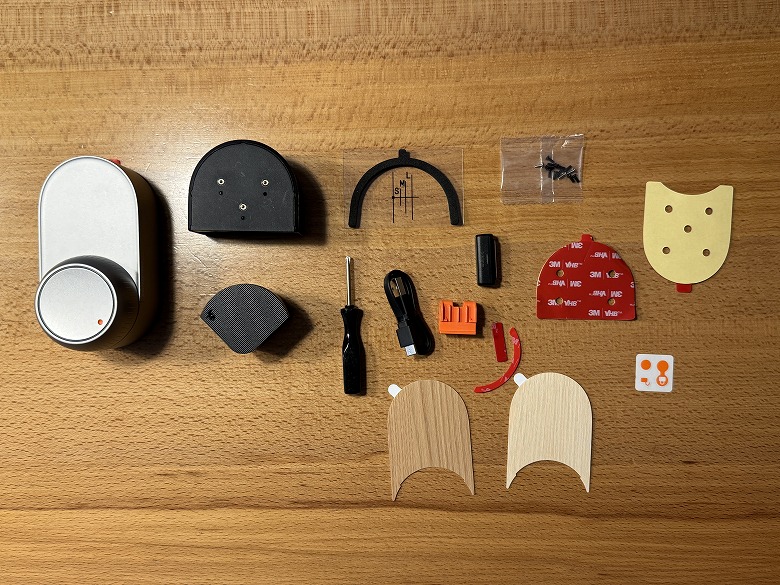
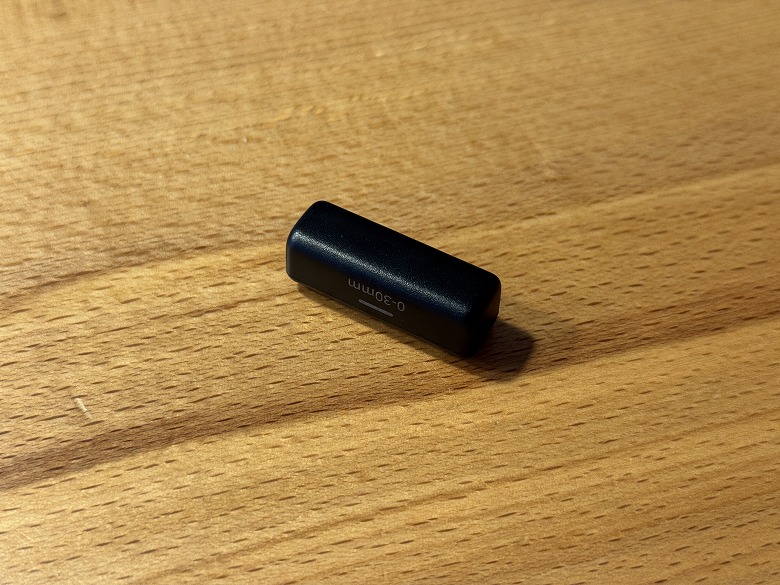
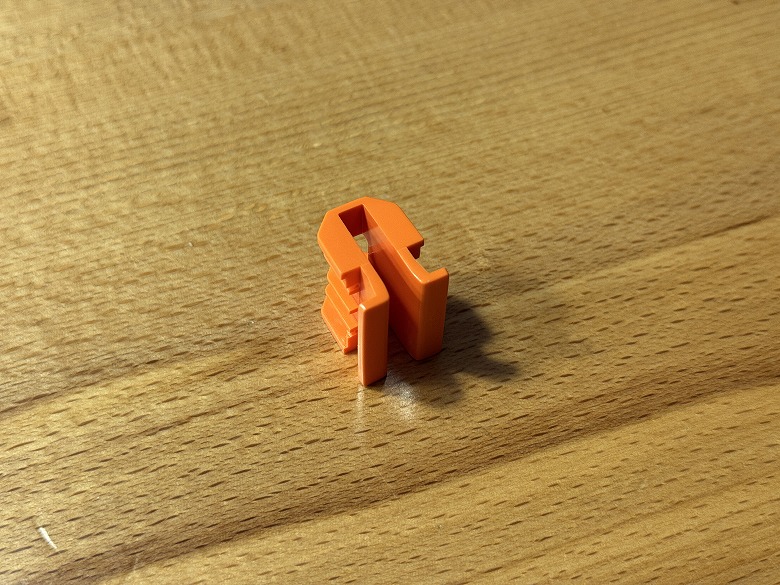
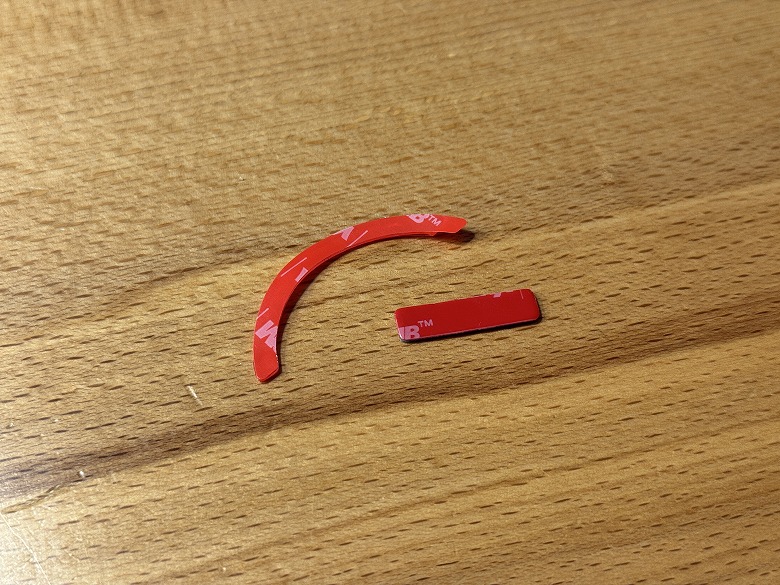
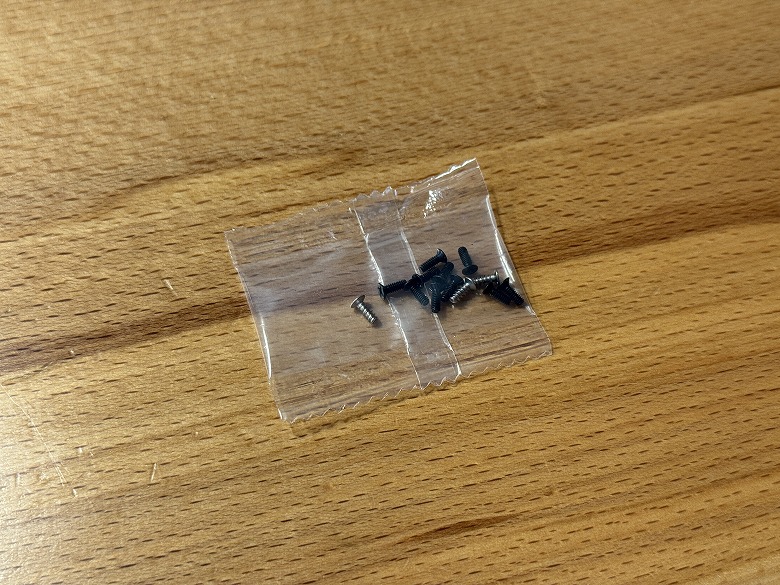
Inside the box, you’ll find the following items:
What’s Included with the SwitchBot Lock Ultra
SwitchBot Lock Ultra main unit
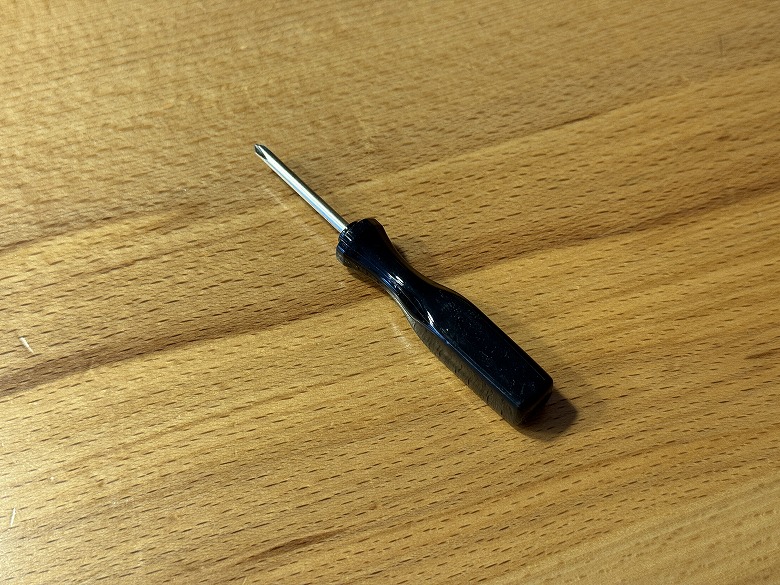
Phillips screwdriver
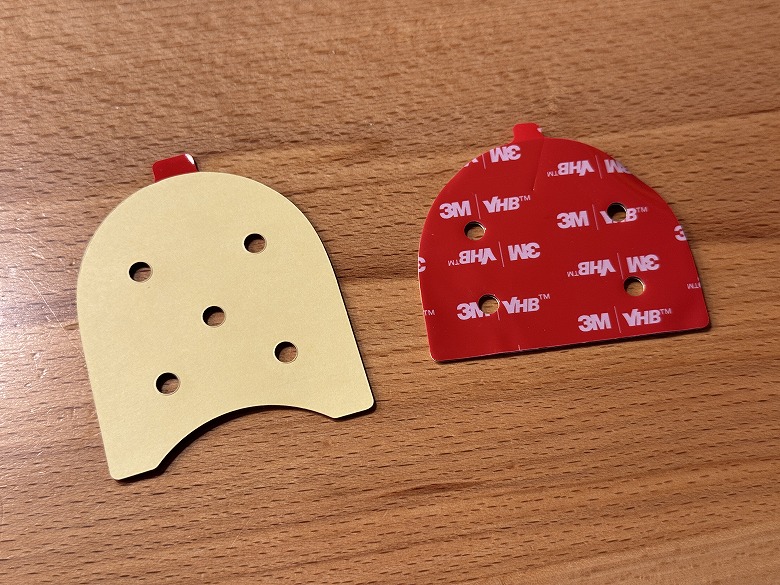
Spare double-sided tape
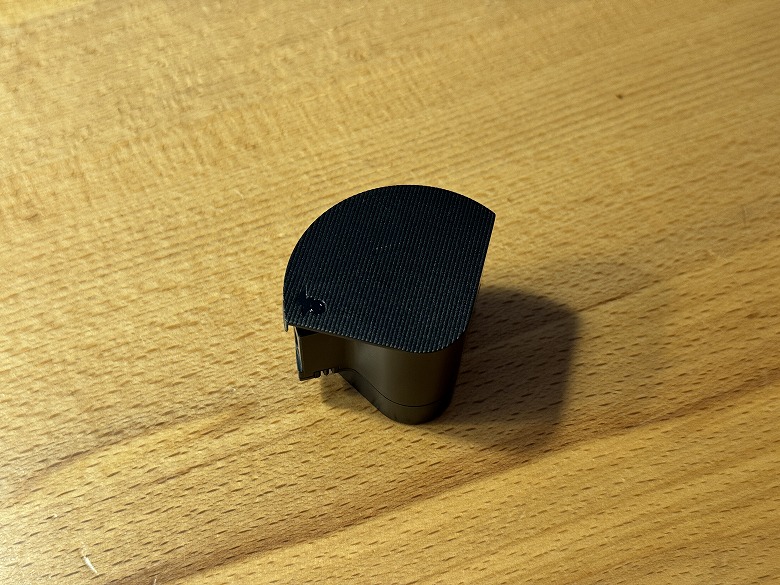
Thumb-turn holder
Magnet
User manual
Screws
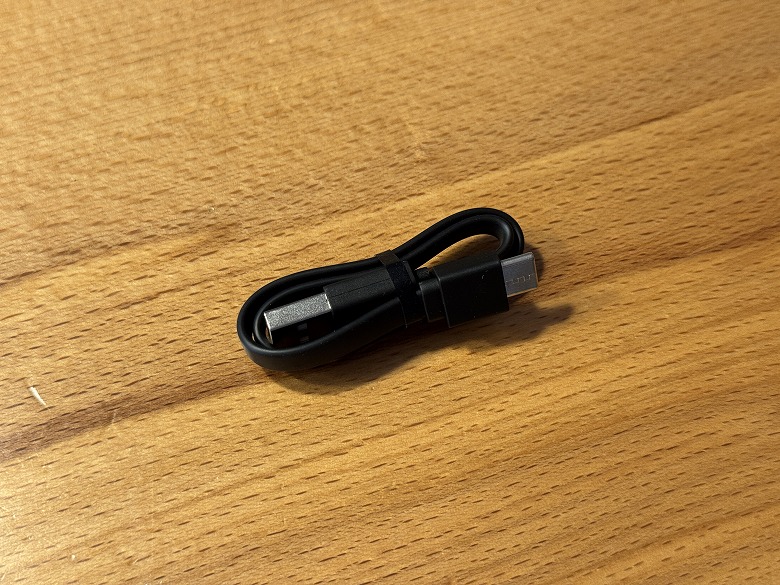
Power cable
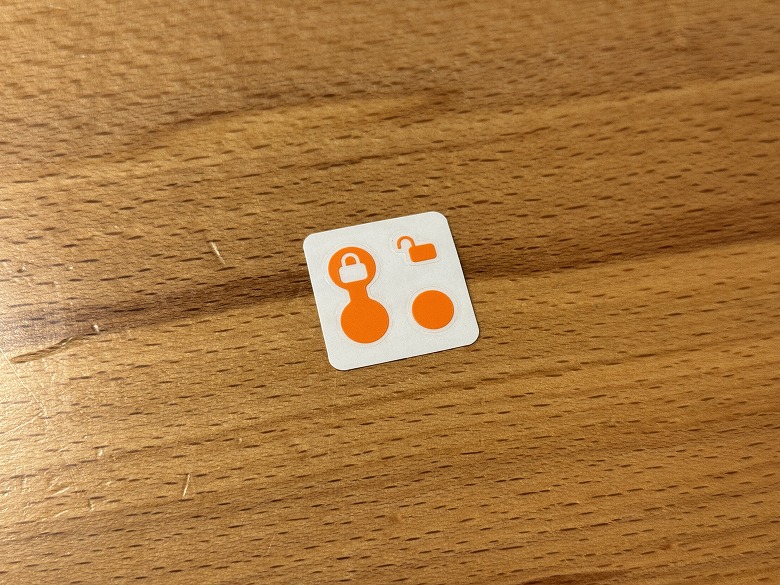
Lock/Unlock indicator sticker
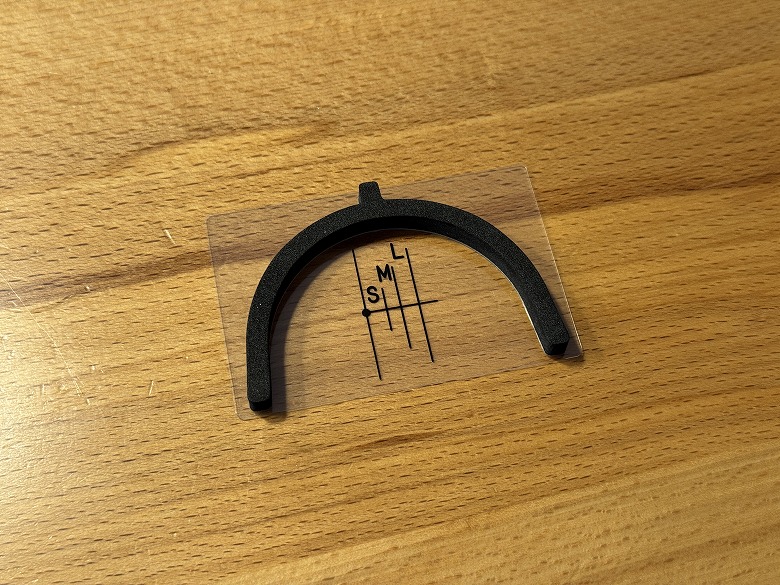
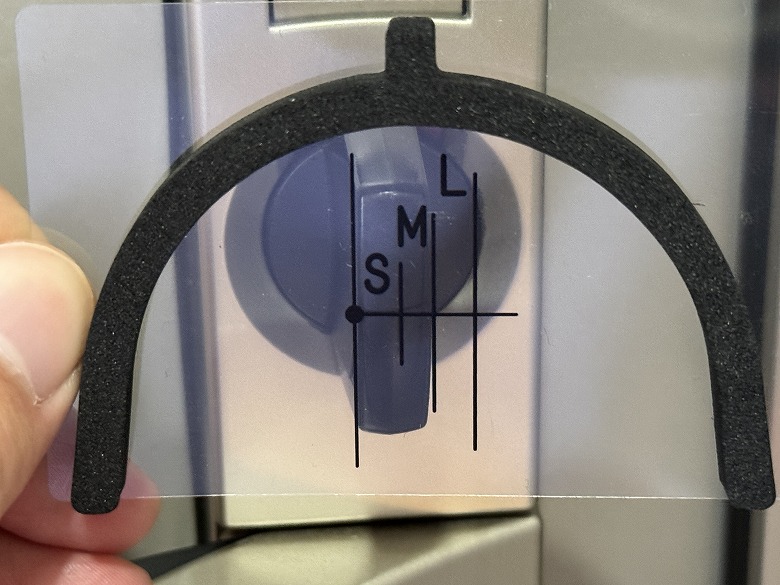
Size reference card & mark sheet
It includes a wide range of accessories, such as double-sided tape and magnets.
SwitchBot Lock Ultra Specifications
The “SwitchBot Lock Ultra” is a feature-rich smart lock that supports smartphone app control, NFC tags, remote operation, and auto-lock functionality.
The main unit specifications are as follows.
スクロールできます
Product Name
SwitchBot Lock Ultra
Dimensions
119 × 54 × 71 (mm)
Weight
445 g
Material
Magnesium-Aluminum Alloy, PC+ABS
Battery
AA batteries × 4 (1.5V, 2900mAh)
Battery Life
Approx. 9 months
Operating Environment
Indoor use only
Supported OS
iOS 12.0+, Android 5.0+
Communication Method
Bluetooth 5.0
Design
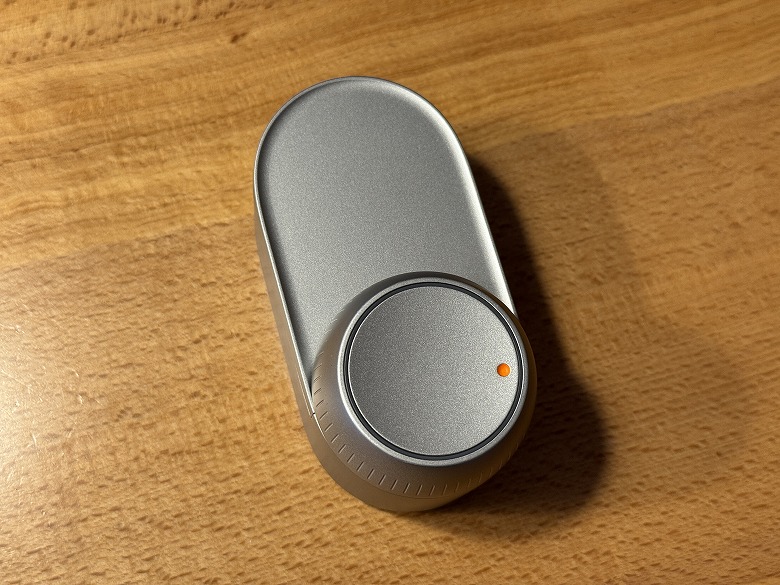
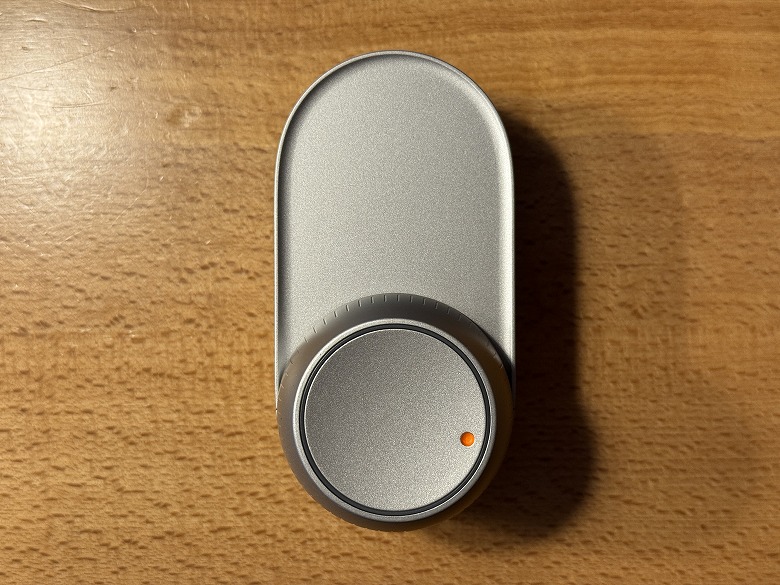
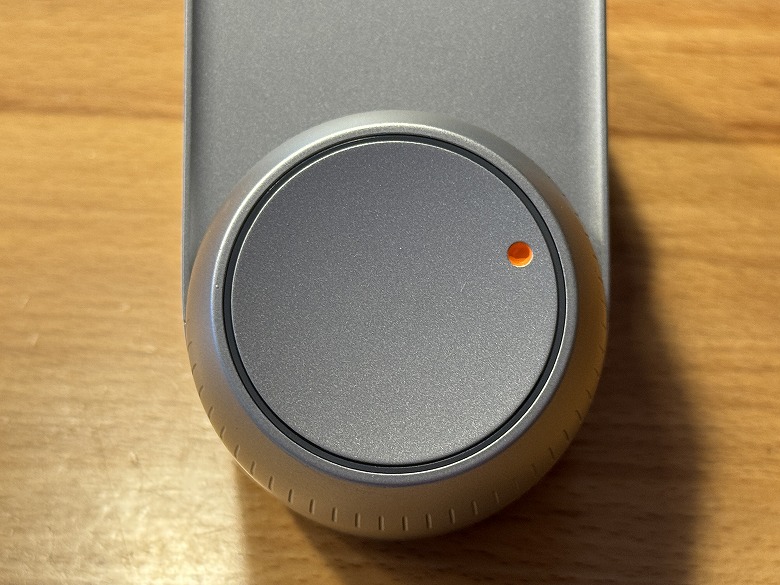
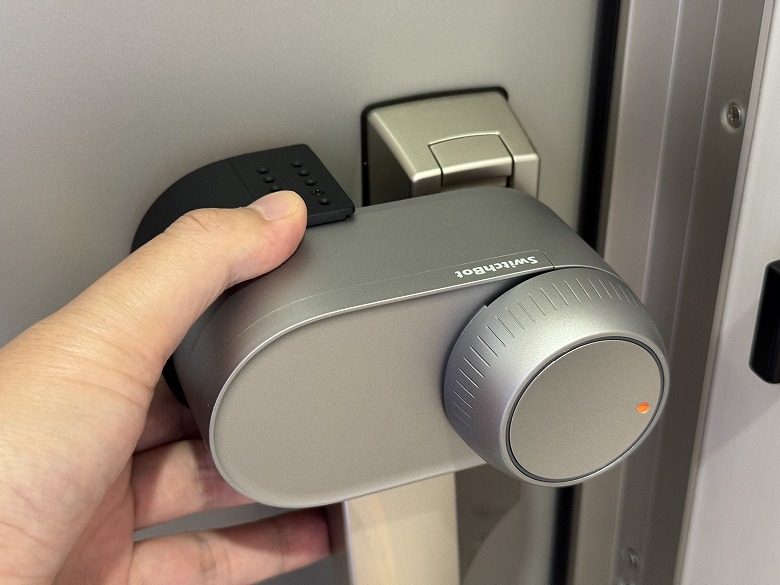
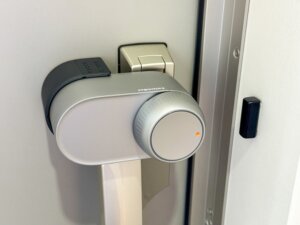
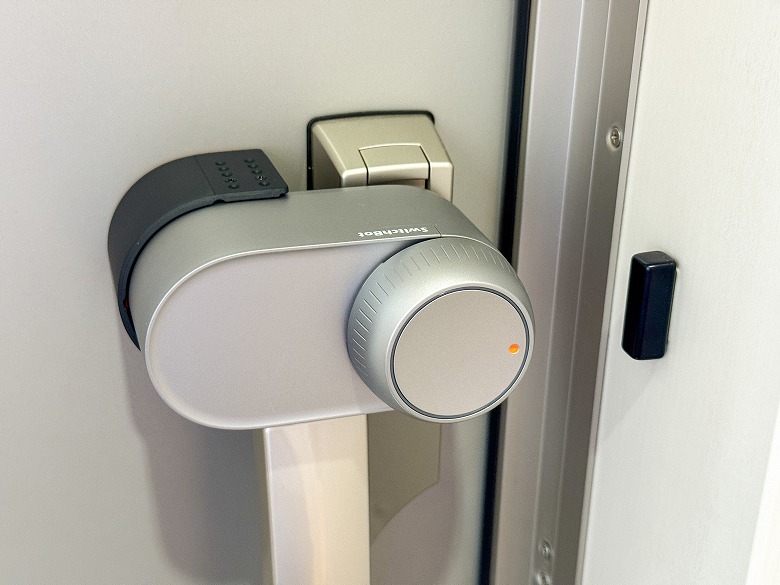
The “SwitchBot Lock Ultra” features a simple yet premium design unified in a matte silver metallic finish.
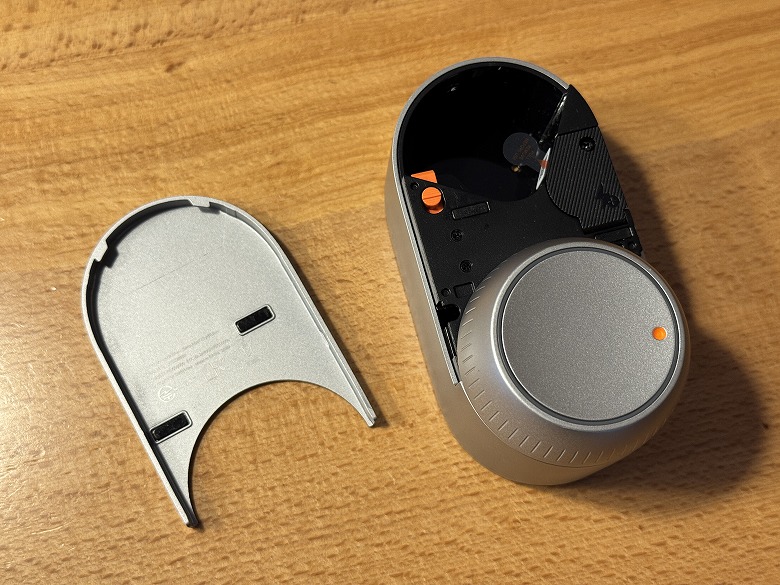
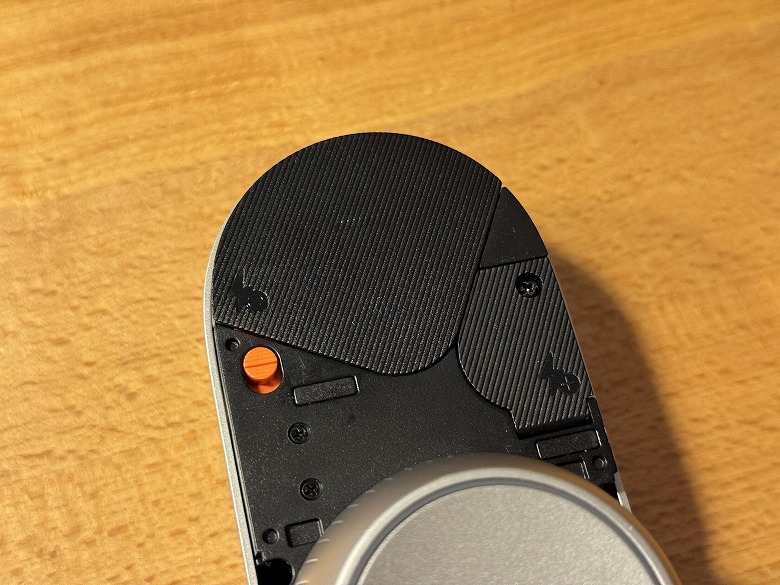
You can remove the battery cover located on the upper front of the unit to replace the batteries.
The LED indicator lights illuminate/flash in different colors in sync with the unit’s operation.
At the bottom of the unit is the thumb turn (knob).
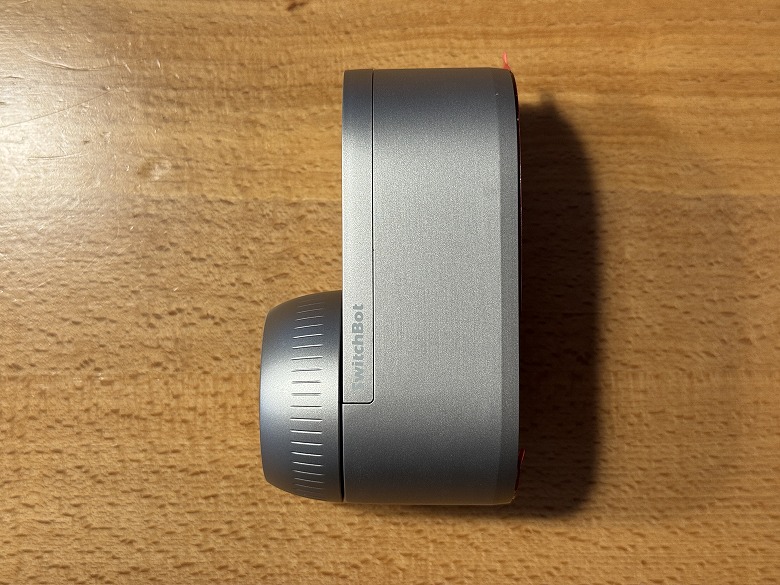
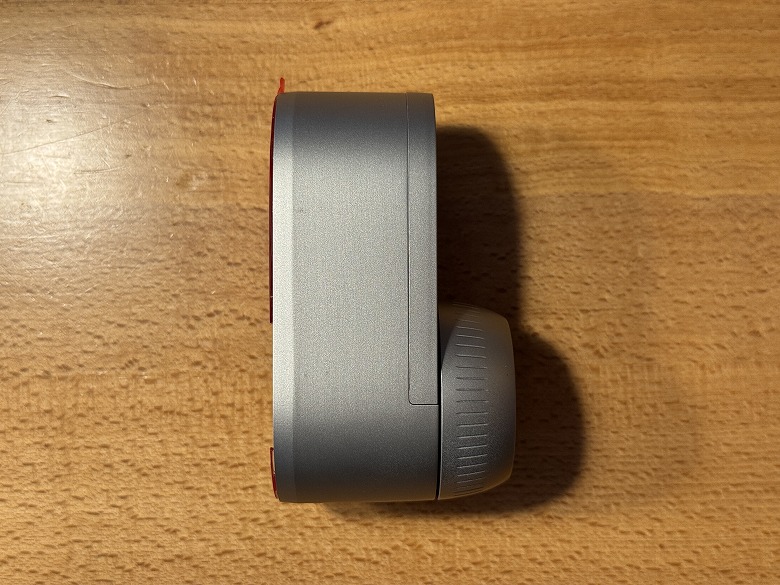
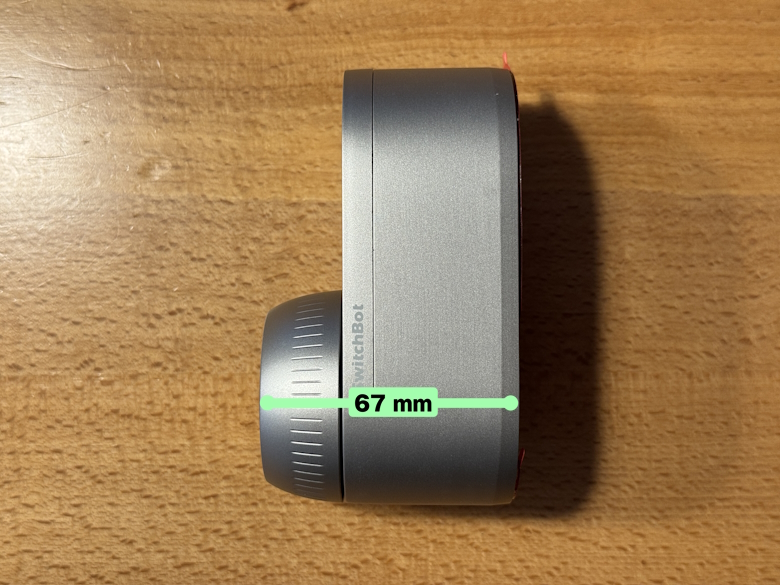
Here’s how it looks from the side.
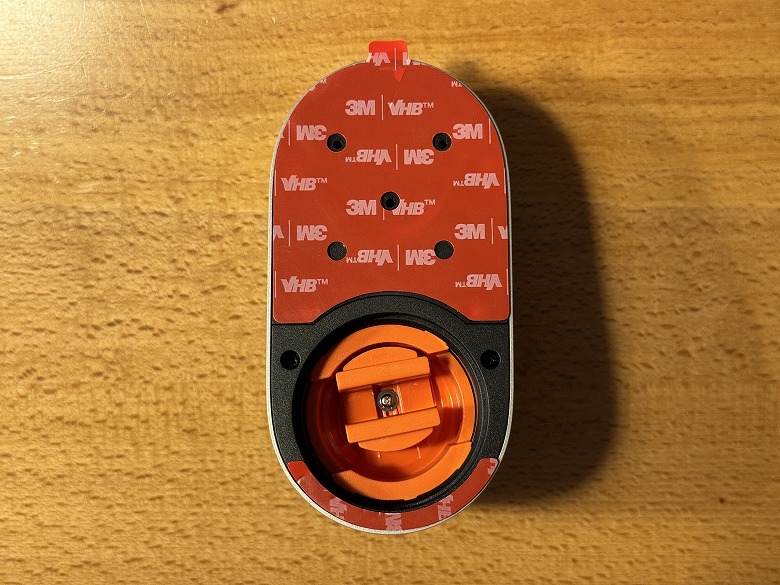
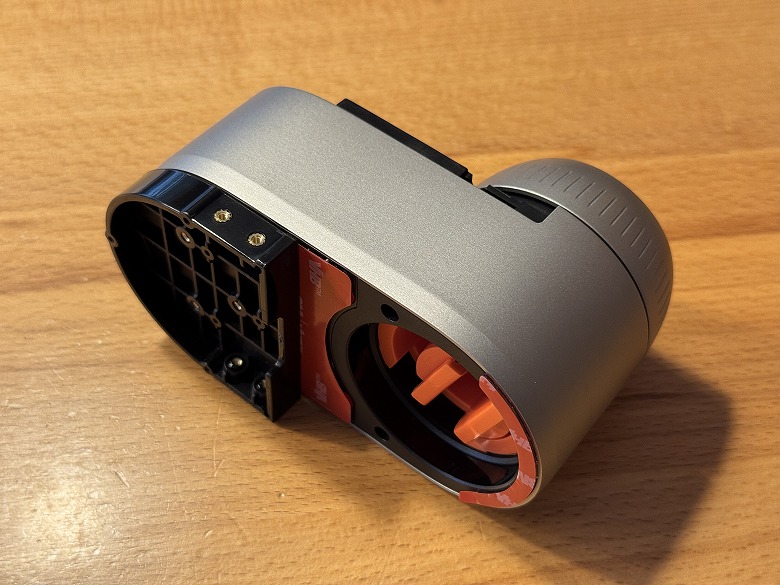
This is the rear view.
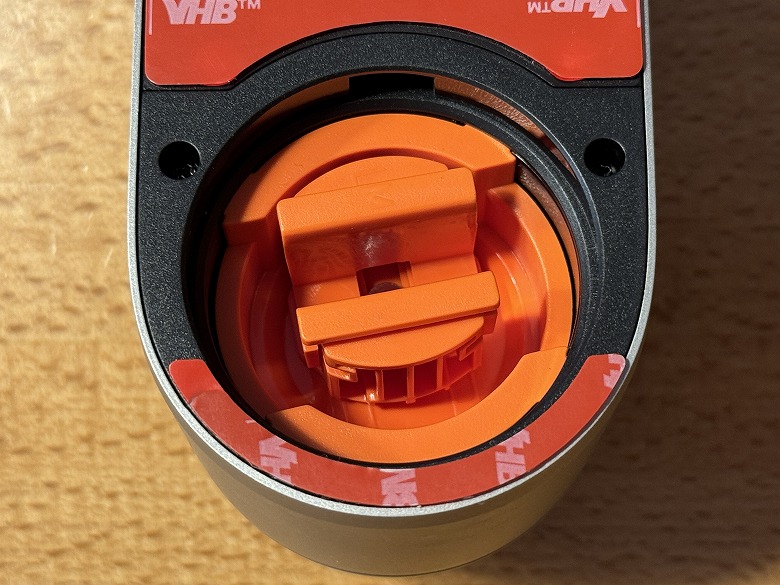
On the back side of the thumb turn is the thumb turn holder.
イツキ
The installation procedure is explained in detail in the “Features” section below!
Size & Weight
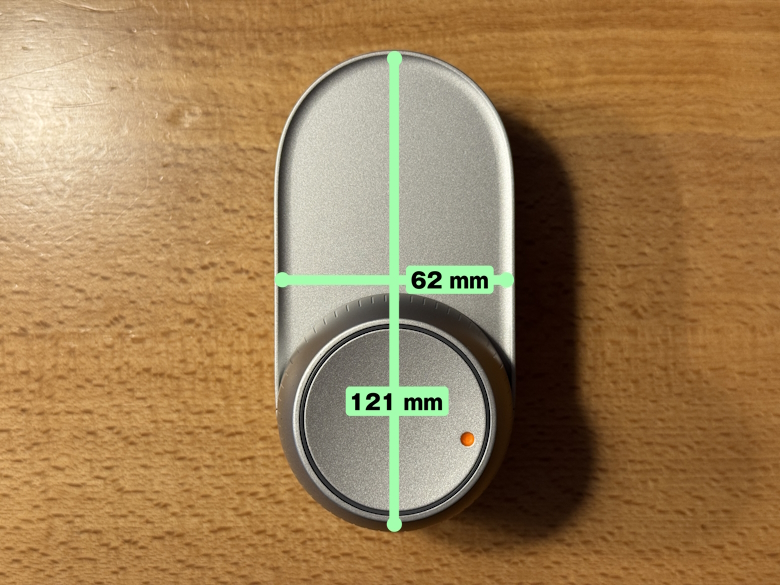
The “SwitchBot Lock Ultra” measures 121 × 62 mm.
The depth is 67 mm.
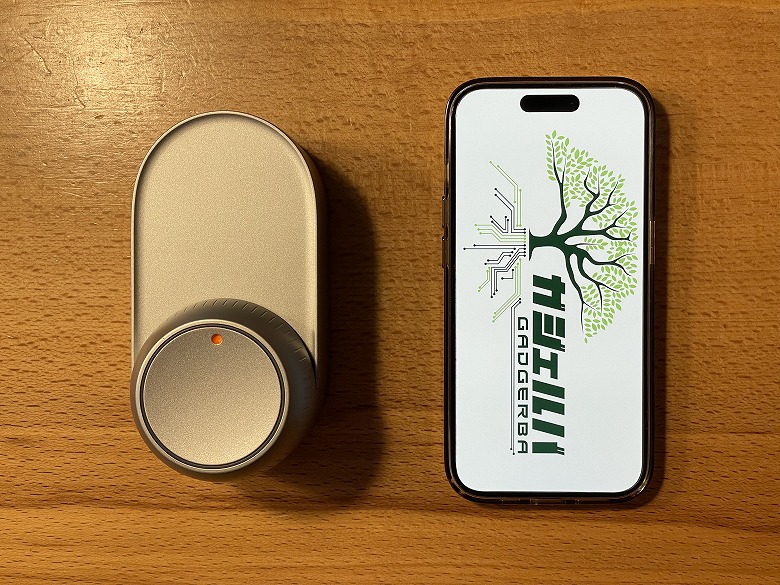
Here’s how the size compares to a smartphone (iPhone 15 Pro).
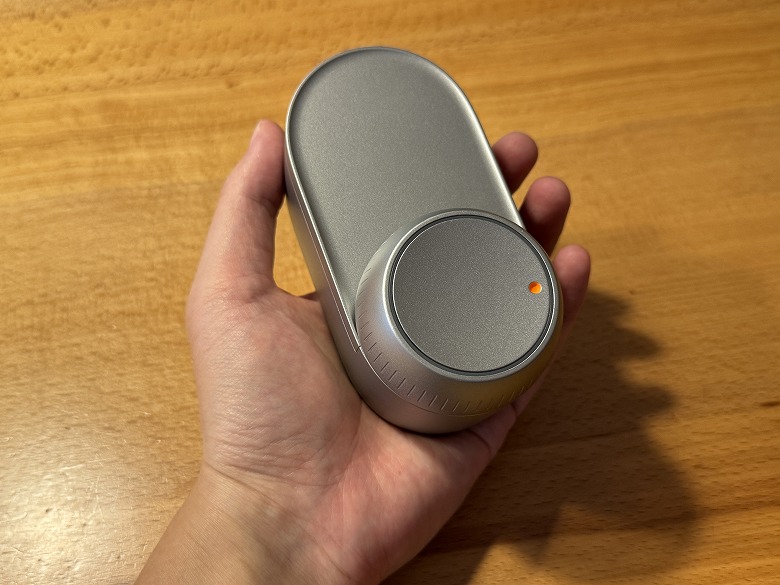
The unit is compact enough to fit comfortably in your hand.
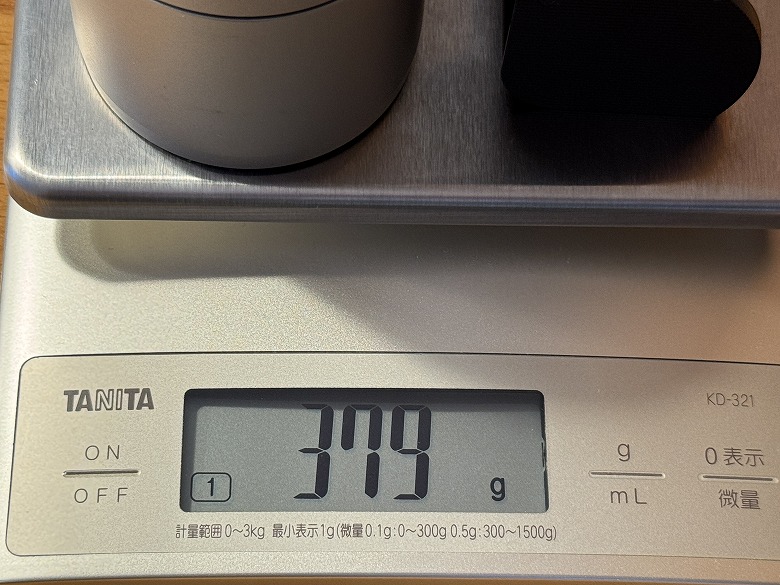
The weight was 379 g (including batteries).
Features
イツキ
From here, I’ll explain in detail the installation and setup procedures for the “SwitchBot Lock Ultra.”
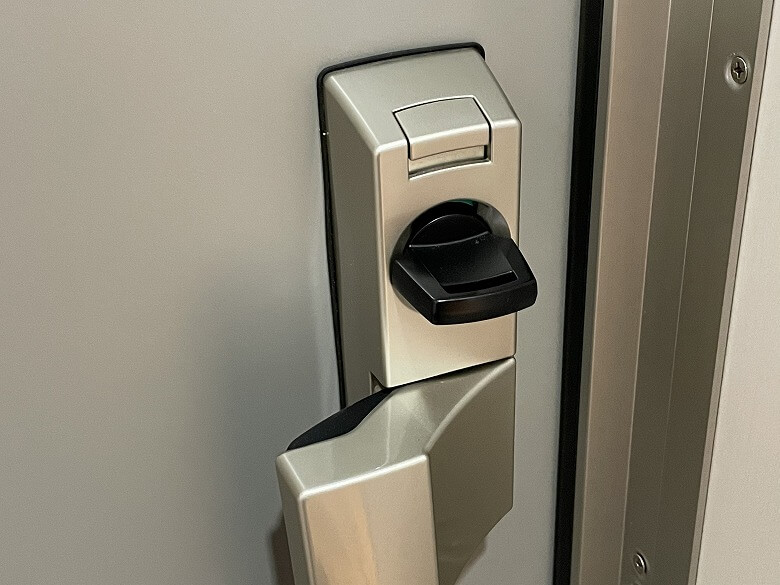
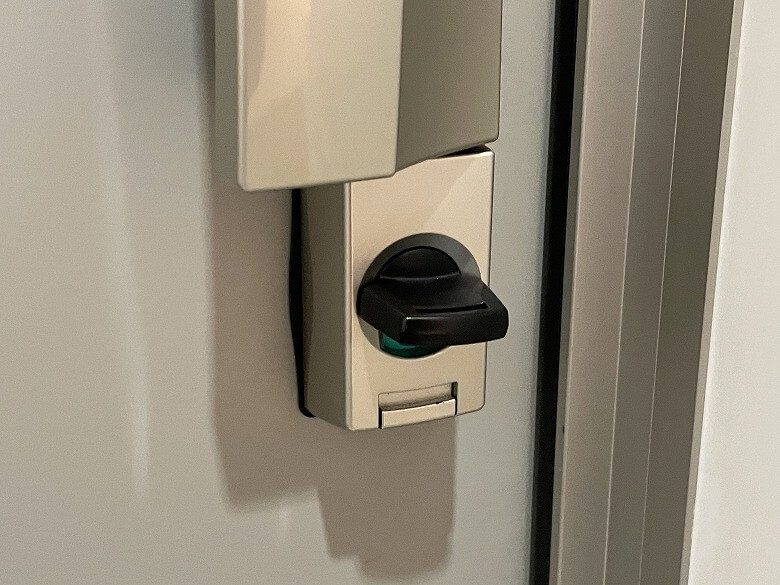
Our front door has a large handle like this and is the type with one lock on the top and one on the bottom.
Upper lockLower lock
STEP
Measure the size of your door lock’s thumb turn using the size reference card
STEP
Attach the thumb turn holder that fits the size
STEP
Secure the base plate and height adjustment case with screws
STEP
Peel off the double-sided tape and secure the SwitchBot Lock Ultra in place
STEP
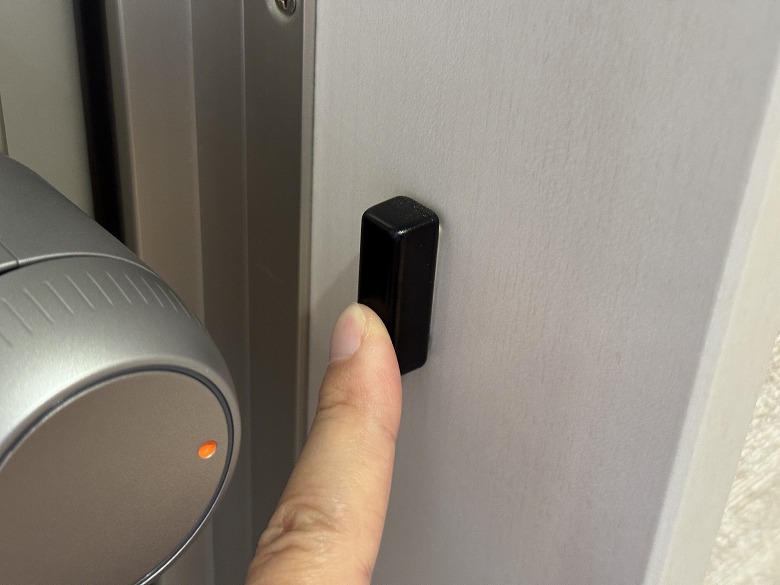
Attach the magnet
イツキ
From here, I’ll explain the setup procedure using the smartphone app “SwitchBot.”
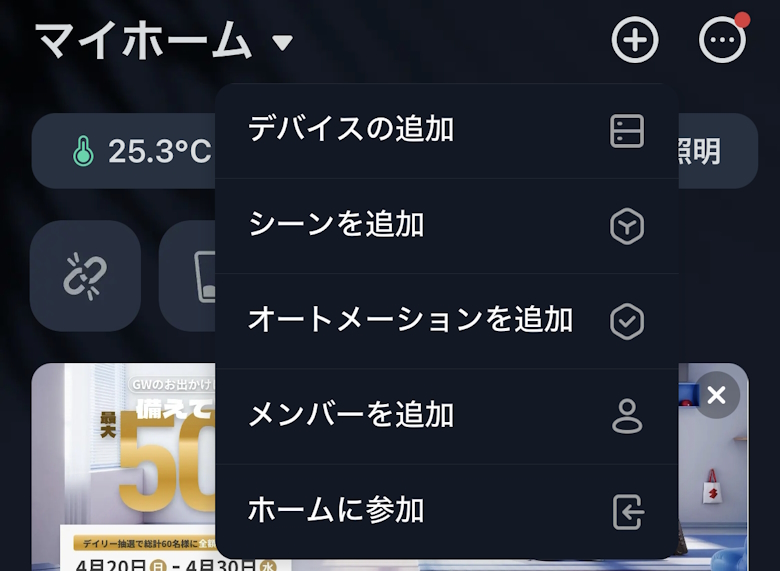
Tap the “+” icon in the top right, then tap “Add Device”
STEP
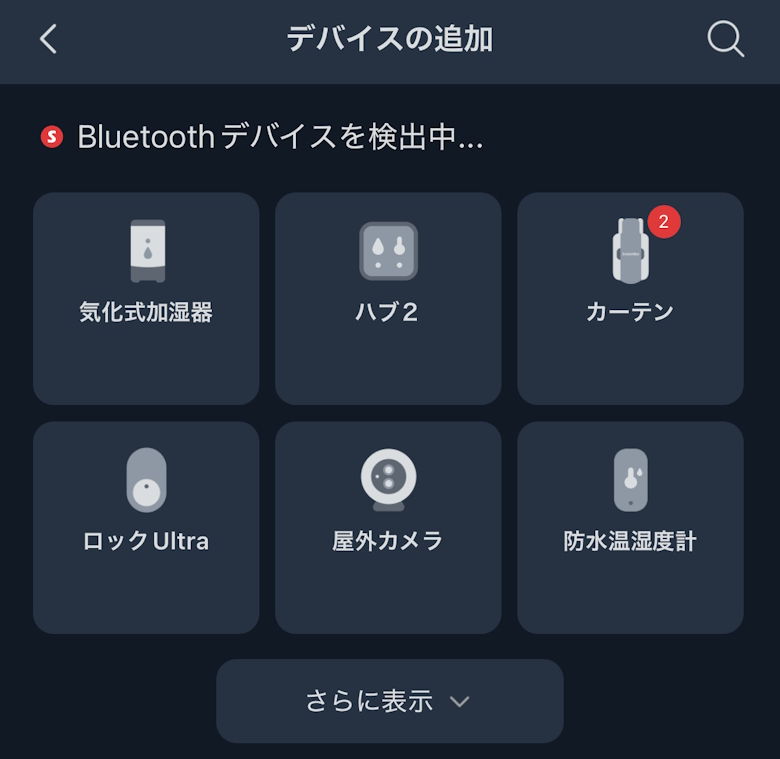
Tap the detected “Lock Ultra”
STEP
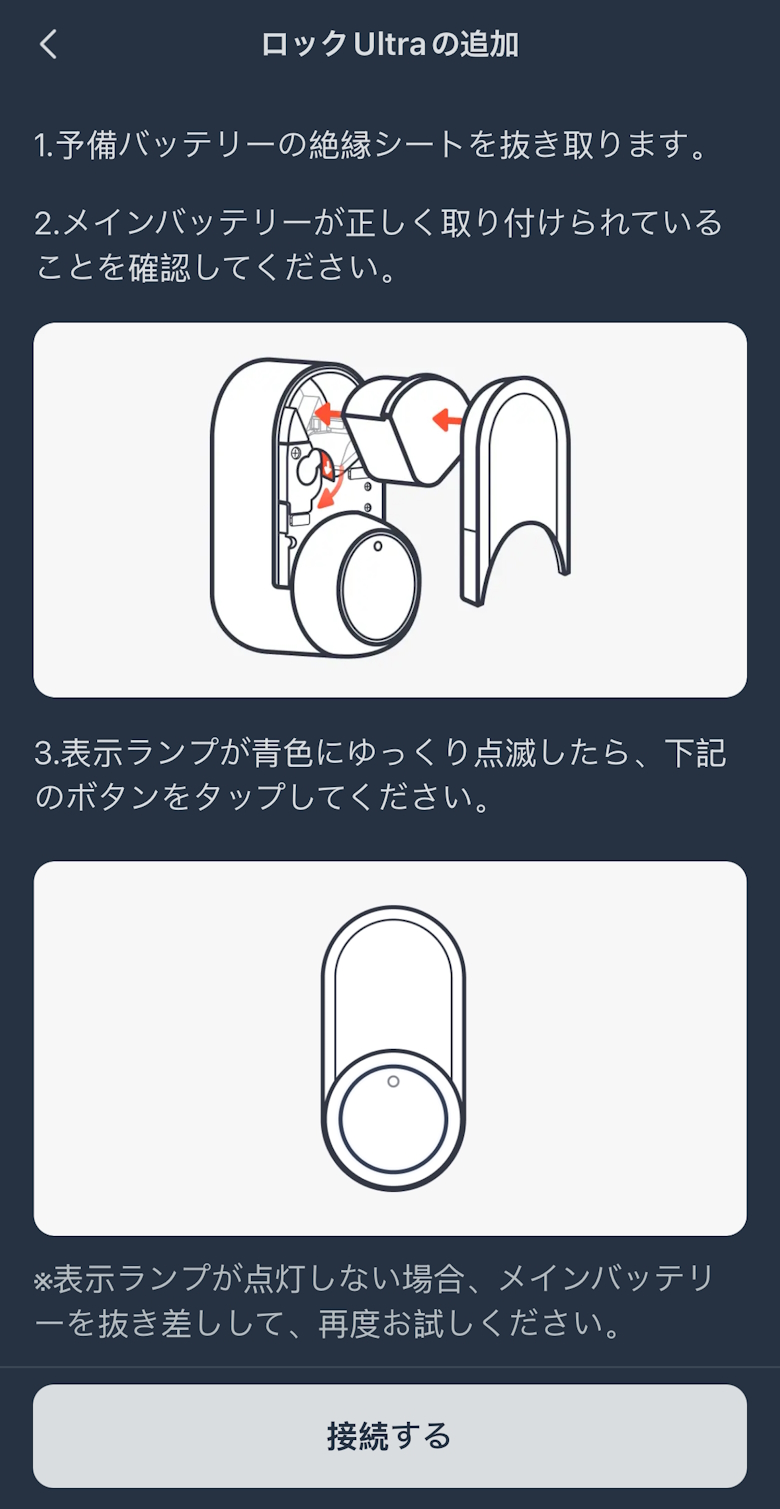
Tap “Connect”
STEP
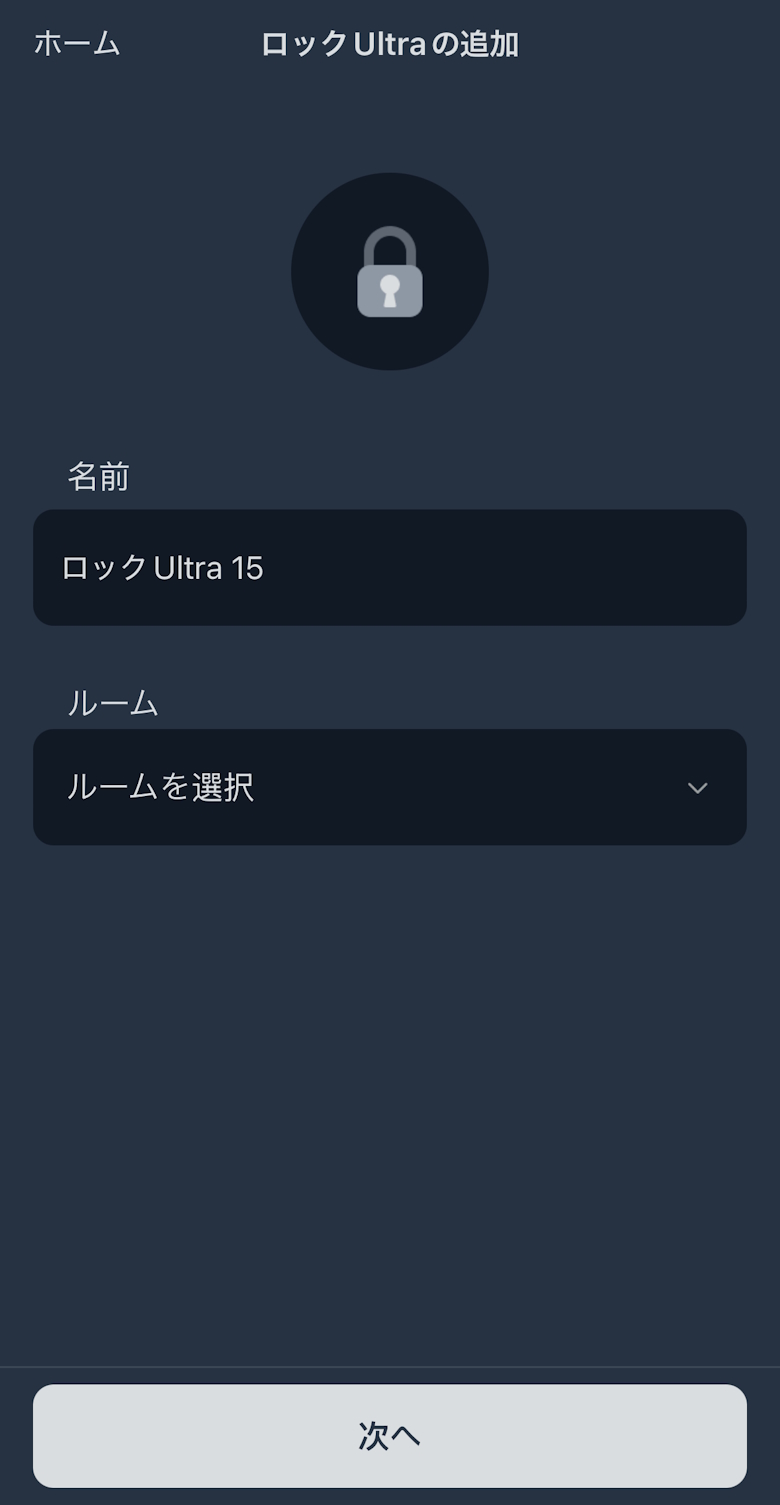
Enter a “Name,” select a “Room,” then tap “Next”
STEP
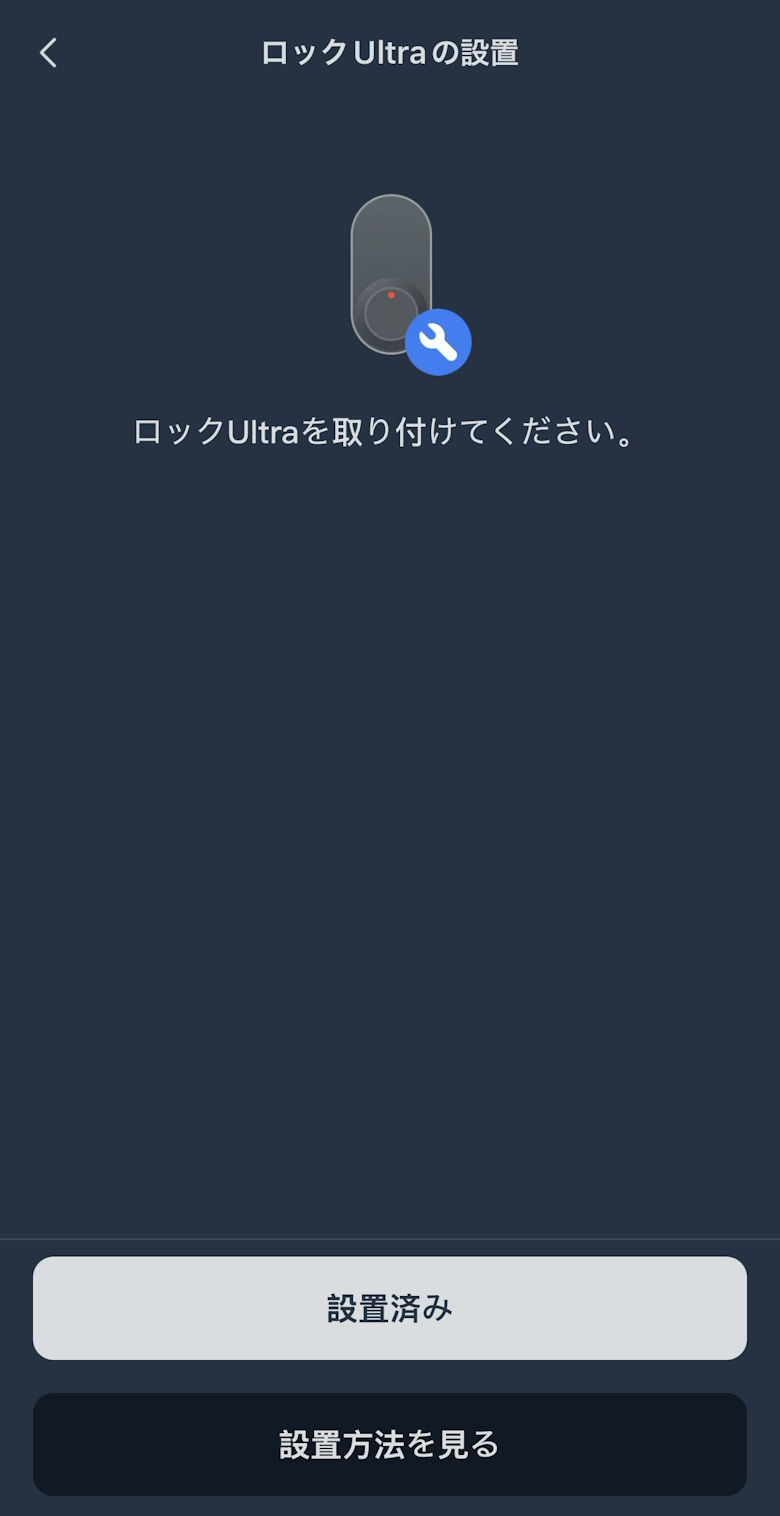
Tap “Installed”
STEP
Tap “Next”
STEP
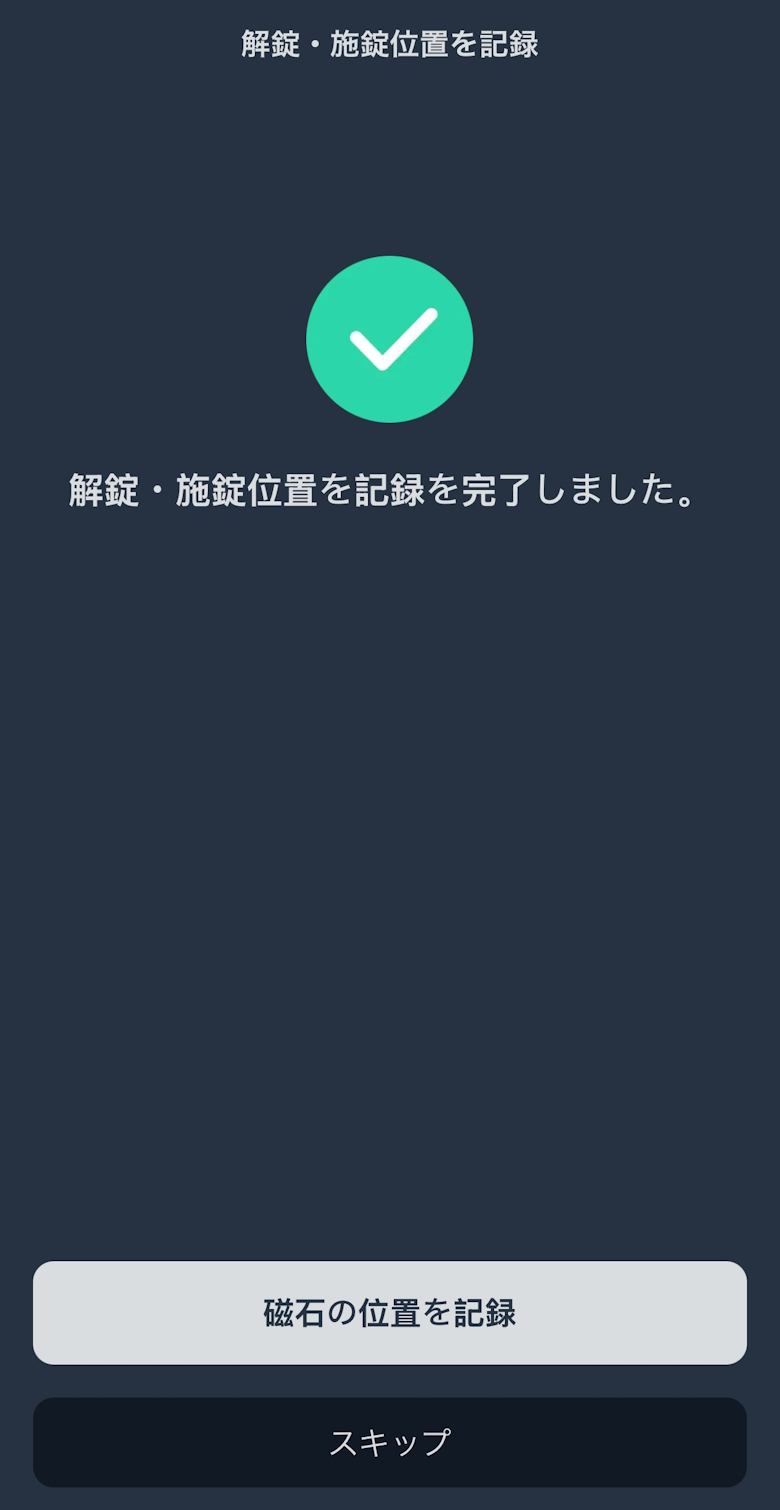
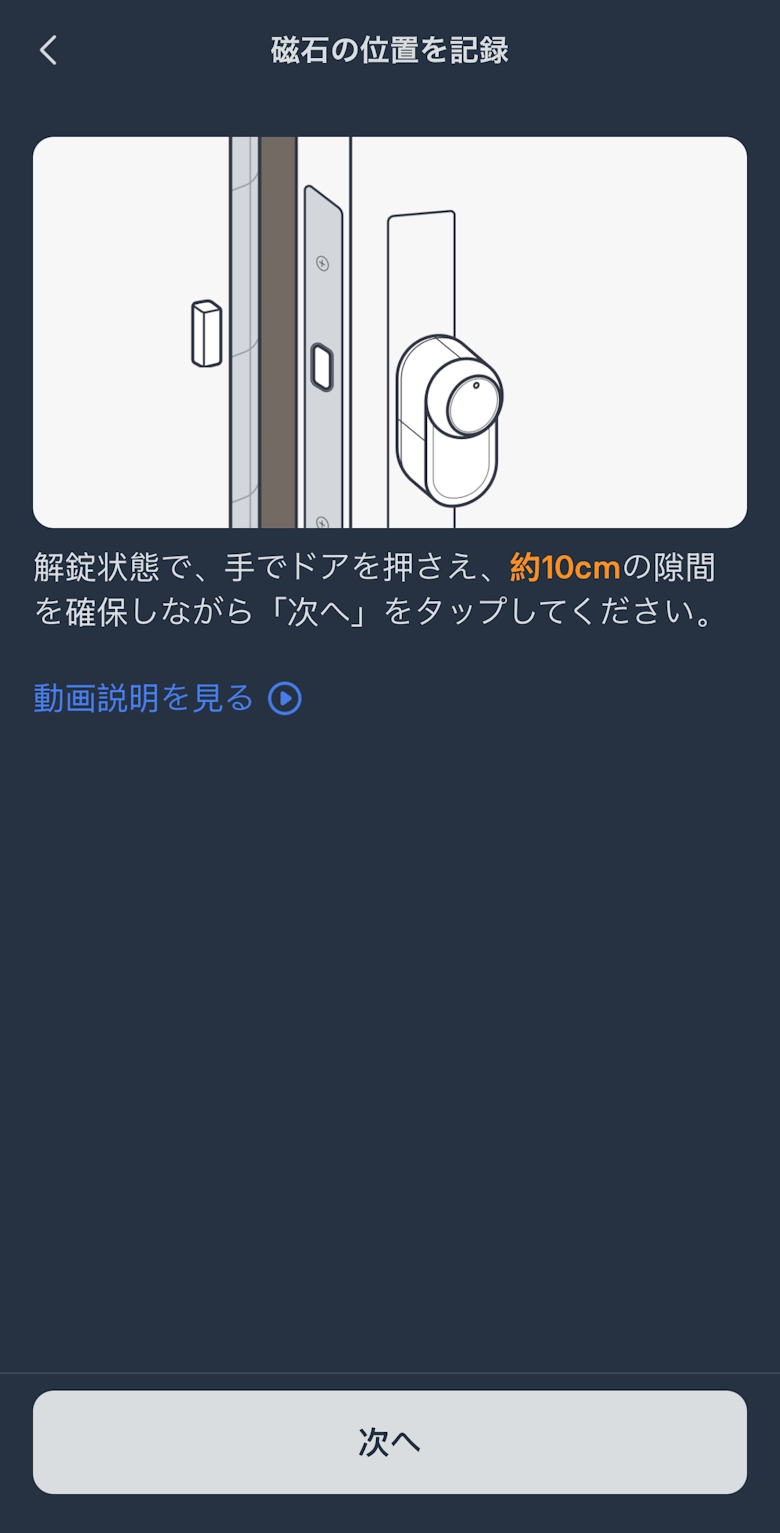
Tap “Record Magnet Position”
STEP
Tap “Next”
STEP
Setup is complete once the home screen appears
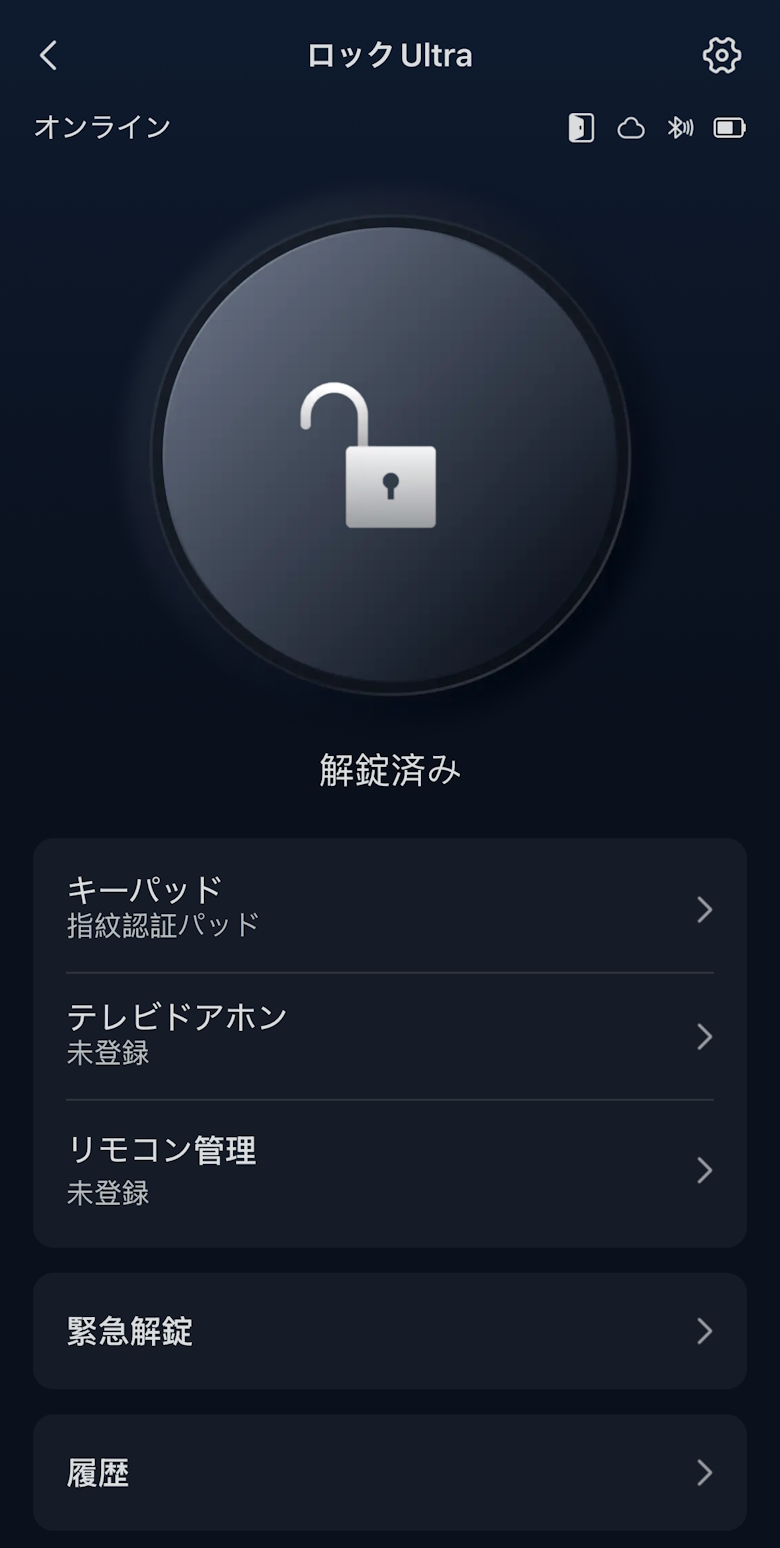
On the top screen, you’ll find Lock/Unlock, Battery Level, as well as Keypad and History buttons.
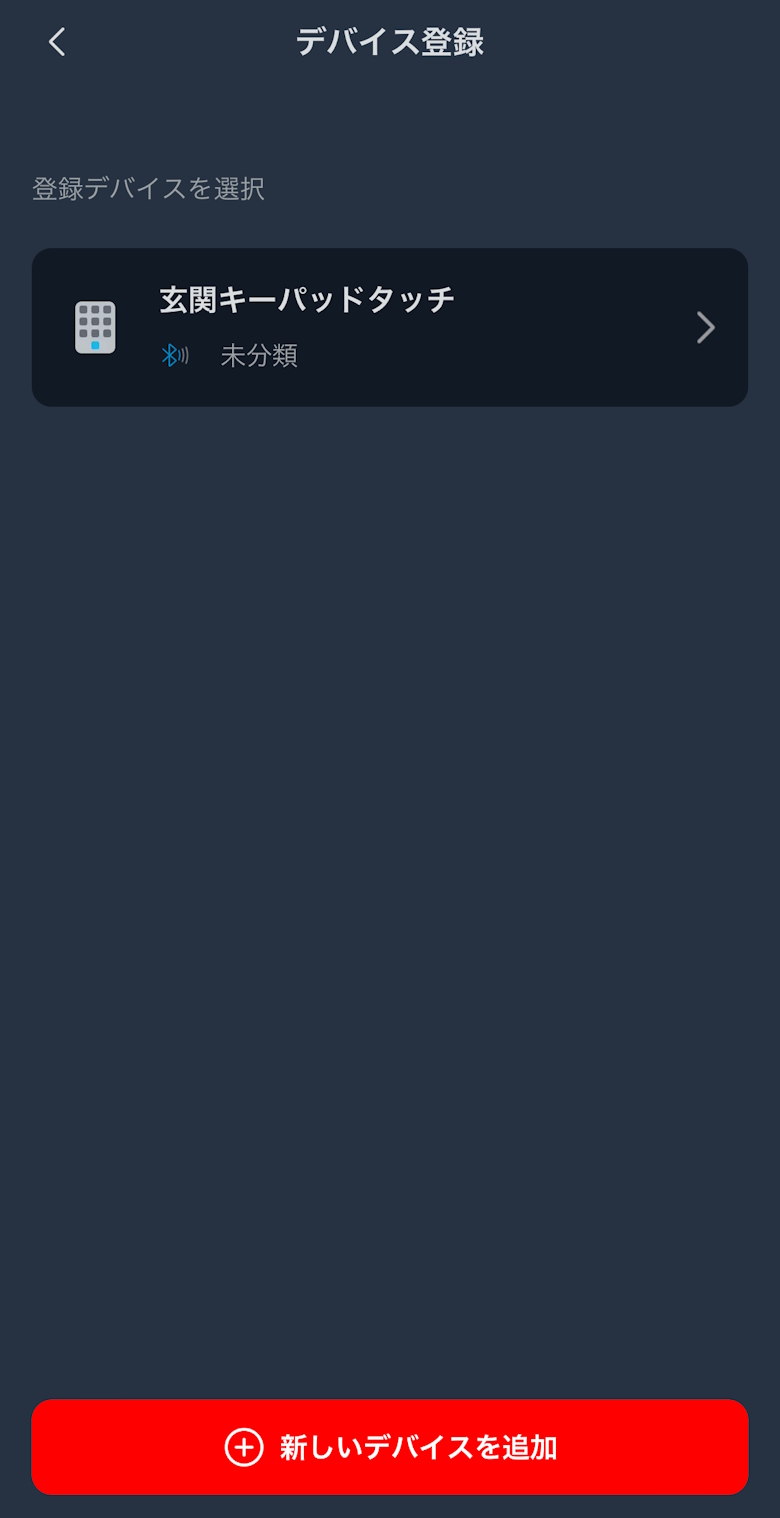
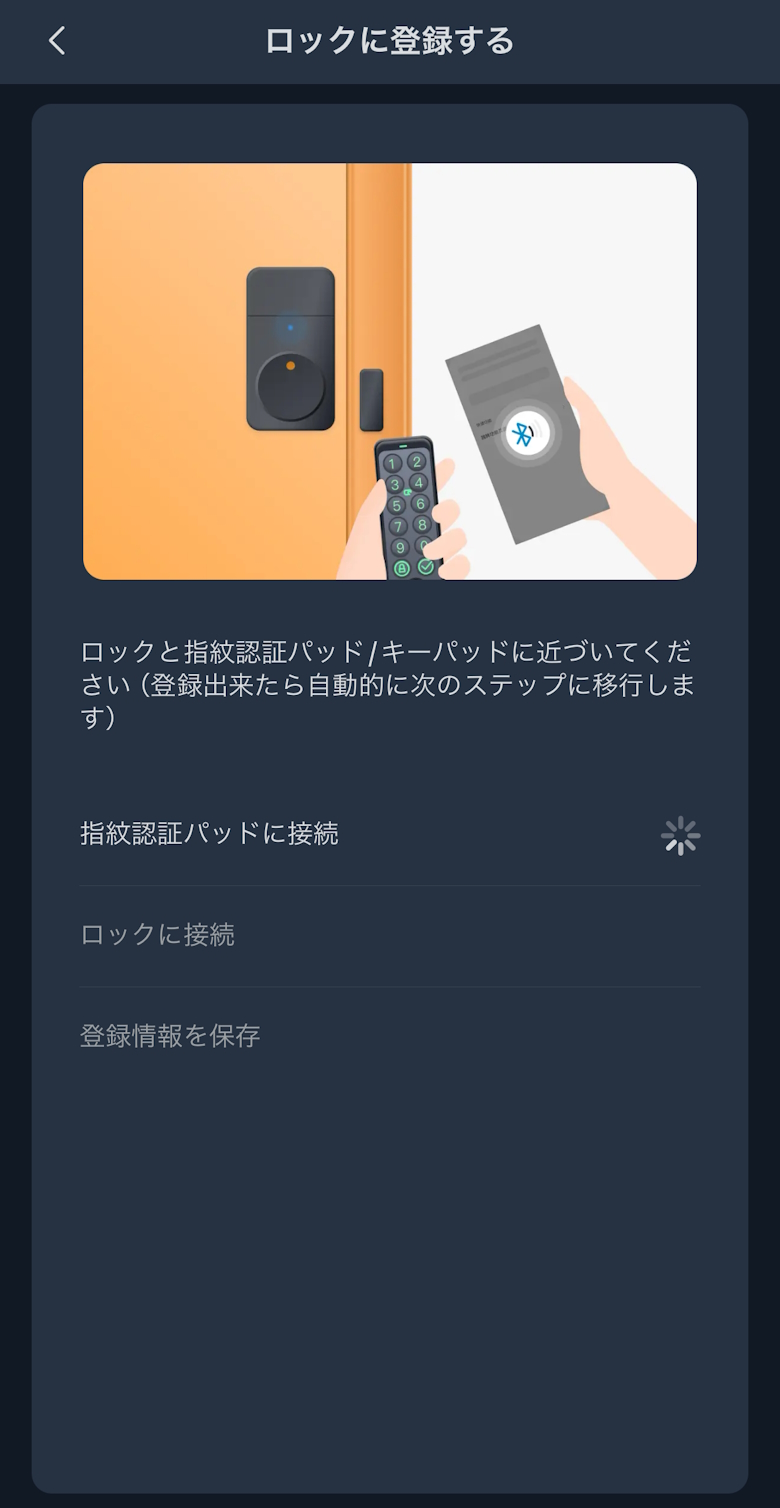
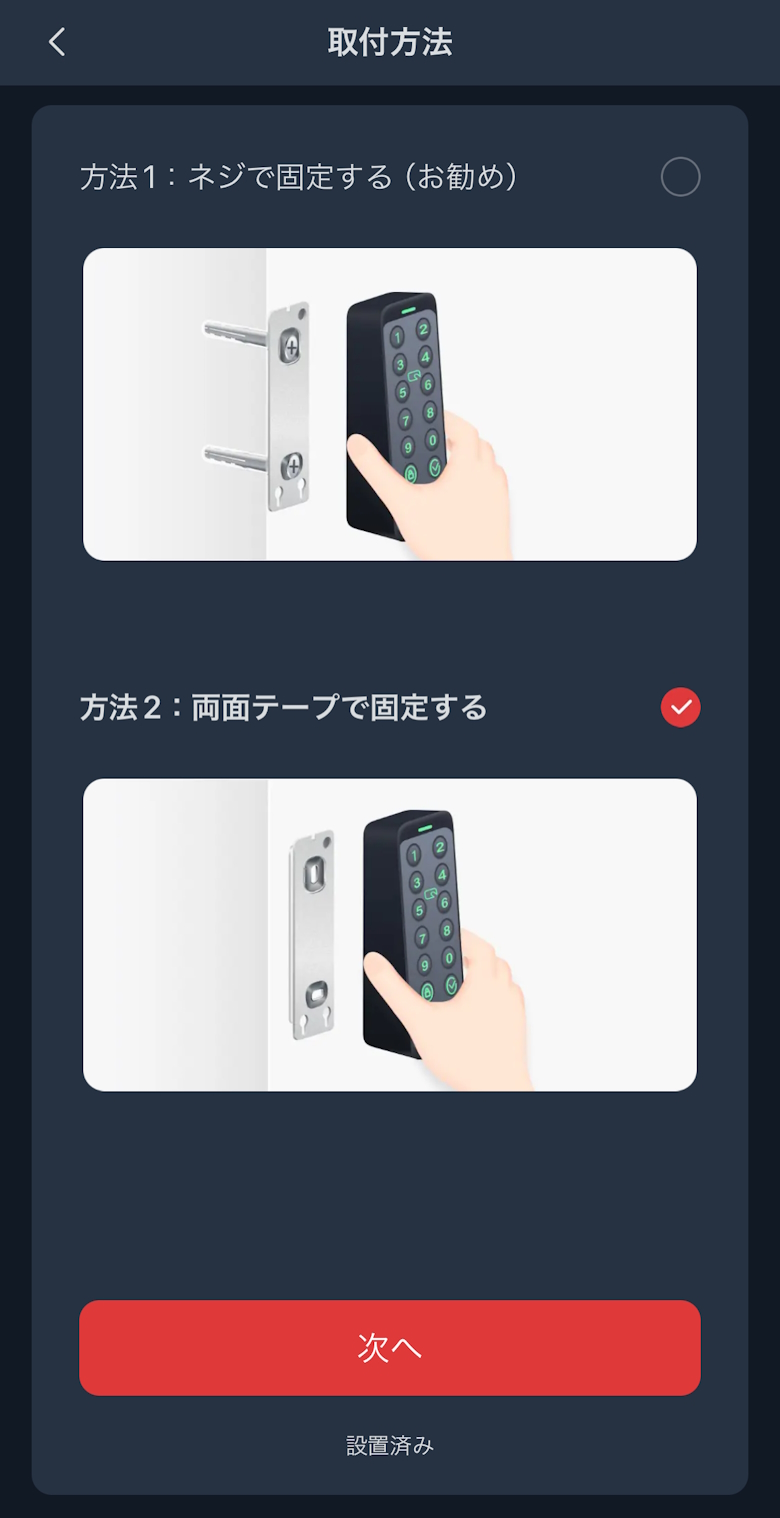
Under Keypad, you can check the information for your registered “SwitchBot Keypad Touch.”
イツキ
I’ve also published a detailed review of the “SwitchBot Keypad Touch,” which lets you lock and unlock using a passcode or NFC card, so be sure to check that out as well!
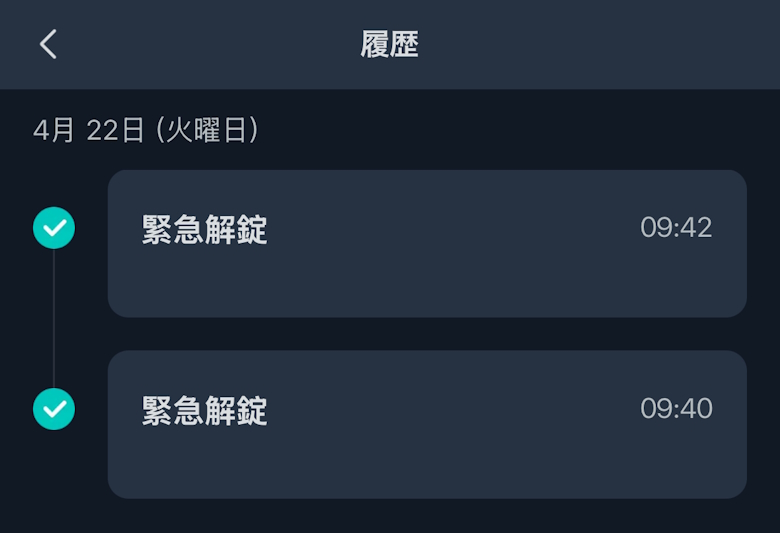
Under History, you can view the operation log of the “SwitchBot Lock Ultra.”
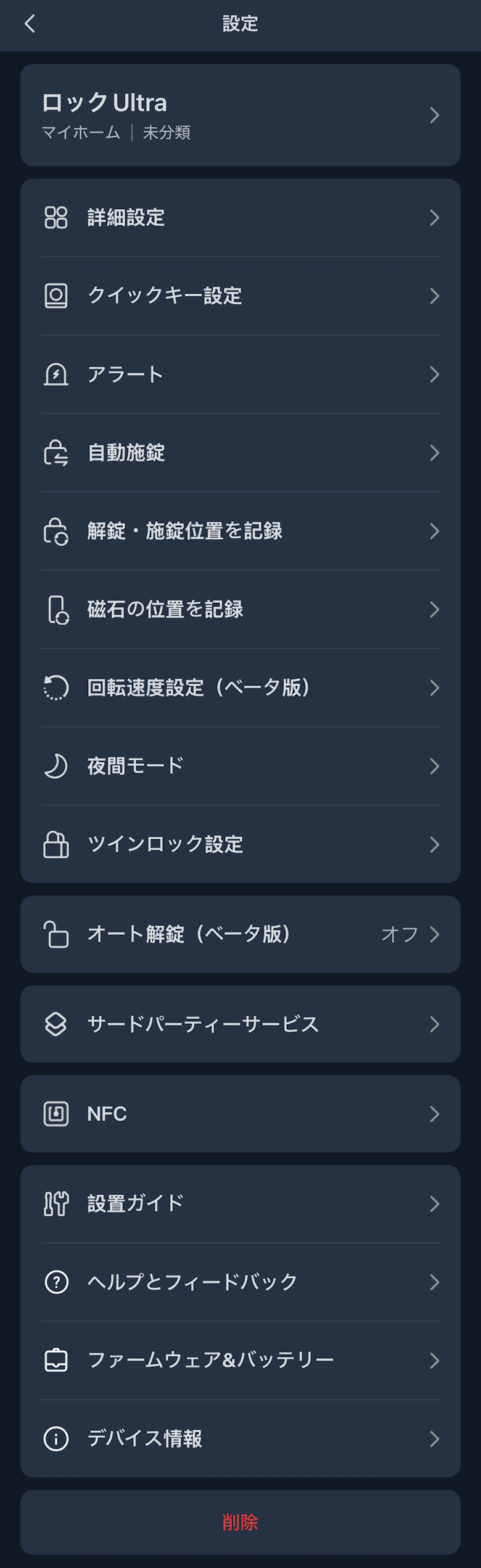
Under Settings, you can check and change various settings related to the “SwitchBot Lock Ultra.”
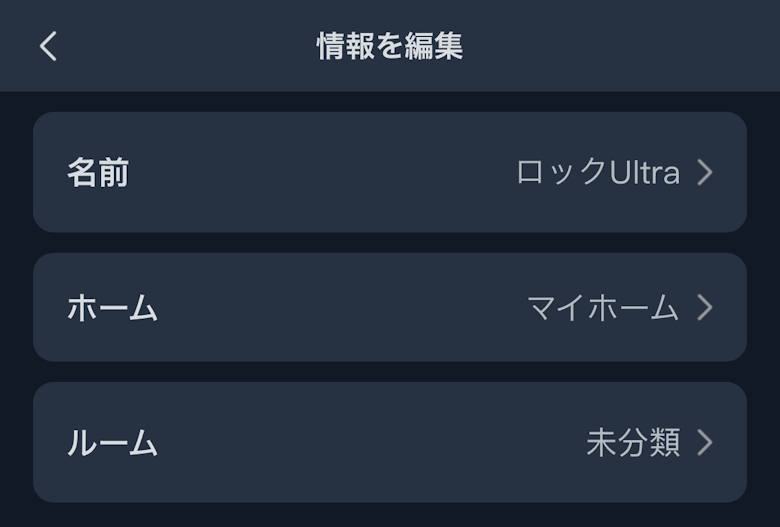
Under Edit Information, you can check and edit the device name, as well as confirm and edit the Home and Room settings.
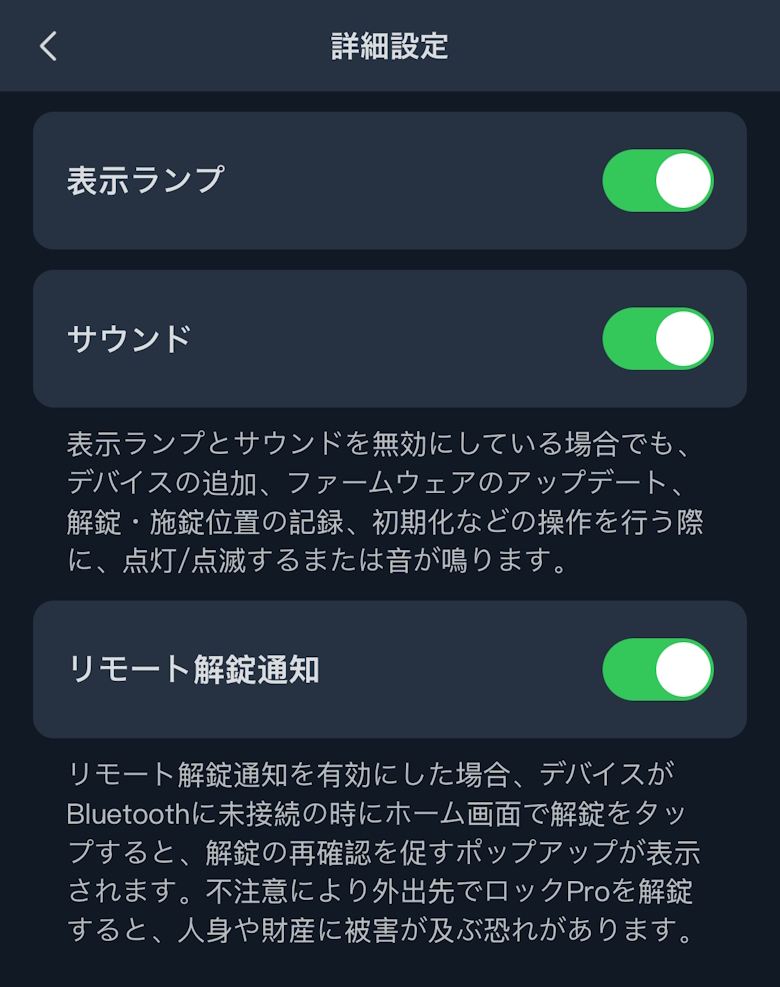
In Advanced Settings, you can turn the indicator light, sound, and remote unlock notifications ON/OFF.
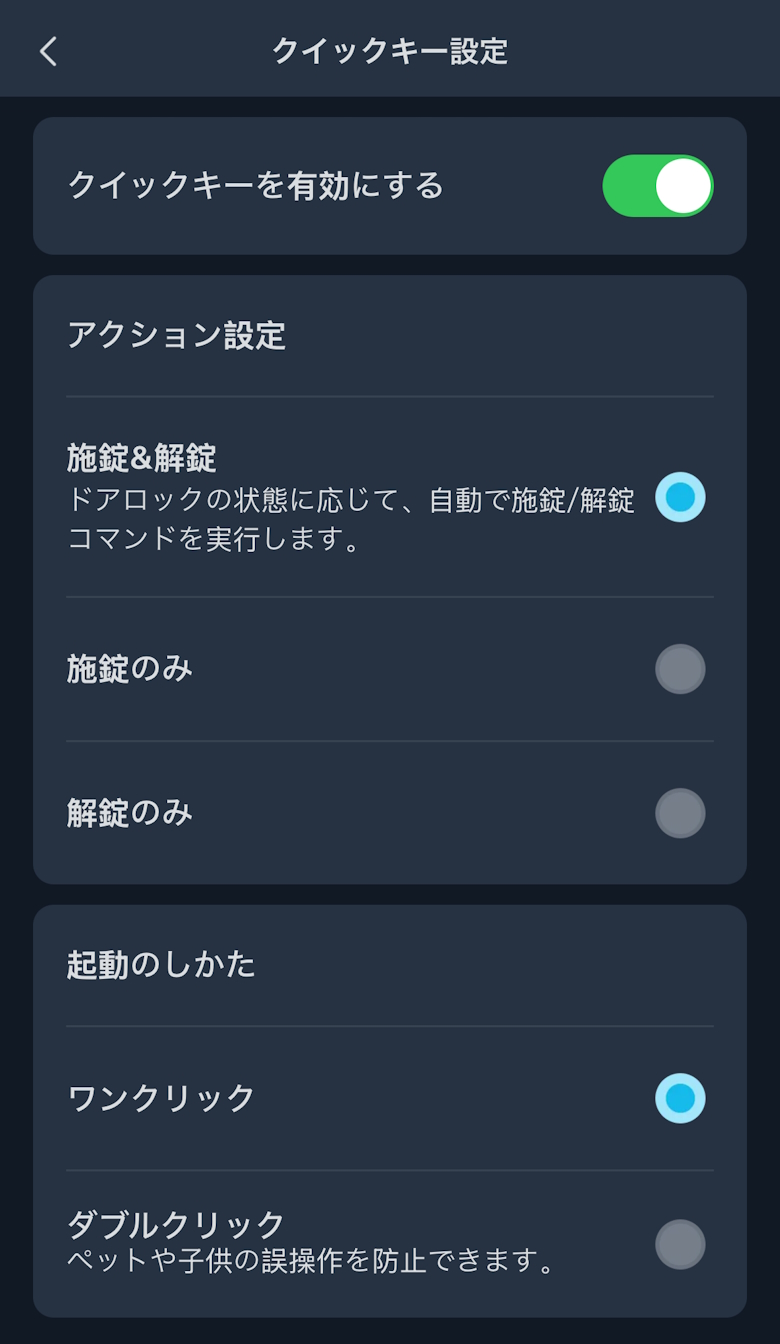
Under Quick Key Settings, you can enable or disable the Quick Key and configure its actions.
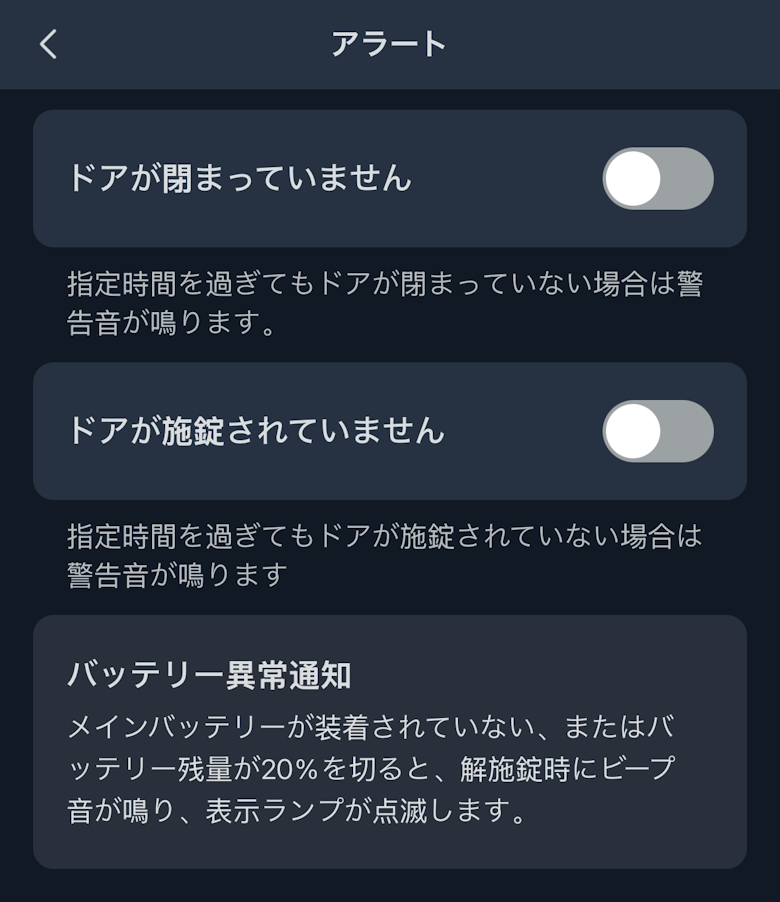
Under Alert Settings, you can turn various notifications ON/OFF based on the status of the “SwitchBot Lock Ultra” and set the delay before notifications are sent.
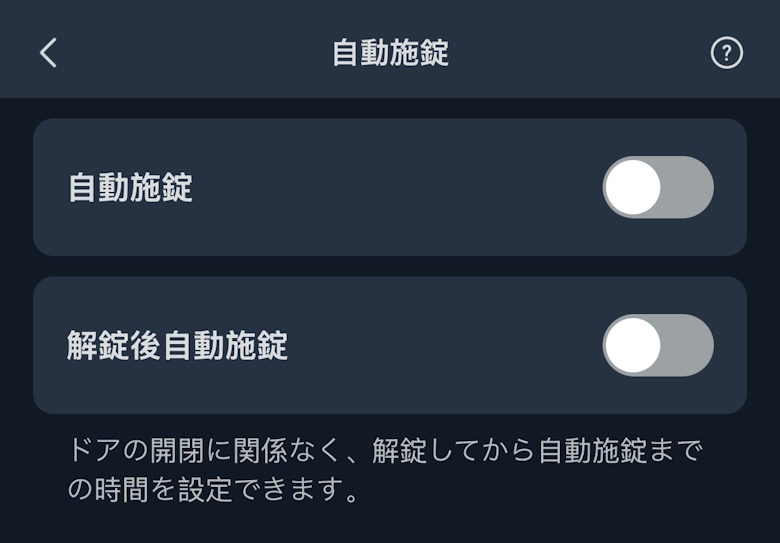
Under Auto Lock, you can turn it ON/OFF and set the time before the door automatically locks.
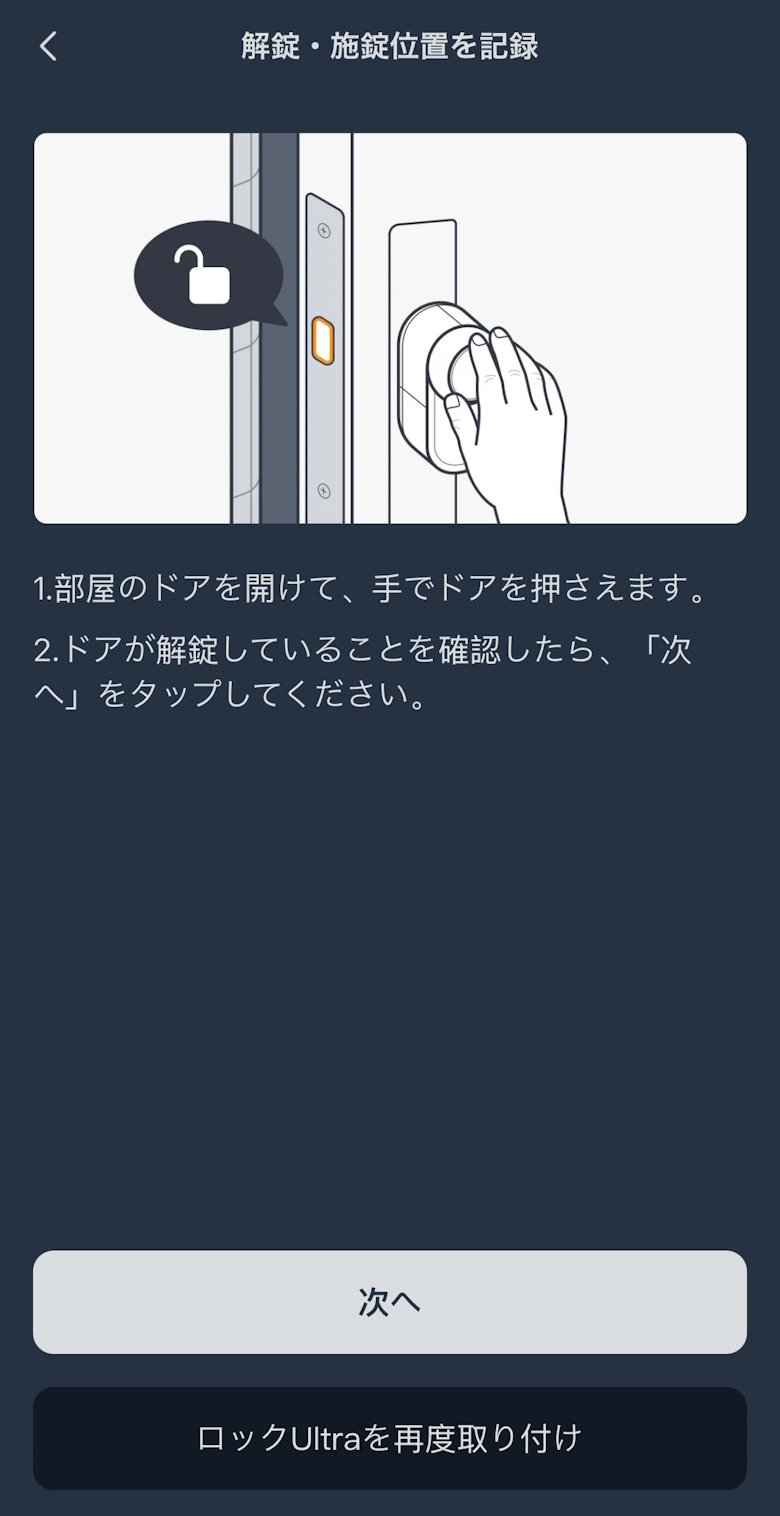
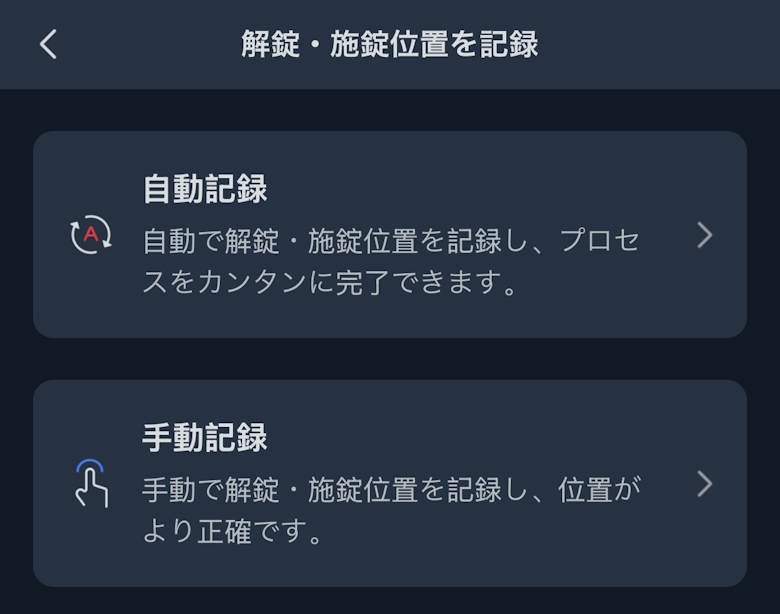
You can record the unlock and lock positions.
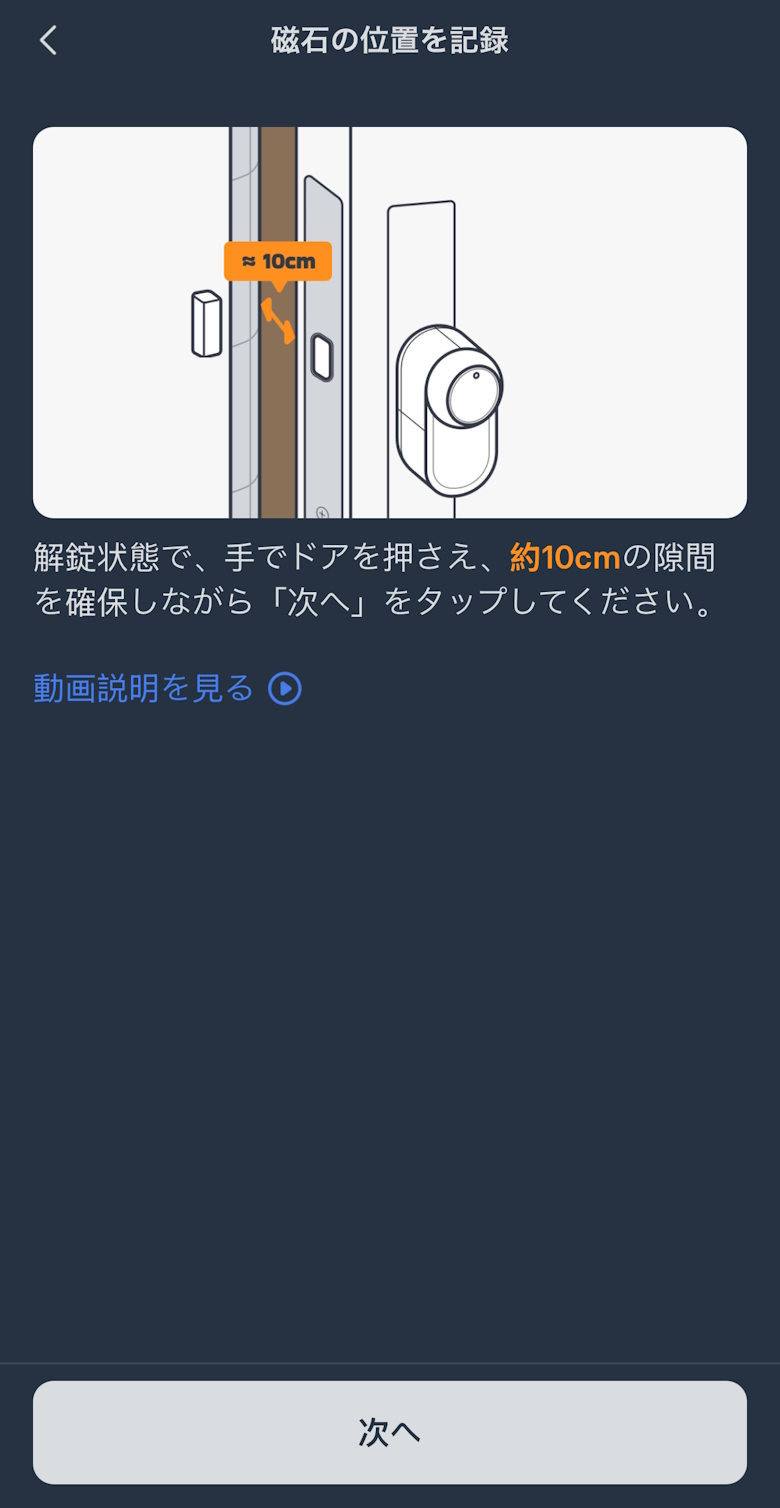
You can record the magnet position.
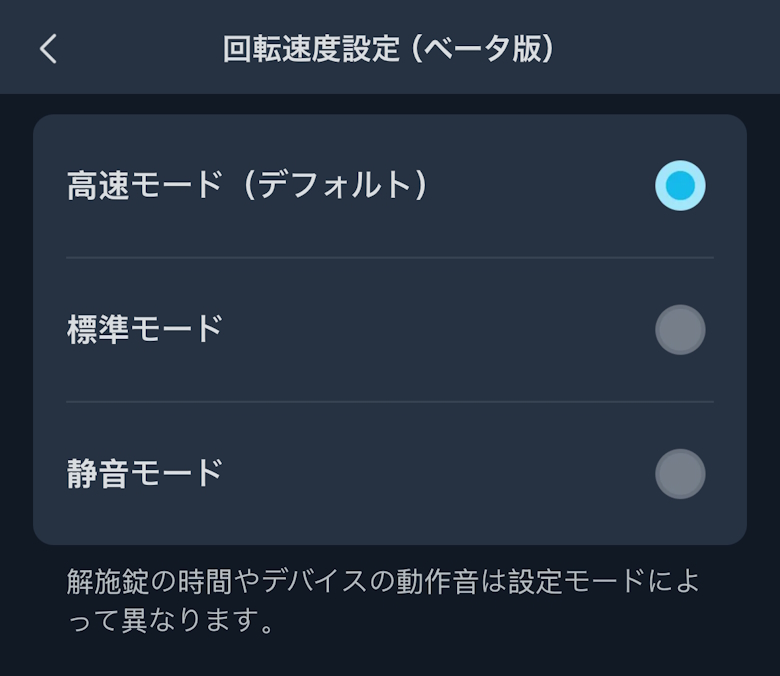
You can adjust the rotation speed.
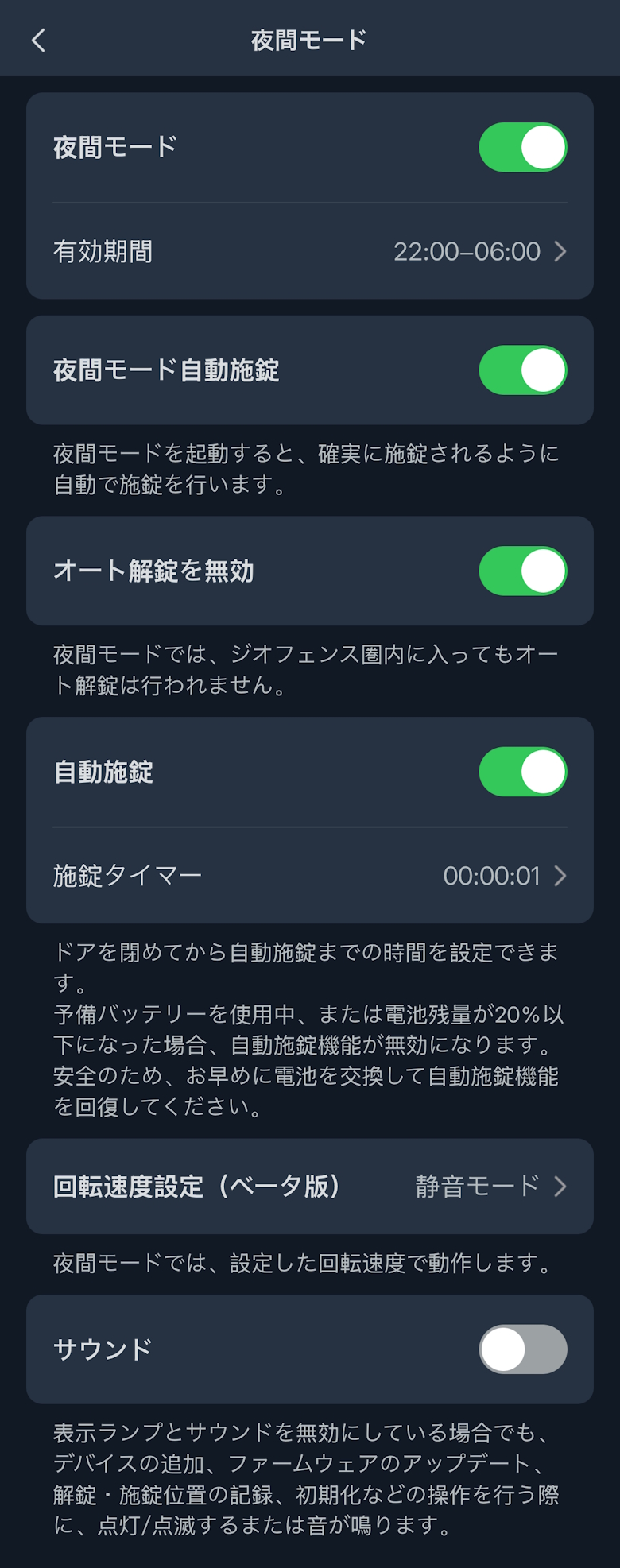
You can configure Night Mode settings.
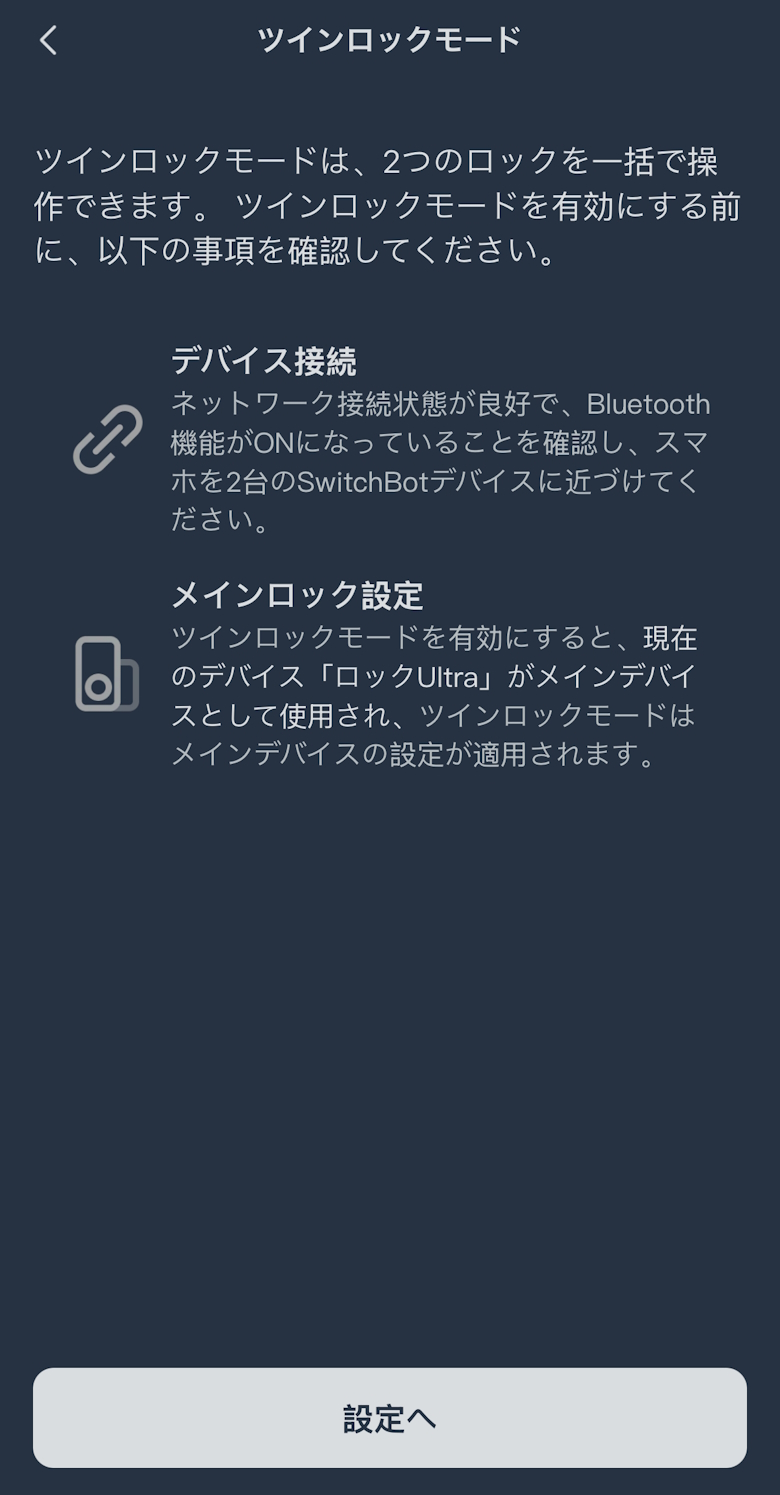
You can enable Twin Lock Mode.
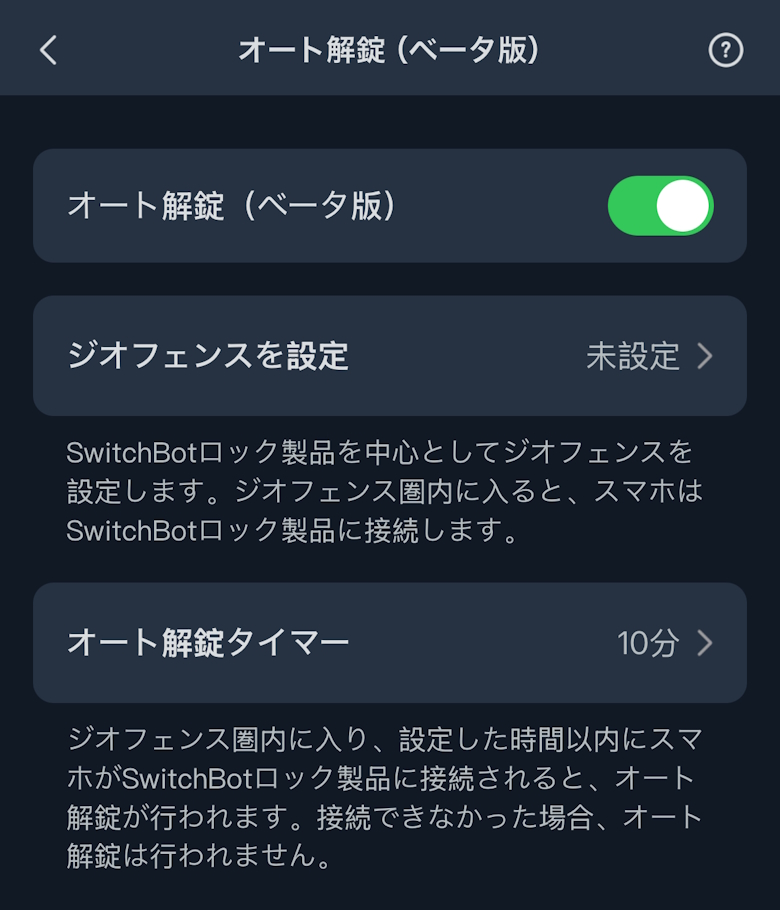
You can set up Auto Unlock.
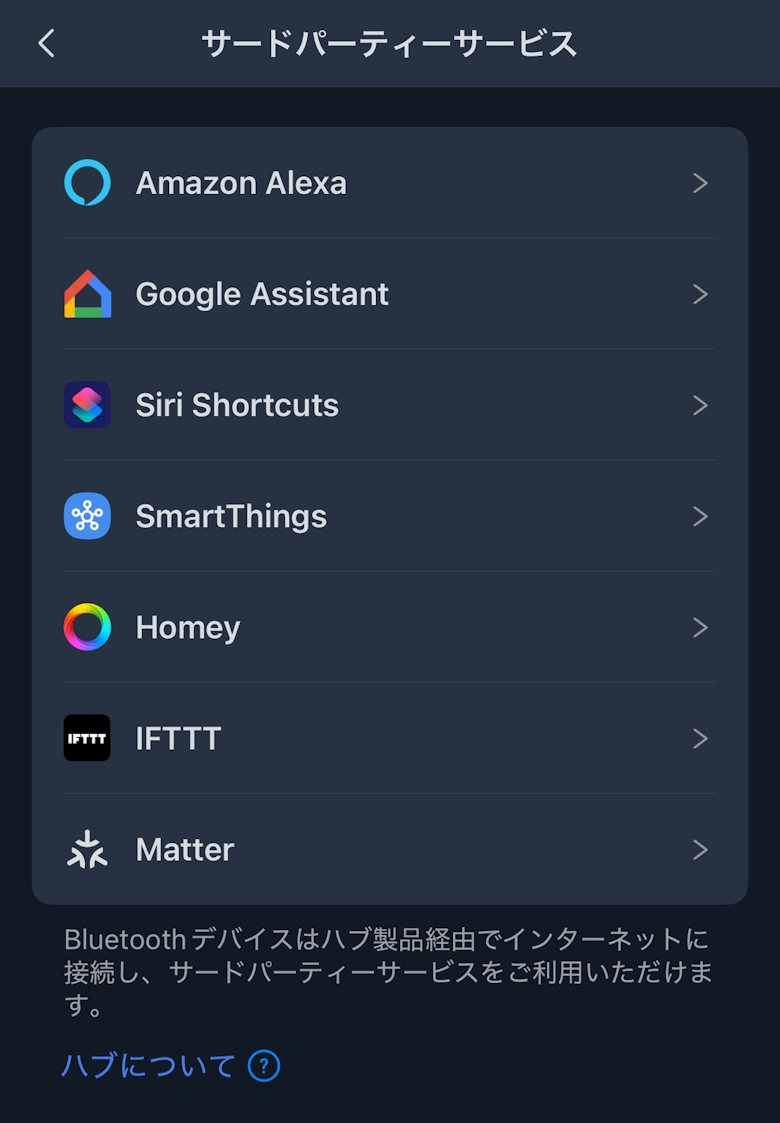
Under Third-Party Services, you can configure integration with smart speakers such as Google Assistant and Alexa.
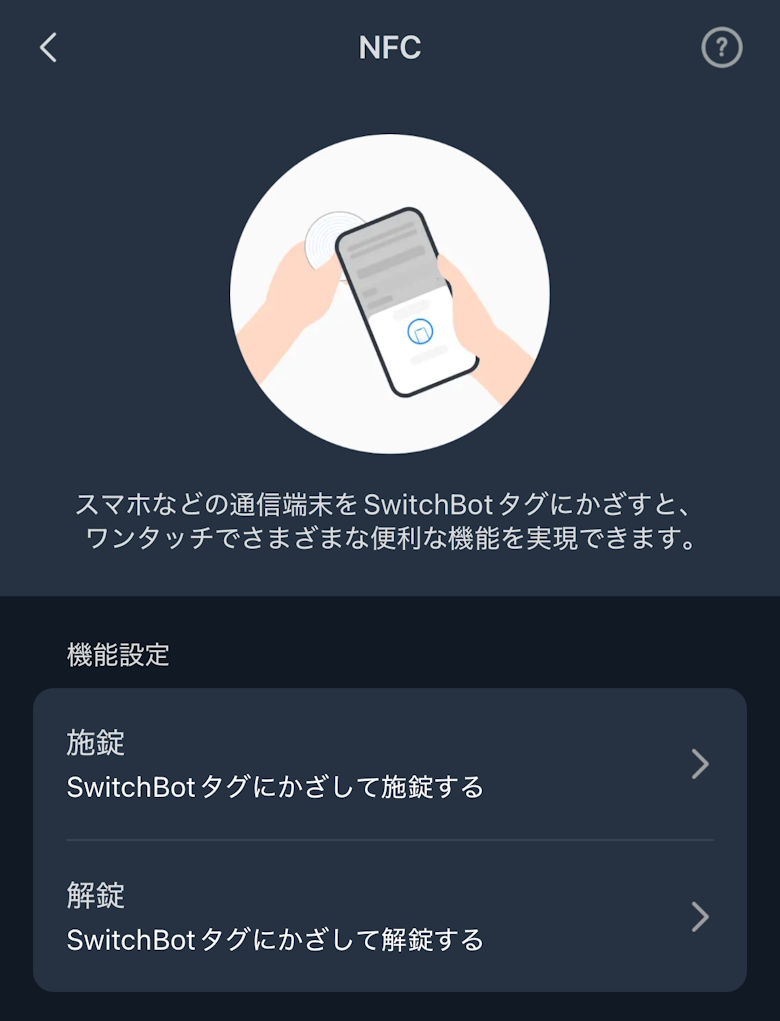
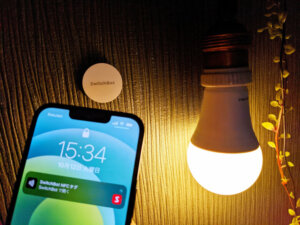
With NFC, you can write lock/unlock triggers to a SwitchBot tag and configure them.
イツキ
If you want to unlock the door with your voice, don’t forget that you need to change the settings in the Alexa app!
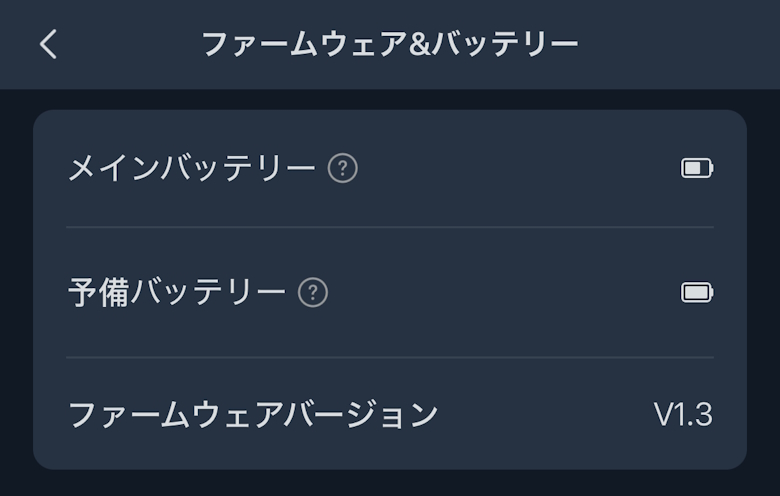
Under Firmware & Battery, you can check the remaining battery level and the firmware version.
Under Device Information, you can check the BLE MAC address.
SwitchBot Lock Ultra Review Summary
In this article, we covered “【SwitchBot Lock Ultra Review】Make Your Front Door Smarter and More Convenient with a Feature-Packed Smart Lock!”
Overall, the “SwitchBot Lock Ultra” is a smart lock that delivers satisfaction beyond its price.
At an accessible price point of around the $200 range (at the time of writing), it offers multiple features such as auto-lock, remote control, and PIN code entry, while also providing reliable security.
It’s a product we can confidently recommend both to first-time smart lock users and to those considering upgrading from a previous model.
If you’re thinking about making your front door “smarter,” this is definitely an option worth considering.
Pros
Cons
No installation work required—just attach it to your existing lock
 イツキ
イツキ