Hello, this is Itsuki, a keyboard enthusiast (@saigalog).
When choosing a mechanical keyboard, what points do you focus on?
Some people prioritize “ease of typing,” “flexibility of connection options,” or “long-lasting battery,” and preferences vary from person to person.
Recently, especially with remote work and gaming, more people are using a single keyboard for a wide range of purposes, and models that combine cost performance and multifunctionality are attracting attention.
Among them, the one we are reviewing this time is the “Epomaker x AULA F108”.
This keyboard features a full-size, well-organized layout and supports Tri-Mode (wired, 2.4GHz wireless, Bluetooth) connections.
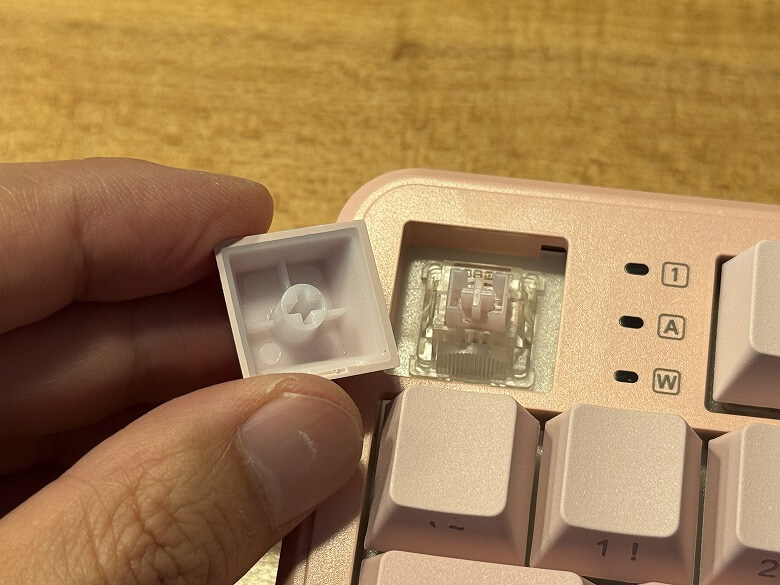
In addition, it has a hot-swap feature, allowing you to replace switches with your preferred ones, adding to its expandability.
Moreover, it is equipped with a large 4000mAh battery, designed to provide peace of mind even during long work sessions or gaming.
In this article, we will actually use the “Epomaker x AULA F108” and introduce in detail the typing feel, quietness, RGB lighting appearance, and the advantages and disadvantages experienced during use.
If you are considering purchasing it, be sure to check it out until the end.
Pros
Cons
Supports Tri-Mode connections (wired / 2.4GHz wireless / Bluetooth) for flexible use
Full-size layout with numeric keypad, suitable for work and gaming
Hot-swap compatible, allowing switch replacement and personal customization
Equipped with a large 4000mAh battery for long-lasting use
RGB lighting enhances visual appeal and looks great for gaming
Full-size and relatively large, takes up space on the desk
Heavy, not suitable for portable use
Japanese layout (JIS) may not be available, inconvenient for those unfamiliar
*This article was created with a product provided by the manufacturer.
Table of Contents
Contents included with Epomaker x AULA F108
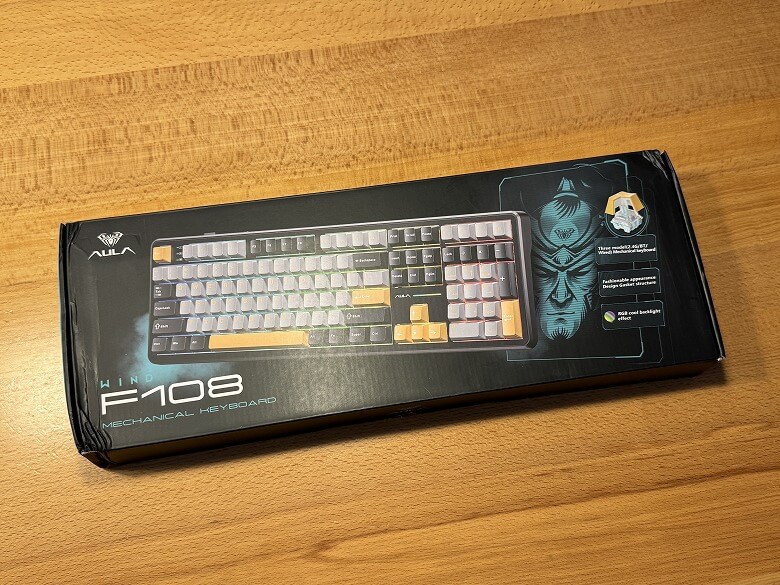
The outer box of the “Epomaker x AULA F108” has a sleek design with a black base color.
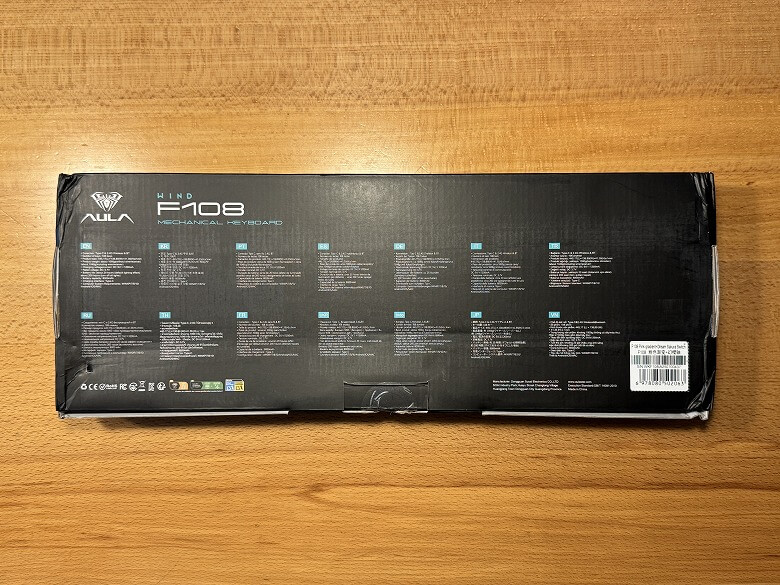
The back lists the product features.
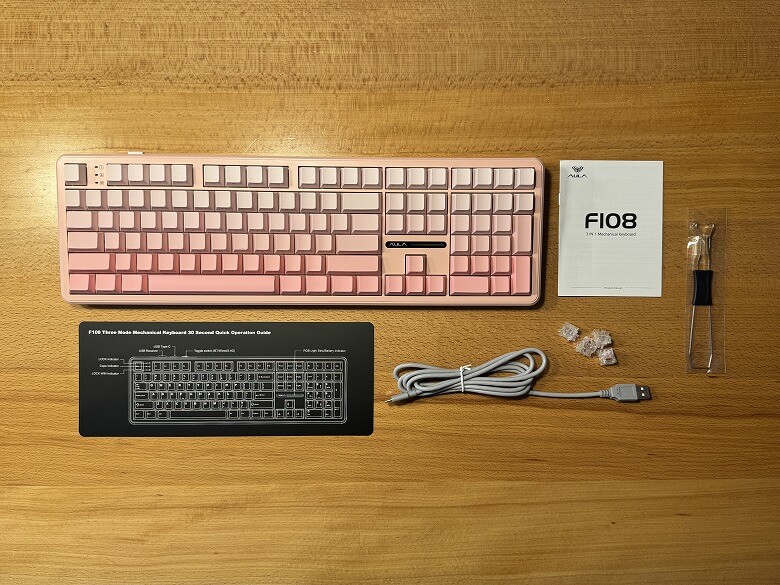
The contents include the following items.
Contents included with Epomaker x AULA F108
Keyboard main unit
USB Type-A to C cable
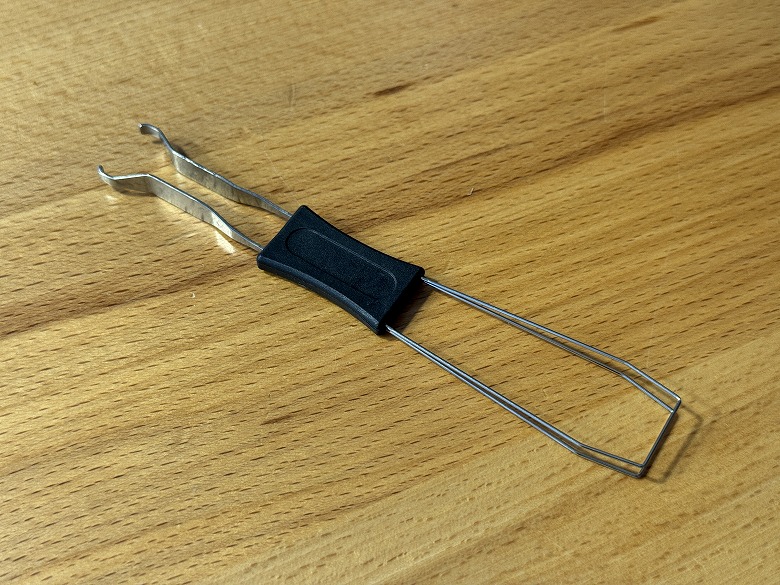
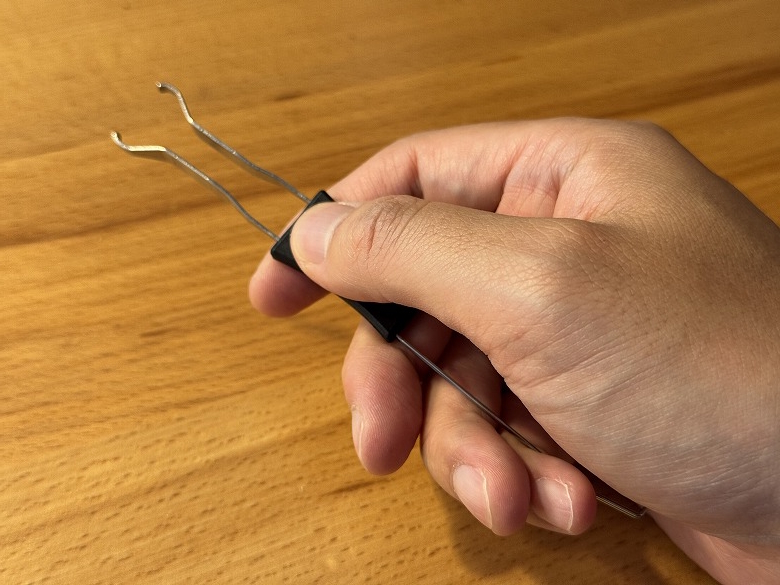
Keycap & key switch puller
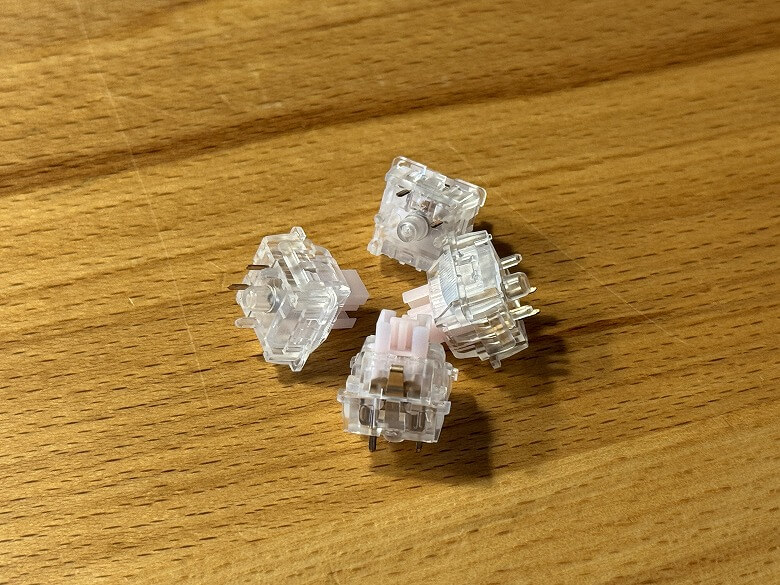
Key switches
Instruction manual
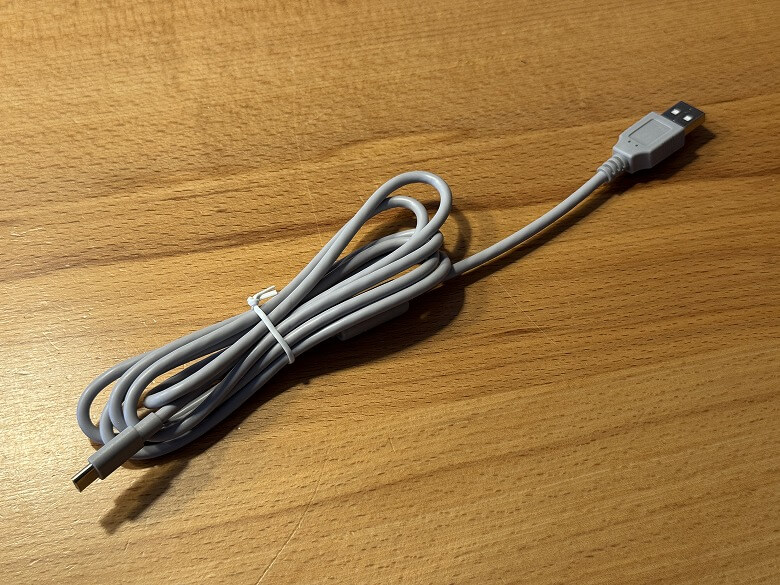
The USB Type-A to C cable is uniformly gray.
The tool has keycap puller on one side and key switch puller on the other.
A spare key switch is included.
Specifications of Epomaker x AULA F108
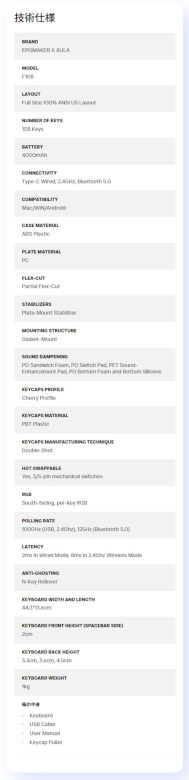
The “Epomaker x AULA F108” is a multifunctional full-size mechanical keyboard with tri-mode connectivity and hot-swap support.
The main specs are as follows.
Appearance
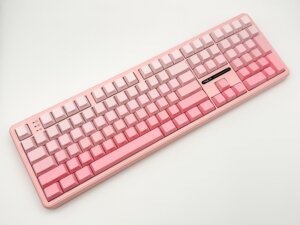
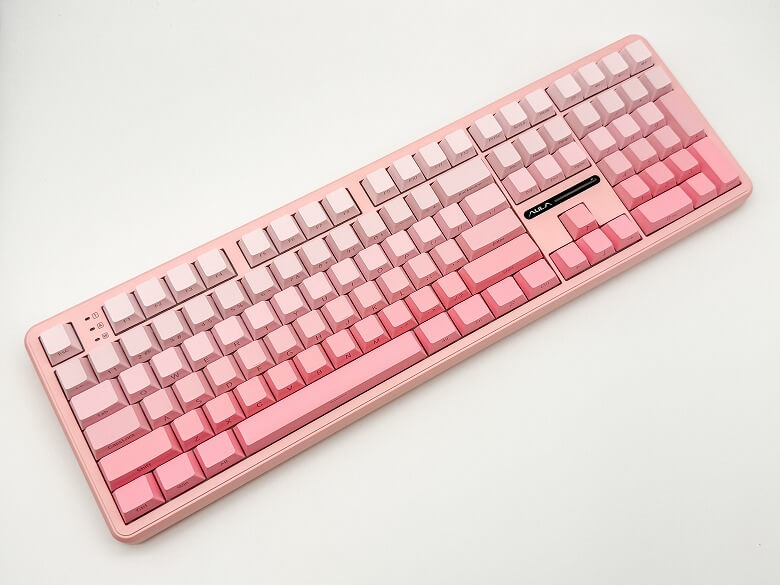
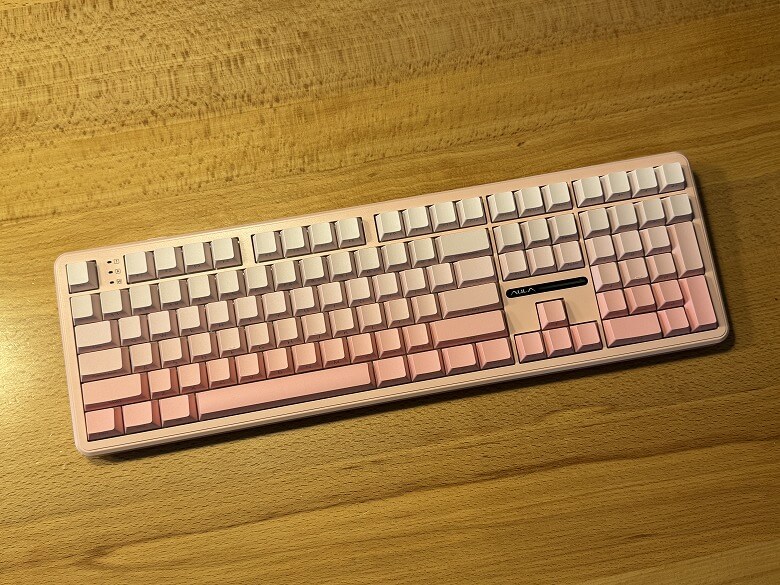
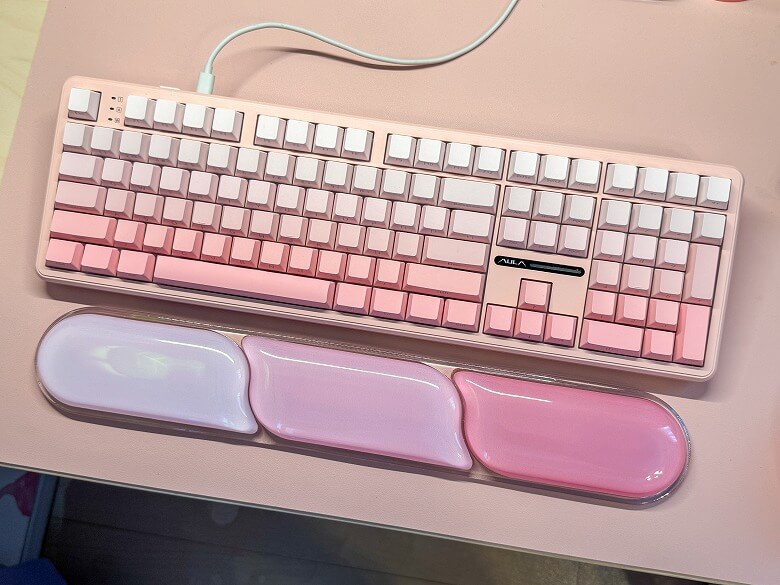
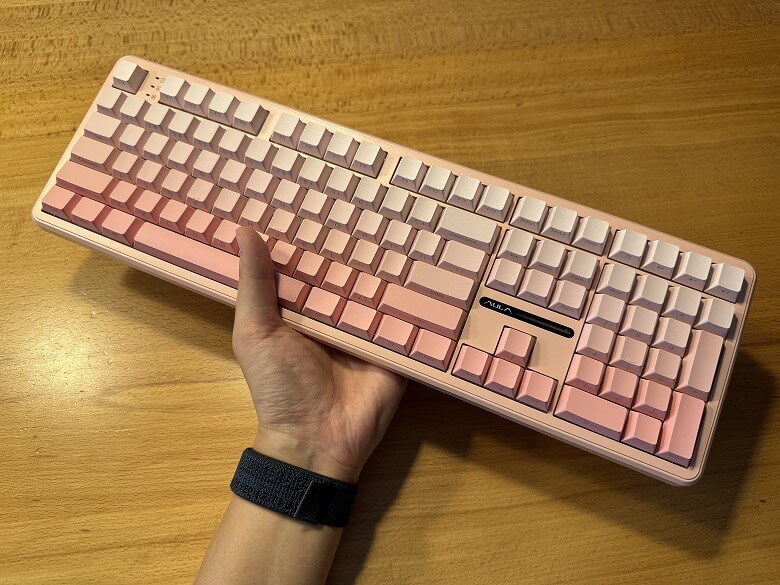
The “Epomaker x AULA F108” features a cool design with a beautiful pink gradient color.
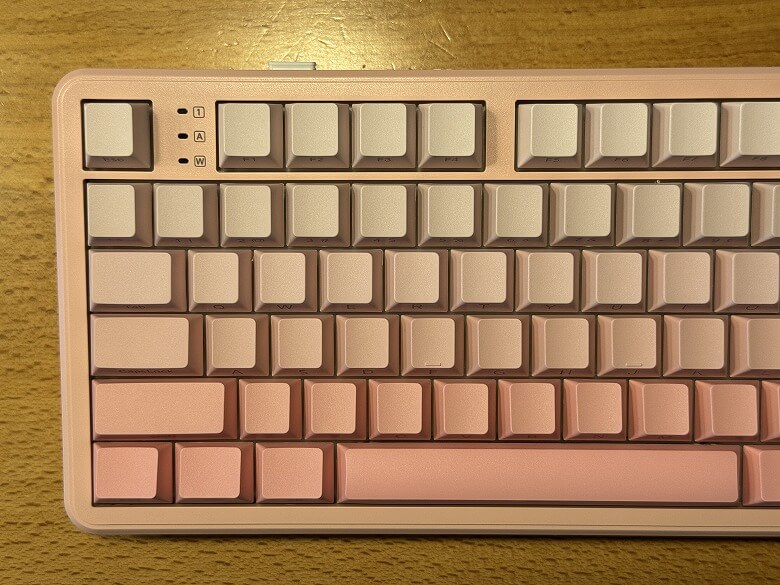
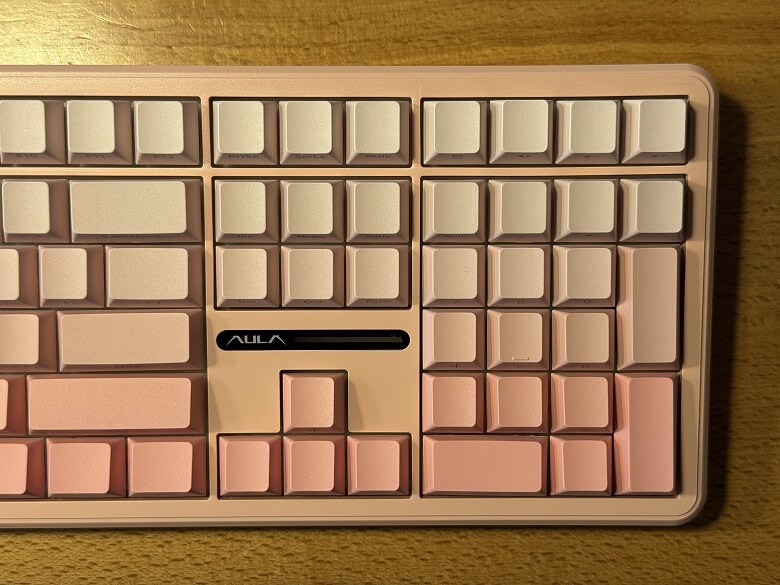
Here’s a close-up of the left and right sides of the keyboard.
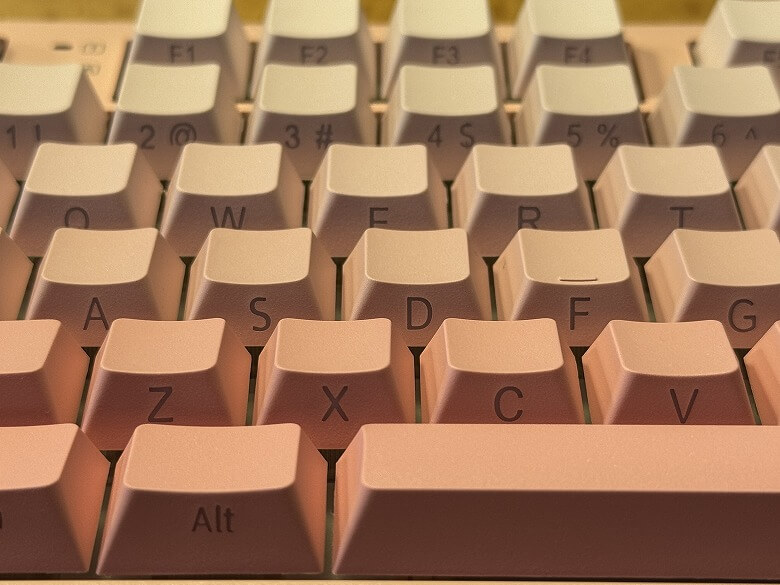
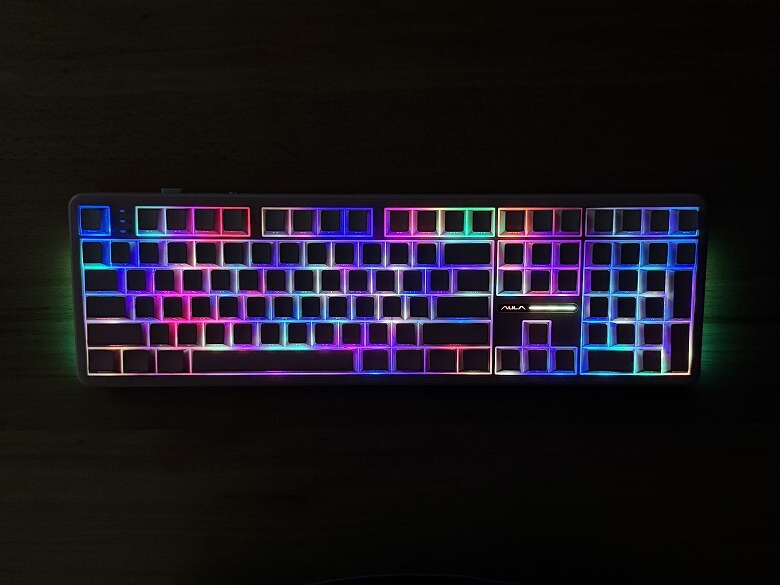
The keycaps are front-printed, so from above they may look like they are blank.
It features beautiful RGB lighting.
Itsuki
The lighting patterns are introduced in the video later in this article.
You can access various functions by combining with the Fn key.
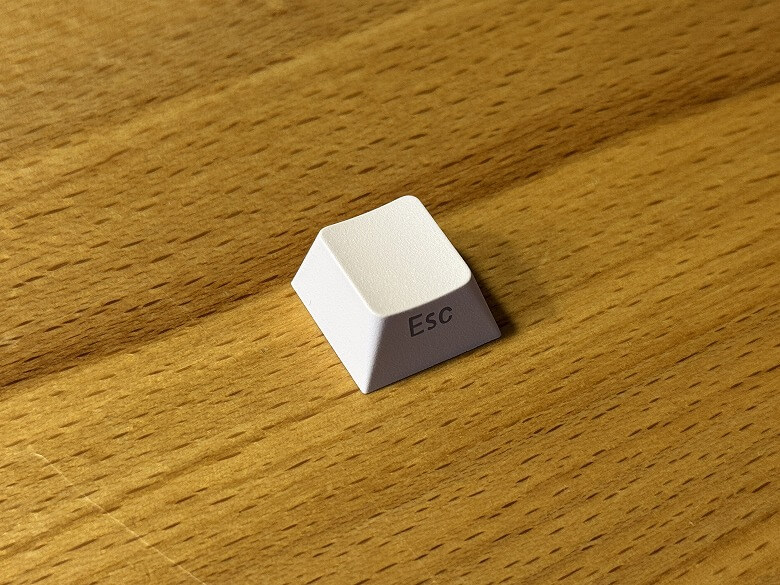
The keycaps are made of PBT material, offering a premium feel and excellent durability.
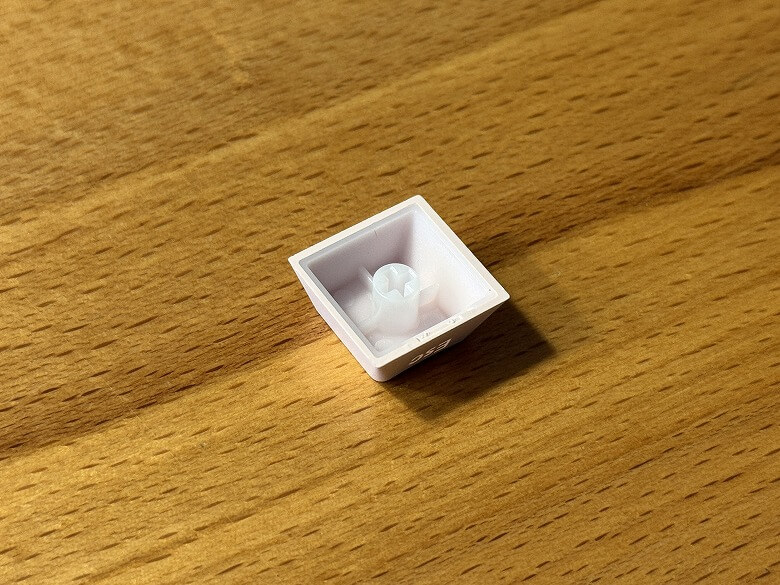
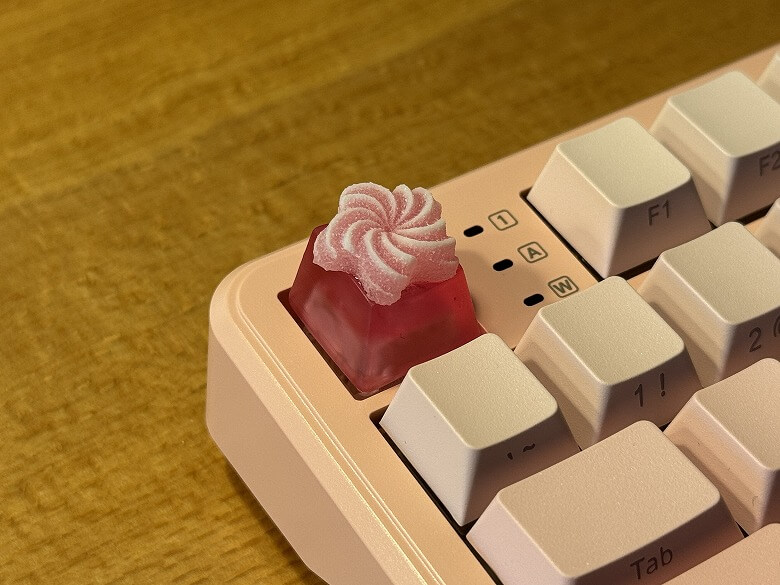
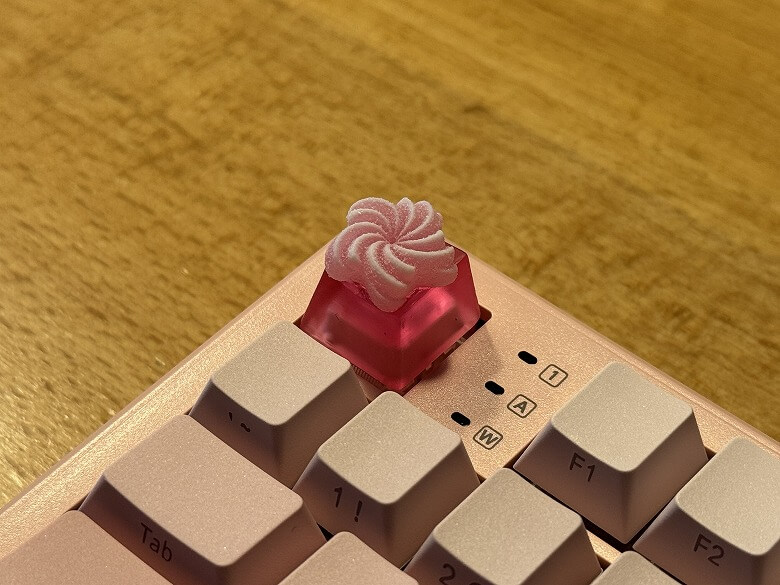
It is Cherry MX compatible, allowing you to swap in original keycaps for a different look.
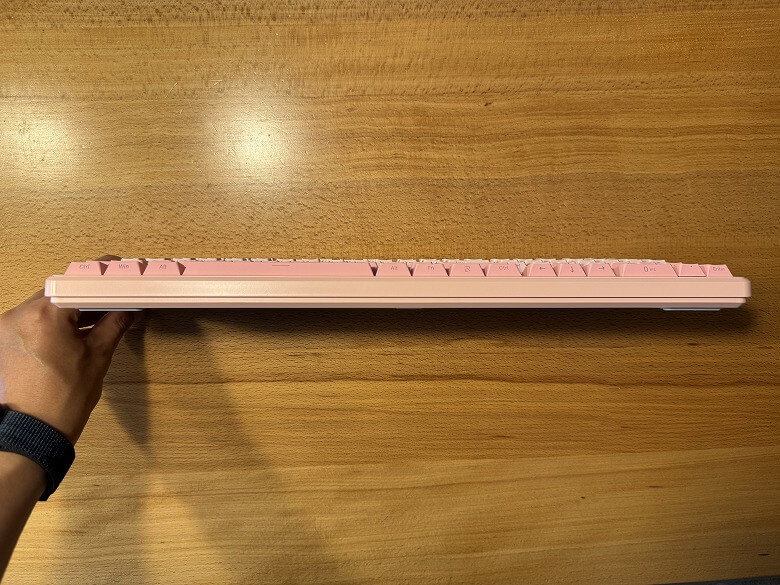
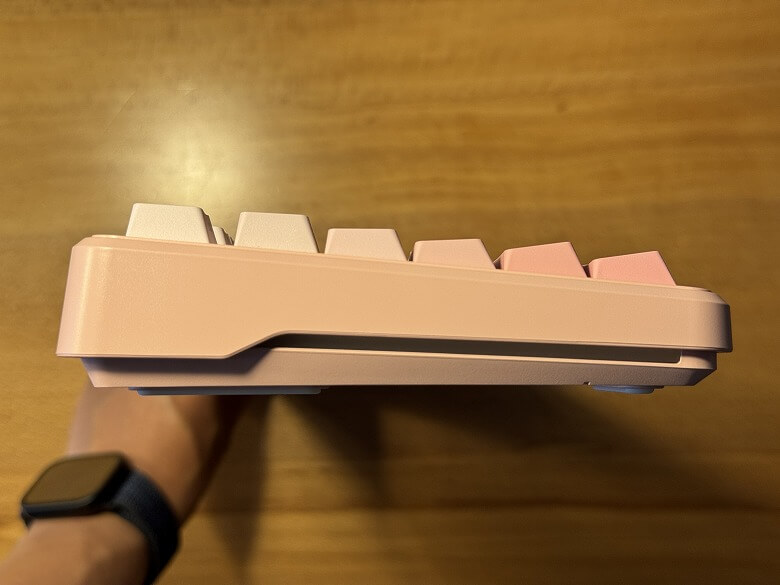
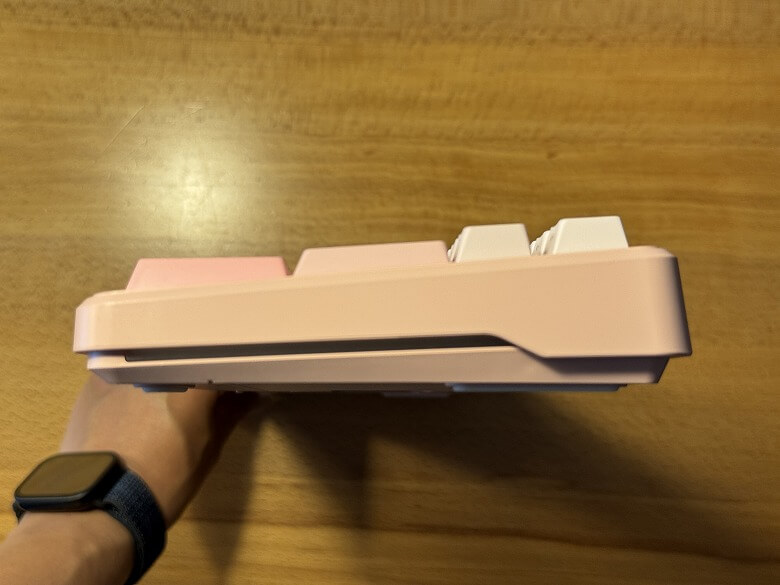
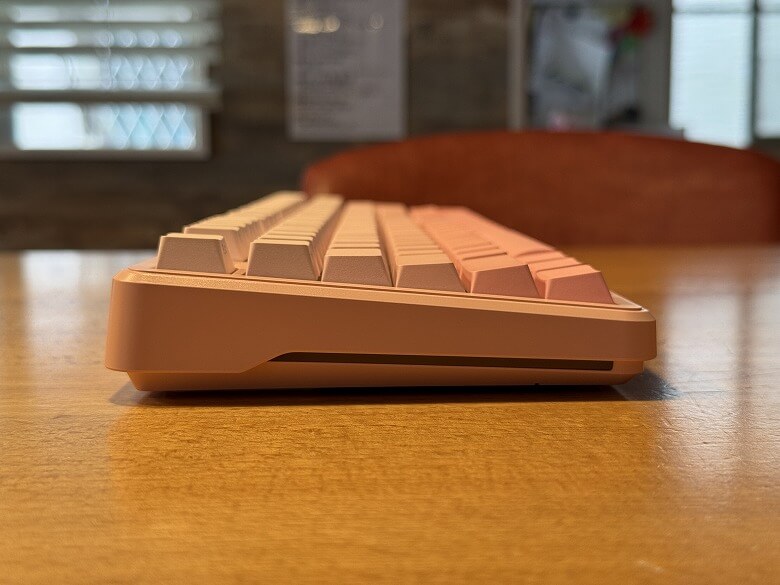
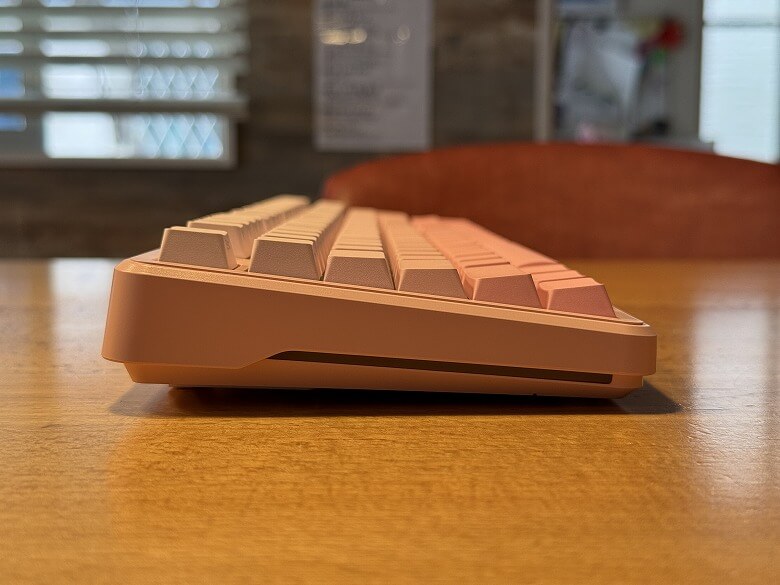
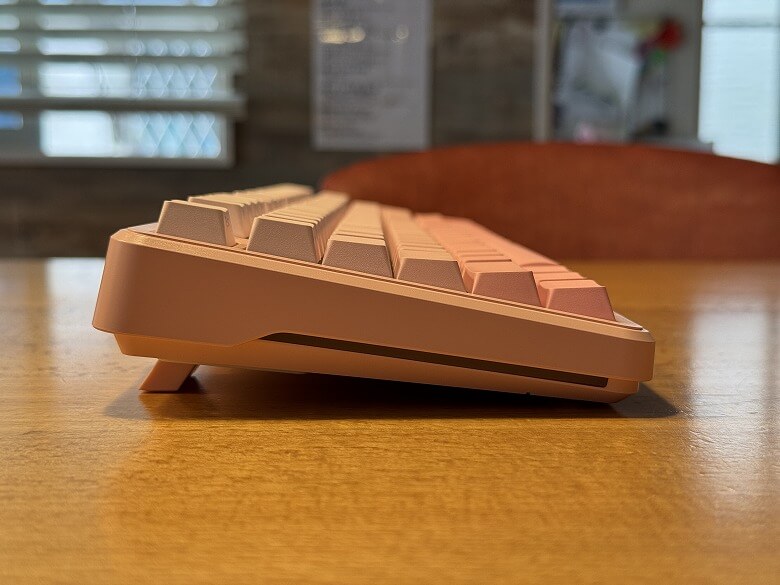
Here is the side view from the front.
The side has a tilt from front to back.
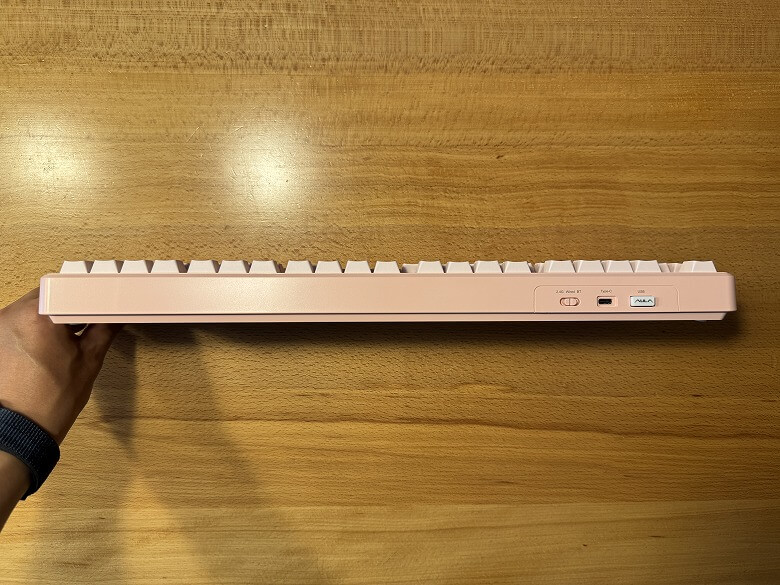
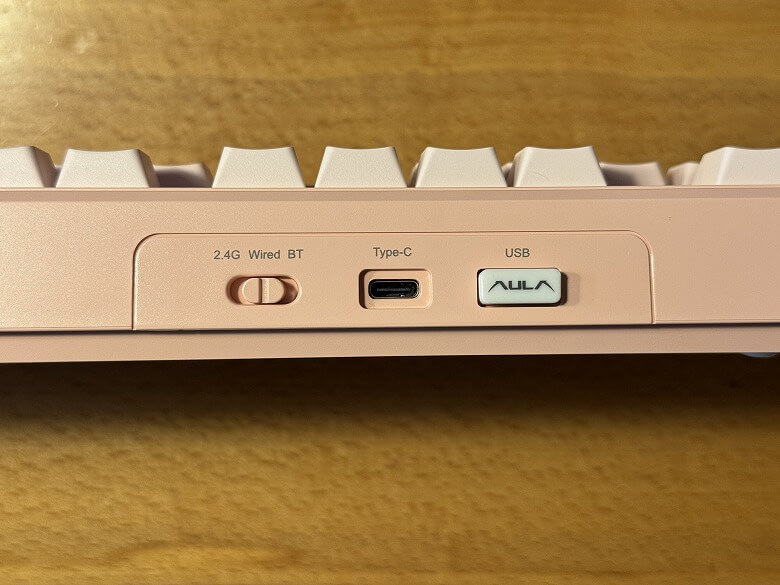
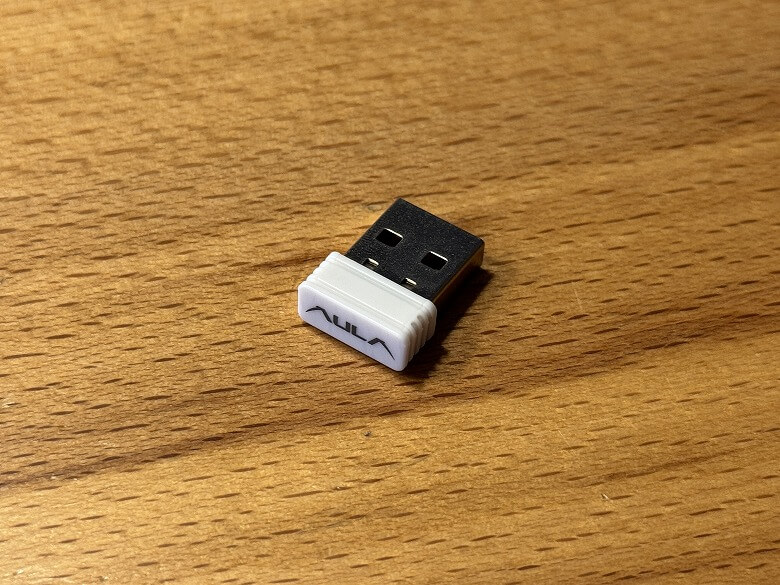
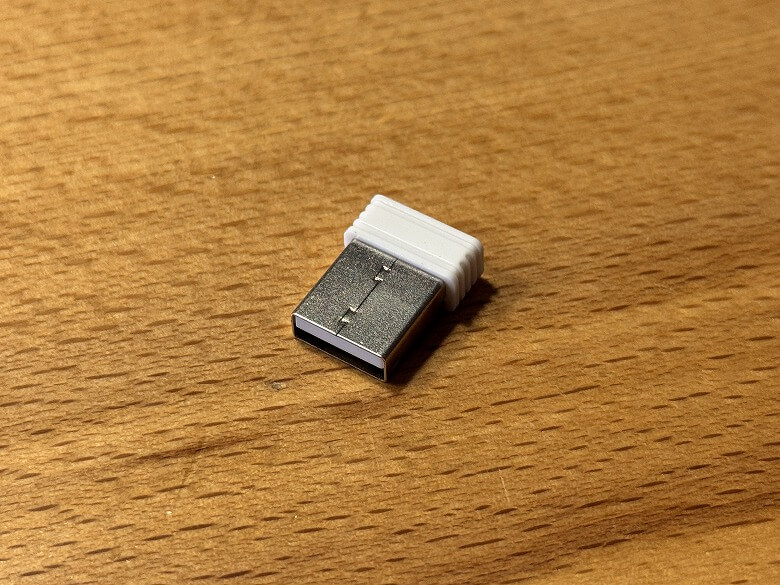
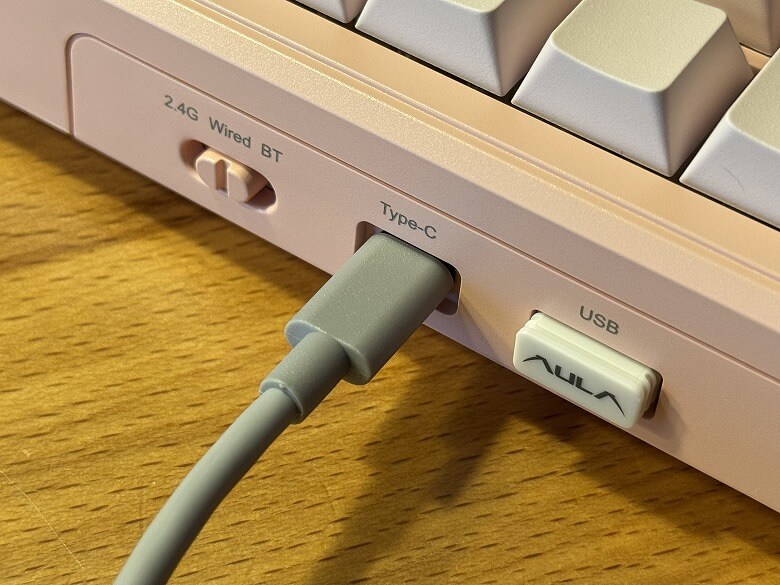
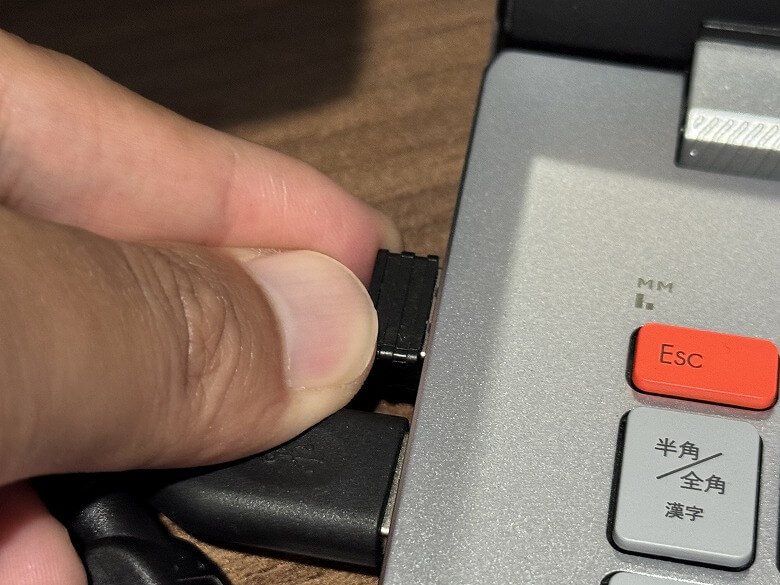
On the back right side, there is the power switch, USB Type-C port, and USB receiver.
For 2.4GHz connection, pull out the USB receiver and plug it into your PC.
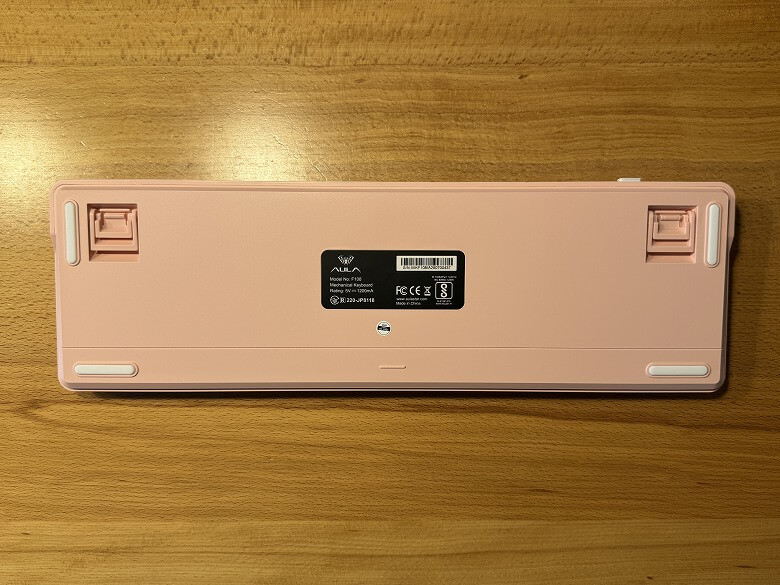
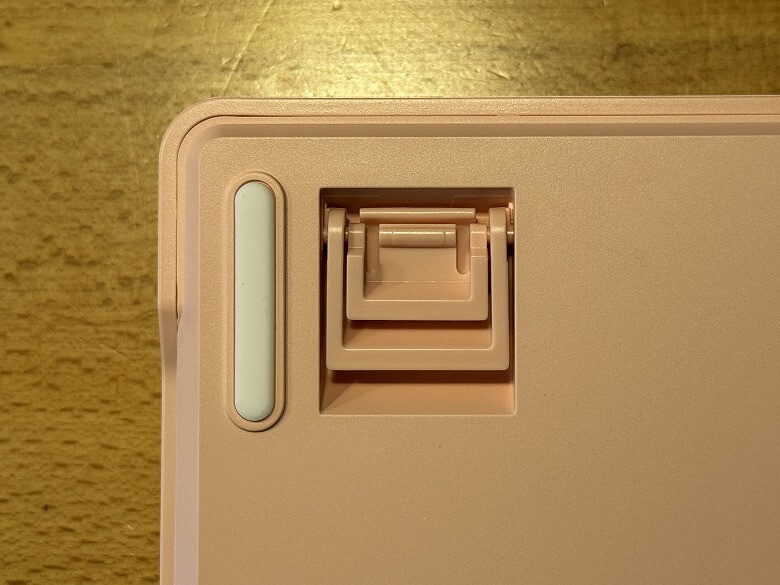
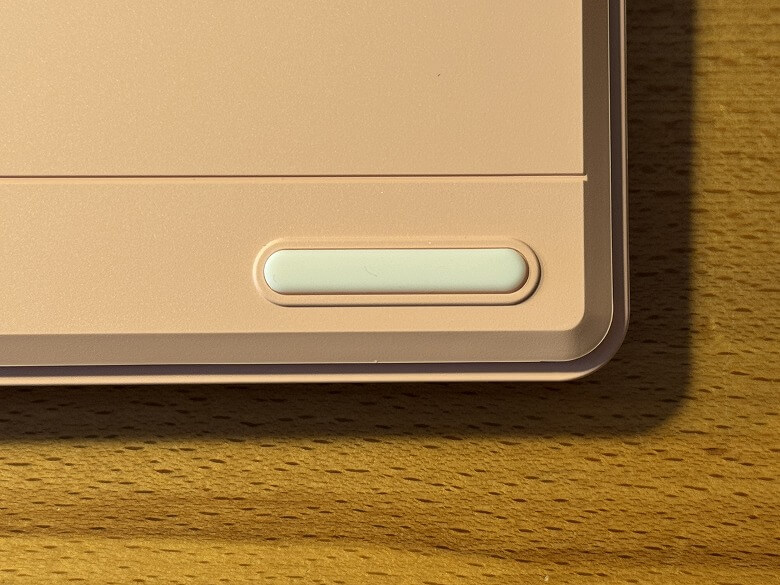
Here’s the bottom view of the keyboard.
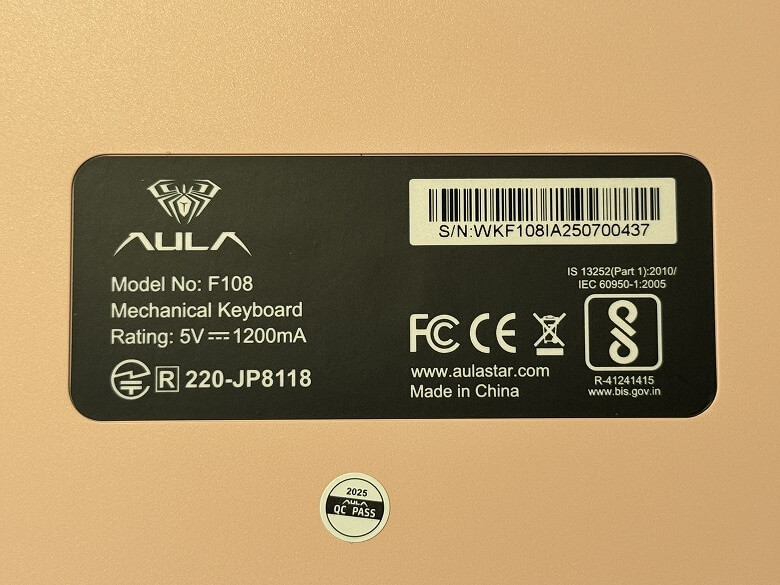
There is a label in the center.
Non-slip pads are placed at the four corners.
The built-in stand allows two levels of angle adjustment.
Using it with the company’s “Epomaker CloudGel Wrist Rest” enhances the design aesthetic even more.
Dimensions & Weight
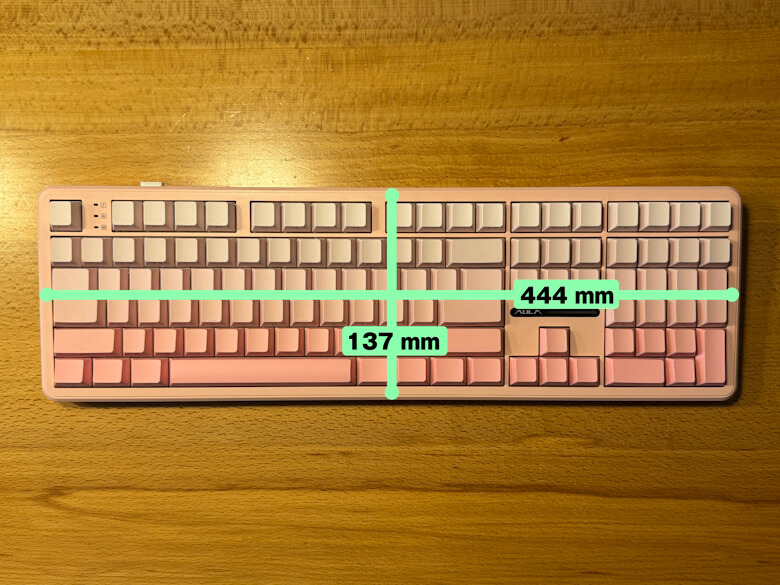
The “Epomaker x AULA F108” measures 137 × 444 mm.
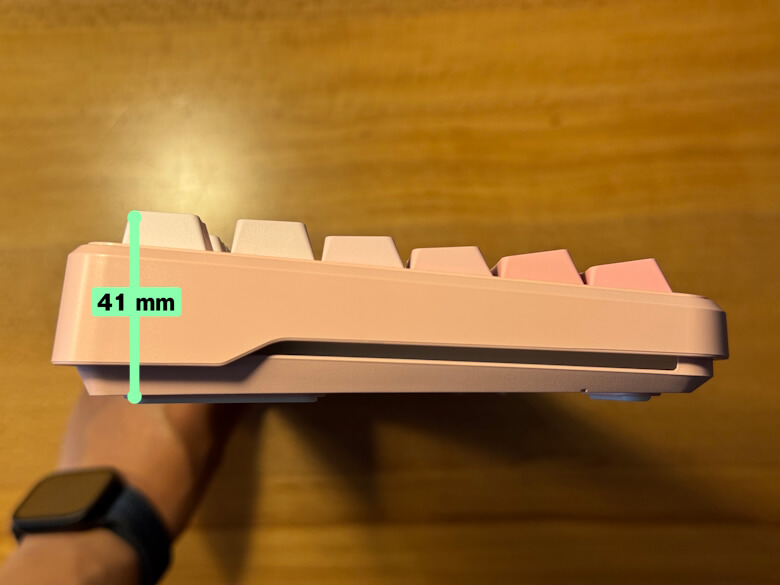
The height is 41 mm.
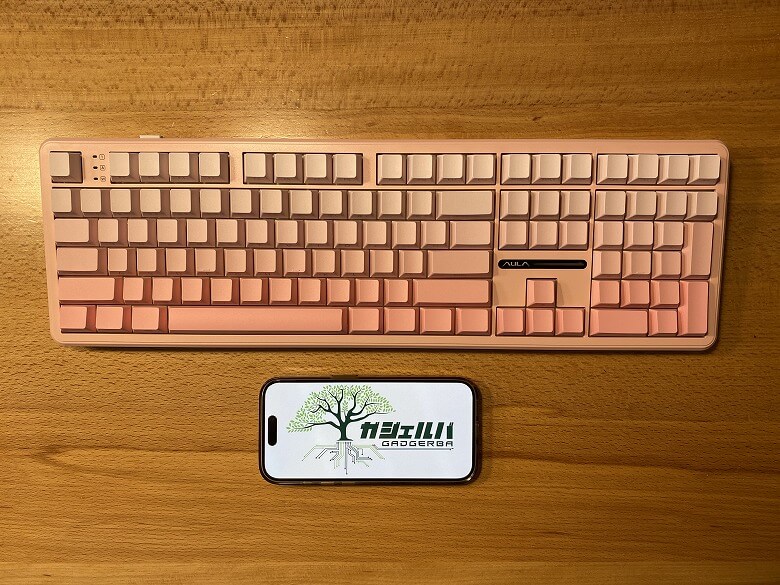
For size comparison with a smartphone (iPhone 15 Pro).
Its compact design saves desk space and provides a roomy workspace.
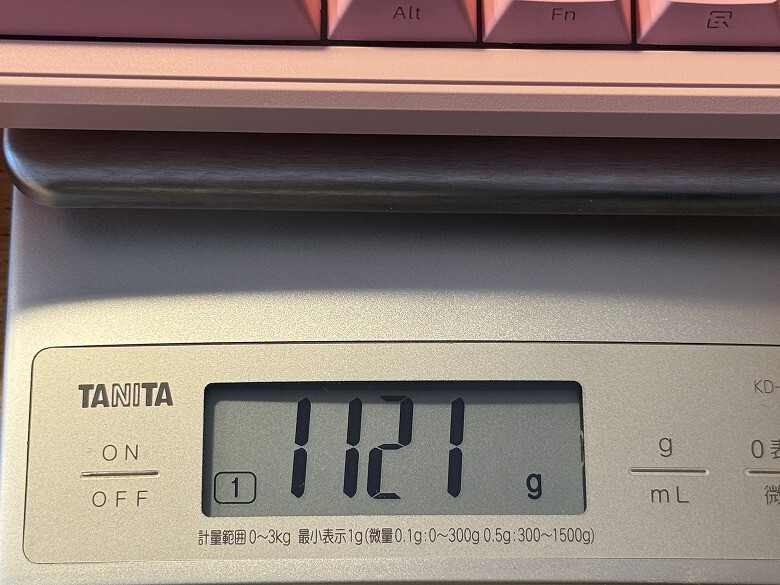
The weight is 1121 g.
Functions
The “Epomaker x AULA F108” offers three connection methods.
STEP
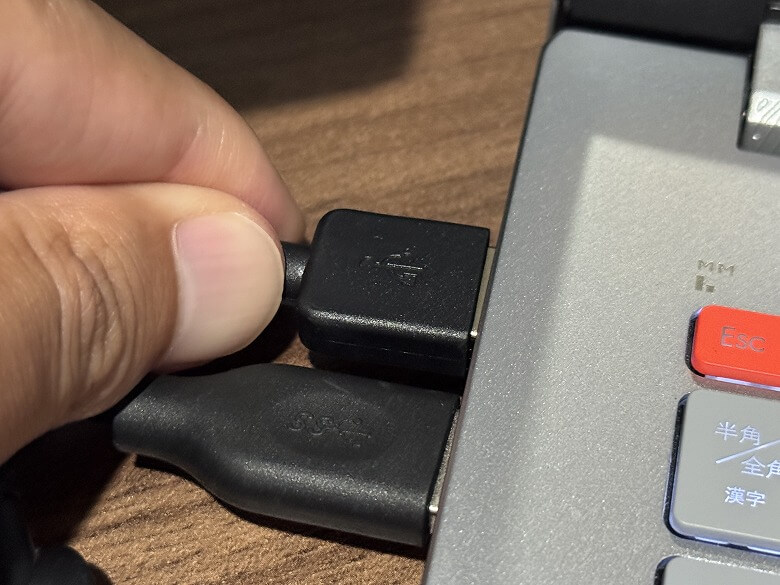
Connect the USB cable to the keyboard
STEP
Connect the USB cable to your PC
STEP
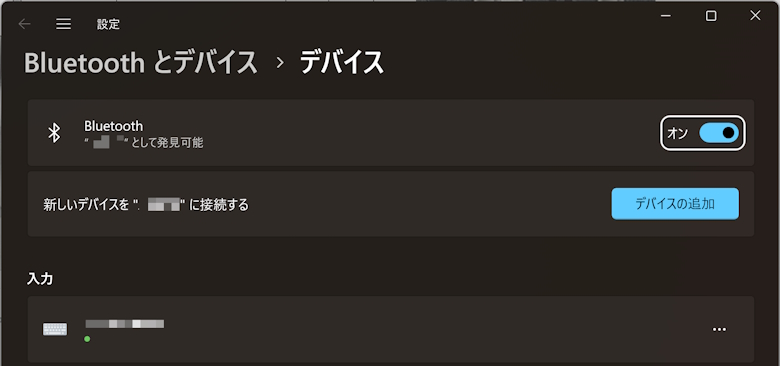
Click “Add a Device” in your device settings
STEP
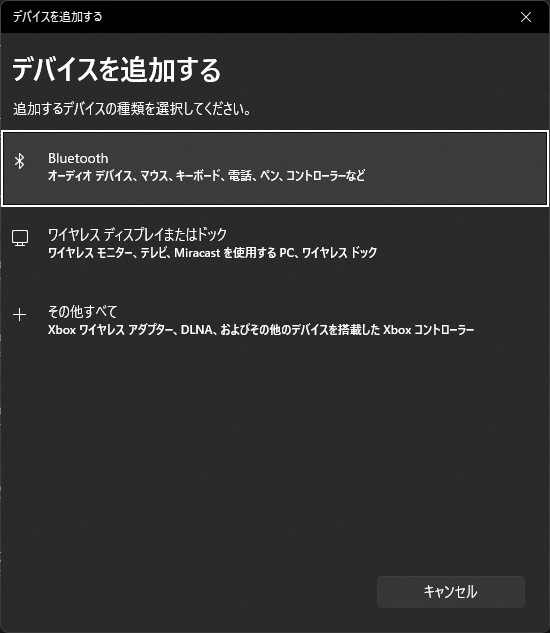
Click “Bluetooth”
STEP
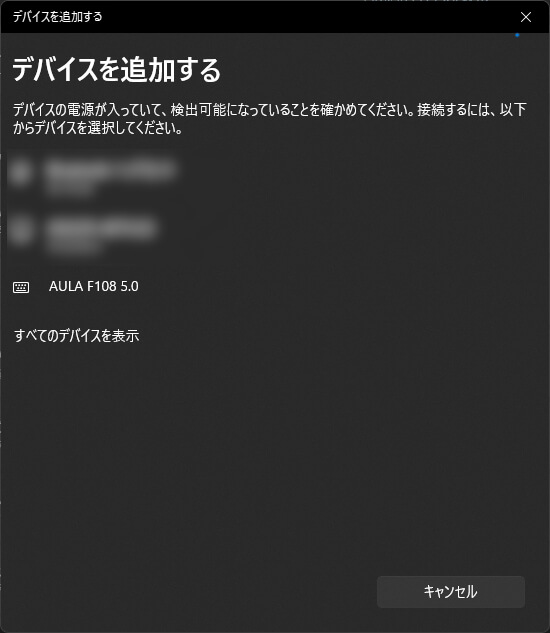
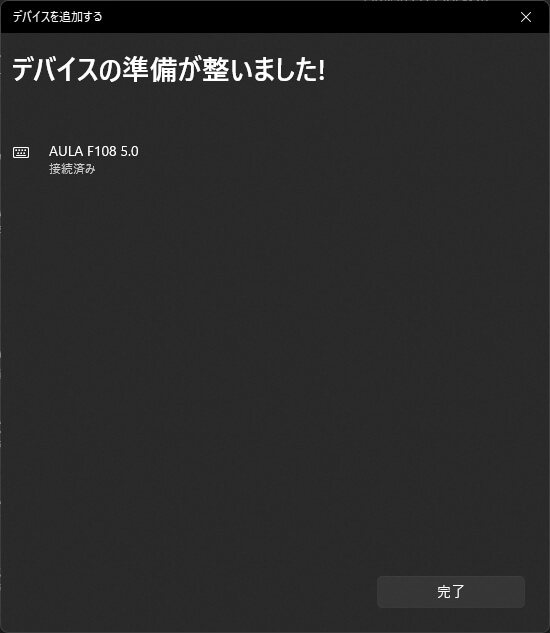
Select “AULA F108 5.0”
STEP
Once “Connected” appears, setup is complete
STEP
Plug the USB receiver into your PC’s USB port
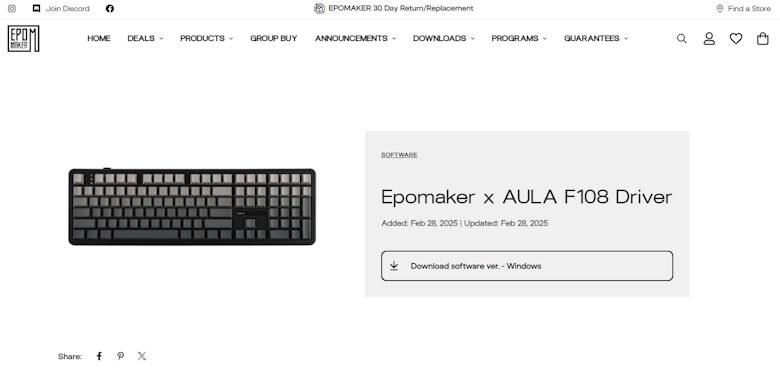
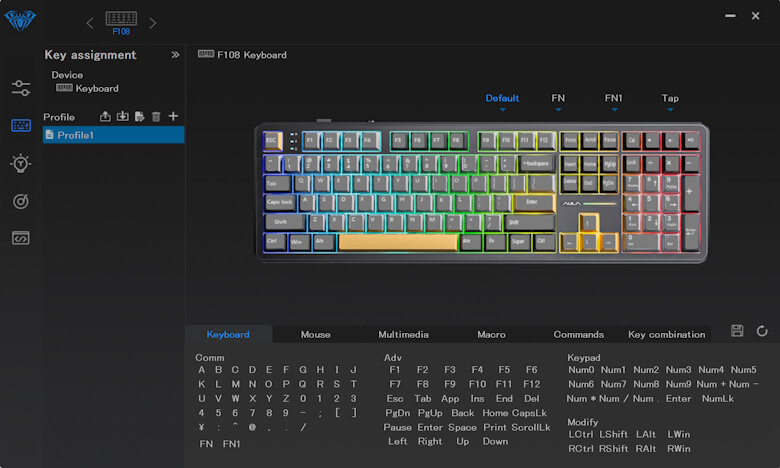
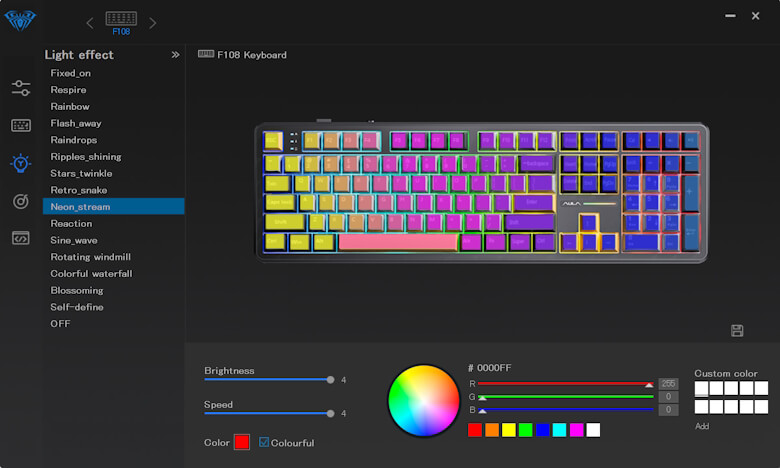
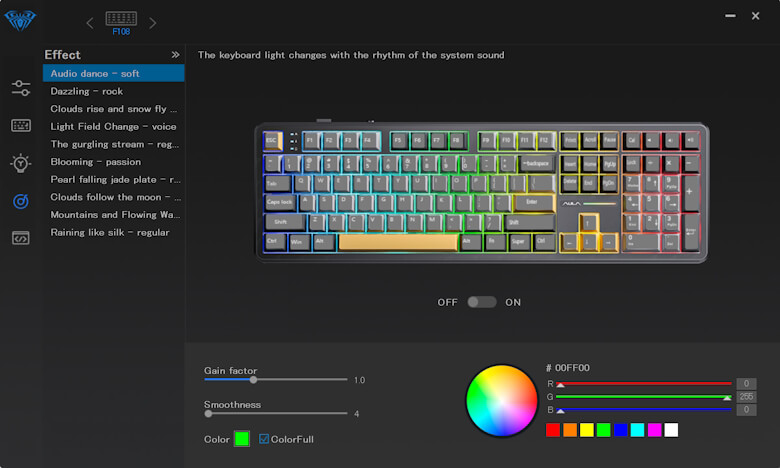
The dedicated software (driver) can be downloaded from the official website.
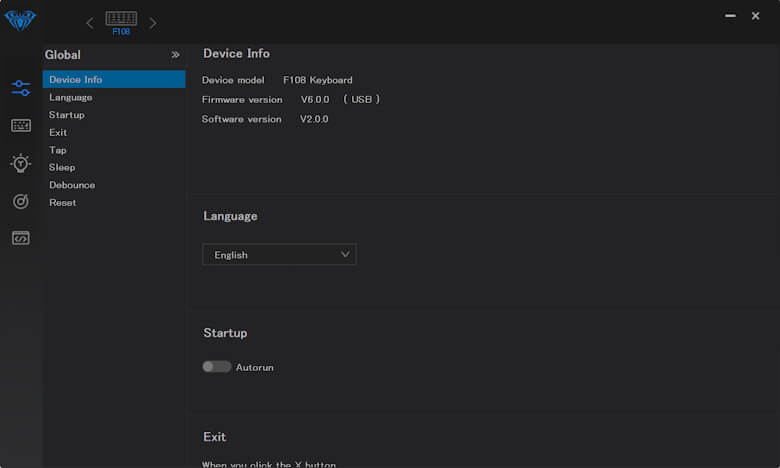
The software allows keymap customization and other personalization options.
We’ve also compiled a video showing the typing sound and backlight patterns.
Itsuki
The pleasant typing feel makes work more enjoyable!
Epomaker x AULA F108 Review Summary
This article covered “Epomaker x AULA F108 Review: High Cost-Performance Model Suitable for Gaming and Everyday Use.”
Of course, personal preferences may vary in finer details.
Factors like keycap texture, typing sound, and RGB lighting ambiance are best judged by actual use.
However, the fact that it offers triple connectivity: wired, 2.4GHz, and Bluetooth, hot-swappable customization, and a 4000mAh large battery at this price point is a major appeal.
Especially considering its versatility for both gaming and work, it provides satisfaction beyond its price.
For those seeking a full-size keyboard with robust typing or a multi-purpose mechanical keyboard, the “Epomaker x AULA F108” is well worth considering.
Pros
Cons
Supports Tri-Mode connectivity (Wired / 2.4GHz Wireless / Bluetooth) for flexible use
Full-size layout with numeric keypad, suitable for work and gaming
Hot-swappable switches allow customization to personal preference
Equipped with a 4000mAh large-capacity battery for extended use
RGB lighting enhances visual appeal, great for gaming setups
Full-size design is large and takes up desk space
Heavy weight makes it less suitable for portability
Lack of Japanese layout (JIS) may be inconvenient for those unfamiliar


 Itsuki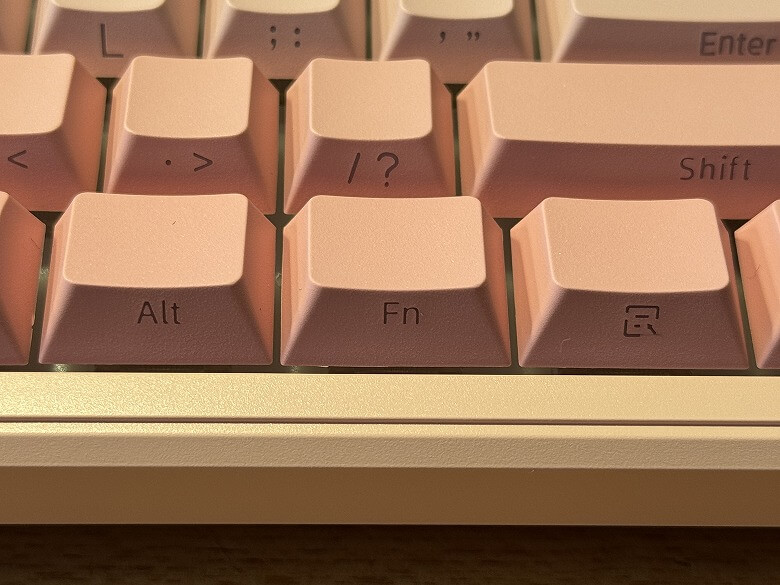

 Itsuki