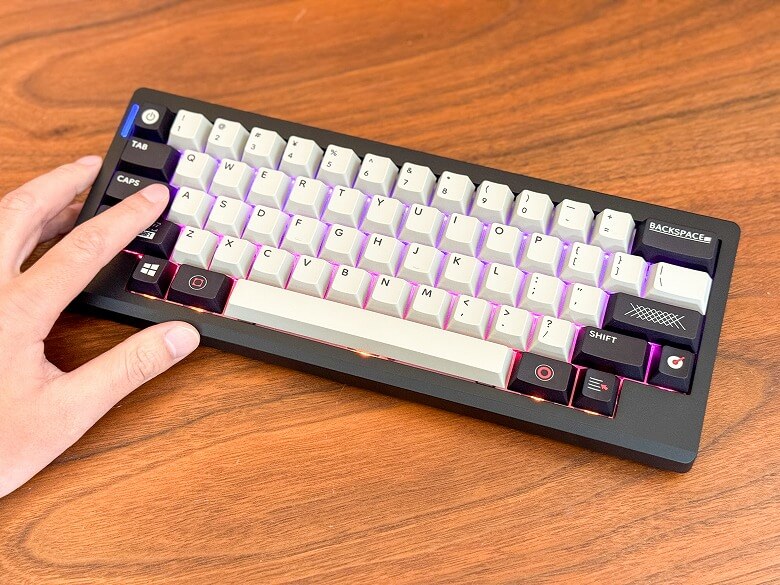
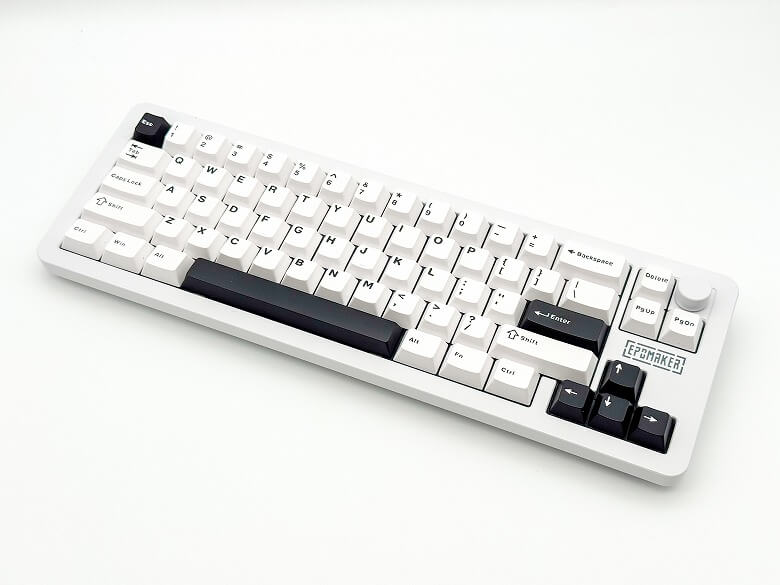
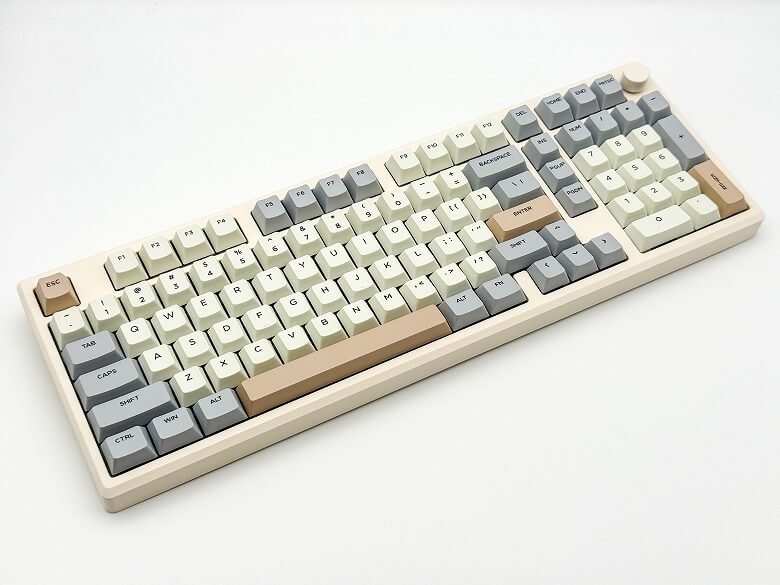
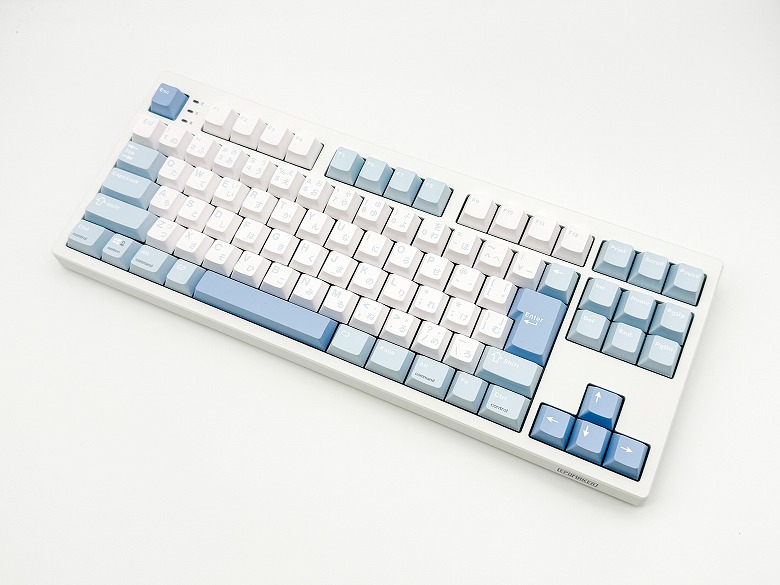
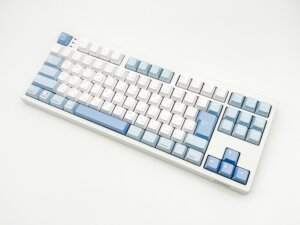
When choosing a mechanical keyboard, “typing feel,” “connection flexibility,” and “everyday usability” are points everyone cares about.
The “Epomaker TH99 Pro” reviewed this time is a 99-key mechanical keyboard designed to meet these requirements at a high level.
It features a large-capacity 10,000mAh battery, a smart display, and tri-mode connectivity with wired, 2.4GHz, and Bluetooth, supporting a wide range of usage scenarios.
This time, I thoroughly used the US layout model and will review it focusing on typing feel, wireless stability, and the practicality of its smart features.
Long usage time thanks to the large-capacity battery
Comfortable typing feel with gasket mount structure
Hot-swappable design allows high customization
Size and weight make it unsuitable for portability
Key layout may feel unfamiliar for those not used to the US layout
This article was created with a product provided by the manufacturer.
Table of Contents
User Experience of the Epomaker TH99 Pro
After actually using the “Epomaker TH99 Pro,” the first thing I felt was its “comfortable typing feel that fits naturally in the hands.”
The soft typing feel from the gasket mount structure combined with the texture of the PBT double-shot keycaps made it feel less fatiguing even during long typing sessions.
It strikes a good balance between lightness and stability, making it stress-free for both writing and programming.
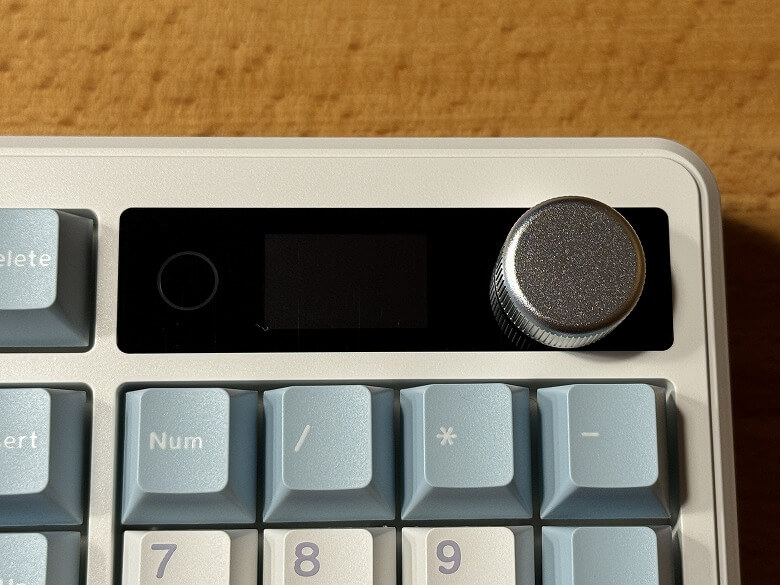
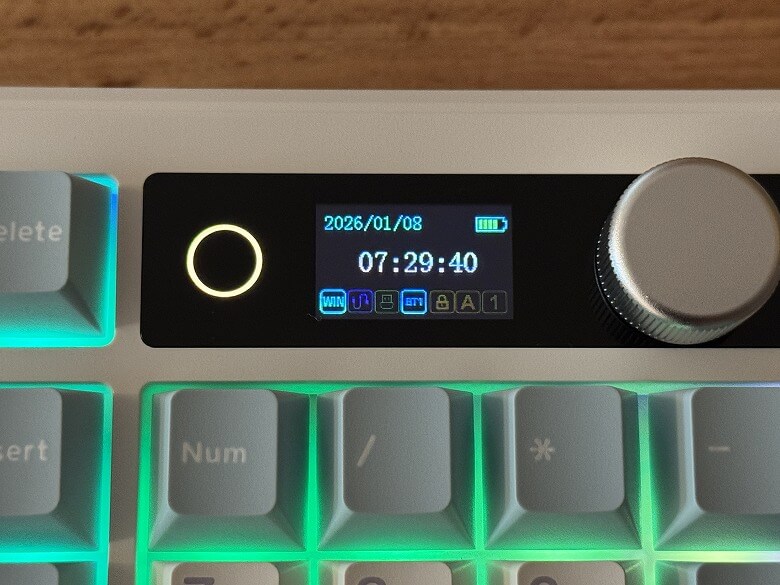
The smart display is convenient for checking battery level and connection mode, so there’s no need to frequently worry about the status.
The large 10,000mAh battery provides peace of mind even during extended work sessions and is reliable for use on the go.
The tri-mode connectivity is smoother than expected, delivering stable response not only in wired mode but also with both 2.4GHz and Bluetooth connections.
In particular, the 2.4GHz connection has virtually no noticeable latency, allowing confident use even in FPS games or fast typing scenarios.
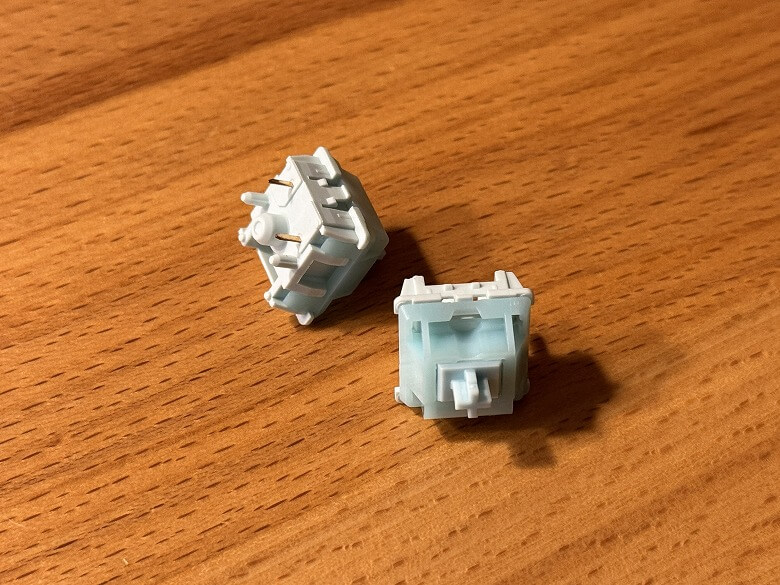
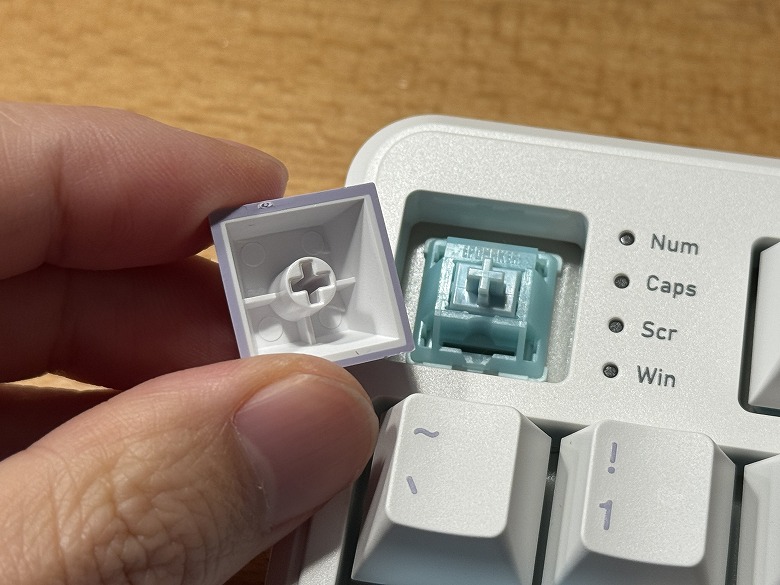
With hot-swap support, you can change the switches in the future to alter the typing feel, which is a major advantage for users who value customization.
What’s Included with the Epomaker TH99 Pro
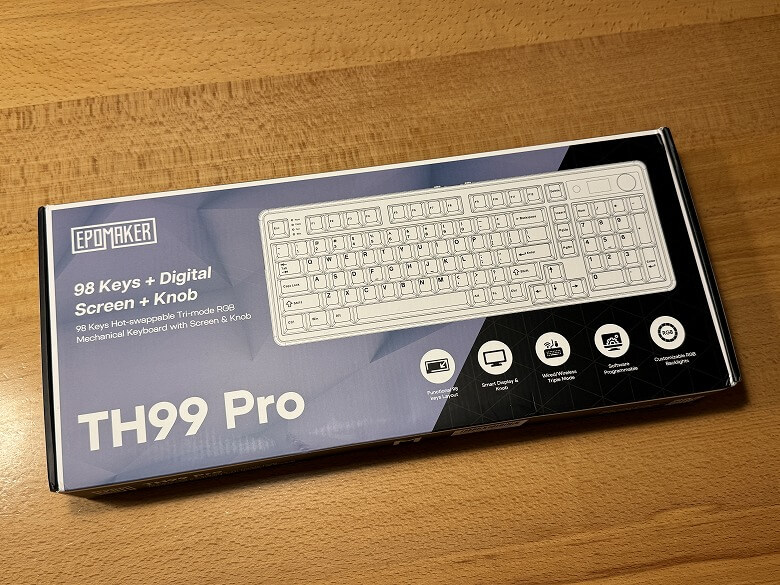
The outer box of the “Epomaker TH99 Pro” features a cool design based on black.
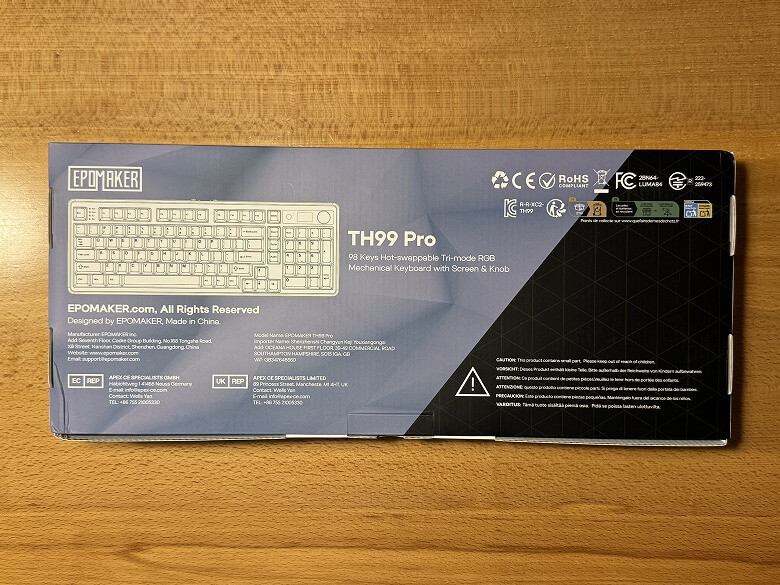
The back lists the product features.
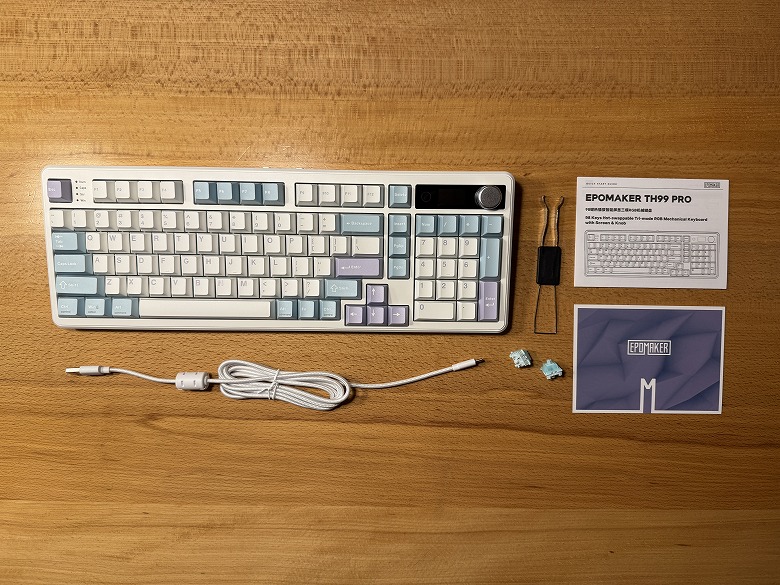
The following items are included.
What’s Included with the Epomaker TH99 Pro
Keyboard unit
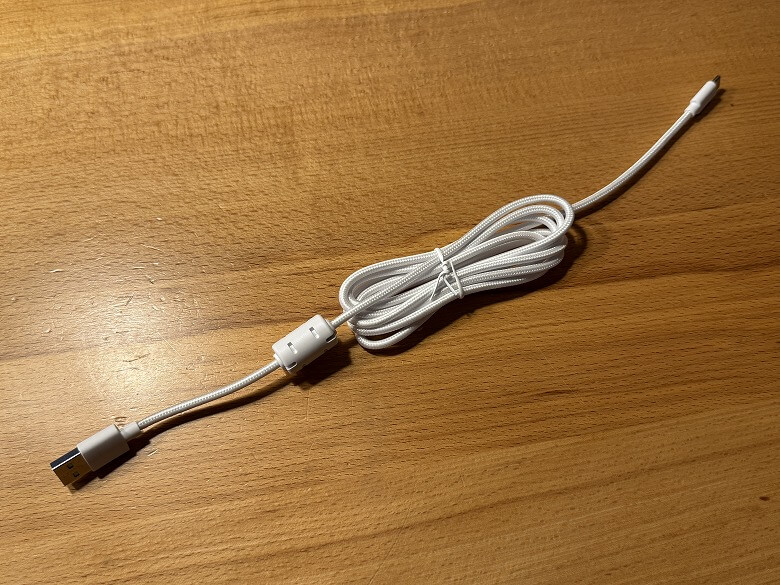
USB Type-A to C cable
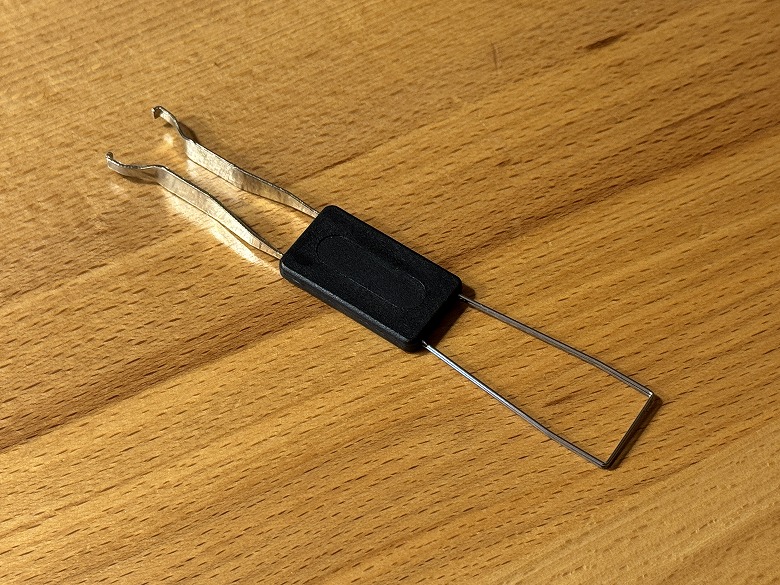
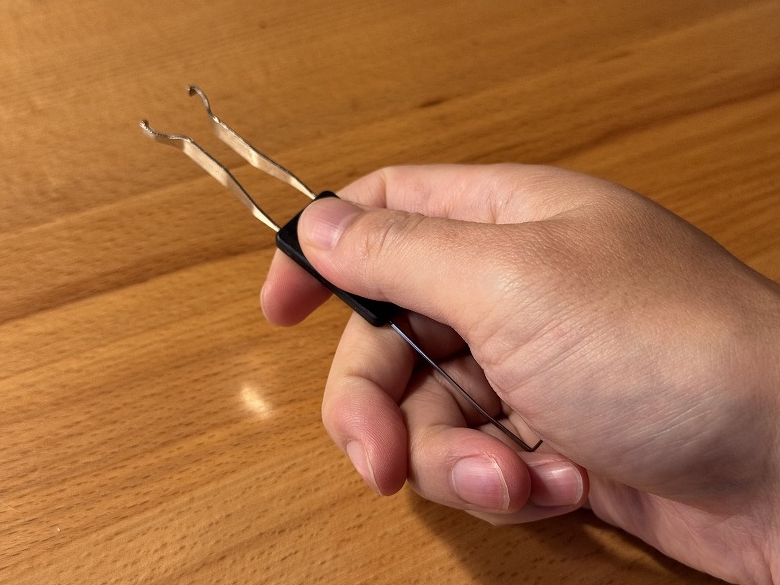
Keycap & switch puller
Key switches
User manual
The USB Type-A to C cable is unified in white.
The tool has a keycap puller on one end and a key switch puller on the other.
Two spare key switches are included.
Epomaker TH99 Pro Specifications
The Epomaker “TH99 Pro” is a 99-key mechanical keyboard featuring multifunctional tri-mode connectivity and a smart display, offering a comfortable typing experience.
The main specifications are as follows.
スクロールできます
Product Name
Epomaker TH99 Pro
Dimensions
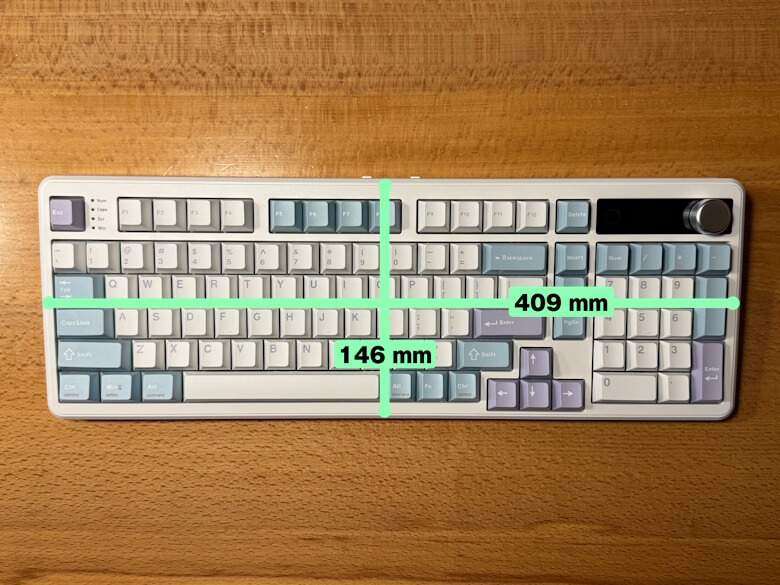
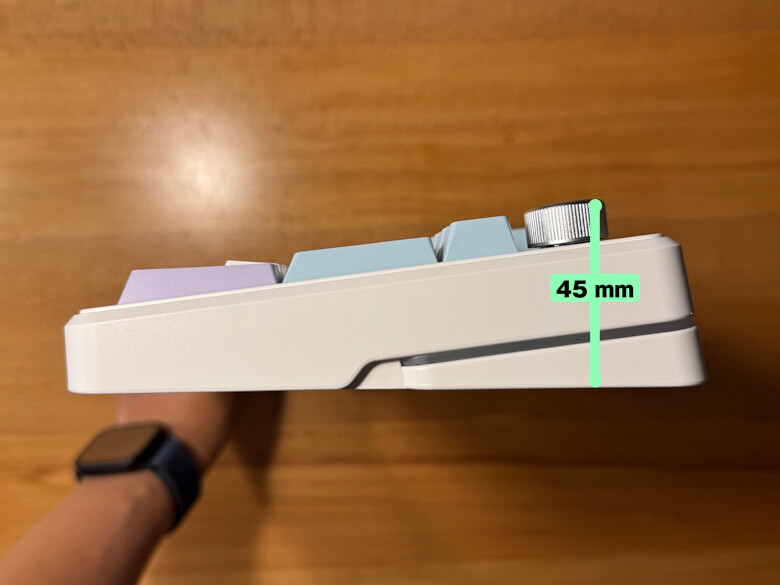
146 × 409 × 45 (mm)
Weight
1169 g
Layout
US Layout
Number of Keys
99-Key 1800 Layout
Connection
Wired USB / Bluetooth / 2.4GHz Wireless
Polling Rate
1000 Hz (Wired / 2.4GHz)
Switch
Hot-swappable (3/5-pin)
Keycaps
PBT Keycaps
Backlight
RGB (Customizable)
Battery
10,000 mAh
Display
1.06-inch Smart Display
Compatible OS
Windows / macOS
Design
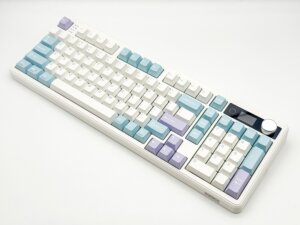
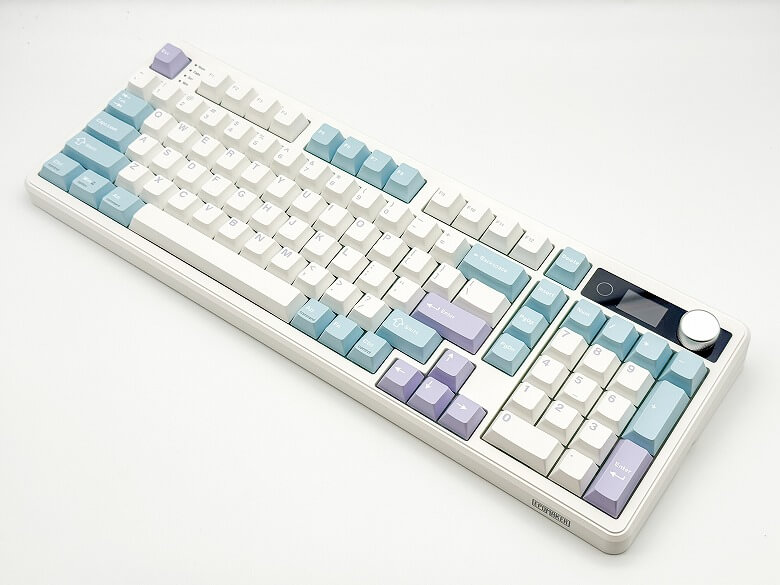
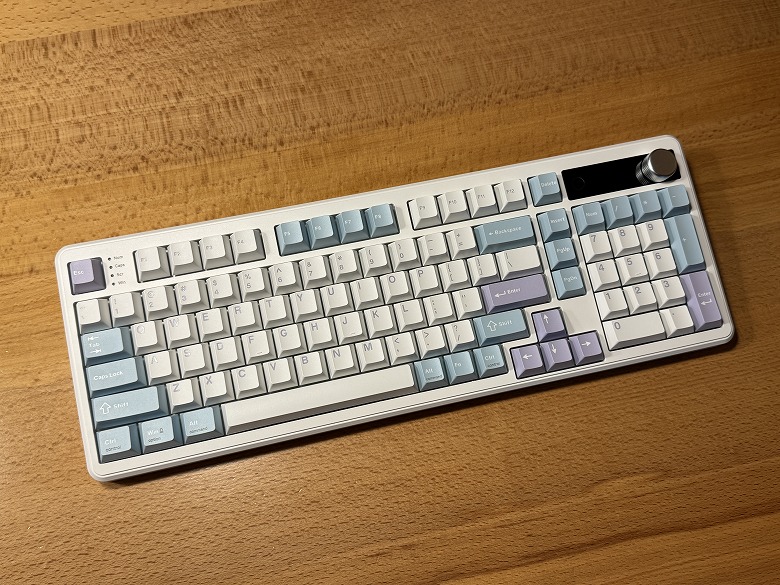
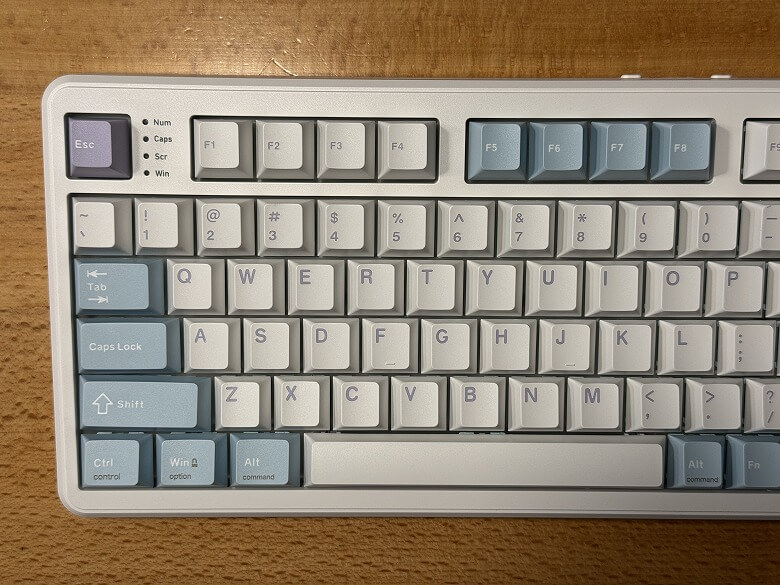
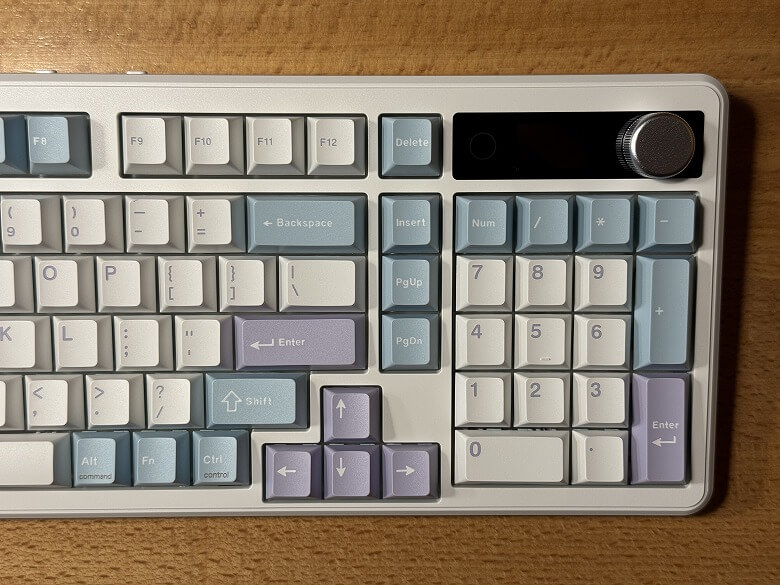
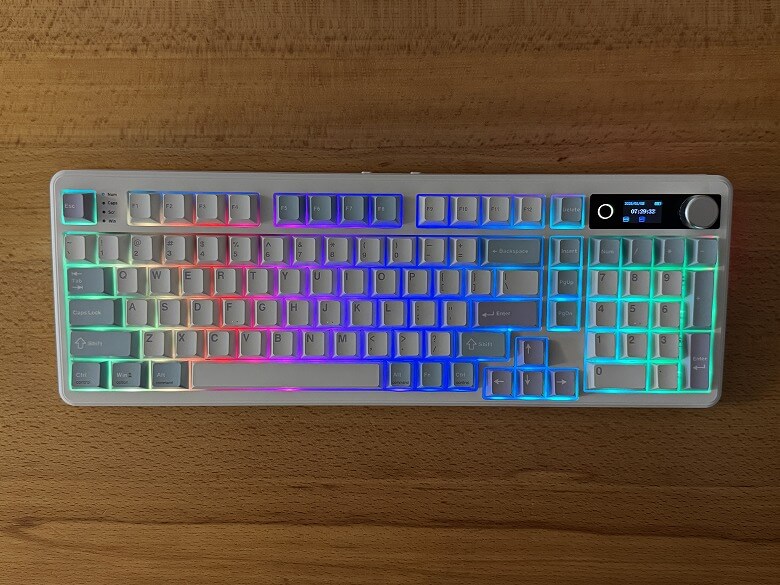
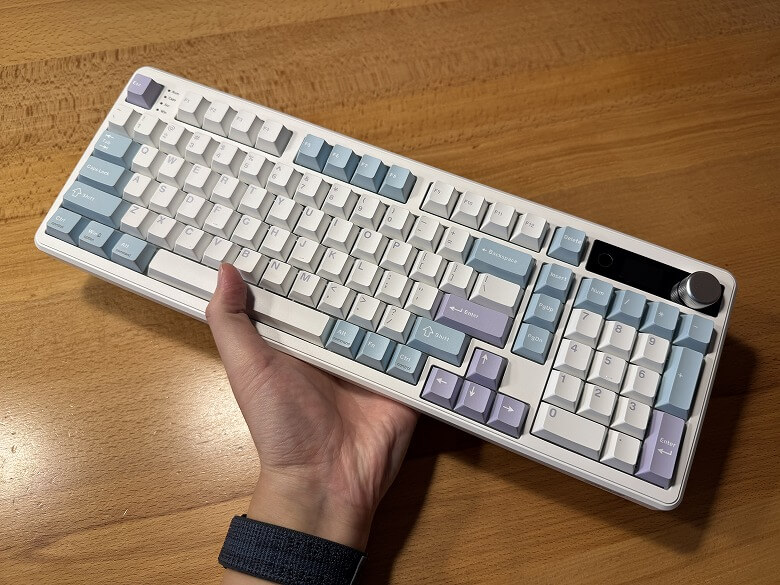
The design of the “Epomaker TH99 Pro” features a white base with blue and purple accent colors, giving it a retro-pop look.
This is how it looks when photographed up close from the left and right sides of the keyboard.
It features beautifully illuminated RGB lighting.
Itsuki
Lighting patterns are introduced in the video in the latter half of the article.
You can access various functions by using it in combination with the Fn key.
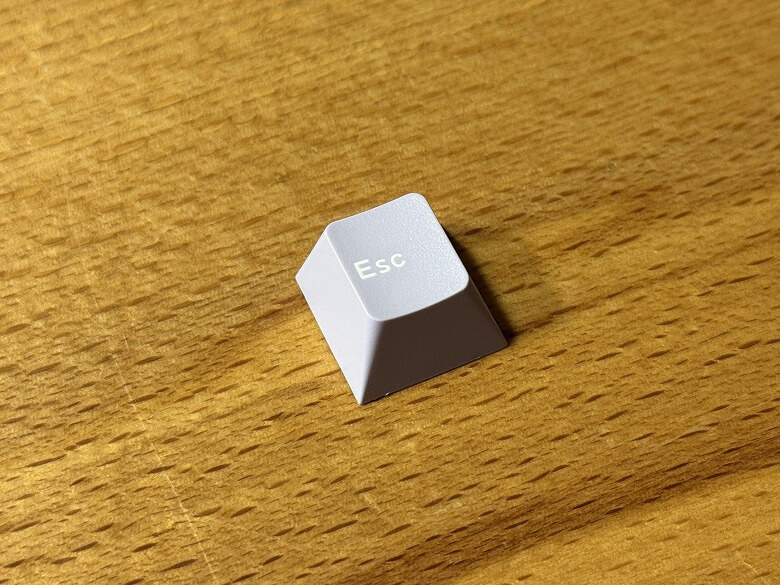
The keycaps use PBT material, offering a premium texture and excellent durability.
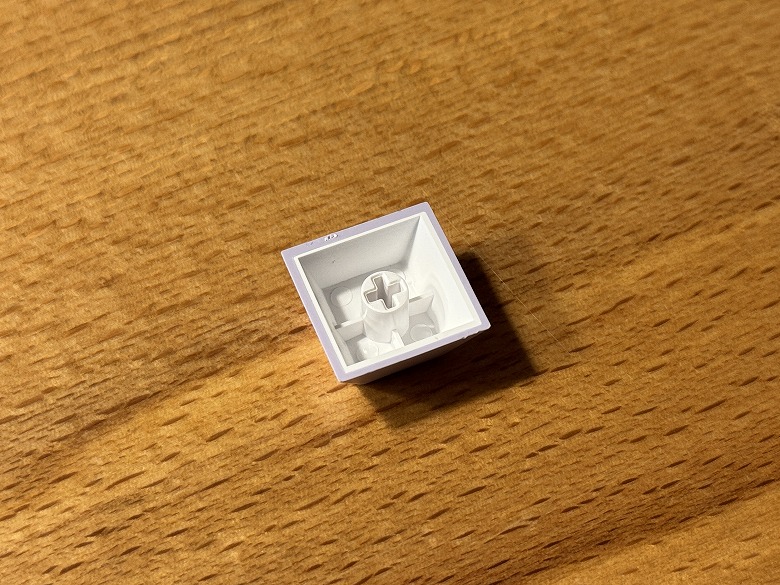
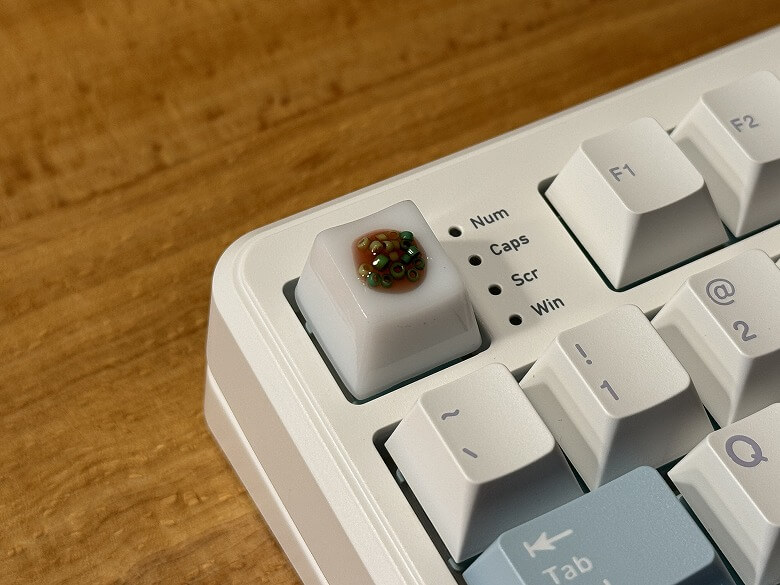
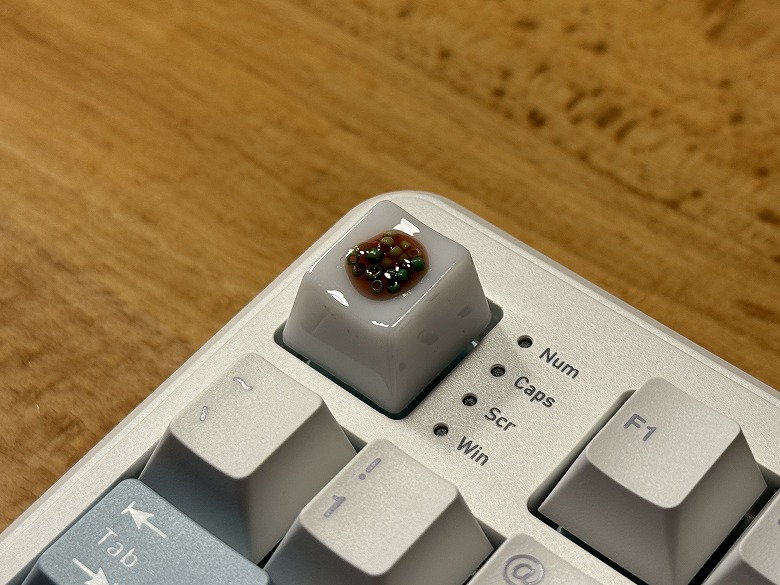
It is compatible with Cherry MX switches, allowing you to swap in original keycaps and enjoy a different look.
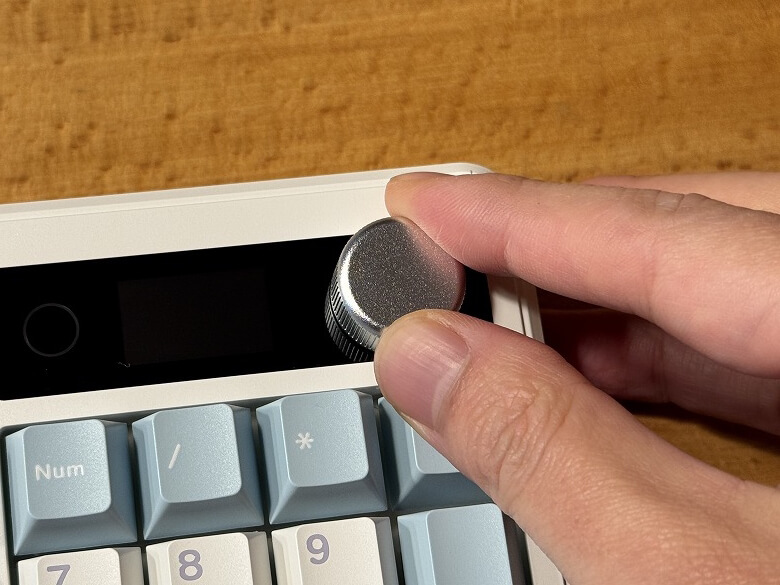
At the top right, there is a knob and an LCD monitor.
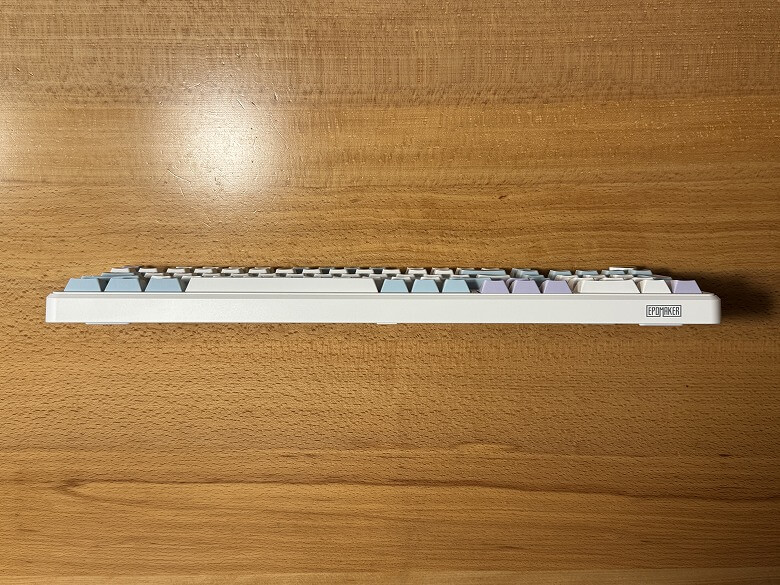
This is how it looks from the front side.
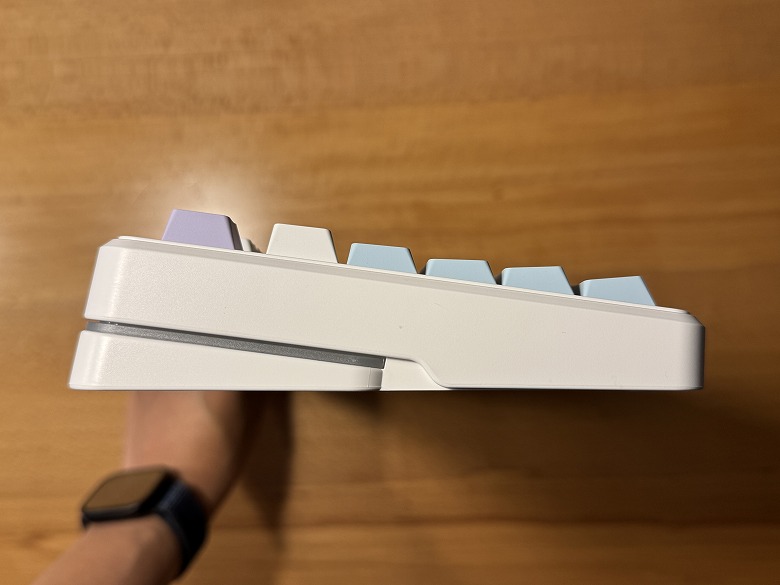
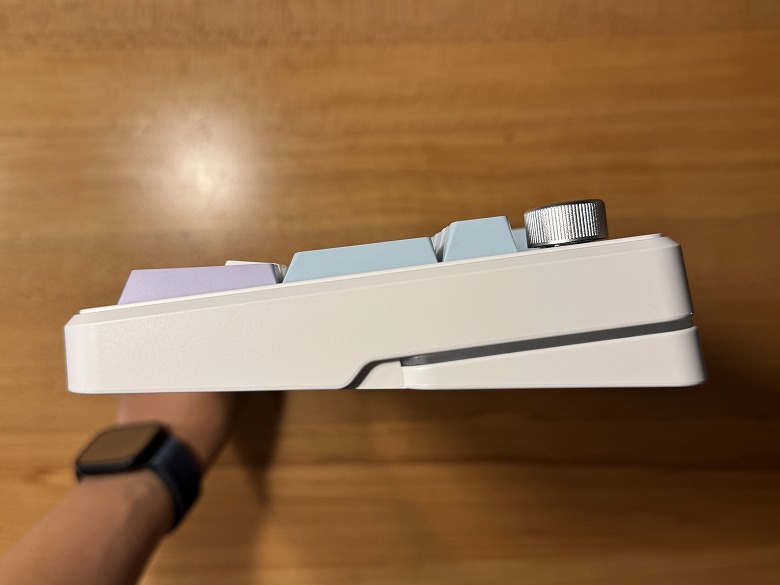
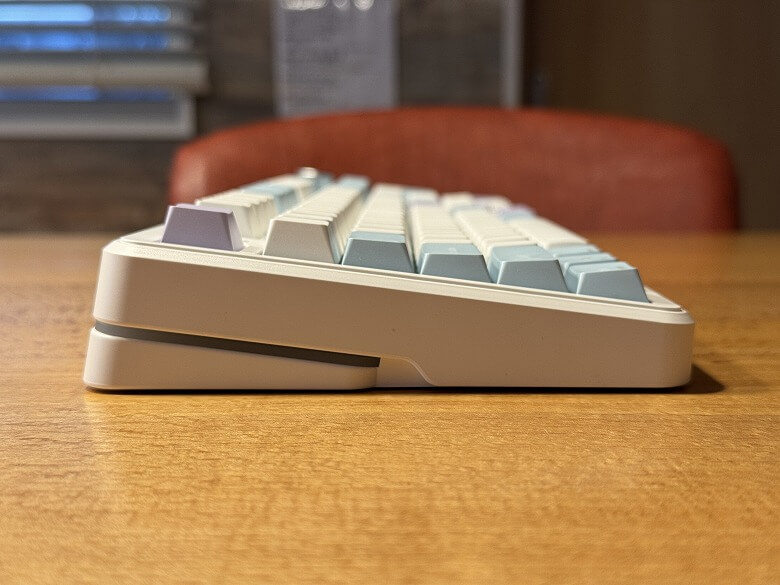
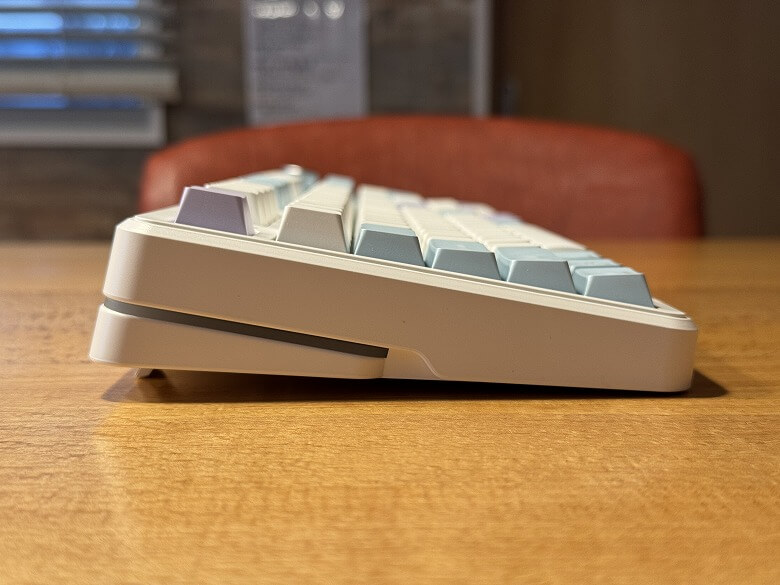
The side profile features a gentle slope from front to back.
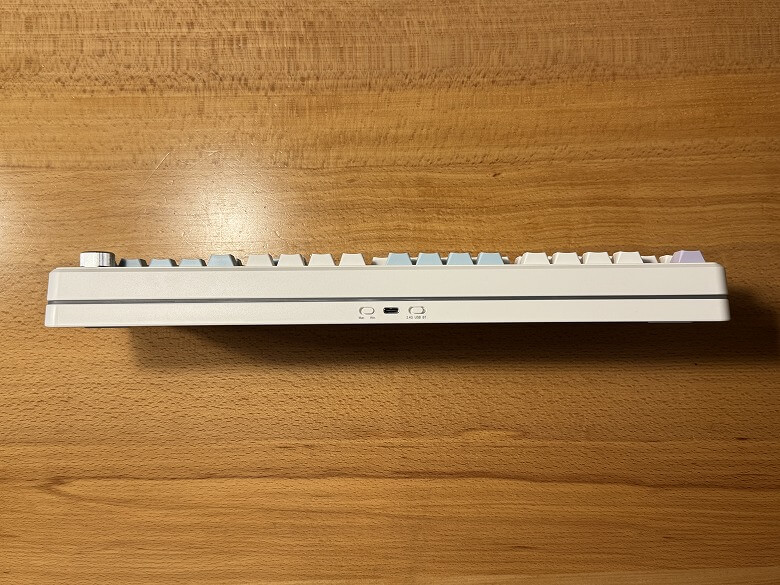
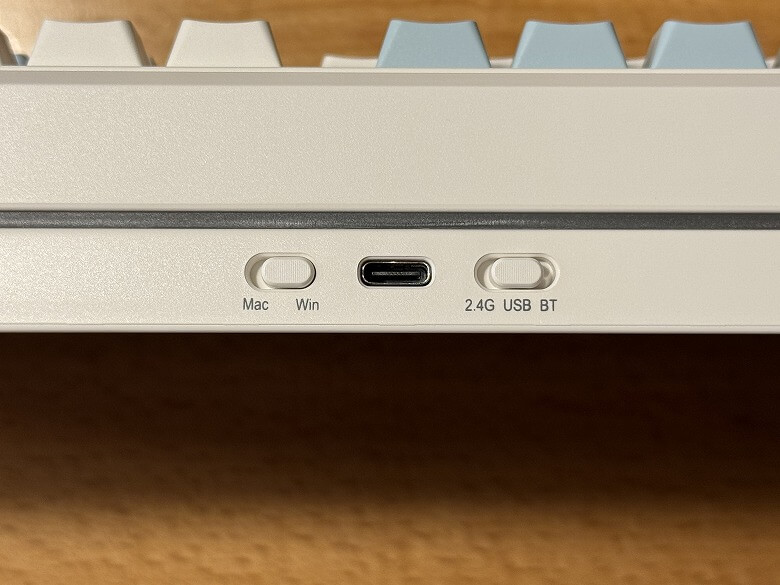
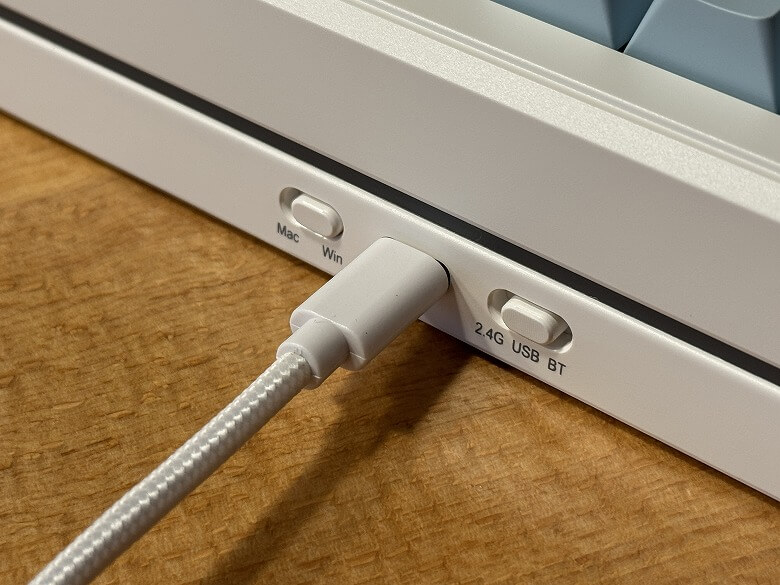
On the rear center, there is a USB Type-C port, a Win/Mac toggle switch, and a 2.4G/USB/BT switch.
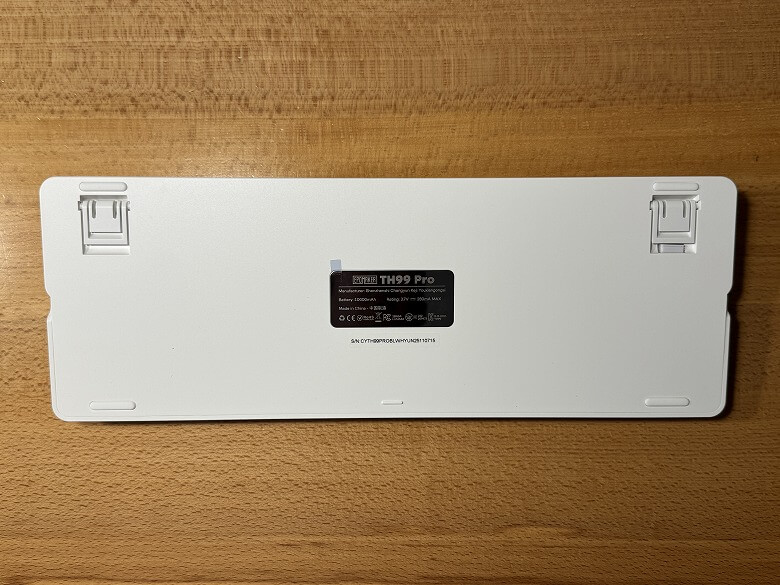
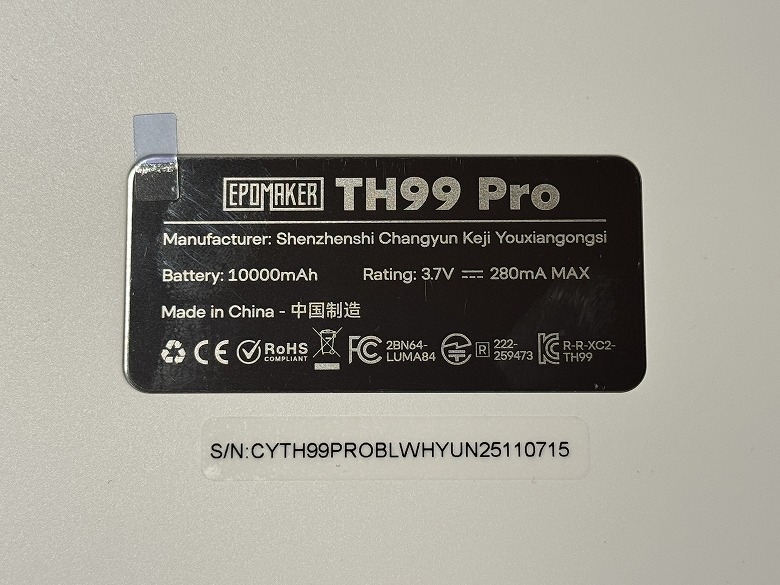
Here’s what the bottom looks like.
A specification label is placed at the center.
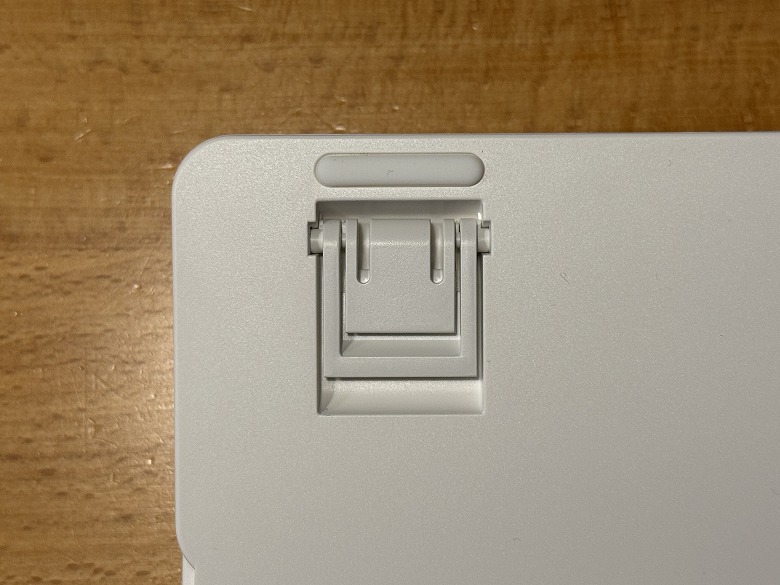
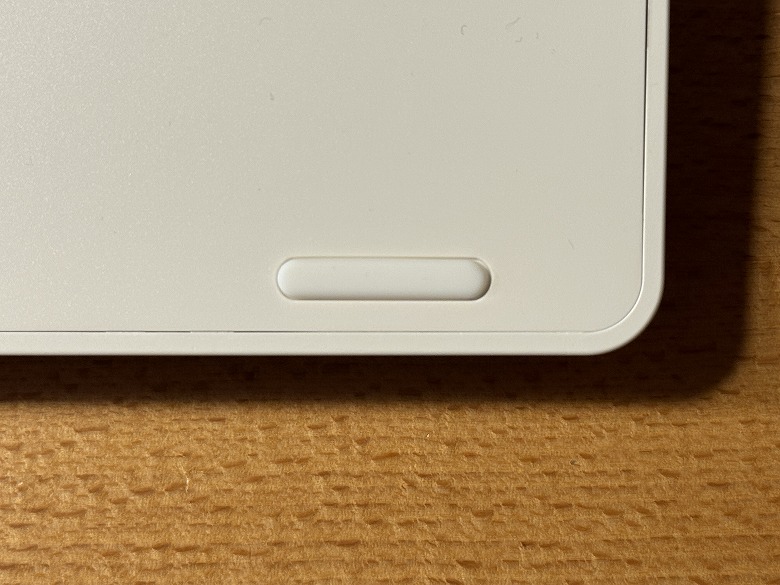
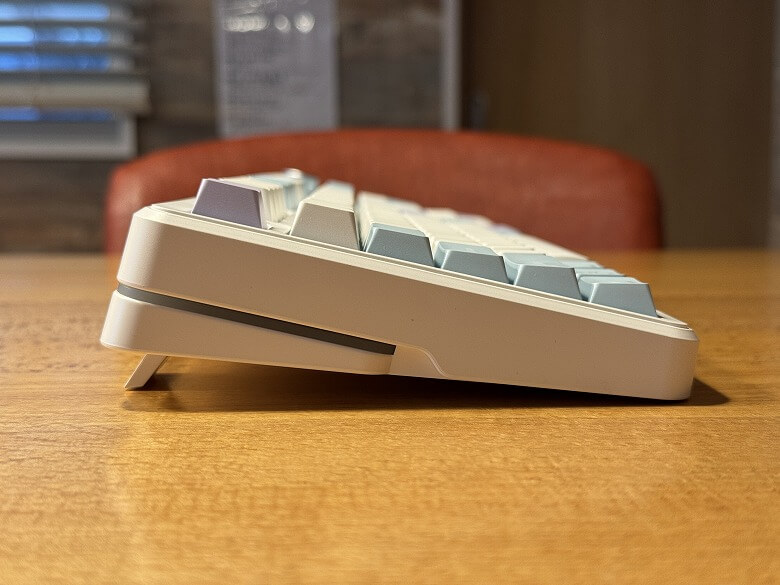
There are anti-slip rubber feet and adjustable stands on all four corners.
You can raise the kickstands to adjust between two typing angles.
Level 1Level 2
Size and Weight
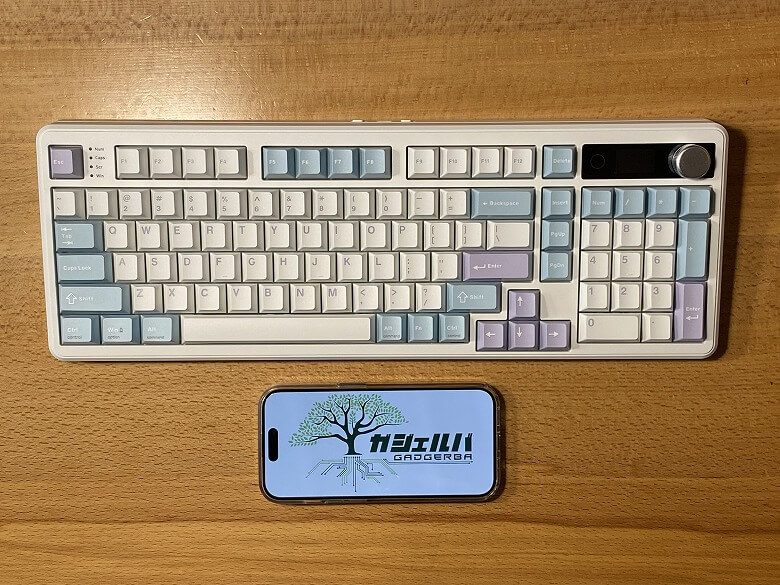
The Epomaker TH99 Pro measures 146 × 409 mm.
The height is 45 mm.
Here’s how it compares in size to a smartphone (iPhone 15 Pro).
Its compact layout helps keep your desk spacious and uncluttered.
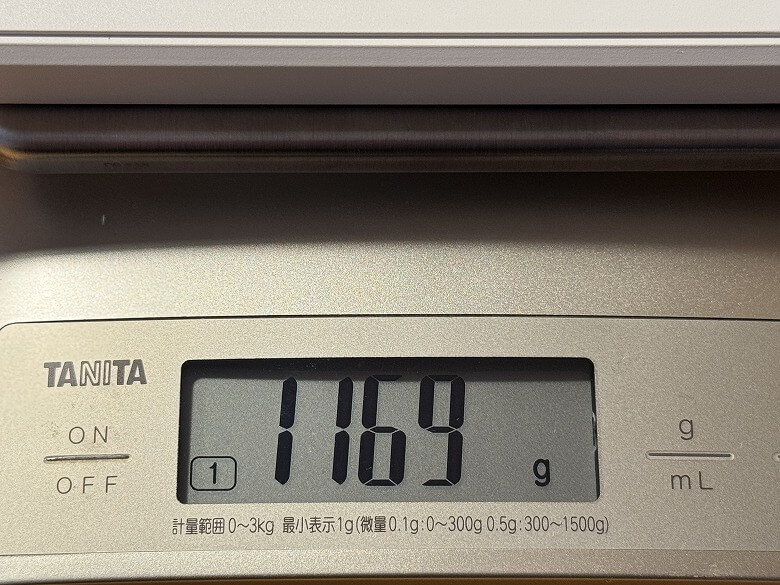
The weight came in at 1169 g.
Features
The Epomaker TH99 Pro offers three connection methods.
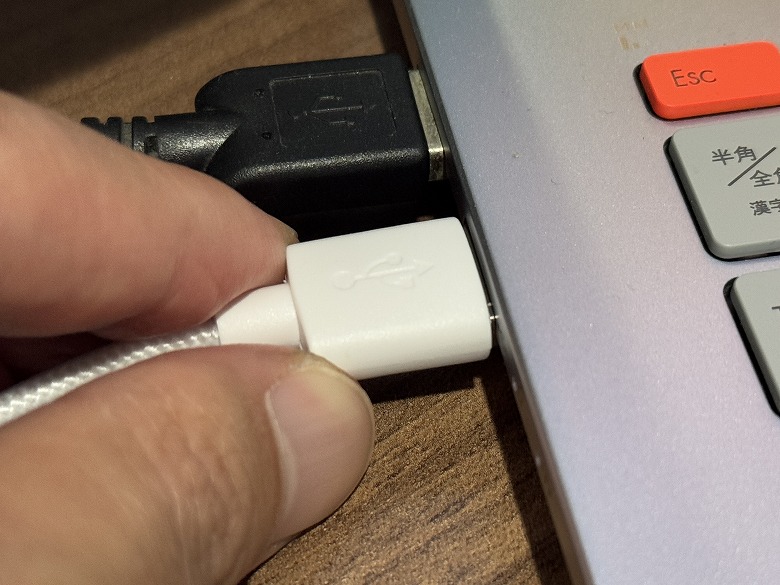
STEP
Connect the USB cable to the keyboard
STEP
Connect the USB cable to the PC
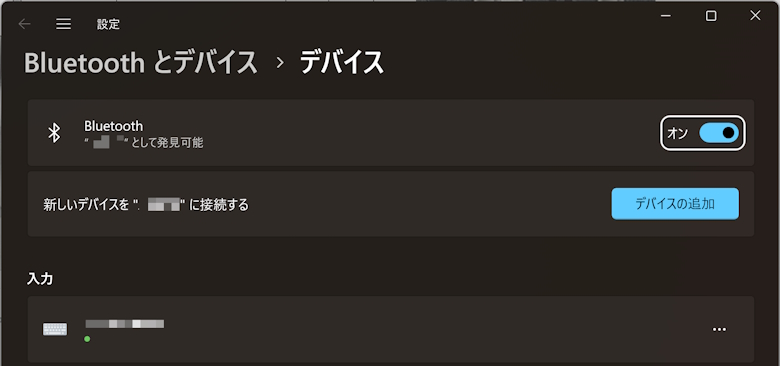
STEP
Click “Add a device” on the Bluetooth and device settings screen
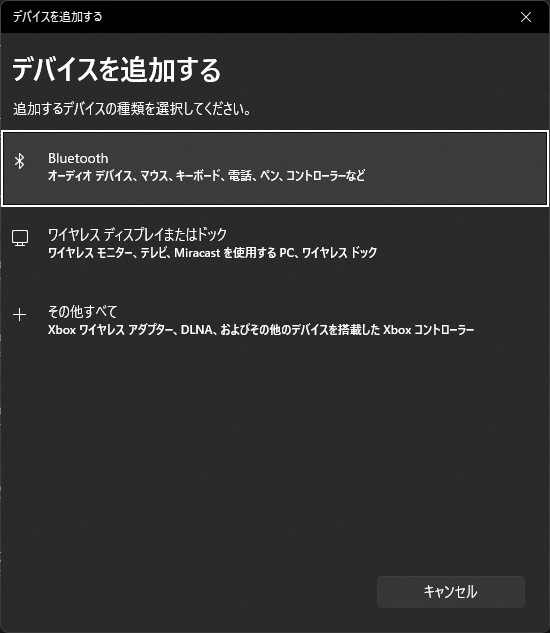
STEP
Click “Bluetooth”
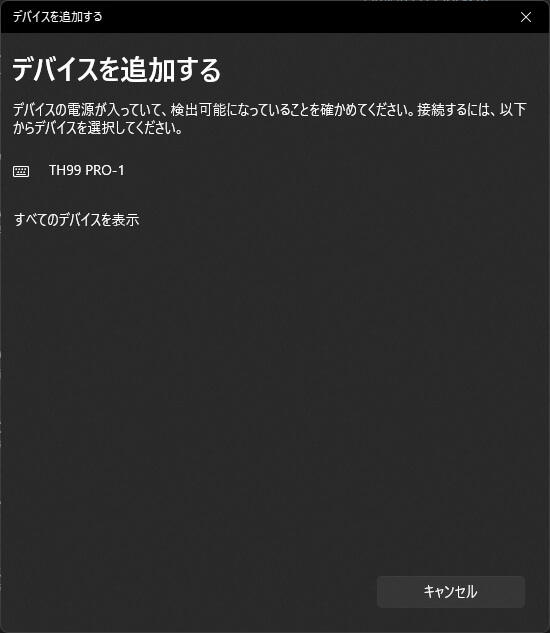
STEP
Select Galaxy100-1
STEP
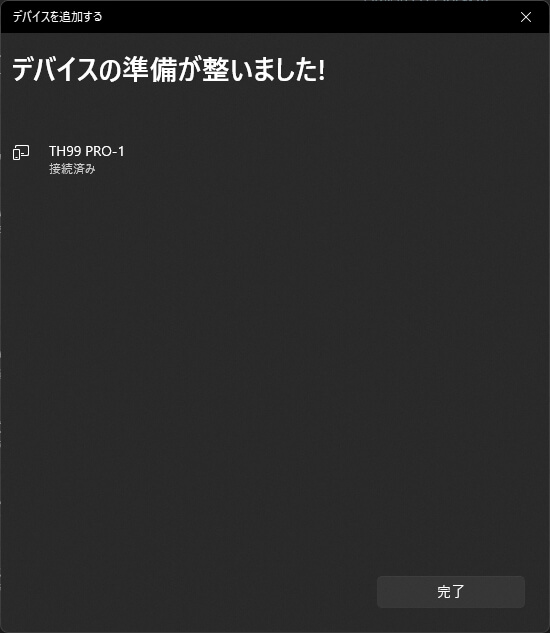
When it shows “Connected,” the setup is complete
STEP
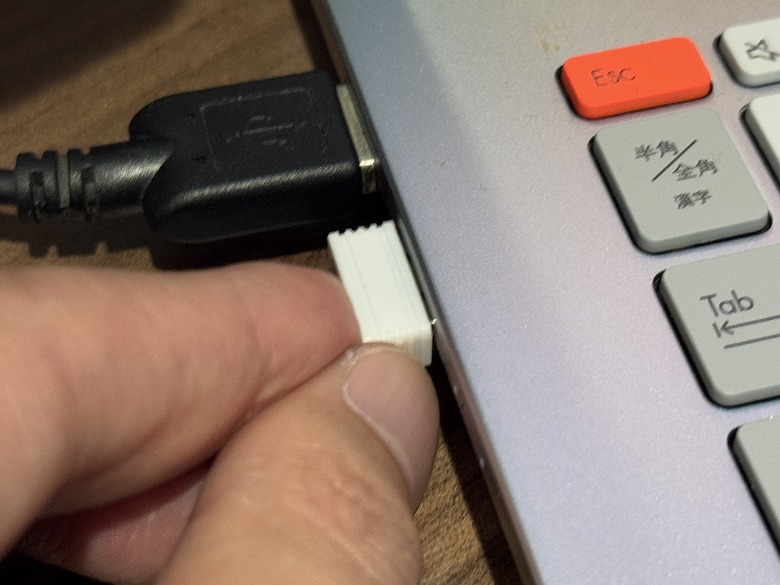
Connect the USB receiver to a USB port on the PC
I compiled a video of the typing sound and the backlight lighting patterns.
Itsuki
A keyboard that produces a pleasant, soft typing sound and offers an outstanding number of backlight patterns, making it fun to use
Epomaker TH99 Pro Review Summary
In this article, I wrote about “[Epomaker TH99 Pro Review] A Thorough Examination of the 99-Key Mechanical Keyboard with Smart Display.”
“Epomaker TH99 Pro” is a high-end mechanical keyboard with a well-balanced combination of specs, usability, and design.
Features such as the smart display, tri-mode connectivity, and large-capacity battery are refined to a level that can be comfortably utilized for everyday use.
It is a model well worth considering, especially for those who use multiple devices or want to upgrade their typing environment to the next level.
The excellent typing feel and convenient smart features firmly enhance the quality of your work.


 Itsuki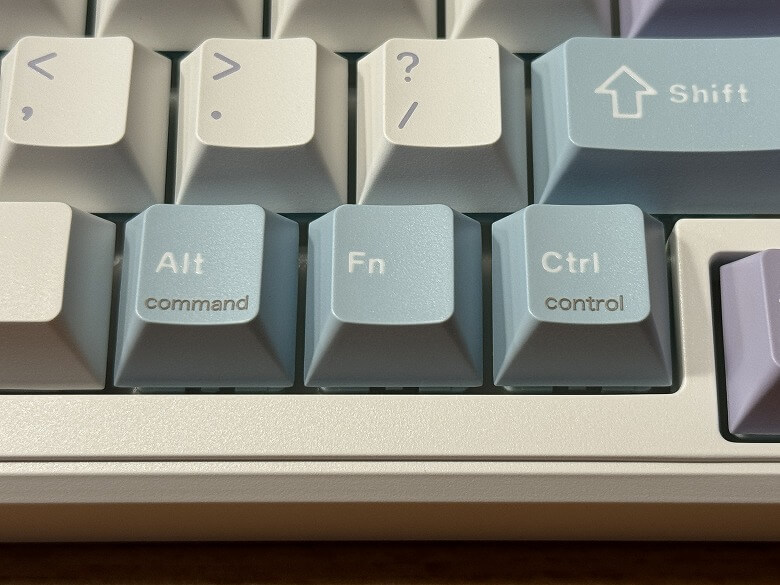
 Itsuki