Hello, I’m Itsuki (@saigalog), a huge keyboard enthusiast.
The world of mechanical keyboards continues to evolve year after year, with numerous new products hitting the market.
Among them, finding a model that combines not only novelty but also “practicality” and a “premium feel” is not an easy task.
One model attracting attention in this landscape is the “Epomaker Galaxy68.”
While maintaining the compactness of a 65% layout, the Galaxy68 adopts premium materials such as a CNC-machined aluminum case and a metal knob, setting it apart from other keyboards at first glance.
Inside, five layers of foam are installed, achieving a deep and quiet typing sound reminiscent of a musical instrument.
The soft typing feel provided by the gasket mount structure can aptly be described as a “creamy comfort” that feels as though your fingertips are being gently drawn in.
Another major feature of the Galaxy68 is its large-capacity 6000mAh battery.
With the backlight turned off, it boasts an impressive maximum battery life of up to 500 hours, so you don’t have to worry about running out of power when working on the go or during long sessions.
It supports three connection modes—Bluetooth, 2.4GHz, and wired—making it suitable for a wide range of scenarios from gaming to business use.
Moreover, even in wireless mode, it achieves a 1000Hz polling rate, ensuring a design that delivers virtually no noticeable latency during gameplay.
In this way, the Galaxy68 seamlessly combines “visual beauty,” “typing comfort,” and “high-performance functionality” at a high level.
In this article, I will review the appeal and detailed features I discovered through actual use, and provide an in-depth look at its performance for those considering a purchase.
Pros
Cons
Premium-feel chassis
Excellent typing feel and quietness
Large-capacity battery
Multiple connection options
High level of customization
Somewhat expensive
Heavy
※This article was created with a product provided by the manufacturer.
Table of Contents
What’s Included with the Epomaker Galaxy68
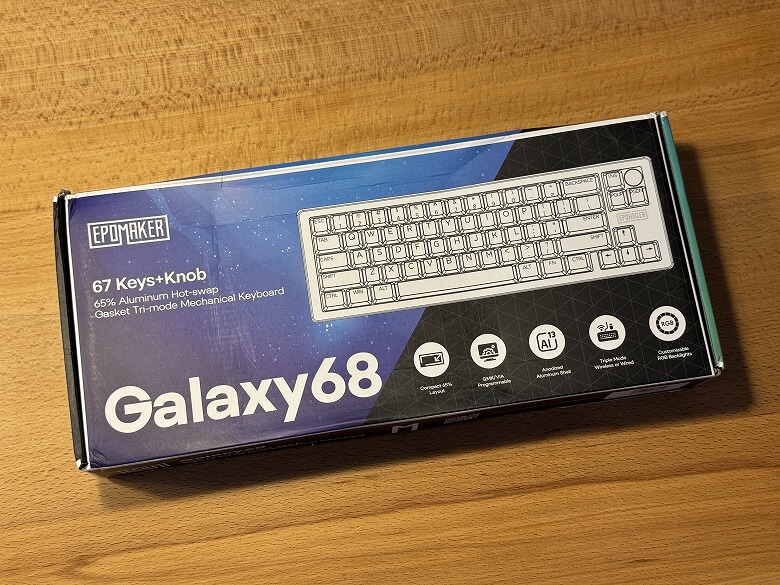
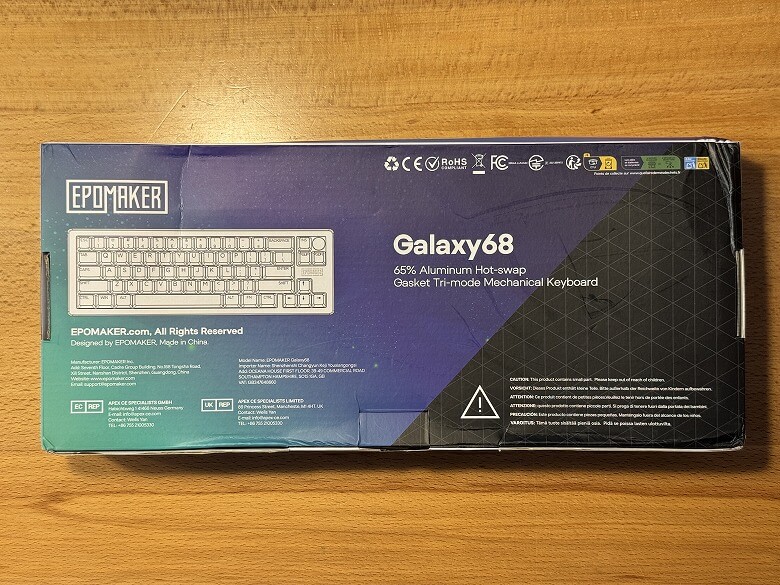
The outer box of the “Epomaker Galaxy68” features a cool, space-inspired design.
The product features are listed on the back.
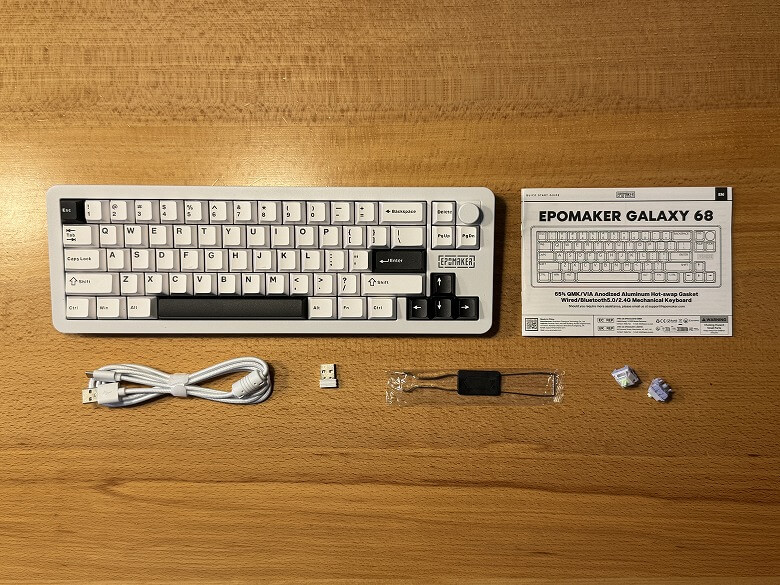
The following items are included as package contents.
What’s Included with the Epomaker Galaxy68
Keyboard unit
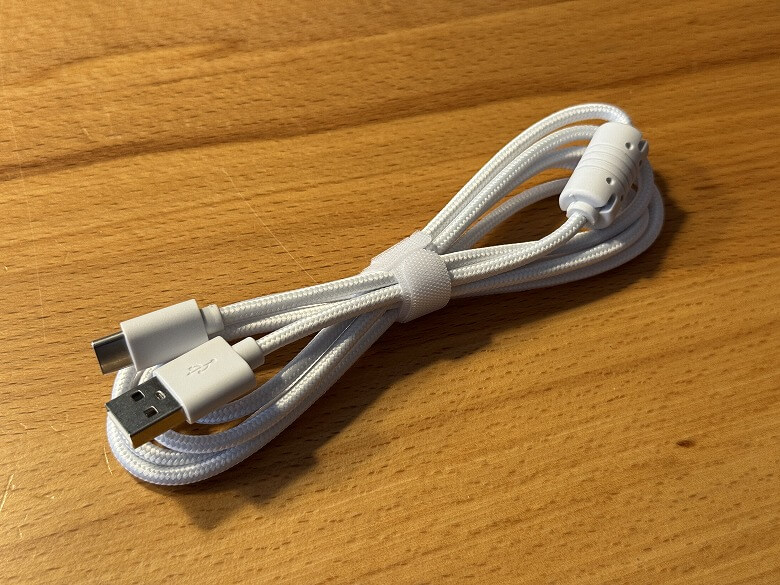
USB Type-A to C cable
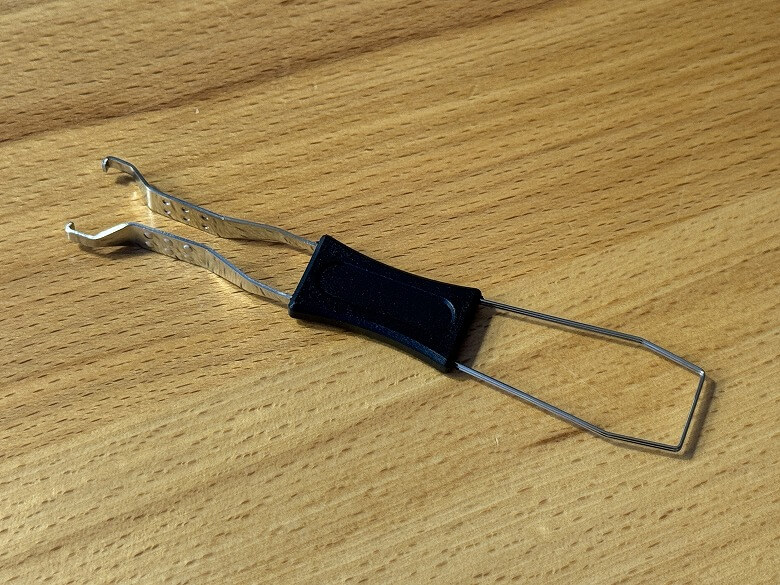
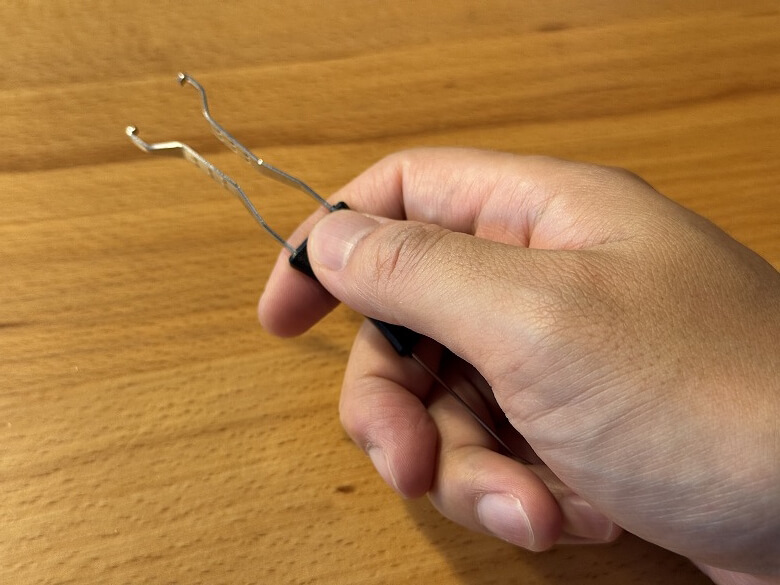
Keycap & switch puller
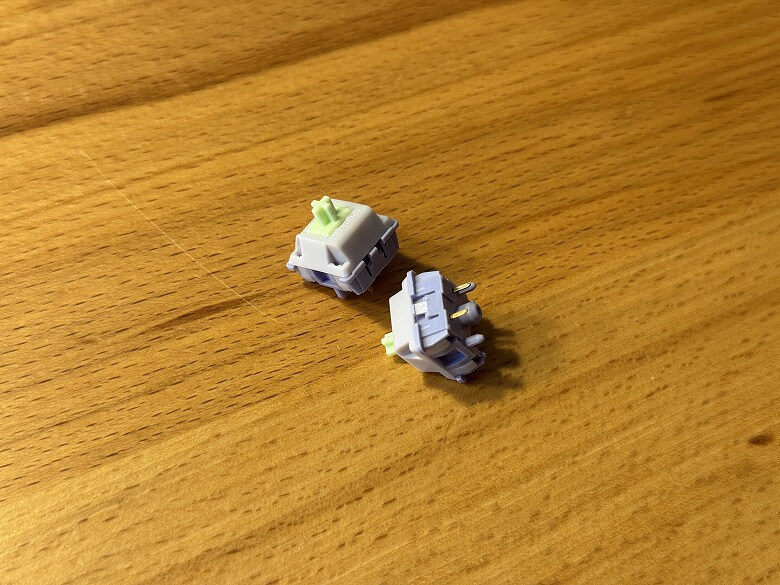
Key switches
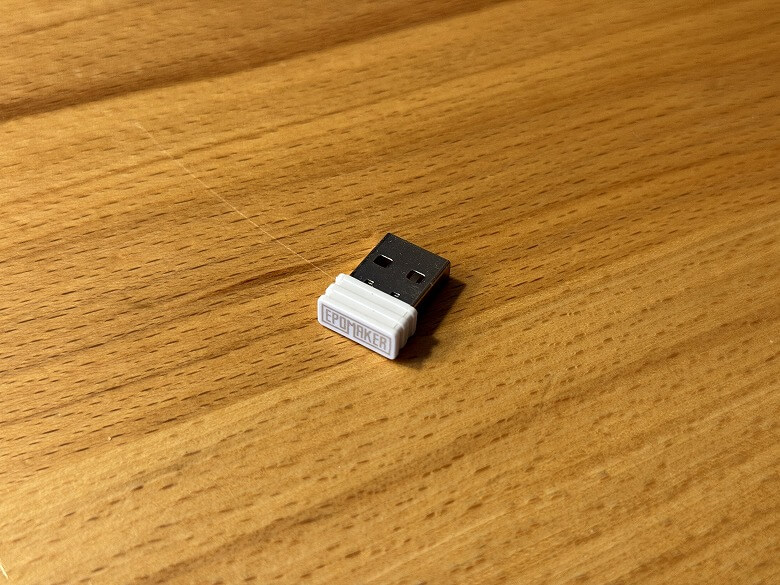
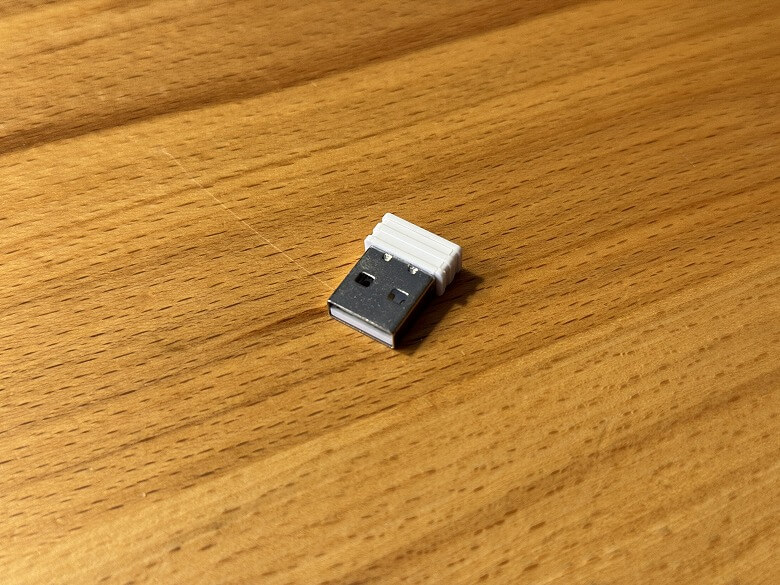
USB receiver
User manual
The USB Type-A to C cable features a durable nylon braided design.
The tool functions as a keycap puller on one end and a key switch puller on the other.
A spare key switch is included.
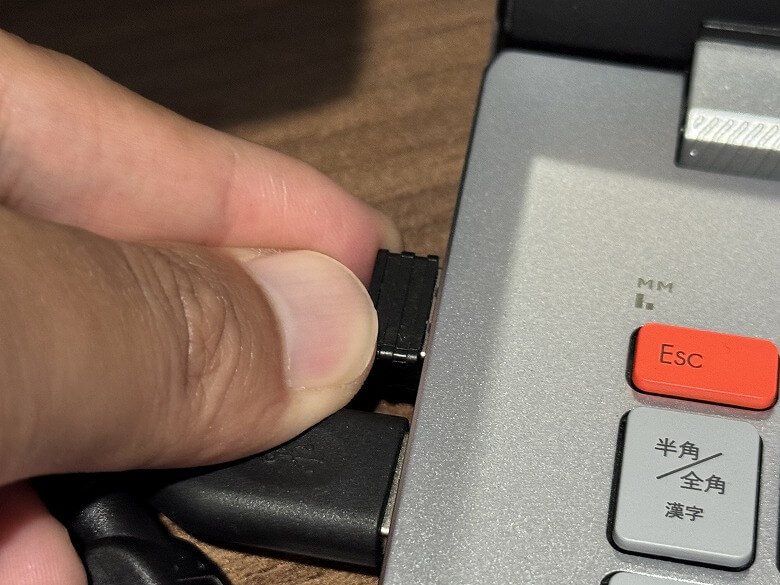
The USB receiver is used for 2.4GHz connection.
Epomaker Galaxy68 Specifications
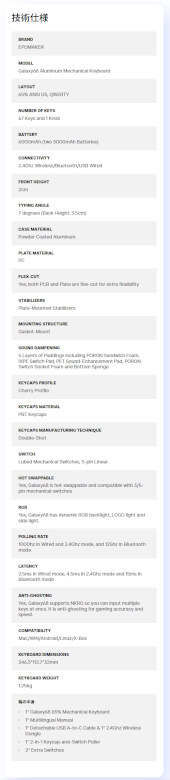
The Epomaker “Galaxy68” is a gaming mechanical keyboard characterized by its compact form, comfortable typing feel, and a wide variety of illumination patterns.
The main specifications are as follows.
Design
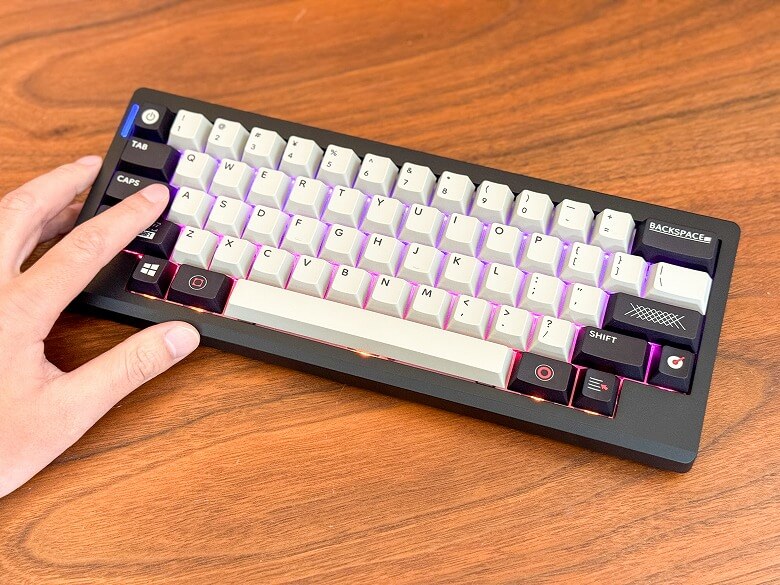
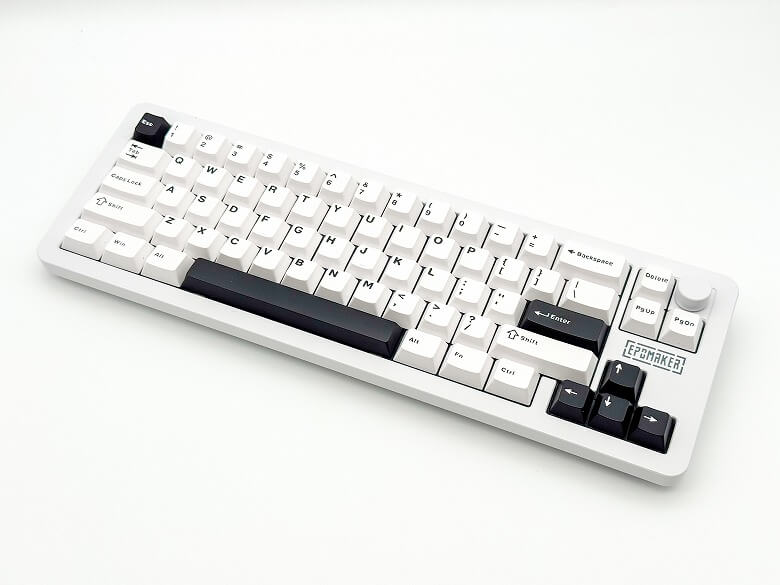
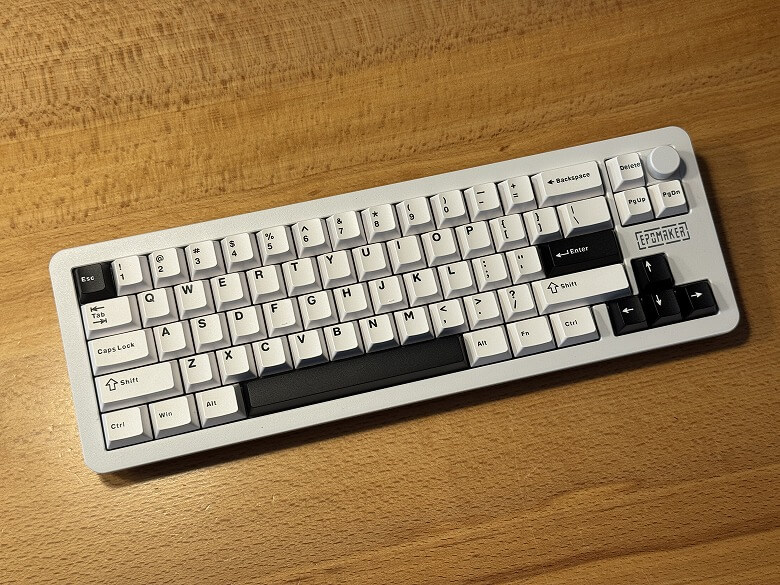
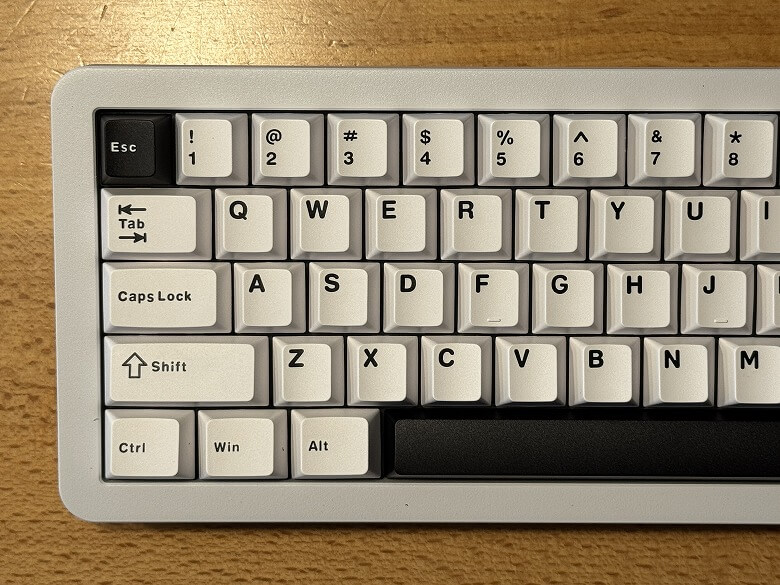
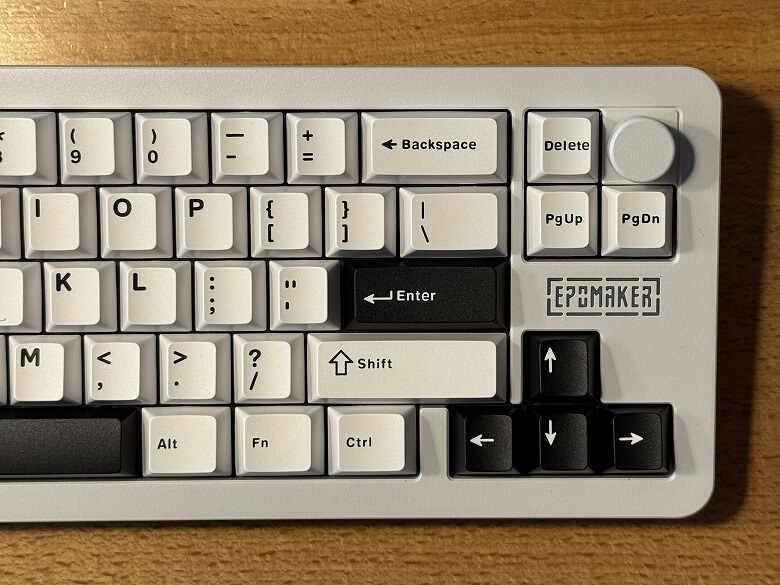
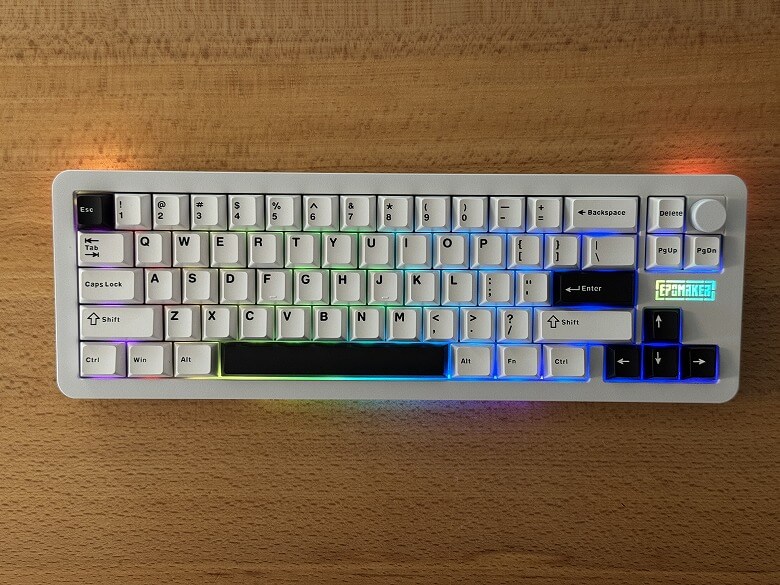
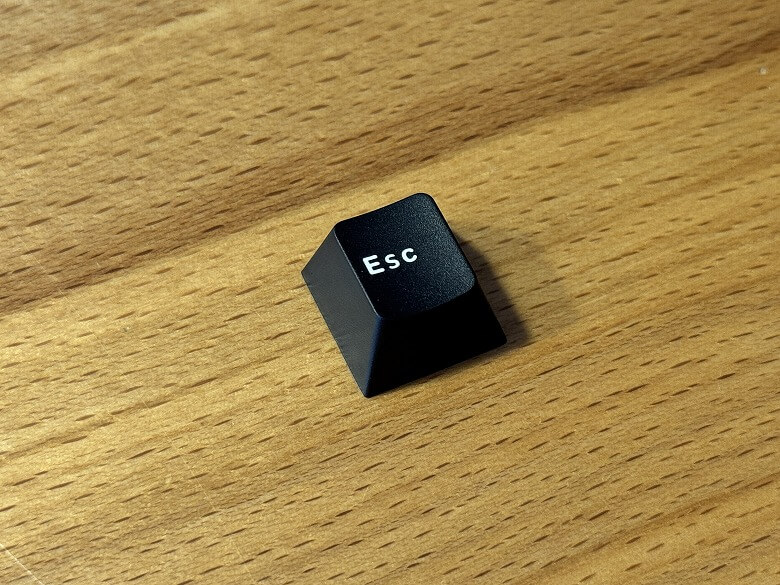
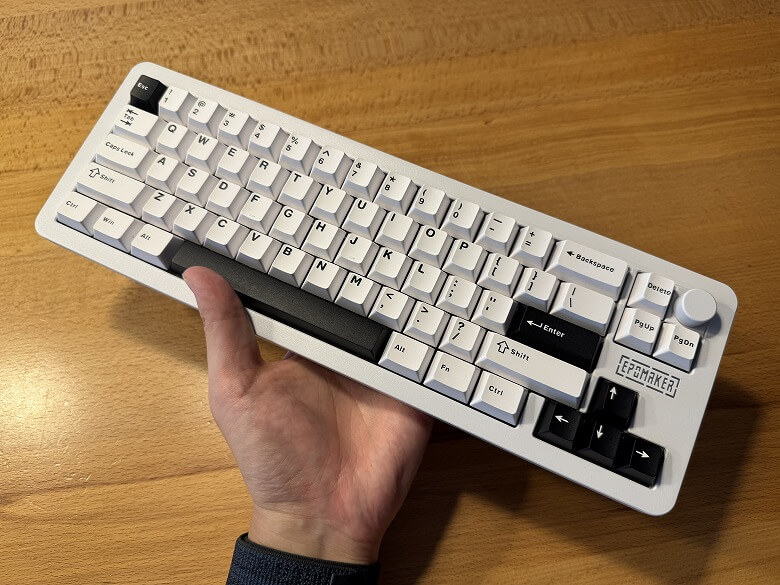
The “Epomaker Galaxy68” features a simple two-tone design in white and black.
This is what it looks like when you take close-up shots of the left and right sides of the keyboard.
It features beautifully illuminated RGB lighting.
Itsuki
The lighting patterns are introduced in the video in the latter half of this article.
By combining it with the Fn key, you can access various functions.
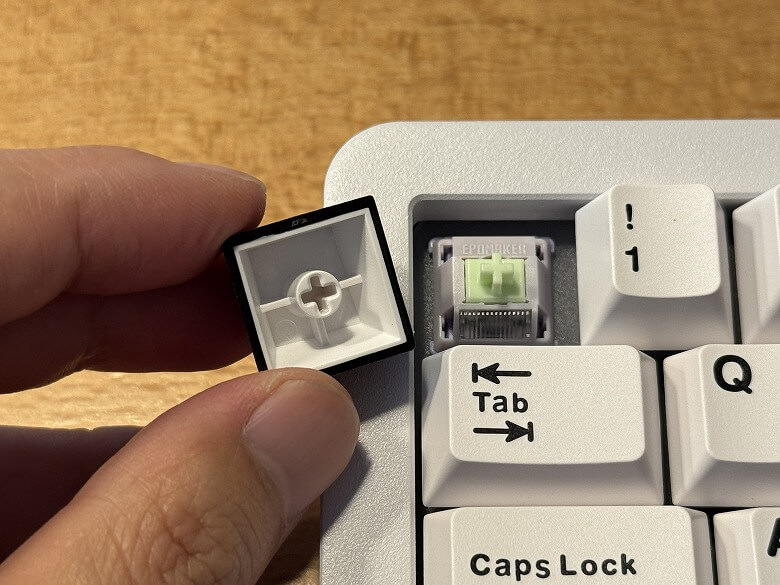
The keycaps use PBT keycaps, offering a premium texture and excellent durability.
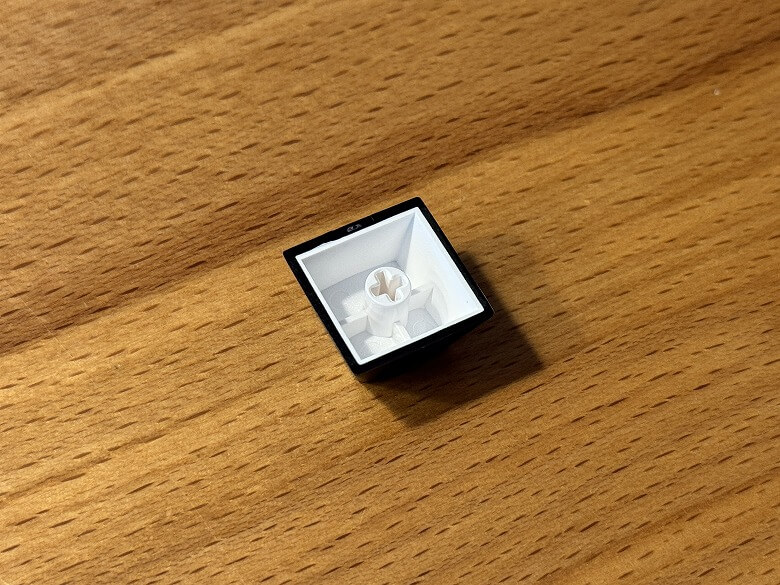
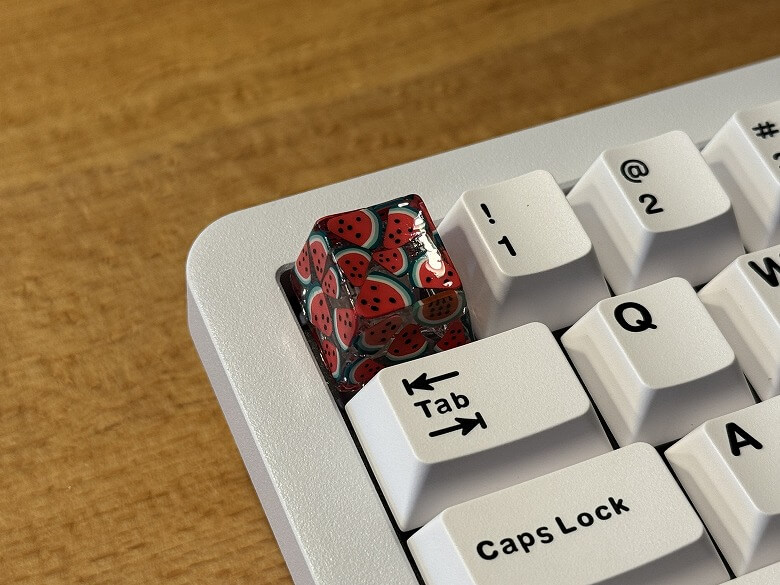
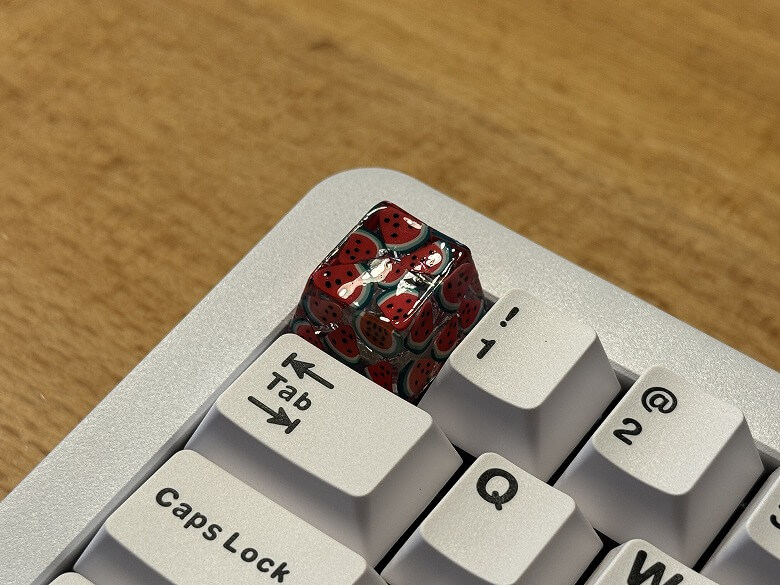
It is compatible with Cherry MX switches, allowing you to swap in original keycaps and enjoy a different look and feel.
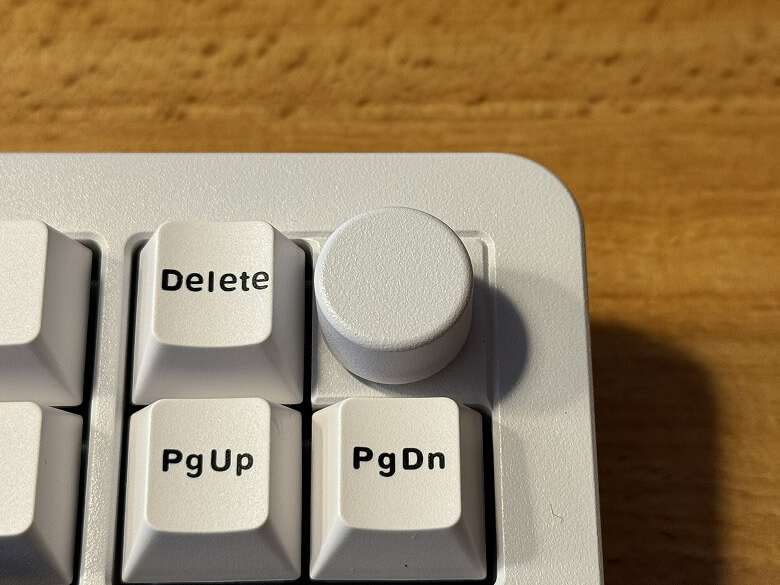
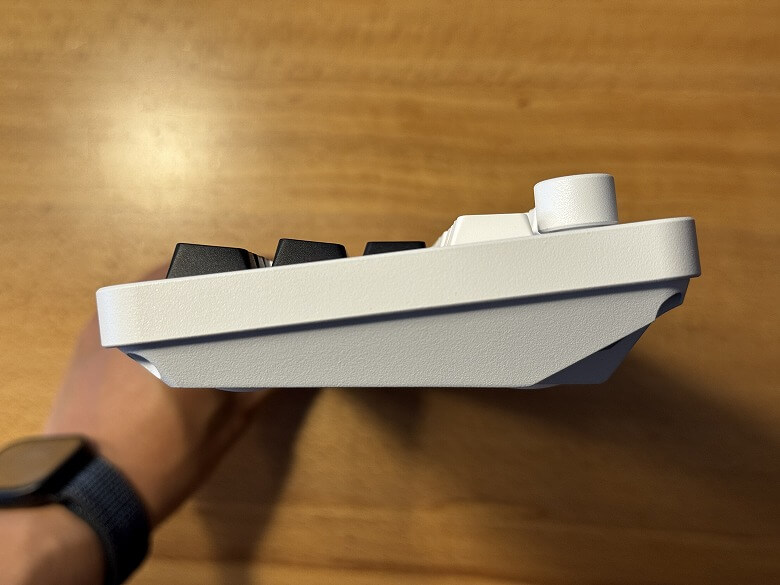
There is a knob located in the top right corner.
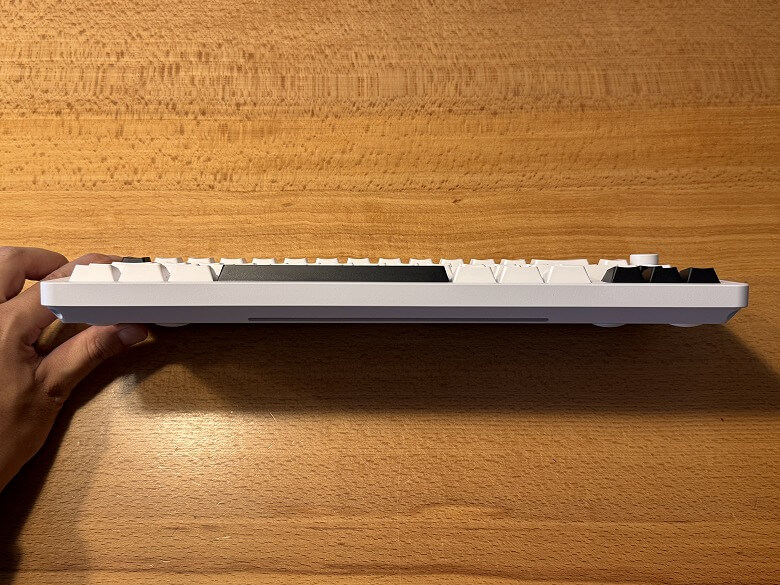
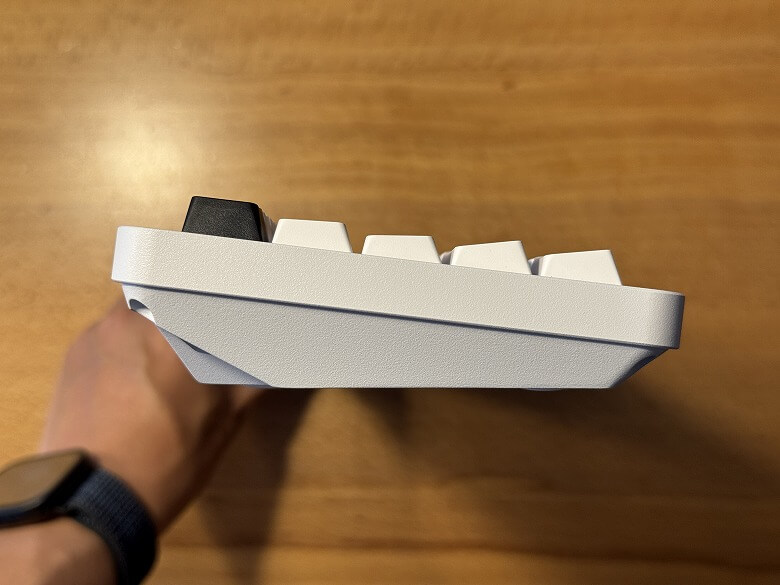
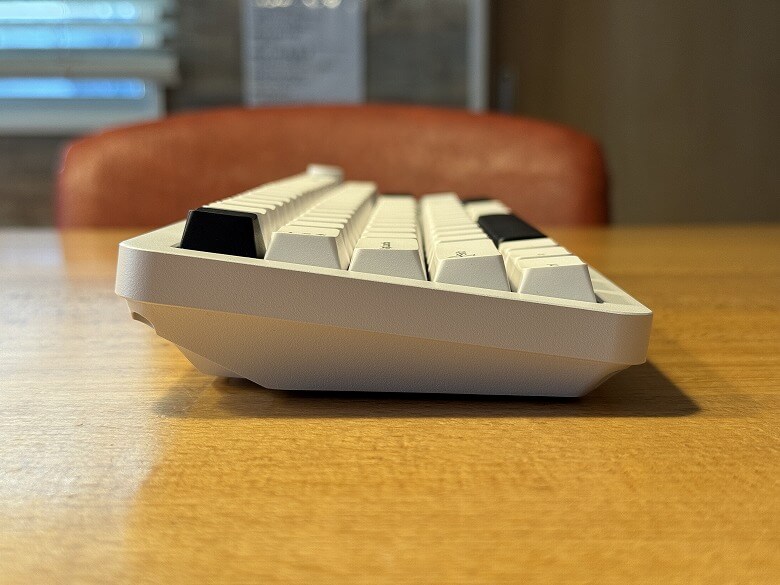
This is what the side looks like when viewed from the front.
The side slopes upward from the front toward the back.
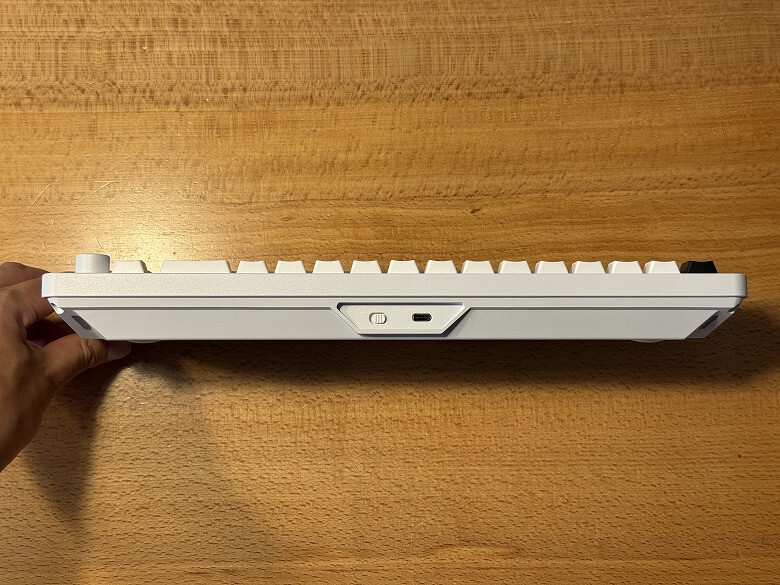
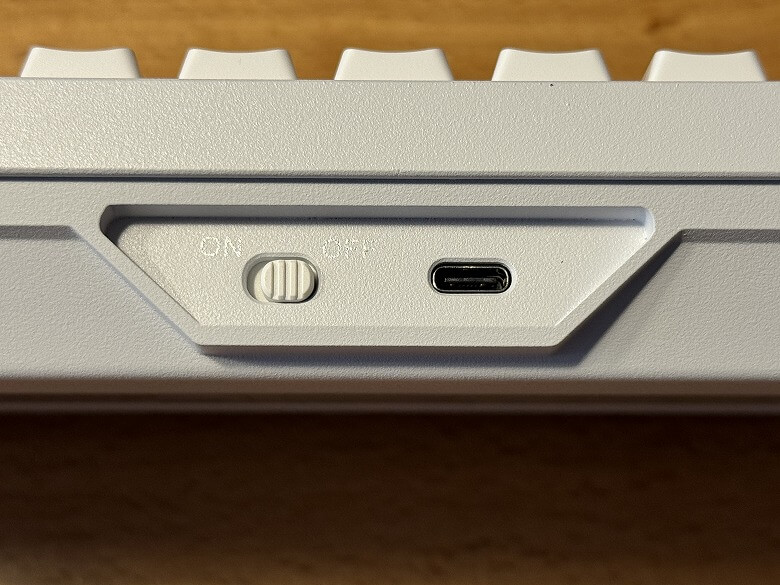
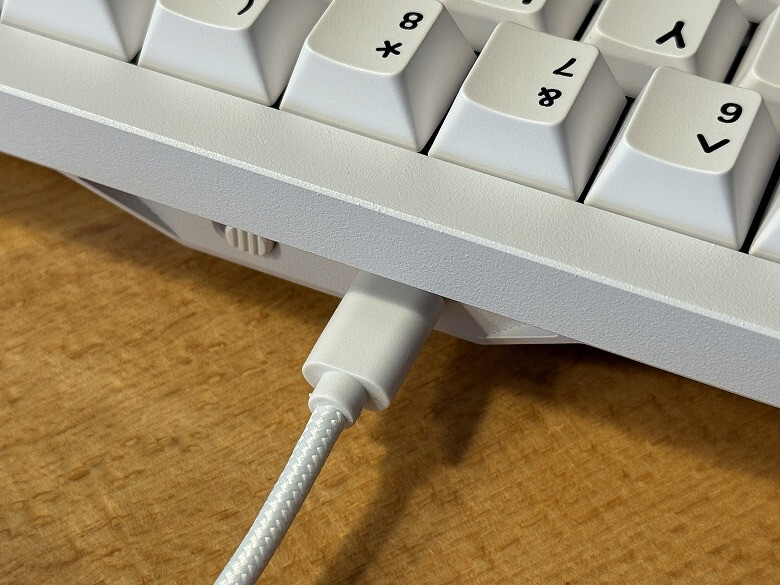
On the right side of the back, there is a power switch and a USB Type-C port.
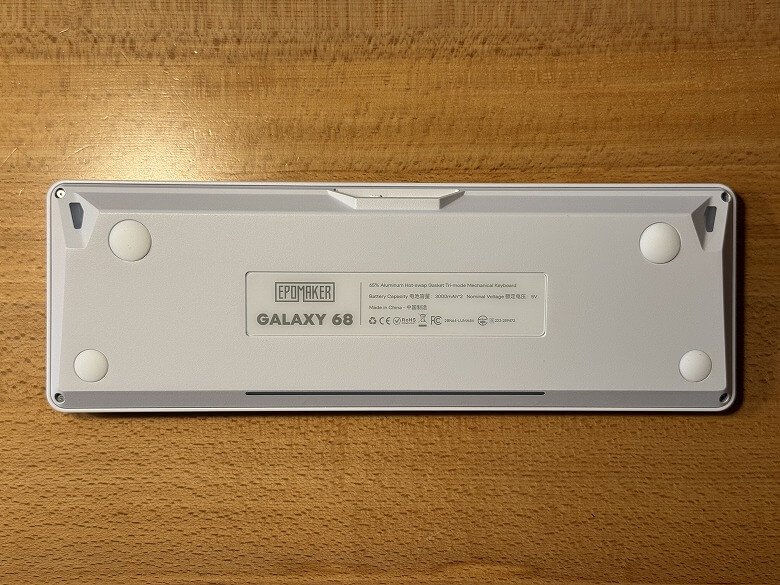
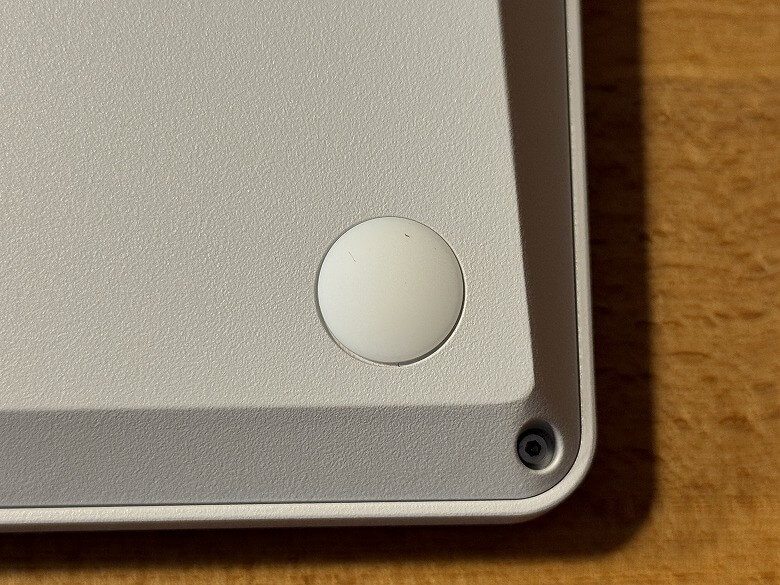
The bottom looks like this.
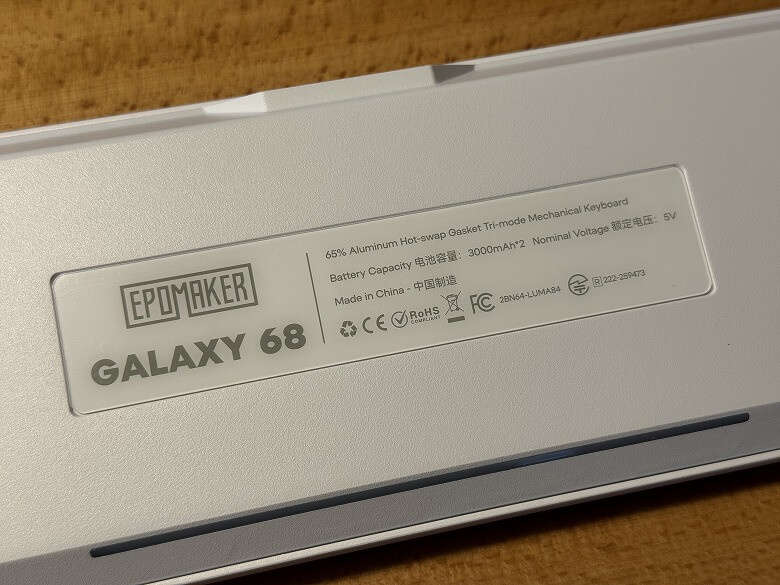
The specifications are listed in the center.
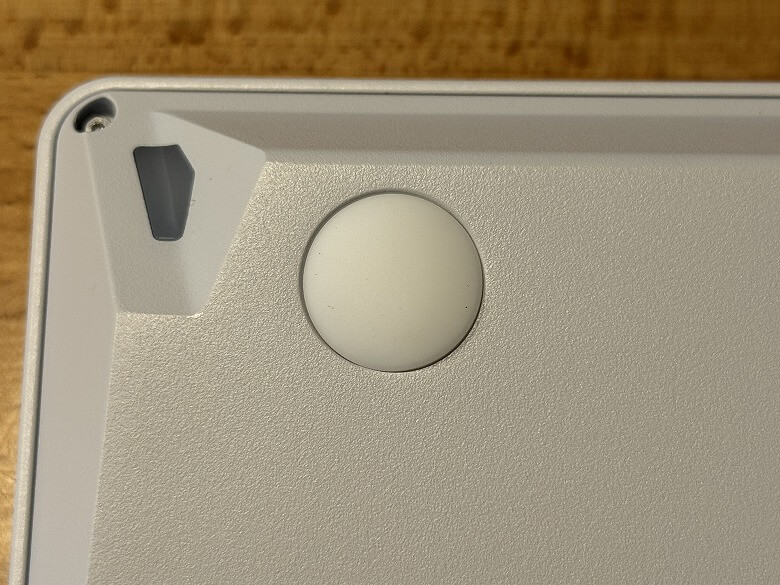
Anti-slip pads are attached to the four corners.
Since there is no stand, the angle cannot be adjusted.
Size & Weight
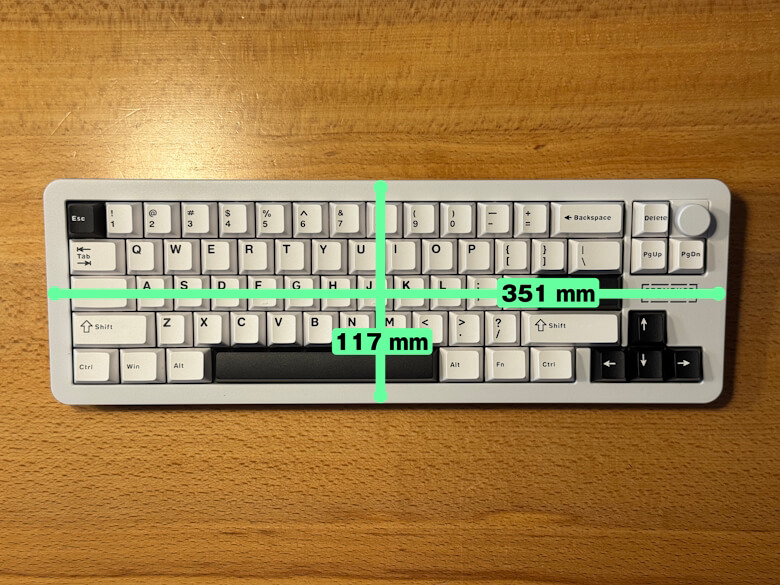
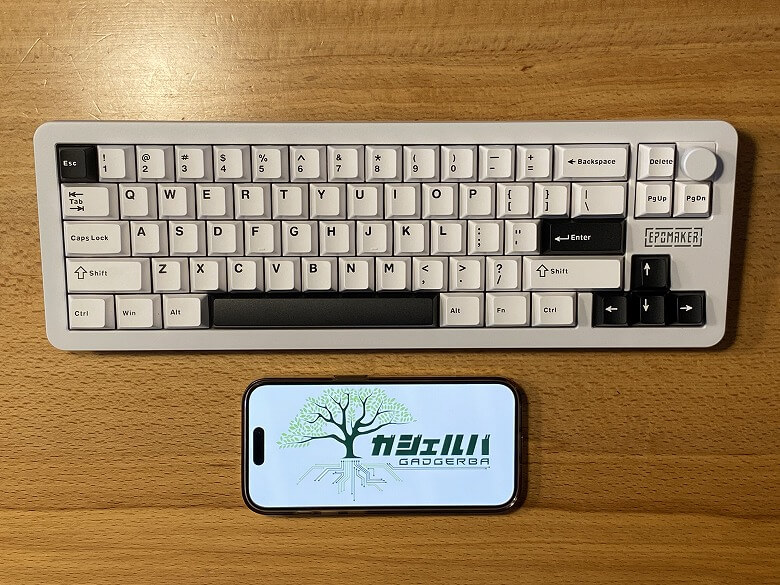
The size of “Epomaker Galaxy68” is 117 × 351 mm.
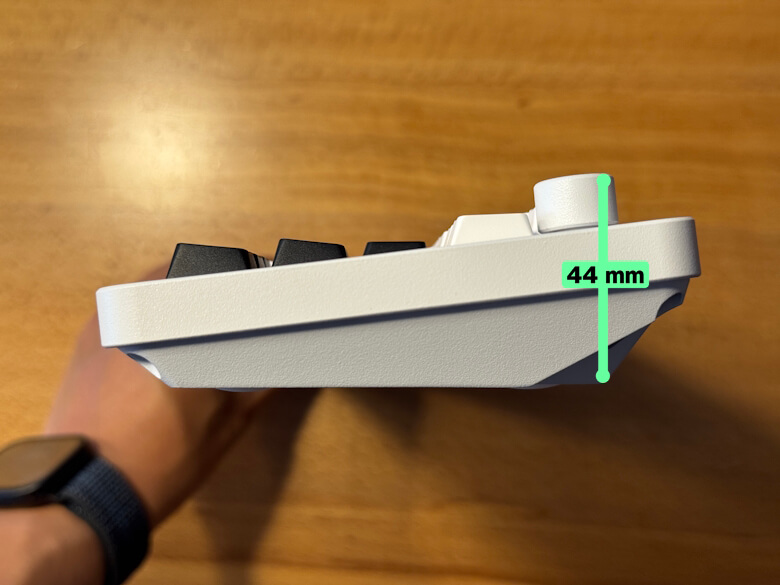
The height is 44 mm.
Here is how it compares in size with a smartphone (iPhone 15 Pro).
Since it is compact, it does not take up much space and allows you to use your desk more widely.
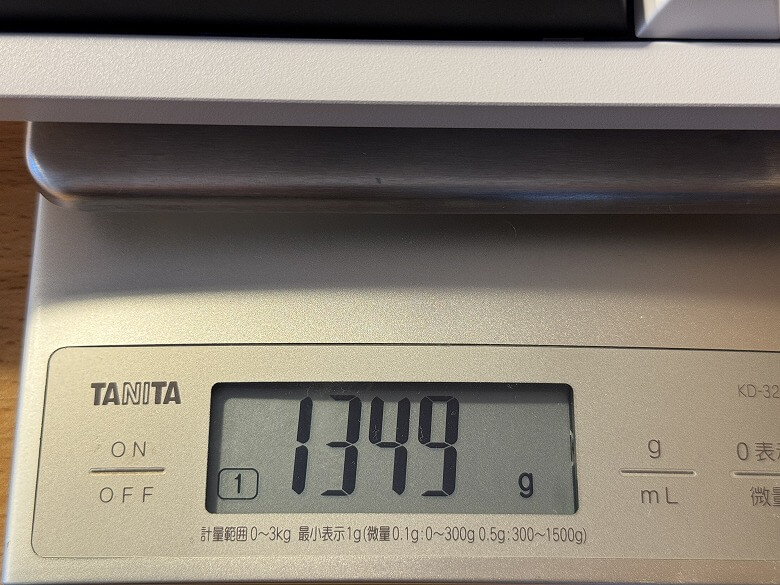
The weight was 1349 g.
Features
There are a total of three connection methods for the “Epomaker Galaxy68”.
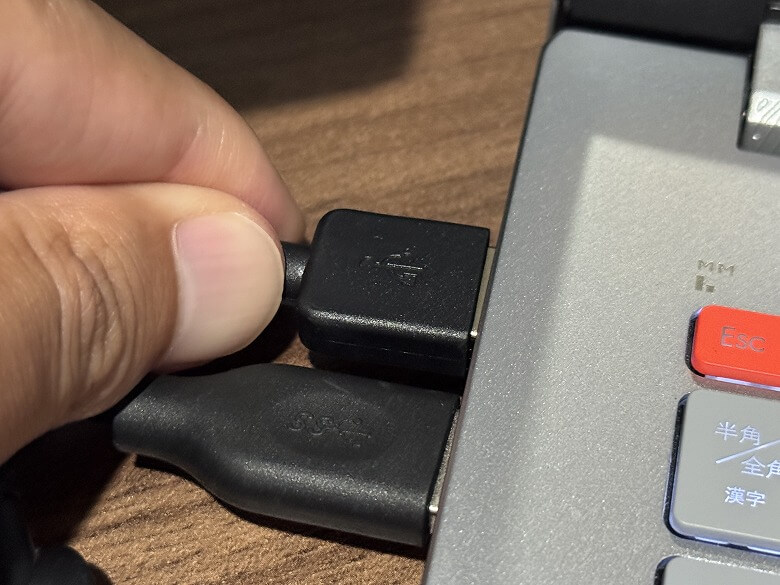
STEP
Connect the USB cable to the keyboard
STEP
Connect the USB cable to the PC
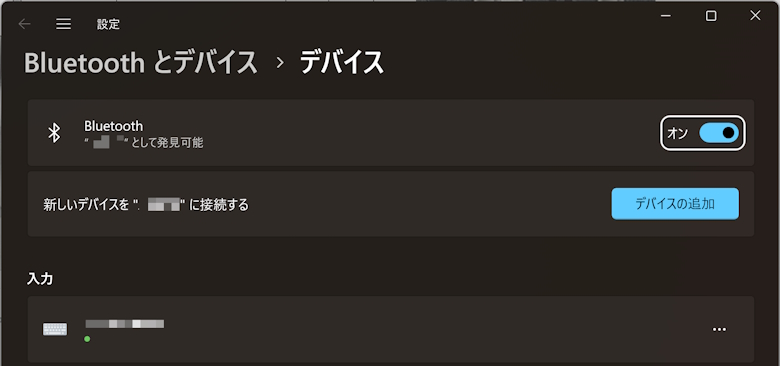
STEP
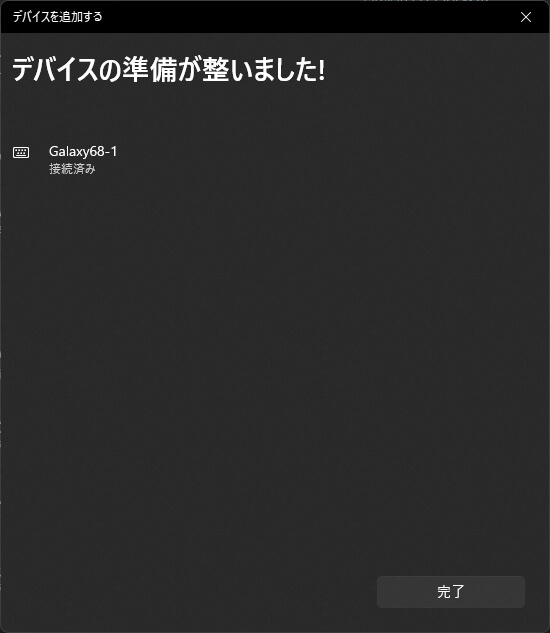
Click “Add a device” on the Bluetooth and devices screen
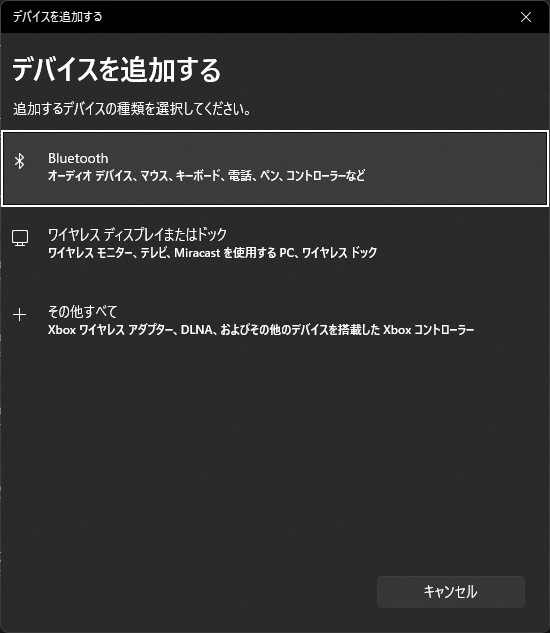
STEP
Click “Bluetooth”
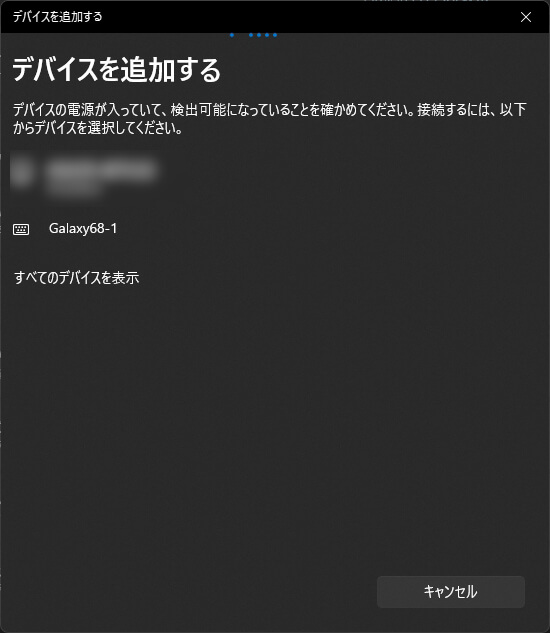
STEP
Select Galaxy 68-1
STEP
When it shows “Connected,” the setup is complete
STEP
Connect the USB receiver to a USB port on your PC
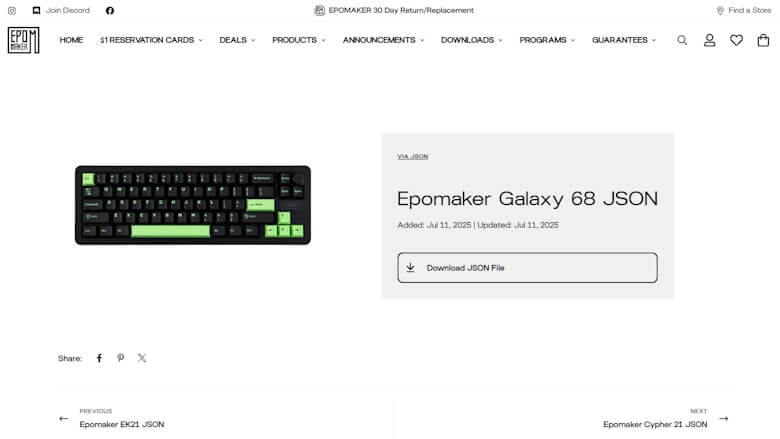
You can download the dedicated JSON file from the official website.
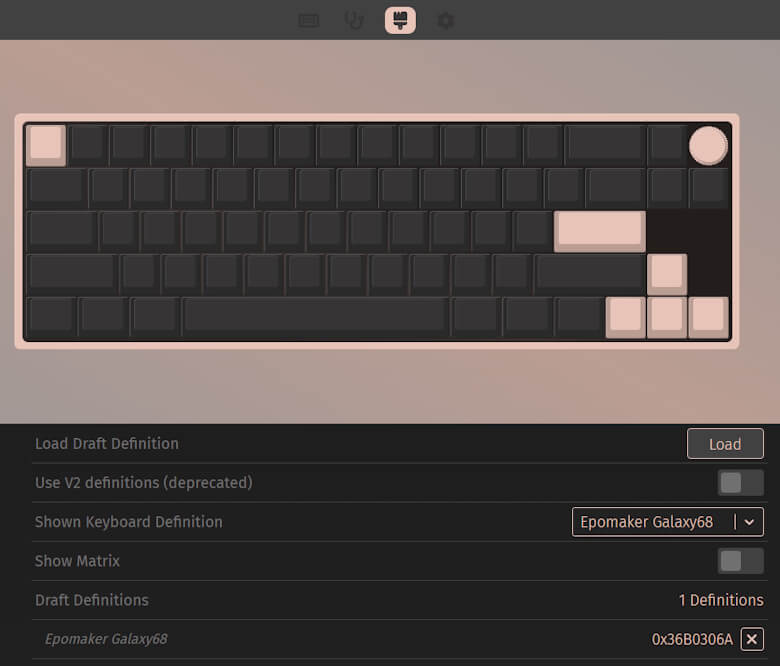
With VIA, you can customize settings such as keymap changes.
I’ve put together a video showcasing the typing sound and backlight lighting patterns.
Itsuki
The comfortable typing feel makes it a pleasure to type!
Epomaker Galaxy68 Review Summary
In this article, I wrote about “【Epomaker Galaxy68 Review】A Luxurious 65% Key Experience with Quietness, Speed, and Beauty—All in One.”
With its premium aluminum chassis, metal knob, gasket mount structure with excellent noise dampening, and a large-capacity 6000mAh battery, along with support for three modes—Bluetooth, 2.4GHz, and wired—the Galaxy68 may seem a bit pricey at first glance.
However, when compared to other high-end keyboards with similar performance, the Galaxy68 falls into a highly competitive price range, and its outstanding cost performance becomes clear.
Furthermore, considering the typing feel, typing sound, and durability that allows for stress-free use during long hours of work or gaming, the price can rather be described as a “worthwhile investment.”
Not only does it offer value as a simple input device, but it also enhances the atmosphere of your desk, your work efficiency, and your gaming experience, making it a keyboard that delivers satisfaction beyond its price.
The Galaxy68 can be described as a keyboard that balances performance, design, and comfort, making it a model you can use and enjoy for a long time.


 Itsuki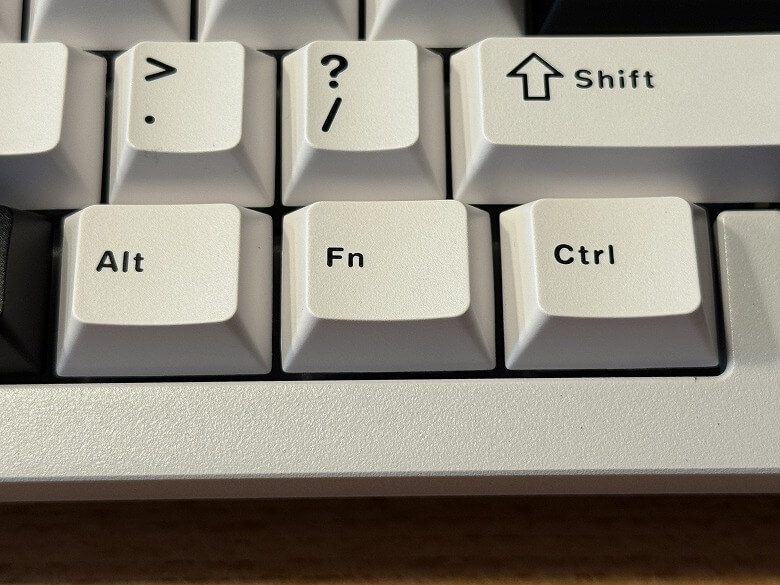

 Itsuki