
SwitchBot Smart Standing Circulator Fan Review: A Quiet, App-Controlled Air Circulator That Optimizes Your Entire Room

Hello, this is Itsuki (@saigalog).
Have you ever felt that only part of your room is hot or cold even when the air conditioner is on?
A circulator solves this kind of “uneven airflow,” and recently, they have rapidly evolved beyond simple fans into smart devices.
This time, I’ll be reviewing SwitchBot’s “Smart Circulator Fan (Standing Type).”
It features app control and automation support, allowing you to finely adjust airflow and oscillation.
“How is it different from a regular fan?”
“Does it really make life more comfortable?”
Based on actual usage, I’ll explain it in detail, including both advantages and disadvantages.
Pros
Cons
This article was created with a product provided by the manufacturer.
Table of Contents
What’s Included with the SwitchBot Smart Circulator Fan (Standing Type)
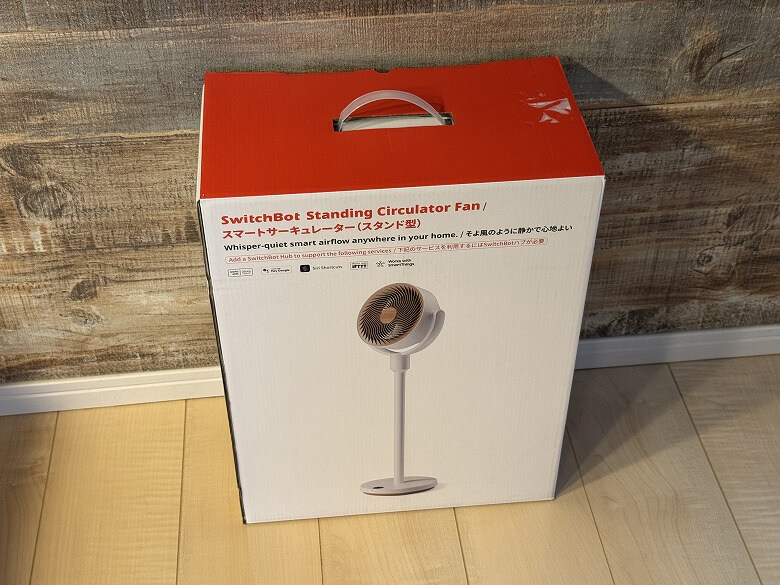
The outer box of the “SwitchBot Smart Circulator Fan (Standing Type)” features a simple design with a white base and red accent colors.
The following items are included.
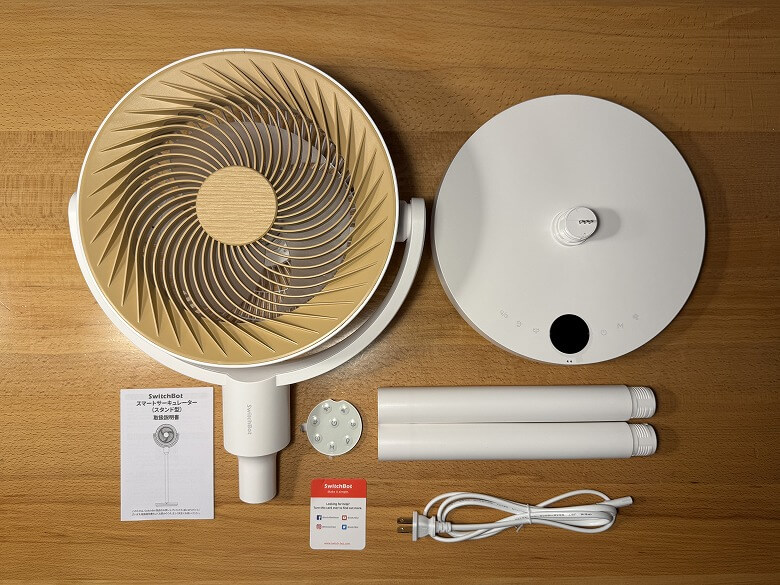
What’s Included with the SwitchBot Smart Circulator Fan (Standing Type)
- SwitchBot Smart Circulator Fan (Standing Type) main unit
- Charging cable
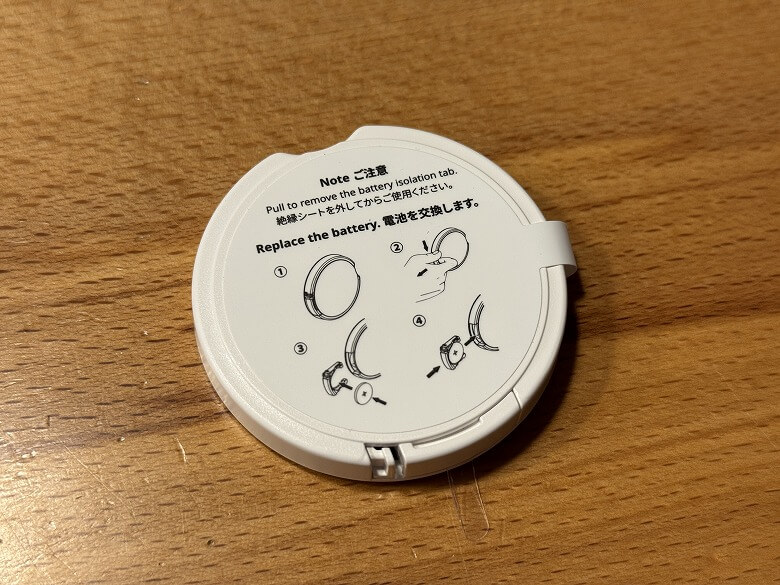
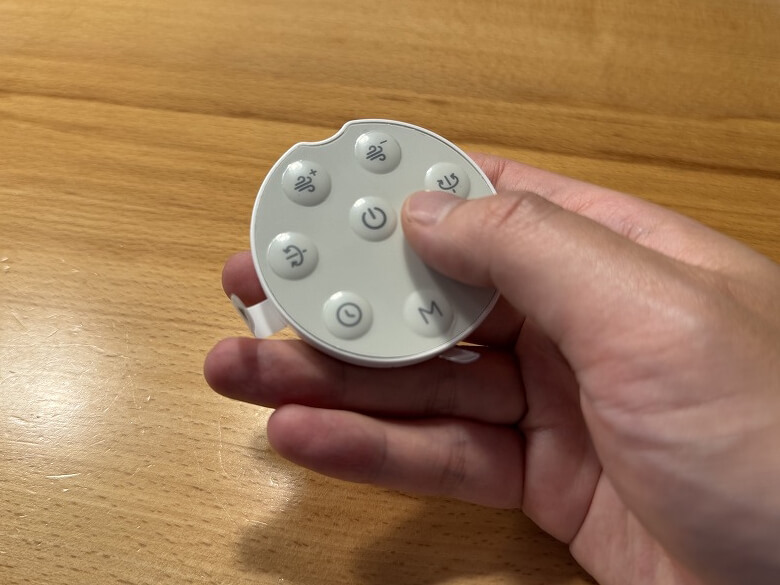
- Remote control
- User manual
The charging cable is unified in white.

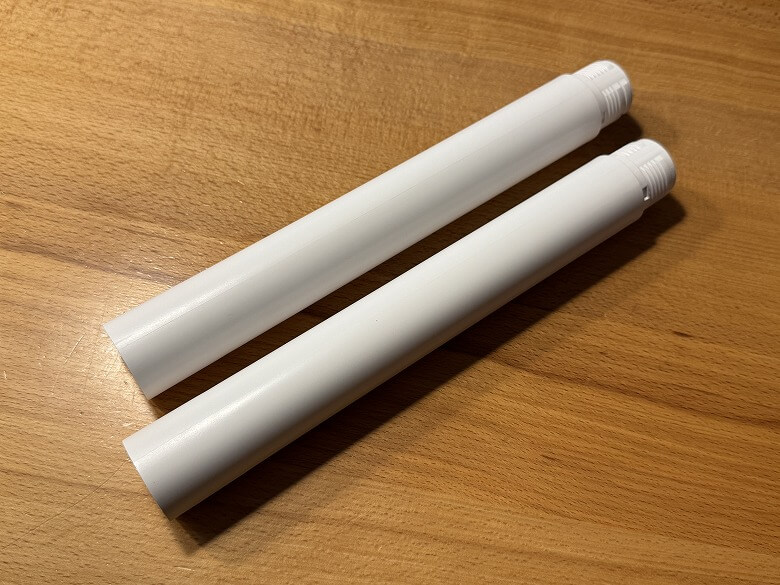
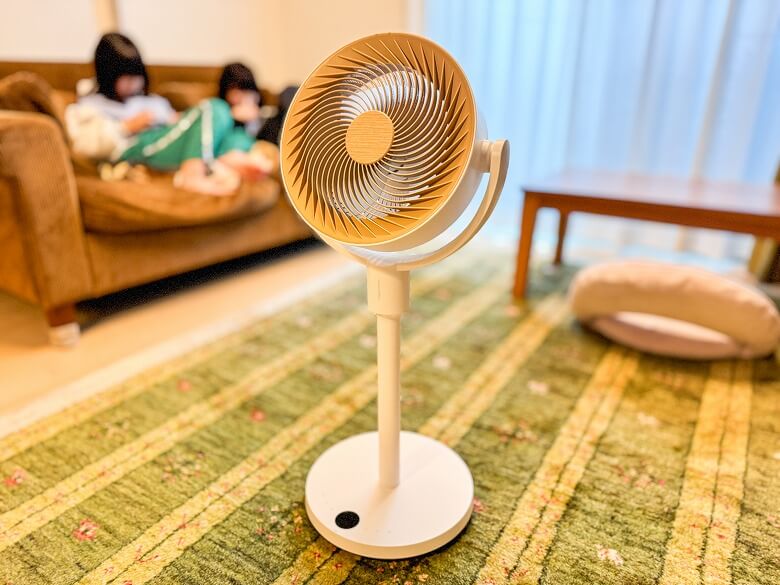
You can adjust the height in two levels using the pole.
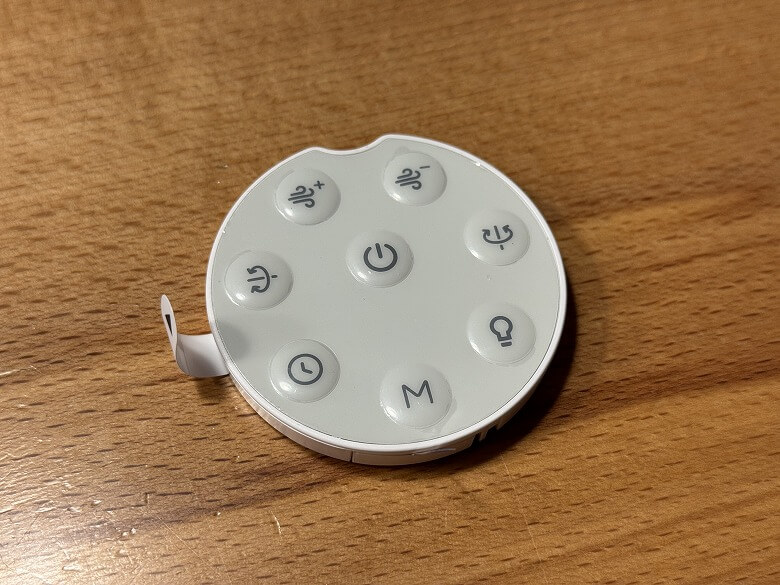
With the remote control, you can perform various operations such as power ON/OFF, airflow adjustment, and oscillation.
Specifications of the SwitchBot Smart Circulator Fan (Standing Type)
The “SwitchBot Smart Circulator Fan (Standing Type)” is a next-generation circulator that optimizes your entire air environment through app control and automation.
The main unit specifications are as follows.
スクロールできます
| Product Name | SwitchBot Smart Circulator Fan (Standing Type) |
|---|---|
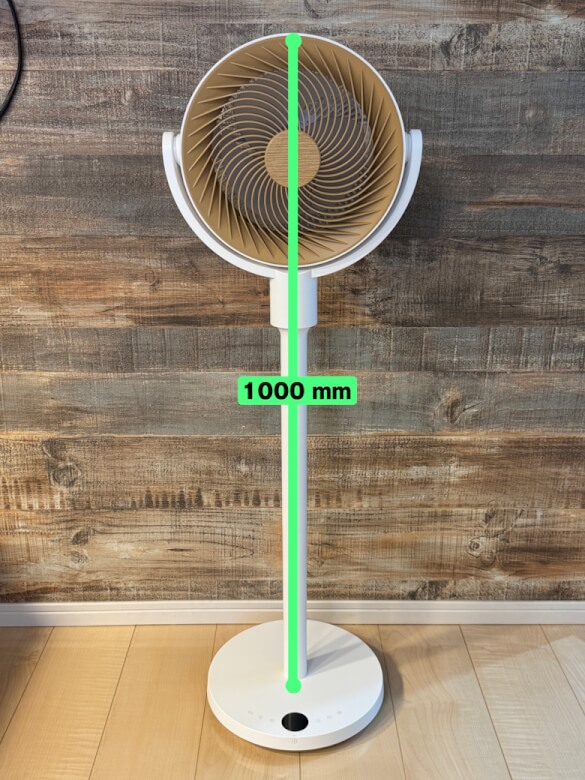
| Dimensions | 335 × 290 × 1000 (mm) |
| Weight | Up to 3360 g |
| Material | ABS |
| Operating Noise | Baby Mode: 22dB Fan Level 1: 28dB Max Airflow: 44dB |
| Battery | Capacity: 2400mAh Main battery: 11.1V, 2400mAh lithium-ion battery, 3-series 2-parallel 18650/1×6 configuration, overcharge/overdischarge protection |
| Airflow | Max Airflow: 9.15 m³/min |
Appearance
The “SwitchBot Smart Circulator Fan (Stand Type)” features a white base color with brown (wood-grain) accents that blend well with interior decor, and its height can be adjusted to three levels.
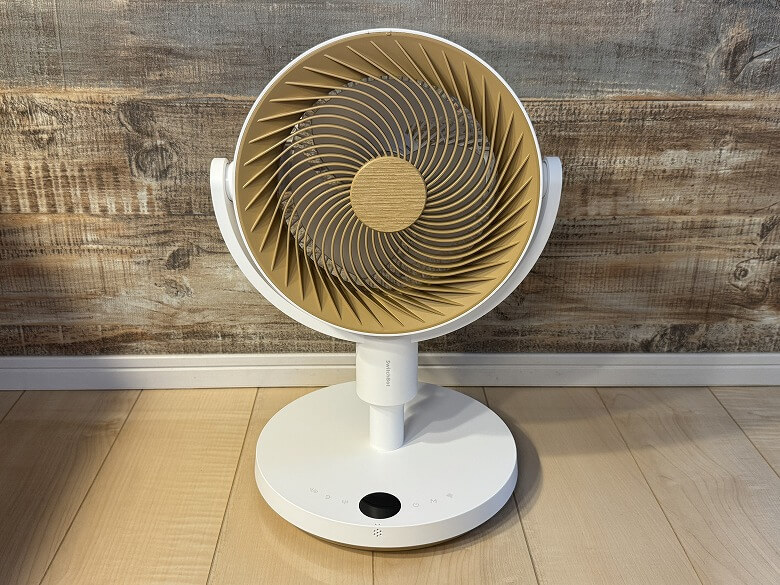
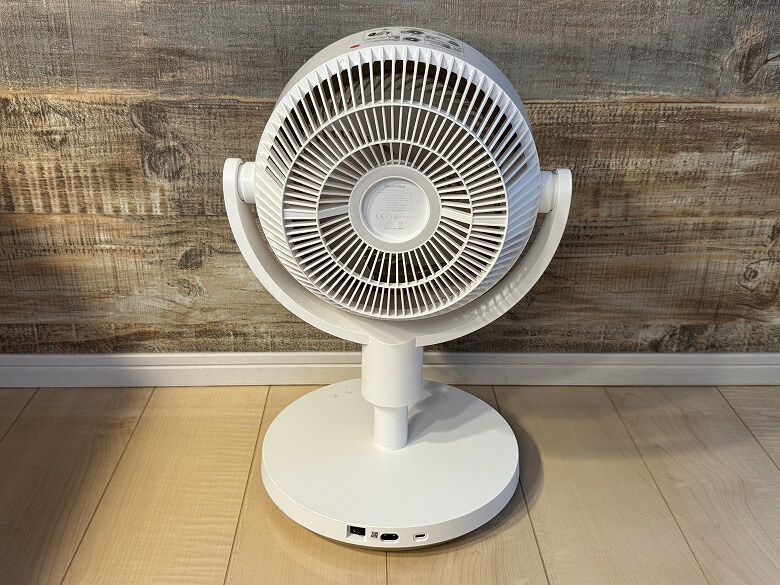
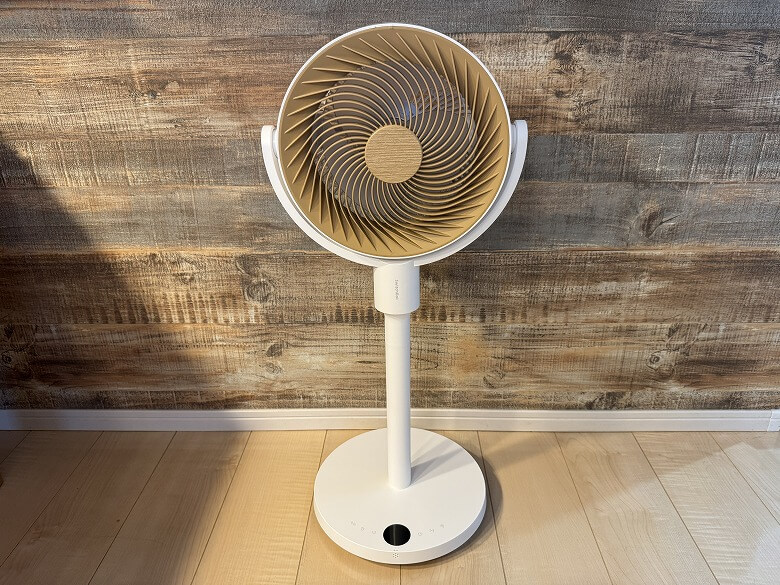
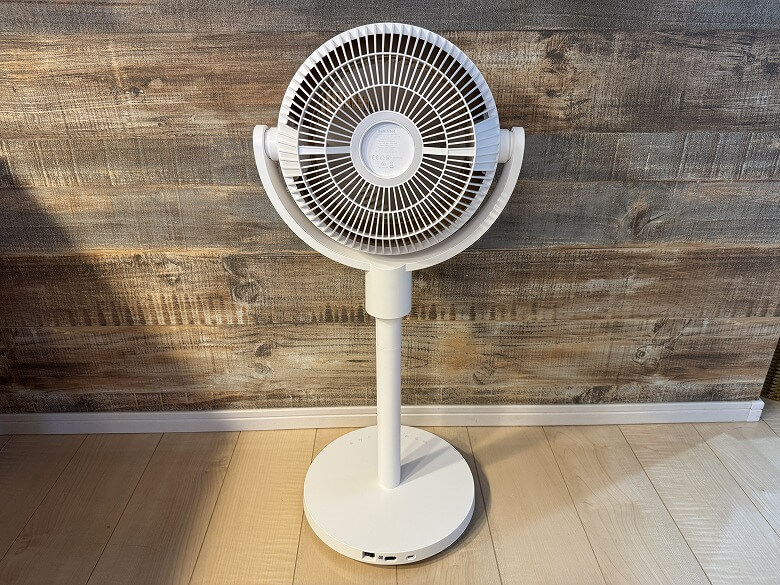
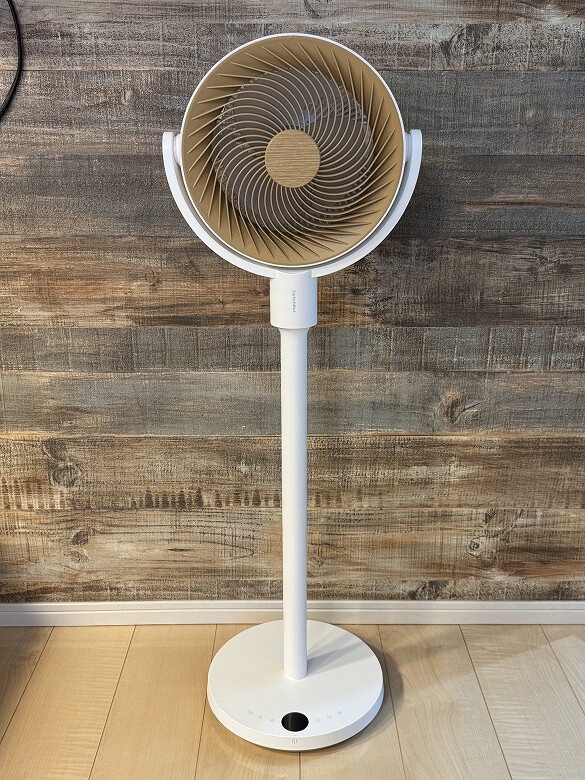
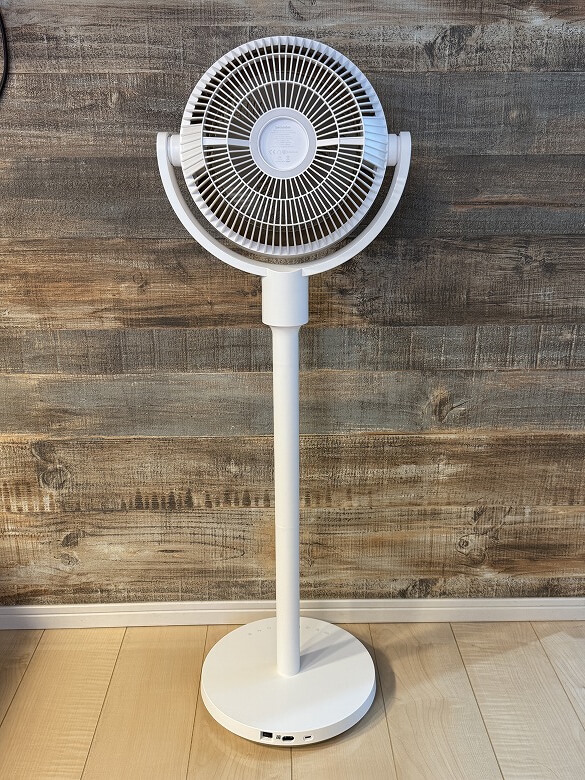
At the top, there is the front guard and fan blades.
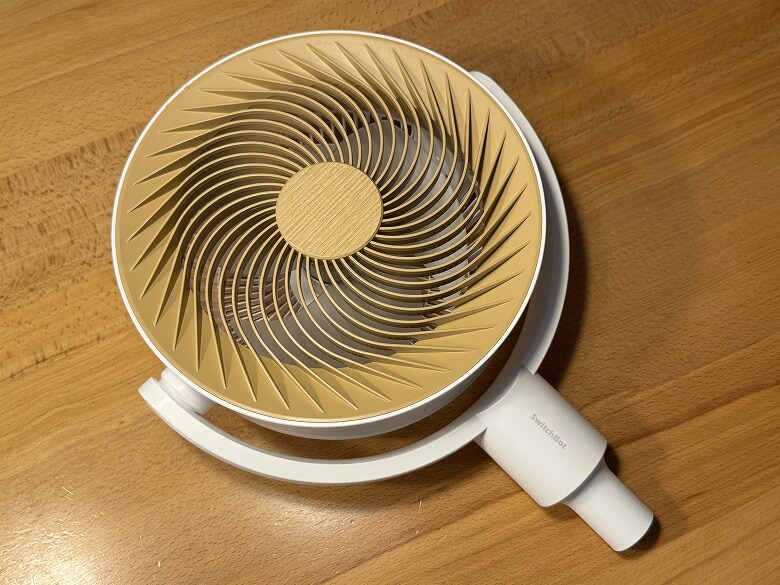
On the top surface, there is a label showing how to remove the detachable front guard.
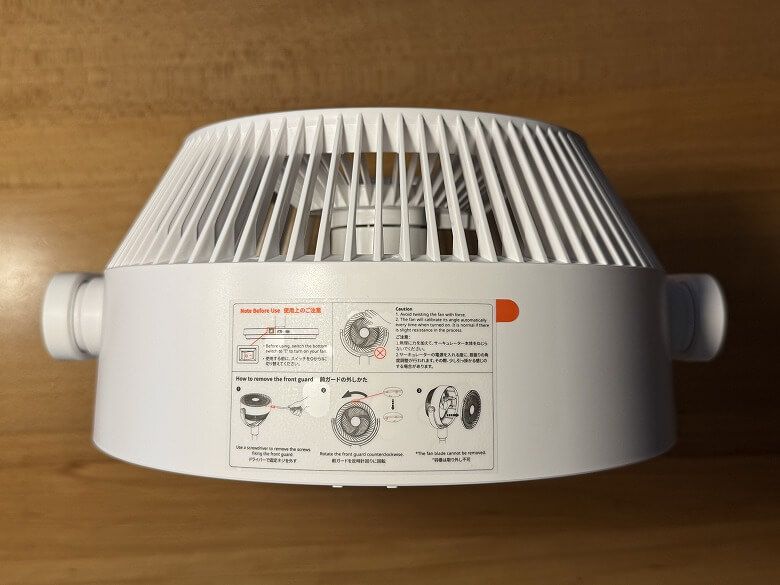
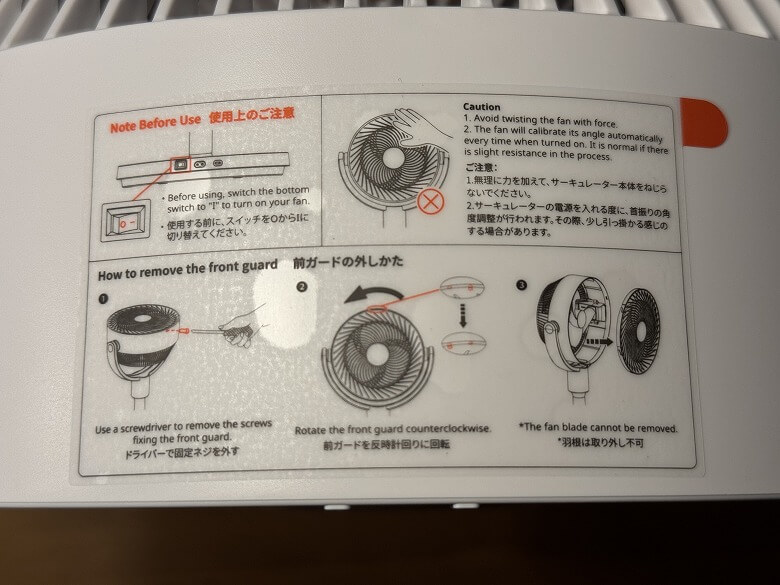
At the center of the back, the product specifications are displayed.
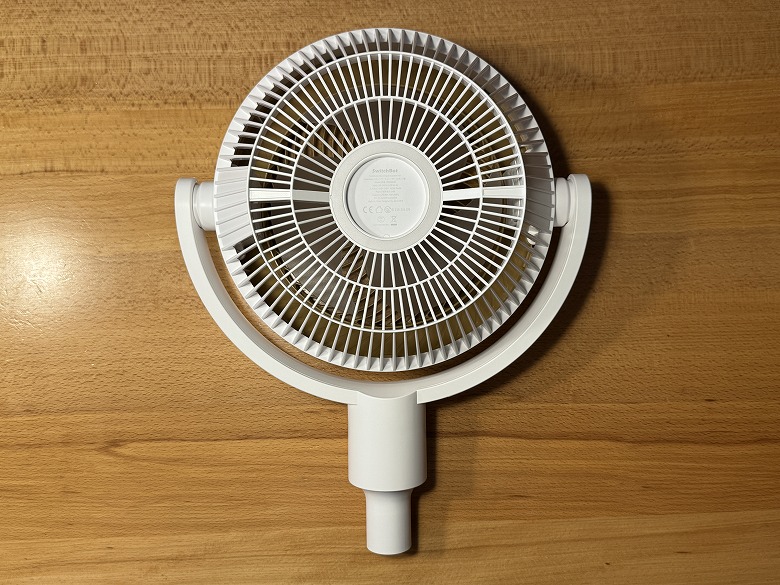
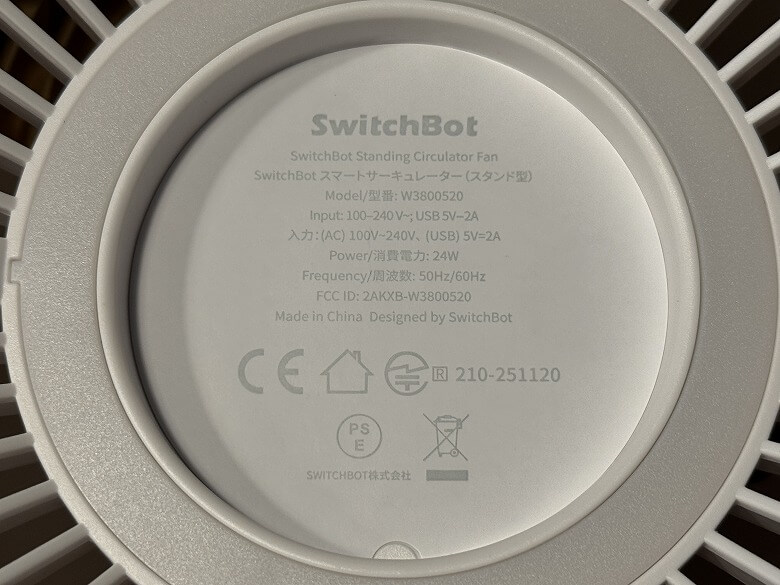
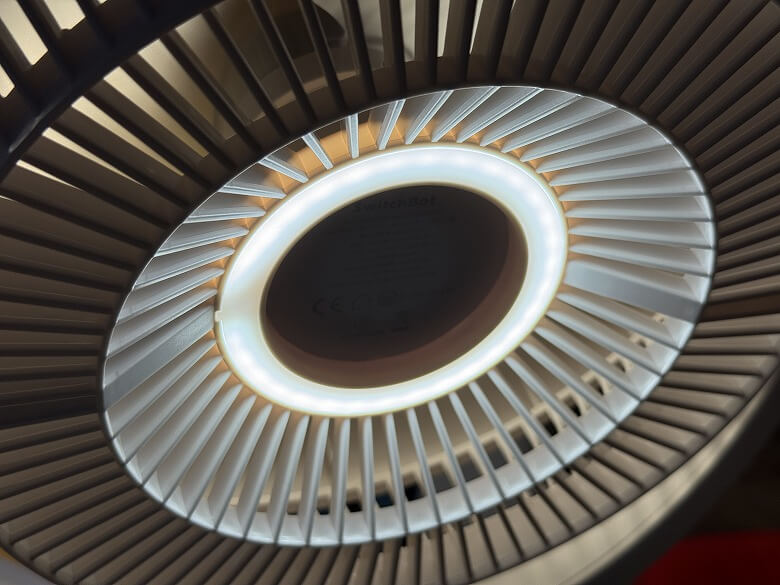
Additionally, a night light illuminates in a ring shape on the back.
Here’s how it looks from the side.
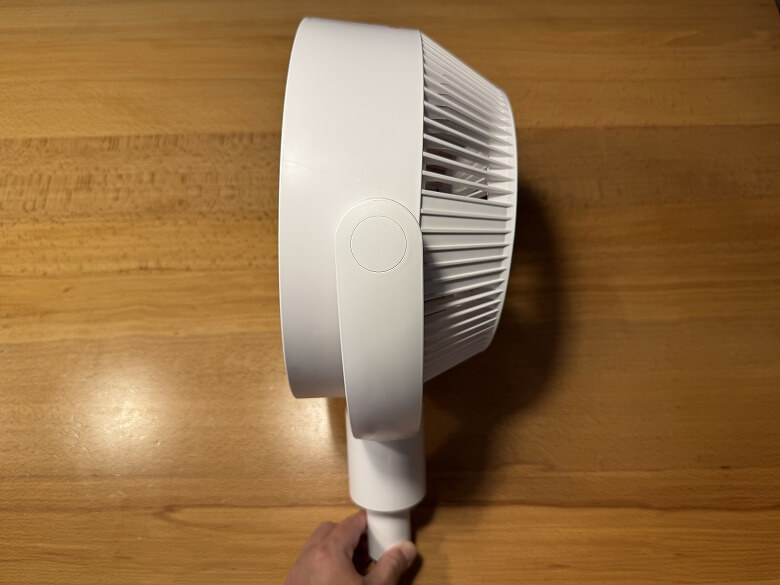
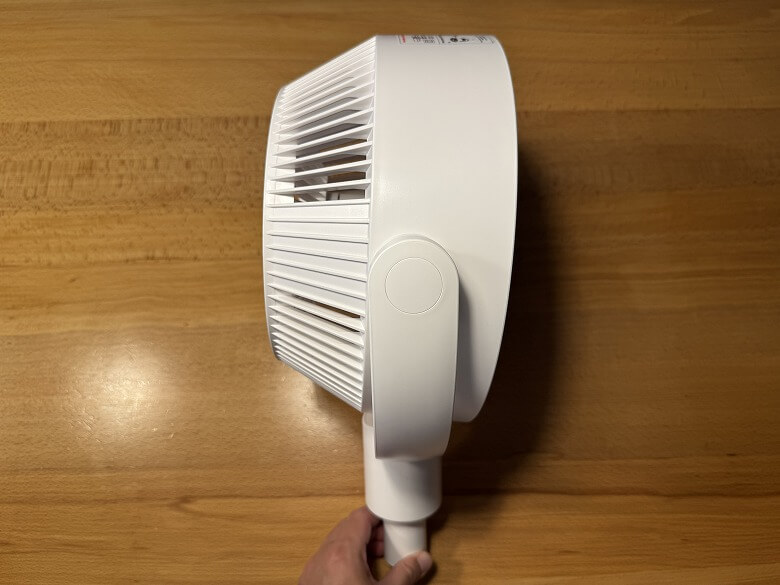
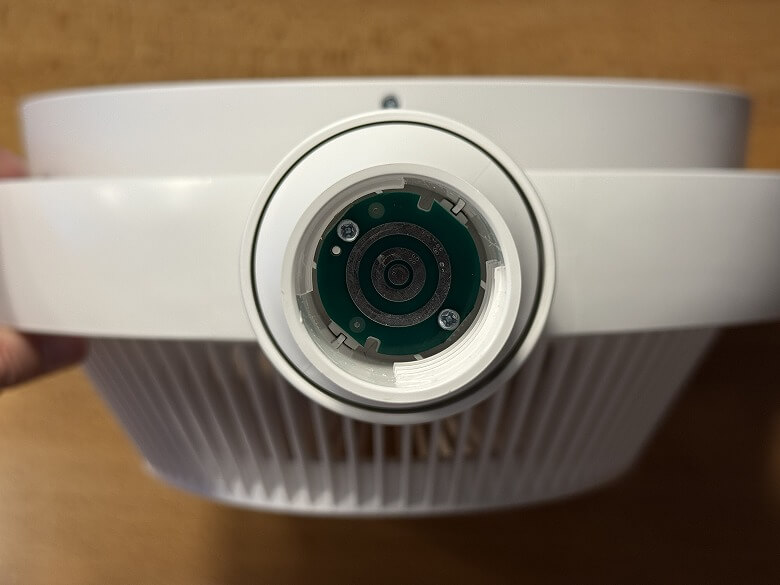
At the bottom, there is a connection point for the pole.
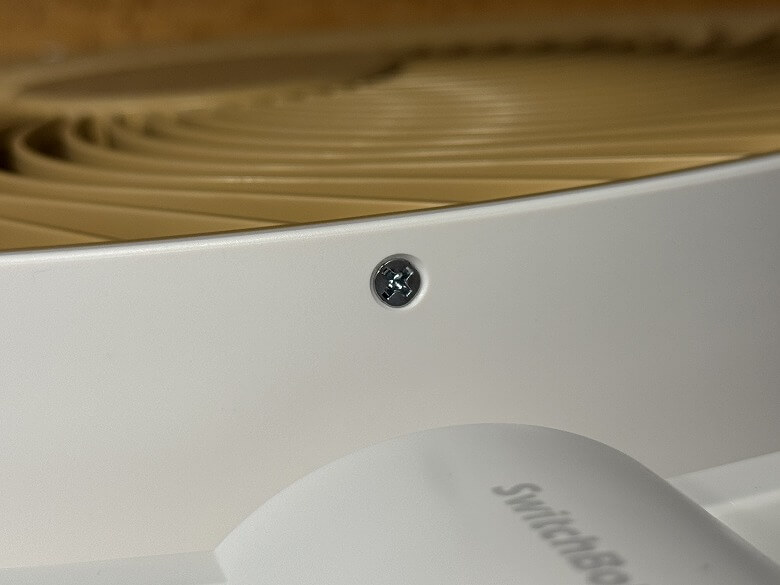
To remove the front guard, loosen the screw located on the lower side.

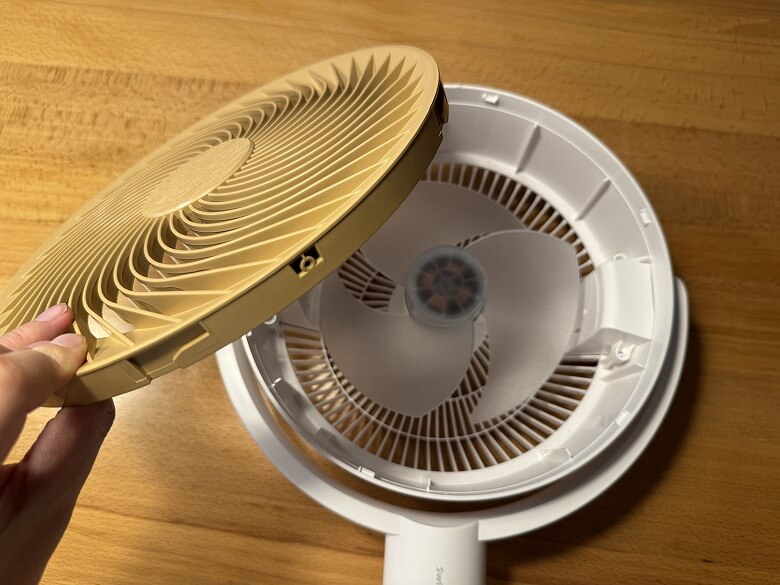
You can remove the front guard to maintain the fan blades.
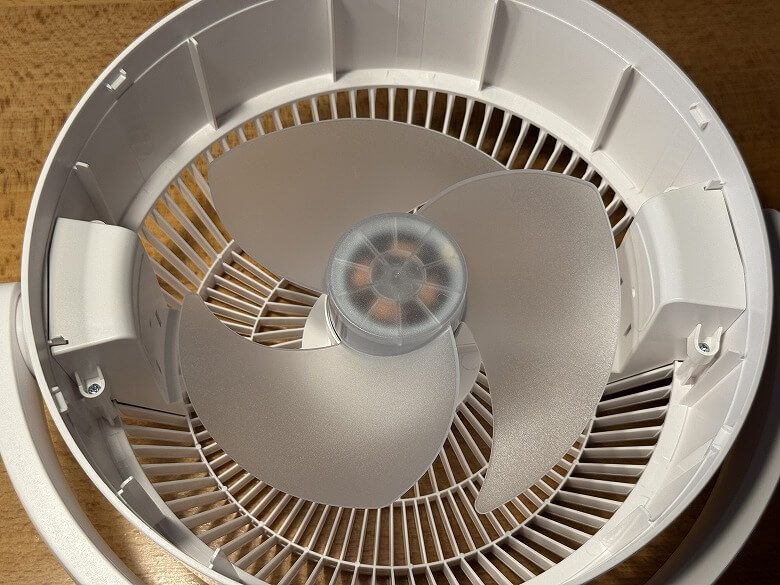
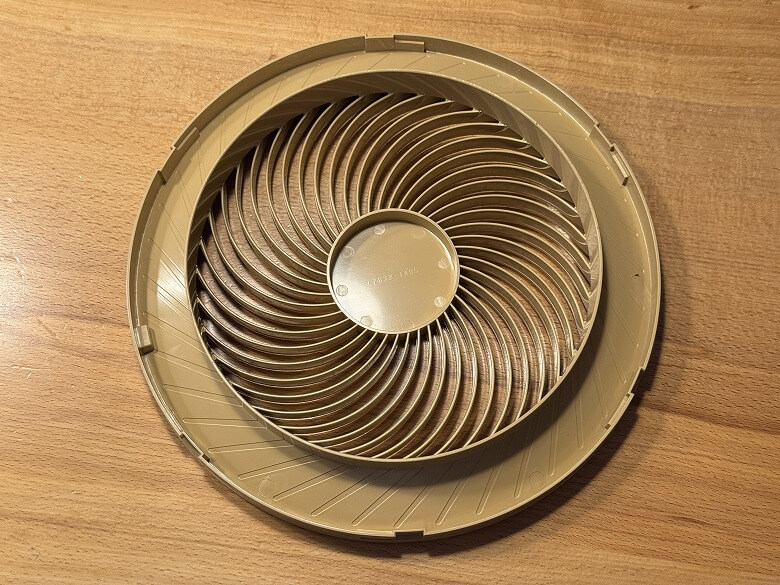
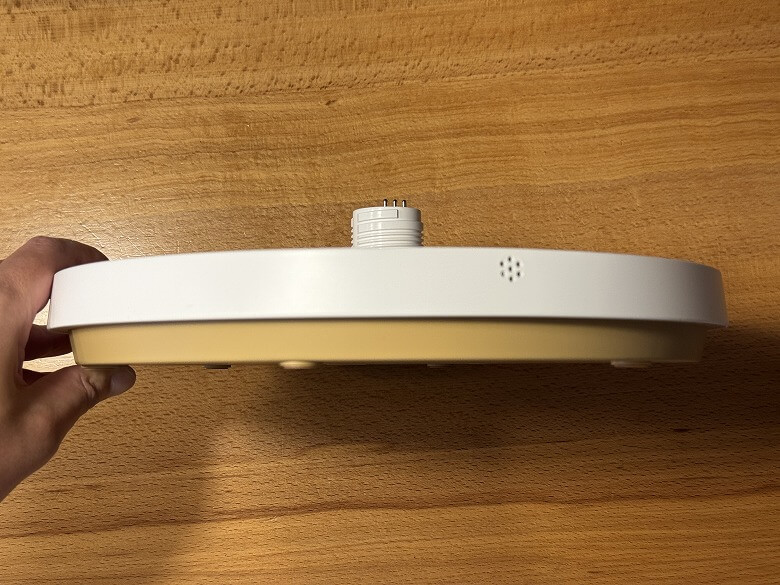
At the center of the base, there is a connection point for the pole.
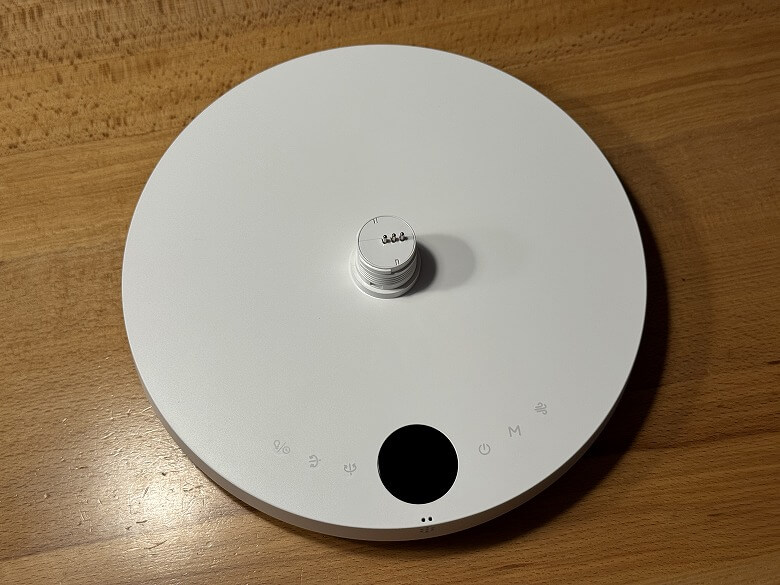
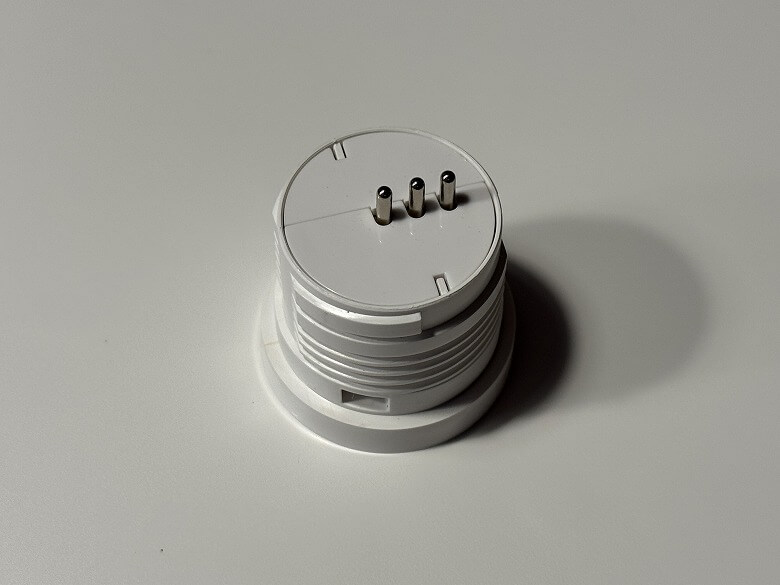
On the front side, there is an LCD display and touch controls.
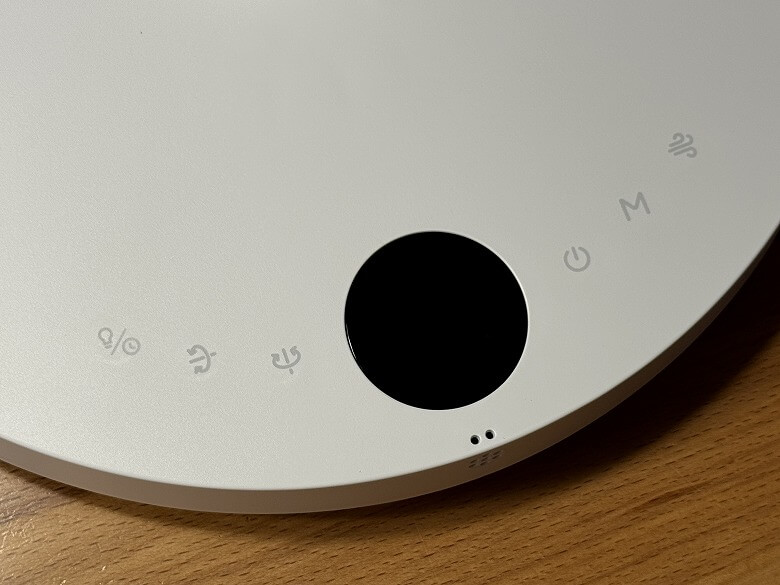
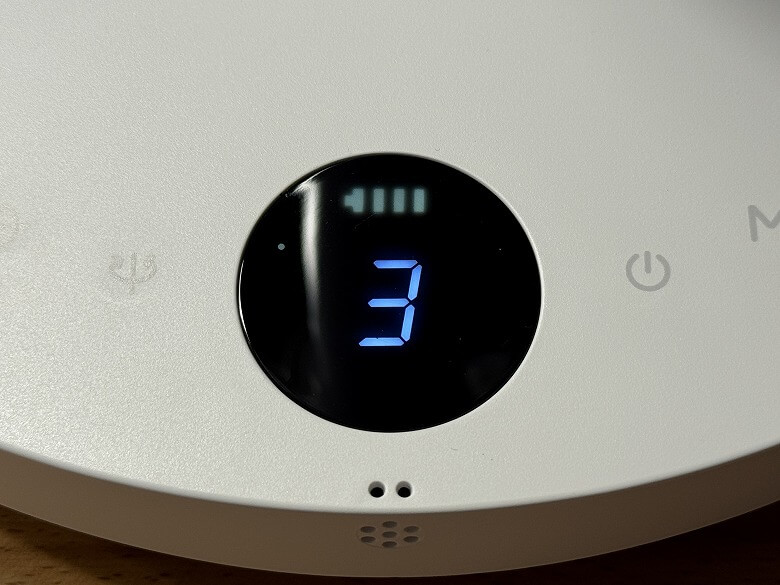
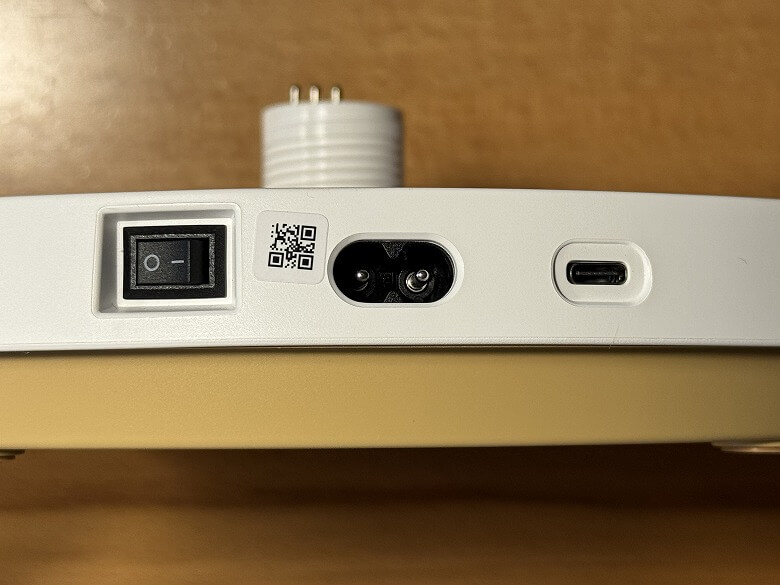
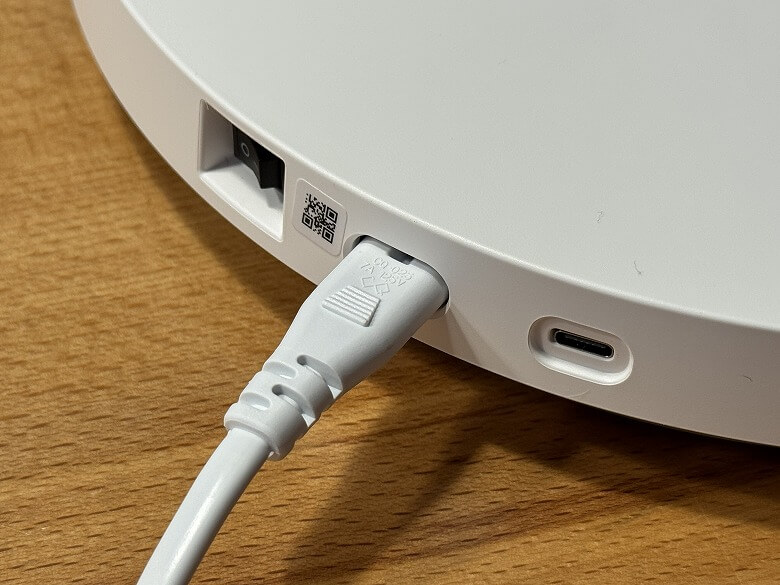
On the side, there are the power switch, power port, and USB Type-C port.
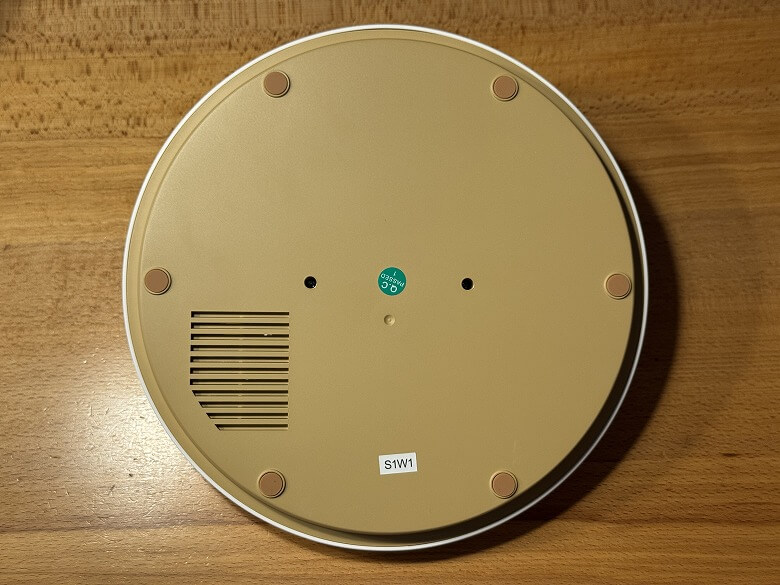
The bottom has no particular decorations and is unified in brown.
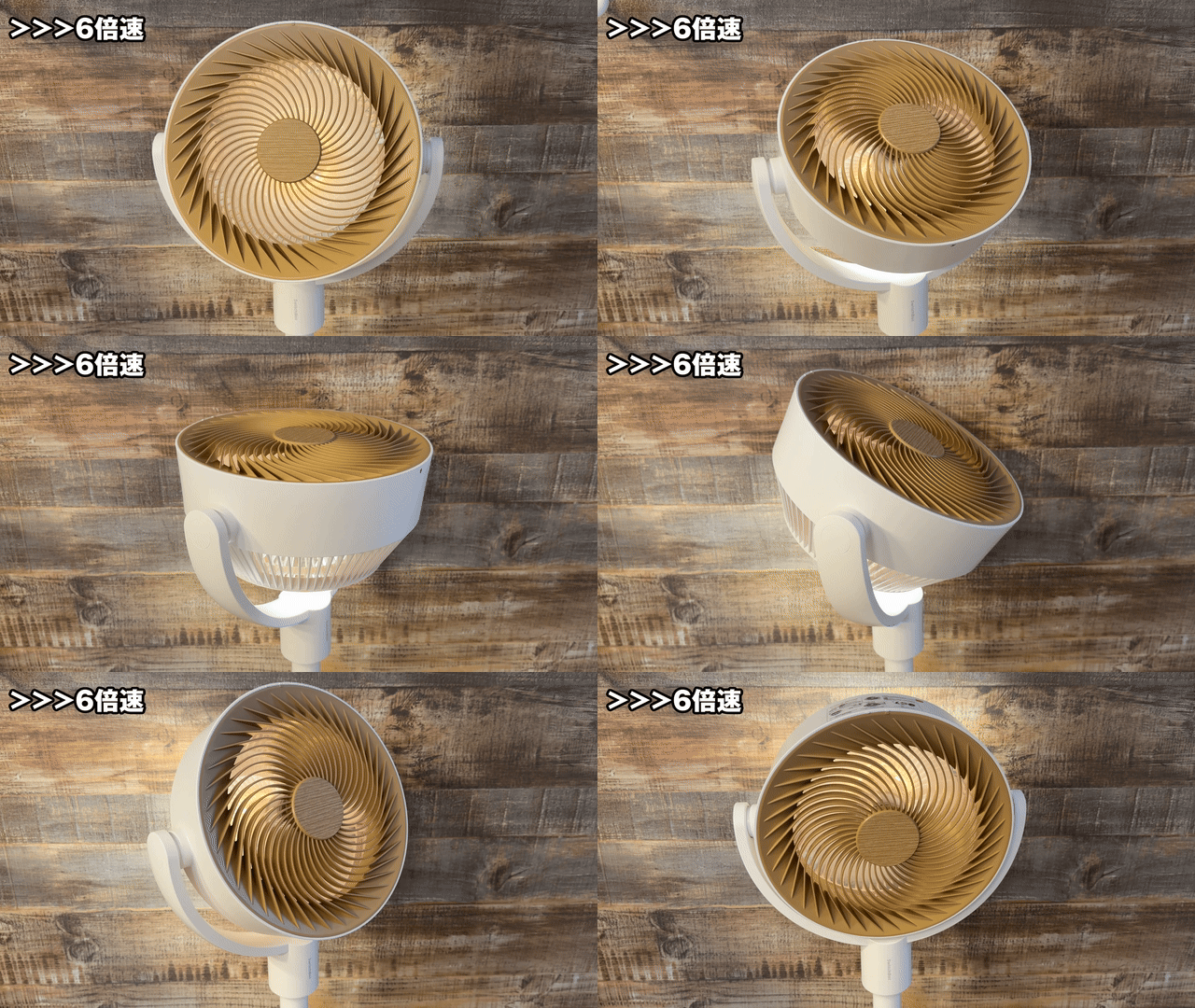
It smoothly oscillates up, down, left, and right.
Size & Weight
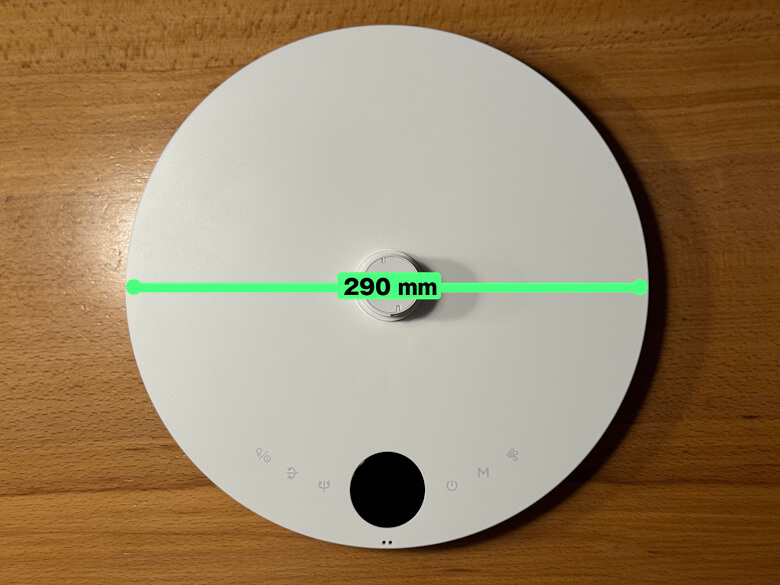
The base diameter of the “SwitchBot Smart Circulator Fan (Stand Type)” is 290 mm.
The maximum height is 1000 mm.
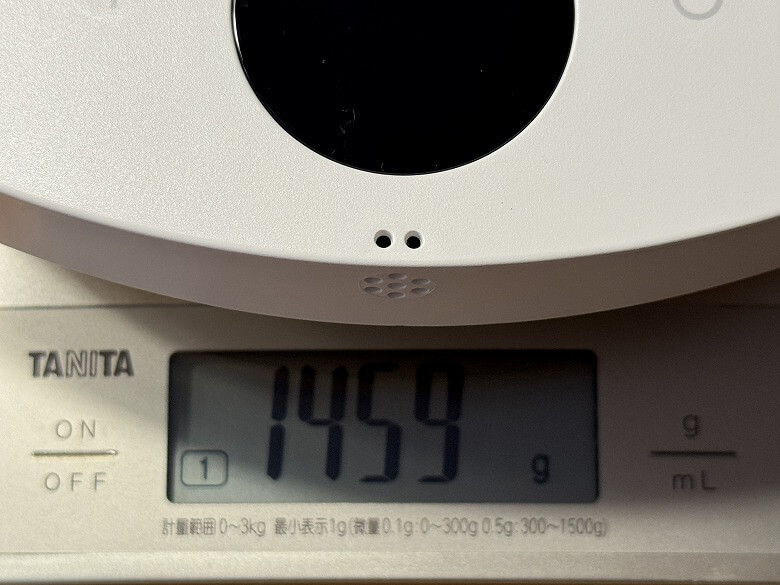
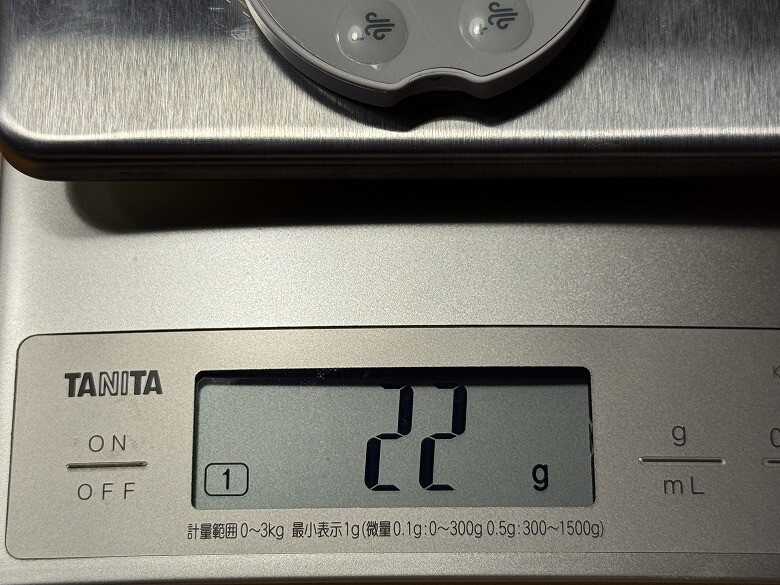
The weight was 1459 g for the base, 1573 g for the upper unit, 164 g per pole, and 22 g for the remote.


 Itsuki
When fully assembled, the total weight is 3360 g.
Features
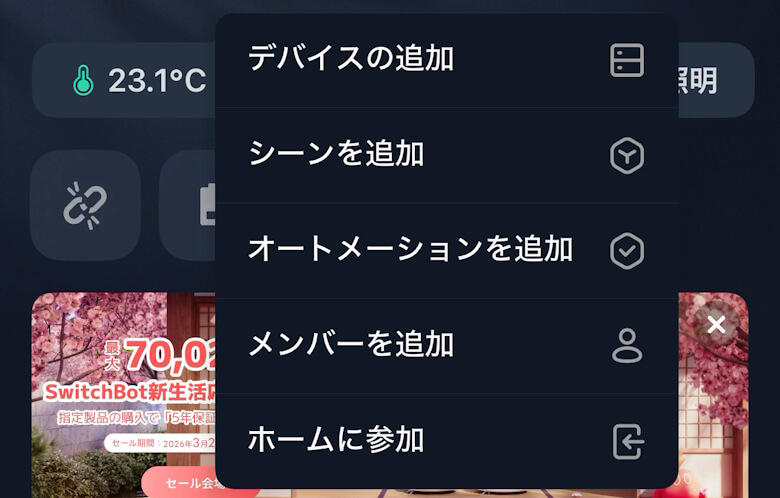
ItsukiLet’s set it up by connecting it with the SwitchBot app.
STEP
Tap “Add Device”
STEP
Tap “Circulator Fan (Stand Type)”

STEP
Tap “Connect”
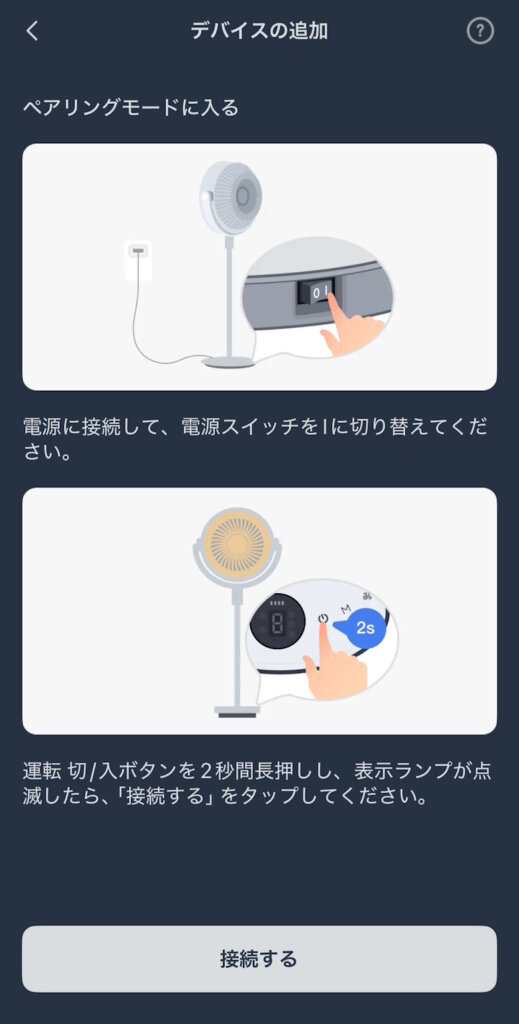
STEP
Wait for a moment

STEP
Enter the name and room, then tap “Next”

STEP
Once the “SwitchBot Smart Circulator Fan (Stand Type)” appears on the home screen, the setup is complete

On the app’s home screen, you can turn the power ON/OFF and change modes.

From the home screen, you can perform various operations such as oscillation and turning the night light ON/OFF.

You can set an off timer.

You can set schedules.


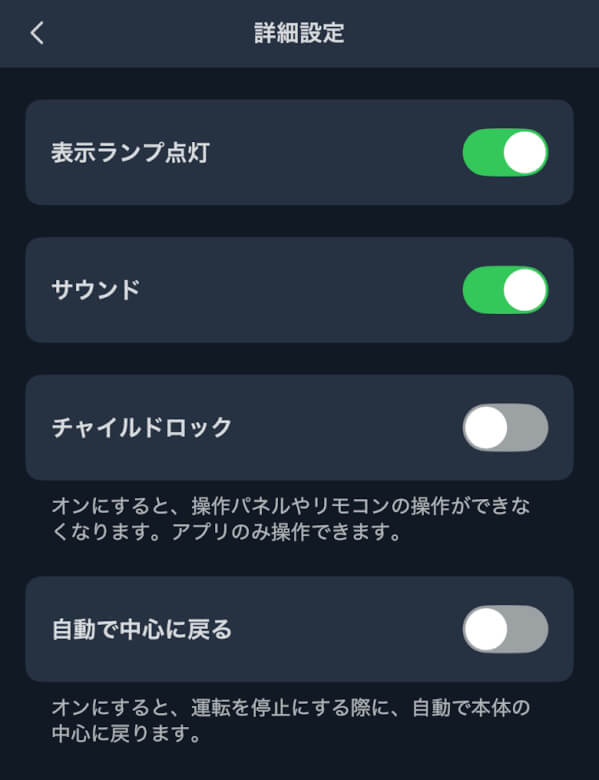
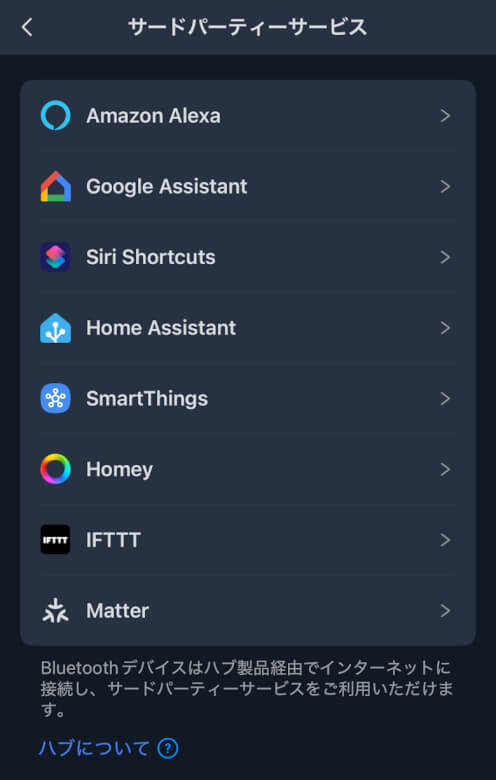
On the settings screen, you can check and change detailed settings.

You can configure detailed items such as indicator lights and sound.





SwitchBot Smart Circulator Fan (Stand Type) Review Summary
In this article, I reviewed the “SwitchBot Smart Circulator Fan (Stand Type) – A versatile fan you can use year-round with app control and quiet operation.”
The “SwitchBot Smart Circulator Fan (Stand Type)” felt less like a simple fan and more like a home appliance that “controls the air environment.”
In particular,
- Ease of control via app and automation
- High level of quietness
- Improved air conditioner efficiency
These three points directly contribute to everyday comfort.
On the other hand, compared to a simple fan, the price is slightly higher, so how much you utilize the smart features will affect your overall satisfaction.
That said, for those who want to improve the quality of spaces where they spend long hours—such as home offices, bedrooms, or living rooms—it’s a product that offers more than enough value.
From “just blowing air” to “optimizing airflow.”
If you want to take your circulator choice to the next level, it’s definitely worth considering.
Pros
Cons