Hello, I’m Itsuki (@saigalog), someone who wants to eliminate as many Wi-Fi dead spots in my home as possible.
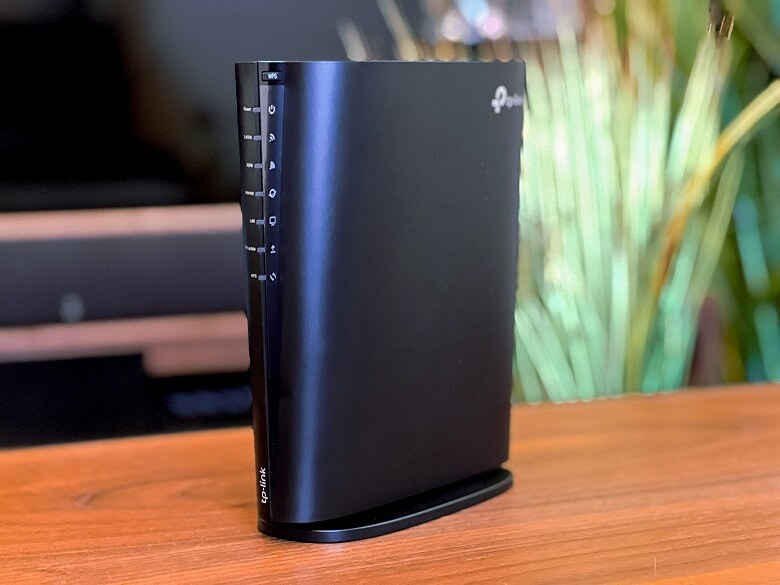
At my house, I’ve been using the TP-Link router called “Archer AX73V”, and even with just one unit it covers a wide area, so I’ve rarely had any issues with connectivity.
For watching terrestrial TV, I use “nasne”, but due to the layout of my house, I have no choice but to install it in my second-floor study, far from the router.
So I was looking for an extender that works well with the “Archer AX73V” and allows the “nasne” to be connected via wired LAN.
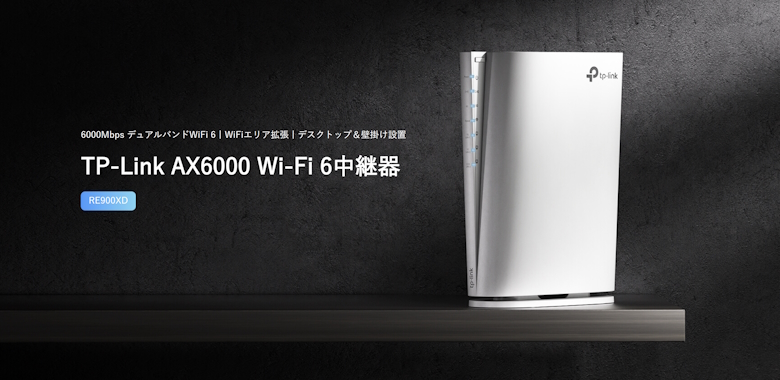
The company’s “RE900XD” that I’m reviewing this time is an extender that makes it easy to build a mesh Wi-Fi environment and also supports Wi-Fi 6.
Its appearance is almost identical to the router “Archer AX73V”, so you can unify the design, which also looks great from an interior perspective.
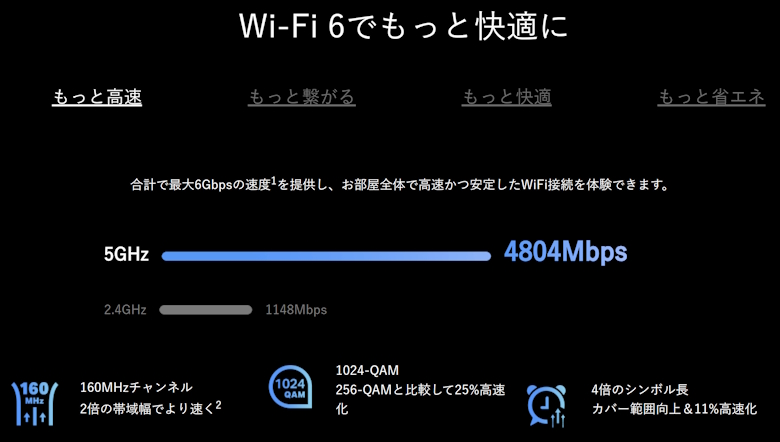
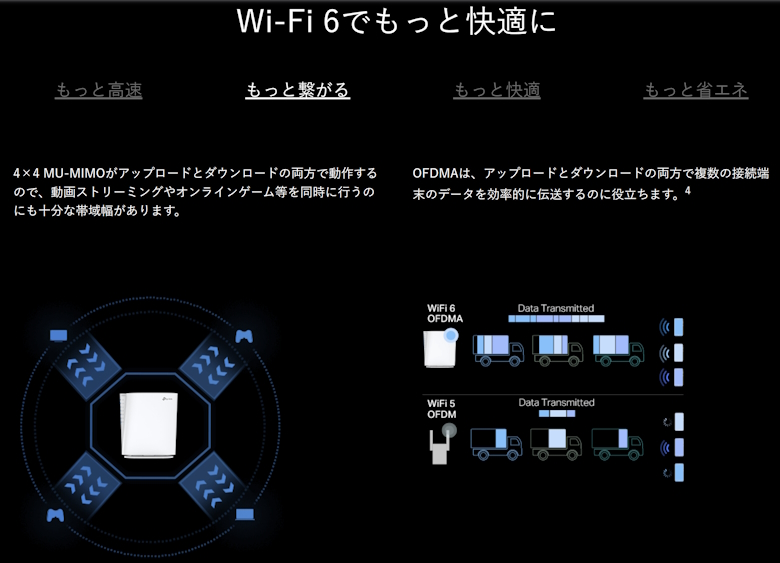
With combined maximum speeds of up to 6Gbps and 4×4 MU-MIMO to secure sufficient bandwidth, Wi-Fi connectivity is extremely comfortable.
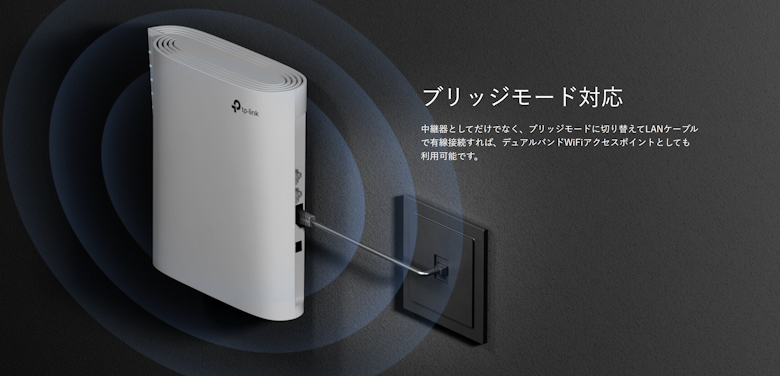
If you switch it to bridge mode, it can be used as an access point.
In this article, I’ll take a detailed look at the stylish extender “TP-Link RE900XD” that allows you to easily build a mesh Wi-Fi environment!
Pros
Cons
Slim design supports vertical placement, horizontal placement, and wall mounting
Design matches the Archer series, making it easy to unify
Equipped with three LAN ports
Supports mesh Wi-Fi
Can be switched to bridge mode and used as an access point
None in particular
This article was created with a product provided by the manufacturer.
Table of Contents
What’s Included with the TP-Link RE900XD
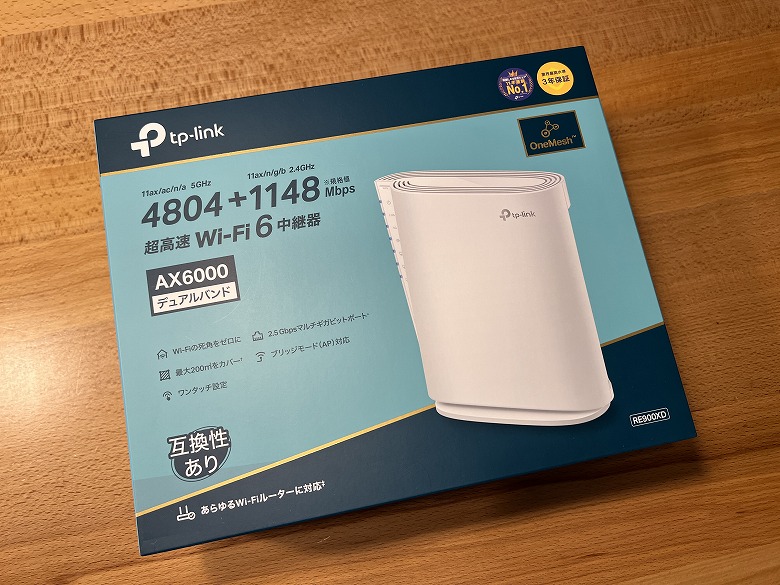
The outer box of the “TP-Link RE900XD” features a simple design with a blue color scheme.
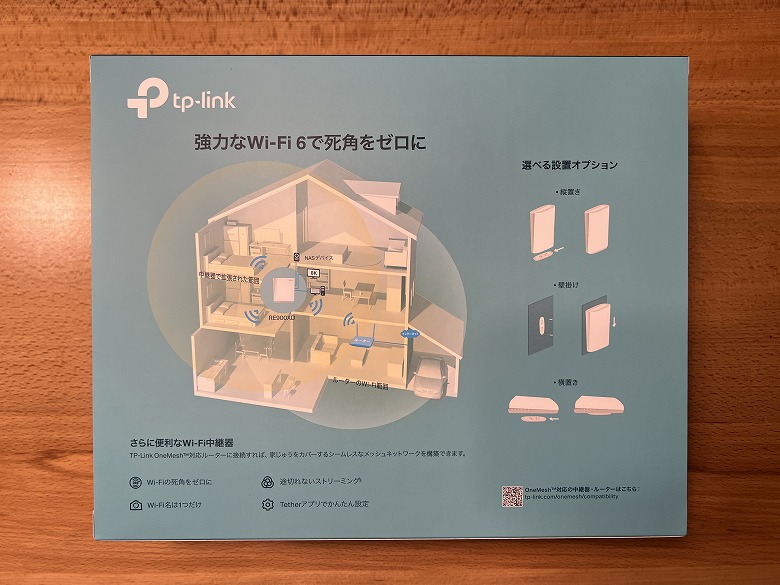
The back side includes descriptions of the features, making it very easy to understand.
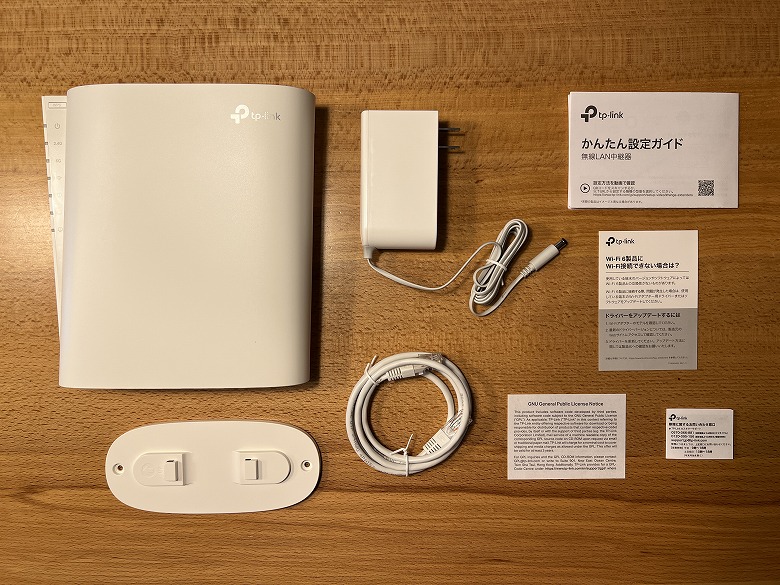
The following items are included in the package.
Items Included with the RE900XD
Extender unit
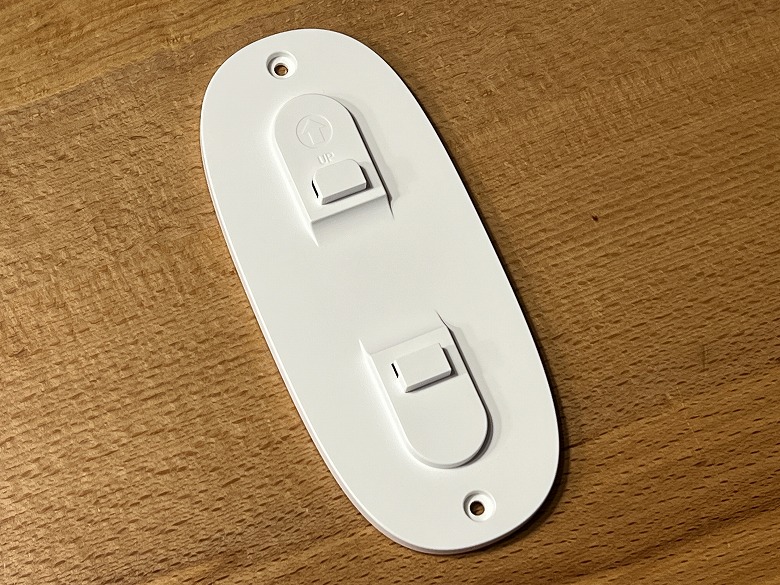
Stand
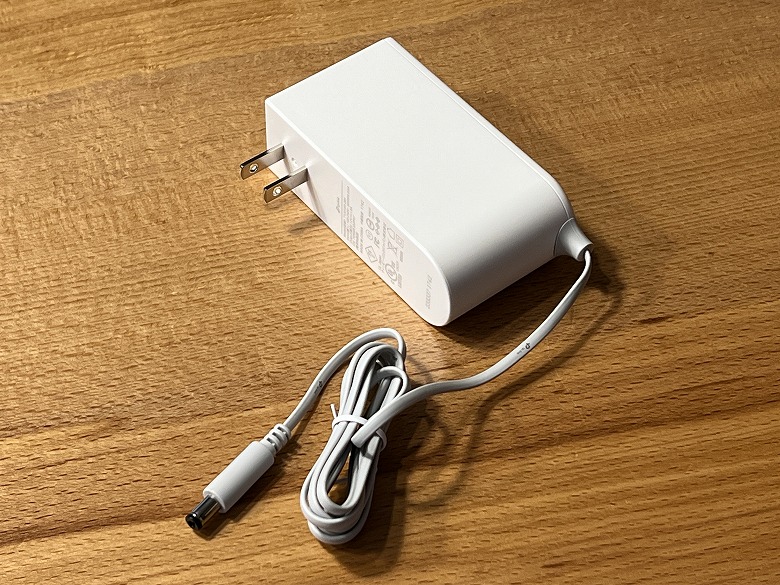
Power adapter
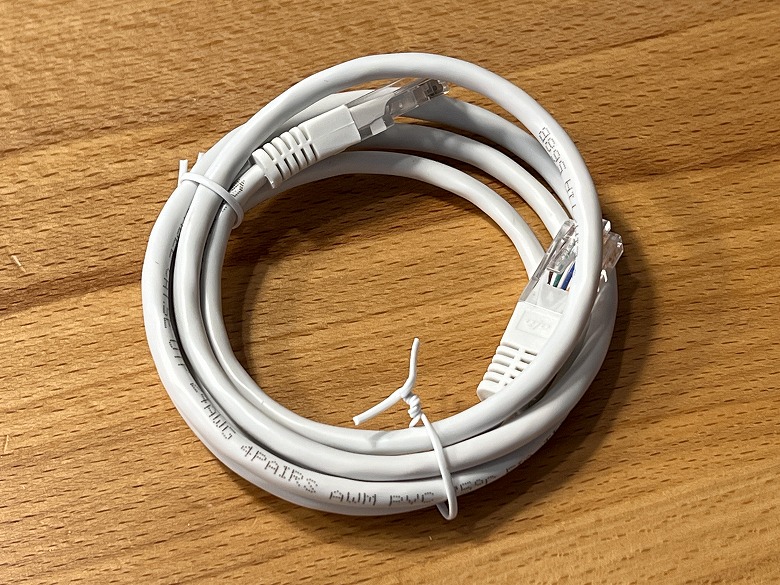
LAN cable
Quick setup guide
The included LAN cable is about 120 cm long.
The power adapter cable is about 150 cm long.
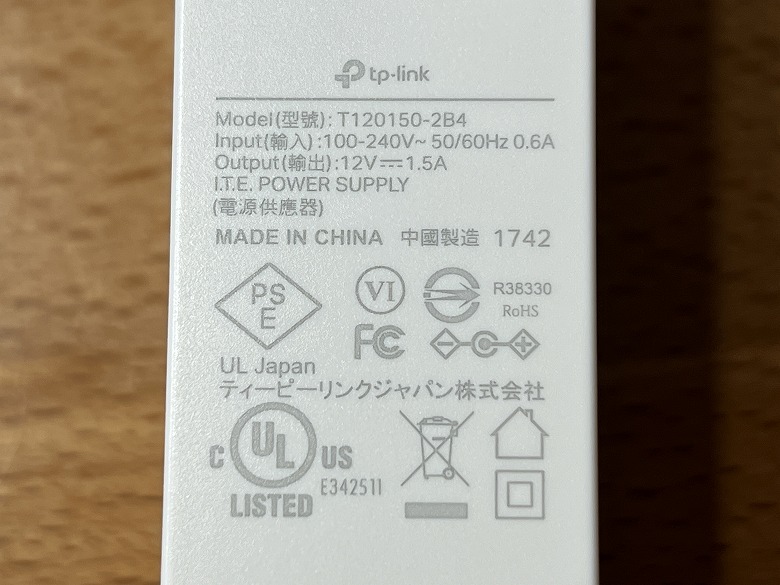
The power adapter has its specifications printed on it.
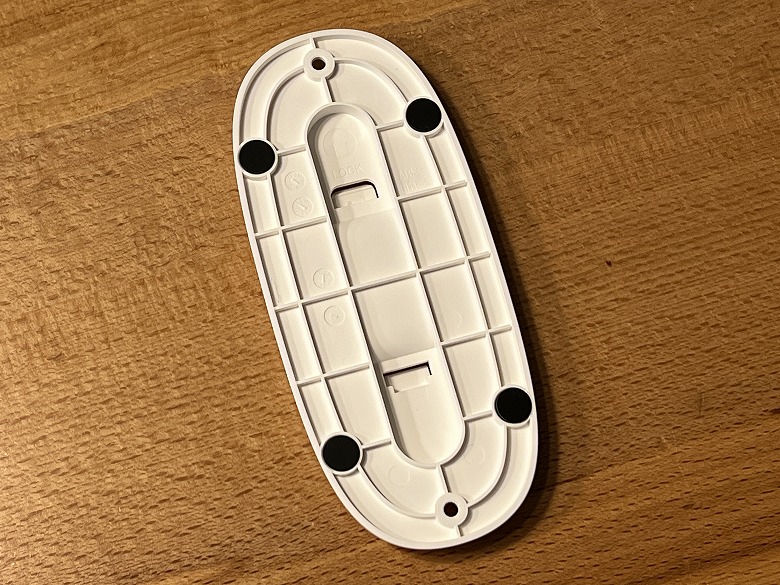
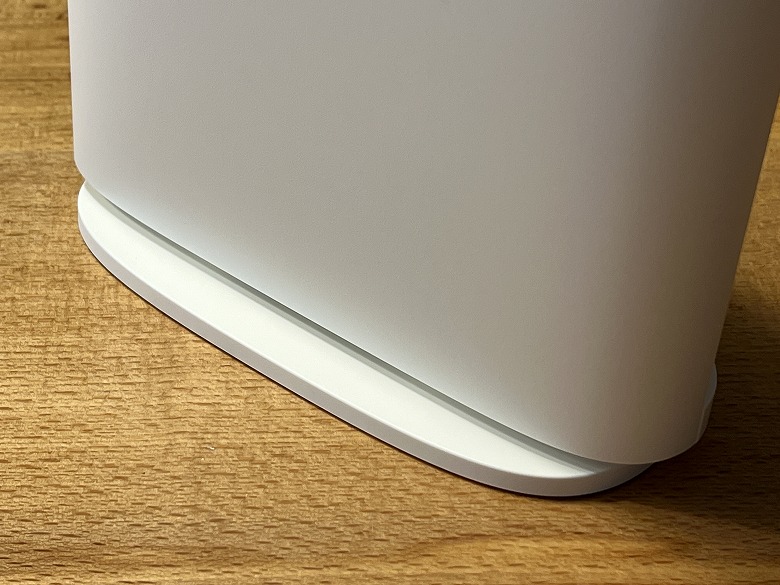
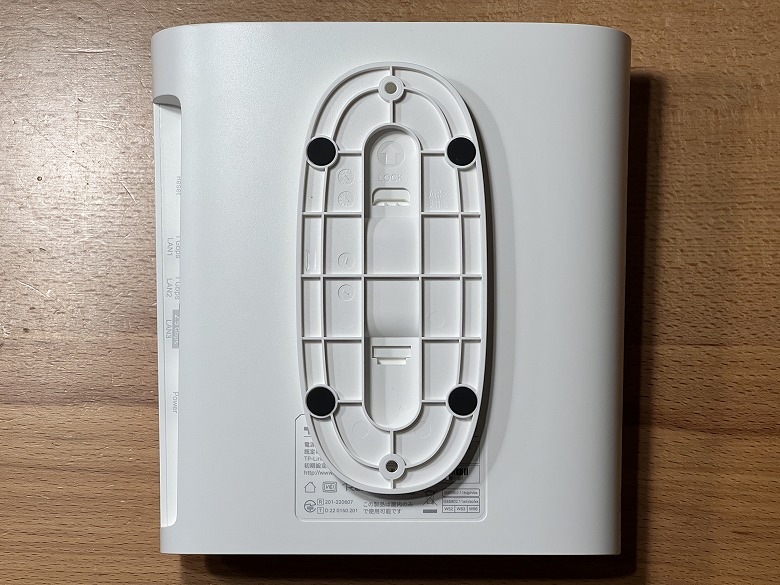
The stand is attached to the bottom of the “TP-Link RE900XD” when in use.
TP-Link RE900XD Specifications
The RE900XD from TP-Link is a Wi-Fi 6 range extender that delivers a combined maximum speed of 6Gbps, making your home Wi-Fi environment even more comfortable.
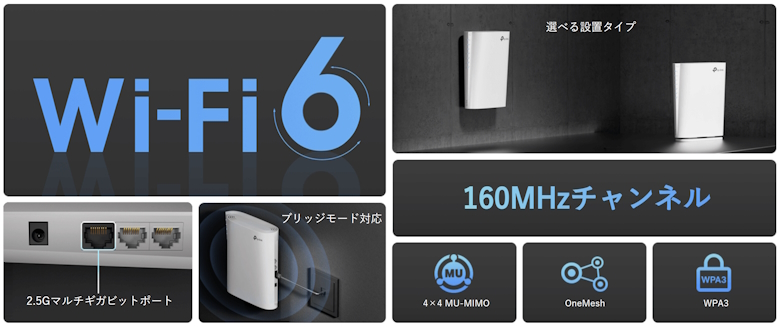
The main features are the following eight.
Wi-Fi 6
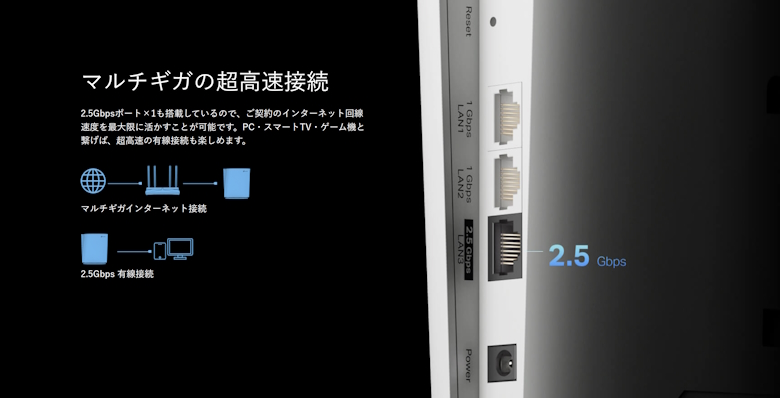
2.5G Multi-Gigabit Port
Bridge Mode Support
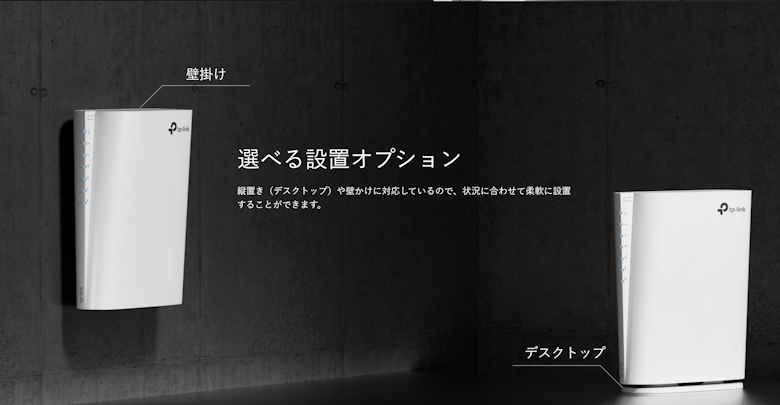
Selectable Installation Types
160MHz Channel
4 × 4 MU-MIMO
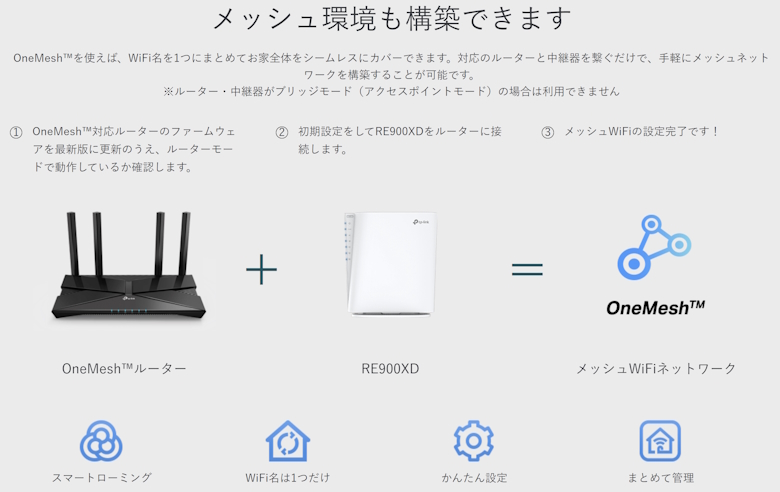
OneMesh
WPA3
The specifications of the main unit are as follows.
スクロールできます
Product Name
TP-Link RE900XD
Dimensions
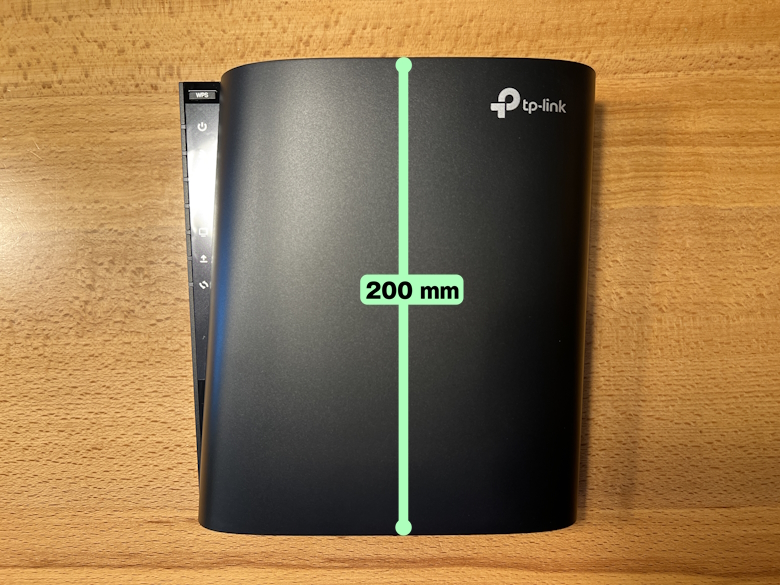
59 × 189 × 200 (mm)
Weight
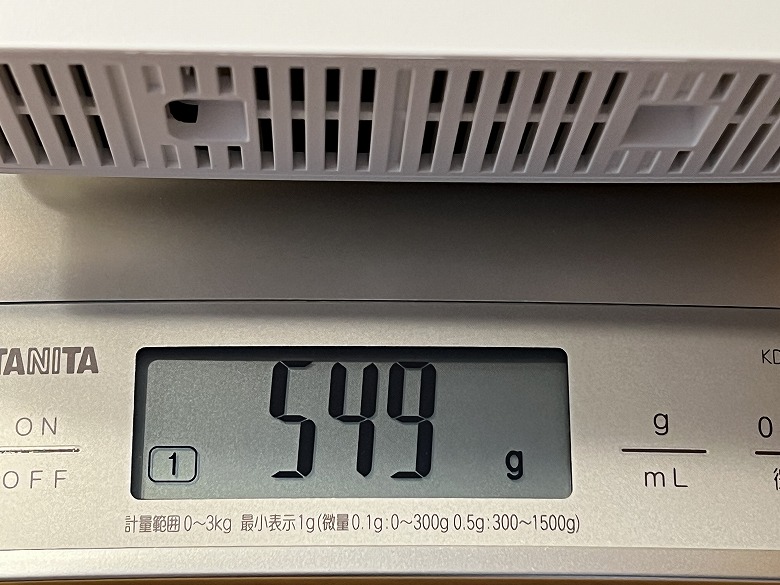
549 g
Operating Mode
Range Extender Mode / Access Point Mode (Bridge Mode)
LED Control Access Control Power Schedule Wi-Fi Range Settings
Wireless Security
WPA/WPA2-PSK/WPA3
Transmission Power
FCC: 2.4GHz < 30dBm, 5GHz < 30dBm, 6GHz < 30dBm
Mesh Technology
EasyMesh-Compatible
Design
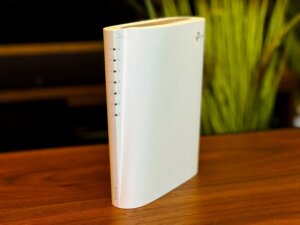
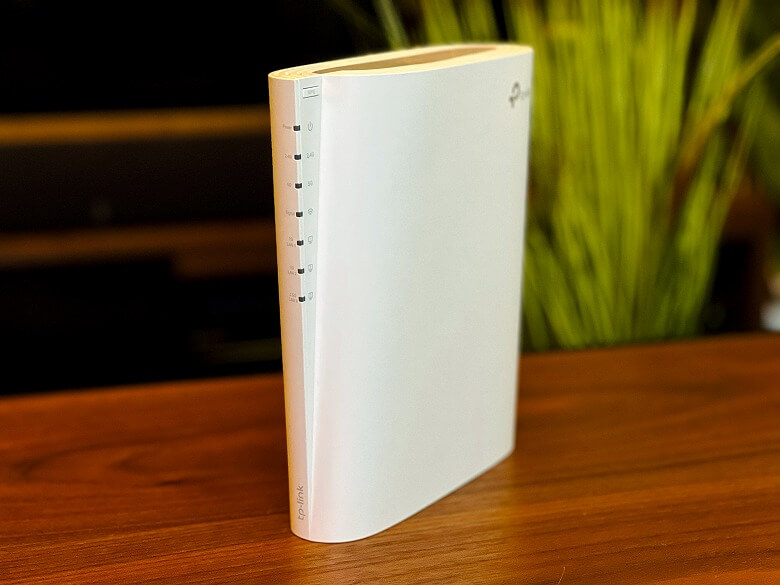
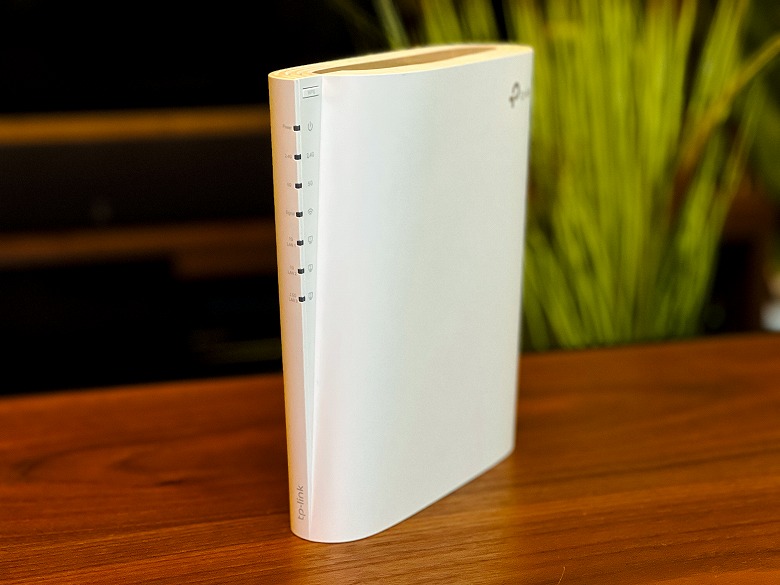
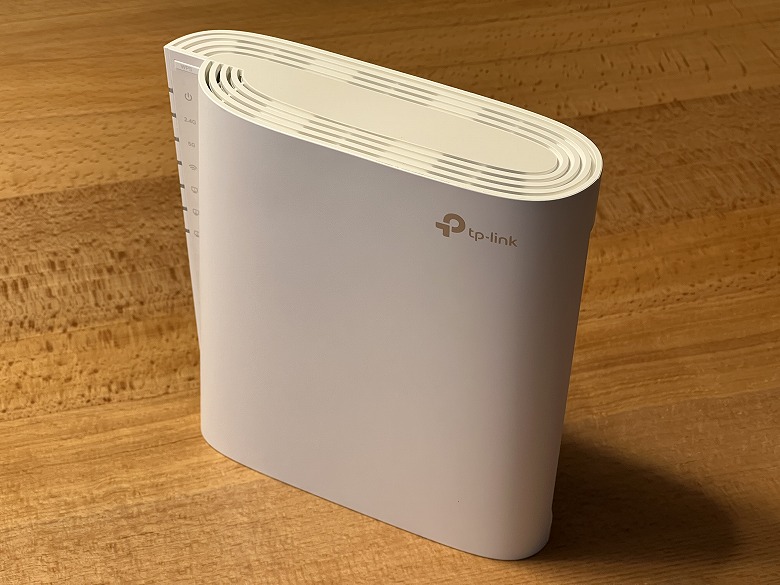
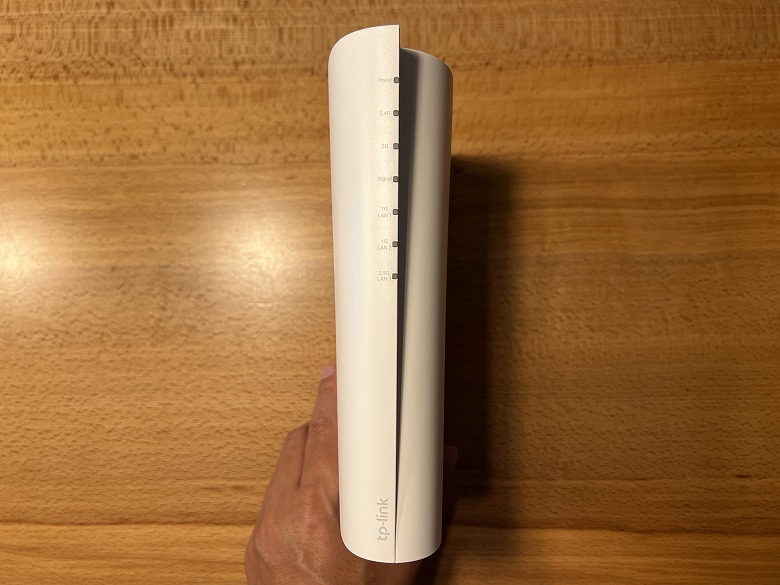
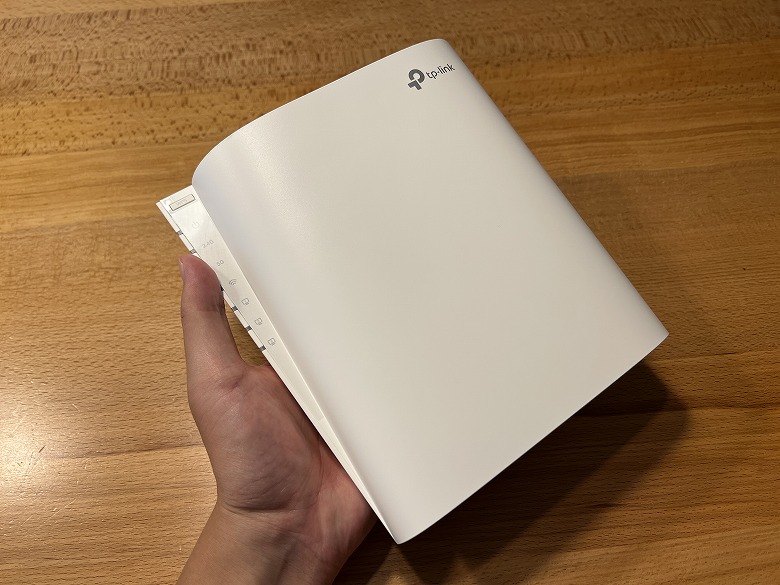
The exterior of the TP-Link RE900XD is pure white, featuring a slim, compact, and stylish design.
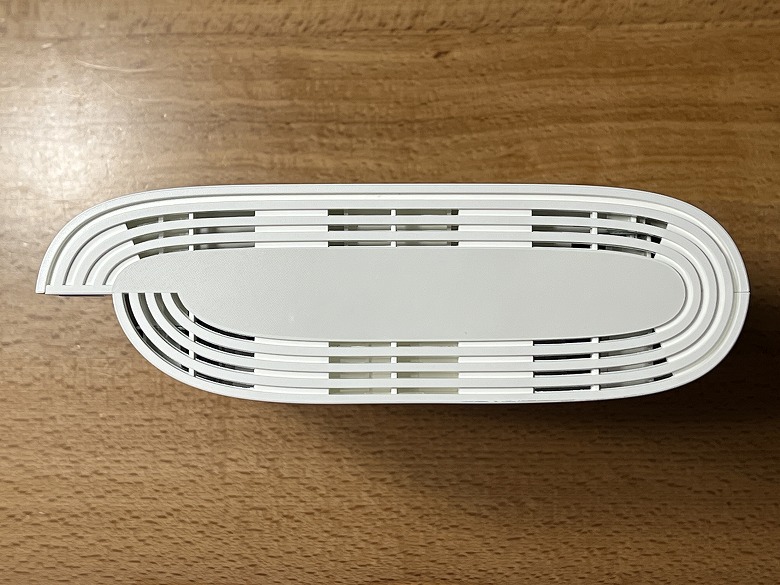
This is how it looks when viewed from directly above.
The “TP-Link” logo is printed on the upper right of the front.
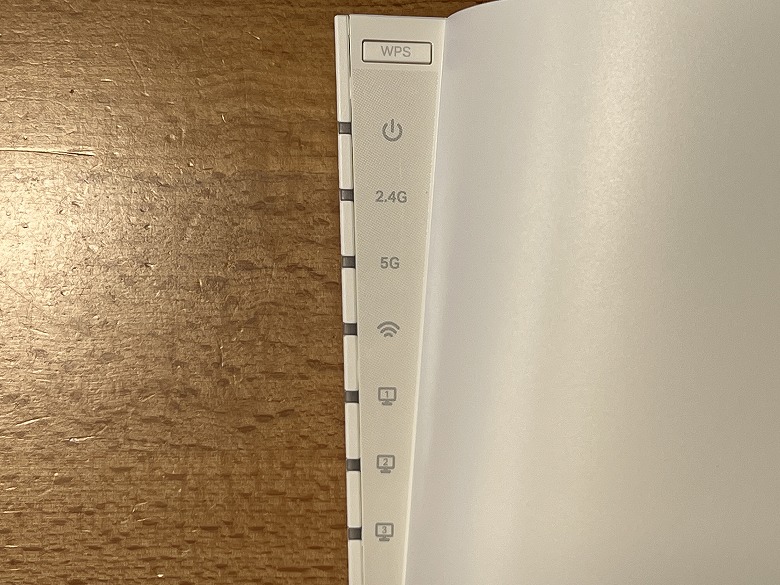
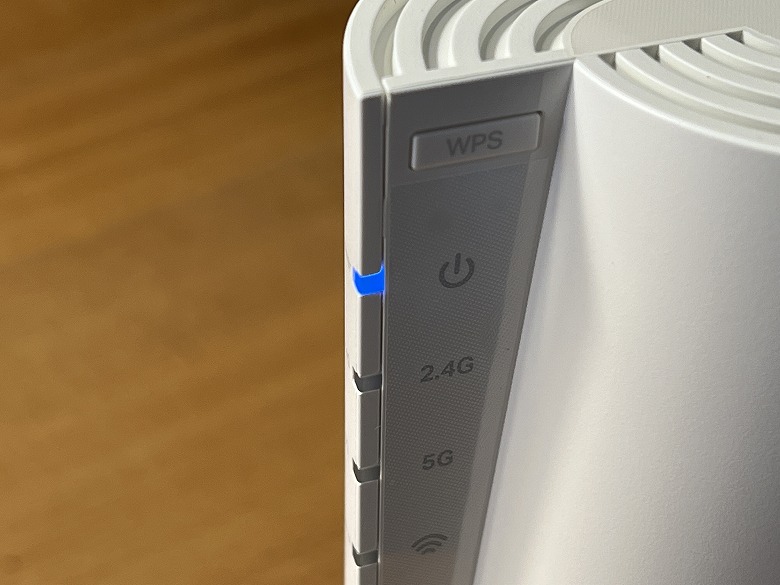
There is an LED indicator on the upper left.
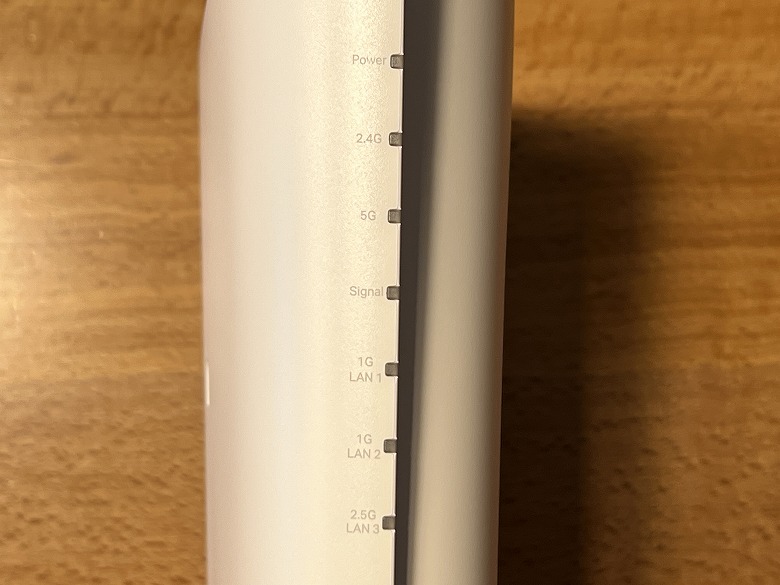
LED Indicators
Power Indicator: Lights up when the power is on (blinking indicates processing, solid indicates normal startup)
2.4GHz Wi-Fi Indicator: Lights up when the 2.4GHz Wi-Fi function is active
5GHz Wi-Fi Indicator: Lights up when the 5GHz Wi-Fi function is active
Signal Indicator: Shows the wireless connection status
LAN1–3 Indicators: Lights up when a device is connected to a LAN port
This is what the side with the LED indicators looks like.
The top has an LED indicator description, and the “TP-Link” logo is printed on the bottom.
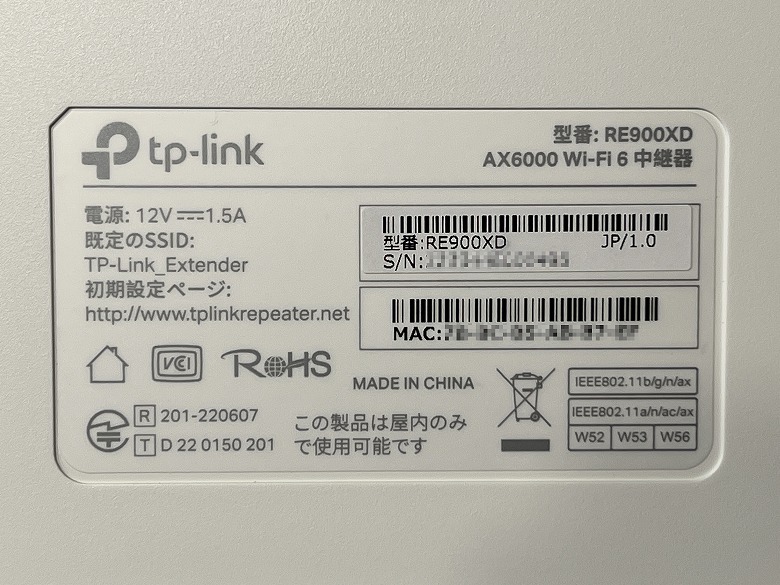
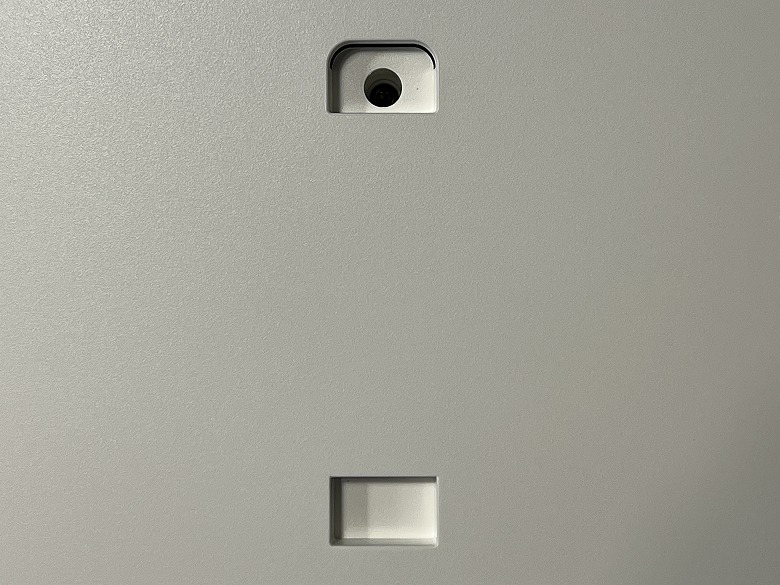
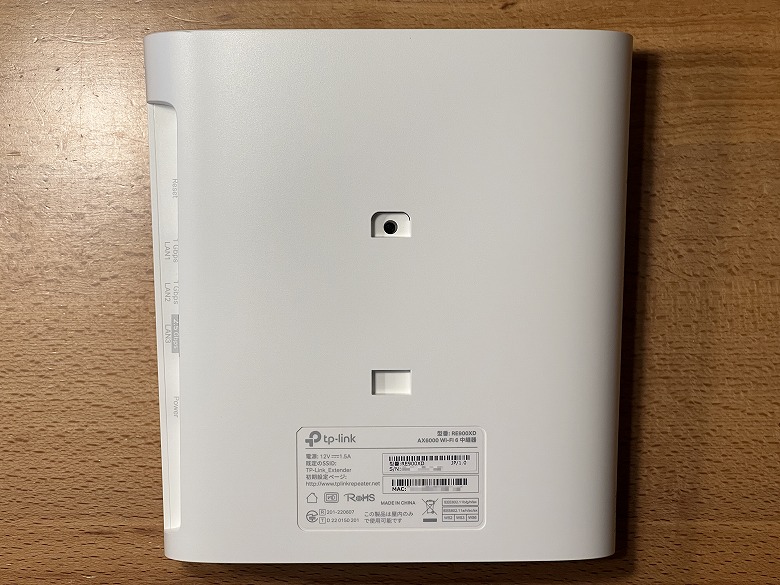
In the center of the back, there is a groove for horizontal placement or wall mounting, and on the bottom there is a label with the serial number and other information.
By the way, this is what it looks like when the stand is attached for horizontal placement.
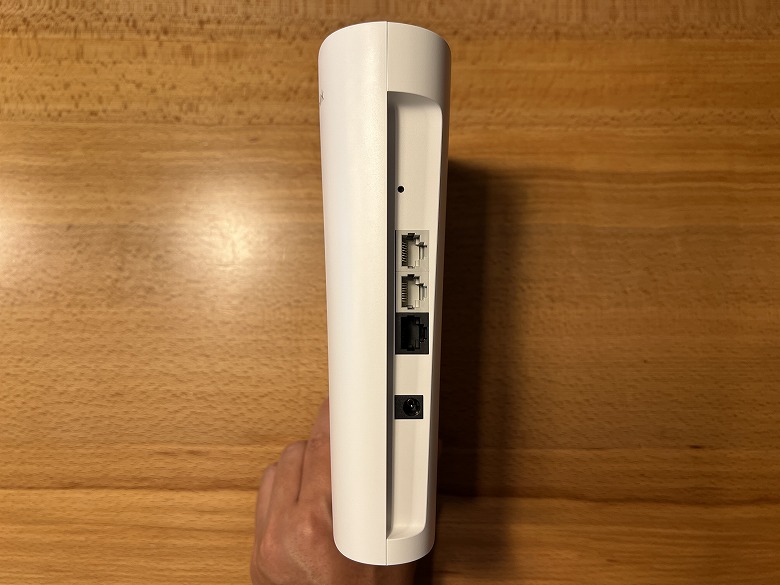
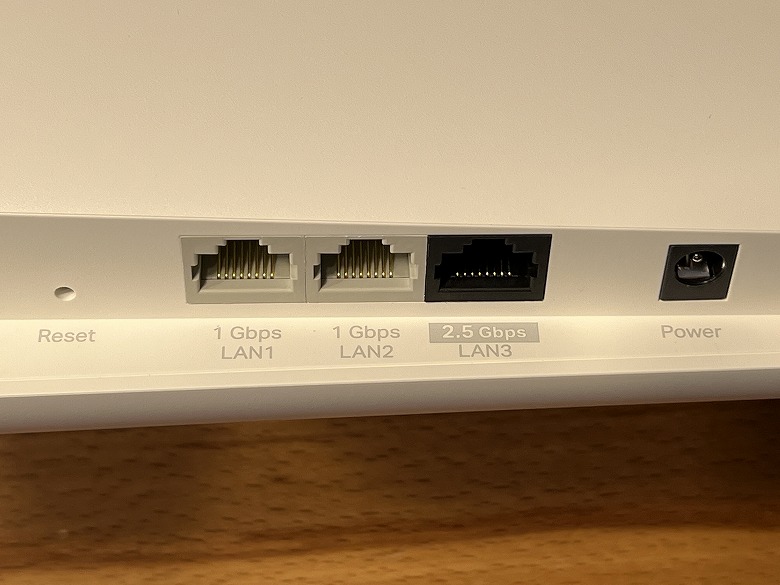
On the opposite side of the LED indicators, various ports and buttons are arranged.
From left to right, there are the reset button, 1 Gbps LAN ports × 2, a 2.5 Gbps LAN port, and the power port.
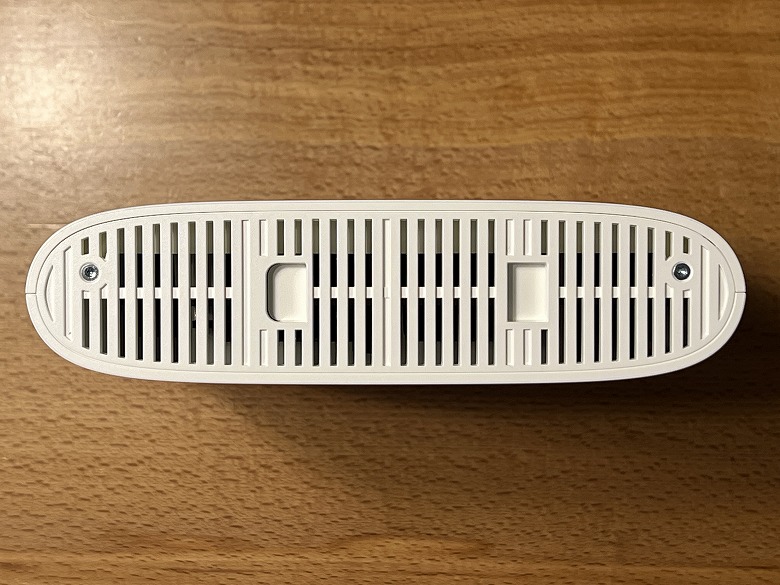
The bottom of the unit has numerous elongated ventilation holes.
Size and Weight
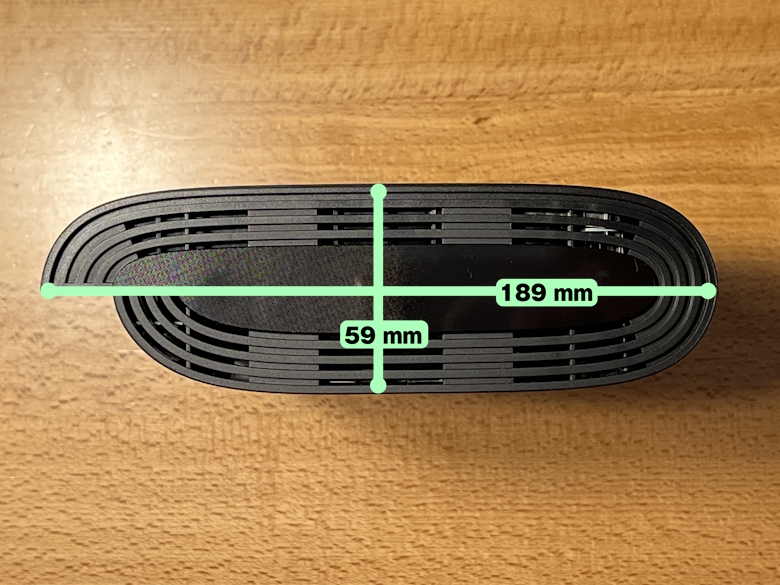
The size of the “TP-Link RE900XD” is 59 × 189 mm.
The height of the unit is 200 mm.
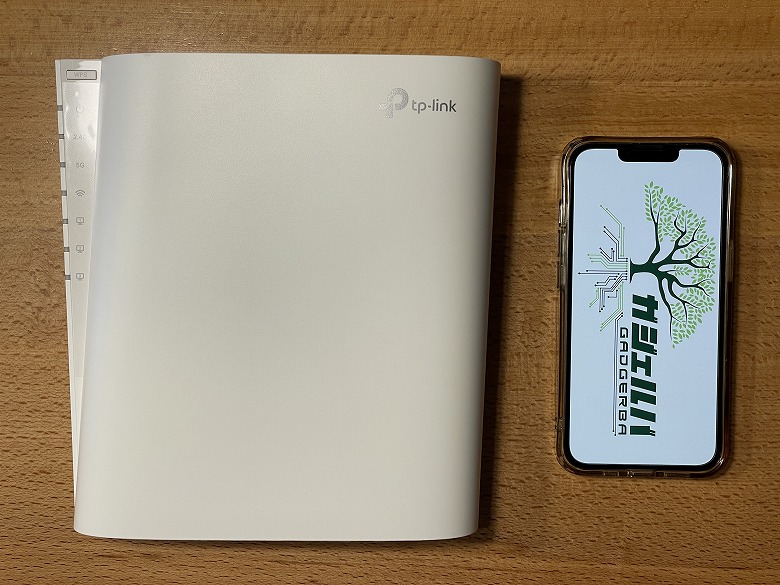
This is the size comparison with a smartphone (iPhone 13 Pro).
Its slim design makes it easy to install almost anywhere.
The weight was 549 g.
Features
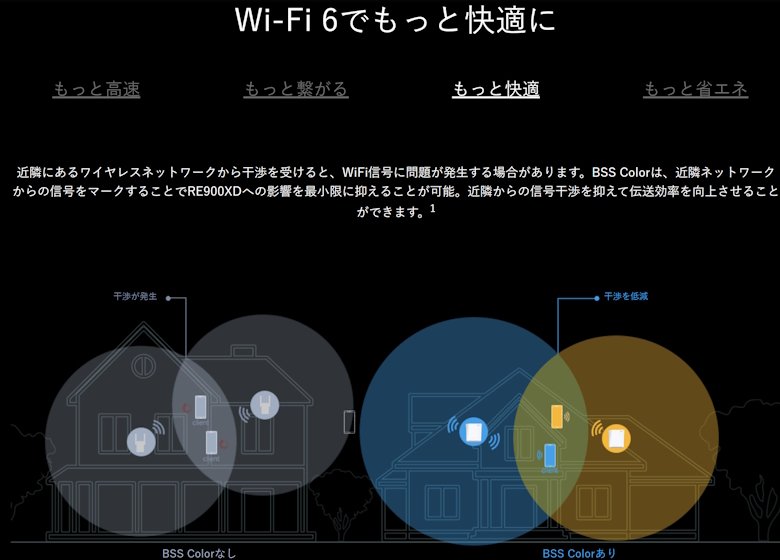
The “TP-Link RE900XD” is a dual-band range extender that supports Wi-Fi 6.
Up to a total of 6Gbps speeds are provided, and 4×4 MU-MIMO operates for both uploads and downloads, offering enough bandwidth even when streaming videos and playing online games at the same time.
It also includes a 2.5Gbps port, allowing you to fully utilize your internet connection speed.
It supports space-saving vertical placement, and can also be wall-mounted or placed horizontally.
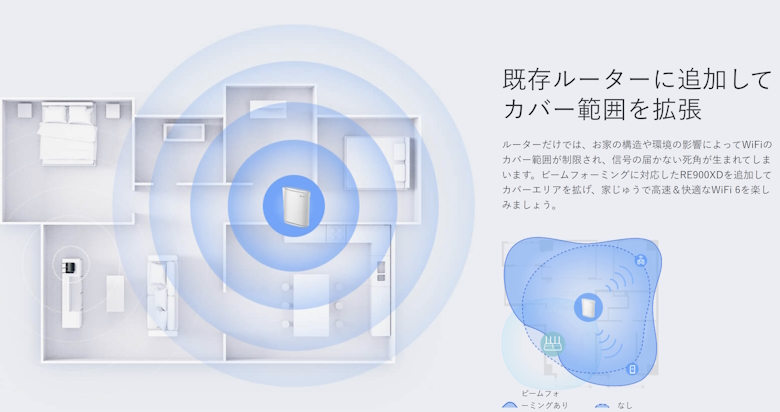
It expands coverage to areas that a router alone cannot fully cover, spreading fast and comfortable Wi-Fi throughout the entire home.
Not only as a range extender, but by switching to Bridge Mode and connecting with a LAN cable, it can also be used as a dual-band Wi-Fi access point.
By using OneMesh, you can unify the Wi-Fi name and seamlessly cover the entire home.
The latest security standard WPA3 strengthens cybersecurity in your home.
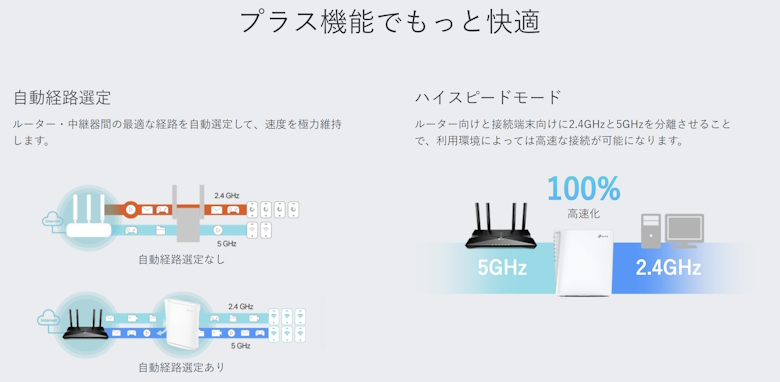
With Auto Path Selection and High-Speed Mode, you can use your network environment more comfortably.
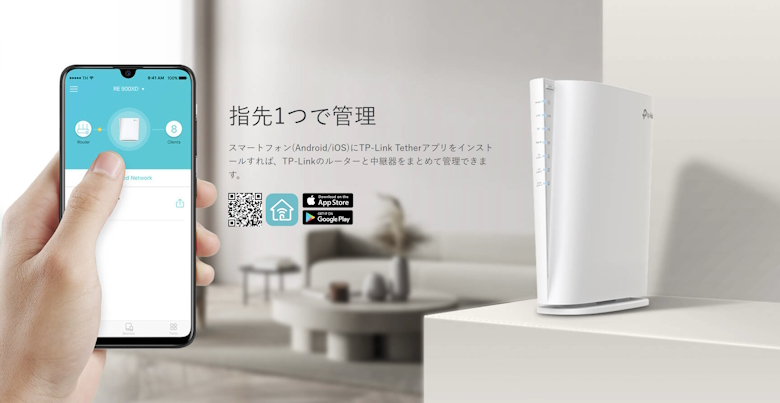
By using the dedicated smartphone app “Tether”, you can easily manage setup and various settings.
The Dedicated App “Tether” for TP-Link RE900XD
A convenient app called “Tether” is available for using the “TP-Link RE900XD”.
Using my favorite router “Archer AX73V” as an example, I will introduce the setup procedure.
STEP
Tap “Range Extender”
STEP
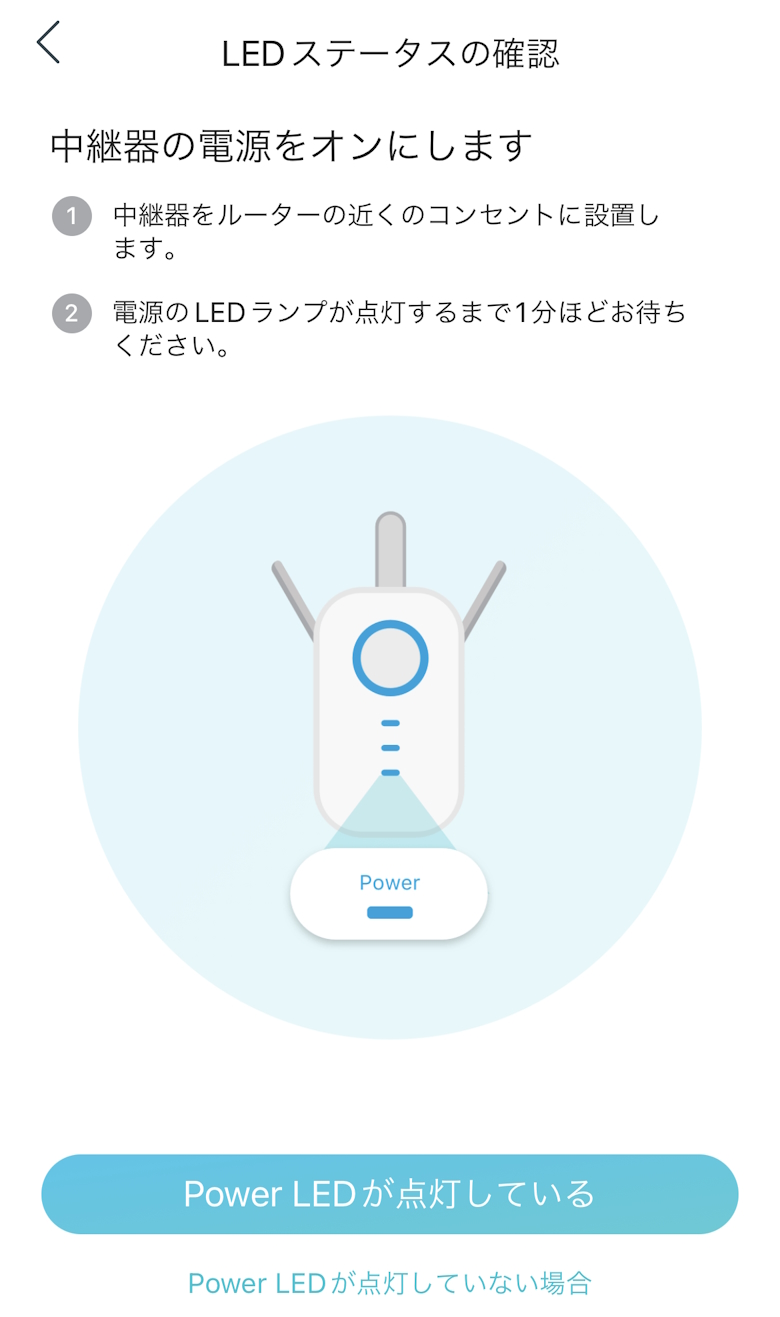
Tap “The Power LED is on”
STEP
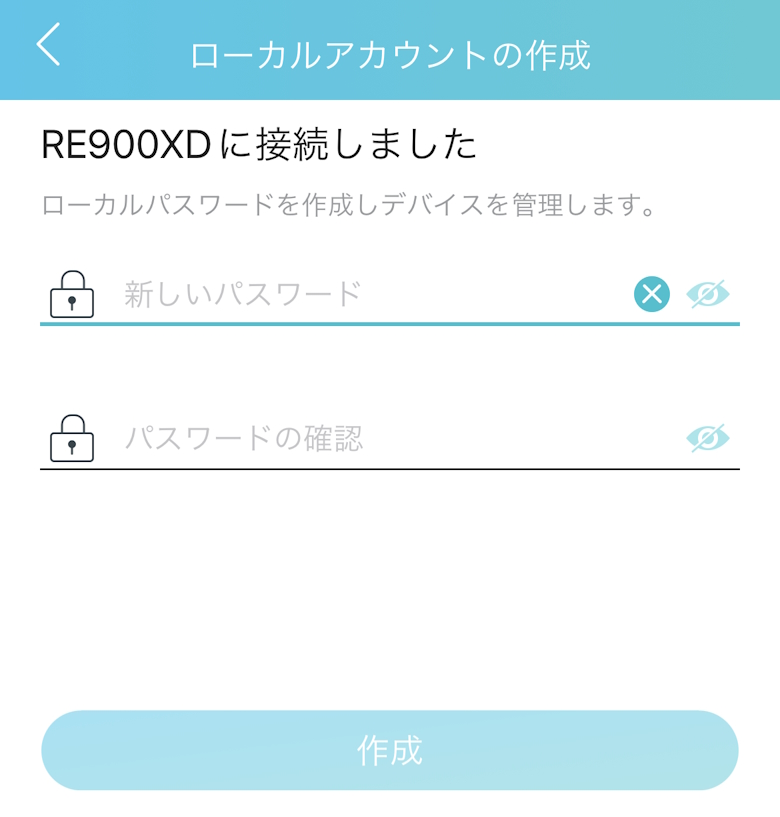
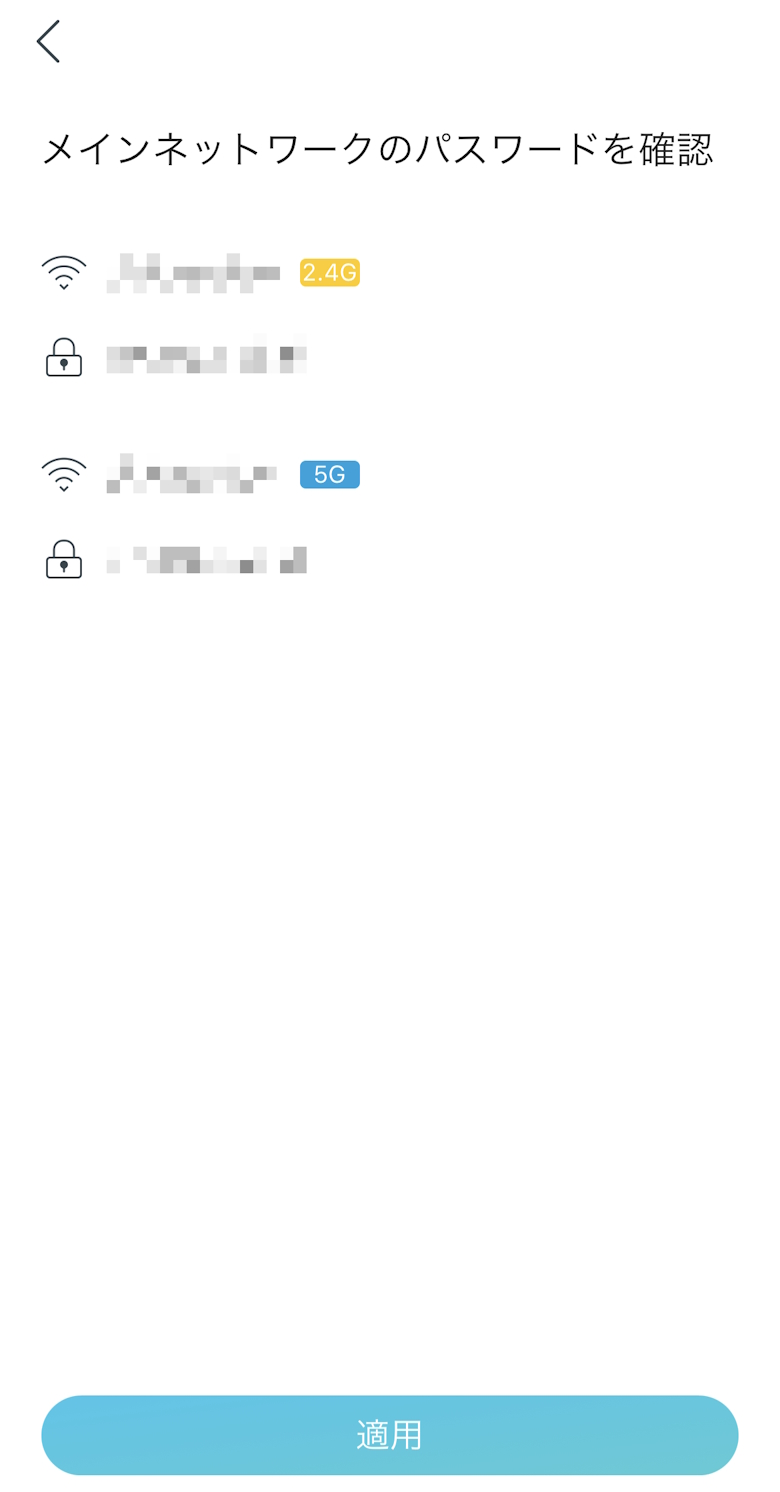
Enter the password and tap “Create”
STEP
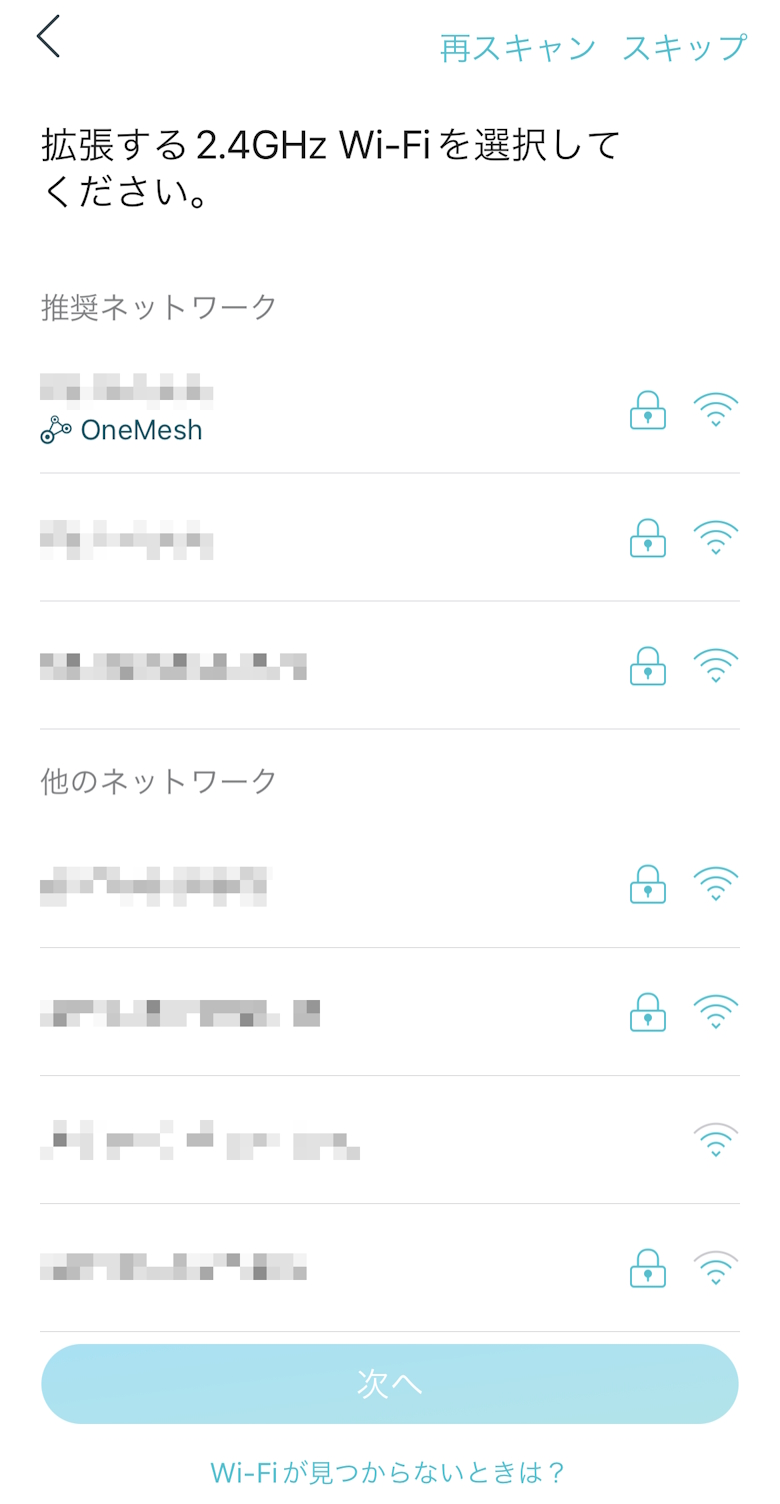
Select the Wi-Fi to connect to and tap “Next”
STEP
Enter the Wi-Fi password and tap “Next”
STEP
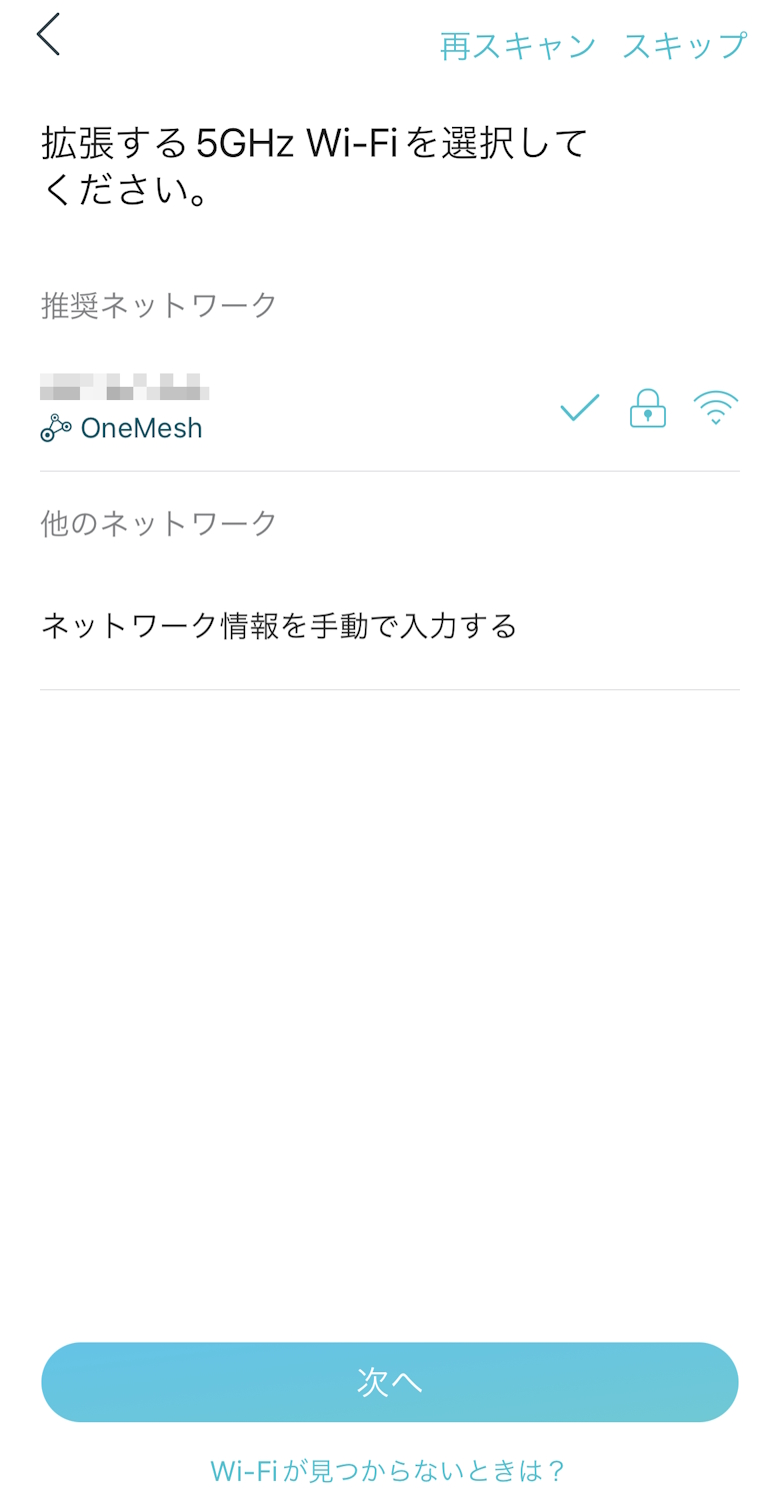
Select the Wi-Fi to connect to and tap “Next”
STEP
Tap “Apply”
STEP
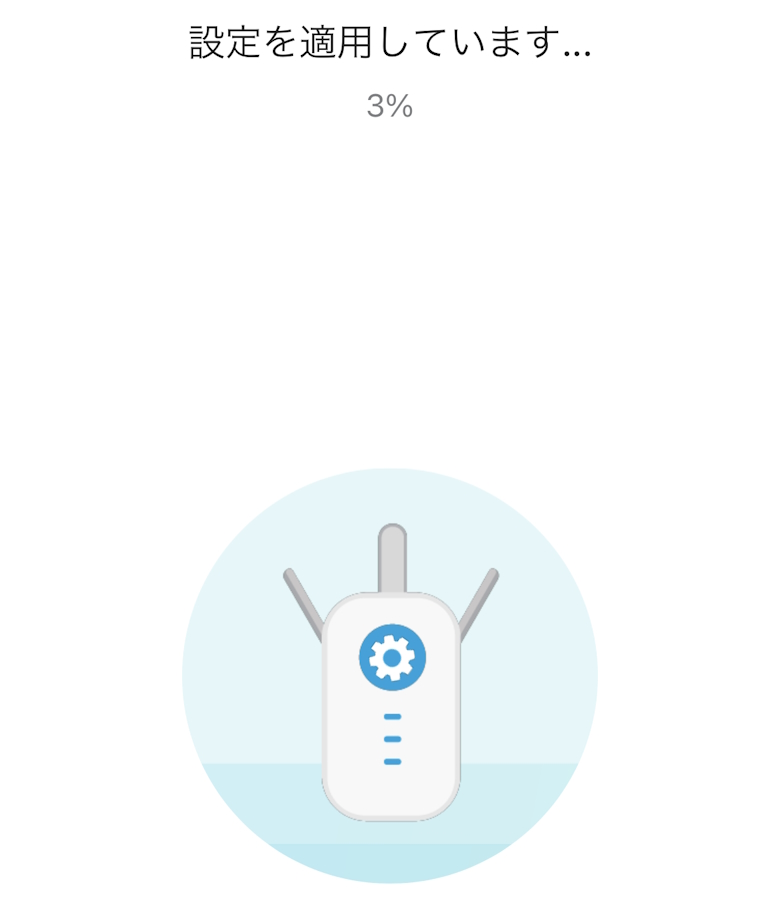
Wait for a while
STEP
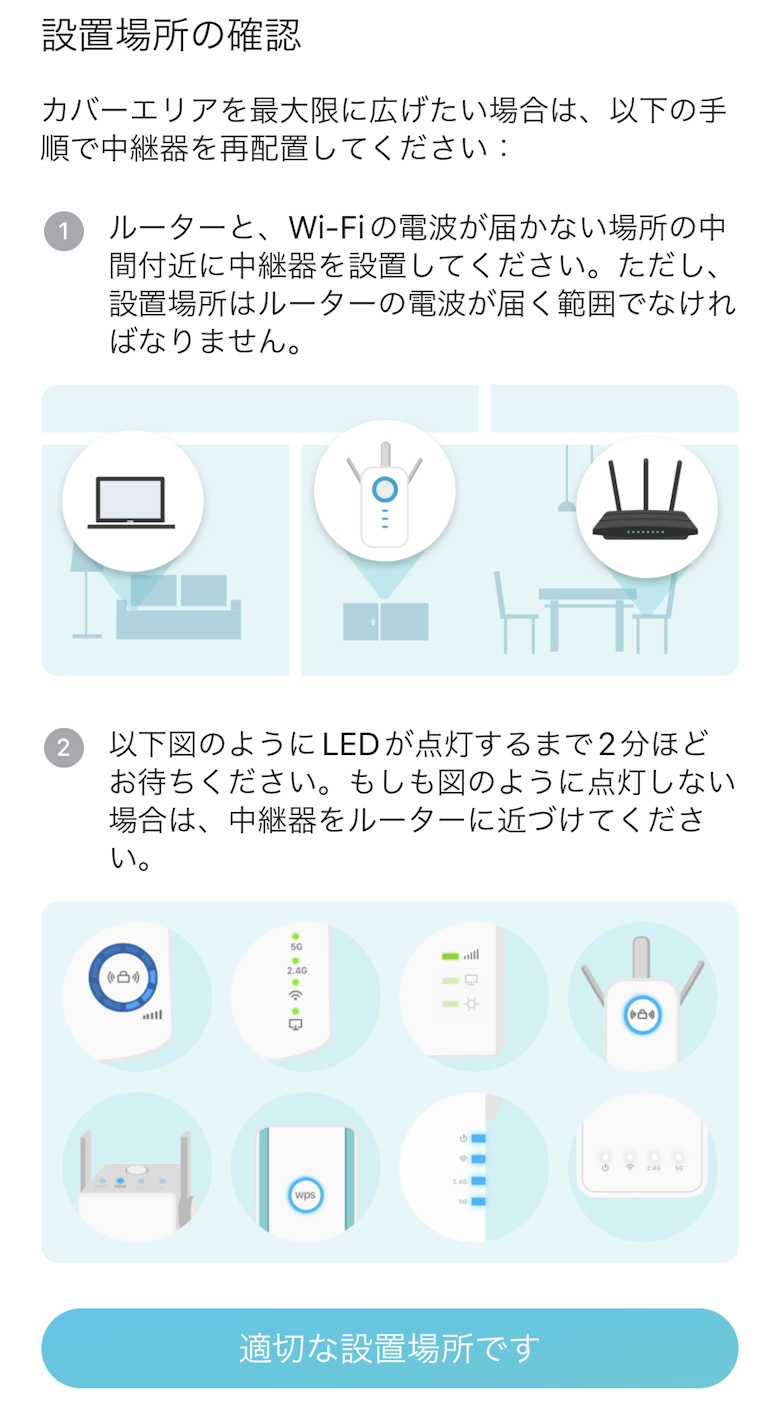
Tap “This is a suitable location”
STEP
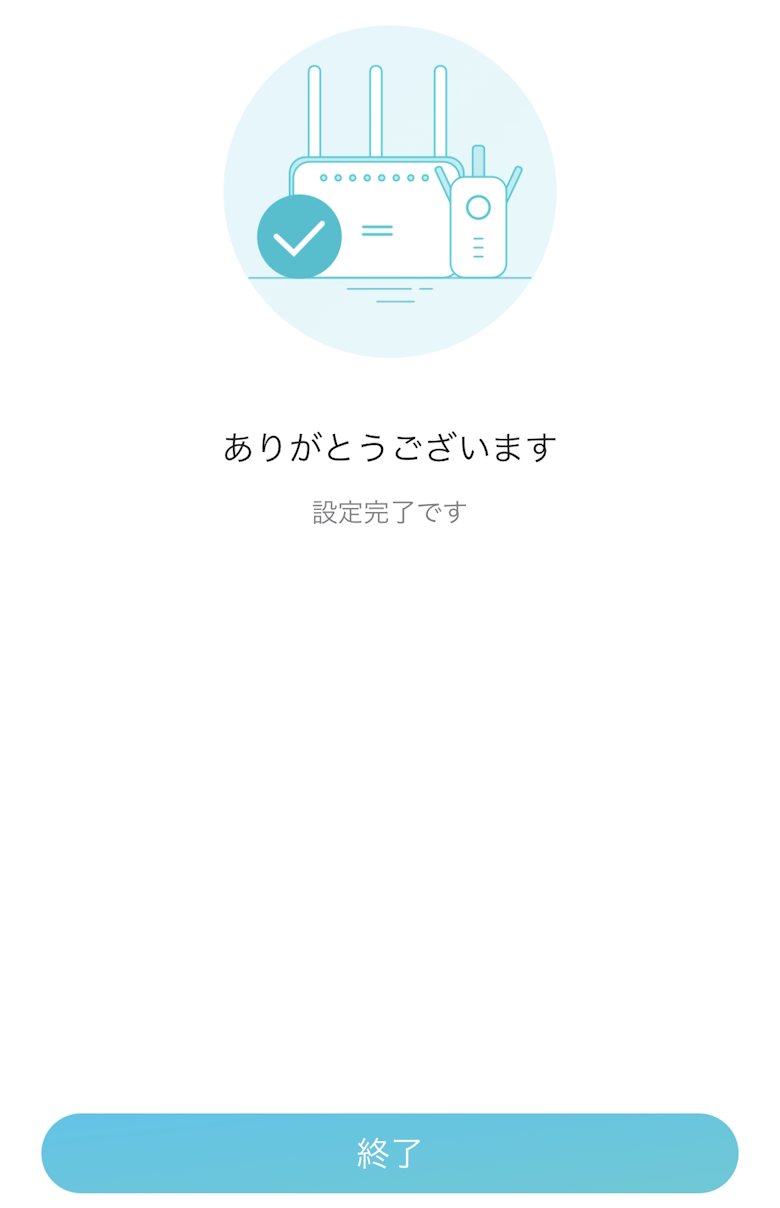
Tap “Finish” to complete the setup
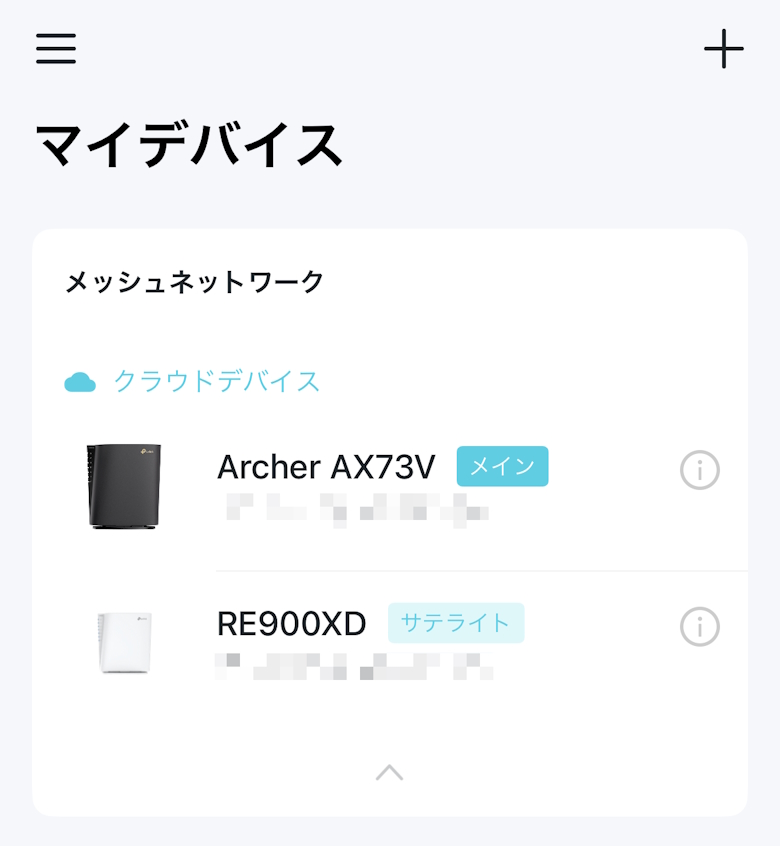
The range extender “TP-Link RE900XD” will be displayed as My Device.
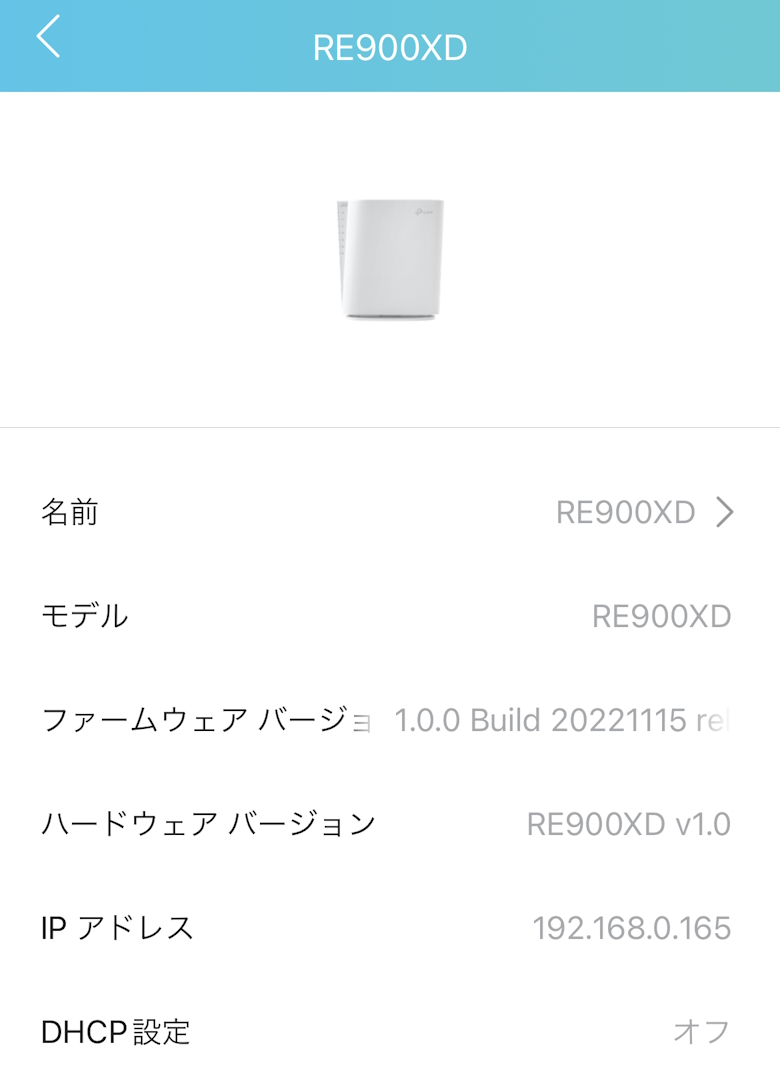
You can check information such as the name and firmware of the “TP-Link RE900XD”.
Itsuki
You can also change the name here.
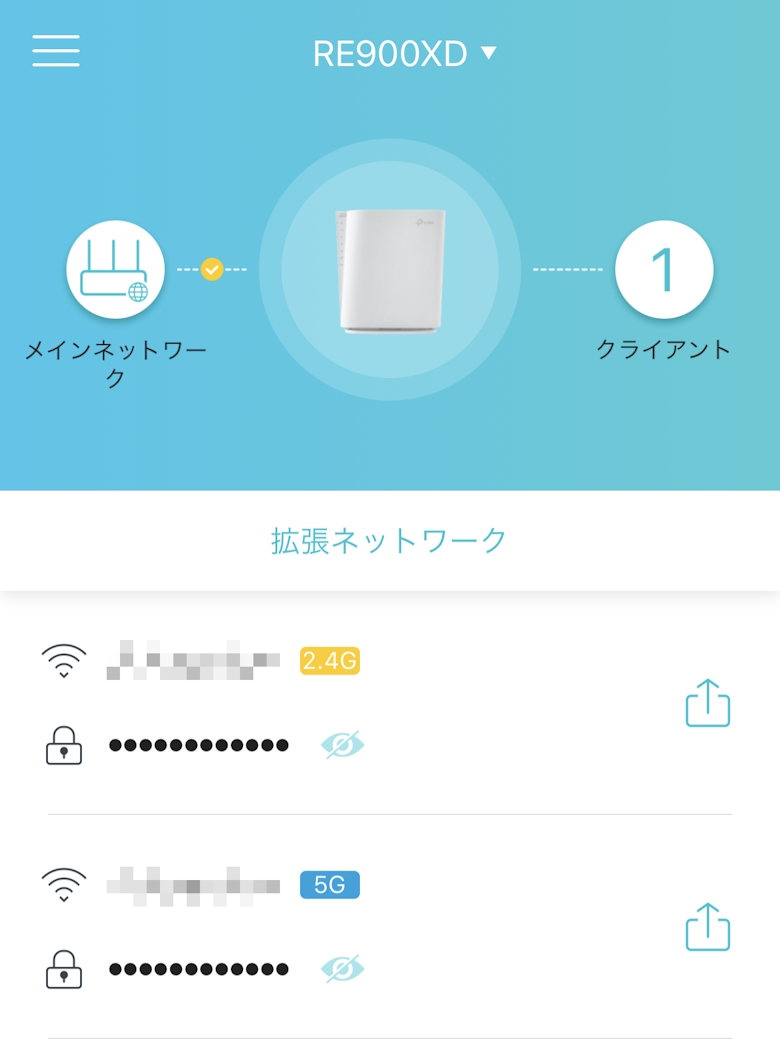
You can check the internet connection status and the number of connected clients (devices).
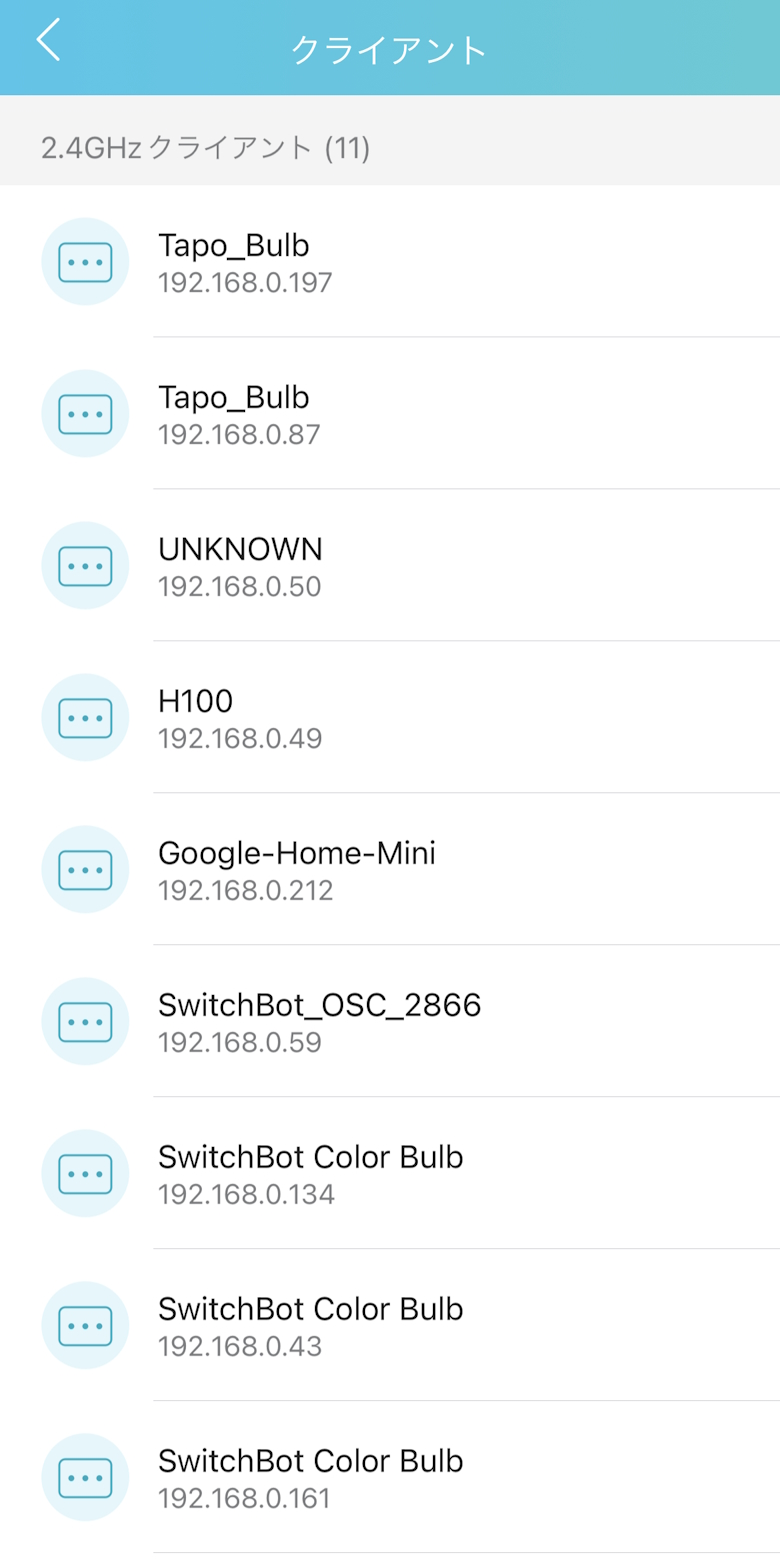
You can see in detail which devices are connected to 2.4GHz and 5GHz respectively.
Itsuki
If an unknown device happens to be connected, you can immediately realize that something suspicious is going on.
You can switch OneMesh ON/OFF.
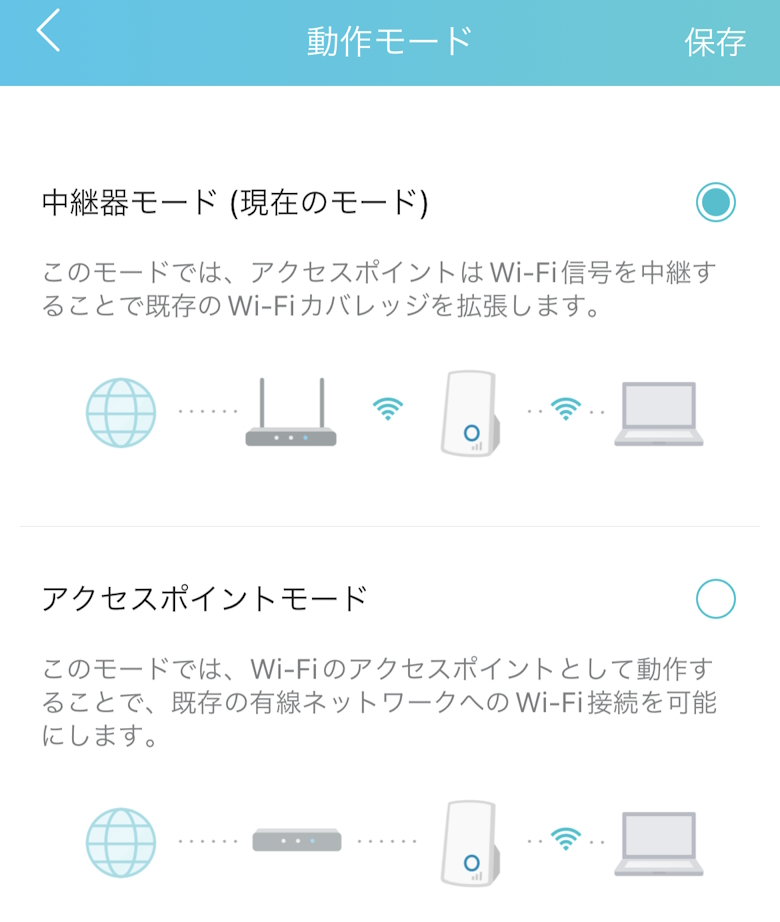
You can switch between Range Extender Mode and Access Point Mode.
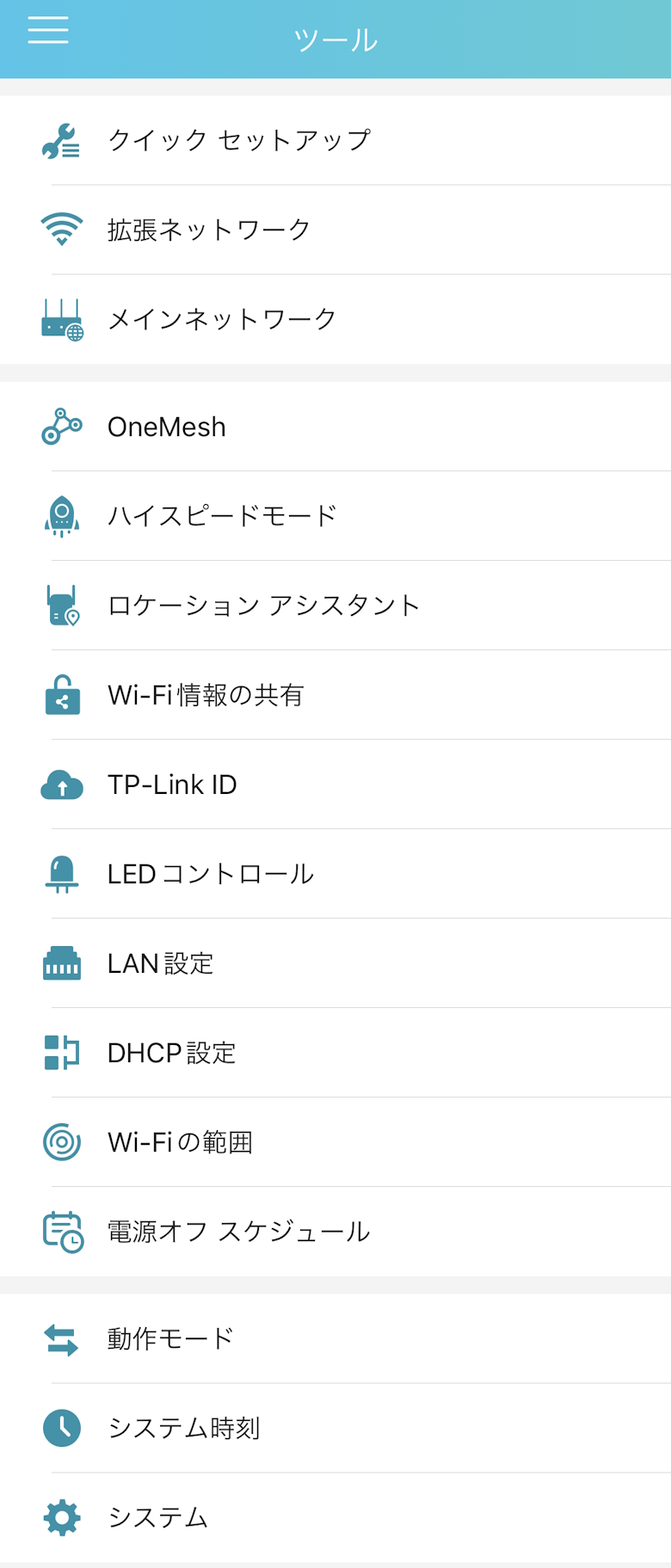
In “Tools”, you can use various other settings and tools.
Tool Items
Quick Setup
Extended Network
Main Network
OneMesh
High-Speed Mode
Location Assistant
Share Wi-Fi Information
TP-Link ID
LED Control
LAN Settings
DHCP Settings
Wi-Fi Range
Power Off Schedule
Operation Mode
System Time
System
TP-Link RE900XD Speed Test
The thing you’re probably most concerned about when choosing a range extender is the communication speed.
We measured how much speed you can actually get when using the “Archer AX73V” together with the “TP-Link RE900XD”.
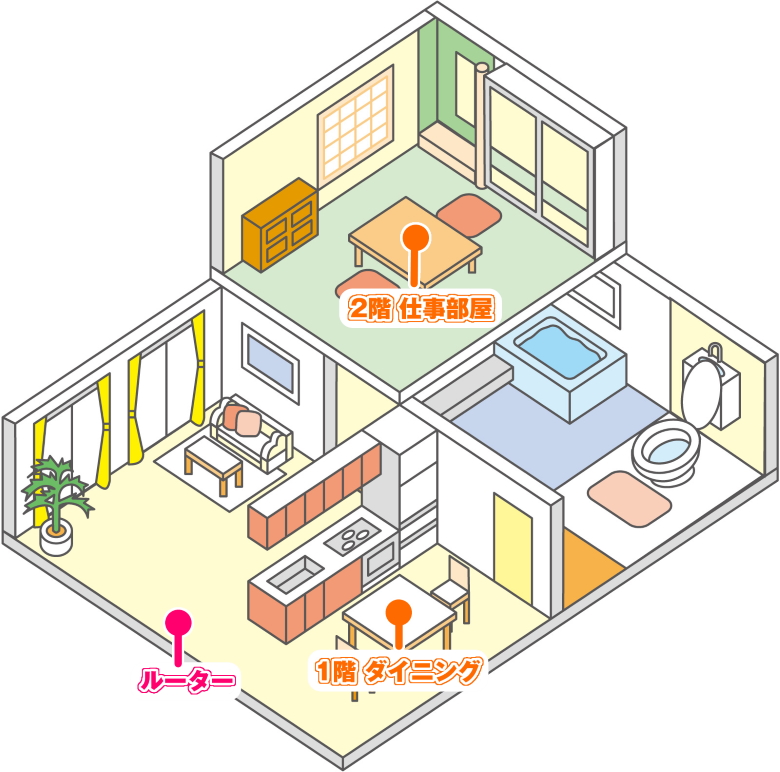
Two-story wooden house, 4LDK
The diagram above is a borrowed illustration, so it is different from the layout of our home, but it is used as an image reference.
First, the “router (Archer AX73V)” was installed roughly in the middle between the dining room and the living room.
The “range extender (RE900XD)” was installed in the second-floor office.
And we measured at two points.
The location close to the router, “1st Floor Dining Room“, and the place I mainly use as my office, “2nd Floor Office“.
The house layout is a two-story wooden house with 4LDK.
Itsuki
By the way, the internet line is the “Rakuten Hikari Family Plan“.
Please note in advance that this is the result of a single test conducted in a typical home environment, and the results may vary greatly depending on the environment and other conditions.
This time, we measured the speed both with only the “Archer AX73V” and with the “RE900XD” installed.
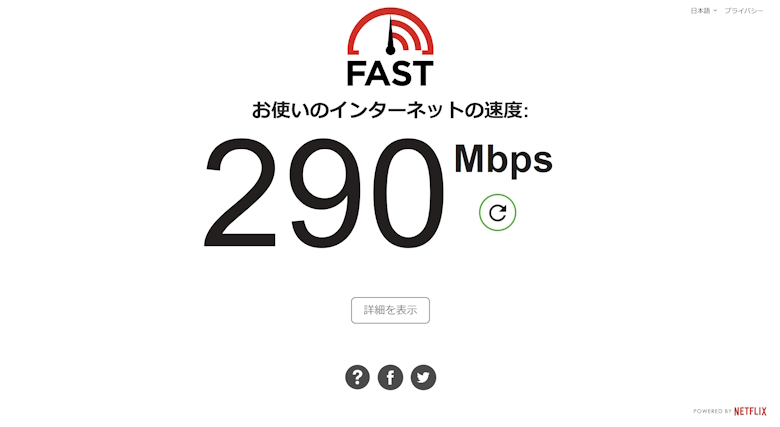
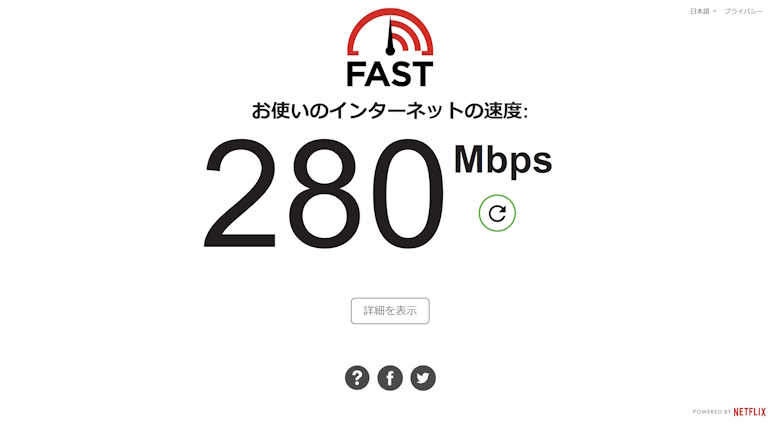
Measurement with a PC in the 1st Floor Dining Room
RE900XDArcher AX73V
Results…
With RE900XD: 290 Mbps
Archer AX73V only: 280 Mbps
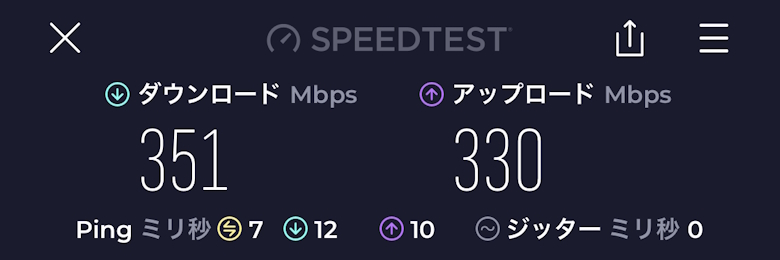
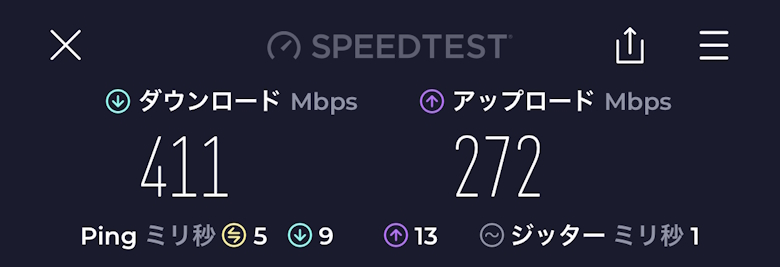
Measurement with a Smartphone (iPhone 13 Pro) in the 1st Floor Dining Room
RE900XDArcher AX73V
Results…
With RE900XD: 351 Mbps
Archer AX73V only: 411 Mbps
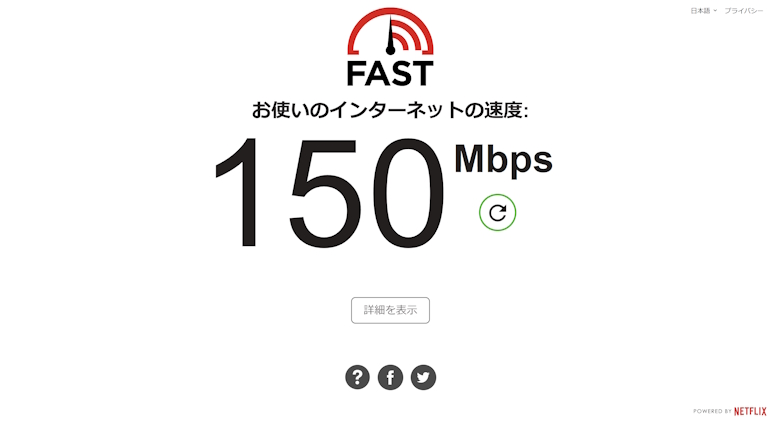
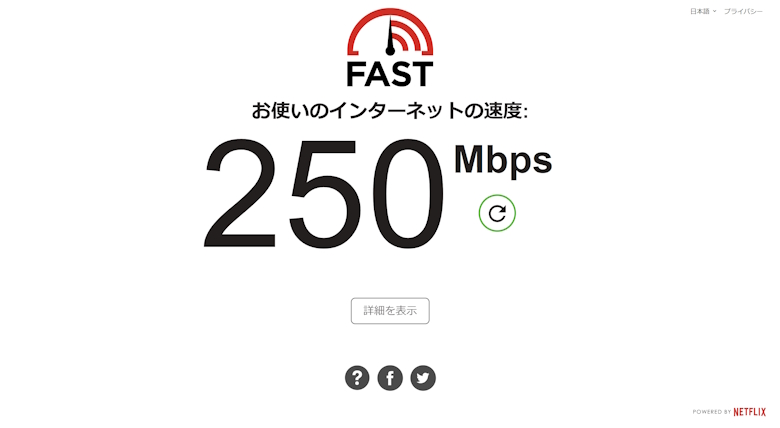
Measurement with a PC in the 2nd Floor Office
RE900XDArcher AX73V
Results…
With RE900XD: 150 Mbps
Archer AX73V only: 250 Mbps
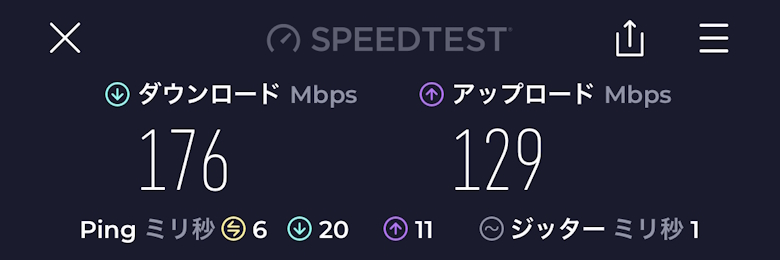
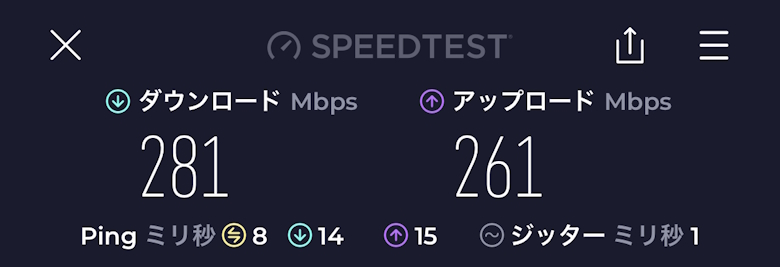
Measurement with a Smartphone (iPhone 13 Pro) in the 2nd Floor Office
RE900XDArcher 73V
Results…
With RE900XD: 176 Mbps
Archer AX73V only: 281 Mbps
Summary of Test Results Under Each Condition
Now we have the test results for each condition.
Itsuki
Below, the speeds measured on PC and smartphone are listed in order from fastest to slowest. Personally, I found the results quite interesting.
Summary of PC Test Results
PC speeds ranked from fastest
1st Floor Dining Room with RE900XD: 290 Mbps
1st Floor Dining Room with Archer AX73V only: 280 Mbps
2nd Floor Office with Archer AX73V only: 250 Mbps
2nd Floor Office with RE900XD: 150 Mbps
Summary of Smartphone Test Results
Smartphone (iPhone 13 Pro) speeds ranked from fastest
1st Floor Dining Room with Archer AX73V only: 411 Mbps
1st Floor Dining Room with RE900XD: 351 Mbps
2nd Floor Office with Archer AX73V only: 281 Mbps
2nd Floor Office with RE900XD: 176 Mbps
Itsuki
Although the speed varied somewhat, installing the “TP-Link RE900XD” clearly made it possible to expand the Wi-Fi coverage throughout the house!
TP-Link RE900XD Review Summary
In this article, I wrote about “[TP-Link RE900XD Review] Easily Build a Mesh Wi-Fi Network! A Wi-Fi 6 Range Extender That Makes Your Home More Comfortable with Total Speeds of Up to 6Gbps.”
This product is also appealing because of its affordable price of around 15,000 yen.
If you want to install a range extender that matches the design of the company’s routers, or if you want to easily build a mesh Wi-Fi environment, why not check out the TP-Link RE900XD.
Pros
Cons
Slim design that supports vertical placement, horizontal placement, and wall mounting
The design matches the Archer series, making it easy to keep a unified look
Equipped with three LAN ports
Supports mesh Wi-Fi
Can be switched to bridge mode and used as an access point








 Itsuki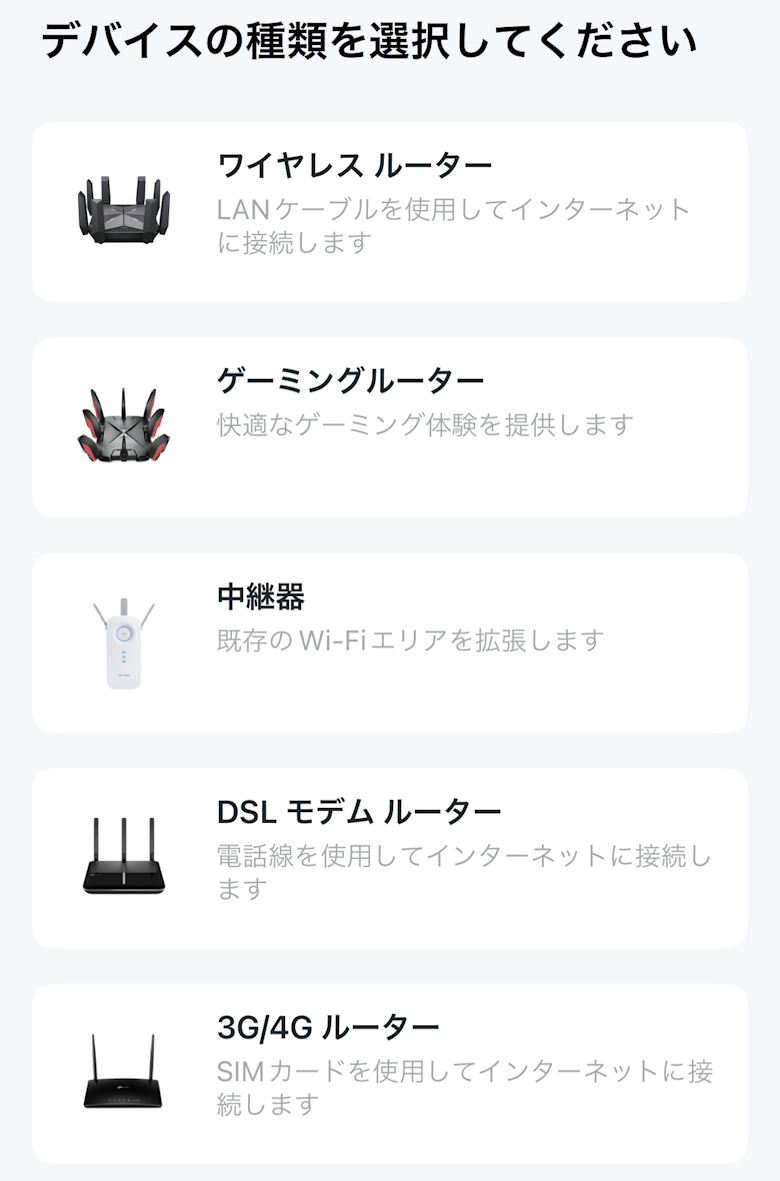

 Itsuki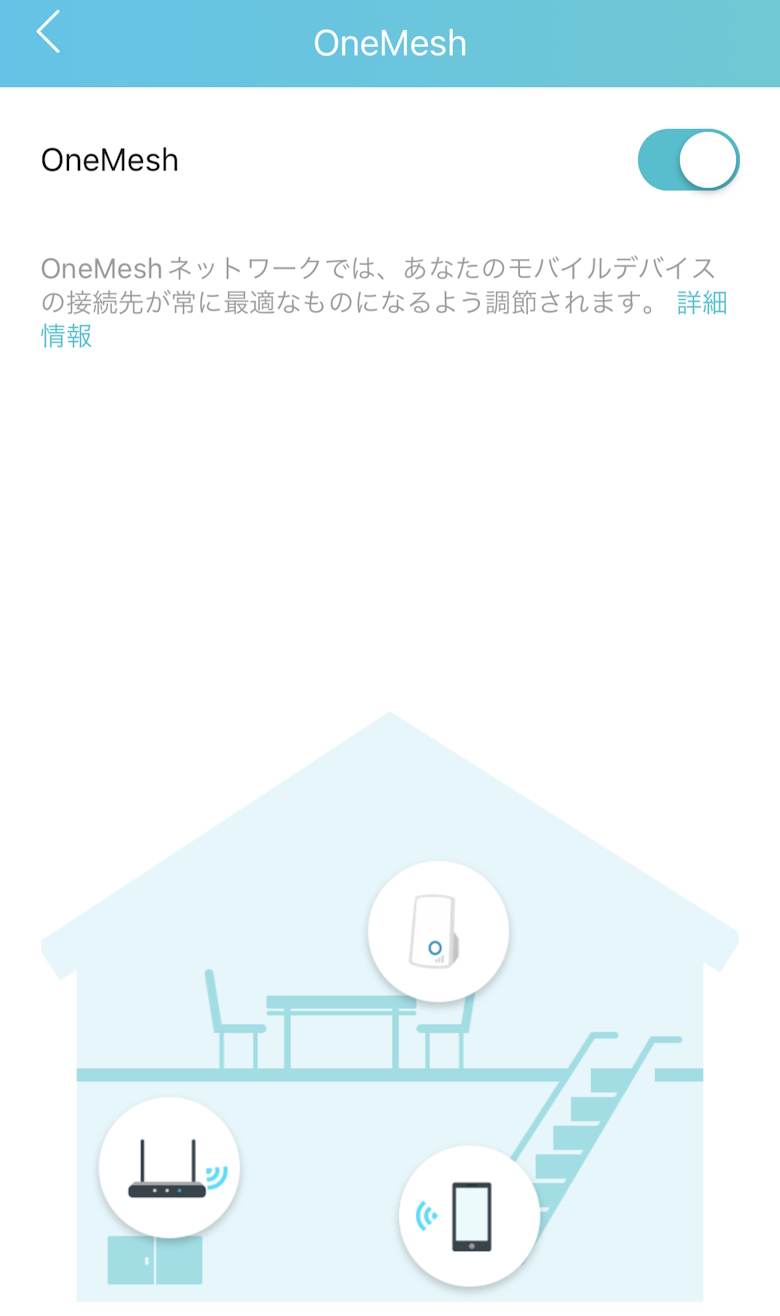

 Itsuki