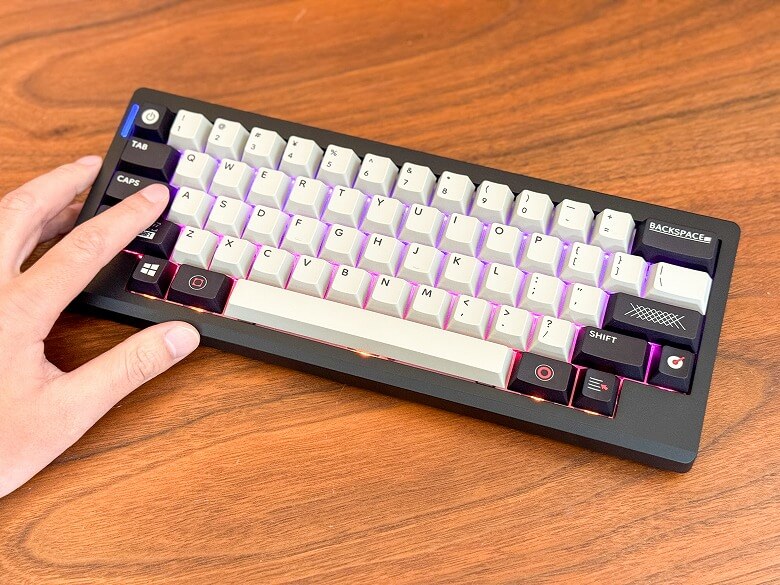
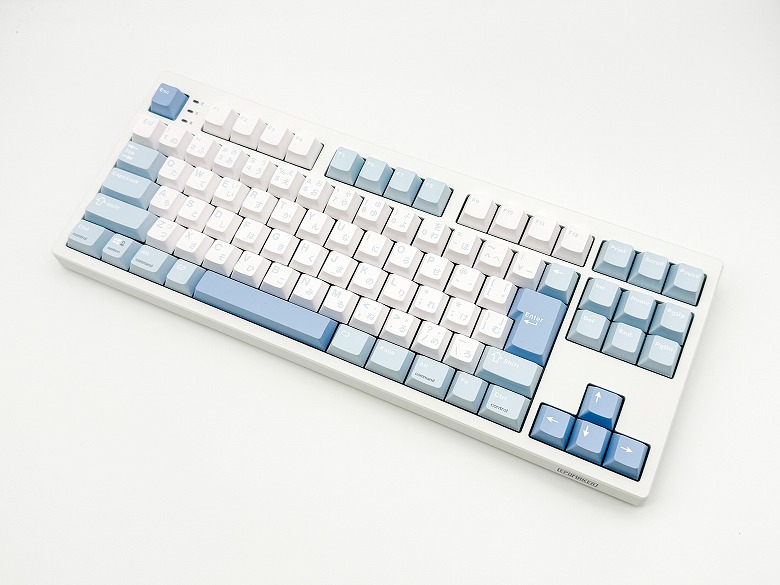
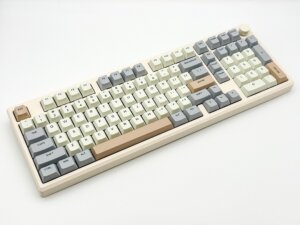
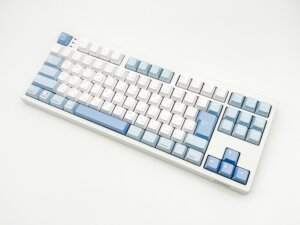
This time, I’ll share my impressions after actually using the popular mechanical keyboard “Epomaker Galaxy100 QMK/VIA”.
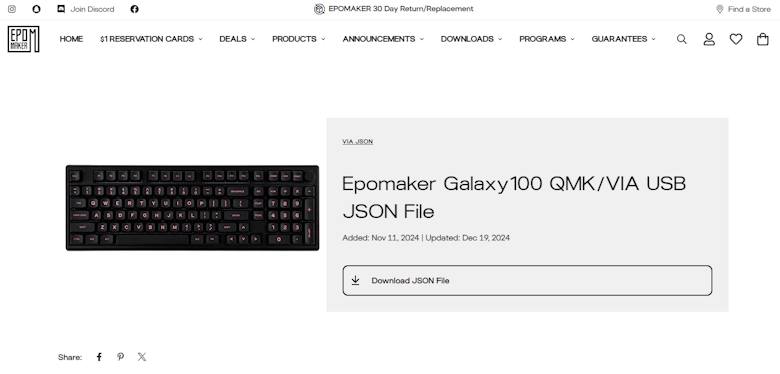
This model supports QMK/VIA, which boasts a high level of customization, allowing detailed settings tailored to the user’s preferences.
The design is also refined, making it a versatile keyboard that can be used for a wide range of purposes from gaming to business.
In this article, I will review the actual user experience, features, and the pros and cons in detail, so if you are considering purchasing it, please use this as a reference.
Pros
Cons
High customization with QMK/VIA support
Excellent typing feel
Stylish design
Multiple connection methods
Abundant number of keys and layout
Heavier body
This article was created with a product provided by the manufacturer.
Table of Contents
What’s Included with the Epomaker Galaxy100 QMK/VIA
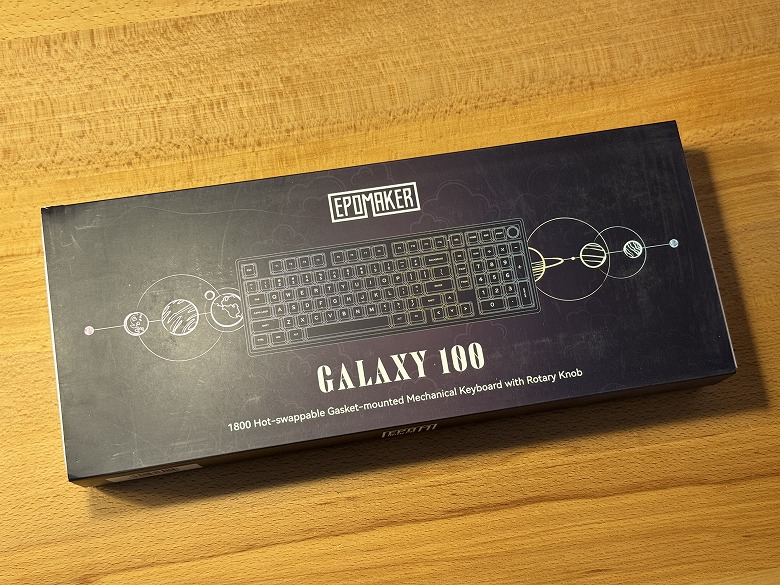
The outer box of the “Epomaker Galaxy100 QMK/VIA” features a cool design based on black.
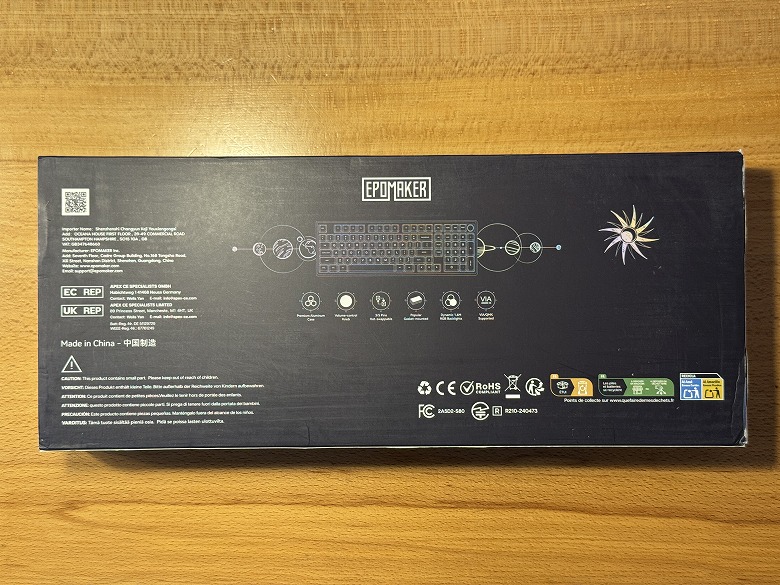
The product features are listed on the back.
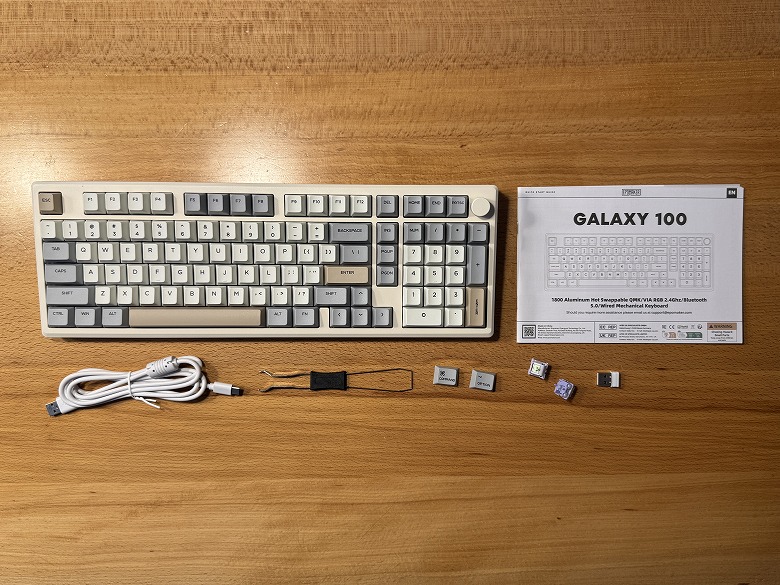
The following items are included as accessories.
What’s Included with the Epomaker Galaxy100 QMK/VIA
Keyboard body
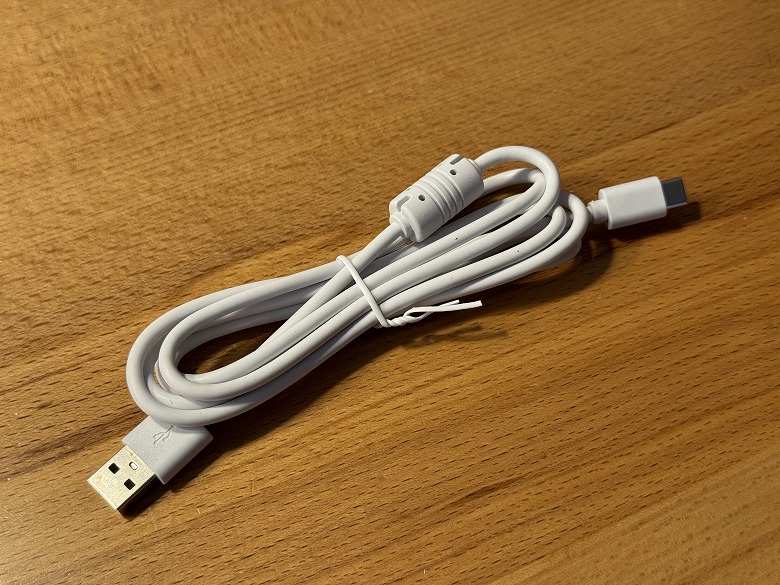
USB Type-A to C cable
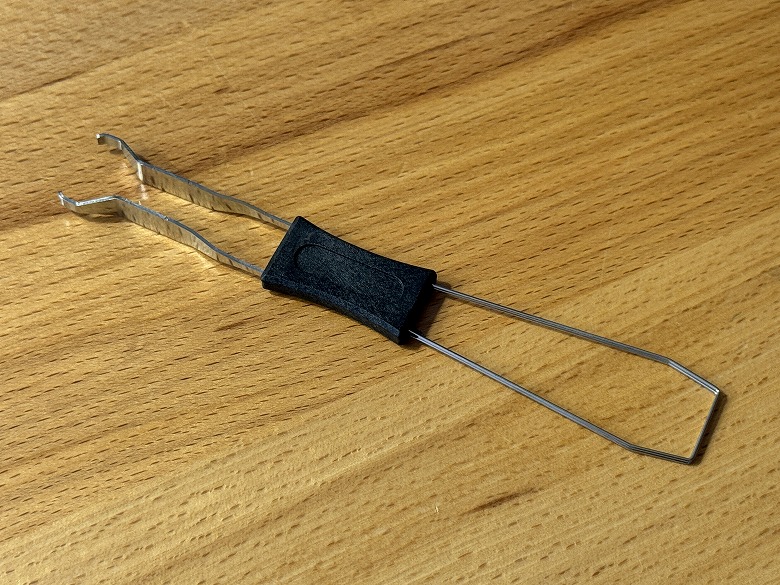
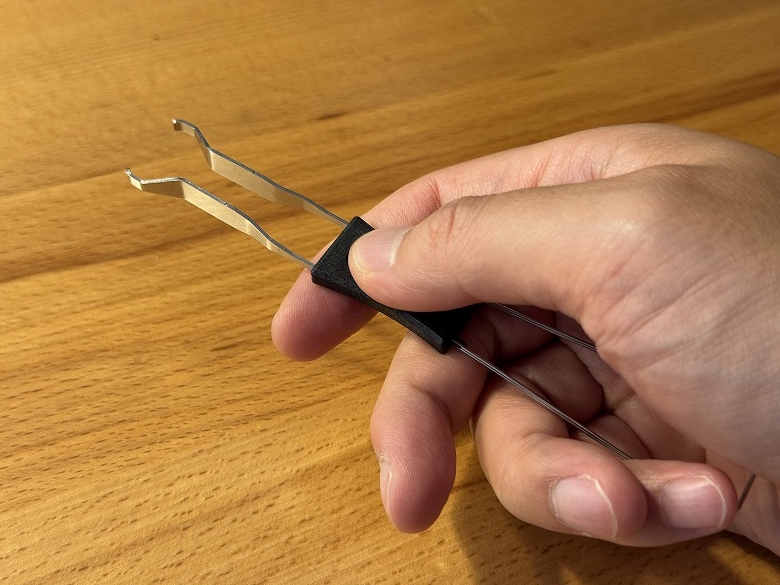
Keycap & key switch puller
Keycaps
Key switches
User manual
The USB Type-A to C cable is unified in white.
The tool has a keycap puller on one side and a key switch puller on the other side.
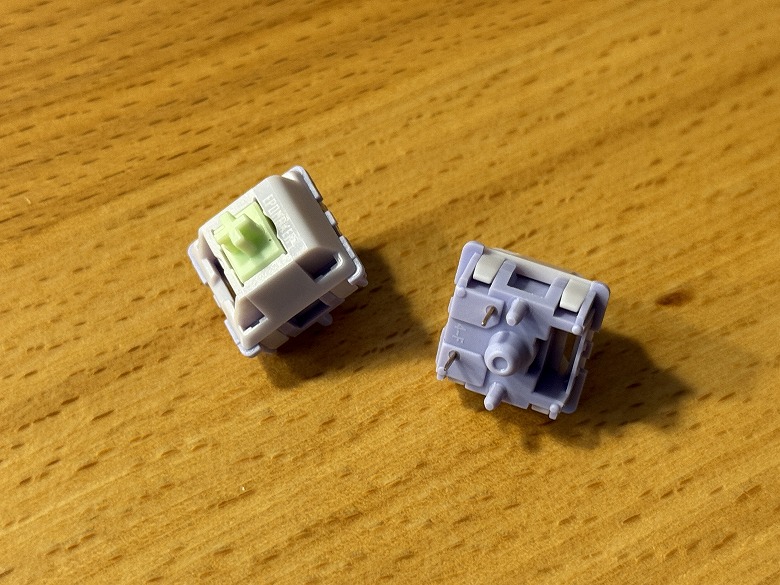
Two spare key switches are included.
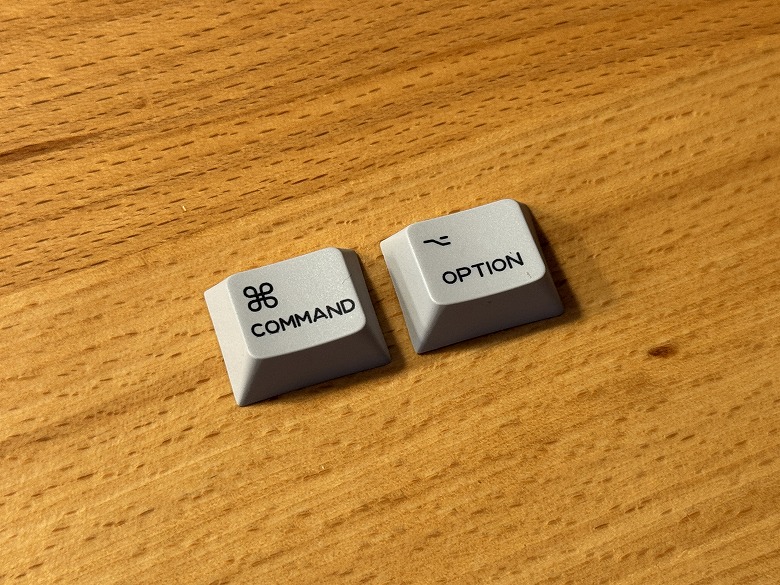
Keycaps for Mac are included.
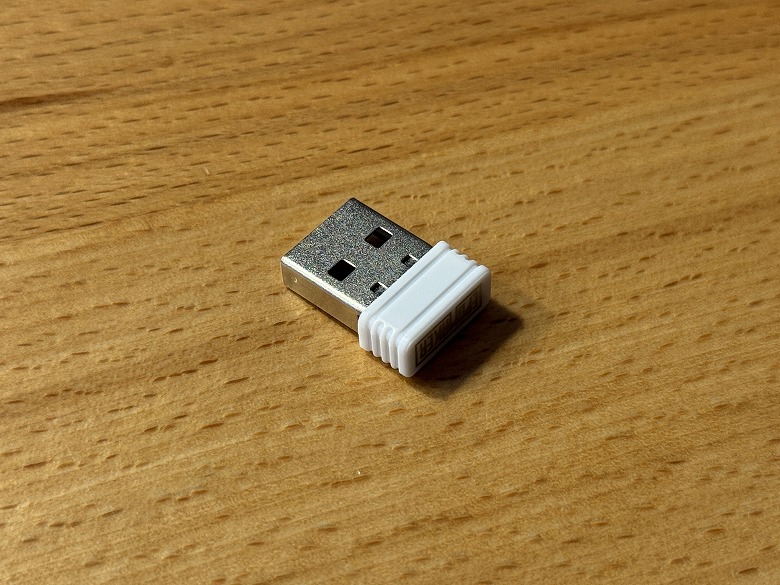
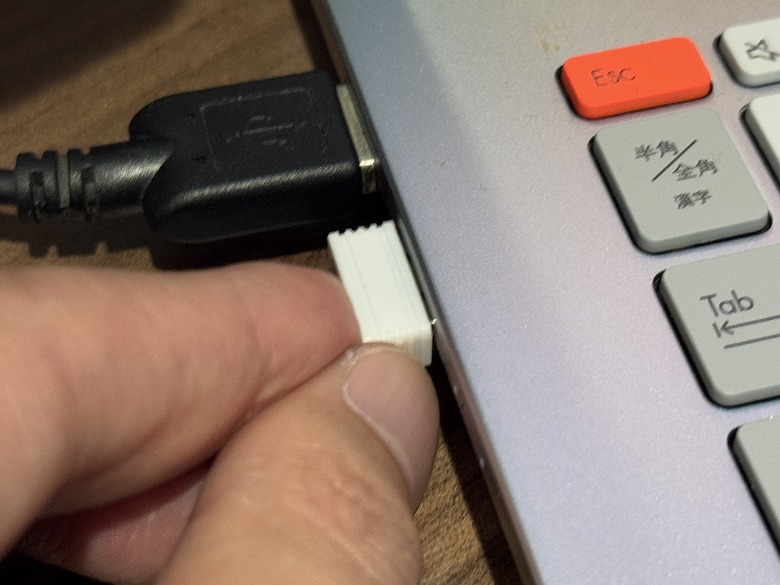
A USB receiver for 2.4GHz connection is included.
Epomaker Galaxy100 QMK/VIA Specifications
Epomaker’s “Galaxy100 QMK/VIA” is a gaming mechanical keyboard characterized by its pleasant typing feel and a wide variety of illumination patterns.
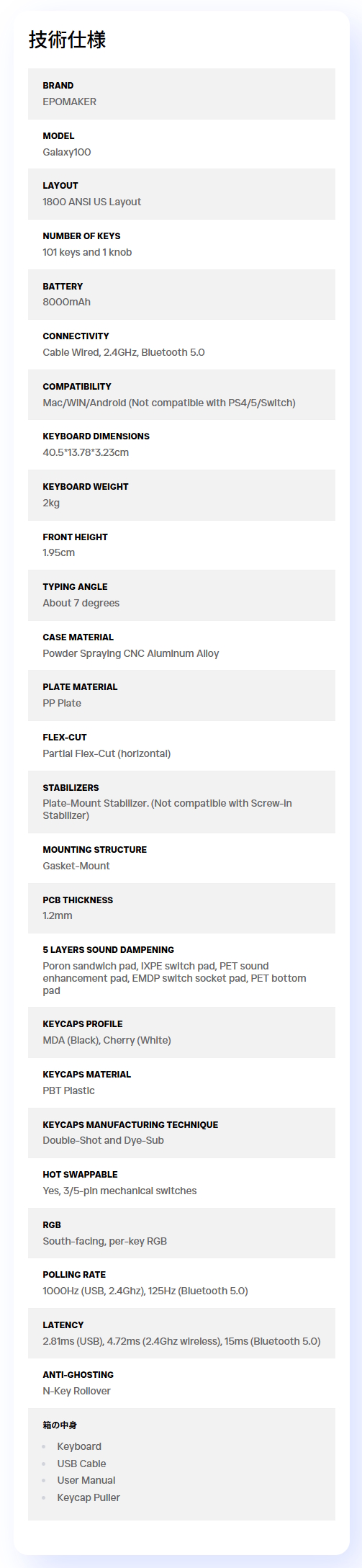
The main specifications are as follows.
Appearance
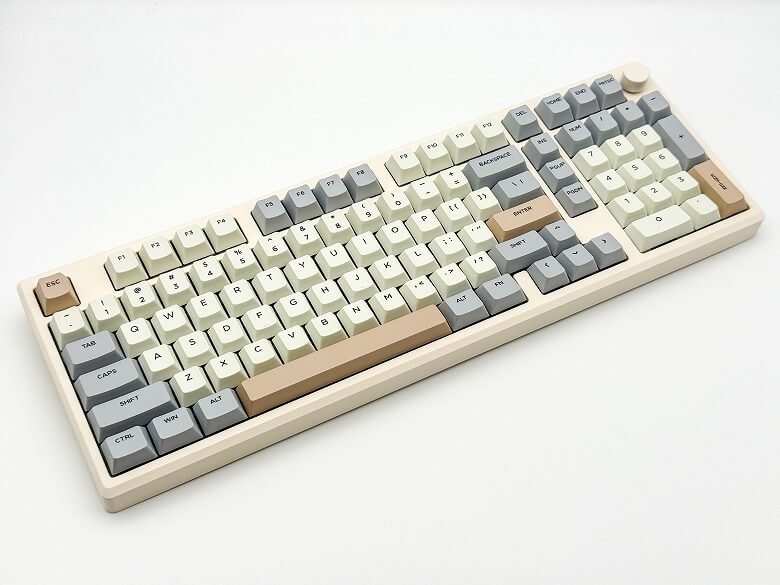
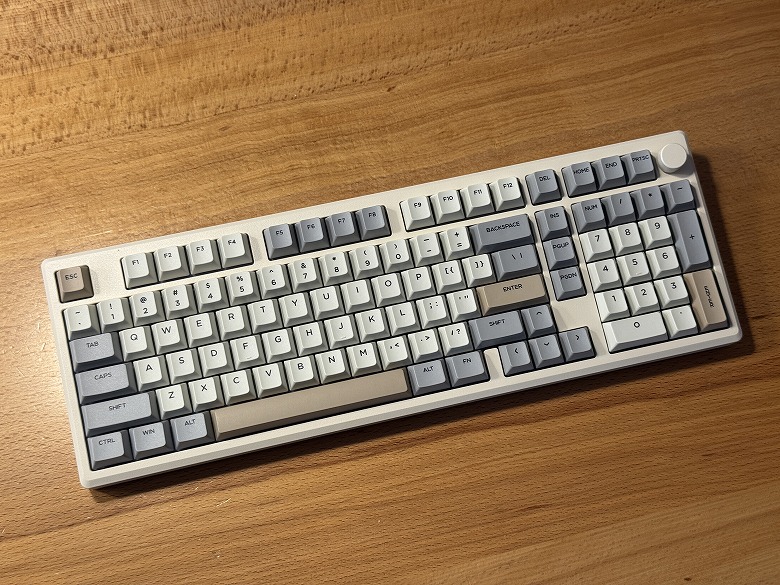
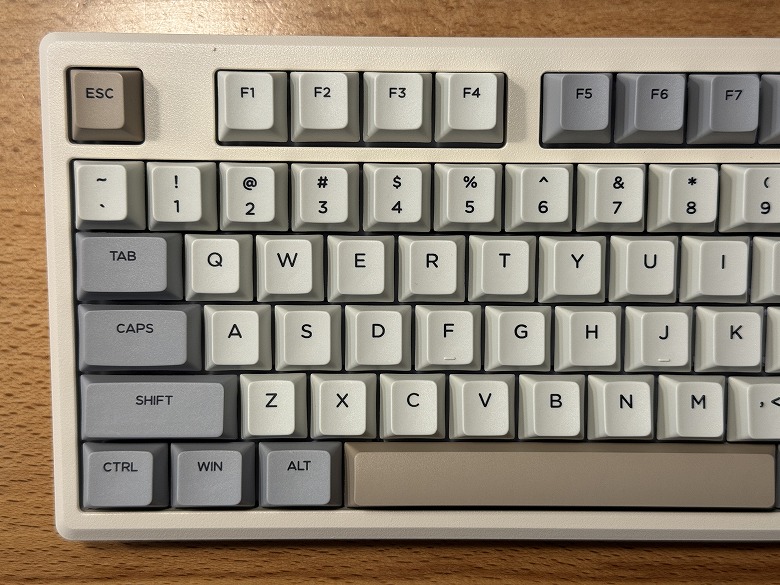
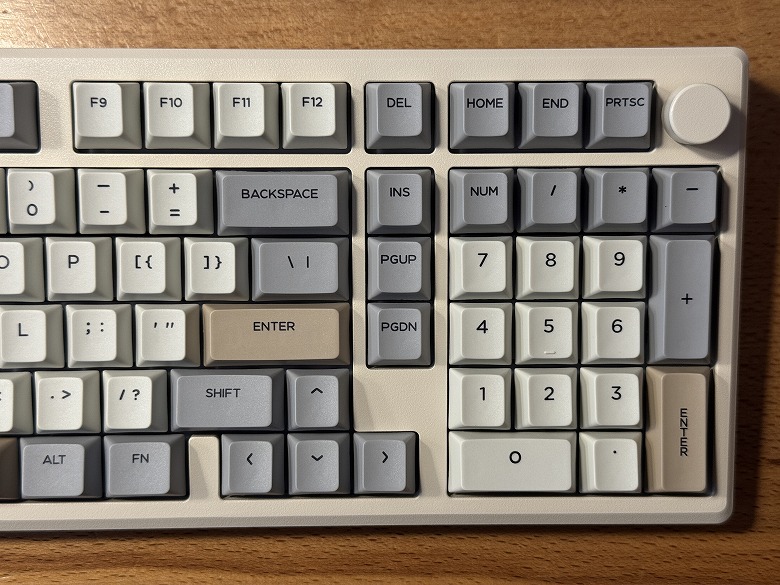
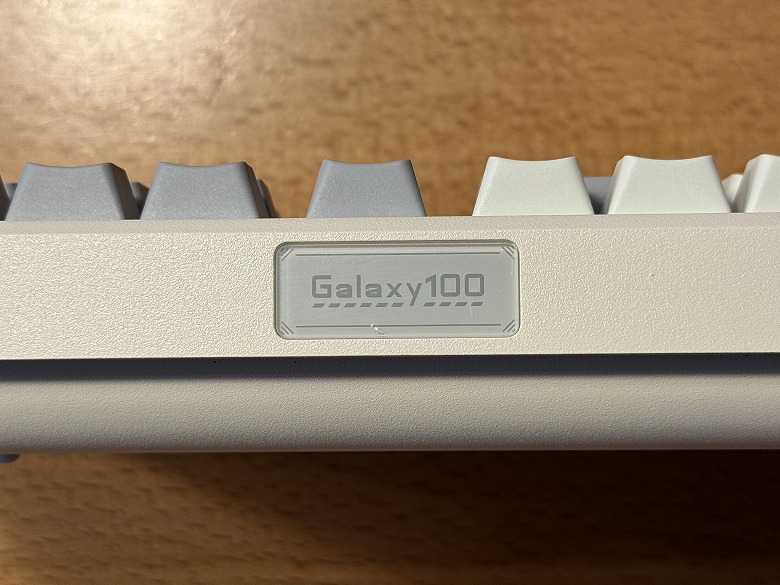
The appearance of the “Epomaker Galaxy100 QMK/VIA” features a retro design with a white base and accent colors of brown and gray.
This is how it looks when taking close-up shots of the left and right sides of the keyboard.
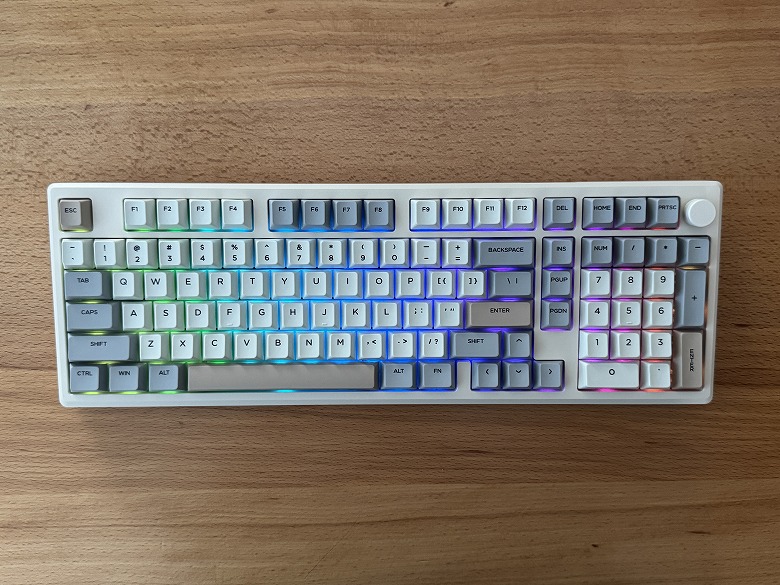
It features beautifully glowing RGB lighting.
Itsuki
The lighting patterns are introduced in the video in the latter half of the article.
You can use various functions by combining it with the Fn key.
The keycaps use PBT keycaps, providing a good texture and excellent durability.
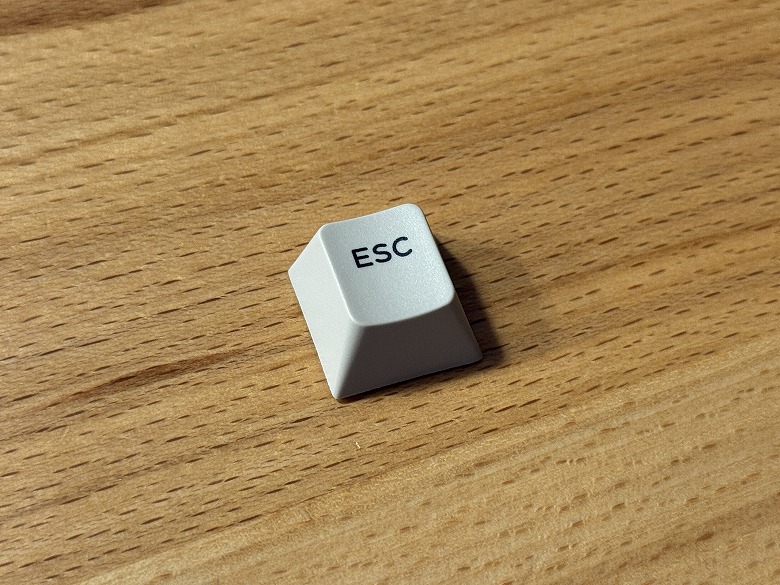
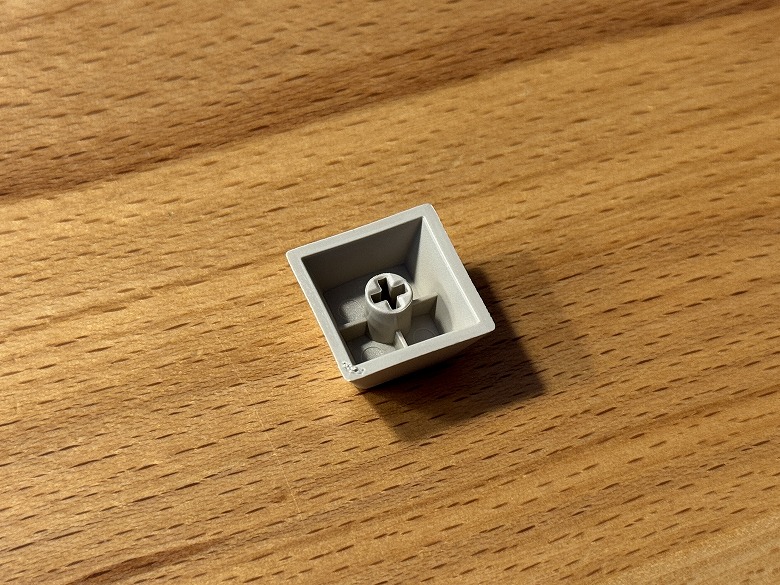
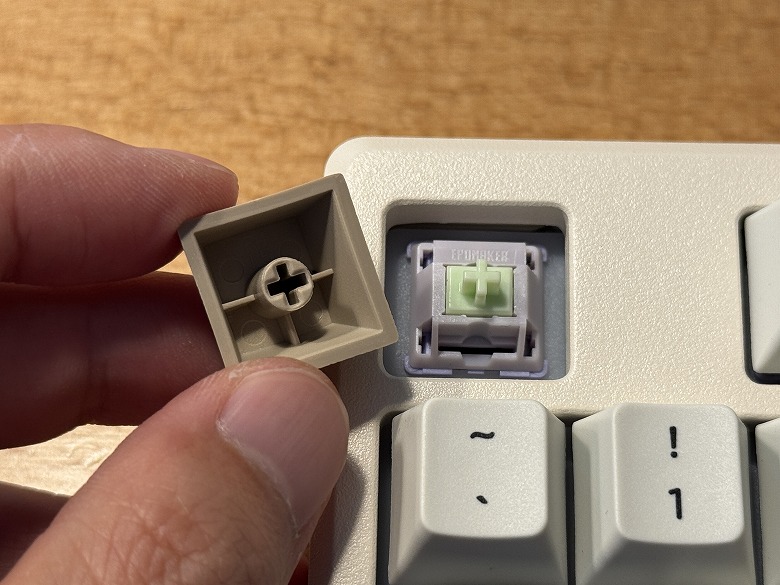
Since it is compatible with Cherry MX switches, you can also replace the keycaps with original ones to enjoy a different look.
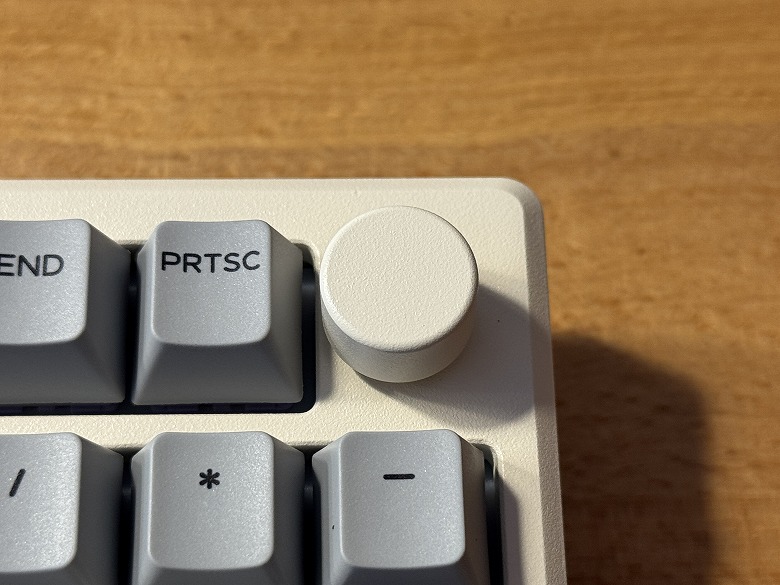
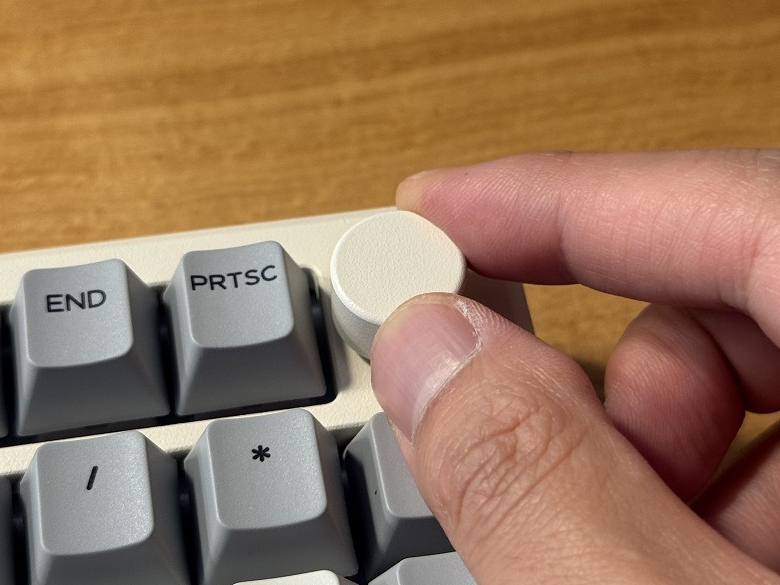
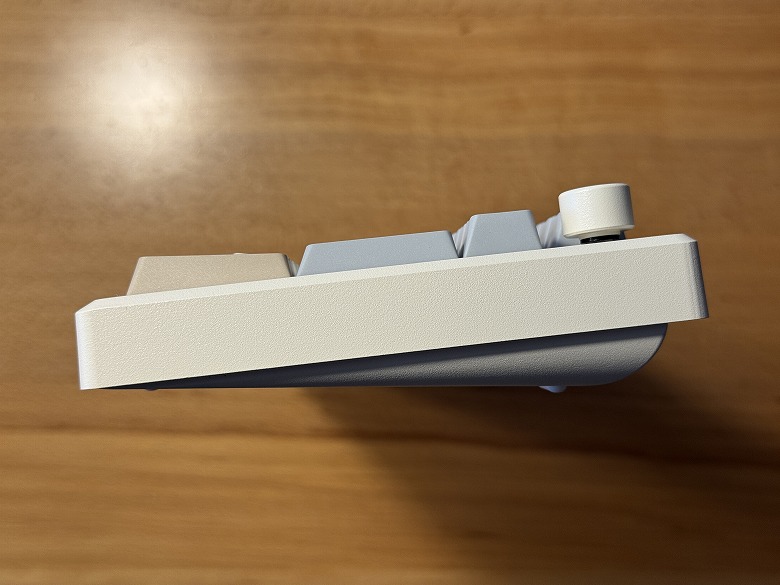
There is a knob in the upper right.
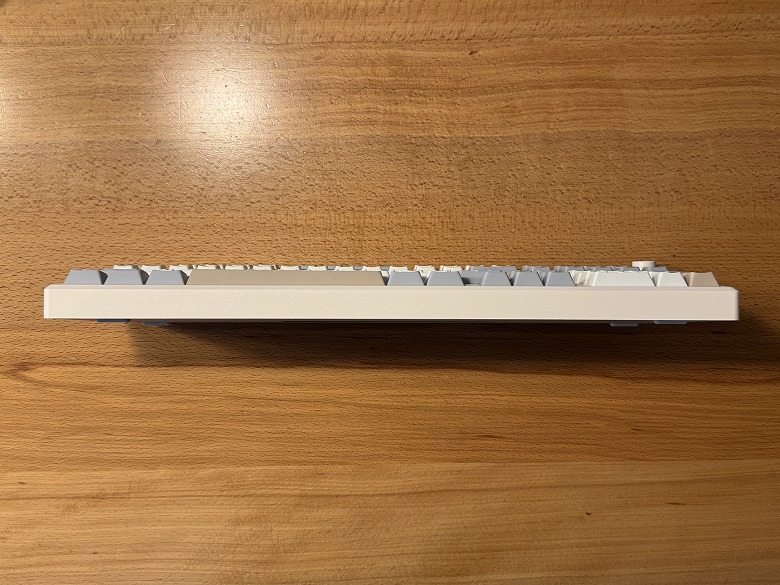
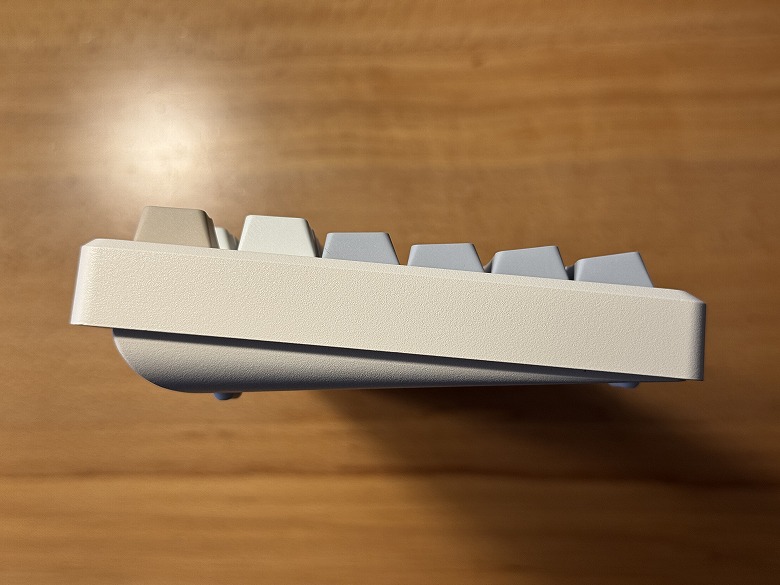
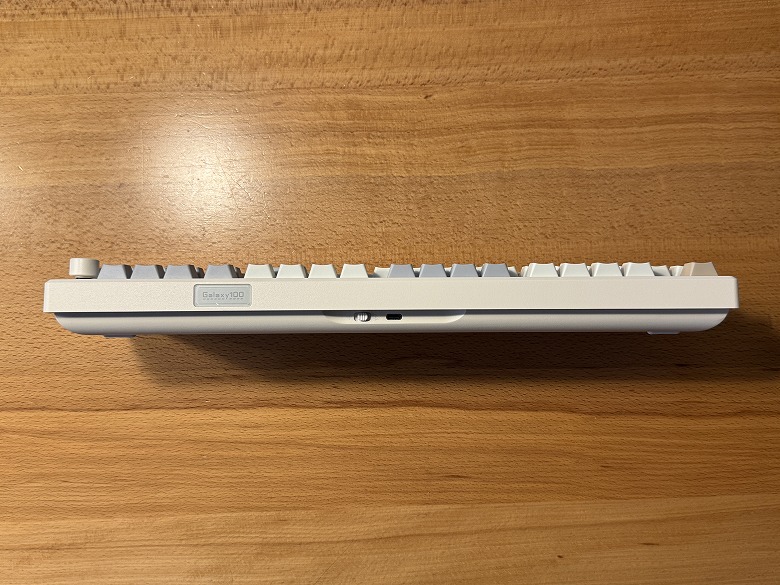
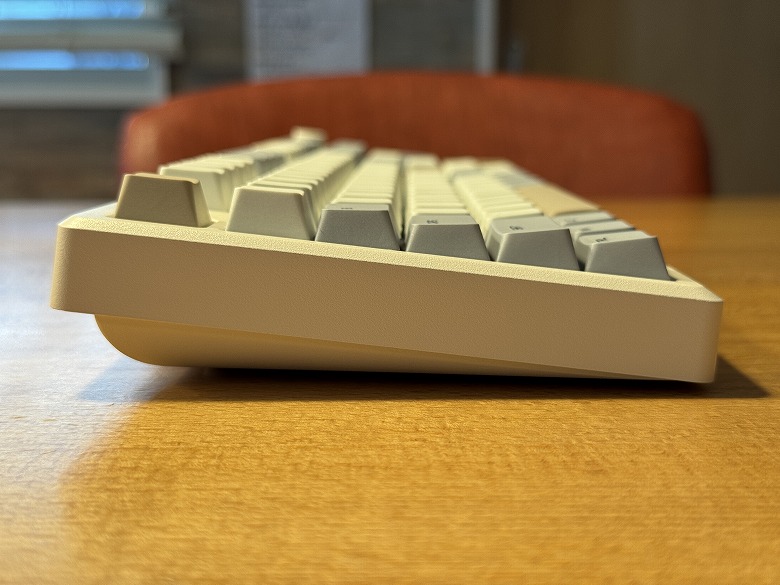
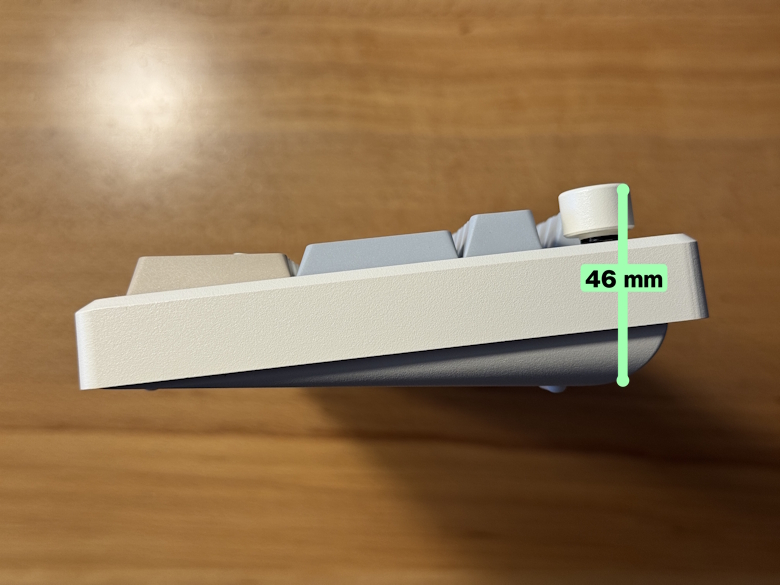
This is what the side looks like when viewed from the front.
The side has a slope from the front toward the back.
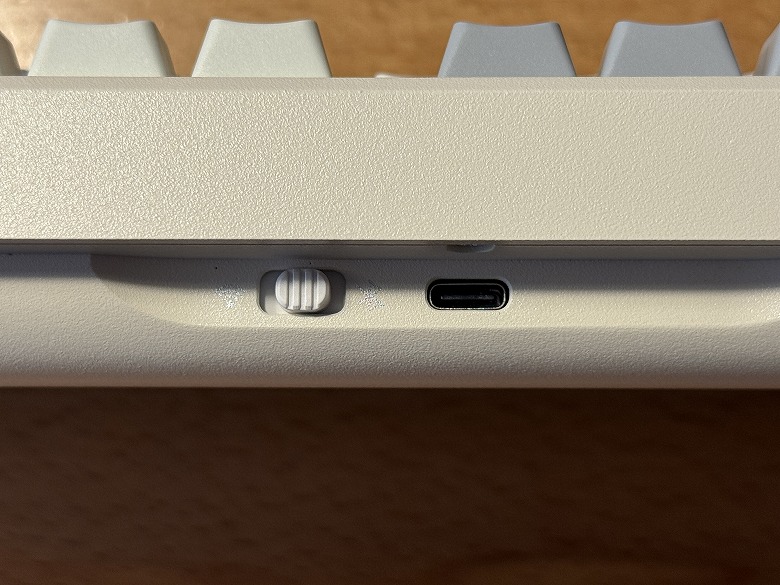
On the center of the back side, there is a USB Type-C port and a Win/Mac toggle switch.
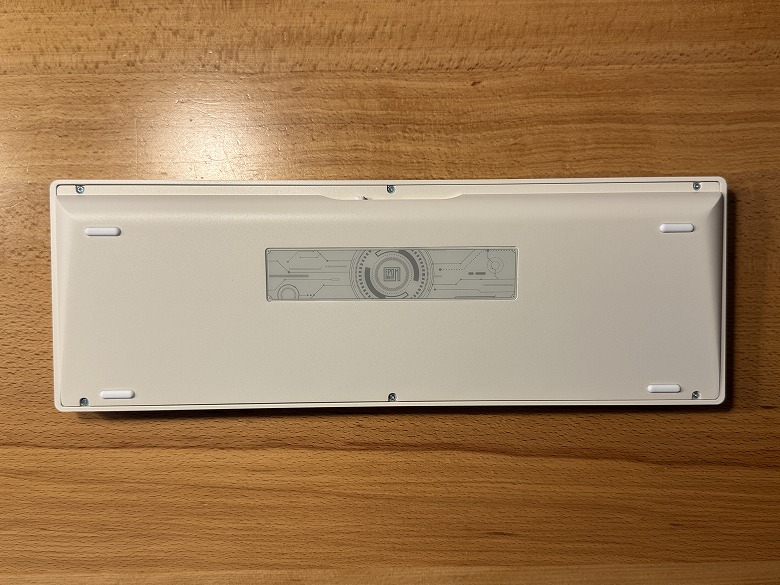
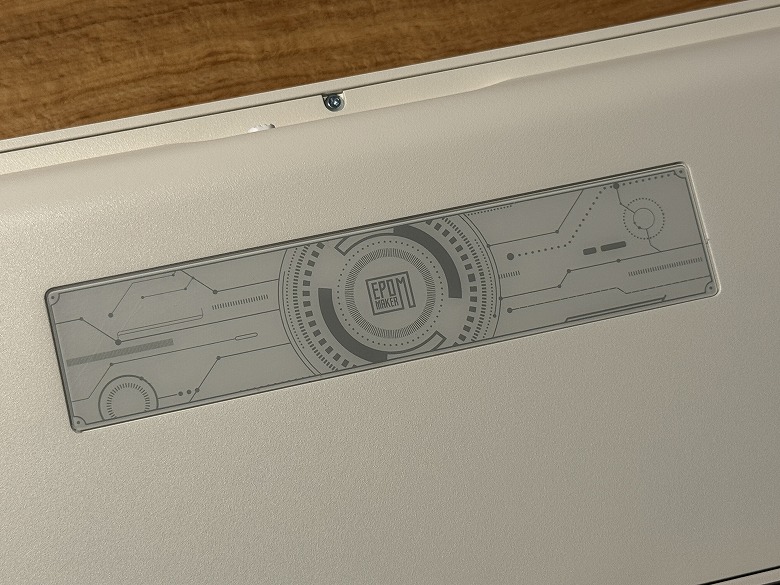
The bottom looks like this.
The Epomaker logo is printed in the center.
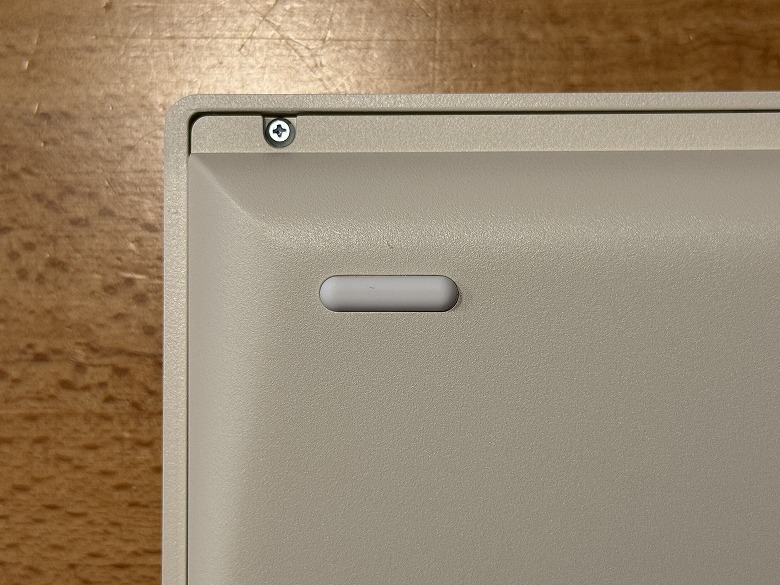
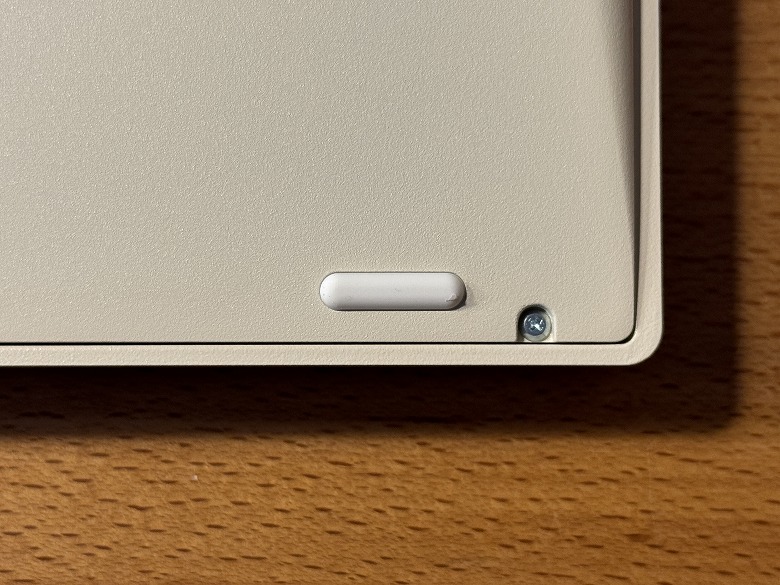
There are anti-slip pads and stands on the four corners.
Since there are no adjustable stands, the angle cannot be adjusted.
Size and Weight
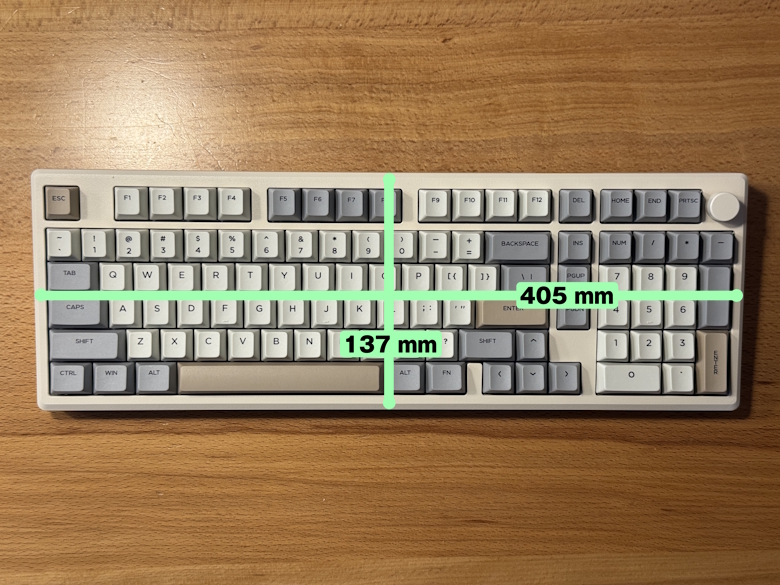
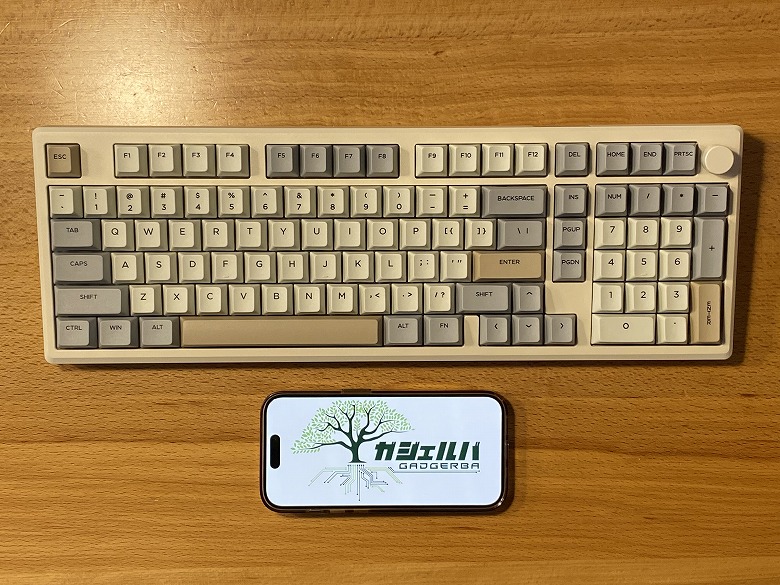
The size of the “Epomaker Galaxy100 QMK/VIA” is 137 × 405 mm.
The height is 46 mm.
Here is the size comparison with a smartphone (iPhone 15 Pro).
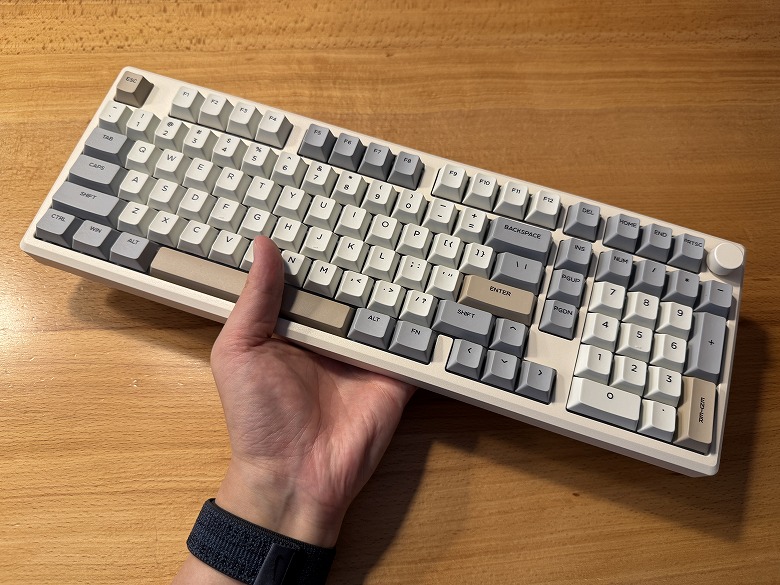
It is compact, so it doesn’t take up much space and allows you to use your desk more widely.
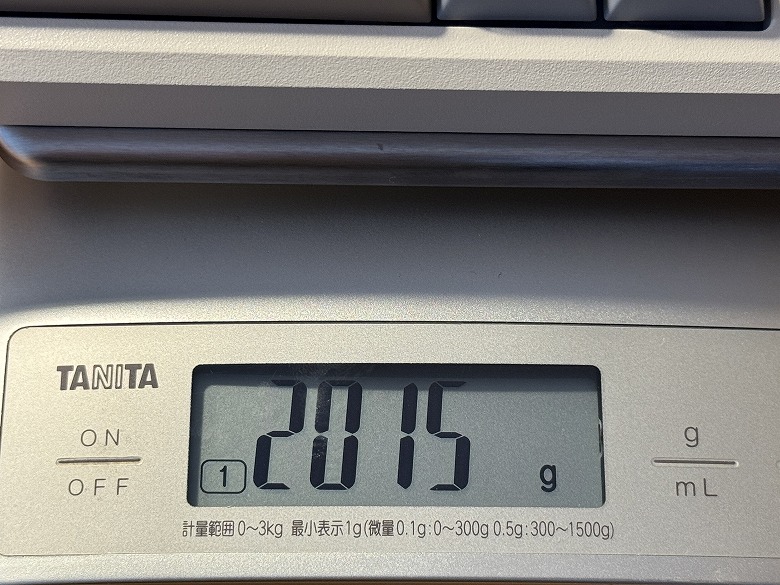
The weight was 2015 g.
Features
The “Epomaker Galaxy100 QMK/VIA” has three different connection methods in total.
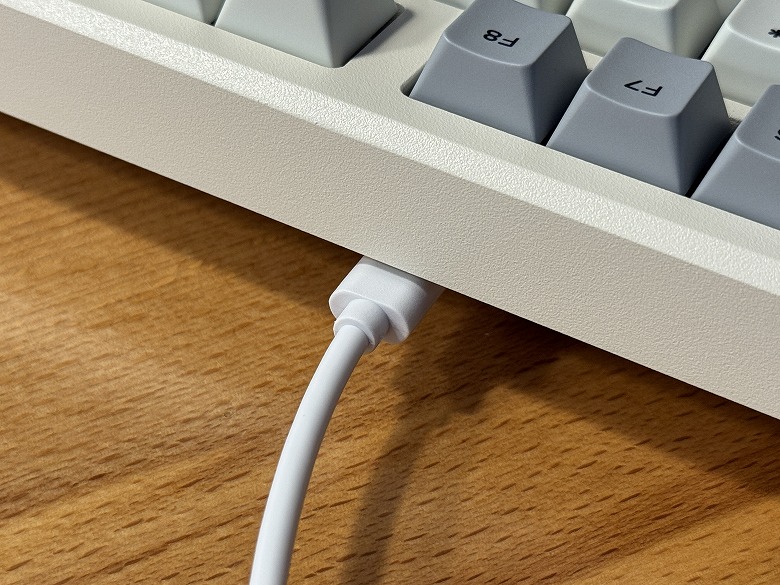
STEP
Connect the USB cable to the keyboard
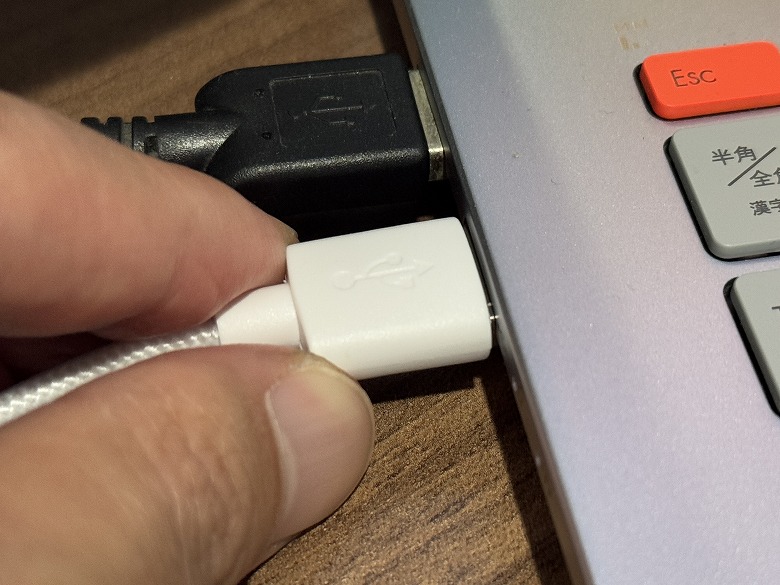
STEP
Connect the USB cable to the PC
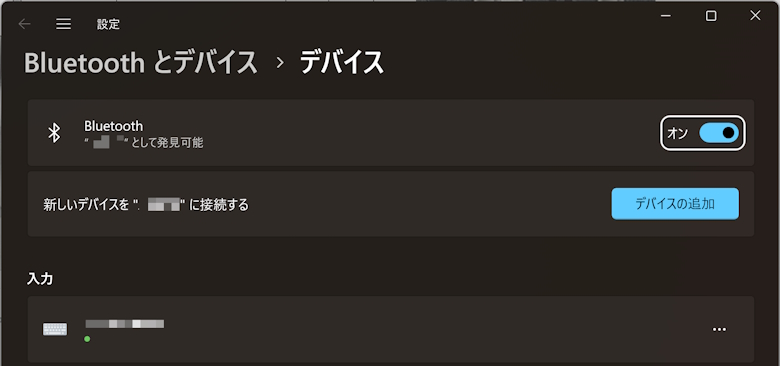
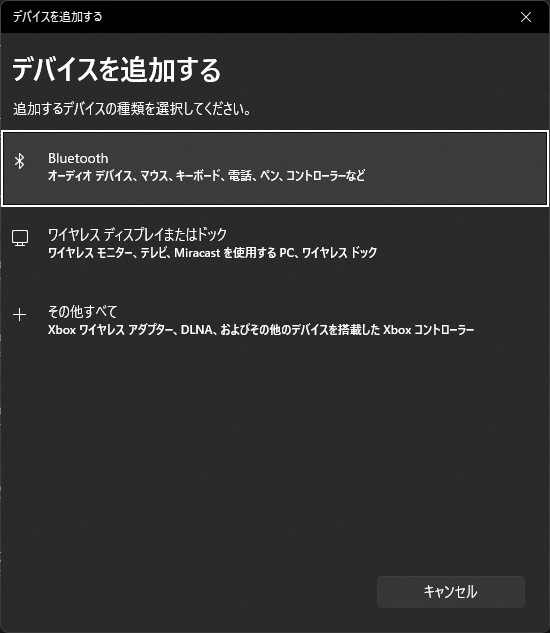
STEP
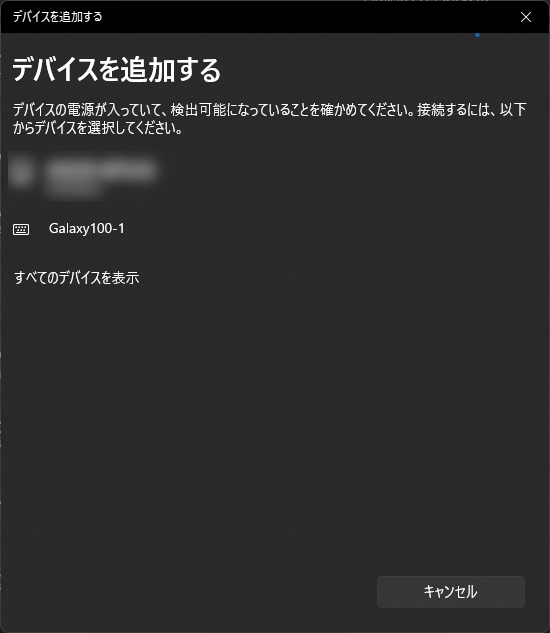
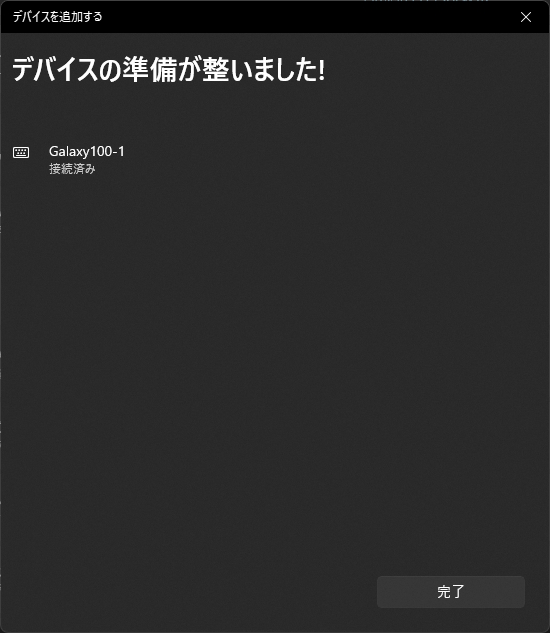
Click “Add a device” on the Bluetooth & devices screen


 Itsuki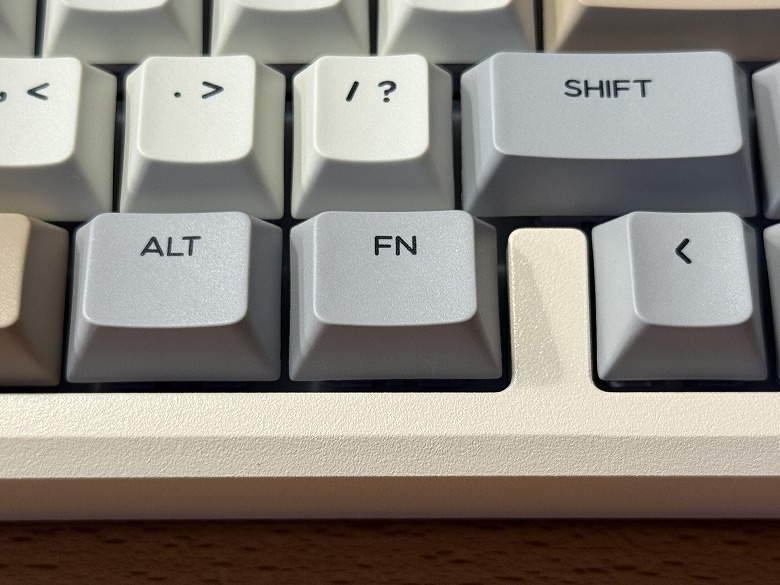
 Itsuki