Even if you want to install a camera indoors for monitoring or security purposes, there are many concerns such as “Is the image quality sufficient?”, “Will there be blind spots?”, and “Is it complicated to operate?”
The “SwitchBot Indoor Cam Plus 5MP” reviewed this time is an indoor network camera equipped with features that seem to address those concerns all at once.
In addition to its high-resolution 5MP image quality, it supports pan and tilt to cover the entire room and features detection functions such as identifying and tracking people, making it suitable not only for monitoring but also for security purposes.
As with typical SwitchBot products, operation via the smartphone app and smart home integration are neatly streamlined.
In this article, based on my experience of actually installing and using it, I will thoroughly review the video clarity, ease of operation, and practicality as a monitoring camera.
I hope this will be helpful for those considering installing an indoor camera.
Pros
Cons
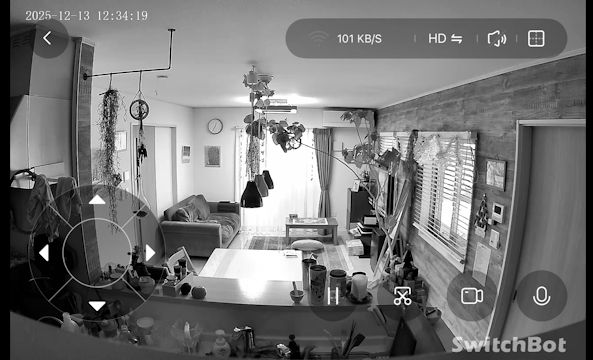
Clear video with high-resolution 5MP
Pan and tilt support minimizes blind spots
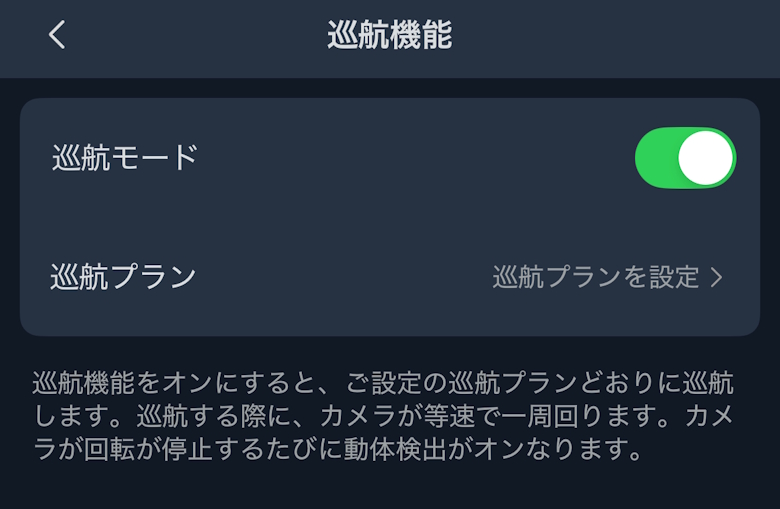
AI features such as human detection and tracking
Easy-to-understand app controls
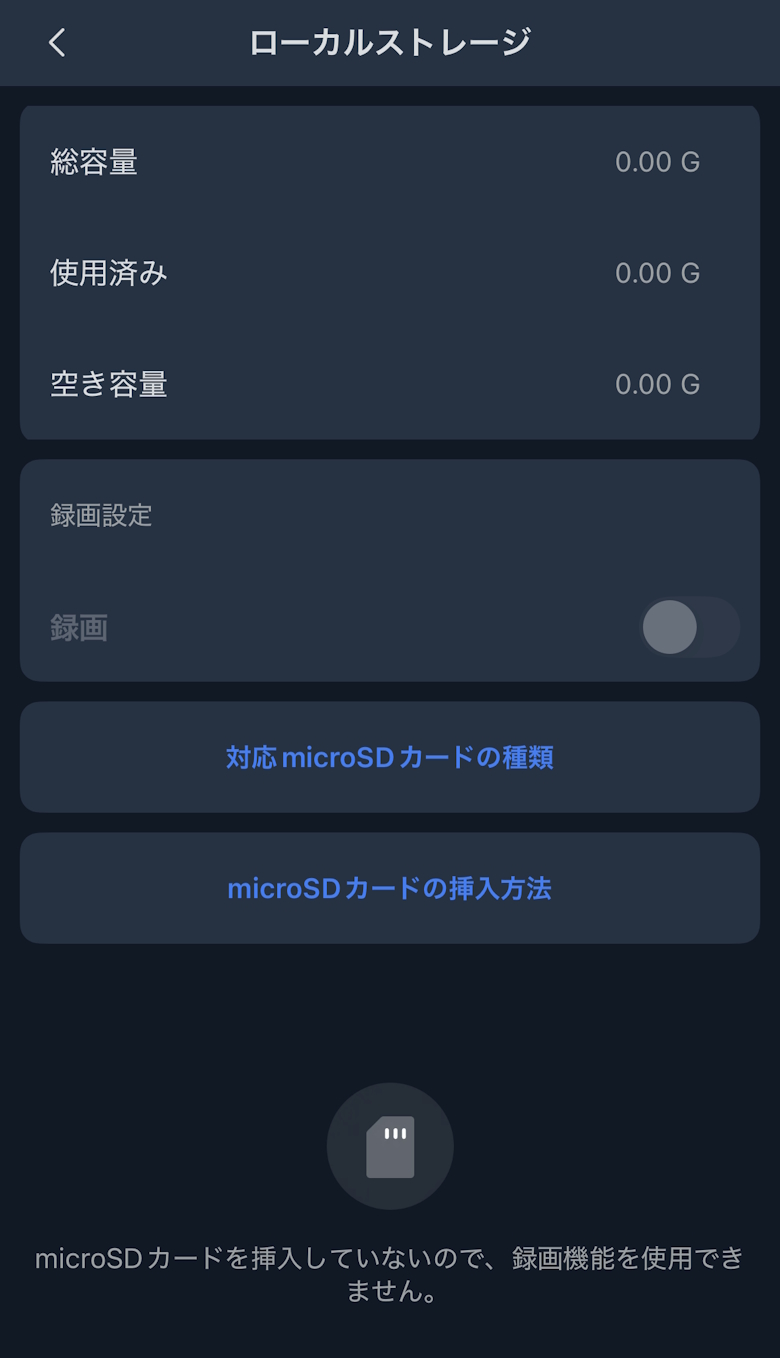
Supports recording via microSD
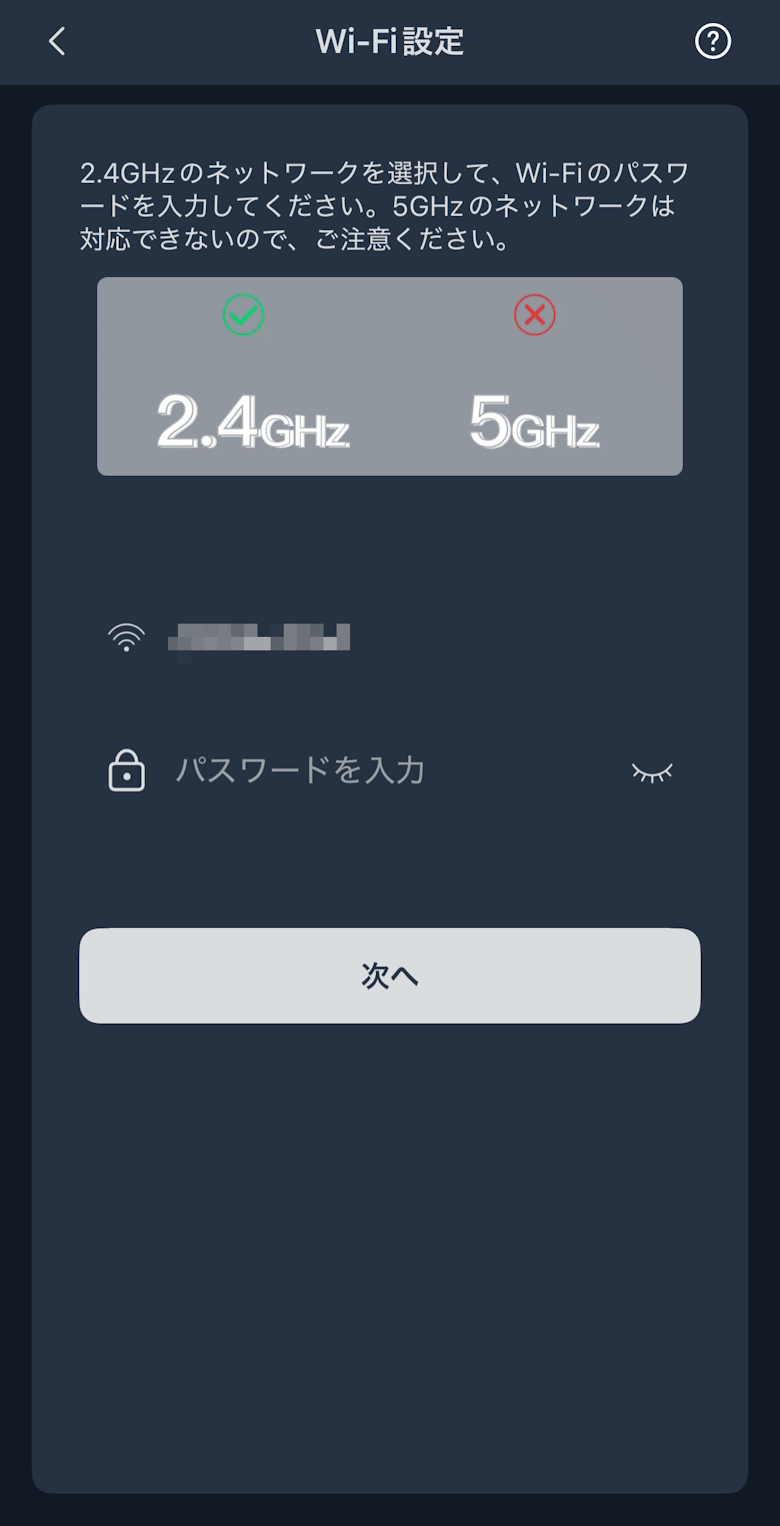
Wi-Fi supports 2.4GHz only
Indoor use only, not suitable for outdoor use
This article was created with a product provided by the manufacturer.
Table of Contents
What’s Included with the SwitchBot Indoor Cam Plus 5MP
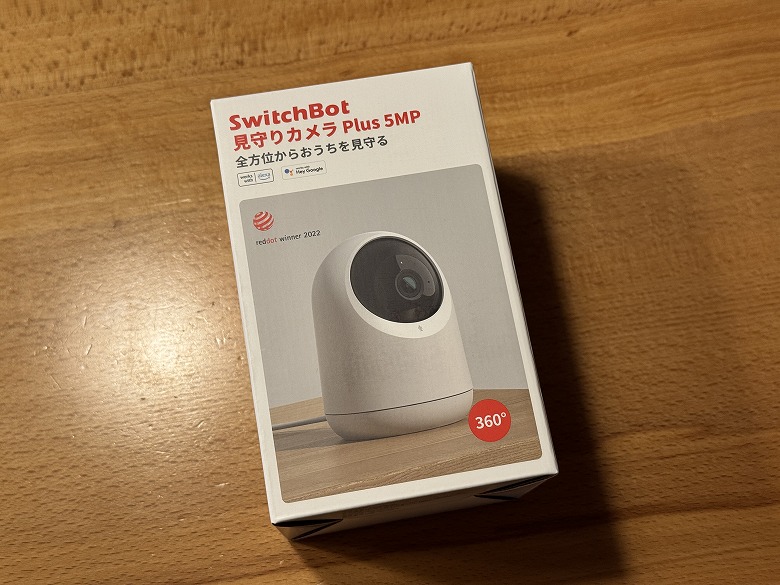
The outer box of the “SwitchBot Indoor Cam Plus 5MP” features a simple design based on white.
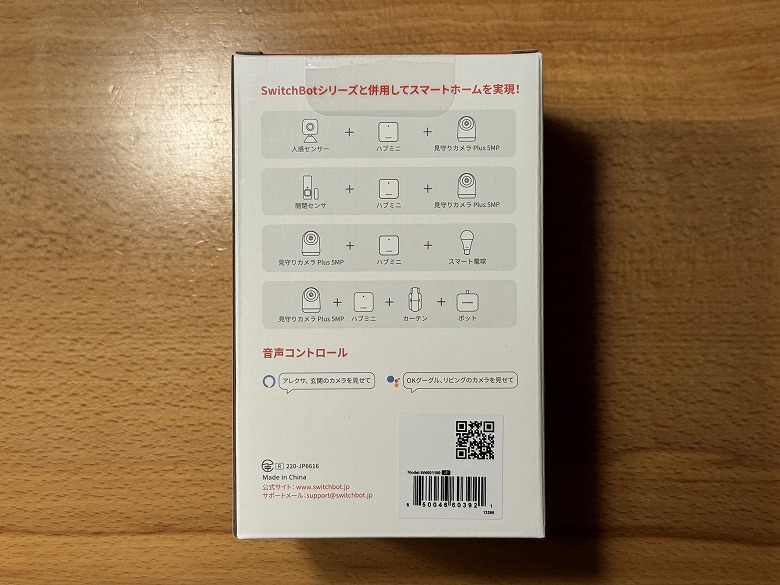
The sides and back list the product features and usage instructions.
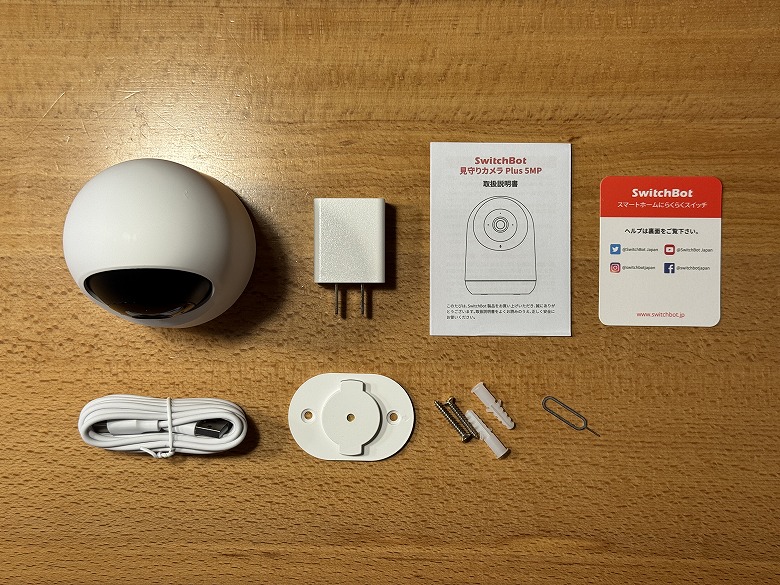
The following items are included in the box.
What’s Included with the SwitchBot Indoor Cam Plus 5MP
Indoor Cam Plus 5MP main unit
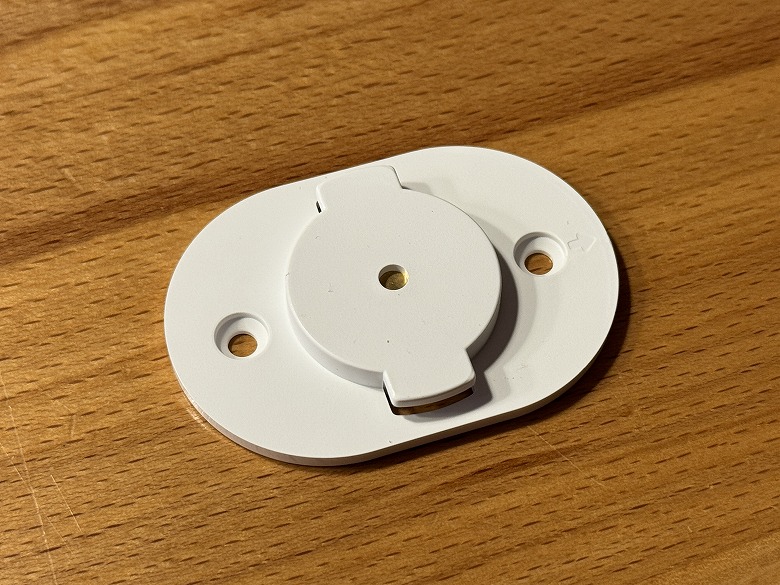
Base
Mounting screw pack (anchors)
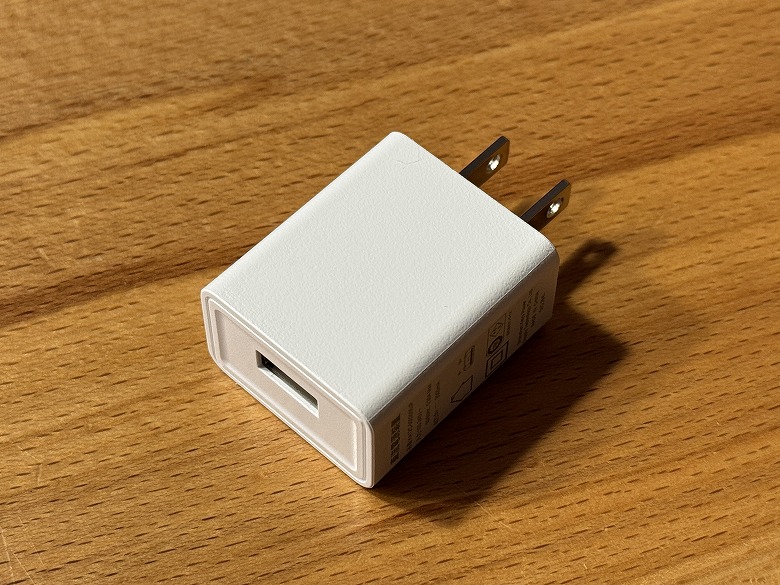
Power adapter
Reset pin
Mounting sticker
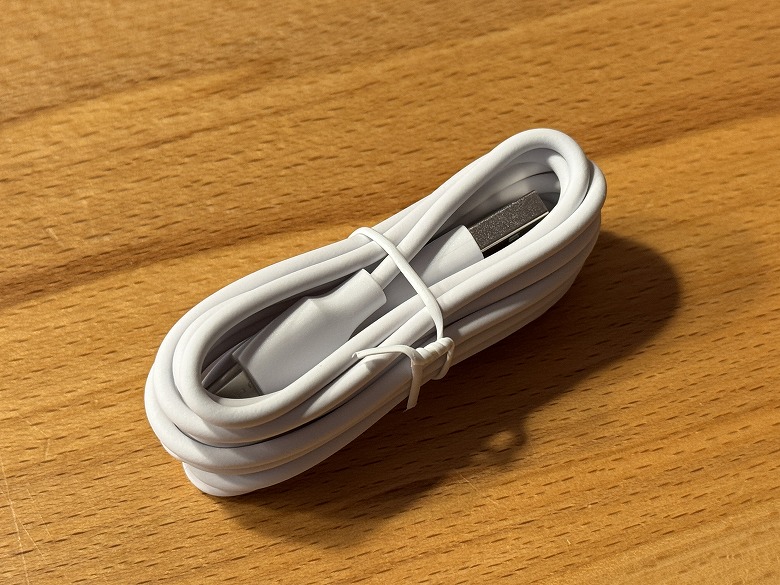
USB Type-A to Micro USB cable
User manual
The USB Type-A to C cable is unified in white.
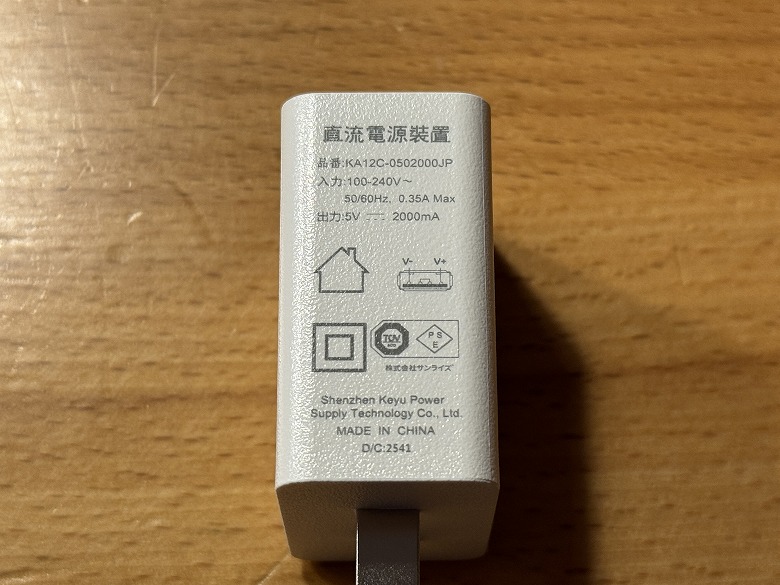
The power adapter supports USB Type-A, and its specifications are listed on the side.
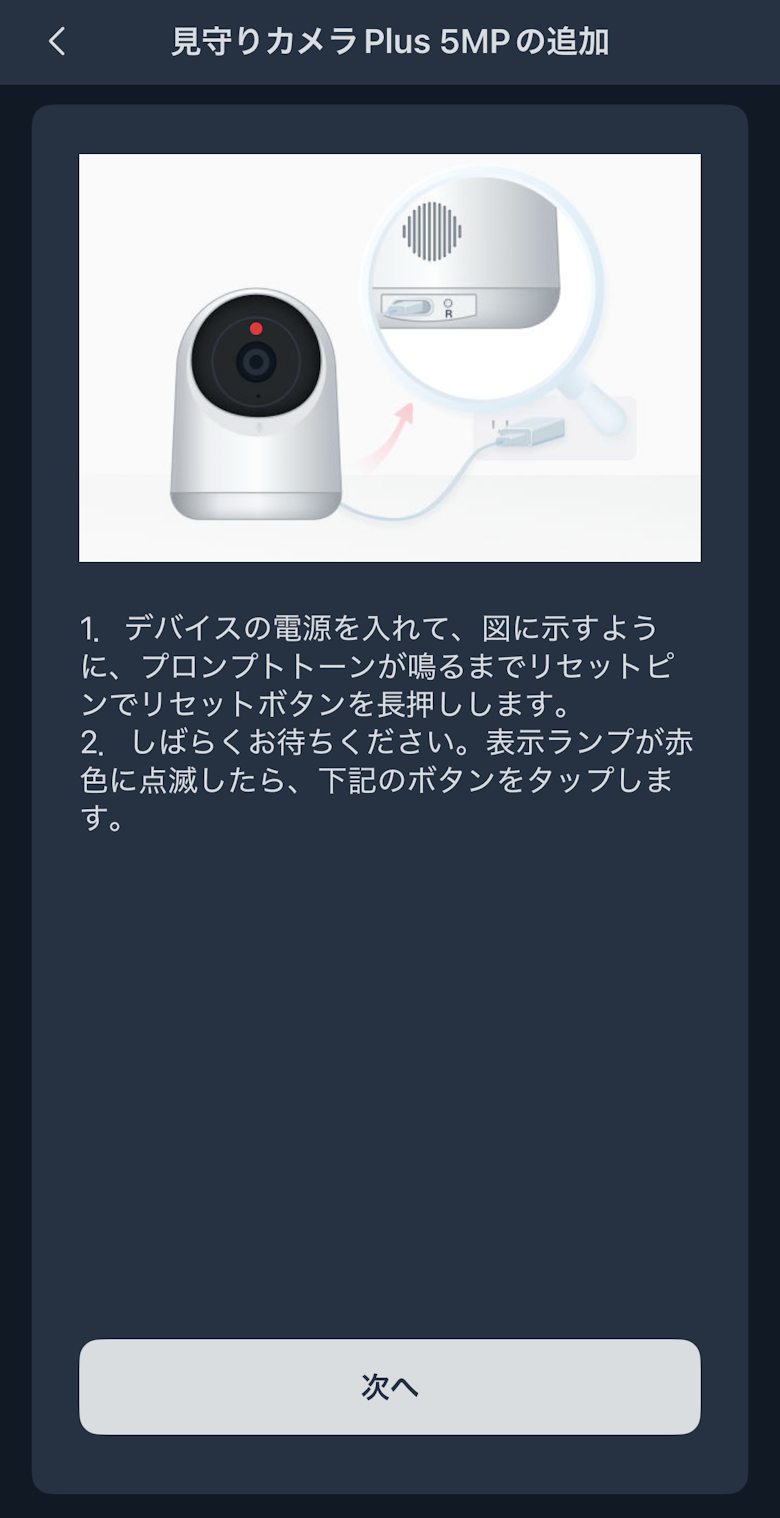
The reset pin is used to reset the camera’s status.
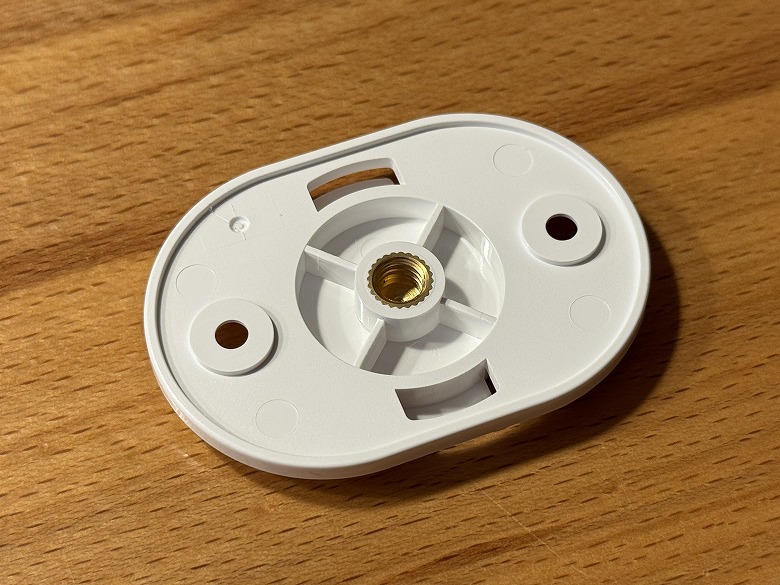
The base is attached to the bottom of the camera and fixed to a wall or other surface.
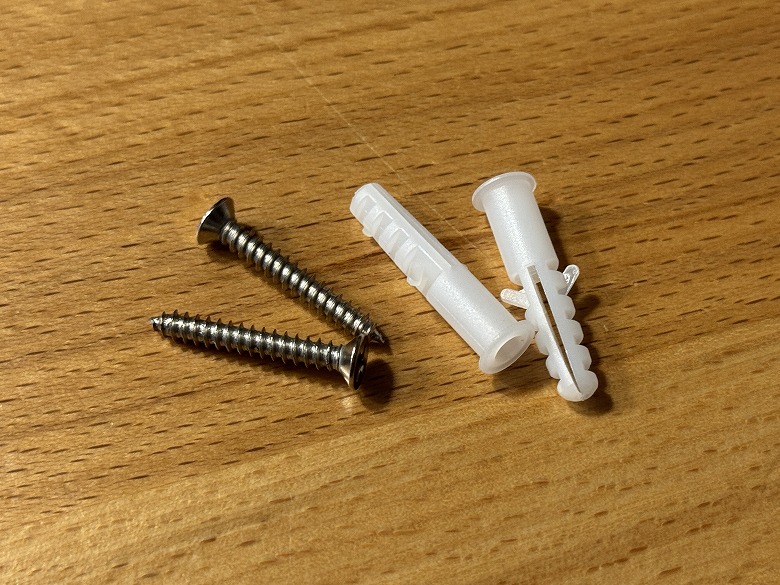
The screws and anchors are used when mounting it to a wall.
SwitchBot Indoor Cam Plus 5MP Specifications
The “SwitchBot Indoor Cam Plus 5MP” is a network camera featuring high-resolution 5MP and pan and tilt support, suitable for a wide range of uses from monitoring to indoor security.
The main specifications are as follows.
スクロールできます
Product Name
SwitchBot Indoor Cam Plus 5MP
Dimensions
Diameter 78 mm, Height 107mm
Weight
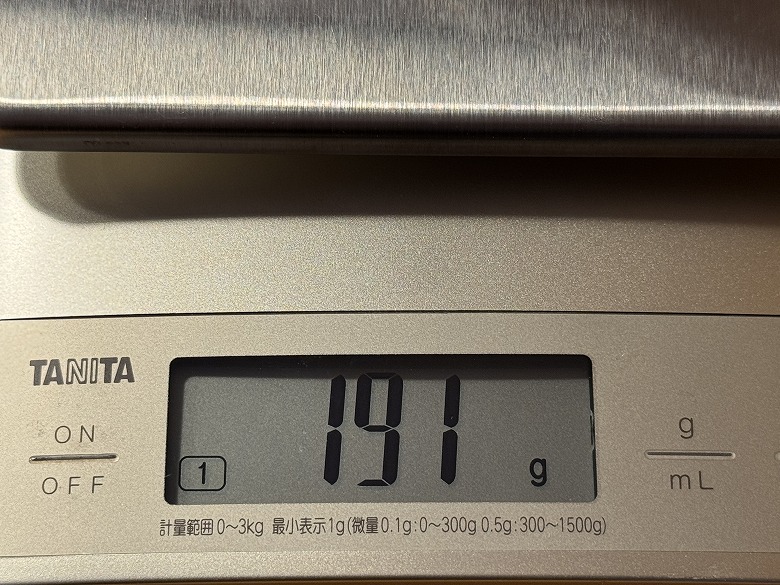
191 g
Rated Input
5V 2A
Effective Pixels
5 megapixels
Video Compression Format
H.265
Field of View
Approx. 90° horizontal
Pan (left/right)
Up to 360°
Tilt (up/down)
Approx. 115° upward / Approx. 65° downward
Frame Rate
Up to 15fps
Audio
Built-in microphone and speaker (supports two-way audio)
Motion Detection
Supported (human and motion detection)
AI Features
Supports human detection and tracking
microSD Card
Up to 256GB (sold separately), FAT32
Wireless Communication
Wi-Fi 2.4GHz
Appearance
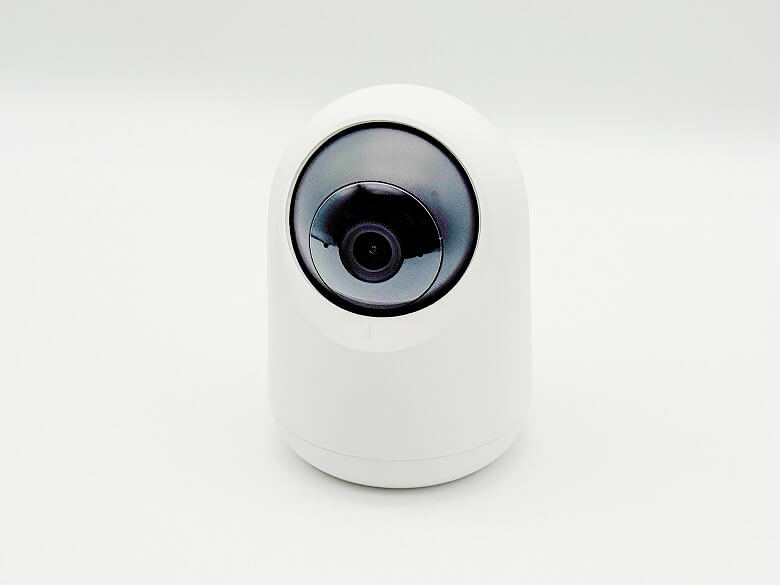
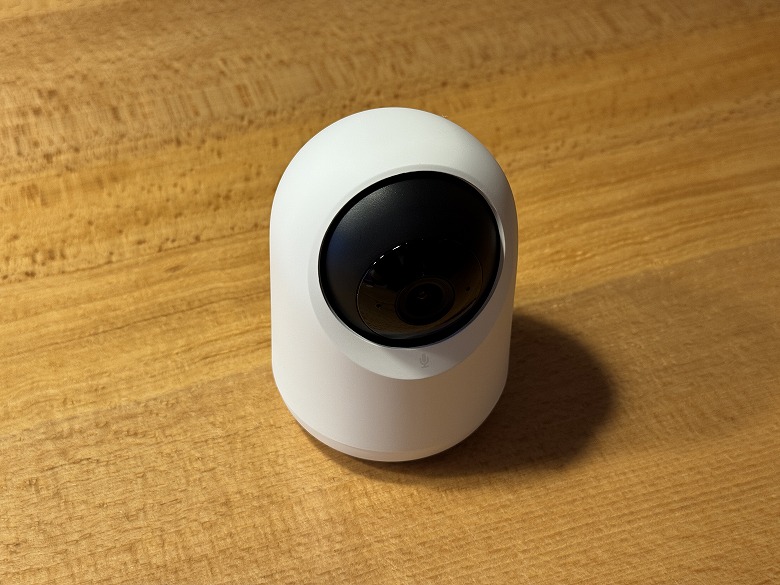
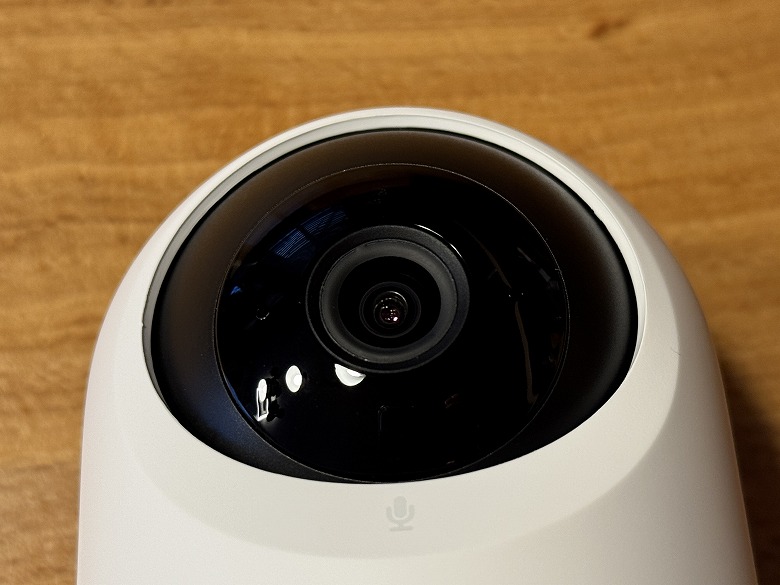
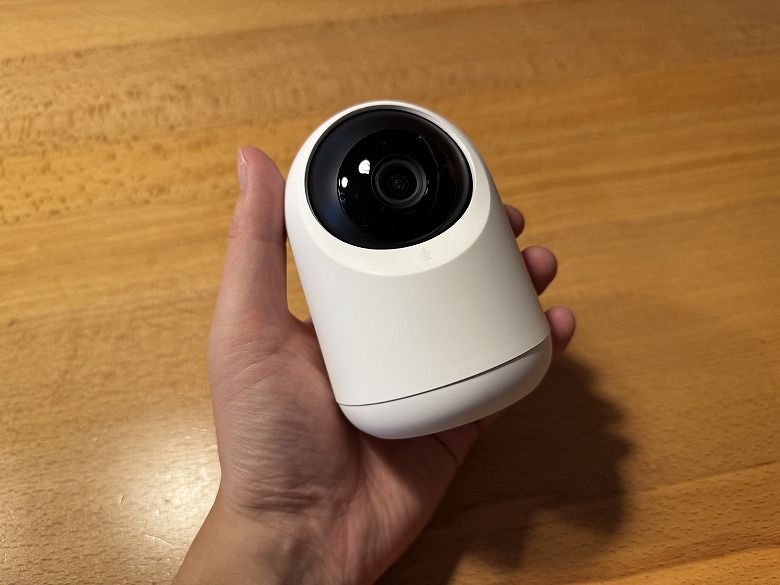
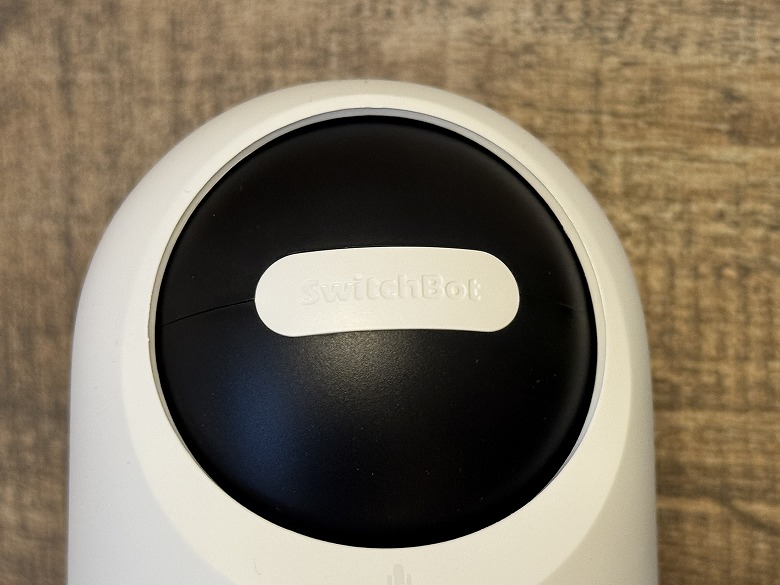
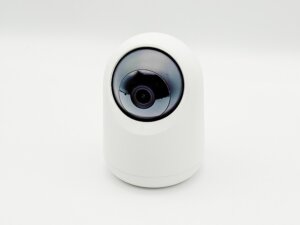
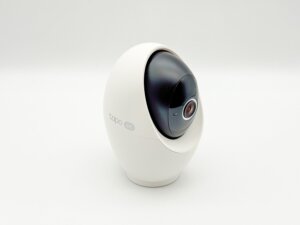
The “SwitchBot Indoor Cam Plus 5MP” features a simple two-tone design in white and black.
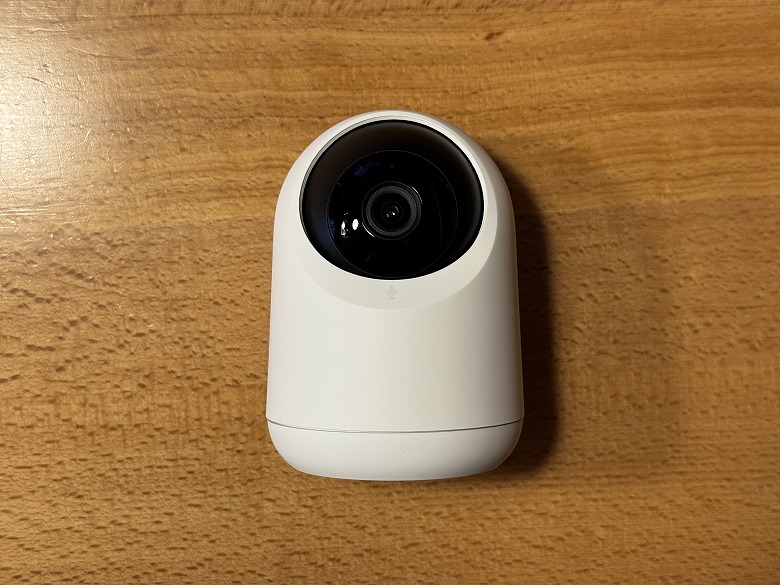
Here’s how it looks from the front.
The front houses a 5MP camera.
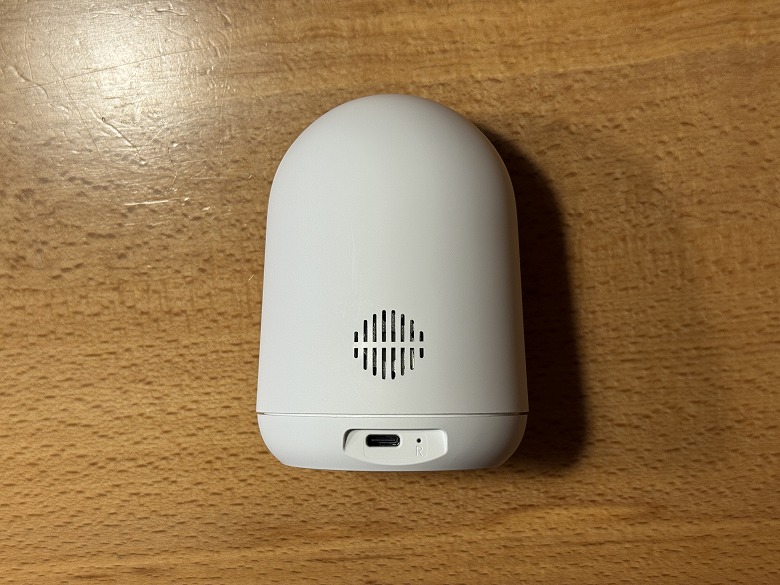
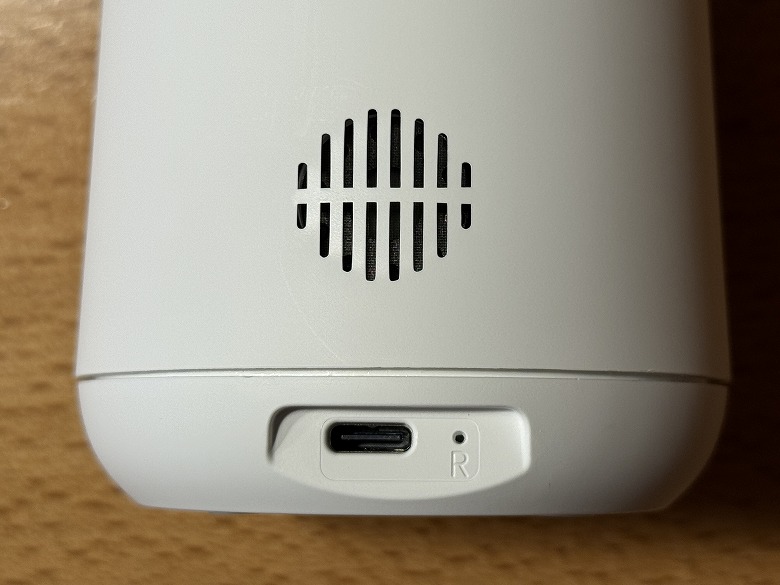
Here’s the back view.
At the bottom, there is a speaker, a USB Type-C port for power, and a reset button next to it.
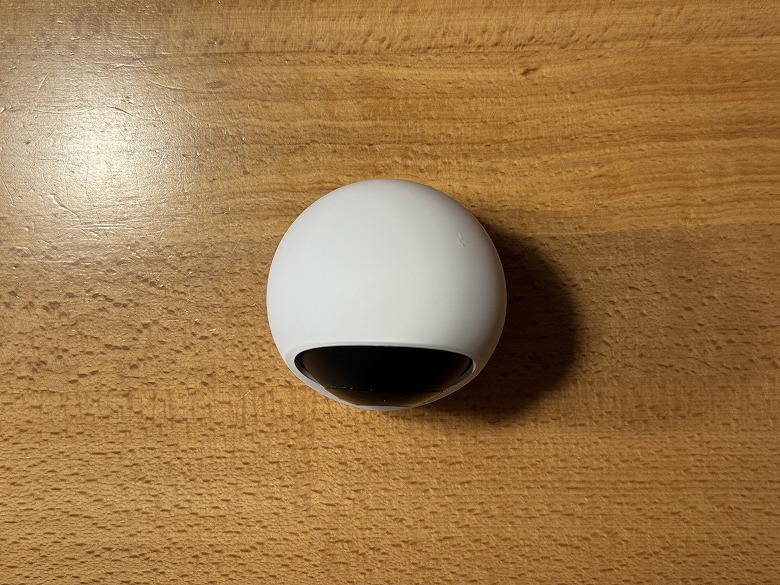
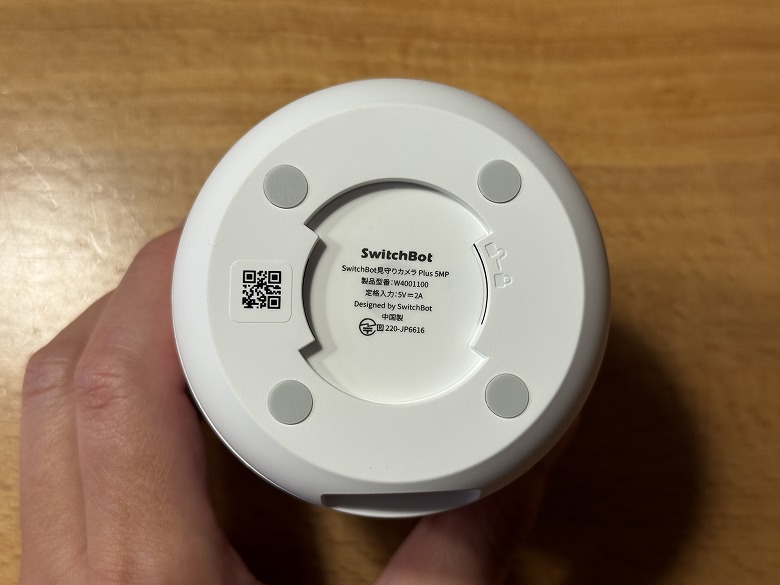
Here’s how it looks from the top.
The center of the bottom lists the product specifications, and anti-slip rubber pads are attached at four points.
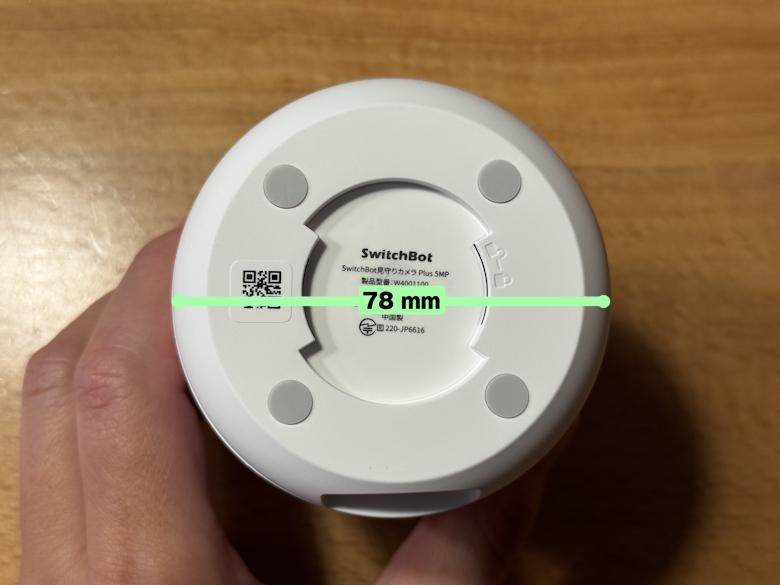
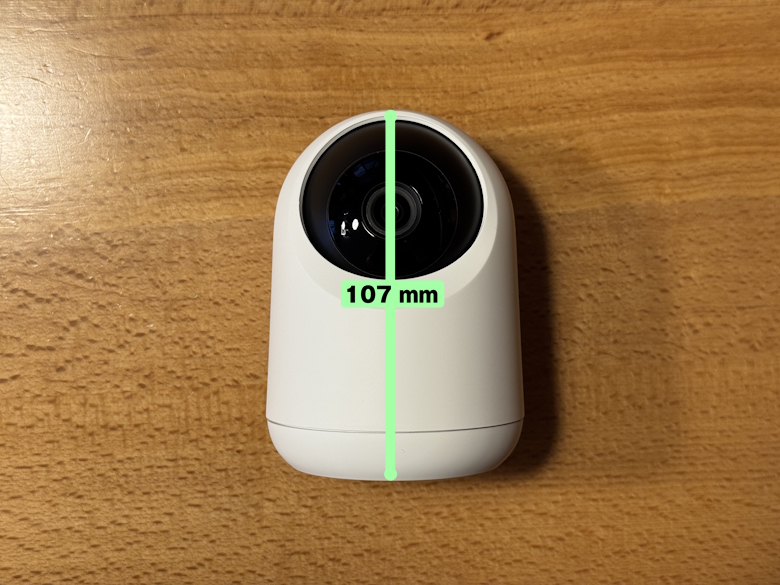
Size and Weight
The “SwitchBot Indoor Cam Plus 5MP” has a diameter of 78 mm.
The height is 107 mm.
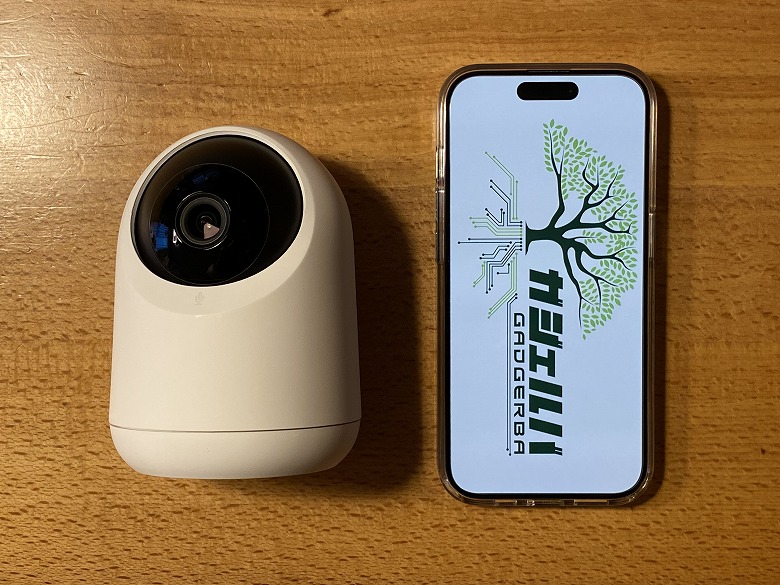
Here’s the size comparison with a smartphone (iPhone 15 Pro).
Its palm-sized, compact design allows it to be installed anywhere without being limited by location.
The weight was 191 g.
Features
Like other SwitchBot products, it is used by registering it in the “SwitchBot” app.
Initial Setup Procedure for SwitchBot Pan/Tilt Cam Plus 5MP
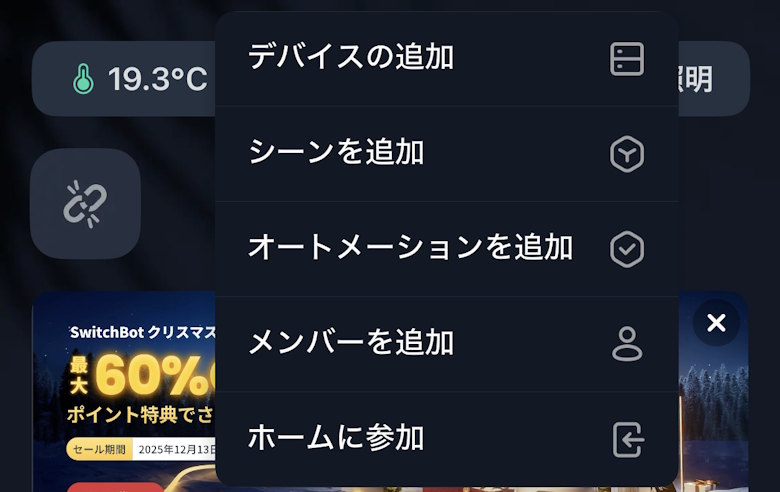
Tap “Add Device” from the “+” button in the top right of the home screen
STEP
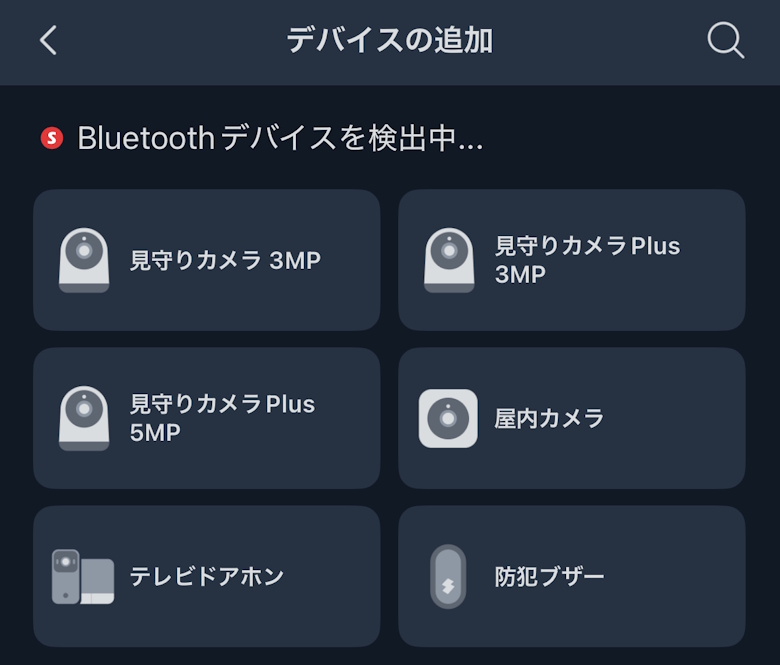
Tap “Pan/Tilt Cam Plus 5MP”
STEP
Tap the “Next” button
STEP
Enter the Wi-Fi information you want to connect to and tap the “Next” button
STEP
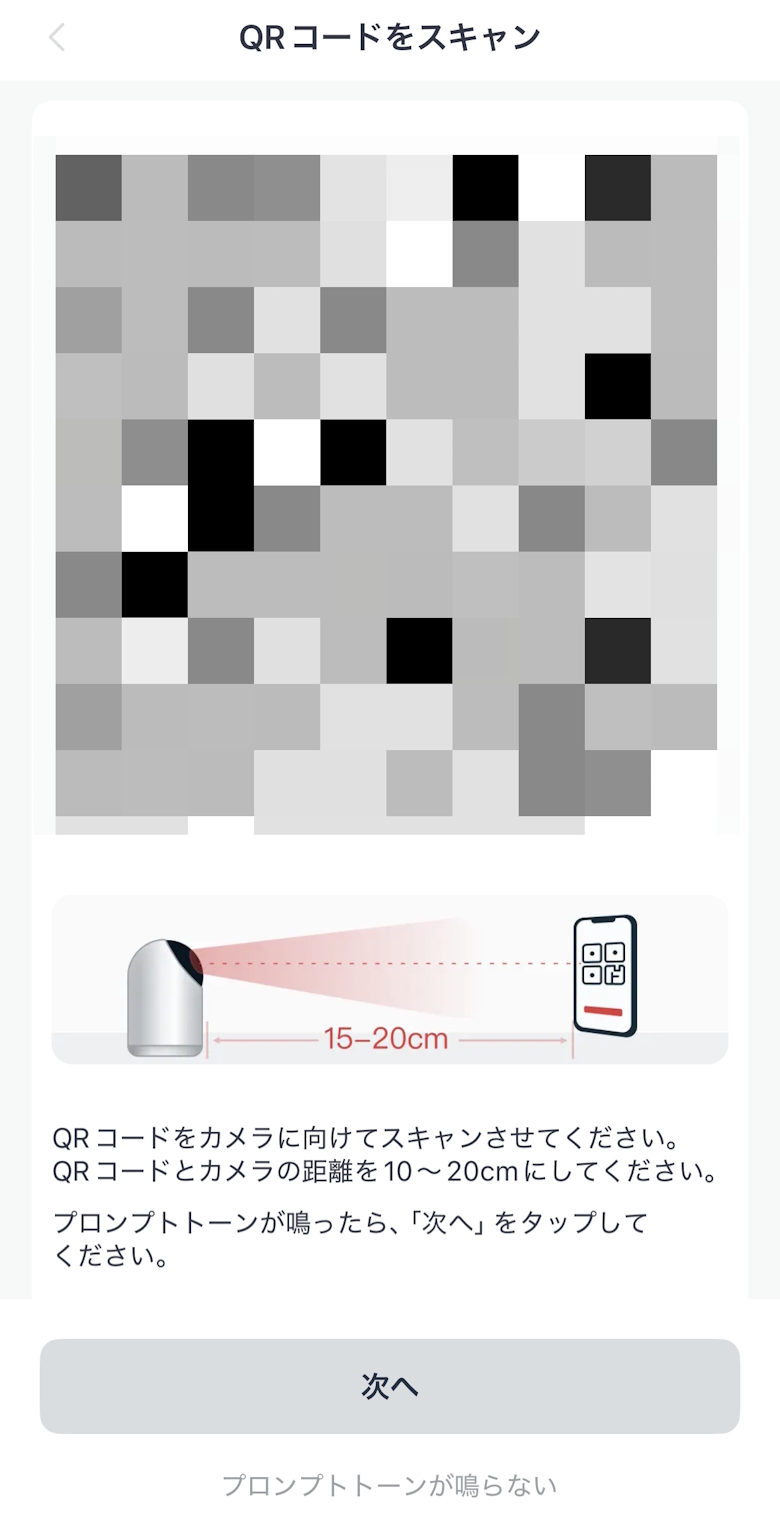
A QR code will be displayed, so scan it with the “SwitchBot Pan/Tilt Cam Plus 5MP” and tap the “Next” button when you hear a beep
STEP
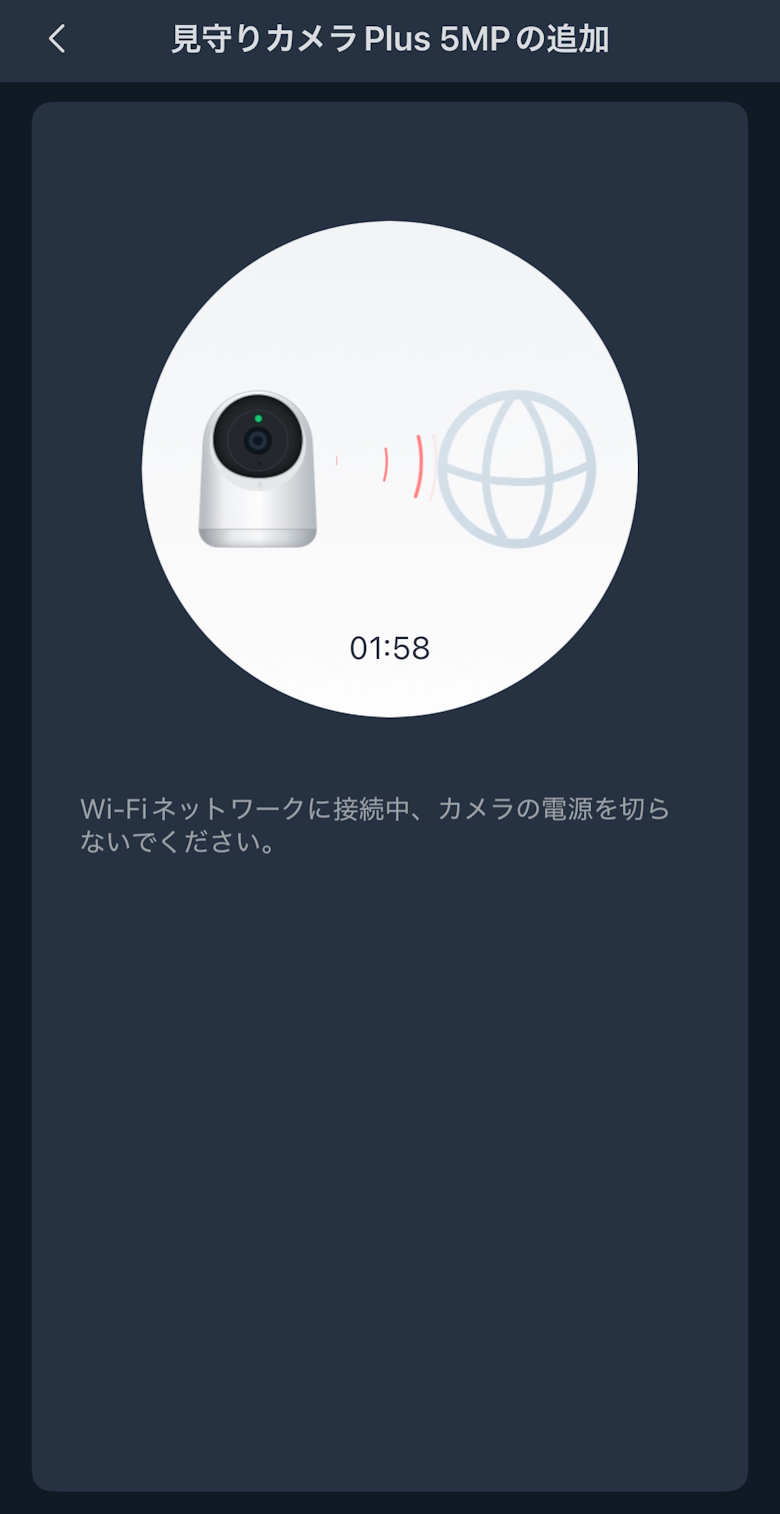
A Wi-Fi connection screen will be displayed, so wait until it changes
STEP
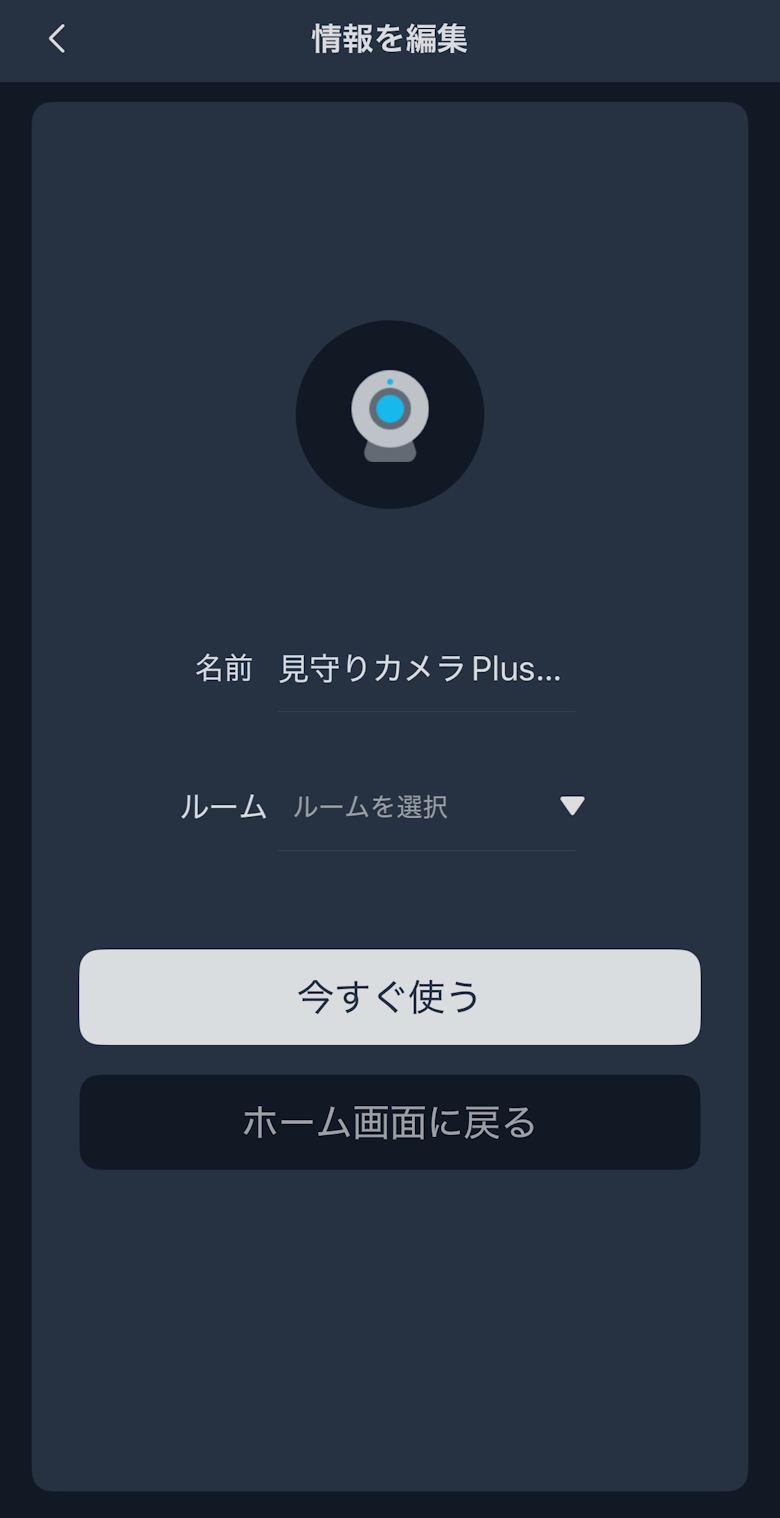
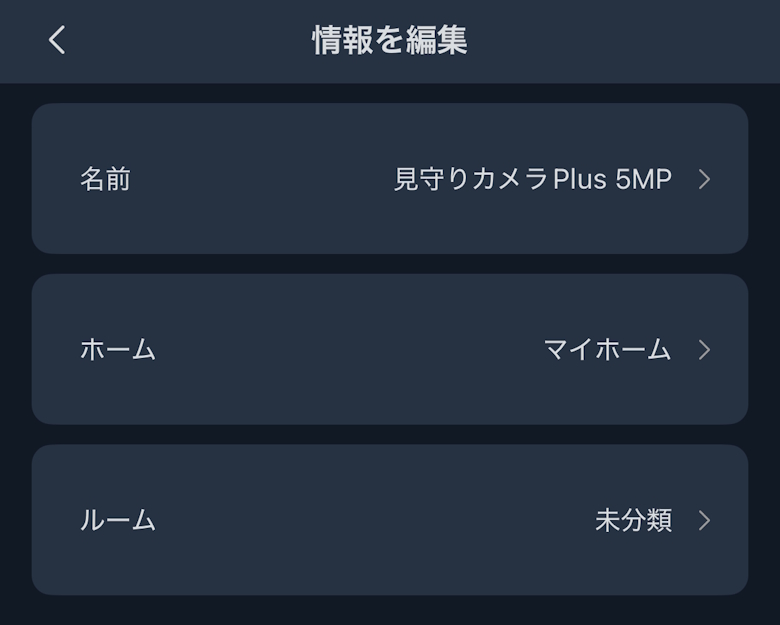
Enter a name, select a room, and tap the “Return to Home” button
STEP
Tap the added “SwitchBot Pan/Tilt Cam Plus 5MP” on the home screen
STEP
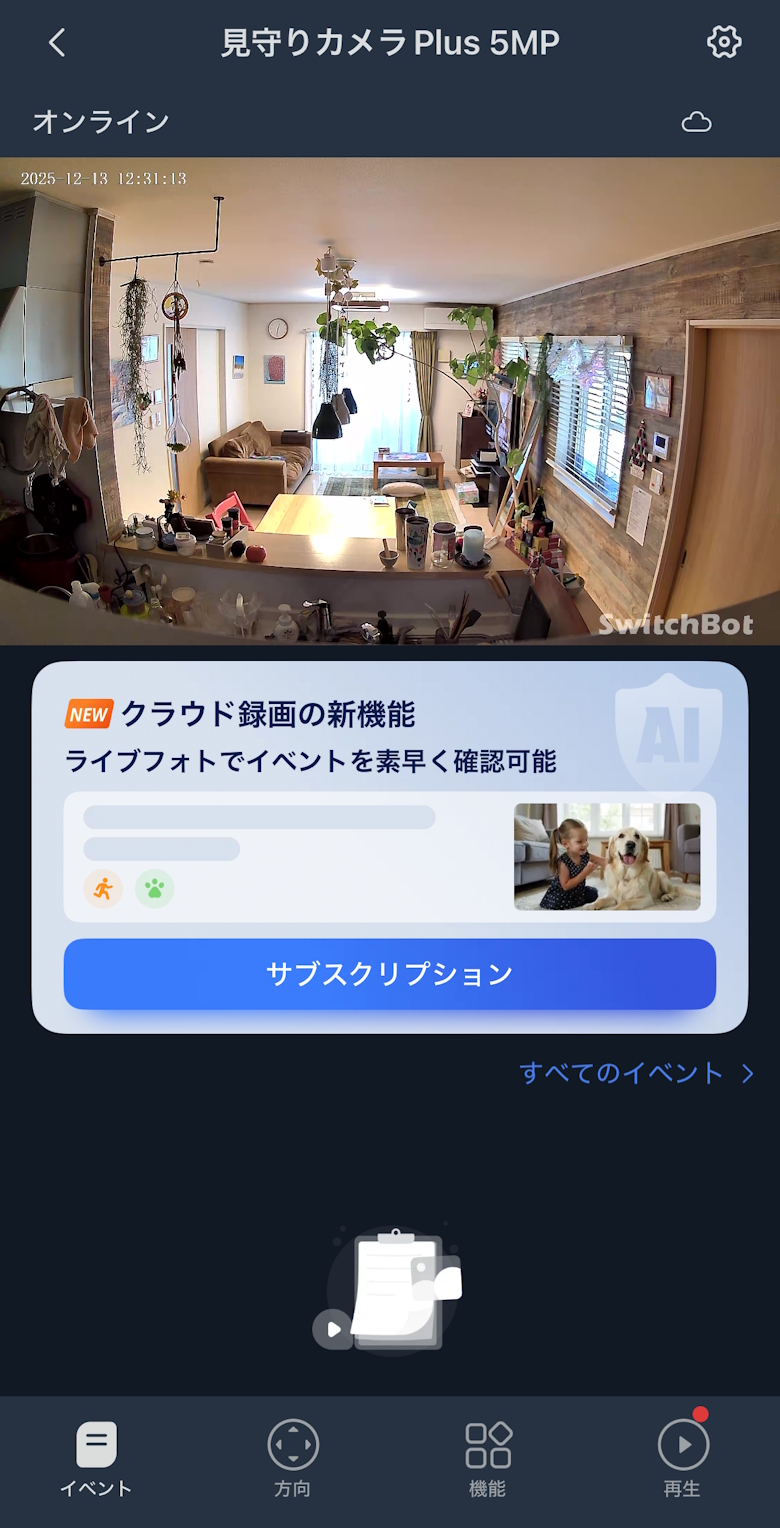
Setup is complete when the camera footage is displayed
The app has four menus.
App Menu
Events
Direction
Functions
Playback
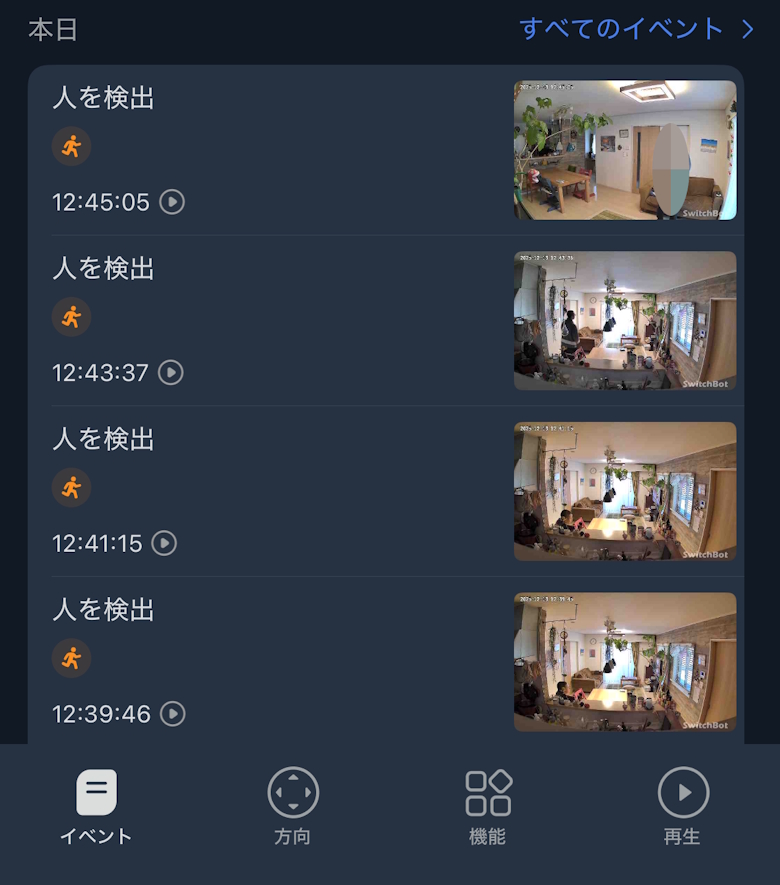
Under Events, logs such as motion detection are displayed.
When motion is detected, you will receive a notification on your smartphone like this.
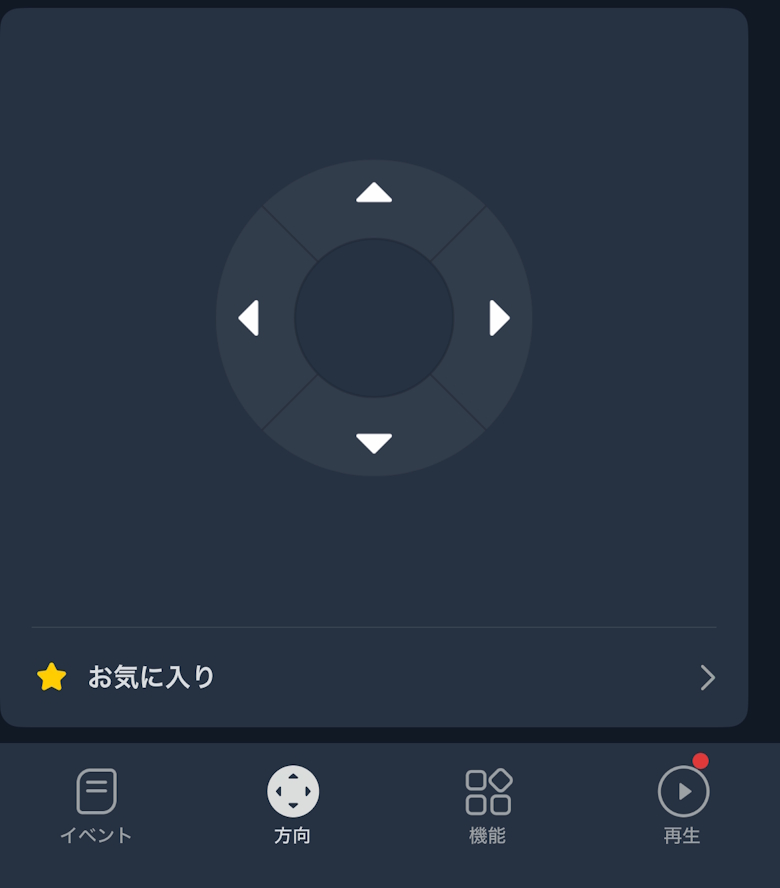
Under Direction, a controller is displayed, allowing you to adjust the camera angle.
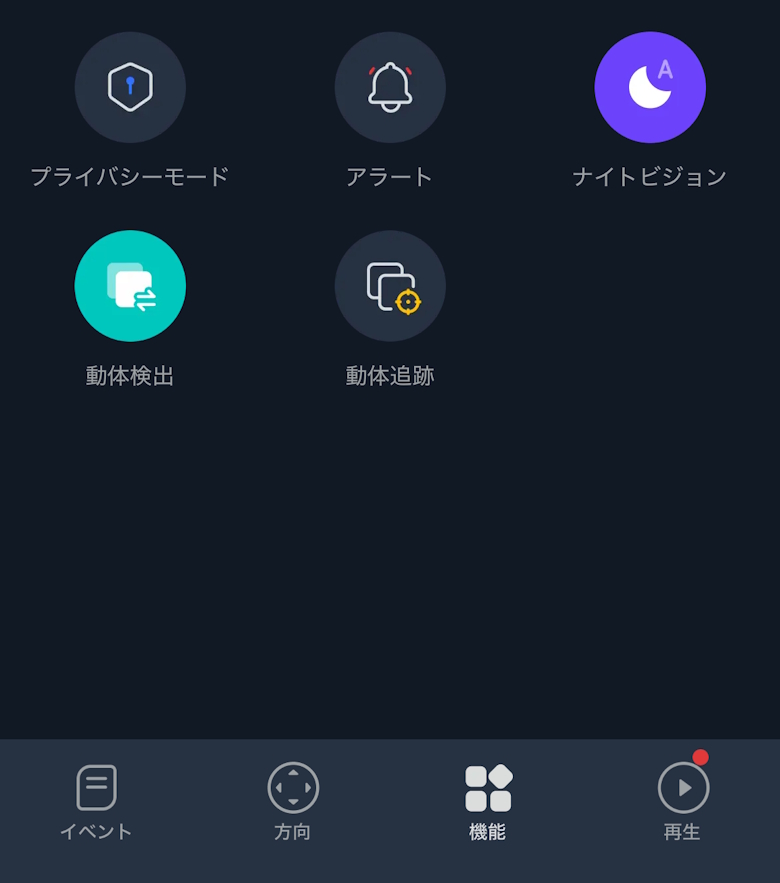
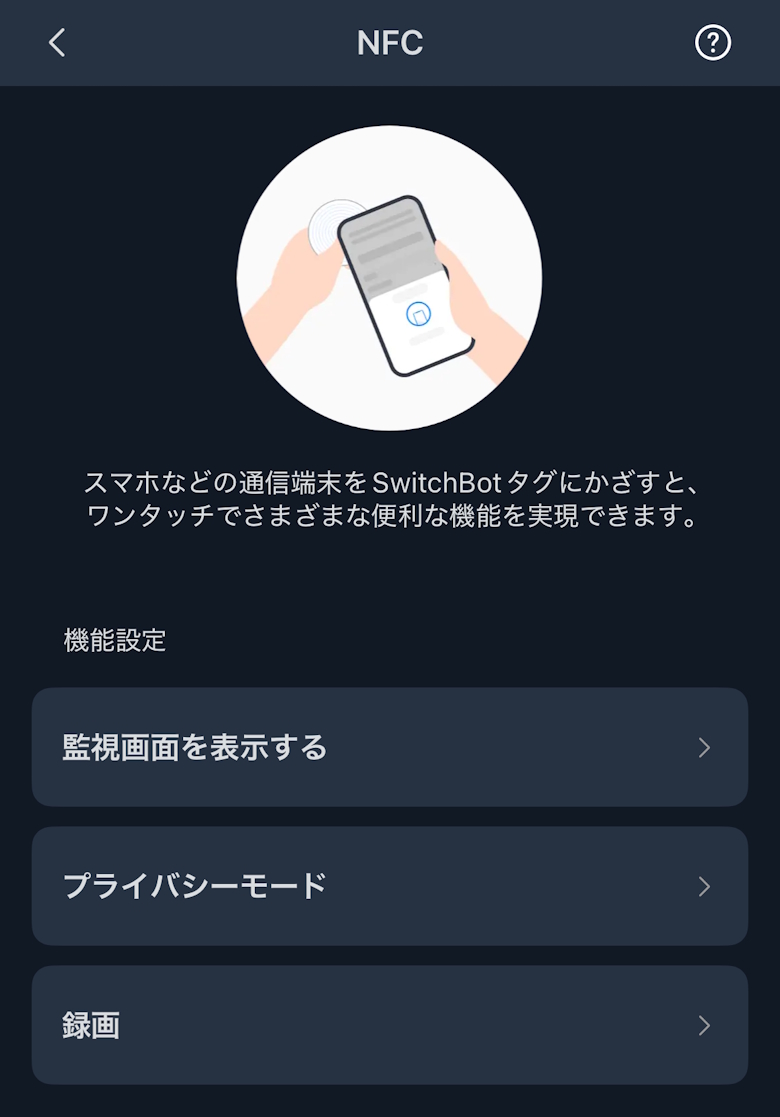
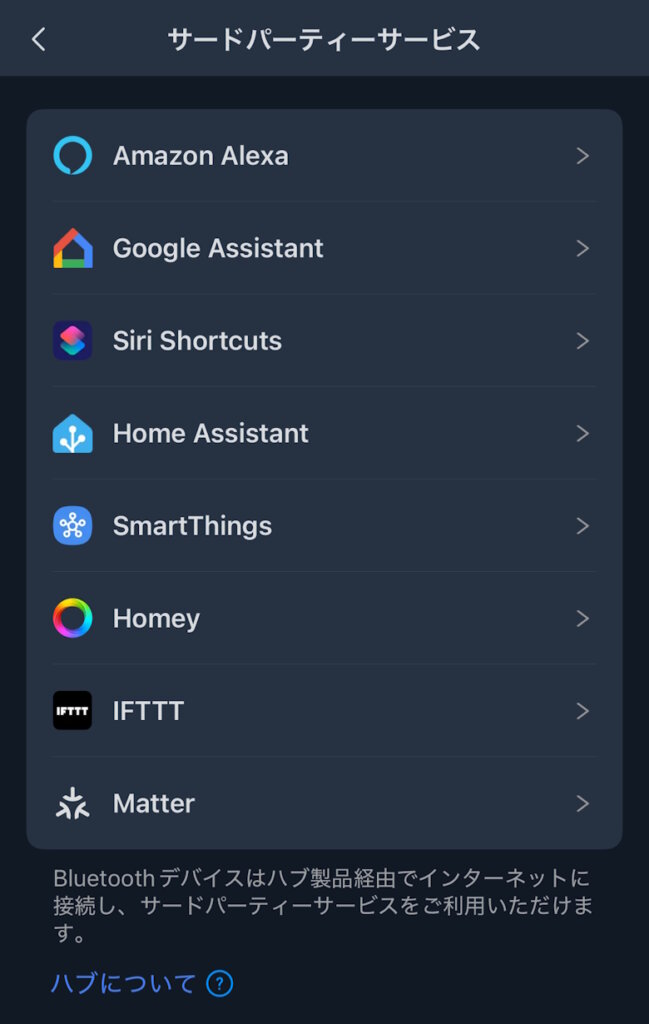
Under Functions, more detailed menus such as privacy mode and alerts are displayed.
When you use Privacy Mode, the camera retracts inward, physically preventing it from capturing video.
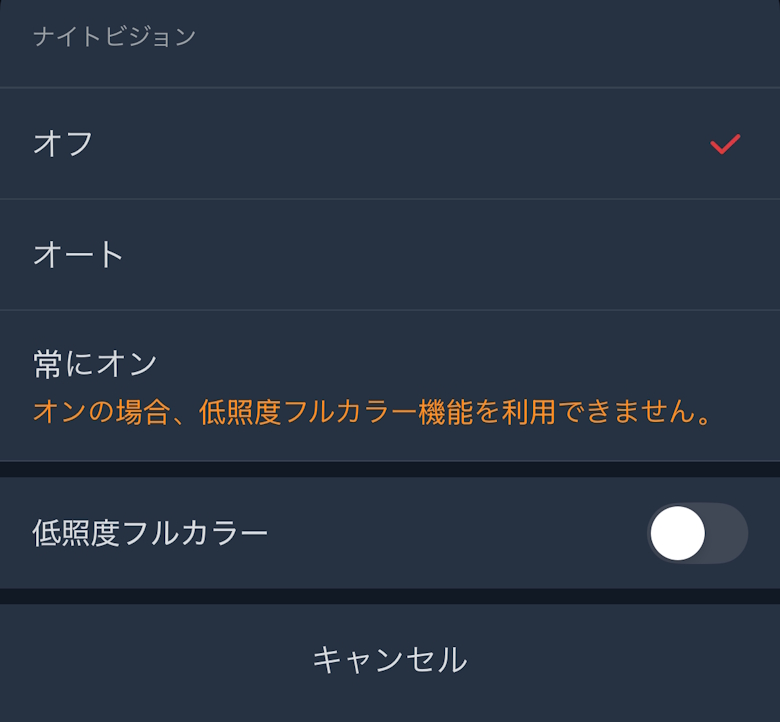
You can set it to automatically switch to Night Vision Mode when it gets dark, making the footage appear clearer.
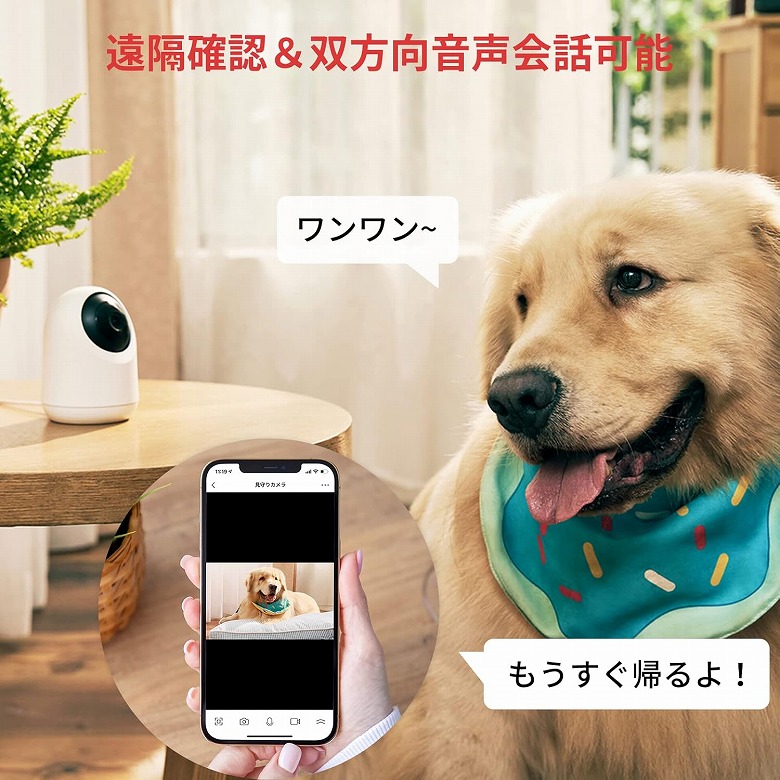
It supports two-way audio, allowing you to call out to your pet or talk with your child.
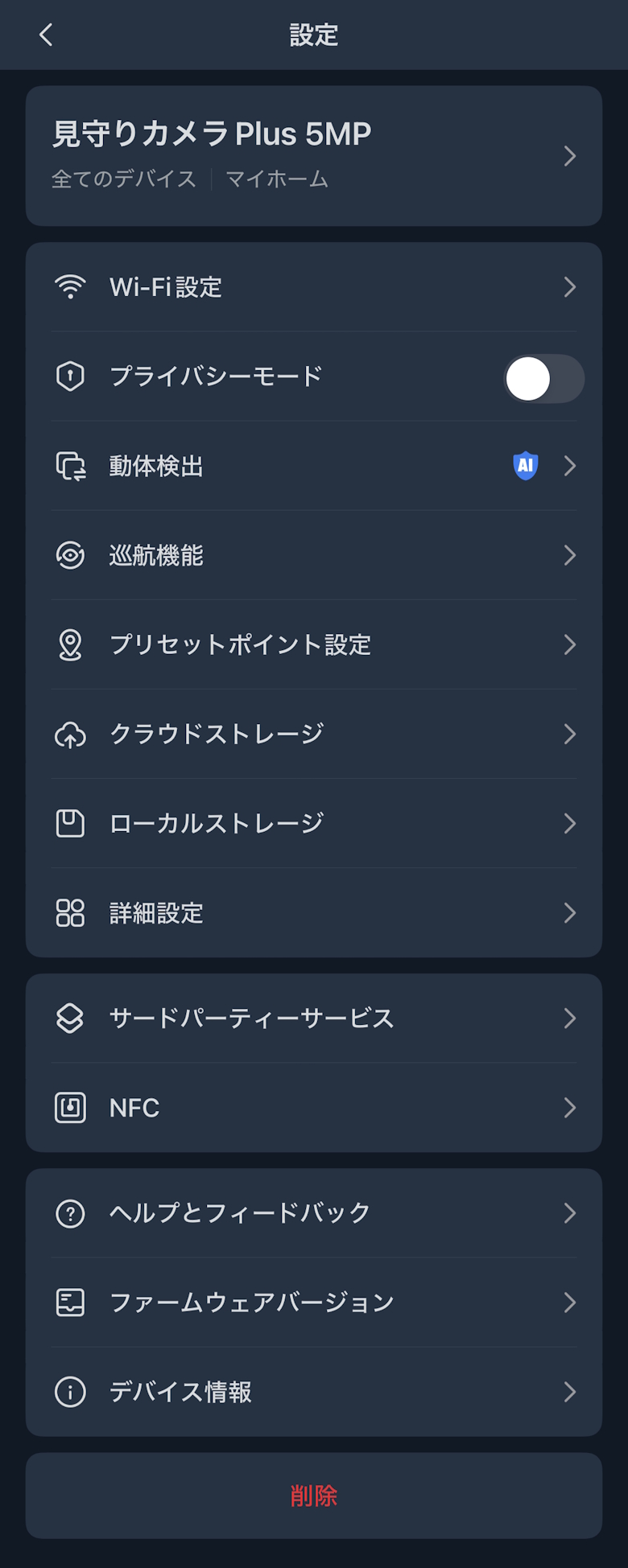
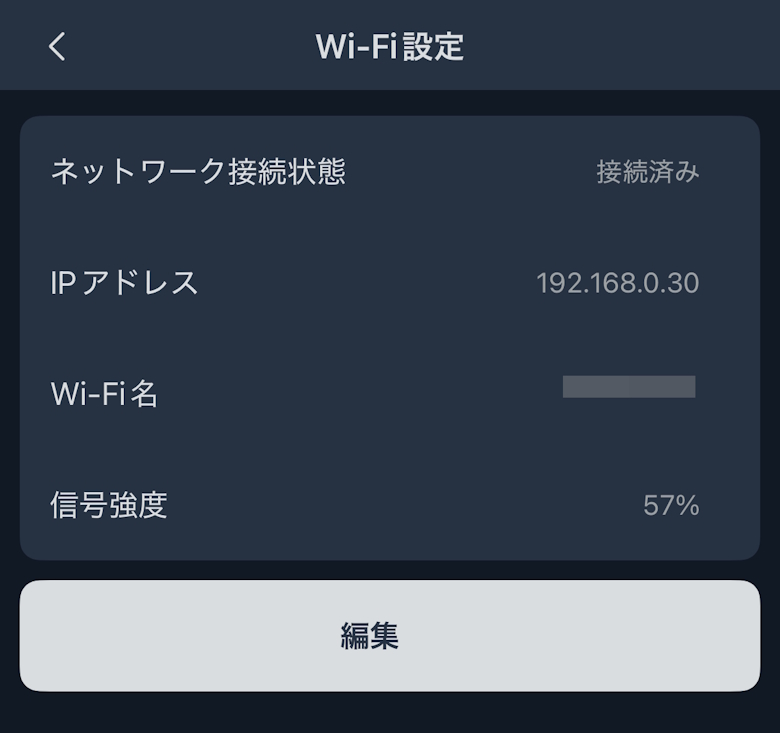
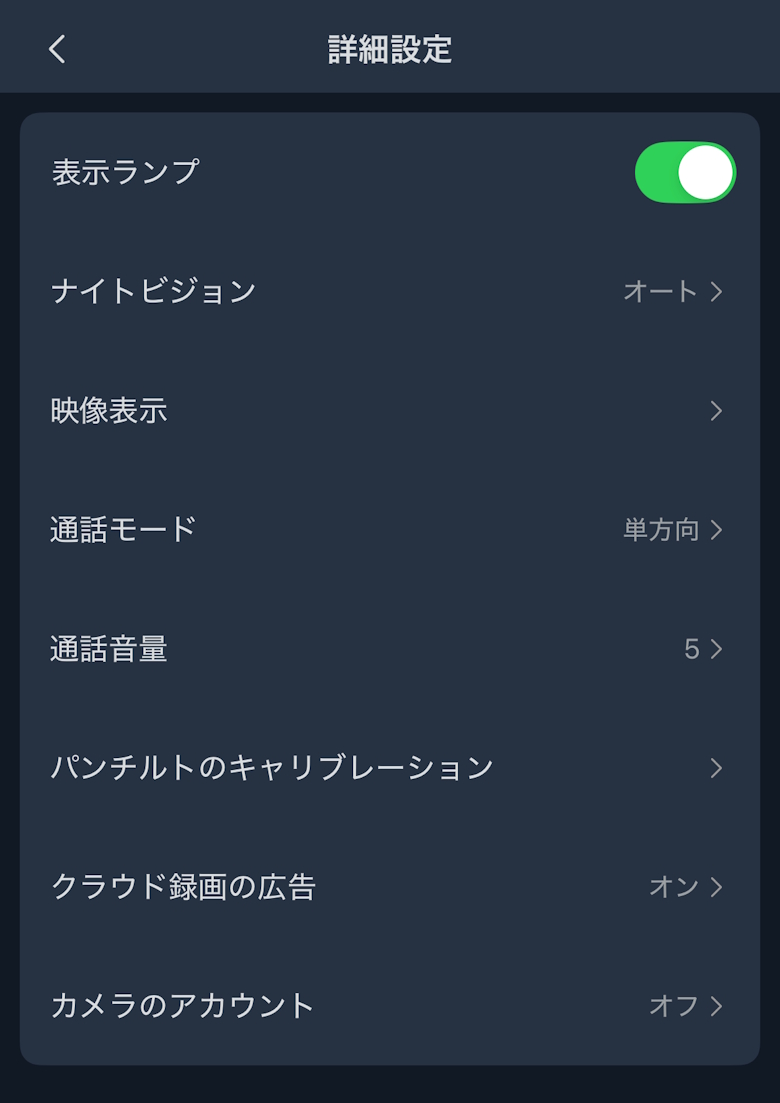
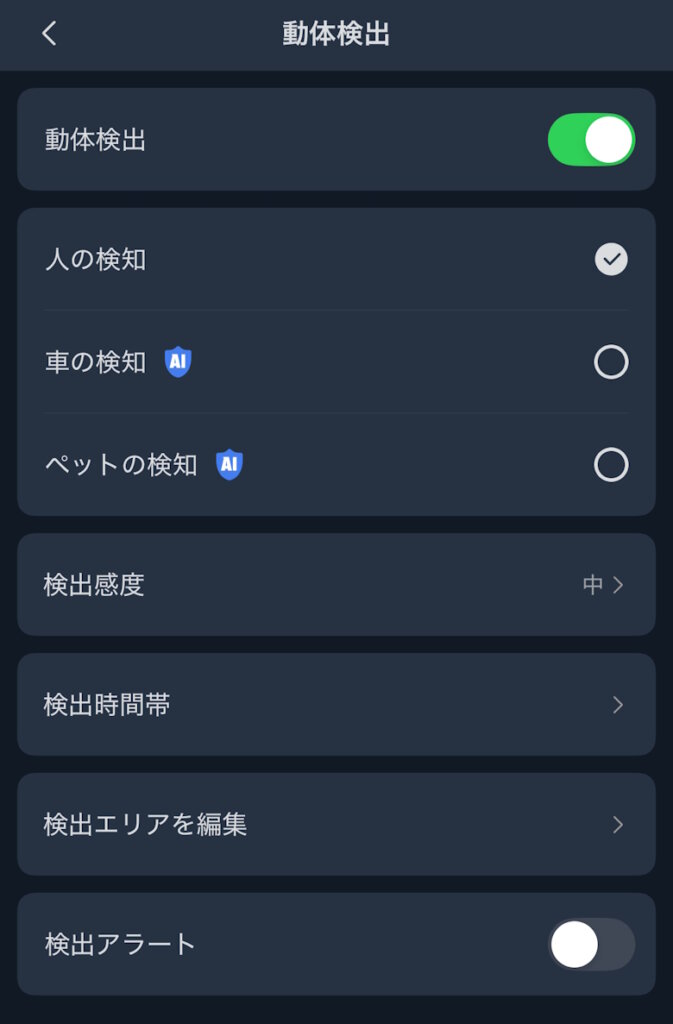
In Settings, you can configure and check Privacy Mode, motion detection, and various detailed options.
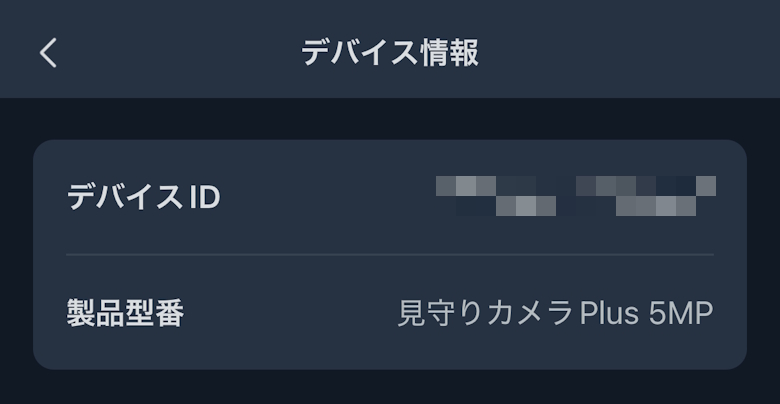
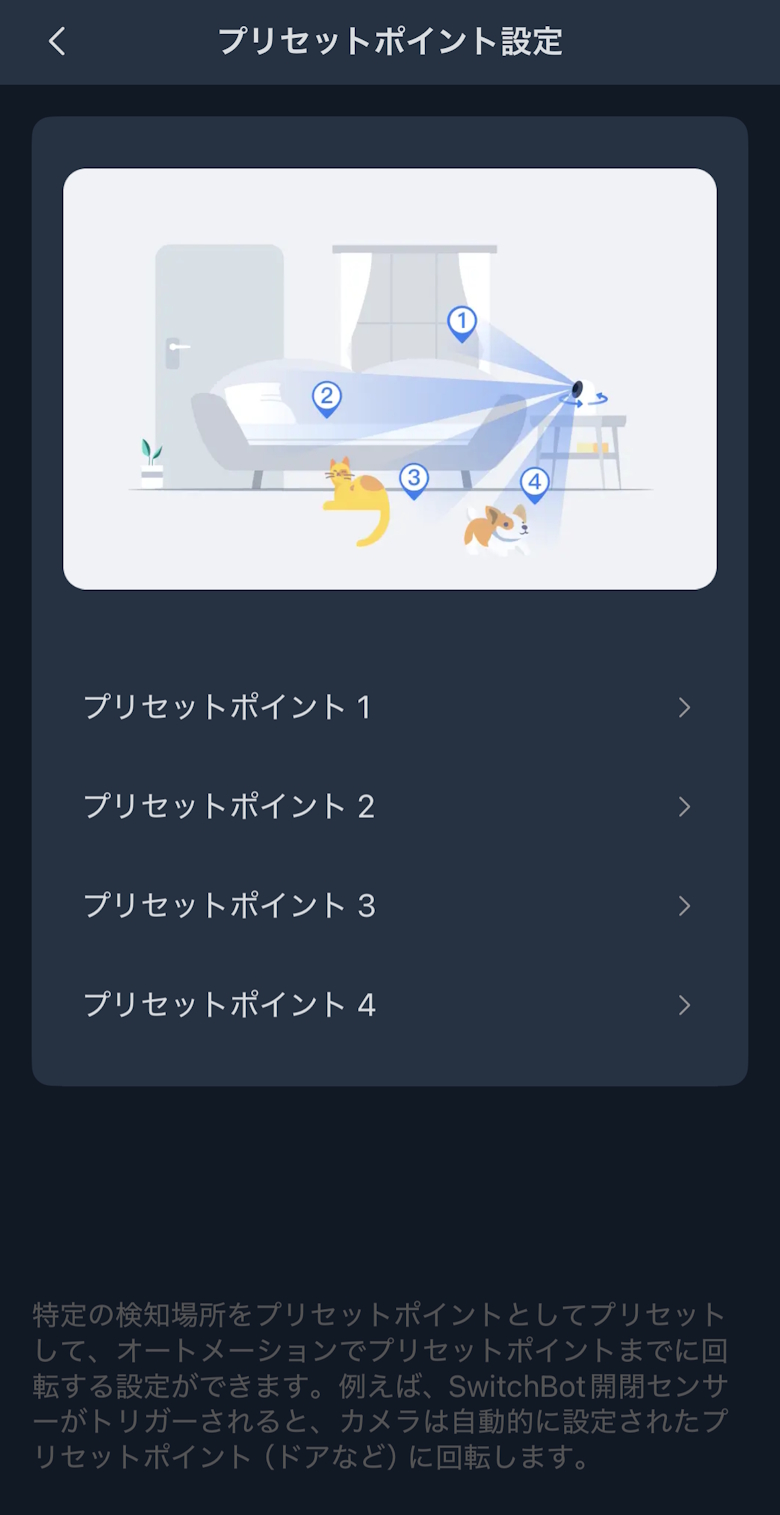
You can check and configure detailed items such as motion detection and preset points.
SwitchBot Pan/Tilt Cam Plus 5MP Review Summary
In this article, I wrote about “[SwitchBot Pan/Tilt Cam Plus 5MP Review] An indoor camera usable for security, monitoring, and smart home integration.”
“SwitchBot Pan/Tilt Cam Plus 5MP” is a highly refined indoor camera that strikes a balance between high image quality, wide coverage, and ease of use.
The 5MP footage makes it easy to check fine details, and thanks to pan/tilt and AI tracking, it provides peace of mind by minimizing blind spots.
App operation and smart home integration are intuitive, which is a major advantage for stress-free daily use.
It works not only for monitoring purposes but also as an indoor security camera or pet camera, making it a versatile device that can be used without limiting its用途.
From those introducing an indoor camera for the first time to those who prioritize image quality and functionality, this is a model worth considering for a wide range of users.
Pros
Cons
Clear footage with 5MP high resolution
Supports pan and tilt, resulting in fewer blind spots
AI features such as person detection and tracking are available