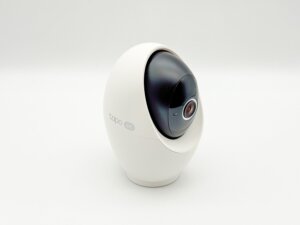
I used to think that as long as a security camera captured footage, that was enough.
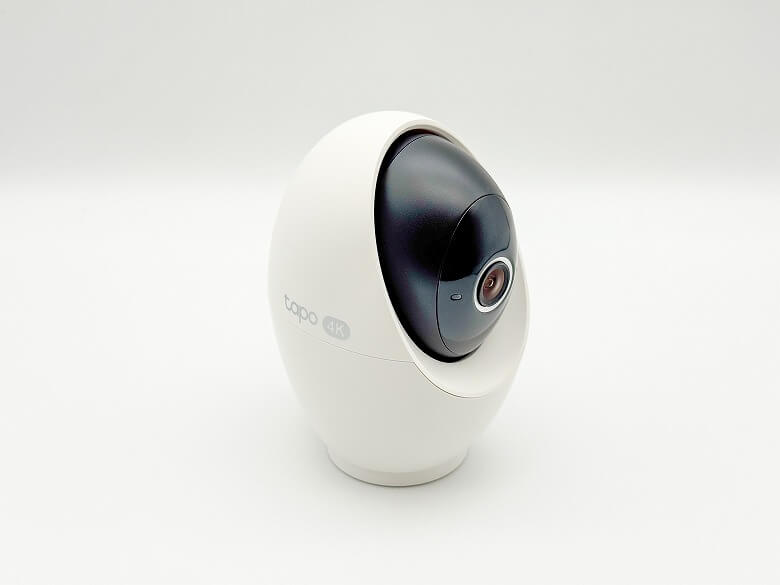
However, after I started using the 4K, 8MP “TP-Link Tapo C260,” that perception completely changed.
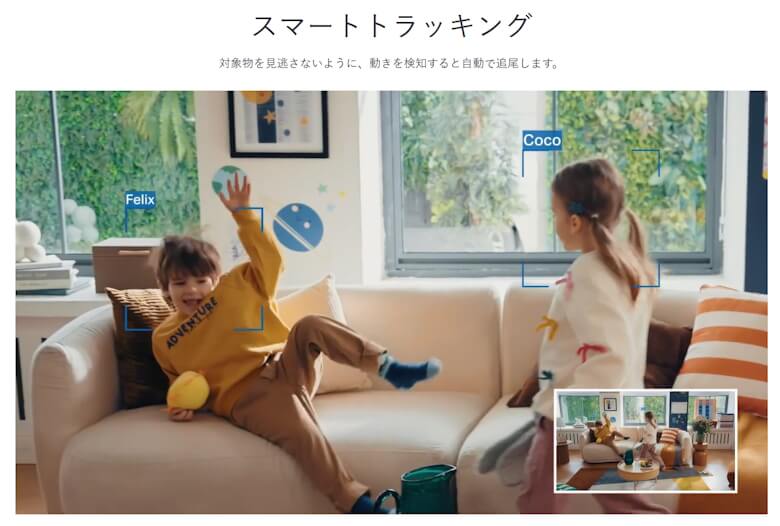
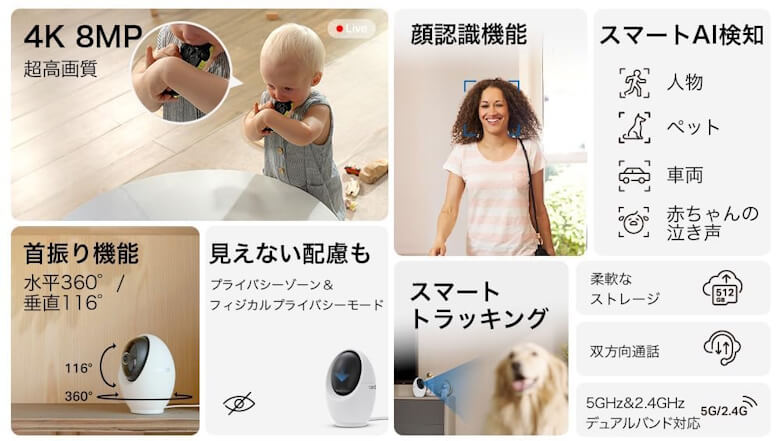
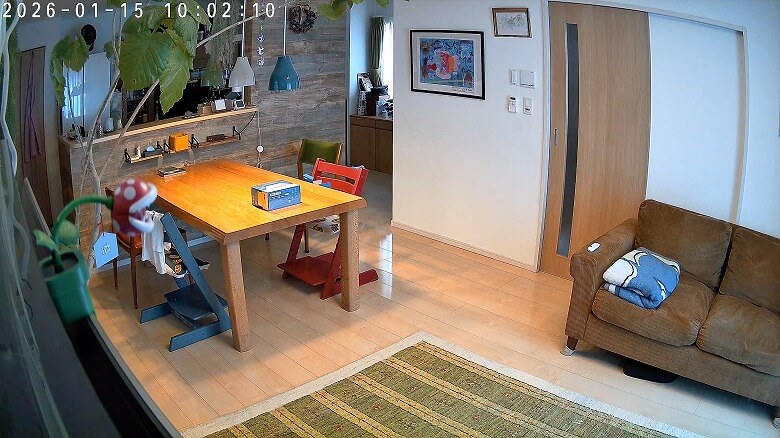
Crisp footage that captures even the finest details, pan and tilt that follows the entire room, and AI notifications that arrive only when necessary.
My honest impression is that it’s not just a camera for checking on situations, but a device that creates an environment where you can feel secure without constantly looking.
In this article, I’ll provide a detailed, hands-on review of the “TP-Link Tapo C260,” explaining how useful 4K high resolution truly is for everyday monitoring and what decisively sets it apart from other indoor cameras.
Pros
Cons
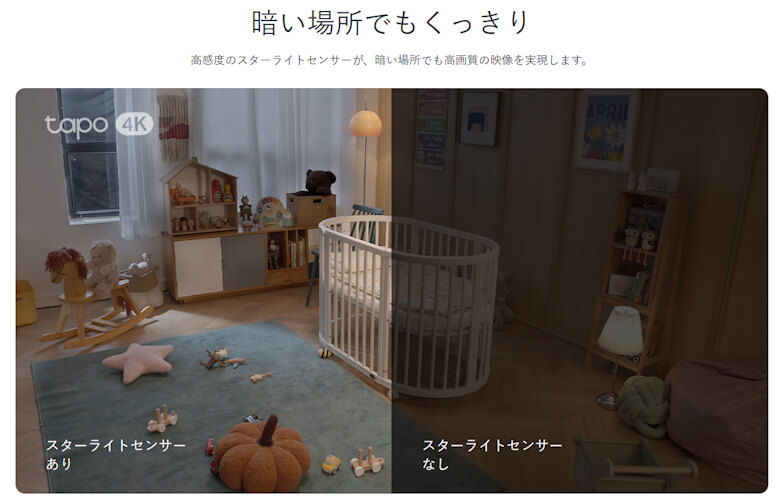
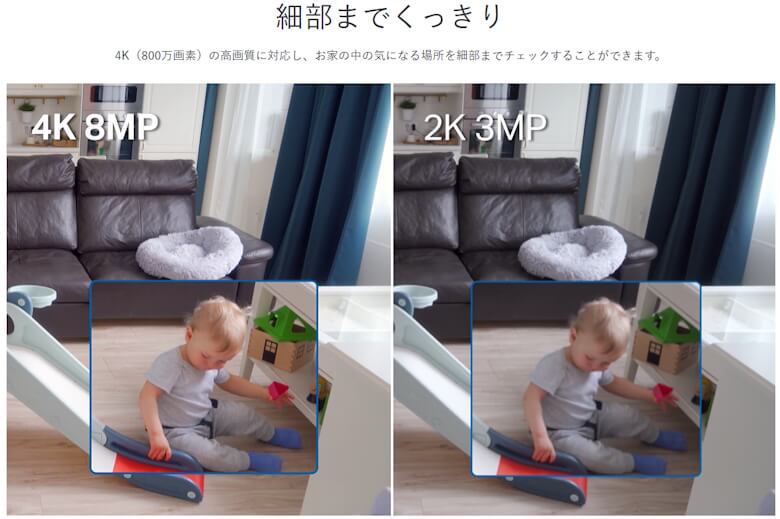
Overwhelmingly easy to see with 4K / 8MP resolution
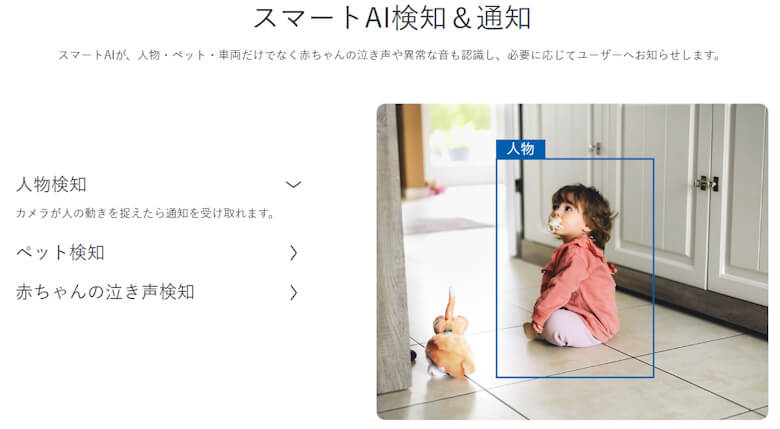
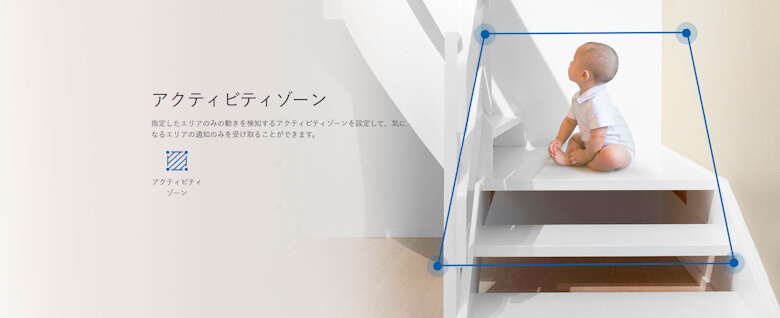
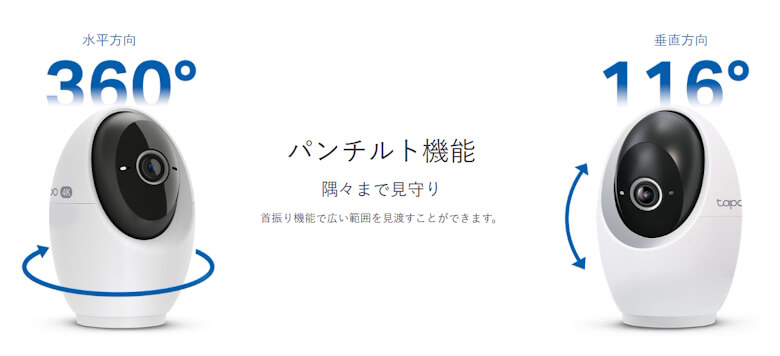
Minimal blind spots with pan/tilt + AI tracking
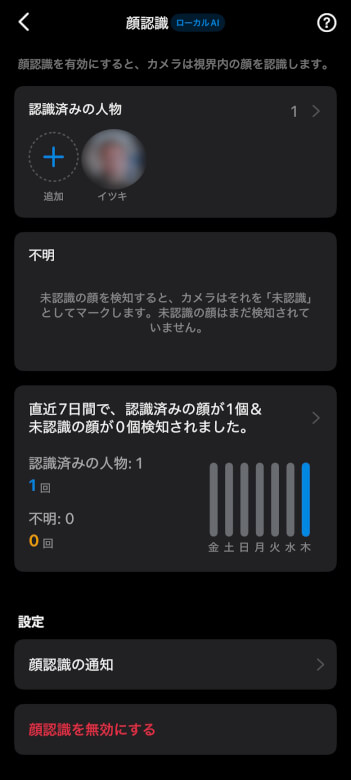
High notification accuracy thanks to facial recognition
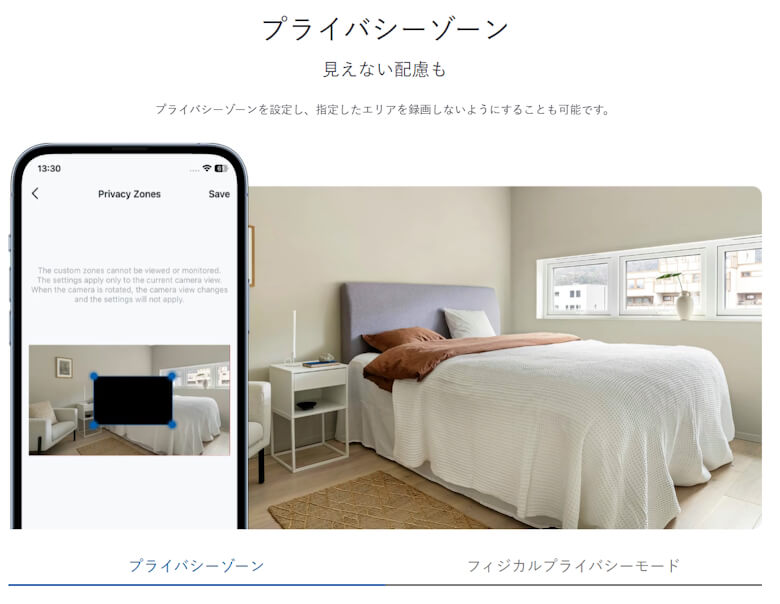
Peace of mind with physical privacy mode
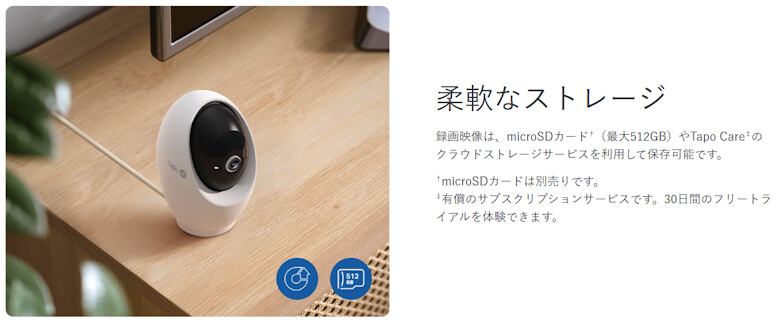
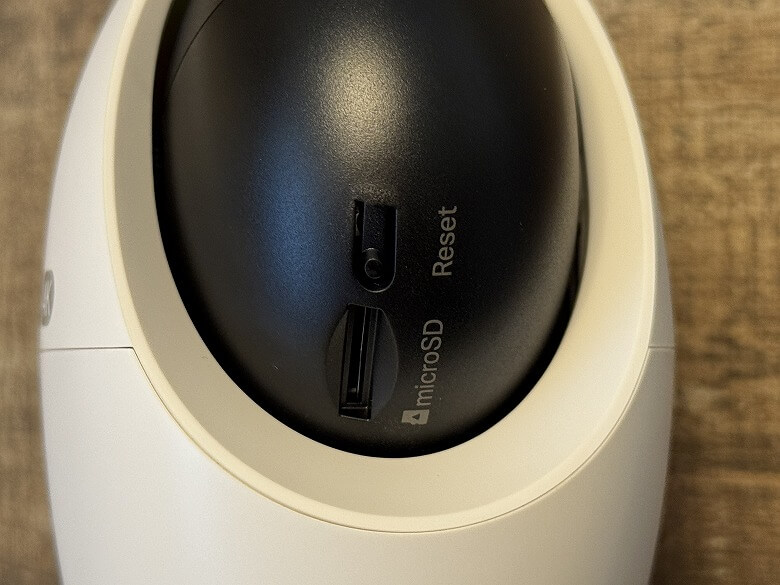
Supports microSD to keep monthly costs down
Indoor use only, not suitable for outdoor use
Slightly higher price due to its high performance
This article was created with a product provided by the manufacturer.
Table of Contents
What’s Included with TP-Link Tapo C260
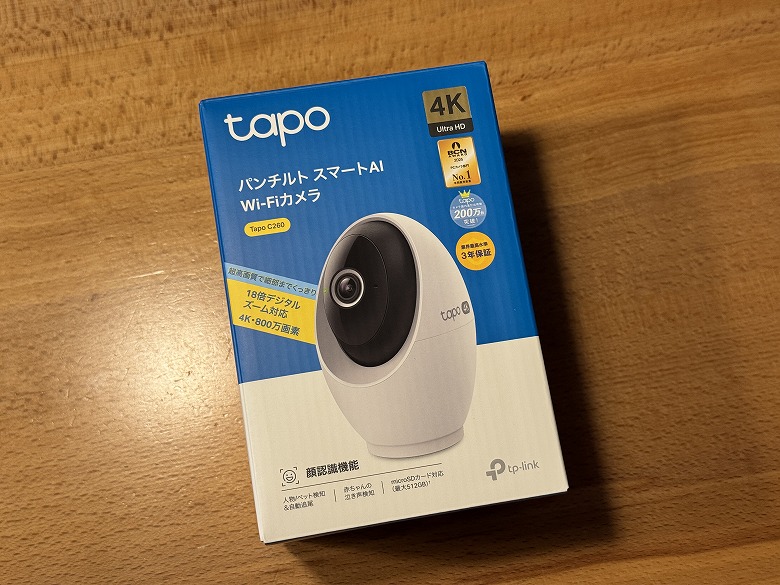
The outer box of the “TP-Link Tapo C260” features a simple design with a white base and blue accent color.
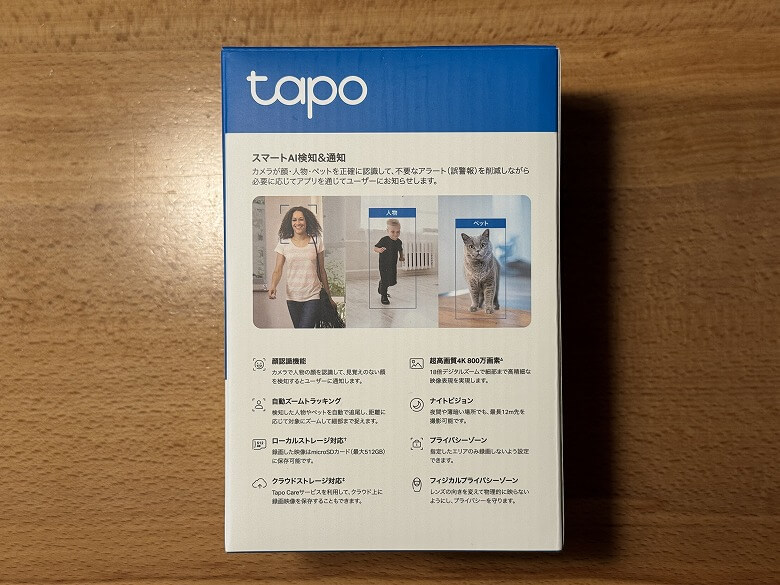
The back side lists the product features.
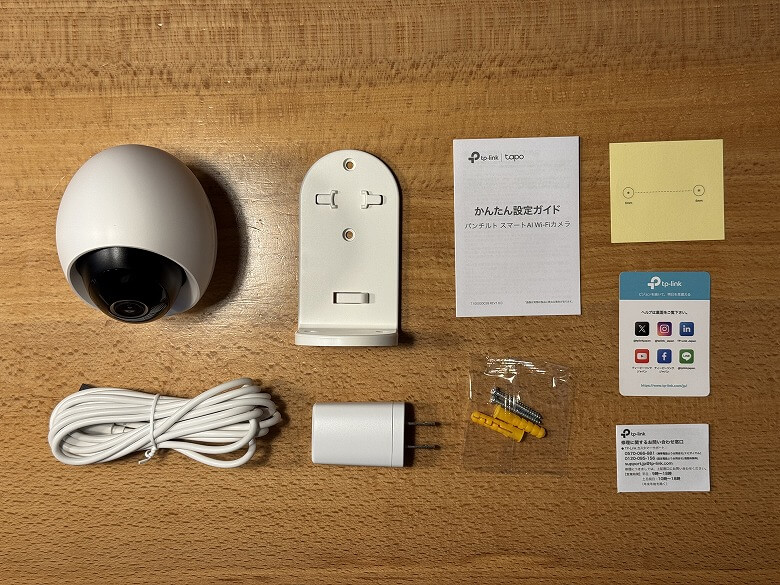
The following items are included in the box.
What’s Included with TP-Link Tapo C260
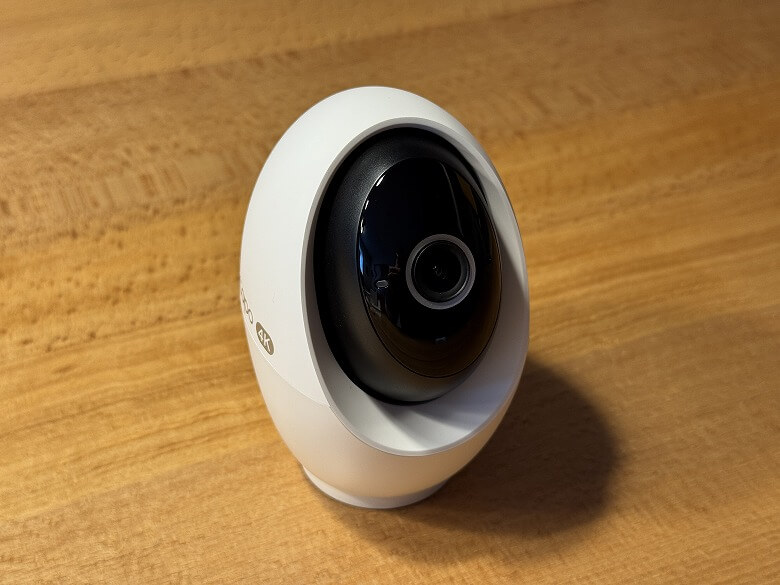
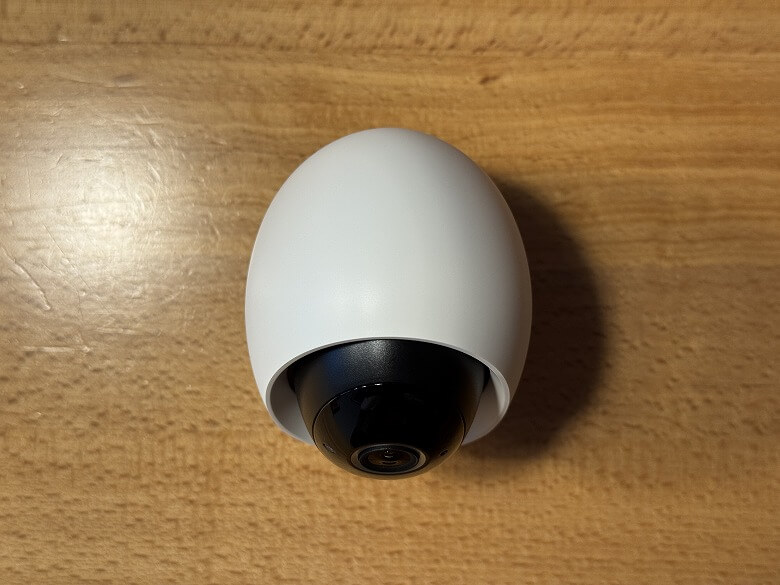
Tapo C260 unit
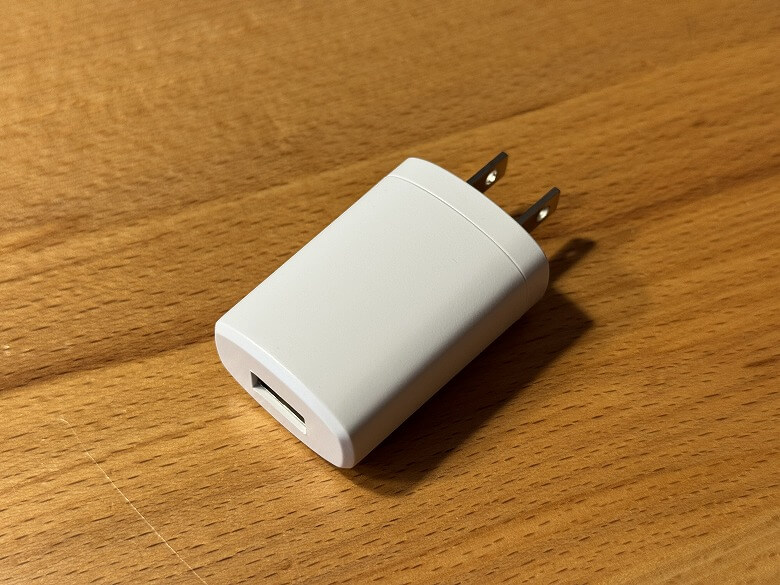
Power adapter
USB cable
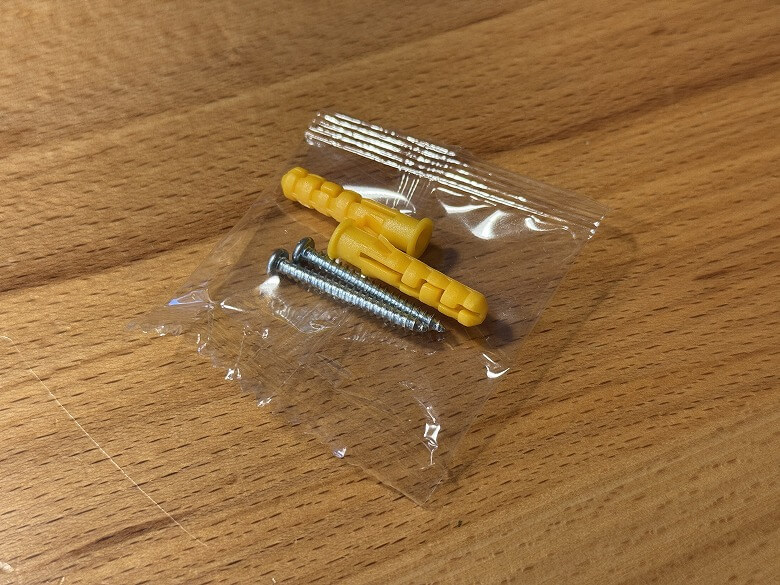
Mounting screws
Mounting anchors
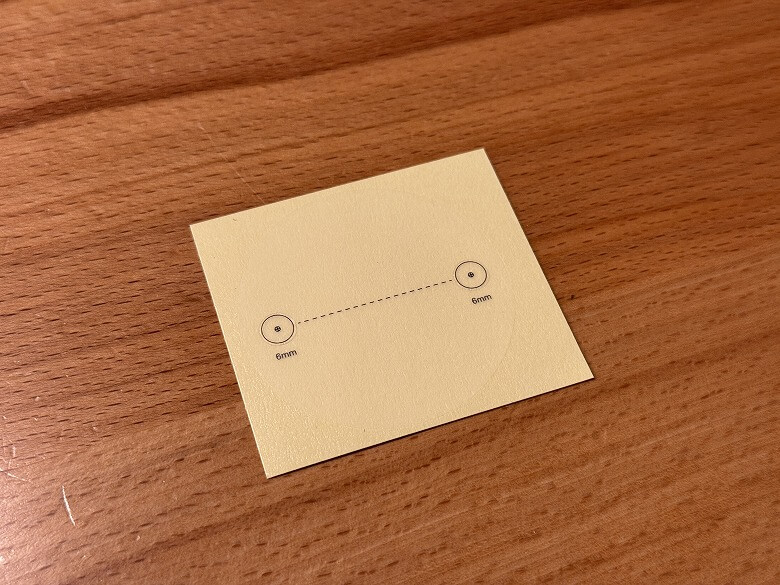
Positioning sticker
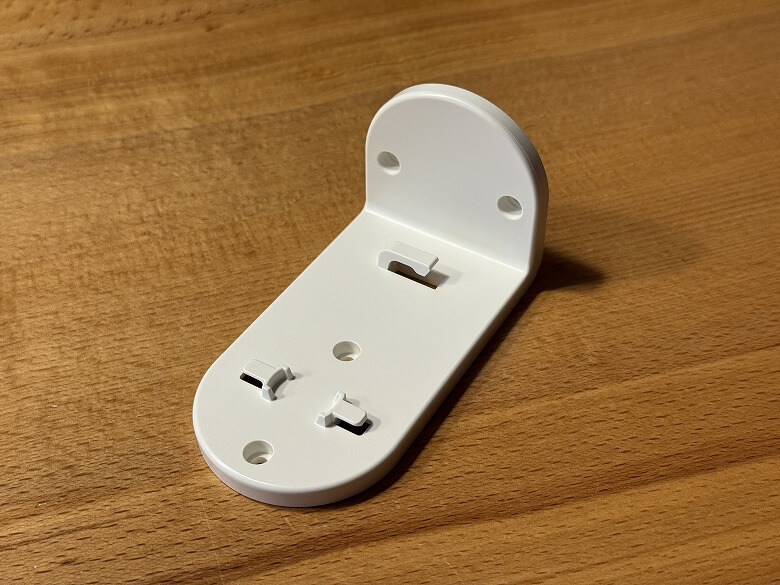
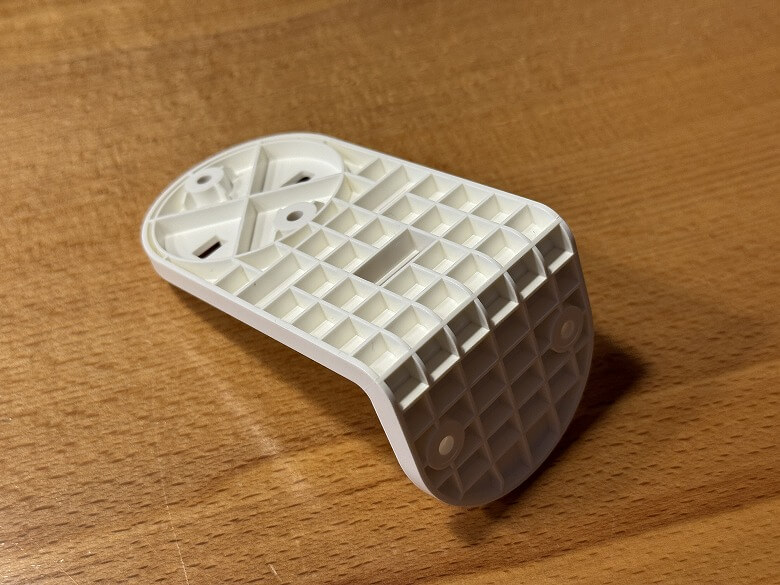
Camera base
Quick setup guide
When installing it on a wall, use the positioning sticker and secure it with the mounting screws and anchors.
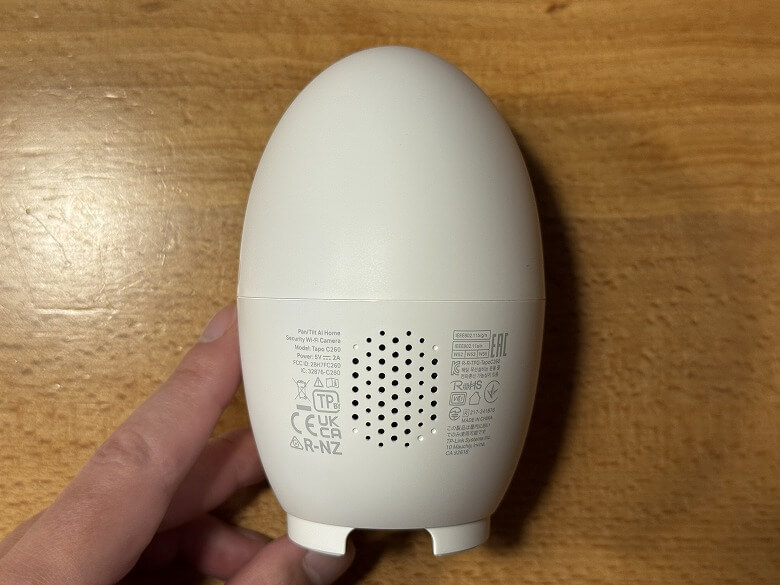
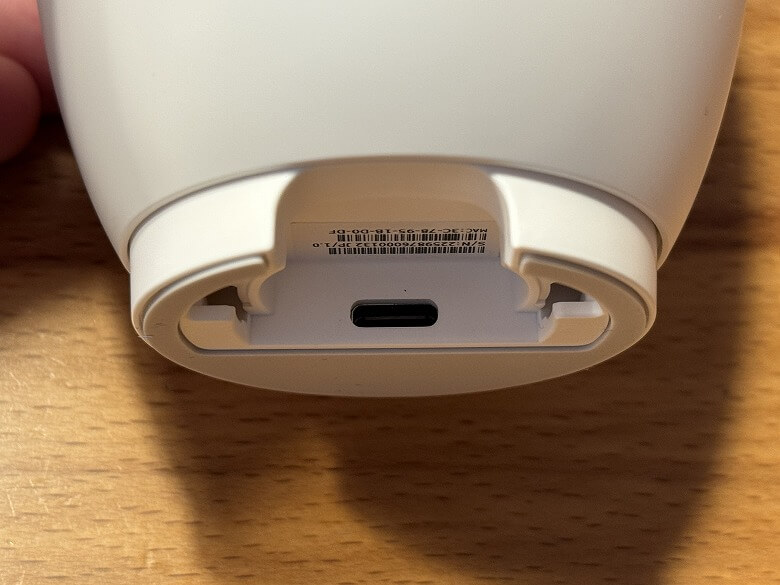
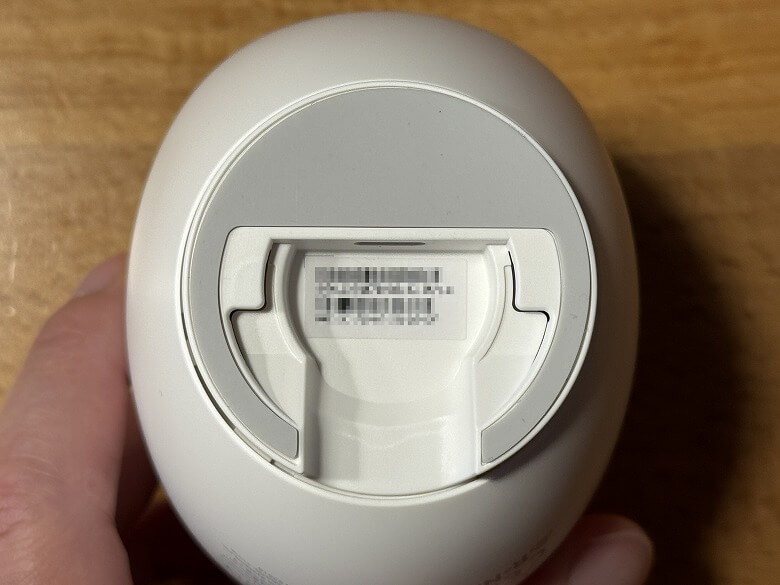
The camera base is used by fitting it into the bottom of the main unit.
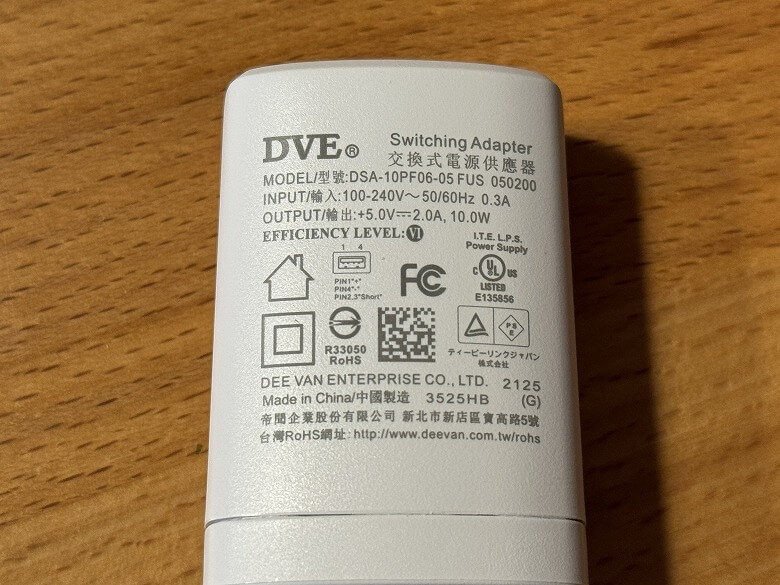
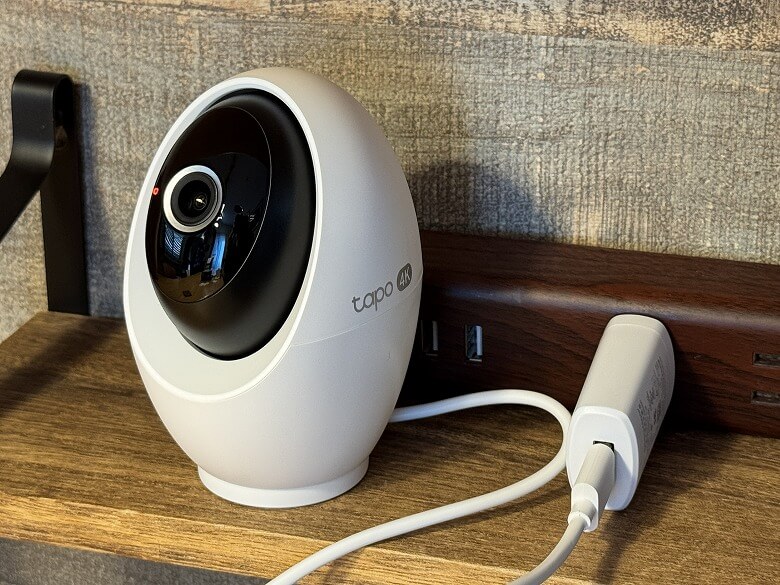
The specifications are listed on the side of the power adapter.
A USB cable is included.
TP-Link Tapo C260 Specifications
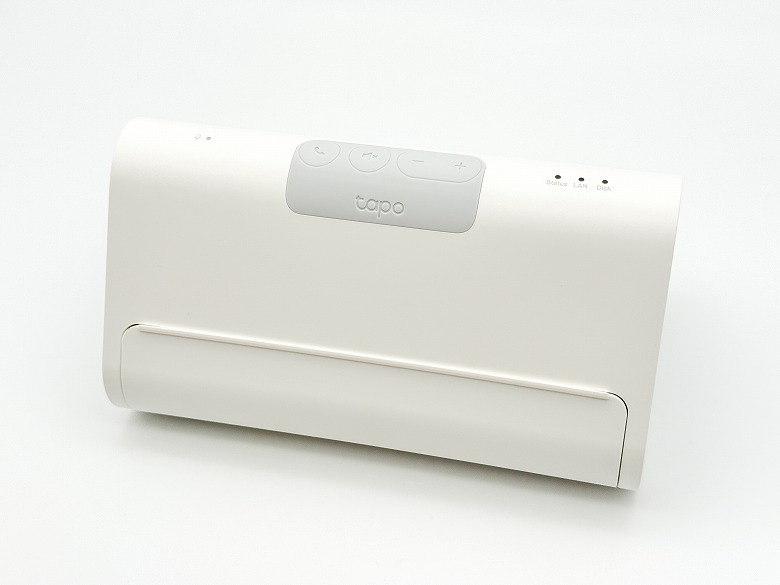
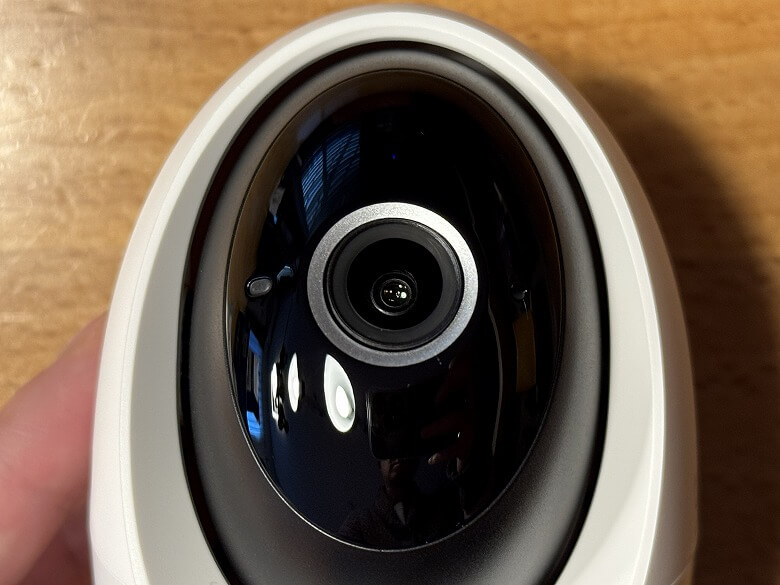
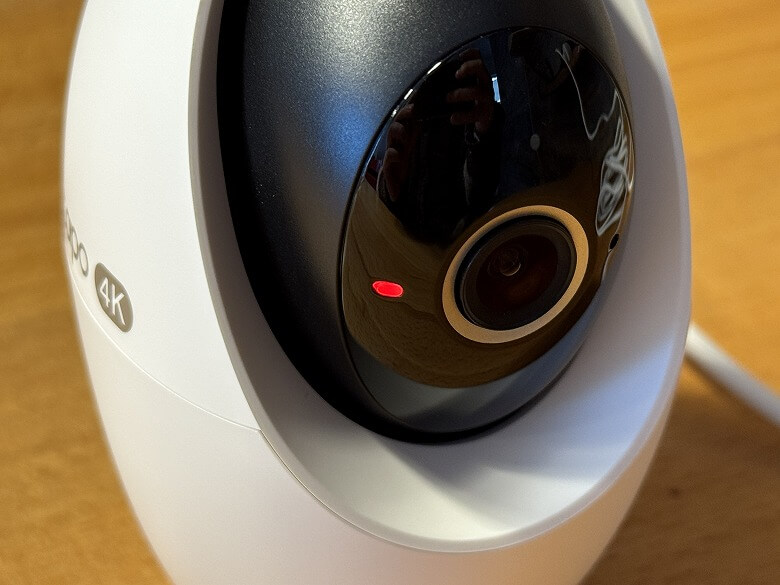
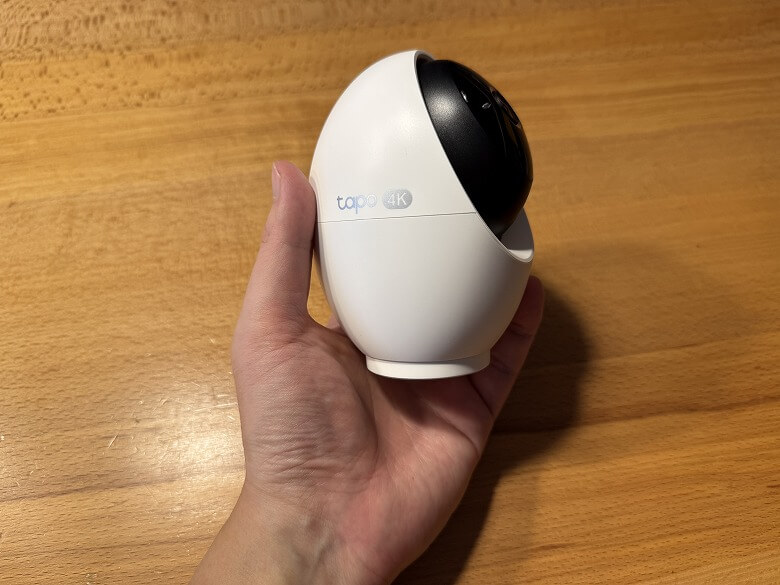
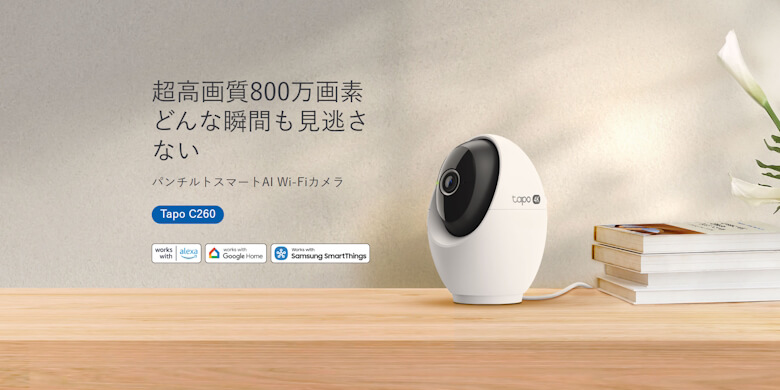
TP-Link’s “Tapo C260” is a high-performance indoor camera featuring 4K 8MP resolution and pan/tilt functionality with AI tracking, allowing you to monitor even the finest details.
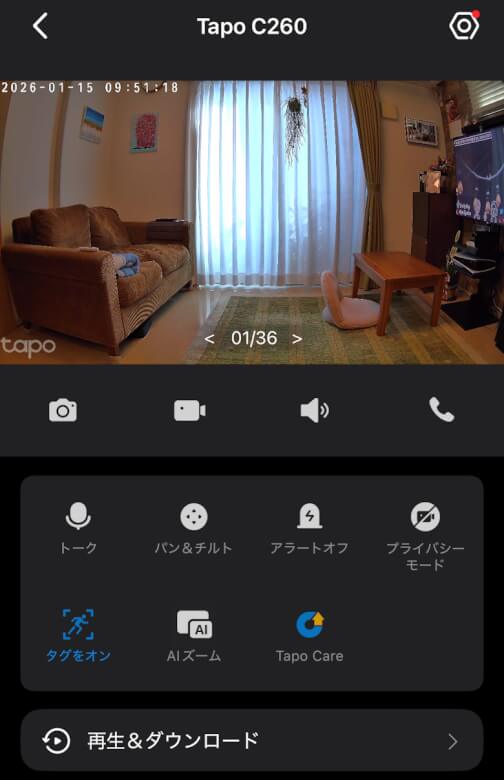
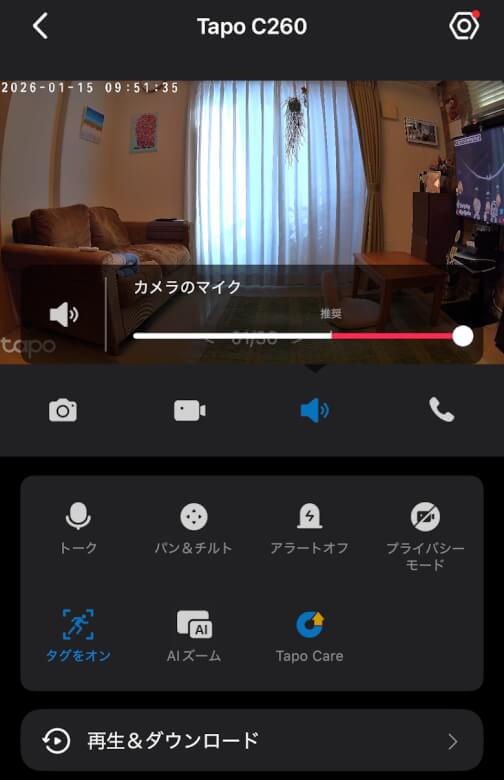
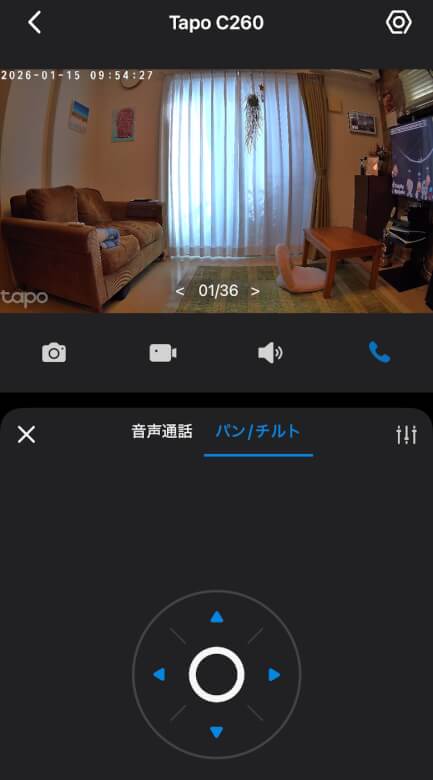
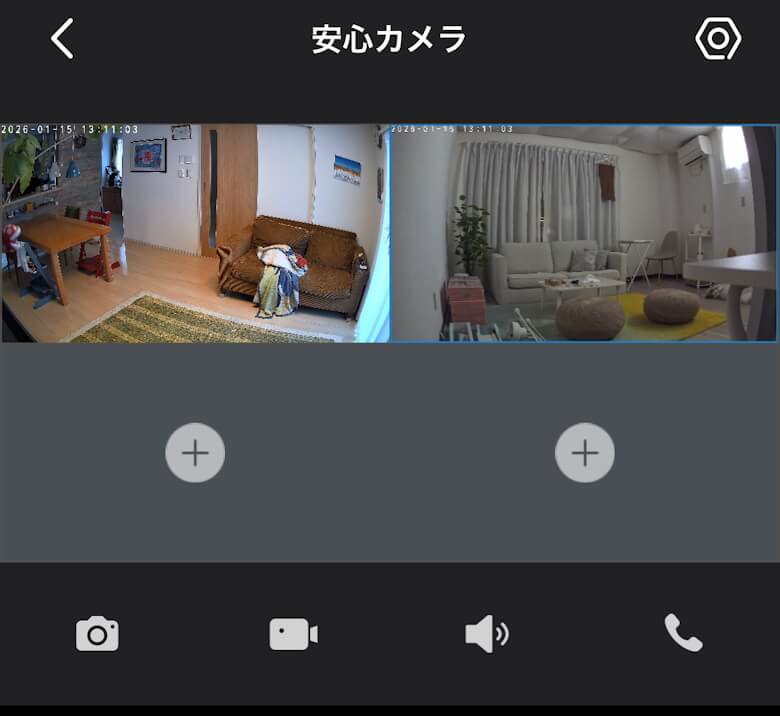
The home screen includes various buttons and menus, allowing you to perform a wide range of operations.
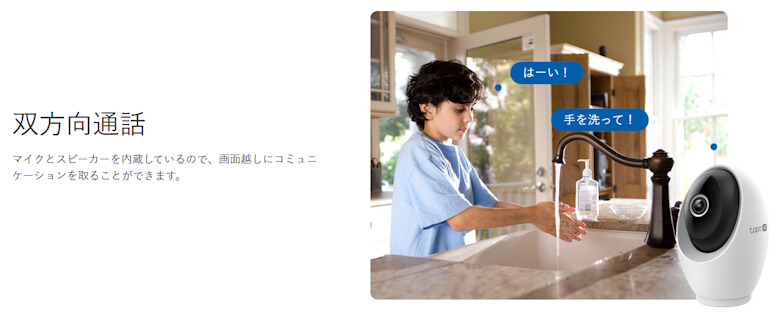
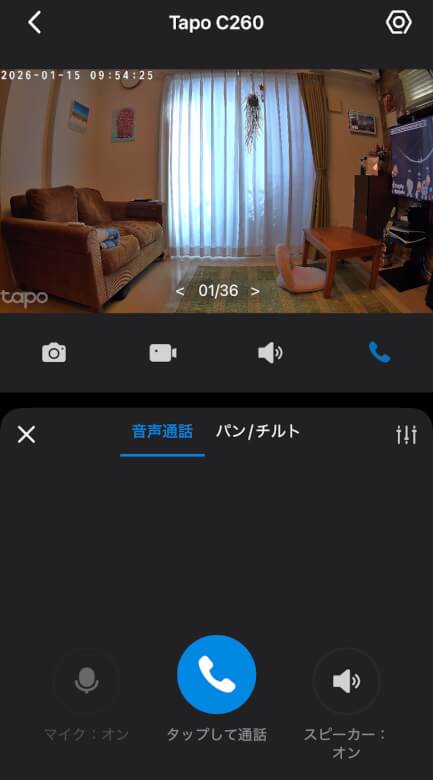
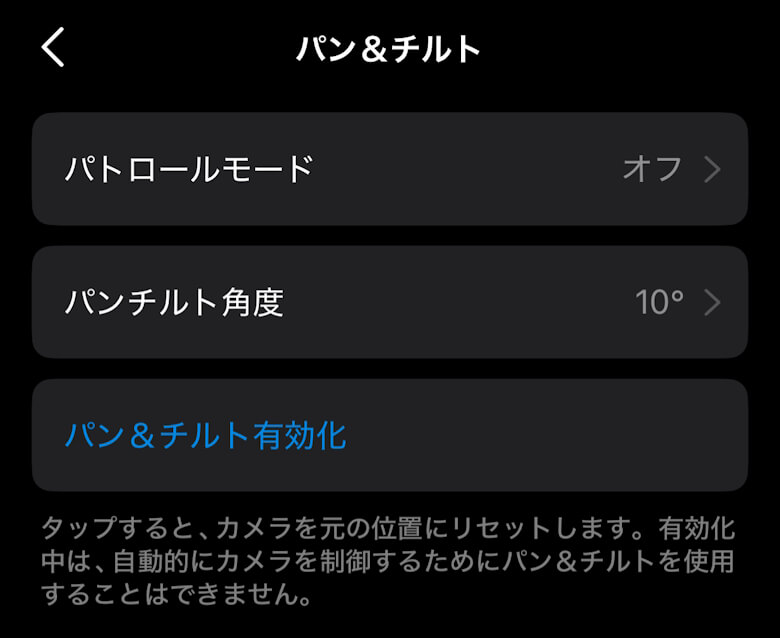
You can make voice calls and adjust the pan-tilt settings.
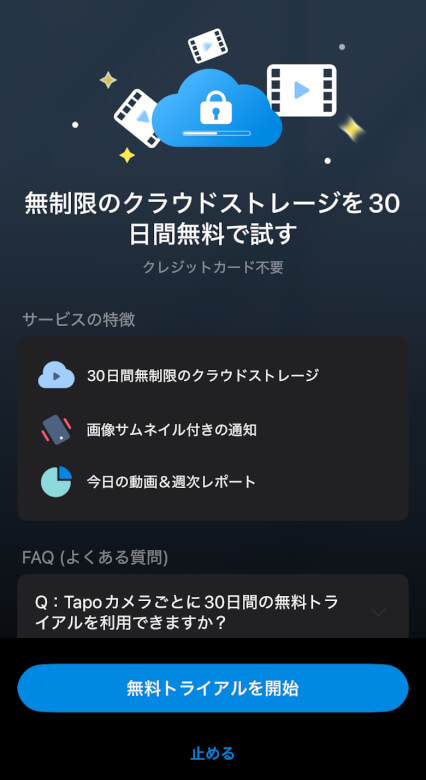
Tapo Care is a comprehensive subscription service that supports unlimited cloud storage.
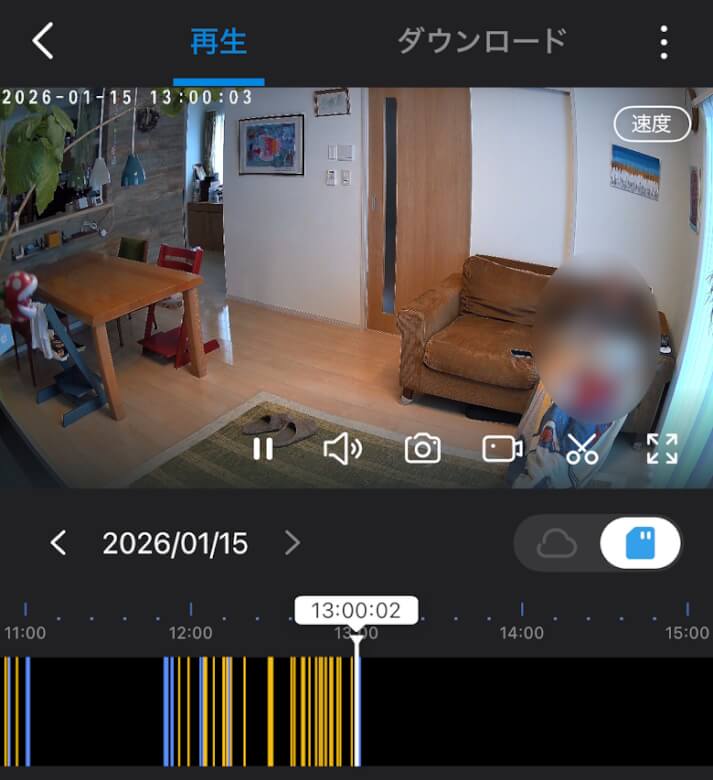
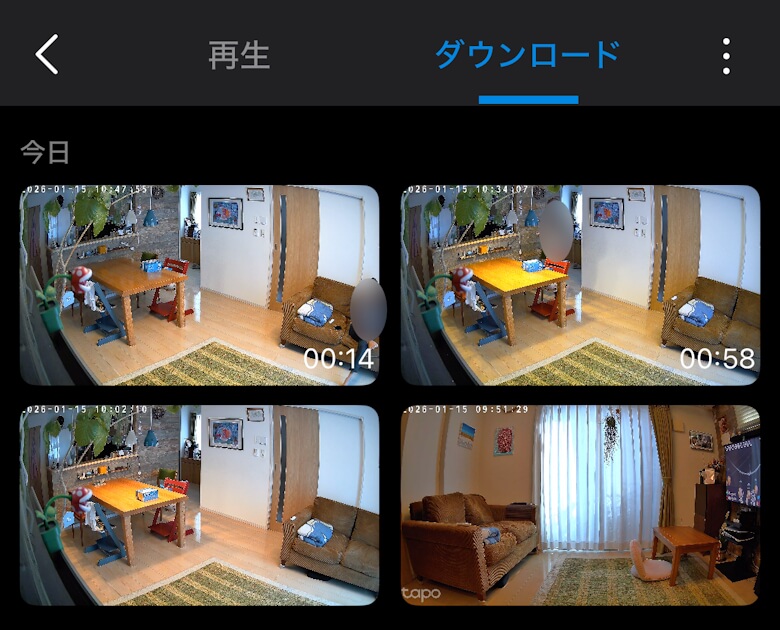
You can also play videos and check images within the app.
With Tapo cameras, you can view up to four cameras simultaneously.
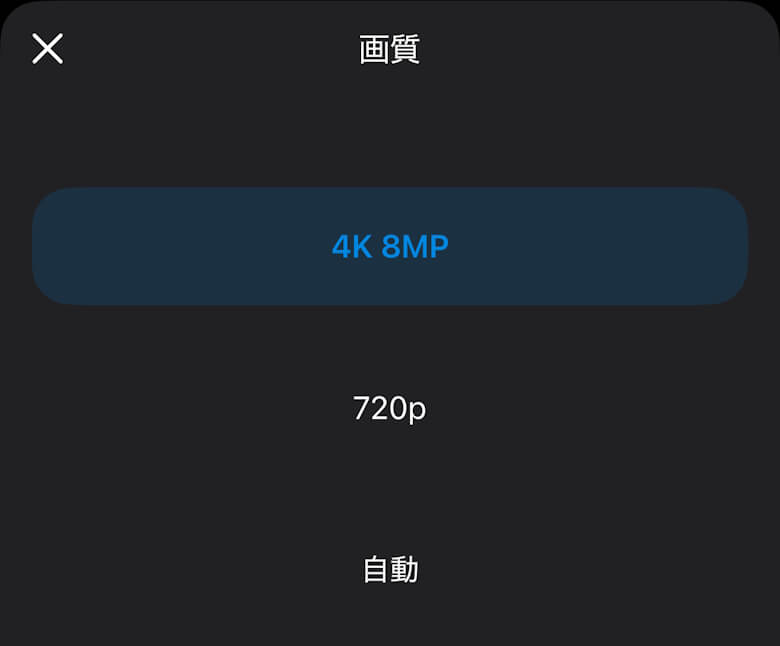
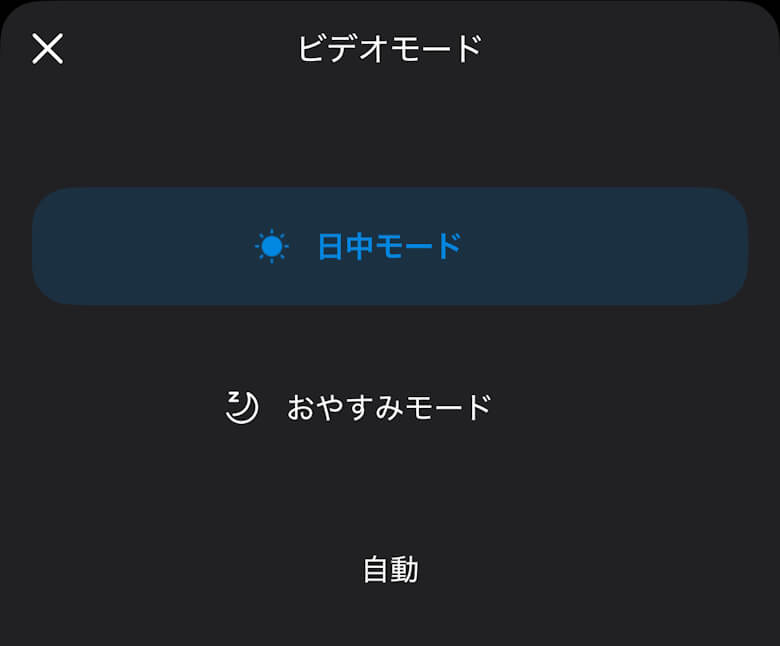
You can switch image quality and video modes according to your intended use.
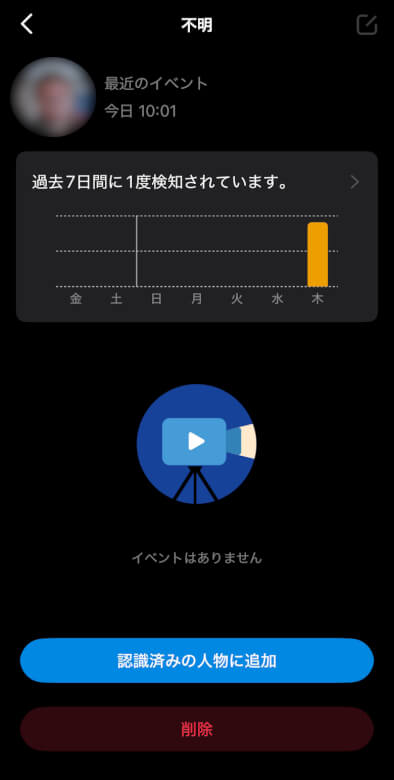
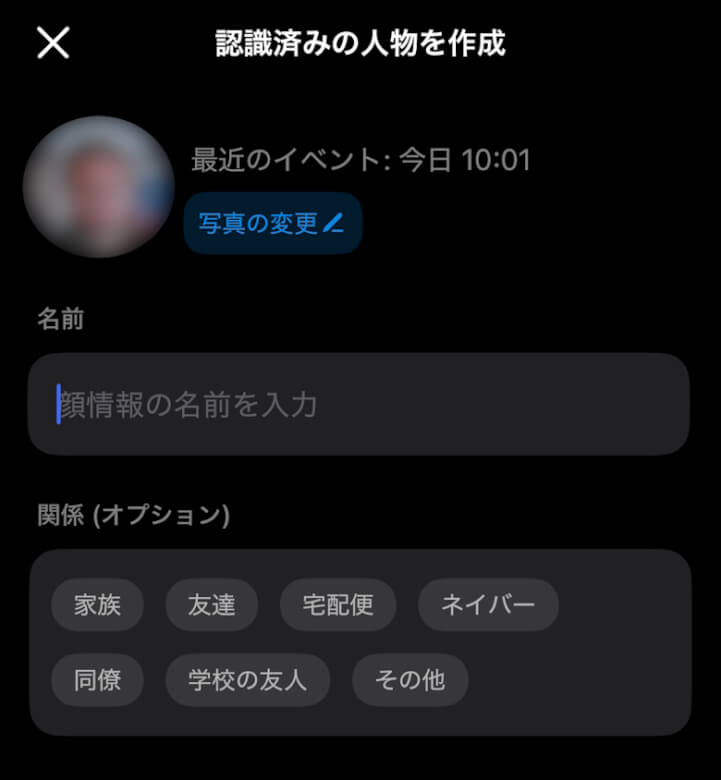
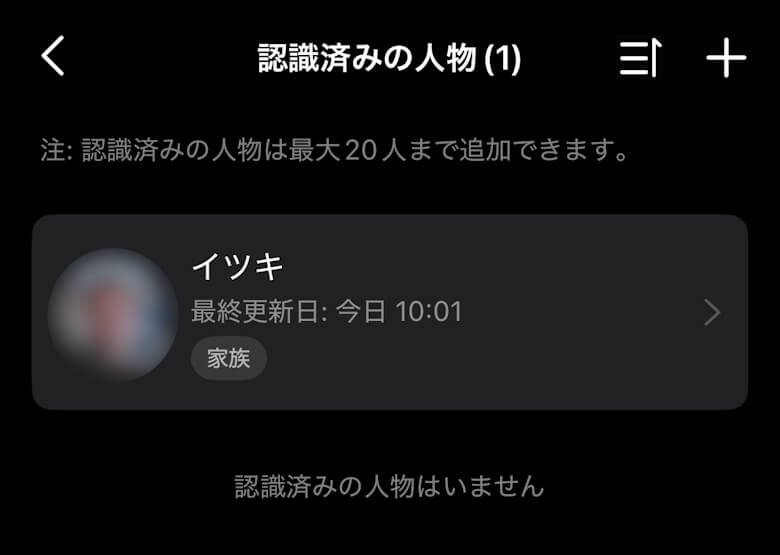
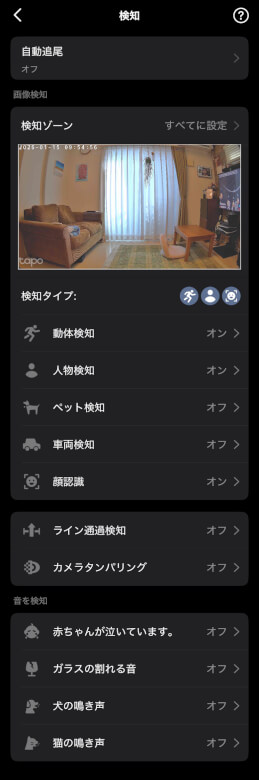
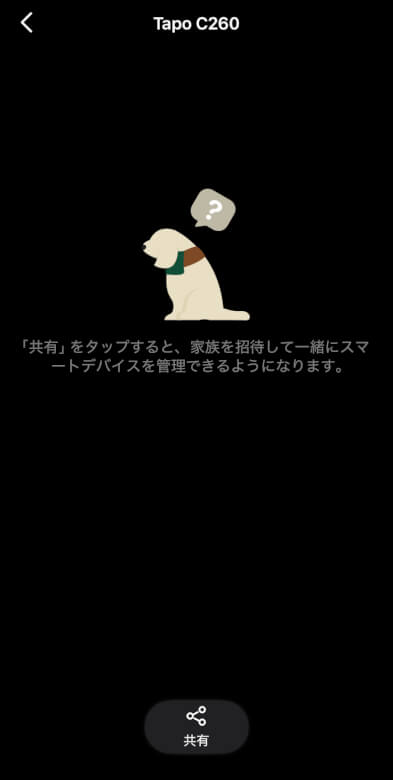
If you use AI facial recognition, you can register specific faces in advance.
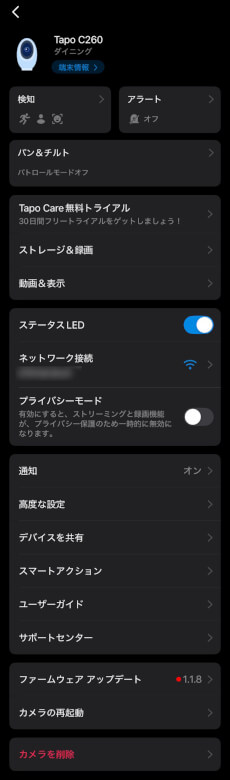
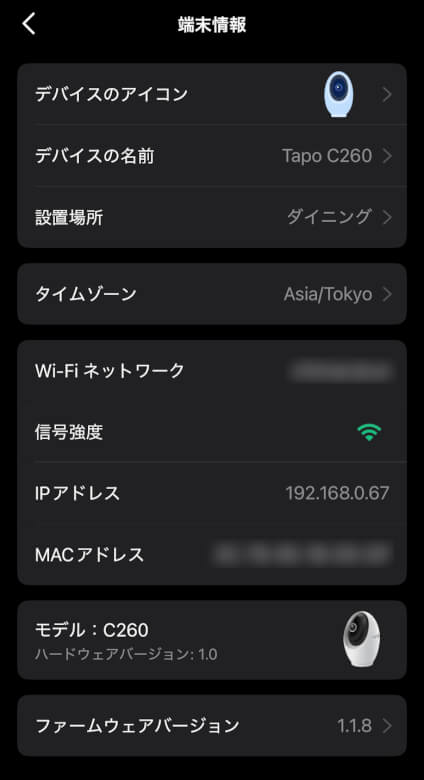
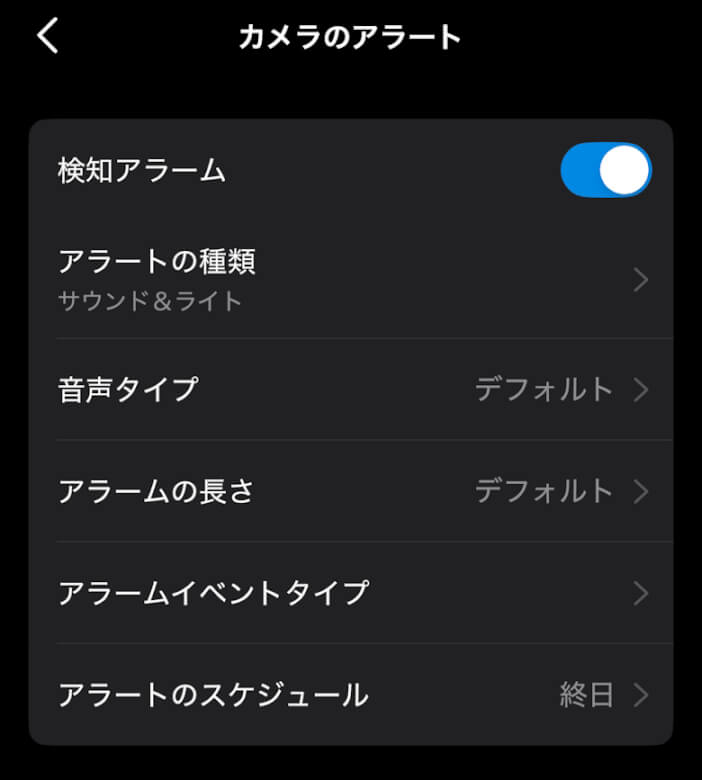
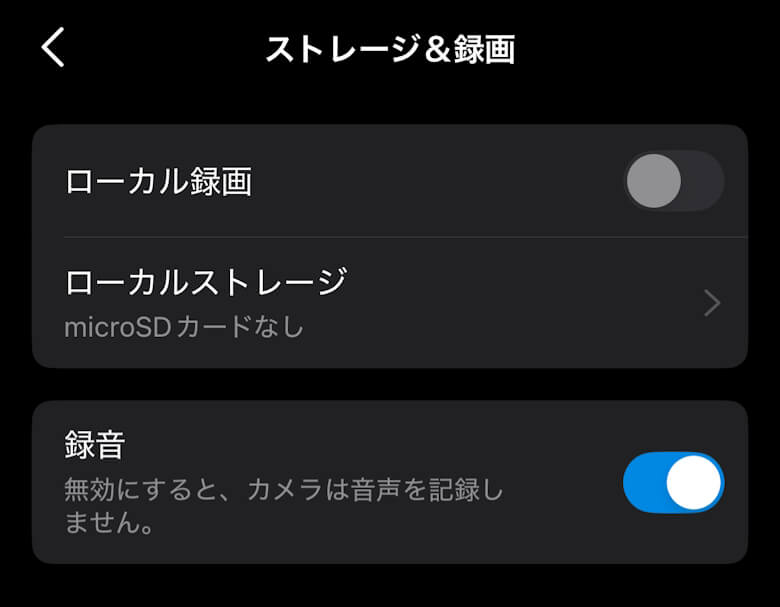
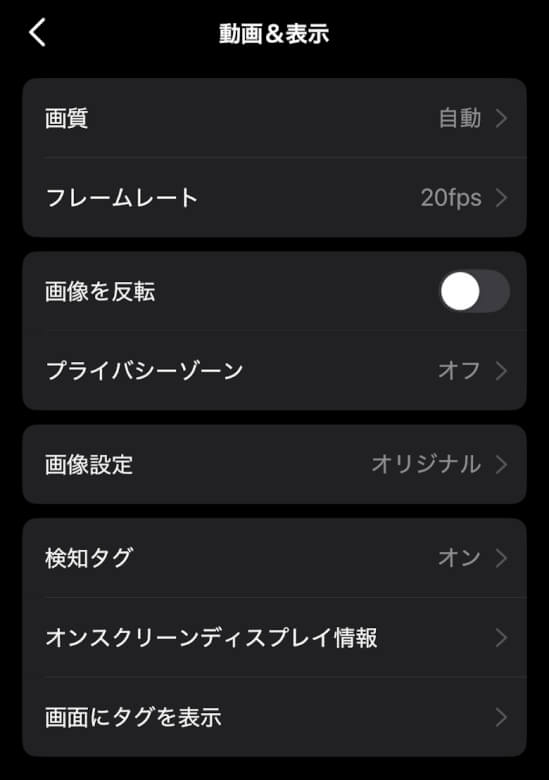
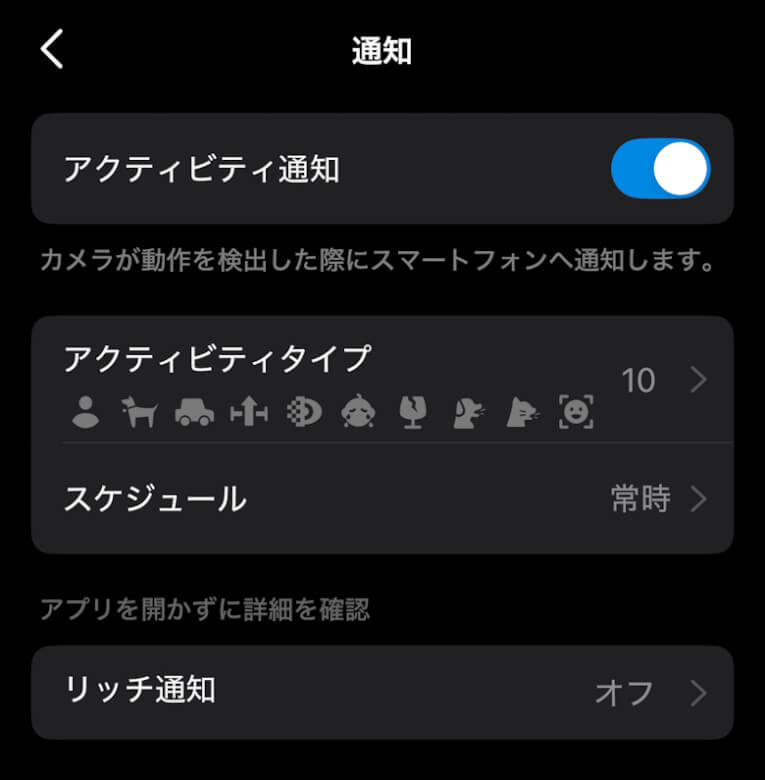
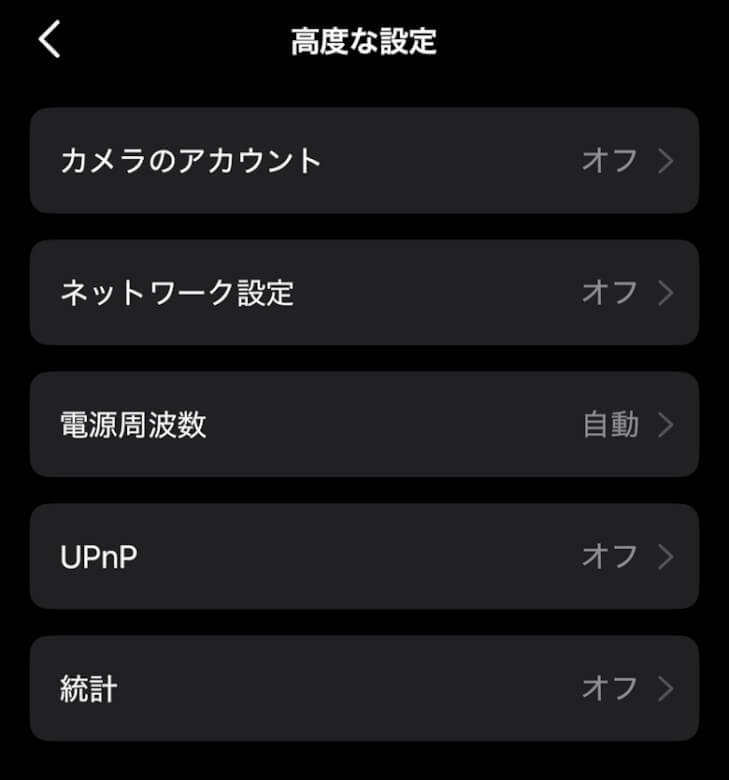
In the settings, you can check and change many more items.
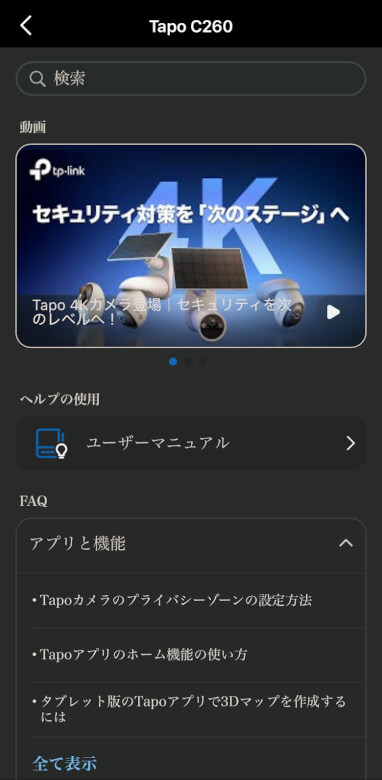
You can check and change various settings from screens like the following.
TP-Link Tapo C260 Review Summary
In this article, we wrote about “[TP-Link Tapo C260 Review] A monitoring camera with facial recognition × 4K high image quality that delivers a completely different level of peace of mind.”
“TP-Link Tapo C260” is not just a camera that merely boasts high specifications.
Features such as 4K high image quality, AI tracking, and facial recognition all connect seamlessly to a single purpose: reducing anxiety.
What I actually felt after using it was not that “the number of times I checked the footage increased,” but rather that “the amount of time I could feel at ease without checking increased.”
I believe this is something that cannot be conveyed through resolution or a list of features alone.
For those who want to carefully monitor family members or pets while away, and for those who do not want to be overwhelmed by notifications but only receive truly necessary information, the “Tapo C260” is not a camera you choose for its high image quality, but one you choose for its peace of mind.
Advantages
Disadvantages
Overwhelmingly easy to see with 4K / 8MP resolution
Minimal blind spots with pan/tilt + AI tracking
High notification accuracy thanks to facial recognition



 イツキ
イツキ