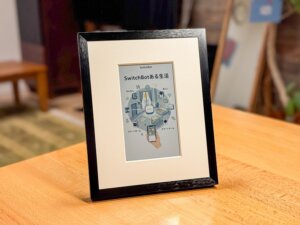
“Hanging AI-generated art on your wall” — that futuristic experience has finally become a reality.
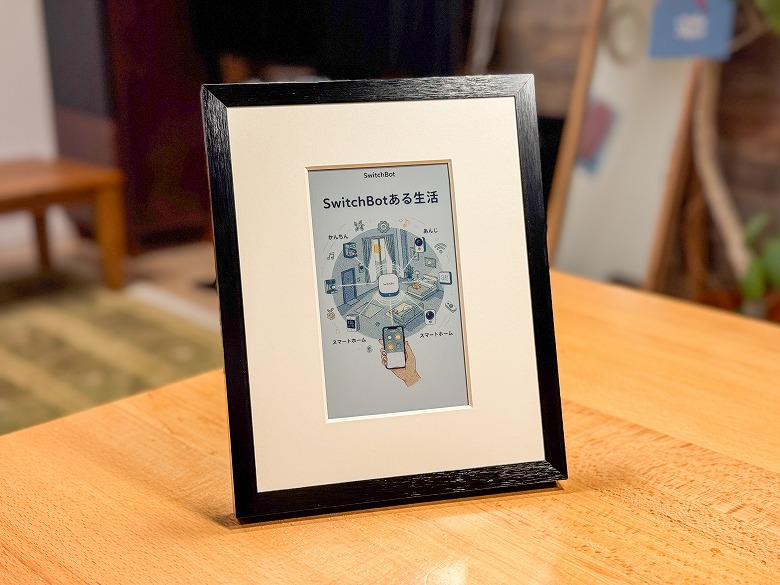
SwitchBot’s latest model, the “AI Art Canvas”, is a completely new digital frame that displays AI-generated art on a beautiful E Ink display.
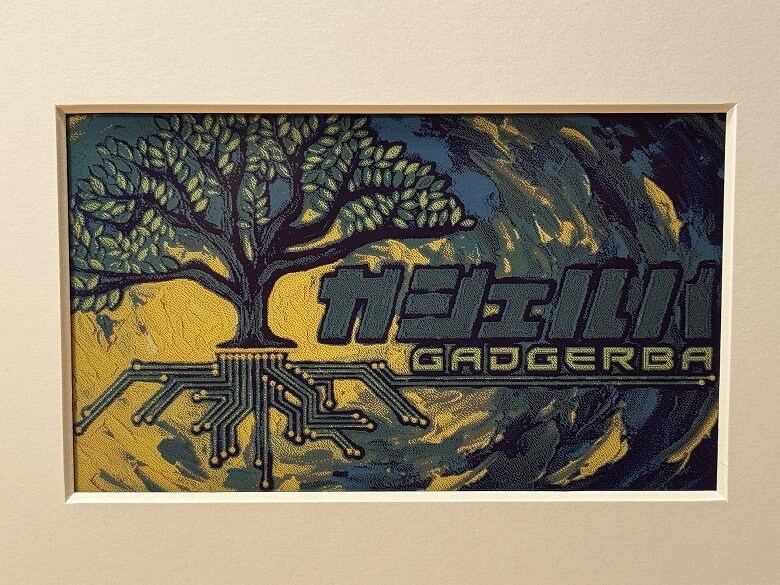
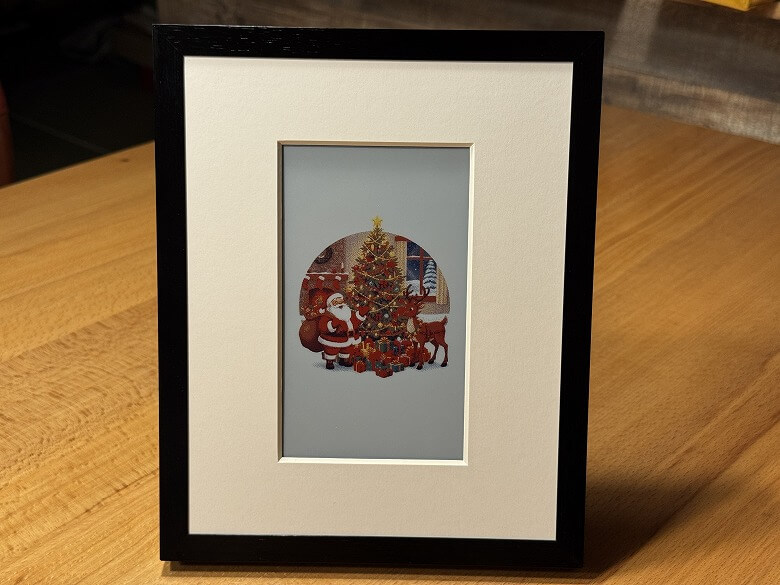
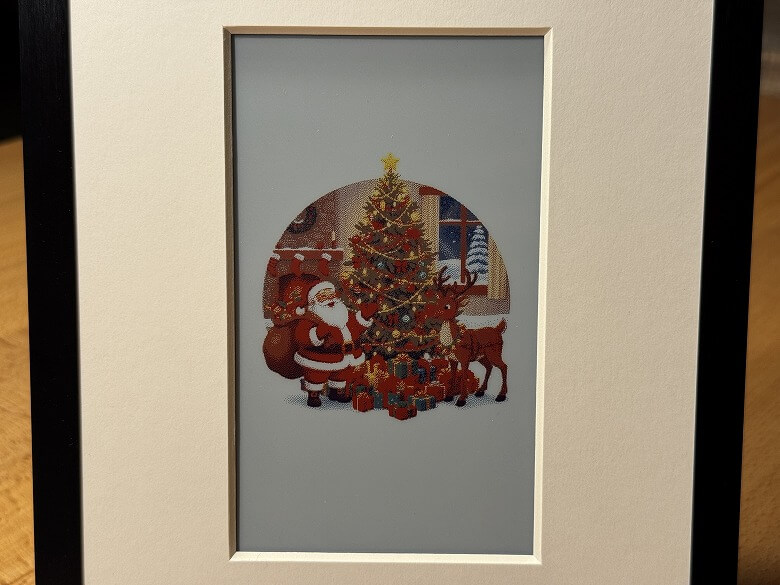
The soft texture unique to E Ink emits no strong light like typical LCD or OLED screens, making it feel as if you are looking at a printed picture on paper.
It also has minimal reflection from lighting and naturally blends into your interior as part of the decor.
Furthermore, by simply entering a theme into the dedicated app, you can generate a one-of-a-kind artwork.
You can instantly change the mood of your wall to match the day’s feeling, like “a calm landscape” or “modern abstract art”.
In this article, I will review the “SwitchBot AI Art Canvas” at home, focusing on design, display quality, and the AI art experience.
Pros
Cons
Enjoy original AI-generated art easily
High-quality E Ink display with minimal reflection
Battery-powered operation allows use without a power cord
Easy customization via the SwitchBot app
High design quality as interior decor, blends into living spaces
E Ink refresh rate is slow, switching takes some time
AI generation accuracy can be inconsistent
Device price is somewhat high
※This article is created with the product provided by the manufacturer.
Table of Contents
Included Items in the SwitchBot AI Art Canvas Package
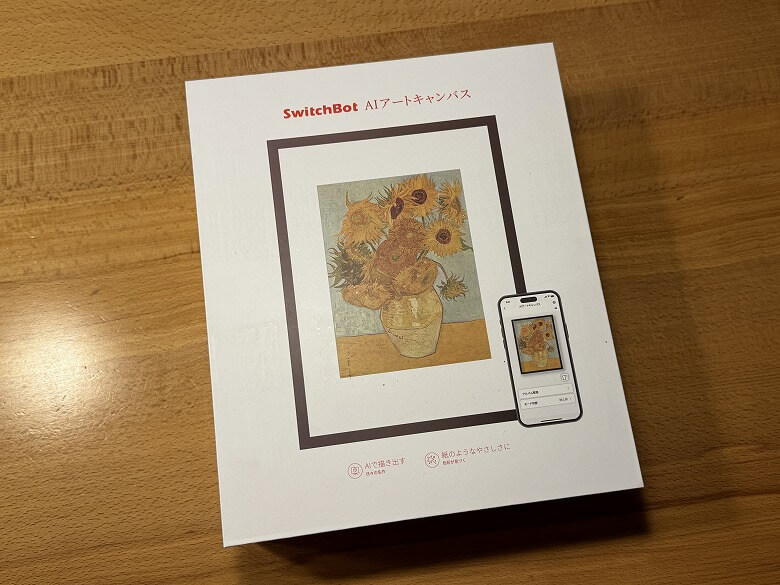
The box of the “SwitchBot AI Art Canvas” has a simple design with a photo of the package printed on it.
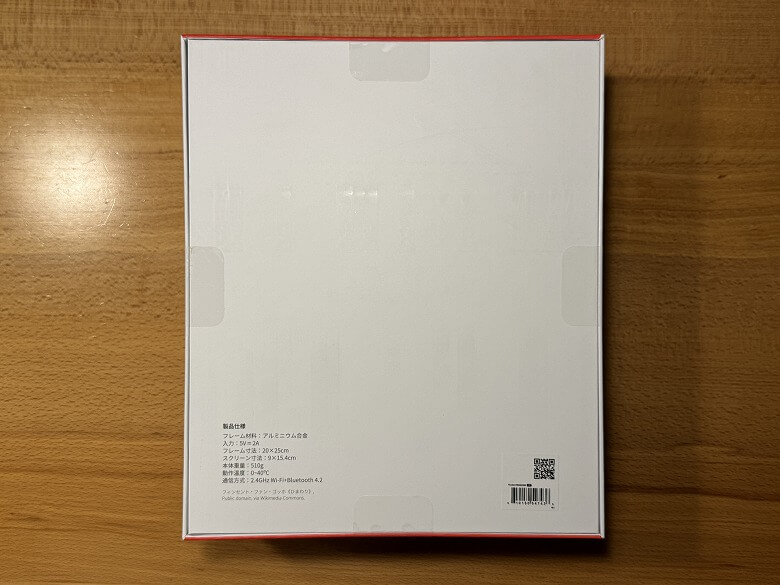
The back lists the product specifications.
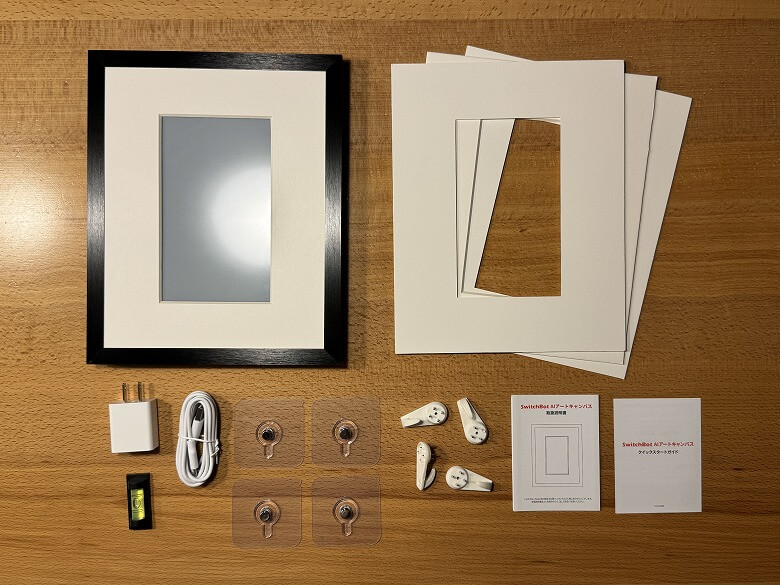
The package contents include the following items.
Included Items in the SwitchBot AI Art Canvas Package
SwitchBot AI Art Canvas
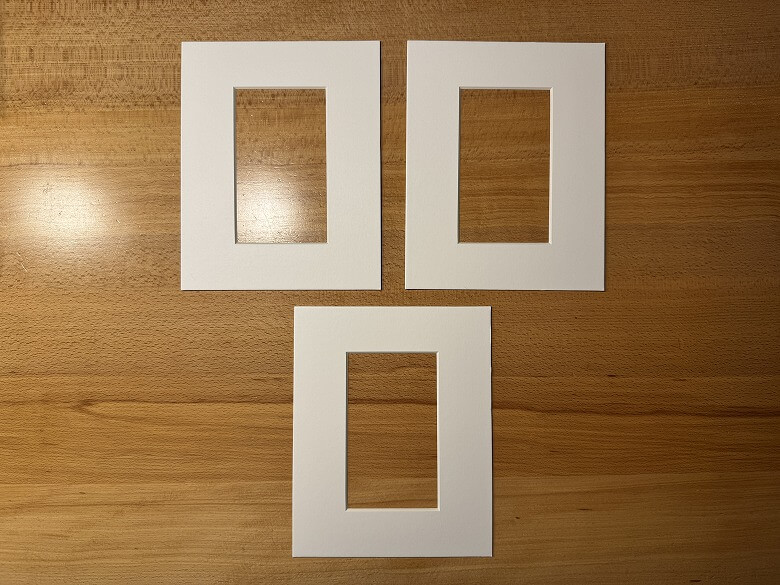
Mat boards × 3
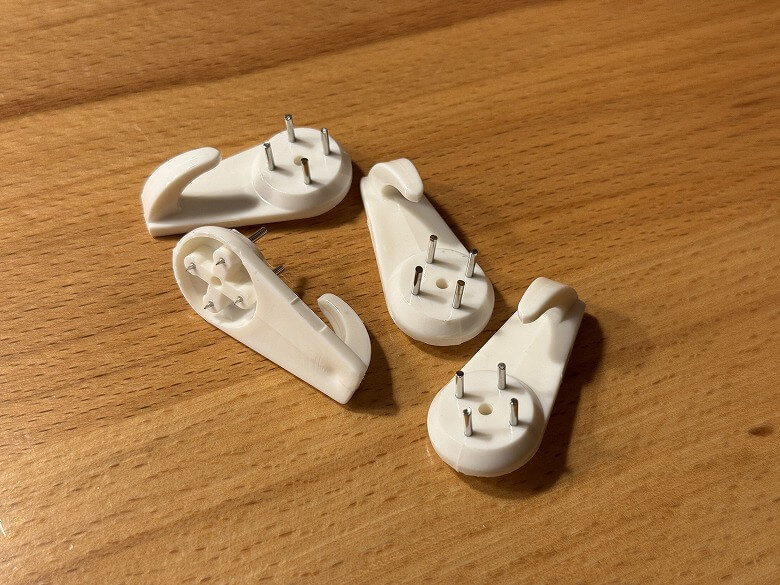
Wall hooks × 4
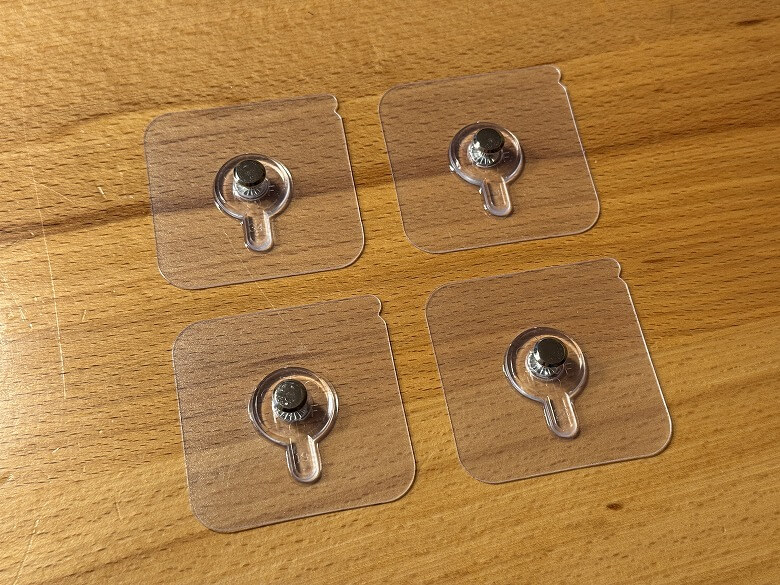
Adhesive hooks × 4
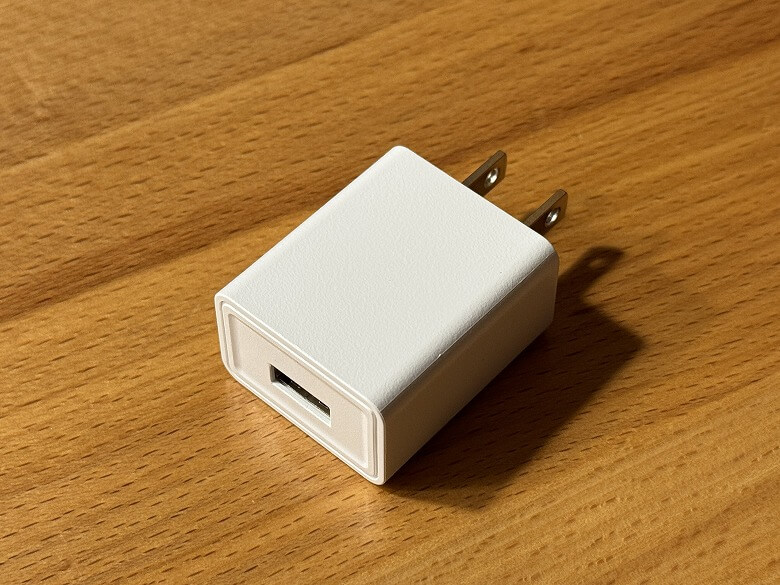
Power adapter
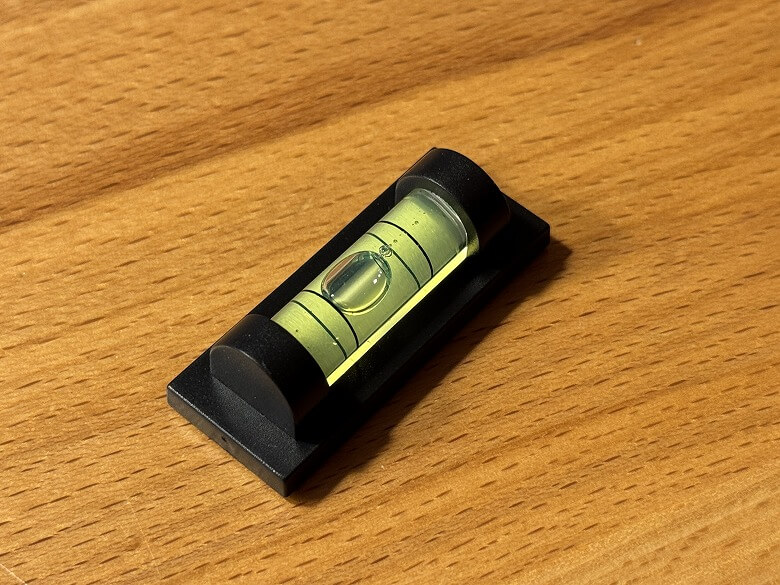
Level
USB Type-C cable
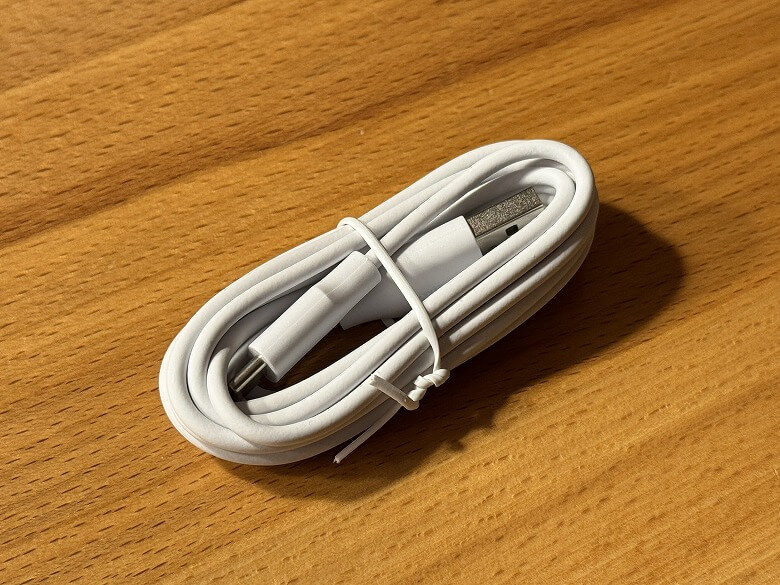
The USB Type-C cable is all white.
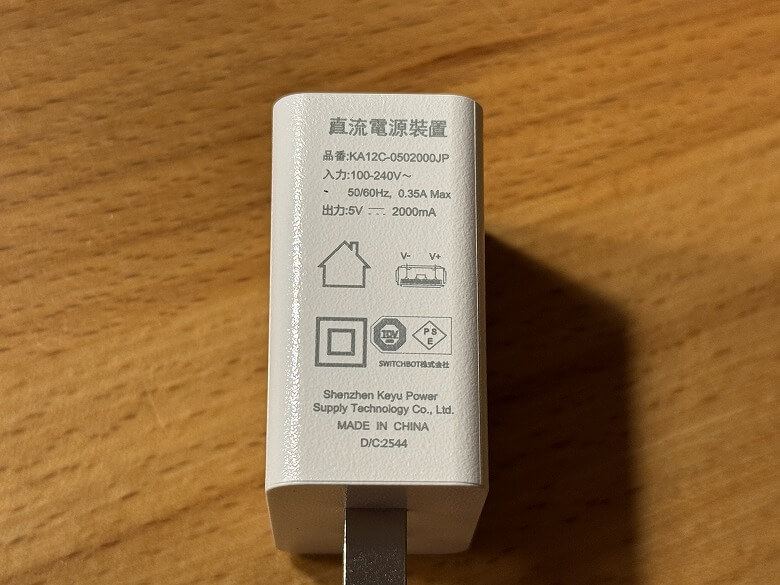
The specifications are listed on the side of the power adapter.
The wall hooks come in a set of four.
The adhesive hooks come in a set of four.
The mat boards come in a set of three.
The level is useful for measuring horizontality when hanging the “SwitchBot AI Art Canvas”.
SwitchBot AI Art Canvas Specifications
The “SwitchBot AI Art Canvas” is a next-generation digital art frame where AI instantly generates a “masterpiece wall decoration” from your words and quietly displays it on E Ink.
The main specifications are as follows.
スクロールできます
Product Name
SwitchBot AI Art Canvas
Dimensions
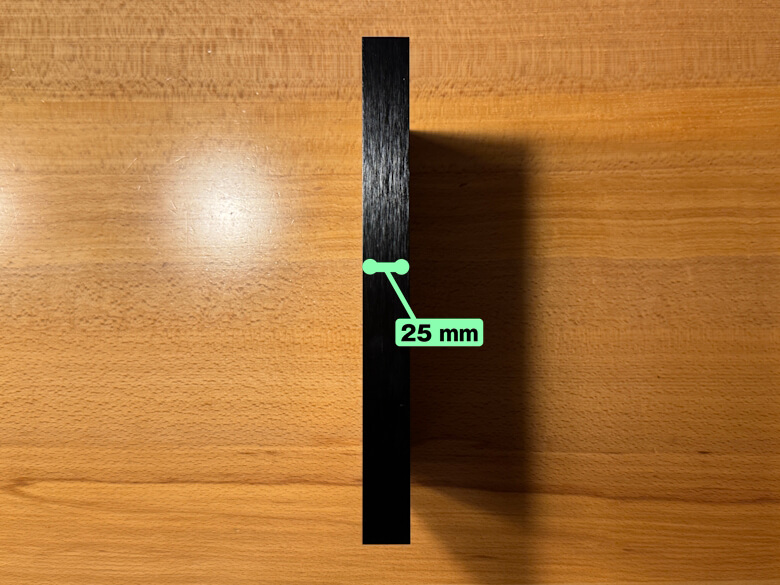
260 × 210 × 25 (mm)
Weight
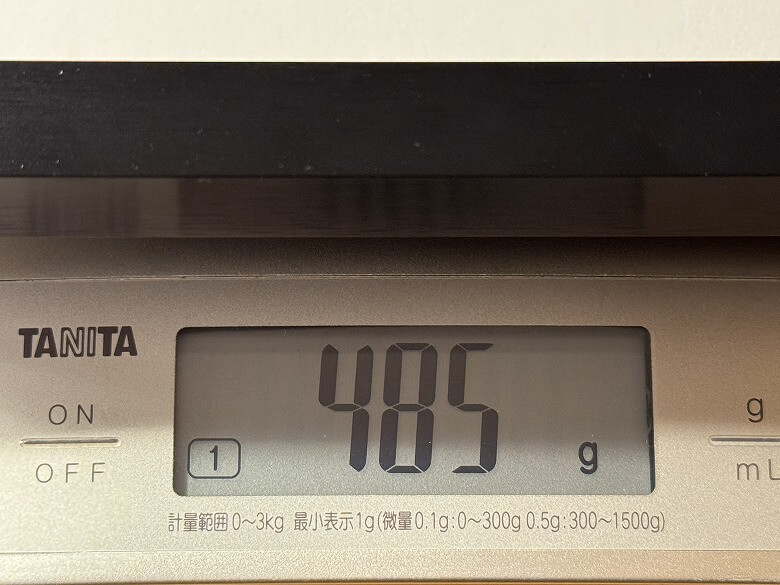
485 g
Frame Material
Aluminum alloy
Input
5V 2A
Screen Size
9 × 15.4 cm
Connectivity
2.4GHz Wi-Fi + Bluetooth 4.2
Appearance
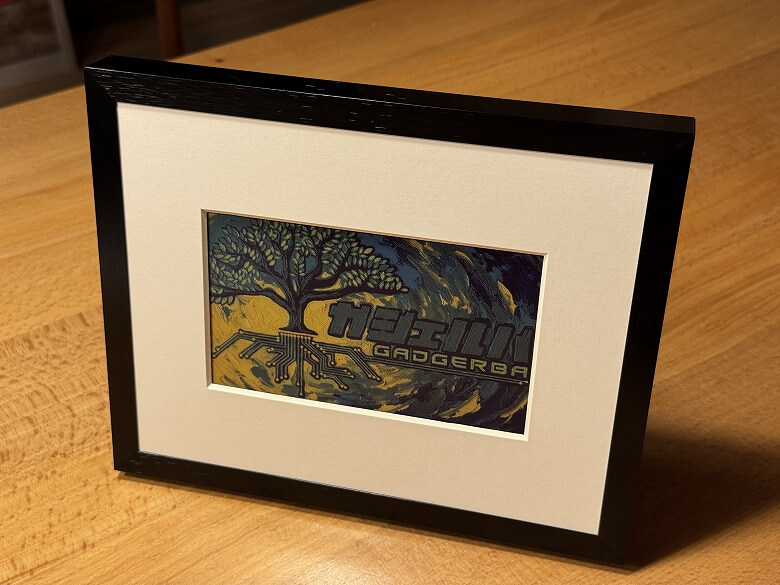
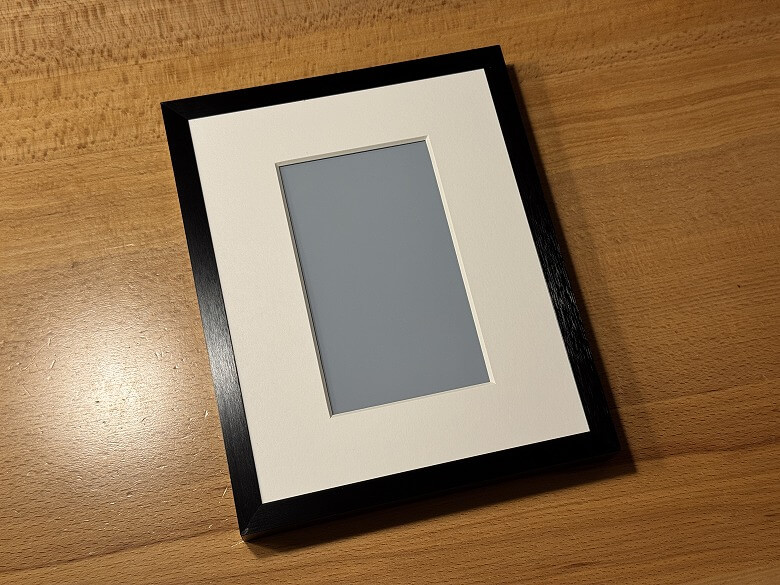
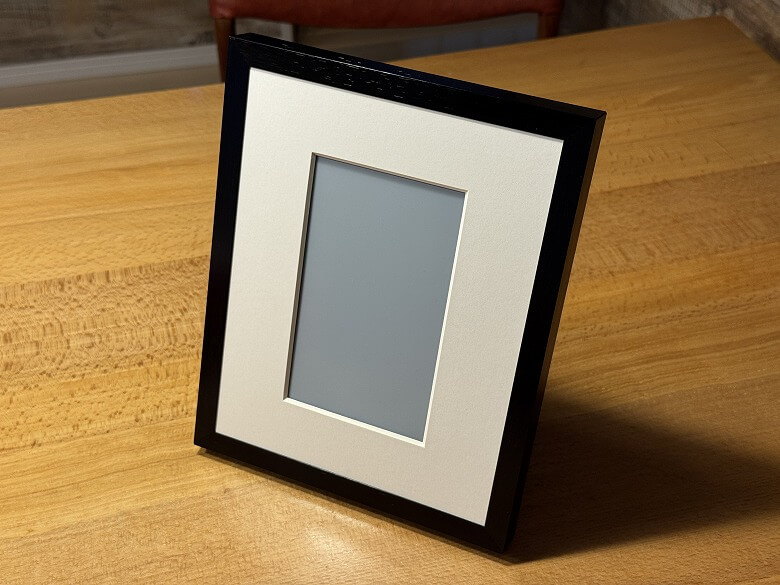
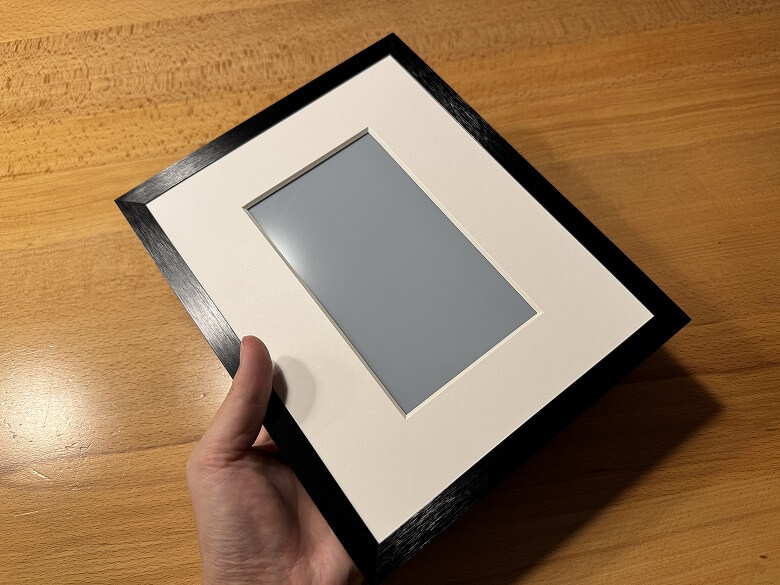
The “SwitchBot AI Art Canvas” has a simple two-tone design in white and black.
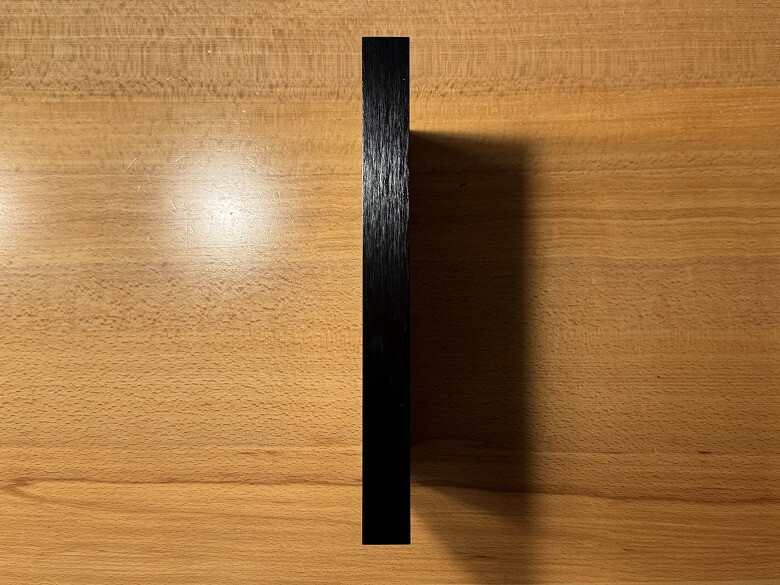
The sides are glossy black with a woodgrain pattern.
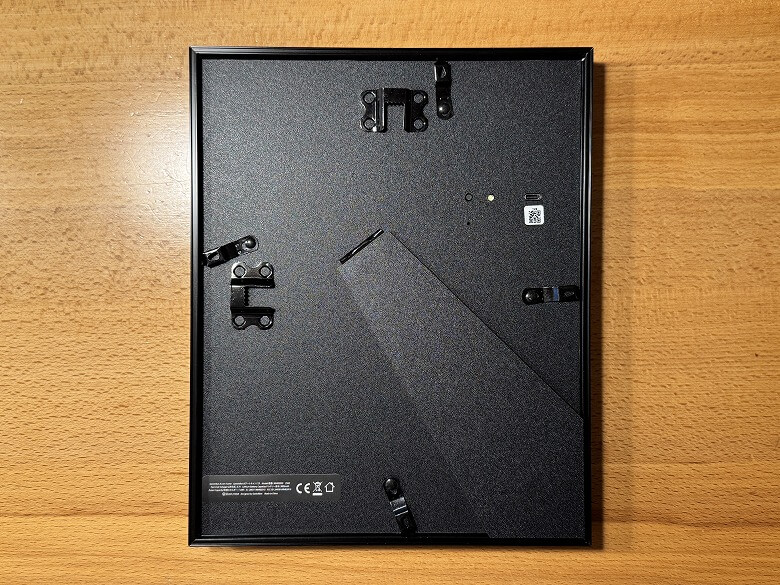
The back is entirely black.
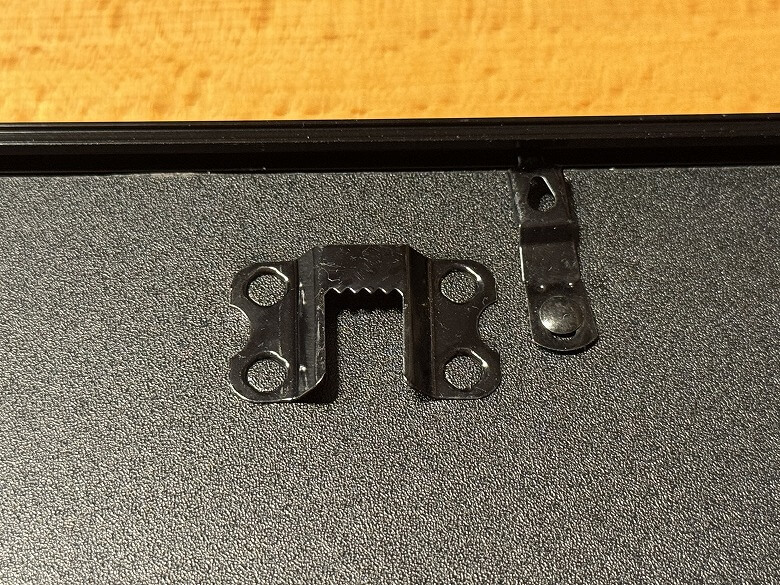
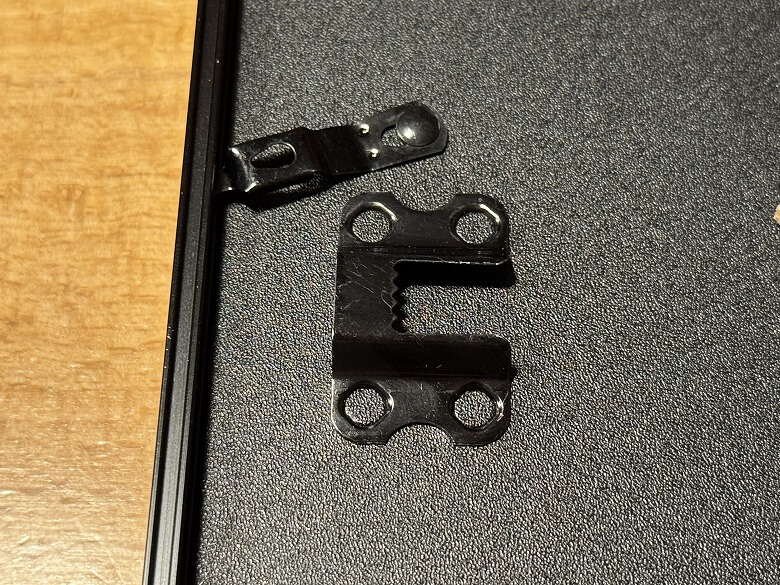
There are two parts for wall mounting.
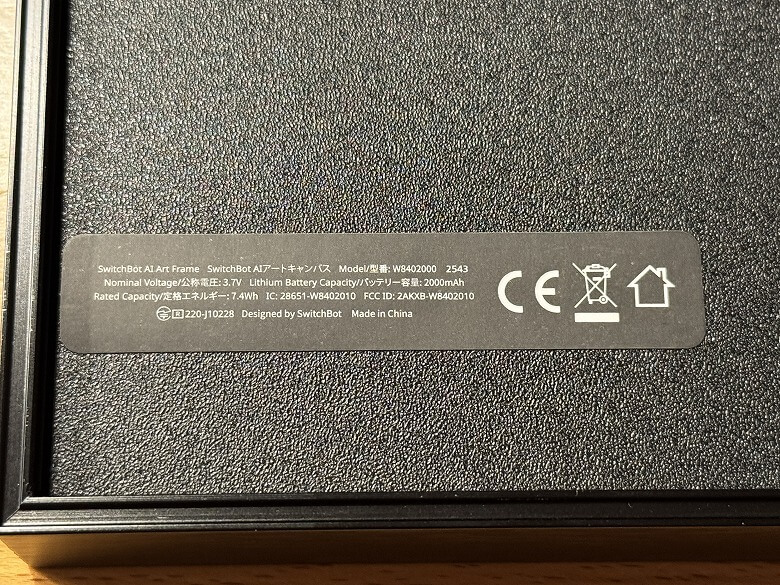
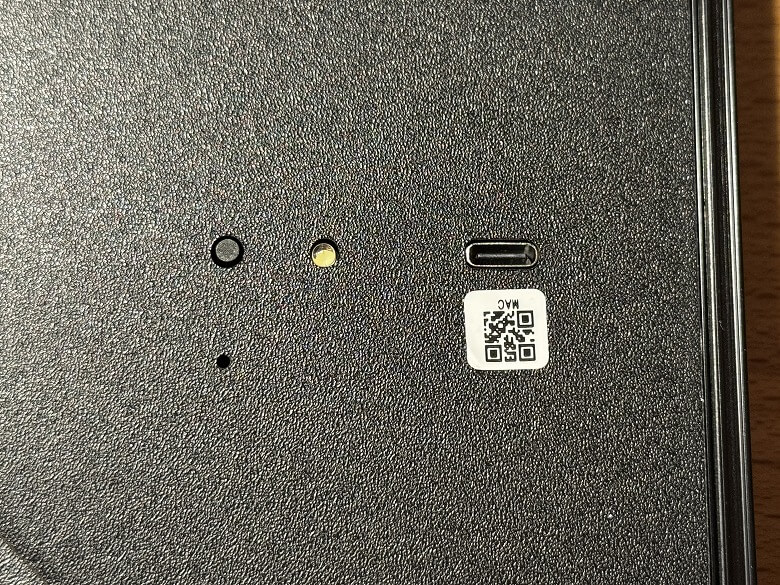
A label with specifications is attached at the bottom.
It has a power button, indicator, and a USB Type-C port for charging.
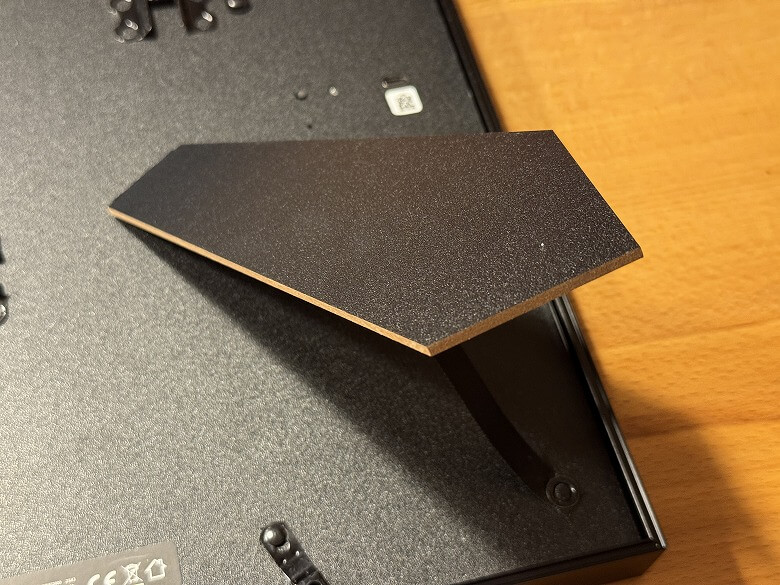
The stand supports both vertical and horizontal placement.
You can set it directly on a table by extending the stand.
Size & Weight
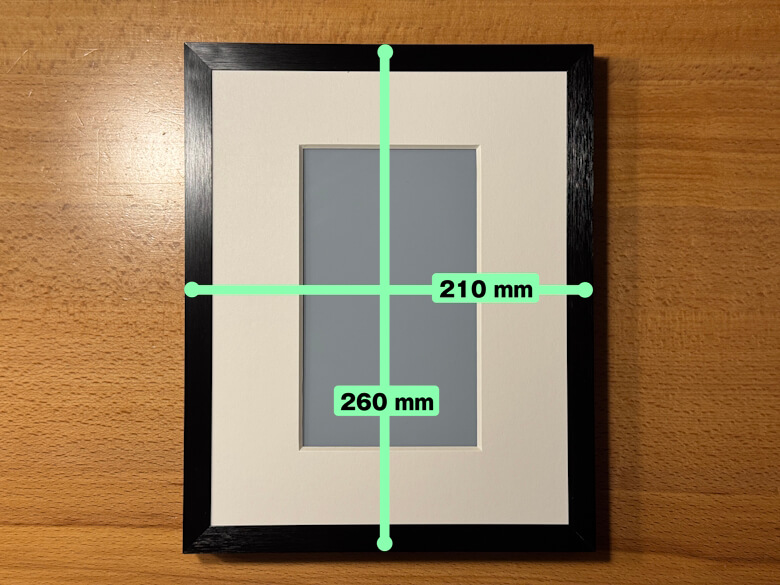
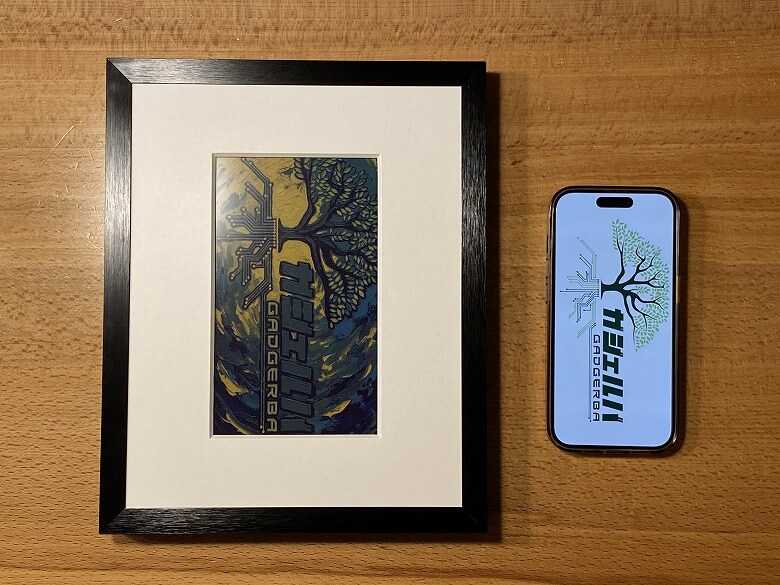
The “SwitchBot AI Art Canvas” measures 260 × 210 mm.
The thickness is 25 mm.
When compared with a smartphone (like the iPhone 15 Pro), it feels like this size.
It is rechargeable and cordless, so you can place it in various locations for display.
The weight is 485 g.
Features
Set up is done through the dedicated smartphone app, “SwitchBot“.
STEP
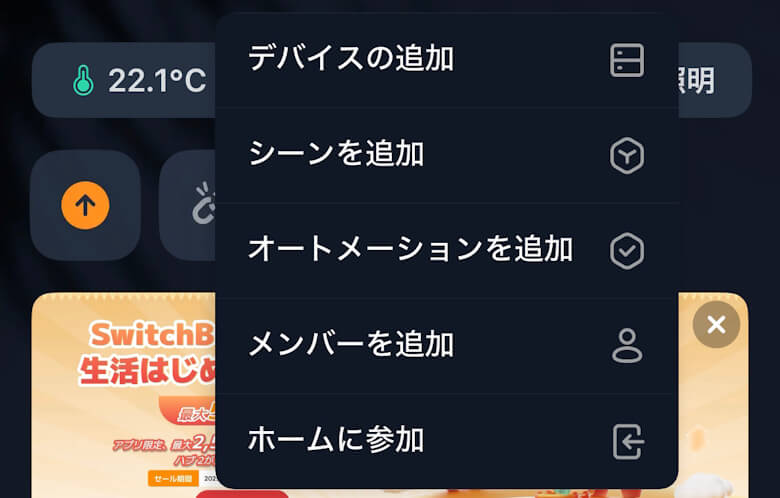
Tap “Add Device” from the “+” at the top right of the screen
STEP
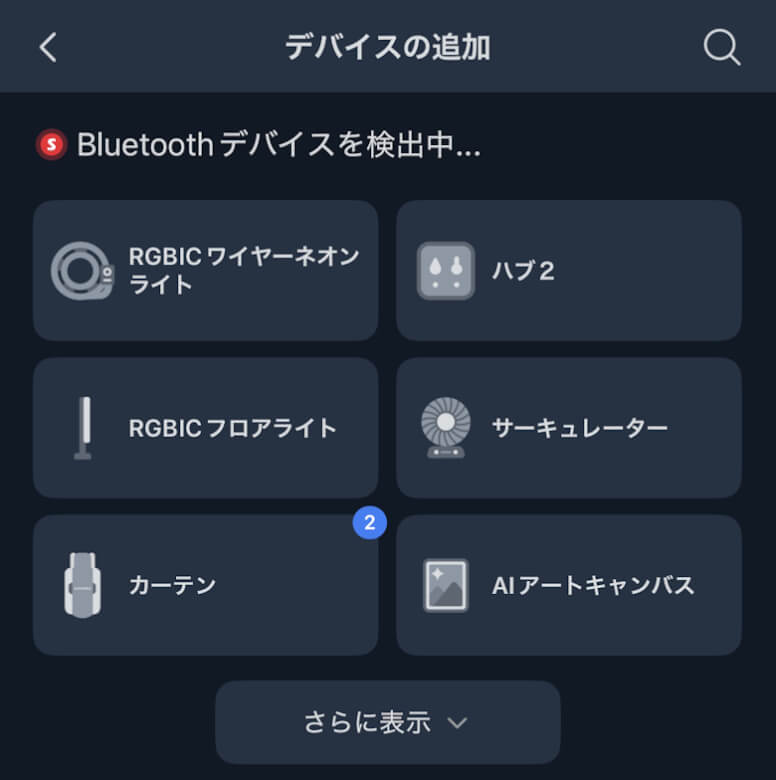
Tap “AI Art Canvas”
STEP
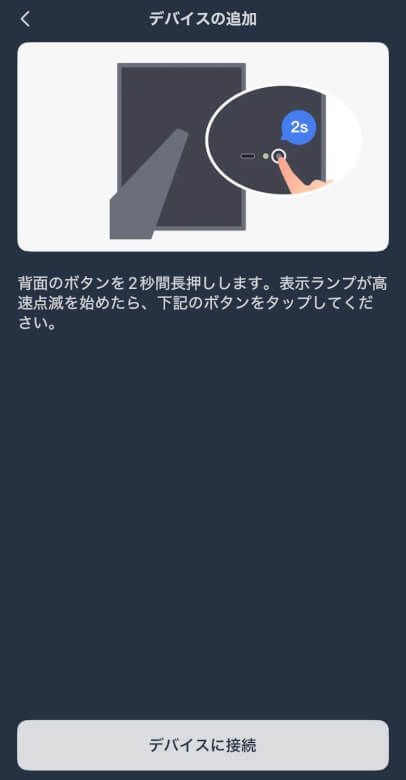
Tap “Connect to Device”
STEP
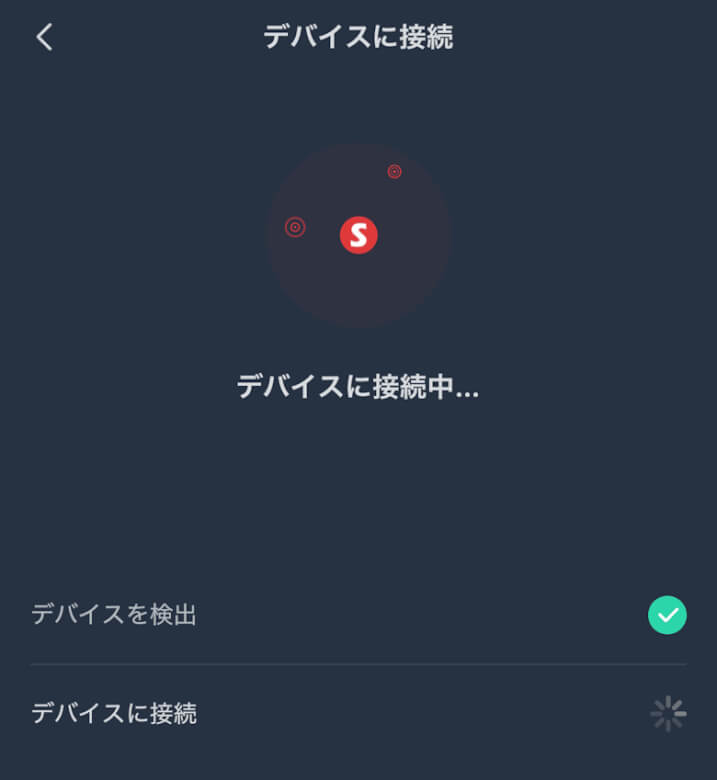
Wait for a moment
STEP
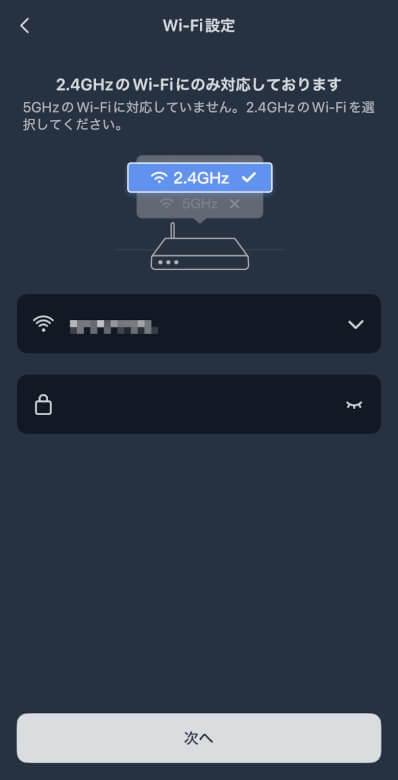
Enter Wi-Fi information and tap “Next”
STEP
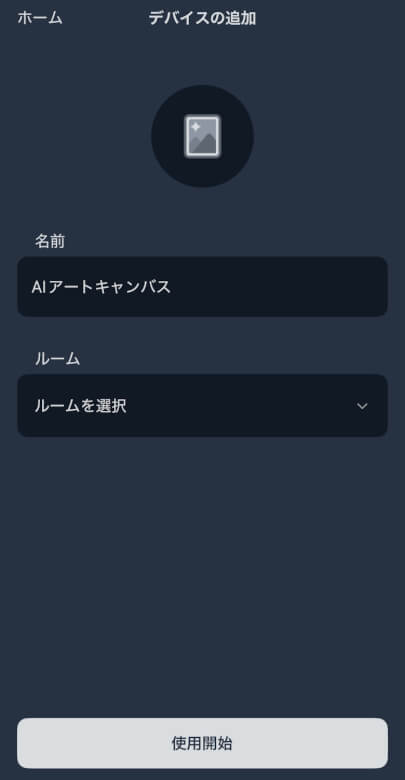
Enter a name and tap “Start Using”
STEP
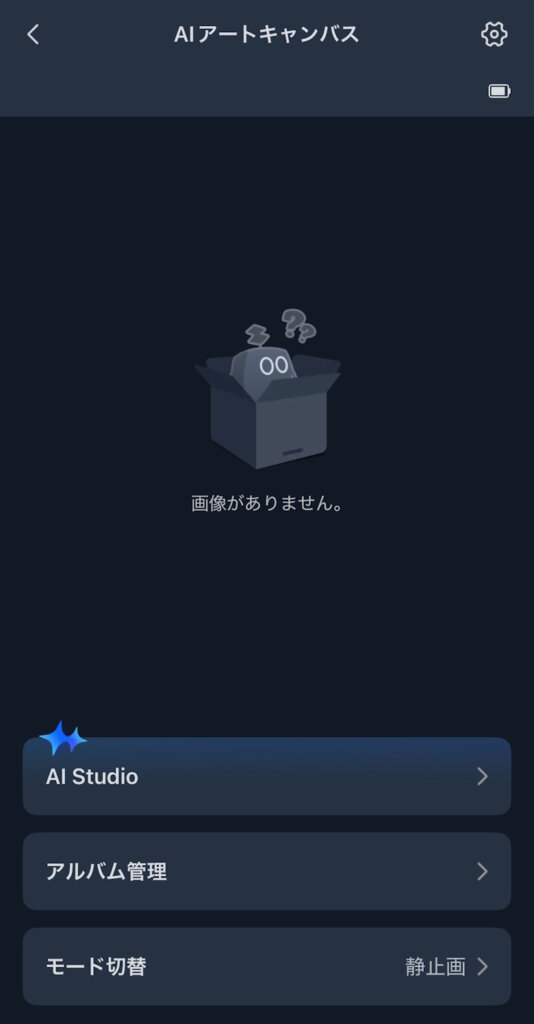
When the added “SwitchBot AI Art Canvas” appears on the home screen, the setup is complete
Initially, no images are displayed.
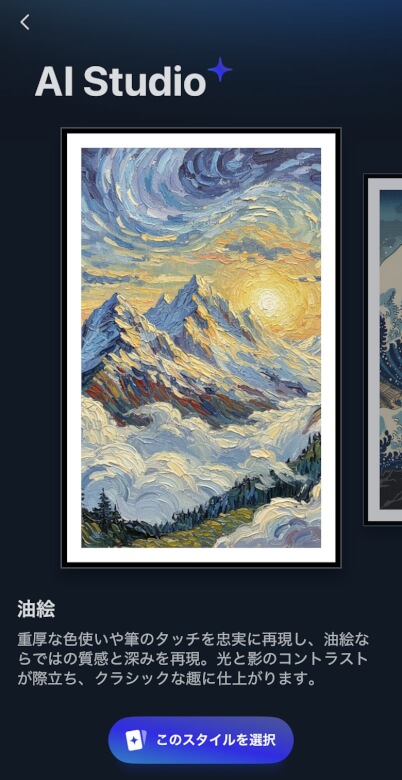
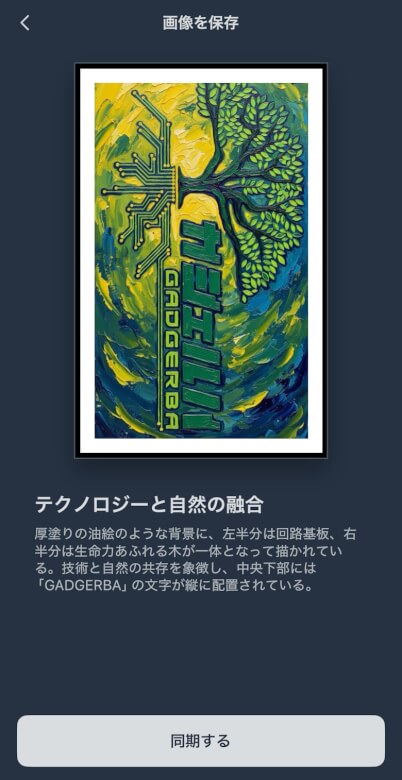
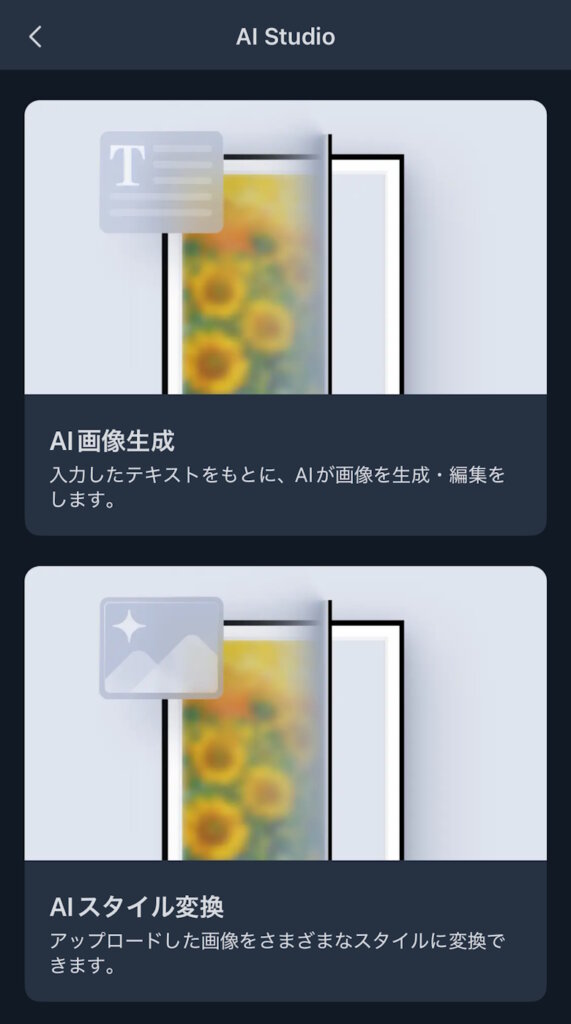
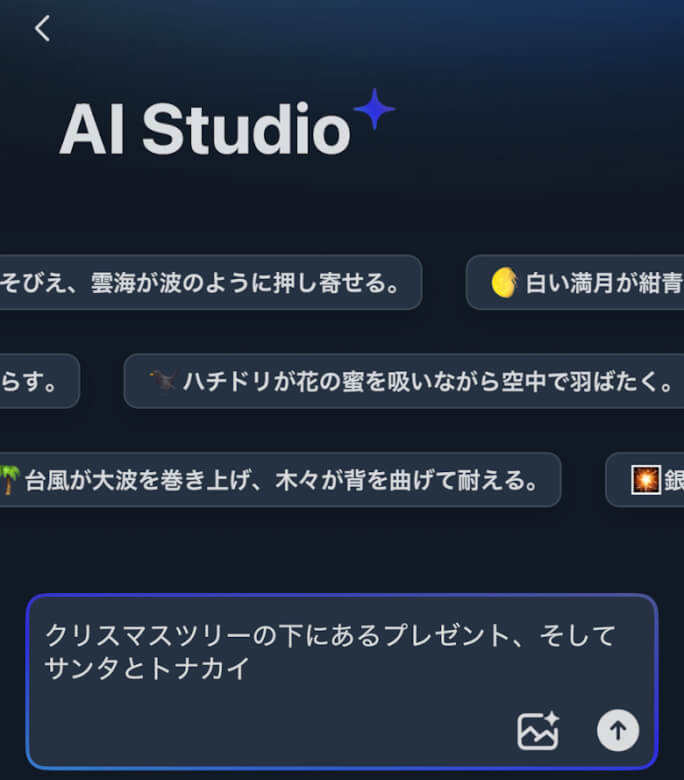
In AI Studio, you can choose between “AI Image Generation” and “AI Style Transfer”.
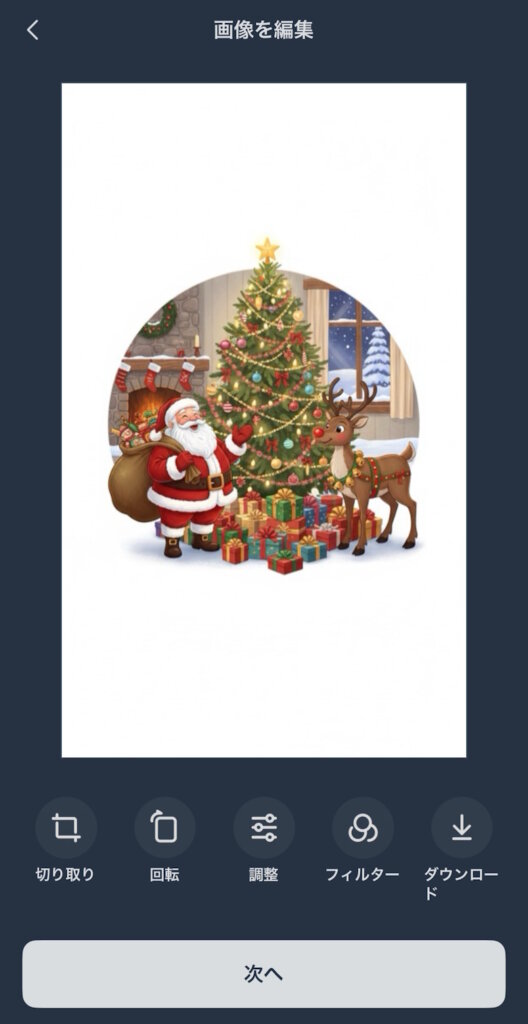
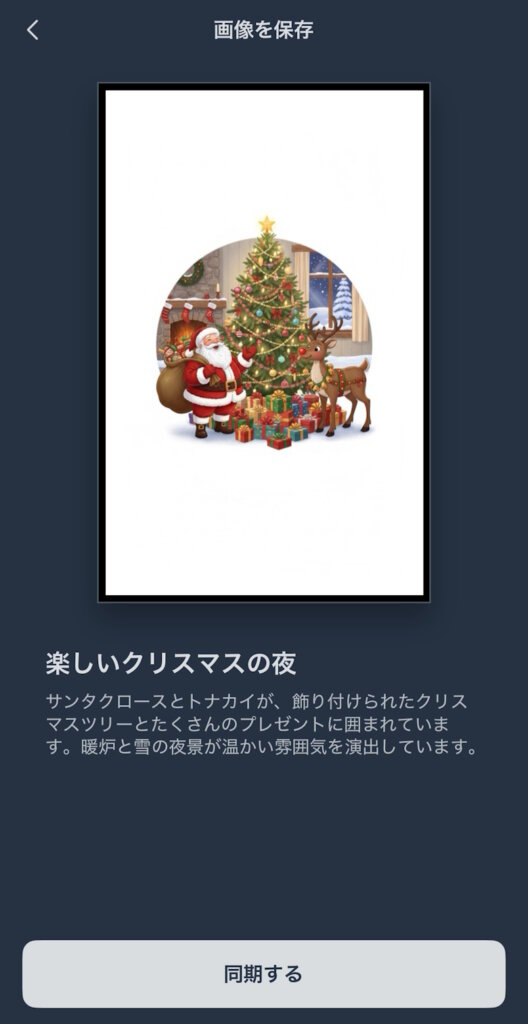
With AI Image Generation, AI creates images based on the text instructions you provide.
Itsuki
Not only text generation, you can also generate images from images.
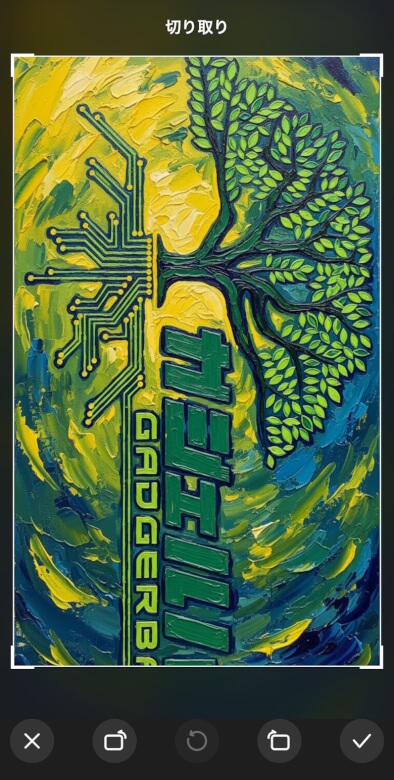
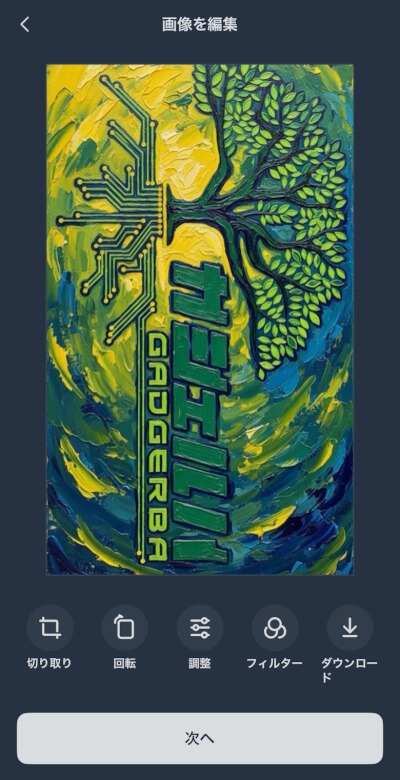
AI Style Transfer allows AI to transform an existing image into various styles such as oil painting.
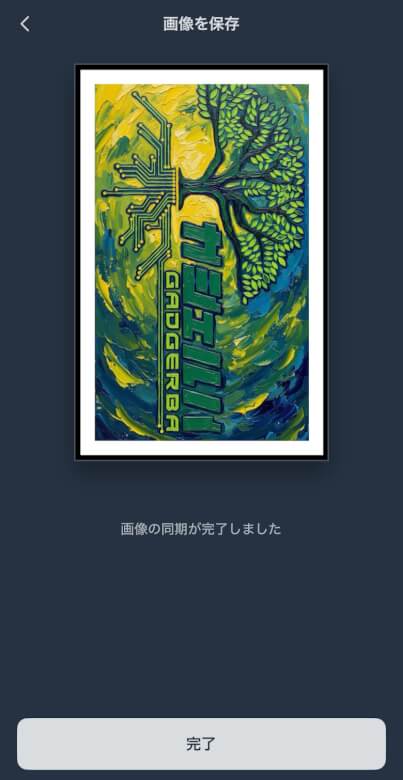
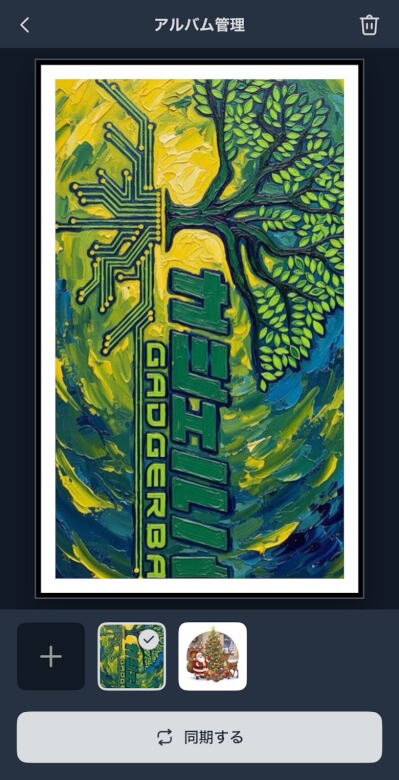
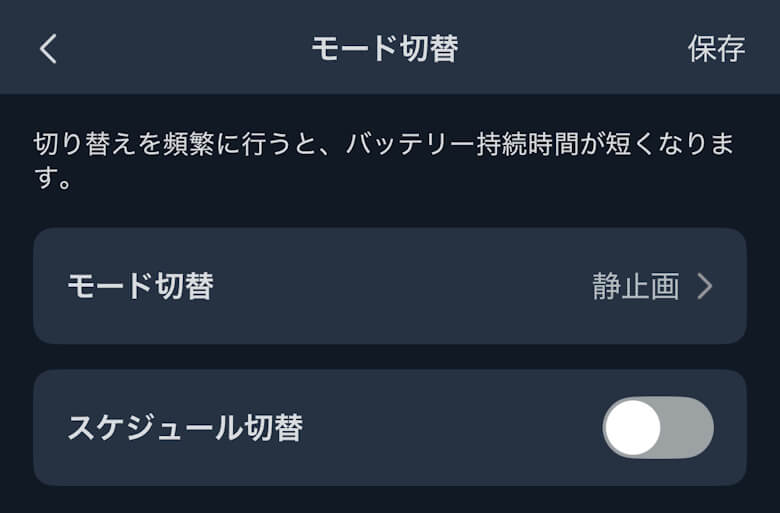
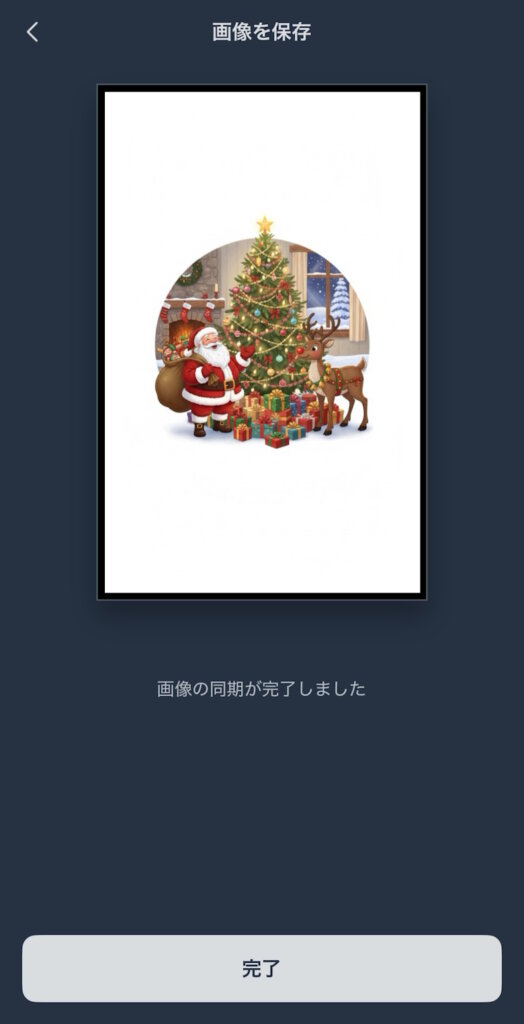
Album Management allows you to view and sync the images you have created, and Mode Switching lets you set schedules and more.
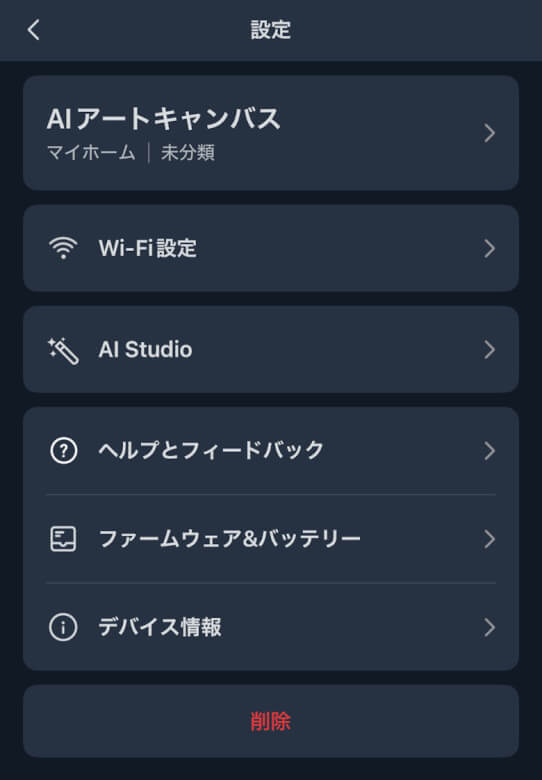
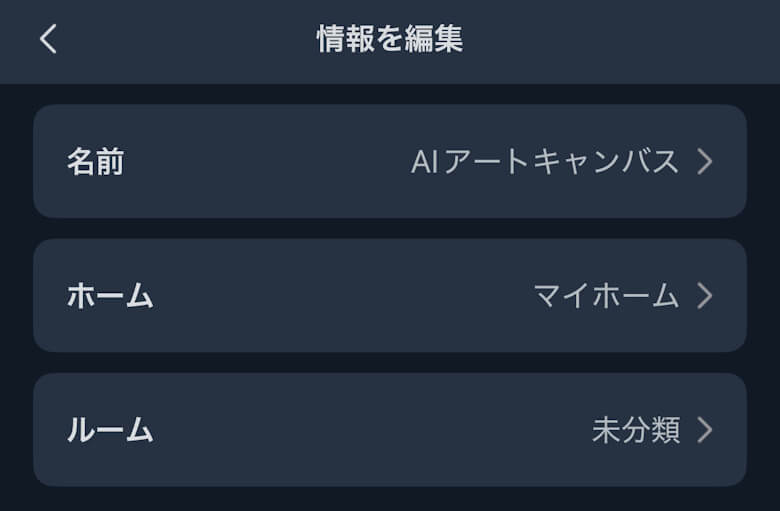
Other settings allow for various detailed configurations.
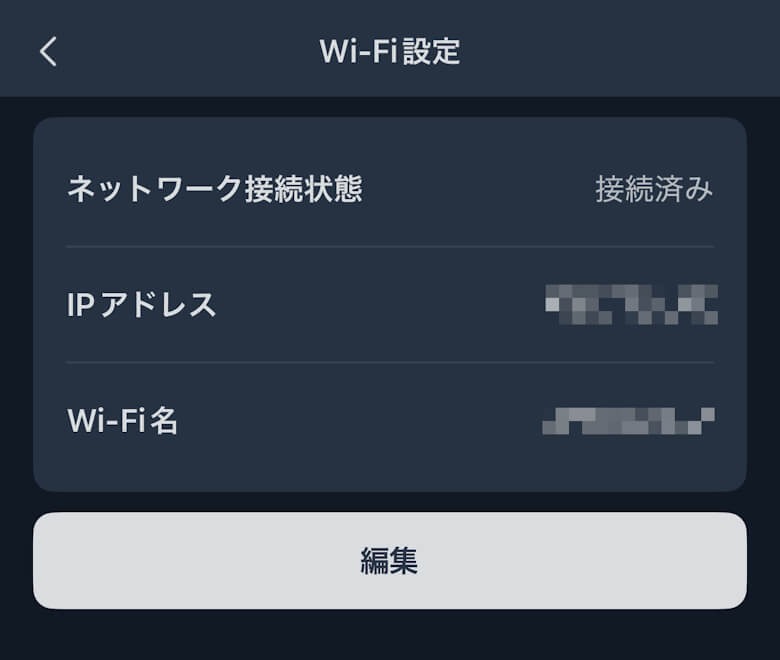
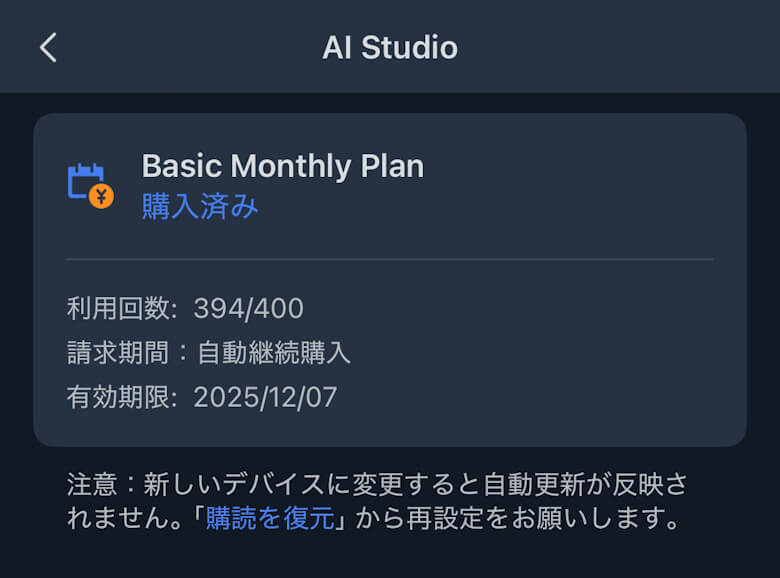
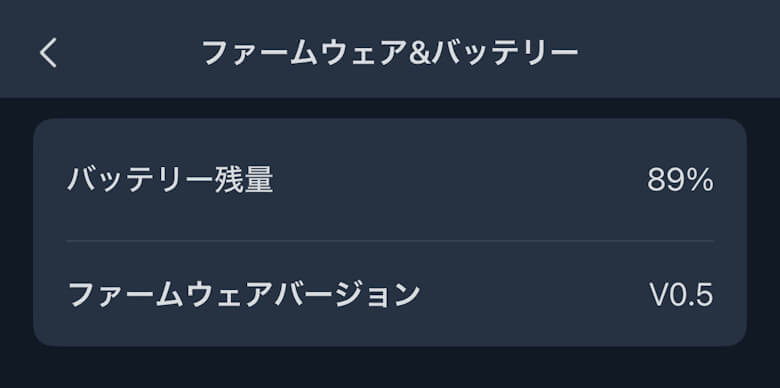
You can configure and check various information such as Wi-Fi details, plans, and firmware.
SwitchBot AI Art Canvas Review Summary
This article discussed “【SwitchBot AI Art Canvas Review】AI creates ‘one-of-a-kind artwork’ that you can enjoy every day – a futuristic art frame.”
“SwitchBot AI Art Canvas” goes beyond a simple digital photo frame and offers a new experience of incorporating art into daily life.
The fusion of infinite expressions generated by AI with the gentle display of E Ink makes it look like a painting quietly breathing.
It is a perfect device for those seeking a piece that makes everyday life a little more special.
メリット
デメリット
Enjoy original art automatically generated by AI with ease
High-quality E Ink display with low reflection
Battery-powered use without a power cord
Easy customization through SwitchBot app integration
High interior design quality that blends into living spaces
E Ink refresh speed is slow, so switching takes some time



 Itsuki