Hello, I’m Itsuki (@saigalog), and I’ve turned my smartphone into a remote control by placing NFC tags all around my home.
When you think of NFC tags, you probably picture something about the size of a coin. Just hold an NFC-enabled smartphone over it, and it instantly performs various actions such as launching apps, making it an incredibly convenient tool.
And now, the latest addition to the SwitchBot series, which offers a wide range of IoT devices, is the “SwitchBot Tag.”
For those already familiar with NFC tags, there’s probably one question that comes to mind: “What makes it different from other NFC tags?”
So in this article, I’ll first explain the key advantages of the “SwitchBot Tag,” which is the most important point, and then provide a detailed review covering its specifications, features, and real-world usage examples.
This article was created with a product provided by the manufacturer.
Table of Contents
Advantages of the SwitchBot Tag
As mentioned at the beginning, many people who know about NFC tags are likely thinking this:
“Wouldn’t an NTAG216 NFC tag perform the same functions?”
That is absolutely correct, and in fact, other brands using NTAG216 NFC tags will function in the same way.
With that in mind, I’ll start by explaining the advantages of the “SwitchBot Tag.”
Advantages of the SwitchBot Tag
Reasonably priced for an NTAG216 NFC tag
Plastic material with added thickness, making it easier to read even when attached to metal surfaces
Waterproof, so installation locations are not limited
By the way, “NTAG216” is the name of the chip, and its key feature is its large memory capacity of 888 bytes.
Models with smaller capacities include NTAG213 and NTAG215.
The “SwitchBot Tag” costs 980 yen for a set of three, which comes to approximately 326 yen per tag.
If you look on Amazon and elsewhere, you can find some NTAG216 NFC tags at lower prices.
However, availability is limited, and considering the quality aspects described later, I don’t think the “SwitchBot Tag” is necessarily expensive; rather, it is fairly priced.
On the other hand, if NTAG213 or NTAG215 with smaller memory capacity is sufficient for your needs, you can get them for just a few dozen to around 100 yen per tag, so I would not recommend the “SwitchBot Tag” in that case.
That said, cheaper products usually come with trade-offs, and the difference lies in the materials used.
Many inexpensive NFC tags are made of paper material, which means they are not waterproof.
They are also naturally thinner, so when attached to metal surfaces, your smartphone may fail to respond or have difficulty reading them.
In contrast, the “SwitchBot Tag” is made of plastic, so it is waterproof, and its thickness makes it easier for smartphones to respond even when attached to metal surfaces.
You might think that’s all, but when you actually use it, this makes a significant difference.
The main advantage of NFC tags in the first place is that you can launch apps or devices simply by holding your smartphone over them, without navigating through multiple steps.
The frustration when a tool meant to save time fails to respond can be intense, and if you end up stopping using it altogether, that completely defeats the purpose.
Itsuki
To ensure your time-saving tool works reliably, it’s worth spending a little extra and choosing the high-quality “SwitchBot Tag”—that’s my final conclusion.
What’s Included with the SwitchBot Tag
The packaging of the “SwitchBot Tag” is transparent, allowing you to clearly see the product inside.
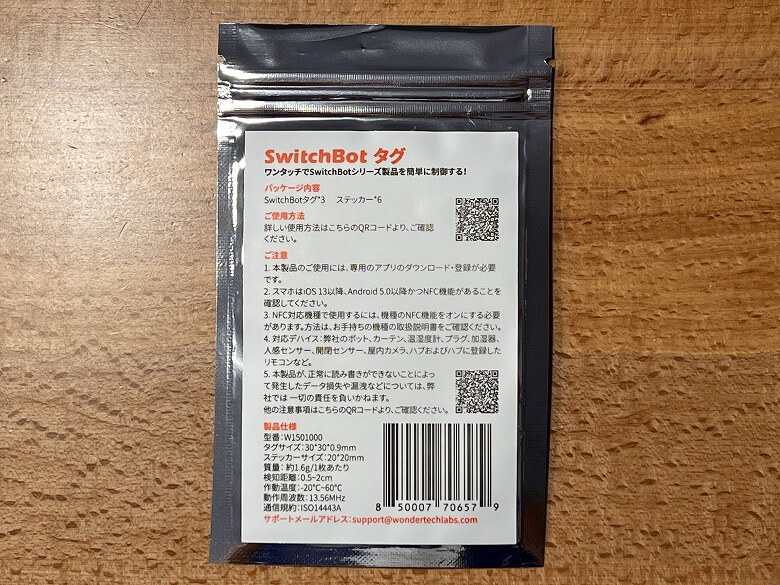
The back lists the product specifications.
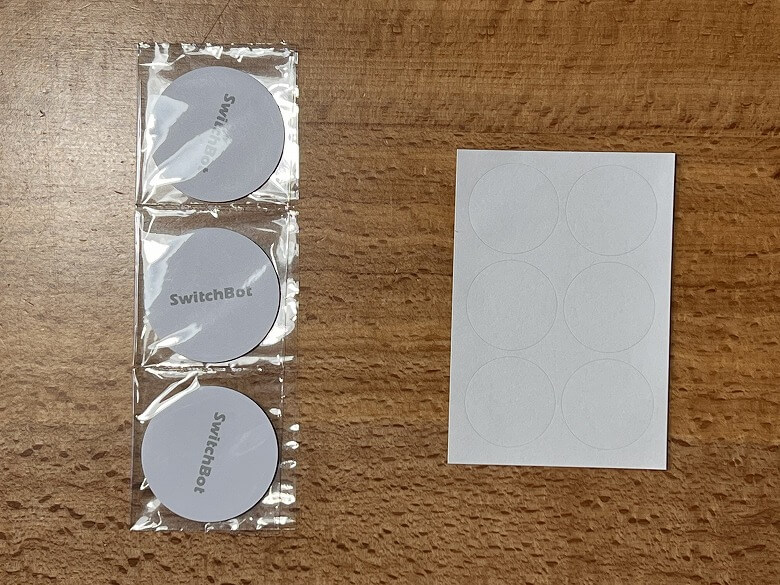
The following items are included in the package.
What’s Included with the SwitchBot Tag
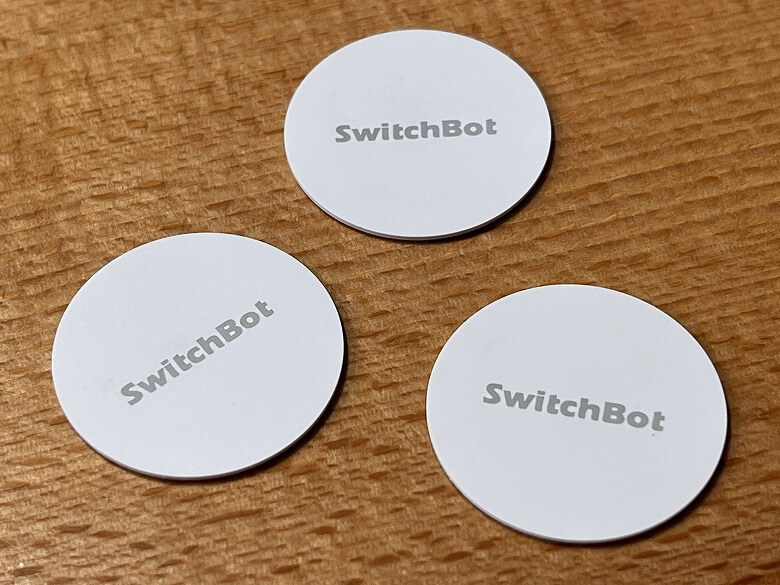
SwitchBot Tag × 3
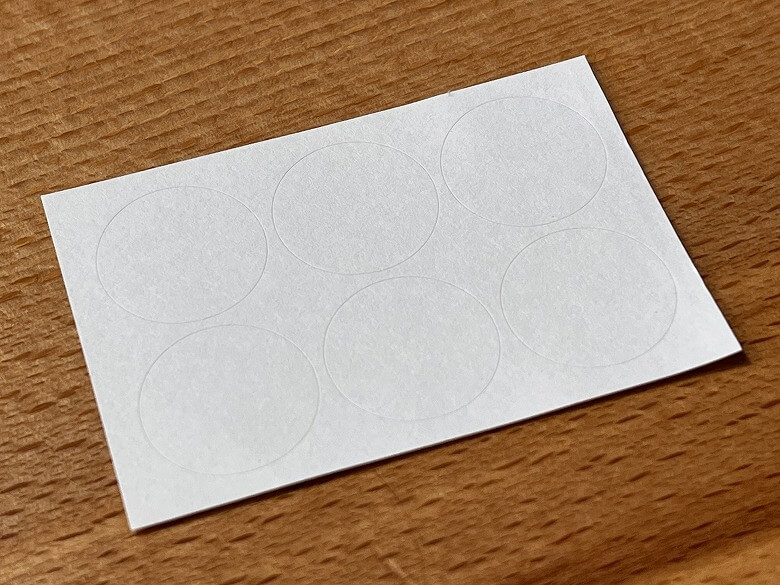
Stickers × 6
Six stickers are included. Write the intended use on them and attach them to the surface of the “SwitchBot Tag.”
SwitchBot Tag Specifications
The “SwitchBot Tag” features a high-capacity NTAG216 chip, a durable plastic body, waterproof construction, and reliable performance even when attached to metal surfaces—making it a high-quality NFC tag.
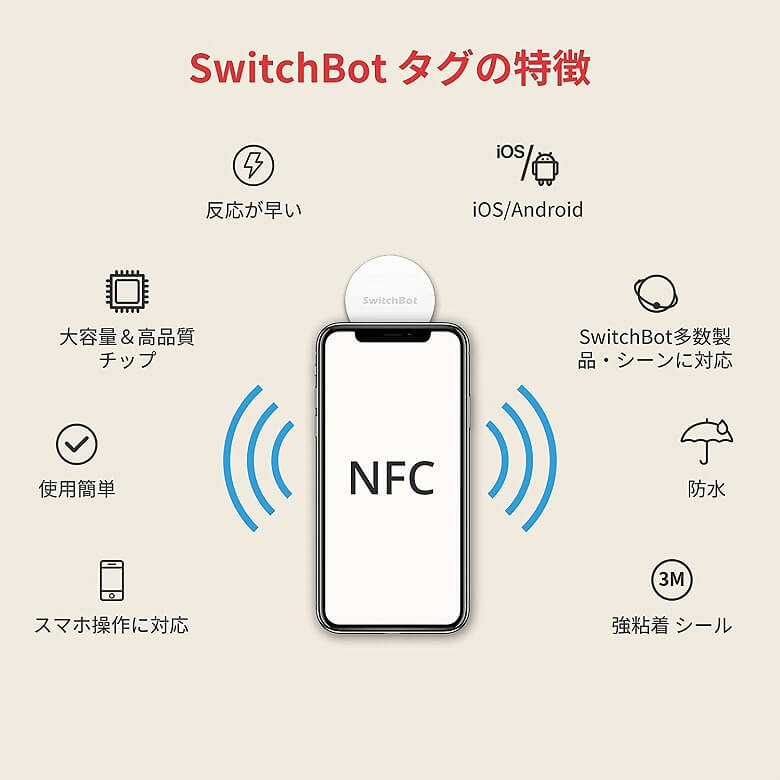
The “SwitchBot Tag” comes with eight key features.
SwitchBot Tag Features
Works with smartphones
Easy to use
High-capacity & high-quality chip
Fast response time
iOS / Android compatible
Compatible with multiple SwitchBot products and scenes
Waterproof
Strong adhesive backing
Here are the main specifications:
Product Name
SwitchBot Tag
Dimensions
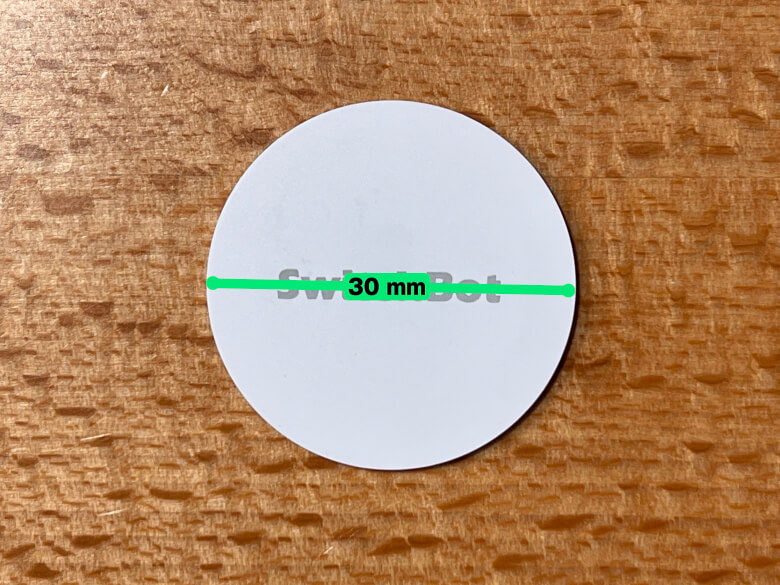
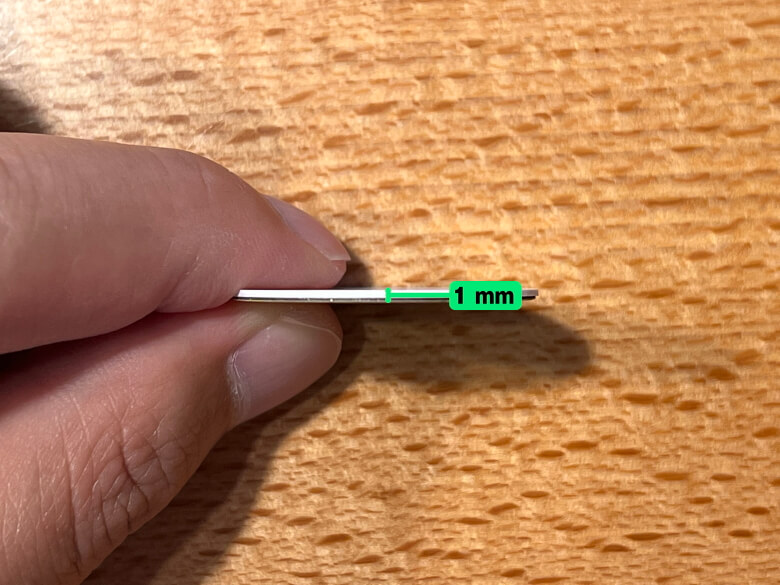
30 mm diameter, 1 mm thickness
Weight
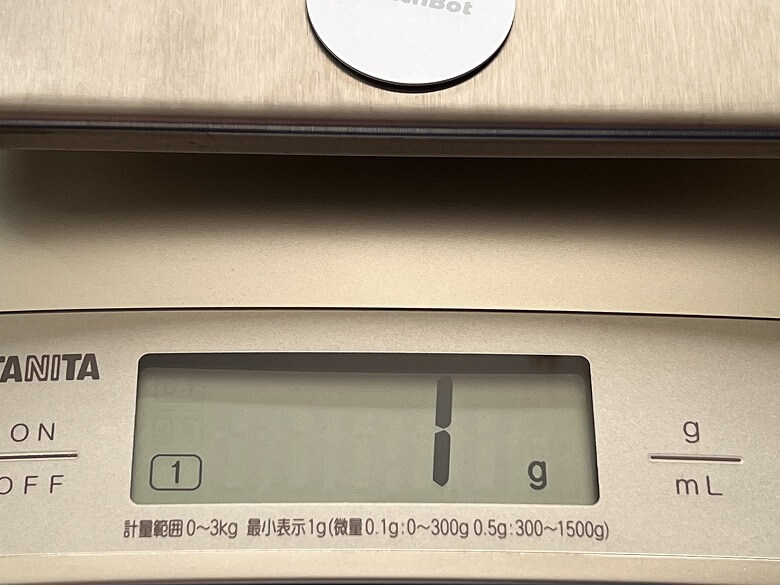
1 g
Material
ABS
Chip
NTAG216
Storage
888 bytes
Read Range
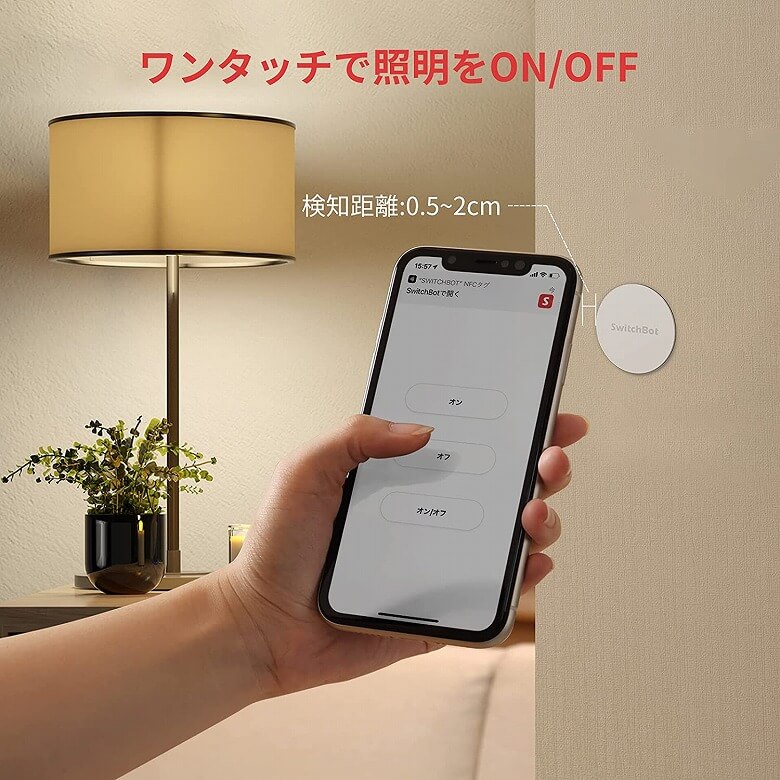
0.5–2 cm
Read Time
1–2 seconds
Write Cycles
Up to 100,000 times
Data Retention
10 years
Operating Frequency
13.56 MHz
Communication Protocol
ISO14443A
Design
The “SwitchBot Tag” features a clean white design with a durable plastic build.
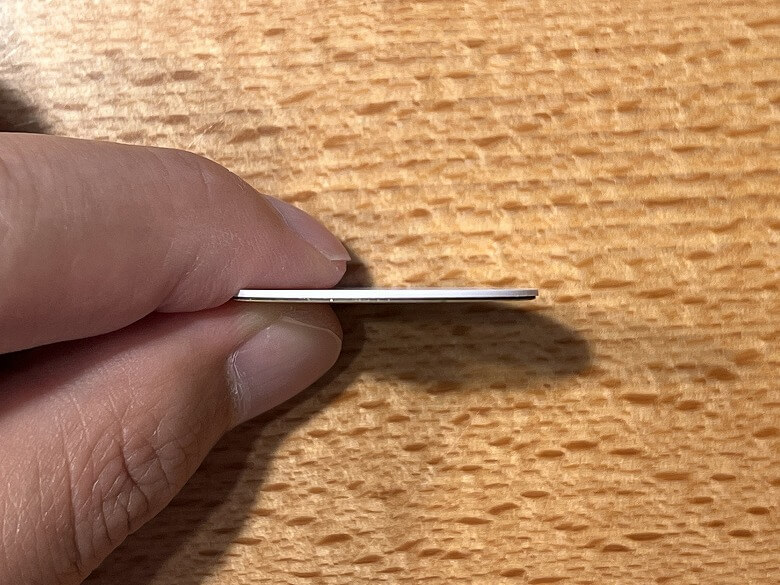
With a thickness of just 1 mm, it can be installed almost anywhere without taking up space.
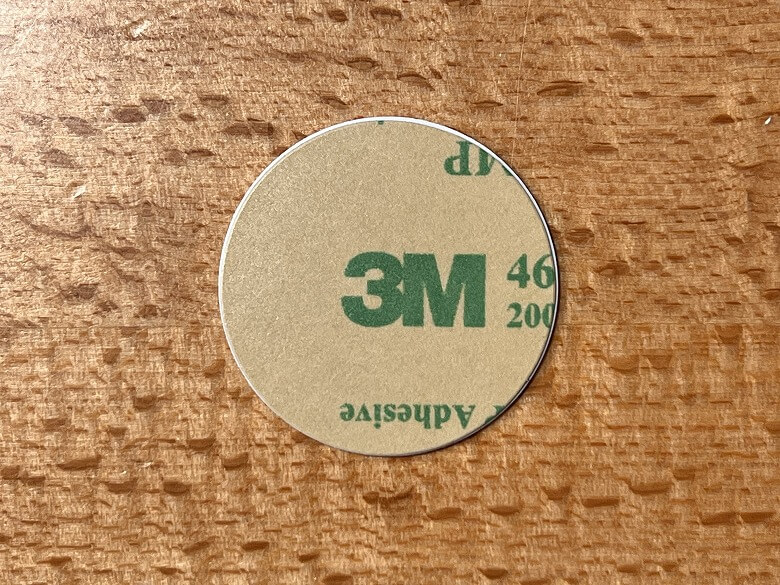
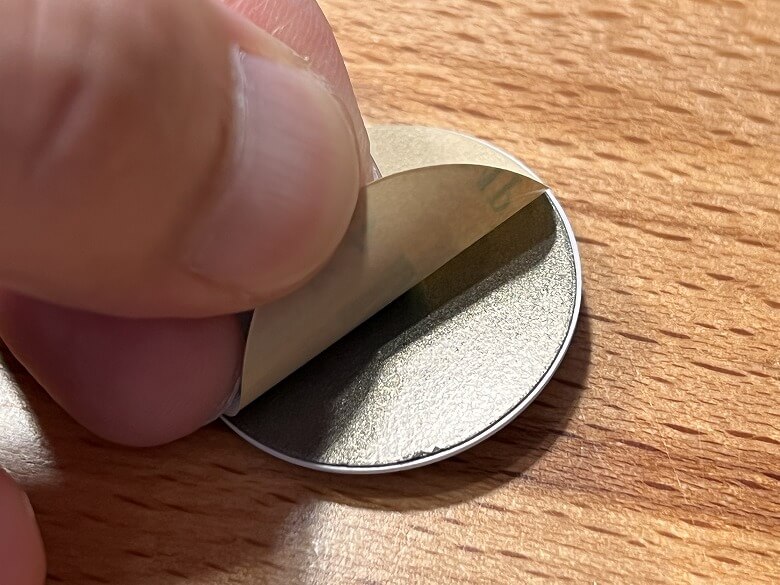
The back is equipped with 3M adhesive tape, providing reliable sticking power.
Simply peel off the protective film and stick it onto the desired surface.
Size & Weight
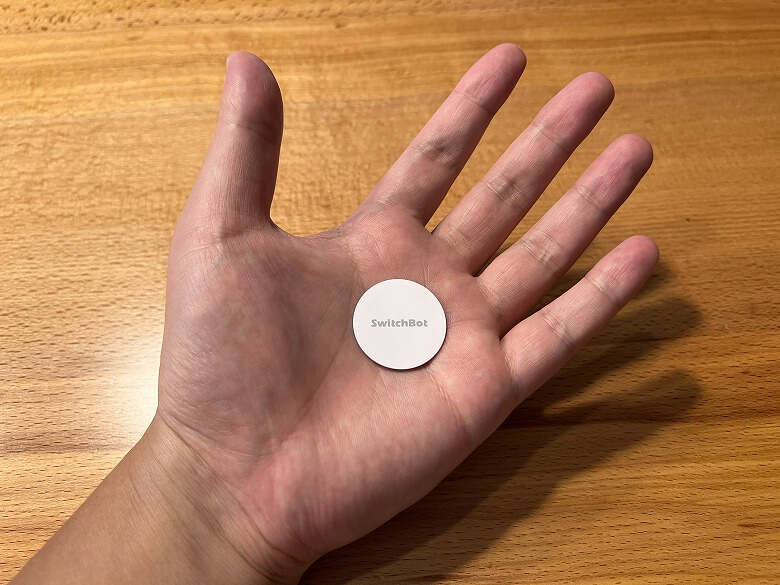
The “SwitchBot Tag” has a diameter of 30 mm.
Thickness: 1 mm.
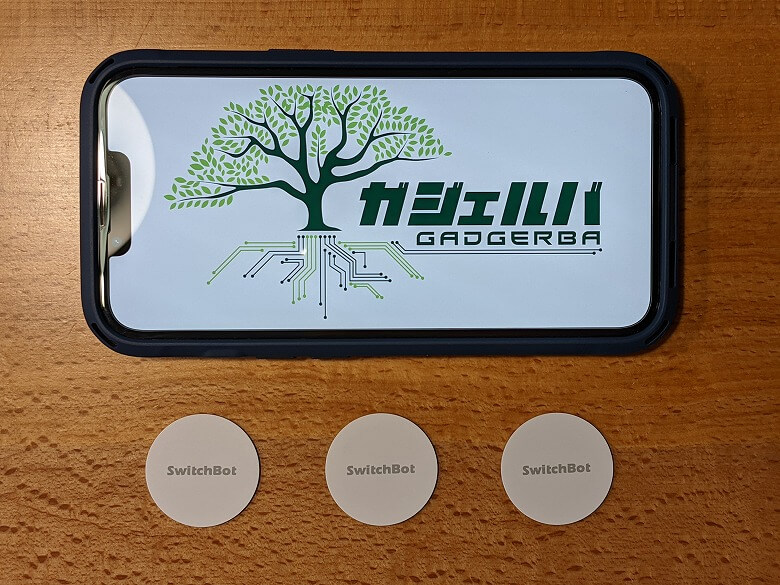
Here’s how the size compares to a smartphone (iPhone 13 Pro).
It’s slightly larger than a 500-yen coin, which makes it easy to picture its size.
The weight is just 1 g.
Features
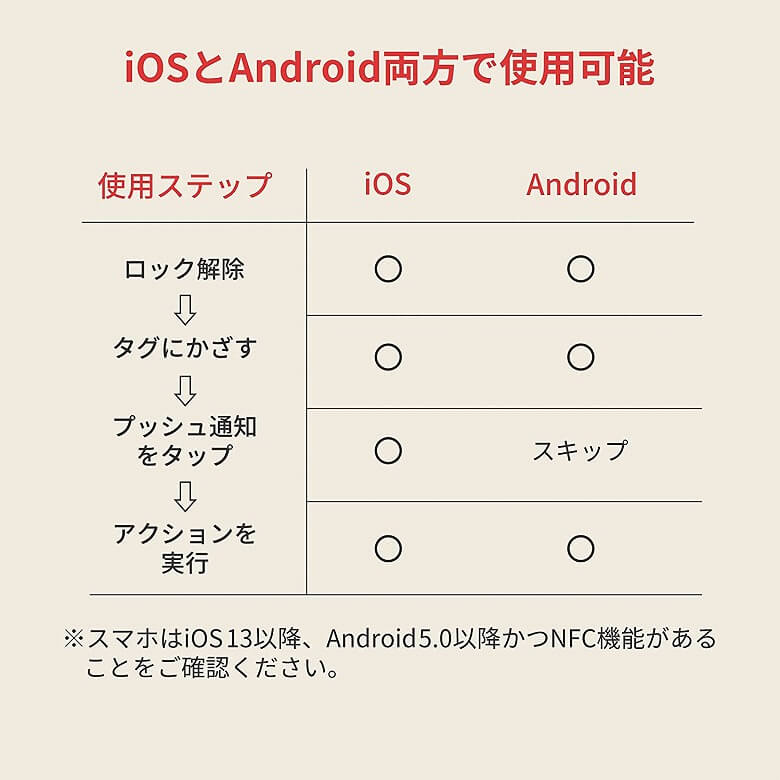
The “SwitchBot Tag” works with both iOS and Android smartphones.
Itsuki
On iPhone, you’ll need one extra step—tap the push notification to launch the app.
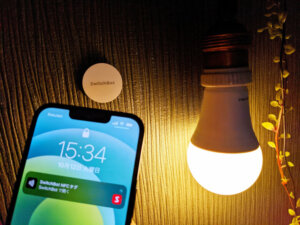
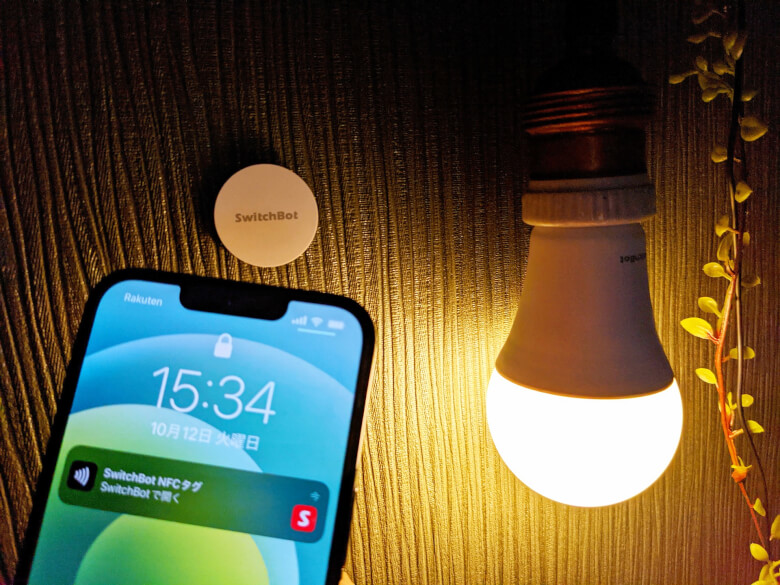
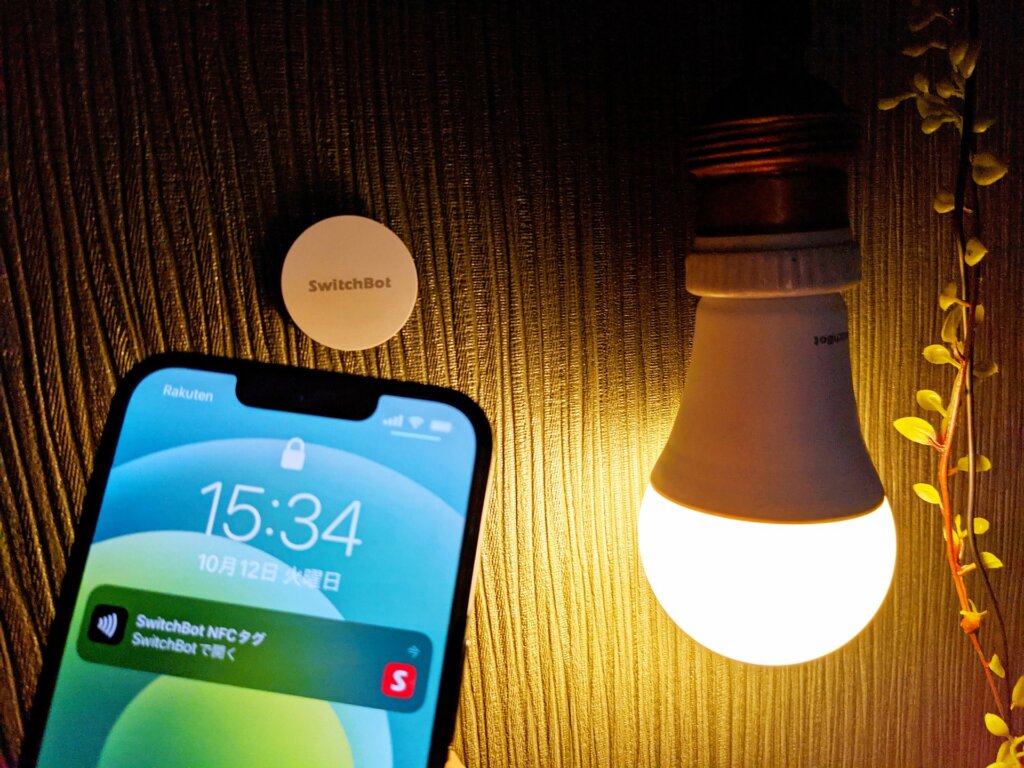
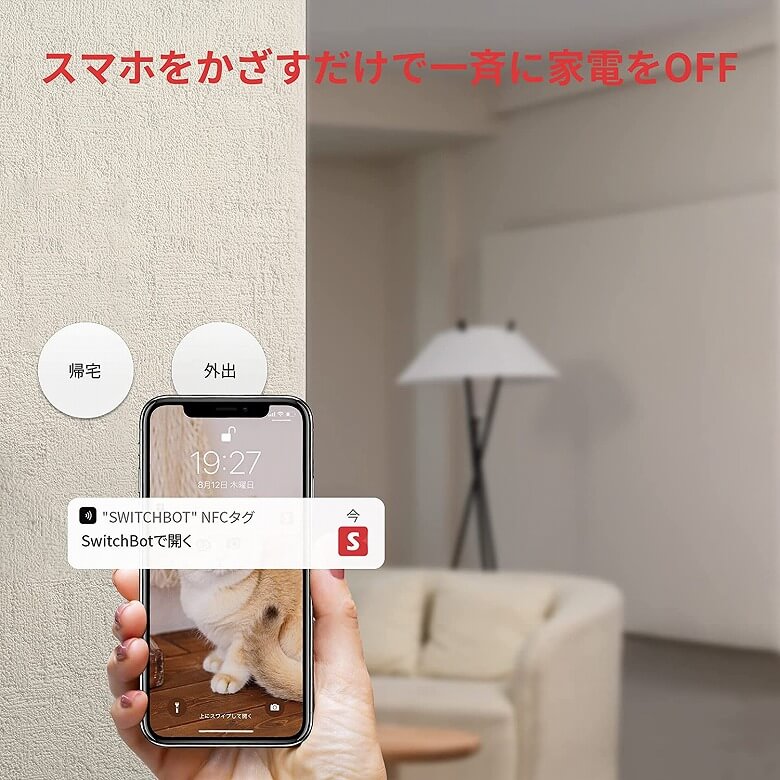
When you hold your smartphone over the “SwitchBot Tag”, a push notification appears like this.
Itsuki
Please note that if your screen is off, it won’t respond even if you hold it over the “SwitchBot Tag”.
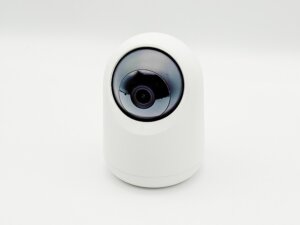
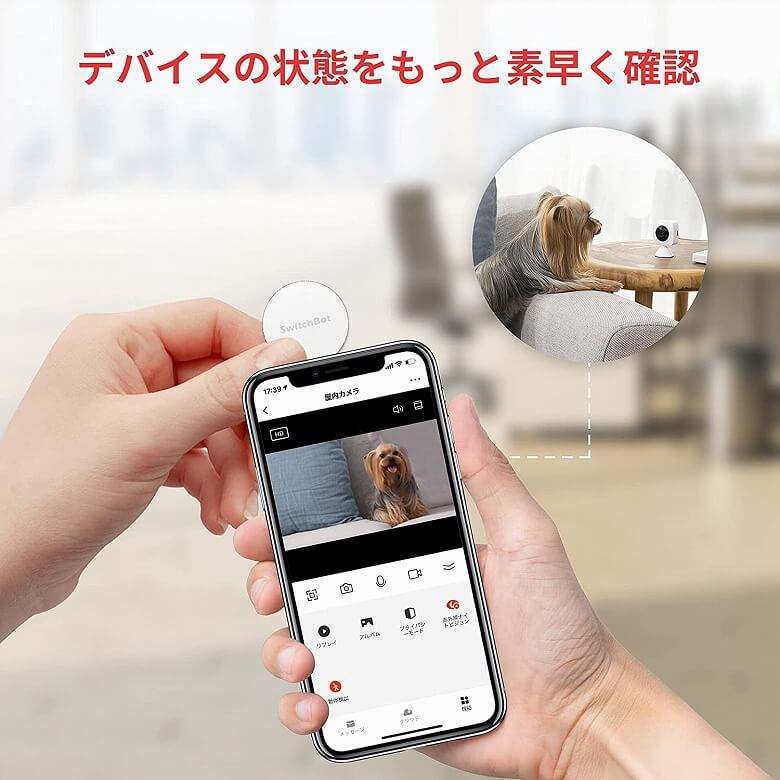
Using the “SwitchBot Tag” as a trigger, you can check the status of your SwitchBot devices.
Itsuki
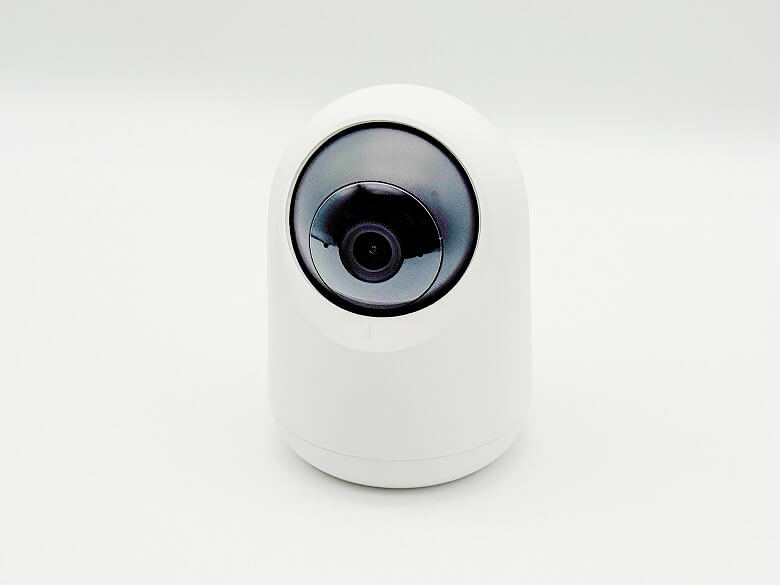
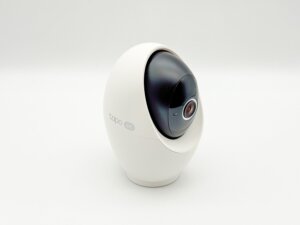
No more opening the app and manually selecting your “SwitchBot Indoor Camera” every time.
If paired with the “SwitchBot Smart Bulb”, you can turn the light on or off just by tapping your phone.
You can even configure multiple SwitchBot devices to turn appliances on or off simultaneously.
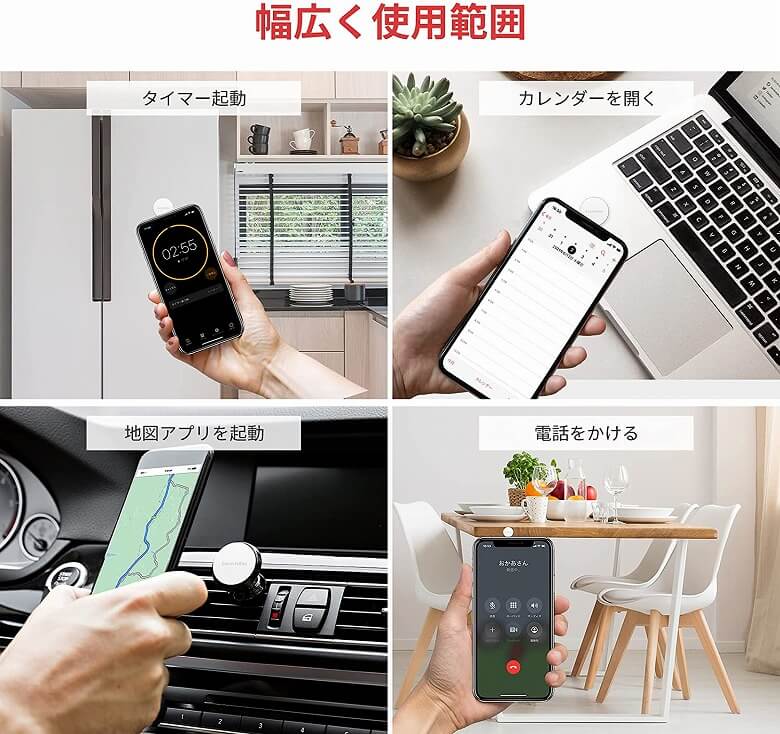
It can also be used to launch timers or calendar apps, open map applications, or even make phone calls, offering a wide range of possibilities.
I’ve put together a video showing how I use the “SwitchBot Tag” to control various SwitchBot devices at home.
I’ll also share an example using the iPhone’s Shortcuts app.
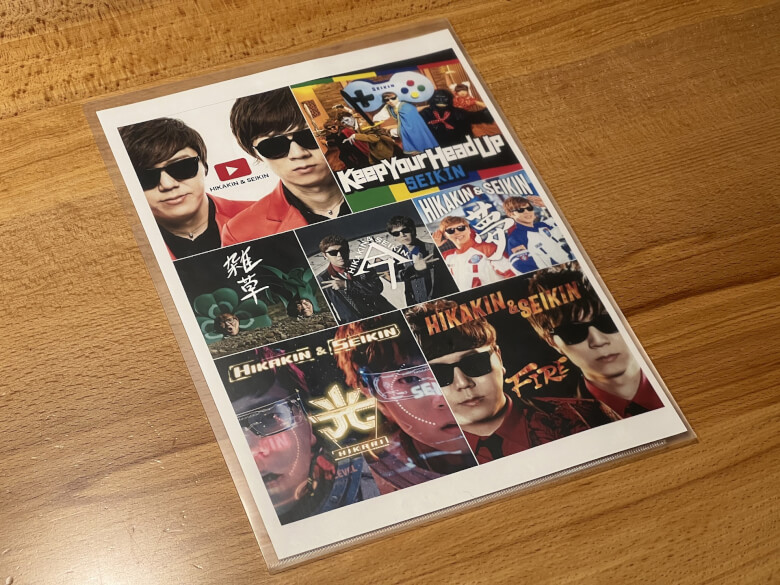
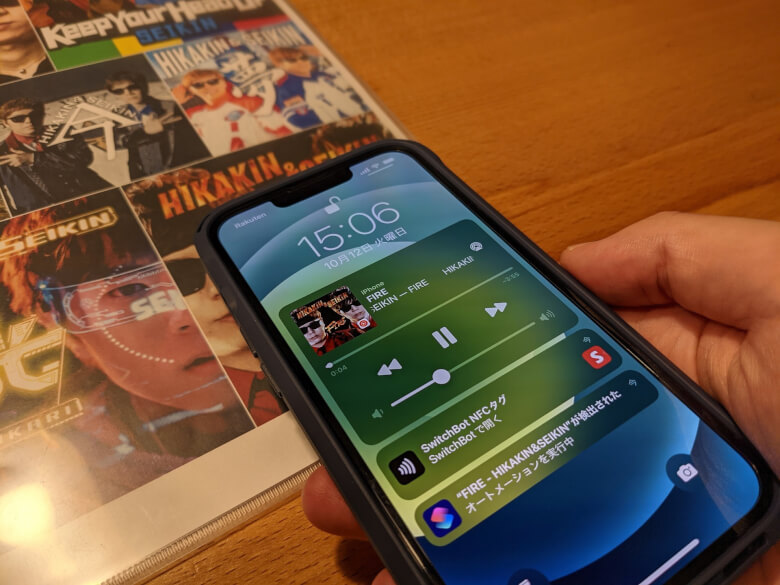
At our home, our 2-year-old daughter loves HIKAKIN & SEIKIN, so we created a sheet that launches YouTube Music and starts playing automatically just by tapping a smartphone.
Attached the “SwitchBot Tag” to a file holderInserted printed artwork insideAll set
Anyone can easily create automations by following the steps below.
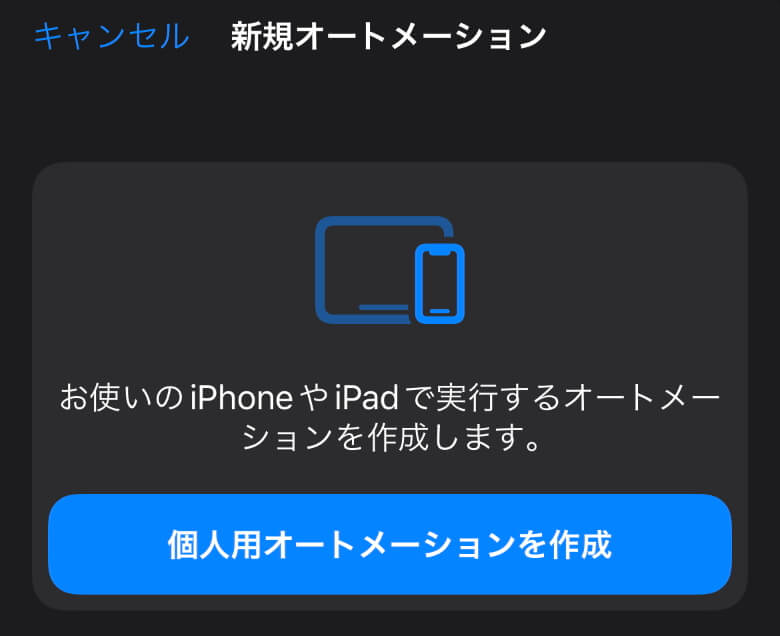
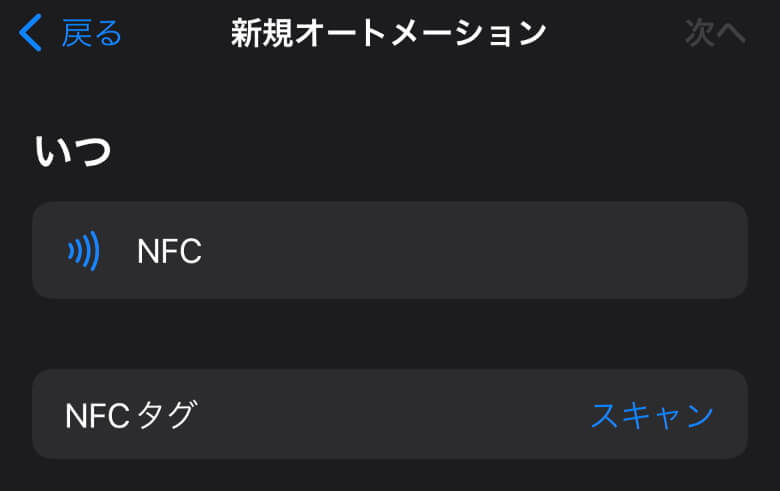
How to Use NFC with the “Shortcuts” App to Play a Specific Song
From “New Automation,” tap “Create Personal Automation”
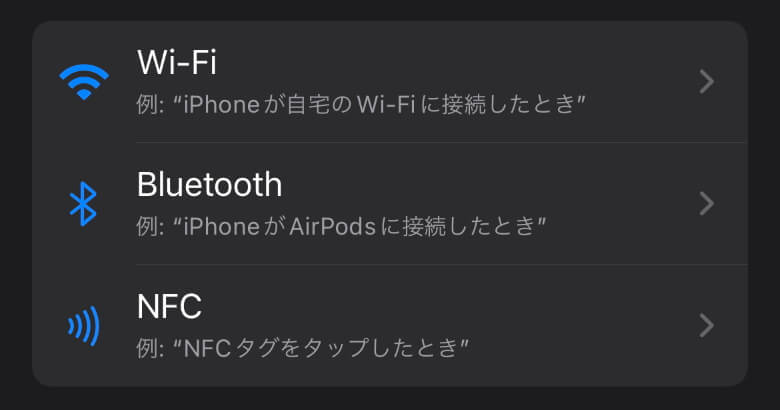
STEP
Tap “NFC”
STEP
Tap “Scan” for the NFC tag
STEP
Hold your smartphone over the “SwitchBot Tag” to scan it
STEP
Enter a name for the NFC tag and tap “Next”
STEP
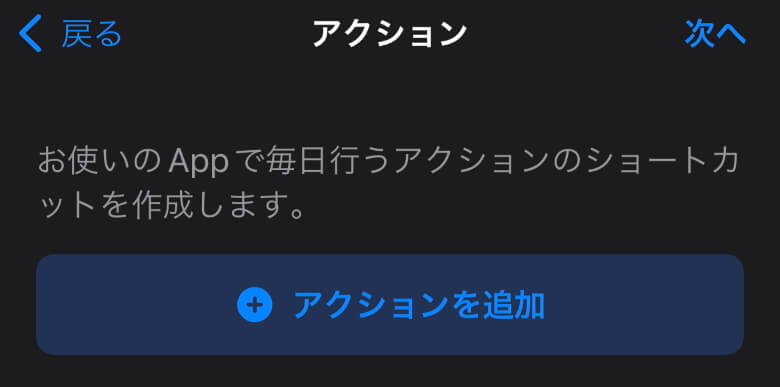
Tap “Add Action”
STEP
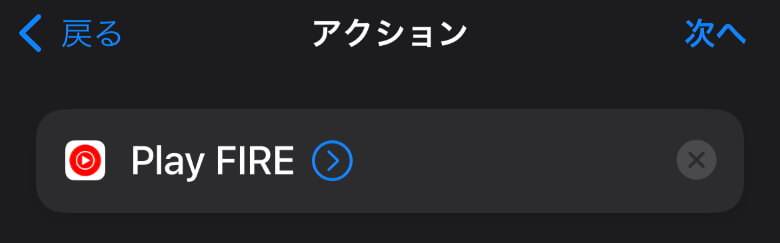
Select the specific song in YouTube Music
*If it doesn’t appear in the list, try playing the song once in YouTube Music and it should show up.
STEP
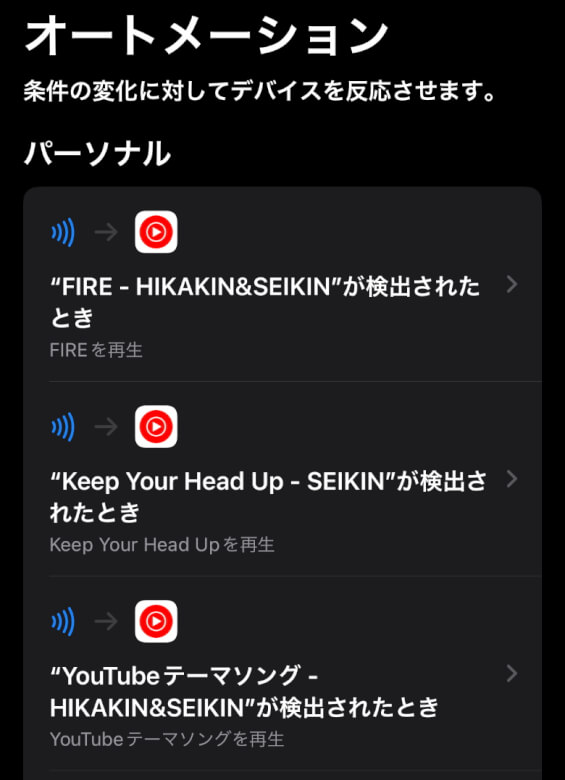
Review “When” and “Do,” then tap “Done”
STEP
If the automation appears in the list, you’re all set
After creating the automation in the “Shortcuts” app, simply hold your smartphone over the “SwitchBot Tag” and your selected YouTube Music song will start playing automatically.
Noa
Play “Fire”!
Itsuki
Sure!
Noa
Next, “Zassou”!
Nameko
Got it! It’s so convenient since you don’t have to open the app and search for the song every time ♪
SwitchBot Tag Review Summary
In this article, I reviewed the “SwitchBot Tag – Just tap your smartphone to the tag! A waterproof NFC tag that makes launching apps and devices even easier.”
Priced at ¥980 for a set of three, it’s slightly more expensive than some alternatives, but the quality justifies the price.
With its durable plastic construction, waterproof design, and improved responsiveness even on metal surfaces, this NFC tag stands out.
If you’re looking to make better use of NFC tags or already use multiple SwitchBot devices, be sure to check out the “SwitchBot Tag”.
 Itsuki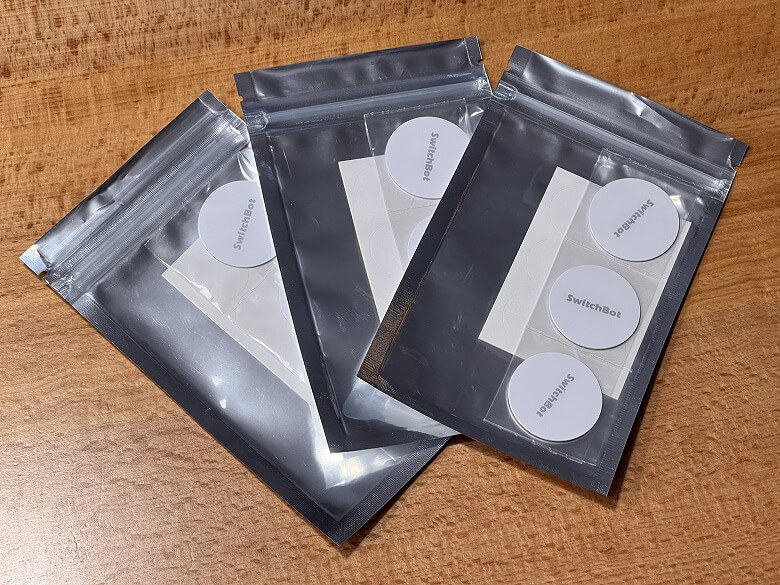
 Itsuki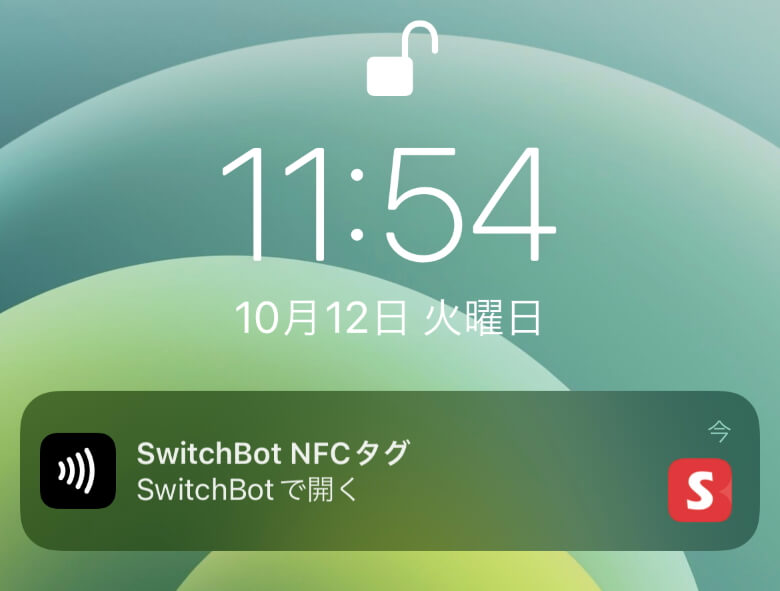








 Noa
Noa Nameko