Hello, I’m Itsuki, a big fan of numpads (@saigalog).
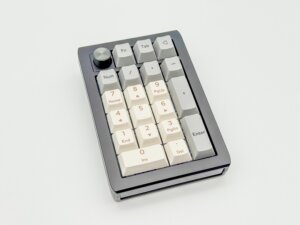
If you want to make numeric input and macro operations more comfortable, I highly recommend Epomaker’s new numpad, the “EK21.”
When people think of a numpad, they often imagine a simple input device meant to complement a laptop or tenkeyless keyboard, but the EK21 goes far beyond that role.
It features a soft typing feel thanks to its gasket mount structure, triple-mode connectivity supporting USB, Bluetooth, and 2.4GHz, and flexible key remapping via VIA—packing full-size keyboard-level specifications into a compact chassis.
It also supports hot-swapping, making it easy to replace switches, which is another appealing point for those who want to pursue their preferred typing feel and sound.
In this article, I’ll share my honest impressions of the typing feel, usability, advantages, and disadvantages after actually using the EK21.
Let’s explore its potential as a “small companion” that goes beyond being just a numeric input device.
Pros
Cons
Comfortable typing feel thanks to the gasket mount structure
Supports triple-mode connectivity (Wired / Bluetooth / 2.4GHz)
Flexible customization with VIA
Hot-swappable support
Excellent value for the price
Somewhat over-specced if used only for numeric input
※This article was created with a product provided by the manufacturer.
Table of Contents
What’s Included with the Epomaker EK21
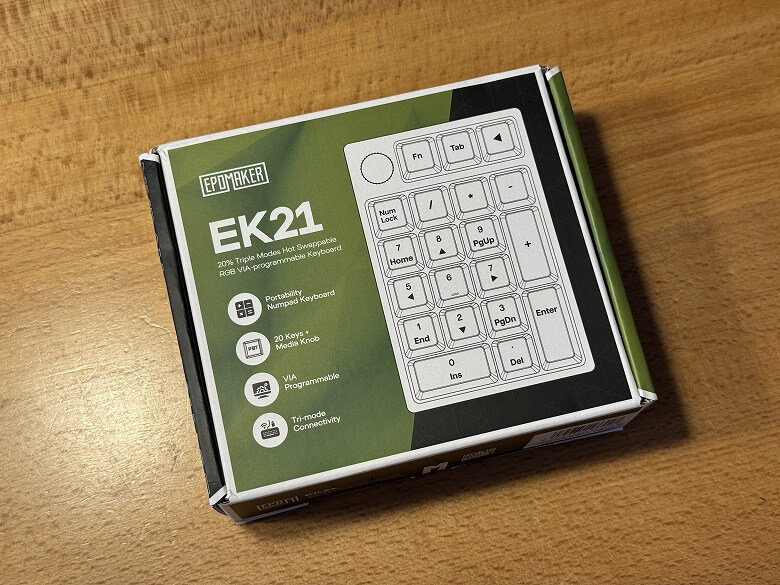
The outer box of the “Epomaker EK21” features a mysterious design based on green tones.
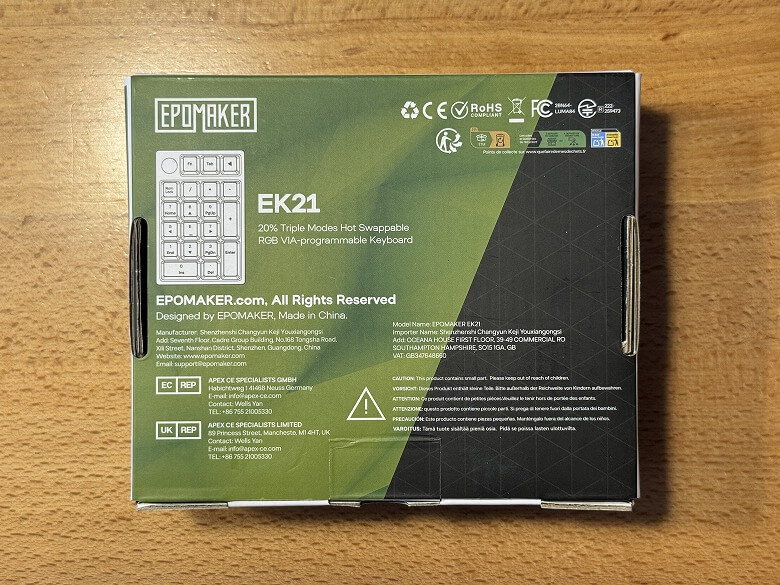
The back side lists the product features.
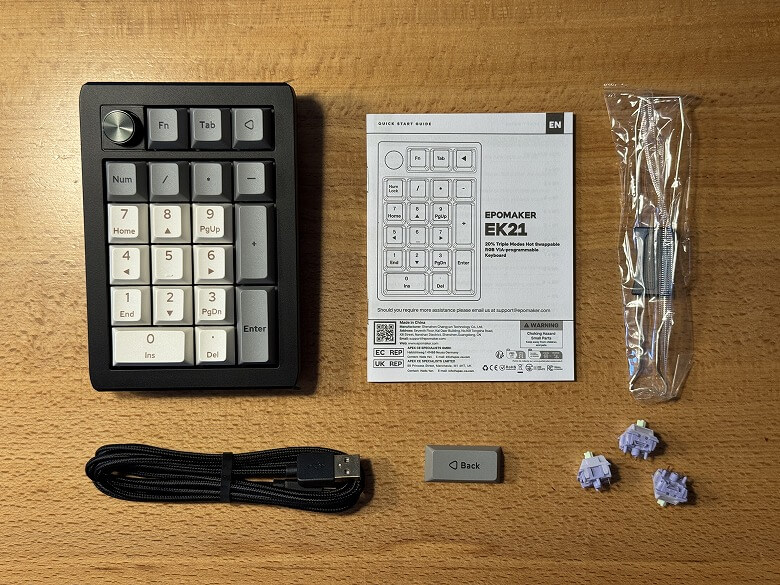
The following items are included as accessories.
What’s Included with the Epomaker EK21
Numpad unit
USB Type-A to C cable
Keycap & switch puller
Keycaps
User manual
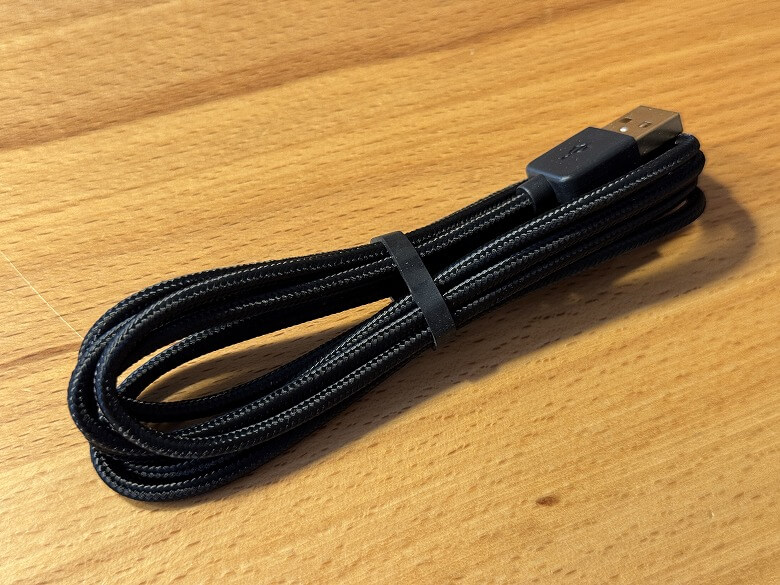
The USB Type-A to C cable is unified in black.
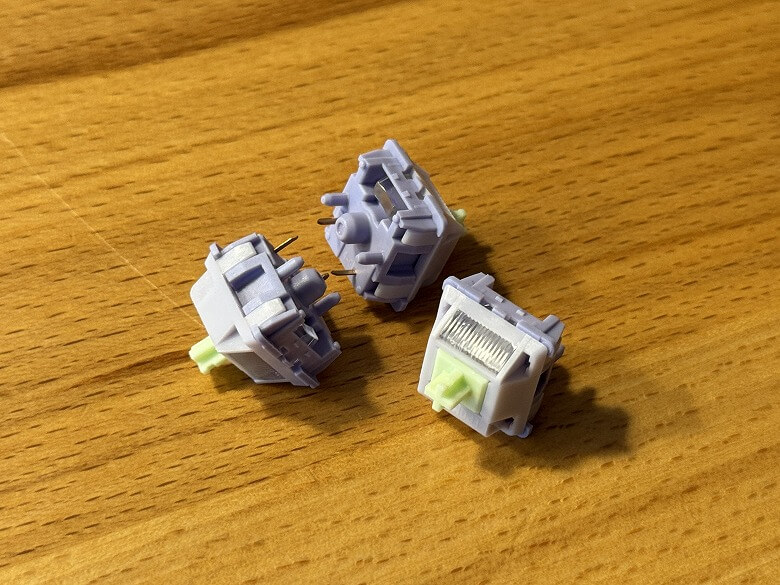
A replacement key switch is included.
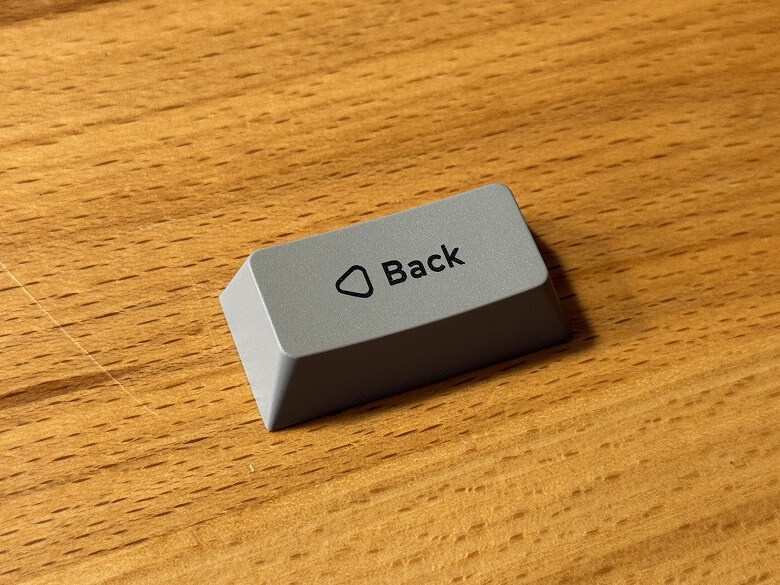
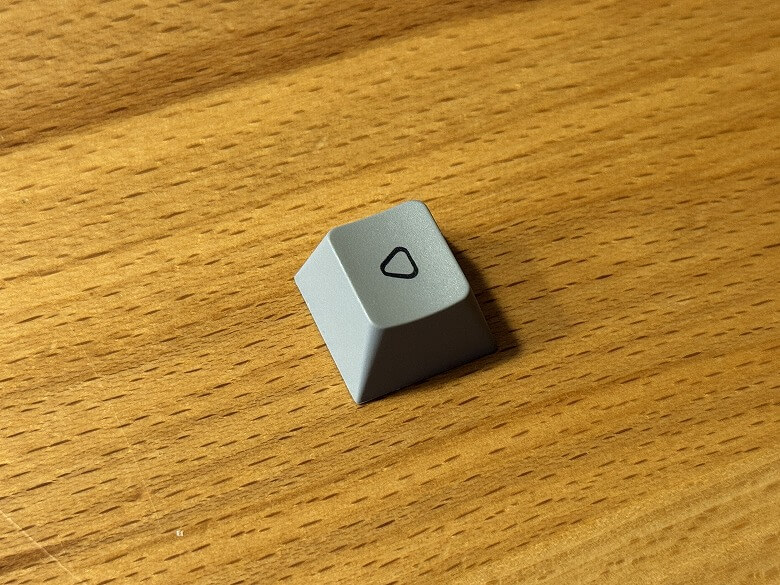
A BackSpace keycap is included.
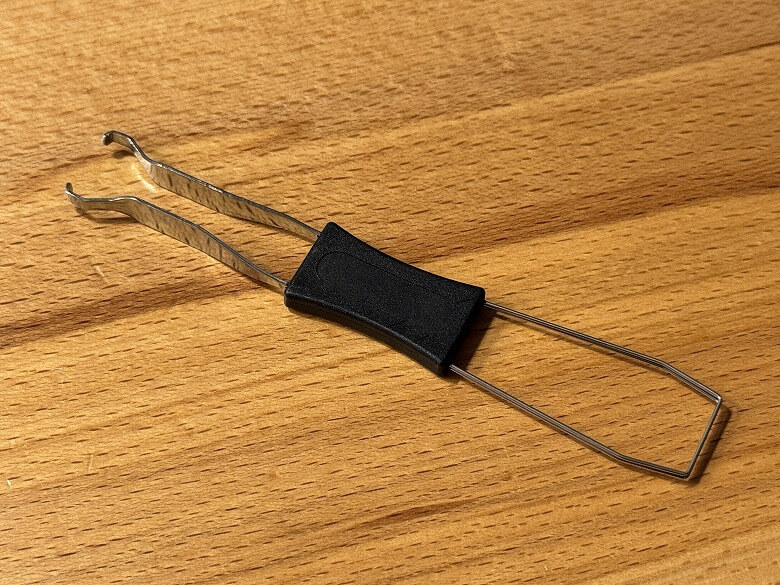
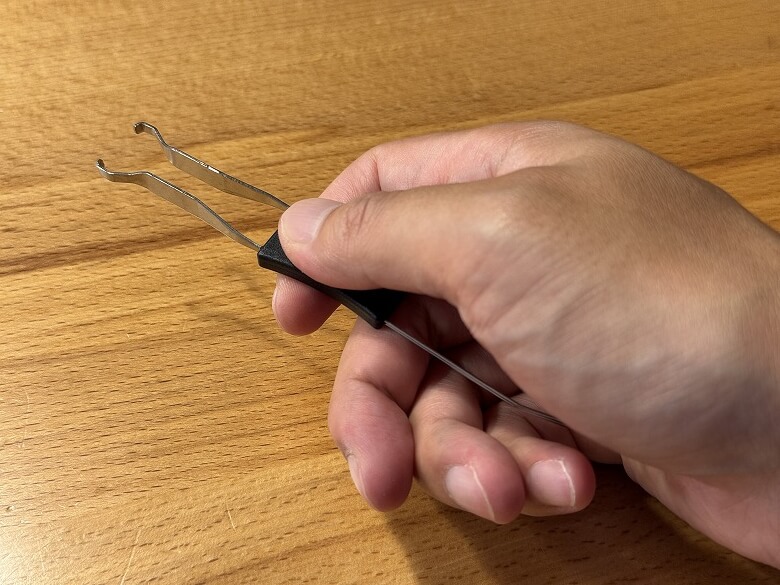
The tool has a keycap puller on one side and a switch puller on the other.
Epomaker EK21 Specifications
Epomaker’s “EK21” is a mechanical numpad featuring a compact design, a comfortable typing feel, and built-in backlighting.
The main specifications are as follows.
スクロールできます
Product Name
Epomaker EK21
Dimensions
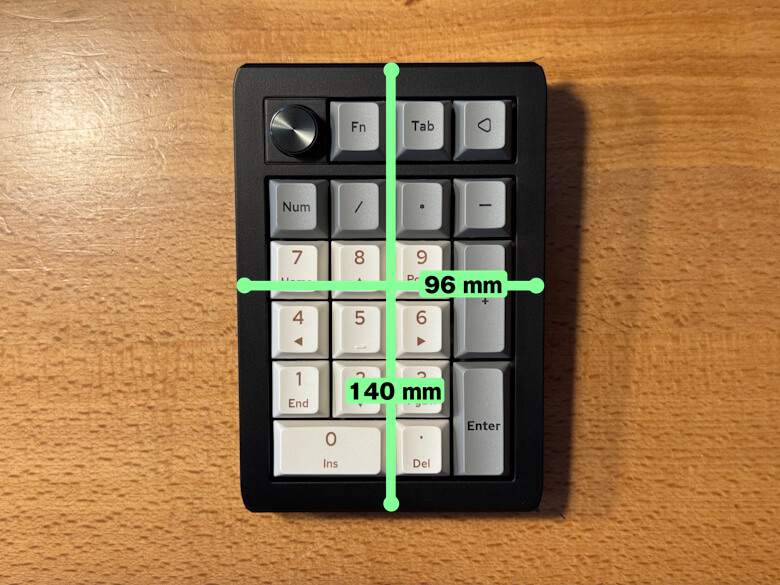
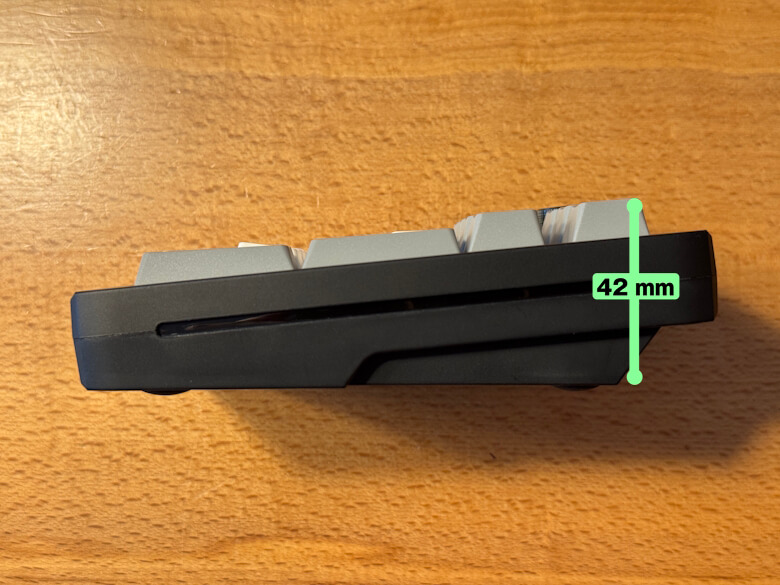
140 × 96 × 42 (mm)
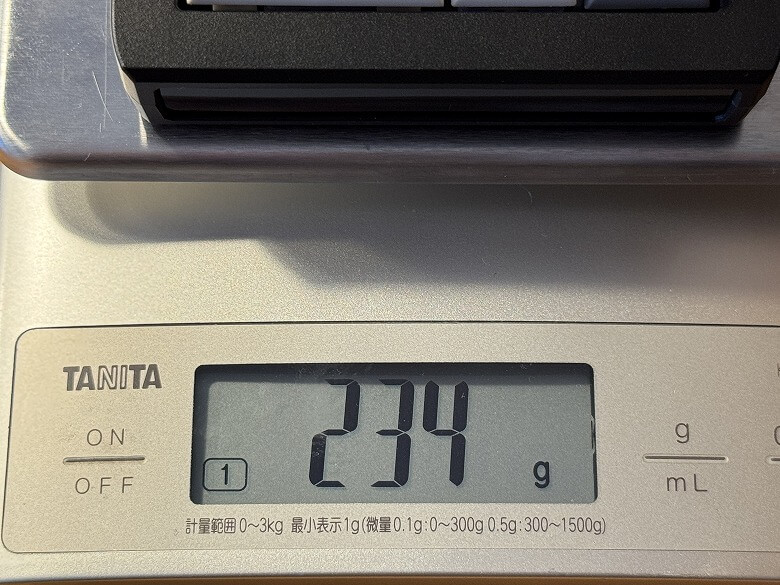
Weight
234 g
Number of Keys
20 keys + 1 knob
Switch Type
Steel plate-mounted stabilizers
PCB Type
Supports 3/5-pin hot-swappable PCB
Connectivity
Type-C, 2.4G wireless, and Bluetooth connection
Battery Capacity
1000mAh
Design
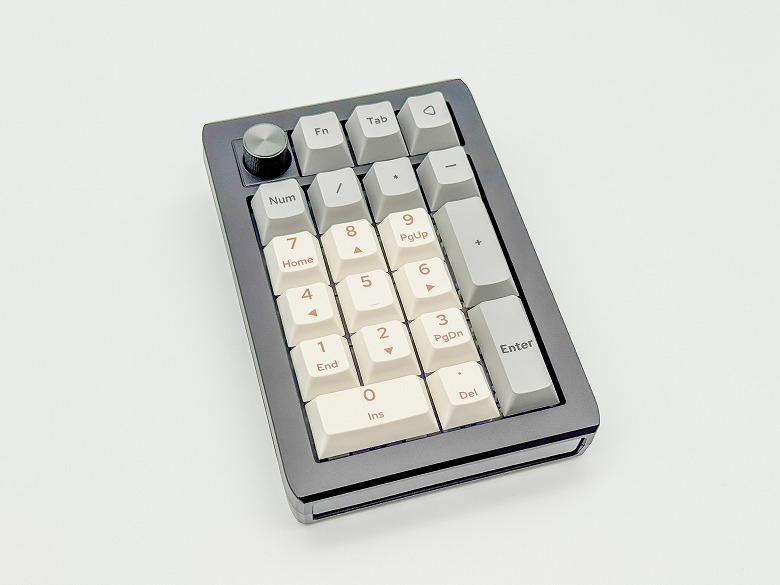
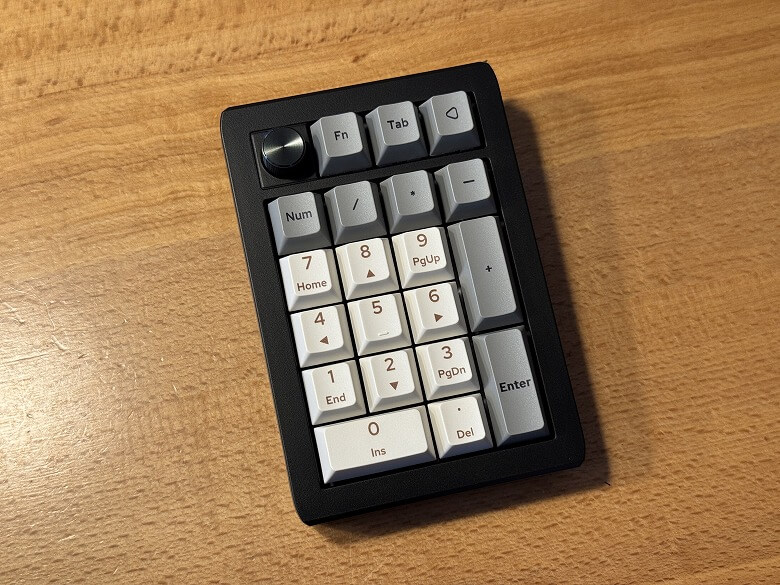
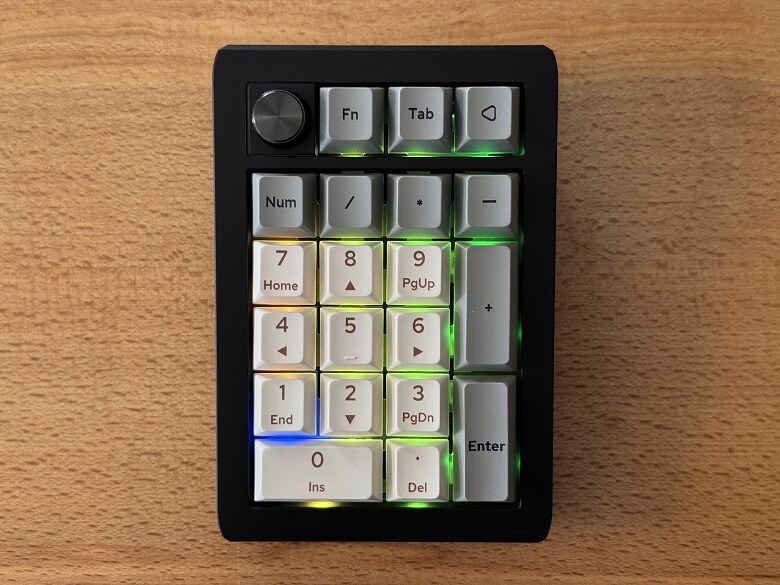
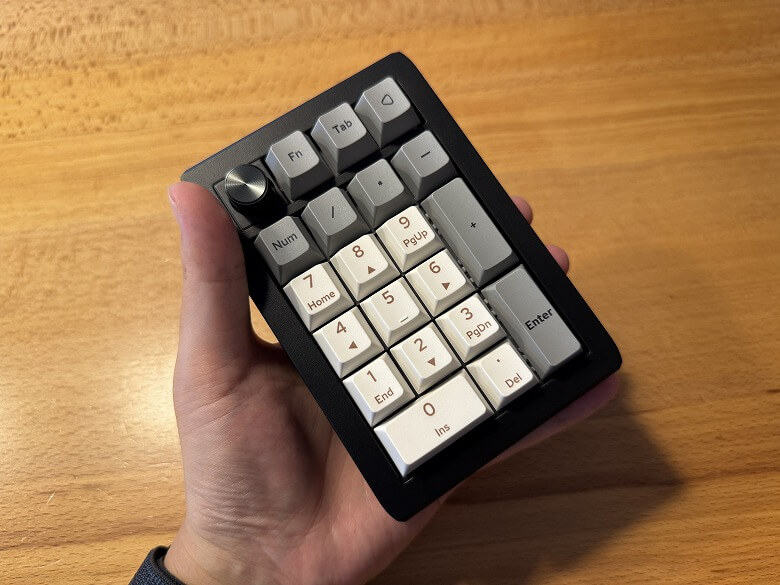
The appearance of the “Epomaker EK21” features a simple design based on black.
The illuminated backlight is a key feature.
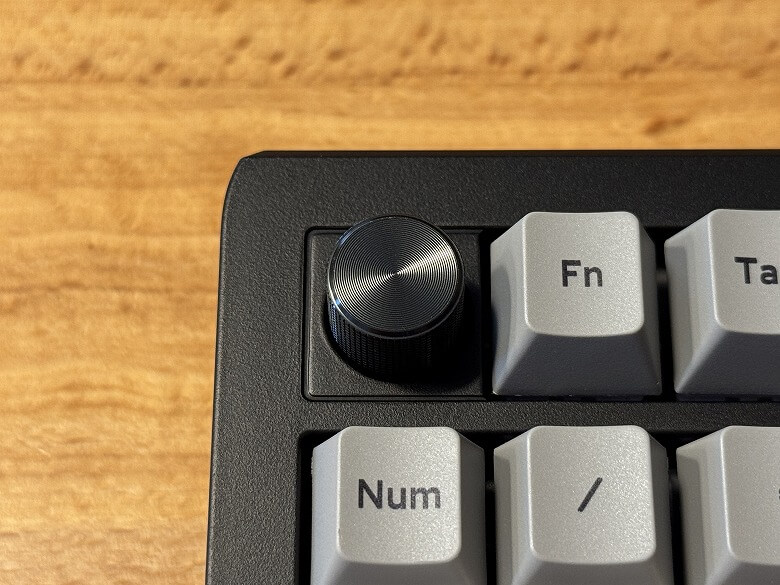
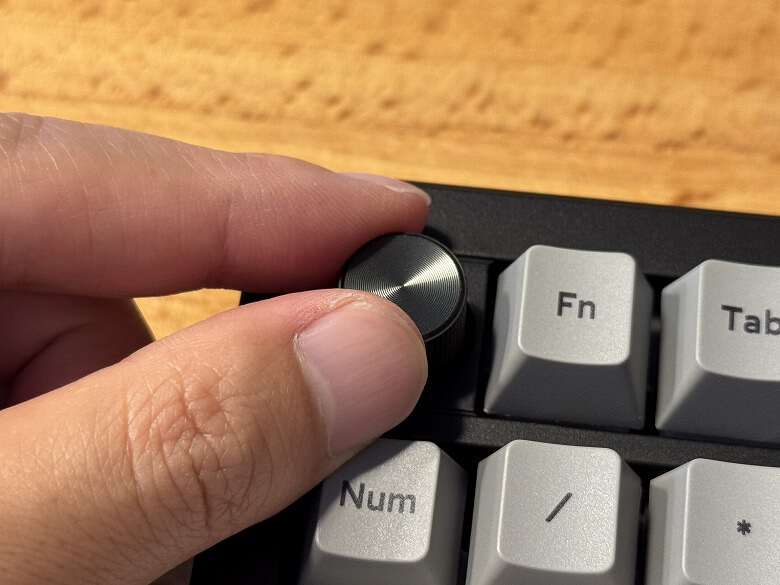
The knob located on the upper right can adjust your PC’s volume.
The keycap legends are simple.
Since it is compatible with Cherry MX switches, you can also replace the keycaps with your own to enjoy a different look.
Here’s what it looks like from the front side.
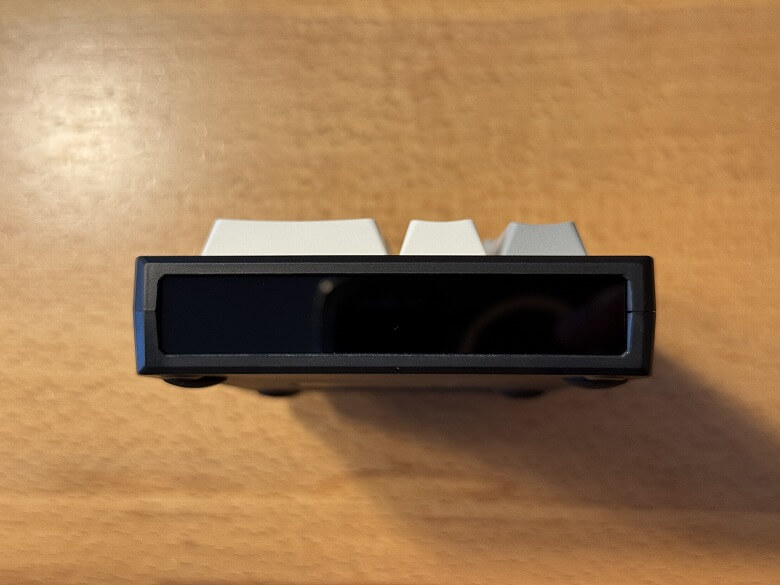
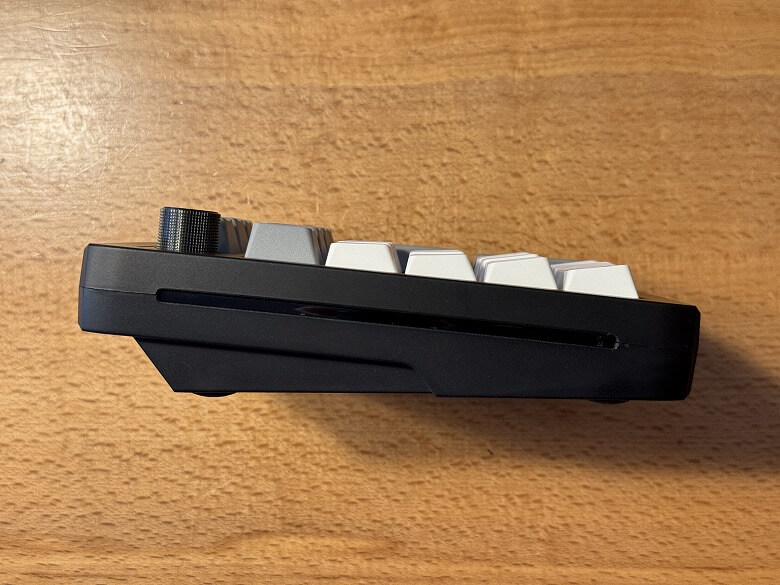
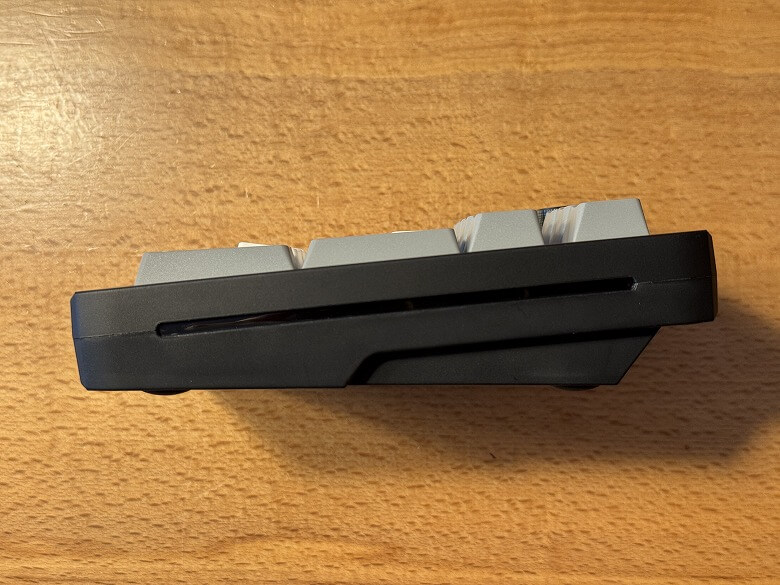
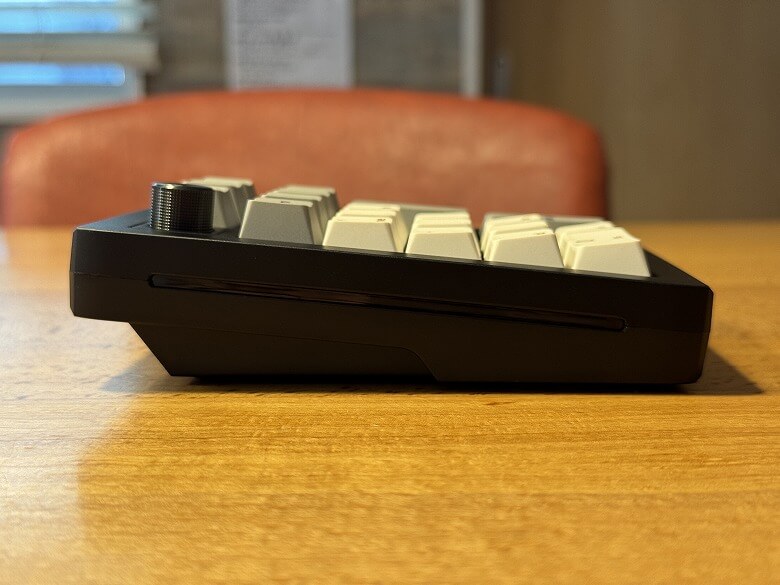
The side has a slope rising from the front toward the back.
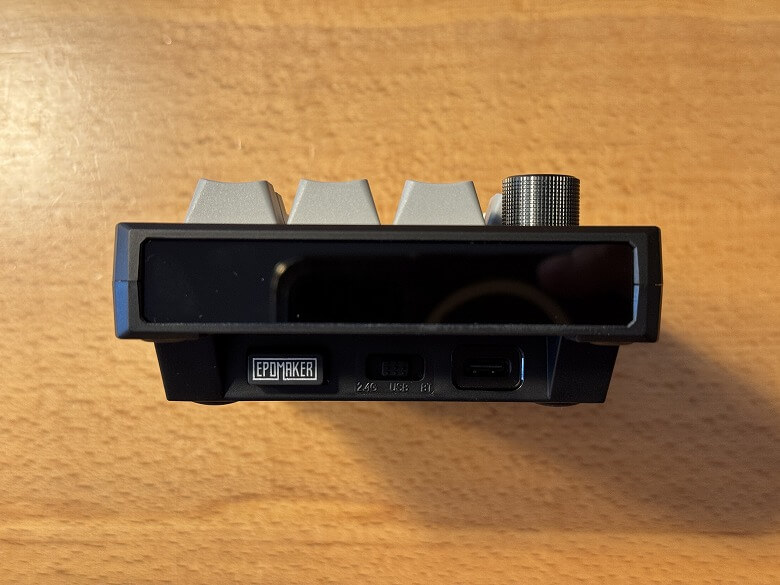
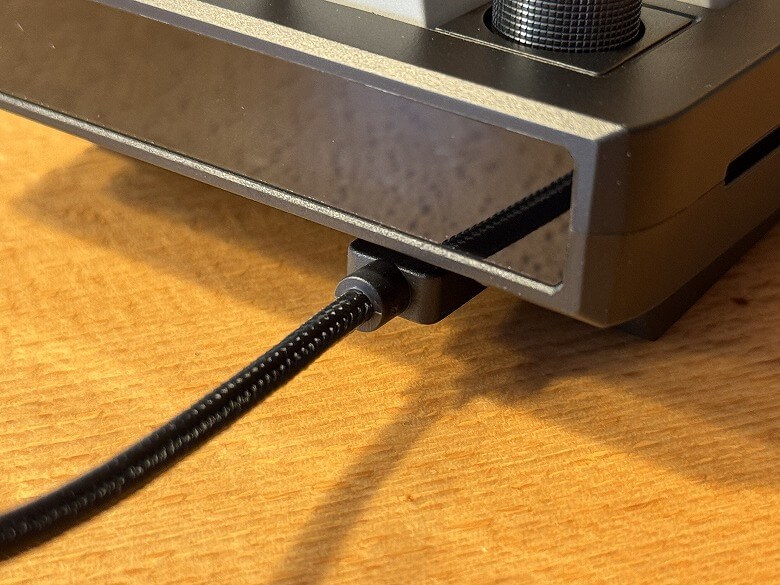
On the back, there is a power switch, a USB Type-C port, and a USB receiver.
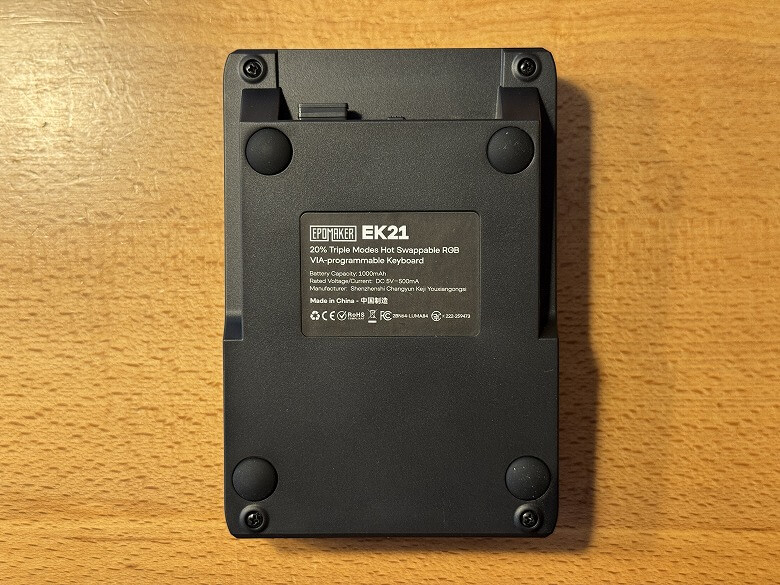
Here’s what the bottom looks like.
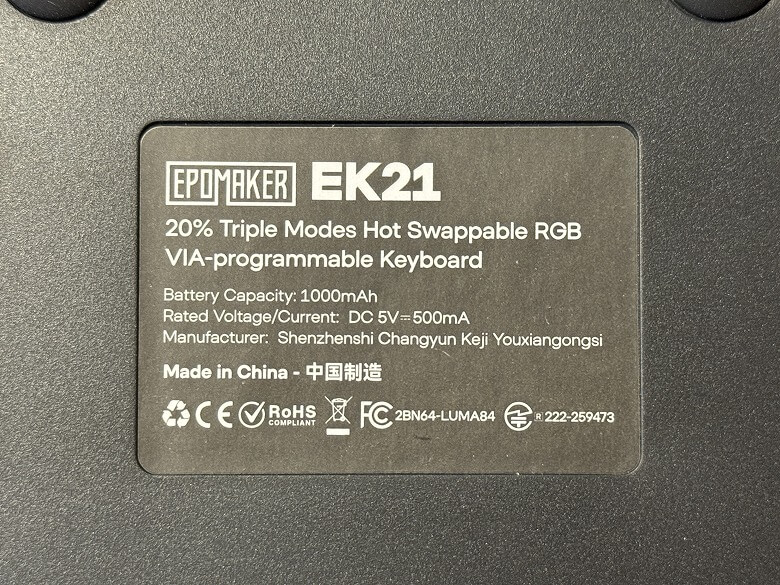
There is a label attached in the center.
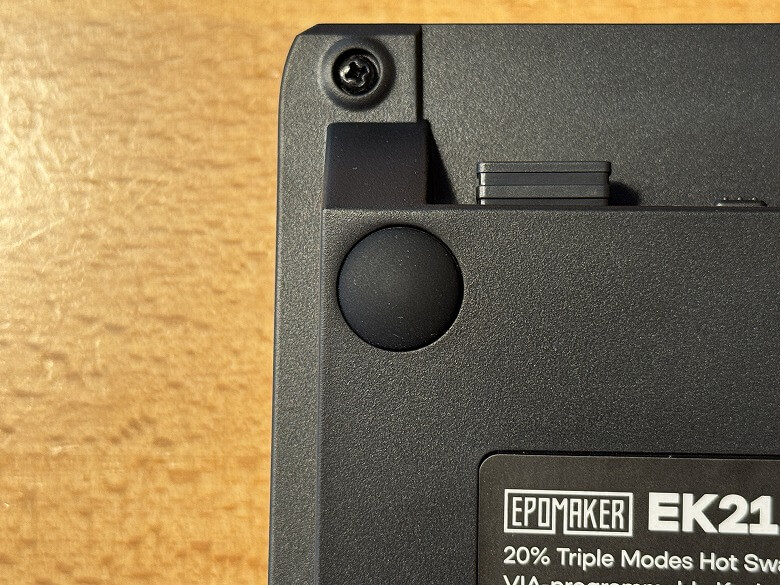
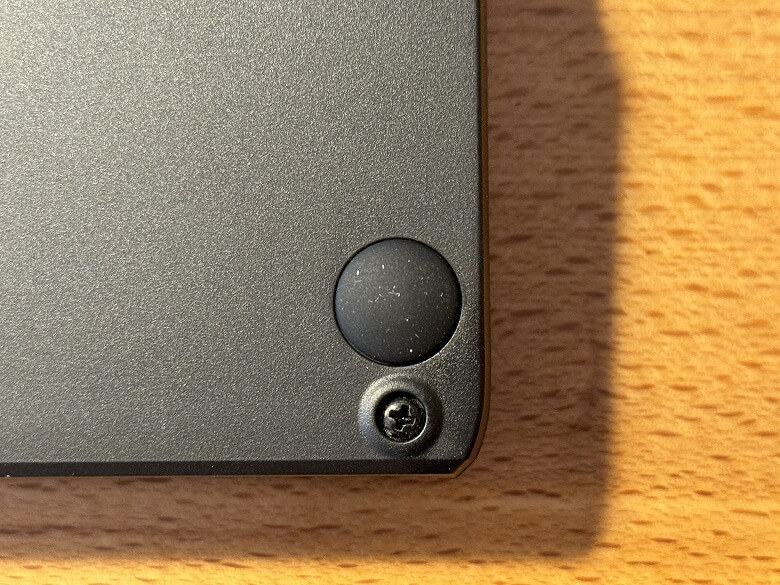
Non-slip pads are attached to the four corners.
There is no stand, so the angle cannot be adjusted.
Size and Weight
The size of the “Epomaker EK21” is 140 × 96 mm.
The height is 42 mm.
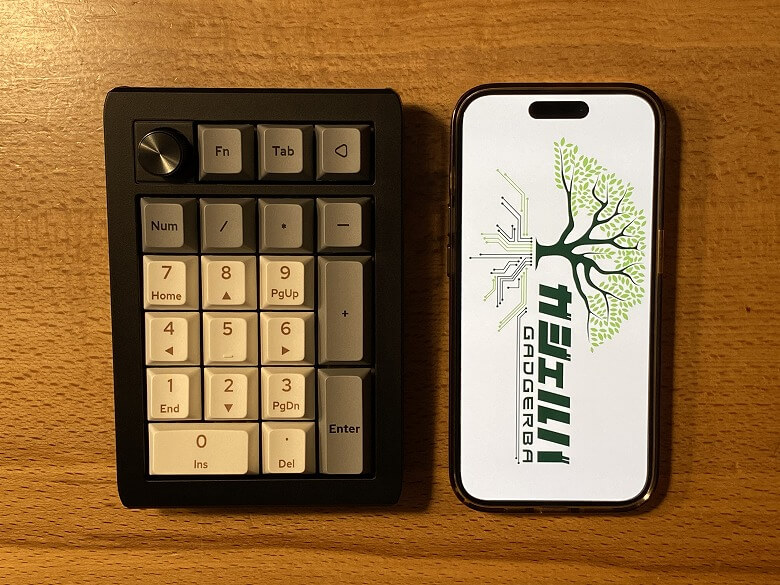
Here’s how the size compares to a smartphone (iPhone 15 Pro).
Its compact size means it doesn’t take up much space, allowing you to use your desk more efficiently.
The weight was 234 g.
Features
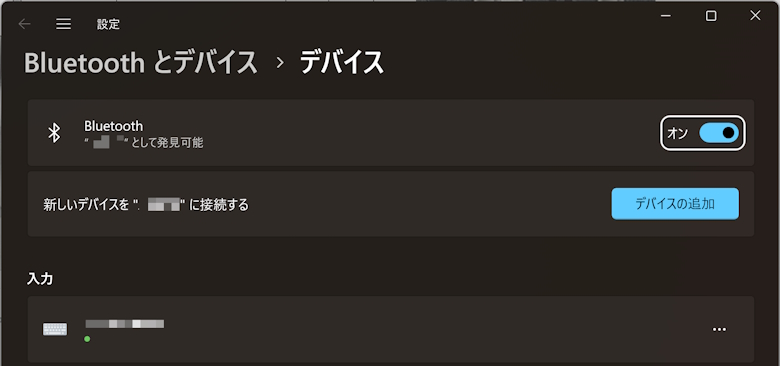
The “Epomaker EK21” offers three different connection methods in total.
STEP
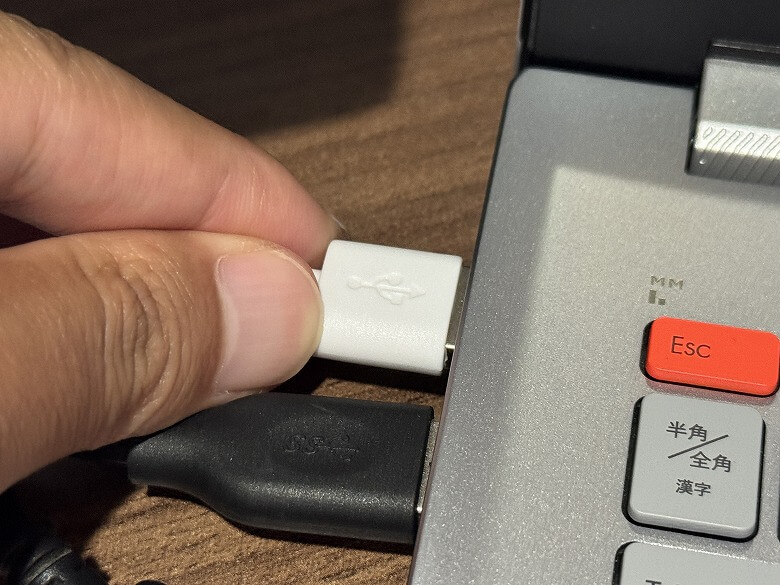
Connect the USB cable to the numpad
STEP
Connect the USB cable to your PC
STEP
Click “Add a device” on the Bluetooth & devices screen
STEP
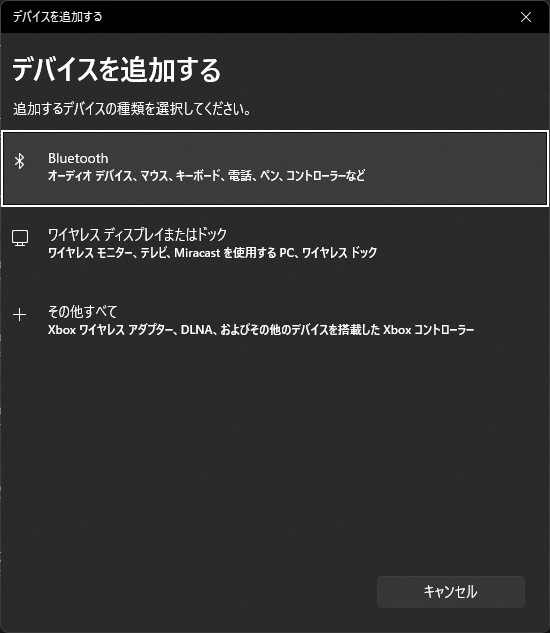
Click “Bluetooth”
STEP
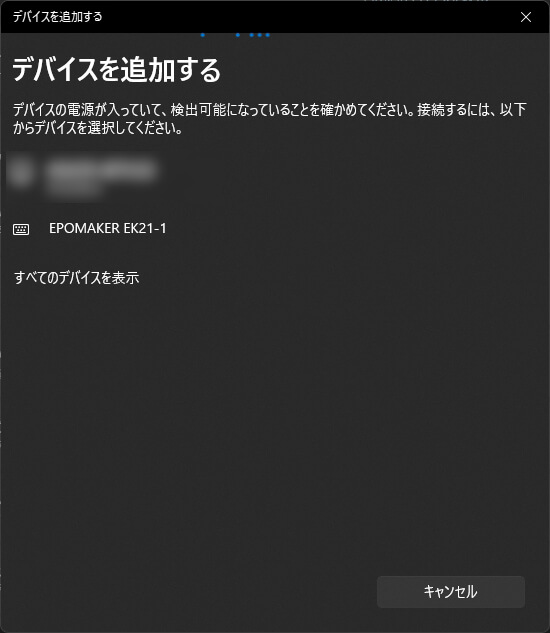
Select EPOMAKER EK21-1
STEP
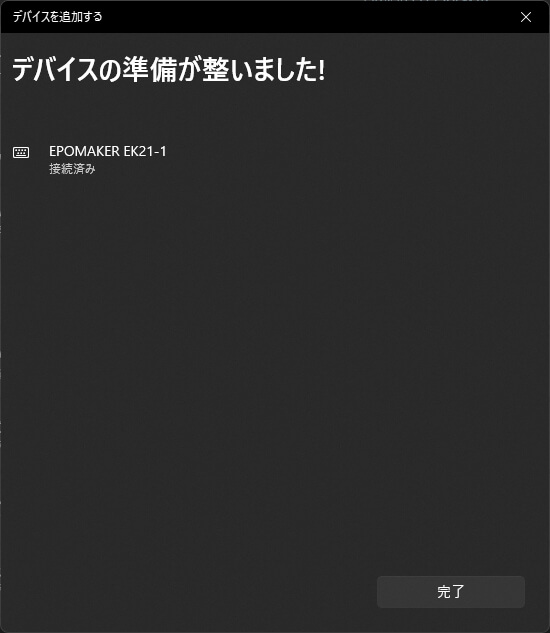
When it shows “Connected,” the setup is complete
I’ve put together a video showcasing the typing sound and the backlight illumination.
Ituki
The crisp, high-pitched clacking sound is satisfying, making this a numpad that helps you power through your work!
Epomaker EK21 Review Summary
In this article, I wrote about “[Epomaker EK21 Review] A High-Value Numpad with Hot-Swappable Switches and an Aluminum Knob.”
Despite its price in the ¥6,000 range, the EK21 delivers an exceptionally high level of refinement, featuring a comfortable typing feel thanks to its gasket mount structure, flexible usability with three connection modes, and full customizability via VIA.
While offering specifications that clearly stand out compared to typical external numeric keypads, it is by no means expensive. In fact, being able to get this level of functionality at this price point is a major attraction in itself.
For those who want to make numeric input more comfortable, improve the efficiency of their laptop setup, or add a compact yet uncompromising peripheral to their workspace, the EK21 is a choice that delivers a step-up experience while keeping costs down—truly offering value beyond its price.
Pros
Cons
Comfortable typing feel with gasket mount structure
Supports three connection modes (Wired / Bluetooth / 2.4GHz)
Flexible customization with VIA
Hot-swappable switches
Excellent value for the price
Slightly over-specced if used only for numeric input


 Ituki
Ituki